Chapter Seven – SQL For Database Construction and Application Processing
Page 7-121
INSERT INTO ITEM VALUES(
‘Dining Table Linens’, ’12-Jan–18‘, 450.00, 750.00, 1);
INSERT INTO ITEM VALUES(
/***** SALE DATA ************************************************************/
INSERT INTO SALE VALUES(1, 1, ’14–Dec–17‘, 3500.00, 290.50, 3790.50);
INSERT INTO SALE VALUES(2, 2, ’15–Dec–17‘, 1000.00, 83.00, 1083.00);
/***** SALE_ITEM DATA *******************************************************/
INSERT INTO SALE_ITEM VALUES(1, 1, 1, 3000.00);
INSERT INTO SALE_ITEM VALUES(1, 2, 2, 500.00);
INSERT INTO SALE_ITEM VALUES(2, 1, 3, 1000.00);
INSERT INTO SALE_ITEM VALUES(3, 1, 4, 50.00);
INSERT INTO SALE_ITEM VALUES(4, 1, 5, 45.00);
Chapter Seven – SQL For Database Construction and Application Processing
Page 7-122
Using the QACS database, create an SQL script named QACS-DML-CH07.sql to answer
questions J and K.
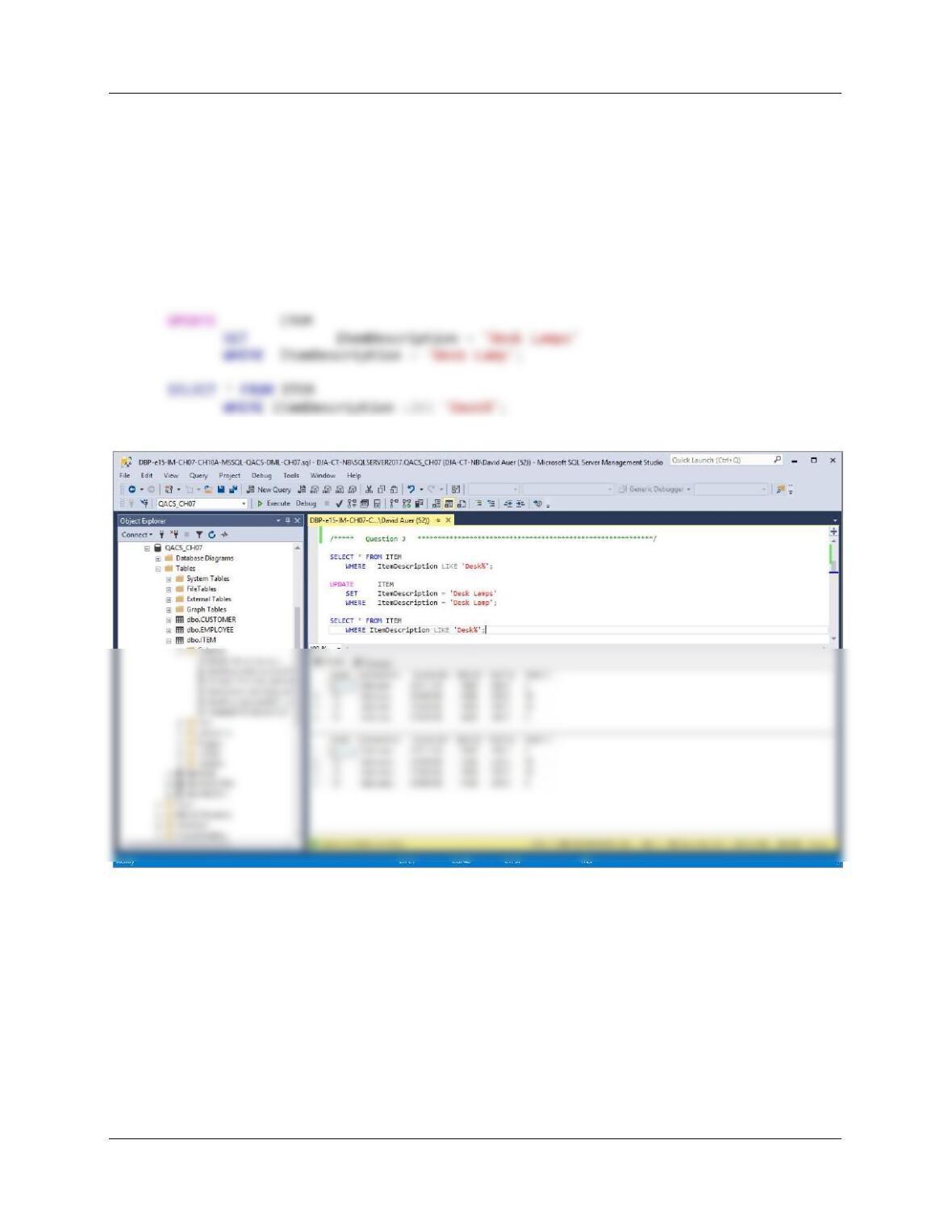
J. Write an UPDATE statement to change values of ITEM.ItemDescription from Desk Lamp
to Desk Lamps.
/***** Question J ***********************************************************/
SELECT * FROM ITEM
WHERE ItemDescription LIKE ‘Desk%’;
Chapter Seven – SQL For Database Construction and Application Processing
Page 7-123
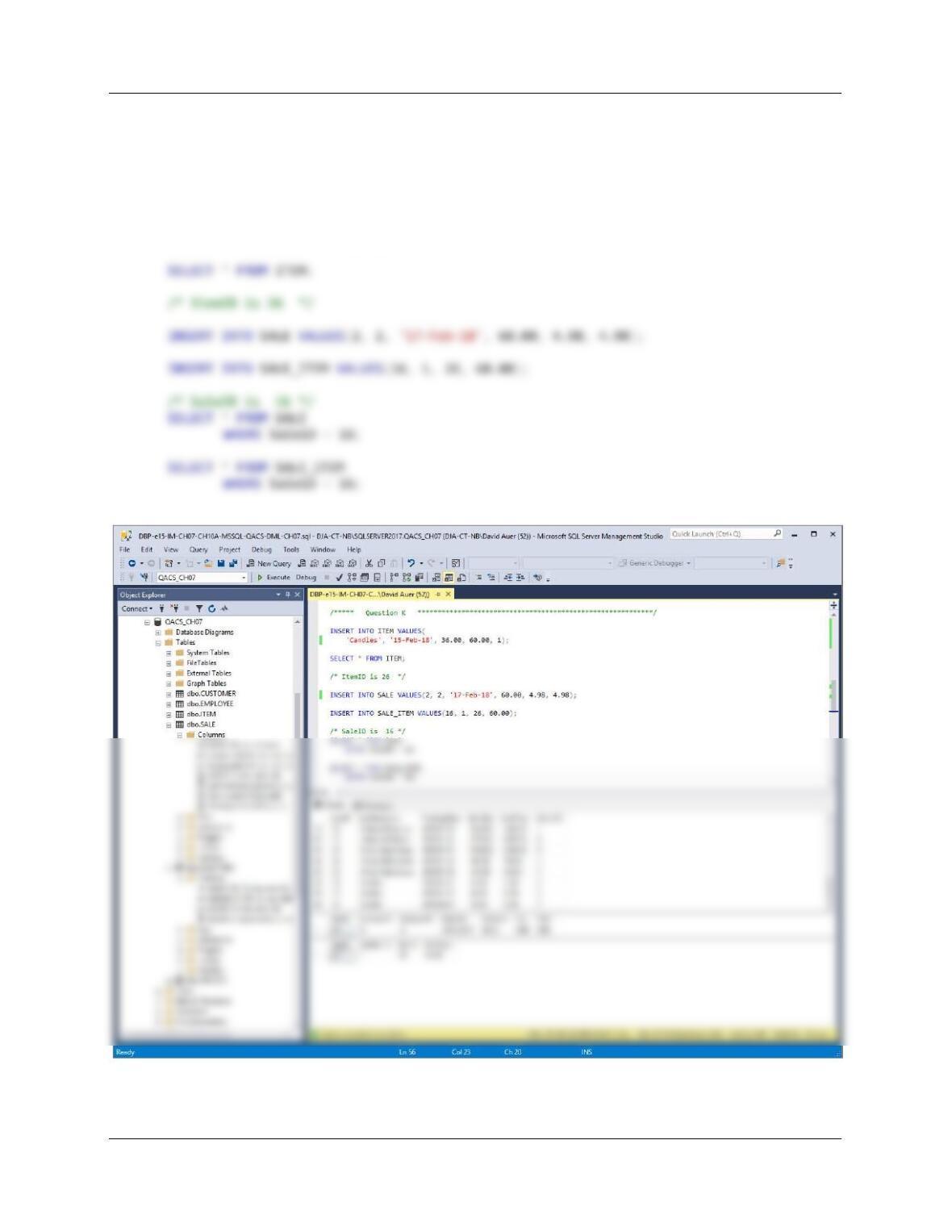
K. Create and INSERT new data records to record a SALE and the SALE_ITEMs for that
sale. Then write a DELETE statement(s) to delete that SALE and all of the items on that
SALE. How many DELETE statements did you have to use? Why?
/***** Question K ***********************************************************/
INSERT INTO ITEM VALUES(
‘Candles’, ’15–Feb–18‘, 36.00, 60.00, 1);
Chapter Seven – SQL For Database Construction and Application Processing
Page 7-124
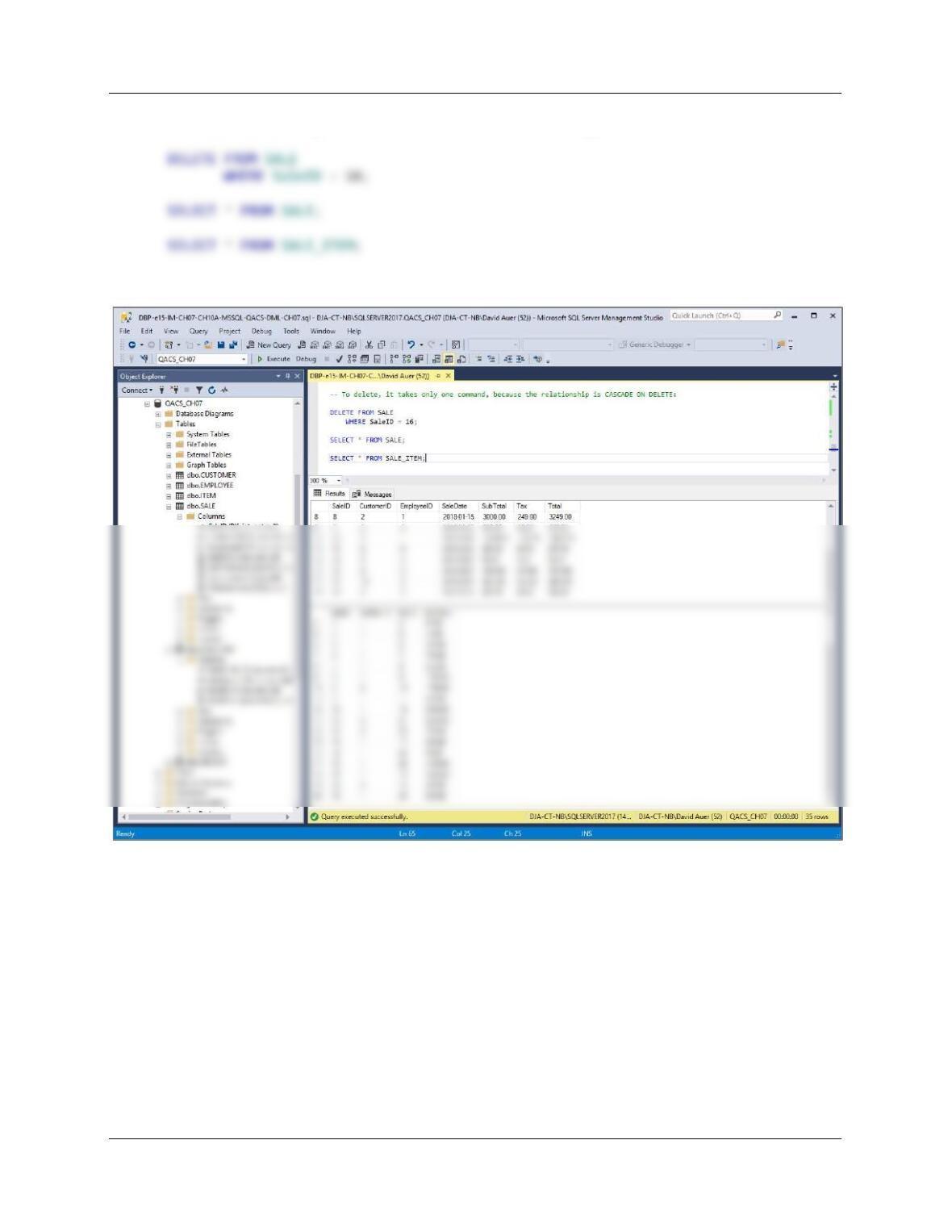
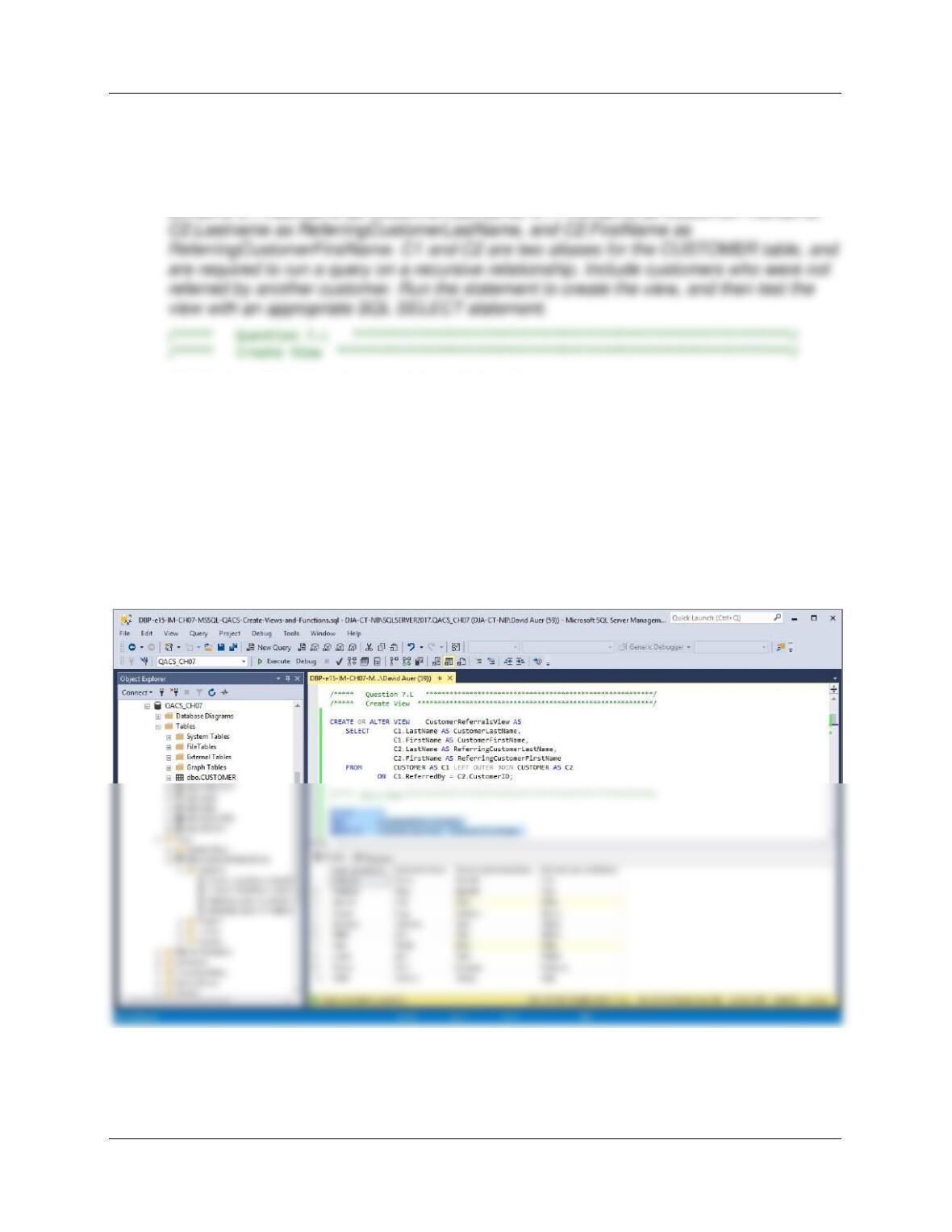
To delete, it takes only one command, because the relationship is CASCADE ON DELETE:
Chapter Seven – SQL For Database Construction and Application Processing
Page 7-125
Using the QACS database, create an SQL script named QACS-Create-Views-and–
Functions.sql to answer questions L through Q.
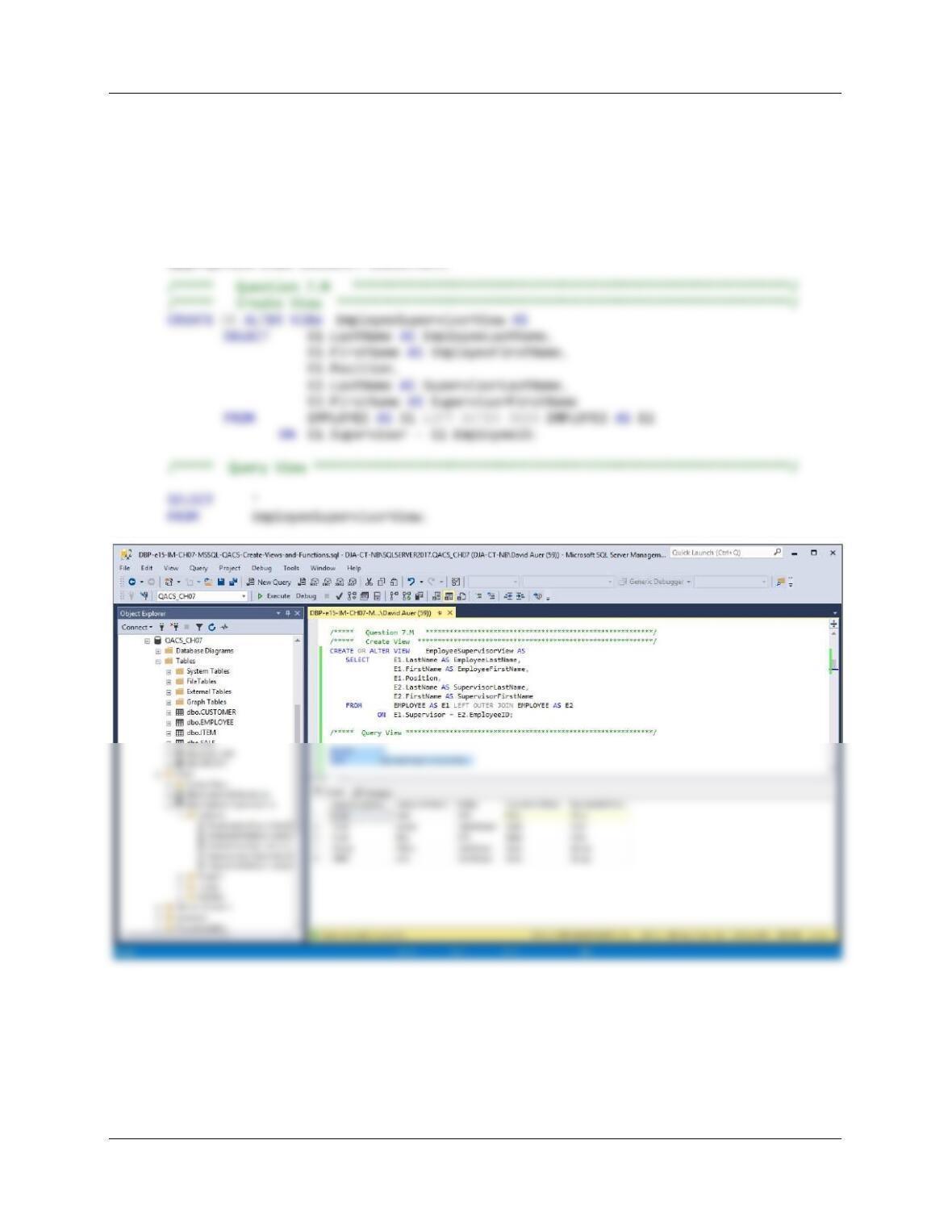
L. Write an SQL statement to create a view called CustomerReferralsView that showswho,
if anyone, referred each customer to The Queen Anne Curiosity Shop, and which
contains C1.LastName as CustomerLastName, C1.FirstName as CustomerFirstName,
CREATE OR ALTER VIEW CustomerReferralsView AS
SELECT C1.LastName AS CustomerLastName,
C1.FirstName AS CustomerFirstName,
C2.LastName AS ReferringCustomerLastName,
C2.FirstName AS ReferringCustomerFirstName
FROM CUSTOMER AS C1 LEFT OUTER JOIN CUSTOMER AS C2
ON C1.ReferredBy = C2.CustomerID;
/***** Query View **************************************************************/
SELECT *
FROM CustomerReferralsView
ORDER BY CustomerLastName, CustomerFirstName;
Chapter Seven – SQL For Database Construction and Application Processing
Page 7-126
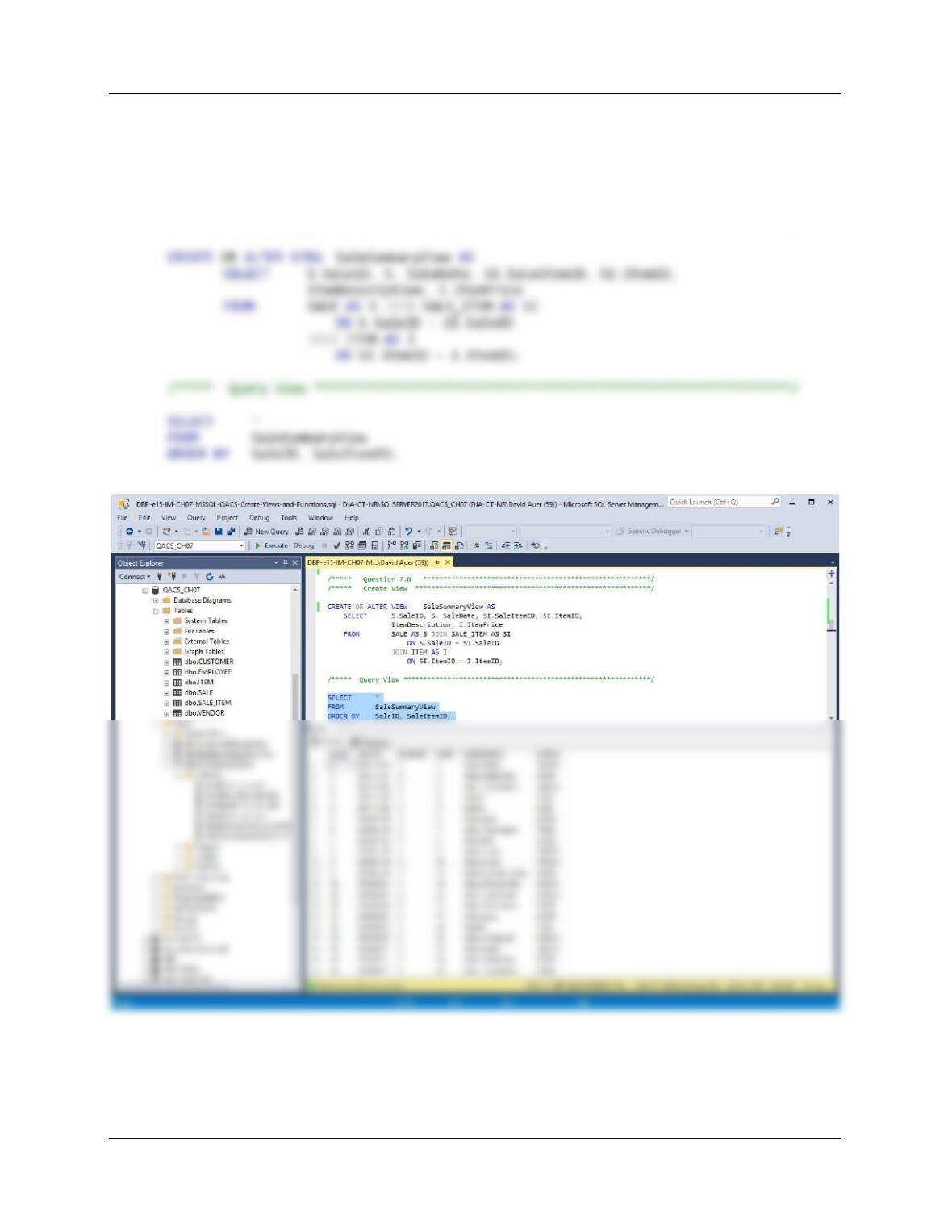
M. Write an SQL statement to create a view called EmployeeSupervisorView that shows
who, if anyone, supervises each employee at The Queen Anne Curiosity Shop, and
which contains E1.LastName as EmployeeLastName, E1.FirstName as Employee
FirstName, E1.Position, E2.Lastname as SupervisorLastName, and E2.FirstName as
SupervisorFirstName. E1 and E2 are two aliases for the EMPLOYEE table, and are
required to run a query on a recursive relationship. Include employees who do not have
a supervisor. Run the statement to create the view, and then test the view with an
appropriate SQL SELECT statement.
Chapter Seven – SQL For Database Construction and Application Processing
Page 7-127
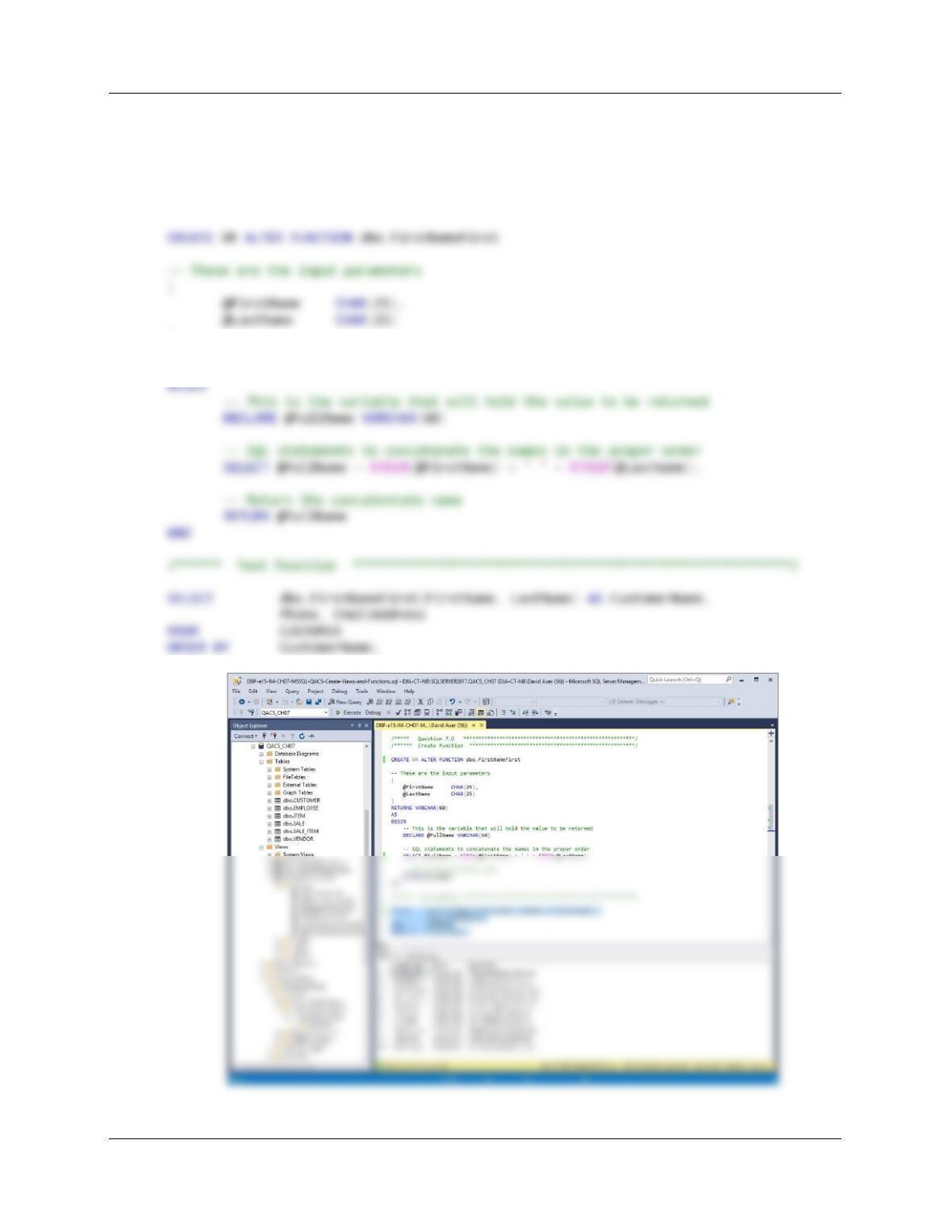
N. Write an SQL statement to create a view called SaleSummaryView that contains
SALE.SaleID, SALE.SaleDate, SALE_ITEM.SaleItemID, SALE_ITEM.ItemID,
ITEM.ItemDescription, and ITEM.ItemPrice. Run the statement to create the view, and
then test the view with an appropriate SQL SELECT statement.
/***** Question 7.N *********************************************************/
/***** Create View ***********************************************************/
Chapter Seven – SQL For Database Construction and Application Processing
Page 7-128
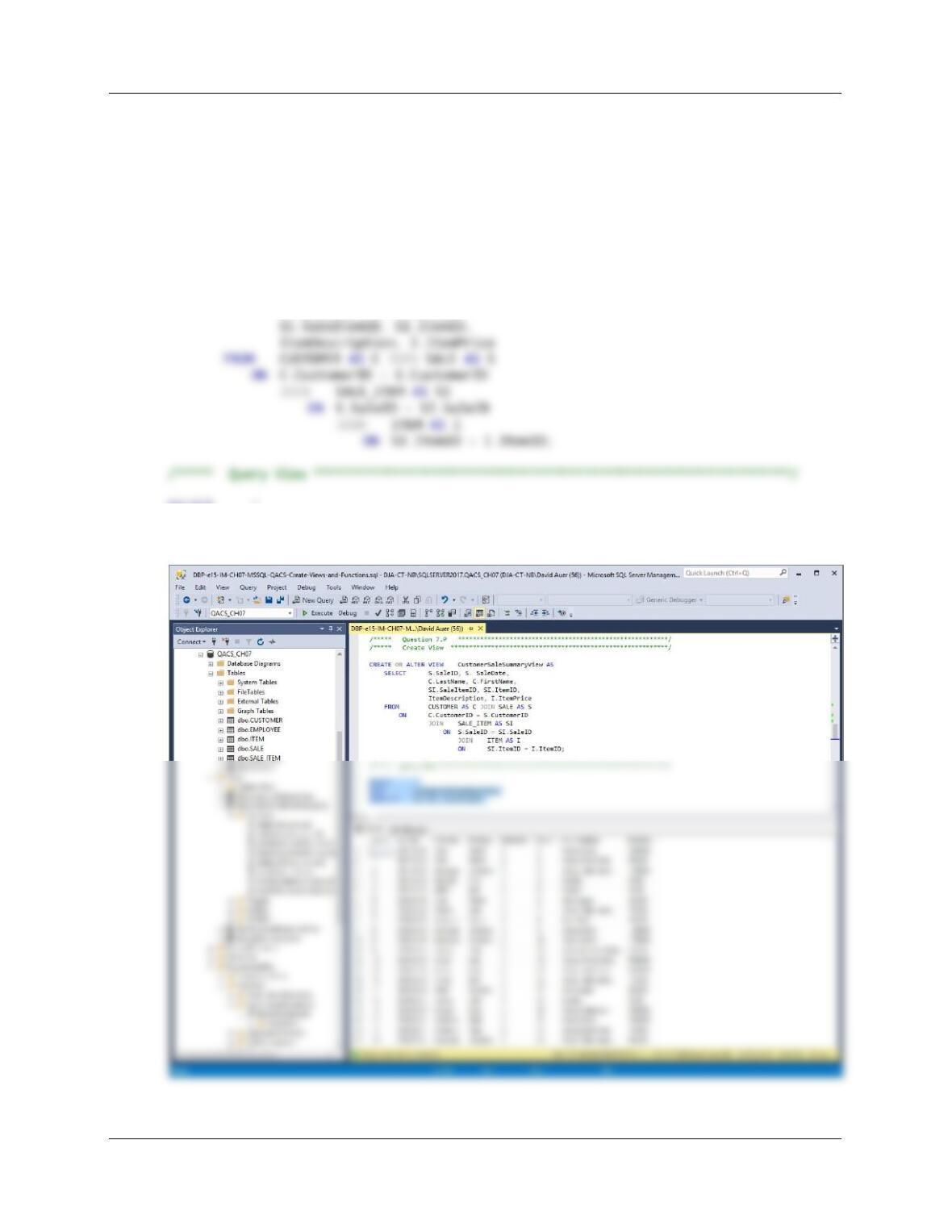
O. Create and test a user-defined function named FirstNameFirst that combines two
parameters named FirstName and LastName into a concatenated name field formatted
FirstName LastName (including the space).
/***** Question 7.O *********************************************************/
/****** Create Function *******************************************************/
)
RETURNS VARCHAR(60)
AS
Chapter Seven – SQL For Database Construction and Application Processing
Page 7-129
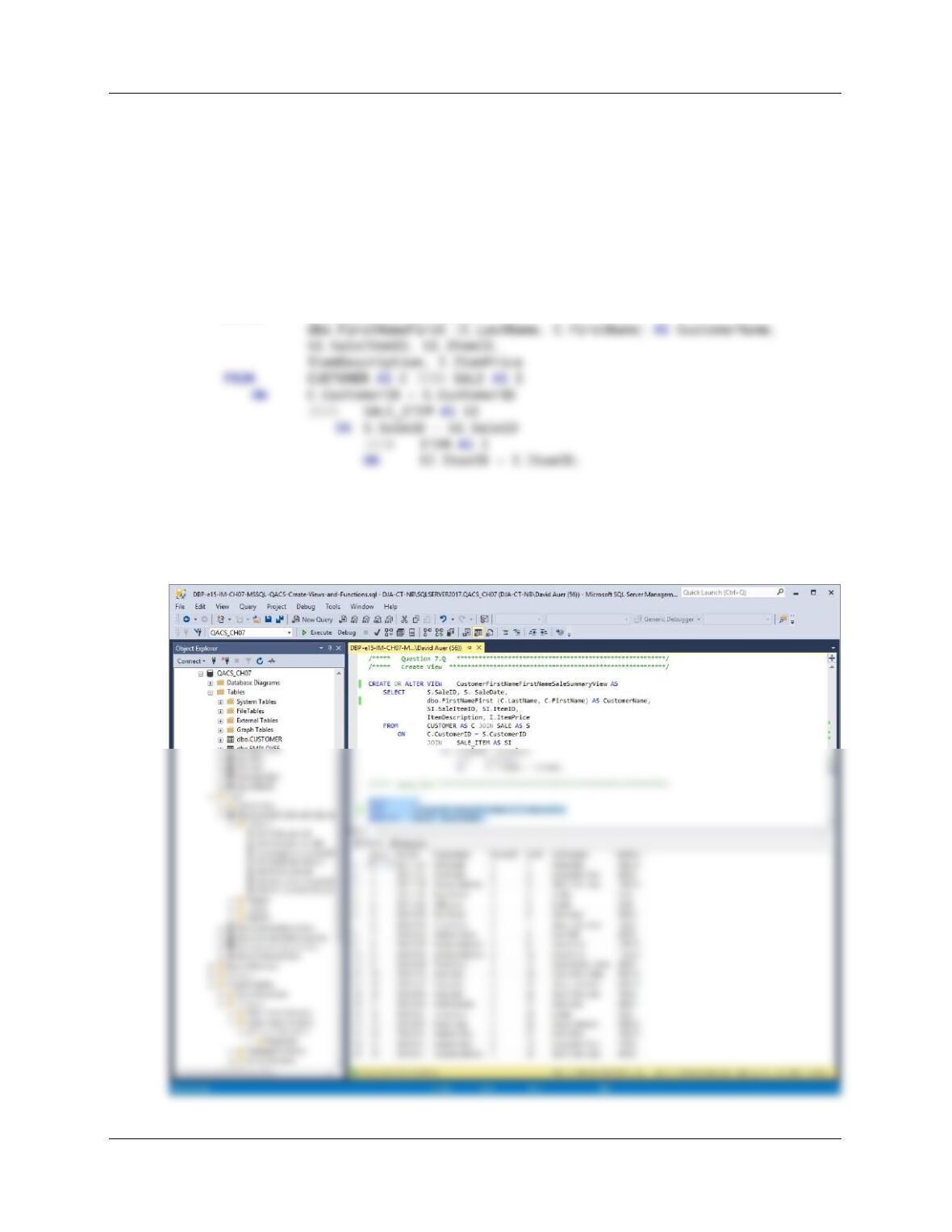
P. Write an SQL statement to create a view called CustomerSaleSummaryView that
contains SALE.SaleID, SALE.SaleDate, CUSTOMER.LastName,
CUSTOMER,FirstName, SALE_ITEM.SaleItemID, SALE_ITEM.ItemID,
ITEM.ItemDescription, and ITEM.ItemPrice. Run the statement to create the view, and
then test the view with an appropriate SQL SELECT statement.
/***** Question 7.P *********************************************************/
/***** Create View ***********************************************************/
CREATE OR ALTER VIEW CustomerSaleSummaryView AS
SELECT S.SaleID, S. SaleDate,
C.LastName, C.FirstName,
SELECT *
FROM CustomerSaleSummaryView
ORDER BY SaleID, SaleItemID;
Chapter Seven – SQL For Database Construction and Application Processing
Page 7-130
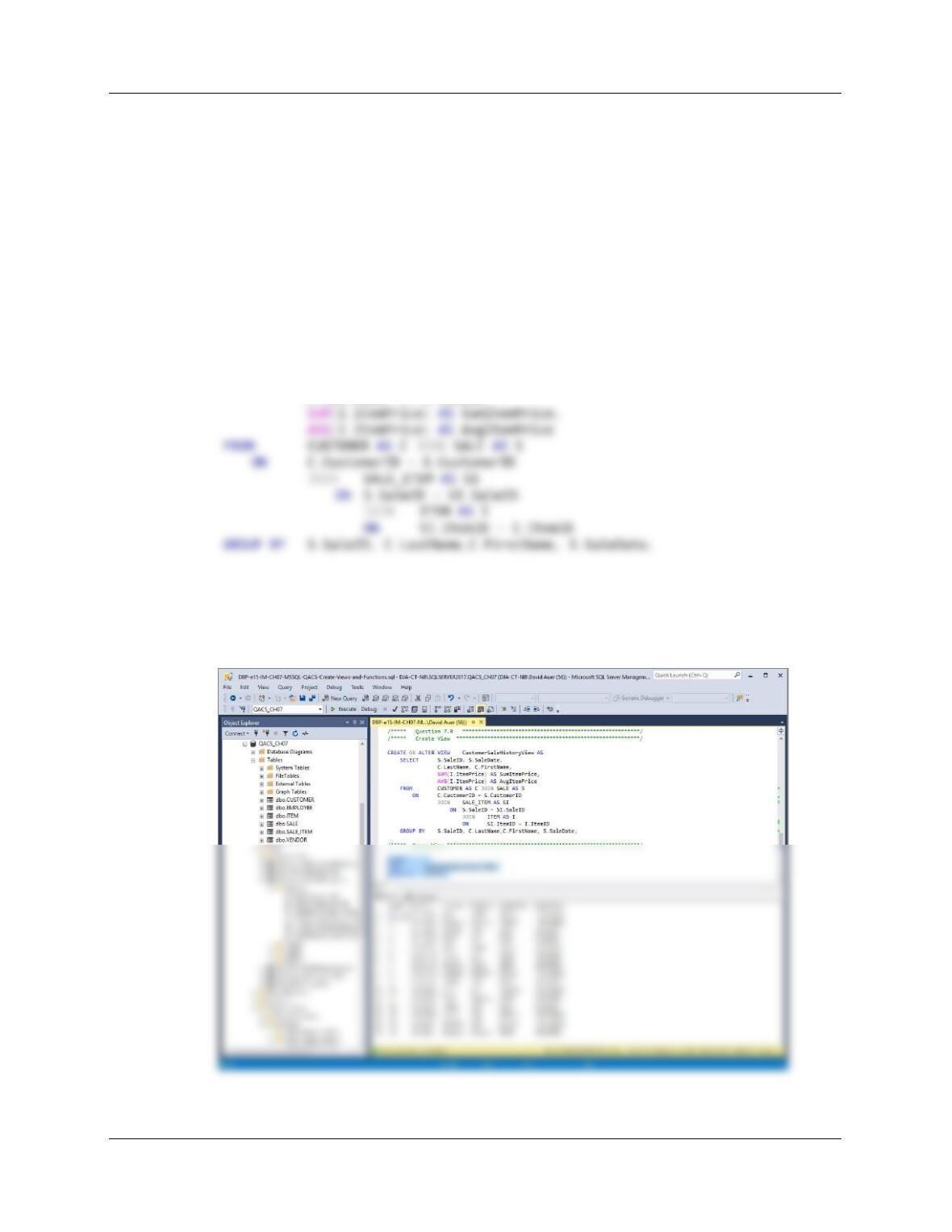
Q. Write an SQL statement to create a view called
CustomerFirstNameFirstSaleSummaryView that contains SALE.SaleID,
SALE.SaleDate, the concatenated customer name using the LastNameFirst function,
SALE_ITEM.SaleItemID, SALE_ITEM.ItemID, ITEM.ItemDescription, and
ITEM.ItemPrice. Run the statement to create the view, and then test the view with an
appropriate SQL SELECT statement.
/***** Question 7.Q *********************************************************/
/***** Create View ***********************************************************/
CREATE OR ALTER VIEW CustomerFirstNameFirstNameSaleSummaryView AS
SELECT S.SaleID, S. SaleDate,
/***** Query View **************************************************************/
SELECT *
FROM CustomerFirstNameFirstNameSaleSummaryView
ORDER BY SaleID, SaleItemID;
Chapter Seven – SQL For Database Construction and Application Processing
Page 7-131
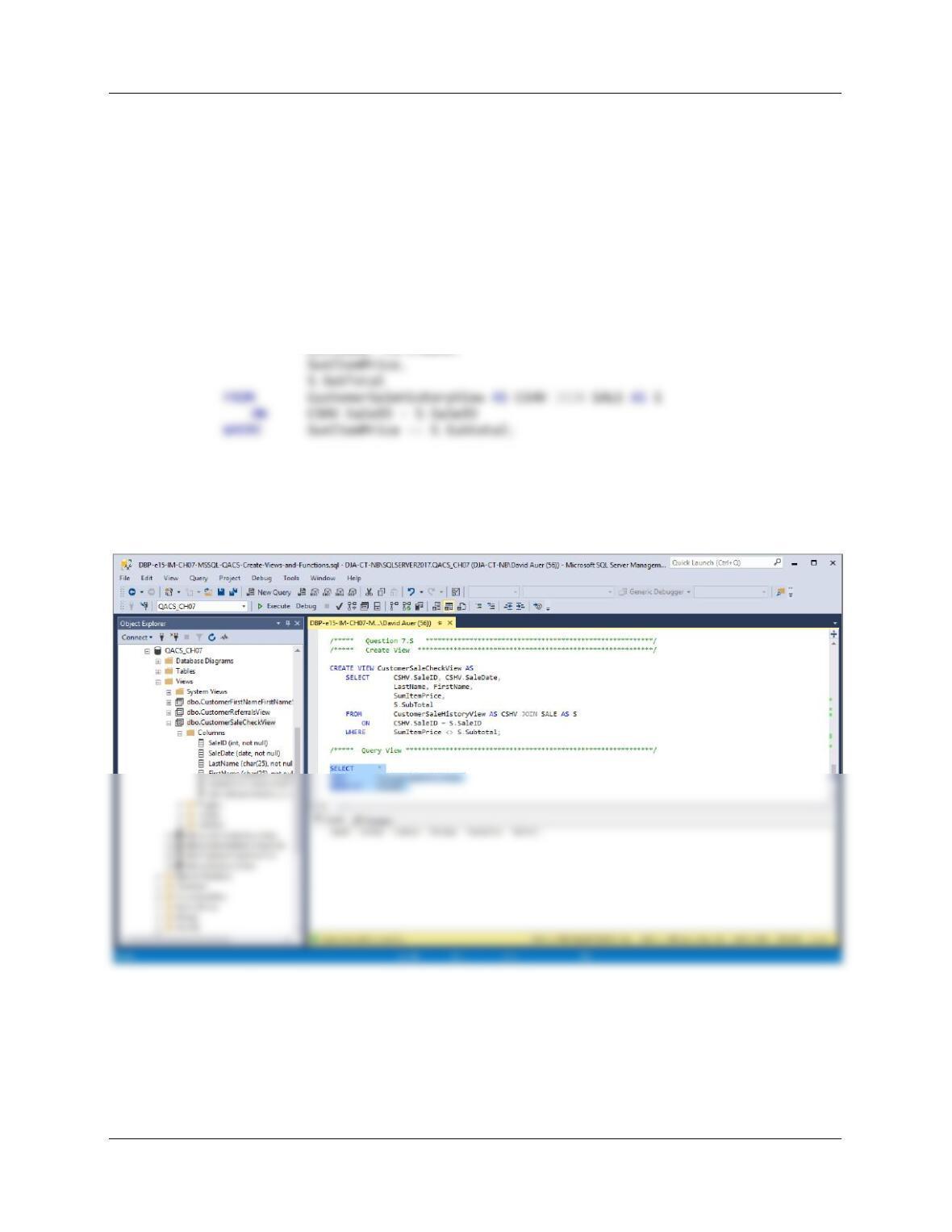
R. Write an SQL statement to create a view called CustomerSaleHistoryView that:
(1) Includes all columns of CustomerSaleSummaryView except
SALE_ITEM.SaleItemID, ITEM.ItemID, and SALE_ITEM.ItemDescription.
(2) Groups orders by SALE.SaleID, CUSTOMER.LastName, and
CUSTOMER.FirstName, and in that order.
(3) Sums and averages SALE_ITEM.ItemPrice for each order for each customer. Run
the statement to create the view, and then test the view with an appropriate SQL
SELECT statement.
/***** Question 7.R *********************************************************/
/***** Create View ***********************************************************/
CREATE VIEW CustomerSaleHistoryView AS
SELECT S.SaleID, S.SaleDate,
C.LastName, C.FirstName,
/***** Query View **************************************************************/
SELECT *
FROM CustomerSaleHistoryView
ORDER BY SaleID;
Chapter Seven – SQL For Database Construction and Application Processing
Page 7-132
S. Write an SQL statement to create a view called CustomerSaleCheckView that uses
CustomerSaleHistoryView and that shows that any customers and sales for which the
sum of the item prices is not equal to SALE.SubTotal. Run the statement to create the
view, and then test the view with an appropriate SQL SELECT statement.
Here is the view showing all results. Note that the result is an EMPTY SET, which is correct
since there are no errors in the subtotal column:
/***** Question 7.Q *********************************************************/
/***** Create View ***********************************************************/
CREATE VIEW CustomerSaleCheckView AS
SELECT CSHV.SaleID, CSHV.SaleDate,
LastName, FirstName,
/***** Query View **************************************************************/
SELECT *
FROM CustomerSaleCheckView
ORDER BY SaleID;
T. Explain, in general terms, how you will use triggers to enforce minimum cardinality
actions as required by your design. You need not write the triggers, just specify which
triggers you need and describe, in general terms, their logic.
This design does NOT require any triggers to enforce minimum cardinality—There are no O-M
or M-M relationships in the design.
Chapter Seven – SQL For Database Construction and Application Processing
Page 7-133
❖ ANSWERS TO MORGAN IMPORTING PROJECT QUESTIONS
Suppose that you have designed a database for Morgan Importing that has the following tables:
SHIPMENT (ShipmentID, ShipperID, PurchasingAgentID, ShipperInvoiceNumber,
Origin, Destination, ScheduledDepartureDate, ActualDepartureDate,
EstimatedArrivalDate)
SHIPMENT_ITEM (ShipmentID, ShipmentItemID, PurchaseItemID, InsuredValue)
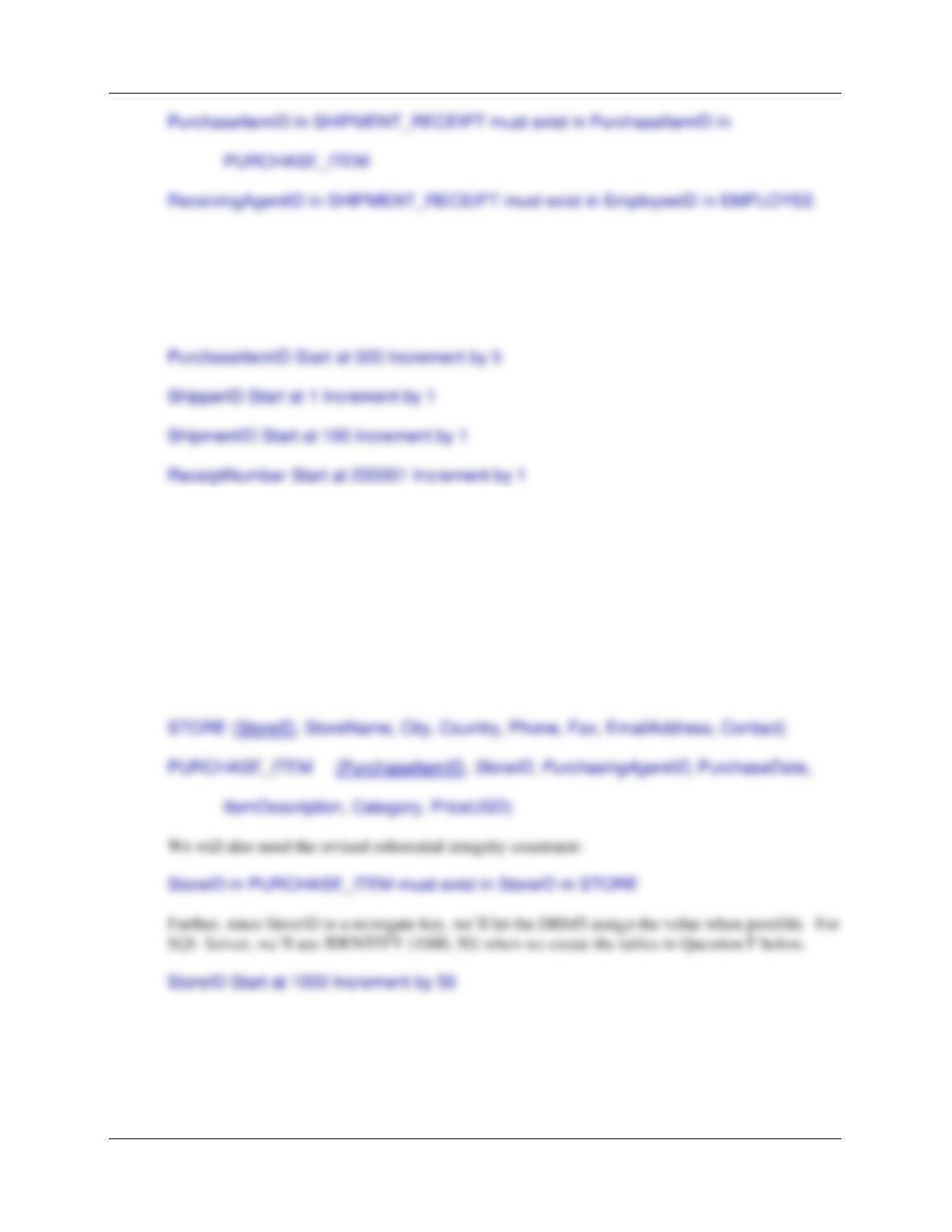
The referential integrity constraints are:
Supervisor in EMPLOYEE must exist in EmployeeID in EMPLOYEE
StoreName in PURCHASE_ITEM must exist in StoreName in STORE
Chapter Seven – SQL For Database Construction and Application Processing
Page 7-134
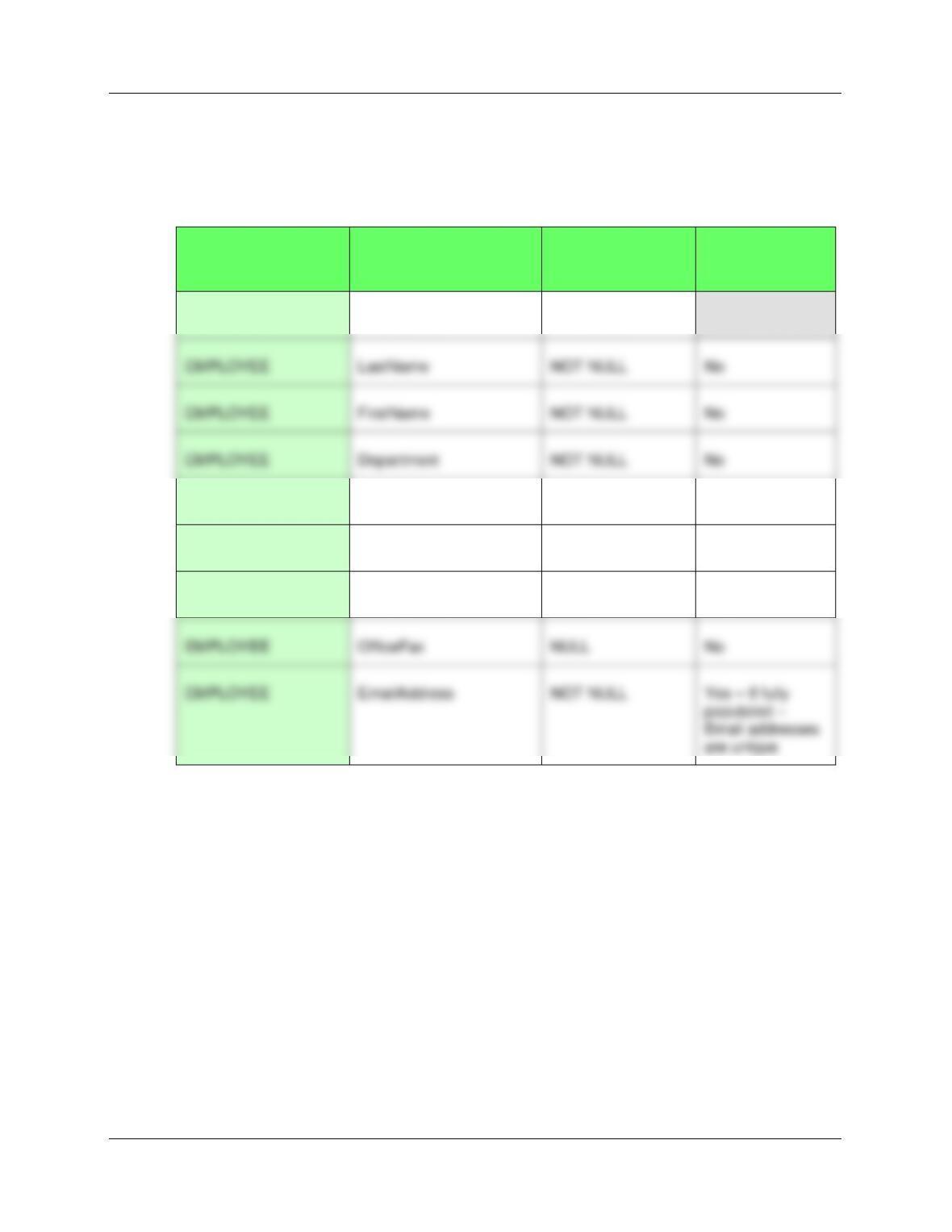
Assume that EmployeeID of EMPLOYEE, PurchaseItemID of PURCHASE_ITEM, ShipperID of
SHIPPER, ShipmentID of SHIPMENT, and ReceiptNumber of SHIPMENT_RECEIPT are all
surrogate keys with values as follows:
EmployeeID Start at 101 Increment by 1
Values of the Country column in the STORE table are restricted to: Hong Kong, India,
Japan,Peru, Philippines, Singapore, and United States.
A. Do you think STORE should have a surrogate key? If so, create it and make required
adjustments in the design. If not, explain why not or make other adjustments to STORE
and other tables that you think are appropriate.
Yes, STORE should have a surrogate key—StoreName meets the surrogate criteria from Chapter
3 of being “large and unwieldy”. The revised database design will effect only two tables—
STORE and PURCHASE_ITEM:
Chapter Seven – SQL For Database Construction and Application Processing
Page 7-135
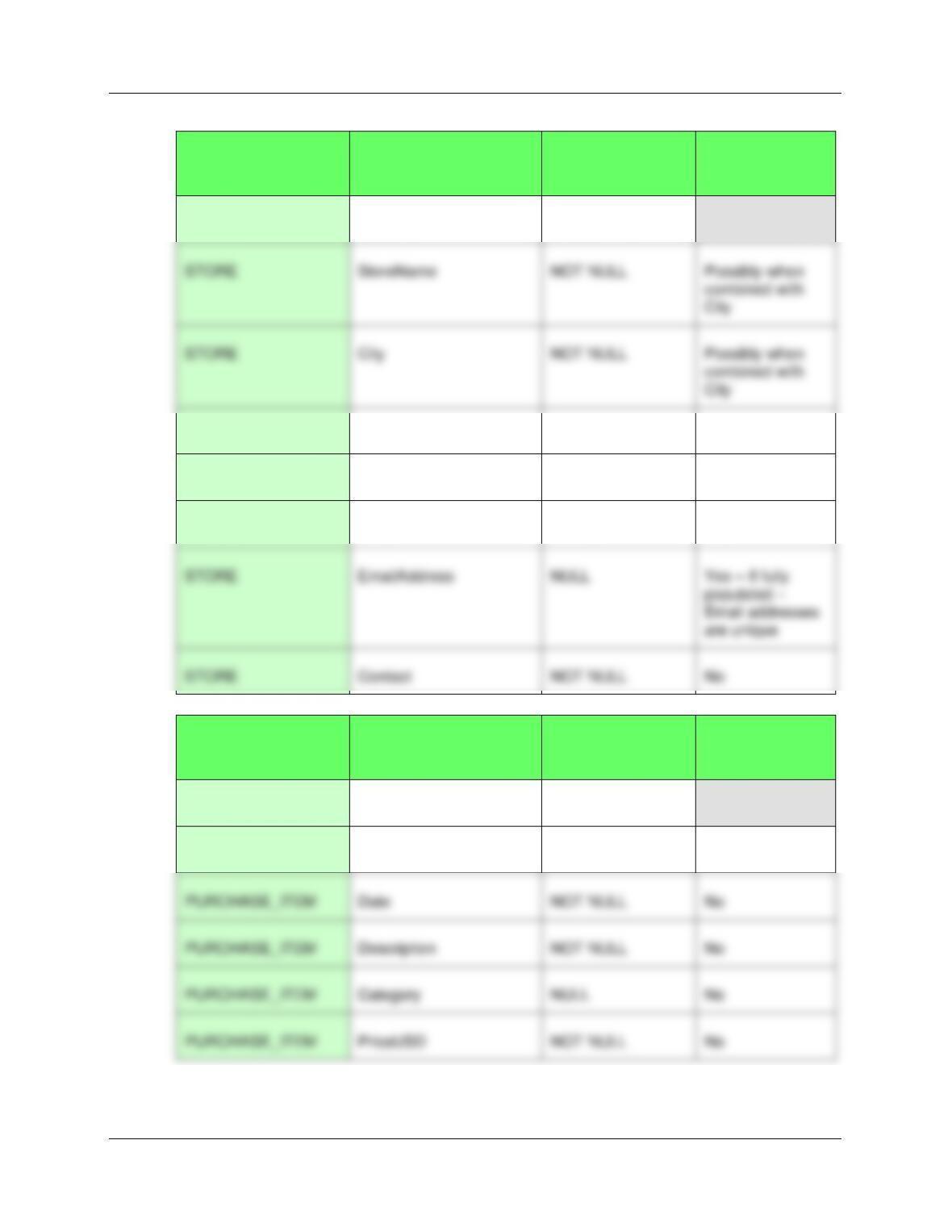
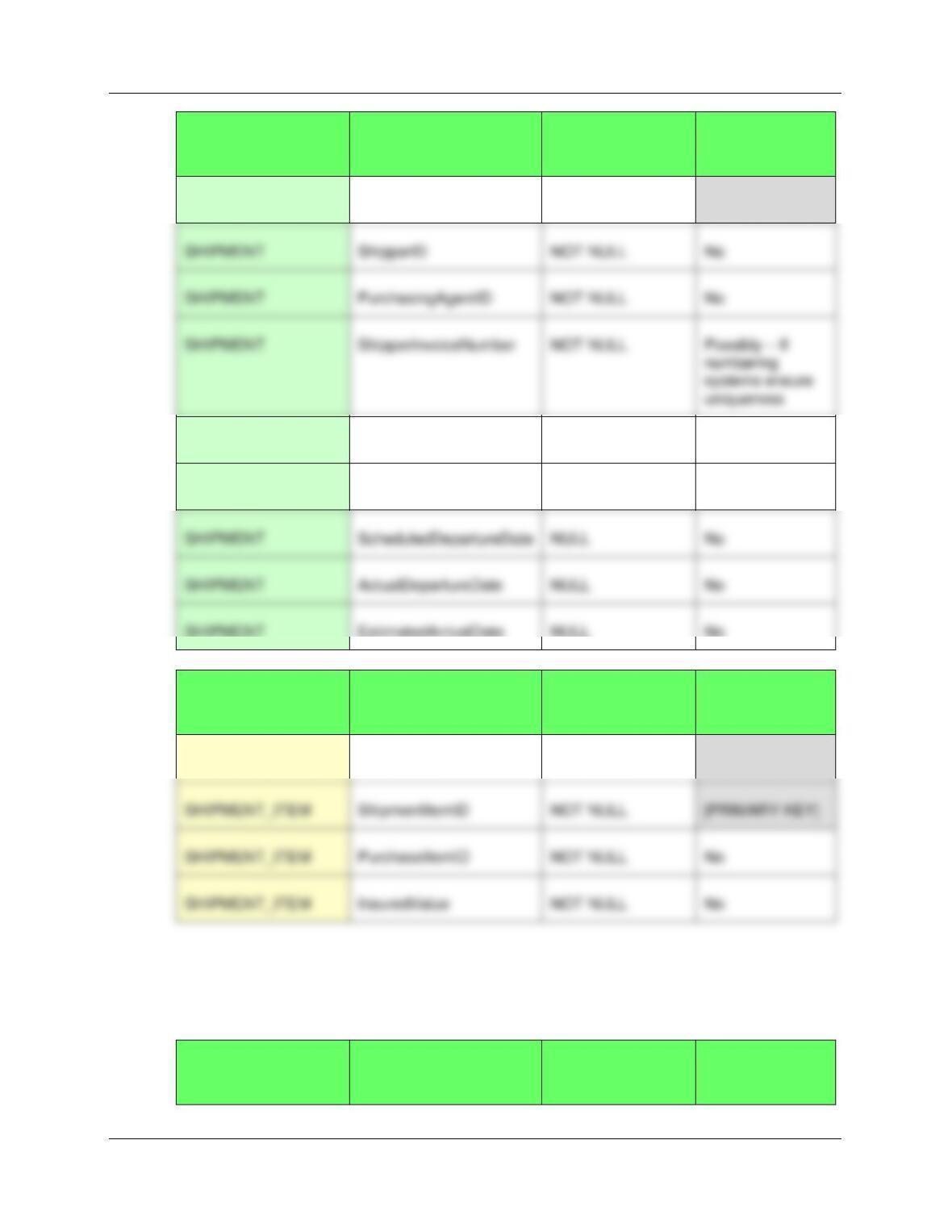
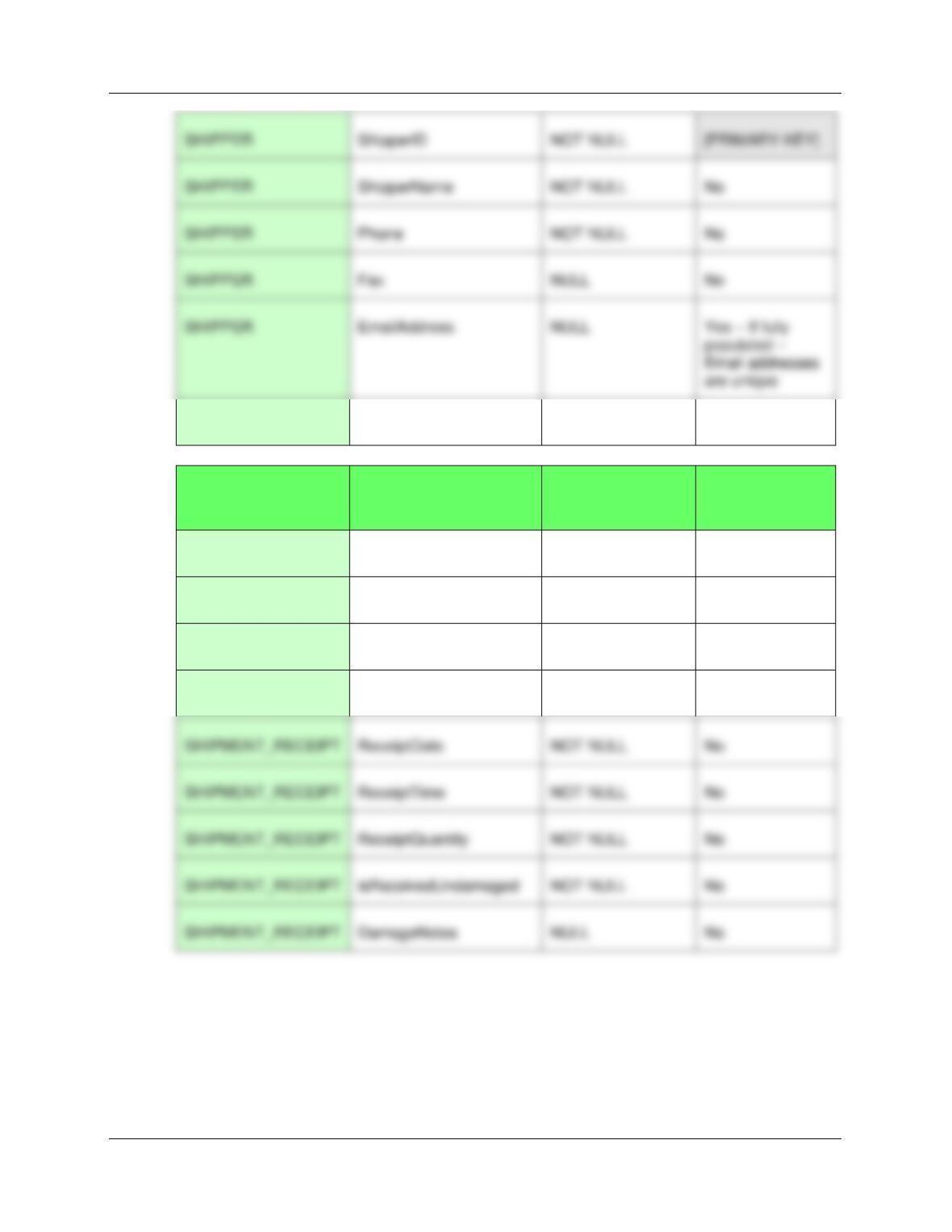
B. Specify NULL/NOT NULL constraints for each table column.
See the answer combined with the answer to question C below.
C. Specify alternate keys, if any.
TABLE
COLUMN
NULL/NOT NULL
ALTERNATE
KEY?
EMPLOYEE
EmployeeID
NOT NULL
[PRIMARY KEY]
EMPLOYEE
Position
NULL
No
EMPLOYEE
Supervisor
NULL
No
EMPLOYEE
OfficePhone
NULL
No
EMPLOYEE
OfficeFax
NULL
No
EMPLOYEE
LastName
NOT NULL
No
EMPLOYEE
FirstName
NOT NULL
No
EMPLOYEE
Department
NOT NULL
No
Chapter Seven – SQL For Database Construction and Application Processing
Page 7-136
TABLE
COLUMN
NULL/NOT NULL
ALTERNATE
KEY?
STORE
StoreID
NOT NULL
[PRIMARY KEY]
STORE
Country
NOT NULL
No
STORE
Phone
NOT NULL
No
STORE
Fax
NULL
No
STORE
Contact
NOT NULL
No
TABLE
COLUMN
NULL/NOT NULL
ALTERNATE
KEY?
PURCHASE_ITEM
PurchaseItemID
NOT NULL
[PRIMARY KEY]
PURCHASE_ITEM
StoreID
NOT NULL
No
PURCHASE_ITEM
Description
NOT NULL
No
PURCHASE_ITEM
Category
NULL
No
PURCHASE_ITEM
PriceUSD
NOT NULL
No
Chapter Seven – SQL For Database Construction and Application Processing
Page 7-137
TABLE
COLUMN
NULL/NOT NULL
ALTERNATE
KEY?
SHIPMENT
ShipmentID
NOT NULL
[PRIMARY KEY]
SHIPMENT
Origin
NOT NULL
No
SHIPMENT
Destination
NOT NULL
No
SHIPMENT
ScheduledDepartureDate
NULL
No
SHIPMENT
ActualDepartureDate
NULL
No
SHIPMENT
EstimatedArrivalDate
NULL
No
TABLE
COLUMN
NULL/NOT NULL
ALTERNATE
KEY?
SHIPMENT_ITEM
ShipmentID
NOT NULL
[PRIMARY KEY]
SHIPMENT_ITEM
ShipmentItemID
NOT NULL
[PRIMARY KEY]
SHIPMENT_ITEM
NOT NULL
No
TABLE
COLUMN
NULL/NOT NULL
ALTERNATE
KEY?
SHIPMENT
ShipperID
NOT NULL
No
SHIPMENT
PurchasingAgentID
NOT NULL
No
Chapter Seven – SQL For Database Construction and Application Processing
Page 7-138
SHIPPER
Contact
NOT NULL
No
TABLE
COLUMN
NULL/NOT NULL
ALTERNATE
KEY?
SHIPMENT_RECEIPT
ReceiptNumber
NOT NULL
[PRIMARY KEY]
SHIPMENT_RECEIPT
ShipmentID
NOT NULL
No
SHIPMENT_RECEIPT
PurchaseItemID
NOT NULL
No
SHIPMENT_RECEIPT
ReceivingAgent
NOT NULL
No
SHIPMENT_RECEIPT
ReceiptDate
NOT NULL
No
SHIPMENT_RECEIPT
ReceiptTime
NOT NULL
No
SHIPMENT_RECEIPT
ReceiptQuantity
NOT NULL
No
SHIPMENT_RECEIPT
isReceivedUndamaged
NOT NULL
No
SHIPMENT_RECEIPT
DamageNotes
NULL
No
SHIPPER
ShipperID
NOT NULL
[PRIMARY KEY]
SHIPPER
ShipperName
NOT NULL
No
SHIPPER
Phone
NOT NULL
No
SHIPPER
Fax
NULL
No