Chapter Seven – SQL For Database Construction and Application Processing
7.86 What is a trigger?
7.87 What is the relationship between a trigger and a table or view?
A trigger is attached to a table or view—note that a table or view may have many triggers
when an update is made to the table the trigger is assigned to.
7.88 Name nine possible trigger types.
BEFORE Insert BEFORE Update BEFORE Delete
7.89 Explain, in general terms, how new and old values are made available to a trigger.
Each DBMS uses a specific way of:
• Tracking the old data values and allowing the DBMS to access them, and
7.90 Describe four uses for triggers.
• Validity Checking
Chapter Seven – SQL For Database Construction and Application Processing
7.91 Assume that the View Ridge Gallery will allow a work to be deleted from WORK if it has
never been sold. Explain, in general terms, how to use a trigger to accomplish such a
deletion.(Hint: Check transactions.)
First, let’s review exactly what the referential integrity constraints are on WORK (From Chapter
6). “Because this database is used to record purchases and sales, View Ridge management never
Here is full generic code:
CREATE TRIGGER WORK_Deletion
INSTEAD OF DELETE ON WORK
DECLARE
rowcount Int;
nullCount Int;
BEGIN
/* First check related TRANs row counts */
SELECT Count(*) INTO rowcount
FROM TRANS AS T
WHERE old:WorkID = T.WorkID;
IF rowcount = 0 THEN
/* This should never occur! */
/* Return an error message and do nothing. */
Chapter Seven – SQL For Database Construction and Application Processing
7.92 Assume that the Wedgewood Pacific Corporation will allow a row to be deleted from
EMPLOYEE if the employee has no project assignments. Explain, in general terms, how
to use a trigger to accomplish such a deletion. (Hint: Check assignments.)
This rule can be encoded in an INSTEAD OF DELETE trigger on EMPLOYEE. IF there is at
least one ASSIGNMENT for the EMPLOYEE, the DELETE will be disallowed. Otherwise, the
DELETE will be completed. Note that MySQL does not support INSTEAD OF triggers – see
code in IRC files.
Here is full generic code:
7.93 What is a stored procedure? How do they differ from triggers?
A stored procedure is a program that performs some common action on database data and that is
7.94 Summarize how to invoke a stored procedure.
Stored procedures can be executed from application programs written in languages such as Java,
Chapter Seven – SQL For Database Construction and Application Processing
Page 7-64
7.95 Summarize the key advantages of stored procedures.
• Greater security
• Decreased network traffic
❖ ANSWERS TO EXERCISE
These Exercises extend the Wedgewood Pacific database you created and used in the Review
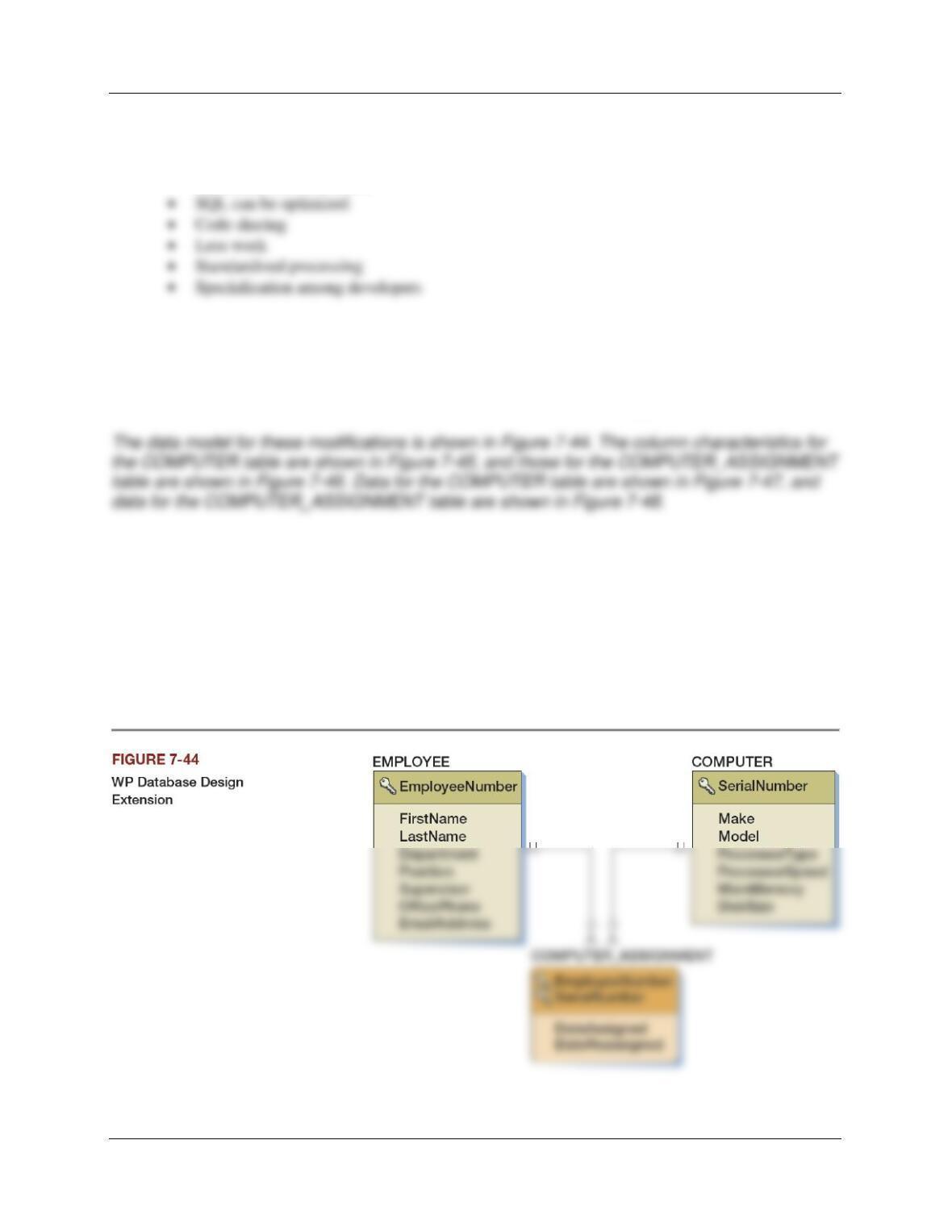
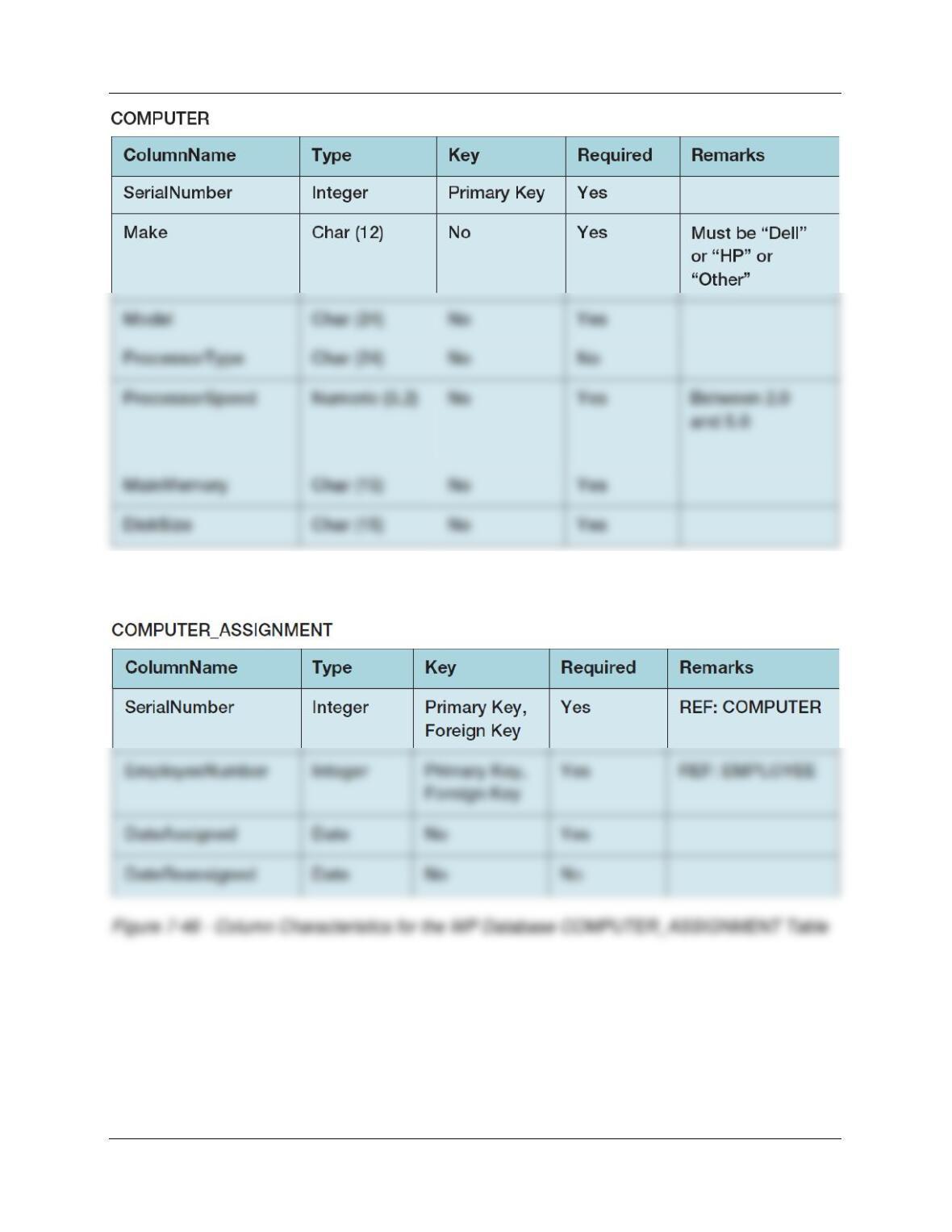
Questions with two new tables named COMPUTER and COMPUTER_ASSIGNMENT.
Chapter Seven – SQL For Database Construction and Application Processing
Page 7-65
Figure 7-45 – Column Characteristics for the WP Database COMPUTER Table
Chapter Seven – SQL For Database Construction and Application Processing
Page 7-66
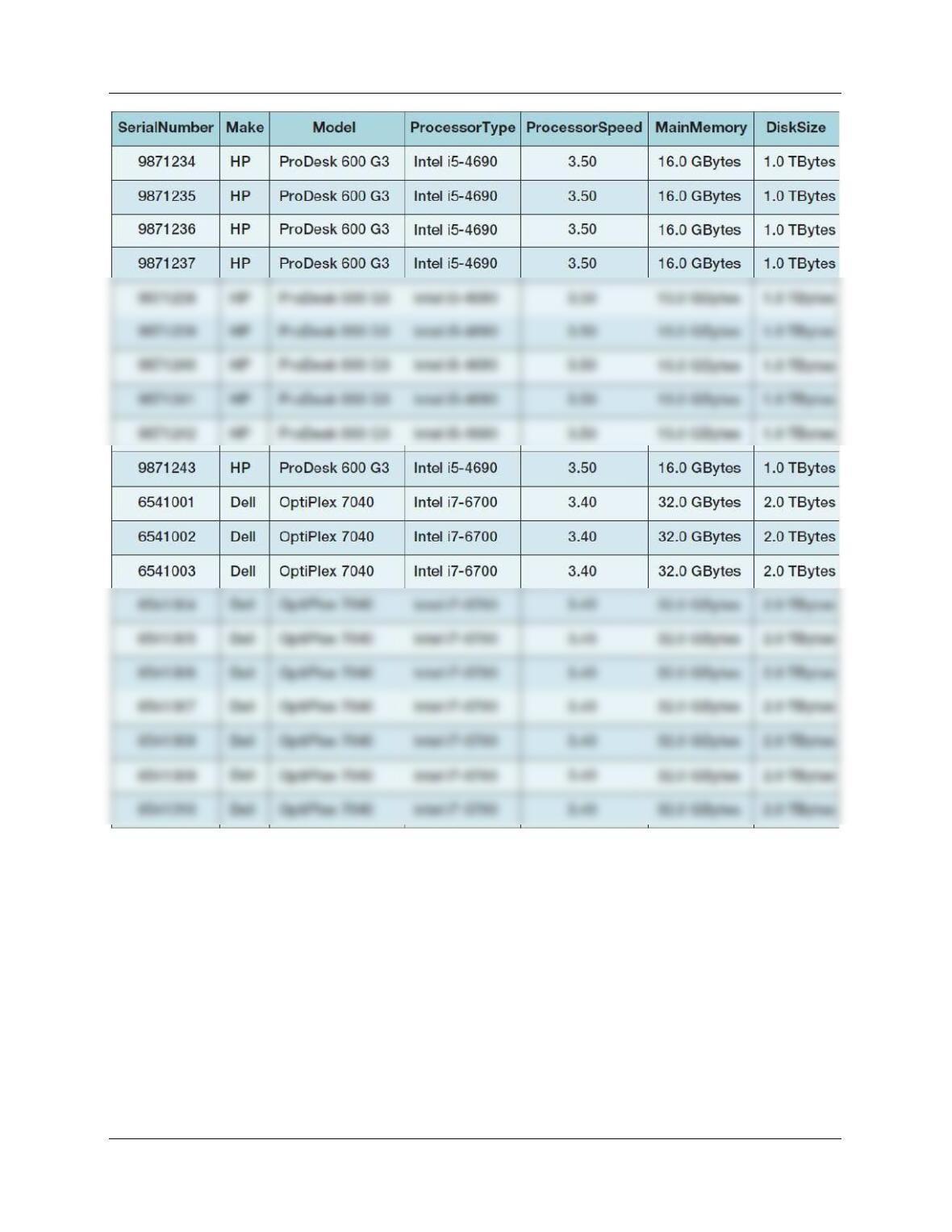
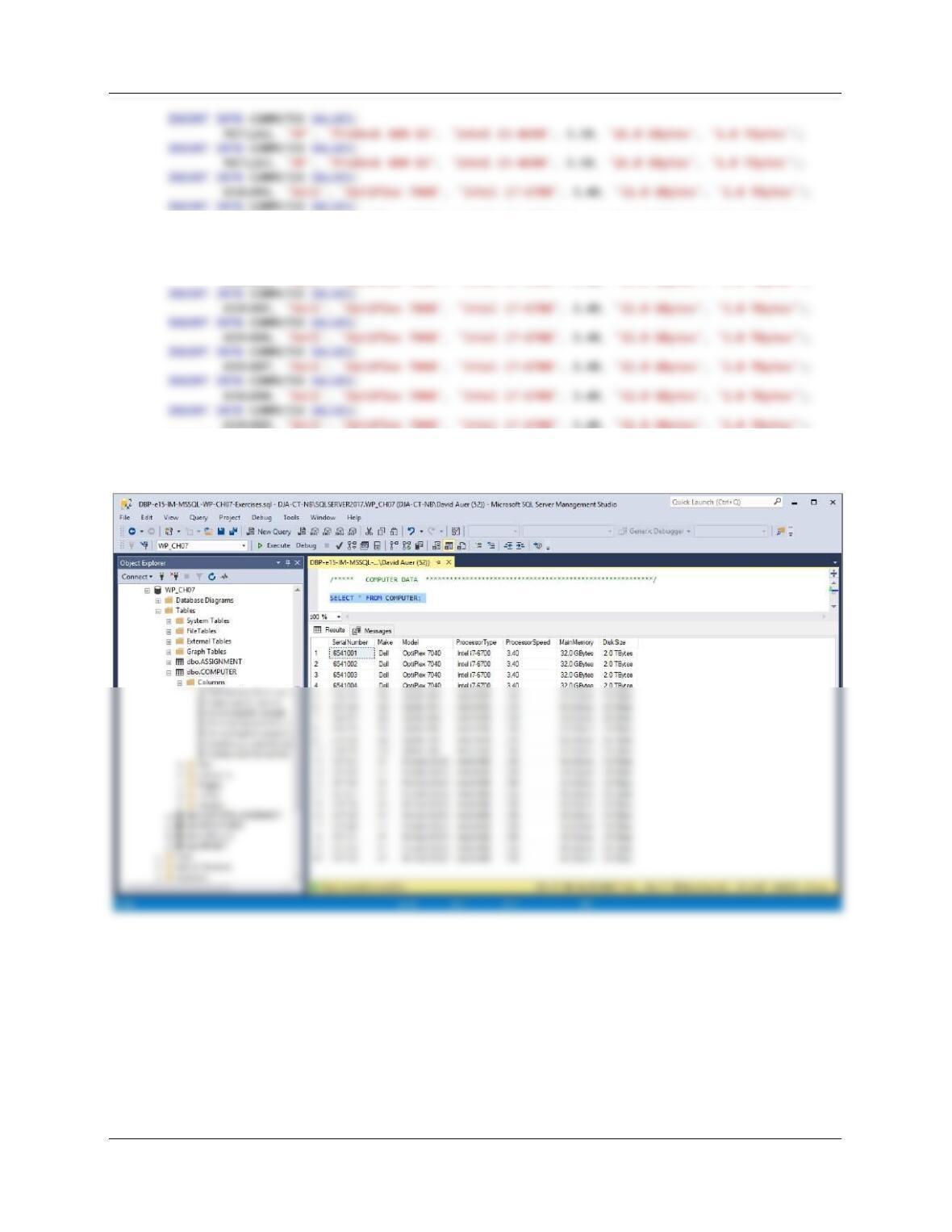
Figure 7-47 – WP Database COMPUTER Table Data
Chapter Seven – SQL For Database Construction and Application Processing
Page 7-67
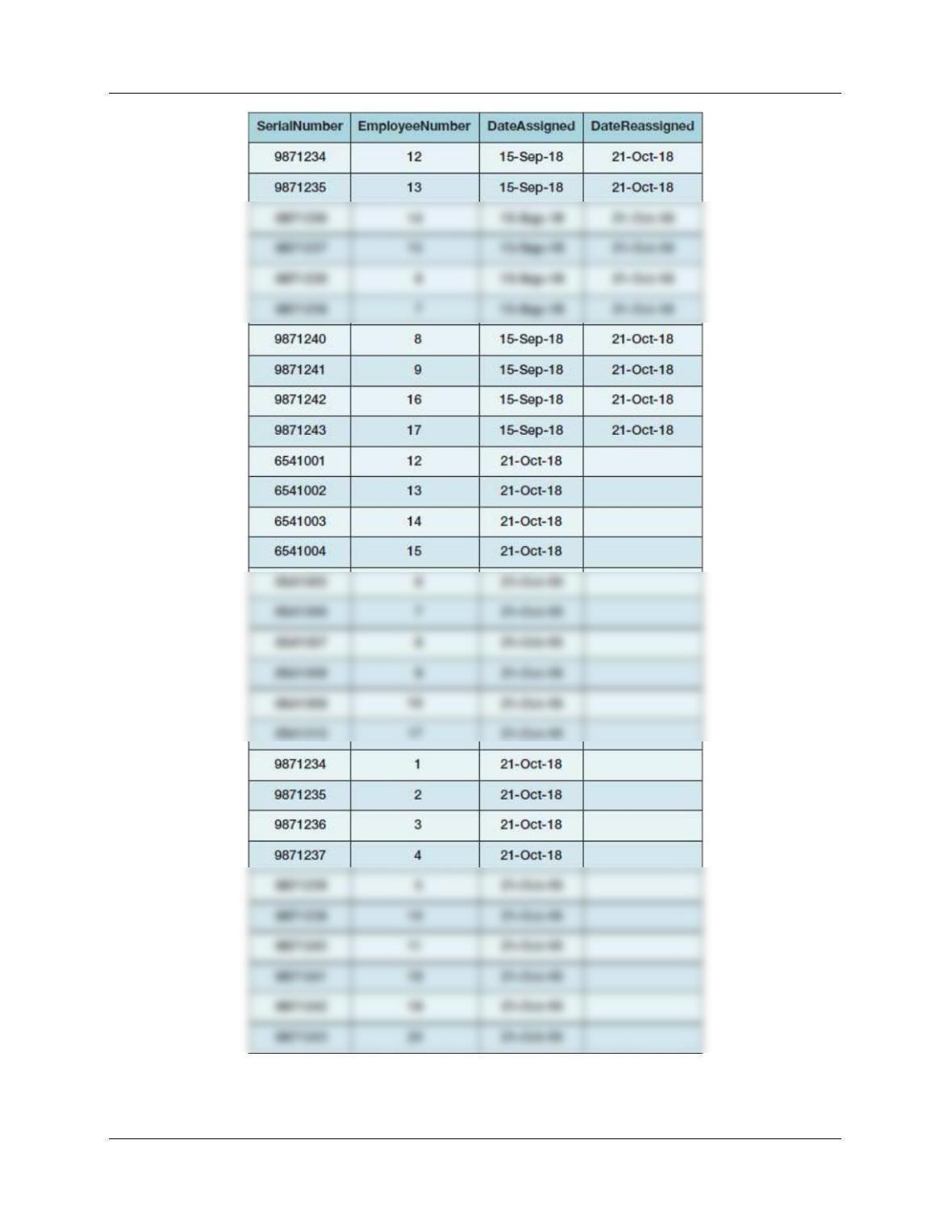
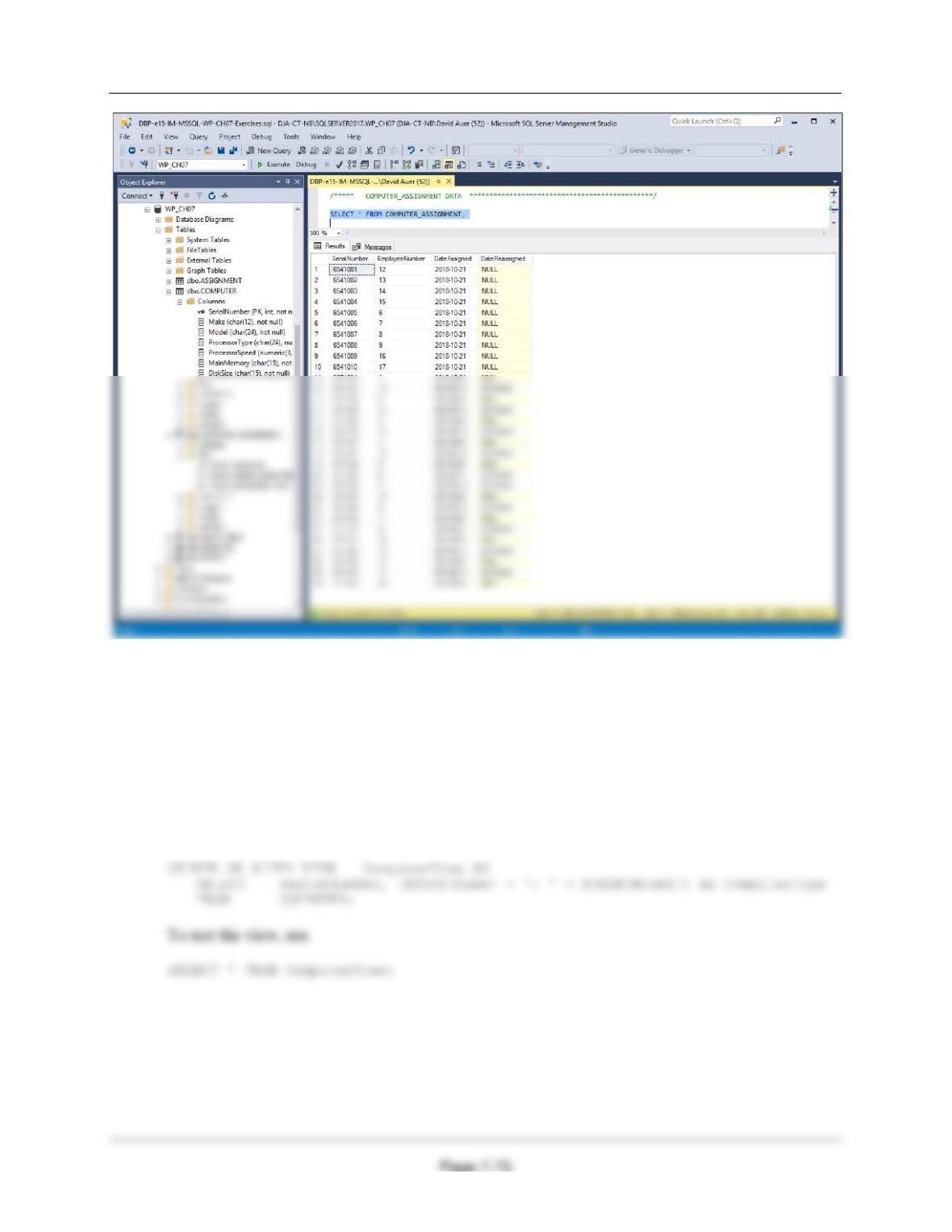
Figure 7-48 – WP Database COMPUTER_ASSIGNMENT Table Data
Chapter Seven – SQL For Database Construction and Application Processing
Page 7-68
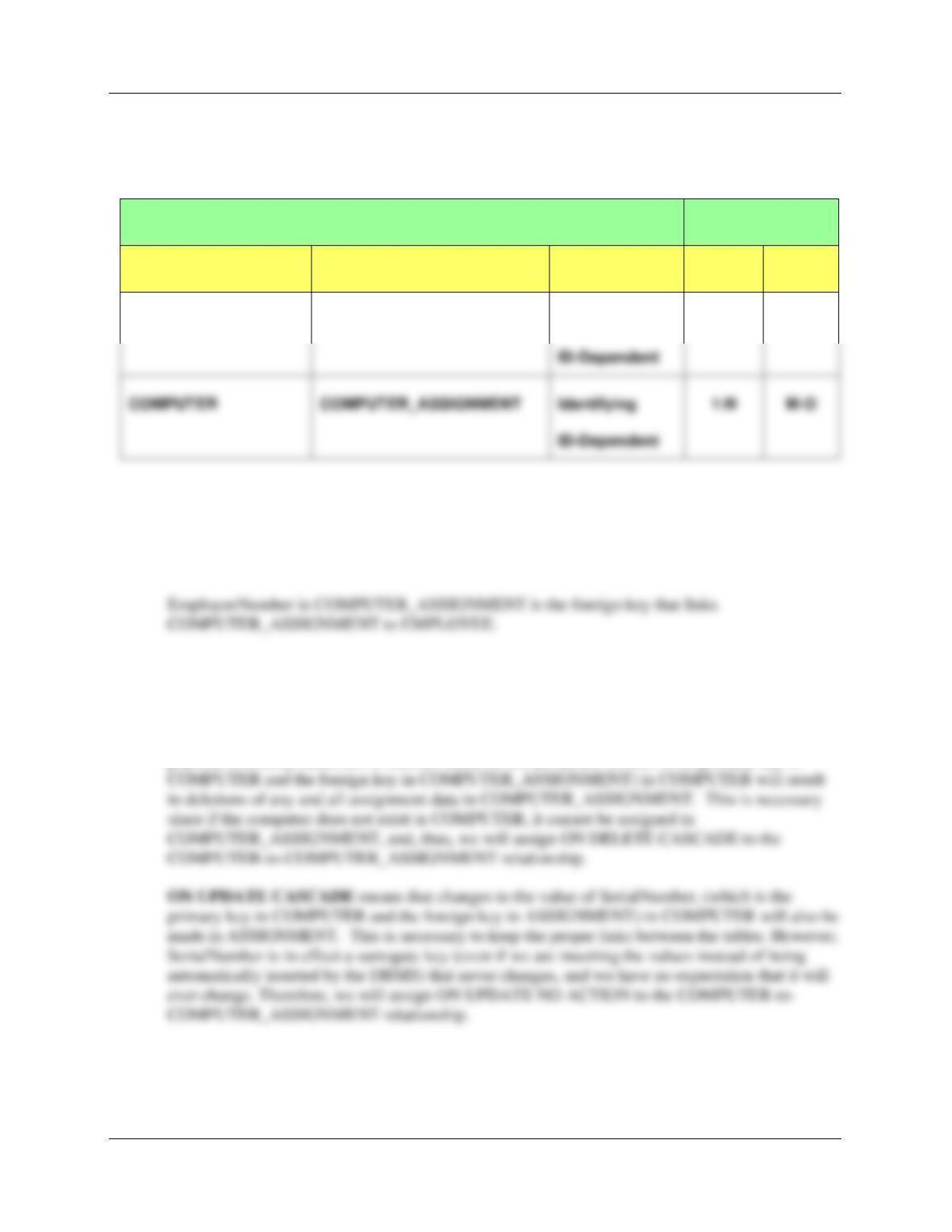
7.96 Describe the relationships in terms of type (identifying or nonidentifying) and maximum
and minimum cardinality.
The E-R Crow’s Foot model above is based on the following data:
RELATIONSHIP
CARDINALITY
PARENT
CHILD
TYPE
MAX
MIN
EMPLOYEE
COMPUTER_ASSIGNMENT
Identifying
1:N
M-O
7.97 Explain the need for each of the foreign keys.
Serial Number in COMPUTER_ASSIGNMENT is the foreign key that links
COMPUTER_ASSIGNMENT to COMPUTER.
7.98 Define referential integrity actions (such as ON UPDATE CASCADE) for the
COMPUTER-to-COMPUTER_ASSIGNMENT relationship only. Explain the need for
these actions.
ON DELETE CASCADE means that when computers listed in COMPUTER are removed from
physical inventory, deletions of records based on SerialNumber (which is the primary key in
COMPUTER
COMPUTER_ASSIGNMENT
Identifying
1:N
M-O
Chapter Seven – SQL For Database Construction and Application Processing
Page 7-69
7.99 Assume that COMPUTER_ASSIGNMENT in the EMPLOYEE-to–
COMPUTER_ASSIGNMENT relationship is now mandatory (i.e., every employee must
have at least one computer). Use Figure 6-29(b) as a boilerplate to define triggers for
enforcing the required child between EMPLOYEE and COMPUTER_ASSIGNMENT.
Define the purpose of any necessary triggers.
We need to define the minimum cardinality enforcement actions or actions that are necessary
for this database. According to Figure 6-29 (which also notes that in this case the actions are
“Difficult to enforce. Requires use of triggers or other application code.”), we must then look at
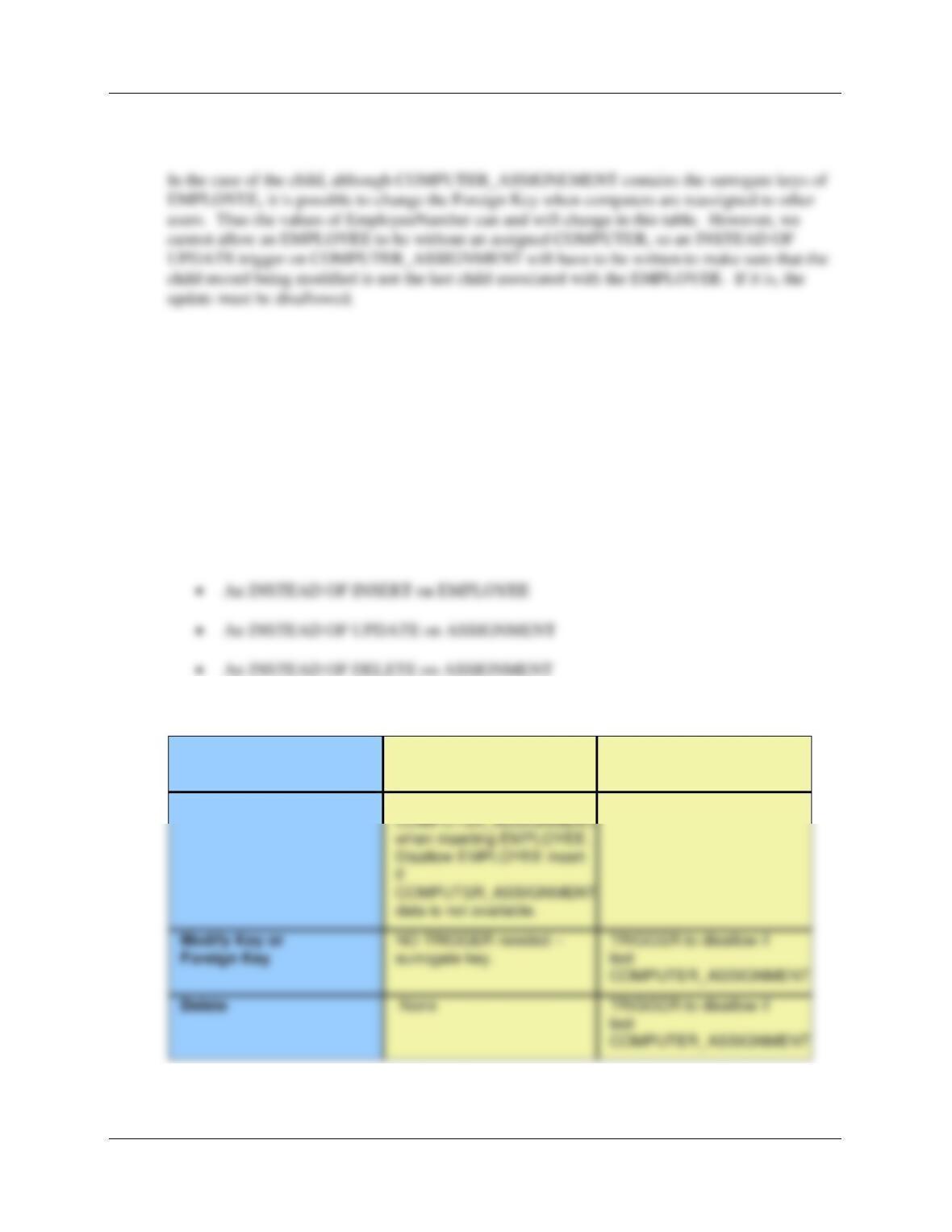
Figure 6-29(b) which is shown below:
AN ON INSERT TRIGGER – “INSTEAD OF INSERT”: According to Chapter 6, “When the
child is required, we need to ensure that there is at least one child row for the parent at all times.
The last child cannot leave the parent.”
Further, “If the child is required, then we cannot create a new parent without also creating a
relationship to a child. This means that we must either find an existing child row and change its
AN ON UPDATE TRIGGER – “INSTEAD OF UPDATE”: According to Chapter 6 “If the
child is required, then to modify the parent’s primary key, either the key of at least one other child
must also be changed or the update must be disallowed. This restriction never applies to parents
with surrogate keys because their values never change.”
Chapter Seven – SQL For Database Construction and Application Processing
Page 7-70
In the case of the parent, EMPLOYEE uses a surrogate key – EmployeeNumber. Therefore, there
will be no need to update this key and no trigger is needed.
AN ON DELETE TRIGGER – “INSTEAD OF DELETE”: According to Chapter 6, “if the
child is required and the parent is deleted, no action need be taken. Because it is the child that is
required, and not the parent, the parent can disappear without any consequence.” Also, “if the
child is the last child to the parent, then the deletion is not allowed. Otherwise, the child can be
deleted without restriction.”
This means that we can delete EMPLOYEE records with no problem, but we will need an
INSTEAD OF DELETE trigger on COMPUTER_ASSIGNMENT (similar to the INSTEAD OF
UPDATE trigger on COMPUTER_ASSIGNMENT) to make sure that we are not deleting the last
COMPUTER_ASSIGNMENT associated with an EMPLOYEE.
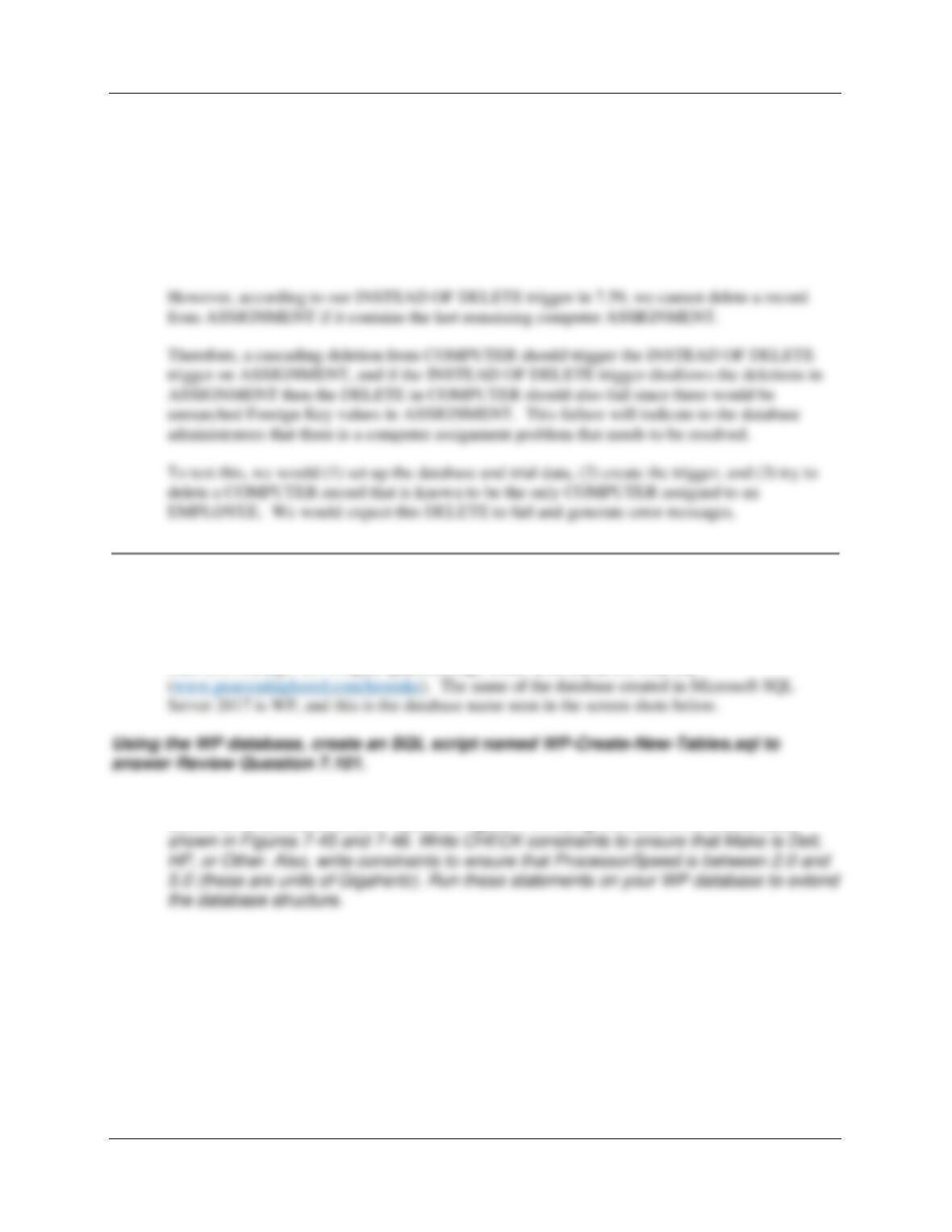
Thus, we need three triggers:
This is summarized in the Figure 6-29(b) format as:
COMPUTER_ASSIGNMENT
is required
Action on
EMPLOYEE
Action on
COMPUTER_ASSIGNMENT
Insert
TRIGGER to link to a row in
None
Chapter Seven – SQL For Database Construction and Application Processing
Page 7-71
7.100 Explain the interaction between the trigger in your answer to question 7.99 and the
COMPUTER-to-COMPUTER_ASSIGNMENT relationship. What, if any, cascading
behavior do you want to occur? Explain how you can test to find out if it works the way
that you want it to.
ON DELETE CASCADE means that if a record is deleted in COMPUTER, then all associated
records in ASSIGNMENT should also be deleted. In other words, when we no longer have the
computer (we have disposed of it), we can no longer have it assigned to anyone.
For PROJECT QUESTIONS 7.101 – 7.108 below, the solutions are usually shown only for
SQL Server 2017 to conserve space.
The necessary Microsoft SQL Server 2017 SQL statements for all answers are included in the file
DBP-e15-MSSQL-WP-Project-Questions.sql, which is on the text’s Web site
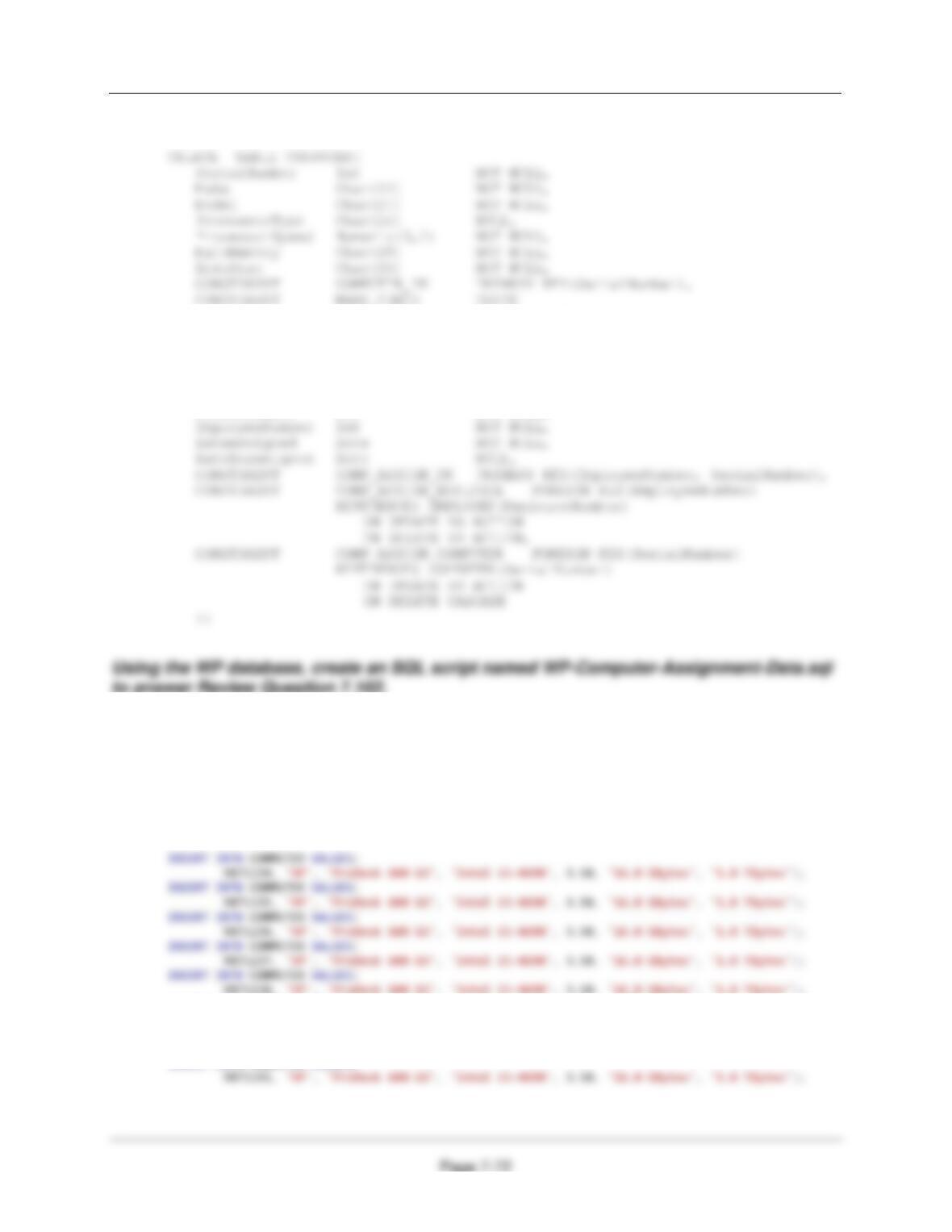
7.101 Write CREATE TABLE statements for the COMPUTER and
COMPUTER_ASSIGNMENT tables in Figure 7-44 using the column characteristics
Chapter Seven – SQL For Database Construction and Application Processing
For SQL Server:
(Make IN (‘Dell’, ‘HP’, ‘Other’)),
CONSTRAINT SPEED_CHECK CHECK
(ProcessorSpeed BETWEEN 2.0 AND 5.0)
);
CREATE TABLE COMPUTER_ASSIGNMENT(
SerialNumber Int NOT NULL,
7.102 Using the sample data for the COMPUTER table shown in Figure 7-47 and the
COMPUTER_ASSIGNMENT table shown in Figure 7-48, write INSERT statements to
add this data to these tables in the WP database. Run these INSERT statements to
populate the tables.
For SQL Server:
INSERT INTO COMPUTER VALUES(
9871239, ‘HP’, ‘ProDesk 600 G3′, ‘Intel i5-4690′, 3.50, ‘16.0 GBytes’, ‘1.0 TBytes’);
INSERT INTO COMPUTER VALUES(
9871240, ‘HP’, ‘ProDesk 600 G3′, ‘Intel i5-4690′, 3.50, ‘16.0 GBytes’, ‘1.0 TBytes’);
INSERT INTO COMPUTER VALUES(
Chapter Seven – SQL For Database Construction and Application Processing
Page 7-73
6541002, ‘Dell’, ‘OptiPlex 7040′, ‘Intel i7-6700′, 3.40, ‘32.0 GBytes’, ‘2.0 TBytes’);
INSERT INTO COMPUTER VALUES(
6541003, ‘Dell’, ‘OptiPlex 7040′, ‘Intel i7-6700′, 3.40, ‘32.0 GBytes’, ‘2.0 TBytes’);
INSERT INTO COMPUTER VALUES(
6541004, ‘Dell’, ‘OptiPlex 7040′, ‘Intel i7-6700′, 3.40, ‘32.0 GBytes’, ‘2.0 TBytes’);
INSERT INTO COMPUTER VALUES(
6541010, ‘Dell’, ‘OptiPlex 7040′, ‘Intel i7-6700′, 3.40, ‘32.0 GBytes’, ‘2.0 TBytes’);
Chapter Seven – SQL For Database Construction and Application Processing
Page 7-74
INSERT INTO COMPUTER_ASSIGNMENT VALUES(
9871239, 7, ‘15-Sep-18′, ’21-Oct-18′);
INSERT INTO COMPUTER_ASSIGNMENT VALUES(
9871240, 8, ‘15-Sep-18′, ’21-Oct-18′);
INSERT INTO COMPUTER_ASSIGNMENT VALUES(
9871241, 9, ‘15-Sep-18′, ’21-Oct-18′);
INSERT INTO COMPUTER_ASSIGNMENT (SerialNumber, EmployeeNumber, DateAssigned)
VALUES(6541004, 15, ’21-Oct–18′);
INSERT INTO COMPUTER_ASSIGNMENT (SerialNumber, EmployeeNumber, DateAssigned)
VALUES(6541005, 6, ’21-Oct-18′);
INSERT INTO COMPUTER_ASSIGNMENT (SerialNumber, EmployeeNumber, DateAssigned)
VALUES(6541006, 7, ’21-Oct-18′);
INSERT INTO COMPUTER_ASSIGNMENT (SerialNumber, EmployeeNumber, DateAssigned)
VALUES(6541007, 8, ’21-Oct-18′);
INSERT INTO COMPUTER_ASSIGNMENT (SerialNumber, EmployeeNumber, DateAssigned)
VALUES(6541008, 9, ’21-Oct-18′);
INSERT INTO COMPUTER_ASSIGNMENT (SerialNumber, EmployeeNumber, DateAssigned)
VALUES(6541009, 16, ’21-Oct–18′);
INSERT INTO COMPUTER_ASSIGNMENT (SerialNumber, EmployeeNumber, DateAssigned)
VALUES(6541010, 17, ’21-Oct–18′);
INSERT INTO COMPUTER_ASSIGNMENT (SerialNumber, EmployeeNumber, DateAssigned)
VALUES(9871234, 1, ’21-Oct-18′);
INSERT INTO COMPUTER_ASSIGNMENT (SerialNumber, EmployeeNumber, DateAssigned)
VALUES(9871235, 2, ’21-Oct-18′);
INSERT INTO COMPUTER_ASSIGNMENT (SerialNumber, EmployeeNumber, DateAssigned)
VALUES(9871236, 3, ’21-Oct-18′);
INSERT INTO COMPUTER_ASSIGNMENT (SerialNumber, EmployeeNumber, DateAssigned)
VALUES(9871242, 19, ’21-Oct–18′);
INSERT INTO COMPUTER_ASSIGNMENT (SerialNumber, EmployeeNumber, DateAssigned)
VALUES(9871243, 20, ’21-Oct–18′);
Chapter Seven – SQL For Database Construction and Application Processing
Using the WP database, create an SQL script named WP-Create-New-Views-And-
Functions.sql to answer Review Questions 7.103 through 7.108.
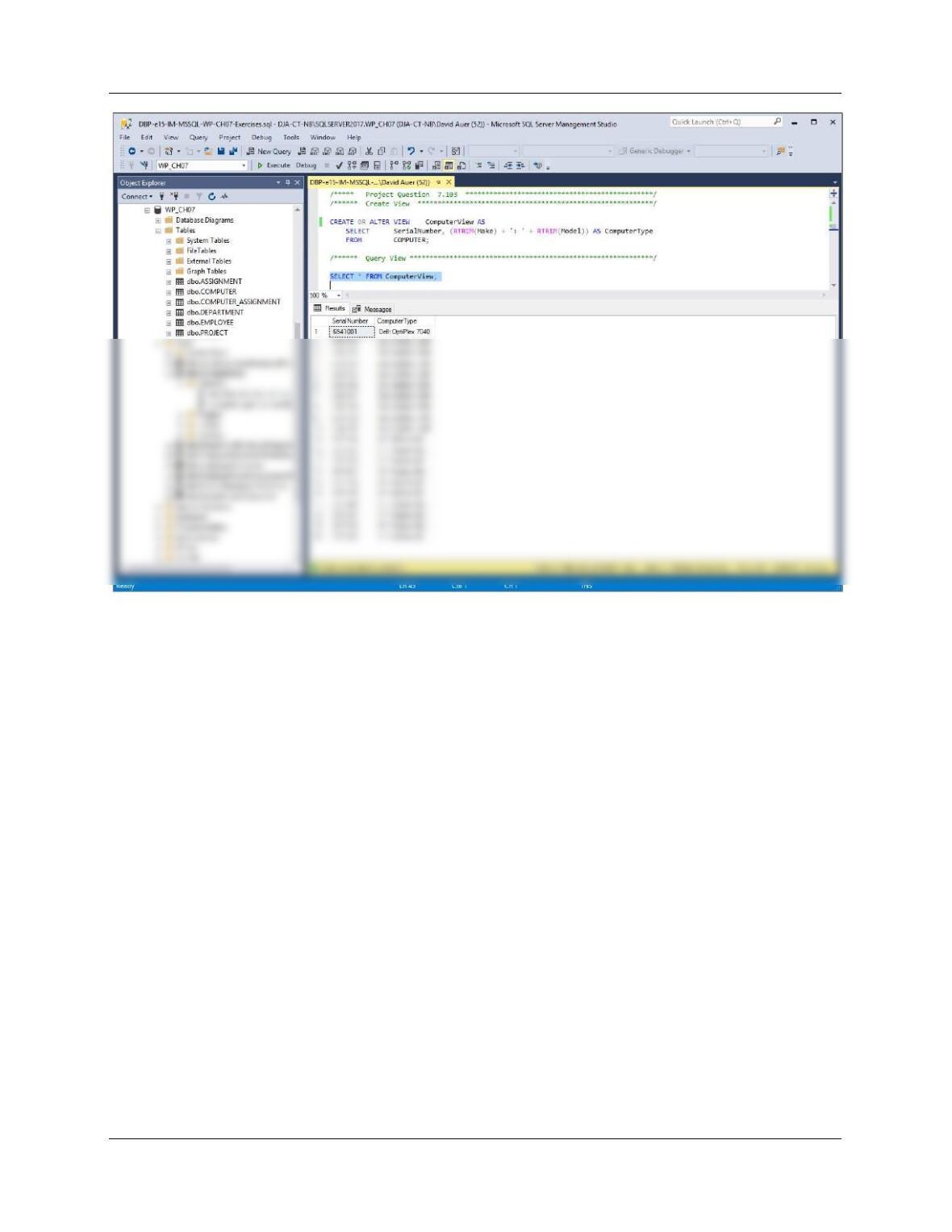
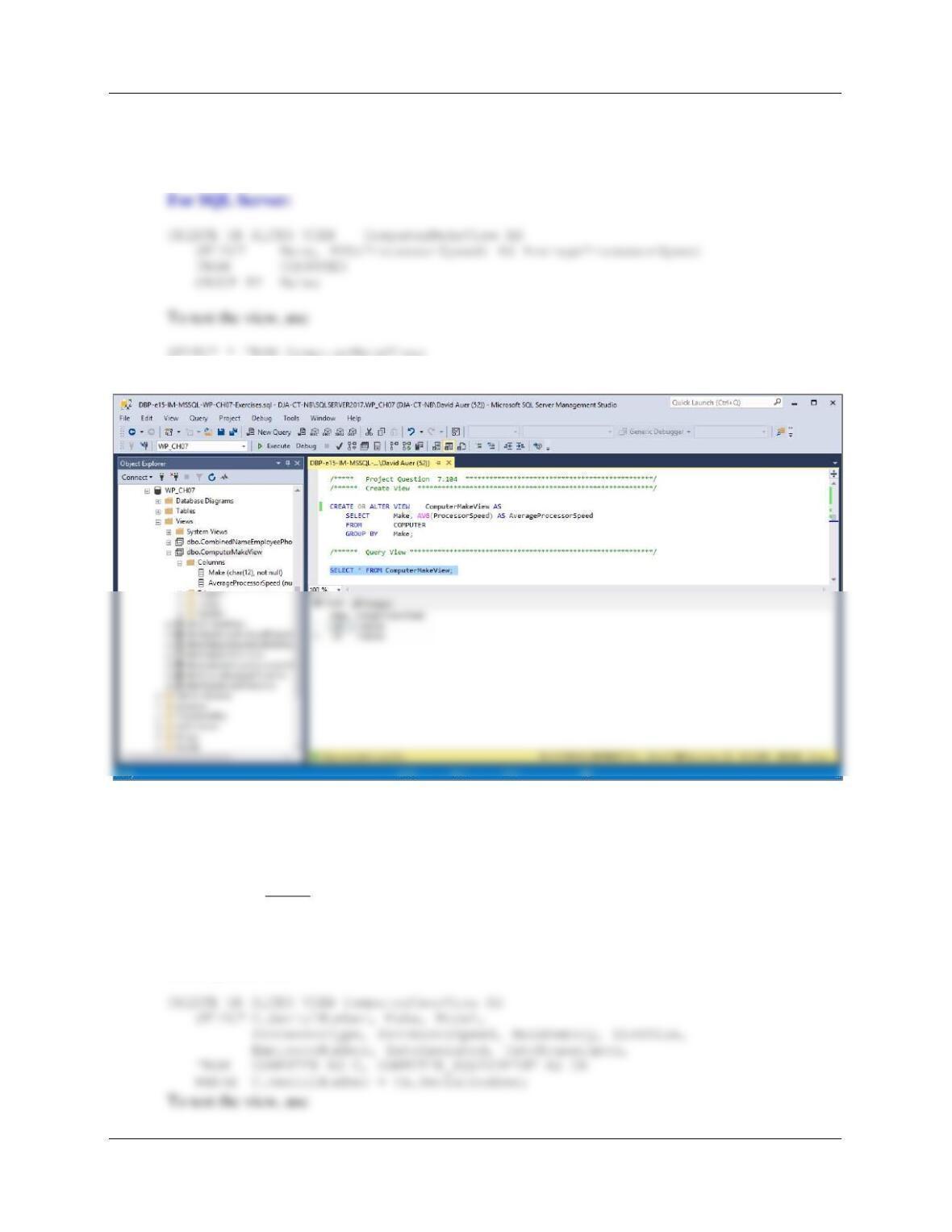
7.103 Create a view of COMPUTER named ComputerView that displays SerialNumber, Make
and Model as one attribute named ComputerType. Place a colon and a space between
Make and Model in the format: Dell: 6200 Laptop. Run this statement, and then test with
an SQL SELECT statement.
For SQL Server:
Chapter Seven – SQL For Database Construction and Application Processing
Page 7-76
For Oracle Database and MySQL:
Note the difference in the syntax for concatenation. To concatenate character strings in Oracle
Database use two | symbols. The columns must also be defined as variable character strings.
CREATE OR ALTER VIEW ComputerView AS
SELECT SerialNumber, Make || ‘: ‘|| Model AS ComputerType
FROM COMPUTER;
Chapter Seven – SQL For Database Construction and Application Processing
Page 7-77
7.104 Create a view called ComputerMakeView that shows the Make and average
ProcessorSpeed for all computers. Run this statement, and then test with an SQL
SELECT statement.
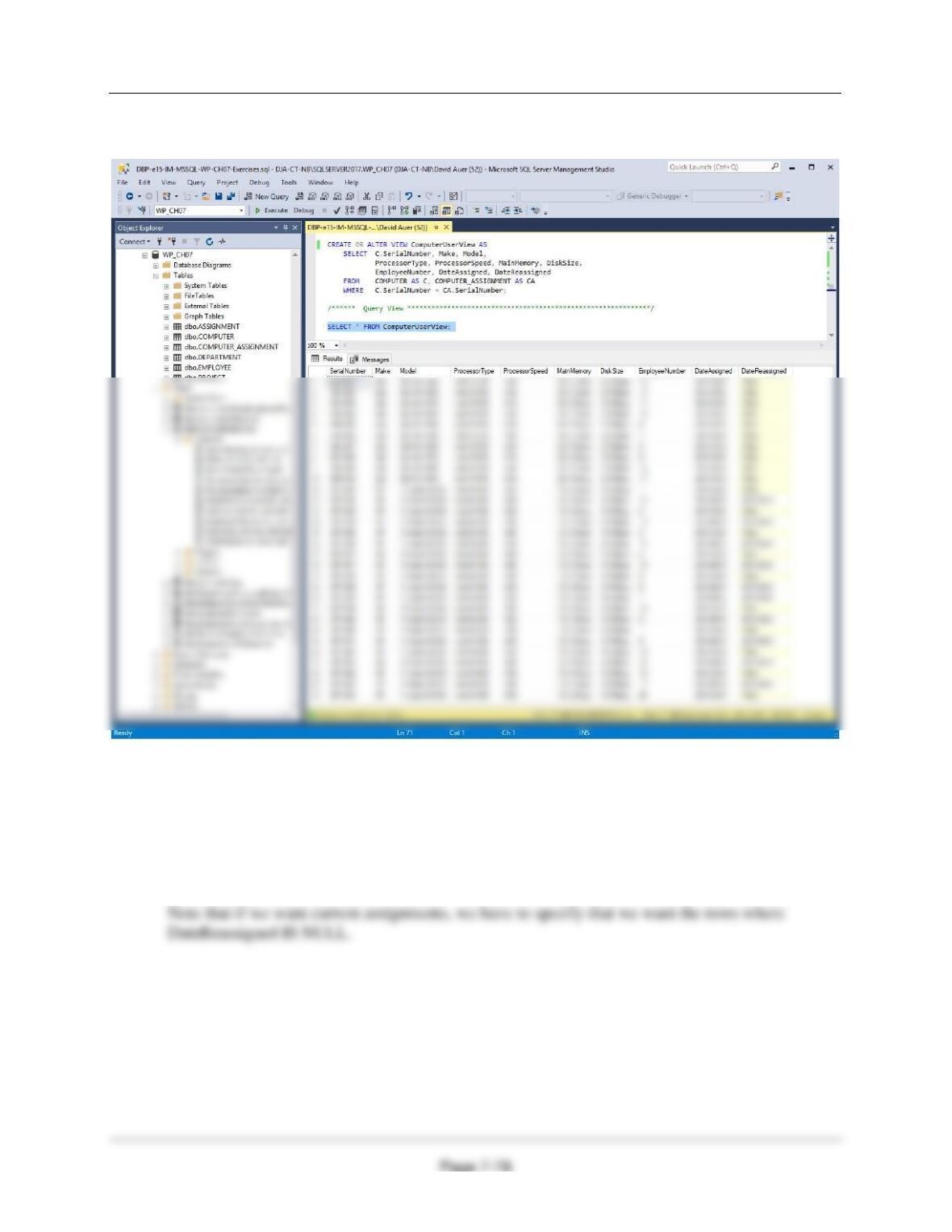
7.105 Create a view called ComputerUserView that has all of the data of COMPUTER and
COMPUTER_ASSIGNMENT. Run this statement, and then test with an SQL SELECT
statement.
Note that you cannot use the * in the SELECT statement to get all data from both tables. This
would create two columns named SerialNumber. To avoid the duplicated column name problem,
use only the SerialNumber from one of the tables.
For SQL Server:
Chapter Seven – SQL For Database Construction and Application Processing
SELECT * FROM ComputerUserView;
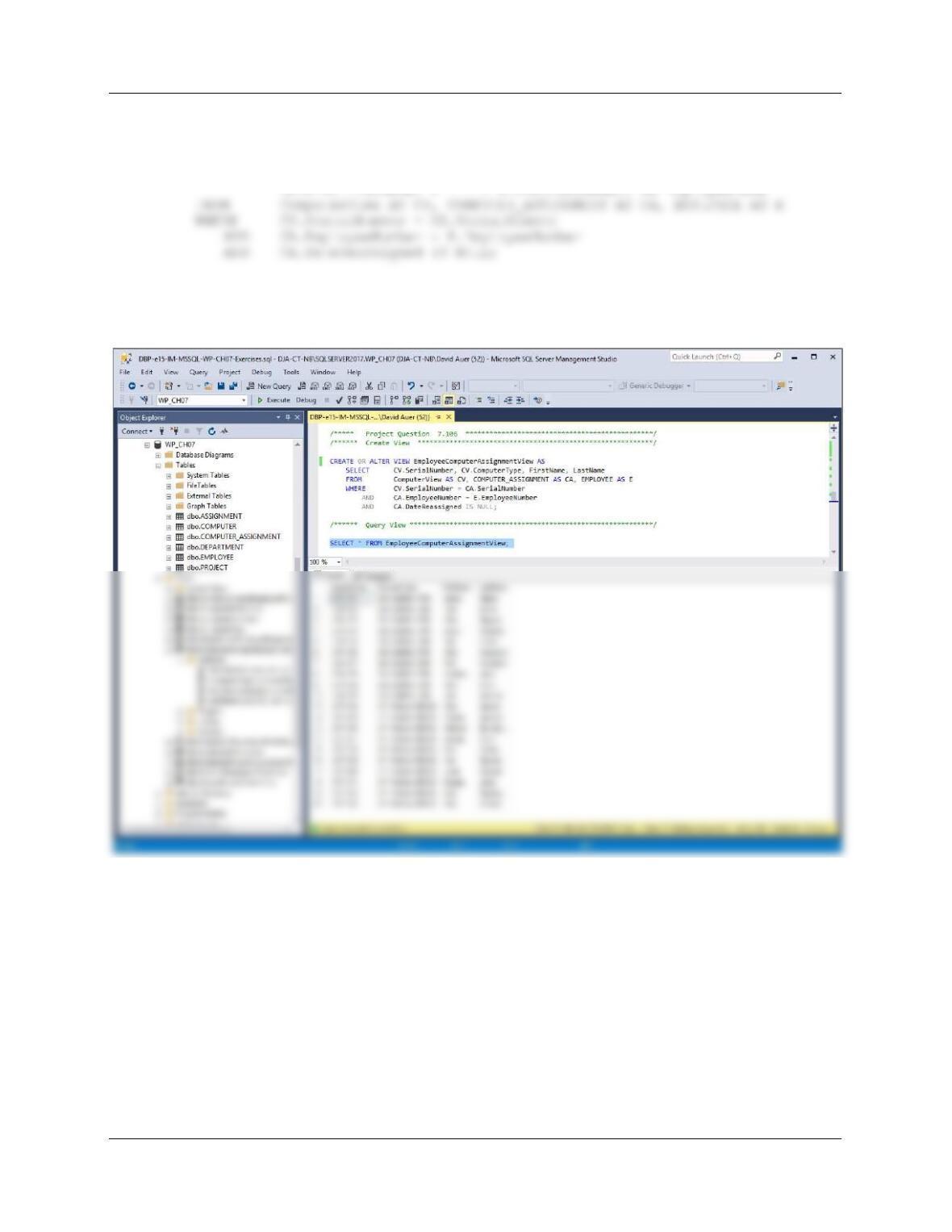
7.106 Create an SQL SELECT Statement to use the view you created called ComputerView to
show computer SerialNumber, ComputerType, and Employee name. Run this statement.
We’ll create a new view named EmployeeComputerAssignmentView containing the requested
data, and then query that view. We’ll use the EMPLOYEE table for the employee first and last
name.
Chapter Seven – SQL For Database Construction and Application Processing
Page 7-79
For SQL Server:
CREATE OR ALTER VIEW EmployeeComputerAssignmentView AS
SELECT CV.SerialNumber, CV.ComputerType,
To test the view, use
SELECT * FROM EmployeeComputerAssignmentView;
Chapter Seven – SQL For Database Construction and Application Processing
Page 7-80
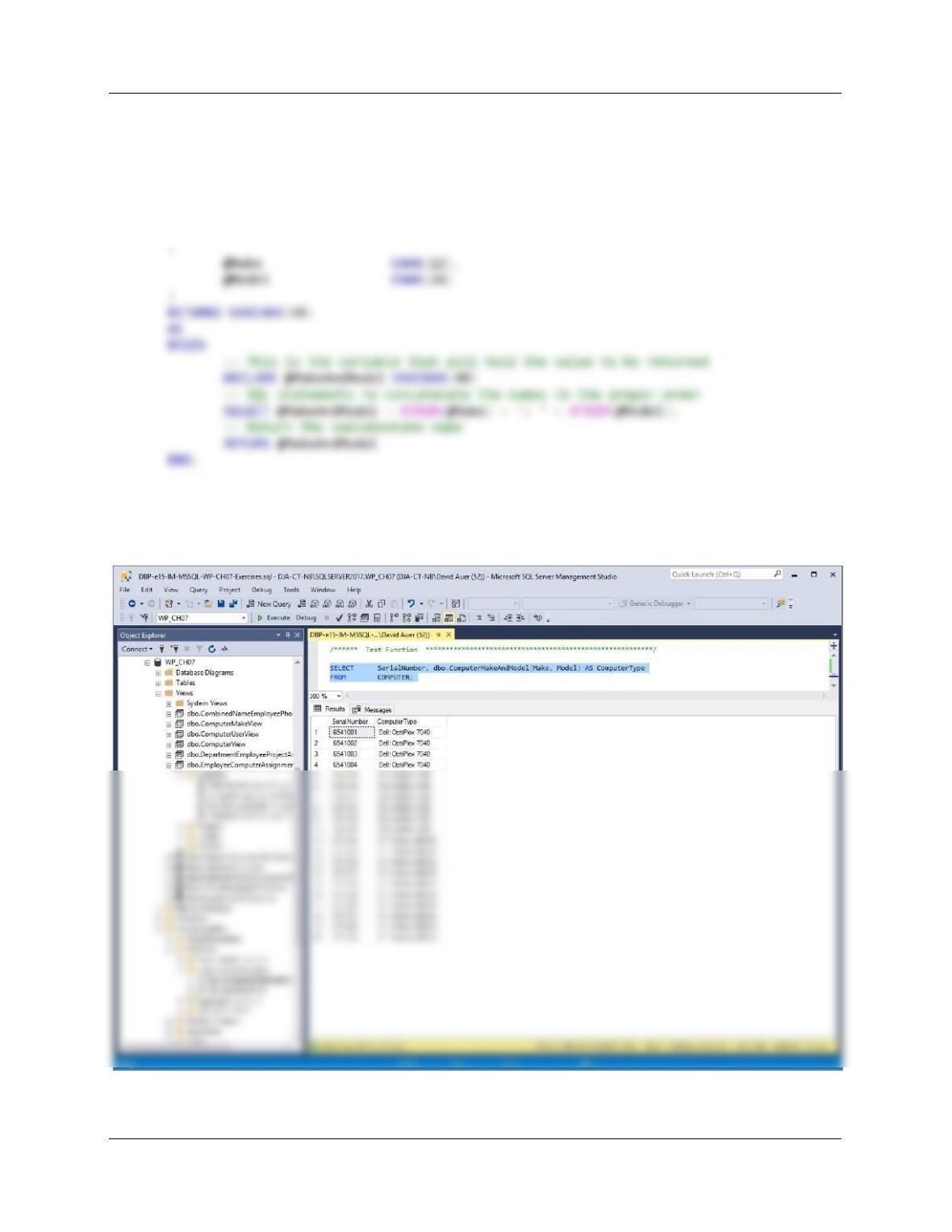
7.107 Create and test a user defined function named ComputerMakeAndModel to concatenate
Make and Model to form the {Make}: {Model} character string in the view ComputerView
that you created in Project Question 7.66.
CREATE FUNCTION dbo.ComputerMakeAndModel
— These are the input parameters
/****** Test Function *********************************************************/
SELECT SerialNumber, dbo.ComputerMakeAndModel(Make, Model) AS ComputerType
FROM COMPUTER;