Chapter Seven – SQL For Database Construction and Application Processing
Page 7-101
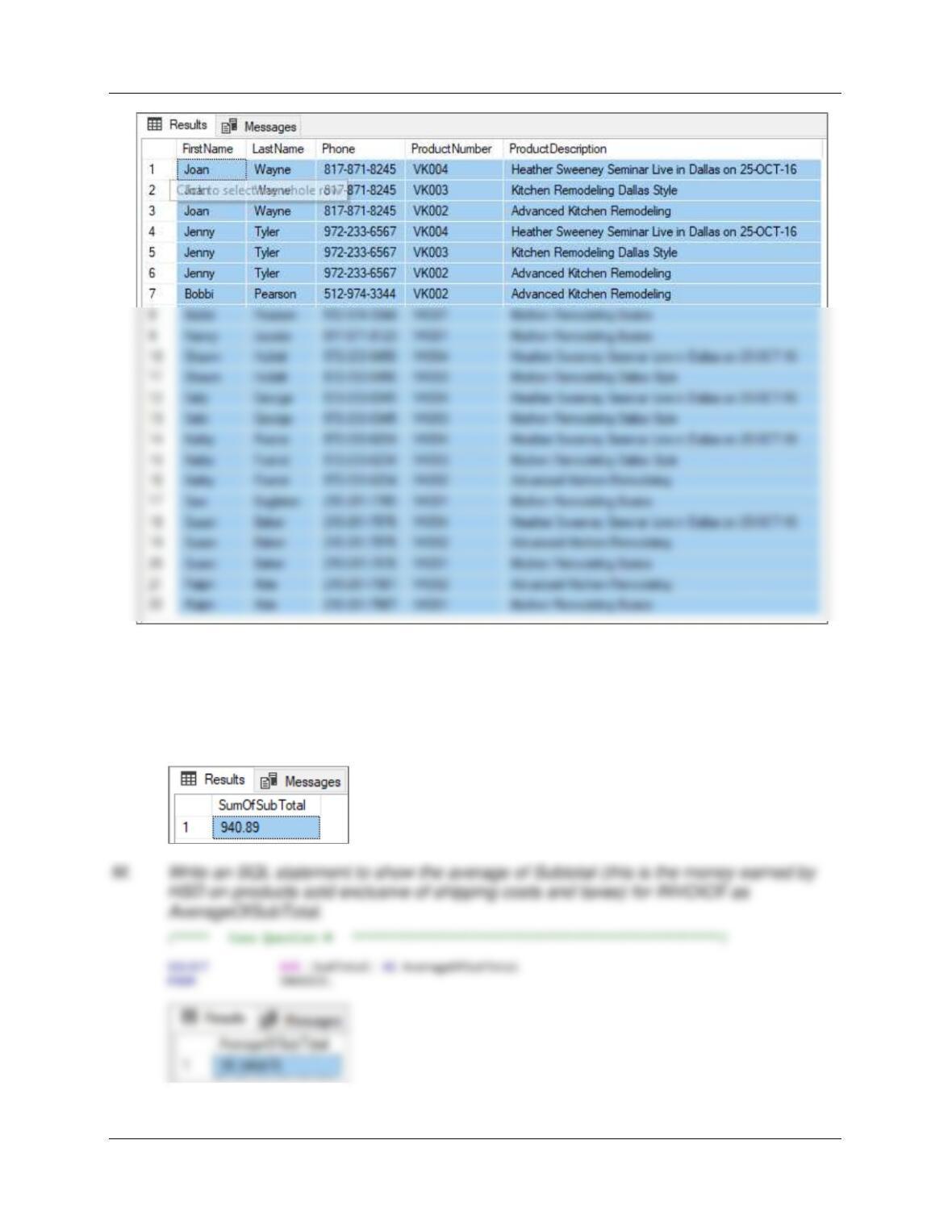
L. Write an SQL statement to show the sum of SubTotal (this is the money earned by HSD
on products sold exclusive of shipping costs and taxes) for INVOICE as SumOfSubTotal.
/***** Case Question L ******************************************************/
SELECT SUM (SubTotal) AS SumOfSubTotal
FROM INVOICE;
Chapter Seven – SQL For Database Construction and Application Processing
Page 7-102
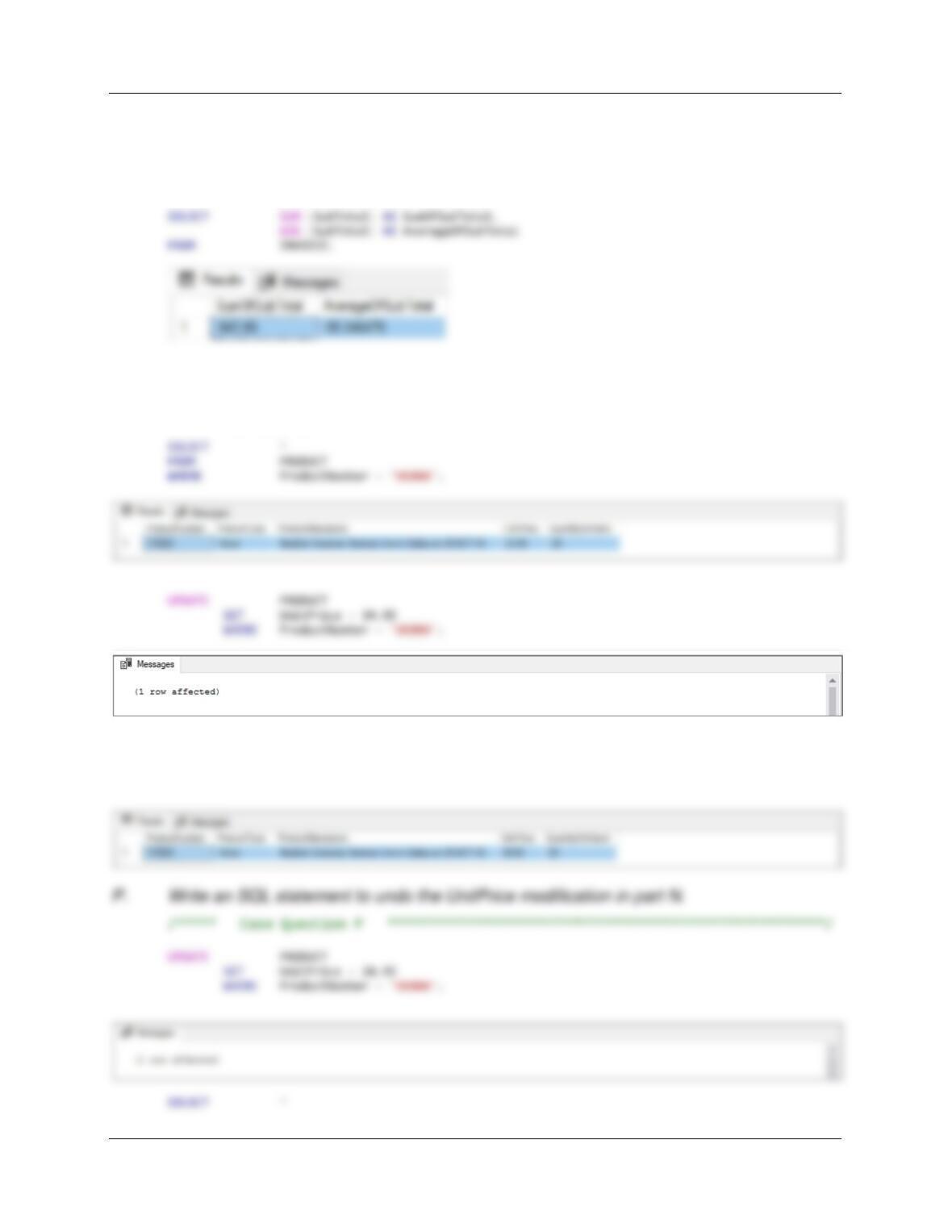
N. Write an SQL statement to show both the sum and the average of Subtotal (this is the
money earned by HSD on products sold exclusive of shipping costs and taxes) for
INVOICE as SumOfSubTotal and AverageOfSubTotal respectively.
/***** Case Question N ******************************************************/
O. Write an SQL statement to modify PRODUCT UnitPrice for ProductNumber VK004 to
$34.95 instead of the current UnitPrice of $24.95.
/***** Case Question O ******************************************************/
SELECT *
FROM PRODUCT
WHERE ProductNumber = ‘VK004’;
Chapter Seven – SQL For Database Construction and Application Processing
Page 7-103
FROM PRODUCT
WHERE ProductNumber = ‘VK004’;
Q. Do not run your answer to the following question in your actual database! Write
the fewest number of DELETE statements possible to remove all the data in your
database but leave the table structures intact.
This answer is based on CASCADING DELETES. When DELETEs cascade, this can clear data
from tables with foreign keys based on the deleted primary key. In the HSD database, however,
there are NO CASCADING DELETEs.
Using the HSD database, create an SQL script named HSD-Create-Views-and–
Functions.sql to answer questions R through T.
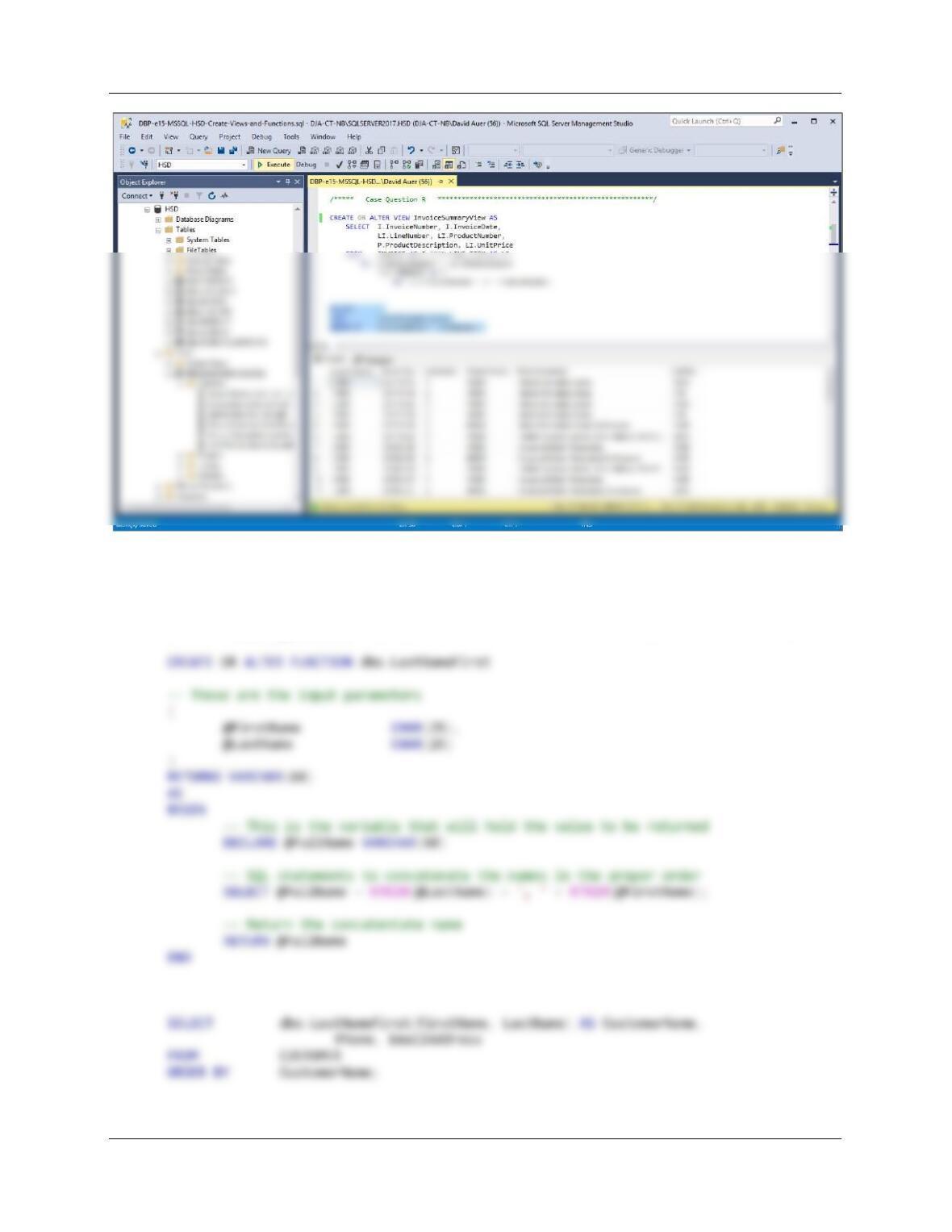
R. Write an SQL statement to create a view called InvoiceSummaryView that contains
INVOICE.InvoiceNumber, INVOICE.InvoiceDate, LINE_ITEM.LineNumber,
LINE_ITEM.ProductNumber, PRODUCT.ProductDescription, and LINE_ITEM.UnitPrice.
Run the statement to create the view, and then test the view with an appropriate SQL
SELECT statement.
/***** Case Question R ******************************************************/
Chapter Seven – SQL For Database Construction and Application Processing
Page 7-104
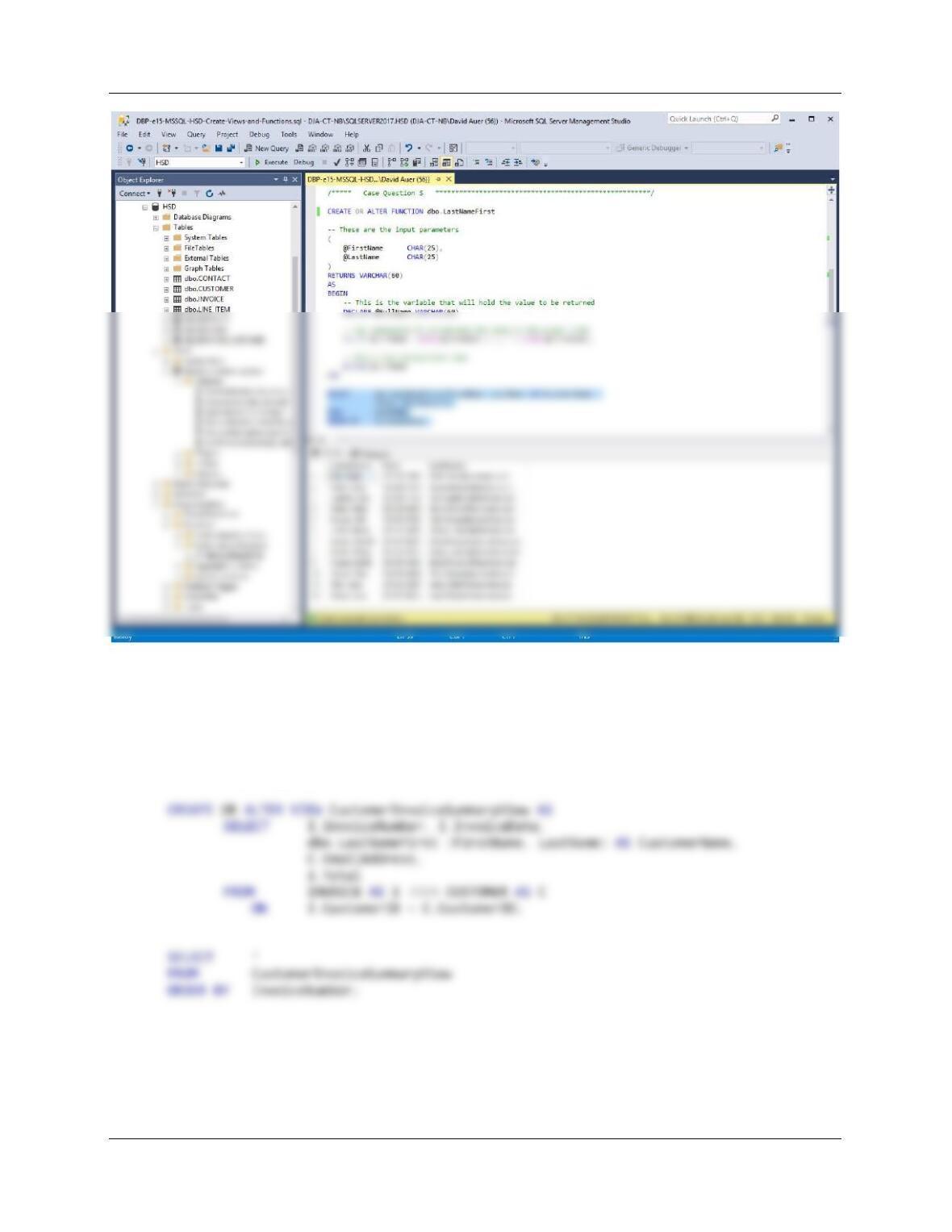
S. Create and test a user-defined function named LastNameFirst that combines two
parameters named FirstName and LastName into a concatenated name field formatted
LastName, FirstName (including the comma and space).
/***** Case Question S ******************************************************/
Chapter Seven – SQL For Database Construction and Application Processing
Page 7-105
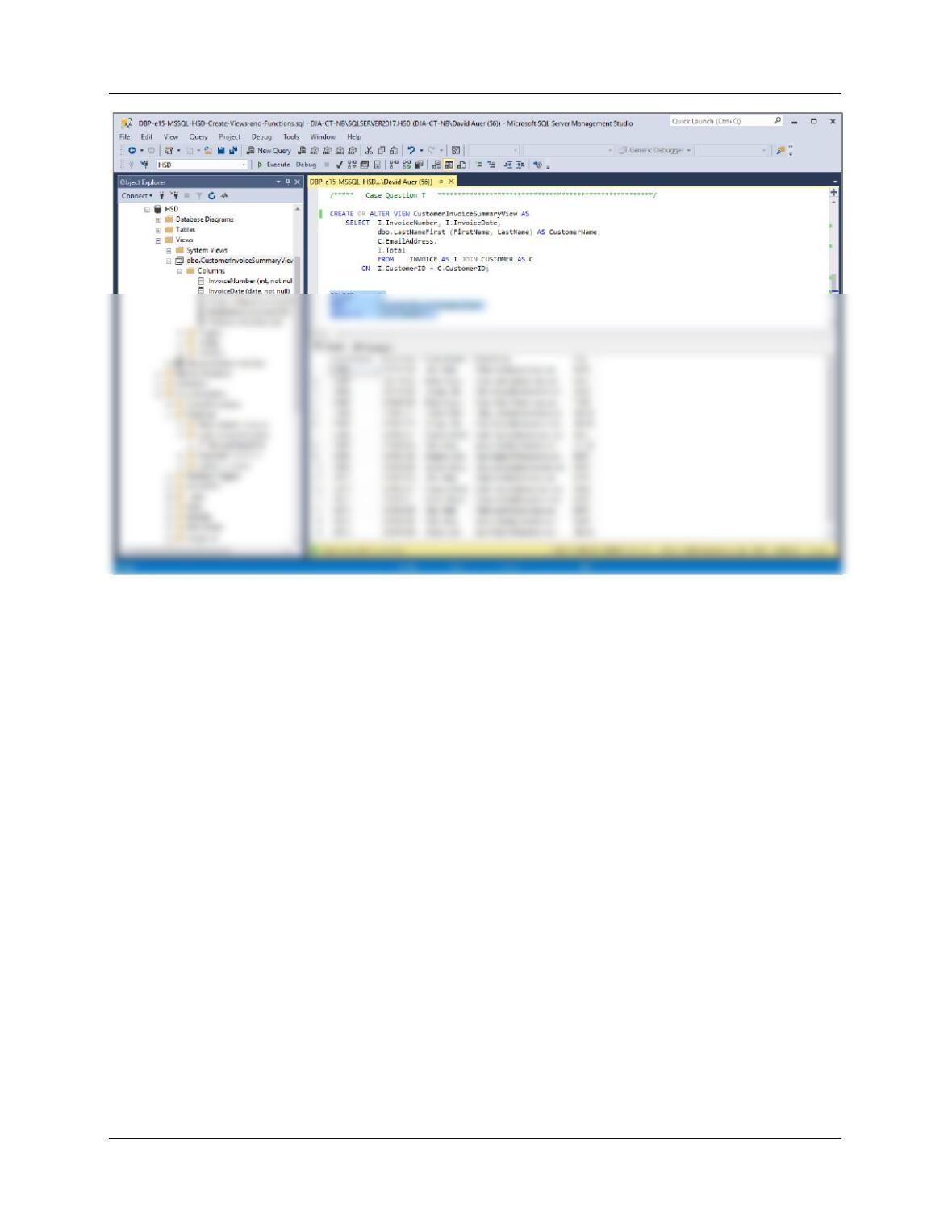
T. Write an SQL statement to create a view called CustomerInvoiceSummaryView that
contains INVOICE.InvoiceNumber, INVOICE.InvoiceDate, the concatenated customer
name using the LastNameFirst function, CUSTOMER.EmailAddress, and
INVOICE.Total. Run the statement to create the view, and then test the view with an
appropriate SQL statement.
/***** Case Question T ******************************************************/
Chapter Seven – SQL For Database Construction and Application Processing
Page 7-106
Chapter Seven – SQL For Database Construction and Application Processing
Page 7-107
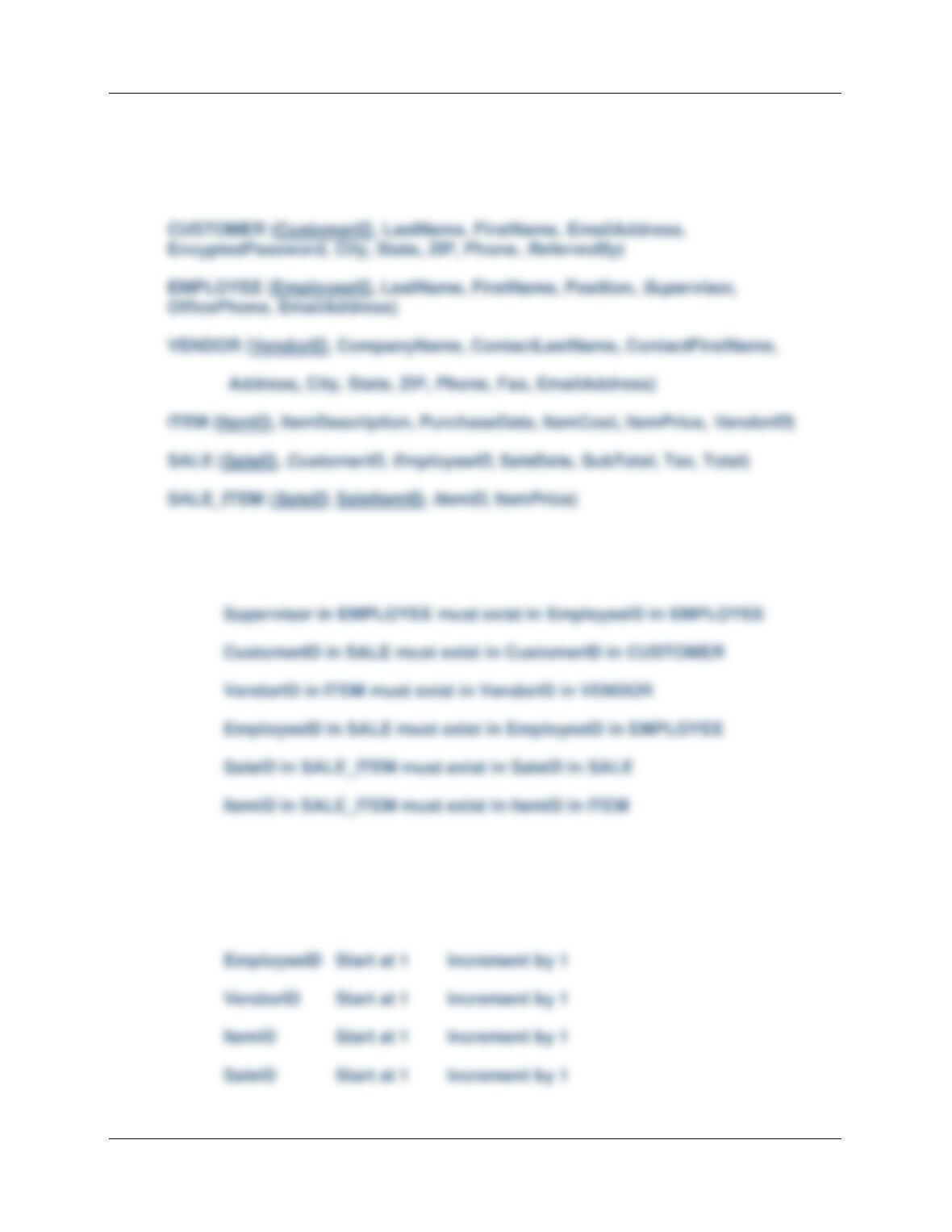
❖ QUEEN ANNE CURIOSITY SHOP PROJECT QUESTIONS
Assume that The Queen Anne Curiosity Shop designs a database with the following
tables.
The referential integrity constraints are:
ReferredBy in CUSTOMER must exist in CustomerID in CUSTOMER
Assume that CustomerID of CUSTOMER, EmployeeID of EMPLOYEE, VendorID of
VENFOR, ItemID of ITEM, and SaleID of SALE are all surrogate keys with values as
follows:
CustomerID Start at 1 Increment by 1
Chapter Seven – SQL For Database Construction and Application Processing
Page 7-108
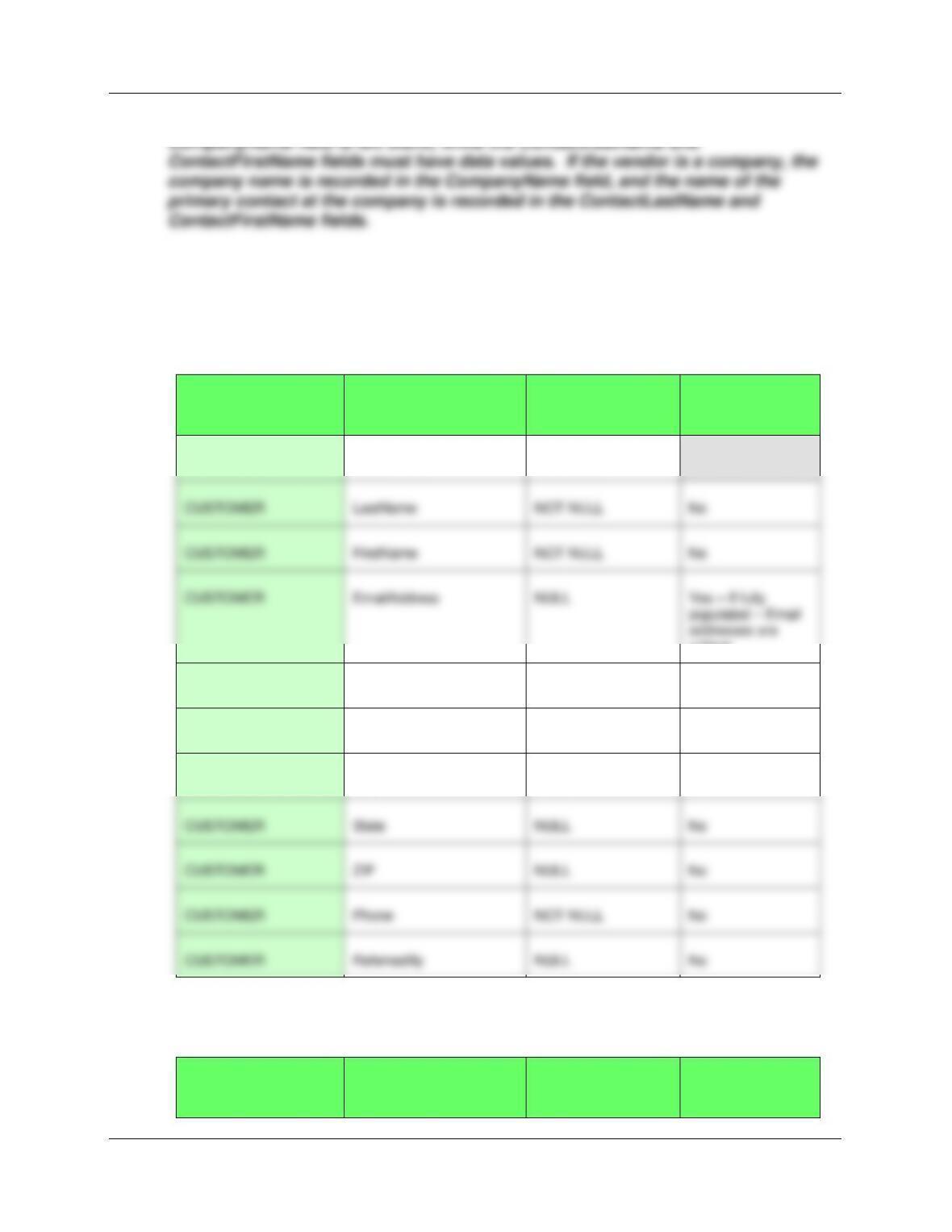
A vendor may be an individual or a company. If the vendor is an individual, the
A. Specify NULL/NOT NULL constraints for each table column.
See the answer combined with the answer to question B below.
B. Specify alternate keys, if any.
TABLE
COLUMN
NULL/NOT NULL
ALTERNATE
KEY?
CUSTOMER
CustomerID
NOT NULL
[PRIMARY KEY]
CUSTOMER
LastName
NOT NULL
No
CUSTOMER
FirstName
NOT NULL
No
unique
CUSTOMER
EncryptedPassword
NULL
No
CUSTOMER
Address
NULL
No
CUSTOMER
City
NULL
No
CUSTOMER
State
NULL
No
CUSTOMER
NULL
No
CUSTOMER
Phone
NOT NULL
No
CUSTOMER
ReferredBy
NULL
No
TABLE
COLUMN
NULL/NOT NULL
ALTERNATE
KEY?
Chapter Seven – SQL For Database Construction and Application Processing
Page 7-109
EMPLOYEE
EmployeeID
NOT NULL
[PRIMARY KEY]
EMPLOYEE
LastName
NOT NULL
No
TABLE
COLUMN
NULL/NOT NULL
ALTERNATE
KEY?
ITEM
ItemID
NOT NULL
[PRIMARY KEY]
ITEM
ItemDescription
NOT NULL
No
ITEM
PurchaseDate
NOT NULL
No
ITEM
ItemCost
NOT NULL
No
ITEM
ItemPrice
NOT NULL
No
ITEM
VendorID
NOT NULL
[FOREIGN KEY]
EMPLOYEE
FirstName
NOT NULL
No
EMPLOYEE
Position
NOT NULL
No
EMPLOYEE
Supervisor
NULL
No
EMPLOYEE
OfficePhone
NULL
No
unique
Chapter Seven – SQL For Database Construction and Application Processing
Page 7-110
TABLE
COLUMN
NULL/NOT NULL
ALTERNATE
KEY?
VENDOR
VendorID
NOT NULL
[PRIMARY KEY]
VENDOR
CompanyName
NULL
No
VENDOR
ContactLastName
NOT NULL
No
TABLE
COLUMN
NULL/NOT NULL
ALTERNATE
KEY?
SALE
SaleID
NOT NULL
[PRIMARY KEY]
SALE
CustomerID
NOT NULL
[FOREIGN KEY]
SALE
SubTotal
NULL
No
SALE
Tax
NULL
No
VENDOR
Address
NULL
No
VENDOR
State
NULL
No
VENDOR
NULL
No
VENDOR
Phone
NOT NULL
No
VENDOR
Fax
NULL
No
Chapter Seven – SQL For Database Construction and Application Processing
Page 7-111
TABLE
COLUMN
NULL/NOT NULL
ALTERNATE
KEY?
SALE _ITEM
SaleID
NOT NULL
[PRIMARY KEY],
[FOREIGN KEY]
C. State relationships as implied by foreign keys, and specify the maximum and minimum
cardinality of each relationship. Justify your choices.
RELATIONSHIP
CARDINALITY
[Blue = Inferable]
PARENT
CHILD
TYPE
MAX
MIN
CUSTOMER
SALE
Strong
1:N
M-O
EMPLOYEE
SALE
Strong
1:N
M-O
SALE
SALE_ITEM
1:N
M-O
VENDOR
ITEM
Strong
1:N
M-O
SALE _ITEM
ItemID
NOT NULL
Chapter Seven – SQL For Database Construction and Application Processing
Page 7-112
D. Explain how you will enforce the minimum cardinalities in your answer to part C. Use
referential integrity actions for required parents, if any. Use Figure 6-28(b) as a
boilerplate for required children, if any.
E. Create a database named QACS in your DBMS.
F. Create a folder in your My Documents folder to save and store *.sql scripts containing
the SQL statements that you are asked to create in the remaining questions in this
section.
• For the SQL Server Management Studio, create a folder named QACS-Database in
the Projects folder structure in your My Documents folder.
Using the QACS database, create an SQL script named QACS-Create-Tables.sql to
answer questions G and H.
G. Write SQL CREATE TABLE statements for each of these tables. Write CREATE TABLE
statements for each of the tables using your answers to parts A–D, as necessary. Set
the surrogate key values as shown above. Use FOREIGN KEY constraints to create
appropriate referential integrity constraints. Set UPDATE and DELETE behavior in
accordance with your referential integrity action design. Run these statements to create
the QACS tables.
Chapter Seven – SQL For Database Construction and Application Processing
Page 7-113
For SQL Server 2017:
CREATE TABLE CUSTOMER(
CustomerID Int NOT NULL IDENTITY (1, 1),
LastName Char(25) NOT NULL,
FirstName Char(25) NOT NULL,
CREATE TABLE EMPLOYEE(
EmployeeID Int NOT NULL IDENTITY (1, 1),
LastName Char(25) NOT NULL,
CREATE TABLE VENDOR(
VendorID Int NOT NULL IDENTITY (1, 1),
CompanyName Char(100) NULL,
ContactLastName Char(25) NOT NULL,
CREATE TABLE ITEM(
ItemID Int NOT NULL IDENTITY (1,1),
ItemDescription VarChar(255) NOT NULL,
PurchaseDate Date NOT NULL,
Chapter Seven – SQL For Database Construction and Application Processing
Page 7-114
SaleID Int NOT NULL IDENTITY (1, 1),
CustomerID Int NOT NULL,
EmployeeID Int NOT NULL,
CREATE TABLE SALE_ITEM(
SaleID Int NOT NULL,
SaleItemID Int NOT NULL,
ItemID Int NOT NULL,
ItemPrice Numeric(9,2) NOT NULL,
CONSTRAINT SALE_ITEM_PK PRIMARY KEY (SaleID, SaleItemID),
For Microsoft Access:
See the answer to part B and the file DBP-e15-IM-QACS-CH07.aacdb for the Microsoft Access
tables. The Microsoft Access solutions use the surrogate key values as specified in the problem.
The Microsoft Access AutoNumber data type supports a starting value of 1 and an increment of
1. All surrogate values specified in the original statement of the project will work in the Access
versions of these tables. Create CustomerID, EmployeeID, VendorID, ItemID, and SaleID as
NOT NULL, and then set the data type to AutoNumber in the GUI. IMPORTANT: Do this
individually for each table immediately after it has been created!
Chapter Seven – SQL For Database Construction and Application Processing
Page 7-115
CREATE TABLE CUSTOMER(
CustomerID Int NOT NULL,
LastName Char(25) NOT NULL,
FirstName Char(25) NOT NULL,
EmailAddress VarChar(100) NULL,
CREATE TABLE EMPLOYEE(
EmployeeID Int NOT NULL,
LastName Char(25) NOT NULL,
FirstName Char(25) NOT NULL,
Position Char(25) NOT NULL,
CREATE TABLE VENDOR(
VendorID Int NOT NULL,
CompanyName Char(100) NULL,
ContactLastName Char(25) NOT NULL,
ContactFirstName Char(25) NOT NULL,
Address Char(35) NULL,
City Char(35) NULL,
State Char(2) NULL,
ZIP Char(10) NULL,
Phone Char(12) NOT NULL,
Fax Char(12) NULL,
CONSTRAINT ITEM_VENDOR_FK FOREIGN KEY(VendorID)
REFERENCES VENDOR(VendorID)
);
Chapter Seven – SQL For Database Construction and Application Processing
Page 7-116
CREATE TABLE SALE(
CONSTRAINT SALE_EMPLOYEE_FK FOREIGN KEY(EmployeeID)
REFERENCES Employee(EmployeeID)
);
CREATE TABLE SALE_ITEM(
SaleID Int NOT NULL,
SaleItemID Int NOT NULL,
ItemID Int NOT NULL,
ItemPrice Numeric NOT NULL,
CONSTRAINT SALE_ITEM_PK PRIMARY KEY (SaleID, SaleItemID),
CONSTRAINT SALE_ITEM_SALE_FK FOREIGN KEY(SaleID)
REFERENCES SALE(SaleID),
CONSTRAINT SALE_ITEM_ITEM_FK FOREIGN KEY(ItemID)
REFERENCES ITEM(ItemID)
);
For Oracle Database:
The SQL CREATE TABLE commands shown for SQL Server 2017 will also work for Oracle
Chapter Seven – SQL For Database Construction and Application Processing
Page 7-117
CREATE TABLE ITEM(
ItemID Int NOT NULL,
.
.
.
);
For MySQL:
The SQL CREATE TABLE commands shown for SQL Server will also work for MySQL with
only one modification. MySQL uses AUTO_INCREMENT to set surrogate keys with a starting
value of 1 and an increment of 1. Therefore, the definitions of the OwnerID and PropertyID
surrogate values should be written as:
CREATE TABLE CUSTOMER(
CustomerID Int NOT NULL AUTO_INCREMENT,
.
.
.
);
Chapter Seven – SQL For Database Construction and Application Processing
Page 7-118
Since it is possible to change the starting value of the MySQL AUTO_INCREMENT function, a
different set of surrogate key values could be used with MySQL. We would simply modify the
appropriate starting values by using the ALTER TABLE command. For example, for the
EMPLOYEE table, we would use:
Using the QACS database, create an SQL script named QACS-Insert-Data.sql to answer
question I.
I. Write INSERT statements to insert the data shown in Figures 7-54, 7-55, 7-56, 7-57, 7–
58, and 7-59.
NOTE: If you are inserting data into Microsoft Access tables with an AutoNumber surrogate key
or into MySQL tables with AUTO_INCREMENT, you have to list all column names EXCEPT
the surrogate key in the INSERT statement.
Thus, for example, SQL Server would use the SQL command:
For SQL Server :
/***** CUSTOMER DATA ********************************************************/
INSERT INTO CUSTOMER VALUES(
‘Shire’, ‘Robert’, ‘Robert.Shire@somewhere.com’, ’56gHjj8w’,
Chapter Seven – SQL For Database Construction and Application Processing
Page 7-119
‘3211 42nd Street’, ‘Seattle’, ‘WA’, ‘98115’, ‘206-524-5766′, 1);
INSERT INTO CUSTOMER VALUES(
‘Walsh’, ‘Denesha’, ‘Denesha.Walsh@somewhere.com’, ‘D7gb7T84’,
‘6712 24th Avenue NE’, ‘Redmond’, ‘WA’, ‘98053’, ‘425–635-7566′, 5);
INSERT INTO CUSTOMER VALUES(
‘Enquist’, ‘Craig’, ‘Craig.Enquist@elsewhere.com’, ‘gg7ER53t’,
‘534 15th Street’, ‘Bellingham’, ‘WA’, ‘98225’, ‘360-538-6455′, 6);
INSERT INTO CUSTOMER VALUES(
‘Anderson’, ‘Rose’, ‘Rose.Anderson@elsewhere.com’, ‘vx67gH8W’,
‘6823 17th Ave NE’, ‘Seattle’, ‘WA’, ‘98105’, ‘206-524-6877′, 3);
/***** EMPLOYEE DATA ********************************************************/
/***** VENDOR DATA **********************************************************/
INSERT INTO VENDOR VALUES(
‘Linens and Things’, ‘Huntington’, ‘Anne’, ‘1515 NW Market Street’,
‘Seattle’, ‘WA’, ‘98107′, ‘206–325-6755′, ‘206-329-9675′, ‘LAT@business.com’);
INSERT INTO VENDOR
(ContactLastName, ContactFirstName, Address, City, State, ZIP, Phone, Email)
VALUES(
‘Harrison’, ‘Denise’, ‘533 10th Avenue’,
‘Kirkland’, ‘WA’, ‘98033′, ‘425-746-4322’, ‘Denise.Harrison@somewhere.com’);
INSERT INTO VENDOR VALUES(
‘New York Brokerage’, ‘Smith’, ‘Mark’, ‘621 Roy Street’,
‘Seattle’, ‘WA’, ‘98109′, ‘206–325-9088′, ‘206-329-9908′, ‘NYB@business.com’);
Chapter Seven – SQL For Database Construction and Application Processing
Page 7-120
INSERT INTO VENDOR
(ContactLastName, ContactFirstName, Address, City, State, ZIP, Phone, Fax, Email)
VALUES(
‘Bancroft’, ‘Chris’, ‘12605 NE 6th Street’,
‘Bellevue’, ‘WA’, ‘98005′, ‘425-635-9788’, ‘425–639-9978′,
‘Chris.Bancroft@somewhere.com’);
/***** ITEM DATA ************************************************************/
INSERT INTO ITEM VALUES(
‘Antique Desk’, ’07-Nov–17‘, 1800.00, 3000.00, 2);
INSERT INTO ITEM VALUES(
‘Dining Table Linens’, ’14-Nov–17‘, 450.00, 750.00, 1);
INSERT INTO ITEM VALUES(
‘Book Shelf’, ’21–Nov–17‘, 150.00, 250.00, 5);
INSERT INTO ITEM VALUES(
‘Antique Chair’, ’21-Nov-17‘, 750.00, 1250.00, 6);
INSERT INTO ITEM VALUES(
‘Antique Chair’, ’21-Nov-17‘, 1050.00, 1750.00, 6);
INSERT INTO ITEM VALUES(
‘Antique Candle Holders’, ’28–Nov–17‘, 210.00, 350.00, 2);
INSERT INTO ITEM VALUES(
‘Antique Desk’, ’05-Jan–18‘, 1920.00, 3200.00, 2);
INSERT INTO ITEM VALUES(
‘Antique Desk’, ’05-Jan–18‘, 2100.00, 3500.00, 2);
INSERT INTO ITEM VALUES(
‘Antique Desk Chair’, ’06–Jan–18‘, 285.00, 475.00, 9);
INSERT INTO ITEM VALUES(
‘Antique Desk Chair’, ’06–Jan–18‘, 339.00, 565.00, 9);
INSERT INTO ITEM VALUES(
‘Desk Lamp’, ’06-Jan-18‘, 150.00, 250.00, 10);