Chapter Seven – SQL For Database Construction and Application Processing
Page 7-21
For Oracle Database:
We must recalibrate the sequence to allow for the inserted values,
DROP SEQUENCE seqC04;
CREATE SEQUENCE seqC04 INCREMENT BY 1 START WITH 47;
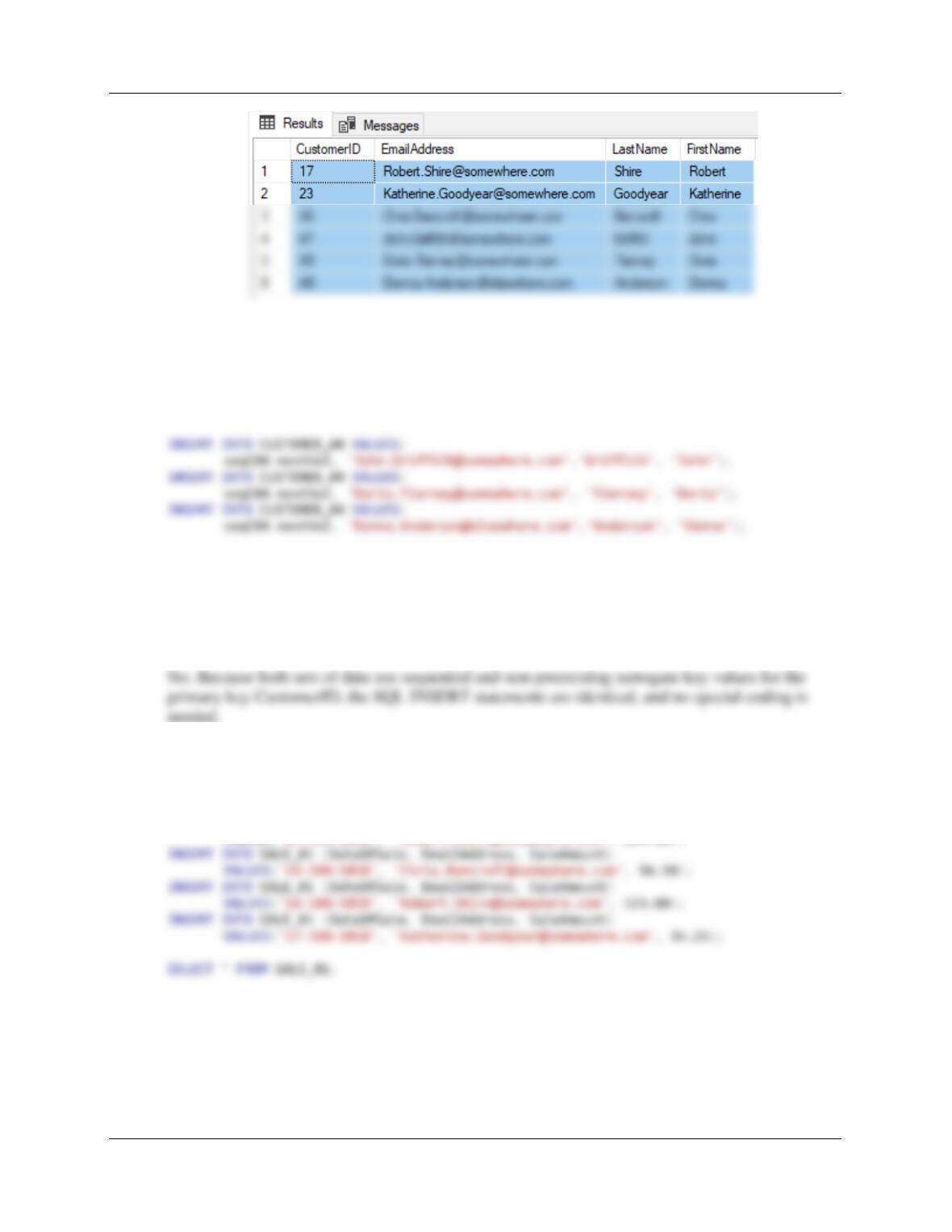
7.30 Are there any significant differences between the sets of SQL INSERT statements used
to populate the CUSTOMER_02 table and rows 4-6 of the CUSTOMER_04 table? If so,
what are they?
7.31 Write and run a set of SQL INSERT statements to populate the SALE_01 table.
For Microsoft SQL Server, and MySQL 5.7 (MySQL uses different data format):
INSERT INTO SALE_01 (DateOfSale, EmailAddress, SaleAmount)
VALUES(’14–JAN–2018′, ‘Robert.Shire@somewhere.com’, 234.00);
Chapter Seven – SQL For Database Construction and Application Processing
Page 7-22
For Oracle Database:
Note the use of the Oracle DB nextVal property:
INSERT INTO SALE_01 VALUES(
seqS01.nextVal, ’14-JAN–2015′, ‘Robert.Shire@somewhere.com’, 234.00);
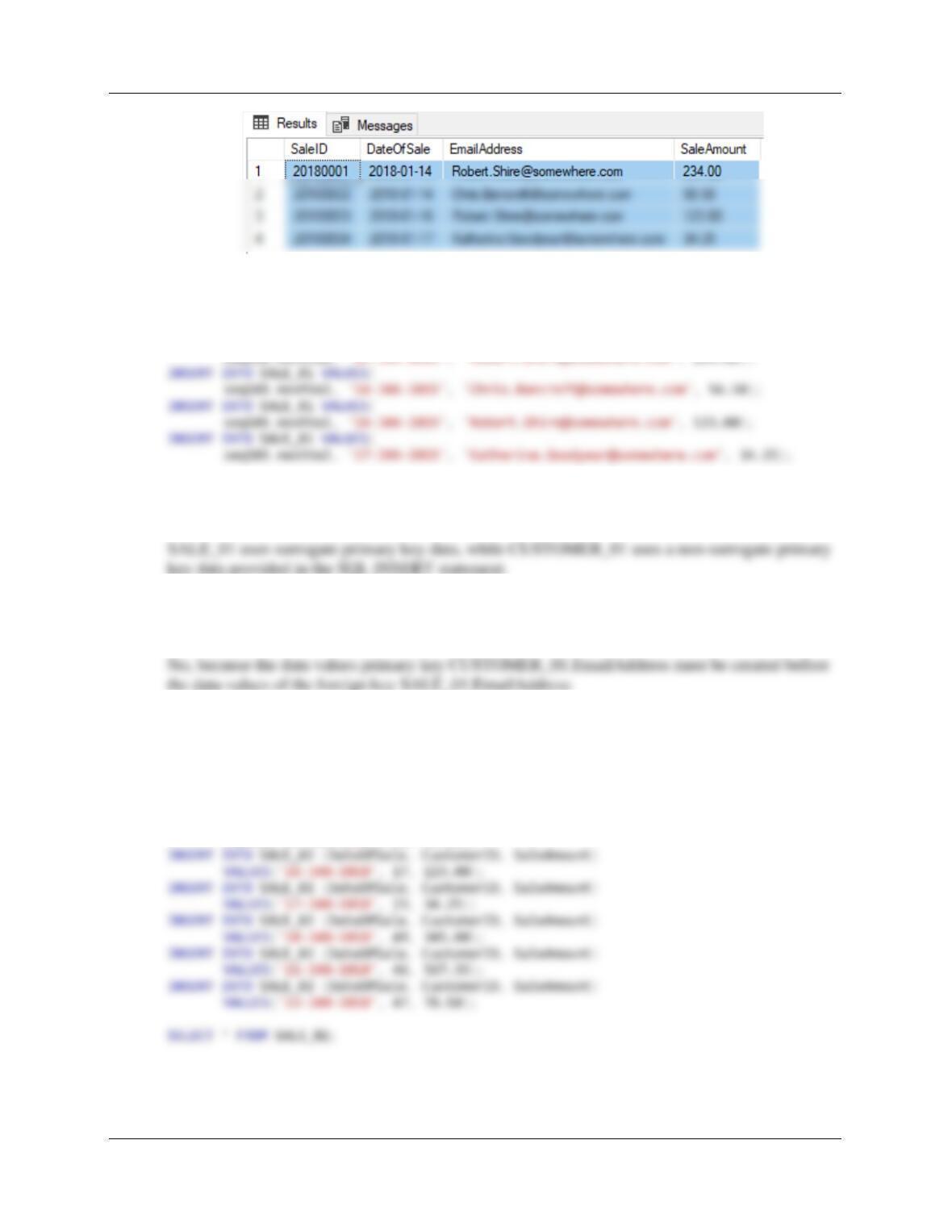
7.32 Are there any significant differences between the sets of SQL INSERT statements used
to populate the CUSTOMER_01 table and the SALE_01 table? If so, what are they?
7.33 Could we have populated the SALE_01 table before populating the CUSTOMER_01
table? If not, why not?
7.34 Write and run a set of SQL INSERT statements to populate the SALE_02 table.
For Microsoft SQL Server, and MySQL 5.7:
INSERT INTO SALE_02 (DateOfSale, CustomerID, SaleAmount)
VALUES(’14–JAN–2018′, 17, 234.00);
INSERT INTO SALE_02 (DateOfSale, CustomerID, SaleAmount)
VALUES(’14–JAN–2018′, 46, 56.50);
Chapter Seven – SQL For Database Construction and Application Processing
For Oracle Database:
Note the use of the Oracle DB nextVal property:
INSERT INTO SALE_02 (SaleID, DateOfSale, CustomerID, SaleAmount)
VALUES(seqS02.nextVal, ’14-JAN–2018′, 17, 234.00);
INSERT INTO SALE_02 (SaleID, DateOfSale, CustomerID, SaleAmount)
VALUES(seqS02.nextVal, ’14-JAN–2018′, 46, 56.50);
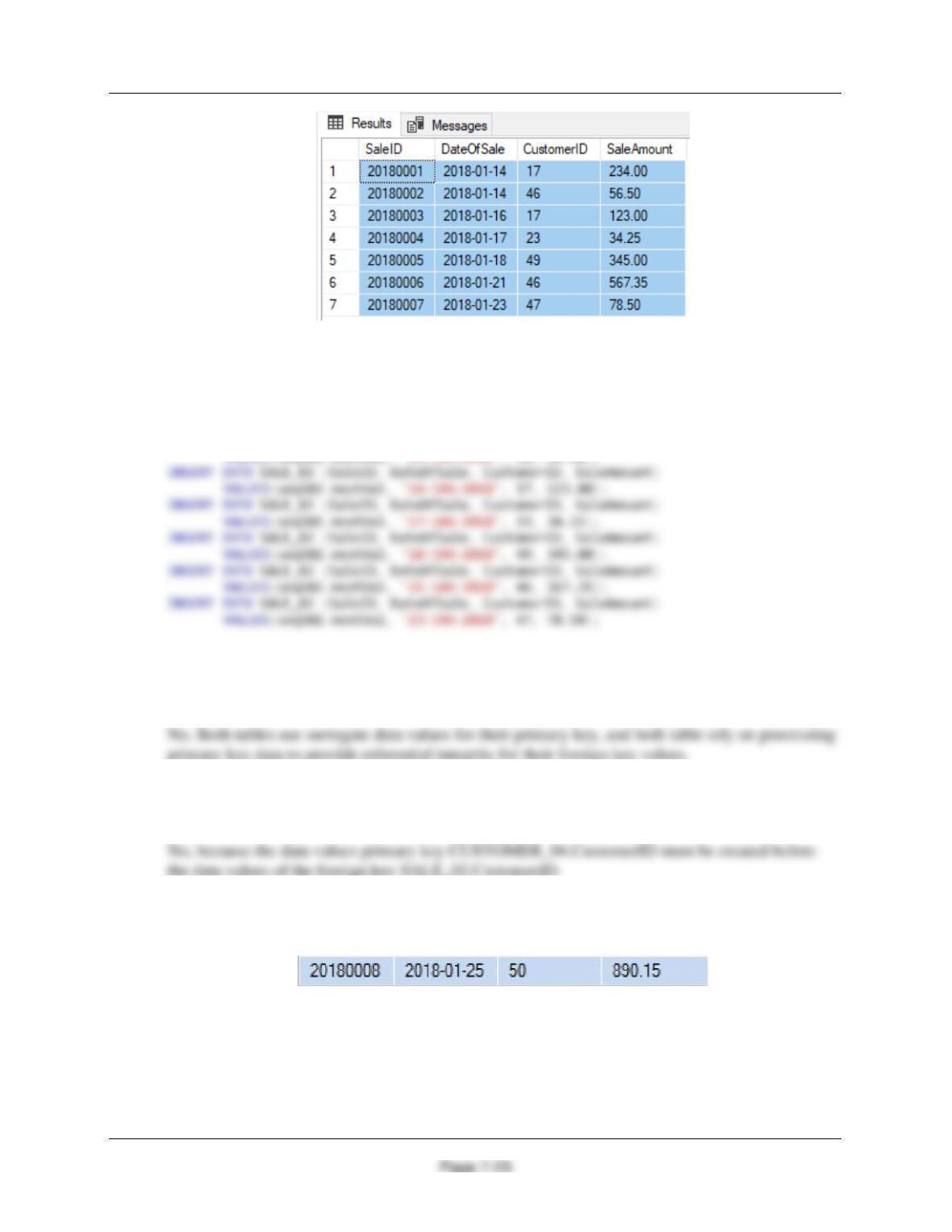
7.35 Are there any significant differences between the sets of SQL INSERT statements used
to populate the SALE_01 table and the SALE_02 table? If so, what are they?
7.36 Could we have populated the SALE_02 table before populating the CUSTOMER_04
table? If not, why not?
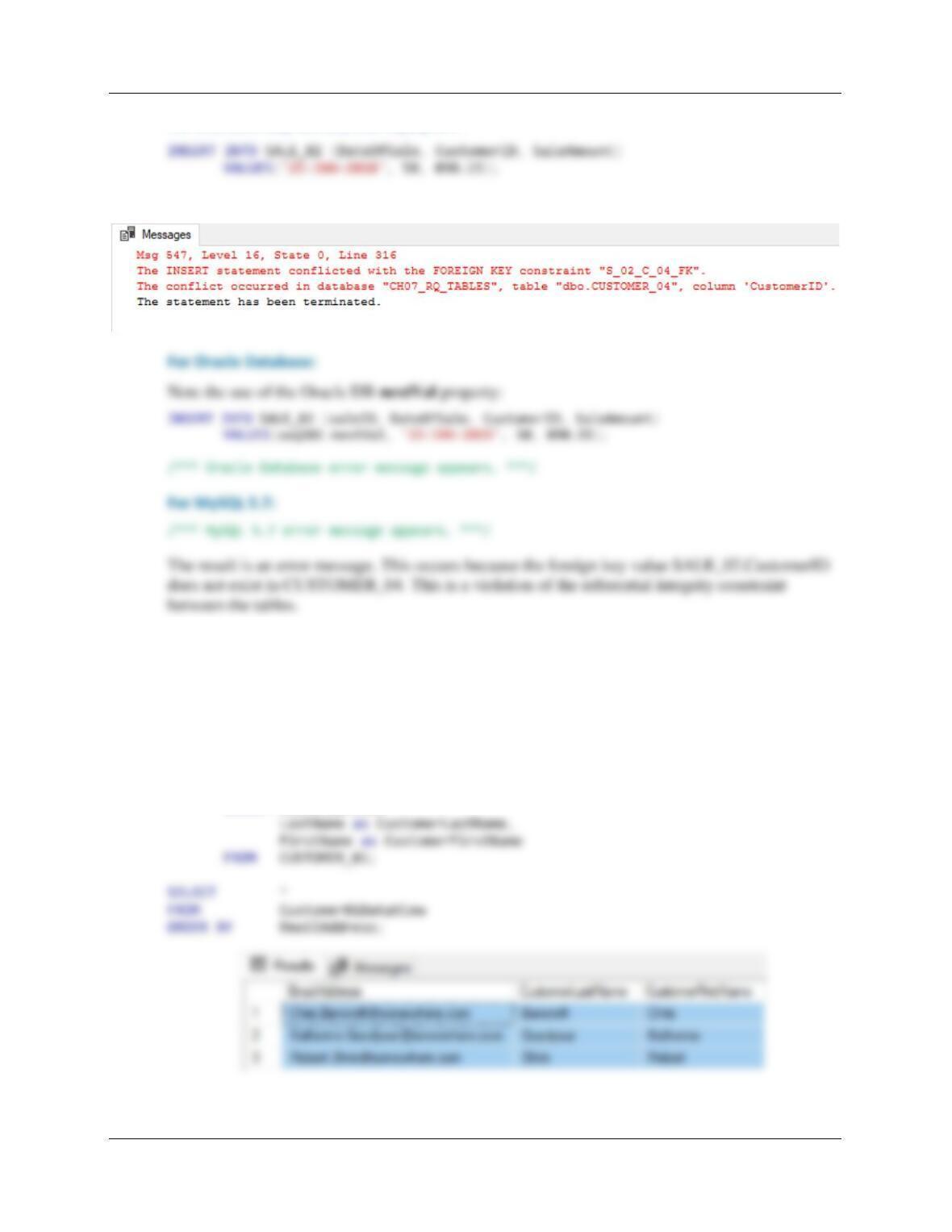
7.37 Write and run an SQL INSERT statement to insert the following record into the SALE_02
table:
What was the result of running this statement? Why did this result occur?
Chapter Seven – SQL For Database Construction and Application Processing
Page 7-24
For Microsoft SQL Server, and MySQL 5.7:
For Microsoft SQL Server:
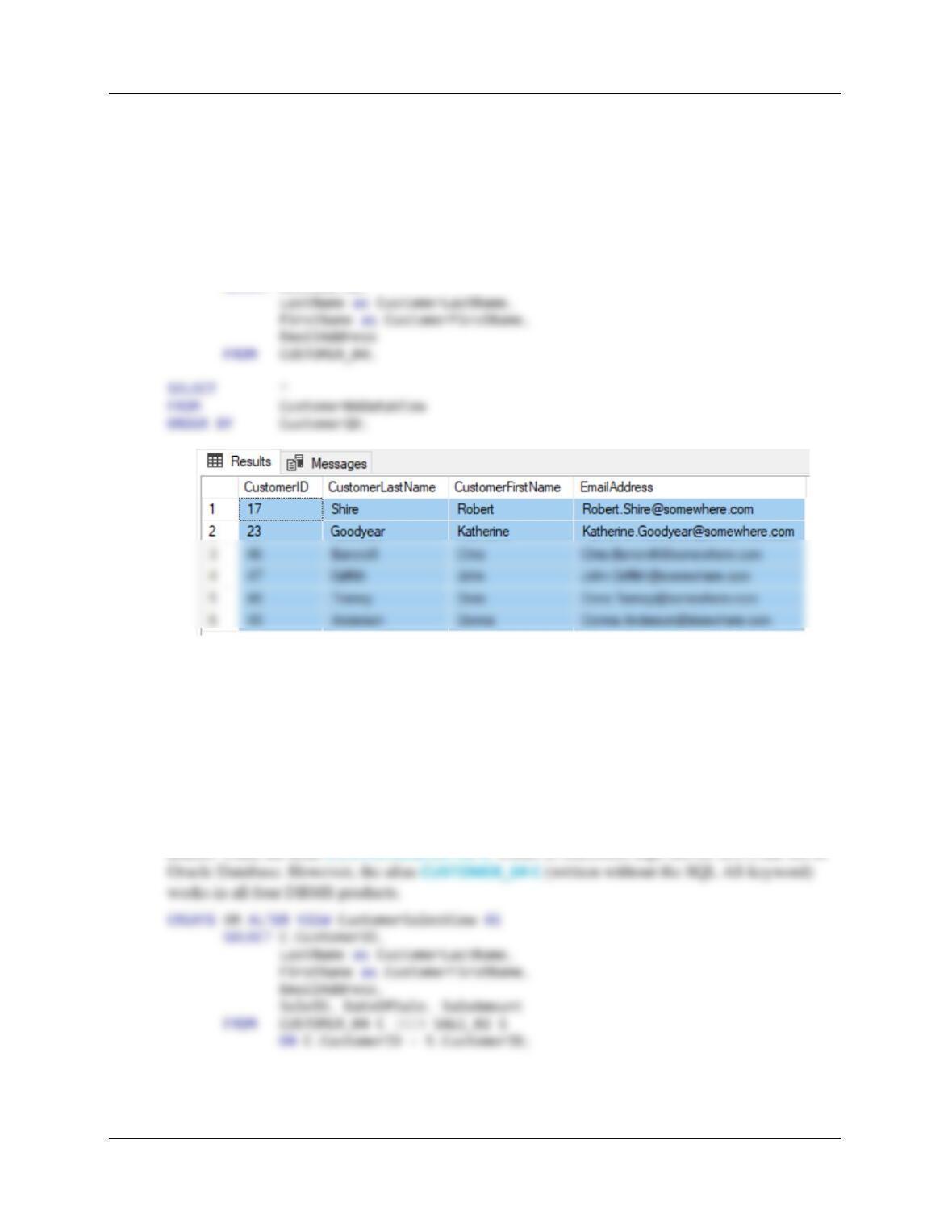
7.38 Write an SQL statement to create a view named Customer01DataView based on the
CUSTOMER_01 table. In the view, include the values of EmailAddress, LastName as
CustomerLastName, and FirstName as CustomerFirstName. Run this statement to
create the view, and then test the view by writing and running an appropriate SQL
SELECT statement.
For Microsoft SQL Server, Oracle Database XE, and MySQL 5.7:
CREATE OR ALTER VIEW Customer01DataView AS
SELECT EmailAddress,
Chapter Seven – SQL For Database Construction and Application Processing
Page 7-25
7.39 Write an SQL statement to create a view named Customer04DataView based on the
CUSTOMER_04 table. In the view, include the values of Customer ID, LastName as
CustomerLastName, FirstName as CustomerFirstName, and EmailAddress in that order.
Run this statement to create the view, and then test the view by writing and running an
appropriate SQL SELECT statement.
For Microsoft SQL Server, Oracle Database, and MySQL 5.7:
CREATE OR ALTER VIEW Customer04DataView AS
SELECT CustomerID,
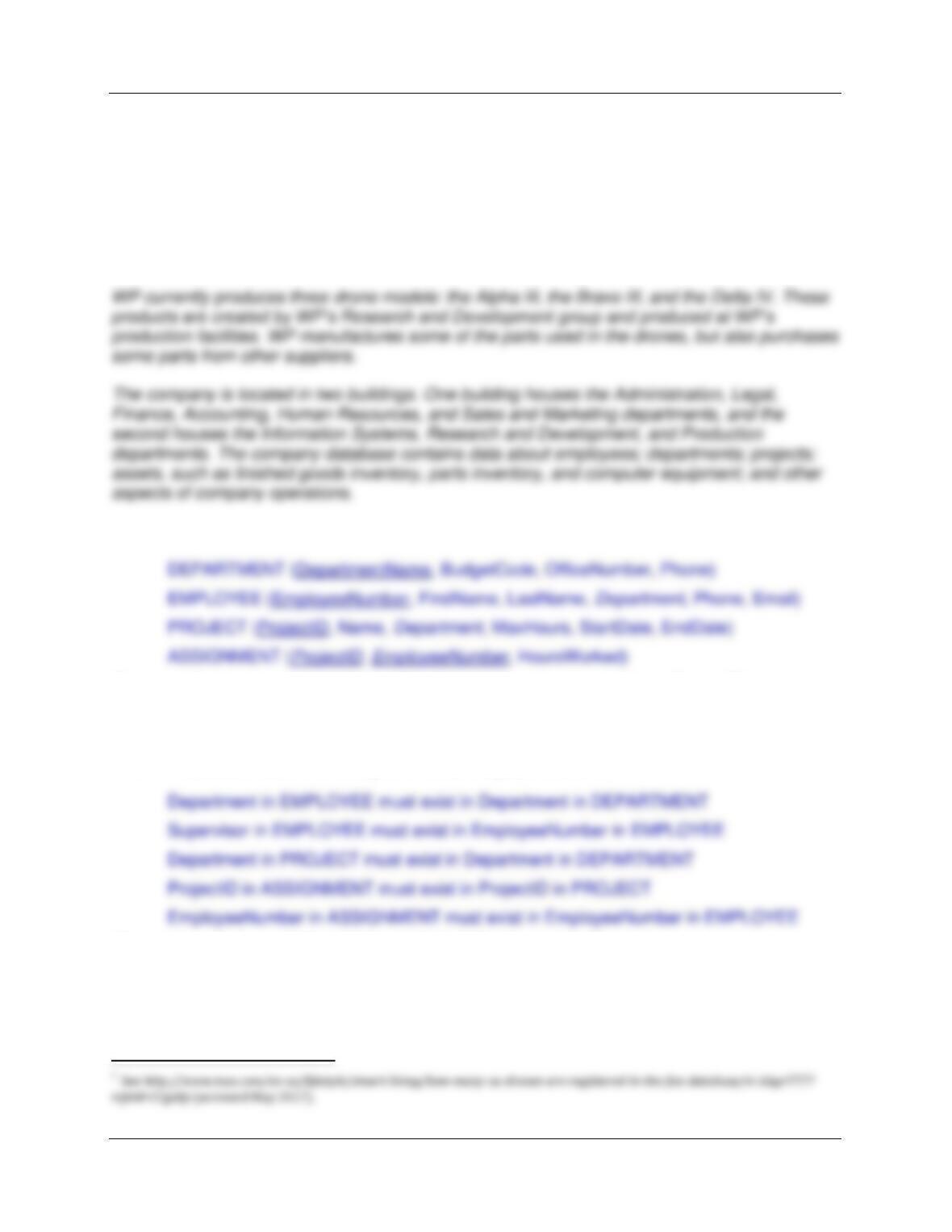
7.40 Write an SQL statement to create a view named CustomerSalesView based on the the
CUSTOMER_04 and SALE_02 tables. In this view, include the values of Customer ID,
LastName as CustomerLastName, FirstName as CustomerFirstName, EmailAddress,
SaleID, DateOfSale, and SaleAmount in that order. Run this statement to create the
view, and then test the view by writing and running an appropriate SQL SELECT
statement.
For Microsoft SQL Server, Oracle Database, and MySQL 5.7:
Note that Oracle Database does not allow the use of the SQL AS keyword when using table
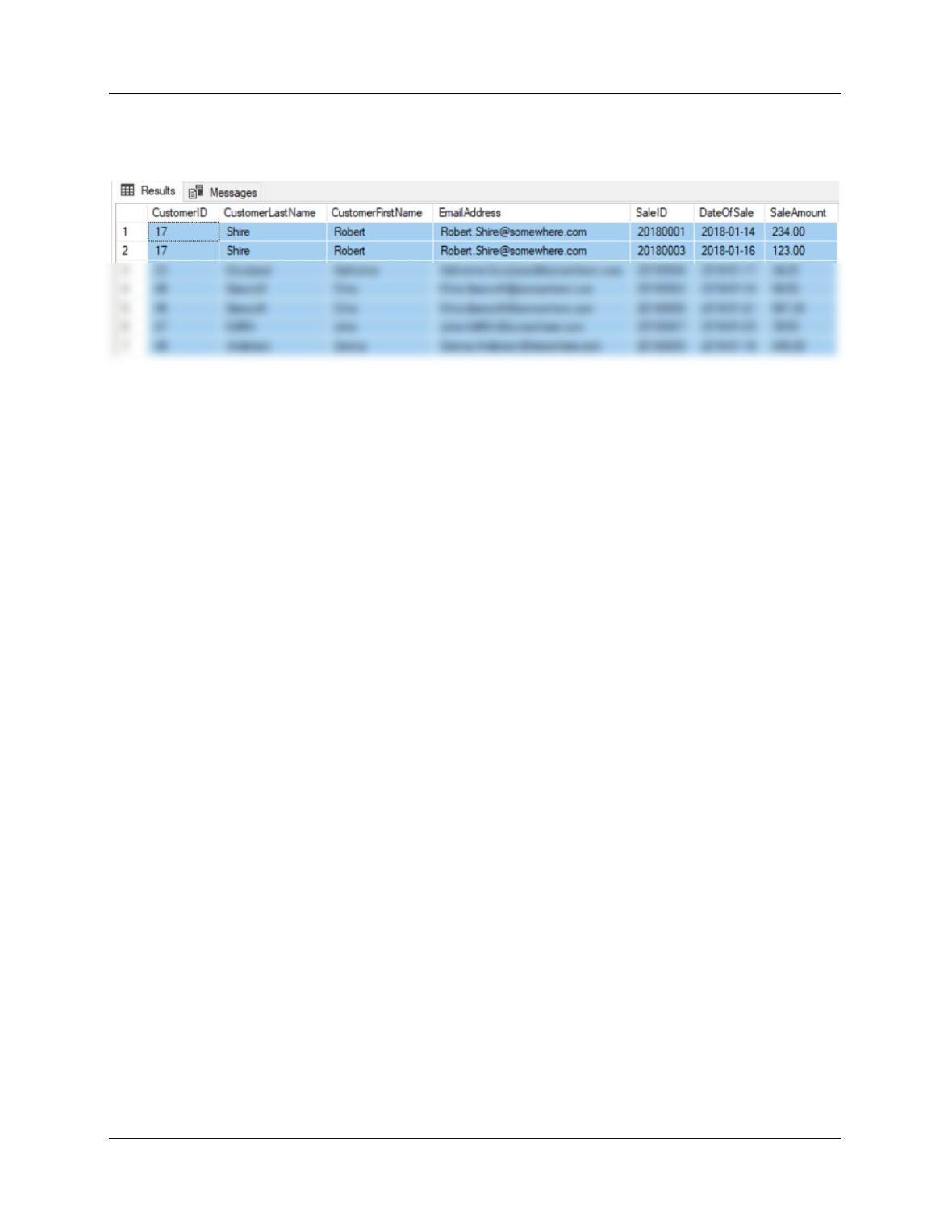
Chapter Seven – SQL For Database Construction and Application Processing
Page 7-26
SELECT *
FROM CustomerSalesView
ORDER BY CustomerID;
Chapter Seven – SQL For Database Construction and Application Processing
Page 7-27
Wedgewood Pacific Review Qestions
For this set of Review Questions, we will create and use a database for Wedgewood Pacific
(WP) that is similar to the Microsoft Access database we created and used in Chapters 1 and 2.
Founded in 1987 in Seattle, Washington, this company manufactures and sells consumer drone
aircraft. This is an innovative and rapidly developing market. In January, 2016, the FAA said that
181,000 drones (out of the approximately 700,000 drones that may have been sold during the
2015 Christmas season) had been registered under the new FAA drone registration rules.1
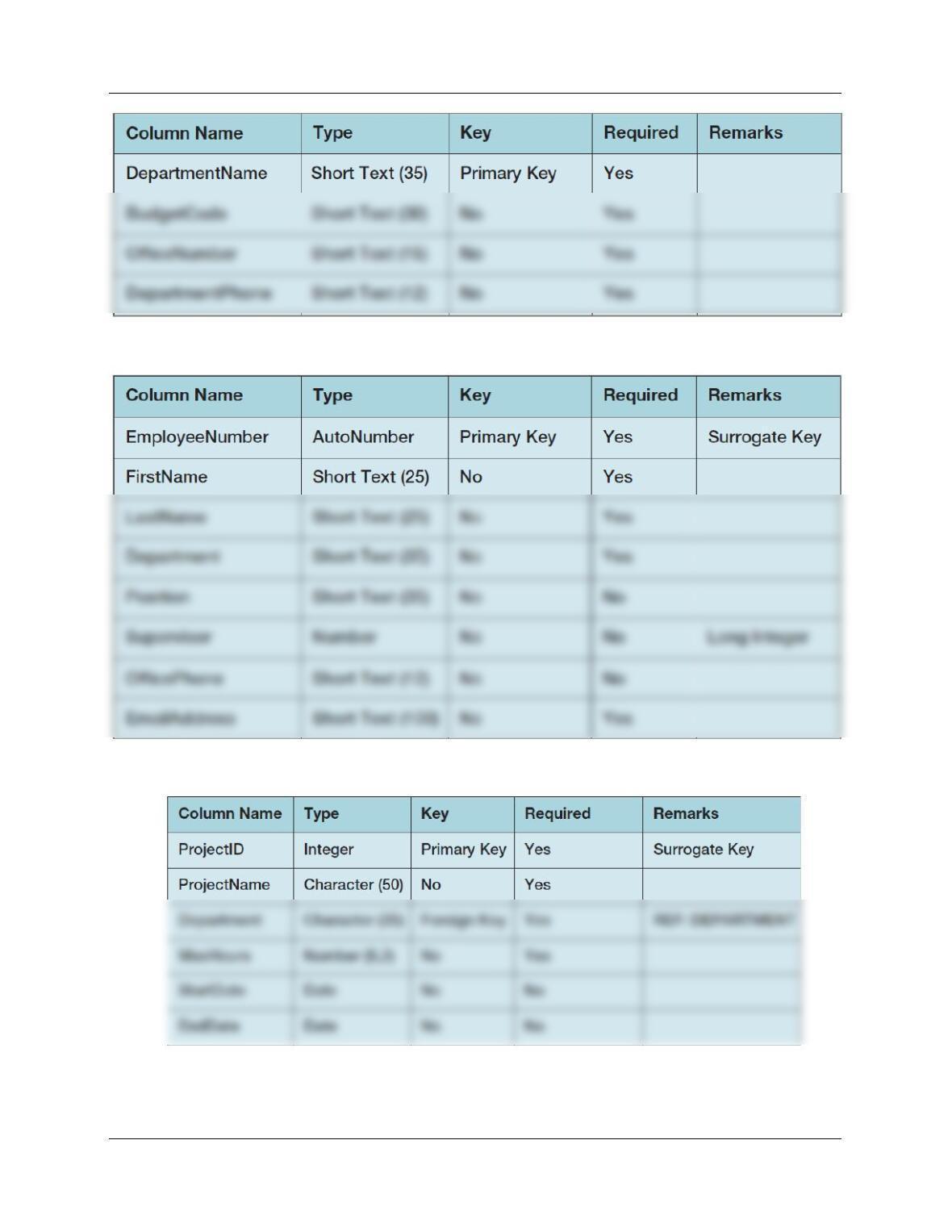
The database will be named WP and will contain the following four tables:
EmployeeNumber is a surrogate key that starts at 1 and increments by 1. ProjectID is a
surrogate key that starts at 1000 and increases by 100. DepartmentName is the text name of
the department, and is therefore not a surrogate key.
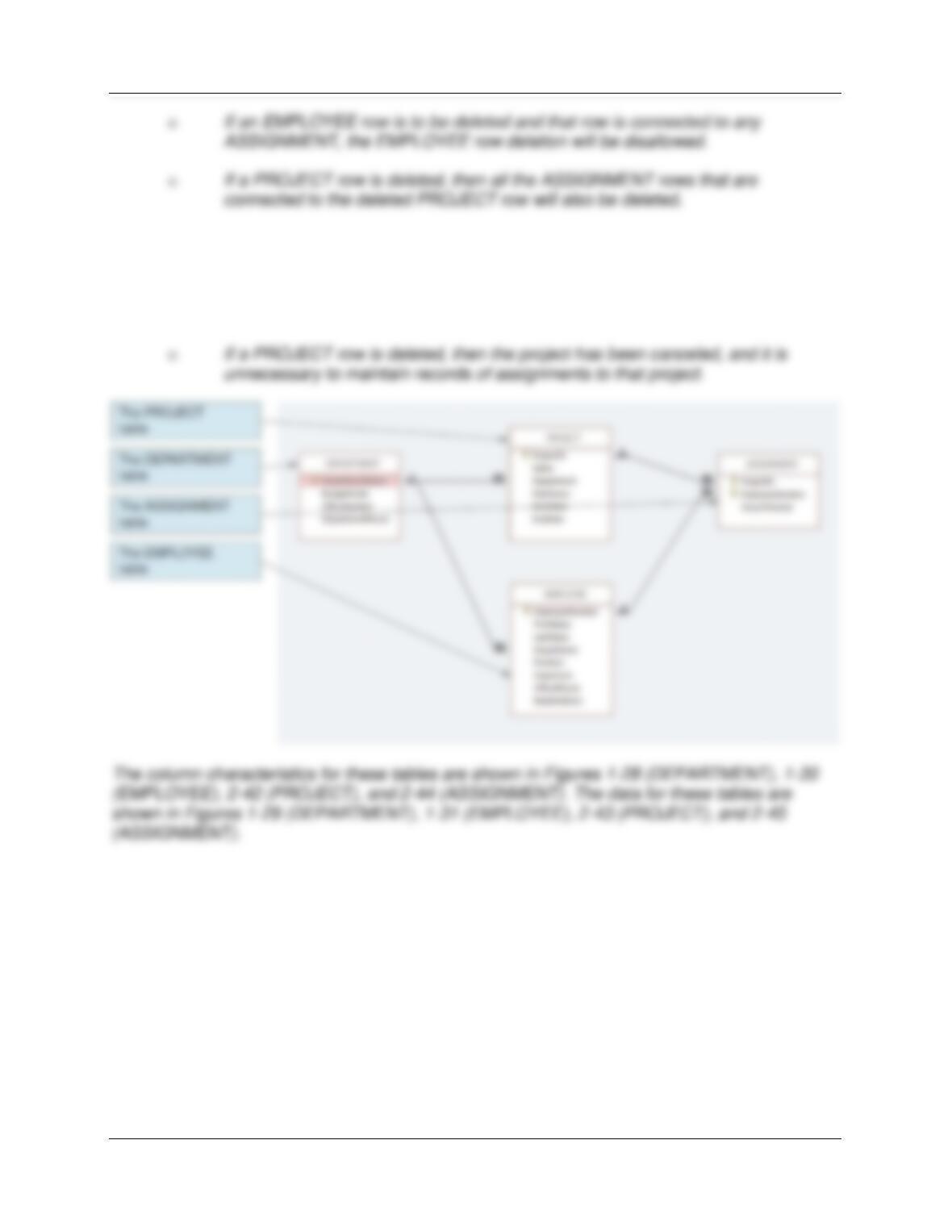
The WP database has the following referential integrity constraints:
The relationship from EMPLOYEE to ASSIGNMENT is 1:N, M-O and the relationship from
PROJECT to ASSIGNMENT is 1:N, M-O. The database also has the following business rules:
Chapter Seven – SQL For Database Construction and Application Processing
Page 7-28
The business sense of these rules is as follows:
o If an EMPLOYEE row is deleted (e.g., if the employee is transferred), then
someone must take over that employee’s assignments. Thus, the application
needs someone to reassign assignments before deleting the employee row.
Chapter Seven – SQL For Database Construction and Application Processing
Page 7-29
Figure 1-28 – Column Characteristics for the WP Database DEPARTMENT Table
Figure 1-30 – Column Characteristics for the WP Database EMPLOYEE Table
Figure 2-42 – Column Characteristics for the WP Database PROJECT Table
Chapter Seven – SQL For Database Construction and Application Processing
Page 7-30
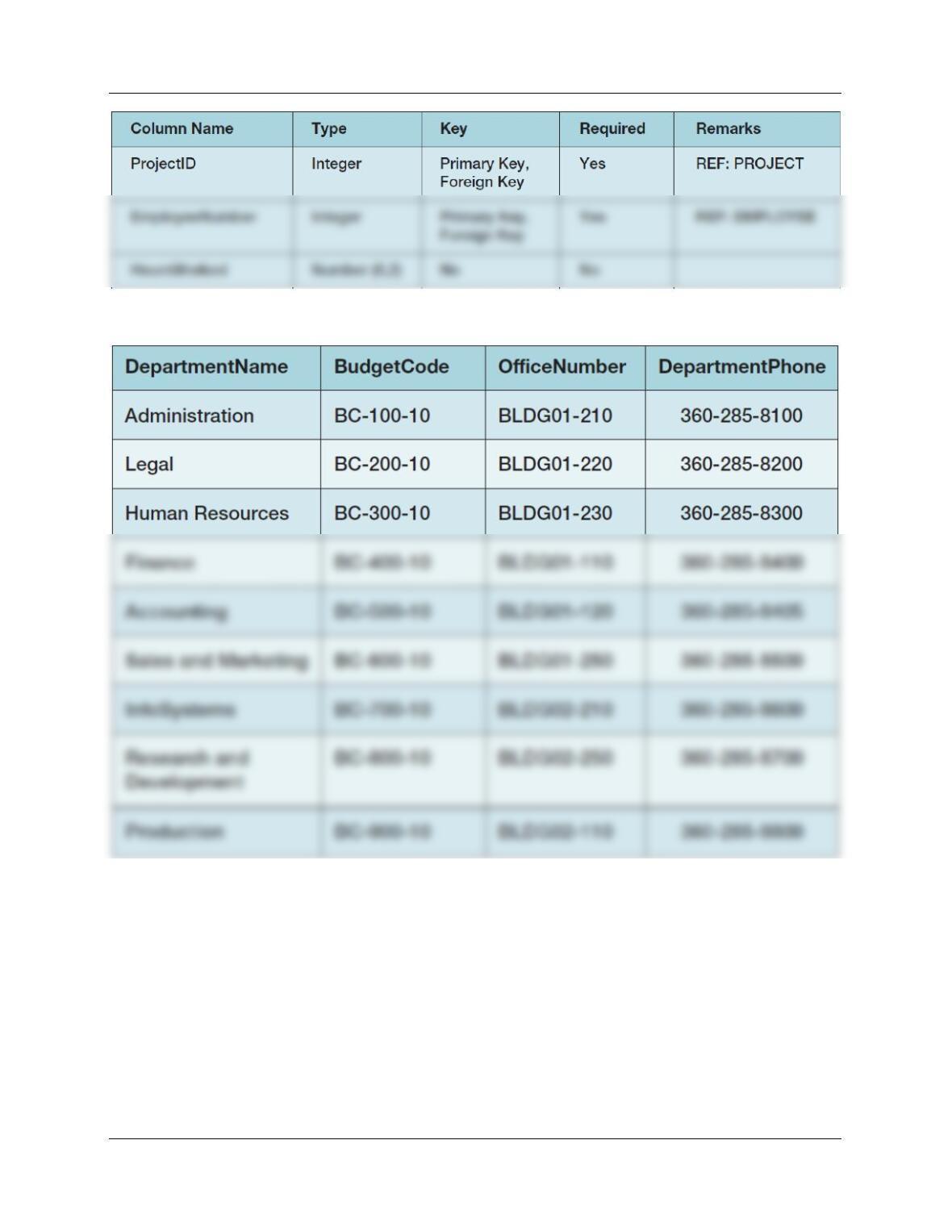
Figure 2-44 – Column Characteristics for the WP Database ASSIGNMENT Table
Figure 1-29 – WP Database DEPARTMENT Data
Chapter Seven – SQL For Database Construction and Application Processing
Page 7-31
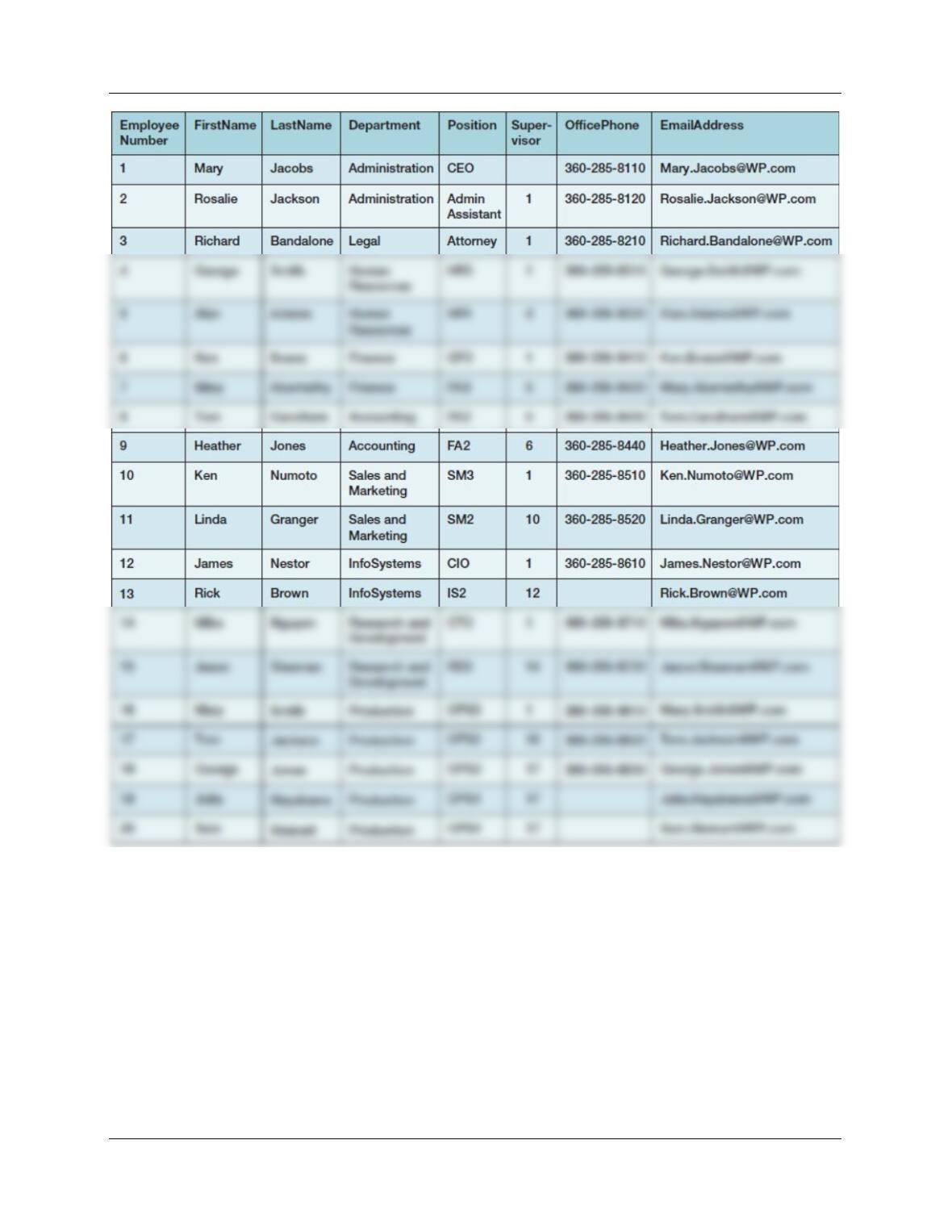
Figure 1-31 – WP Database EMPLOYEE Data
Chapter Seven – SQL For Database Construction and Application Processing
Page 7-32
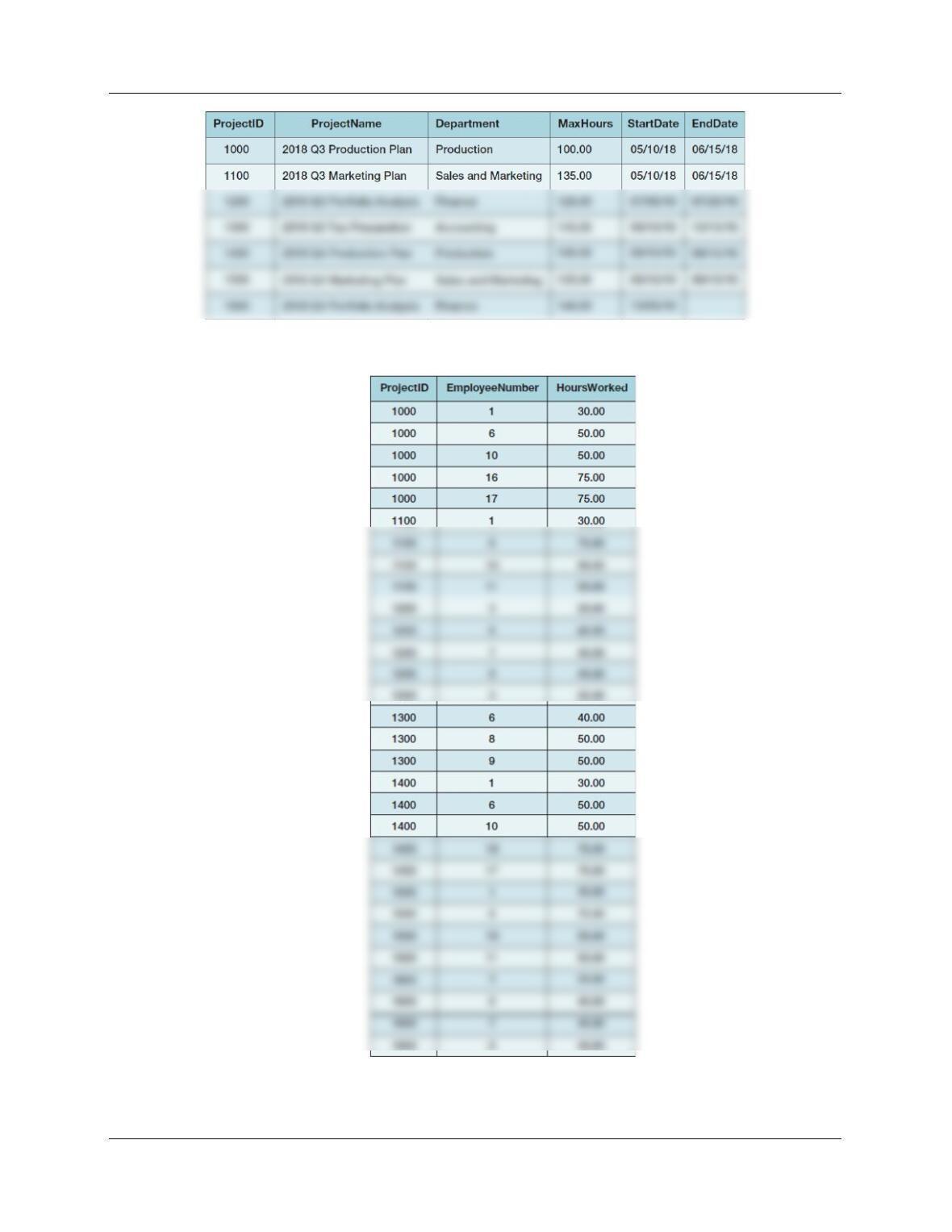
Figure 2-43 – WP Database PROJECT Data
Figure 2-45 – WP Database PROJECT Data
Chapter Seven – SQL For Database Construction and Application Processing
If at all possible, you should run your SQL solutions to the following questions against an actual
database. Because we have already created this database in Microsoft Access, you should use
an SQL-oriented DBMS such as Microsoft SQL Server 2017, Oracle Database, or MySQL 5.7 in
these exercises. Create a database named WP, and create a folder in your My Documents
folder to save and store the *.sql scripts containing the SQL statements that you are asked to
create in the remaining questions pertaining to the WP database in this section and the
following Project Questions section.
● For the SQL Server Management Studio, create a folder named WP-Database in the
If that is not possible, create a new Microsoft Access database named WP-CH07.accdb, and
use the SQL capabilities in these exercises. In all the exercises, use the data types appropriate
for the DBMS you are using.
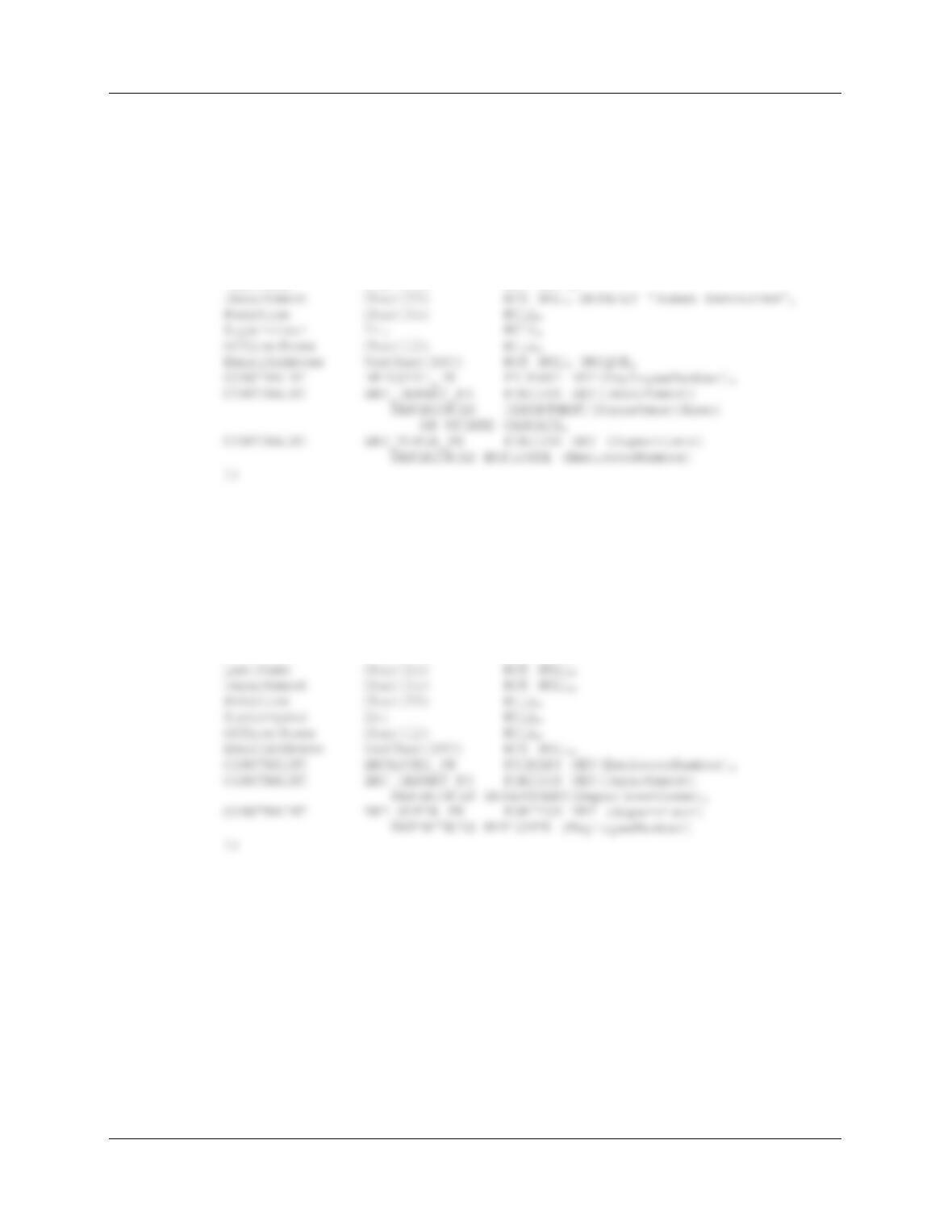
7.41 Write a CREATE TABLE statement for the DEPARTMENT table.
For SQL Server, Microsoft Access, Oracle Database and MySQL:
CREATE TABLE DEPARTMENT(
Chapter Seven – SQL For Database Construction and Application Processing
Page 7-34
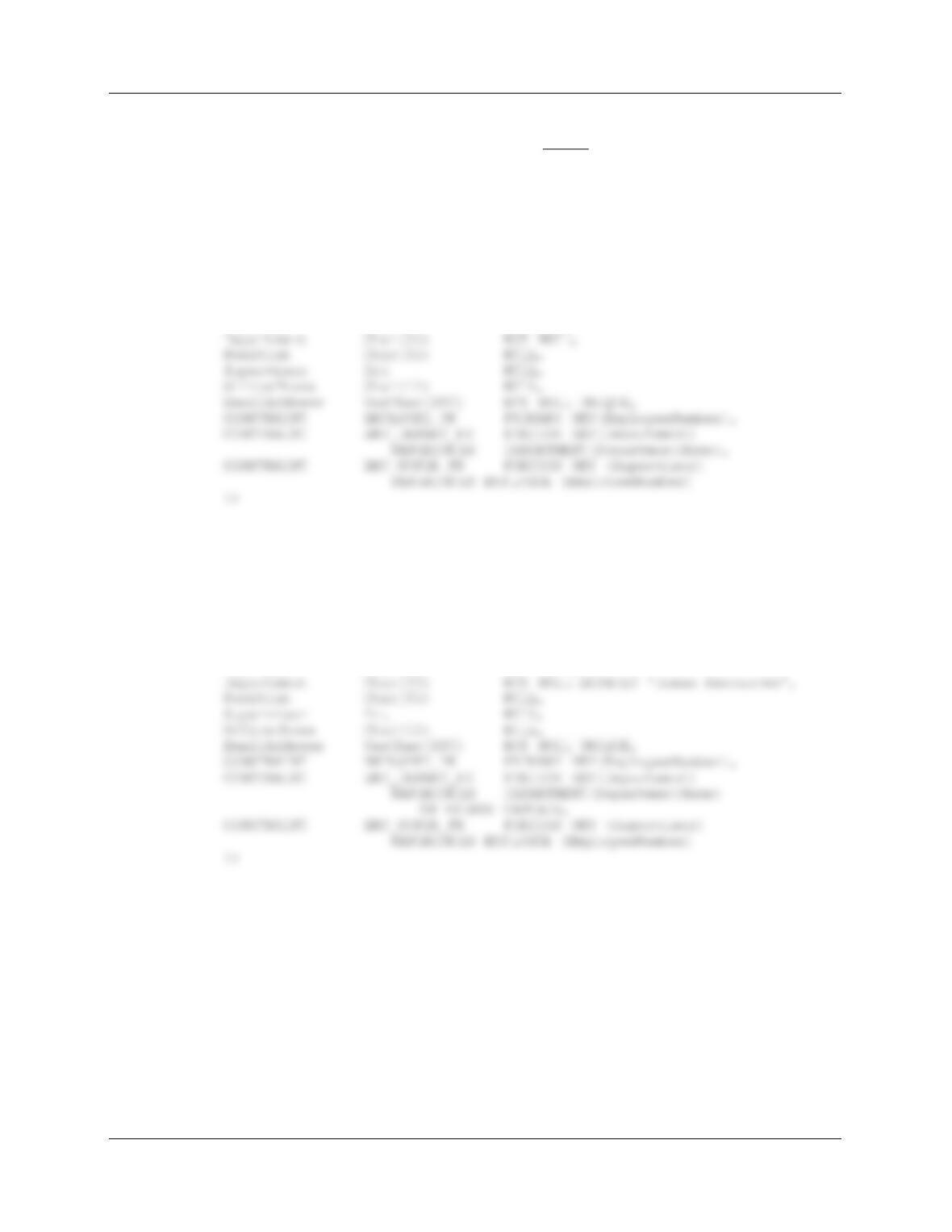
7.42 Write a CREATE TABLE statement for the EMPLOYEE table. Email is required and is
an alternate key, and the default value of Department is Human Resources. Cascade
updates but not deletions from DEPARTMENT to EMPLOYEE.
For SQL Server:
CREATE TABLE EMPLOYEE(
EmployeeNumber Int NOT NULL IDENTITY (1, 1),
FirstName Char(25) NOT NULL,
LastName Char(25) NOT NULL,
For Microsoft Access: Microsoft Access SQL statements do NOT support: (1) Parameters on
the Numeric data type, (2) the DEFAULT clause, (3) the ON UPDATE clause, and (4) the ON
DELETE clause. So, this question cannot be fully answered in Microsoft Access compatible
SQL. The required functionality can be set manually in Microsoft Access after the basic table is
created with an SQL statement as shown below:
CREATE TABLE EMPLOYEE(
EmployeeNumber Int NOT NULL,
FirstName Char(25) NOT NULL,
Chapter Seven – SQL For Database Construction and Application Processing
Page 7-35
For Oracle Database: Note that Oracle Database supports ON DELETE CASCADE, but does
not support ON UPDATE CASCADE. Therefore, we cannot cascade updates from PROJECT to
ASSIGNMENT in Oracle Database. Further, Oracle Database does not support the NO ACTION
clause in ON DELETE—since this is the default, Oracle Database simply expects you to only
state ON DELETE CASCADE when this is the desired action. Finally, Oracle Database does not
allow the NOT NULL phrase to be used with DEFAULT—You can use one or the other, but not
both at the same time. Finally, Oracle Database uses SEQUENCES to set surrogate keys.
CREATE TABLE EMPLOYEE(
EmployeeNumber Int NOT NULL,
FirstName Char(25) NOT NULL,
LastName Char(25) NOT NULL,
CREATE SEQUENCE seqEID Increment by 1 Start with 1;
For MySQL: MySQL uses AUTO_INCREMENT to set surrogate keys, but can only use an
increment of 1.
CREATE TABLE EMPLOYEE(
EmployeeNumber Int NOT NULL AUTO_INCREMENT,
FirstName Char(25) NOT NULL,
LastName Char(25) NOT NULL,
ALTER TABLE EMPLOYEE AUTO_INCREMENT=1;

Chapter Seven – SQL For Database Construction and Application Processing
Page 7-36
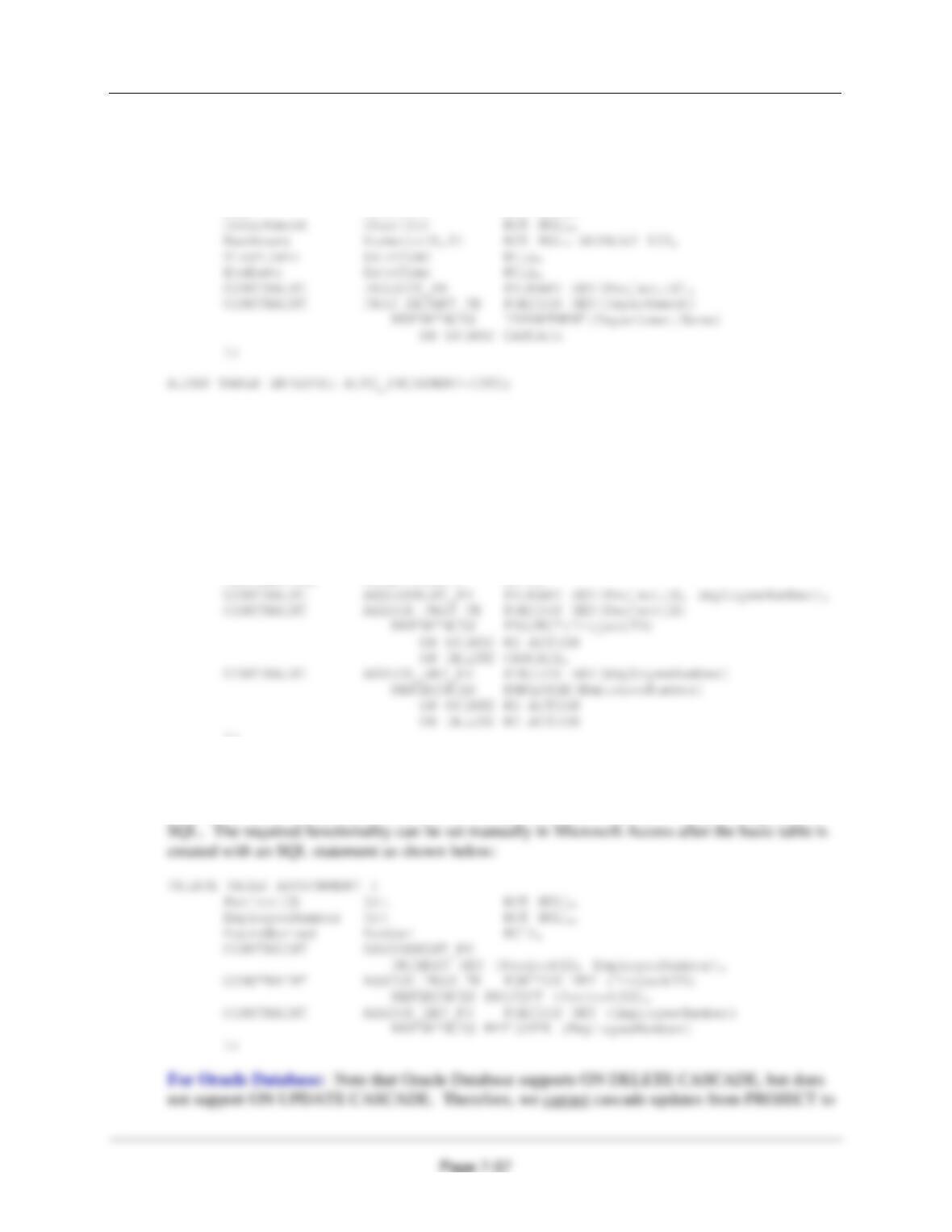
7.43 Write a CREATE TABLE statement for PROJECT table. The default value for MaxHours
is 100. Cascade updates but not deletions from DEPARTMENT to EMPLOYEE.
For SQL Server:
CREATE TABLE PROJECT(
ProjectID Int NOT NULL IDENTITY (1000, 100),
Name Char(50) NOT NULL,
For Microsoft Access: Microsoft Access SQL statements do NOT support: (1) Parameters on
the Numeric data type, (2) the DEFAULT clause, (3) the ON UPDATE clause, and (4) the ON
DELETE clause. So, this question cannot be fully answered in Microsoft Access compatible
SQL. The required functionality can be set manually in Microsoft Access after the basic table is
created with an SQL statement as shown below:
CREATE TABLE PROJECT(
ProjectID Int NOT NULL,
Name Char(50) NOT NULL,
For Oracle Database: Note that Oracle Database supports ON DELETE CASCADE, but does
not support ON UPDATE CASCADE. Therefore, we cannot cascade updates from PROJECT to
ASSIGNMENT in Oracle Database. Further, Oracle Database does not support the NO ACTION
clause in ON DELETE—since this is the default, Oracle Database simply expects you to only
state ON DELETE CASCADE when this is the desired action. Finally, Oracle Database does not
allow the NOT NULL phrase to be used with DEFAULT—You can use one or the other, but not
both at the same time. Finally, Oracle Database uses SEQUENCES to set surrogate keys.
CREATE TABLE PROJECT(
ProjectID Int NOT NULL,
Name Char(50) NOT NULL,
Chapter Seven – SQL For Database Construction and Application Processing
For MySQL: MySQL uses AUTO_INCREMENT to set surrogate keys, but can only use an
increment of 1.
CREATE TABLE PROJECT(
ProjectID Int NOT NULL AUTO_INCREMENT,
Name Char(50) NOT NULL,
7.44 Write a CREATE TABLE statement for the ASSIGNMENT table. Cascade only deletions
from PROJECT to ASSIGNMENT; do not cascade either deletions or updates from
EMPLOYEE to ASSIGNMENT.
For SQL Server and MySQL:
CREATE TABLE ASSIGNMENT (
ProjectID Int NOT NULL,
EmployeeNumber Int NOT NULL,
HoursWorked Numeric(6,2) NULL,
);
For Microsoft Access: Microsoft Access SQL statements do NOT support: (1) Parameters on
the Numeric data type, (2) the DEFAULT clause, (3) the ON UPDATE clause, and (4) the ON
DELETE clause. So, this question cannot be fully answered in Microsoft Access compatible
Chapter Seven – SQL For Database Construction and Application Processing
ASSIGNMENT in Oracle Database. Further, Oracle Database does not support the NO ACTION
clause in ON DELETE—since this is the default, Oracle Database simply expects you to only
state ON DELETE CASCADE when this is the desired action. Finally, Oracle Database does not
allow the NOT NULL phrase to be used with DEFAULT—You can use one or the other, but not
both at the same time.
7.45 Modify your answer to Review Question 7.7 to include the constraint that StartDate be
prior to EndDate.
We can either add a CONSTRAINT line directly to the SQL statement in Review Question 7.5,
or we can use an ALTER TABLE statement. MySQL will run, but does not enforce the CHECK
Chapter Seven – SQL For Database Construction and Application Processing
Page 7-39
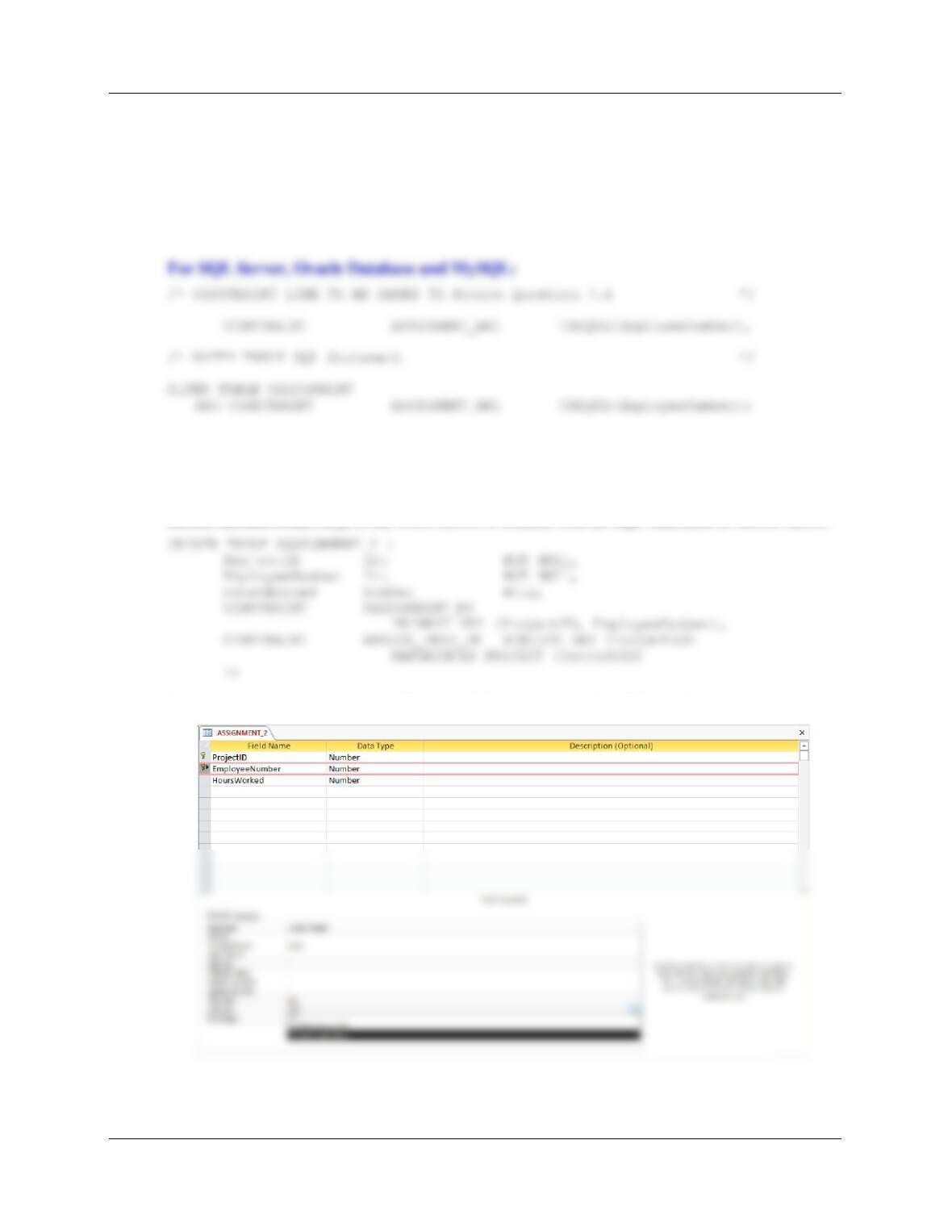
7.46 Write an alternate SQL statement that modifies your answer to question 7.7 to make the
relationship between EMPLOYEE and ASSIGNMENT a 1:1 relationship.
A 1:1 relationship between EMPLOYEE and ASSIGNMENT means that
ASSIGNMENT.EmployeeNumber must be unique.
We can either add a CONSTRAINT line directly to the SQL statement in Review Question 7.6,
or we can use an ALTER TABLE statement.
For Microsoft Access: Microsoft Access SQL statements do NOT support: (1) Parameters on
the Numeric data type, (2) the DEFAULT clause, (3) the ON UPDATE clause, and (4) the ON
DELETE clause. So, this question cannot be fully answered in Microsoft Access compatible
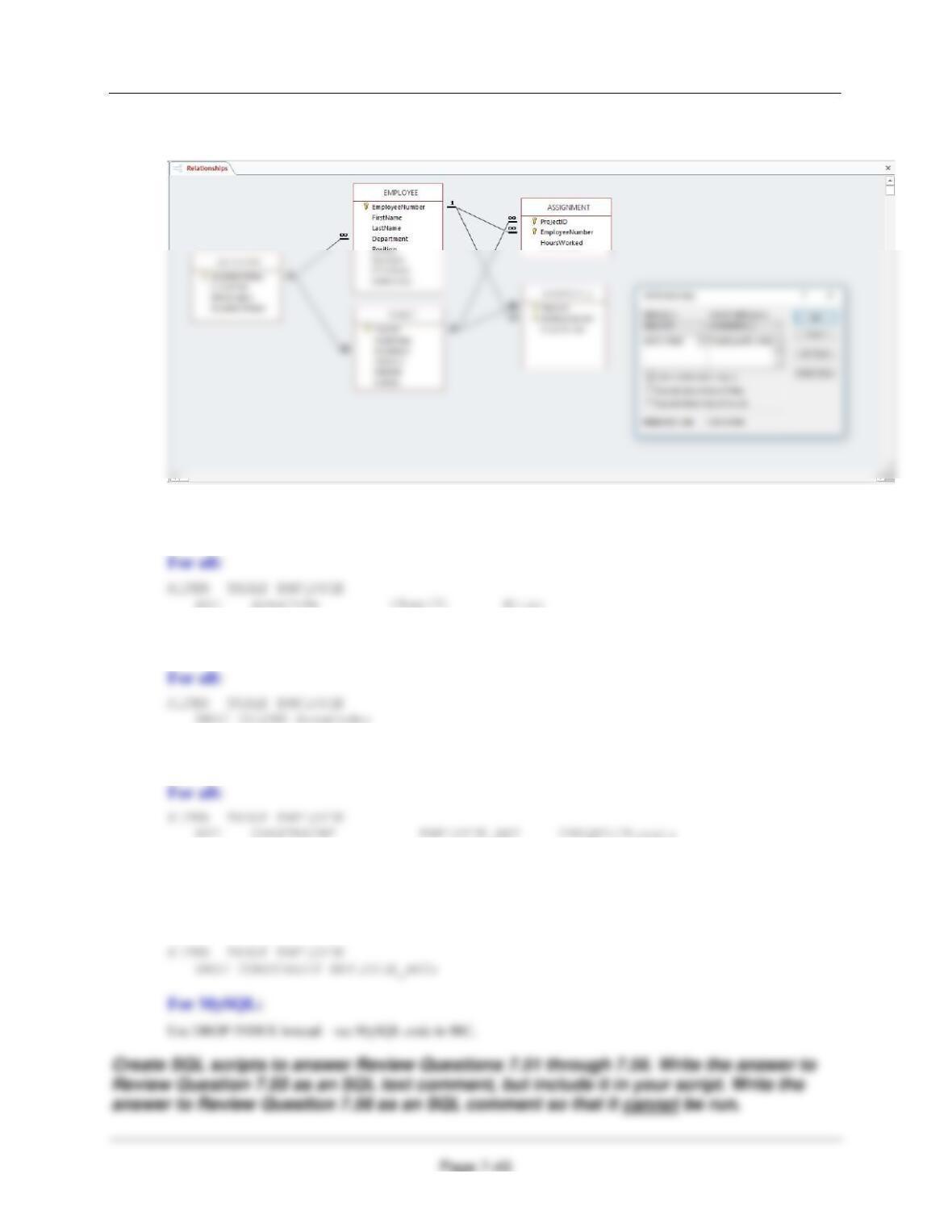
SQL. The required functionality can be set manually in Microsoft Access after the basic table,
named ASSIGNMENT_2 in the work below, is created with an SQL statement as shown below:
Note that the Indexed property for EmployeeNumber is set to Yes (No Duplicates):
Chapter Seven – SQL For Database Construction and Application Processing
Note the 1:N EMPLOYEE-to-ASSIGNMENT relationship and the 1:1 EMPLOYEE-to–
ASSIGNMENT_2 relationship:
7.47 Write an ALTER statement to add the column AreaCode to EMPLOYEE. Assume that
AreaCode is not required.
7.48 Write an ALTER statement to remove the column AreaCode from EMPLOYEE.
7.49 Write an ALTER statement to make Phone an alternate key in EMPLOYEE.
7.50 Write an ALTER statement to drop the constraint that Phone is an alternate key in
EMPLOYEE.
For all except MySQL: