
Chapter 6: Basic SQL
1
CHAPTER 6: Basic SQL
Answers to Selected Exercises
6.5 – Consider the database shown in Figure 1.2, whose schema is shown in Figure 2.1.
What are the referential integrity constraints that should hold on the schema?
Write appropriate SQL DDL statements to define the database.
Answer:
The following referential integrity constraints should hold (we use the notation: R.(A1, …, An)
—> S.(B1, ..., Bn)
to represent a foreign key from the attributes A1, ..., An of R (the referencing relation)
to S (the referenced relation)):
PREREQUISITE.(CourseNumber) —> COURSE.(CourseNumber)
CREATE TABLE COURSE ( CourseName VARCHAR(30) NOT NULL,
CourseNumber CHAR(8) NOT NULL,
CreditHours INTEGER,
Department CHAR(4),
PRIMARY KEY (CourseNumber),
UNIQUE (CourseName) );
CREATE TABLE PREREQUISITE ( CourseNumber CHAR(8) NOT NULL,
PrerequisiteNumber CHAR(8) NOT NULL,
PRIMARY KEY (CourseNumber, PrerequisiteNumber),
FOREIGN KEY (CourseNumber) REFERENCES
COURSE (CourseNumber),
FOREIGN KEY (PrerequisiteNumber) REFERENCES
COURSE (CourseNumber) );
CREATE TABLE SECTION ( SectionIdentifier INTEGER NOT NULL,
CourseNumber CHAR(8) NOT NULL,
Semester VARCHAR(6) NOT NULL,
6.6 – Repeat Exercise 4.5, but use the AIRLINE schema of Figure 3.8.
Answer:
Chapter 6: Basic SQL
2
The following referential integrity constraints should hold:
FLIGHT_LEG.(FLIGHT_NUMBER) —> FLIGHT.(NUMBER)
FLIGHT_LEG.(DEPARTURE_AIRPORT_CODE) —> AIRPORT.(AIRPORT_CODE)
AIRPLANE.(AIRPLANE_TYPE) —> AIRPLANE_TYPE.(TYPE_NAME)
SEAT_RESERVATION.(FLIGHT_NUMBER, LEG_NUMBER, DATE) —>
LEG_INSTANCE.(FLIGHT_NUMBER, LEG_NUMBER, DATE)
One possible set of CREATE TABLE statements to define the database is given below.
CREATE TABLE AIRPORT ( AIRPORT_CODE CHAR(3) NOT NULL,
NAME VARCHAR(30) NOT NULL,
CITY VARCHAR(30) NOT NULL,
STATE VARCHAR(30),
SCHEDULED_DEPARTURE_TIME TIMESTAMP WITH TIME ZONE,
ARRIVAL_AIRPORT_CODE CHAR(3) NOT NULL,
SCHEDULED_ARRIVAL_TIME TIMESTAMP WITH TIME ZONE,
PRIMARY KEY (FLIGHT_NUMBER, LEG_NUMBER),
FOREIGN KEY (FLIGHT_NUMBER) REFERENCES FLIGHT (NUMBER),
FOREIGN KEY (DEPARTURE_AIRPORT_CODE) REFERENCES
AIRPORT (AIRPORT_CODE),
FOREIGN KEY (ARRIVAL_AIRPORT_CODE) REFERENCES
AIRPORT (AIRPORT_CODE) );
CREATE TABLE LEG_INSTANCE ( FLIGHT_NUMBER VARCHAR(6) NOT NULL,
LEG_NUMBER INTEGER NOT NULL,
LEG_DATE DATE NOT NULL,
NO_OF_AVAILABLE_SEATS INTEGER,
AIRPLANE_ID INTEGER,
DEPARTURE_AIRPORT_CODE CHAR(3),
FOREIGN KEY (ARRIVAL_AIRPORT_CODE) REFERENCES
AIRPORT (AIRPORT_CODE) );
CREATE TABLE FARES ( FLIGHT_NUMBER VARCHAR(6) NOT NULL,
FARE_CODE VARCHAR(10) NOT NULL,
Chapter 6: Basic SQL
3
FOREIGN KEY (AIRPLANE_TYPE_NAME) REFERENCES
AIRPLANE_TYPE (TYPE_NAME),
FOREIGN KEY (AIRPORT_CODE) REFERENCES
AIRPORT (AIRPORT_CODE) );
CREATE TABLE AIRPLANE ( AIRPLANE_ID INTEGER NOT NULL,
TOTAL_NUMBER_OF_SEATS INTEGER NOT NULL,
AIRPLANE_TYPE VARCHAR(20) NOT NULL,
6.7 – Consider the LIBRARY relational database schema of Figure 4.6. Choose the
appropriate action (reject, cascade, set to null, set to default) for each referential integrity
constraint, both for the deletion of a referenced tuple, and for the update of a primary key
attribute value in a referenced tuple. Justify your choices.
Answer:
Below are possible choices. In general, if it is not clear which action to choose, REJECT
should be chosen, since it will not permit automatic changes to happen (by update
CASCADE on UPDATE (if a PUBLISHER’s Name is updated, the change should be
propagated automatically to all referencing BOOK tuples)
BOOK_LOANS.(BookId) —> BOOK.(BookId)
CASCADE on both DELETE or UPDATE (if a BOOK is deleted, or the value of its BookId is
updated (changed), the deletion or change is automatically propagated to the referencing
Chapter 6: Basic SQL
4
BOOK_LOANS that reference the BORROWER being deleted would first be explicitly
deleted after making the printout, and before the BORROWER is deleted)
BOOK_COPIES.(BranchId) —> LIBRARY_BRANCH.(BranchId)
CASCADE on both DELETE or UPDATE (if a LIBRARY_BRANCH is deleted, or the value of
6.8 – Write appropriate SQL DDL statements for declaring the LIBRARY relational database
schema of Figure 4.6. Specify the keys and referential triggered actions.
Answer:
One possible set of CREATE TABLE statements is given below:
FOREIGN KEY (BookId) REFERENCES BOOK (BookId)
ON DELETE CASCADE ON UPDATE CASCADE );
CREATE TABLE PUBLISHER ( Name VARCHAR(20) NOT NULL,
Address VARCHAR(40) NOT NULL,
Phone CHAR(12),
ON DELETE CASCADE ON UPDATE CASCADE,
FOREIGN KEY (BranchId) REFERENCES BRANCH (BranchId)
ON DELETE CASCADE ON UPDATE CASCADE );
CREATE TABLE BORROWER ( CardNo INTEGER NOT NULL,
Name VARCHAR(30) NOT NULL,
Chapter 6: Basic SQL
5
BranchId INTEGER NOT NULL,
DateOut DATE NOT NULL,
DueDate DATE NOT NULL,
Address VARCHAR(40) NOT NULL,
PRIMARY KEY (BranchId) );
6.9 – How can the key and foreign key constraints be enforced by the DBMS? Is the
enforcement technique you suggest difficult to implement? Can the constraint checks be
executed in an efficient manner when updates are applied to the database?
Answer:
One possible technique that is often used to check efficiently for the key constraint is to
create an index on the combination of attributes that form each key (primary or secondary).
Before inserting a new record (tuple), each index is searched to check that no value currently
exists in the index that matches the key value in the new record. If this is the case, the record
6.10 – No solution provided.
6.11 – Specify the updates of Exercise 3.11 using the SQL update commands.
Answers:
Below, we show how each of the updates may be specified in SQL. Notice that some of
these updates violate integrity constraints as discussed in the solution to Exercise 5.10, and
hence should be rejected if executed on the database of Figure 5.6.
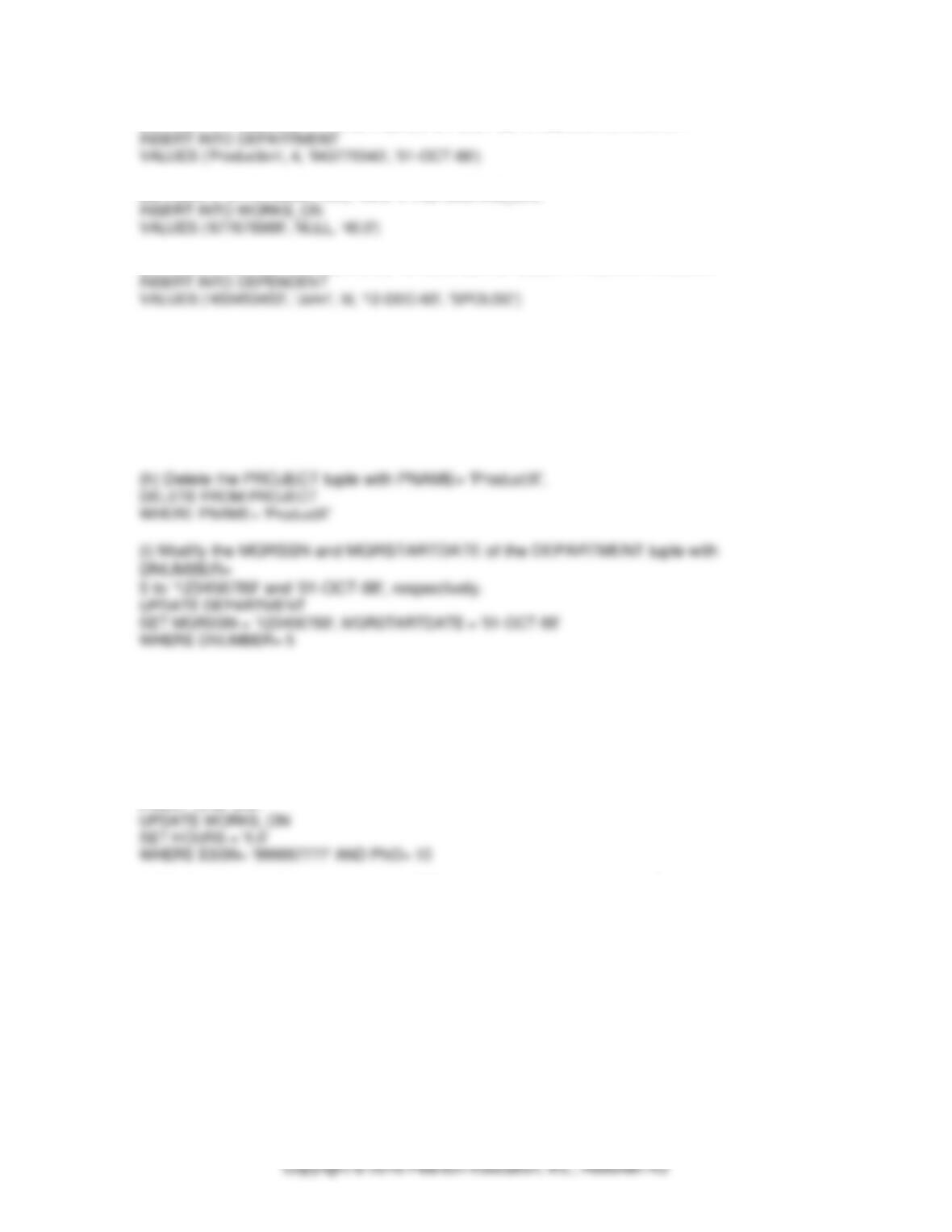
(b) Insert < ‘ProductA’, 4, ‘Bellaire’, 2 > into PROJECT.
Chapter 6: Basic SQL
6
(c) Insert < ‘Production’, 4, ‘943775543′, ’01-OCT-88‘ > into DEPARTMENT.
(d) Insert < ‘677678989‘, null, ‘40.0’ > into WORKS_ON.
(e) Insert < ‘453453453‘, ‘John’, M, ’12-DEC-60′, ‘SPOUSE’ > into DEPENDENT.
(f) Delete the WORKS_ON tuples with ESSN= ‘333445555′.
DELETE FROM WORKS_ON
WHERE ESSN= ‘333445555‘
(g) Delete the EMPLOYEE tuple with SSN= ‘987654321′.
DELETE FROM EMPLOYEE
WHERE SSN= ‘987654321’
(j) Modify the SUPERSSN attribute of the EMPLOYEE tuple with SSN= ‘999887777′ to
‘943775543‘.
UPDATE EMPLOYEE
SET SUPERSSN = ‘943775543’
WHERE SSN= ‘999887777’
(k) Modify the HOURS attribute of the WORKS_ON tuple with ESSN= ‘999887777′ and
PNO= 10 to ‘5.0’.
6.12 – Specify the following queries in SQL on the database schema of Figure 1.2.
(a) Retrieve the names of all senior students majoring in ‘COSC’ (computer science).
(b) Retrieve the names of all courses taught by professor King in 85 and 86.
(c) For each section taught by professor King, retrieve the course number, semester, year,
and number of students who took the section.
(d) Retrieve the name and transcript of each senior student (Class=5) majoring in COSC.
Transcript includes course name, course number, credit hours, semester, year, and grade for
each course completed by the student.
Chapter 6: Basic SQL
7
(e) Retrieve the names and major departments of all straight A students (students who have
a grade of A in all their courses).
(f) Retrieve the names and major departments of all students who do not have any grade of
A in any of their courses.
Answers:
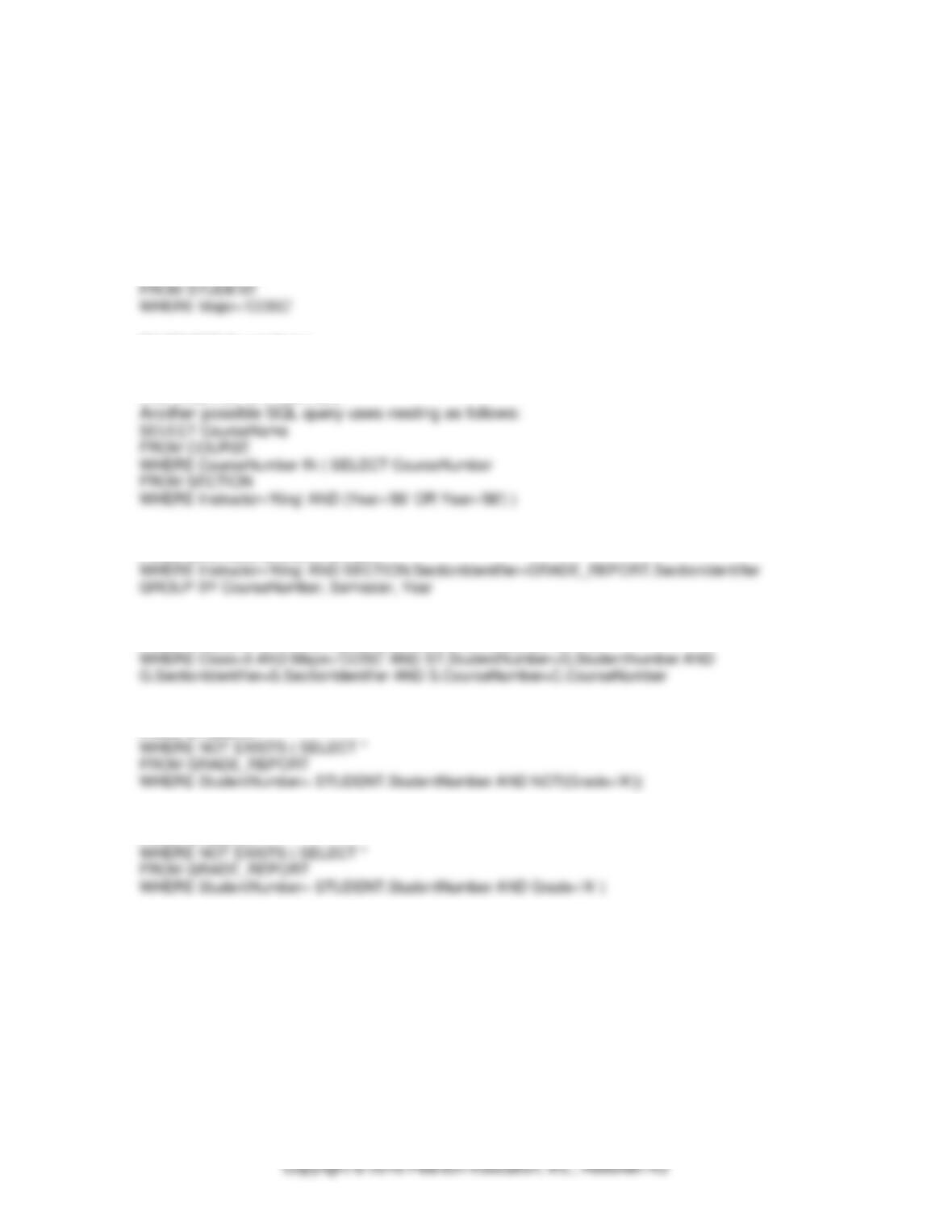
(a) SELECT Name
(b) SELECT CourseName
FROM COURSE, SECTION
WHERE COURSE.CourseNumber=SECTION.CourseNumber AND Instructor=’King’
AND (Year=’85’ OR Year=’86′)
(c) SELECT CourseNumber, Semester, Year, COUNT(*)
FROM SECTION, GRADE_REPORT
(d) SELECT Name, CourseName, C.CourseNumber, CreditHours, Semester, Year, Grade
FROM STUDENT ST, COURSE C, SECTION S, GRADE_REPORT G
(e) SELECT Name, Major
FROM STUDENT
(f) SELECT Name, Major
FROM STUDENT
6.13 – Write SQL update statements to do the following on the database schema shown in
Figure 1.2.
(a) Insert a new student <‘Johnson’, 25, 1, ‘MATH’> in the database.
(b) Change the class of student ‘Smith’ to 2.
(c) Insert a new course <‘Knowledge Engineering’,’COSC4390′, 3,‘COSC’>.
(d) Delete the record for the student whose name is ‘Smith’ and student number is 17.
Chapter 6: Basic SQL
8
Answers:
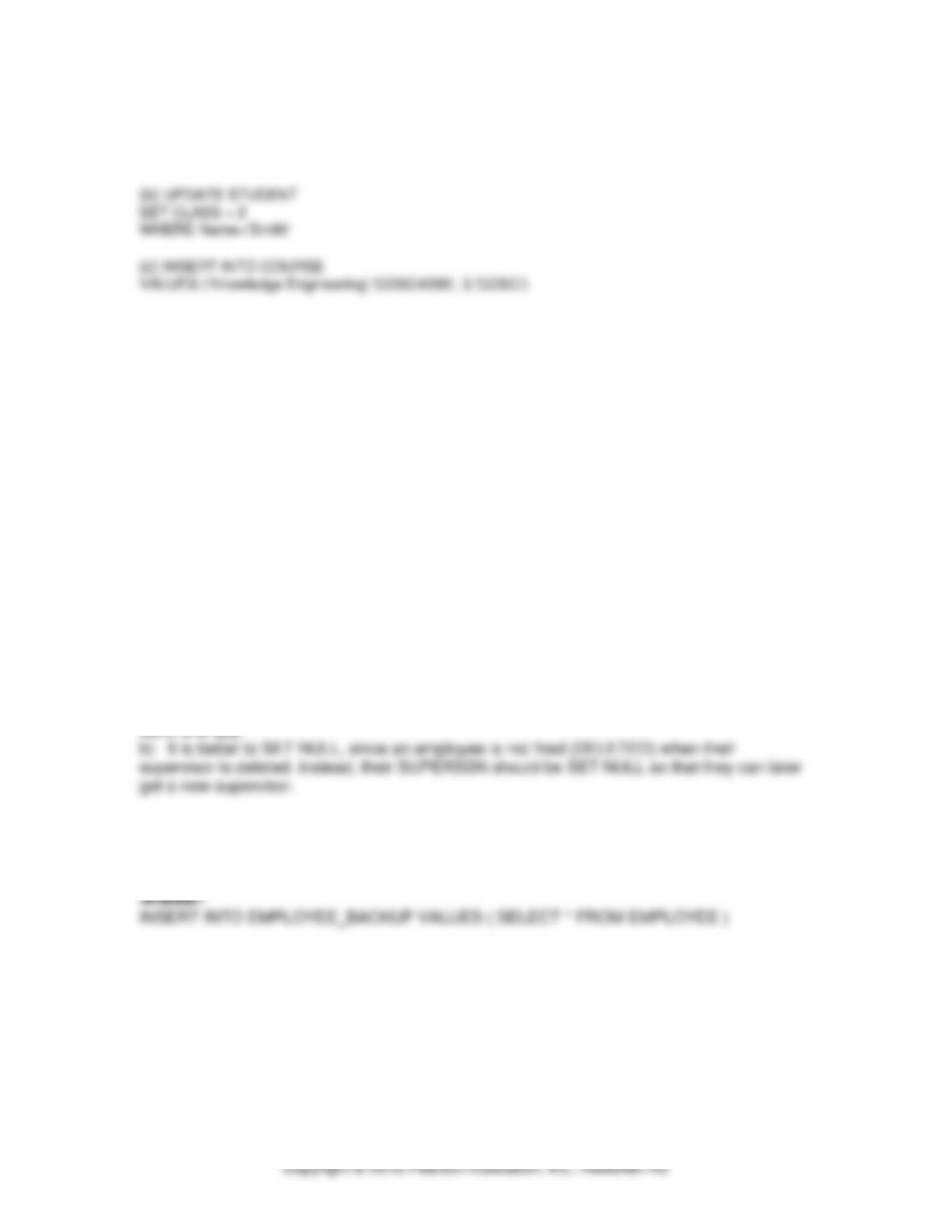
(a) INSERT INTO STUDENT
VALUES (‘Johnson’, 25, 1, ‘MATH’)
(d) DELETE FROM STUDENT
WHERE Name=’Smith’ AND StudentNumber=17
6.14 – No solution provided
6.15 – Consider the EMPLOYEE table’s constraint EMPSUPERFK as specified in Figure 4.2
is changed to read as follows:
CONSTRAINT EMPSUPERFK
FOREIGN KEY (SUPERSSN) REFERNCES EMPLOYEE(SSN)
ON DELETE CASCADE ON UPDATE CASCADE,
Answer the following questions:
a. What happens when the following command is run on the database state shown in
Figure 5.6?
DELETE EMPLOYEE WHERE LNAME = ‘Borg’
b. Is it better to CASCADE or SET NULL in case of EMPSUPERFK constraint ON
DELETE?
Answers:
a) The James E. Borg entry is deleted from the table, and each employee with him as a
supervisor is also (and their supervisees, and so on). In total, 8 rows are deleted and the
table is empty.
6.16 – Write SQL statements to create a table EMPLOYEE_BACKUP backup of EMPLOYEE
table shown in Figure 3.6.