– Part III
8
Chapter 30 Semistructured Data and XML
Review Questions
30.1 What is semistructured data? Discuss the difference between structured, semistructured, and
structured data. Give examples to illustrate your answer.
Semistructured data is data that has some structure, but the structure may not be rigid, regular,
30.2 Describe the key characteristics of the Object Exchange Model (OEM).
An OEM object can be considered as a quadruple (label, oid, type, value). For example, we
can represent the Staff object &4 that contains a name and salary, together with the name
30.3 What is XML and how does XML compare to SGML and HTML?
XML is a restricted version of SGML (Standard Generalized Markup Language), designed
especially for Web documents. It is a meta-language that enables designers to create their own
– Part III
9
30.4 Discuss the advantages of XML.
30.5 What is the difference between a well-formed XML document and a valid XML document?
The XML specification provides for two levels of document processing: well-formed and
valid. A non-validating processor ensures that an XML document is well-formed before
30.6 Briefly describe each of the following technologies:
(a) DOM and SAX; See Section 30.3.1.
(b) Namespaces; See Section 30.3.2.
10
30.7 Describe the differences between the Document Object Model (DOM) and the Object
Exchange Model (OEM).
30.8 Describe the differences between the Document Type Definition (DTD) and the XML Schema.
While XML 1.0 supplies the DTD mechanism for defining the content model (the valid order
and nesting of elements) and, to a limited extent, the data types of attributes of an XML
document, it has a number of limitations:
it is written in a different (non-XML) syntax;
See Section 30.4.
30.9 Discuss how the combination of XML and XML Schema may not provide the support for
semantic interoperability that we require and how the proposals for RDF and RDF Schema
may be more appropriate.
See Section 30.4.1.
30.10 Briefly describe the W3C proposals for XQuery and the specifications that make up the
language.
See Section 30.5.2.
30.11 What is a path expression?
30.12 What is a FLWOR expression?
30.13 What are the aims of static typing and dynamic evaluation?
Static typing analysis checks whether each (core) expression is type safe and, if so, determines
30.14 Briefly describe the SQL:2011 SQL/XML functionality.
SQL/XML contains:
a new native XML data type, XML, which allows XML documents to be treated as
12
30.15 Discuss how XML can be transferred into a database.
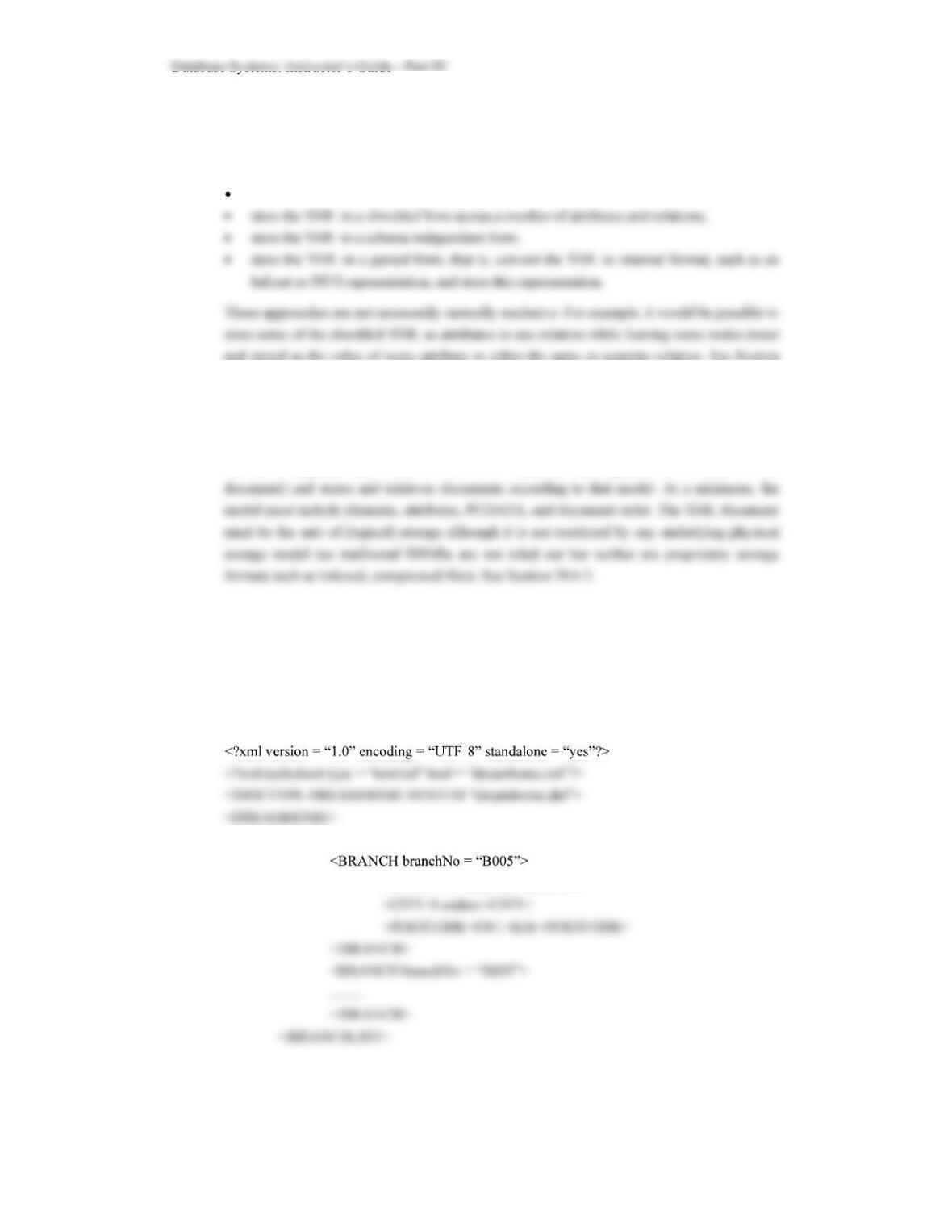
There are four general approaches to storing an XML document in a relational database:
store the XML as the value of some attribute within a tuple;
30.6.
30.16 What is a native XML database?
Defines a (logical) data model for an XML document (as opposed to the data in that
Exercises
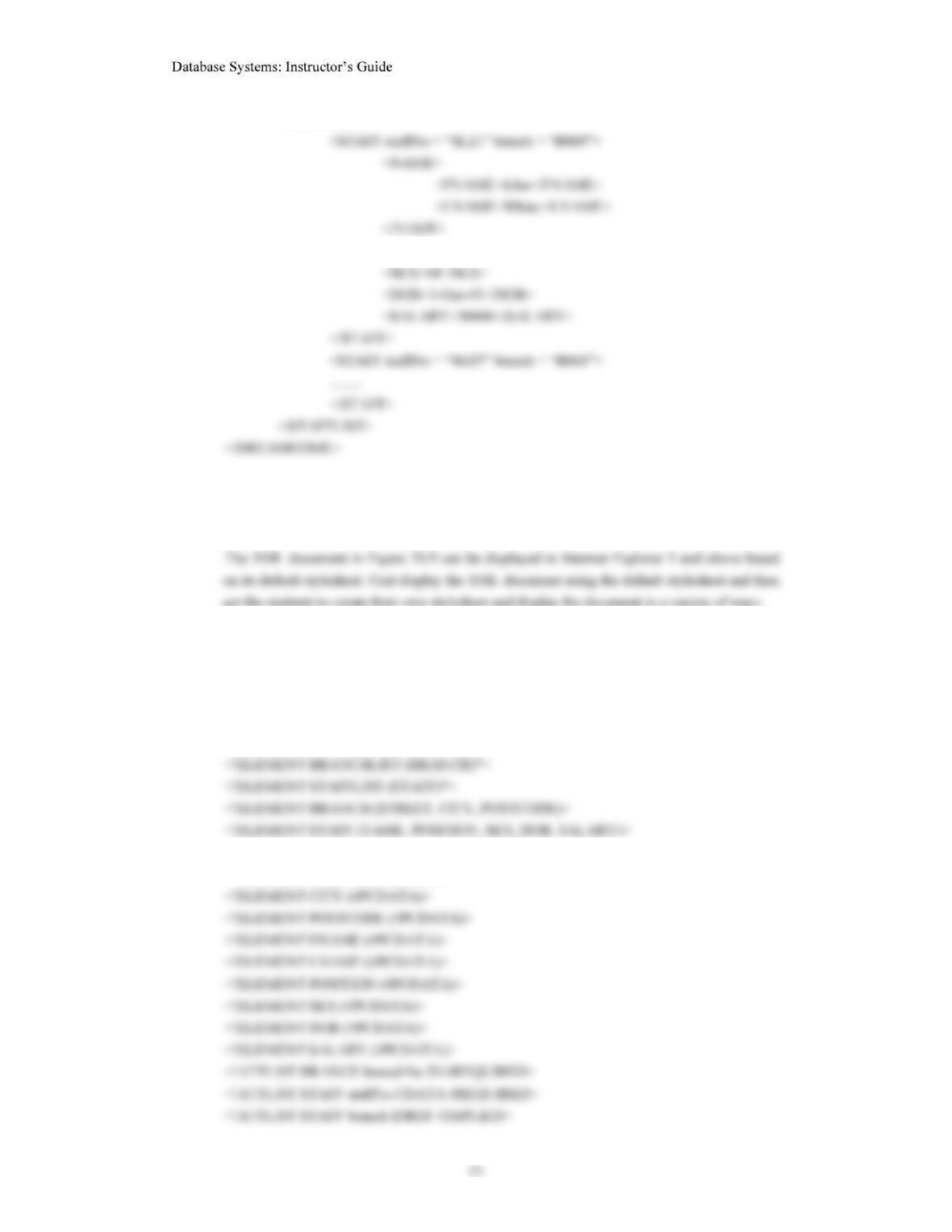
30.17 Create an XML document for each of the relations shown in Figure 4.3.
Example for Branch and Staff relations:
–
<BRANCHLIST>
<STREET>2 Deer Rd</STREET>
– Part III
<STAFFLIST>
<POSITION>Manager</POSITION>
30.18 For the XML documents created in Figure 30.17, create a stylesheet and display the document
in a browser.
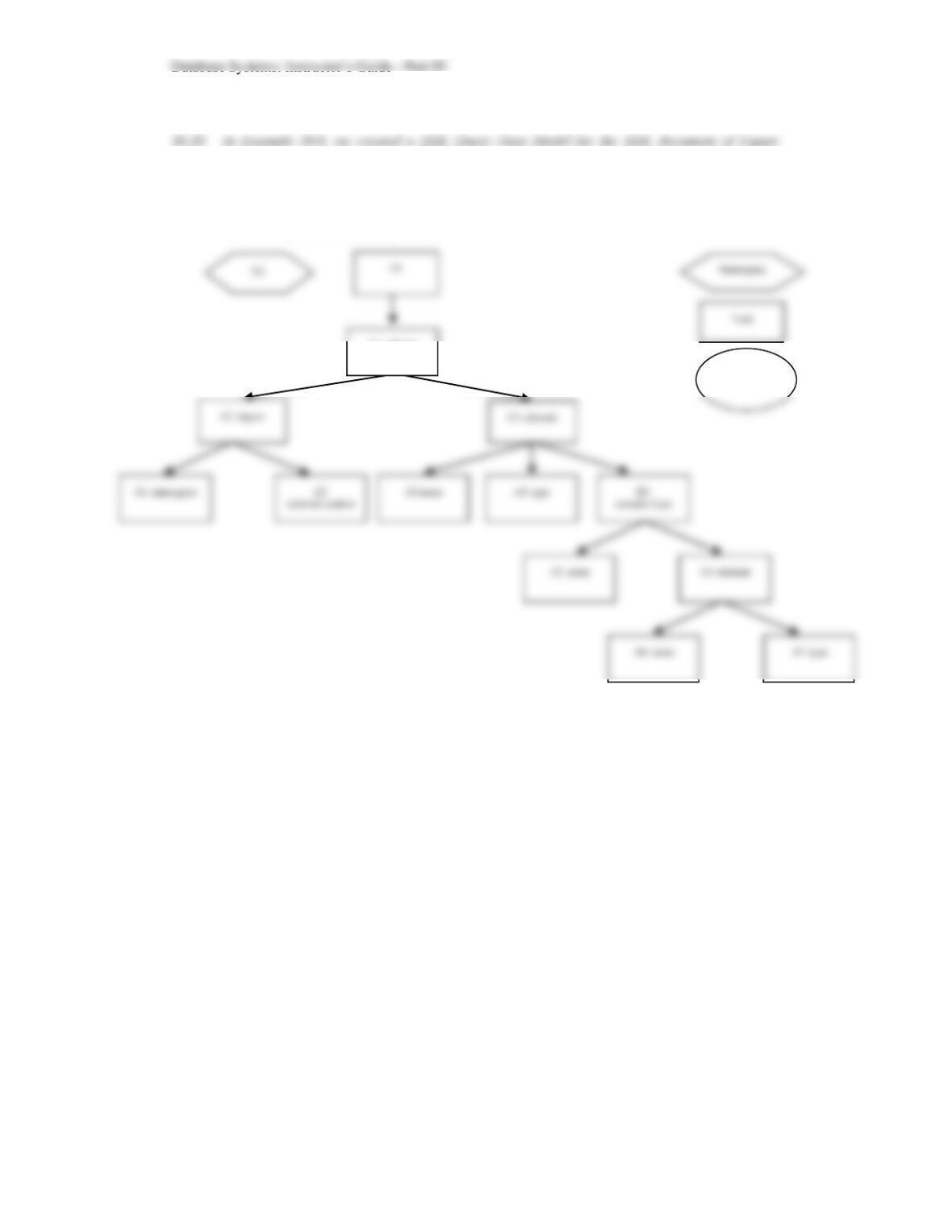
30.19 Now for each of the documents created above, create an appropriate DTD and XML Schema.
Use namespaces where appropriate to reuse common declarations. Try to model multiplicity,
primary and foreign keys, and alternate keys, where appropriate. What can you conclude from
these tests?
<!ELEMENT DREAMHOME (BRANCHLIST, STAFFLIST)>
<!ELEMENT NAME (FNAME, LNAME)>
<!ELEMENT STREET (#PCDATA)>
14
30.22(a). Now create an XML Query Data Model for the corresponding XML Schema of
Figure 30.22(b).
Outline solution is as follows:
Comment or
Text node
E1: schema
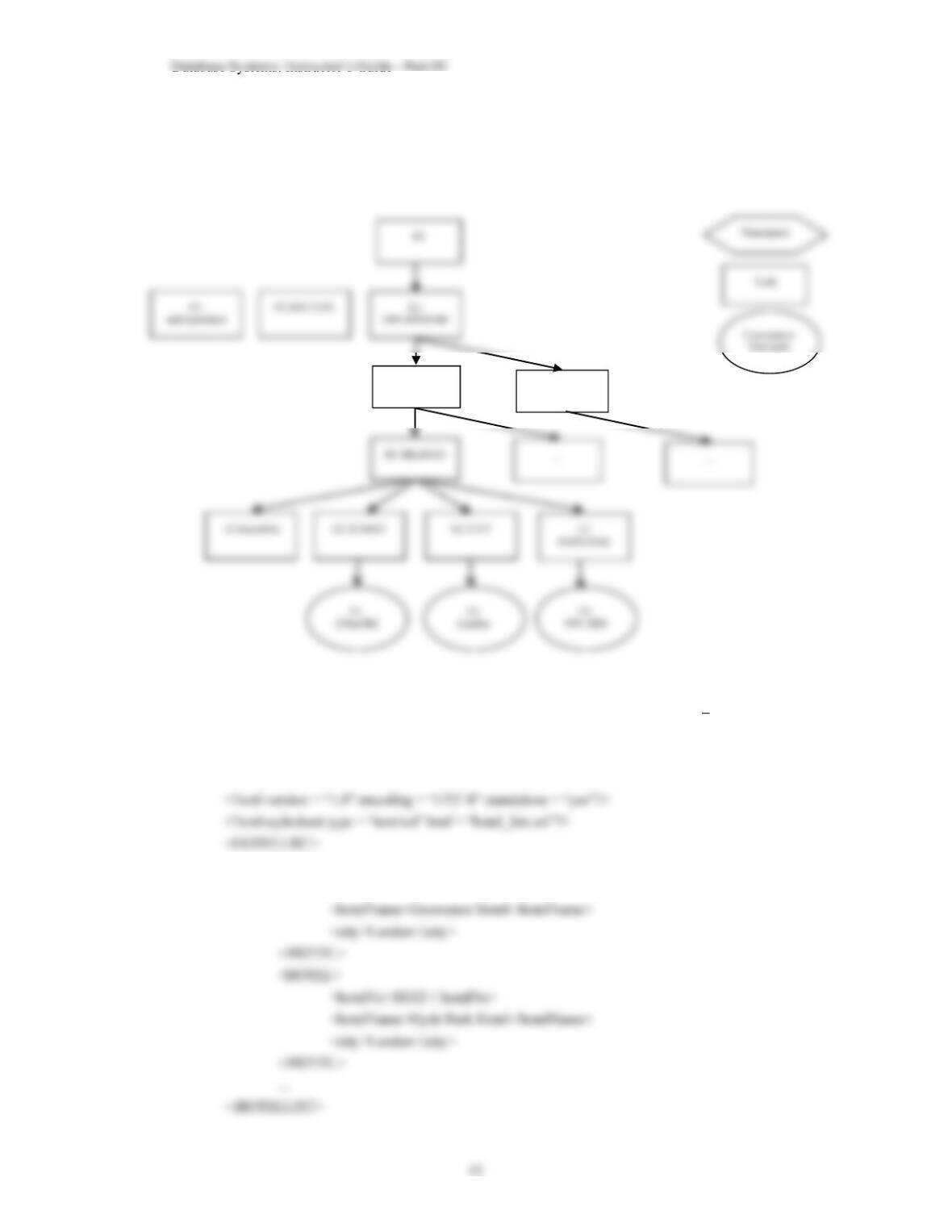
30.21 Create an XML Query Data Model for each of the XML documents created above.
The outline data model for the XML document given in the solution to Exercise 30.17 is as
follows:
30.22 Create an XML document and an XML Schema for the Hotel Schema given in the Exercises at
the end of Chapter 4. Now attempt to write XQuery expressions for Exercises 6.7 6.26.
Could create one large XML file or one for each relation. For the latter case, could have:
<HOTEL>
<hotelNo>H111</ hotelNo>
E2:
BRANCHLIST
E3: STAFFLIST
– Part III
16
</ROOM>
<ROOM>
Some sample XQuery expressions would be:
6.7 List full details of all hotels.
6.8 List full details of all hotels in London.
6.10 List all double or family rooms with a price below £40.00 per night, in ascending order
of price.
6.12 How many hotels are there?
6.13 What is the average price of a room?
17
6.14 What is the total revenue per night from all double rooms?
6.15 How many different guests have made bookings for August?
6.16 List the price and type of all rooms at the Grosvenor Hotel.
FOR $R INdoc( room_list.xml )//ROOMLIST/ROOM
6.17 List all guests currently staying at the Grosvenor Hotel.
FOR $G INdoc( guest_list.xml )//GUESTLIST/GUEST
FOR $B INdoc( booking_list.xml )//BOOKINGLIST/BOOKING
18
6.22 List the number of rooms in each hotel.
FOR $hotelNo INdistinct-values(doc( room_list.xml )//hotelNo)
6.23 List the number of rooms in each hotel in London.
FOR $H INdoc( hotel_list.xml )//HOTELLIST/HOTEL
31.23 Create an XML document and XML Schema for the Projects Schema given in the Exercises at
the end of Chapter 5. Now attempt to write XQuery expressions for Exercises 6.32 6.40.
See solutions above for examples.
31.24 Create an XML document and XML Schema for the Library Schema given in the Exercises at
the end of Chapter 5. Now attempt to write XQuery expressions for Exercises 6.41 6.54.
See solutions above for examples.
30.25 For any DBMS that you have access to, investigate the XML functionality supported by the
DBMS.
30.26 For any DBMS that supports XML, transfer the XML documents created in Exercise 30.17
into the database. Examine the structure of the relations created.