Chapter Two – Introduction to Structured Query Language
ON C.CustomerID = S.CustomerID
JOIN SALE_ITEM SI
ON S.SaleID = SI.SaleID
JOIN ITEM I
ON SI.ItemID = I.ItemID
WHERE ItemDescription = ‘Desk Lamp’
ORDER BY LastName, FirstName DESC;
Note that for Microsoft Access, we must use the INNER JOIN syntax with grouping of the
INNER JOINS:
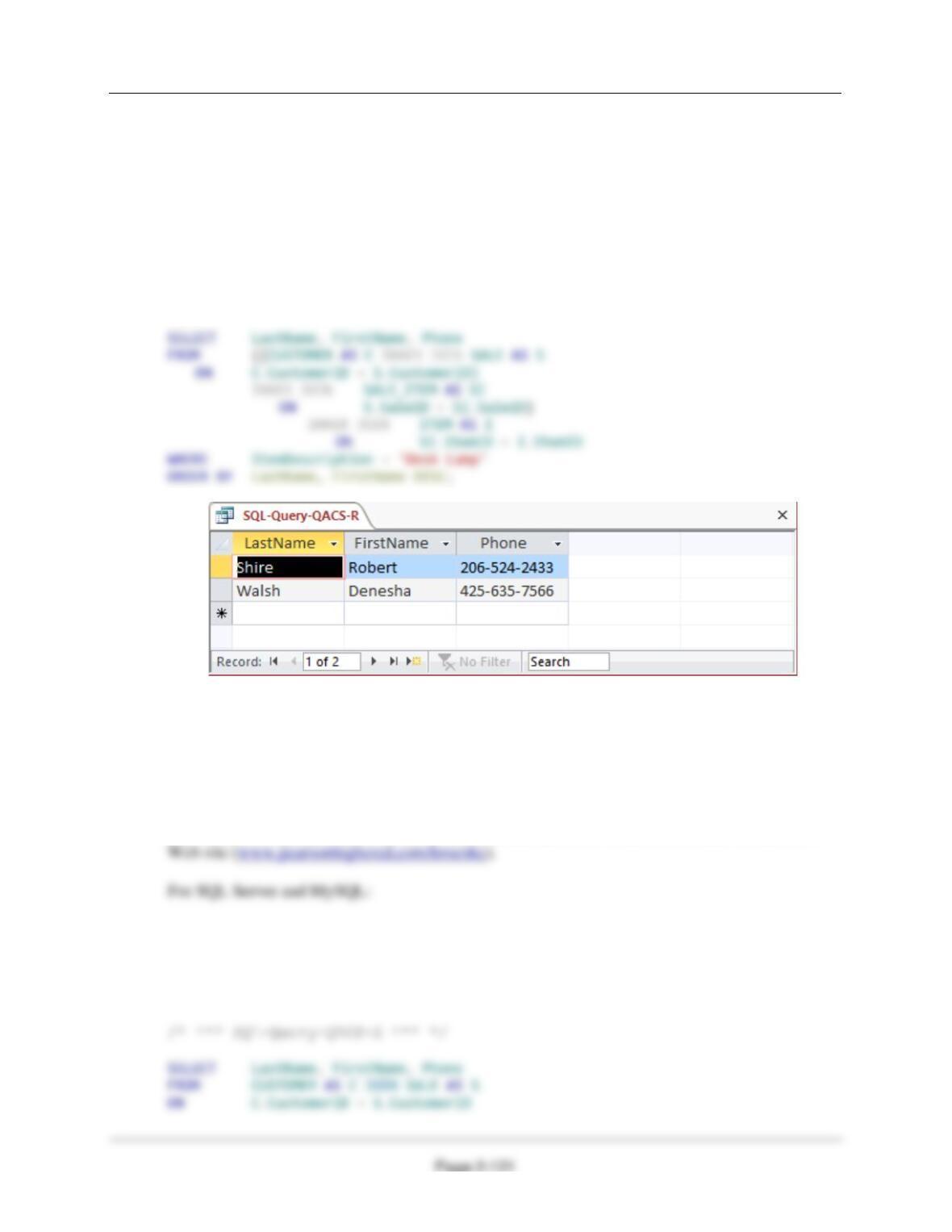
S. Show the LastName, FirstName, and Phone of all customers who have bought an Item
named ‘Desk Lamp‘. Use a combination of a join in JOIN ON syntax and a subquery.
Present results sorted by LastName in ascending order and then FirstName in
descending order.
Solutions to The Queen Anne Curiosity Shop questions are contained in the Microsoft Access
database DBP-e15–IM–CH02-QACS.accdb and in corresponding files for SQL Server, Oracle
Database, and MySQL, which are all available in the Instructor’s Resource Center on the text’s
Chapter Two – Introduction to Structured Query Language
Page 2-122
WHERE SaleID IN
(SELECT SaleID
FROM SALE_ITEM
WHERE ItemID IN
(SELECT ItemID
FROM ITEM
WHERE ItemDescription = ‘Desk Lamp’))
ORDER BY LastName, FirstName DESC;
For Microsoft Access, which requires “INNER” in the join syntax:
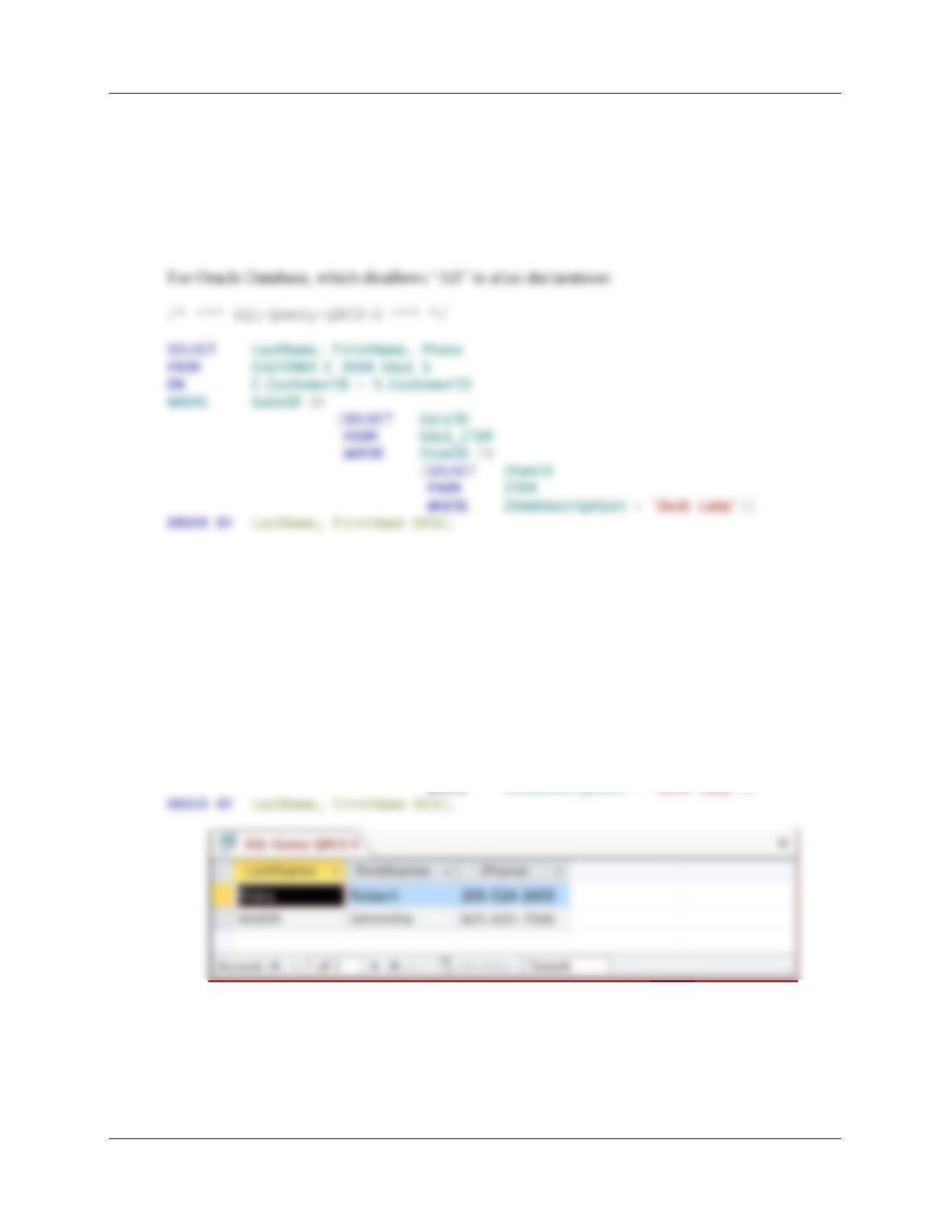
/* *** SQL-Query-QACS-S *** */
SELECT LastName, FirstName, Phone
FROM CUSTOMER AS C INNER JOIN SALE AS S
ON C.CustomerID = S.CustomerID
WHERE SaleID IN
(SELECT SaleID
FROM SALE_ITEM
WHERE ItemID IN
(SELECT ItemID
FROM ITEM
WHERE ItemDescription = ‘Desk Lamp’))
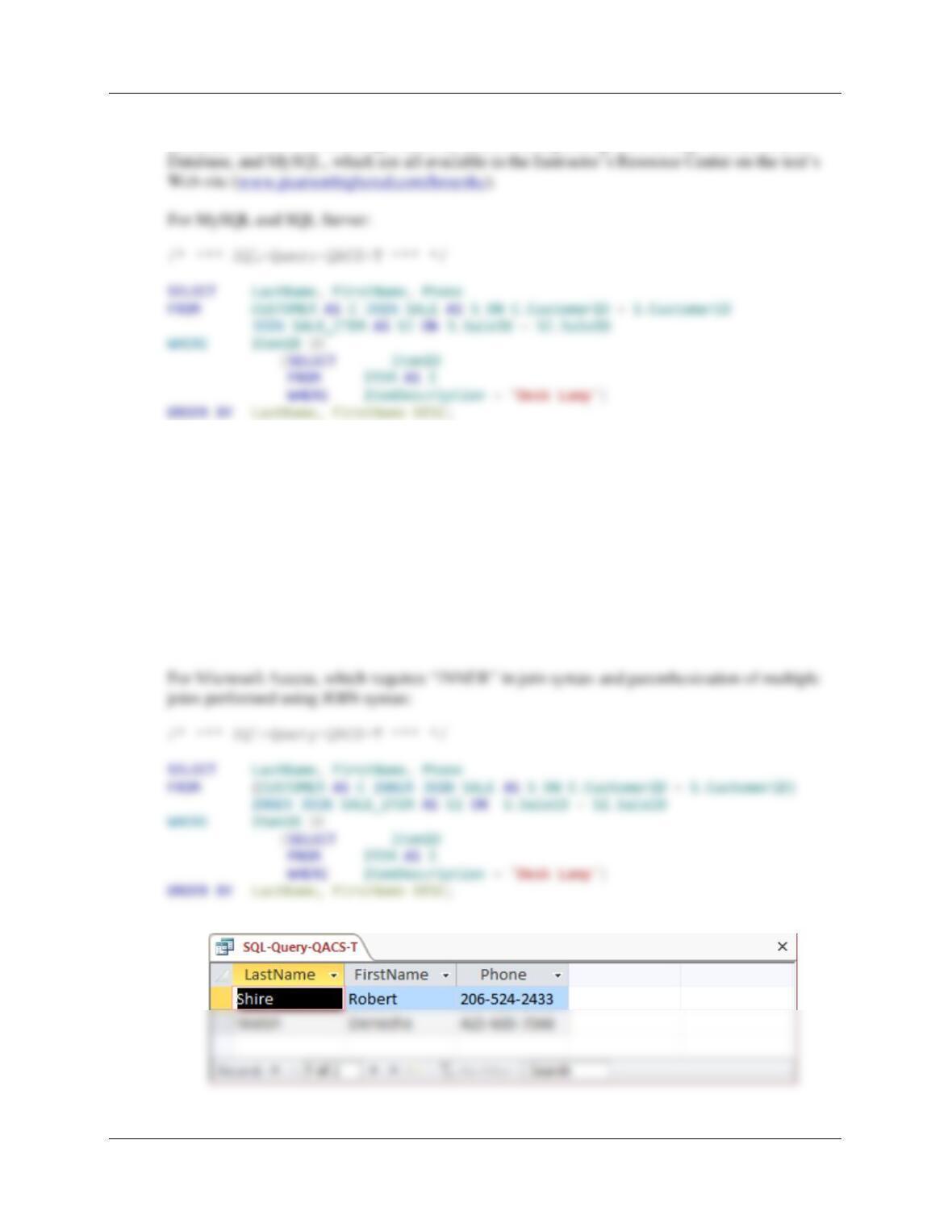
T. Show the LastName, FirstName, and Phone of all customers who have bought an Item
named ‘Desk Lamp‘. Use a combination of a join in JOIN ON syntax and a subquery that
is different from the combination used for question S. Present results sorted by
LastName in ascending order and then FirstName in descending order.
Chapter Two – Introduction to Structured Query Language
Page 2-123
Solutions to The Queen Anne Curiosity Shop questions are contained in the Microsoft Access
database DBP-e15–IM–CH02-QACS.accdb and in corresponding files for SQL Server, Oracle
For Oracle Database, which does not allow “AS” in alias declarations:
/* *** SQL-Query-QACS-T *** */
SELECT LastName, FirstName, Phone
FROM CUSTOMER C JOIN SALE S ON C.CustomerID = S.CustomerID
JOIN SALE_ITEM SI ON S.SaleID = SI.SaleID
WHERE ItemID IN
(SELECT ItemID
FROM ITEM I
WHERE ItemDescription = ‘Desk Lamp’)
ORDER BY LastName, FirstName DESC;
Chapter Two – Introduction to Structured Query Language
Page 2-124
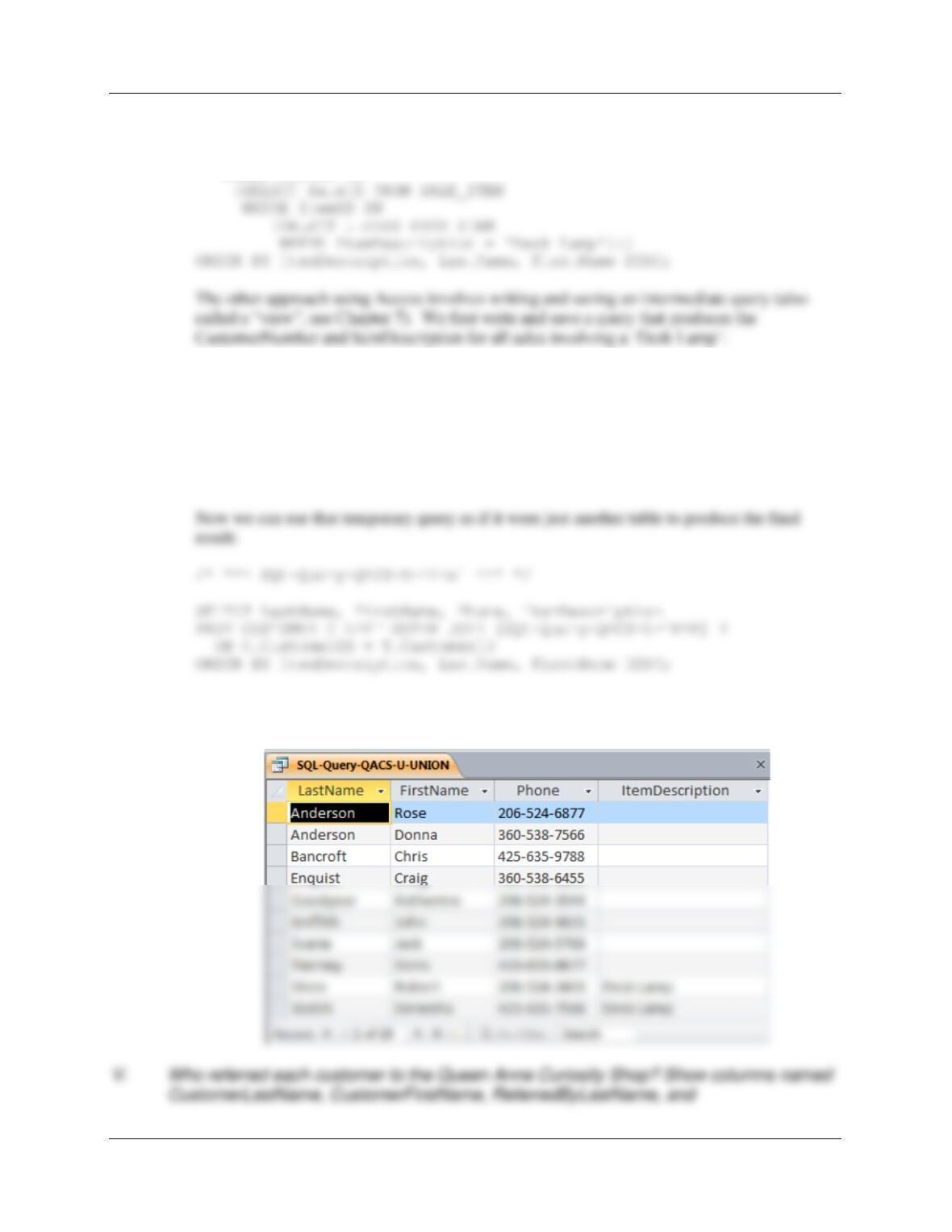
U. Show the LastName, FirstName, Phone, and ItemDescription for customers who have
bought an Item named ‘Desk Lamp‘. Also show the LastName, FirstName, and Phone of
all the other customers. Present results sorted by Item in ascending order, then
LastName in ascending order, and then FirstName in descending order. HINT: In
Microsoft Access 2016 you will either need to use a UNION statement or a sequence of
two queries to solve this, because Microsoft Access disallows nesting an INNER join
inside a LEFT or RIGHT join. The other DBMS products can do it with one query (not a
UNION statement).
Solutions to The Queen Anne Curiosity Shop questions are contained in the Microsoft Access
The LEFT JOIN solution for Oracle Database, MySQL, and SQL Server:
SELECT LastName, FirstName, Phone, ItemDescription
FROM CUSTOMER LEFT JOIN (SALE
JOIN SALE_ITEM
ON SALE.SaleID = SALE_ITEM.SaleID
JOIN ITEM
ON SALE_ITEM.ItemID = ITEM.ItemID
Chapter Two – Introduction to Structured Query Language
Page 2-125
FROM CUSTOMER
WHERE CustomerID NOT IN
(SELECT CustomerID FROM SALE
WHERE SaleID IN
/* *** SQL-Query-QACS-U-Temp *** */
SELECT CustomerID, ItemDescription
FROM SALE AS S, SALE_ITEM AS SI, ITEM AS I
WHERE S.SaleID = SI.SaleID
AND SI.ItemID = I.ItemID
AND ItemDescription = ‘Desk Lamp’;
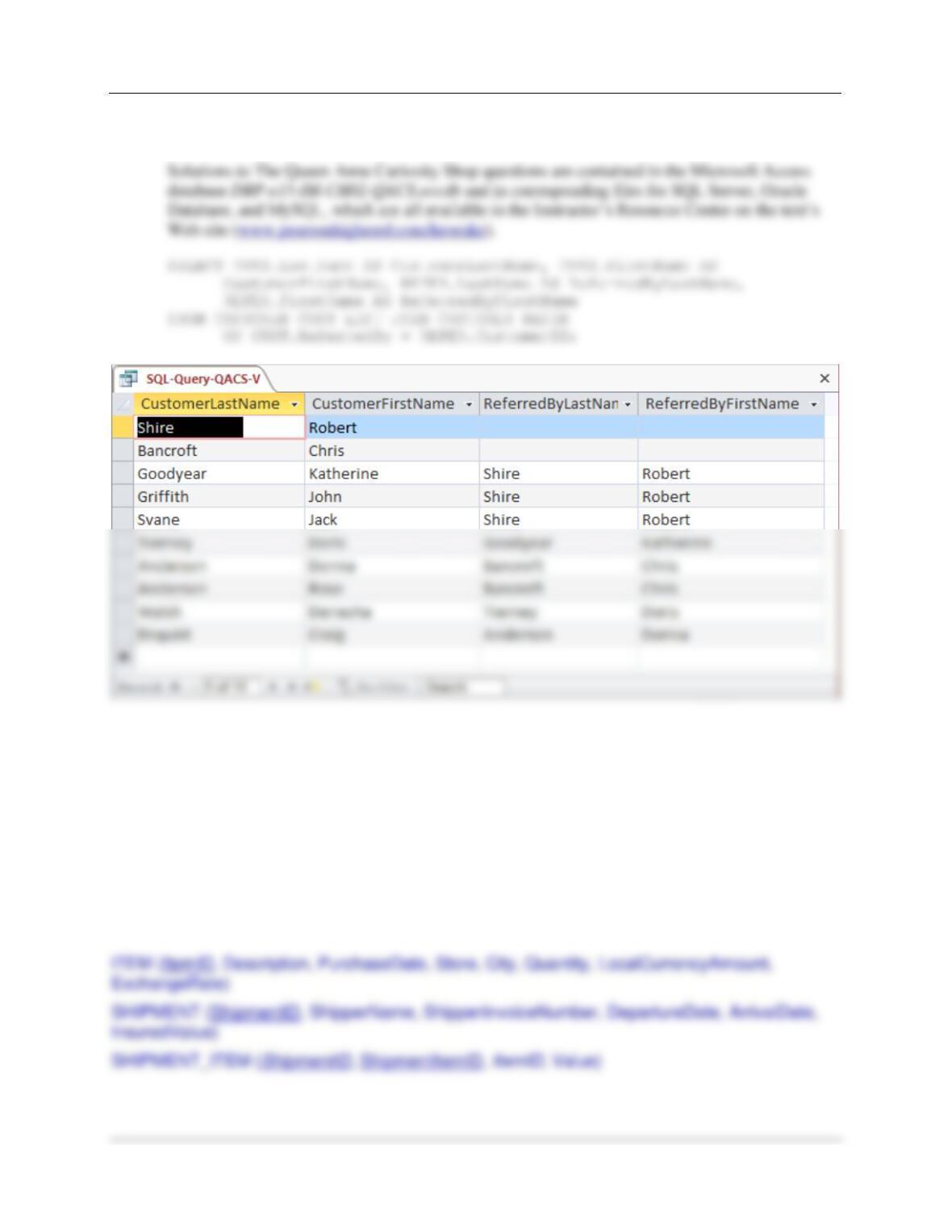
The results below are the same for all correct versions of this query, with the possible
exception of where the NULL ItemDescriptions are presented: In Access, NULL comes
before all values; in Oracle, it comes last, etc.
Chapter Two – Introduction to Structured Query Language
Page 2-126
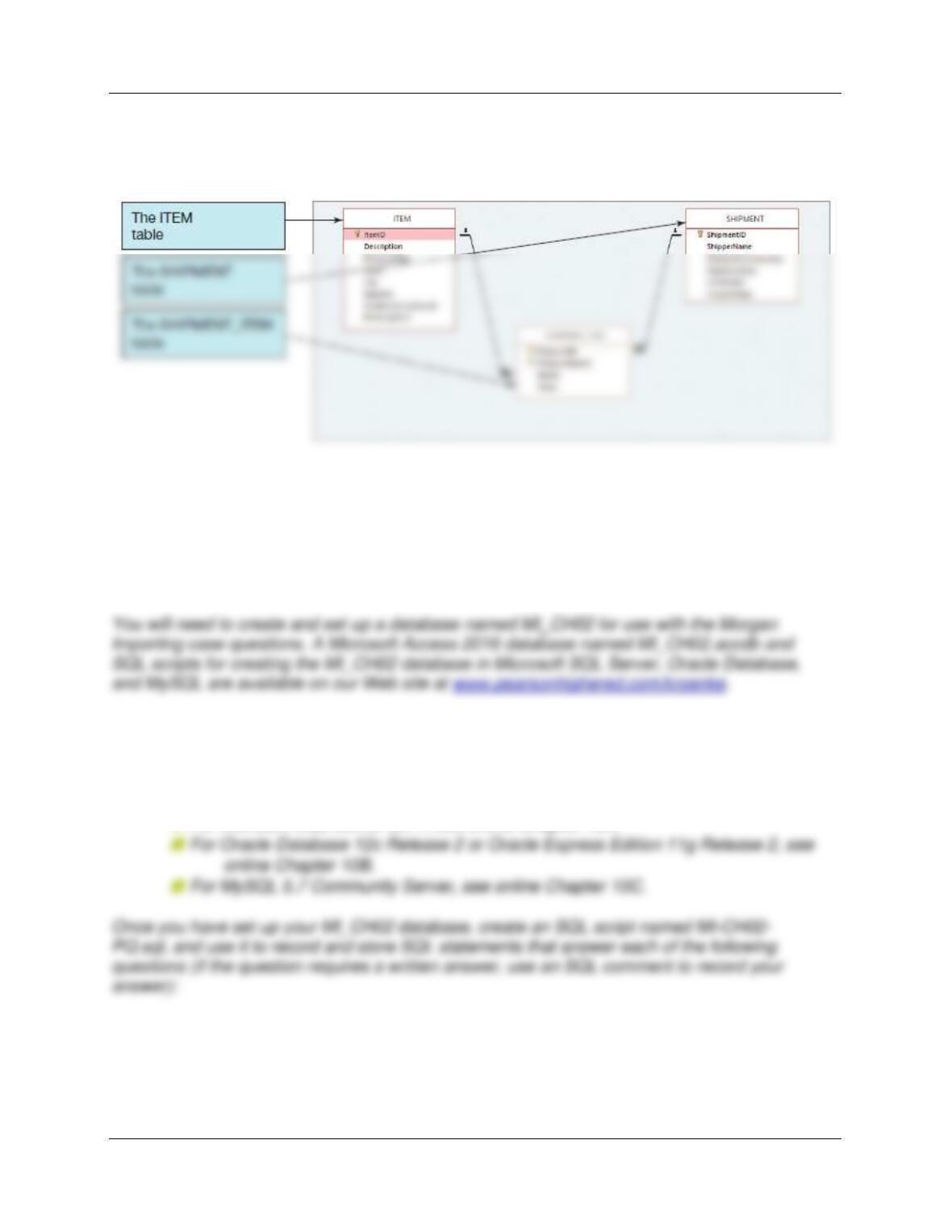
ReferredByFirstName. Include the names of all customers who were not referred by any
other customer in the results of the query.
❖ ANSWERS TO MORGAN IMPORTING PROJECT QUESTIONS
James Morgan owns and operates Morgan Importing, which purchases antiques and home
furnishings in Asia, ships those items to a warehouse facility in Los Angeles, and then sells
these items in the United States. James tracks the Asian purchases and subsequent shipments
of these items to Los Angeles by using a database to keep a list of items purchased, shipments
of the purchased items, and the items in each shipment. His database includes the following
tables:
Chapter Two – Introduction to Structured Query Language
Page 2-127
In the database schema, the primary keys are underlined and the foreign keys are shown in
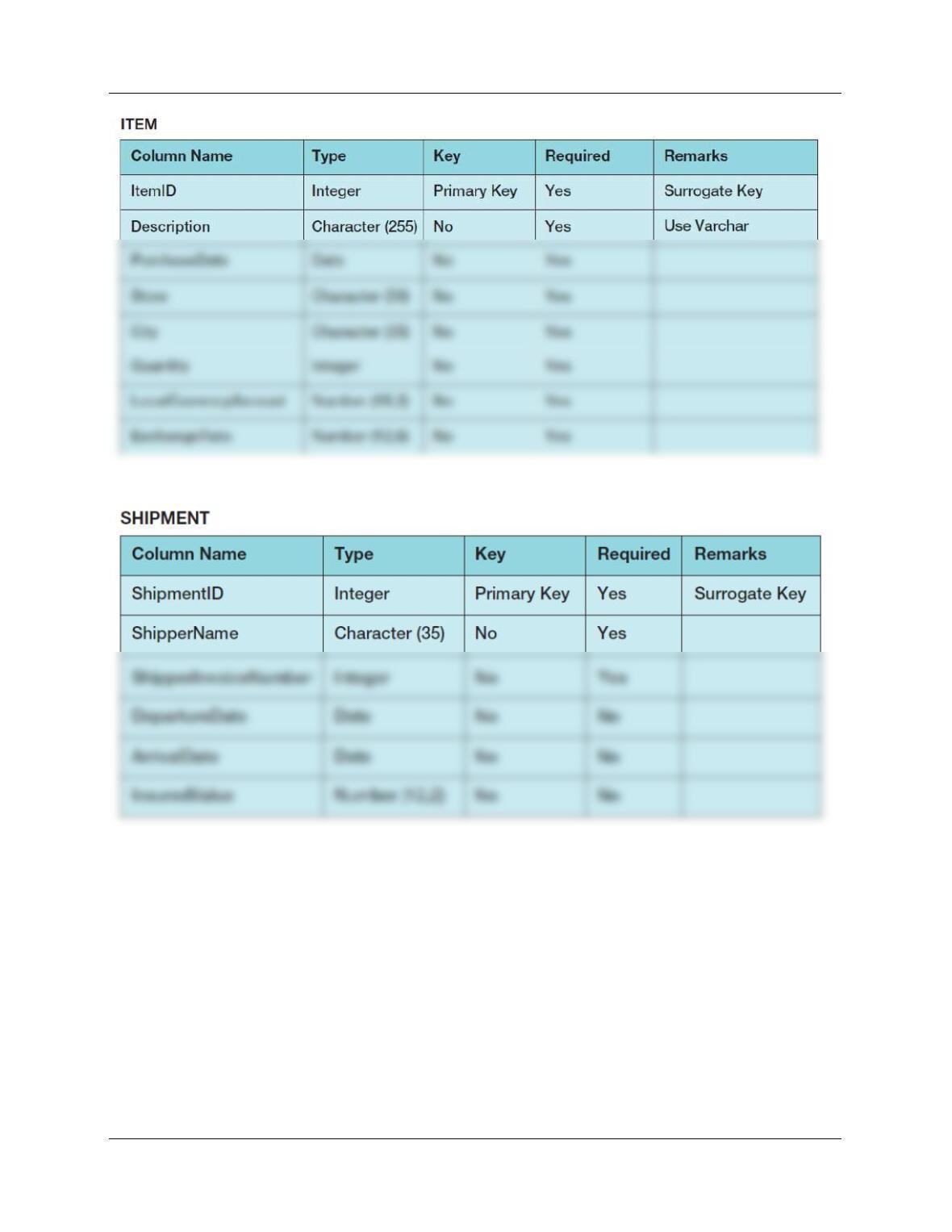
italics. The database that James has created is named MI, and the three tables in the MI
database schema are shown in Figure 2-63.
Figure 2-63 – The MI Database
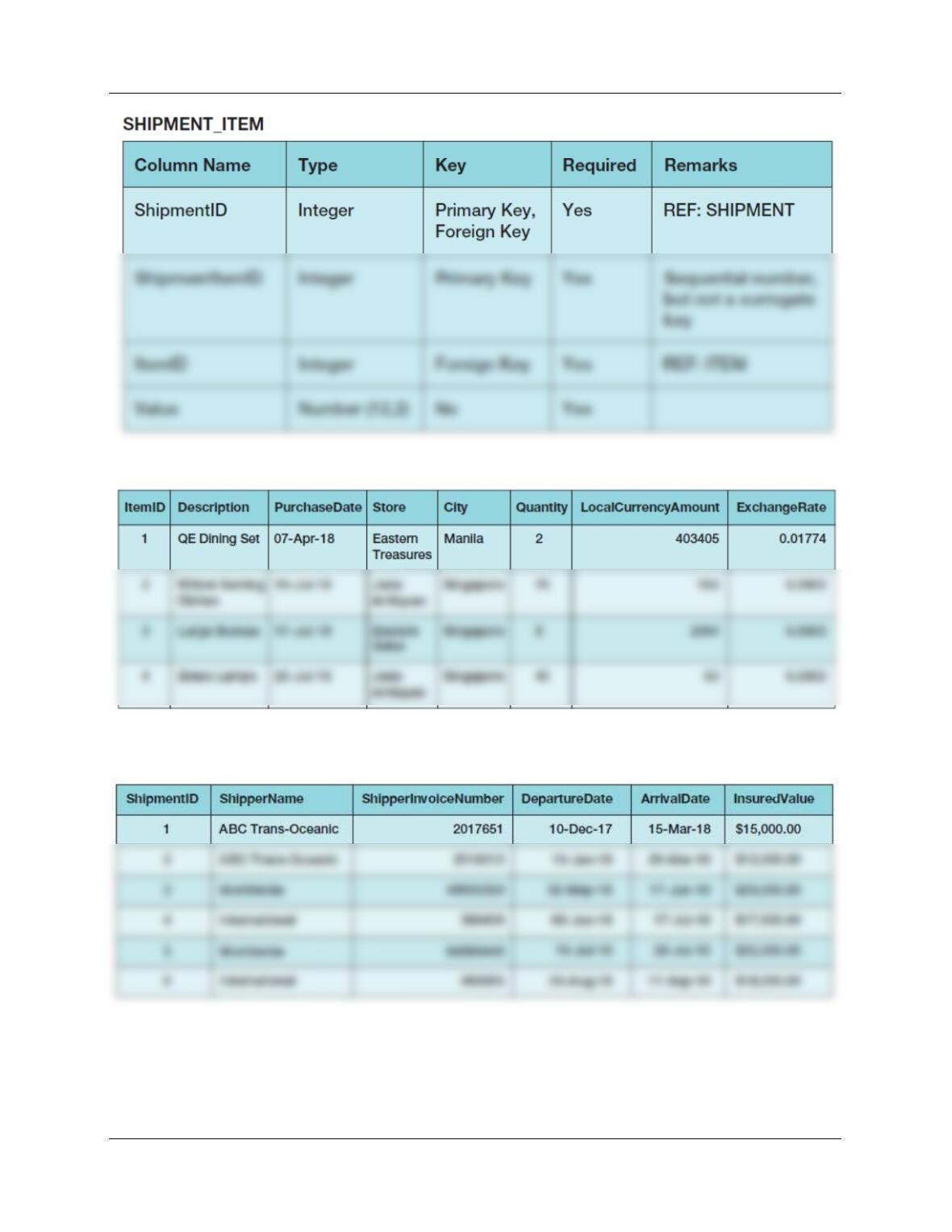
The column characteristics for the tables are shown in Figures 2-64, 2-65, and 2-66. The data
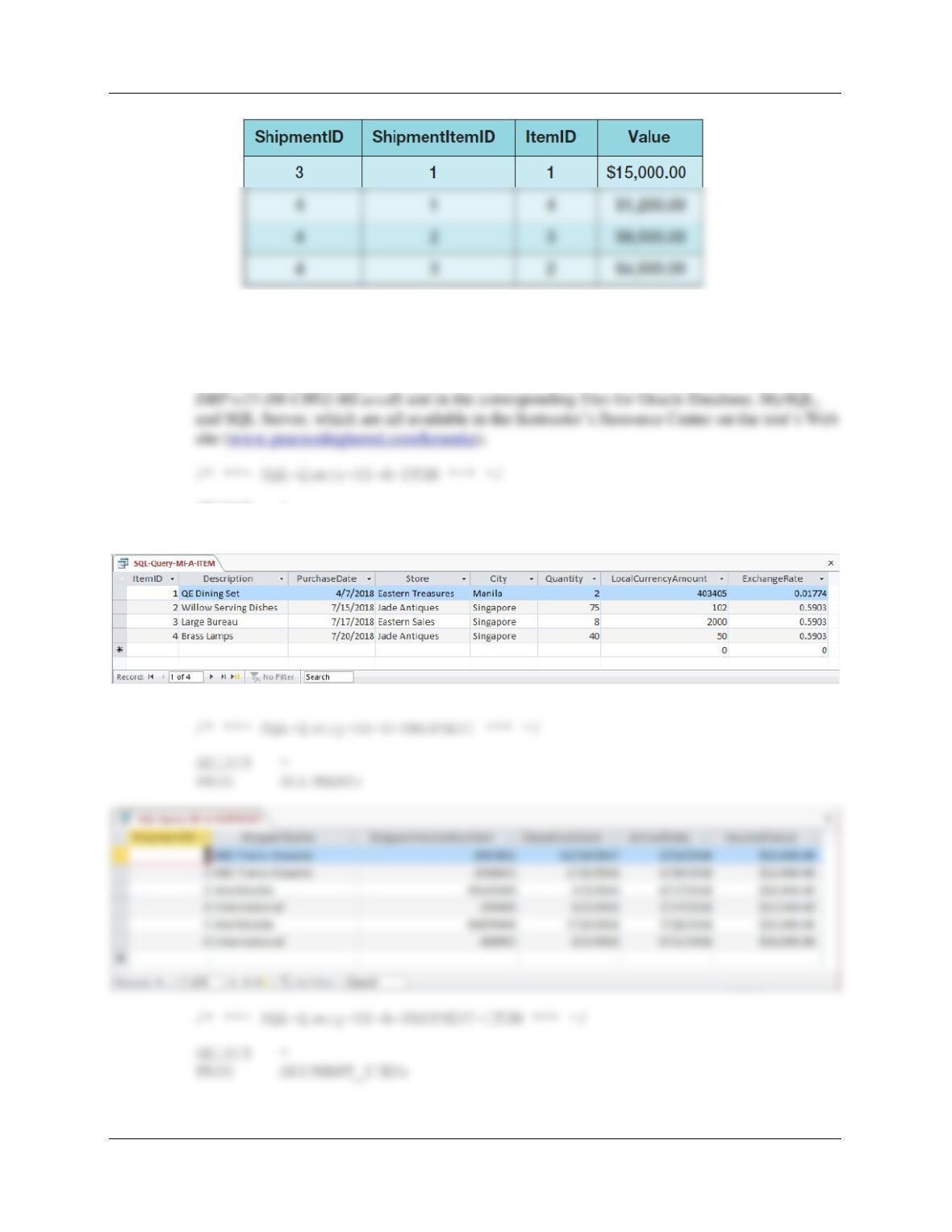
for the tables are shown in Figures 2-67, 2-68, and 2-69. The relationship between ITEM and
SHIPMENT_ITEM should enforce referential integrity, and although it should cascade updates,
it should not cascade deletions. The relationship between SHIPMENT and SHIPMENT_ITEM
should enforce referential integrity and cascade both updates and deletions.
If you are using the Microsoft Access 2016 MI_CH02.accdb database, simply
copy it to an appropriate location in your Documents folder. Otherwise, you will need to use the
discussion and instructions necessary for setting up the MI_CH02 database in the DBMS
product you are using:
■
For Microsoft SQL Server 2017, see online Chapter 10A.
Chapter Two – Introduction to Structured Query Language
Page 2-128
Figure 2-64 – Column Characteristics for the MI Database ITEM Table
Figure 2-65 – Column Characteristics for the MI Database SHIPMENT Table
Chapter Two – Introduction to Structured Query Language
Page 2-129
Figure 2-66 – Column Characteristics for the MI Database SHIPMENT_ITEM Table
Figure 2-67 – Sample Data for the MI Database ITEM Table
Figure 2-68 – Sample Data for the MI Database SHIPMENT Table
Chapter Two – Introduction to Structured Query Language
Page 2-130
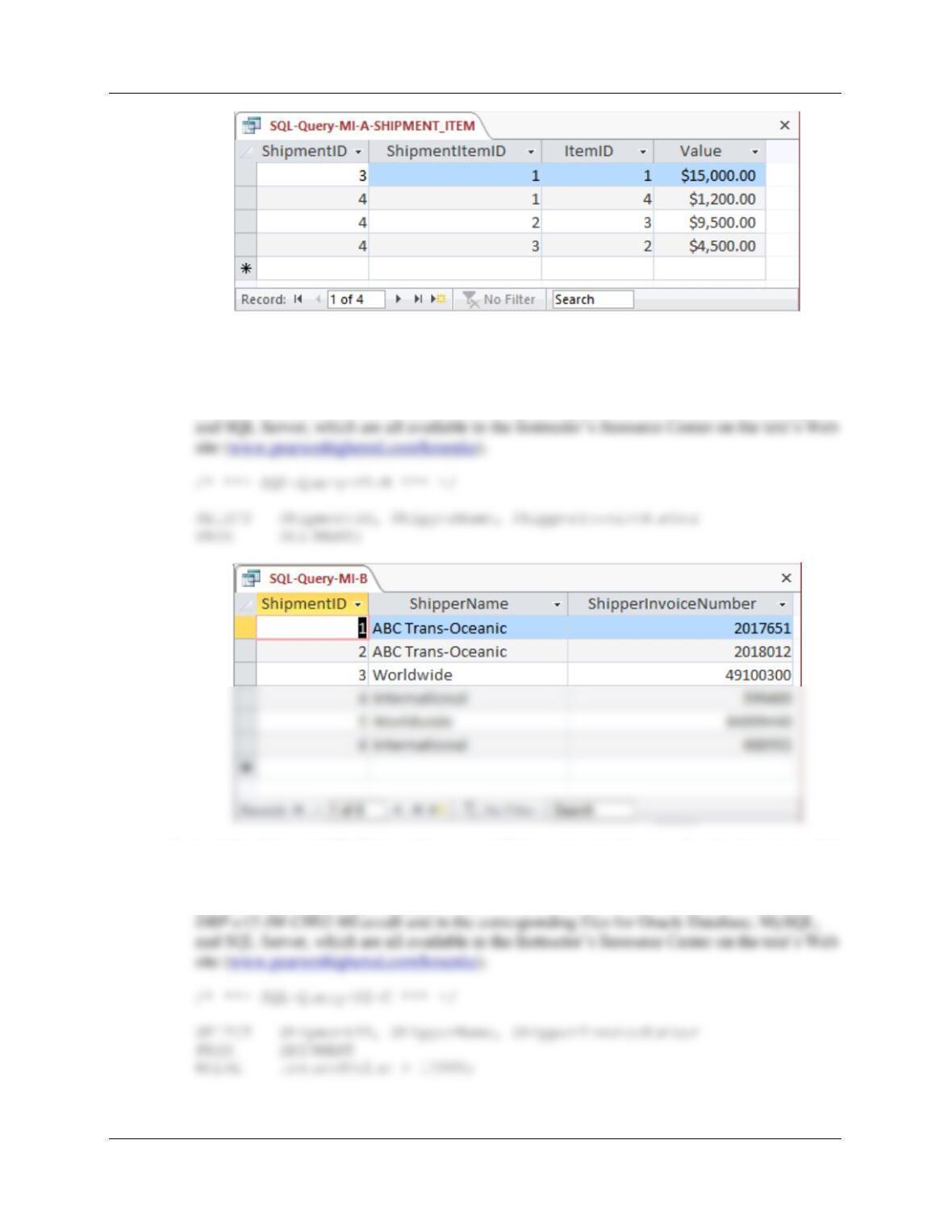
Figure 2-69 – Sample Data for the MI Database SHIPMENT_ITEM Table
A. Show all data in each of the tables.
Solutions to Morgan Importing questions are contained in the Microsoft Access database
SELECT *
FROM ITEM;
Chapter Two – Introduction to Structured Query Language
Page 2-131
B. List the ShipmentID, ShipperName, and ShipperInvoiceNumber of all shipments.
Solutions to Morgan Importing questions are contained in the Microsoft Access database
DBP-e15-IM–CH02-MI.accdb and in the corresponding files for Oracle Database, MySQL,
C. List the ShipmentID, ShipperName, and ShipperInvoiceNumber for all shipments that
have an insured value greater than $10,000.00.
Solutions to Morgan Importing questions are contained in the Microsoft Access database