Chapter Two – Introduction to Structured Query Language
Page 2-1
INSTRUCTOR’S MANUAL
TO ACCOMPANY
40th Anniversary Edition
DATABASE PROCESSING
Fundamentals, Design, and Implementation
15th Edition
Chapter 2
Introduction to Structured Query Language
David M. Kroenke | David J. Auer | Scott L. Vandenberg | Robert C. Yoder
Chapter Two – Introduction to Structured Query Language
❖ CHAPTER OBJECTIVES
• To understand the use of extracted data sets in business intelligence (BI) systems
• To understand the use of ad-hoc queries in business intelligence (BI) systems
• To create SQL queries that use the SQL logical operators, including AND, OR, and
NOT
• To create SQL queries that use the SQL built-in aggregate functions of SUM,
COUNT, MIN, MAX, and AVG with and without the SQL GROUP BY clause
• To create SQL queries that retrieve data from a single table while restricting the data
based upon data in another table (subquery)
❖ IMPORTANT TEACHING NOTES – READ THIS FIRST!
Chapter 2 – Introduction to Structured Query Language is intended to be taught in
conjunction with the version of online Chapter 10# available at
1. If you are using Microsoft SQL Server 2017 as your DBMS, you should use
2. If you are using Oracle Database 12c Release 2 or Oracle Database XE as
your DBMS, you should use Online Chapter 10B – Managing Databases with

Chapter Two – Introduction to Structured Query Language
Page 2-3
Oracle Database, and cover pages 10B-1 through 10B-55 to help your
students get set up for the SQL work in Chapter 2.
❖ ERRATA
There are no known errors at this time. Any errors that are discovered in the future will
❖ TEACHING SUGGESTIONS
• Database files to illustrate the examples in the chapter and solution database
• The best way for students to understand SQL is by using it. Have your students
work through the Review Questions, Exercises, the Marcia’s Dry Cleaning Case
Questions, and the Queen Anne Curiosity Shop or Morgan Importing Project
Questions in an actual database. Students can create databases in Microsoft
• Microsoft Access database files for Cape Codd, together with SQL scripts for
Microsoft SQL Server, Oracle Database, and MySQL versions of Cape Codd,
• The SQL processors in the various DBMSs are very fussy about character sets
used for SQL statements. They want to see plain ASCII text, not fancy fonts.
This is particularly true of the single quotation ( ‘ ) used to designate character
strings, but we’ve also had problems with the minus sign. If your students are
having problems getting a “properly structured SQL statement” to run, look
closely for this type of problem. It occurs most frequently when copying/pasting a
query from a word processor into a query window.
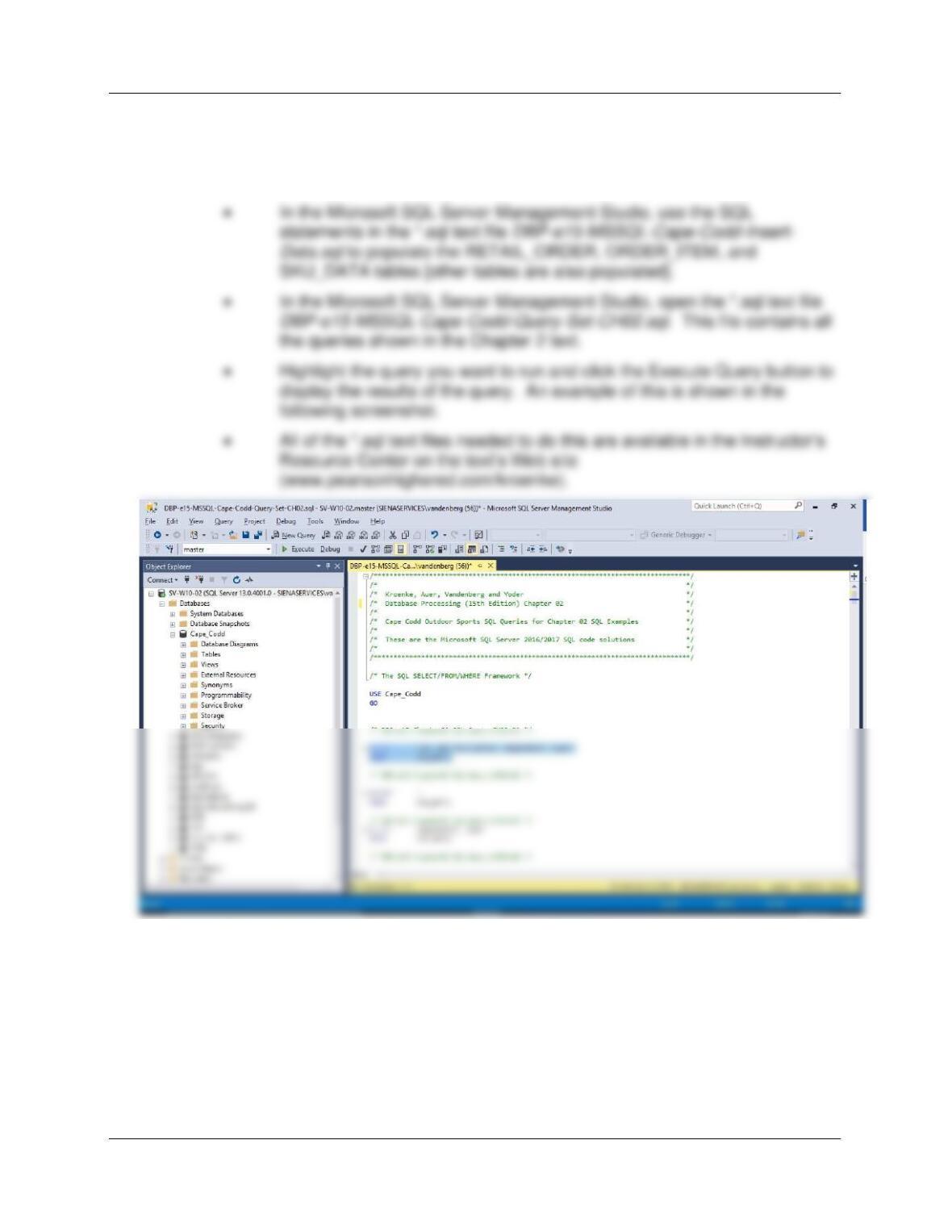
• There is a useful teaching technique which will allow you to demonstrate the SQL
queries in the text using Microsoft SQL Server if you have it available.
• Open the Microsoft SQL Server Management Studio, and create a new
SQL Server database named Cape-Codd.
Chapter Two – Introduction to Structured Query Language
Page 2-4
• In the Microsoft SQL Server Management Studio, use the SQL
statements in the *.sql text file DBP–e15-MSSQL-Cape-Codd-Create-
Tables.sql to create the RETAIL_ORDER, ORDER_ITEM, and
SKU_DATA tables [other tables are also created].
• Microsoft Access 2016 does not support all SQL-92 (and newer) constructs.
While this chapter still considers Microsoft Access as the DBMS most likely to be
used by students at this point in the course, there are some Review Questions
and Project Questions that use the ORDER BY clause with aliased computed
columns that will not run in Access (see Review Questions 2.36 – 2.38). The
correct solutions for these questions were obtained using Microsoft SQL Server
2017. The Microsoft Access results achieving the ORDER BY without using the
alias are also shown, so you can assign these problems with or without the
“ORDER BY alias” part of the questions.
Chapter Two – Introduction to Structured Query Language
Page 2-5
• Microsoft Access 2016 does not support SQL wildcard characters (see Review
Questions 2.31 – 2.33), although it does have equivalent wildcard characters as
described in the chapter. The correct solutions for these questions were
obtained using Microsoft SQL Server 2017, and solutions are shown for Access
as well.
• At this point, students familiar with Microsoft Access will wonder why they are
learning SQL. They have made queries in Microsoft Access using Microsoft
Access’s version of Query-By-Example (QBE), and therefore never had to
understand the SQL. In many cases, they will not know that Microsoft Access
generates SQL code when you create a query in design view. It is worth letting
them know this is done and even showing them the SQL created for and
underlying a Microsoft Access query.
The result is 20 columns (not bad) but 100,000,000 rows (100 * 100 = 10,000,
10,000 * 100 = 1,000,000, 1,000,000 * 100 = 100,000,000). This happens
because the JOIN is not qualified. If they understand Cartesian products then
they will understand how to fix a JOIN where the results are much too large.
Chapter Two – Introduction to Structured Query Language
Page 2-6
• String comparisons using LIKE (and other operators) may or may not be case-
sensitive, depending on the DBMS used and on the default settings set up by the
DBA; see solutions to Case Question MDC-F for more details and suggestions.
• Screen shot solutions to all the queries in this chapter come from Microsoft
Access. Note that most of them are from Access 2016 but some are from older
versions of Access: the differences for the purposes of this chapter are entirely
cosmetic (font and other colors).
❖ ANSWERS TO REVIEW QUESTIONS
2.1 What is an online transaction processing (OLTP) system? What is a business
intelligence (BI) system? What is a data warehouse?
An OLTP system is typically one in which a database is used to store information about daily
2.2 What is an ad-hoc query?
2.3 What does SQL stand for, and what is SQL?
2.4 What does SKU stand for? What is an SKU?
2.5 Summarize how data were altered and filtered in creating the Cape Codd data
extraction.
Data from the Cape Codd operational retail sales database were used to create a retail sales
extraction database with three tables: RETAIL_ORDER, ORDER_ITEM, and SKU_DATA.

Chapter Two – Introduction to Structured Query Language
Page 2-7
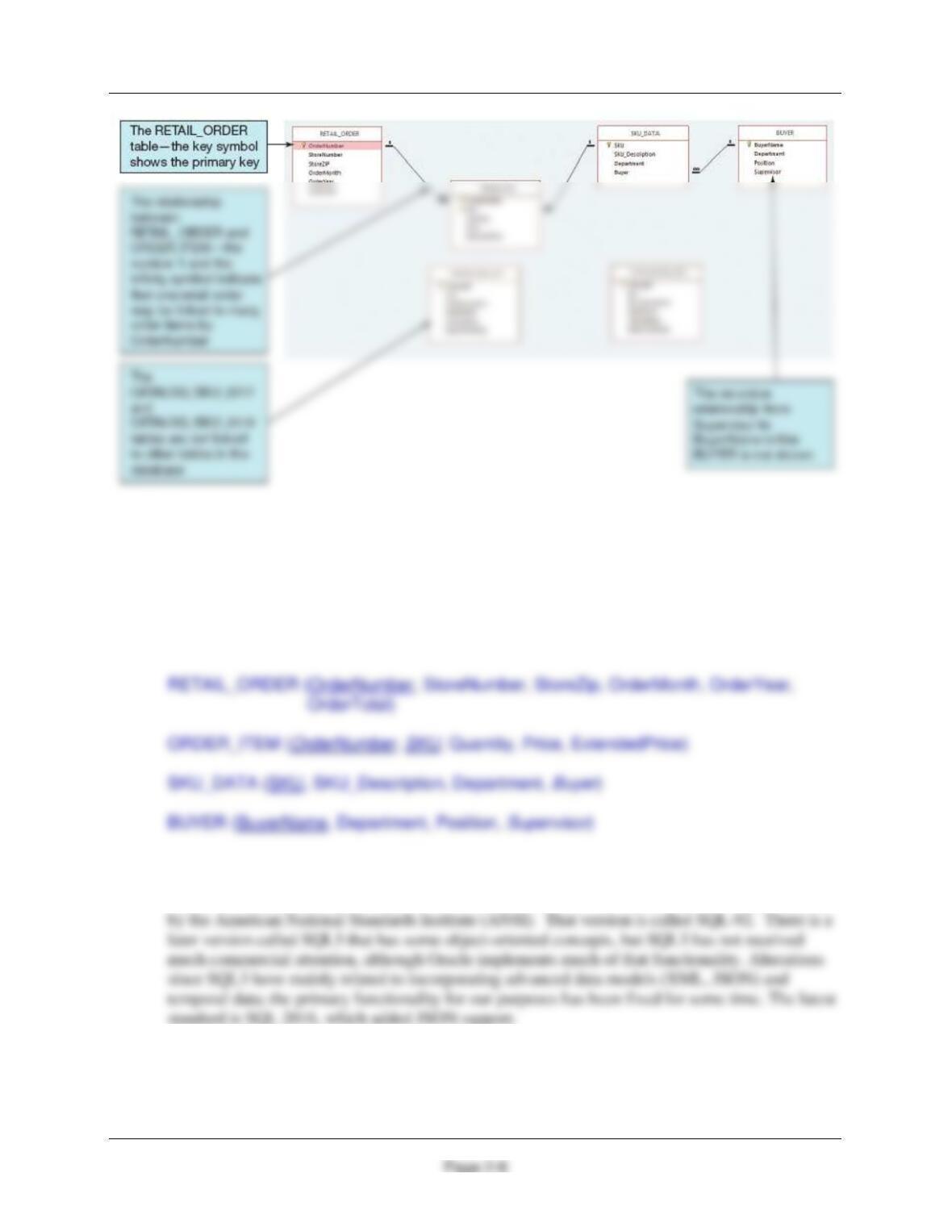
2.6 Explain in general terms the relationships of the RETAIL_ORDER, ORDER_ITEM,
SKU_DATA, and BUYER tables. What is the relationship of these tables to the
CATALOG_SKU_2017 and CATALOG_SKU_2018 tables?
In general, each sale in RETAIL_ORDER relates to one or more rows in ORDER_ITEM that
detail the items sold in the specific order. Each row in ORDER_ITEM is associated with a
Chapter Two – Introduction to Structured Query Language
Figure 2-4 – The Cape Codd Database
In traditional database terms (which will be discussed in Chapter 3) OrderNumber and SKU in
ORDER_ITEM are foreign keys that provide the links to the RETAIL_ORDER and SKU_DATA
tables respectively. Buyer in SKU_DATA is a foreign key linking to BuyerName in BUYER.
Supervisor in BUYER is a foreign key linked to BuyerName in BUYER. Using an underline to
show primary keys and italics to show foreign keys, the tables and their relationships are shown
as:
2.7 Summarize the background of SQL.
SQL was developed by IBM in the late 1970s, and in 1992 it was endorsed as a national standard
2.8 What is SQL-92? How does it relate to the SQL statements in this chapter?
Chapter Two – Introduction to Structured Query Language
Page 2-9
SQL-92 is the version of SQL endorsed as a national standard by the American National
2.9 What features have been added to SQL in versions subsequent to SQL-92?
2.10 Why is SQL described as a data sublanguage?
2.11 What does DML stand for? What are DML statements?
DML stands for data manipulation language. DML statements are used for querying and
modifying data.
2.12 What does DDL stand for? What are DDL statements?
2.13 What is the SQL SELECT/FROM/WHERE framework?
The SQL SELECT/FROM/WHERE framework is the basis for queries in SQL. In this
framework:
2.14 Explain how Microsoft Access uses SQL.
Microsoft Access uses SQL, but generally hides the SQL from the user. For example, Microsoft
2.15 Explain how enterprise-class DBMS products use SQL.
Enterprise-class DBMS products, which include Microsoft SQL Server, Oracle Corporation’s
Oracle Database and MySQL, and IBM’s DB2, require you to know and use SQL. All data
manipulation is expressed in SQL in these products.
Chapter Two – Introduction to Structured Query Language
Page 2-10
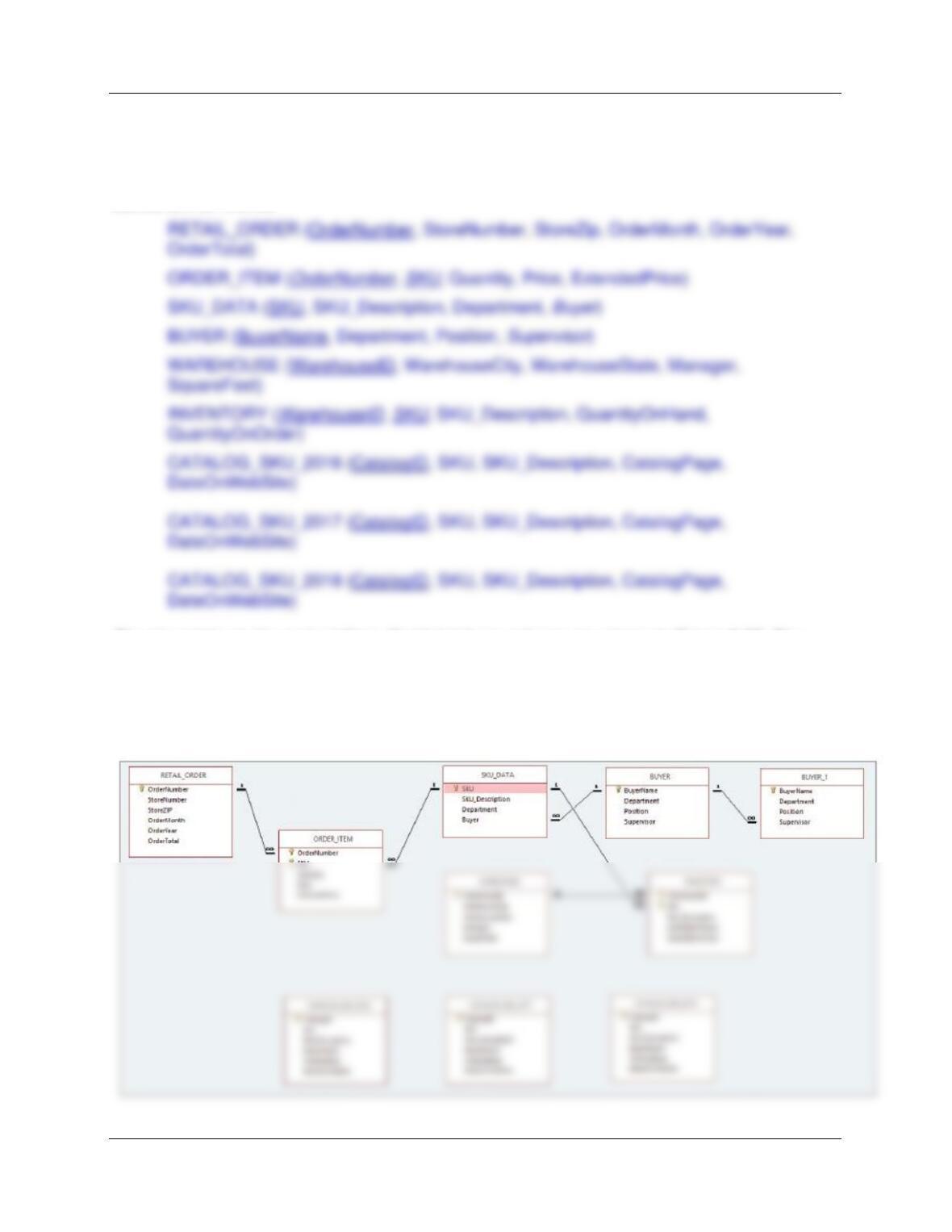
The Cape Codd Outdoor Sports sale extraction database has been modified to include three
additional tables: the INVENTORY table, the WAREHOUSE table, and the
CATALOG_SKU_2016 table. The table schemas for these tables, RETAIL_ORDER,
ORDER_ITEM, SKU_DATA, BUYER, CATALOG_SKU_2017, and CATALOG_SKU_2018
tables, are as follows:
The nine tables in the revised Cape Codd database schema are shown in Figure 2-35. The
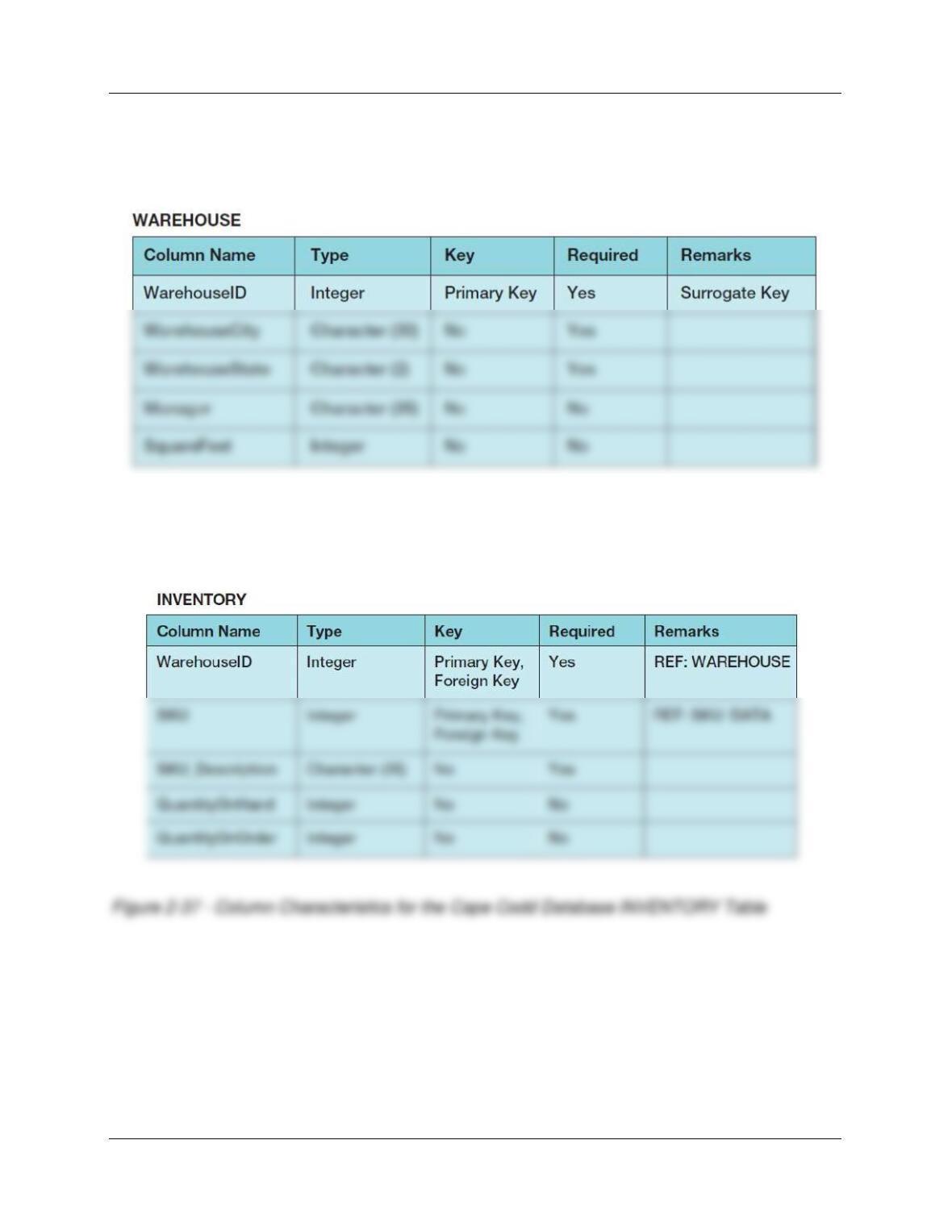
column characteristics for the WAREHOUSE table are shown in Figure 2-36, the column
characteristics for the INVENTORY table are shown in Figure 2-37, and the column
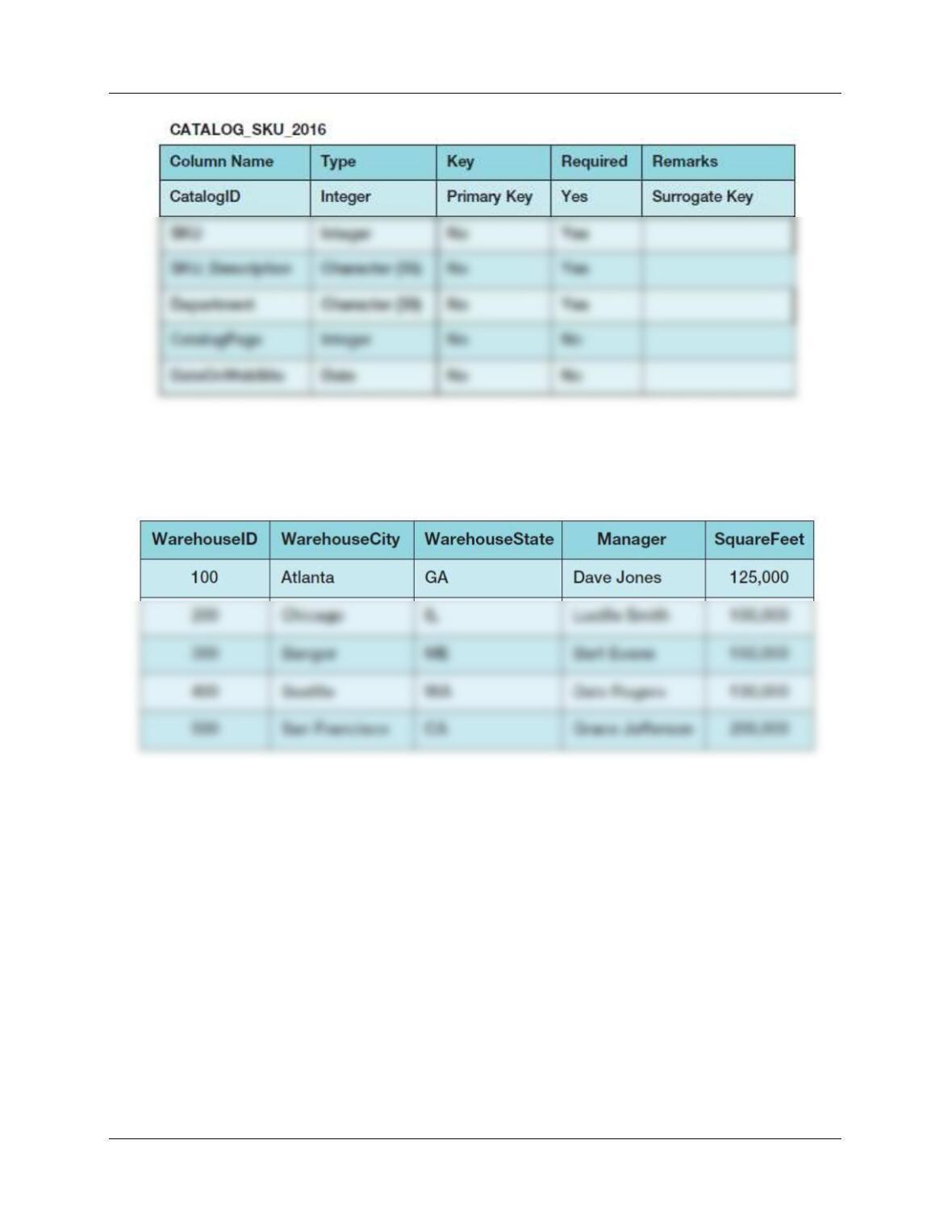
characteristics for the CATALOG_SKU_2016 table are shown in Figure 2-38. The data for the
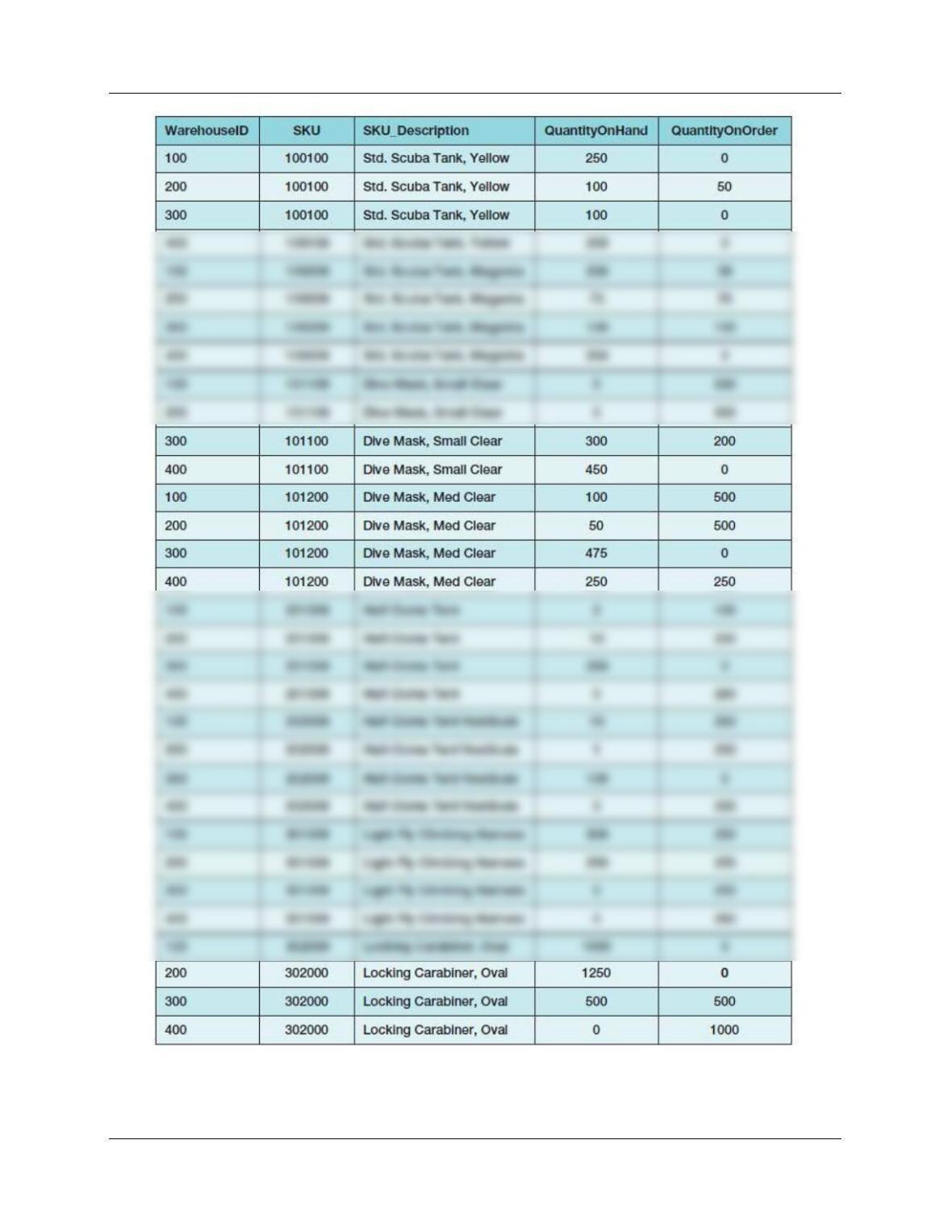
WAREHOUSE table are shown in Figure 2-39, the data for the INVENTORY table are shown in
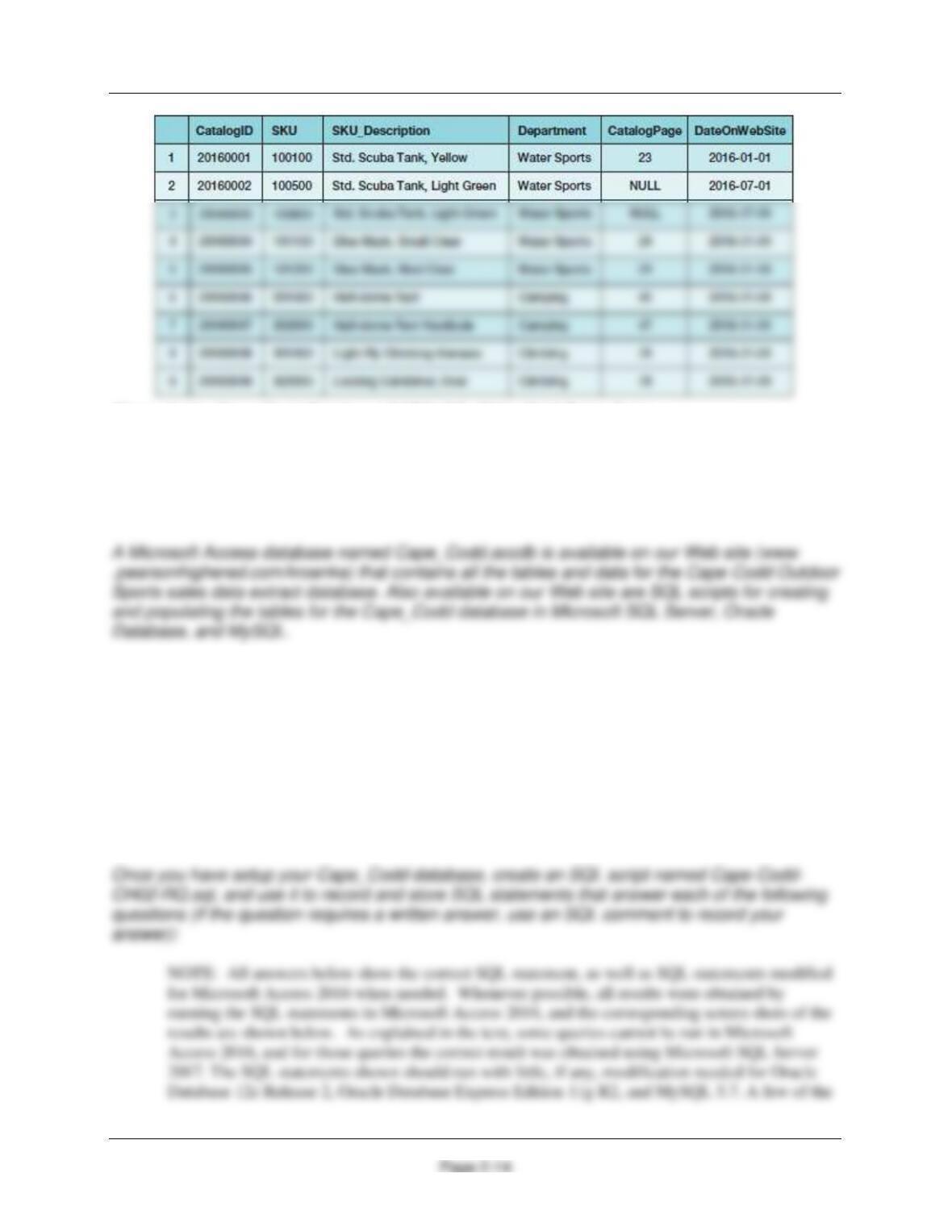
Figure 2-40, and the data for the CATALOG_SKU_2016 table are shown in Figure 2-41.
Chapter Two – Introduction to Structured Query Language
Page 2-11
Figure 2-35 – The Cape Codd Database with the WAREHOUSE, INVENTORY, and
CATALOG_SKU_2016 tables
Figure 2-36 – Column Characteristics for the Cape Codd Database WAREHOUSE Table
Chapter Two – Introduction to Structured Query Language
Page 2-12
Figure 2-38 – Column Characteristics for the Cape Codd Database CATALOG_SKU_2016
Table
Figure 2-39 – Cape Codd Database WAREHOUSE Table Data
Chapter Two – Introduction to Structured Query Language
Page 2-13
Figure 2-40 – Cape Codd Database INVENTORY Table Data
Chapter Two – Introduction to Structured Query Language
Figure 2-41 – Cape Codd Database CATALOG_SKU_2016 Table Data
You will need to create and set up a database named Cape_Codd for use with the
Cape Codd review questions. You may have already created this database as suggested in this
chapter and used it to run the SQL queries discussed in the chapter. If you haven’t, you
need to do so now.
If you are using the Microsoft Access 2016 Cape_Codd.accdb database, simply copy it to
an appropriate location in your Documents folder. Otherwise, you will need to use the
discussion and instructions necessary for setting up the Cape_Codd database in the DBMS
product you are using:
■
For Microsoft SQL Server 2017, see online Chapter 10A.
■
For Oracle Database 12c Release 2 or Oracle Database XE, see online
Chapter 10B.
■
For MySQL 5.7 Community Server, see online Chapter 10C.

Chapter Two – Introduction to Structured Query Language
Page 2-15
queries illustrate some minor syntactic differences between the systems. In those cases, we have
shown the minor changes necessary for Oracle Database and MySQL in this manual. In addition,
the solution files for each system of course have working queries for that system.
2.16 There is an intentional flaw in the design of the INVENTORY table used in these
exercises. This flaw was purposely included in the INVENTORY tables so that you can
answer some of the following questions using only that table. Compare the SKU and
INVENTORY tables, and determine what design flaw is included in INVENTORY.
Specifically, why did we include it?
Use only the INVENTORY table to answer Review Questions 2.17 through 2.39:
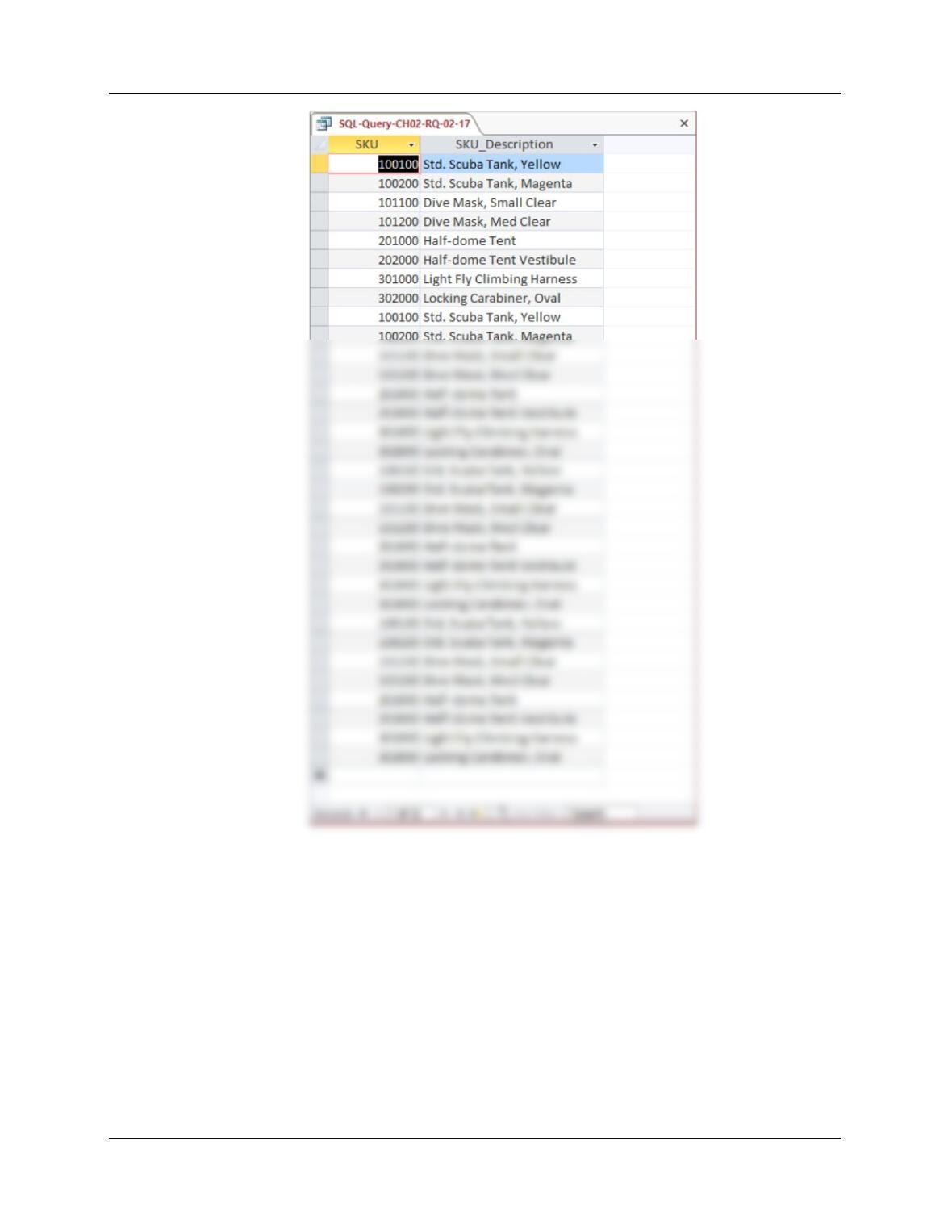
2.17 Write an SQL statement to display SKU and SKU_Description.
SQL Solutions to Project Questions 2.17 – 2.60 are contained in the Microsoft Access database
Chapter Two – Introduction to Structured Query Language
Page 2-16
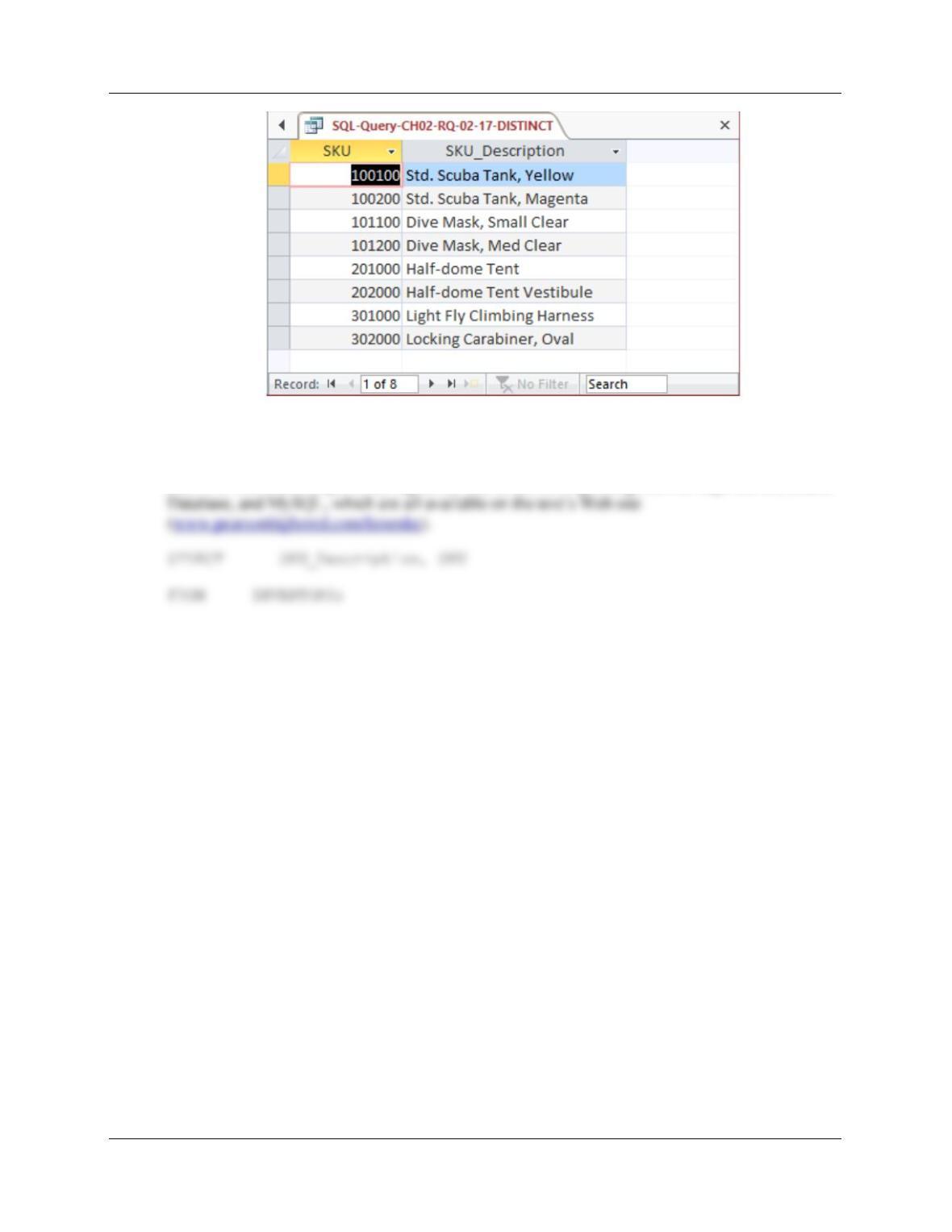
The question does not ask for unique SKU and SKU_Description data, but this could be obtained by
using:
SELECT DISTINCT SKU, SKU_Description
FROM INVENTORY;
Chapter Two – Introduction to Structured Query Language
Page 2-17
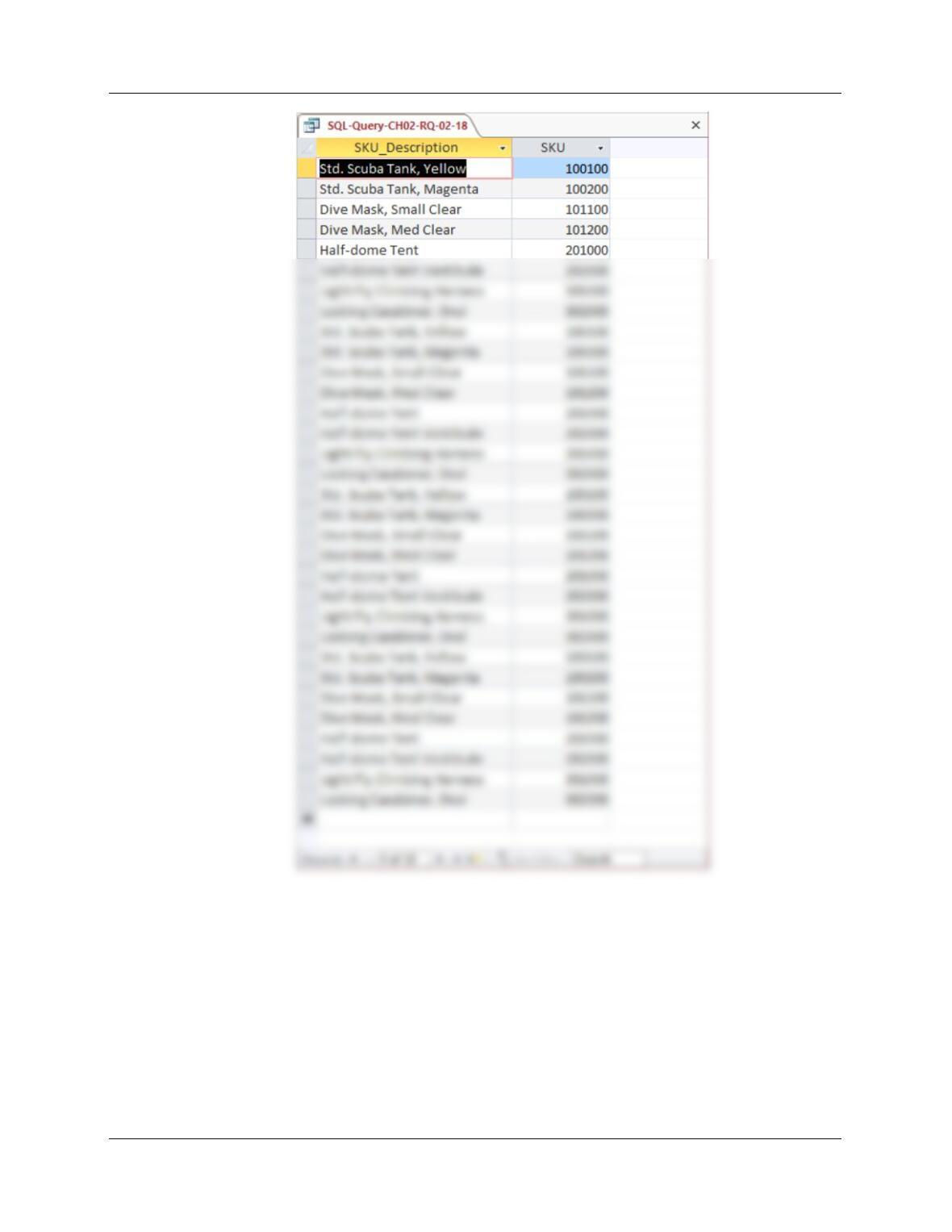
2.18 Write an SQL statement to display SKU_Description and SKU.
SQL Solutions to Project Questions 2.17 – 2.60 are contained in the Microsoft Access database
DBP-e15-IM-CH02-Cape-Codd-RQ.accdb and in the corresponding files for SQL Server, Oracle
Chapter Two – Introduction to Structured Query Language
Page 2-18
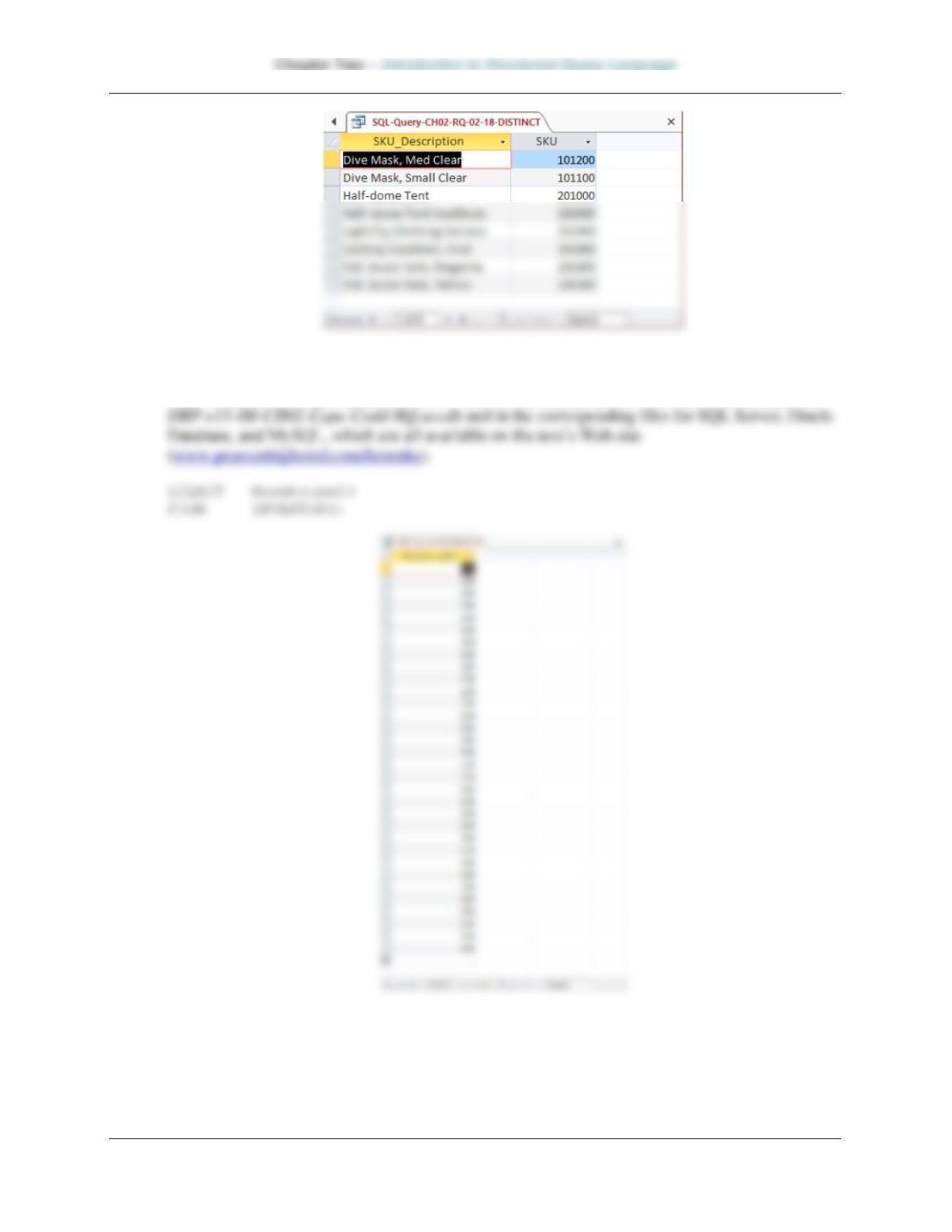
The question does not ask for unique SKU and SKU_Description data, but this could be obtained by
using:
SELECT DISTINCT SKU_Description, SKU
FROM INVENTORY;
Page 2-19
2.19 Write an SQL statement to display WarehouseID.
SQL Solutions to Project Questions 2.17 – 2.60 are contained in the Microsoft Access database
2.20 Write an SQL statement to display unique WarehouseIDs.
SQL Solutions to Project Questions 2.17 – 2.60 are contained in the Microsoft Access database
DBP-e15-IM-CH02-Cape-Codd-RQ.accdb and in the corresponding files for SQL Server, Oracle
Chapter Two – Introduction to Structured Query Language
Page 2-20
2.21 Write an SQL statement to display all of the columns without using the SQL asterisk (*)
wildcard character.
SQL Solutions to Project Questions 2.17 – 2.60 are contained in the Microsoft Access database