– Part III
24
Chapter 18 Methodology – Physical Database Design for
Relational Databases
Review Questions
18.1 Explain the difference between conceptual, logical, and physical database design. Why might
these tasks be carried out by different people?
Conceptual database design is concerned with building the data model for the organization that is
18.2 Describe the inputs and outputs of physical database design.
18.3 Describe the purpose of the main steps in the physical design methodology presented in this
chapter.
Step 3 Produces a relational database schema from the logical data model. This includes
18.4 Discuss when index may improve the efficiency of the system.
–
Exercises
The DreamHome case study
25
18.5 In Step 4.3, we chose the indexes to create in Microsoft Office Access for the query
transactions listed in Appendix A for the Staff view of DreamHome. Choose indexes to create
in Microsoft Office Access for the query transactions listed in Appendix A for the Branch view
of DreamHome.
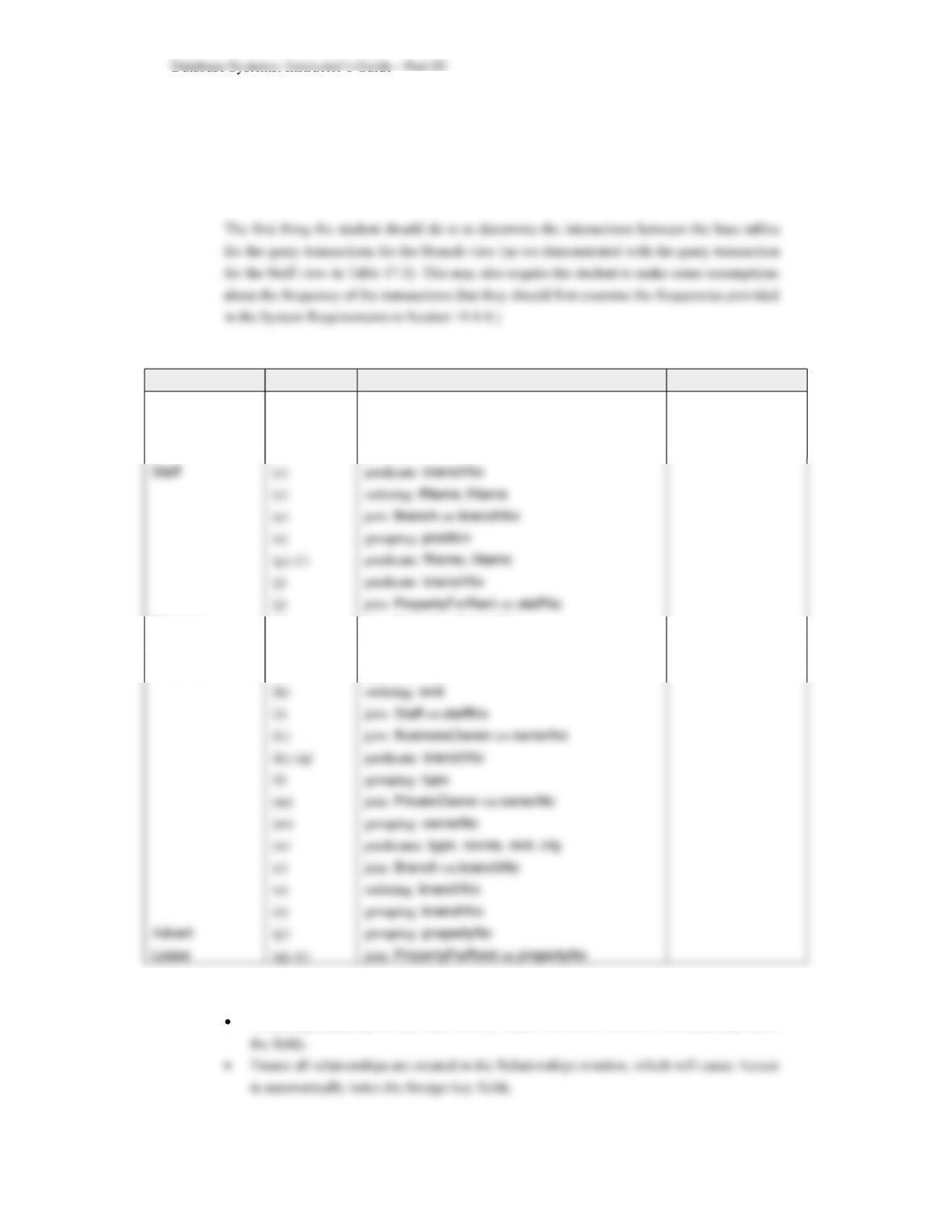
Interactions between base tables and query transactions for the Branch view of DreamHome.
Table Transaction Field Frequency (per day)
Branch (a), (e), (r)
(b)
(f)
predicate: city
grouping: city
ordering:
city
Manager (f) join: Branch on branchNo
Client (o) predicate: branchNo
PropertyForRent (h)
predicate: city
Branch and Manager relations are too small to index. As before, student should:
Create a primary key for the other tables, which will cause Access to automatically index
– Part III
26
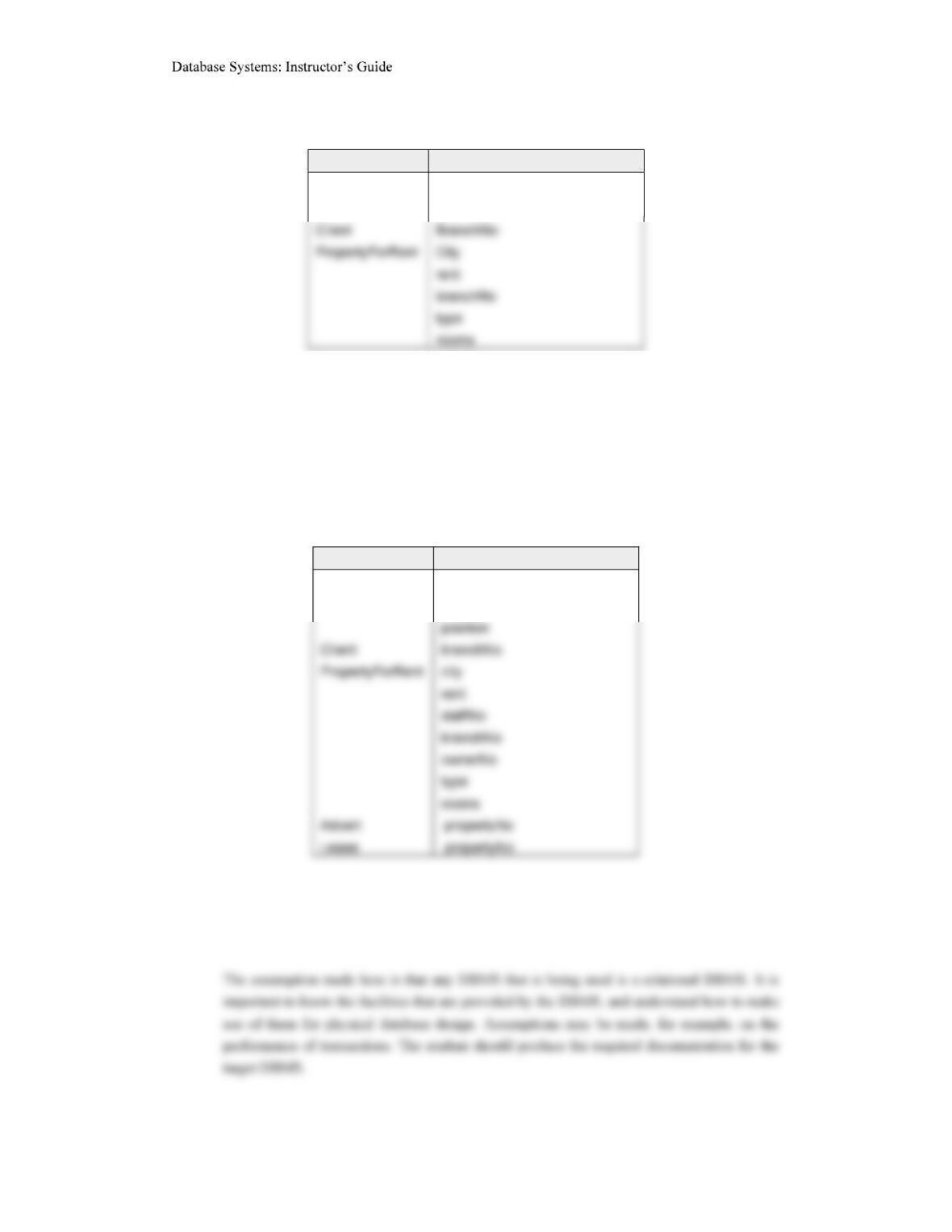
Other suggested indexes would be:
Table Fields to index
Staff
BranchNo
fName, lName
18.6 Repeat Exercise 18.5 using Oracle as the target DBMS.
Using the interactions created above and using the guidelines provided in Section Step 4.3, the
student should propose and justify a number of indexes.
Oracle automatically indexes each primary key or alternate key. Other suggested indexes
would then be:
Table Fields to index
Staff
branchNo
fName, lName
18.7 Create a physical database design for the logical design of the DreamHome case study
(described in Chapter 16) based on the DBMS that you have access to.
18.8 Implement this physical design for DreamHome created in 18.7.
– Part III
The University Accommodation Office case study
18.9 Based on the logical data model developed in Exercise 17.10, create a physical database
design for the University Accommodation Office case study (described in Appendix B.1) based
on the DBMS that you have access to.
18.10 Implement the University Accommodation Office database using the physical design created
in 18.9.
The EasyDrive School of Motoring case study
18.11 Based on the logical data model developed in Exercise 17.11, create a physical database
design for the EasyDrive School of Motoring case study (described in Appendix B.2) based on
the DBMS that you have access to.
18.12 Implement the EasyDrive School of Motoring database using the physical design created in
18.11.
The Wellmeadows Hospital case study
18.13 Based on the global logical data model developed in Exercise 17.13, create a physical
database design for the Wellmeadows Hospital case study (described in Appendix B.3) based
on the DBMS that you have access to.
18.14 Implement the Wellmeadows Hospital database using the physical design created in 18.13.