Chapter Eleven – The Web Server Environment
Page 11–41
H. Write a stored procedure that receives values for InvoiceNumber and NewStatus and
that sets the value of Status to NewStatus for the row having the given value of
InvoiceNumber. Generate an error message if no row has the given value of
InvoiceNumber. Using your sample database, demonstrate that your stored procedure
works.
Here is the code for the stored procedure:
CREATE OR ALTER ROCEDURE [dbo].[Update_Status]
@InvoiceNumber Int,
@newStatus Char(12)
IF @rowCount = 0
BEGIN
PRINT ‘======================================================================’
PRINT ”
PRINT ‘ There is no Order with Invoice Number: ‘ + CONVERT(Char(12),@InvoiceNumber)
PRINT ”
PRINT ‘ No Action Taken’
PRINT ”
PRINT ‘======================================================================’
RETURN
END
/* The Order exists, so update status */
Chapter Eleven – The Web Server Environment
Page 11–42
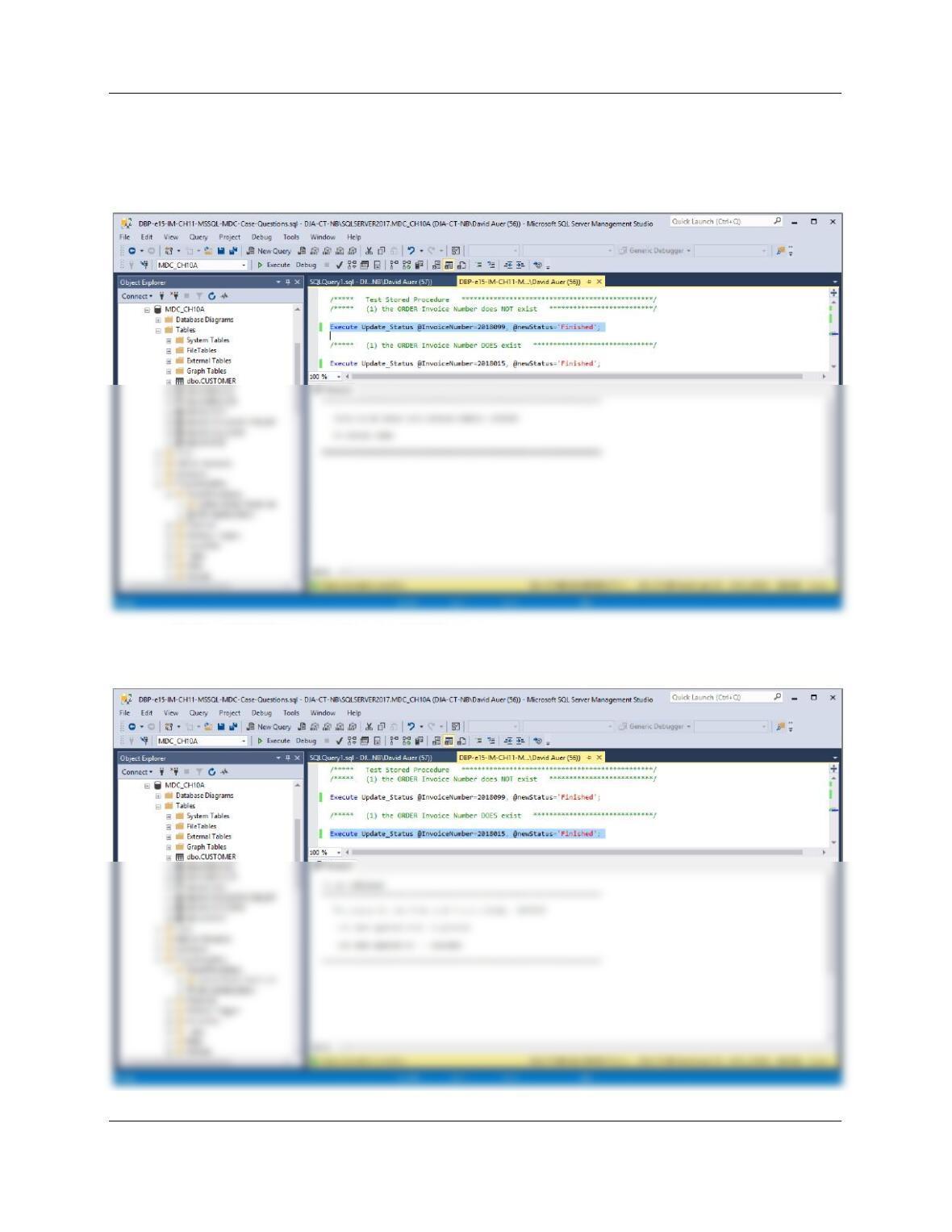
To test this stored procedure, use:
(1) The ORDER Invoice Number does NOT exist:
Execute Update_Status @InvoiceNumber=2018099, @newStatus=‘Finished’;
(2) The ORDER Invoice Number DOES exist:
Execute Update_Status @InvoiceNumber=2018015, @newStatus=‘Finished’;
Chapter Eleven – The Web Server Environment
Page 11–43
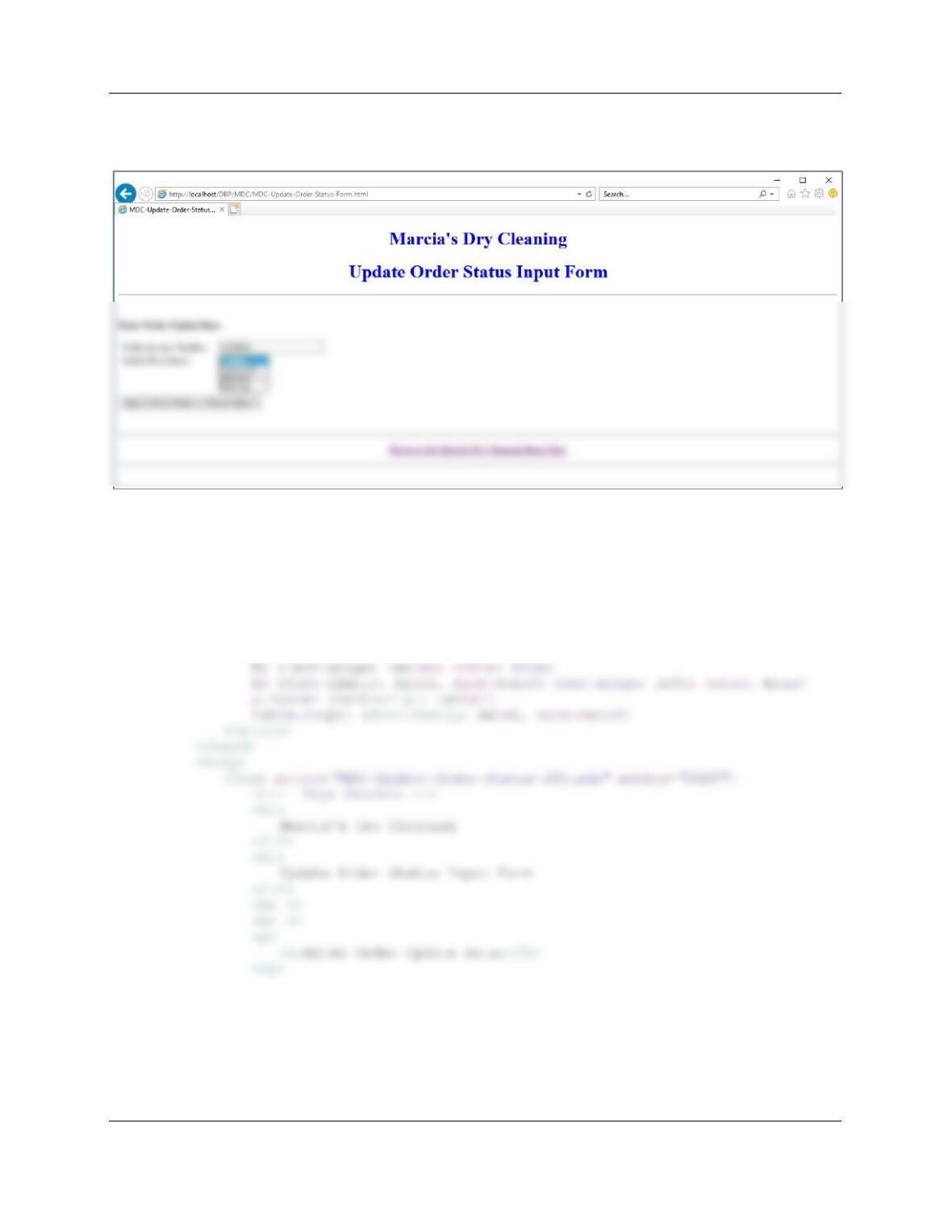
I. Code two HTML/ PHP pages to invoke the stored procedure created in task H. Using
your sample database, demonstrate that your page works.
Here is the code for the Update Order Status Form:
<!DOCTYPE HTML>
<html>
<head>
<title>MDC-Update-Order-Status-Form HTML Page</title>
<meta charset=“UTF-8”>
<meta name=“viewport” content=“width=device-width, intial-scale=1.0”>
<style type=“text/css”>
Chapter Eleven – The Web Server Environment
Page 11–44
<table>
<tr>
<td> Order Invoice Number: </td>
</select>
</td>
</tr>
</table>
<br />
<p>
<input type=“submit” value=“Update Order Status” />
<input type=“reset” value=“Reset Values” />
</p>
</form>
<br />
<hr />
Chapter Eleven – The Web Server Environment
Page 11–45
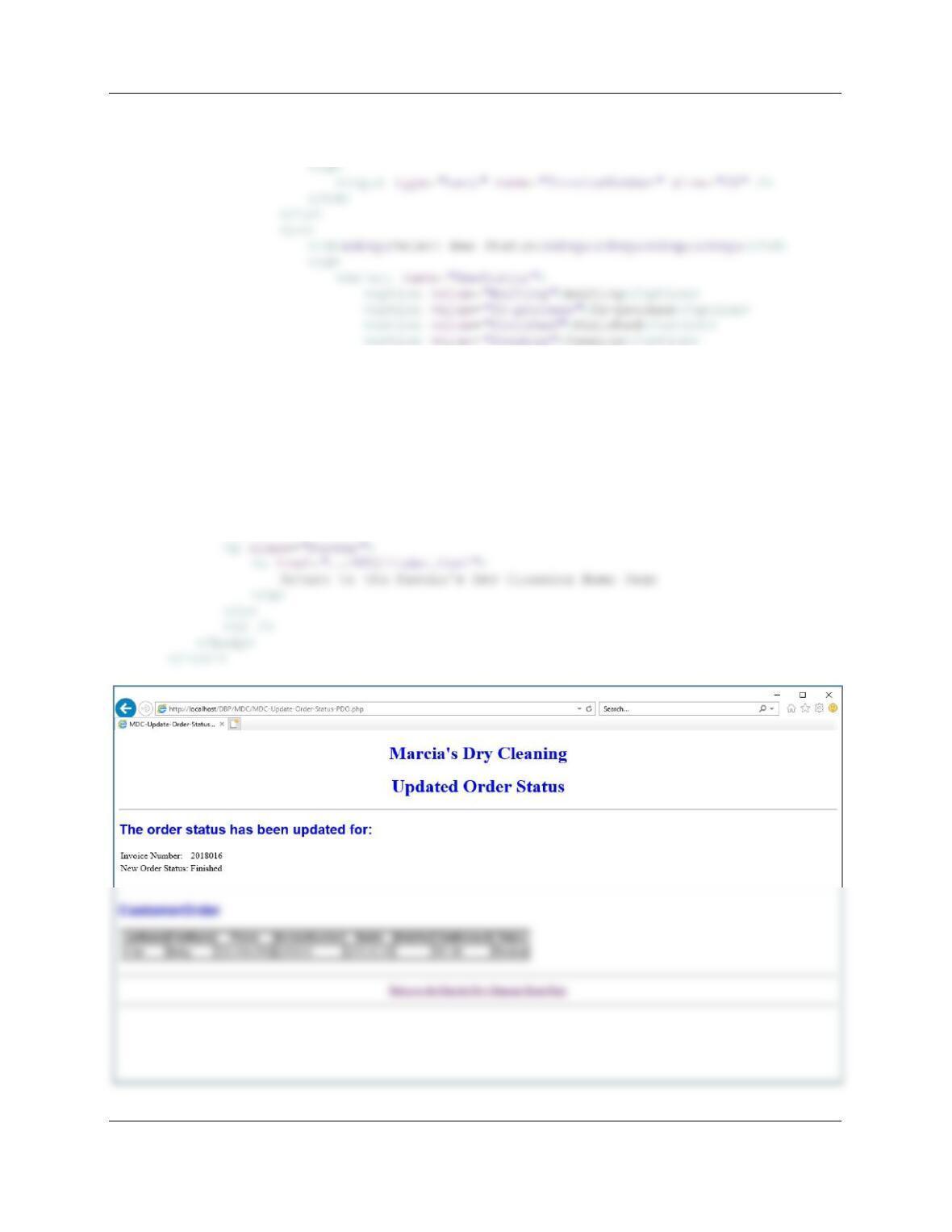
Here is the code for the Update Order Status PDO Page—Note that we are using PDO in
this problem:
<!DOCTYPE HTML>
<html>
<head>
<title>MDC-Update-Order-Status-PDO PHP Page</title>
</style>
</head>
<body>
<?php
// Get connection
$DSN = “MDC”;
$User = “MDC-User”;
$Password = “MDC-User+password”;
$PDOconnection = new PDO(“odbc:$DSN“, $User, $Password);
// Test connection
if (!$PDOconnection)
// Execute SQL statement
$Result = $PDOconnection->exec($SQLSP);
// Test existence of $Result
if (!$Result)
{
exit (“SQL Statement Error: ” . $SQLSP);
}
Chapter Eleven – The Web Server Environment
Page 11–46
// Test existence of $RecordSet
if (!$RecordSet)
{
exit (“SQL Statement Error: ” . $SQL);
}
echo “<h1>
Marcia’s Dry Cleaning
</h1>
<h1>
Updated Order Status
</h1>
<hr />”;
echo “<h2>
CustomerInvoiceView
</h2>”;
// Table headers
echo “<table class=’output’ border=’1′
<tr>
//Table data
while($RecordSetRow = $RecordSet->fetch())
{
echo “<tr>”;
echo “<td>” . $RecordSetRow[‘LastName’] . “</td>”;
echo “<td>” . $RecordSetRow[‘FirstName’] . “</td>”;
echo “<td>” . $RecordSetRow[‘Phone’] . “</td>”;
Chapter Eleven – The Web Server Environment
Page 11–47
echo “</table>”;
// Close connection
$PDOconnection = null;
Chapter Eleven – The Web Server Environment
Page 11–48
❖ THE QUEEN ANNE CURIOSITY SHOP PROJECT QUESTIONS
If you have not already done so, answer the questions for The Queen Anne Curiosity
Shop (QACS) at the end of Chapter 7 (pages 409-415), and for the DBMS you are using as
described in:
● Chapter 10A for Microsoft SQL Server 2017
NOTE [This applies to all projects]:
You should have created the necessary and appropriate DBMS security accounts in the QACS Project
Questions for Chapter 10A, Chapter 10B or Chapter 10C. That user name and password will be used to
authenticate to the database.
A. Add a new folder to the DBP Web Site named QACS. Create a Web page for The
Queen Anne Curiosity Shop in this folder named index.html. Link this page to the DBP
Web page.
Chapter Eleven – The Web Server Environment
Page 11–49
Web Page code:
<!DOCTYPE HTML>
<html>
<head>
</h2>
<hr />
<h2 style=”text-align: center; color: blue“>
Welcome to The Queen Anne Curiosity Shop Project Questions Home Page
</h2>
<hr />
<h3>Web Pages For QACS Case Questions in the Text:</h3>
<hr />
</a>
</p>
<p>Question D:
Question D asks for a new view named <b>CustomerPurchasesView</b>,
not a Web page.
</p>
<p>Question E:
<a href=“QACS-Display-CustomerPurchasesView.php”>
Display CustomerPurchasesView data.
</a>
Chapter Eleven – The Web Server Environment
Page 11–50
</p>
<p>Question H:
<a href=“QACS-Update-ItemPrice-Form.html”>
Display a form to enter an updated ITEM price.</a>
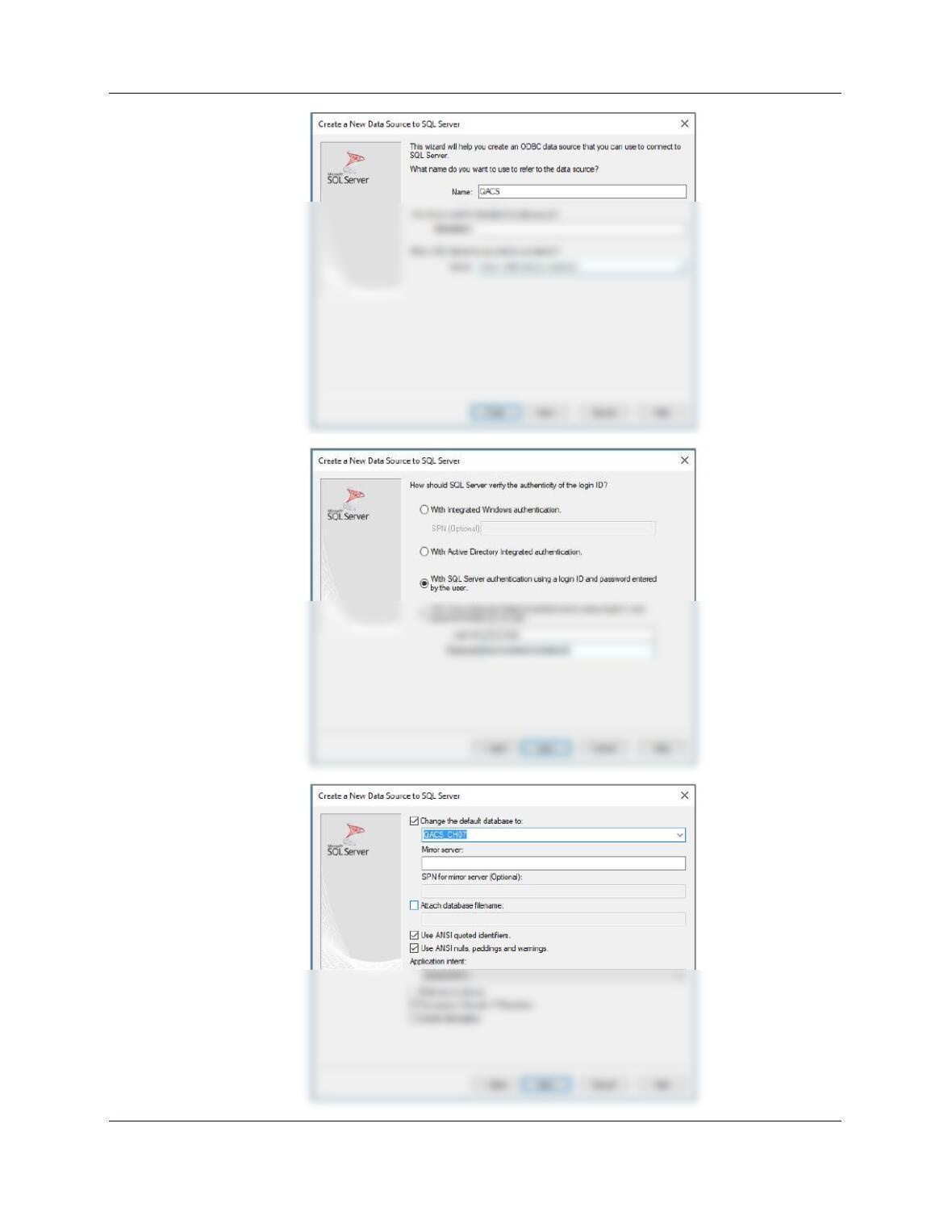
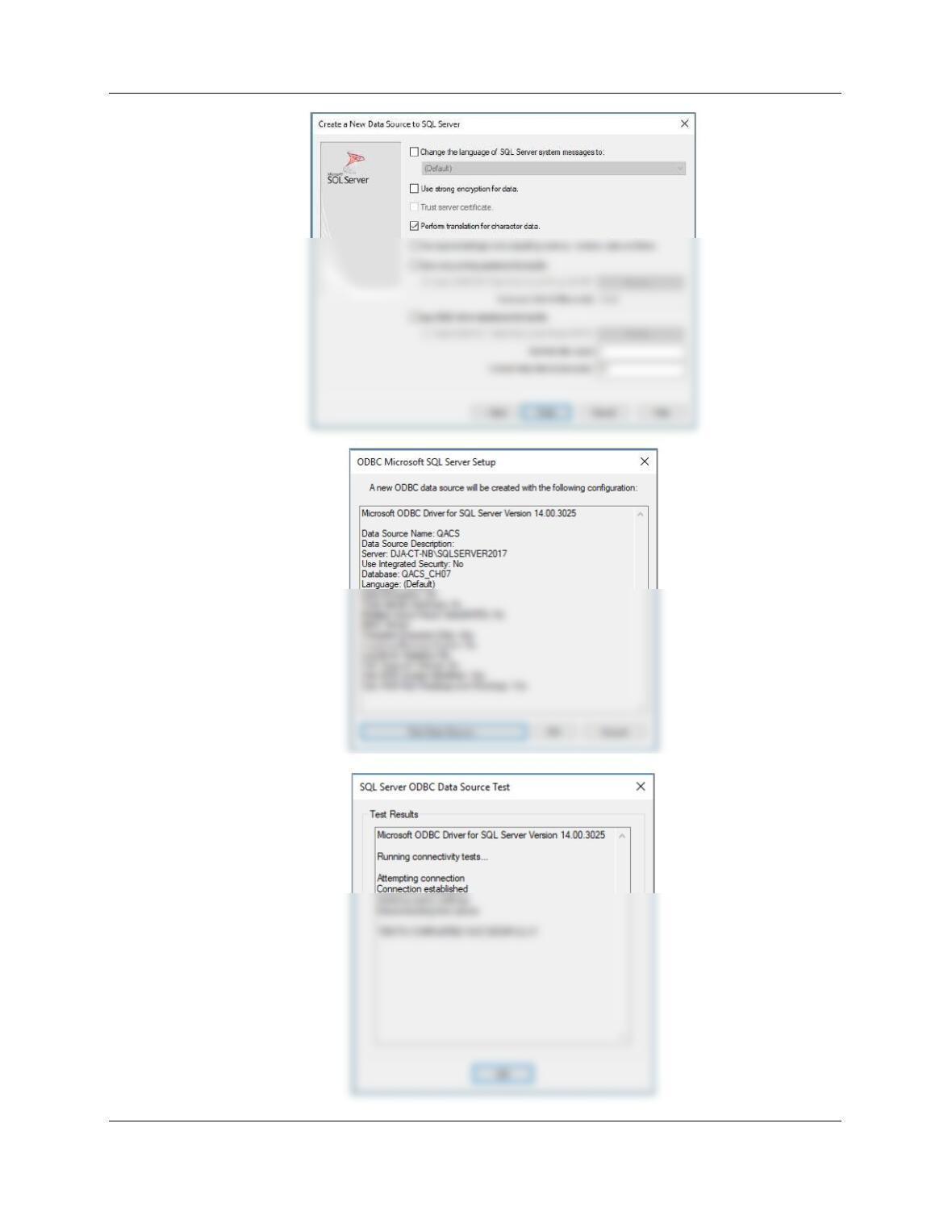
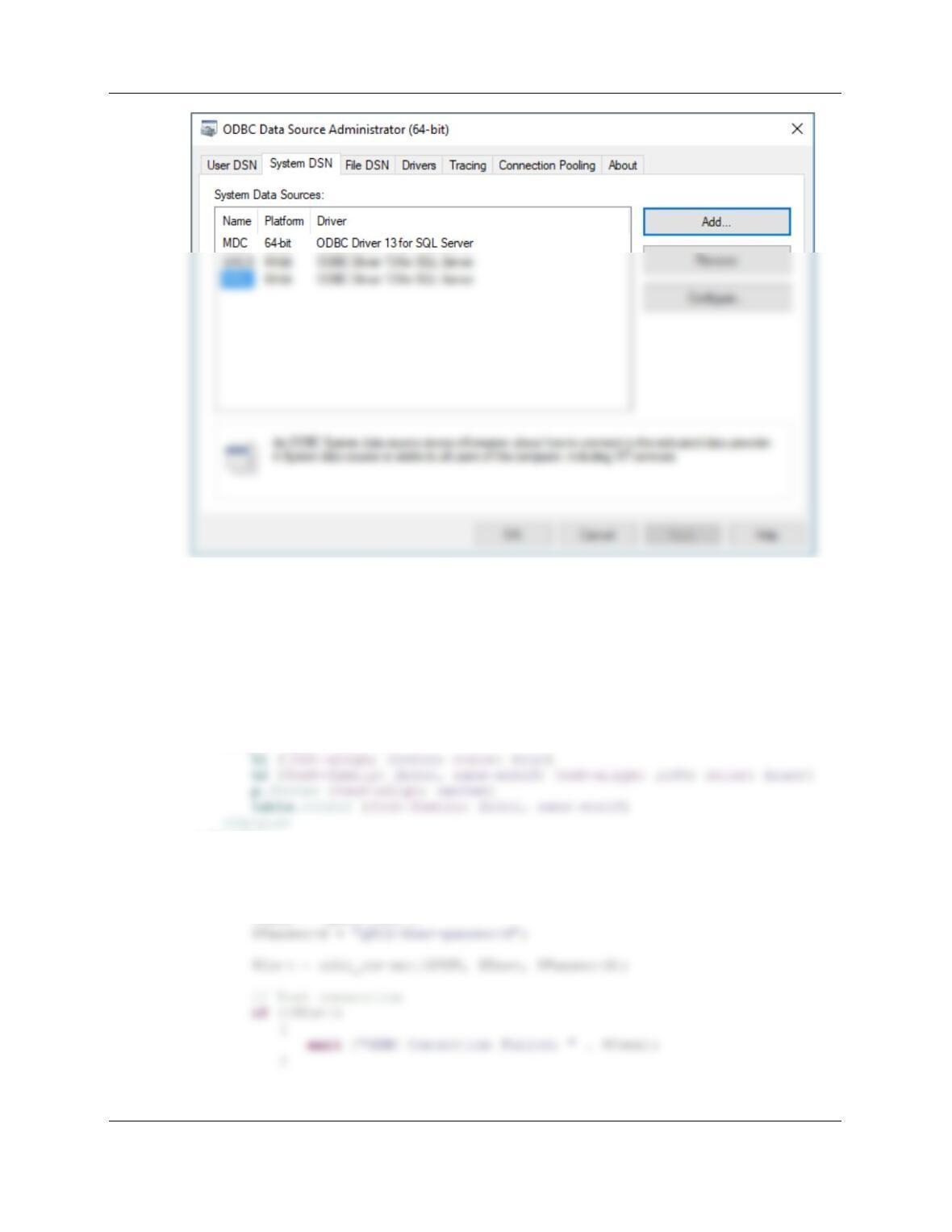
B. Create an appropriate ODBC data source for your database.
Before you do this, you must have created an appropriate user account as described in Chapter
10A for Microsoft SQL Server, Chapter 10B for Oracle Database, and 10C for MySQL 5.7. Use
Chapter Eleven – The Web Server Environment
Page 11–51
Chapter Eleven – The Web Server Environment
Page 11–52
Chapter Eleven – The Web Server Environment
Page 11–53
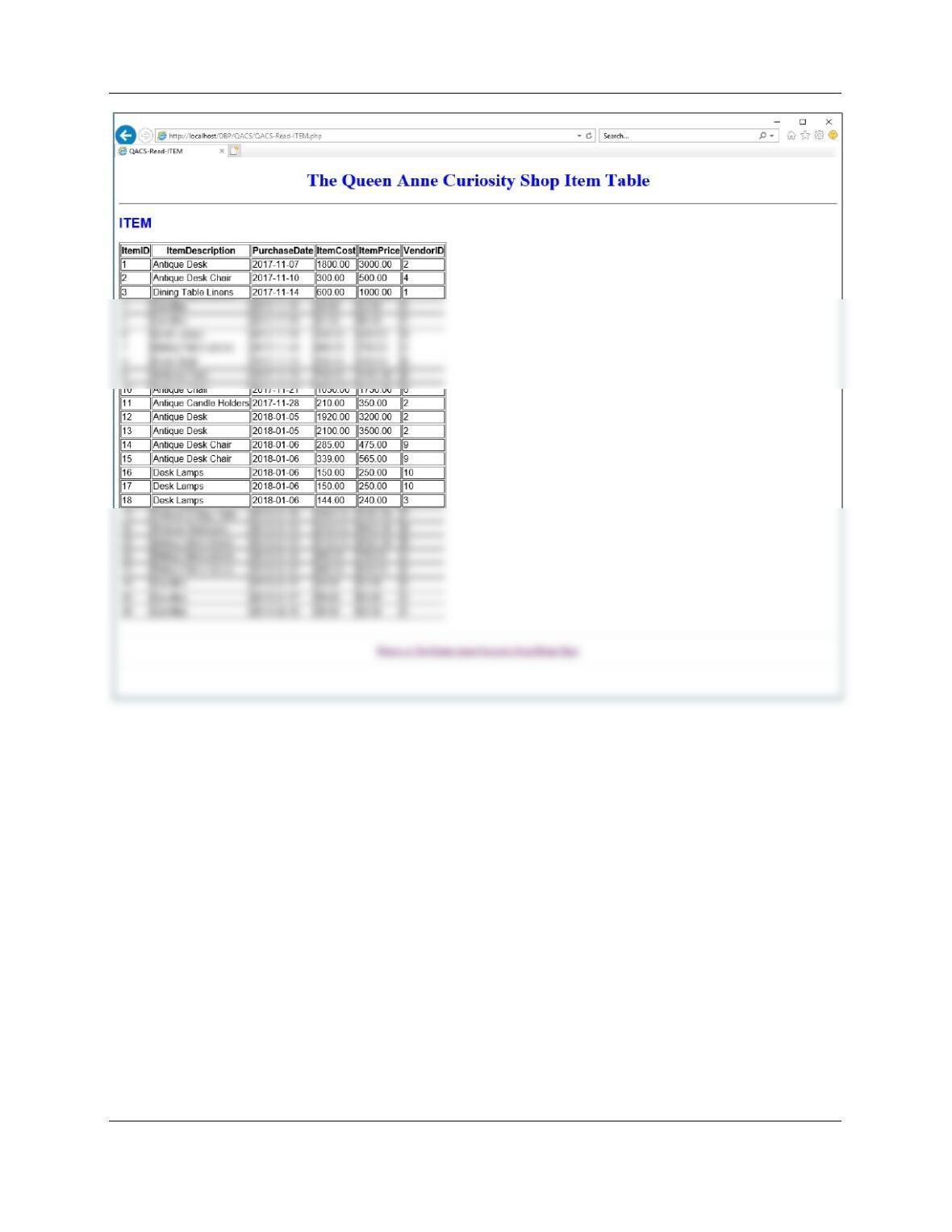
C. Code a Web page using PHP to display the data in ITEM. Add a hyperlink on the QACS
Web page to access the page. Using your database, demonstrate that your page works.
<!DOCTYPE HTML>
<html>
<head>
<title>QACS-Read-ITEM</title>
<meta charset=“UTF-8”>
<meta name=“viewport” content=“width=device-width, intial-scale=1.0”>
<style type=“text/css”>
</head>
<body>
<?php
// Get connection
$DSN = “QACS”;
$User = “QACS-User”;
Chapter Eleven – The Web Server Environment
Page 11–54
// Create SQL statement
$SQL = “SELECT * FROM ITEM”;
</h1>
<hr />
<h2>
ITEM
</h2>
<?php
// Table headers
echo “<table class=’output’ border=’1′
<tr>
<th>ItemID</th>
<th>ItemDescription</th>
}
echo “</table>”;
// Close connection
odbc_close($Conn);
?>
<br />
<hr />
<p class=“footer”>
<a href=“../QACS/index.html”>
Return to The Queen Anne Curiosity Shop Home Page
Chapter Eleven – The Web Server Environment
Page 11–55
Chapter Eleven – The Web Server Environment
Page 11–56
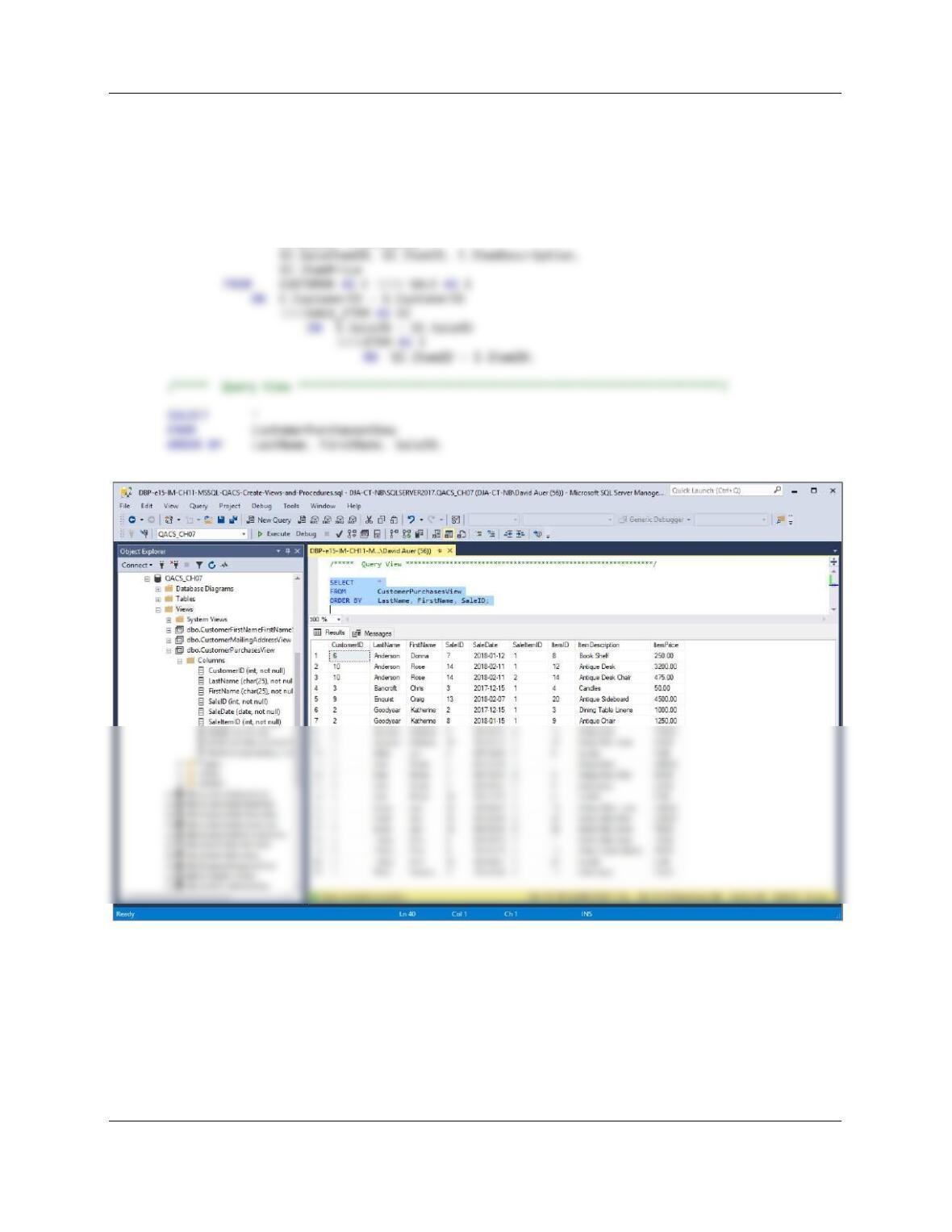
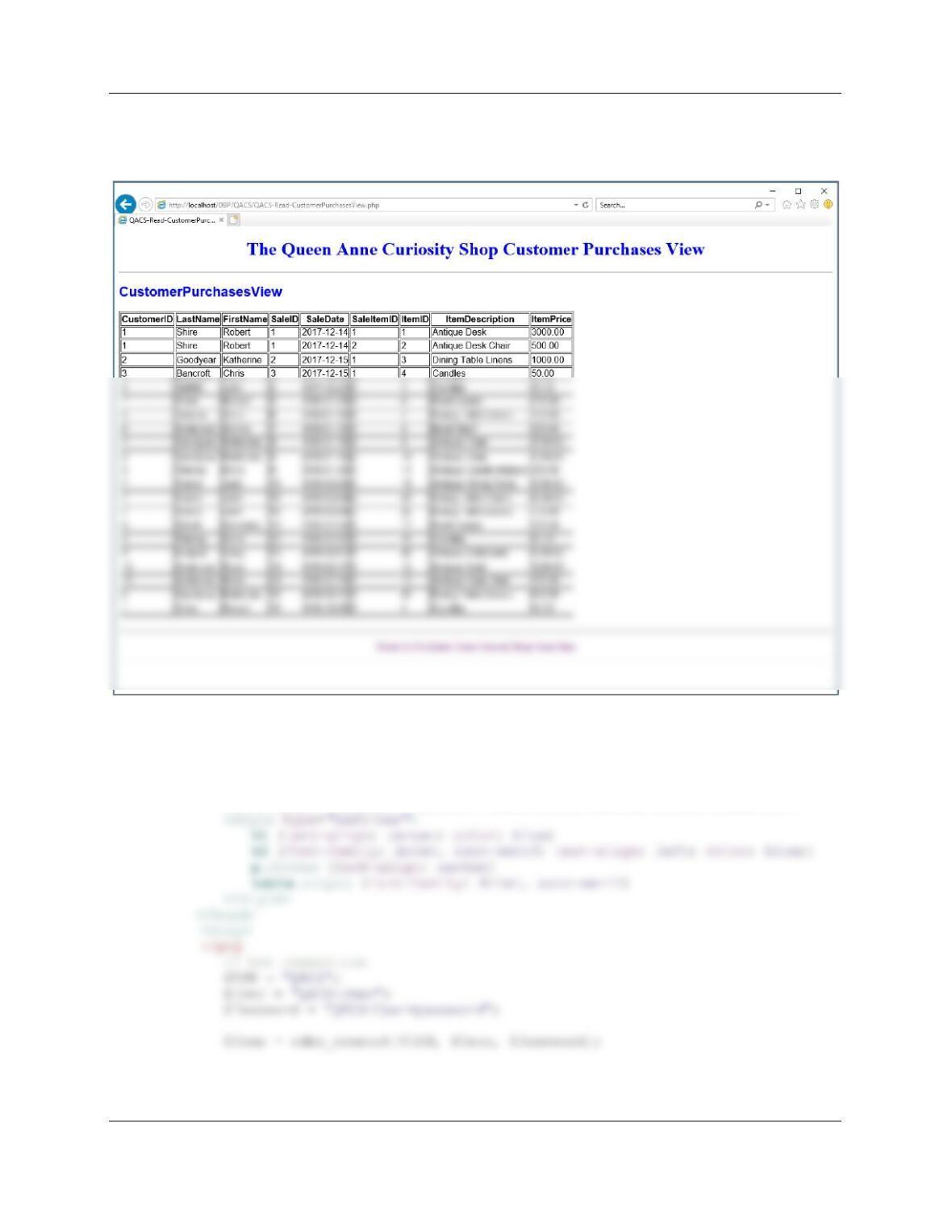
D. Create a view named CustomerPurchasesView that displays CustomerID, LastName,
FirstName, SaleID, SaleItemID, SaleDate, ItemID, ItemDescription, and ItemPrice.
/****** Project Question 11.D ***********************************************/
/****** Create View ***********************************************************/
CREATE OR ALTER VIEW CustomerPurchasesView AS
SELECT C.CustomerID, C.LastName, C.FirstName,
S.SaleID, S.SaleDate,
Chapter Eleven – The Web Server Environment
Page 11–57
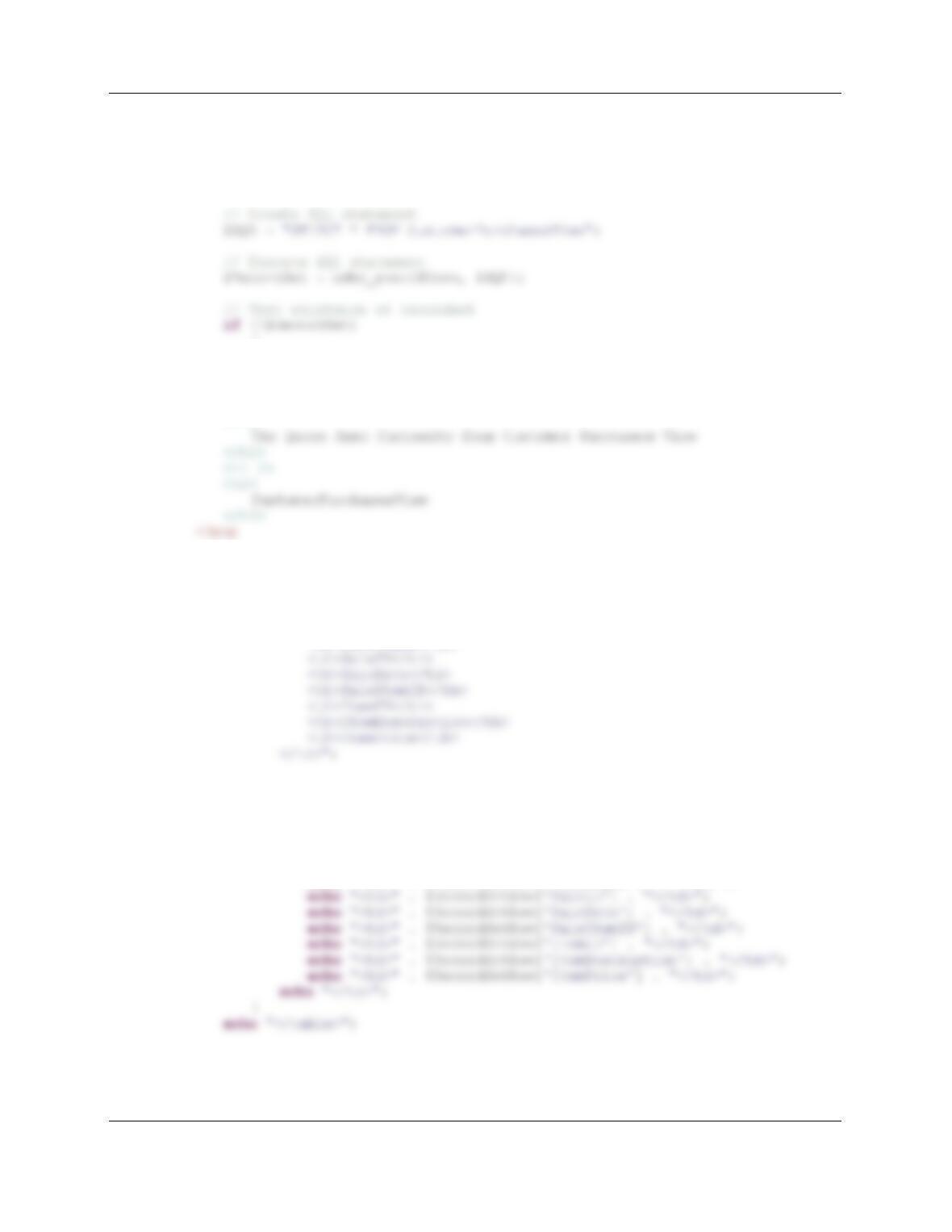
E. Code a Web page using PHP to display the data in CustomerPurchasesView. Add a
hyperlink to the QACS Web page to access the page. Using your database, demonstrate
that your page works.
<!DOCTYPE HTML>
<html>
<head>
<title>QACS-Read-CustomerPurchaseView</title>
<meta charset=“UTF-8”>
<meta name=“viewport” content=“width=device-width, intial-scale=1.0”>
Chapter Eleven – The Web Server Environment
Page 11–58
// Test connection
if (!$Conn)
{
exit (“ODBC Connection Failed: ” . $Conn);
}
{
exit (“SQL Statement Error: ” . $SQL);
}
?>
<!– Page Headers –>
<h1>
// Table headers
echo “<table class=’output’ border=’1′
<tr>
<th>CustomerID</th>
<th>LastName</th>
<th>FirstName</th>
//Table data
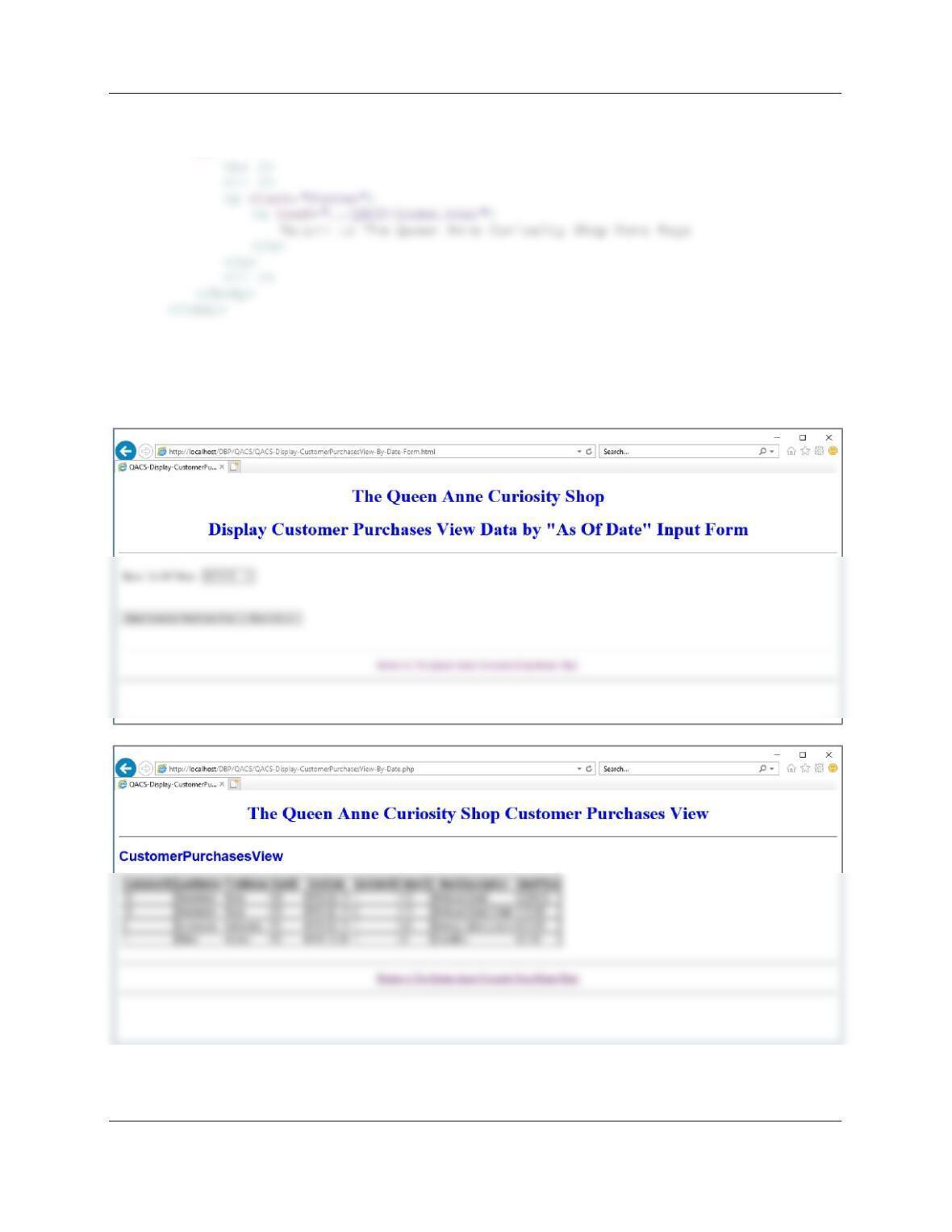
while($RecordSetRow = odbc_fetch_array($RecordSet))
{
echo “<tr>”;
echo “<td>” . $RecordSetRow[‘CustomerID’] . “</td>”;
echo “<td>” . $RecordSetRow[‘LastName’] . “</td>”;
echo “<td>” . $RecordSetRow[‘FirstName’] . “</td>”;
Chapter Eleven – The Web Server Environment
Page 11–59
// Close connection
odbc_close($Conn);
?>
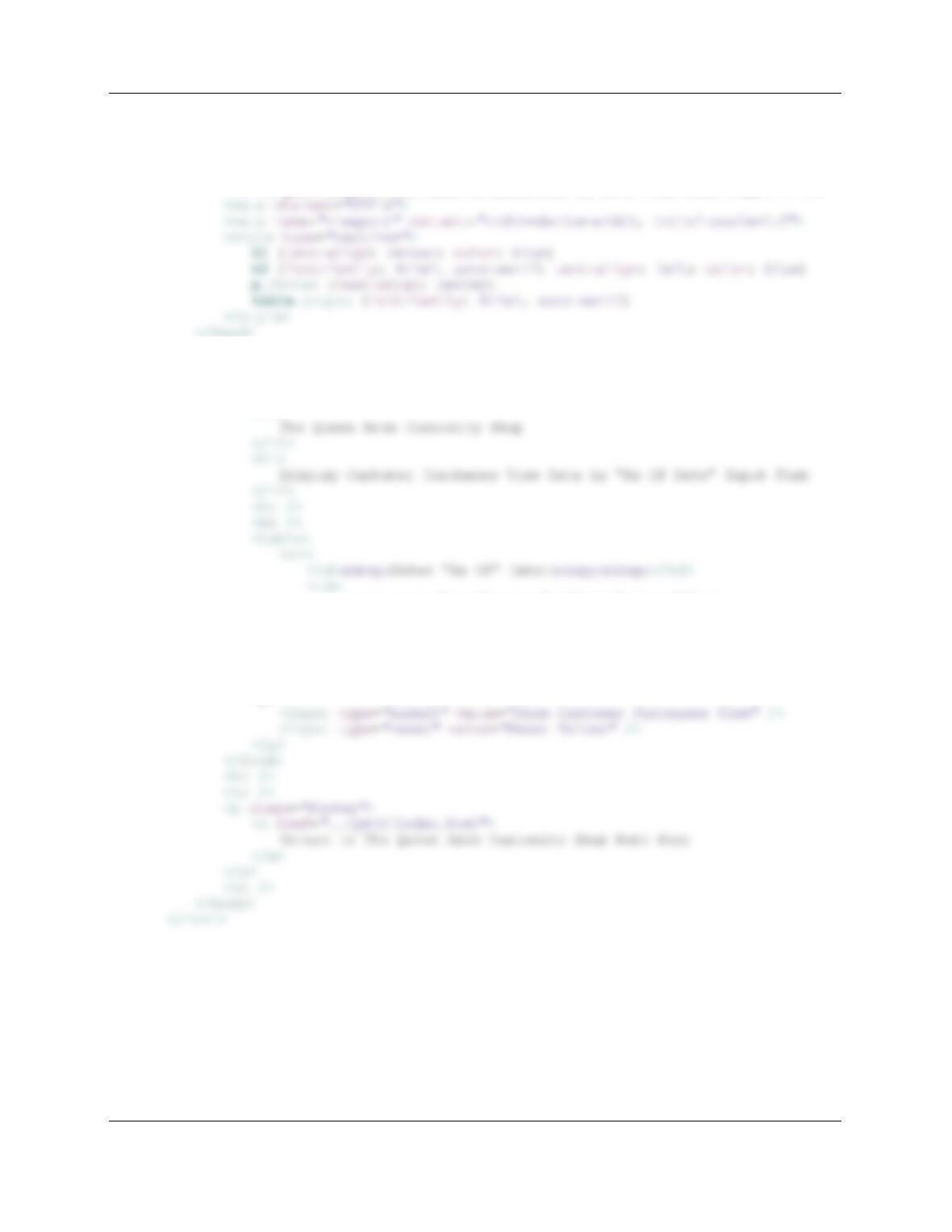
F. Code two HTML/PHP pages to receive a date value AsOfDate and display rows of the
CustomerPurchasesView for purchases having SaleDate greater than or equal to
AsOfDate. Using your sample database, demonstrate that your pages work.
Chapter Eleven – The Web Server Environment
Page 11–60
Web/PHP Page code:
<!DOCTYPE HTML>
<html>
<head>
<title>QACS-Display-CustomerPurchasesView-By-Date Form HTML Page</title>
</head>
<body>
<form action=“QACS-Display-CustomerPurchasesView-By-Date.php”
method=“POST”>
<!– Page Headers –>
<h1>
<input type=“text” name=“AsOfDate” size=“9” />
</td>
</tr>
</table>
<p>
<br />
<p>