Chapter Eleven – The Web Server Environment
Page 11–78
// Test existence of recordset
if (!$RecordSet)
{
exit (“SQL Statement Error: ” . $SQL);
// Table headers
echo “<table class=’output’ border=’1′
<tr>
<th>StoreName</th>
<th>City</th>
<th>Country</th>
<th>EmailAdress</th>
<th>Contact</th>
<th>PurchaseDate</th>
<th>ItemDescription</th>
<th>Category</th>
<th>PriceUSD</th>
</tr>”;
}
echo “</table>”;
// Close connection
odbc_close($Conn);
?>
<br />
<hr />
<p class=“footer”>
<a href=“../MI/index.html”>
Chapter Eleven – The Web Server Environment
Page 11–79
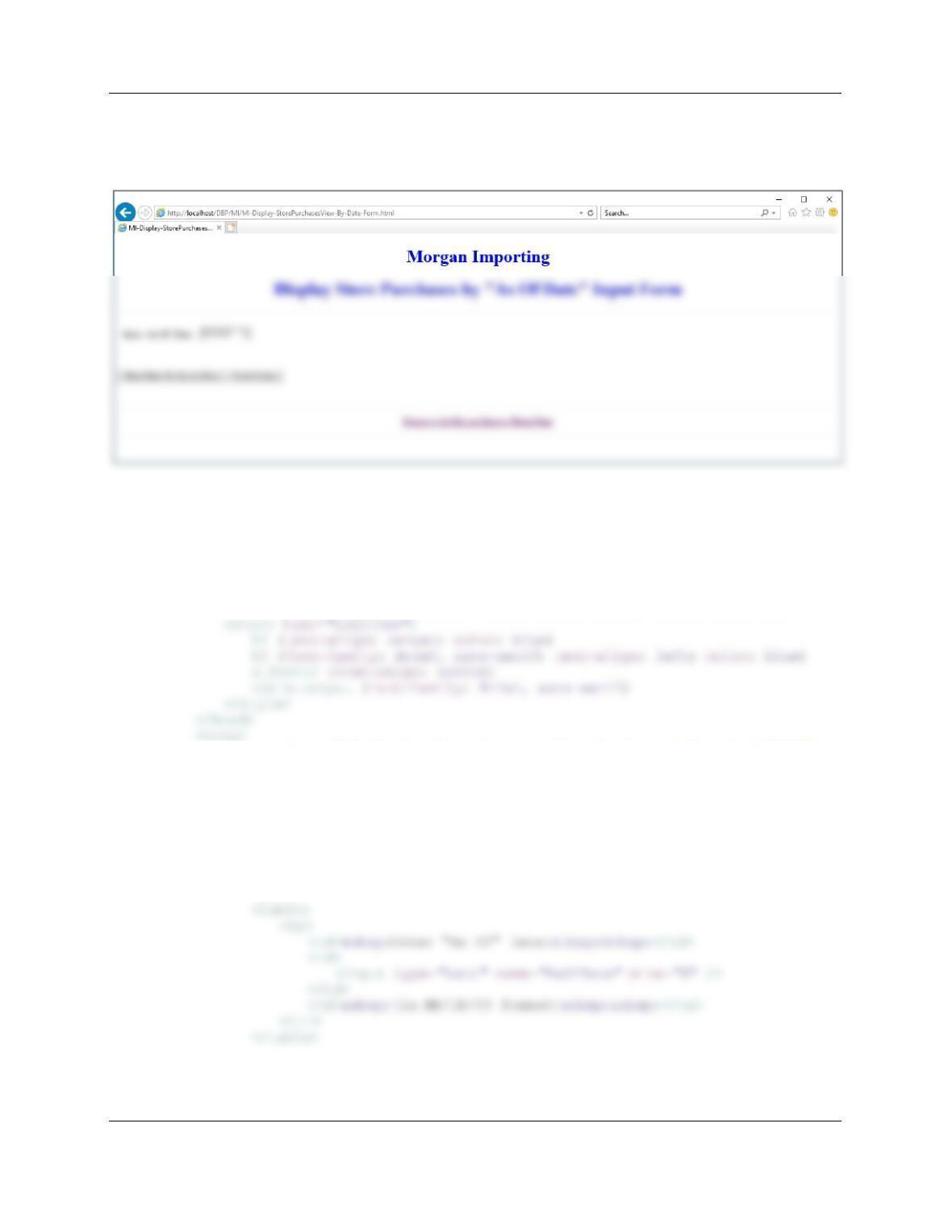
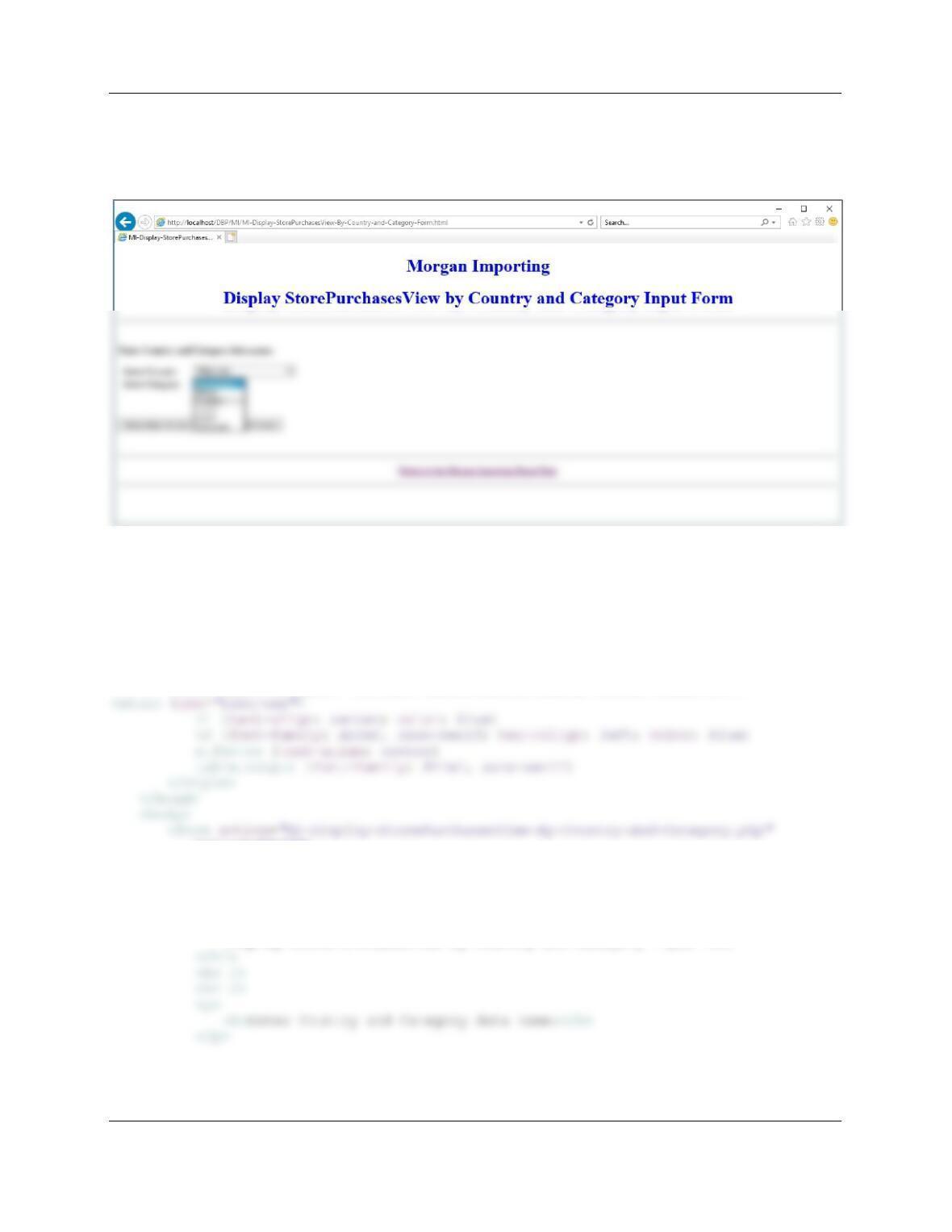
E. Code two HTML/PHP pages to receive a date value AsOfDate and display rows of
StorePurchasesView for purchases having Date greater than or equal to AsOfDate.
Using your sample database, demonstrate that your pages work.
Here is the code for the form:
<!DOCTYPE HTML>
<html>
<head>
<title>MI-Display-StorePurchasesView-By-Date Form HTML Page</title>
<meta charset=“UTF-8”>
<meta name=“viewport” content=“width=device-width, intial-scale=1.0”>
<form action=“MI-Display-StorePurchasesView-By-Date.php” method=“POST”>
<!– Page Headers –>
<h1>
Morgan Importing
</h1>
<h1>
Display StorePurchasesView by “As Of Date” Input Form
</h1>
<hr />
<br />
Chapter Eleven – The Web Server Environment
Page 11–80
<p>
<br />
<p>
<input type=“submit” value=“Show Store Purchases View” />
<input type=“reset” value=“Reset Values” />
Here is the code to display the StorePurchasesView:
<!DOCTYPE HTML>
<html>
<head>
<title>MI-Display-StorePurchasesView-By-Date PHP Page</title>
<meta charset=“UTF-8”>
<meta name=“viewport” content=“width=device-width, intial-scale=1.0”>
Chapter Eleven – The Web Server Environment
Page 11–81
<?php
// Get connection
$DSN = “MI”;
$User = “MI-User”;
$Password = “MI-User+Password”;
$Conn = odbc_connect($DSN, $User, $Password);
// Execute SQL statement
$RecordSet = odbc_exec($Conn, $SQL);
// Test existence of recordset
if (!$RecordSet)
{
exit (“SQL Statement Error: ” . $SQL);
}
?>
<!– Page Headers –>
<h1>
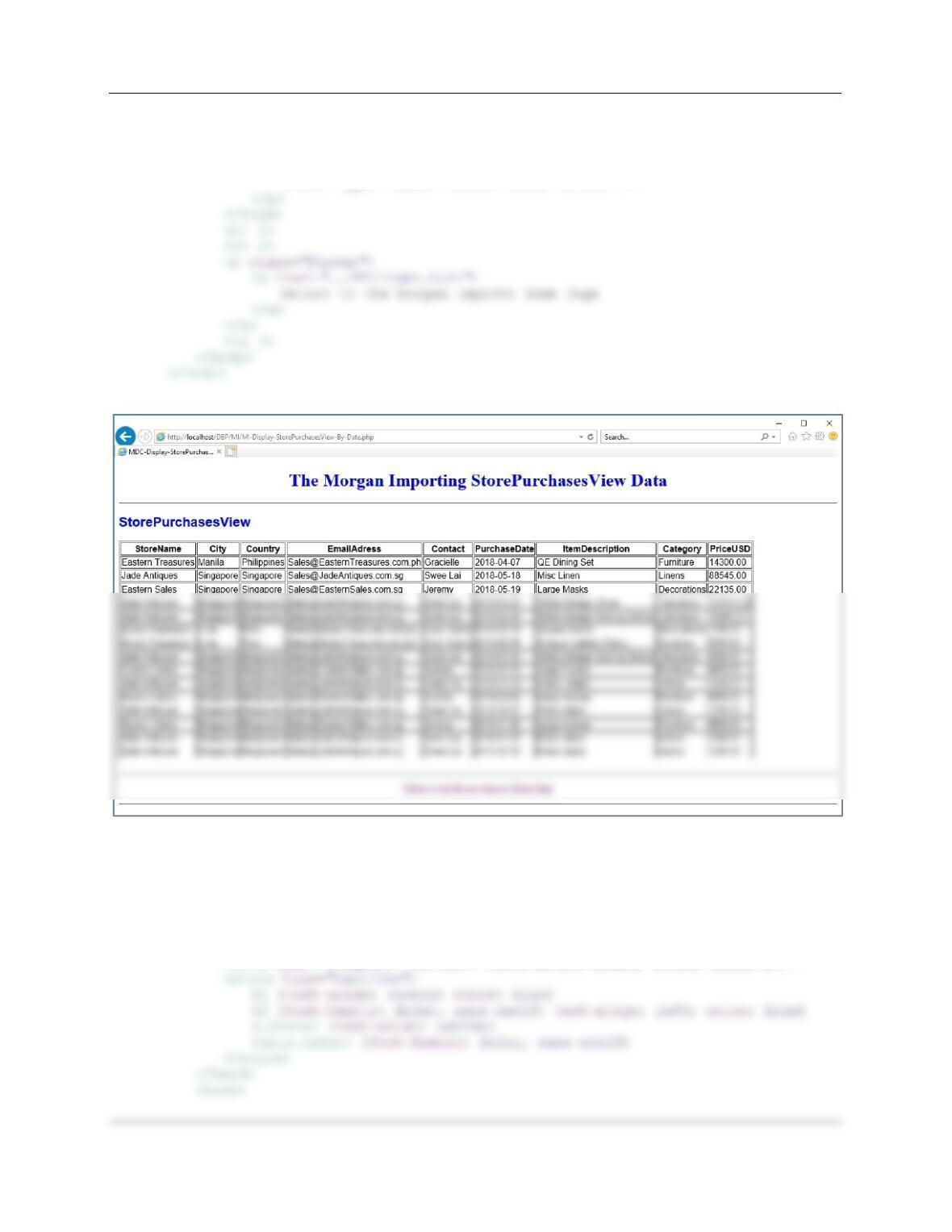
The Morgan Importing StorePurchasesView Data
</h1>
<hr />
<h2>
Chapter Eleven – The Web Server Environment
Page 11–82
//Table data
while($RecordSetRow = odbc_fetch_array($RecordSet))
{
echo “<tr>”;
echo “<td>” . $RecordSetRow[‘StoreName’] . “</td>”;
}
echo “</table>”;
// Close connection
odbc_close($Conn);
?>
<br />
<hr />
<p class=“footer”>
Chapter Eleven – The Web Server Environment
Page 11–83
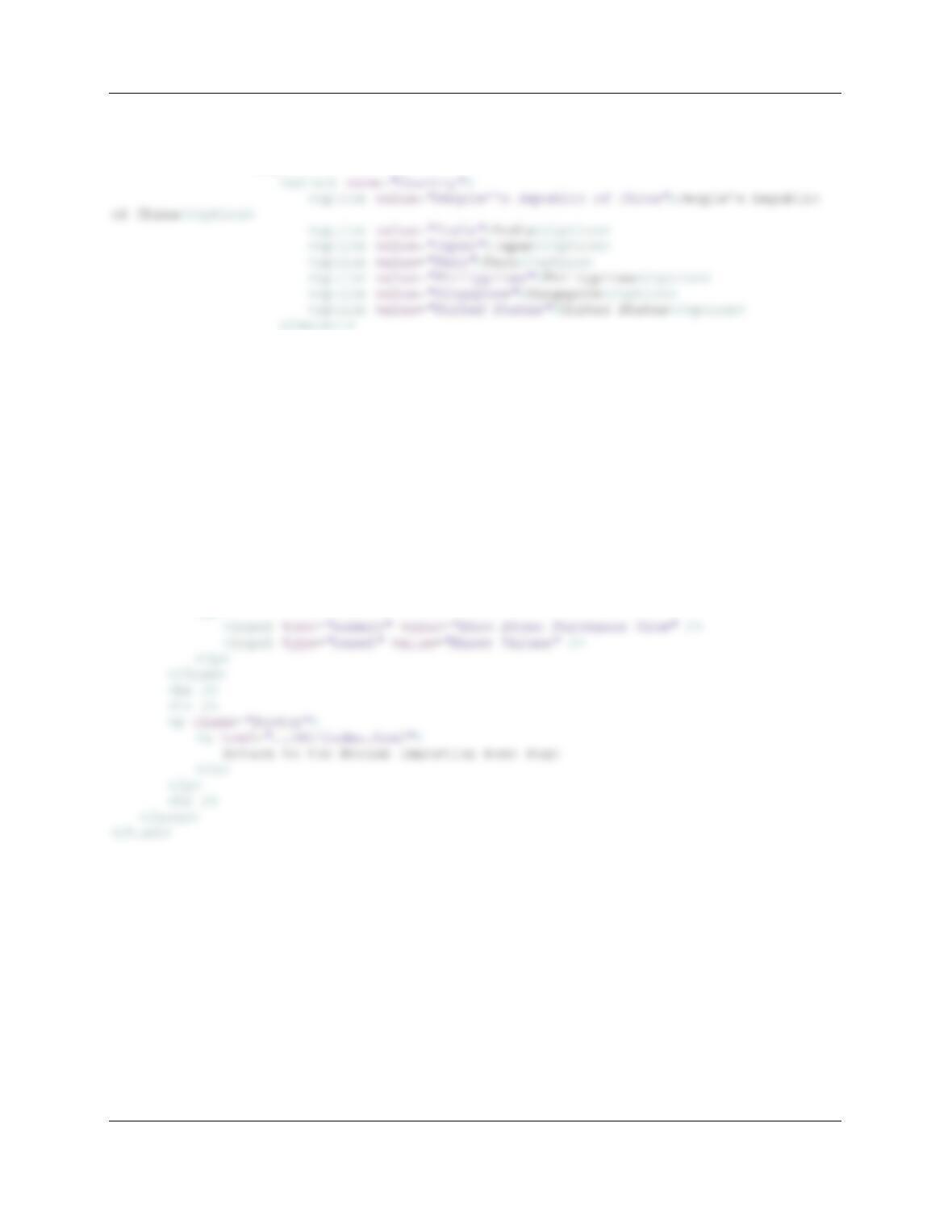
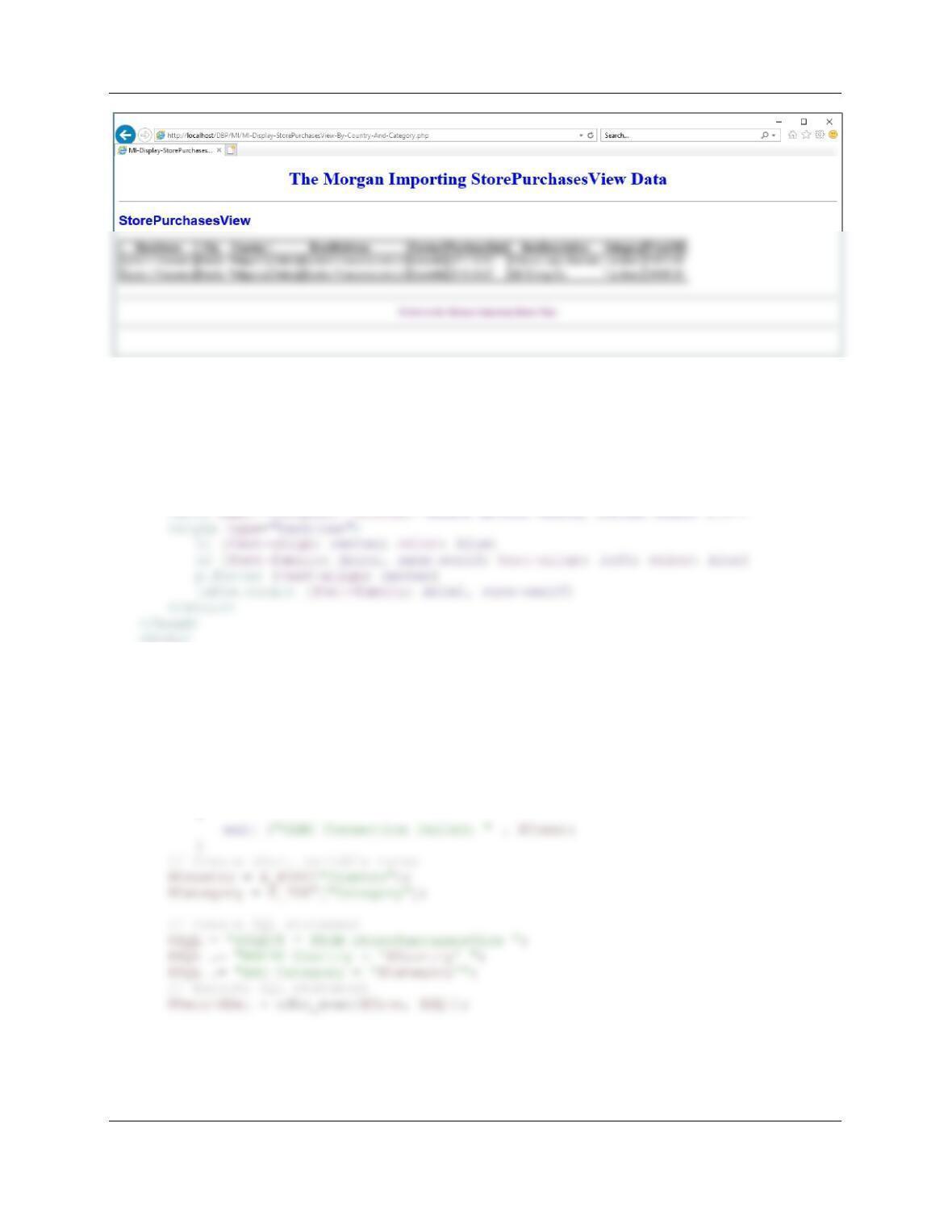
F. Code two HTML/PHP pages to receive values of Country and Category and display rows
of StorePurchasesView having values for input Country and Category values. Using
your sample database, demonstrate that your pages work.
Here is the code to display the form:
!DOCTYPE HTML>
<html>
<head>
<title>MI-Display-StorePurchasesView-By-Country-And-Category Form HTML
Page</title>
<meta charset=“UTF-8”>
<meta name=“viewport” content=“width=device-width, intial-scale=1.0”>
method=“POST”>
<!– Page Headers –>
<h1>
Morgan Importing
</h1>
<h1>
Display StorePurchasesView by Country and Category Input Form
Chapter Eleven – The Web Server Environment
Page 11–84
<table>
<tr>
<td> Select Country: </td>
<td>
</td>
</tr>
<tr>
<td> Select Category: </td>
<td>
<select name=“Category”>
<option value=“Decorations”>Decorations</option>
<option value=“Dishes”>Dishes</option>
<option value=“Furniture”>Furniture</option>
<option value=“Lamps”>Lamps</option>
<option value=“Linens”>Linens</option>
<option value=“Tableware”>Tableware</option>
</select>
</td>
</tr>
</table>
<br />
<p>
Chapter Eleven – The Web Server Environment
Page 11–85
Here is the code to display the StorePurchasesView data:
<!DOCTYPE HTML>
<html>
<head>
<title>MI-Display-StorePurchasesView-By-Country-And-Category PHP Page</title>
<meta charset=“UTF-8”>
<body>
<?php
// Get connection
$DSN = “MI”;
$User = “MI-User”;
$Password = “MI-User+password”;
$Conn = odbc_connect($DSN, $User, $Password);
// Test connection
if (!$Conn)
Chapter Eleven – The Web Server Environment
Page 11–86
// Table headers
echo “<table class=’output’ border=’1′
<tr>
<th>StoreName</th>
<th>City</th>
<th>Country</th>
<th>EmailAddress</th>
//Table data
while($RecordSetRow = odbc_fetch_array($RecordSet))
{
echo “<tr>”;
echo “<td>” . $RecordSetRow[‘StoreName’] . “</td>”;
echo “<td>” . $RecordSetRow[‘City’] . “</td>”;
echo “<td>” . $RecordSetRow[‘Country’] . “</td>”;
echo “<td>” . $RecordSetRow[‘EmailAddress’] . “</td>”;
// Close connection
odbc_close($Conn);
?>
<br />
<hr />
<p class=“footer”>
<a href=“../MI/index.html”>
Return to the Morgan Importing Home Page
Chapter Eleven – The Web Server Environment
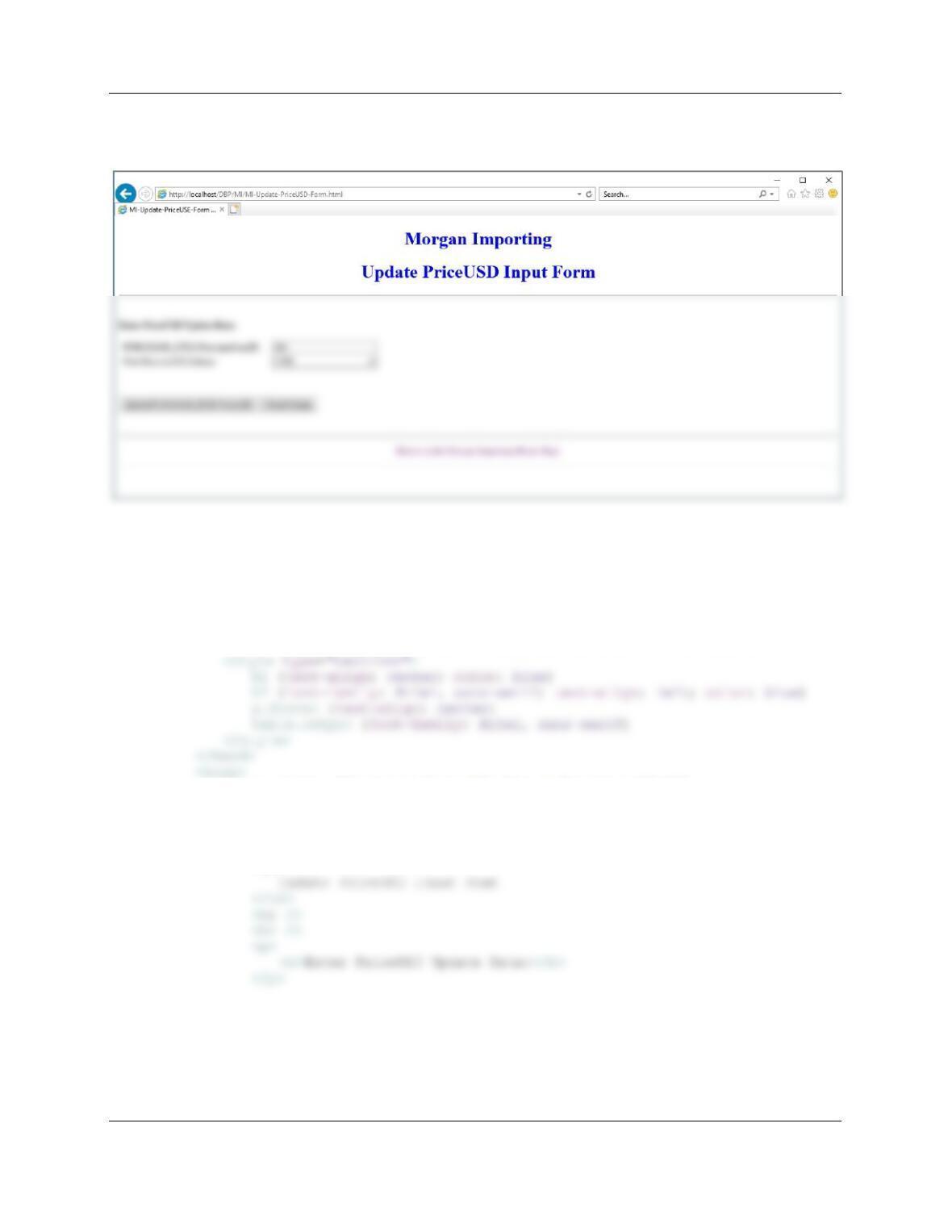
G. Write a stored procedure that receives values for ItemID and NewPriceUSD and sets the
value of PriceUSD to NewPriceUSD for the row having the given value of ItemID.
Generate an error message if no row has the given value of ItemID. Using your sample
database, demonstrate that your stored procedure works.
Here is the code for the stored procedure Update_PriceUSD:
CREATE OR ALTER PROCEDURE [dbo].[Update_PriceUSD]
@PurchaseItemID Int,
/* Check to see if a Purchase with the PurchaseItemID is in the database */
SELECT @rowCount = COUNT(*)
FROM dbo.PURCHASE_ITEM
WHERE dbo.PURCHASE_ITEM.PurchaseItemID = @PurchaseItemID;
IF @rowCount = 0
BEGIN
PRINT ‘======================================================================’
PRINT ”
PRINT ‘ There is no PURCHASE_ITEM with PurchaseItemID: ‘ +
CONVERT(Char(12),@PurchaseItemID)
PRINT ‘======================================================================’
PRINT ”
PRINT ‘ The PriceUSD for the PURCHASE_ITEM with PurchaseItemID: ‘ +
CONVERT(Char(12),@PurchaseItemID)
PRINT ”
PRINT ‘ has been updated from: ‘ + CONVERT(Char(12),@priorPriceUSD)
PRINT ”
Chapter Eleven – The Web Server Environment
Page 11–88
/***** (2) the ITEM.ItemID DOES exist ***************************************/
Execute Update_PriceUSD @PurchaseItemID = 565, @newPriceUSD = 1500.00;
Chapter Eleven – The Web Server Environment
Page 11–89
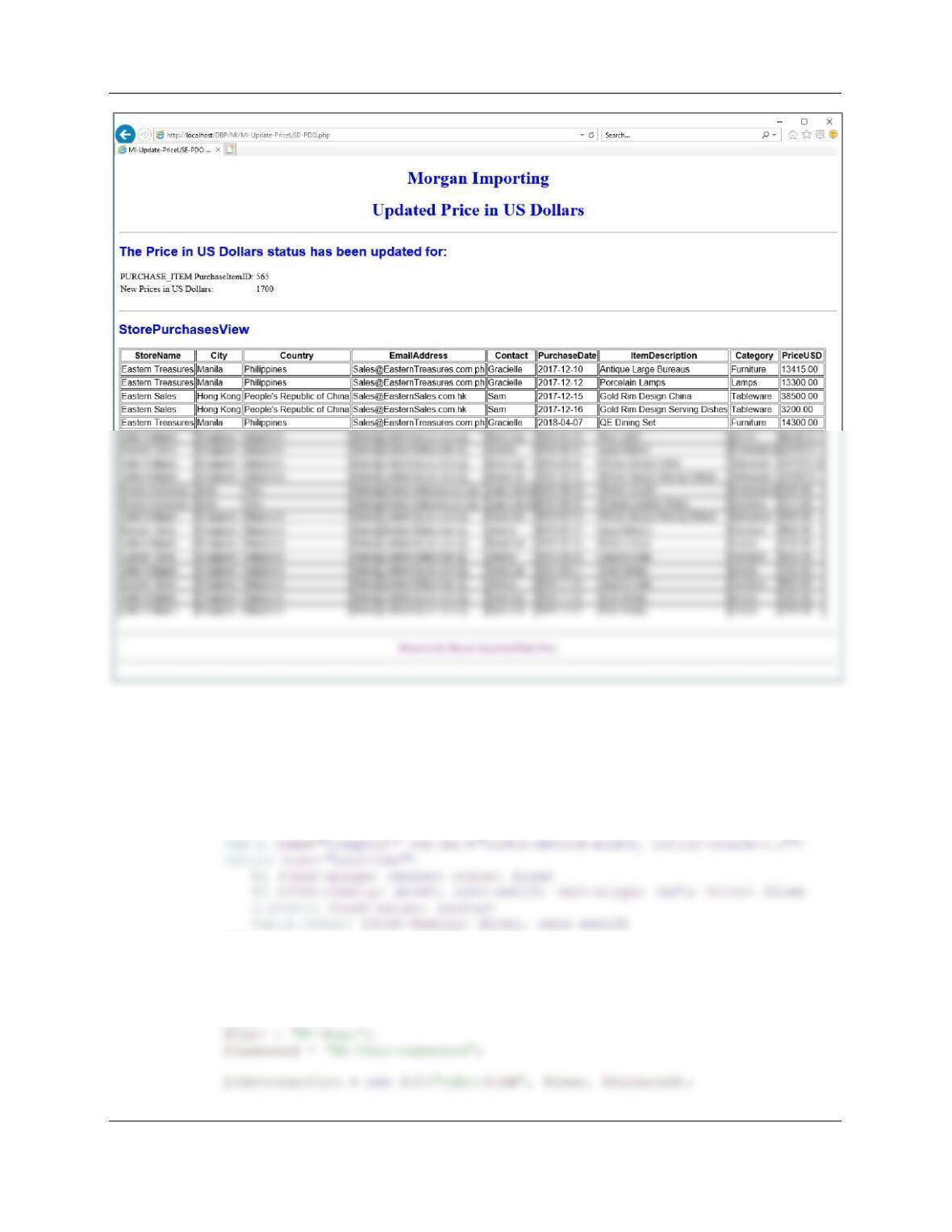
H. Code two HTML/ PHP pages to invoke the stored procedure created in part G. Using
your sample database, demonstrate that your page works.
Here is the code for the Update PriceUSD Form:
<!DOCTYPE HTML>
<html>
<head>
<title>MI-Update-PriceUSD-Form HTML Page</title>
<meta charset=“UTF-8”>
<meta name=“viewport” content=“width=device-width, intial-scale=1.0”>
<form action=“MI-Update-PriceUSD-PDO.php” method=“POST”>
<!– Page Headers –>
<h1>
Morgan Importing
</h1>
<h1>
Chapter Eleven – The Web Server Environment
Page 11–90
<table>
<input type=“text” name=“PriceUSD” size=“25” />
</td>
</tr>
</table>
<p>
<br />
<p>
<input type=“submit” value=“Update PURCHASE_ITEM PriceUSD” />
<input type=“reset” value=“Reset Values” />
</p>
</form>
<br />
Chapter Eleven – The Web Server Environment
Page 11–91
Here is the code for the Update PriceUSD PDO PHP page:
<!DOCTYPE HTML>
<html>
<head>
<title>MI-Update-PriceUSD-PDO PHP Page</title>
<meta charset=“UTF-8”>
</style>
</head>
<body>
<?php
// Get connection
$DSN = “MI”;
Chapter Eleven – The Web Server Environment
Page 11–92
// Test connection
if (!$PDOconnection)
{
exit (“ODBC Connection Failed: ” . $PDOconnection);
// Execute SQL statement
$Result = $PDOconnection->exec($SQLSP);
// Test existence of $Result
if (!$Result)
{
exit (“SQL Statement Error: ” . $SQLSP);
}
{
exit (“SQL Statement Error: ” . $SQL);
}
echo “<h1>
Morgan Importing
</h1>
<h1>
Updated Price in US Dollars
</h1>
<hr />”;
Chapter Eleven – The Web Server Environment
Page 11–93
echo “<h2>
StorePurchasesView
</h2>”;
//Table data
while($RecordSetRow = $RecordSet->fetch())
{
echo “<tr>”;
echo “<td>” . $RecordSetRow[‘StoreName’] . “</td>”;
echo “<td>” . $RecordSetRow[‘City’] . “</td>”;
}
echo “</table>”;
// Close connection
$PDOconnection = null;
?>
<br />
<hr />
<p class=“footer”>
<a href=“../MI/index.html”>
Return to the Morgan Importing Home Page