Chapter 10C – Managing Databases with MySQL 5.7
Page 10C-101
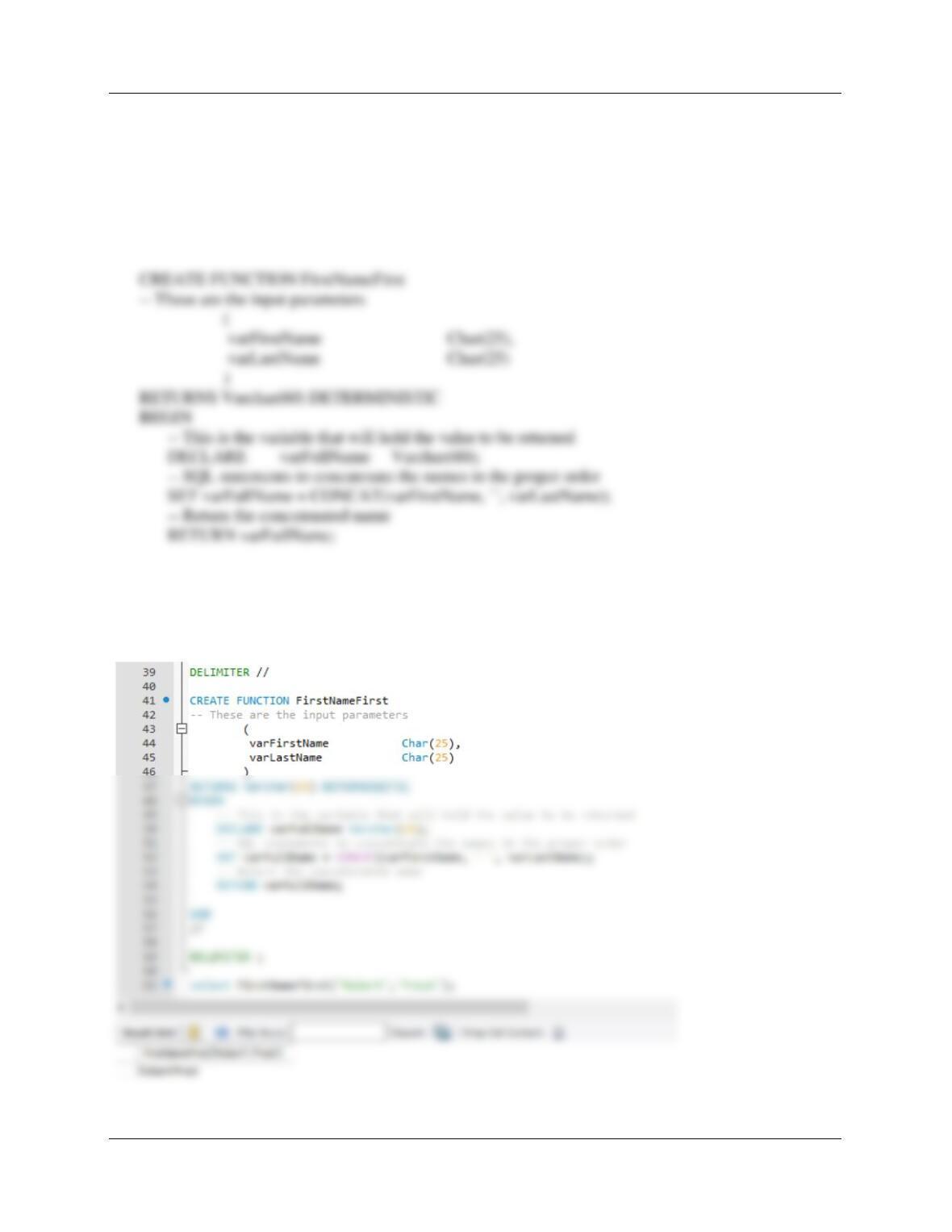
C. Create and test a user-defined function named FirstNameFirst that combines two
parameters named FirstName and LastName into a concatenated name field formatted
FirstName LastName (including the space).
DELIMITER //
END
//
DELIMITER ;
Chapter 10C – Managing Databases with MySQL 5.7
Page 10C-102
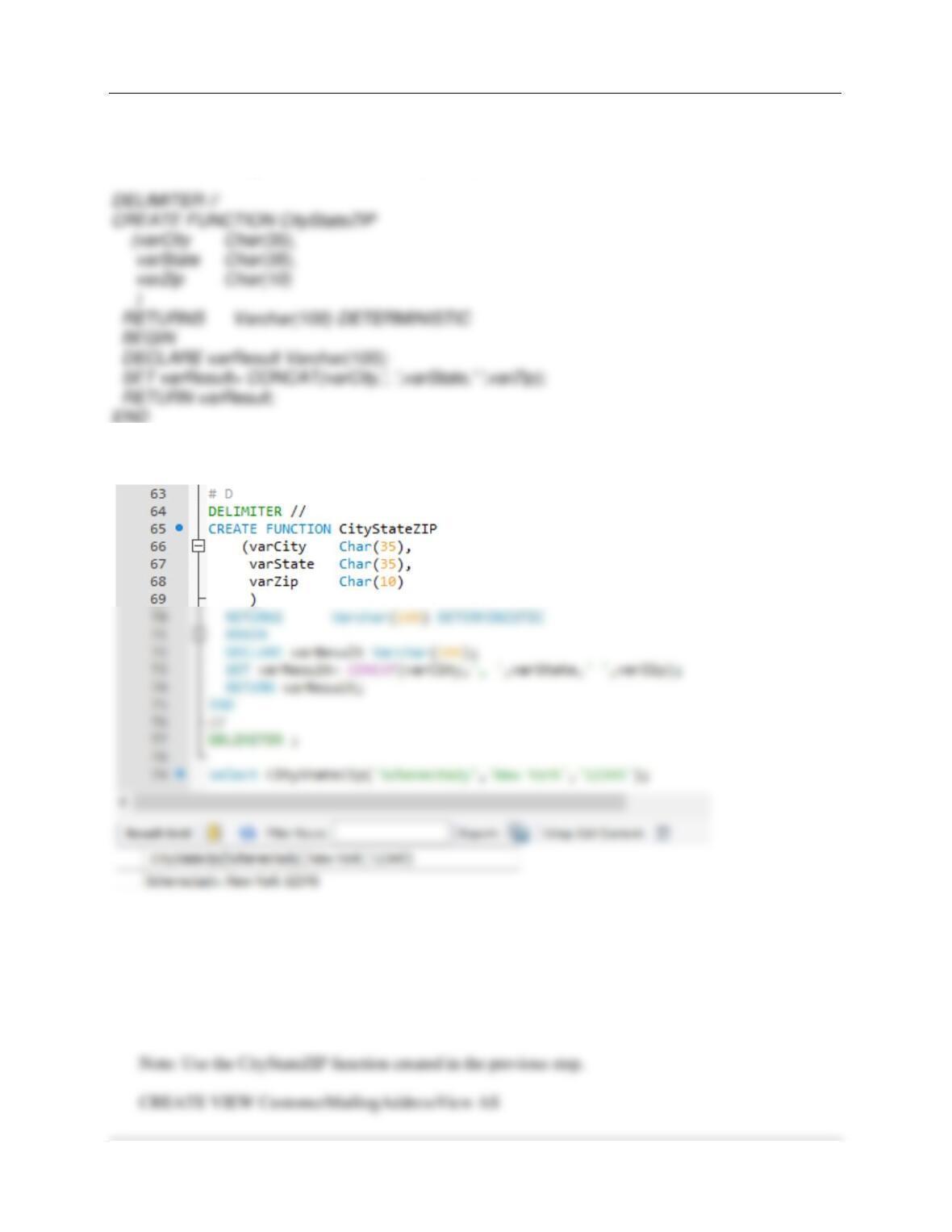
D. Create and test a user-defined function named CityStateZIP that combines three
parameters named City, State, and ZIP into a concatenated name field formatted City,
State ZIP (including the comma and the spaces).
//
DELIMITER ;
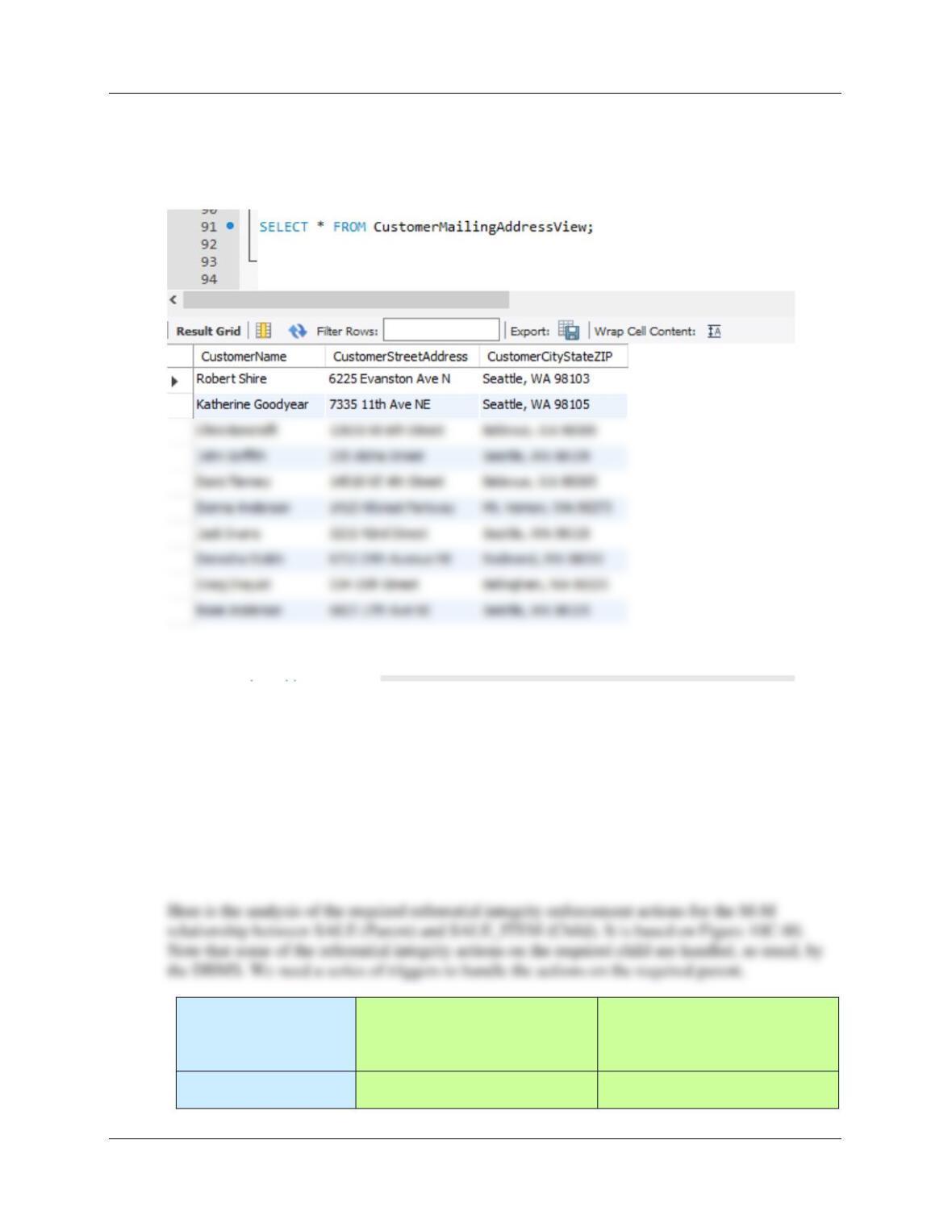
E. Create and test a view called CustomerMailingAddressView that contains the customer
name concatenated and formatted as FirstName LastName in a field named
CustomerName, the customer’s street address in a field named CustomerStreetAddress,
and the customer’s City, State, ZIP concatenated and formatted as City, State ZIP in a
field named CustomerCityStateZIP.
Chapter 10C – Managing Databases with MySQL 5.7
Page 10C-103
SELECT FirstNameFirst(FirstName, LastName) AS CustomerName,
Address AS CustomerStreetAddress,
CityStateZIP(City, State, Zip) AS CustomerCityStateZIP
FROM CUSTOMER;
Using the QACS database, create an SQL script named QACS-Create-Procedures.sql
to answer parts F and G.
F. Assume that the relationship between SALE and SALE_ITEM is M-M. Design procedures to
enforce this relationship. Explain why it is not possible to use MySQL triggers to accomplish this
task. Use Figure 10C-80 and the discussion of that figure as an example, but assume that The
Queen Anne Curiosity Shop does allow SALEs and
their related SALE_ITEM rows to be deleted. Use the deletion strategy shown in
Figures 7-28 and 7–29 for this case.
Both SALE and
SALE_ITEM are
Required
SALE
[Parent]
SALE_ITEM
[Child]
Insert
Create a new SALE_ITEM row.
Note that this row must be
New SALE_ITEM row must
have a valid SALE (enforced by
Chapter 10C – Managing Databases with MySQL 5.7
Page 10C-104
G. Write and test the triggers you designed in part F.
There are three actions that need triggers:
(1) Denying the reassignment of a SALE_ITEM from one SALE to another
Note that these solutions will be similar to the solutions for MDC case questions U and V.
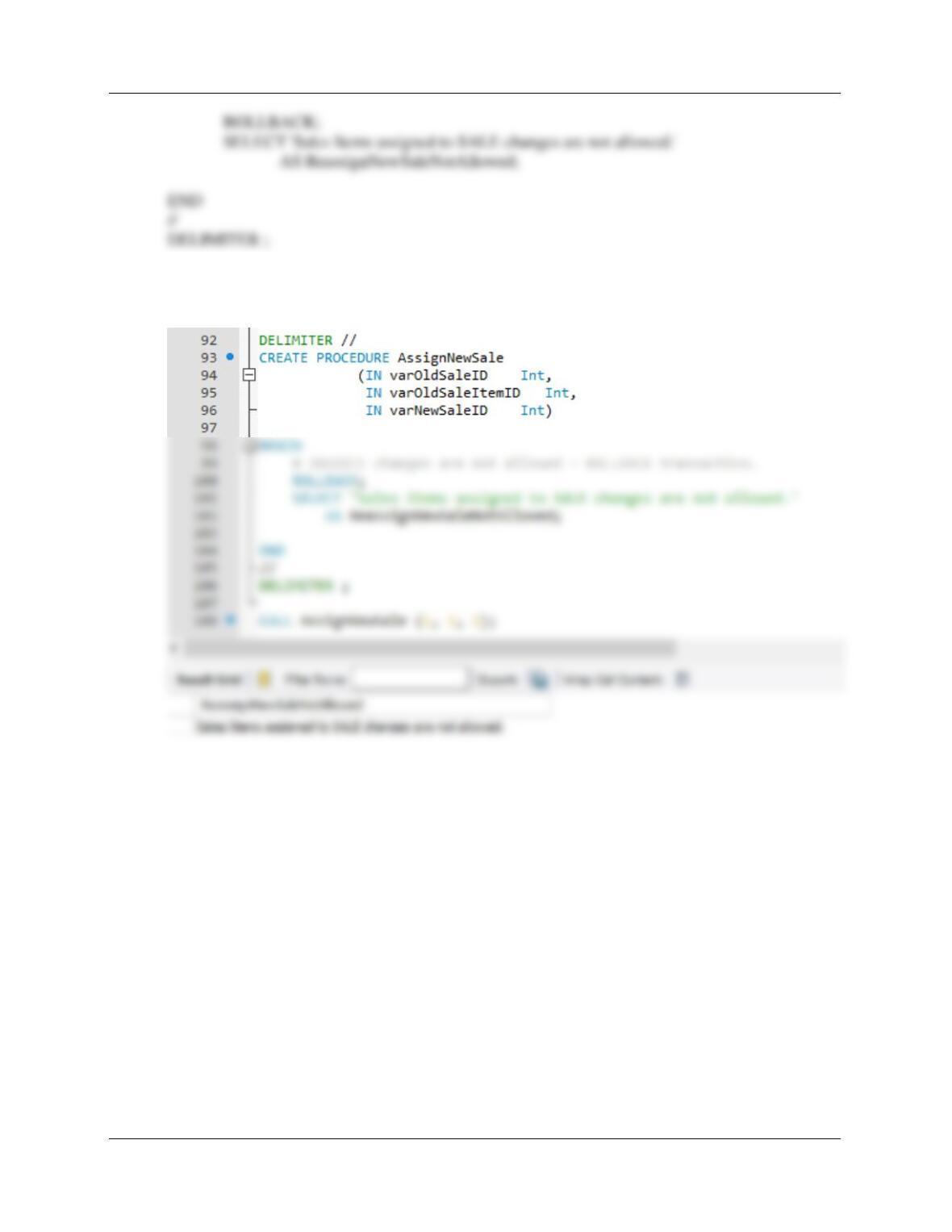
(1) Denying the reassignment of a SALE_ITEM from one SALE to another.
It makes no logical business sense to move an SALE_ITEM from one SALE to another. Note
that if this was done, a different SALE_ITEM.SaleItemID would have to be assigned.
BEGIN
# INVOICE changes are not allowed – ROLLBACK transaction.
Chapter 10C – Managing Databases with MySQL 5.7
Page 10C-105
To test this use: CALL AssignNewSale (1, 2, 2);
Chapter 10C – Managing Databases with MySQL 5.7
Page 10C-106
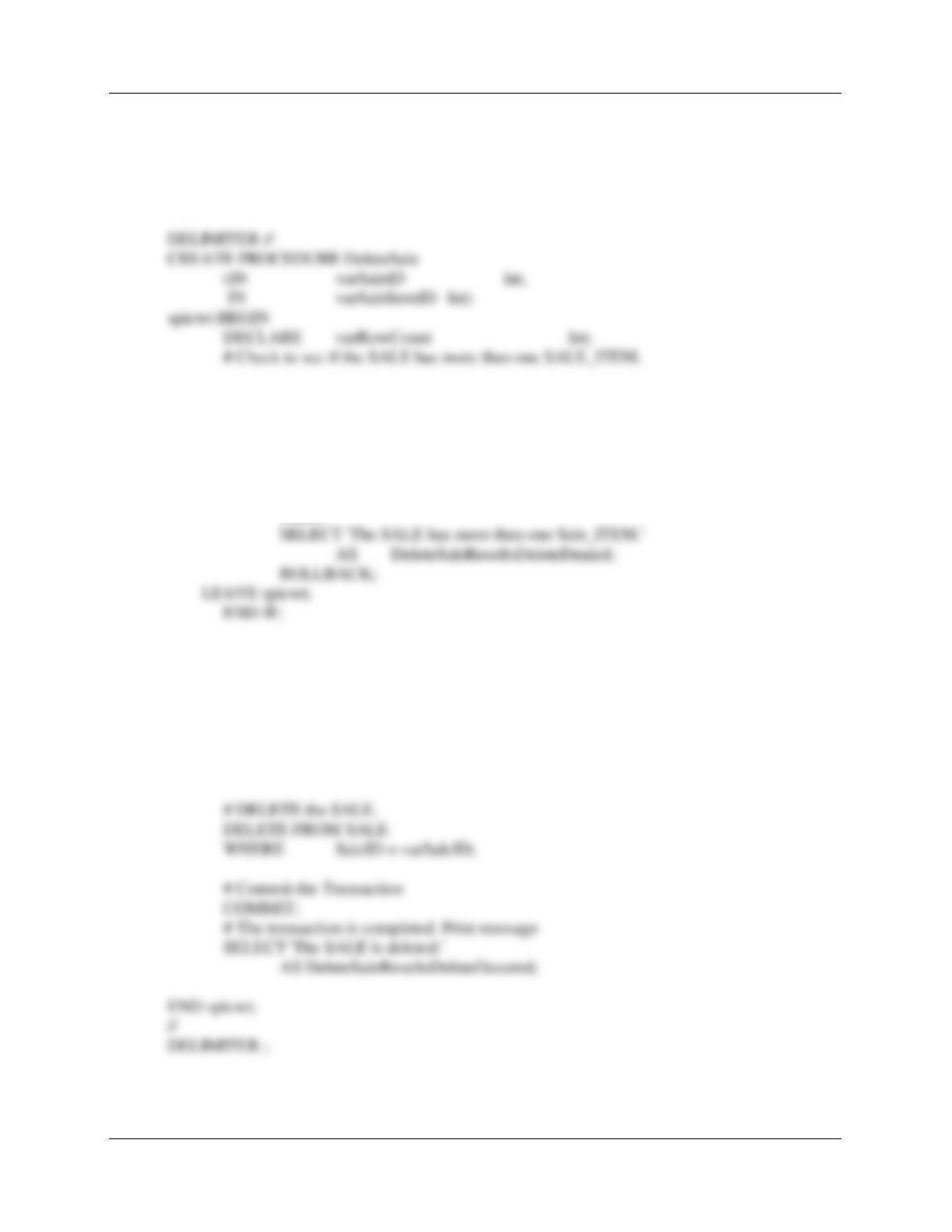
(2) Deleting a SALE when the last SALES_ITEM is deleted.
MySQL will not support an appropriate trigger in this case, since we would need to roll back a
transaction. Further, we cannot use a view, since MySQL does not support INSTEAD OF
triggers. Thus, we need to use a Stored Procedure.
SELECT COUNT(*) INTO varRowCount
FROM SALE_ITEM
WHERE SaleID = varSaleID;
# IF varRowCount > 1 THEN do NOT delete the SALE.
IF (varRowCount > 1)
THEN
# IF varRowCount = 1 THEN DELETE the sale.
# Start transaction – Rollback everything if unable to complete it.
# DELETE the SALE_ITEM.
DELETE FROM SALE_ITEM
WHERE SaleID = varSaleID
AND SaleItemID = varSaleItemID;
Chapter 10C – Managing Databases with MySQL 5.7
Page 10C-107
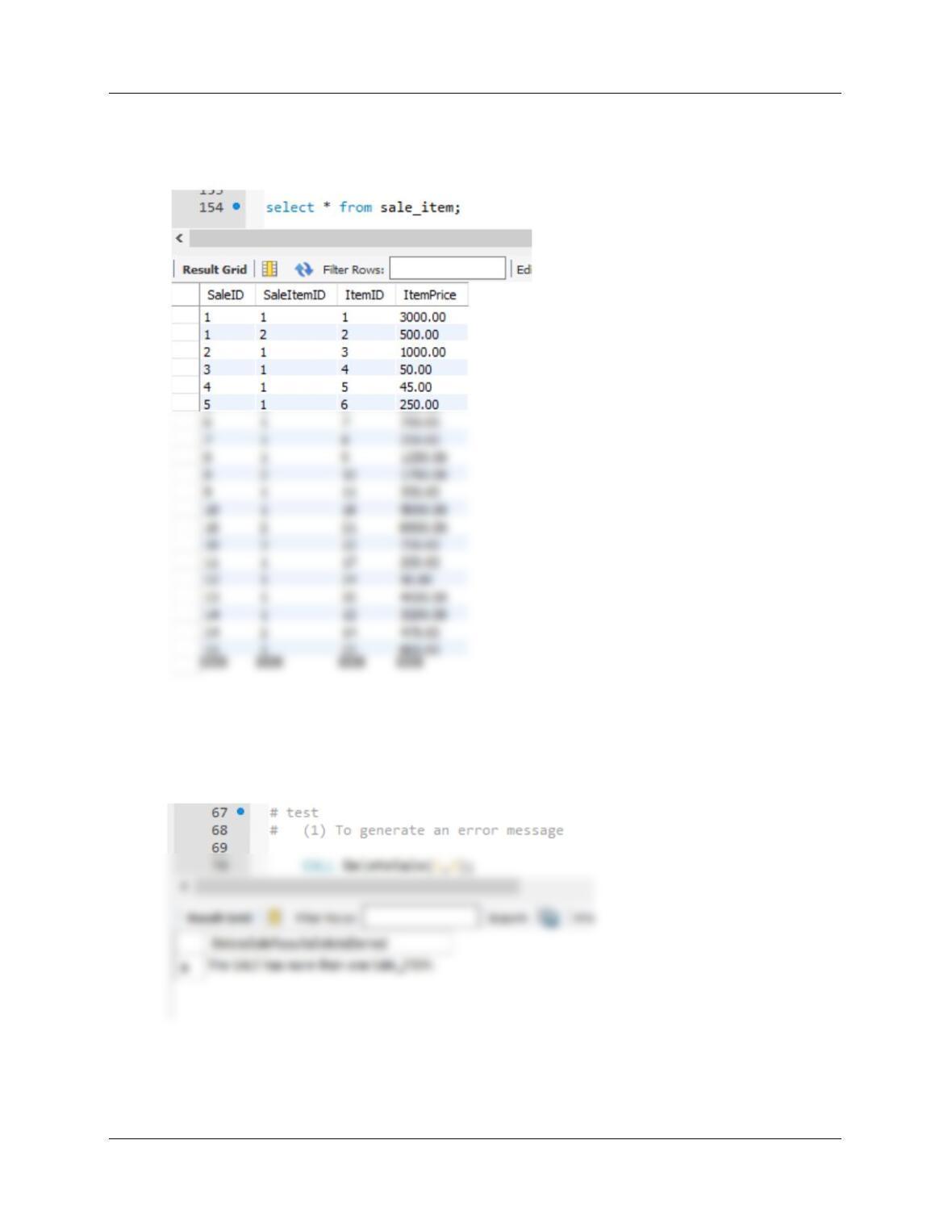
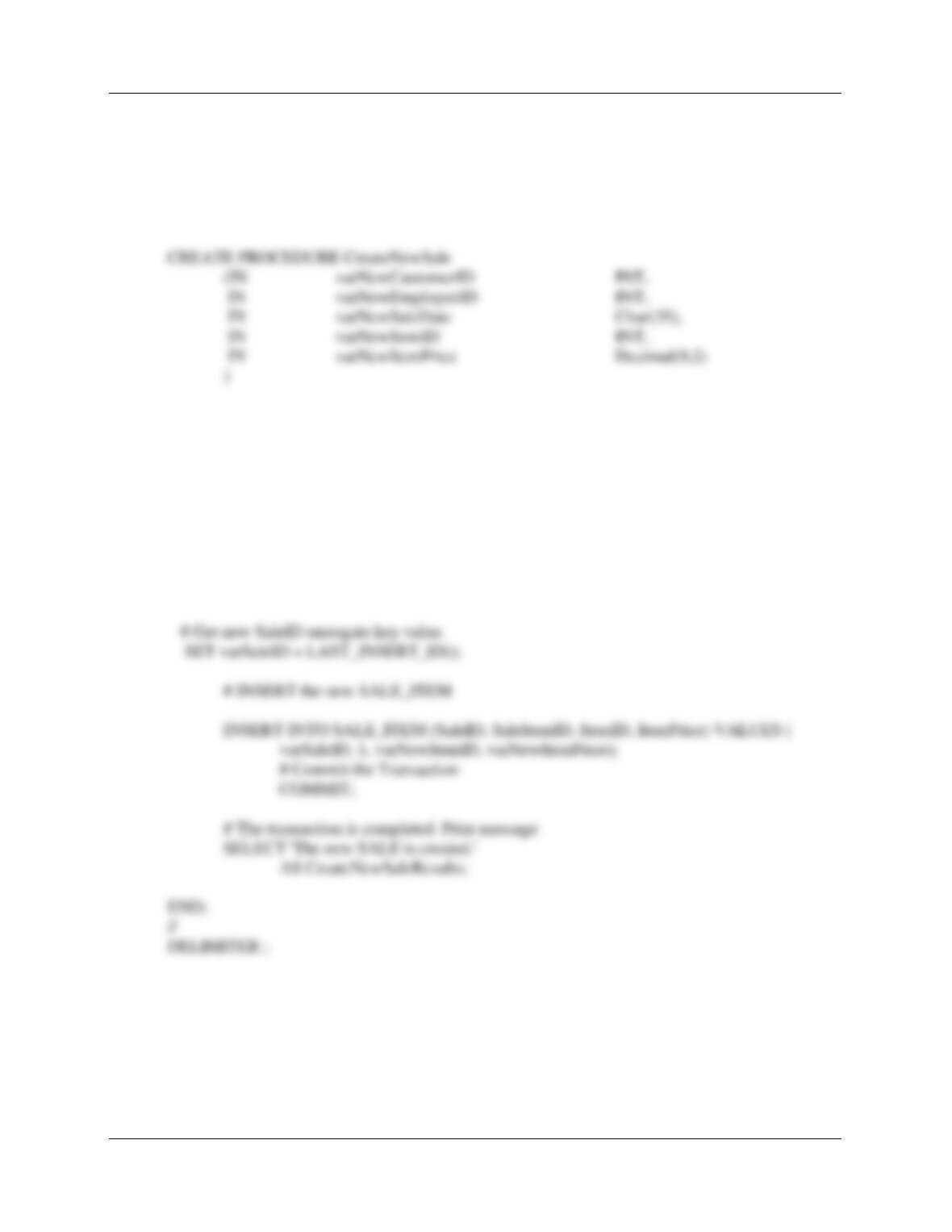
Here is SALE_ITEM. Note SaleID has two Sales_items, and SaleID 2 has only one.
We will get an error attempting to delete a sale with two sale_items (test #1), but OK to delete a
sale with only 1 sale_item (test #2).
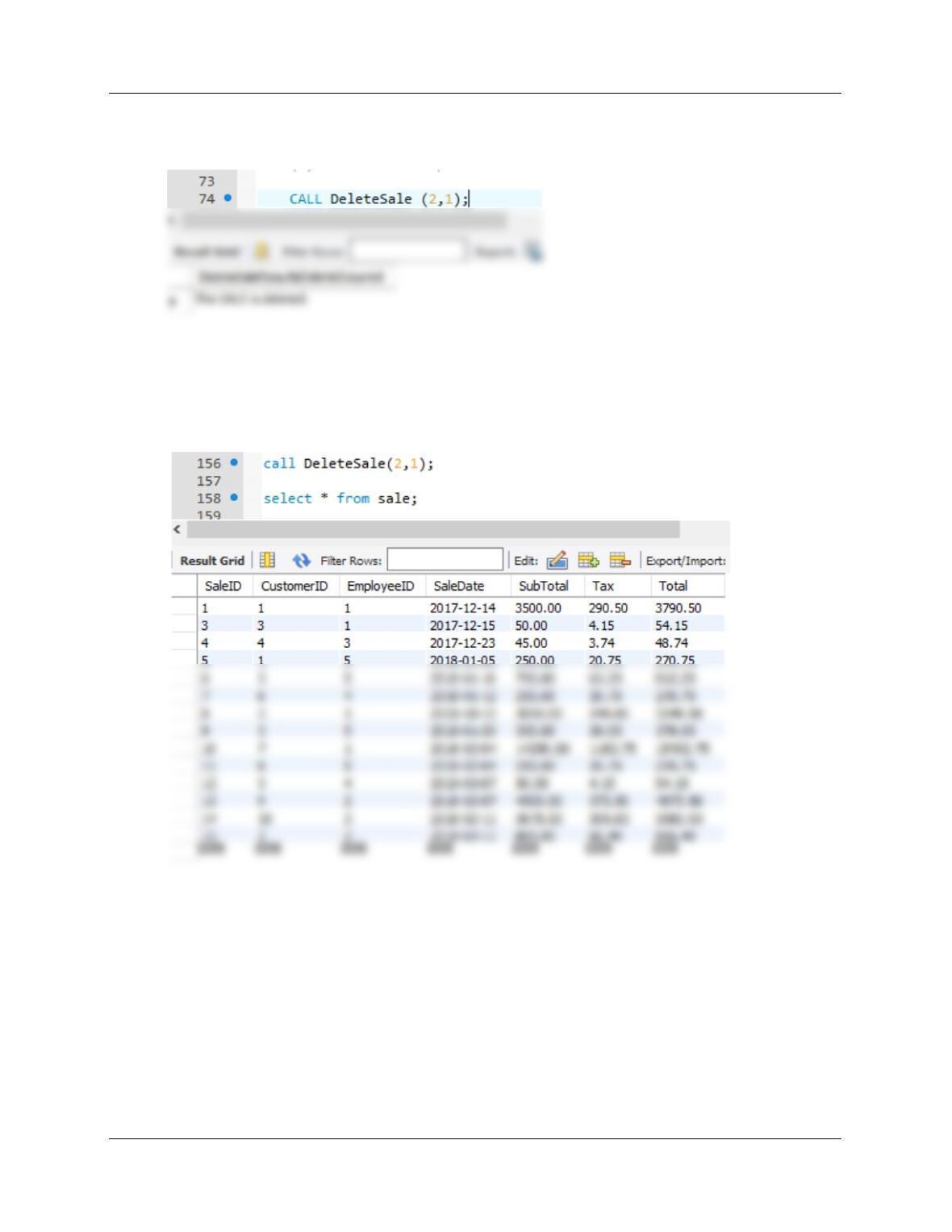
To test this procedure use:
# (1) To generate an error message
CALL DeleteSale(1,2);
Chapter 10C – Managing Databases with MySQL 5.7
Page 10C-108
# (2) To delete a Sale
CALL DeleteSale (2,1);
# check
SELECT * FROM SALE;
Note: SaleID 2 was deleted.
Chapter 10C – Managing Databases with MySQL 5.7
Page 10C-109
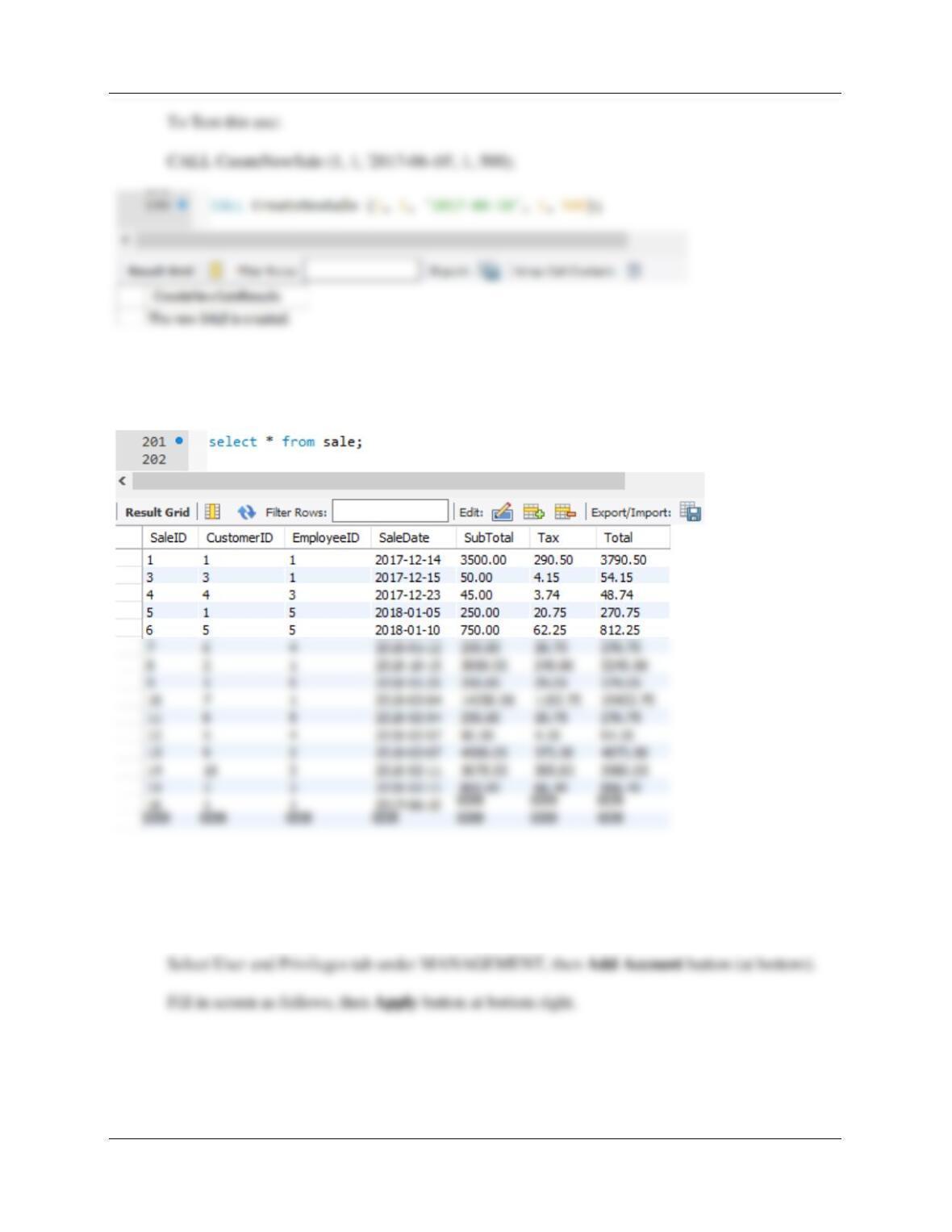
(3) Adding a required SALE_ITEM when a SALE is created.
MySQL will not support an appropriate trigger in this case. We cannot use a view, since MySQL
does not support INSTEAD OF triggers.
DELIMITER //
BEGIN
DECLARE varSaleID INT;
# Start transaction – Rollback everything if unable to complete it.
START TRANSACTION;
# INSERT the new SALE data.
INSERT INTO SALE (CustomerID, EmployeeID, SaleDate) VALUES(
varNewCustomerID, varNewEmployeeID, varNewSaleDate);
Chapter 10C – Managing Databases with MySQL 5.7
Page 10C-110
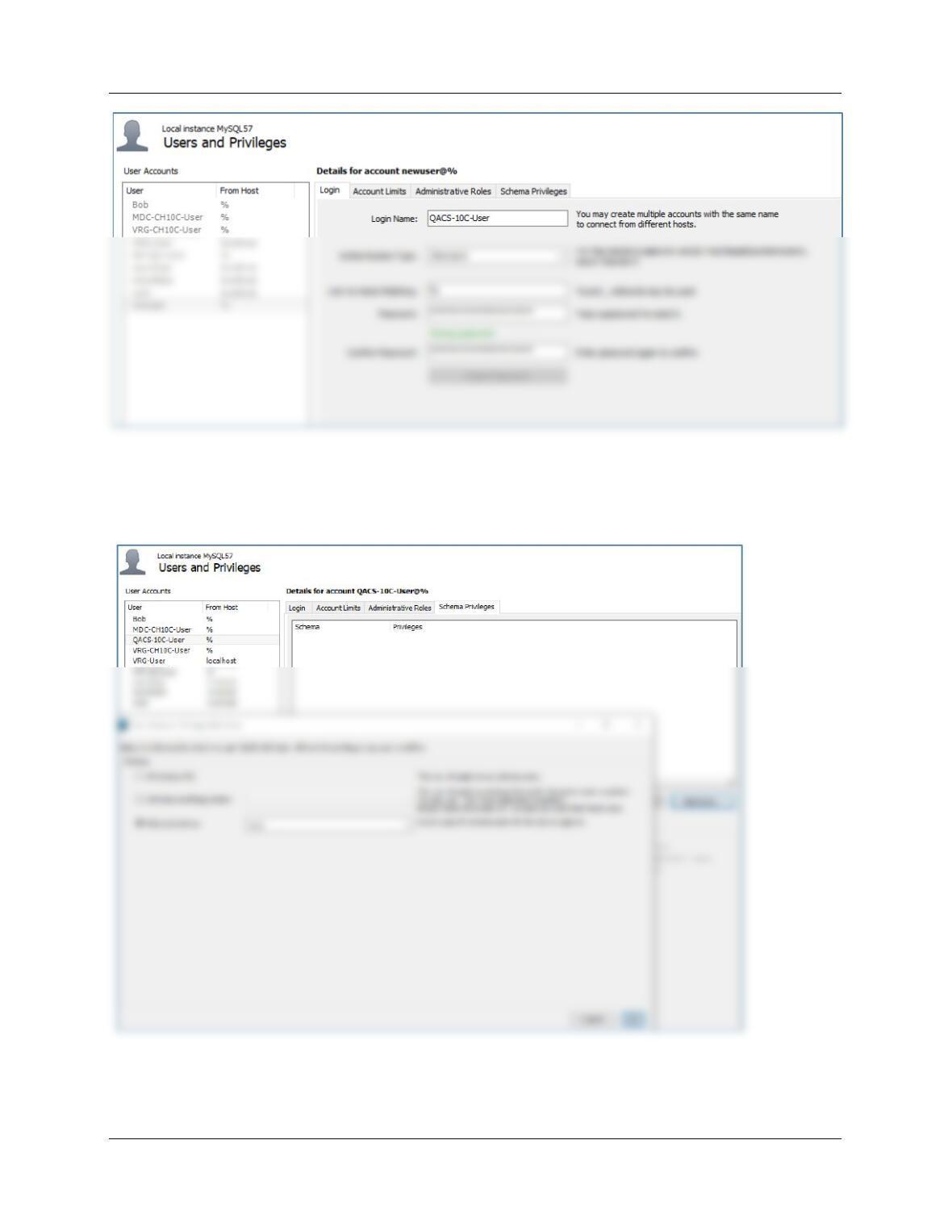
SELECT * FROM SALE;
Note new SaleID 16.
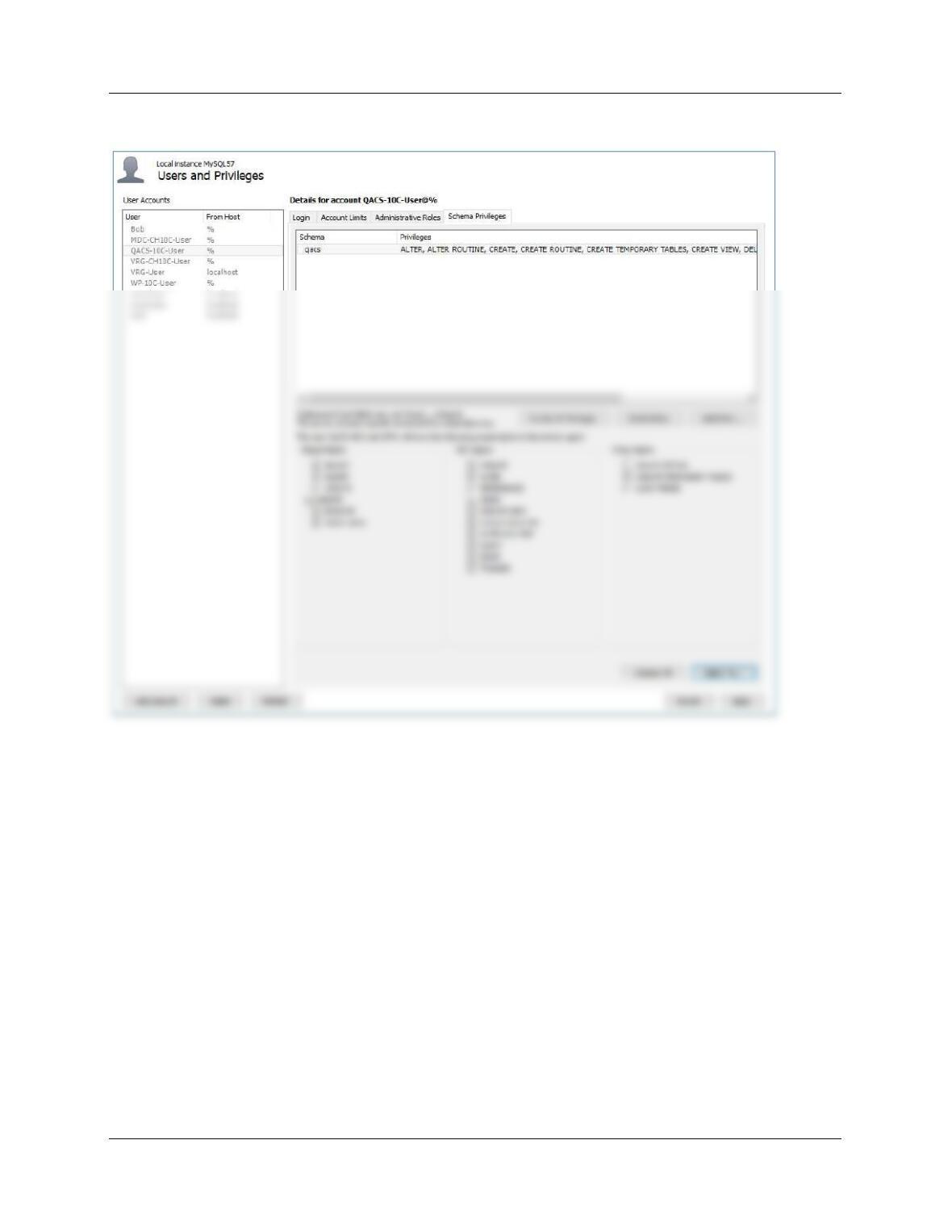
H. Create a user named QACS-10C-User with a password of QACS-10C-User+password.
Assign QACS-10C-User all schema privileges except GRANT to the QACS database.
Chapter 10C – Managing Databases with MySQL 5.7
Page 10C-111
Select the new userid in the left pane, then click Schema Privileges tab. Click the Add Entry
button (lower right), then select the schema QACS, then OK.
Chapter 10C – Managing Databases with MySQL 5.7
Page 10C-112
Select the SELECT *ALL* button to give every privilege except GRANT. Then click Apply.

Chapter 10C – Managing Databases with MySQL 5.7
Page 10C-113
The Queen Anne Curiosity Shop payroll is paid twice monthly, once on the 10th of the
month and once on the 25th of the month. Pay is determined by the type of job (the
I. Duplicate the PAYROLL worksheet in Figure 10C-111 in a worksheet (or spreadsheet) in
an appropriate tool (such as Microsoft Excel or Apache OpenOffice Calc).
J. Import the data in the PAYROLL worksheet into a table in the QACS database named
PAYROLL_TEMP. Hint: Use the MySQL for Excel Add-In, which exports the data from
Microsoft Excel to MySQL.
See “Importing Microsoft Excel Data into a MySQL 5.7 Database Table” in Chapter
Chapter 10C – Managing Databases with MySQL 5.7
Page 10C-114
K. Create the GetLastNameCommaSeparated user-defined function shown in Figure 10C-
60.
DELIMITER //
CREATE FUNCTION GetLastNameCommaSeparated
— These are the input parameters
(
varName VARCHAR(25)
— SQL statement to determine last name
SET varLastName = SUBSTRING(varName, 1, (varIndexValue – 1));
— Return the last name
RETURN varLastName;
END
//
DELIMITER ;
Chapter 10C – Managing Databases with MySQL 5.7
Page 10C-115
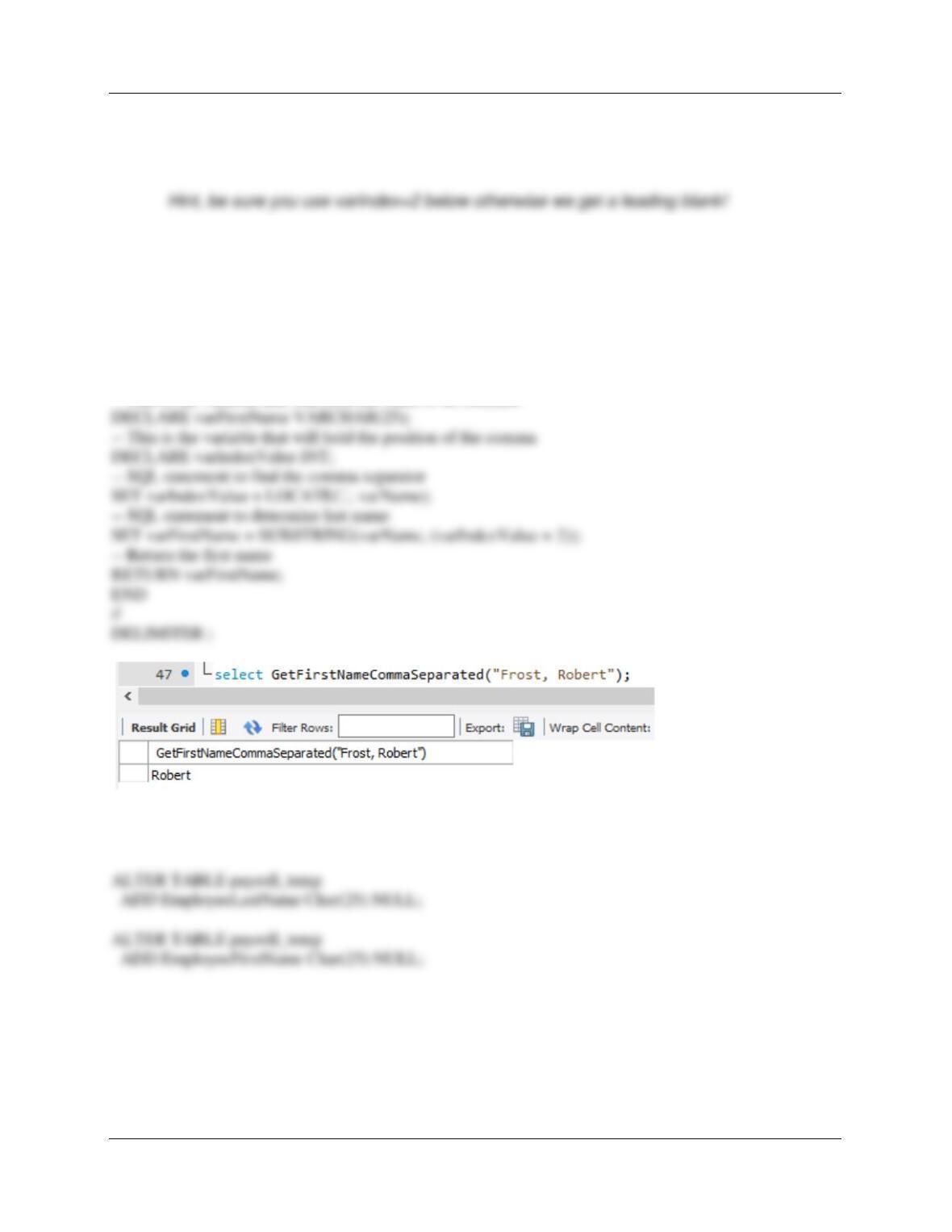
L. Create a user-defined function named GetFirstNameCommaSeparated that will return
the first name from a combined name in last-name-first order, with the names separated
by a comma and one space.
DELIMITER //
CREATE FUNCTION GetFirstNameCommaSeparated
— These are the input parameters
(
varName VARCHAR(50)
)
RETURNS VARCHAR(25) DETERMINISTIC
BEGIN
— This is the variable that will hold the value to be returned
M. Alter the PAYROLL_TEMP table to include EmployeeLastName and
EmployeeFirstName columns (Char(25), allow NULL values).
Chapter 10C – Managing Databases with MySQL 5.7
Page 10C-116
N. Use the GetLastNameCommaSeparated user-defined function you created in step K to
populate the EmployeeLastName column.
P. Create a new table named PAYROLL_CATEGORY, as shown in Figure 10C-112. Use
the column characteristics shown in Figure 10C-112, where PayrollCategoryID is a
surrogate key starting at 1 and incrementing by 1.
CREATE TABLE PAYROLL_CATEGORY (
PayrollCategoryID INT NOT NULL auto_increment,
CategoryDescription VarChar(45) NOT NULL,
PayRate Numeric(8,2) NOT NULL,
CONSTRAINT PC_PK PRIMARY KEY (PayrollCategoryID));
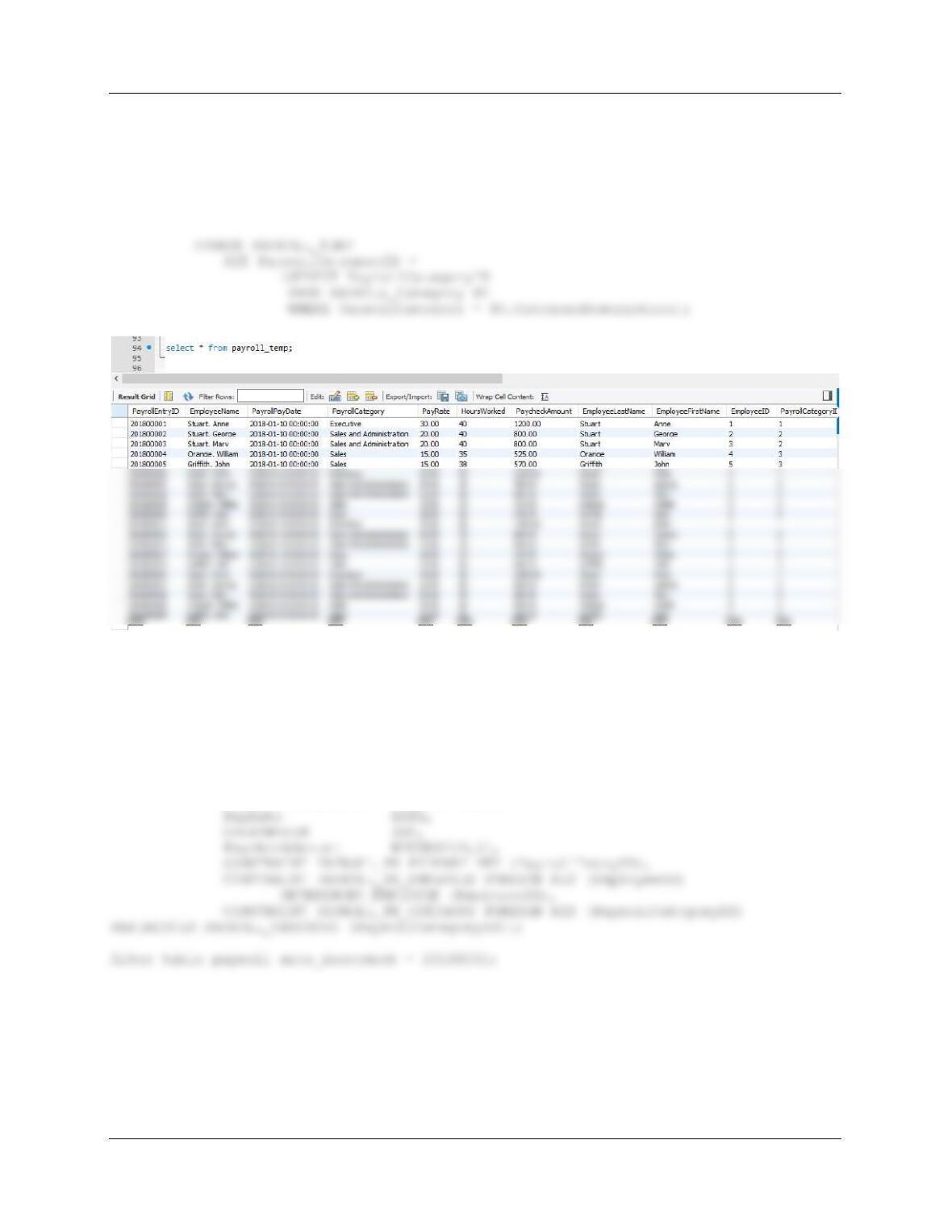
R. Alter the PAYROLL_TEMP table to include an EmployeeID column (Integer data,allow
nulls). By using and comparing the PAYROLL_TEMP.EmployeeLastName and
PAYROLL_TEMP.EmployeeFirstName columns with the EMPLOYEE.LastName and
EMPLOYEE.FirstName columns, populate this column. Hint: Assume for this question
that no two employees have the same first and last names.
Chapter 10C – Managing Databases with MySQL 5.7
Page 10C-117
S. Alter the PAYROLL_TEMP table to include a PayrollCategoryID column (Integer data,
allow nulls). By using and comparing the PAYROLL_TEMP.PayrollCategory column with
the PAYROLL_CATEGORY.CategoryDescription column, populate this column.
ALTER TABLE PAYROLL_TEMP
ADD PayrollCategoryID INT NULL;
T. Create a new table named PAYROLL, as shown in Figure 10C-112. Use the column
characteristics shown in Figure 10C-112. Note that PayrollEntryID is a surrogate key,
with initial value 20180001 and incrementing by 1.
CREATE TABLE PAYROLL (
PayrollEntryID Int NOT NULL auto_increment,
EmployeeID Int NOT NULL,
PayrollCategoryID Int NOT NULL,
Chapter 10C – Managing Databases with MySQL 5.7
Page 10C-118
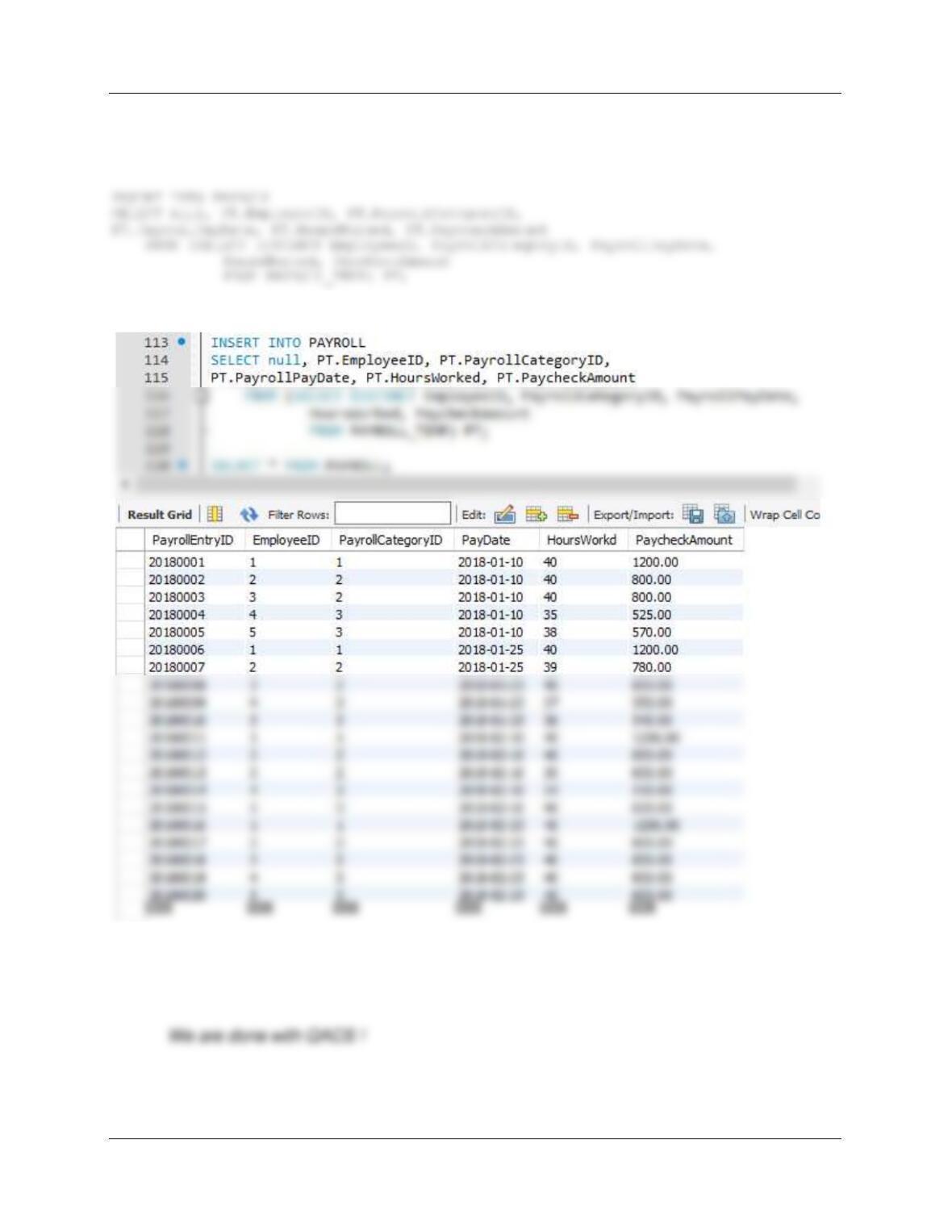
U. Populate the PAYROLL table using the data stored in the PAYROLL_TEMP table. Hint:
You will have one record in the PAYROLL table for every record in the PAYROLL_TEMP
table, and your final table will have 20 records.
SELECT * FROM PAYROLL;
V. We have completed the modifications of the QACS database, and are done with the
temporary PAYROLL_TEMP table. We could delete it if we wanted to, but we will keep
the PAYROLL_TEMP table in the database.
Chapter 10C – Managing Databases with MySQL 5.7
Page 10C-119
❖ ANSWERS TO MORGAN IMPORTING PROJECT QUESTIONS
If you have not completed the discussion of Morgan Importing database at the end of
Chapter 7, work thorough the Chapter 7 Morgan Importing Project Questions now. Use
the MI database that you created in the Chapter 7 MI Project Questions
as the basis for your answers to the following questions.
Using the MI database, create an SQL script named MI-Create-Views–and-Functions.sql
to answer parts A through D. Changes that you made to the database structure in Chapter 7
MI Project Questions, part A should be reflected in the MI database (add StoreID to STORE table).
CREATE TABLE EMPLOYEE(
EmployeeID Int NOT NULL auto_increment,
LastName Char(25) NOT NULL,
FirstName Char(25) NOT NULL,
ALTER TABLE EMPLOYEE auto_increment = 101;
CREATE TABLE STORE (
StoreID Int NOT NULL,
StoreName Char(50) NOT NULL,
City Char(35) NOT NULL,
Country Char(50) NOT NULL,
Chapter 10C – Managing Databases with MySQL 5.7
Page 10C-120
CREATE TABLE PURCHASE_ITEM (
PurchaseItemID Int NOT NULL,
StoreID Int NOT NULL,
PurchasingAgentID Int NOT NULL,
);
# NOT USING AUTO INCR
CREATE TABLE SHIPPER (
ShipperID Int NOT NULL auto_increment,
# SHIPPERID STARTS AT ONE
CREATE TABLE SHIPMENT (
ShipmentID Int NOT NULL auto_increment,
ShipperID Int NOT NULL,
PurchasingAgentID Int NOT NULL,
ShipperInvoiceNumber Int NOT NULL,