Chapter 10C – Managing Databases with MySQL 5.7
Page 10C-81
P. Explain, in general terms, how you will use triggers to enforce minimum cardinality
actions as required by your design. You need not write the triggers, just specify which
triggers you need and describe their logic in general terms.
No triggers are necessary to implement the M-O minimum cardinality constraints. All these
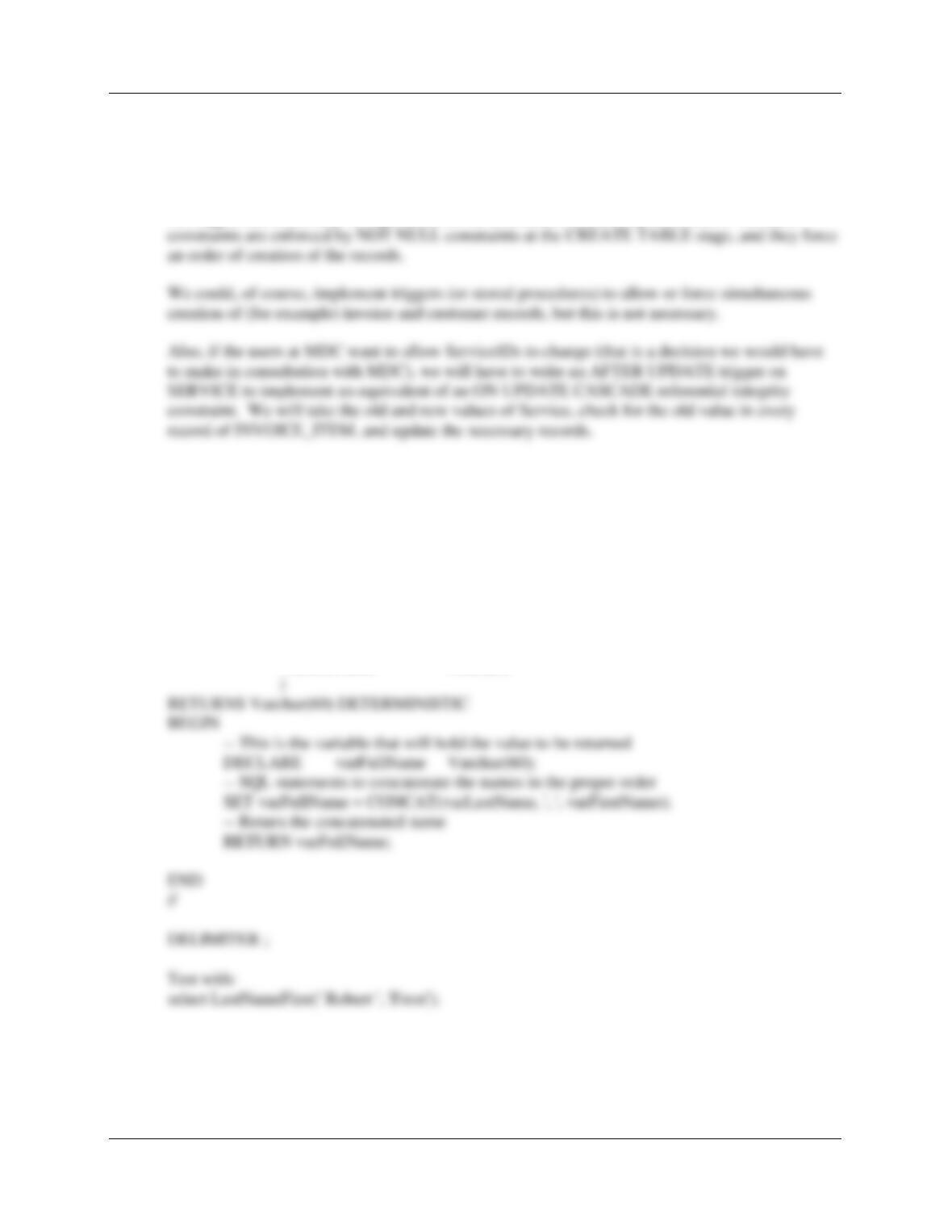
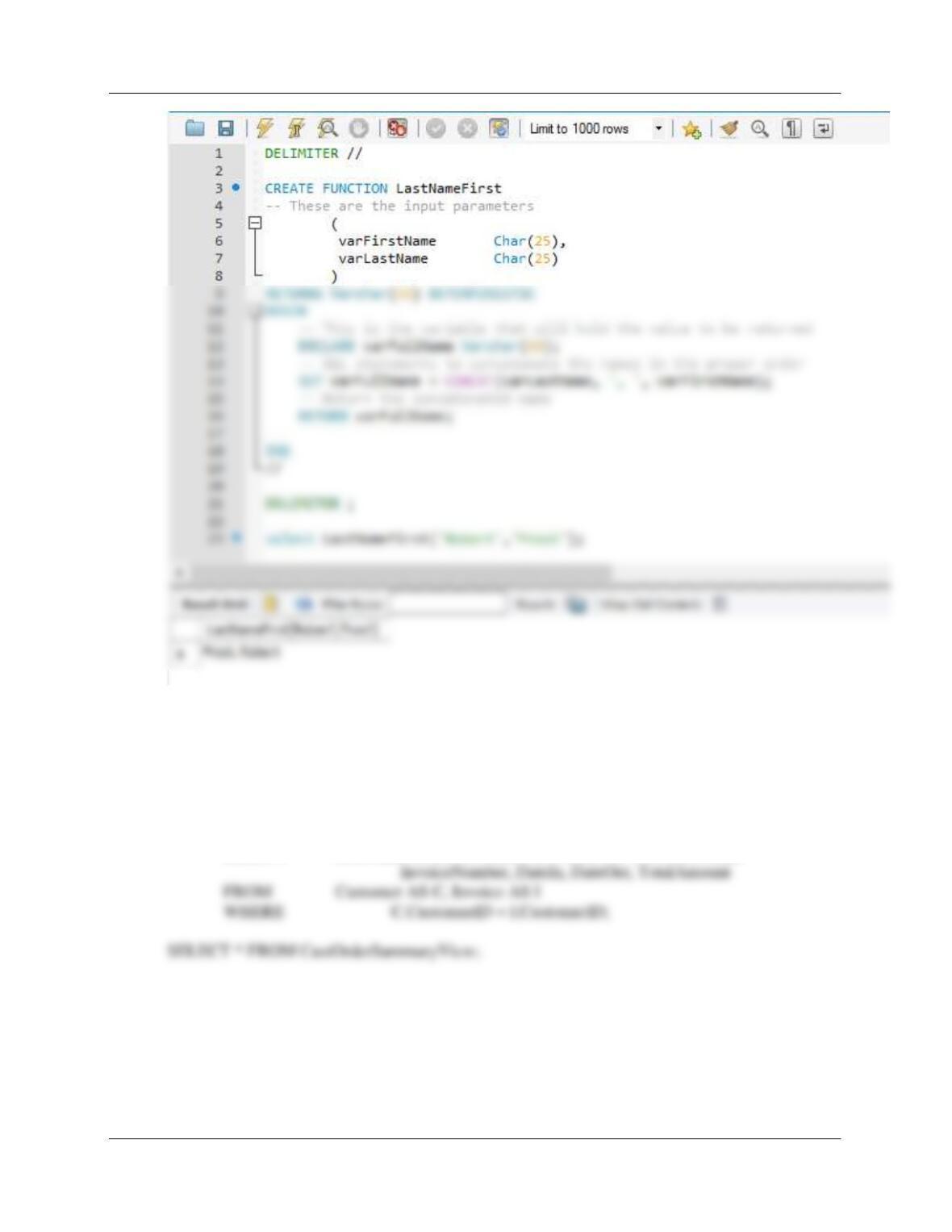
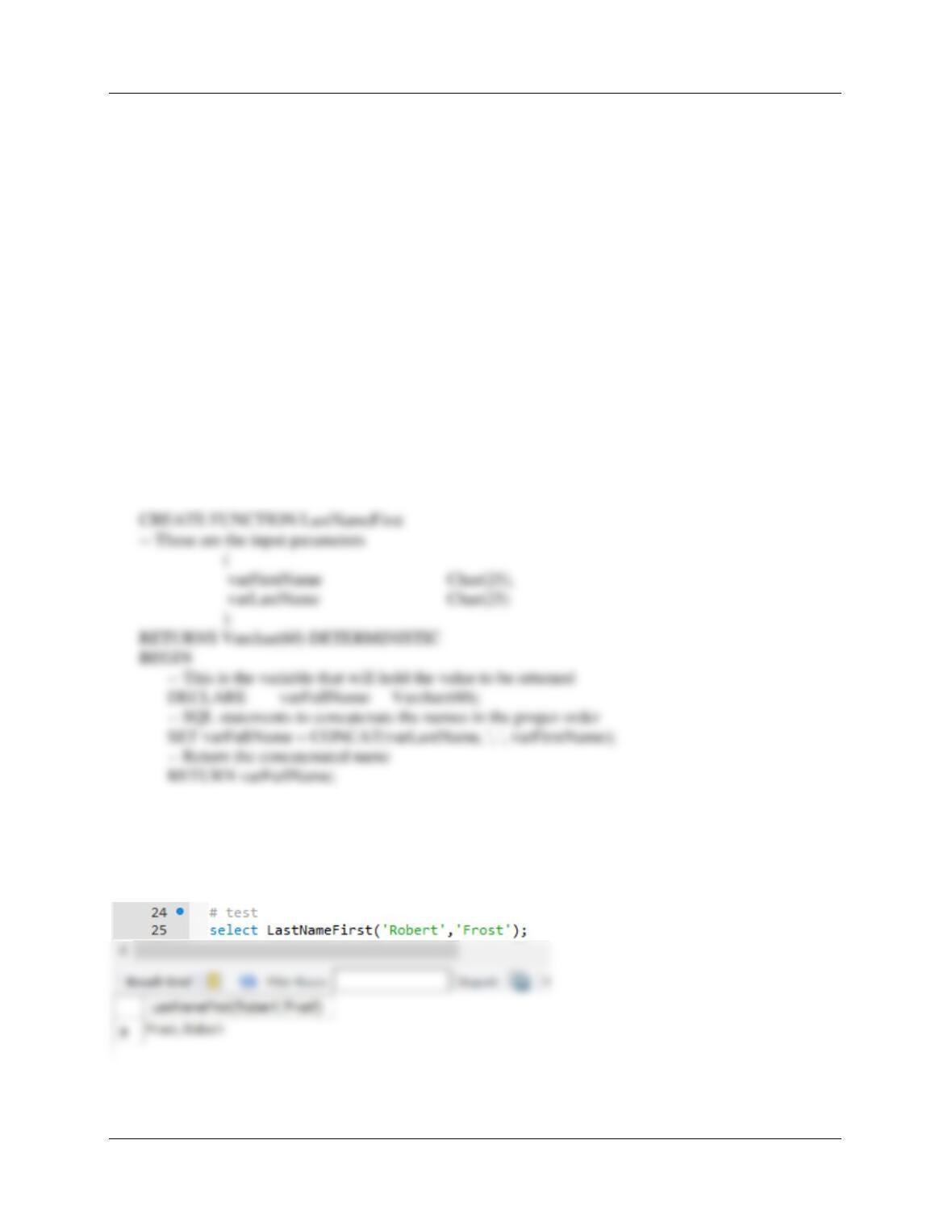
Q. Create and test a user-defined function named LastNameFirst that combines two
parameters named FirstName and LastName into a concatenated name field formatted
LastName, FirstName (including the comma and space).
DELIMITER //
CREATE FUNCTION LastNameFirst
— These are the input parameters
(
varFirstName Char(25),
varLastName Char(25)
Chapter 10C – Managing Databases with MySQL 5.7
Page 10C-82
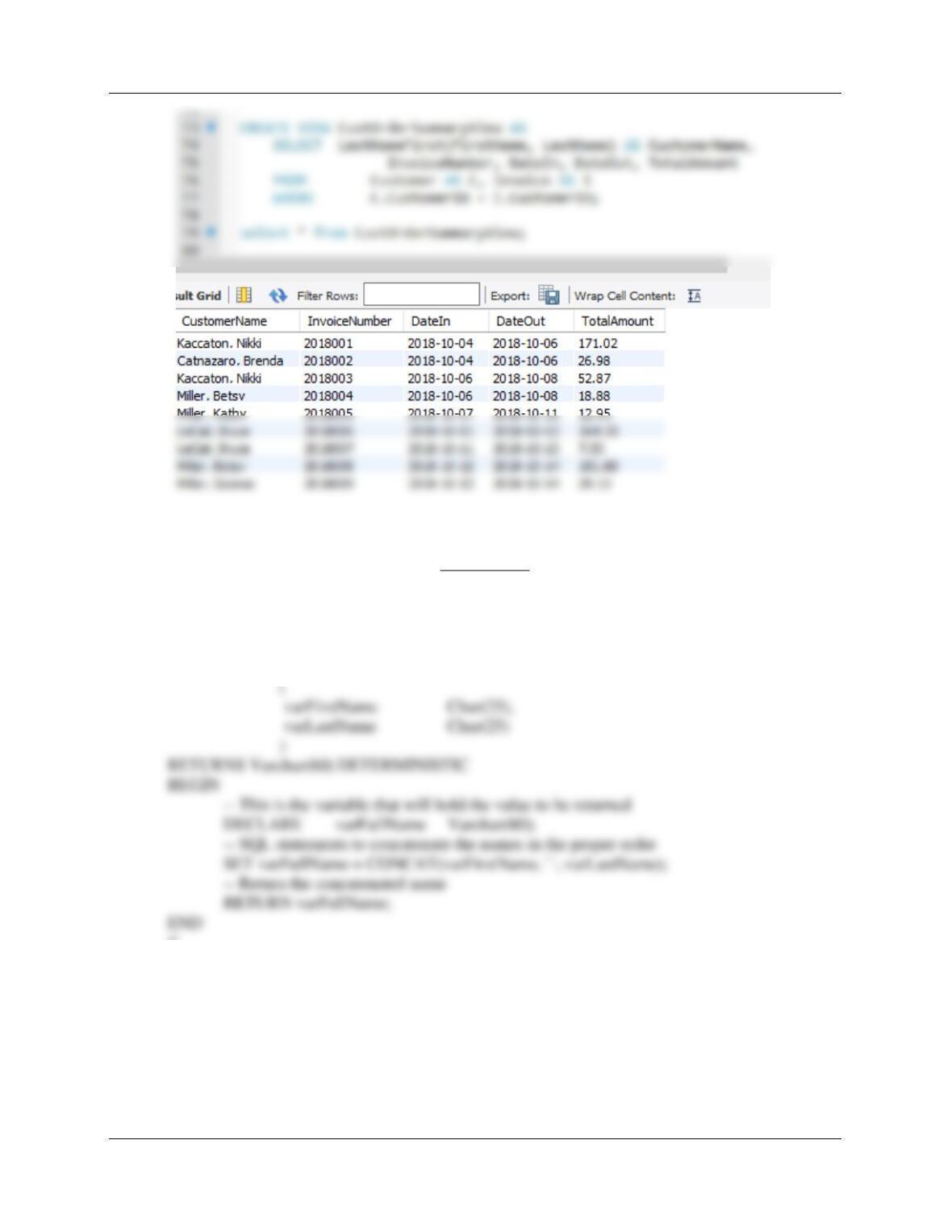
R. Create and test a view called CustOrderSummaryView that contains the customer name
concatenated and formatted as LastName, FirstName in a field named CustomerName,
INVOICE.InvoiceNumber, INVOICE.DateIn, INVOICE.DateOut, and
INVOICE.TotalAmount.
CREATE VIEW CustOrderSummaryView AS
SELECT LastNameFirst(FirstName, LastName) AS CustomerName,
Chapter 10C – Managing Databases with MySQL 5.7
Page 10C-83
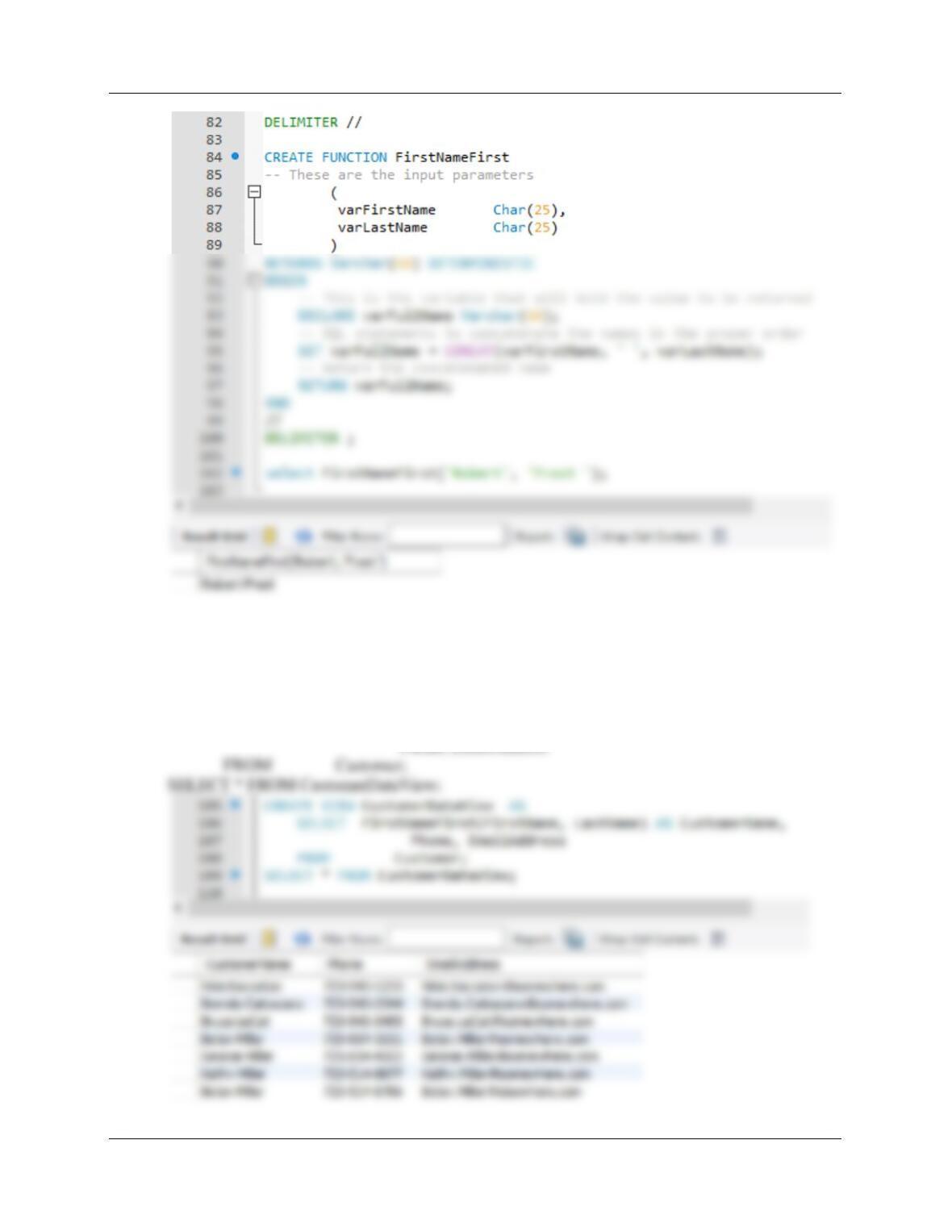
S. Create and test a user-defined function named FirstNameFirst that combines two
parameters named FirstName and LastName into a concatenated name field formatted
FirstName LastName (including the comma and space).
DELIMITER //
CREATE FUNCTION FirstNameFirst
— These are the input parameters
//
DELIMITER ;
Test using:
select FirstNameFirst(‘Robert’, ‘Frost ‘);
Chapter 10C – Managing Databases with MySQL 5.7
Page 10C-84
T. Create and test a view called CustomerDataView that contains the customer name
concatenated and formatted as FirstName LastName in a field named CustomerName,
along with Phone, EmailAddress.
CREATE VIEW CustomerDataView AS
SELECT FirstNameFirst(FirstName, LastName) AS CustomerName,
Phone, EmailAddress

Chapter 10C – Managing Databases with MySQL 5.7
Page 10C-85
Using the MDC database, create an SQL script named MDC-Create-Procedures.sql to
answer parts U and V.
U. Assume that the relationship between INVOICE and INVOICE_ITEM is M-M. Design
procedures to enforce this relationship. Explain why it is not possible to use MySQL
triggers to accomplish this task. Use Figure 10C–80 and the discussion of that figure as
an example, but assume that Marcia does allow INVOICEs and their related
INVOICE_ITEM rows to be deleted. Use the deletion strategy shown in Figures 7-28 and
7-29 for this case.
Here is the analysis of the required referential integrity enforcement actions for the M-M
Both INVOICE and
INVOICE_ITEM are
Required
CUSTMER_INVOICE
[Parent]
INVOICE_ITEM
[Child]
Insert
Create a new INVOICE_ITEM
row. Note that this row must be
numbered as INVOICE_ITEM 1
for this INVOICE.
Use a trigger or procedure to
create new row in
INVOICE_ITEM.
New INVOICE_ITEM row must
have a valid INVOICE (enforced
by DBMS NOT NULL and
referential integrity).
INVOICE. Use a trigger or
logic.
V. Write and test the procedures you designed in part U.

Chapter 10C – Managing Databases with MySQL 5.7
Page 10C-86
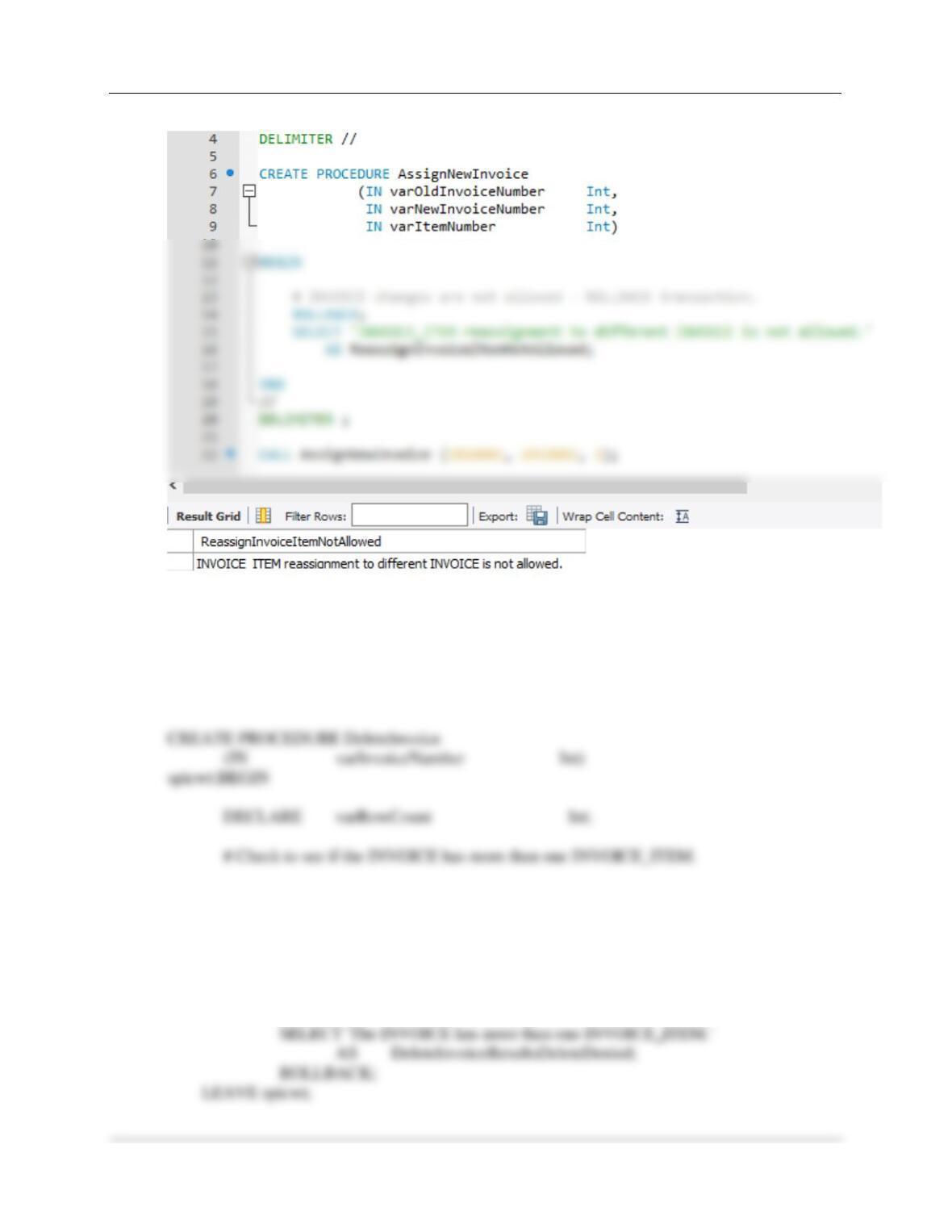
There are three actions that need triggers:
(1) Denying the reassignment of an INVOICE_ITEM from one INVOICE to another
(1) Denying the reassignment of an INVOICE_ITEM from one INVOICE to another.
It makes no logical business sense to move an INVOICE_ITEM from one INVOICE to another.
Note that if this was done, a different INVOICE_ITEM.ItemNumber would have to be assigned.
MySQL will not support an appropriate trigger in this case, since we would need to roll back a
transaction. Further, we cannot use a view, since MySQL does not support INSTEAD OF
triggers.
END
//
DELIMITER ;
/* To test this procedure, use: */
CALL AssignNewInvoice (2018001, 2018002, 1);
Chapter 10C – Managing Databases with MySQL 5.7
Page 10C-87
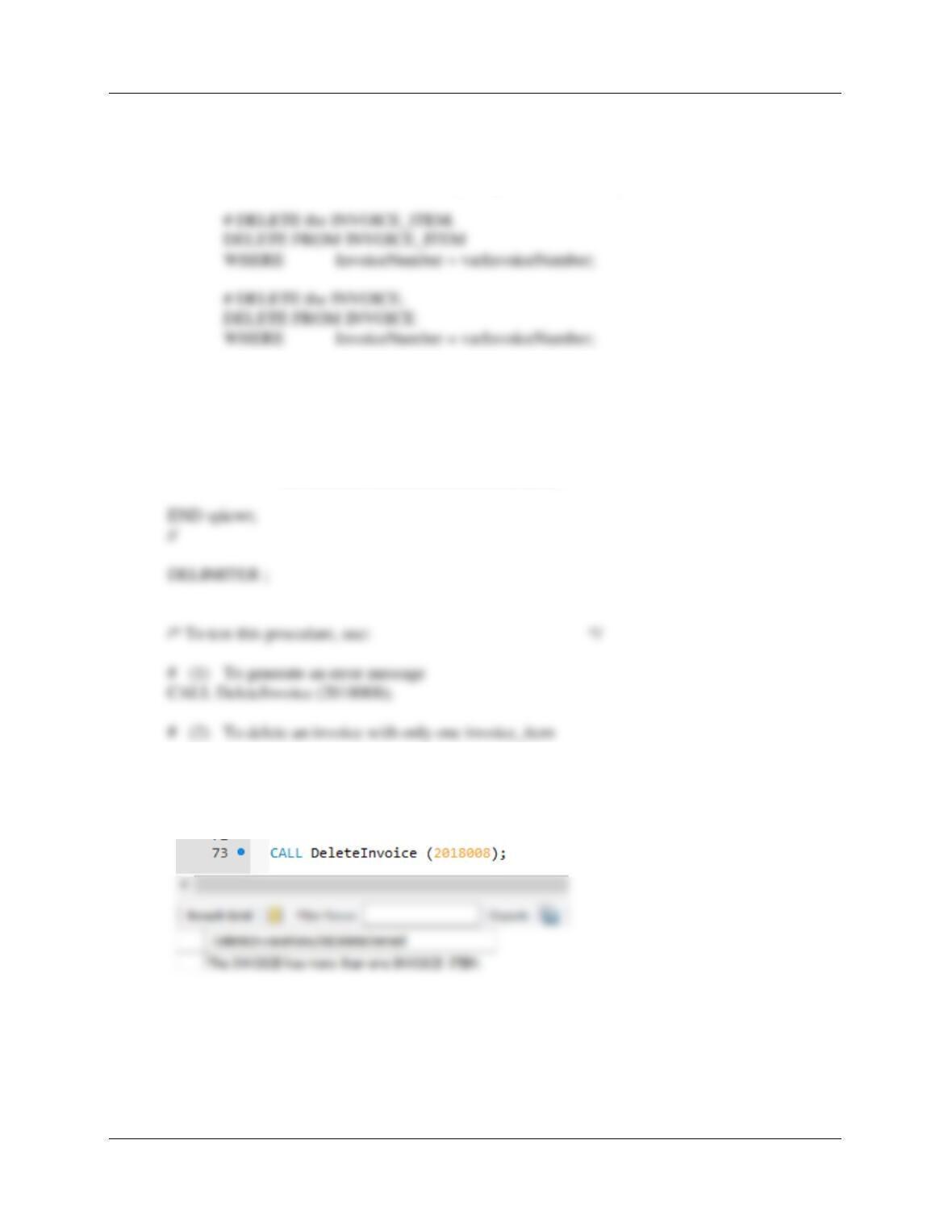
(2) Deleting an INVOICE when the last INVOICE_ITEM is deleted.
MySQL will not support an appropriate trigger in this case. We cannot use a view, since MySQL
does not support INSTEAD OF triggers.
DELIMITER //
SELECT COUNT(*) INTO varRowCount
FROM INVOICE_ITEM
WHERE InvoiceNumber = varInvoiceNumber;
# IF varRowCount > 1 THEN do NOT delete the invoice.
IF (varRowCount > 1)
THEN
Chapter 10C – Managing Databases with MySQL 5.7
Page 10C-88
END IF;
# IF varRowCount = 1 THEN DELETE the invoice.
# Start transaction – Rollback everything if unable to complete it.
# Commit the Transaction
COMMIT;
# The transaction is completed. Print message
SELECT ‘The INVOICE is deleted.’
AS DeleteInvoiceResultsDeleteOccured;
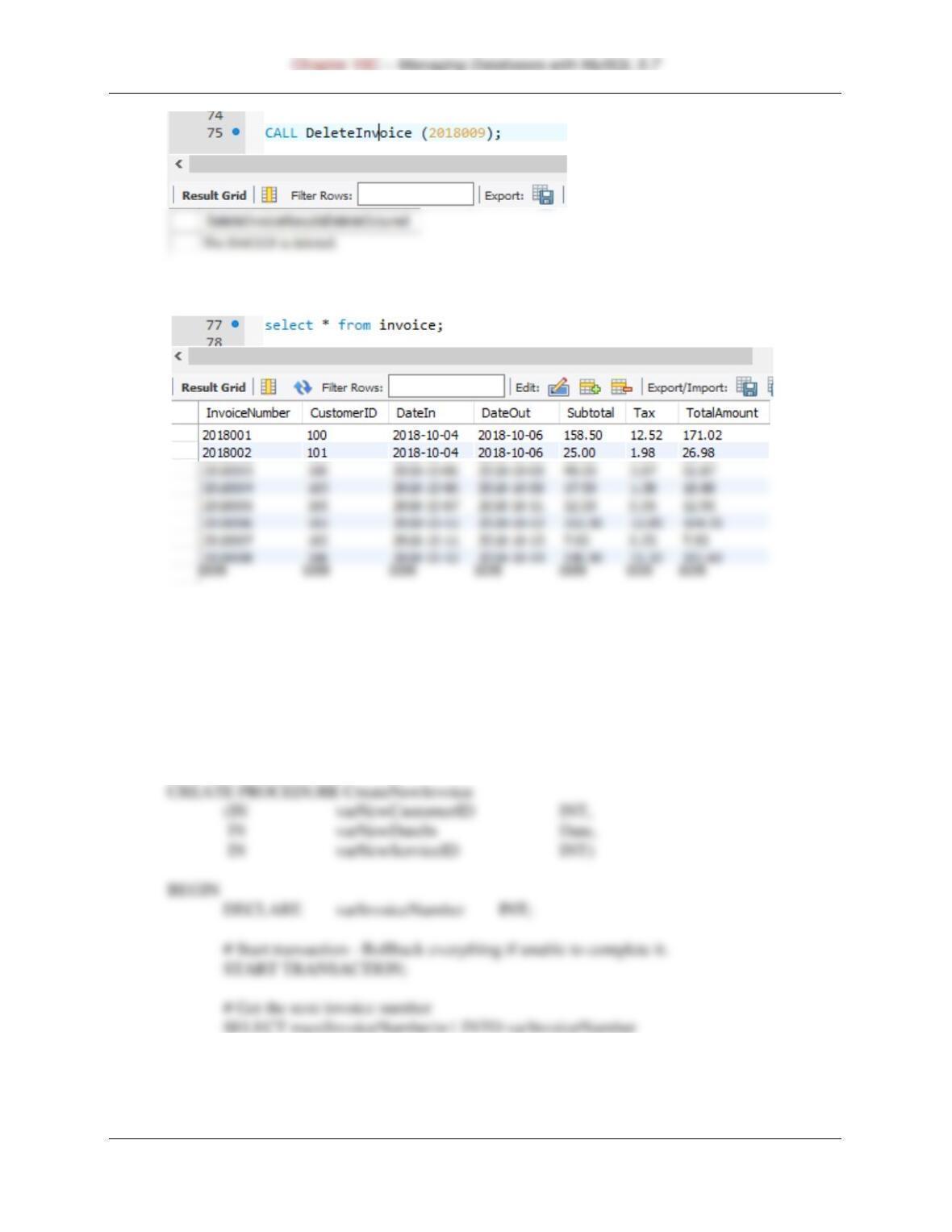
CALL DeleteInvoice (2018009);
SELECT * FROM INVOICE;
Page 10C-89
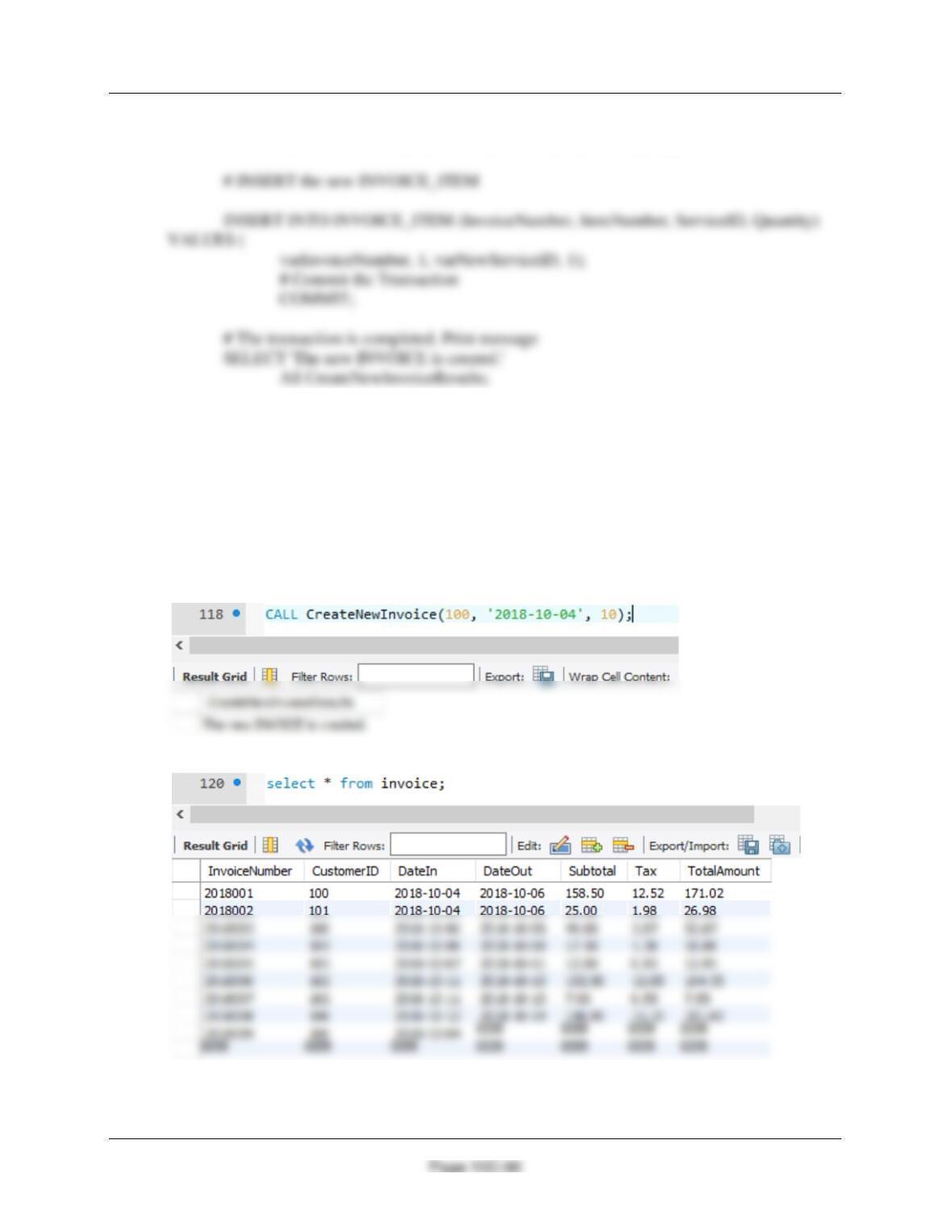
(3) Adding a required INVOICE_ITEM when an INVOICE is created.
MySQL will not support an appropriate trigger in this case. We cannot use a view, since MySQL
does not support INSTEAD OF triggers.
We will need a stored procedure.
DELIMITER //
FROM INVOICE;
# INSERT the new INVOICE data.
Chapter 10C – Managing Databases with MySQL 5.7
INSERT INTO INVOICE (InvoiceNumber, CustomerID, DateIn) VALUES(
varInvoiceNumber, varNewCustomerID, VarNewDateIn);
END;
//
DELIMITER ;
/* To test this procedure, use: */
CALL CreateNewInvoice(100, ‘2018-10-04′, 10);
SELECT * FROM INVOICE;
Chapter 10C – Managing Databases with MySQL 5.7
Page 10C-91
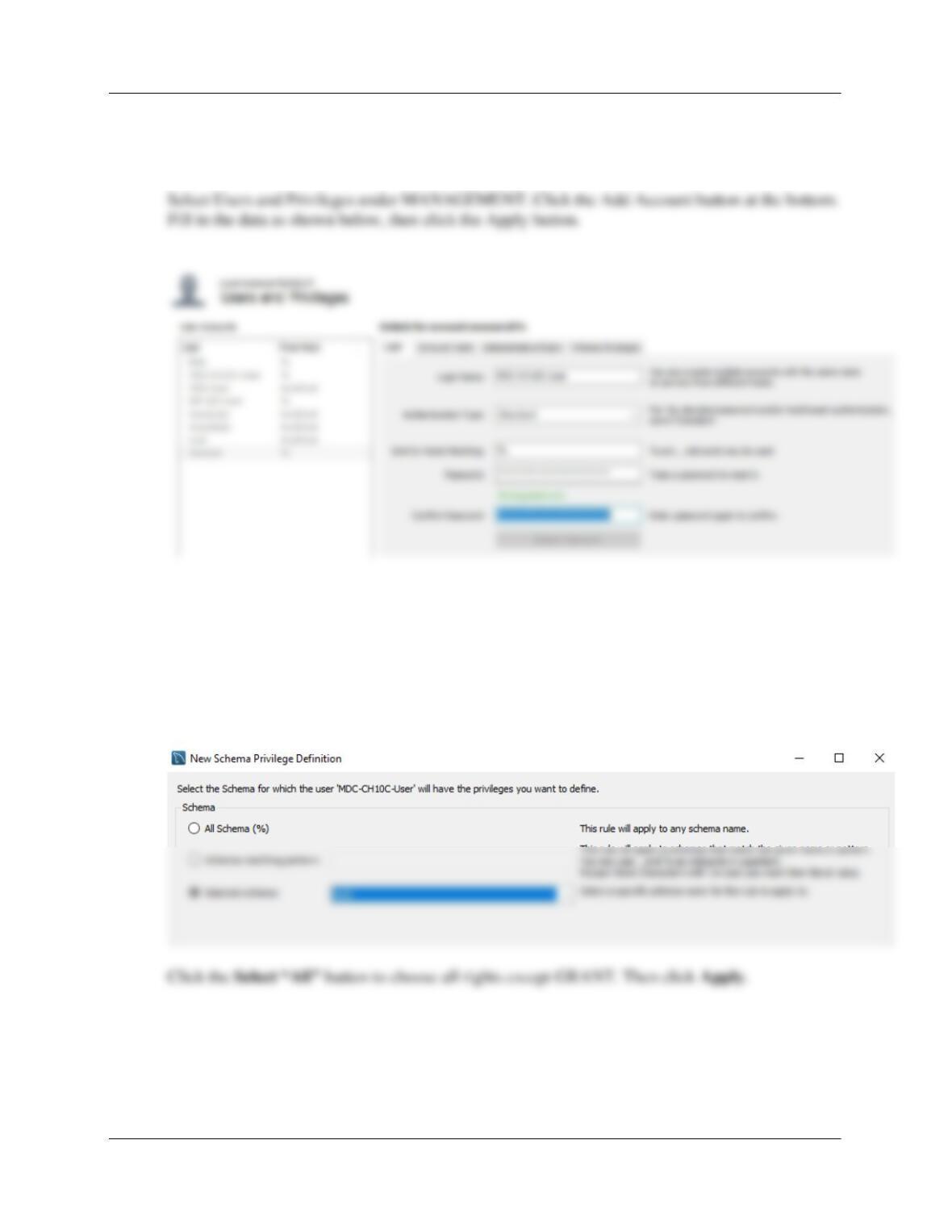
W. Create a user named MDC-CH10C-User, with a password of MDC-CH10C-
User+password. Assign MDC-CH10C-User all schema privileges except GRANT to the
MDC-CH10C-PQ database.
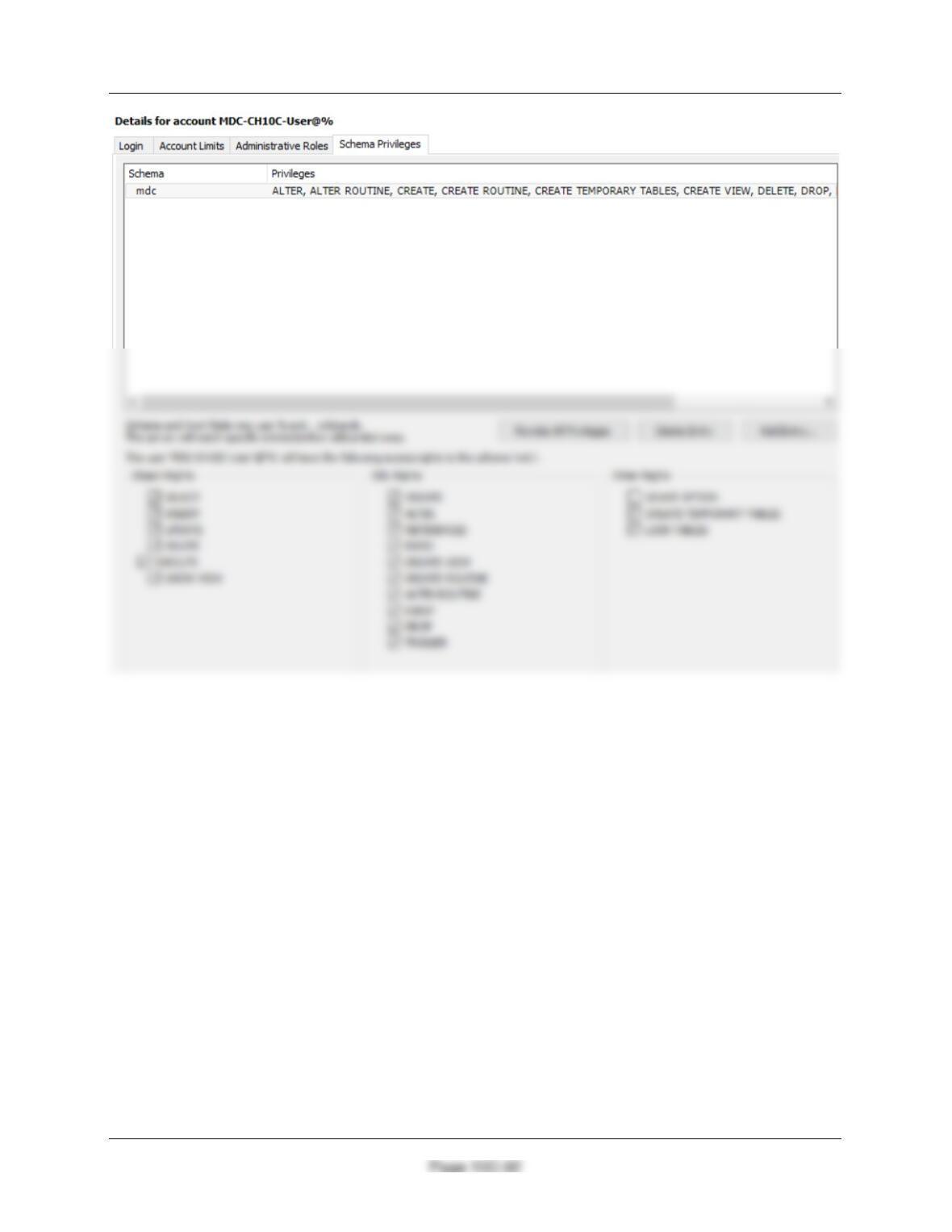
Select the new user in the User Accounts list and click the Schema Privileges tab. For MySQL
5.7, click MDC-CH10C-User then the Add Entry button. Select the mdc schema, then the OK
button (bottom right).
Chapter 10C – Managing Databases with MySQL 5.7

Chapter 10C – Managing Databases with MySQL 5.7
Marcia’s Dry Cleaning tracks which employees have worked on specific dry cleaning
jobs. This is somewhat complicated by the fact that more than one employee may have
helped a customer with a particular order. So far, the company has kept their insurance
Solutions to the SQL parts are below and in the file MDC-Import-Excel-Data.sql.
X. Duplicate the EMPLOYEE worksheet in Figure 10C-109 in a worksheet (or spreadsheet)
in Microsoft Excel 2016 (or another tool such as Apache OpenOffice Calc).
See the file DBP-e15-MDC-Employee.xlsx in both the student and instructor resource centers.
Y. Import the data in the EMPLOYEE worksheet into a new table in the MDC database
named EMPLOYEE_TEMP. Hint: Use the MySQL for Excel Add-In, which exports the
data from Microsoft Excel to MySQL.
Follow the instructions on pages 10C-62 to 10C-67 to complete this task. Be careful to be
Z. Create the GetLastNameCommaSeparated user-defined function shown in Figure 10C-
60.
DELIMITER //
CREATE FUNCTION GetLastNameCommaSeparated
— These are the input parameters
(
varName VARCHAR(25)
)
RETURNS VARCHAR(25) DETERMINISTIC
BEGIN
END
//
DELIMITER ;

Chapter 10C – Managing Databases with MySQL 5.7
Page 10C-94
AA. Create a user-defined function named GetFirstNameCommaSeparated that will return
the first name from a combined name in last-name-first order, with the names separated
by a comma and one space.
DELIMITER //
CREATE FUNCTION GetFirstNameCommaSeparated
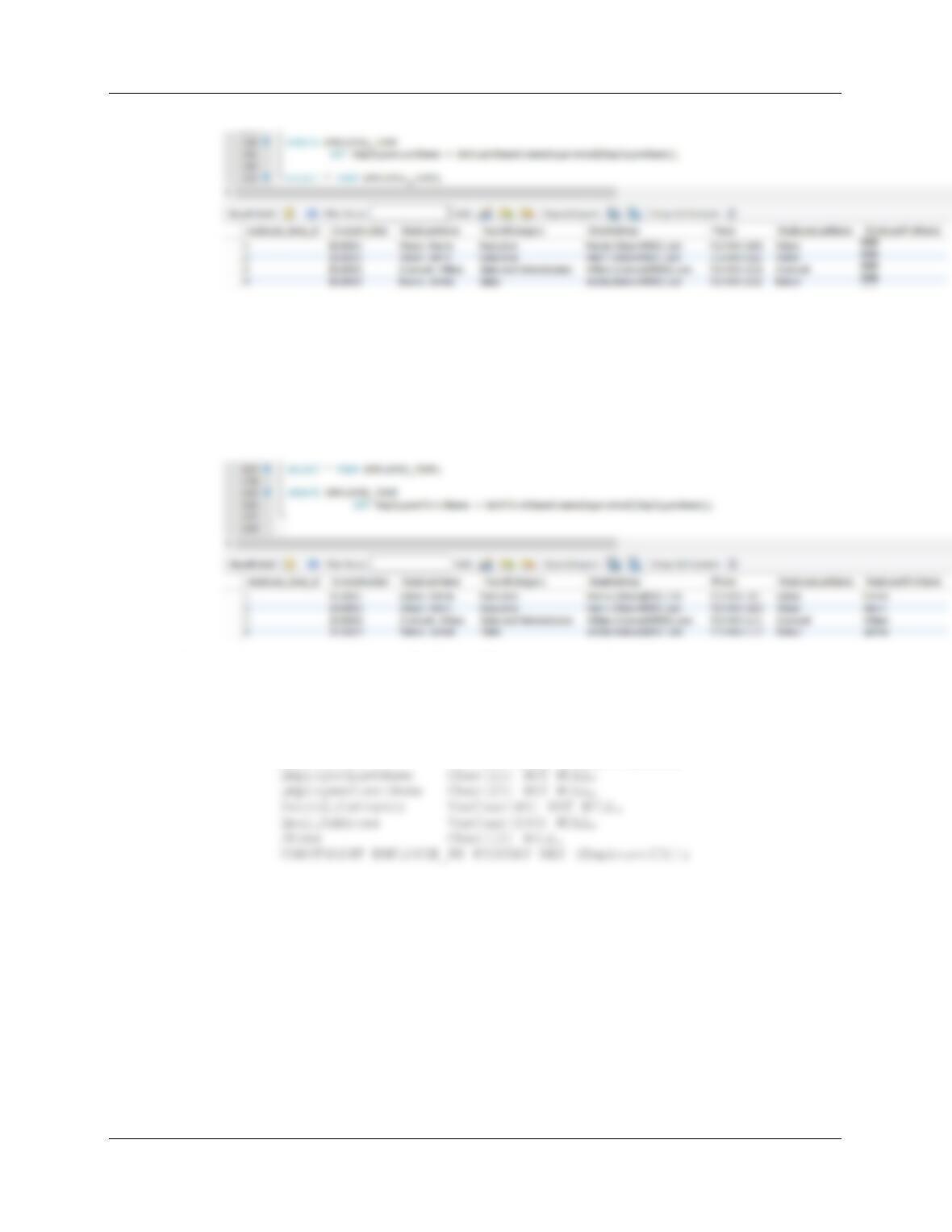
# test above function
select GetFirstNameCommaSeparated(“Wilson, Marcia”);
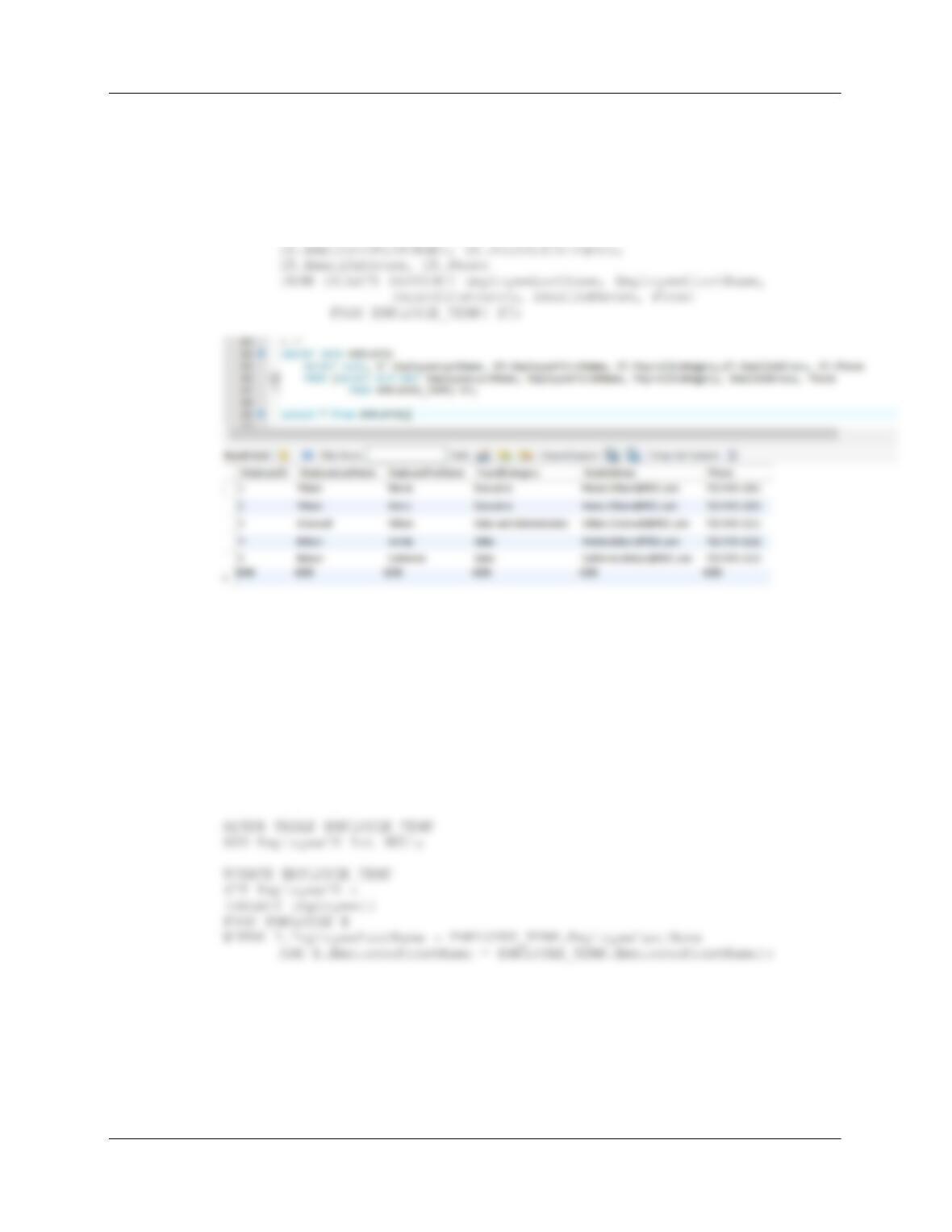
AB. Alter the EMPLOYEE_TEMP table to include EmployeeLastName and
EmployeeFirstName columns (Char(25), allow NULL values).
ALTER TABLE EMPLOYEE_TEMP
ADD EmployeeLastName Char(25) NULL;
AC. Use the GetLastNameCommaSeparated user-defined function you created in
step Z to populate the EmployeeLastName column.
You may need to disable “safe updates” mode using Edit | Preferences | SQL
Editor, de-select the option.
Chapter 10C – Managing Databases with MySQL 5.7
Page 10C-95
AD. Use the GetFirstNameCommaSeparated user-defined function you created in step
AA to populate the EmployeeFirstName column.
UPDATE EMPLOYEE_TEMP
SET EmployeeFirstName = GetFirstNameCommaSeparated(EmployeeName);
SELECT * FROM EMPLOYEE_TEMP;
AE. Create a new table named EMPLOYEE, as shown in Figure 10C-110. Use the
column characteristics shown in Figure 10C-110, where EmployeeID is a
surrogate key starting at 1 and incrementing by 1.
CREATE TABLE EMPLOYEE (
EmployeeID INT NOT NULL AUTO_INCREMENT,
Chapter 10C – Managing Databases with MySQL 5.7
Page 10C-96
AF. Populate the EMPLOYEE table using the data stored in the EMPLOYEE_TEMP
table. Hint: You should insert distinct data into the table, and your final table will
have only 5 records.
INSERT INTO EMPLOYEE
SELECT null, ET.EmployeeLastName,
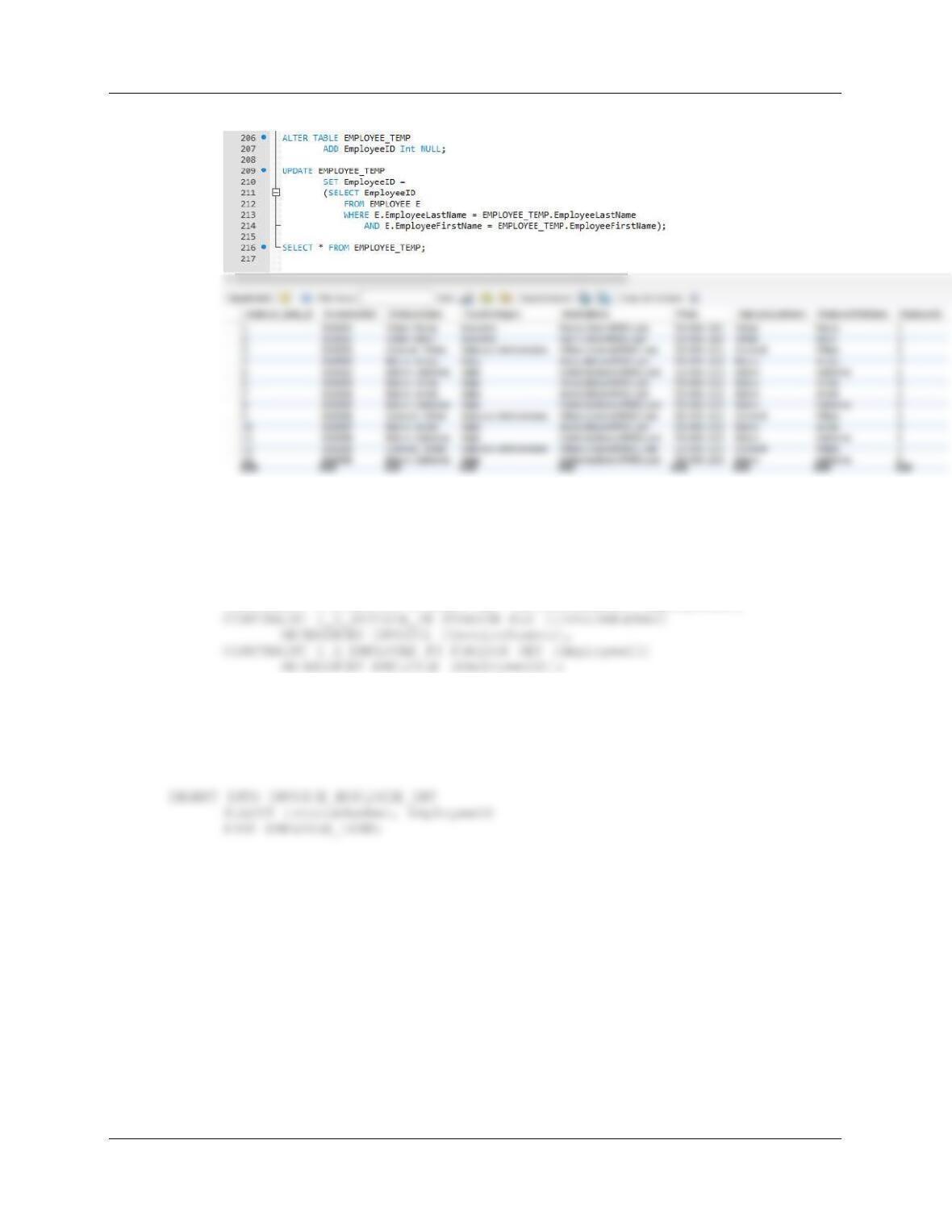
AG. Alter the EMPLOYEE_TEMP table to include an EmployeeID column (Integer data,
allow nulls). By using and comparing the
EMPLOYEE_TEMP.EmployeeLastName and
EMPLOYEE_TEMP.EmployeeFirstName columns with the
EMPLOYEE.EmployeeLastName and EMPLOYEE.EmployeeFirstName
columns, populate this column. Hint: Assume for this question that no two
employees have the same first and last names.
Note: This new column is NOT the same as the surrogate key `
employee_temp_id.
Chapter 10C – Managing Databases with MySQL 5.7
Page 10C-97
AH. Create a new table named INVOICE_EMPLOYEE_INT, as shown in Figure
10C-110. Use the column characteristics shown in Figure 10C-110.
CREATE TABLE INVOICE_EMPLOYEE_INT (
InvoiceNumber Int NOT NULL,
EmployeeID Int NOT NULL,
CONSTRAINT I_E_INT_PK PRIMARY KEY (InvoiceNumber, EmployeeID),
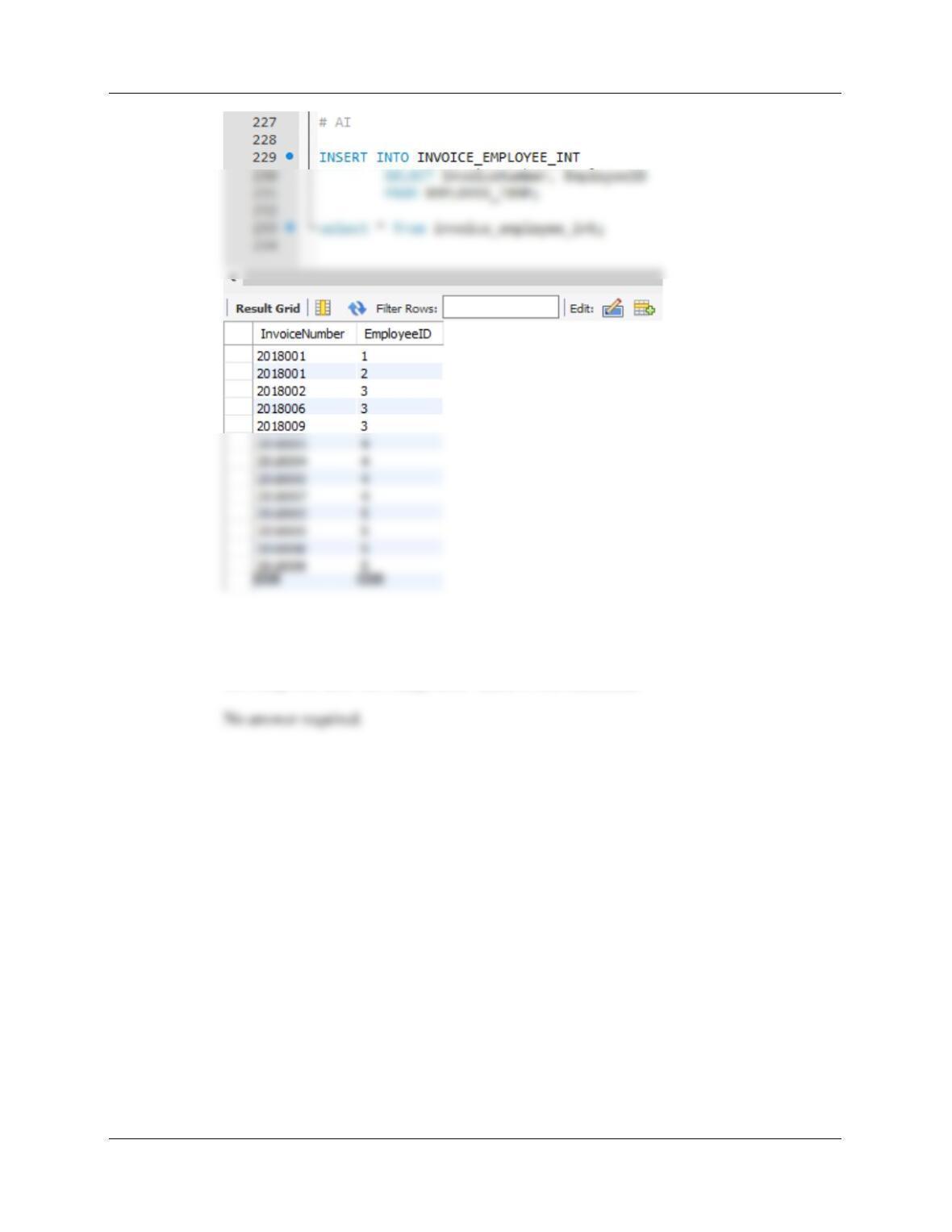
AI. Populate the INVOICE_EMPLOYEE_INT table using the data stored in the
EMPLOYEE_TEMP table. Hint: You will have one record in the
INVOICE_EMPLOYEE_INT table for every record in the EMPLOYEE_TEMP
table, and your final table will have 13 records.
Chapter 10C – Managing Databases with MySQL 5.7
Page 10C-98
AJ. We have completed the modifications of the MDC database, and are done with the
temporary EMPLOYEE_TEMP table. We could delete it if we wanted to, but we
will keep the EMPLOYEE_TEMP table in the database.
Chapter 10C – Managing Databases with MySQL 5.7
Page 10C-99
❖ ANSWERS TO THE QUEEN ANNE CURIOSITY SHOP PROJECT QUESTIONS
If you have not completed the discussion of the Queen Anne Curiosity Shop database at the end of
Chapter 7, work through the Chapter 7 QACS Project Questions now. Use the QACS database that
you created in the Chapter 7 QACS Project Questions as the basis for your answers to the following
questions:
Using the QACS database, create an SQL script named QACS-Create-Views-and-Functions.sql to
answer parts A through E.
It will be necessary to create a QACS schema (see instructions for previous cases) and run the DBP-e15-
QACS-Create-Table.sql script. Also run the DBC-e15-QACS-Insert-Data.sql script to populate the
tables.
A. Create and test a user-defined function named LastNameFirst that combines two
parameters named FirstName and LastName into a concatenated name field formatted
LastName, FirstName (including the comma and space).
DELIMITER //
END
//
DELIMITER ;
Chapter 10C – Managing Databases with MySQL 5.7
Page 10C-100
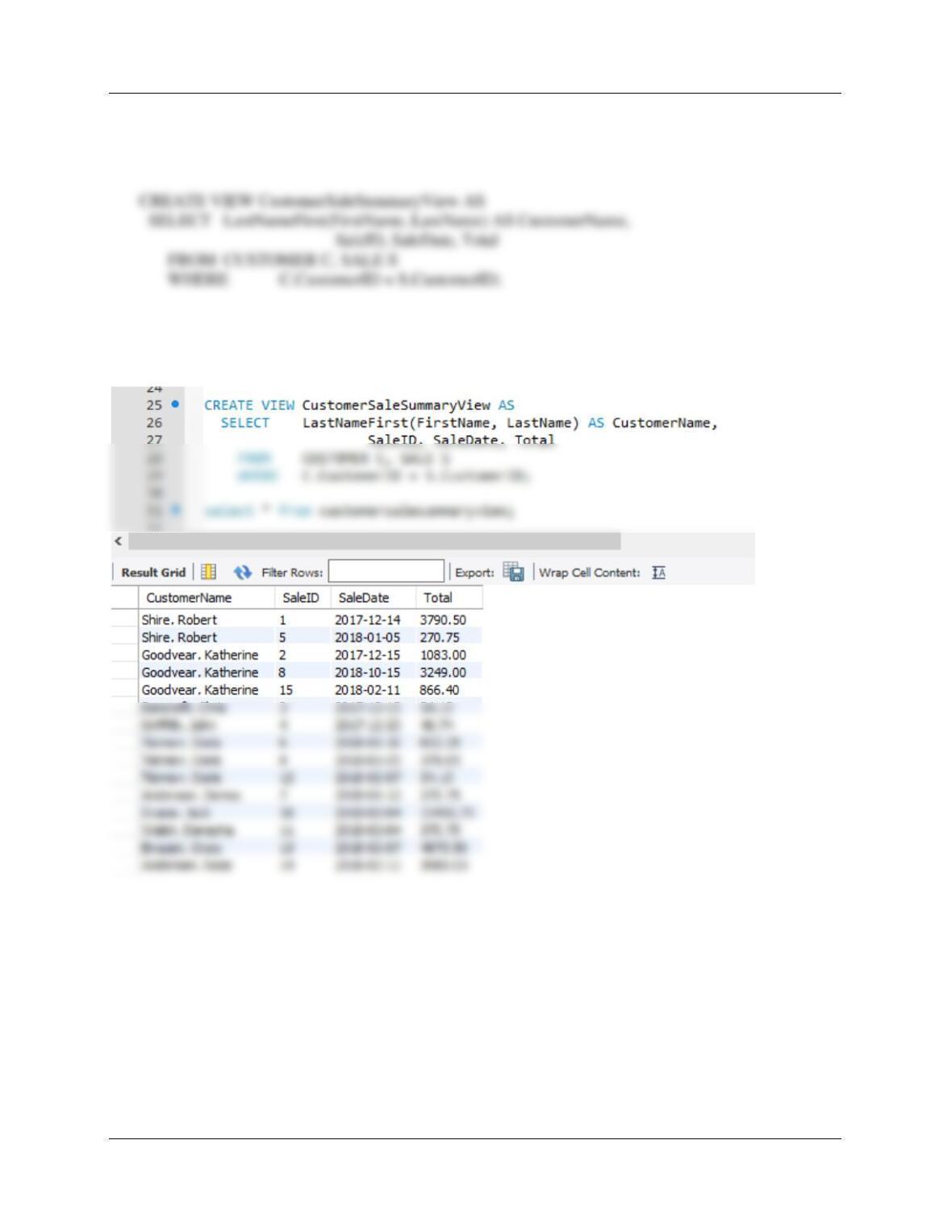
B. Create and test a view called CustomerSaleSummaryView that contains the customer
name concatenated and formatted as LastName, FirstName in a field named
CustomerName, SALE.SaleID, SALE.SaleDate, and SALE.Total.
Test with:
SELECT * FROM CustomerSaleSummaryView;