Chapter 10C – Managing Databases with MySQL 5.7
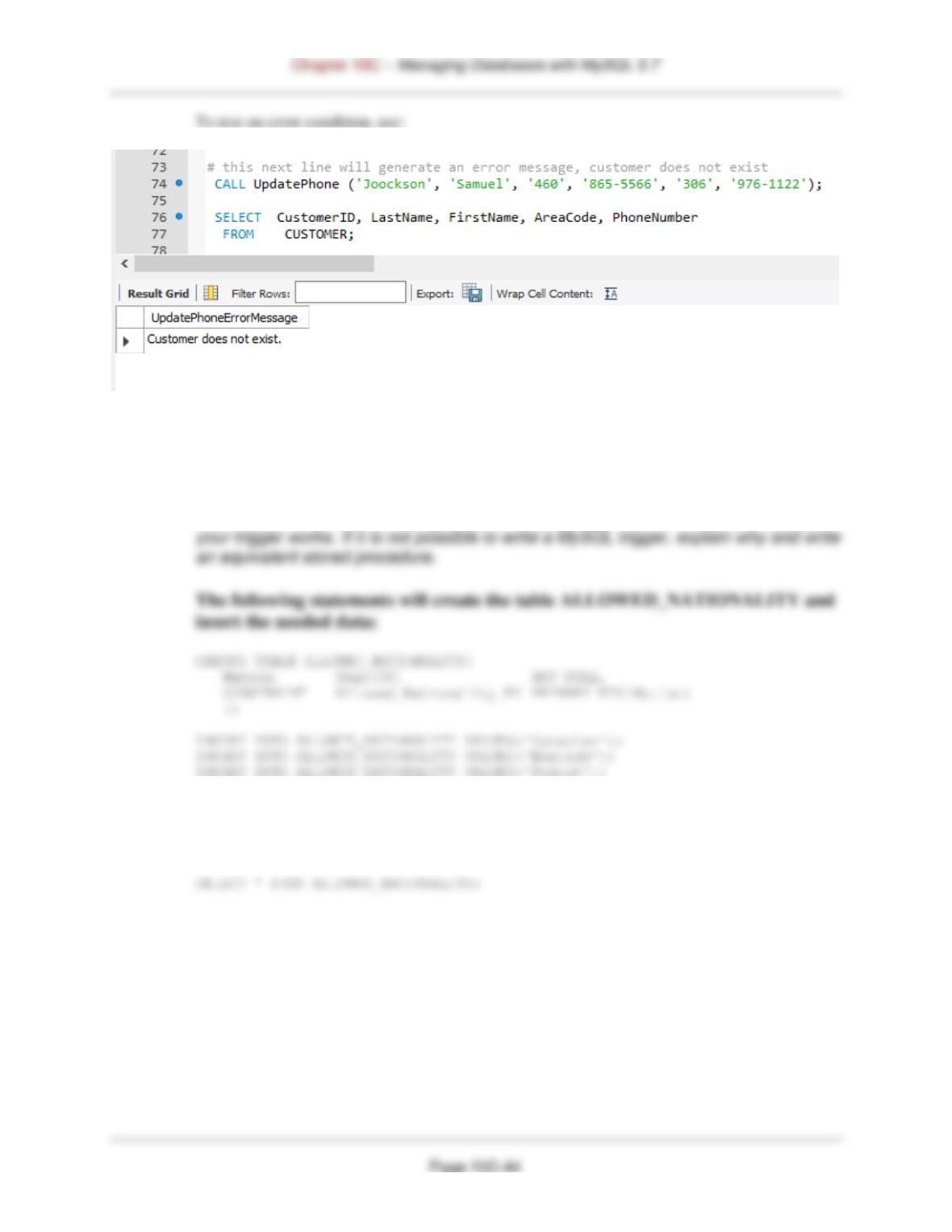
H. Write a stored procedure to update customer phone data. Assume that your stored
procedure receives LastName, FirstName, PriorAreaCode, NewAreaCode,
PriorPhoneNumber, and NewPhoneNumber. Your procedure should first ensure that
there is only one customer with the values of (LastName, FirstName, PriorAreaCode,
Updateproc: BEGIN
Declare recCount Int;
Declare readCustomerID Int;
/* Check to see if the customer is in the database */
SELECT COUNT(*) INTO recCount
Chapter 10C – Managing Databases with MySQL 5.7
ROLLBACK;
LEAVE updateproc;
END IF;
/* Customer exists, so update phone number */
SET PhoneNumber = NewPhoneNumber
WHERE CustomerID = readCustomerID;
SELECT ‘Customer phone number updated’
AS UpdatePhoneResults;
END updateproc;
//
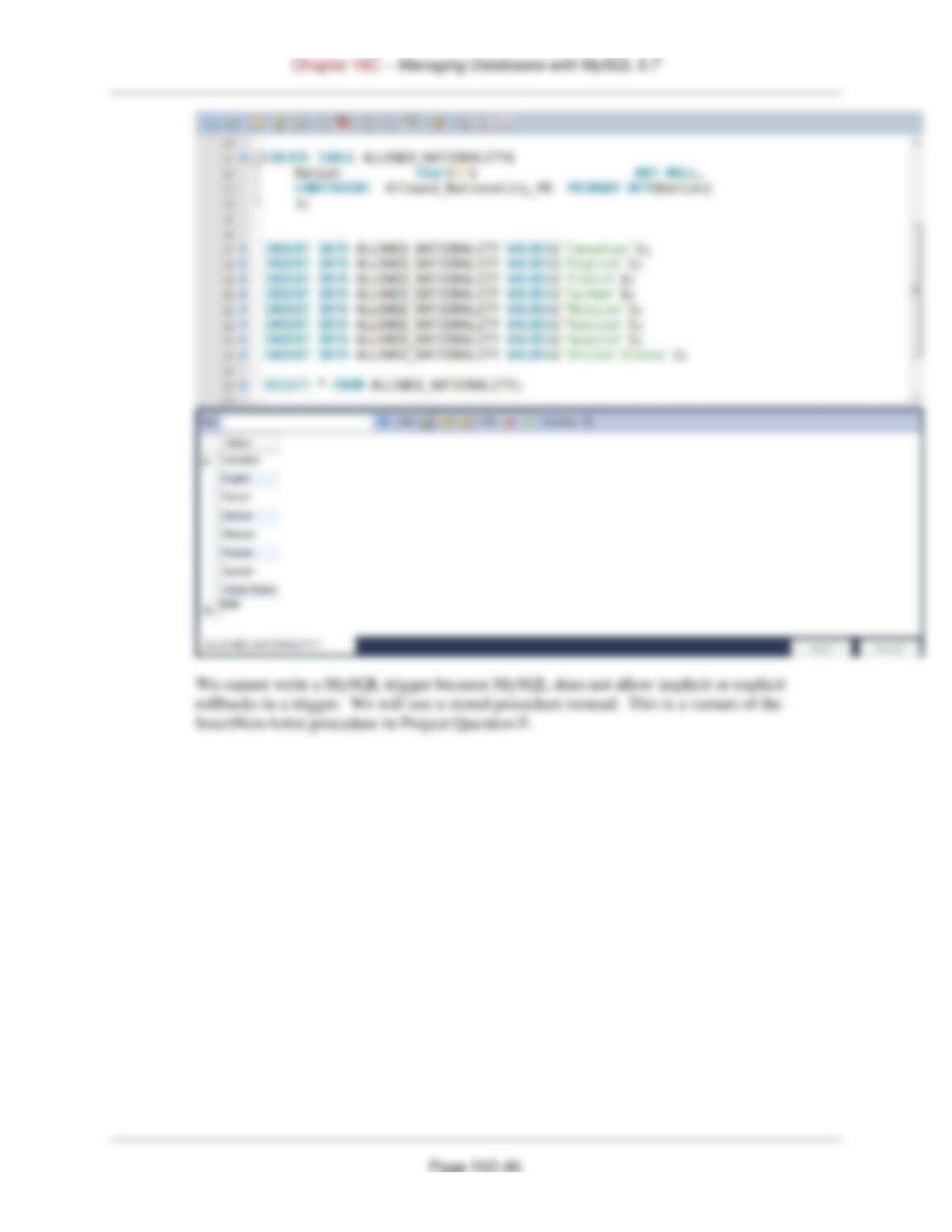
I. Create a table named ALLOWED_NATIONALITY with one column called Nation.
Place the values of all nationalities currently in the View Ridge database into the
table. If possible, write a trigger that will check to determine whether a new or
updated value of Nationality resides in this table, and, if not, write an error message
and roll back the insert or change. Use the MySQL Workbench to demonstrate that
INSERT INTO ALLOWED_NATIONALITY VALUES(‘German’);
INSERT INTO ALLOWED_NATIONALITY VALUES(‘Mexican’);
INSERT INTO ALLOWED_NATIONALITY VALUES(‘Russian’);
INSERT INTO ALLOWED_NATIONALITY VALUES(‘Spanish’);
INSERT INTO ALLOWED_NATIONALITY VALUES(‘United States’);
Page 10C-46
CREATE PROCEDURE InsertNewArtistCheckNationality
(IN newLastName Char(25),
IN newFirstName Char(25),
IN newNationality Char(30),
IN newDateOfBirth Numeric(4),
ROLLBACK;
SELECT ‘ARTIST Nationality is NOT allowed.’
AS InsertNewArtistCheckNationalityErrorMessage;
LEAVE spicwt;
END IF;
AS InsertNewArtistCheckNationalityErrorMessage;
END IF;
# varRowCount = 0 therefore ARTIST does not exist.
# Insert new Customer data.
IF (varRowCount = 0)
//
DELIMITER ;
Chapter 10C – Managing Databases with MySQL 5.7
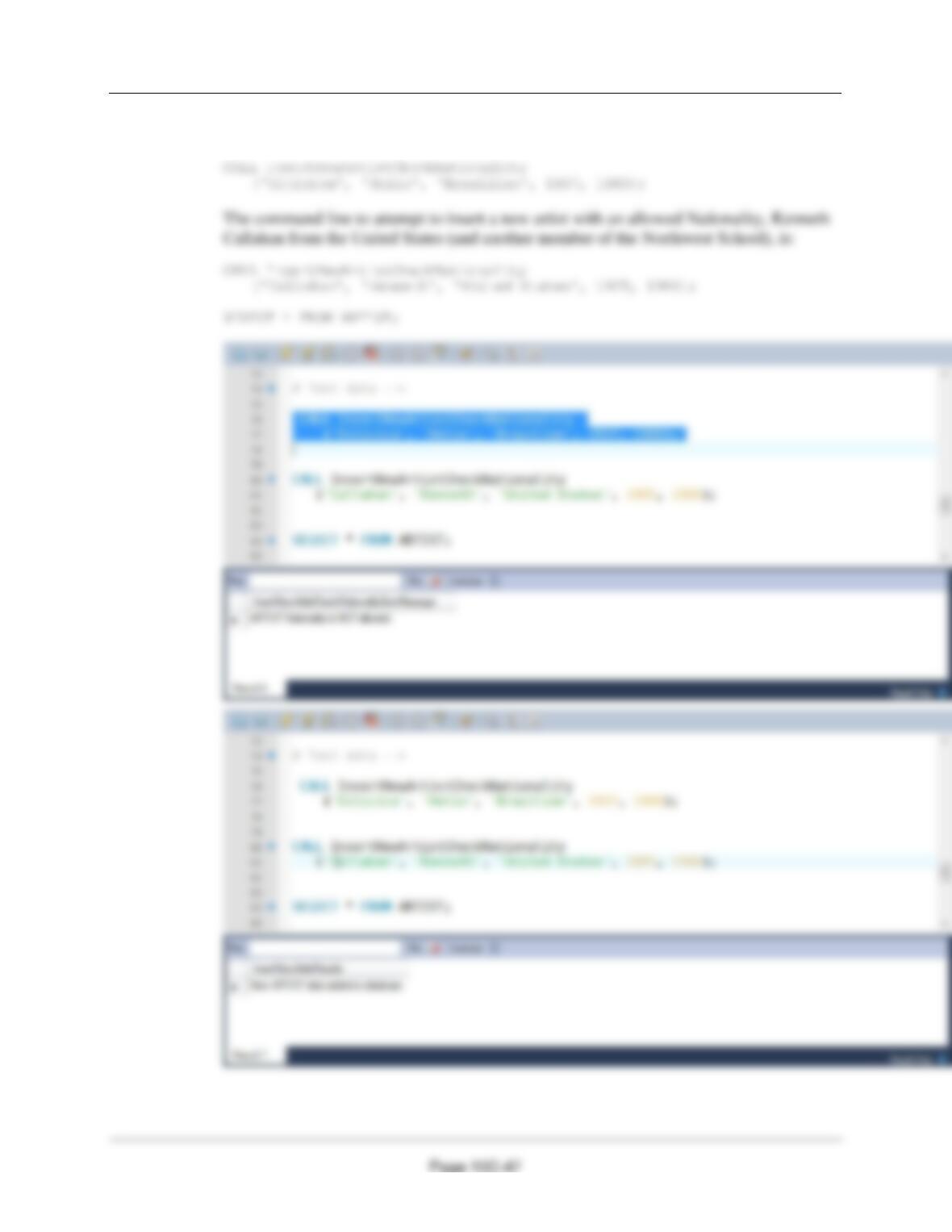
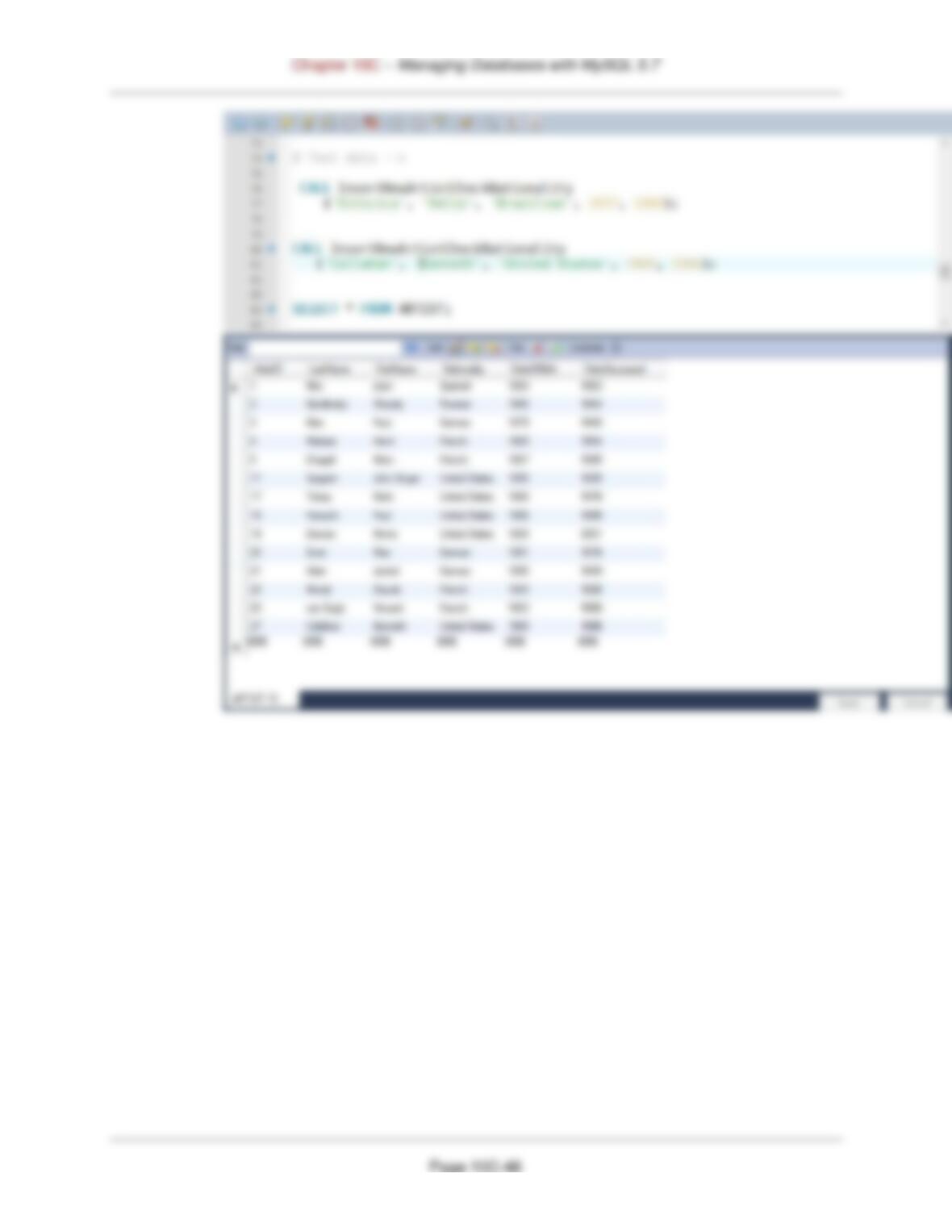
This can be tested in the MySQL Workbench. This command line to attempt to insert a
new artist with a non-allowed Nationality, Helio Oiticica from Brazil, is:
Chapter 10C – Managing Databases with MySQL 5.7
Page 10C-49
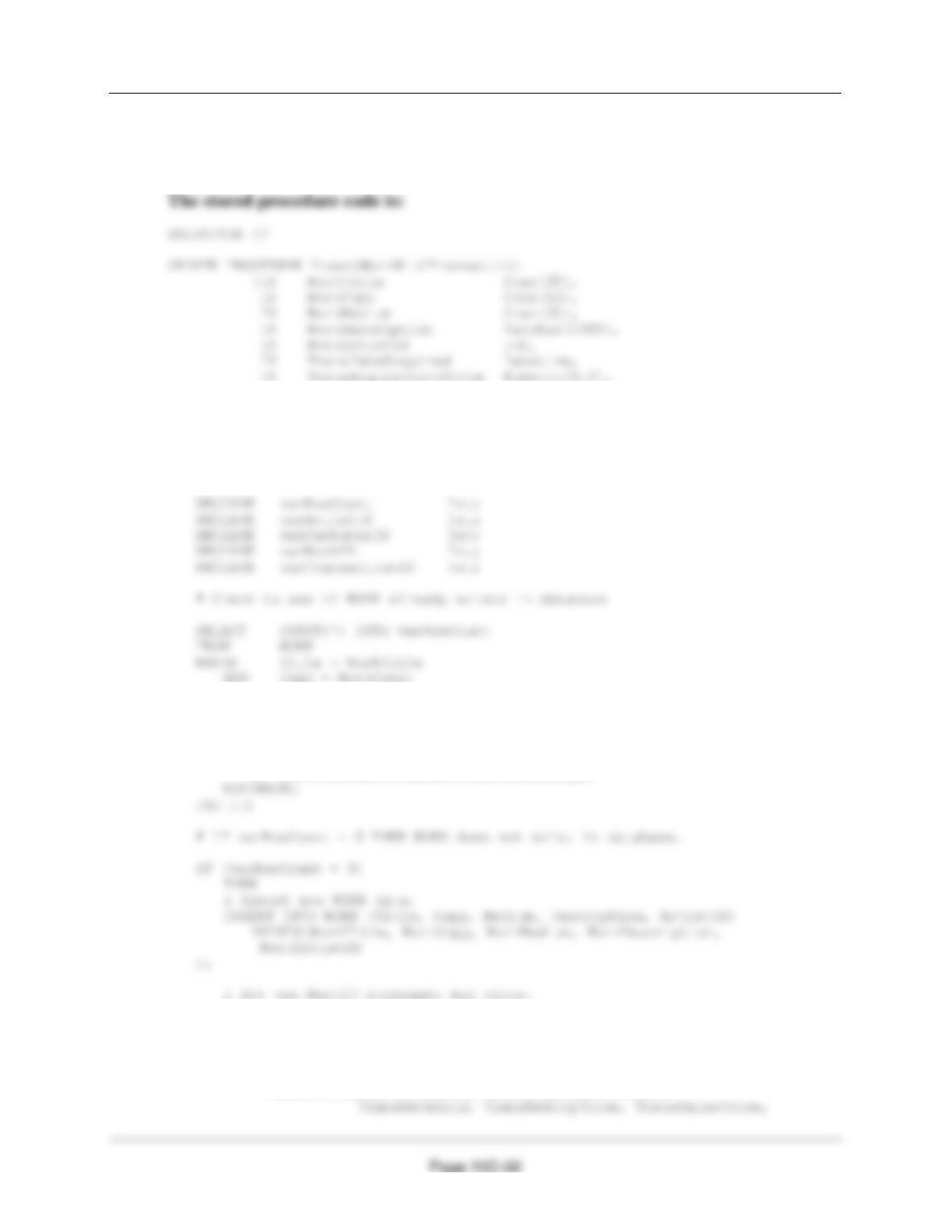
J. Create the view named WorkAndTransView as described in this chapter, which has
all of the data from the WORK and TRANS tables except for the surrogate keys.
Write a stored procedure that will create a new row in both WORK and TRANS. Use
the WorkAndTransView view to demonstrate that your stored procedure works.
Chapter 10C – Managing Databases with MySQL 5.7
We cannot write a MySQL trigger because MySQL does support an INSTEAD OF trigger. We
will use a stored procedure instead. This is a variant of the InsertNewArtist procedure in Project
Question D.
IN TransDateSold Datetime,
IN TransAskingPrice Numeric(8,2),
IN TransSalesPrice Numeric(8,2),
IN TransCustomerID Int)
BEGIN
# IF varRowCount > 0 THEN WORK already exists.
IF (varRowCount > 0)
THEN
SELECT ‘WORK already exists’
AS InsertWorkWithTransactionErrorMessage;
SET varWorkID = LAST_INSERT_ID();
# Insert new TRANS data.
INSERT INTO TRANS (DateAcquired, AcquisitionPrice, DateSold,
AskingPrice, SalesPrice, CustomerID, WorkID)
VALUES(TransDateAcquired, TransAcquisitionPrice,
END
//
DELIMITER ;
To test the stored procedure, use:
CALL InsertWorkWithTransaction
(‘Yak’, ‘549/1000’, ‘High quality reproduction’,
‘Original was ink on paper, 15 x 17 inches’, 21,

Page 10C-53
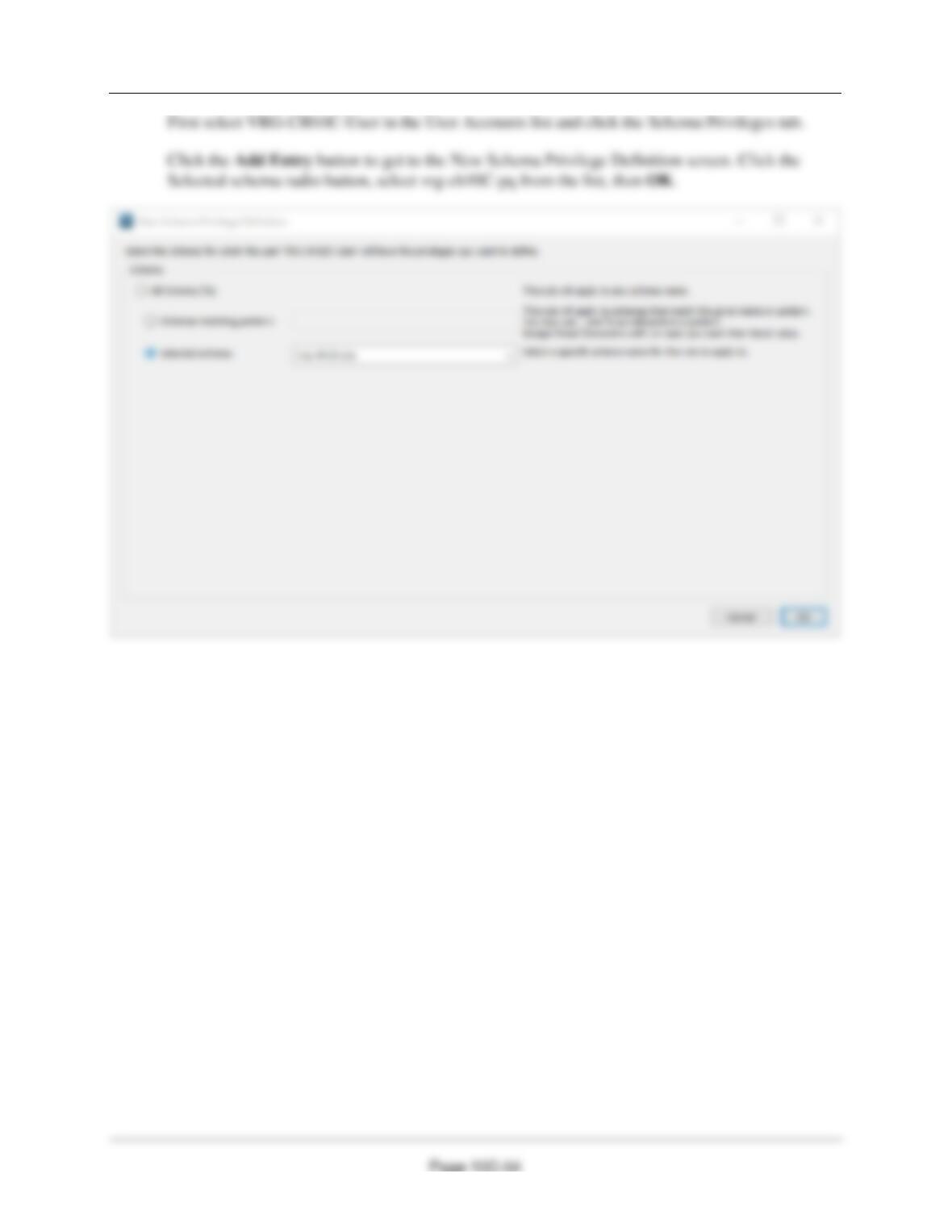
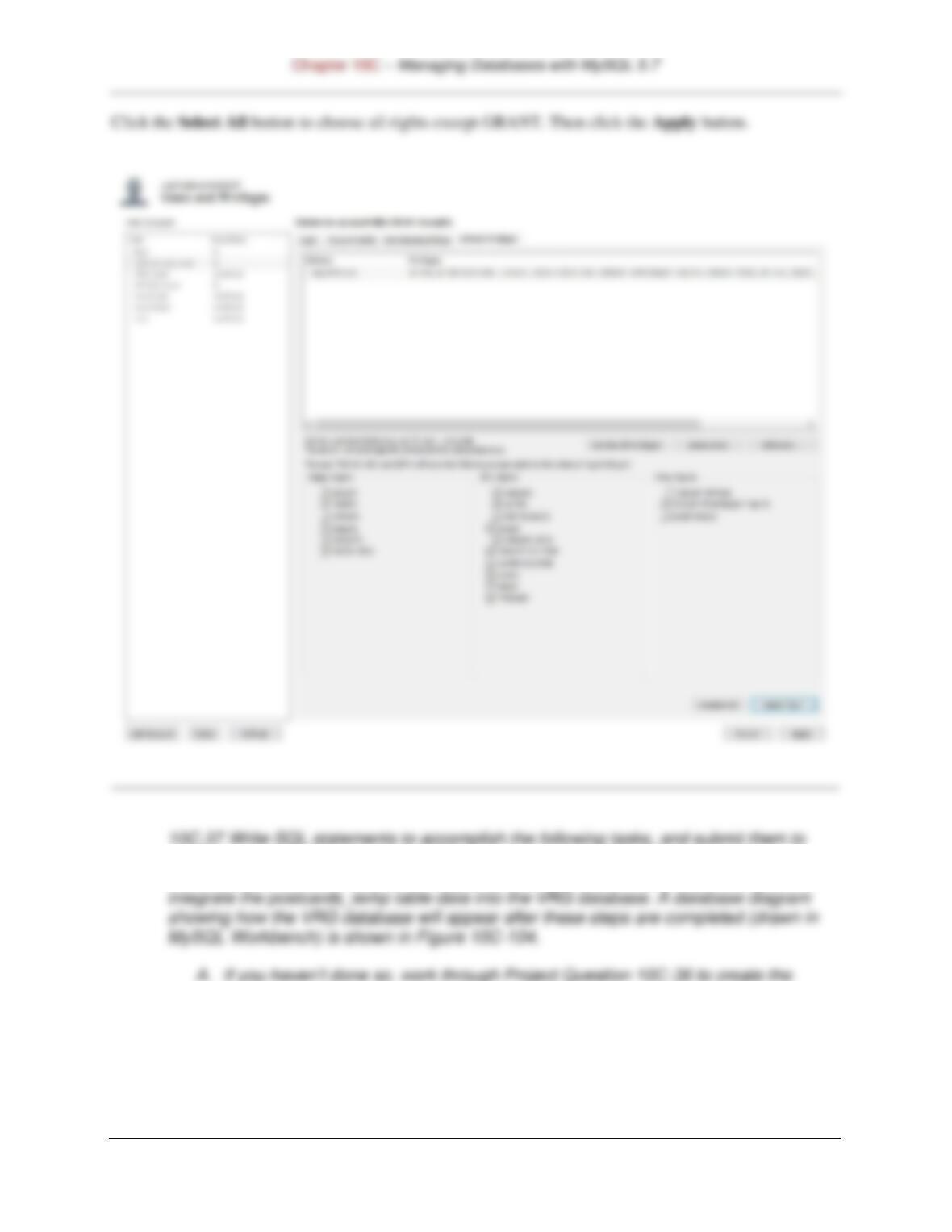
Select Management tab in the Navigator pane. Select Users and Privileges, then use the Add
Account button at the bottom of the Users and Privileges screen. Fill in the data as shown below,
then click the Apply button at the bottom right.
Chapter 10C – Managing Databases with MySQL 5.7
Page 10C-55
MySQL 5.7 via MySQL Workbench. Save your work in an SQL script named
VRGCH10C-PQ–10C-37.sql. This Project Question shows the steps necessary to
MySQL 5.7 database named VRG-CH10C-PQ as described in that Project
Question.
Self-explanatory.
B. Use the steps described in this chapter to:
10C–60.
Make sure that the vrg-ch10c-pq database is selected. Enter the following, save and
run it. Note that the data import creates postcards_temp with ArtistName as
varchar(45) :
DELIMITER //
SET varIndexValue = LOCATE(‘,’, varName);
— SQL statement to determine last name
SET varLastName = SUBSTRING(varName, 1, (varIndexValue – 1));
— Return the last name
RETURN varLastName;
END
//
ALTER TABLE POSTCARDS_TEMP
ADD ArtistID Int NULL;
v. Populate the postcards_temp table ArtistLastName and ArtistID columns as
discussed in the text and as shown in Figure 10C–65.
Enter and run:
C. Create a user-defined function named GetFirstNameCommaSeparated that will
return the first name from a combined name in last-name-first order, and with the
names separated by a comma and one space. Write an SQL SELECT statement
using the postcards_temp table to test your function.
DELIMITER //
SET varIndexValue = LOCATE(‘,’, varName);
— SQL statement to determine first name
SET varFirstName = SUBSTRING(varName, (varIndexValue + 2));
— Return the last name
RETURN varFirstName;
END
//
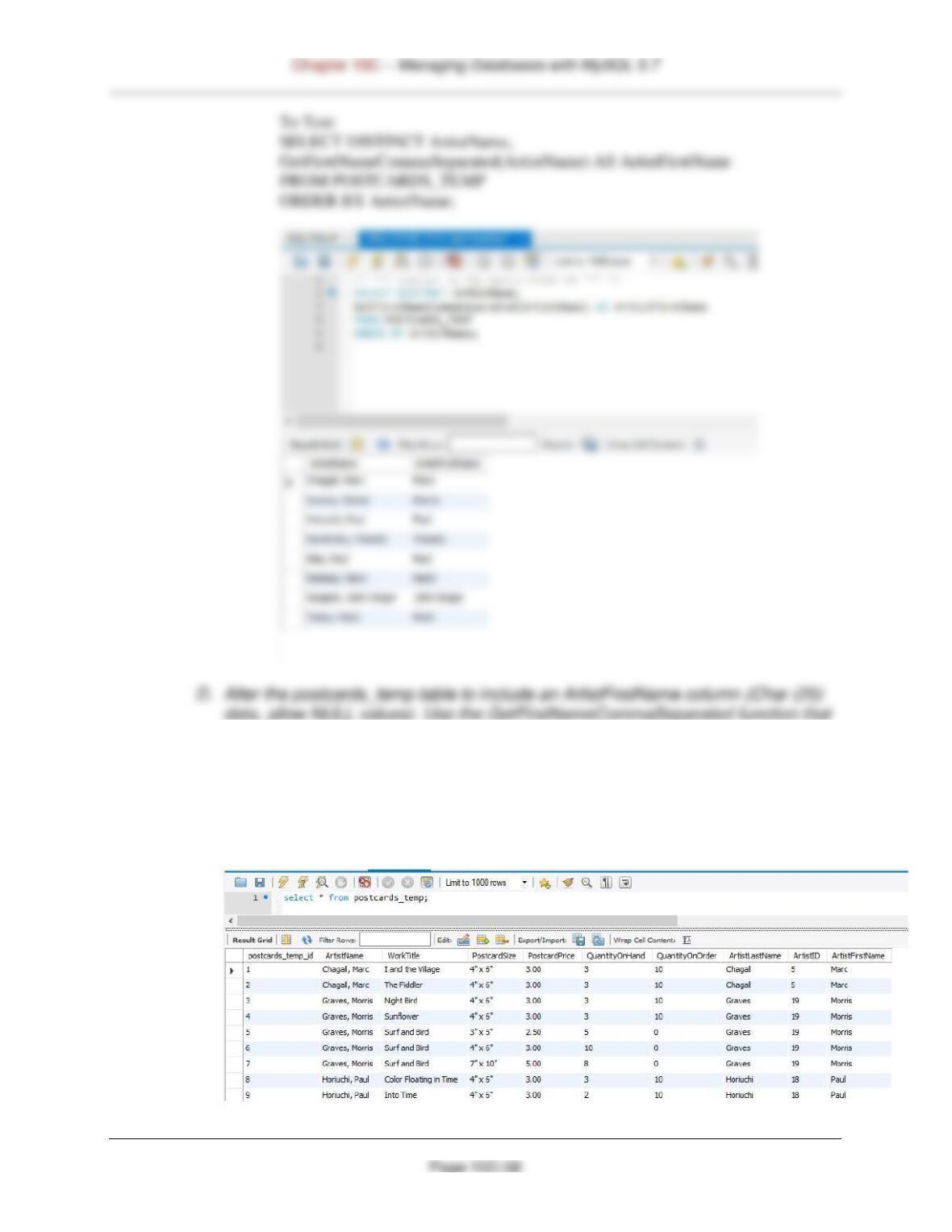
you created in part C to populate this column.
ALTER table postcards_temp add column ArtistFirstName Char(25) null;
/* *** similar to SQL-UPDATE-CH10C-01 *** */
UPDATE POSTCARDS_TEMP
SET ArtistFirstName = GetFirstNameCommaSeparated(ArtistName);

Page 10C-59
ALTER TABLE POSTCARDS_TEMP
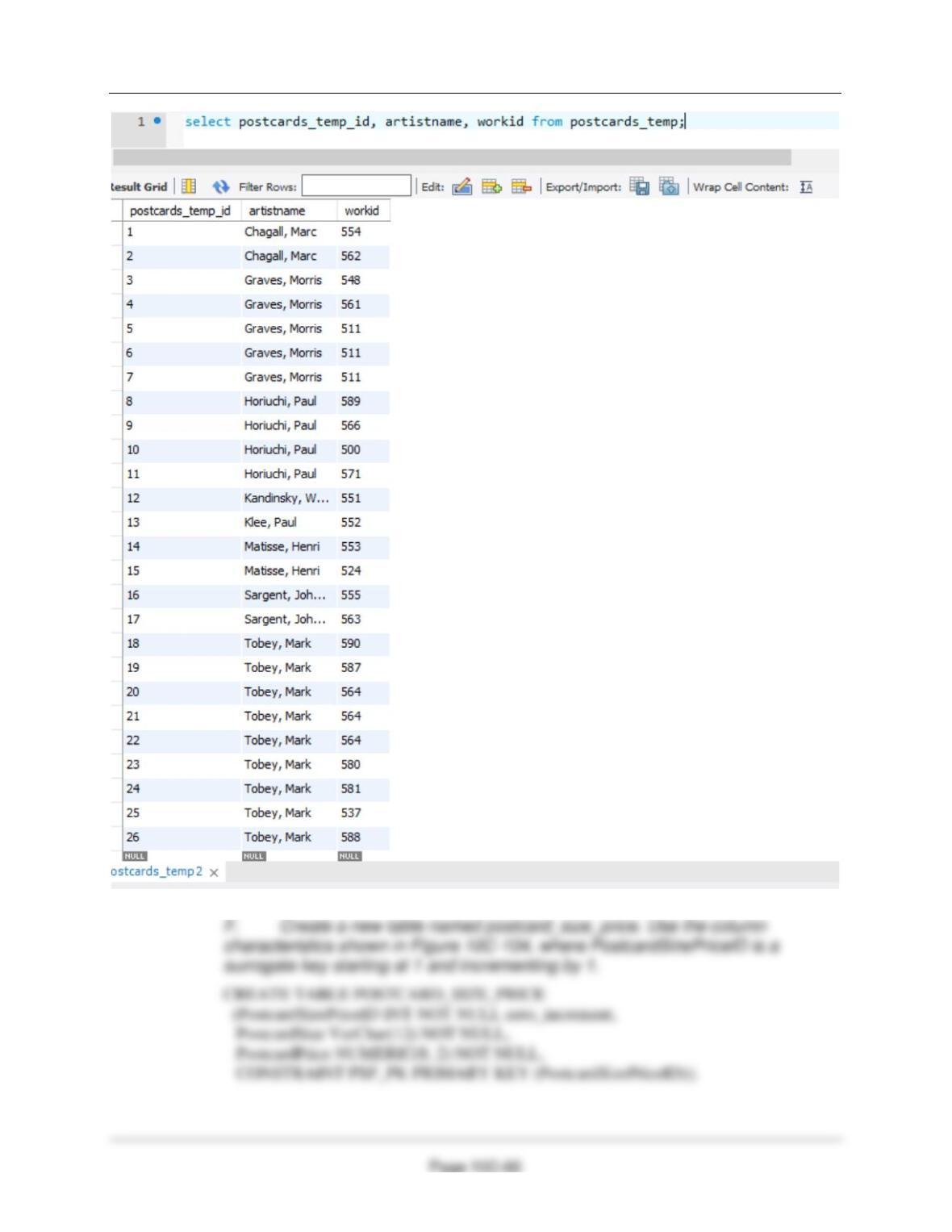
ADD WorkID INT NULL;
UPDATE POSTCARDS_TEMP
SET WorkID =
(SELECT WorkID
LIMIT 1);
Chapter 10C – Managing Databases with MySQL 5.7