Chapter 10C – Managing Databases with MySQL 5.7
Page 10C-61
.
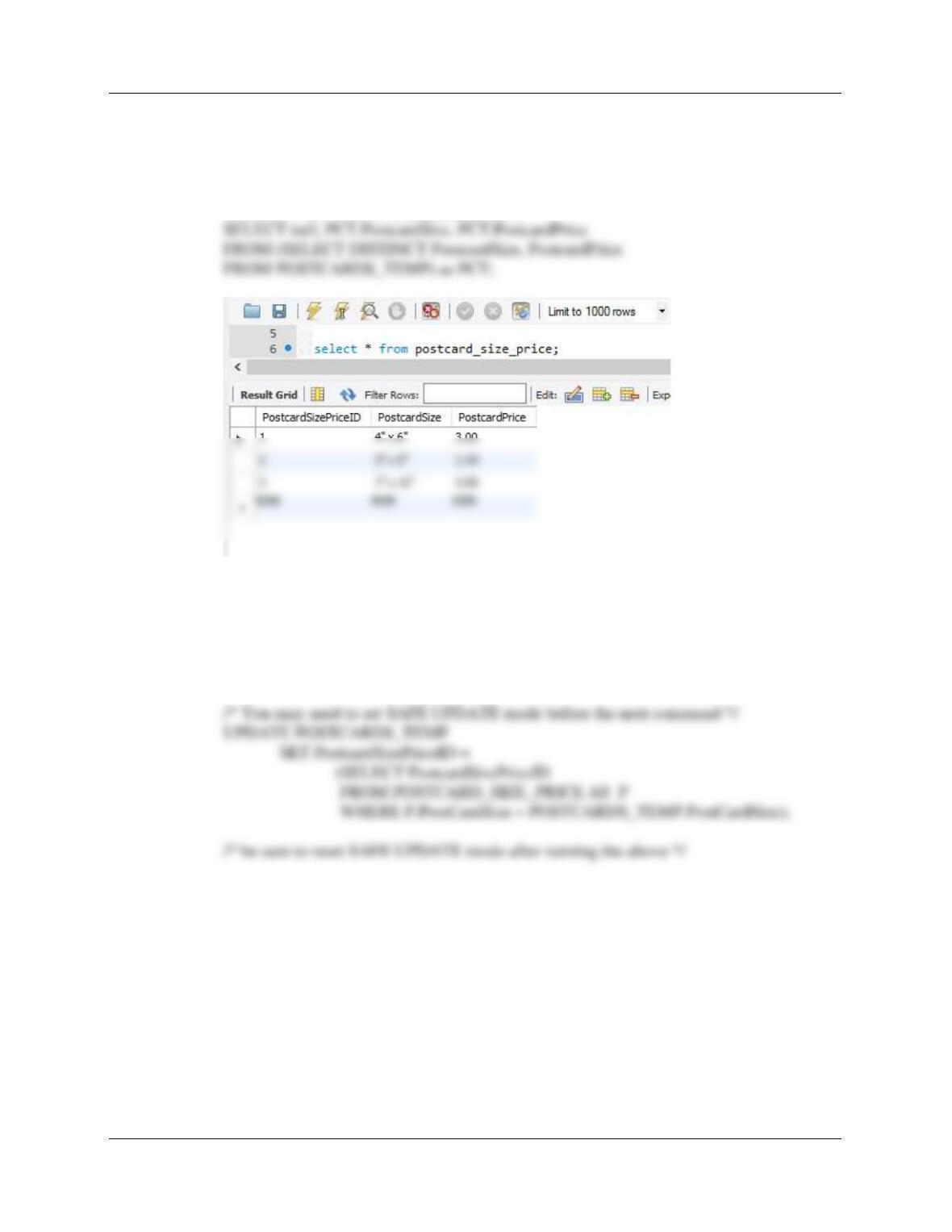
G. Populate the postcard_size_price table using the data stored in the
postcards_temp table. Hint: You should insert distinct data into the table, and
your final table will only have 3 records.
INSERT INTO POSTCARD_SIZE_PRICE
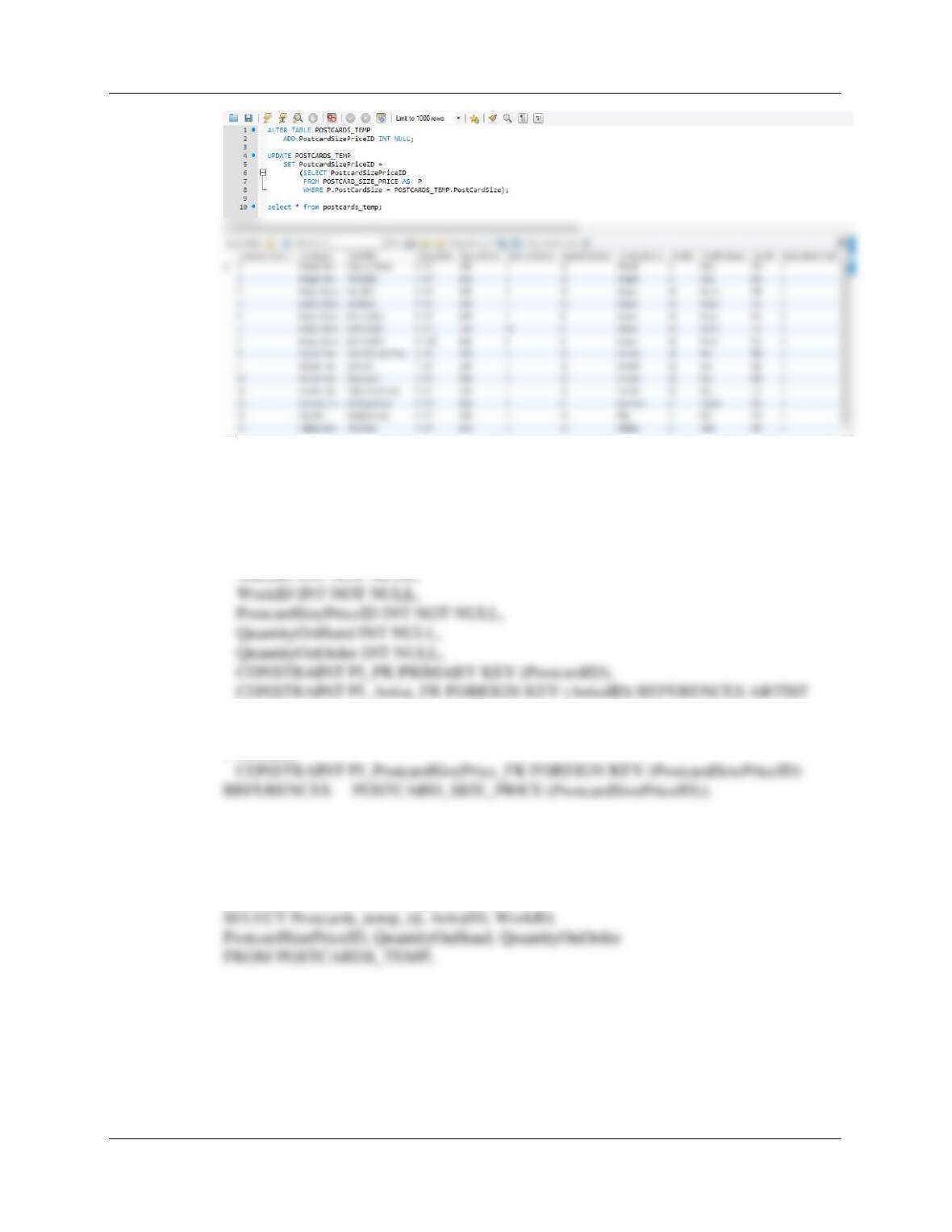
H. Alter the postcards_temp table to include a PostcardSizePriceID column
(Integer data, allow NULL values). By using and comparing the data in the
postcards_temp.PostCardSize and the postcard_size_price.PostCardSize
columns, populate this column.
ALTER TABLE POSTCARDS_TEMP
ADD PostcardSizePriceID INT NULL;
Chapter 10C – Managing Databases with MySQL 5.7
Page 10C-62
I. Create a new table named postcard_inventory. Use the column
characteristics shown in Figure 10C-104, where PostcardID is a surrogate key
starting at 1 and incrementing by 1.
CREATE TABLE POSTCARD_INVENTORY
(PostcardID INT NOT NULL auto_increment,
(ArtistID),
CONSTRAINT PI_Work_FK FOREIGN KEY (WorkID) REFERENCES WORK
(WorkID),
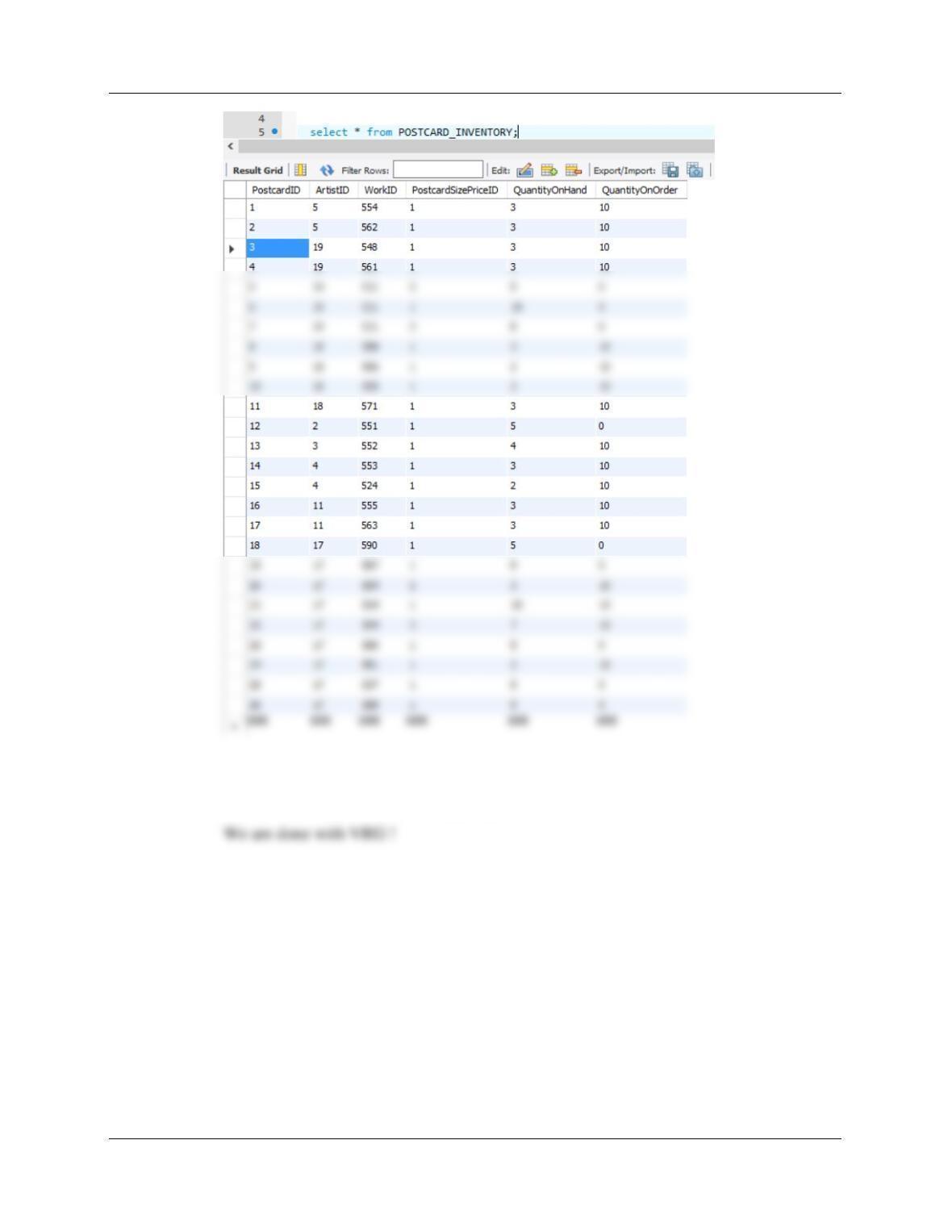
J. Populate the postcard_inventory table using the data stored in the
postcards_temp table. Hint: You will have a one record in this table for every
record in the postcards_temp table, and your final table will only have 26 records.
INSERT INTO POSTCARD_INVENTORY
Chapter 10C – Managing Databases with MySQL 5.7
Page 10C-63
K. We have completed our modifications of the VRG database, and we are
done with the temporary postcards_temp table. We could delete if we wanted to,
but we will keep the postcards_temp table in the database.
Chapter 10C – Managing Databases with MySQL 5.7
Page 10C-64
ANSWERS TO MARCIA’S DRY CLEANING CASE QUESTIONS
Marcia Wilson owns and operates Marcia’s Dry Cleaning, which is an upscale dry
cleaner in a well-to-do suburban neighborhood. Marcia makes her business stand
out from the competition by providing superior customer service. She wants to keep
track of each of her customers and their orders. Ultimately, she wants to notify them
that their clothes are ready via email. Suppose that you have designed a database for
Marcia’s Dry Cleaning that has the following tables:
se Questions
The referential integrity constraints are:
CustomerID in INVOICE must exist in CustomerID in CUSTOMER
InvoiceNumber in INVOICE_ITEM must exist in InvoiceNumber in INVOICE
ServiceID in INVOICE_ITEM must exist in ServiceID in SERVICE
If you have not already installed MySQL 5.7 (or do not otherwise have it available to you), you
need to install a version of it at this point.
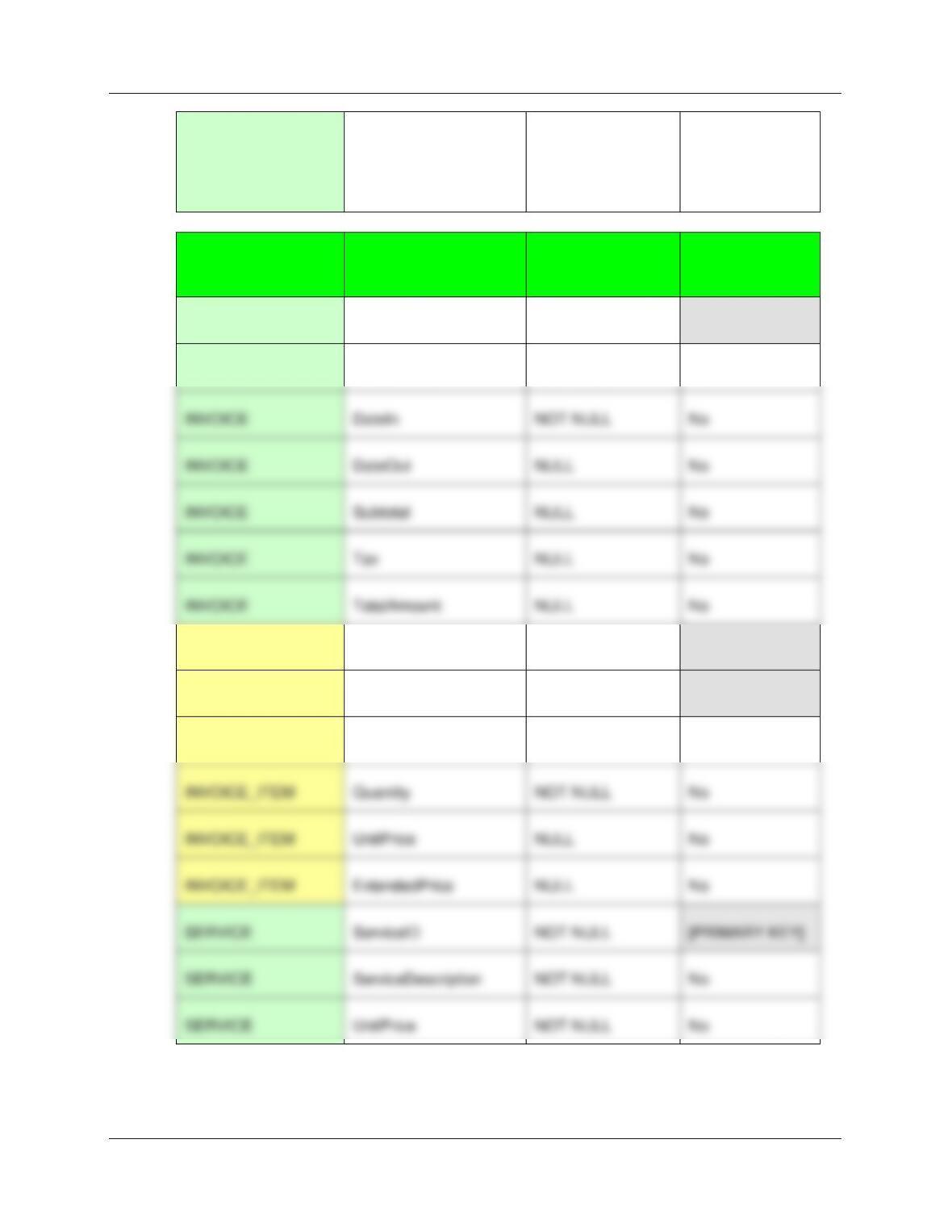
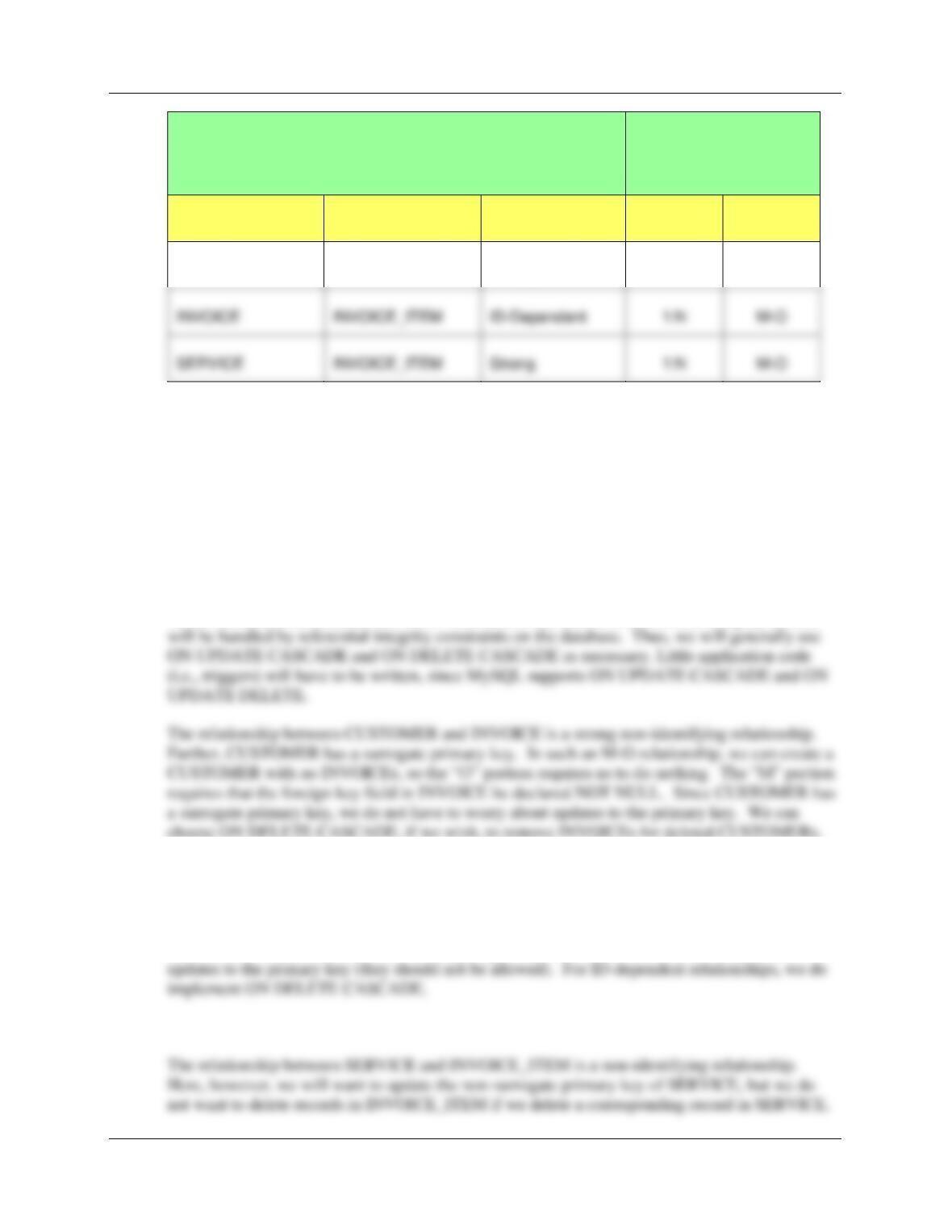
A. Specify NULL/NOT NULL constraints for each table column.
B. Specify alternate keys, if any.
TABLE
COLUMN
NULL/NOT NULL
ALTERNATE
KEY?
CUSTOMER
CustomerID
NOT NULL
[PRIMARY KEY]
Chapter 10C – Managing Databases with MySQL 5.7
Page 10C-65
CUSTOMER
EmailAddress
NULL
Yes – If fully
populated –
Email addresses
are unique
TABLE
COLUMN
NULL/NOT NULL
ALTERNATE
KEY?
INVOICE
InvoiceNumber
NOT NULL
[PRIMARY KEY]
INVOICE
CustomerID
NOT NULL
No
INVOICE_ITEM
InvoiceNumber
NOT NULL
[PRIMARY KEY]
INVOICE_ITEM
ItemNumber
NOT NULL
[PRIMARY KEY]
INVOICE_ITEM
ServiceID
NOT NULL
No
INVOICE_ITEM
Quantity
NOT NULL
No
INVOICE_ITEM
UnitPrice
NULL
No
INVOICE_ITEM
ExtendedPrice
NULL
No
SERVICE
ServiceID
NOT NULL
[PRIMARY KEY]
SERVICE
ServiceDescription
NOT NULL
No
SERVICE
UnitPrice
NOT NULL
No
C. State relationships as implied by foreign keys and specify the maximum and minimum
cardinality of each relationship. Justify your choices.
INVOICE
DateIn
NOT NULL
No
INVOICE
DateOut
NULL
No
INVOICE
Subtotal
NULL
No
INVOICE
Tax
NULL
No
INVOICE
TotalAmount
NULL
No
Chapter 10C – Managing Databases with MySQL 5.7
Page 10C-66
RELATIONSHIP
CARDINALITY
[Blue = Inferable]
PARENT
CHILD
TYPE
MAX
MIN
CUSTOMER
INVOICE
Strong
1:N
M-O
CUSTOMER and INVOICE are strong entities, with separate logical existence.
INVOICE_ITEM is ID-dependent on INVOICE as explained in the Sales Order model in Chapter
5. SERVICE is a strong entity with a separate logical existence. All relationships are logically
1:N. Child minimum cardinality is set to O so that Parent entity instances can be created without
requiring the immediate creation of a child.
D. Explain how you will enforce the minimum cardinalities in your answer to question C.
Use referential integrity actions for required parents, if any. Use Figure 6-29(b) as a
boilerplate for required children, if any.
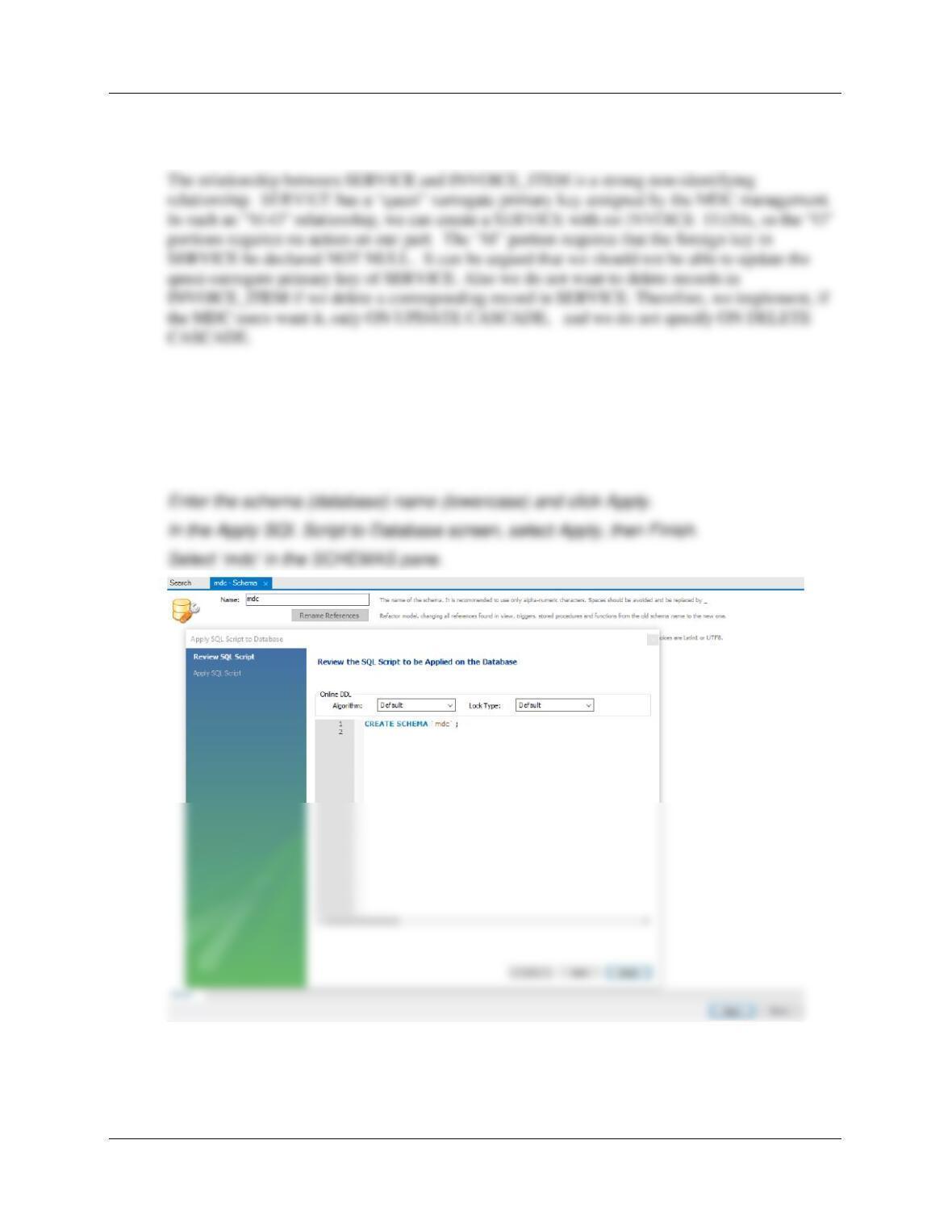
All the minimum cardinalities are M-O. This means that almost all referential integrity actions
choose ON DELETE CASCADE, if we wish, to remove INVOICEs for deleted CUSTOMERs.
The relationship between INVOICE and INVOICE_ITEM is an identifying ID-dependent
relationship. Further, INVOICE has a surrogate key. For such an M-O relationship, we can
create an INVOICE with no INVOICE_ITEMs, so the “O” portion does not require us to do
anything. The “M” portion requires that the foreign key field in INVOICE_ITEM be declared
NOT NULL. Since INVOICE has a surrogate primary key, we do not have to worry about
INVOICE
INVOICE_ITEM
1:N
M-O
SERVICE
INVOICE_ITEM
Strong
1:N
M-O
Chapter 10C – Managing Databases with MySQL 5.7
Page 10C-67
Therefore, we implement only ON UPDATE CASCADE, so here our constraint will be ON
UPDATE CASCADE and ON DELETE NO ACTION.
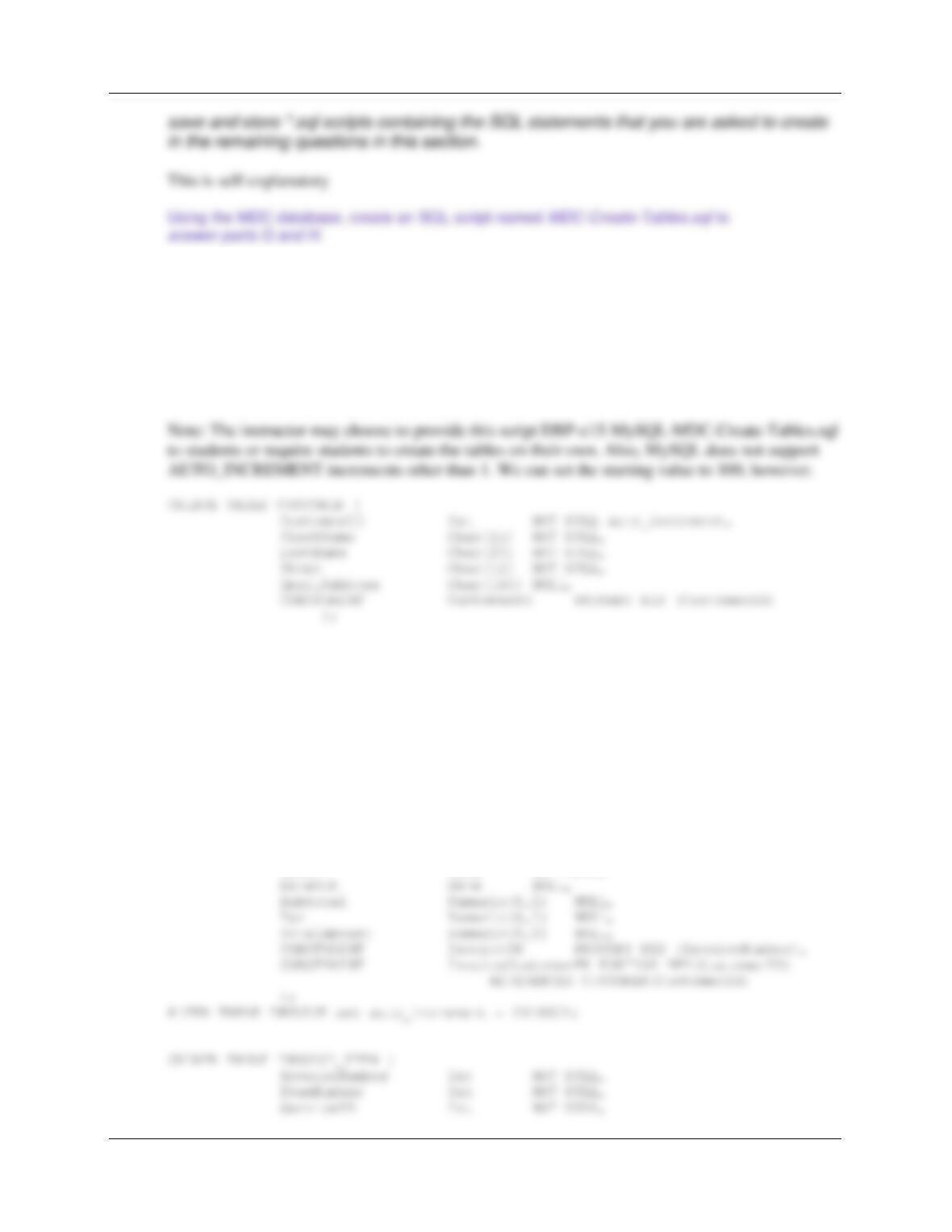
E. Using MySQL 5.7 and the MySQL Workbench, create a database named MDC.
Follow the directions as explained on page10C–20 – 10C-28.
Connect to the local instance.
Create a new schema in the connected server.
F. In the MySQL SQL Workbench folder structure in your My Documents folder, create a
folder named DBP-e15-MDC-CH10C-Database in the Schemas folder. Use this folder to
Chapter 10C – Managing Databases with MySQL 5.7
Page 10C-68
G. Write CREATE TABLE statements for each of the tables using your answers to
questions A – D as necessary. Set the first value of CustomerID to 100 and increment it
by 1. Set the first value of InvoiceNumber to 2018001 and increment it by 1. Note that
MySQL does not support increment values other than 1. Use FOREIGN KEY constraints
to create appropriate referential integrity constraints. Set UPDATE and DELETE
behavior in accordance with your referential integrity action design. Set the default value
of Quantity to 1. Although not enforced by MySQL, write a constraint that
SERVICE.UnitPrice be between 1.50 and 10.00.
ALTER TABLE CUSTOMER set auto_increment = 100;
CREATE TABLE SERVICE (
ServiceID Int NOT NULL,
ServiceDescription Char(50) NOT NULL,
UnitPrice Numeric(8,2) NOT NULL,
CONSTRAINT ServicePK PRIMARY KEY(ServiceID),
CONSTRAINT ServicePrice CHECK
((UnitPrice >= 1.50) AND (UnitPrice <= 10.00))
);
CREATE TABLE INVOICE (
InvoiceNumber Int NOT NULL auto_increment,
CustomerID Int NOT NULL,
DateIn Date NOT NULL,
Chapter 10C – Managing Databases with MySQL 5.7
);
H. Explain how you would enforce the data constraint that INVOICE_ITEM.UnitPrice be
equal to SERVICE.UnitPrice, where INVOICE_ITEM.ServiceID = SERVICE.ServiceID.
We need to write a trigger to do this. We would use a trigger that fires on every update of
SERVICE.UnitPrice and on every insert/update to INVOICE_ITEM that would use the value of
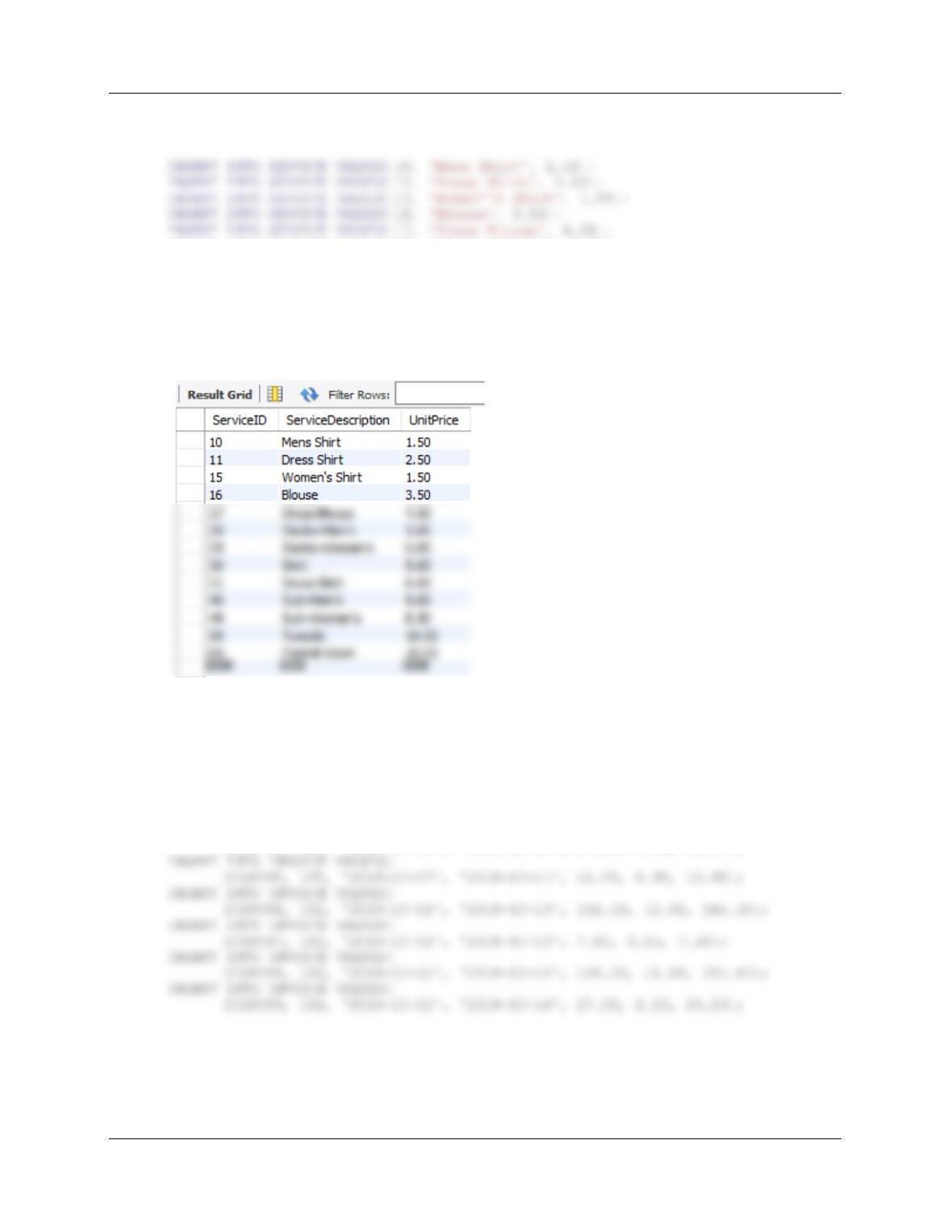
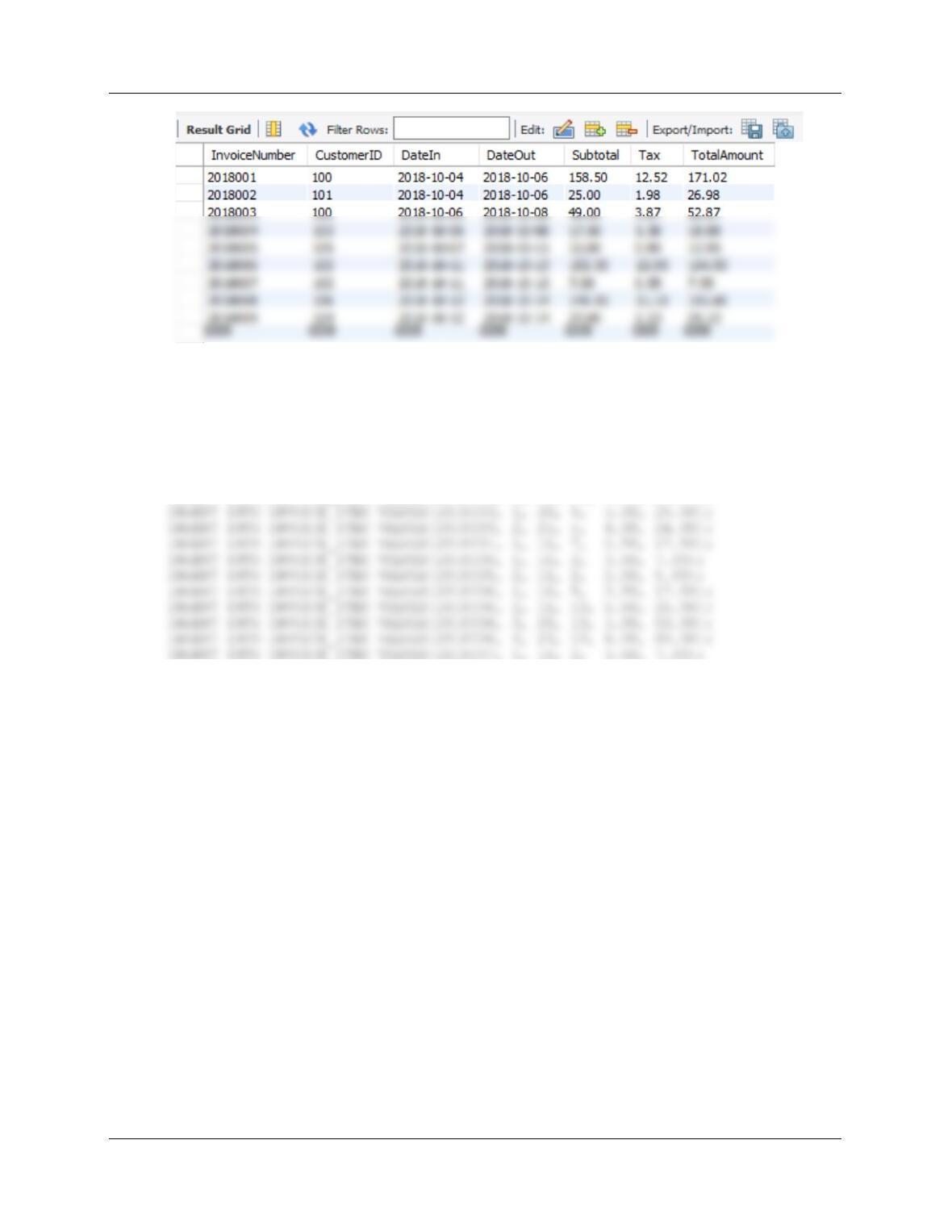
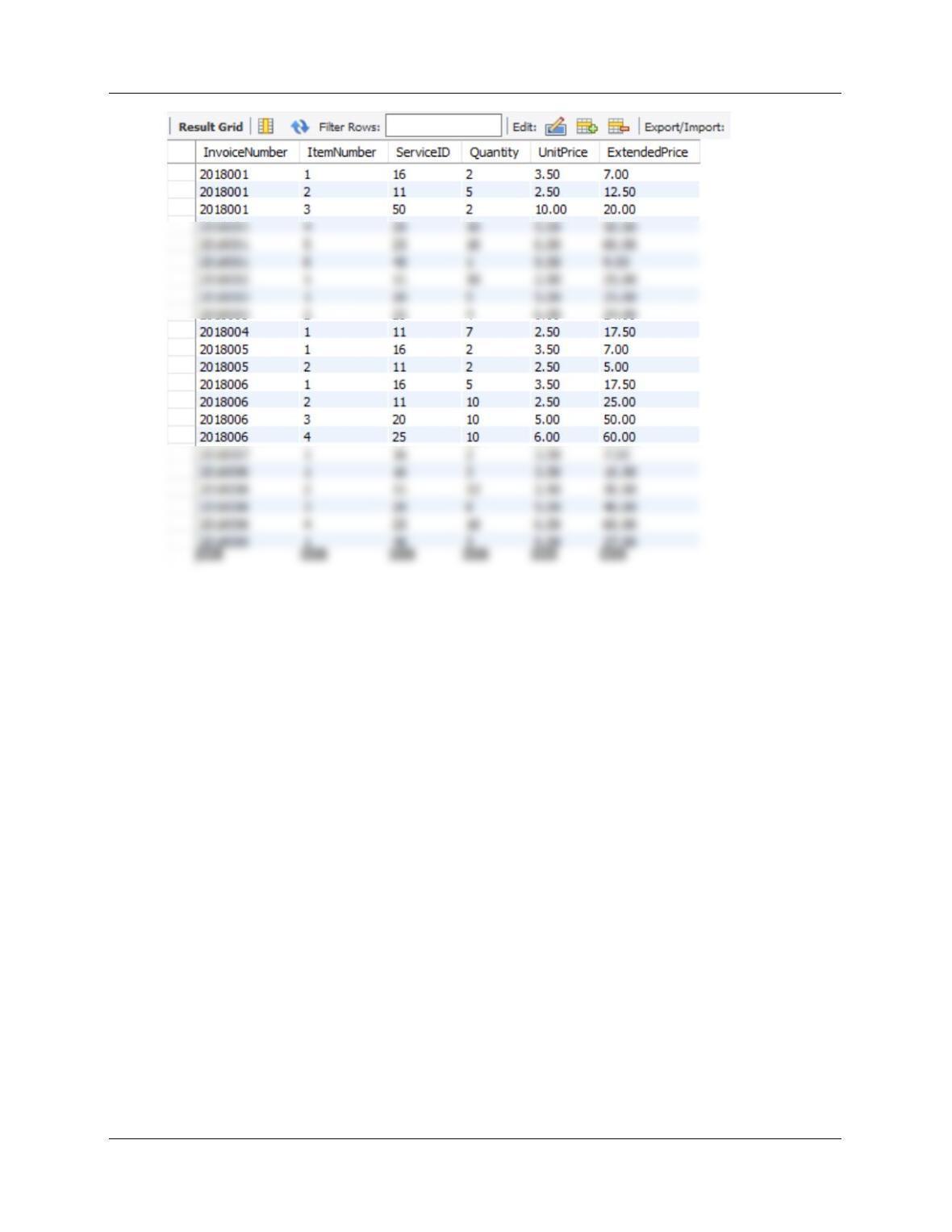
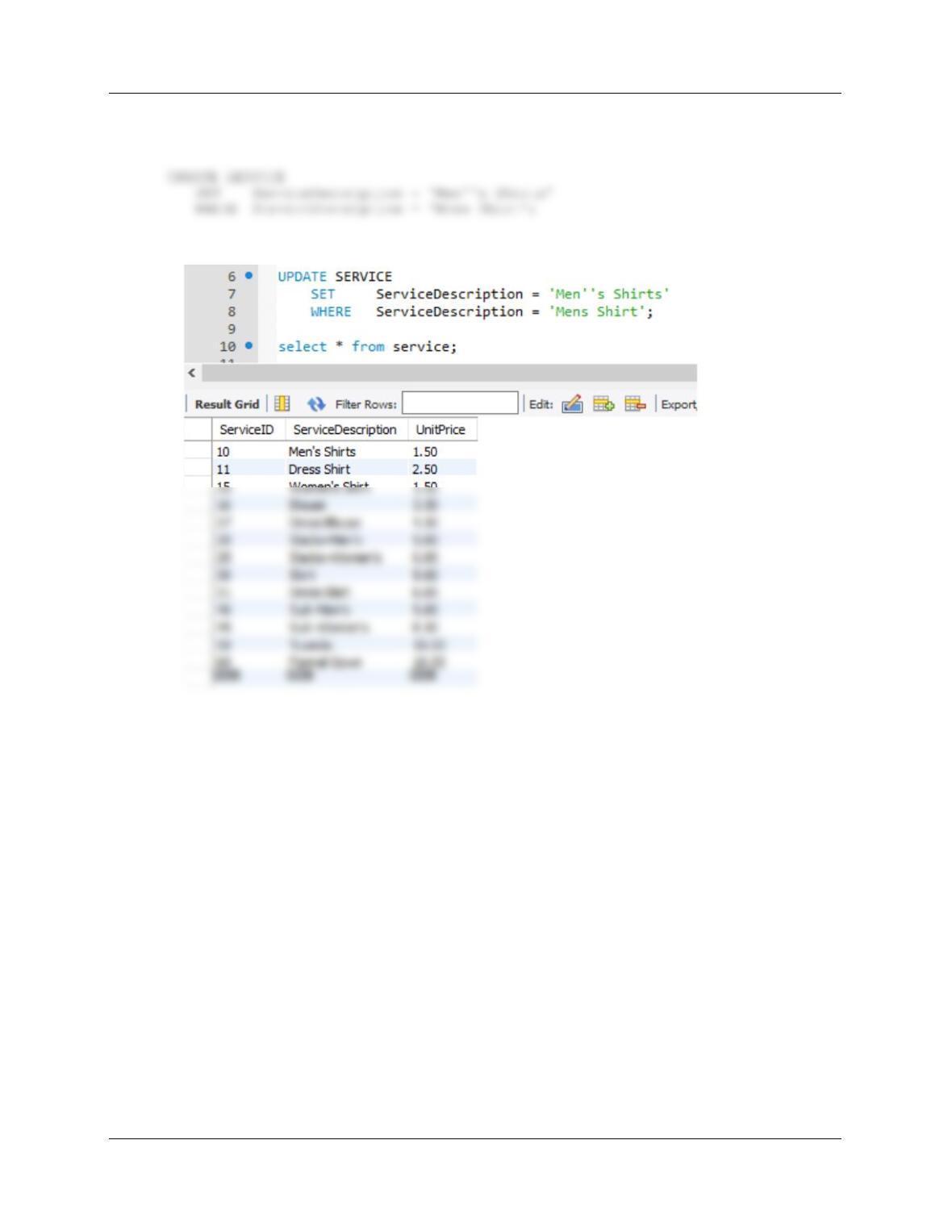
I. Write INSERT statements to insert the data shown in Figures 10C-105, 10C-106, 10C-
107, and 10C-108.
Note: The instructor may choose to provide the script DBP-e15-MySQL-MDC-Insert-Data.sql to
students or require students to populate tables on their own.
/***** CUSTOMER Data ************************************************/
INSERT INTO CUSTOMER VALUES(
100, ‘Nikki’, ‘Kaccaton’, ‘723-543-1233’, ‘Nikki.Kaccaton@somewhere.com’);
INSERT INTO CUSTOMER VALUES(
101, ‘Brenda’, ‘Catnazaro’, ‘723-543-2344’,
105, ‘Kathy’, ‘Miller’, ‘723-514-9877’, ‘Kathy.Miller@somewhere.com’);
INSERT INTO CUSTOMER VALUES(
106, ‘Betsy’, ‘Miller’, ‘723-514-8766’, ‘Betsy.Miller@elsewhere.com’);
Chapter 10C – Managing Databases with MySQL 5.7
Page 10C-70
/***** SERVICE Data ***************************************************/
INSERT INTO SERVICE VALUES(20, ‘Slacks–Men”s’, 5.00);
INSERT INTO SERVICE VALUES(25, ‘Slacks–Women”s’, 6.00);
INSERT INTO SERVICE VALUES(30, ‘Skirt’, 5.00);
INSERT INTO SERVICE VALUES(31, ‘Dress Skirt’, 6.00);
INSERT INTO SERVICE VALUES(40, ‘Suit–Men”s’, 9.00);
INSERT INTO SERVICE VALUES(45, ‘Suit–Women”s’, 8.50);
INSERT INTO SERVICE VALUES(50, ‘Tuxedo’, 10.00);
INSERT INTO SERVICE VALUES(60, ‘Formal Gown’, 10.00);
/***** INVOICE Data *******************************************************/
INSERT INTO INVOICE VALUES(
2018001, 100, ‘2018-10-04’, ‘2018-10-06’, 158.50, 12.52, 171.02);
INSERT INTO INVOICE VALUES(
2018002, 101, ‘2018-10-04’, ‘2018-10-06’, 25.00, 1.98, 26.98);
INSERT INTO INVOICE VALUES(
2018003, 100, ‘2018-10-06’, ‘2018-10-08’, 49.00, 3.87, 52.87);
INSERT INTO INVOICE VALUES(
2018004, 103, ‘2018-10-06’, ‘2018-10-08’, 17.50, 1.38, 18.88);
Chapter 10C – Managing Databases with MySQL 5.7
Page 10C-71
/***** INVOICE_ITEM Data *************************************************/
INSERT INTO INVOICE_ITEM VALUES(2018001, 1, 16, 2, 3.50, 7.00);
INSERT INTO INVOICE_ITEM VALUES(2018001, 2, 11, 5, 2.50, 12.50);
INSERT INTO INVOICE_ITEM VALUES(2018001, 3, 50, 2, 10.00, 20.00);
INSERT INTO INVOICE_ITEM VALUES(2018001, 4, 20, 10, 5.00, 50.00);
INSERT INTO INVOICE_ITEM VALUES(2018001, 5, 25, 10, 6.00, 60.00);
INSERT INTO INVOICE_ITEM VALUES(2018001, 6, 40, 1, 9.00, 9.00);
INSERT INTO INVOICE_ITEM VALUES(2018002, 1, 11, 10, 2.50, 25.00);
INSERT INTO INVOICE_ITEM VALUES(2018008, 1, 16, 3, 3.50, 10.50);
INSERT INTO INVOICE_ITEM VALUES(2018008, 2, 11, 12, 2.50, 30.00);
INSERT INTO INVOICE_ITEM VALUES(2018008, 3, 20, 8, 5.00, 40.00);
INSERT INTO INVOICE_ITEM VALUES(2018008, 4, 25, 10, 6.00, 60.00);
INSERT INTO INVOICE_ITEM VALUES(2018009, 1, 40, 3, 9.00, 27.00);
/****************************************************************************/
Chapter 10C – Managing Databases with MySQL 5.7
Page 10C-72
Chapter 10C – Managing Databases with MySQL 5.7
Page 10C-73
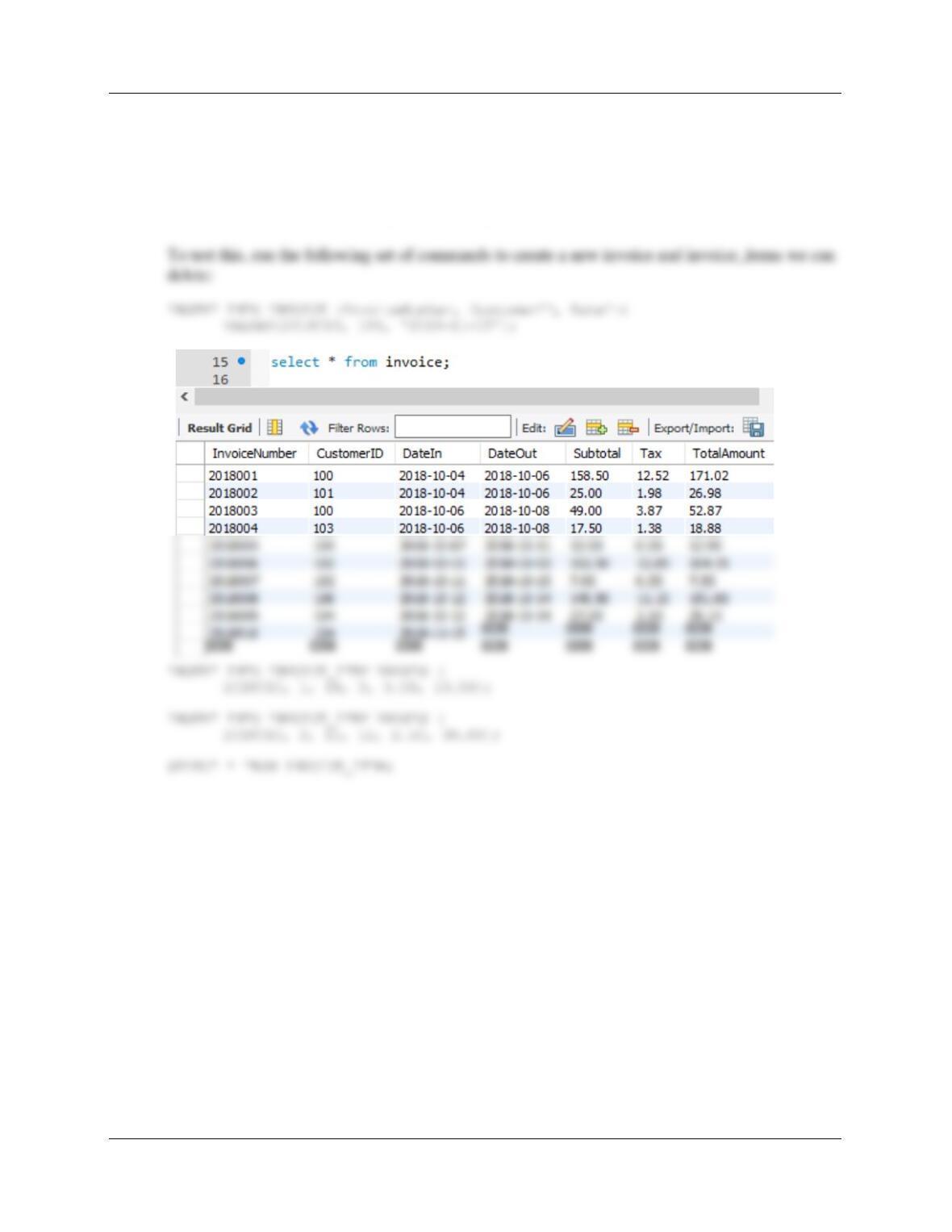
J. Write an UPDATE statement to change values of SERVICE.ServiceDescription from
Mens Shirt to Men’s Shirts.
Chapter 10C – Managing Databases with MySQL 5.7
Page 10C-74
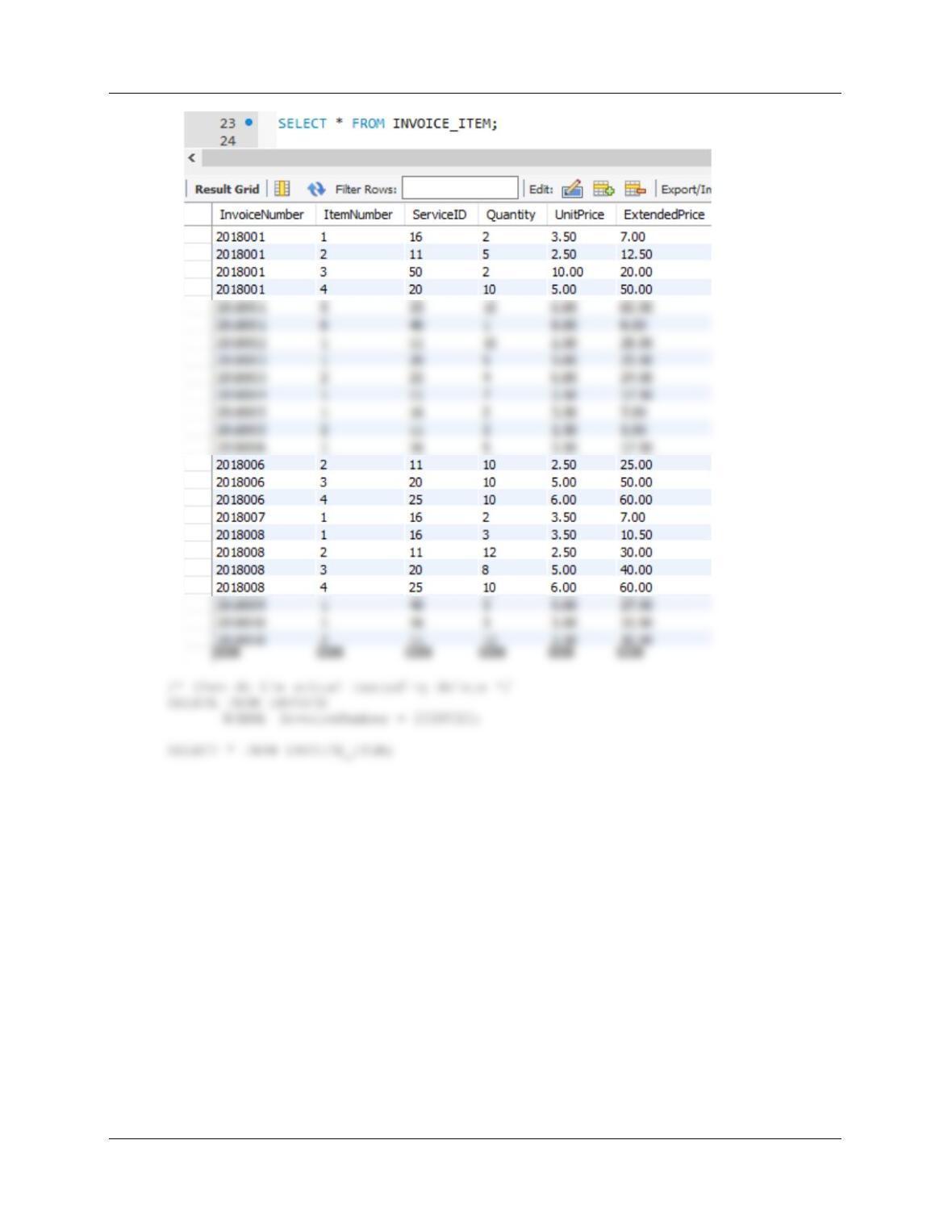
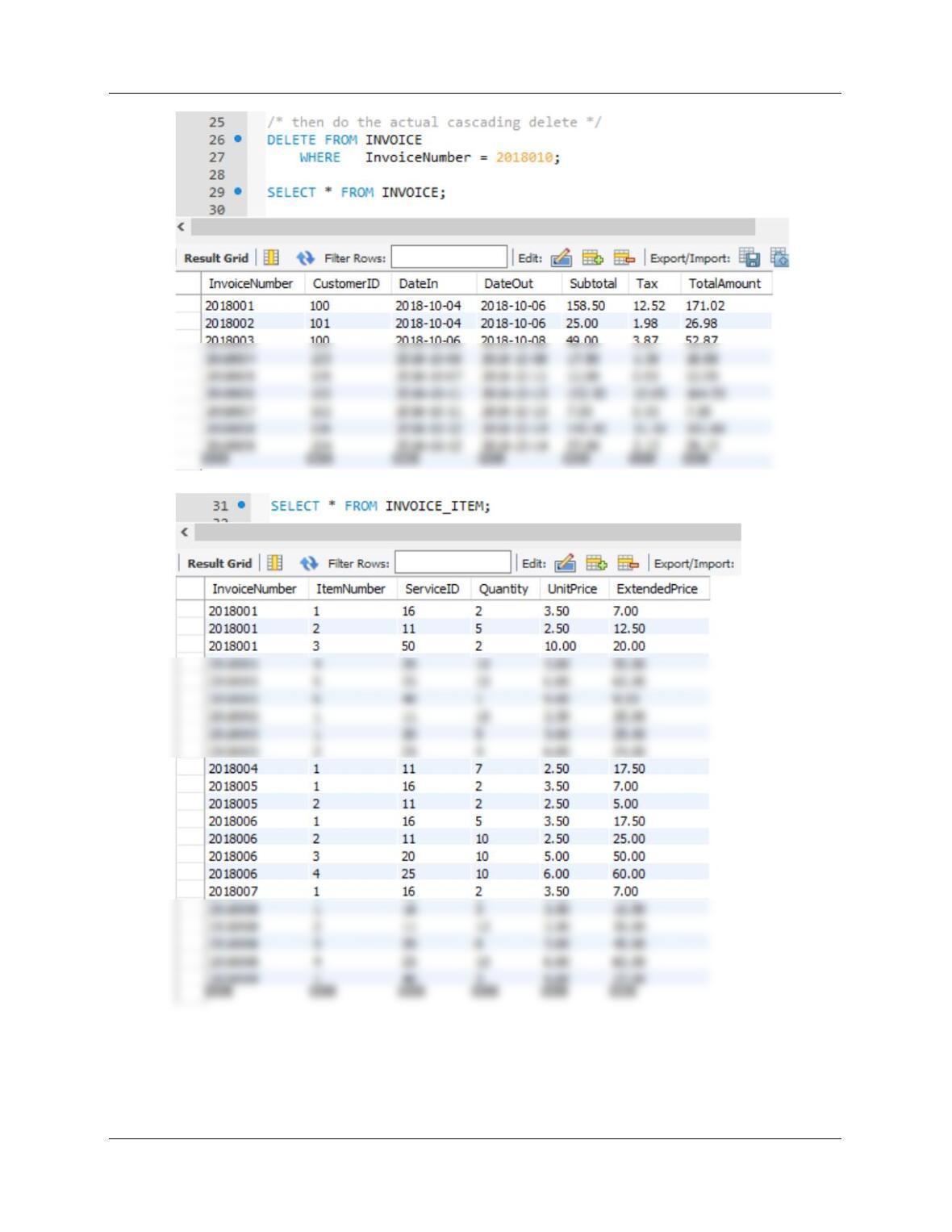
K. Write a DELETE statement(s) to delete an INVOICE and all of the items on that
INVOICE.
Note that we have set ON DELETE CASCADE between INVOICE and INVOICE_ITEM.
Therefore, if we DELETE a record in INVOICE, all associated records in INVOICE_ITEM will
also be deleted. This means we just use a simple DELETE statement on INVOICE.
Chapter 10C – Managing Databases with MySQL 5.7
Page 10C-75
Chapter 10C – Managing Databases with MySQL 5.7
Page 10C-76
Chapter 10C – Managing Databases with MySQL 5.7
Page 10C-77
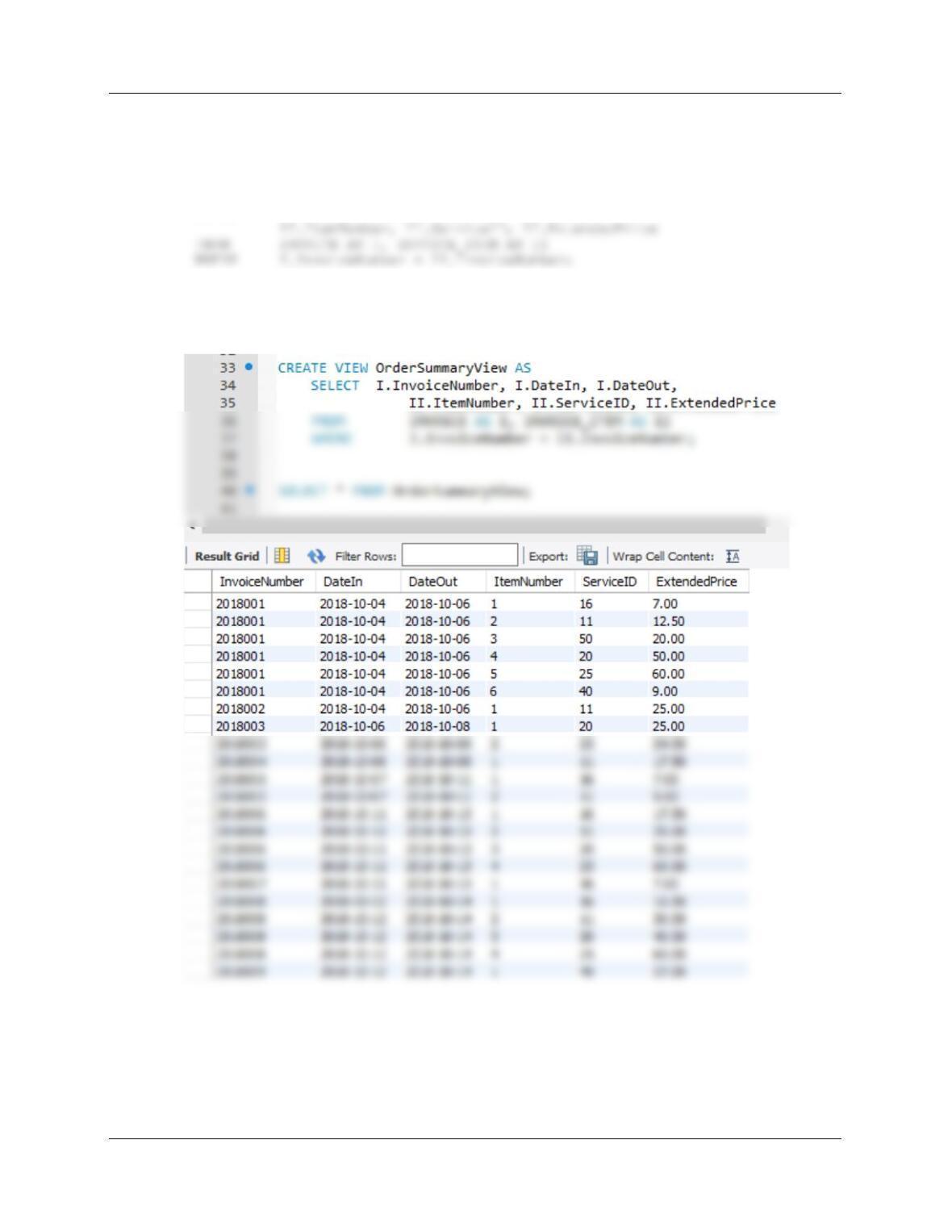
L. Create a view called OrderSummaryView that contains INVOICE.InvoiceNumber,
INVOICE.DateIn, INVOICE.DateOut, INVOICE_ITEM.ItemNumber, INVOICE_ITEM.
ServiceID, and INVOICE_ITEM.ExtendedPrice.
CREATE VIEW OrderSummaryView AS
SELECT I.InvoiceNumber, I.DateIn, I.DateOut,
To test this, run the following command:
SELECT * FROM OrderSummaryView;
Chapter 10C – Managing Databases with MySQL 5.7
Page 10C-78
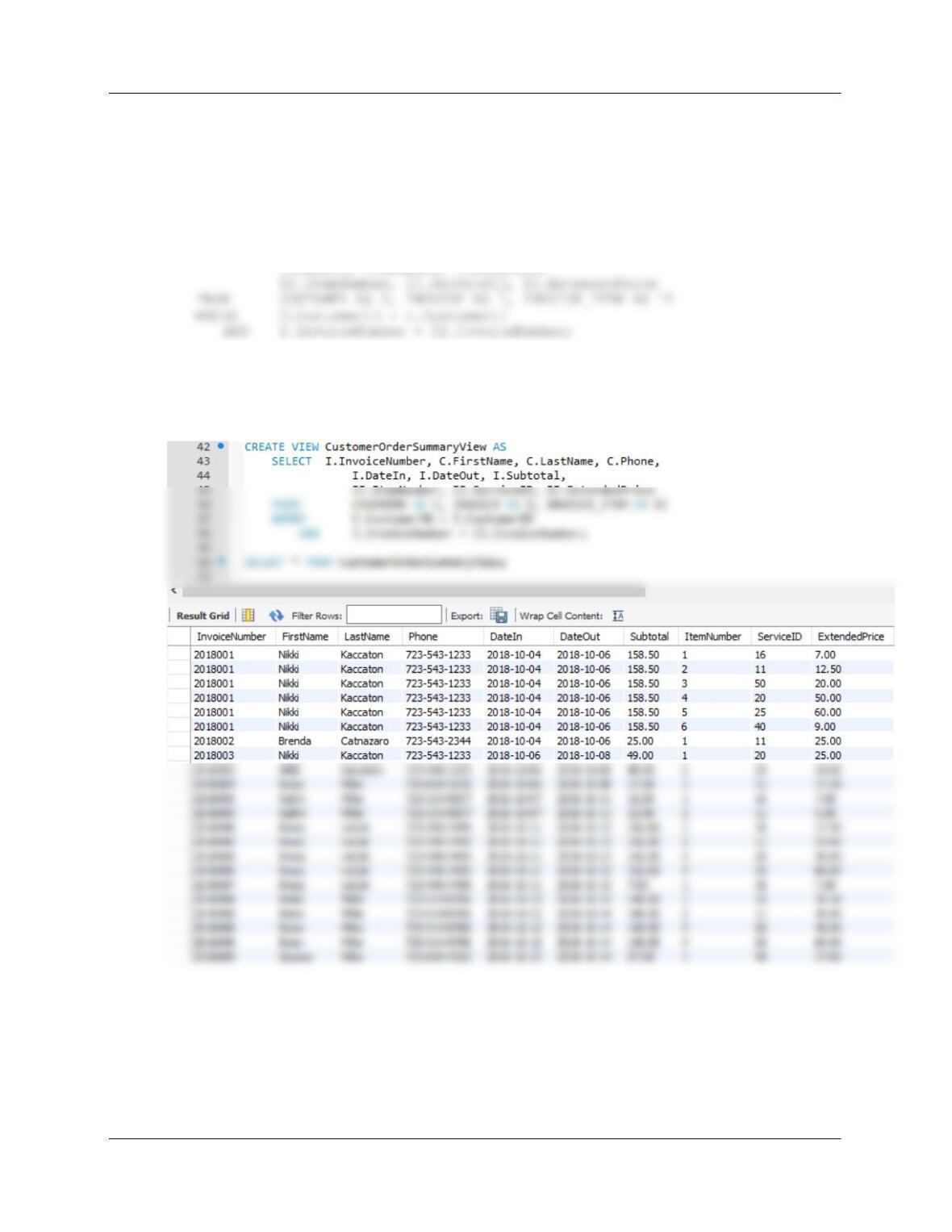
M. Create a view called CustomerOrderSummaryView that contains
INVOICE.InvoiceNumber, CUSTOMER.FirstName, CUSTOMER.LastName,
CUSTOMER.Phone, INVOICE.DateIn, INVOICE.DateOut, INVOICE.Subtotal,
INVOICE_ITEM.ItemNumber, INVOICE_ITEM.ServiceID, and
INVOICE_ITEM.ExtendedPrice.
CREATE VIEW CustomerOrderSummaryView AS
SELECT I.InvoiceNumber, C.FirstName, C.LastName, C.Phone,
To test this, run the following command:
SELECT * FROM CustomerOrderSummaryView;
Chapter 10C – Managing Databases with MySQL 5.7
Page 10C-79
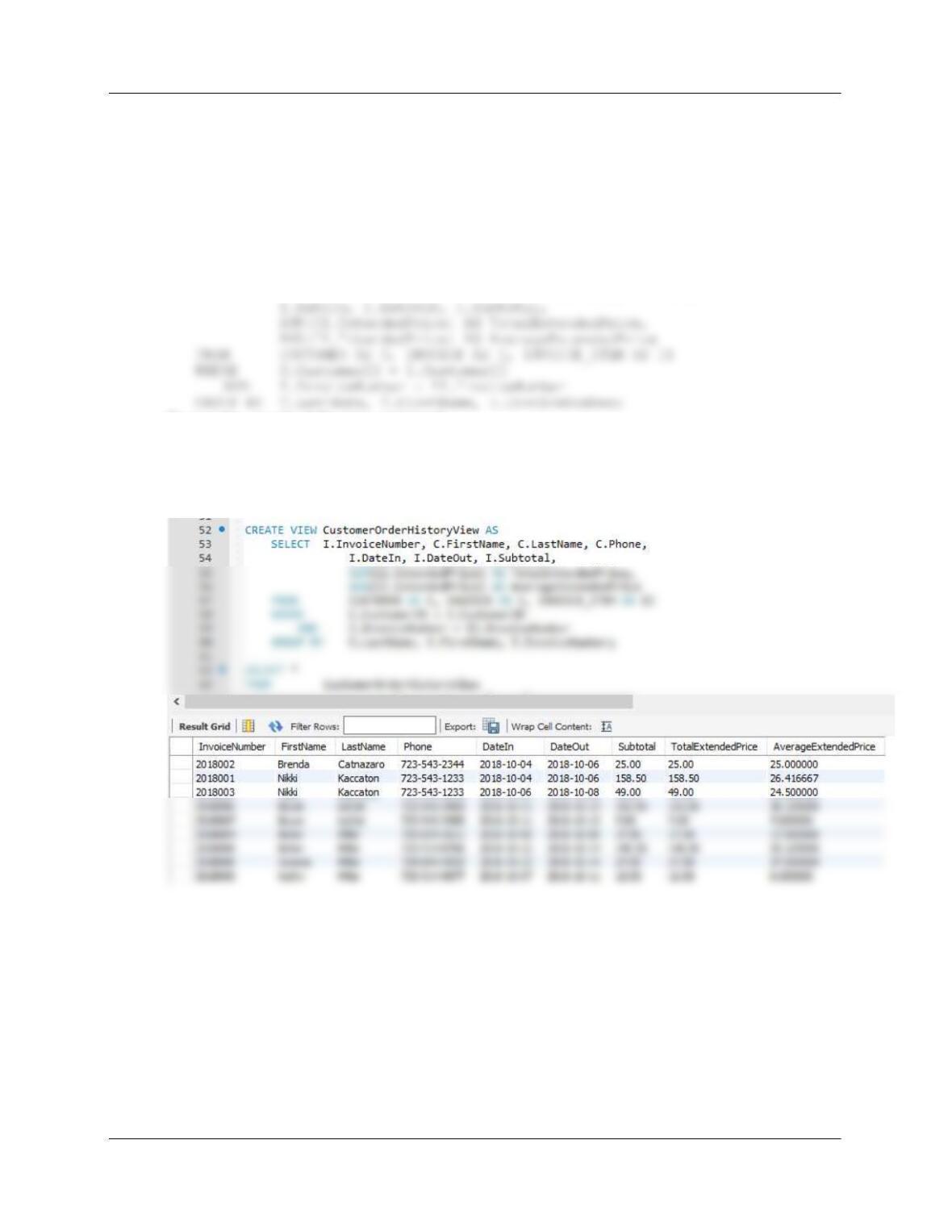
N. Create a view called CustomerOrderHistoryView that (1) includes all columns of
CustomerOrderSummaryView except INVOICE_ITEM.ItemNumber,
INVOICE_ITEM.ExtendedPrice, and INVOICE_ITEM. ServiceID, (2) groups orders by
CUSTOMER.LastName, CUSTOMER.FirstName and INVOICE.InvoiceNumber in that
order, and (3) sums and averages INVOICE_ITEM.ExtendedPrice for each order for
each customer. Name the sum as TotalExtendedPrice and the average as
AverageExtendedPrice.
CREATE VIEW CustomerOrderHistoryView AS
SELECT I.InvoiceNumber, C.FirstName, C.LastName, C.Phone,
To test this, run the following command
SELECT *
FROM CustomerOrderHistoryView
ORDER BY LastName, FirstName, InvoiceNumber;
Chapter 10C – Managing Databases with MySQL 5.7
Page 10C-80
O. Create a view called CustomerOrderCheckView that uses CustomerOrderHistoryView
and that shows that any customers for whom the sum of
INVOICE_ITEM.TotalExtendedPrice is not equal to INVOICE.SubTotal. Hint: for this
data, no rows will be displayed.
CREATE VIEW CustomerOrderCheckView AS
SELECT CH.LastName, CH.FirstName,
Test with:
SELECT *
FROM CustomerOrderCheckView;