Chapter 10C – Managing Databases with MySQL 5.7
Page 10C-136
(2) Deleting a SHIPMENT when the last SHIPMENT_ITEM is deleted.
MySQL will not support an appropriate trigger in this case. We cannot use a view, since MySQL
does not support INSTEAD OF triggers. Note that associated SHIPMENT_RECEIPT rows may
be deleted via CASCADE DELETE when the SHIPMENT row is deleted.
# Check to see if the SHIPMENT has more than one SHIPMENT_ITEM.
SELECT COUNT(*) INTO varRowCount
FROM SHIPMENT_ITEM
WHERE ShipmentID = varShipmentID;
# IF varRowCount = 1 THEN DELETE the shipment.
# Start transaction – Rollback everything if unable to complete it.
# DELETE the SHIPMENT_ITEM.
DELETE FROM SHIPMENT_ITEM
WHERE ShipmentID = varShipmentID
AND ShipmentItemID = varShipmentItemID;
Chapter 10C – Managing Databases with MySQL 5.7
Page 10C-137
END spicwt;
//
DELIMITER ;
/* To test this trigger, use: */
# (1) To generate an error message
Chapter 10C – Managing Databases with MySQL 5.7
Page 10C-138
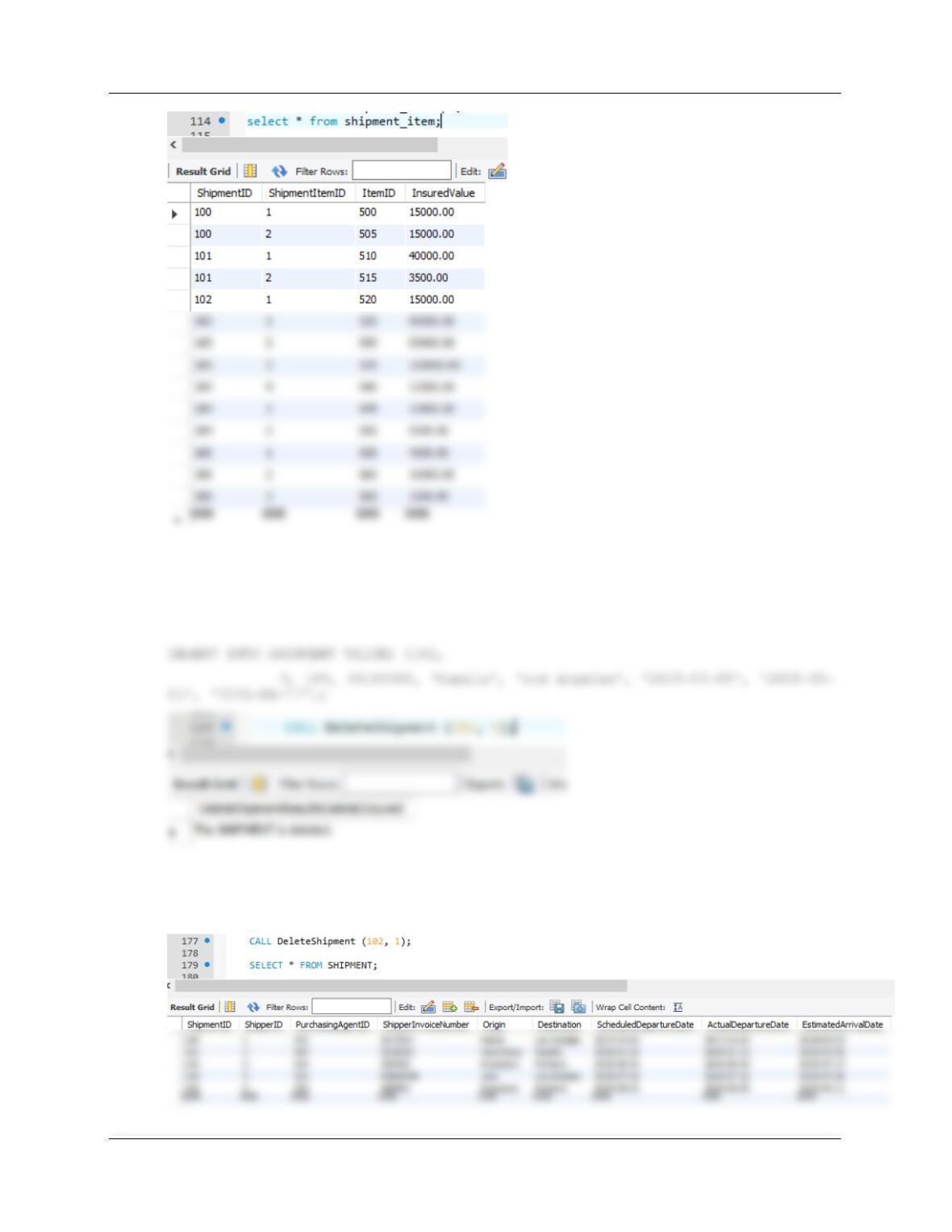
# (2) To delete a SHIPMENT with one child SHIPMENT_ITEM rows
CALL DeleteShipment (102, 1);
Note, immediately after running DeleteShipment, insert Shipment 102 back in for
later use for question S.
Chapter 10C – Managing Databases with MySQL 5.7
Page 10C-139
(3) Adding a required SHIPMENT_ITEM when a SHIPMENT is created.
MySQL will not support an appropriate trigger in this case. We cannot use a view, since MySQL
does not support INSTEAD OF triggers.
DELIMITER //
BEGIN
DECLARE varShipmentID INT;
# Start transaction – Rollback everything if unable to complete it.
START TRANSACTION;
# INSERT the new SHIPMENT data.
# Get new CustomerID surrogate key value.
SET varShipmentID = LAST_INSERT_ID();
END;
//
DELIMITER ;
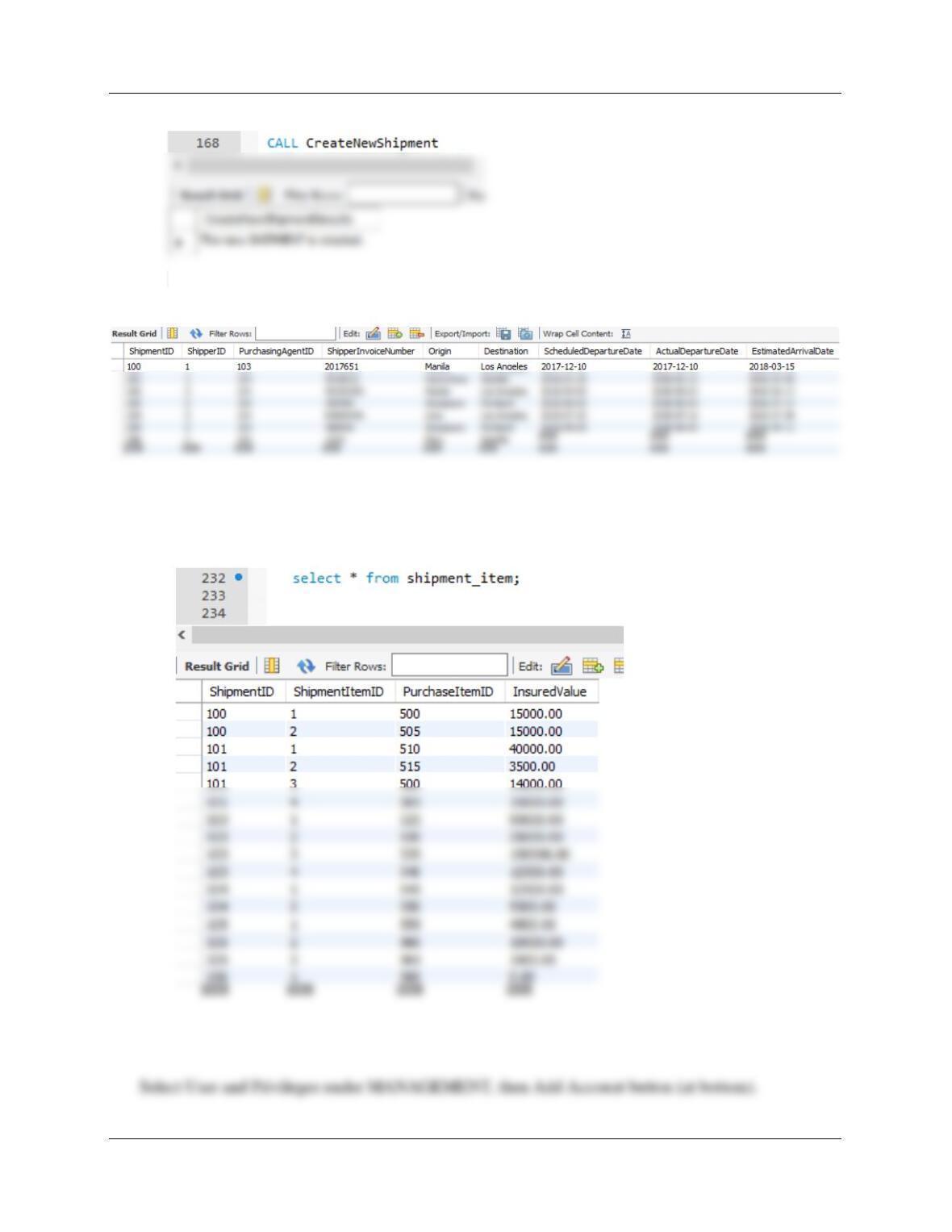
# Test
Chapter 10C – Managing Databases with MySQL 5.7
Page 10C-140
SELECT * FROM SHIPMENT;
SELECT * FROM SHIPMENT_ITEM;
Note new item with itemID 500 for Shipment # 106.
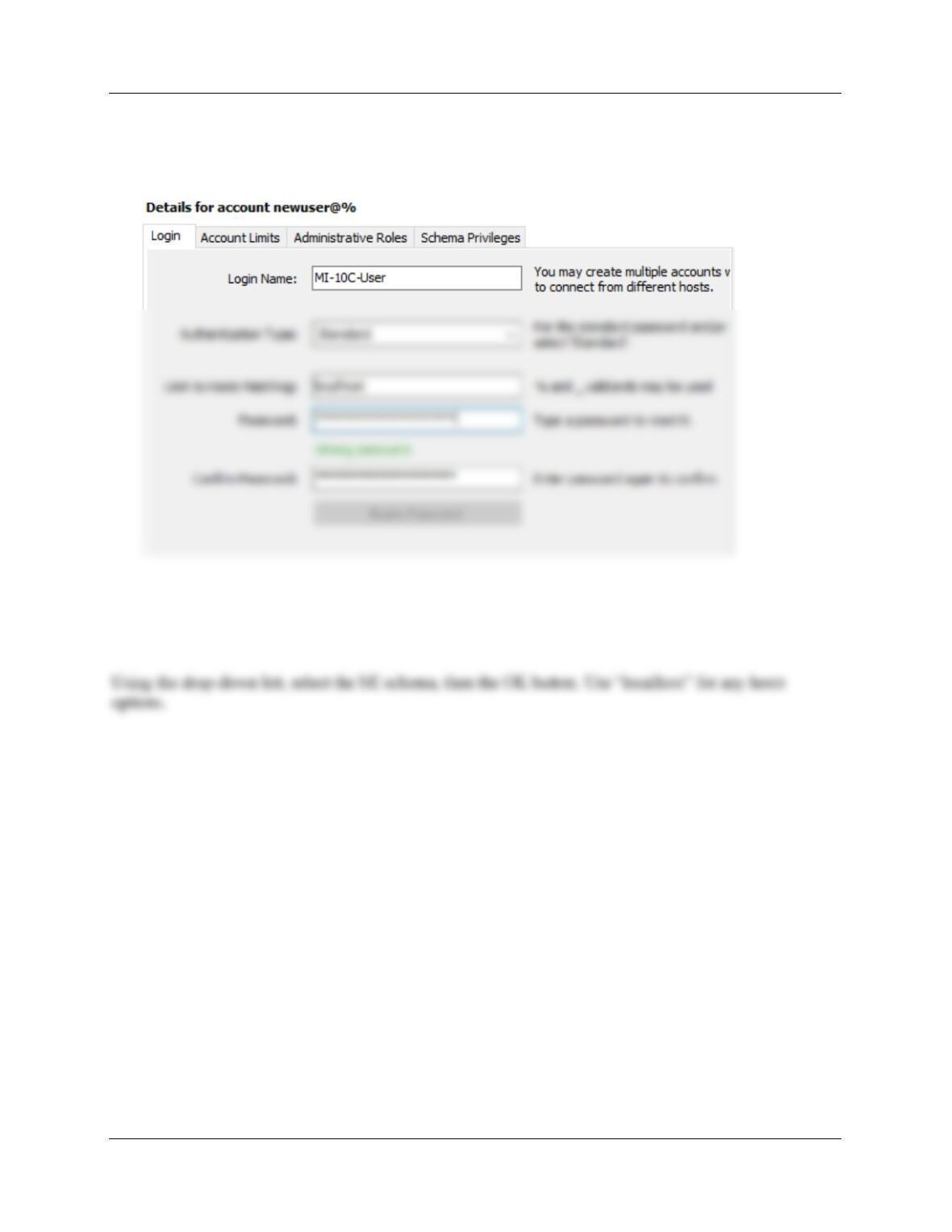
G. Create a user named MI-10C-User with a password of MI-10C-User+password. Assign MI–
10C-User all schema privileges except GRANT to the MI database.
Chapter 10C – Managing Databases with MySQL 5.7
Page 10C-141
Fill in screen as follows, then Apply button.
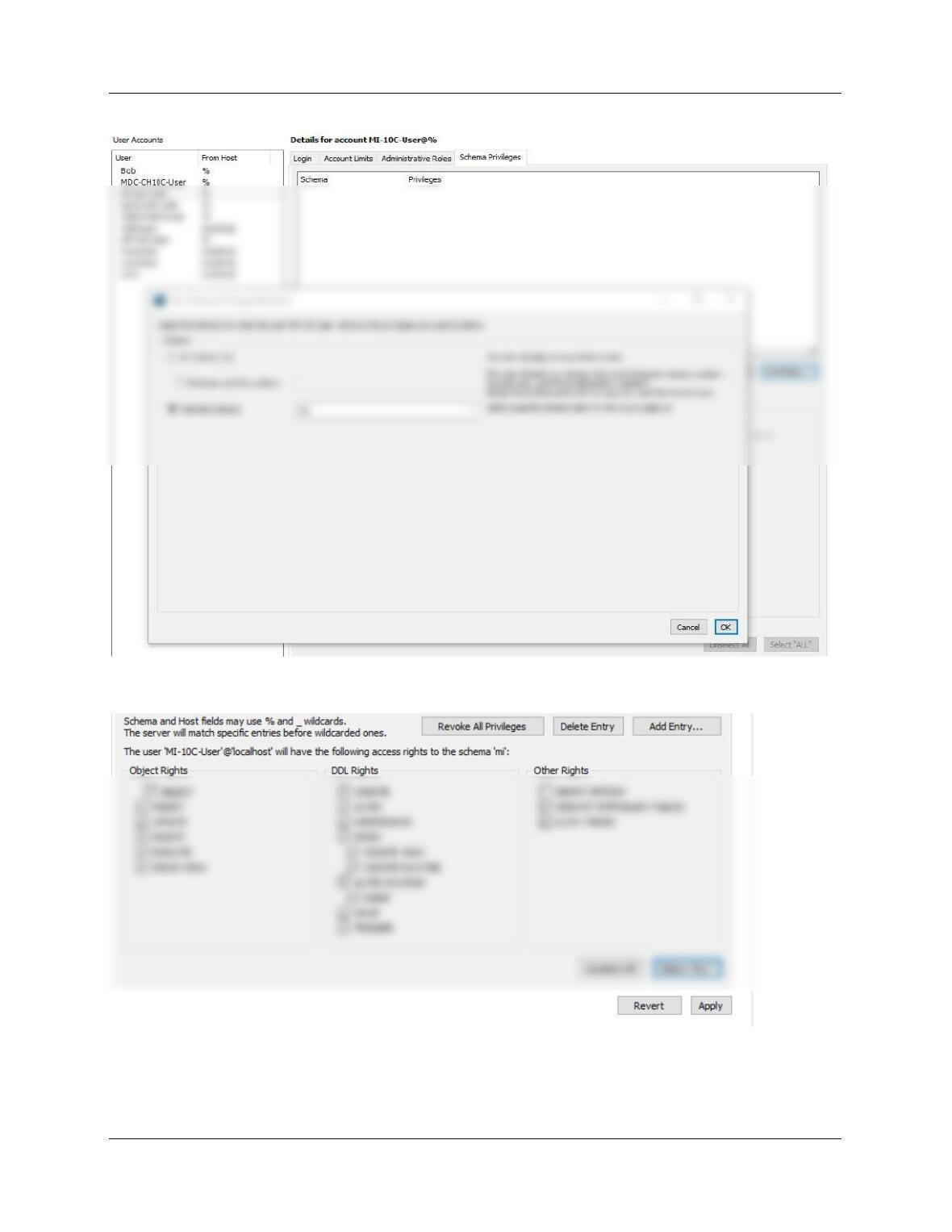
Click the Schema Privileges tab, then the new user-id (MI-10C-User), then the Add Entry
button.
Chapter 10C – Managing Databases with MySQL 5.7
Page 10C-142
Use the Select *ALL* button to allow all privs except GRANT, then click the Apply button.

Chapter 10C – Managing Databases with MySQL 5.7
Page 10C-143
Morgan Importing purchases marine insurance to protect the company from monetary loss during
shipping. So far, the company has keep their insurance records in a Microsoft Excel 2016 worksheet, as
H. Duplicate the INSURANCE worksheet in Figure 10C-113 in a worksheet (or spreadsheet) in
an Microsoft Excel 2016 (or another tool such as Apache OpenOffice Calc).
The file is available in the Instructor’s solutions file for MI (DBP–e15-MI-Insurance).
I. Import the data in the INSURANCE worksheet into a table in the MI database named
INSURANCE_TEMP. Hint: Use the MySQL for Excel Add-In, which exports the data from
Microsoft Excel to MySQL.
Open the INSURANCE worksheet in Excel. Select the data tab, and you should see the
Chapter 10C – Managing Databases with MySQL 5.7
Page 10C-144
J. Create the GetLastNameCommaSeparated user-defined function shown in Figure 10C-60.
DELIMITER //
CREATE FUNCTION GetLastNameCommaSeparated
— These are the input parameters
(
SET varLastName = SUBSTRING(varName, 1, (varIndexValue – 1));
— Return the last name
RETURN varLastName;
END
//
DELIMITER ;
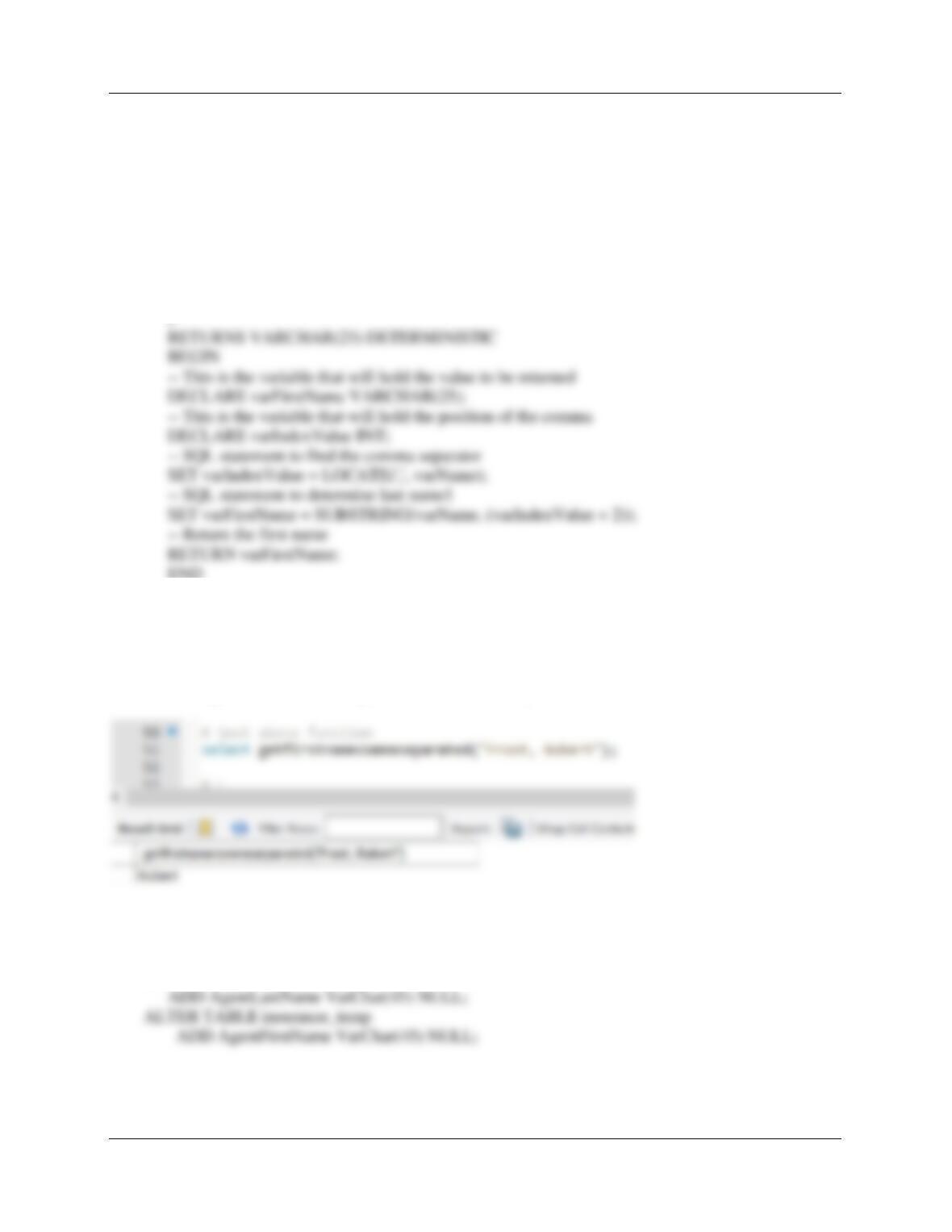
# test above function
select GetLastNameCommaSeparated(“Frost, Robert“);
Chapter 10C – Managing Databases with MySQL 5.7
Page 10C-145
K. Create a user-defined function named GetFirstNameCommaSeparated that will return the
first name from a combined name in last-name-first order, with the names separated by a
comma and one space.
DELIMITER //
CREATE FUNCTION GetFirstNameCommaSeparated
— These are the input parameters
(
varName VARCHAR(50)
END
//
DELIMITER ;
# test above function
select getfirstnamecommaseparated(“Frost, Robert”);
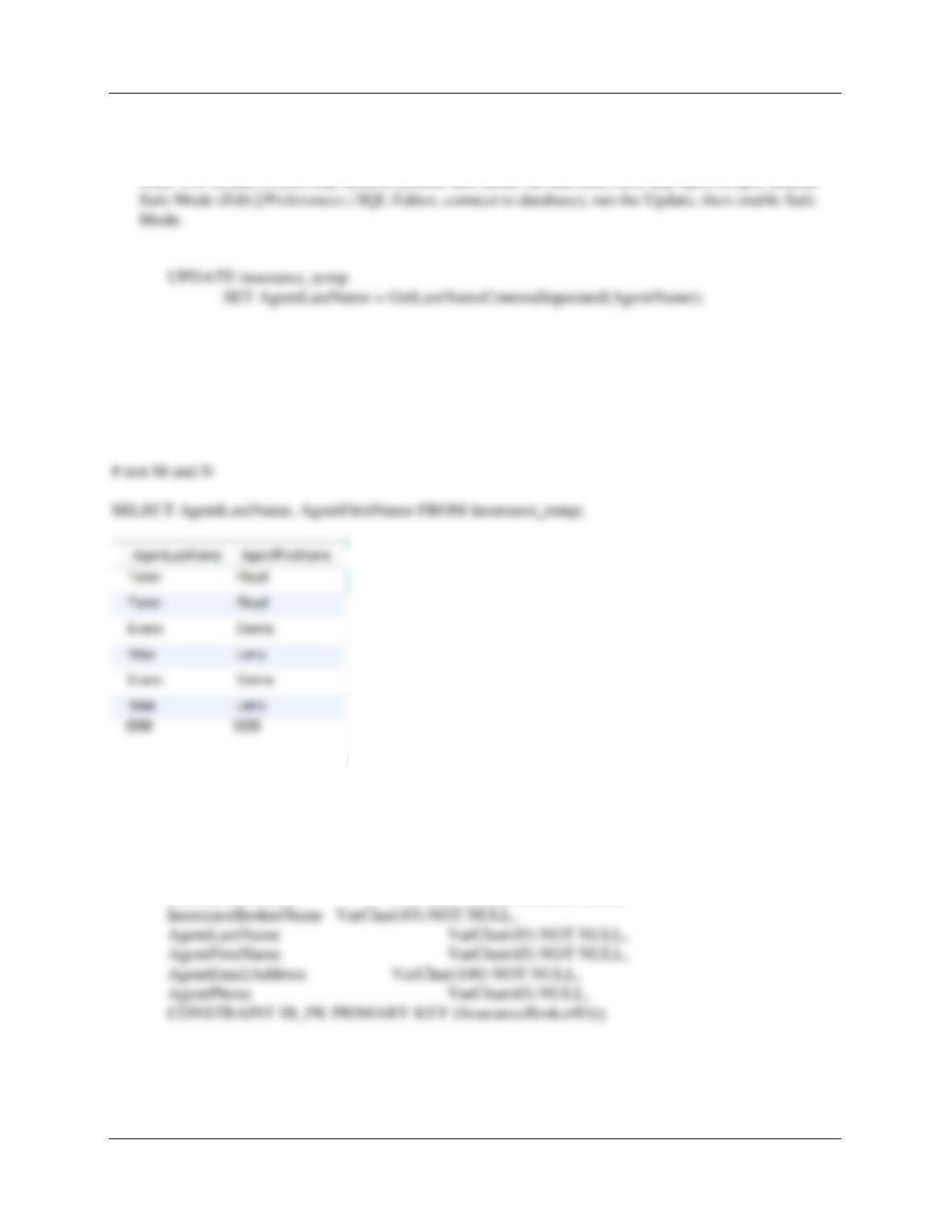
L. Alter the INSURANCE_TEMP table to include AgentLastName and AgentFirstName
columns (Varchar(45), allow NULL values).
ALTER TABLE insurance_temp
Chapter 10C – Managing Databases with MySQL 5.7
Page 10C-146
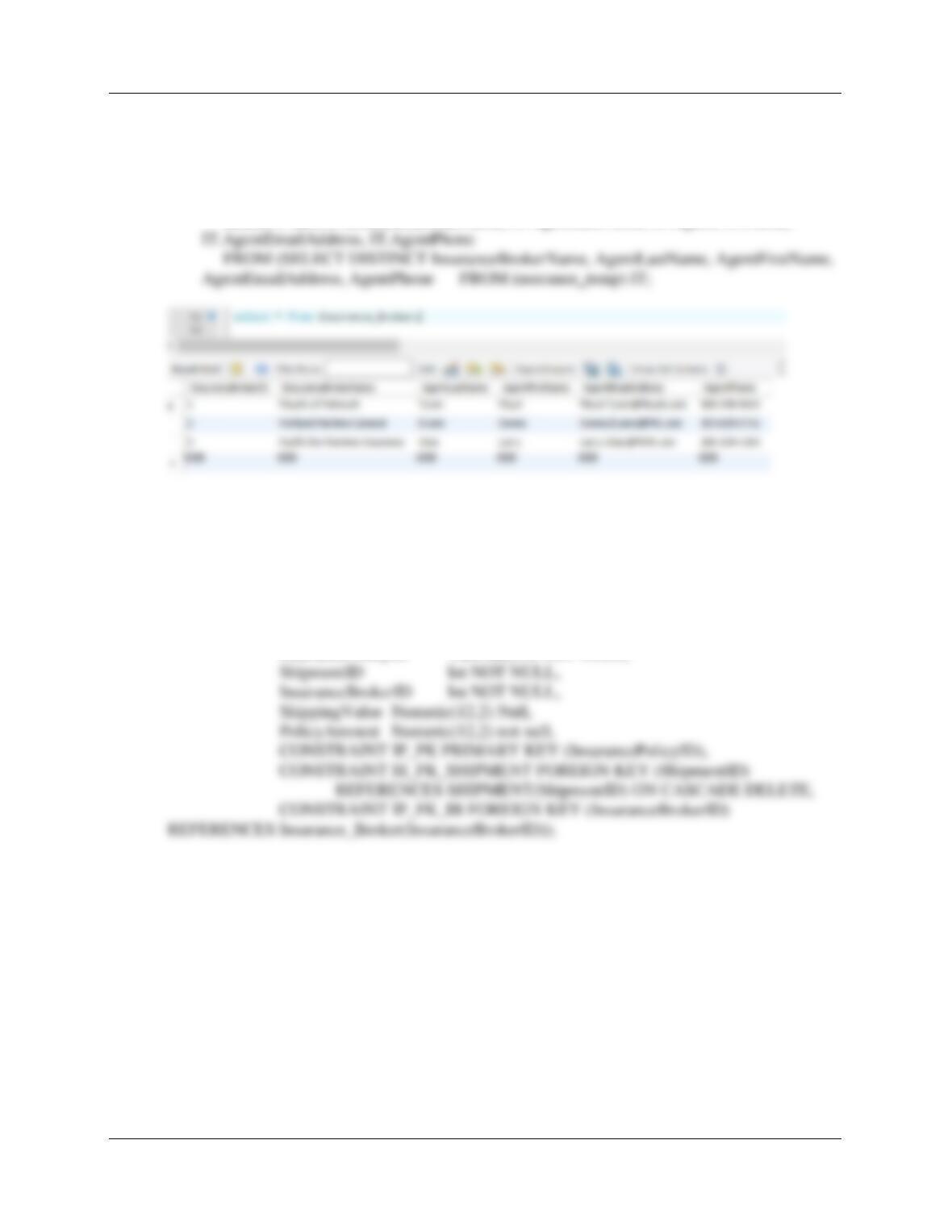
M. Use the GetLastNameCommaSeparated user-defined function you created in step J to
populate the AgentLastName column.
Note: For M and N, you may need to disable safe mode. In that case, save any open scripts, disable
N. Use the GetFirstNameCommaSeparated user-defined function you created in step K to
populate the AgentFirstName column.
UPDATE insurance_temp
SET AgentFirstName = GetFirstNameCommaSeparated(AgentName);
O. Create a new table named INSURANCE_BROKER. Use the column characteristics shown
in Figure 10C-114, where InsuranceBrokerID is a surrogate key starting at 1 and
incrementing by 1.
CREATE TABLE INSURANCE_BROKER (
InsuranceBrokerID INT NOT NULL auto_increment,
Chapter 10C – Managing Databases with MySQL 5.7
Page 10C-147
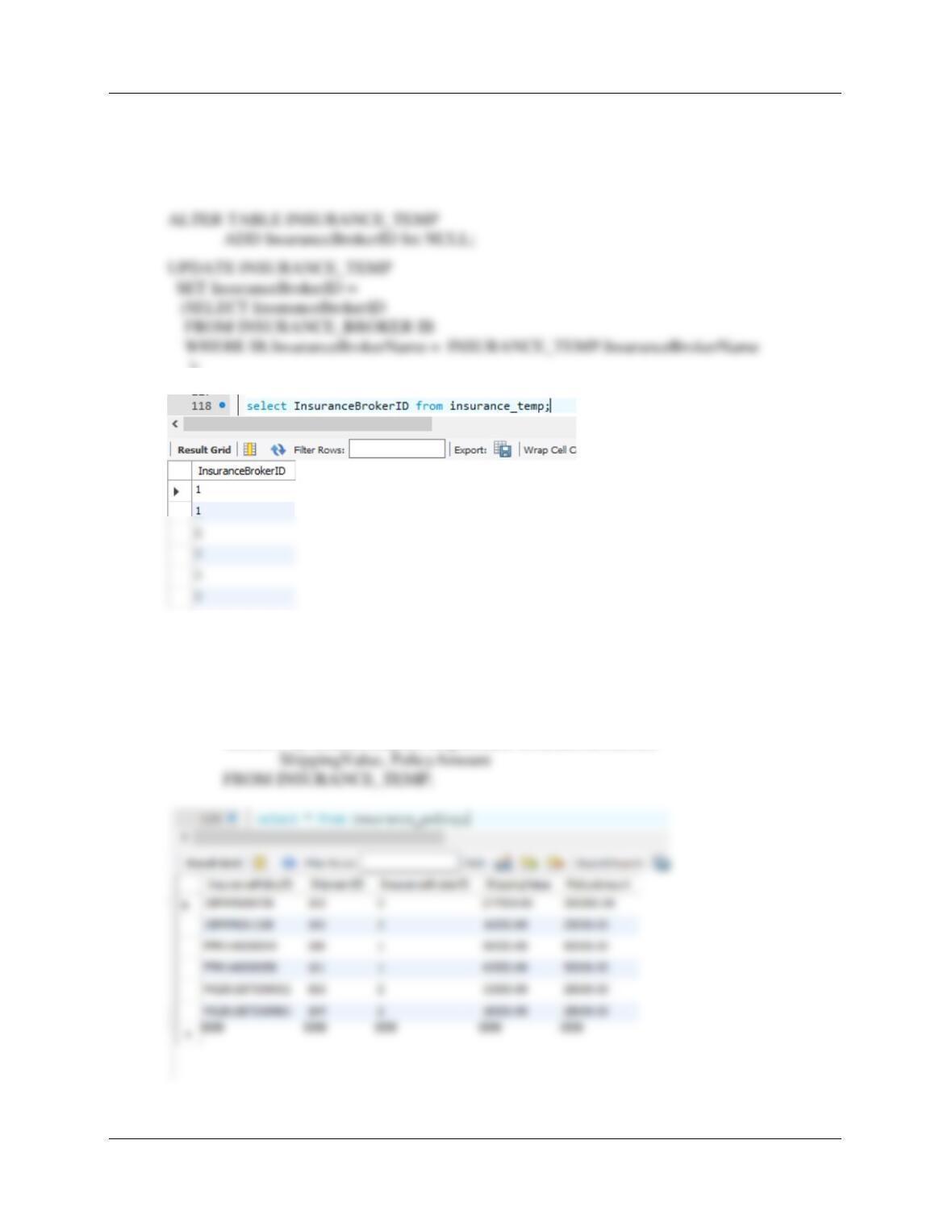
P. Populate the INSURANCE_BROKER table using the data stored in the INSURANCE_TEMP
table. Hint: You should insert distinct data into the table, and your final table will have only 3
records.
INSERT INTO INSURANCE_BROKER
SELECT null, IT.InsuranceBrokerName, IT.AgentLastName, IT.AgentFirstName,
Q. Create a new table named INSURANCE_POLICY. Use the column characteristics shown in
Figure 10C-114. Note that InsurancePolicyID is not a surrogate key, but rather uses a
Varchar (25) character string.
We allow CASCADE DELETE so that we can reassign shipment_items in Part F.1.
CREATE TABLE INSURANCE_POLICY (
InsurancePolicyID VarChar(25) NOT NULL,
Chapter 10C – Managing Databases with MySQL 5.7
Page 10C-148
R. Alter the INSURANCE_TEMP table to include an InsuranceBrokerID column (Integer data,
allow nulls). By using and comparing the INSURANCE_TEMP .InsuranceBrokerName and
INSURANCE_BROKER.InsuranceBrokerName columns, populate this column. Hint:
Assume for this question that no two insurance broker names are the same.
);
S. Populate the INSURANCE_POLICY table using the data stored in the INSURANCE_ TEMP
table. Hint: You will have one record in the INSURANCE_POLICY table for every record in
the INSURANCE_TEMP table, and your final table will have 6 records.
INSERT INTO INSURANCE_POLICY
SELECT InsurancePolicyID, ShipmentID, InsuranceBrokerID,

Chapter 10C – Managing Databases with MySQL 5.7
Page 10C-149
T. We have completed the modifications of the MI database, and are done with the temporary
INSURANCE_TEMP table. We could delete it if we wanted to, but we will keep the
INSURANCE_TEMP table in the database.