Chapter 10C – Managing Databases with MySQL 5.7
Page 10C-121
ALTER TABLE SHIPMENT auto_increment = 100;
CREATE TABLE SHIPMENT_ITEM (
ShipmentID Int NOT NULL,
ShipmentItemID Int NOT NULL,
);
CREATE TABLE SHIPMENT_RECEIPT (
ReceiptNumber Int NOT NULL auto_increment,
ShipmentID Int NOT NULL,
PurchaseItemID Int NOT NULL,
ReceivingAgentID Int NOT NULL,
ReceiptDate Date NOT NULL,
REFERENCES EMPLOYEE(EmployeeID)
);
Chapter 10C – Managing Databases with MySQL 5.7
Page 10C-122
/***** EMPLOYEE Data
********************************************************/
INSERT INTO EMPLOYEE VALUES (null,
‘Williams’, ‘David’, ‘Purchasing’, ‘Purchasing Manager’, 101, ‘310-208-1434′, ’310-208-1498′,
‘David.Williams@morganimporting.com’);
INSERT INTO EMPLOYEE VALUES (null,
‘Gilbertson’, ‘Teri’, ‘Purchasing’, ‘Purchasing Agent’, 103, ‘310-208-1435’, ‘310-208-1498’,
‘Teri.Gilbertson@morganimporting.com’);
/***** STORE Data
***********************************************************/
INSERT INTO STORE VALUES (1000,
‘Eastern Sales’, ‘Singapore’, ‘Singapore’, ’65-543-1233′,
’65-543-1239′, ‘Sales@EasternSales.com.sg’, ‘Jeremey’);
INSERT INTO STORE VALUES (1050,
‘Eastern Treasures’, ‘Manila’, ‘Philippines’, ’63-2-654-2344′,
’63-2-654-2349′, ‘Sales@EasternTreasures.com.ph’, ‘Gracielle’);
Page 10C-123
‘Eastern Treasures’, ‘New Delhi’, ‘India’, ’91-11-987-6788′,
’91-11-987-6789′, ‘Sales@EasternTreasures.com.in’, ‘Deepinder’);
/***** SHIPPER Data
***********************************************************/
INSERT INTO SHIPPER VALUES (null,
‘ABC Trans-Oceanic’, ‘800-234-5656′, ‘800-234-5659′,
‘Sales@ABCTransOceanic.com’, ‘Jonathan’);
/***** PURCHASE_ITEM Data
***********************************************************/
INSERT INTO PURCHASE_ITEM VALUES (500,
1050, 101, ‘2017-12-10′, ‘Antique Large Bureaus’, ‘Furniture’, 13415);
INSERT INTO PURCHASE_ITEM VALUES (505,
1050, 102, ‘2017-12-12′, ‘Porcelain Lamps’, ‘Lamps’, 13300);
INSERT INTO PURCHASE_ITEM VALUES (530,
1000, 103, ‘2018-05-19′, ‘Large Masks’, ‘Decorations’, 22135);
INSERT INTO PURCHASE_ITEM VALUES (535,
1100, 104, ‘2018-05-20′, ‘Willow Design China’, ‘Tableware’, 147575);
Chapter 10C – Managing Databases with MySQL 5.7
Page 10C-124
INSERT INTO PURCHASE_ITEM VALUES (560,
1000, 103, ‘2018-07-17′, ‘Large Bureau’, ‘Furniture’, 9500);
INSERT INTO PURCHASE_ITEM VALUES (565,
1100, 104, ‘2018-07-20′, ‘Brass Lamps’, ‘Lamps’, 1200);
/***** SHIPMENT Data
***********************************************************/
17′);
INSERT INTO SHIPMENT VALUES (null,
2, 104, 399400, ‘Singapore’, ‘Portland’, ‘2018-06-02′, ‘2018-06-04′,’2018-07-17′ );
INSERT INTO SHIPMENT VALUES (null,
3, 103, 84899440, ‘Lima’, ‘Los Angeles’, ‘2018-07-10′, ‘2018-07-10′, ‘2018-07-
28′);
INSERT INTO SHIPMENT VALUES (null,
2, 104, 488955, ‘Singapore’, ‘Portland’, ‘2018-08-05’, ‘2018-08-09′, ‘2018-09-11′);
Chapter 10C – Managing Databases with MySQL 5.7
INSERT INTO SHIPMENT_ITEM VALUES(101, 2, 515, 3500);
INSERT INTO SHIPMENT_ITEM VALUES(102, 1, 520, 15000);
INSERT INTO SHIPMENT_ITEM VALUES(104, 1, 545, 12500);
INSERT INTO SHIPMENT_ITEM VALUES(104, 2, 550, 5500);
INSERT INTO SHIPMENT_ITEM VALUES(105, 1, 555, 4500);
/***** SHIPMENT_RECEIPT
***********************************************************/
INSERT INTO SHIPMENT_RECEIPT VALUES(200001, 100, 500, 105,’2018-03-17′, ’10:00′,
3, ‘Yes’, NULL);
INSERT INTO SHIPMENT_RECEIPT VALUES(200002, 100, 505, 105, ‘2018-03-17’, ’10:00′,
50, ‘Yes’, NULL);
INSERT INTO SHIPMENT_RECEIPT VALUES(200003, 101, 510, 105, ‘2018-03-23’, ’15:30′,
100, ‘Yes’, NULL);
100, ‘Yes’, NULL);
INSERT INTO SHIPMENT_RECEIPT VALUES(200009, 103, 540, 106, ‘2018-07-20’, ‘2:20’,
10, ‘Yes’, NULL);
INSERT INTO SHIPMENT_RECEIPT VALUES(200010, 104, 545, 105, ‘2018-07-29’, ’21:00′,
100, ‘Yes’, NULL);
INSERT INTO SHIPMENT_RECEIPT VALUES(200011, 104, 550, 105, ‘2018-07-29’, ’21:00′,
Chapter 10C – Managing Databases with MySQL 5.7
Page 10C-126
/*****************************************/
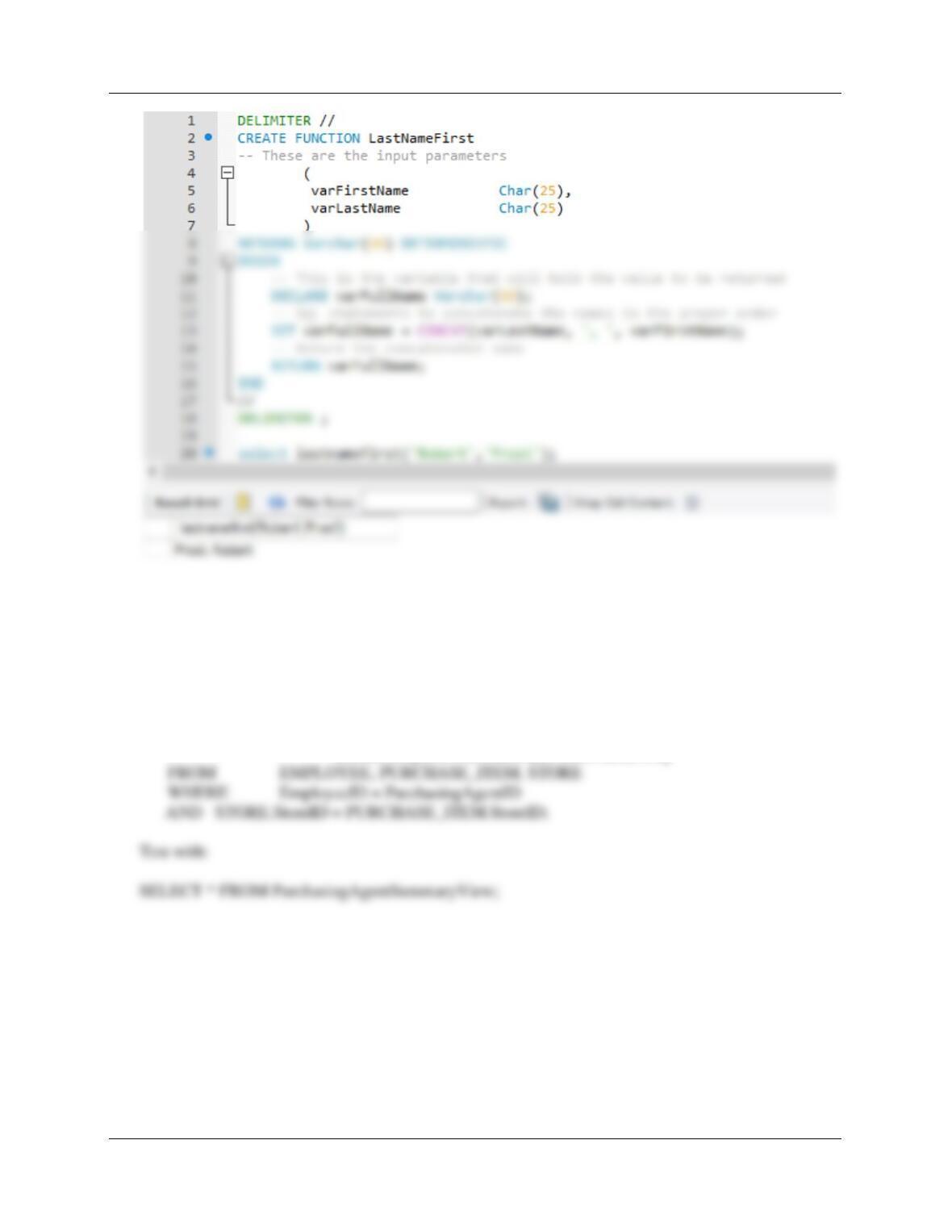
A. Create and test a user-defined function named LastNameFirst that combines two
parameters named FirstName and LastName into a concatenated name field formatted
LastName, FirstName (including the comma and space).
DELIMITER //
CREATE FUNCTION LastNameFirst
— These are the input parameters
(
varFirstName Char(25),
Chapter 10C – Managing Databases with MySQL 5.7
Page 10C-127
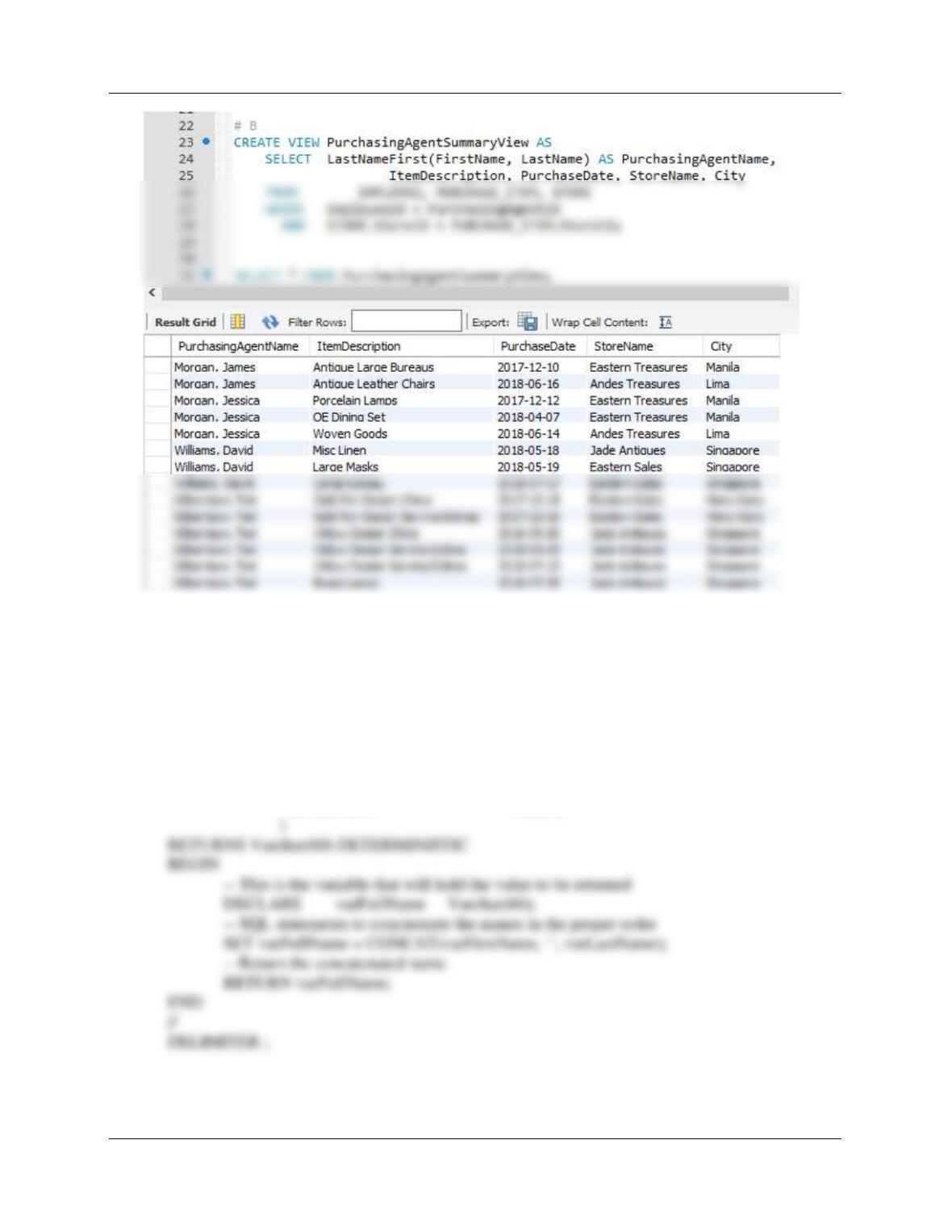
B. Create and test a view called PurchasingAgentSummaryView that contains the employee
name of any MI employees who purchase items for the company, concatenated and
formatted as LastName, FirstName in a field named PurchasingAgentName,
PURCHASE_ITEM.ItemDescription, PURCHASE_ITEM.PurchaseDate,
STORE.StoreName, STORE.City, Store.Country.
CREATE VIEW PurchasingAgentSummaryView AS
SELECT LastNameFirst(FirstName, LastName) AS PurchasingAgentName,
ItemDescription, PurchaseDate, StoreName, City
Chapter 10C – Managing Databases with MySQL 5.7
Page 10C-128
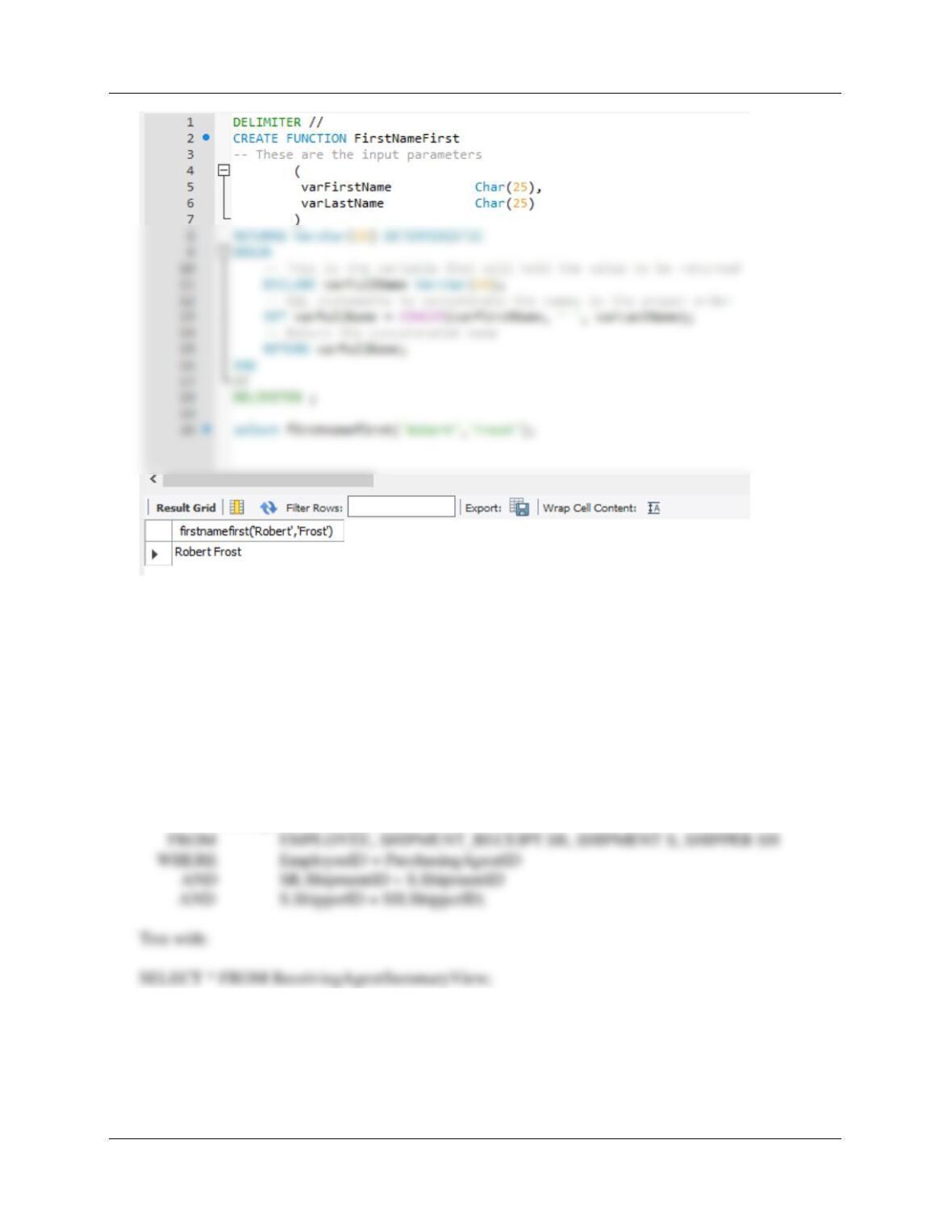
C. Create and test a user-defined function named FirstNameFirst that combines two
parameters named FirstName and LastName into a concatenated name field formatted
FirstName LastName (including the space).
DELIMITER //
CREATE FUNCTION FirstNameFirst
— These are the input parameters
(
varFirstName Char(25),
varLastName Char(25)
Chapter 10C – Managing Databases with MySQL 5.7
Page 10C-129
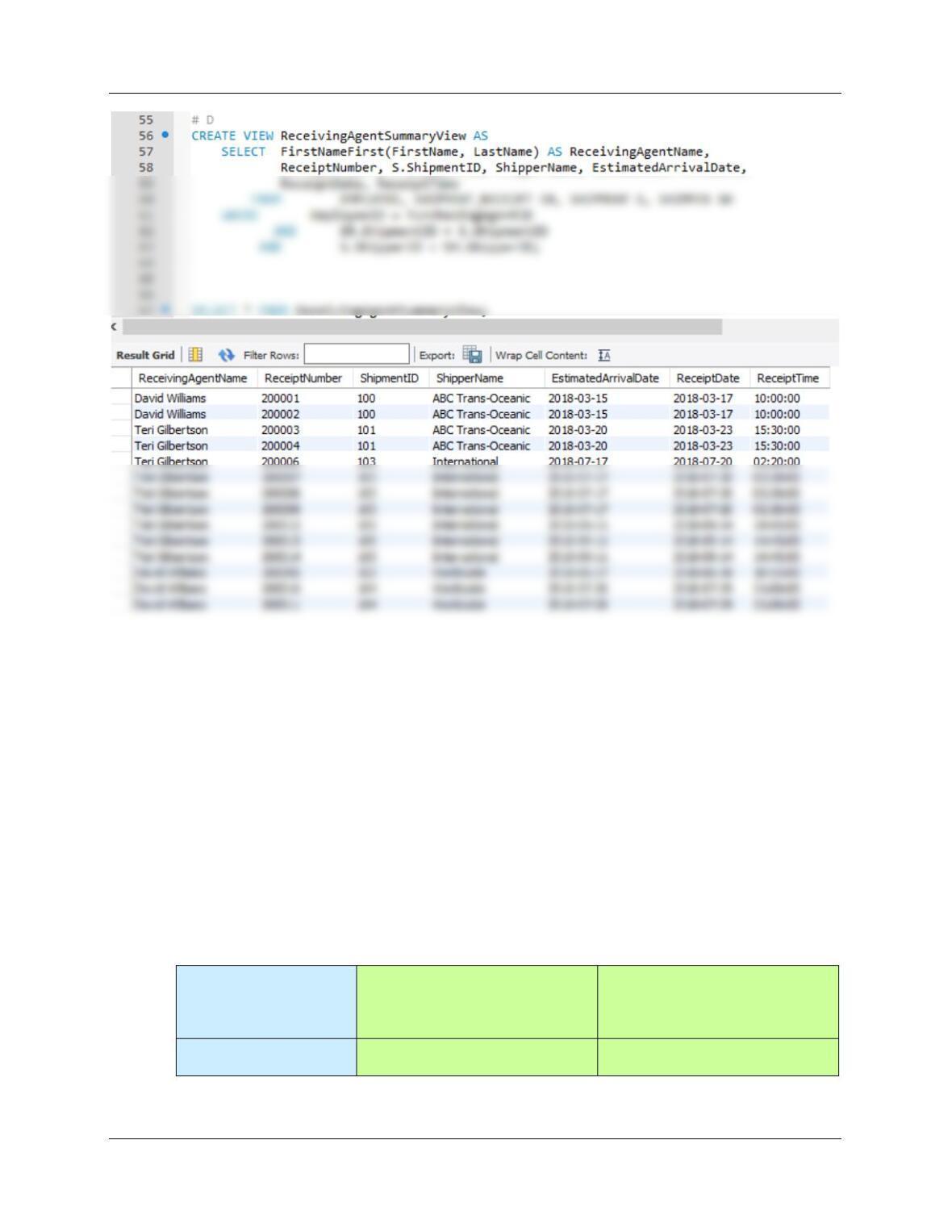
D. Create and test a view called ReceivingAgentSummaryView that contains the employee
name of any MI employees who received items for the company, concatenated and
formatted as FirstName, LastName in a field named ReceivingAgentName,
SHIPMENT_RECEIPT.ReceiptNumber, SHIPMENT.ShipmentID, SHIPPER.ShipperName,
SHIPMENT.EstimatedArrivalDate, SHIPMENT_RECEIPT.ReceiptDate,
SHIPMENT_RECEIPT ReceiptTime.
CREATE VIEW ReceivingAgentSummaryView AS
SELECT FirstNameFirst(FirstName, LastName) AS ReceivingAgentName,
ReceiptNumber, S.ShipmentID, ShipperName, EstimatedArrivalDate,
ReceiptDate, ReceiptTime
Chapter 10C – Managing Databases with MySQL 5.7
Page 10C-130
Using the MI database, create an SQL script named MI-Create-Procedures.sql to answer parts E and F.
E. Assume that the relationship between SHIPMENT and SHIPMENT_ITEM is M-M. Design
procedures to enforce this relationship. Use Figure 10C-80 and the discussion of that figure
as an example, but assume that Morgan does allow SHIPMENTs and their related
SHIPMENT_ITEM rows to be deleted. Use the deletion strategy shown in Figures 7-28 and
7-29 for this case.
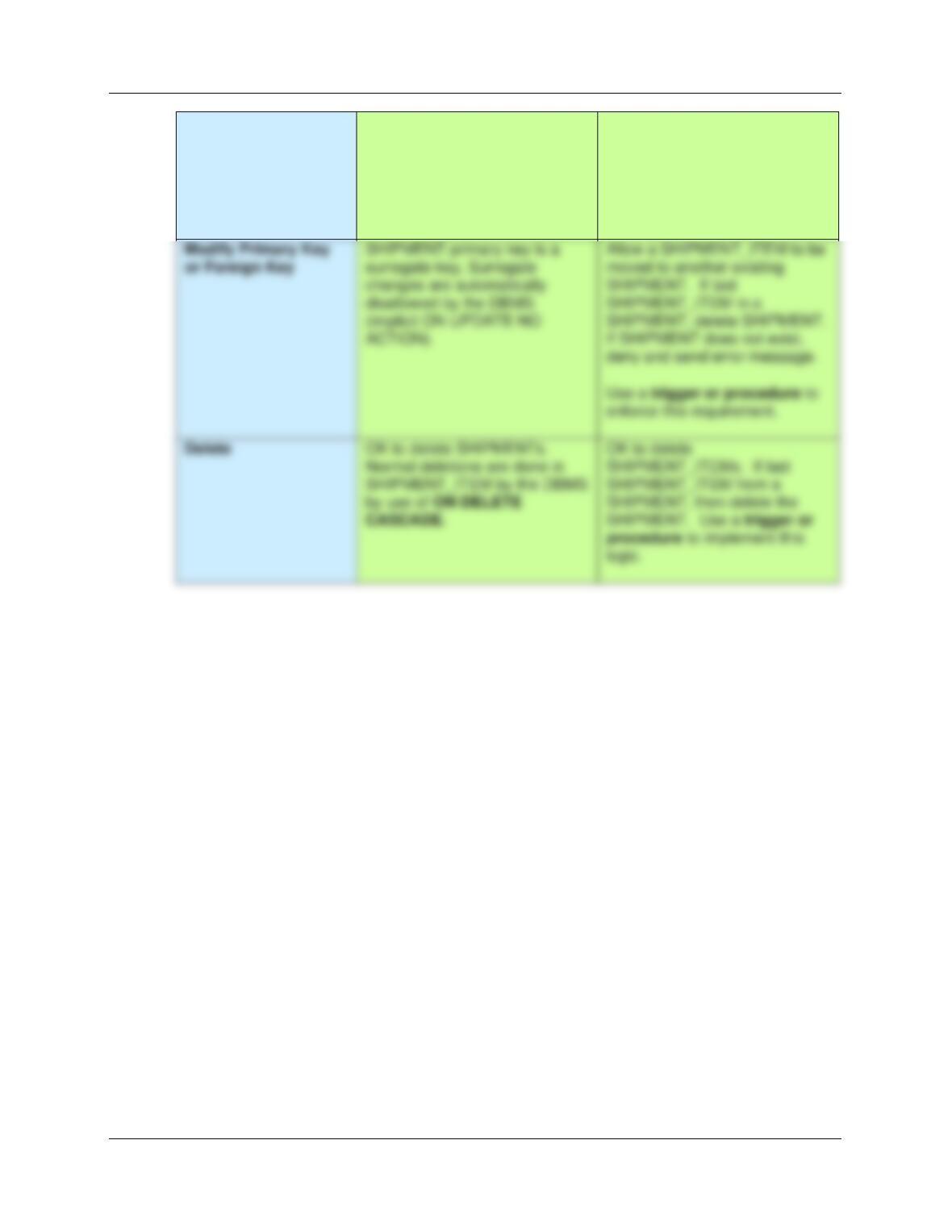
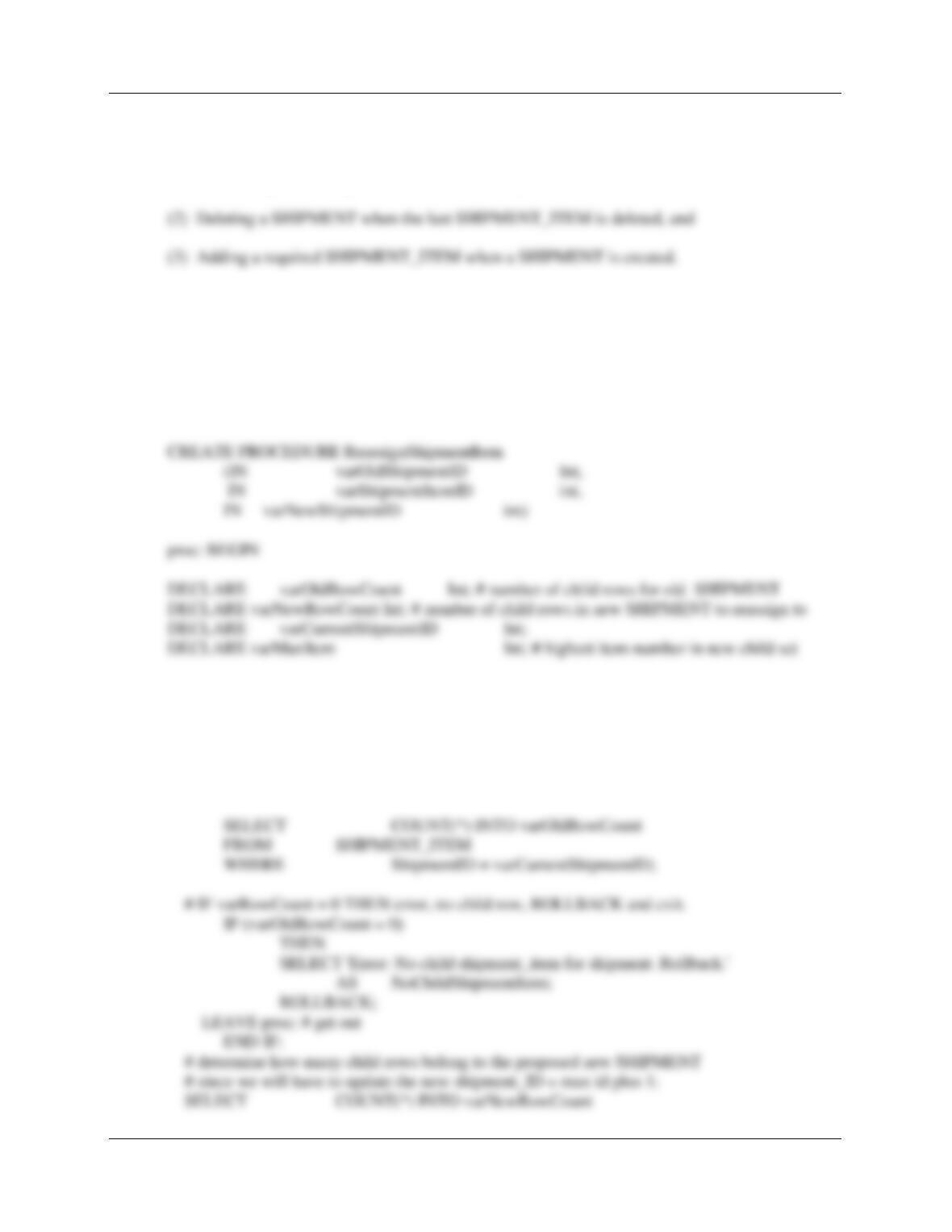
Here is the analysis of the required referential integrity enforcement actions for the M-M
relationship between SHIPMENT (Parent) and SHIPMENT_ITEM (Child). It is based on Figure
10-27. Note the referential integrity actions on the required child are handled, as usual, by the
DBMS. These are already correct in our table structure and existing referential integrity
constraints. We need a series of triggers to handle the actions on the required parent.
Both SHIPMENT and
SHIPMENT_ITEM are
Required
SHIPMENT
[Parent]
SHIPMENT_ITEM
[Child]
Insert
Create a new SHIPMENT_ITEM
row. Note that this row must
New SHIPMENT_ITEM row
must have a valid SHIPMENT
Chapter 10C – Managing Databases with MySQL 5.7
Page 10C-131
have a ItemID from ITEM
assigned to it.
Use a trigger or procedure to
create new row in
SHIPMENT_ITEM.
(enforced by DBMS NOT NULL
and referential integrity).
Use a trigger or procedure to
enforce this requirement.
logic.
Chapter 10C – Managing Databases with MySQL 5.7
Page 10C-132
F. Write and test the stored procedures you designed in part E, above.
There are three actions that need procedures:
(1) Controlling the reassignment of a SHIPMENT_ITEM from one SHIPMENT to another
(1) Controlling the reassignment of a SHIPMENT_ITEM from one SHIPMENT to
another.
MySQL will not support an appropriate trigger in this case, since we would need to roll back a
transaction. Further, we cannot use a view, since MySQL does not support INSTEAD OF
triggers.
DELIMITER //
# Check to see if the currrent (old) SHIPMENT has more than one SHIPMENT_ITEM.
SELECT ShipmentID
FROM SHIPMENT
WHERE ShipmentID = varOldShipmentID
INTO varCurrentShipmentID;
Chapter 10C – Managing Databases with MySQL 5.7
Page 10C-133
SELECT max(ShipmentItemID) into varMaxItem
FROM SHIPMENT_ITEM
WHERE ShipmentID = varNewShipmentID;
# IF varRowCount = 1 THEN reasssign the SHIPMENT_ITEM row and delete parent
SHIPMENT row.
# update the itemID to be one higher than current max id (otherwise we will have duplicate
PK).
parent row.’
AS ReassignLastChildDeleteOldParent;
# assign current shipment_item to new parent shipment
UPDATE SHIPMENT_ITEM
SET ShipmentID = varNewShipmentID, ShipmentItemID = varMaxItem+1
WHERE ShipmentID = varOldShipmentID
AND ShipmentItemID = varShipmentItemID;
# delete old parent row
DELETE from SHIPMENT
THEN
# Start transaction – Rollback everything if unable to complete it.
START TRANSACTION;
SELECT ‘Reassigning SHIPMENT_ITEM row to new parent SHIPMENT row.’
AS ReassignChild;
Chapter 10C – Managing Databases with MySQL 5.7
END IF; # rowcount > 1
END proc;
//
DELIMITER ;
# To test this procedure:
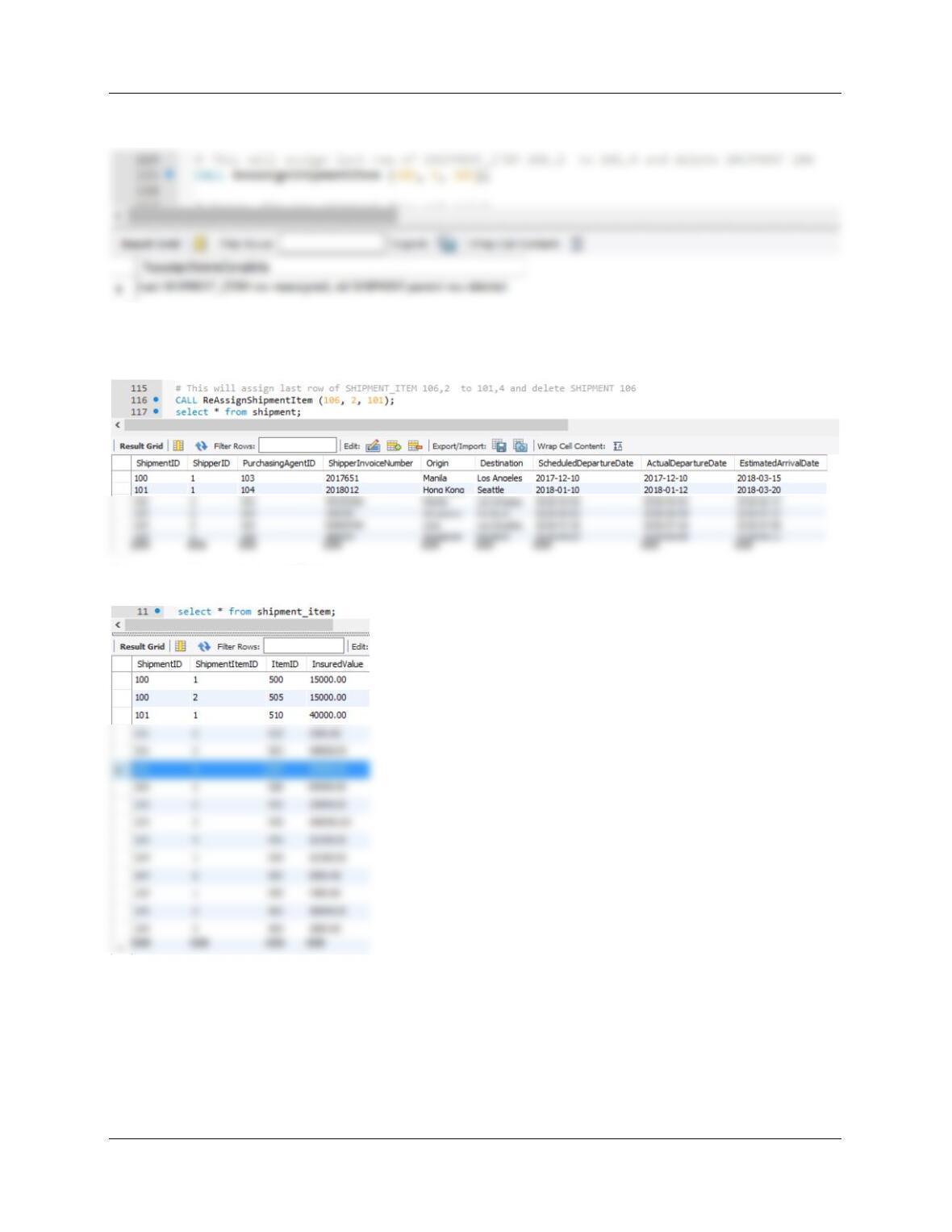
CALL ReAssignShipmentItem (106, 1, 101);
That will change Shipment_item with key 106,1 to new key 101,3.
Why 101, 3? The keys 101,1 and 101,2 already exist.
Chapter 10C – Managing Databases with MySQL 5.7
Page 10C-135
# Now test reassignment of last row for shipment 106 to 101,4 , delete shipment 106.
Note SHIPMENT 106 now deleted:
Note new shipment_item 101,4 :
# Another test: assign item to nonexistent SHIPMENT 107.
CALL ReAssignShipmentItem (100, 1, 107);