
INSTRUCTOR’S MANUAL
TO ACCOMPANY
40th Anniversary Edition
DATABASE PROCESSING
Fundamentals, Design, and Implementation
15th Edition
Online Chapter 10C
Managing Databases Using MySQL 5.7
David M. Kroenke | David J. Auer | Scott L. Vandenberg | Robert C. Yoder
Chapter 10C – Managing Databases with MySQL 5.7
Page 10C-2
❖ CHAPTER OBJECTIVES
■ To install MySQL 5.7 Community Server and create a database
■ To use the MySQL Workbench graphical utility
■ To submit both SQL DDL and DML via the MySQL Workbench
❖ ERRATA
❖ TEACHING SUGGESTIONS
IMPORTANT TEACHING NOTES – READ THIS FIRST!
1. Pages 10C-1 through 10C-35 of Online Chapter 10C – Managing Databases
with MySQL 5.7 are intended to be taught in conjunction with Chapter 2 –
Introduction to Structured Query Language.
a. If you are using MySQL 5.7 as your DBMS, you should cover these pages
to help your students get set up for the SQL work in Chapter 2.
2. Pages 10C-28 through 10C-98 of Online Chapter 10C – Managing Databases
with MySQL 5.7 are intended to be taught in conjunction with Chapter 7 –SQL
for Database Construction and Application Processing.
a. For each topic discussed in Chapter 7, there is a more detailed and
DBMS specific treatment of the same topic in online Chapter 10C.

Chapter 10C – Managing Databases with MySQL 5.7
Page 10C-3
b. When you teach a topic in Chapter 7, extend the coverage with the
associated material in online Chapter 10C.
3. Pages 10C-99 through 10C-108 of Online Chapter 10C – Managing
Databases with MySQL 5.7 are intended to be taught in conjunction with
Chapter 9 – Managing Multiuser Databases.
a. For many of the topics discussed in Chapter 9, there is a DBMS specific
treatment of the same topic in online Chapter 10C.
Chapter 10C – Managing Databases with MySQL 5.7
Page 10C-4
TEACHING SUGGESTIONS
• You can spend anywhere from one to four or five class periods on this chapter.
So, you need to think first about how much time you can devote to it and shape
your plans accordingly.
• In a one hour presentation format, you should be able to demonstrate the MySQL
Workbench, some SQL DDL, the source code of stored procedures and triggers,
and the invocation of stored procedures.
• The end of chapter Exercises, Case, and Project Questions for MDC, QACS, and
MI databases for MySQL 5.7 in this chapter and those for SQL Server 2017
(Chapter 10A) and Oracle Database 11g Release 2 (Online Chapter 10B) are the
same. You can demonstrate how the languages of these three products are
essentially the same by showing the solution to the same questions (all are
shown below) for each product.
• If your students have access to Oracle, SQL Server, and MySQL, assign some
students to one product and other students to the others, and have a contest to
see who can solve either the MDC, the QACS or the MI exercises first.
Chapter 10C – Managing Databases with MySQL 5.7
Page 10C-5
ANSWERS TO REVIEW QUESTIONS
10C.1 Create a database named MEDIA in MySQL 5.7. Use the default settings for file sizes,
names, and locations (the actual database name in MySQL will appear in lowercase
letters only).
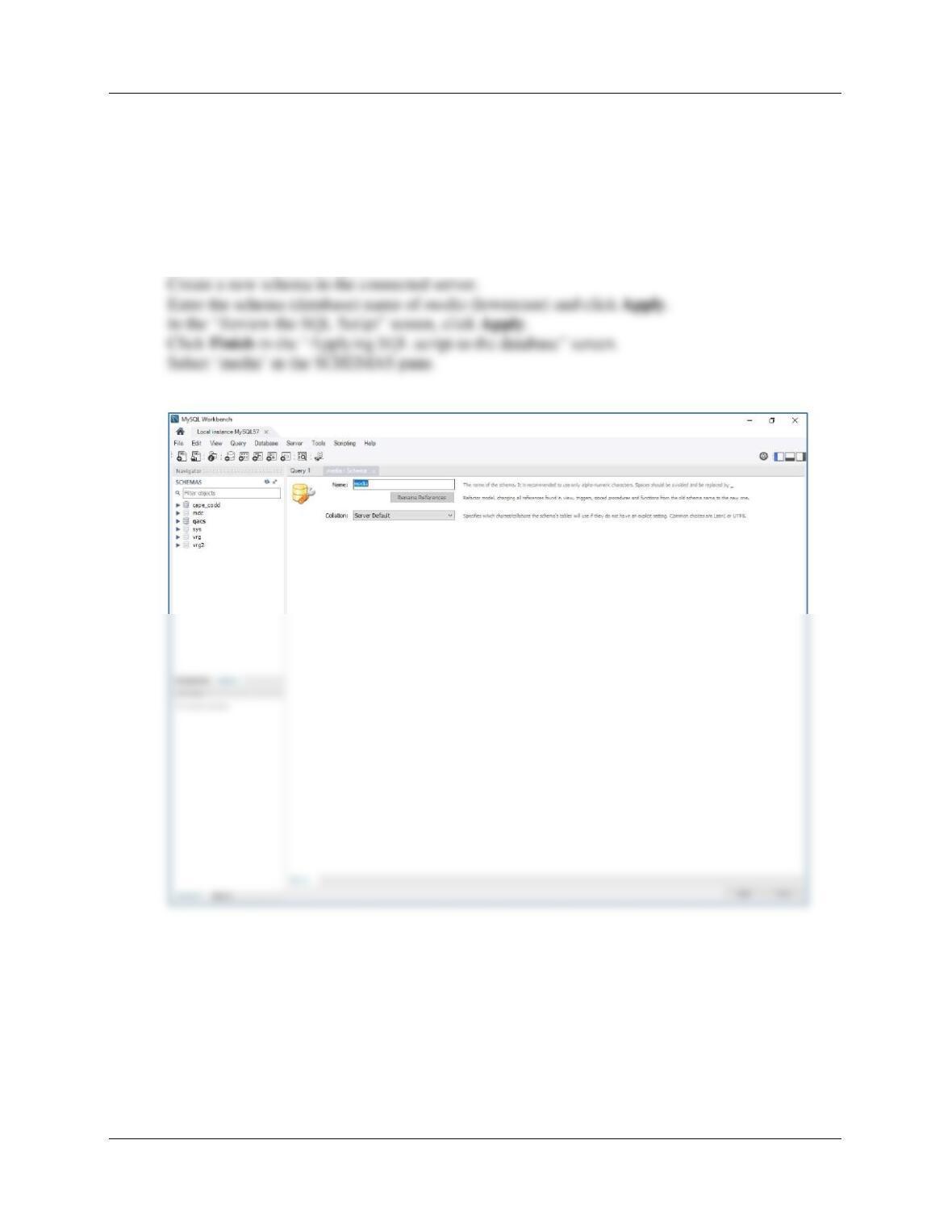
Follow the directions as explained on page 10C-20 – 10C-28.
Connect to the local instance.

Chapter 10C – Managing Databases with MySQL 5.7
Page 10C-6
10C.2 In the MySQL Workbench folder structure in your Documents folder, create a folder
named DBP–e15-Media-Database in the Schemas folder. Use this folder to save and
store *.sql scripts containing the SQL statements that you are asked to create in the
remaining Review Questions in this section.
10C.3 Using the MEDIA database, open a new tabbed SQL Query window, and save it as
MEDIA-CH10C-RQ–Solutions.sql in the DBP-e15-Media-Database folder. Use this script
to record and save the SQL statements that you are asked to create in the remaining
Review Questions in this section.
Chapter 10C – Managing Databases with MySQL 5.7
Page 10C-7
10C.4 Write an SQL CREATE TABLE statement to create a table named PICTURE using the
column characteristics as shown in Figure 10C-98. Be sure that the media database is
selected, then run the SQL statement to create the PICTURE table in the MEDIA
database.
CREATE TABLE PICTURE(
PictureID Int NOT NULL AUTO_INCREMENT,
10C.5 Write an SQL CREATE TABLE statement to create the table SLIDE_SHOW using the
column characteristics as shown in Figure 10C-99. Run the SQL statement to create the
SLIDE_SHOW table in the MEDIA database.
CREATE TABLE SLIDE_SHOW(
ShowID Int NOT NULL AUTO_INCREMENT,
ShowName Char(35) NOT NULL,
Chapter 10C – Managing Databases with MySQL 5.7
Page 10C-8
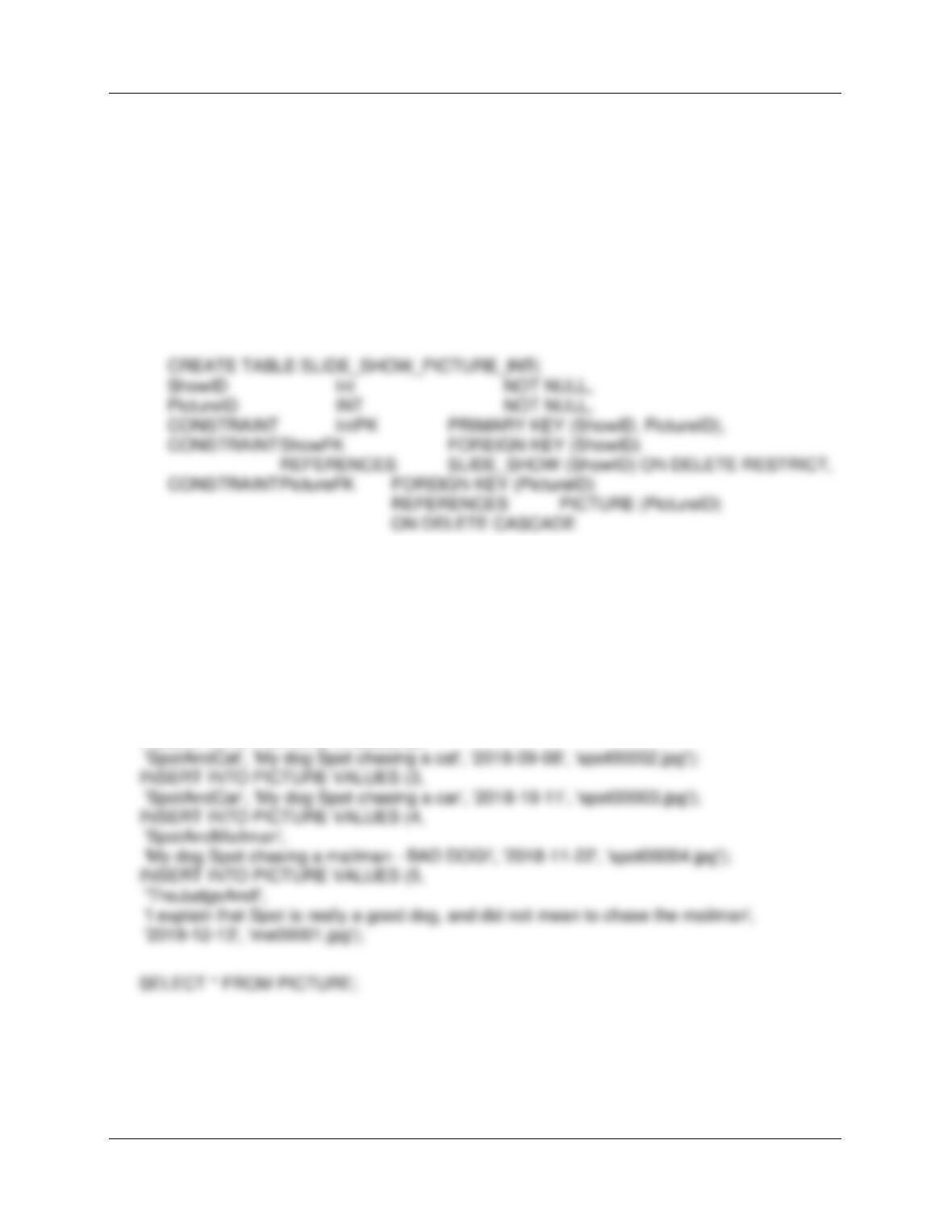
10C.6 Write an SQL CREATE TABLE statement to create the table
SLIDE_SHOW_PICTURE_INT using the column characteristics as shown in Figure
10C-100. SLIDE_SHOW_PICTURE_INT is an intersection table between PICTURE and
SLIDE_SHOW, so create appropriate relationships between PICTURE and
SLIDE_SHOW_PICTURE_INT and between SLIDE_SHOW and
SLIDE_SHOW_PICTURE_INT. Set the referential integrity properties to disallow any
deletion of a SLIDE_SHOW row that has any SLIDE_SHOW_PICTURE_INT rows
related to it. Set the referential integrity properties to cascade deletions in the
intersection table when a PICTURE is deleted.
);
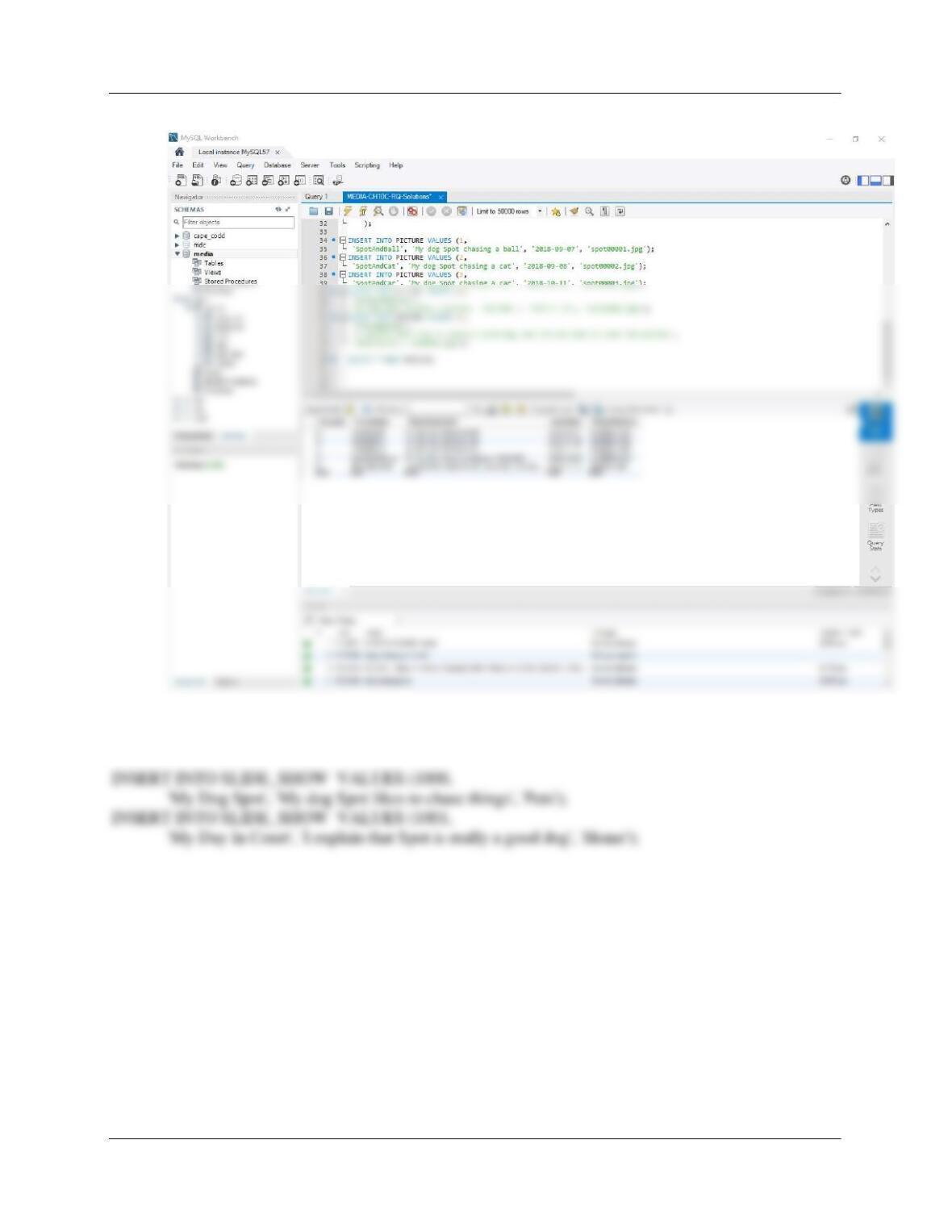
10C.7 Write SQL INSERT statements to populate the PICTURE table using the data shown in
Figure 10C-101. Run the SQL statements to populate the PICTURE table.
Note: It may be easier to run each insert statement individually.
INSERT INTO PICTURE VALUES (1,
‘SpotAndBall’, ‘My dog Spot chasing a ball‘, ‘2018-09-07′, ‘spot00001.jpg’);
INSERT INTO PICTURE VALUES (2,
Chapter 10C – Managing Databases with MySQL 5.7
Page 10C-9
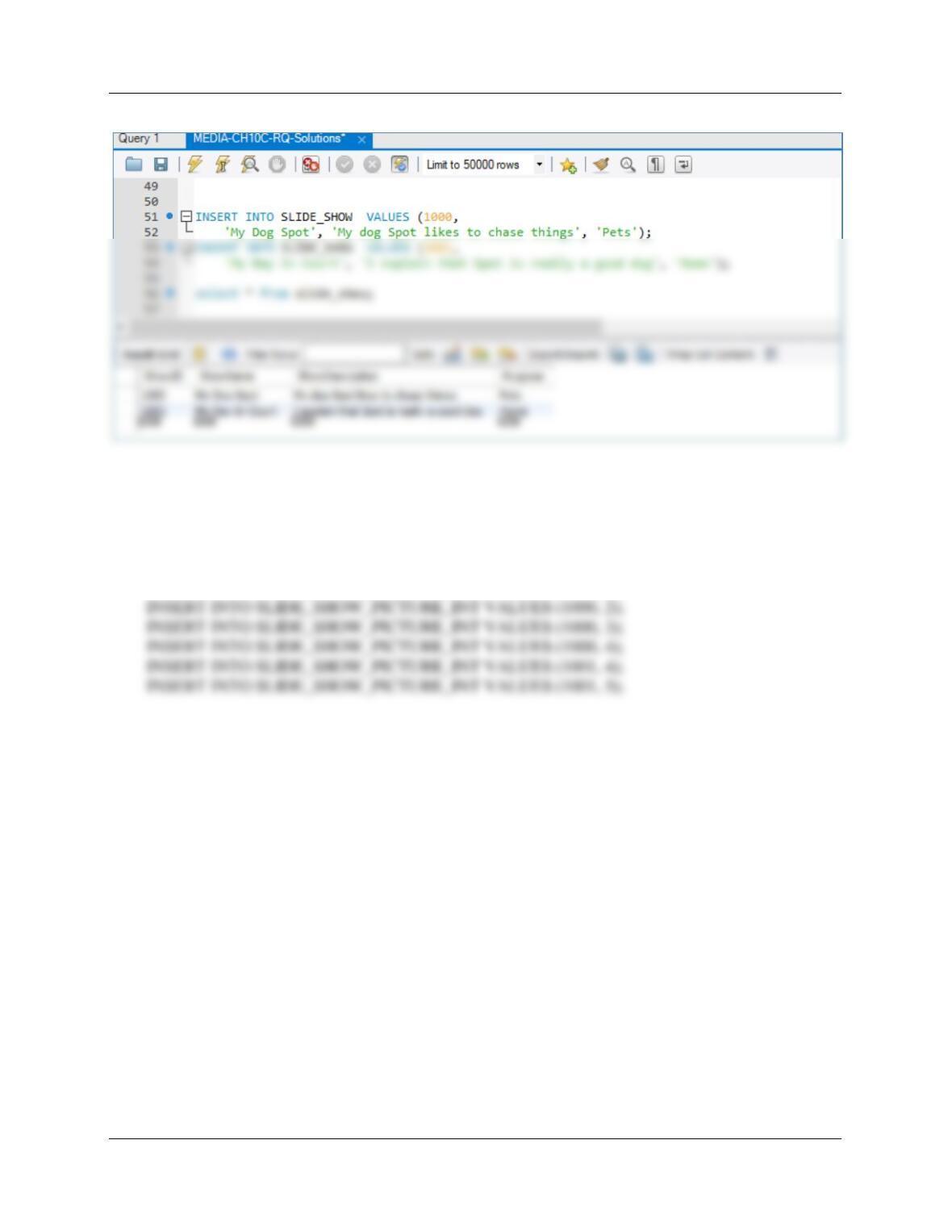
10C.8 Write SQL INSERT statements to populate the SLIDE_SHOW table using the data
shown in Figure 10C-102. Run the SQL statements to populate the SLIDE_SHOW table.
Chapter 10C – Managing Databases with MySQL 5.7
Page 10C-10
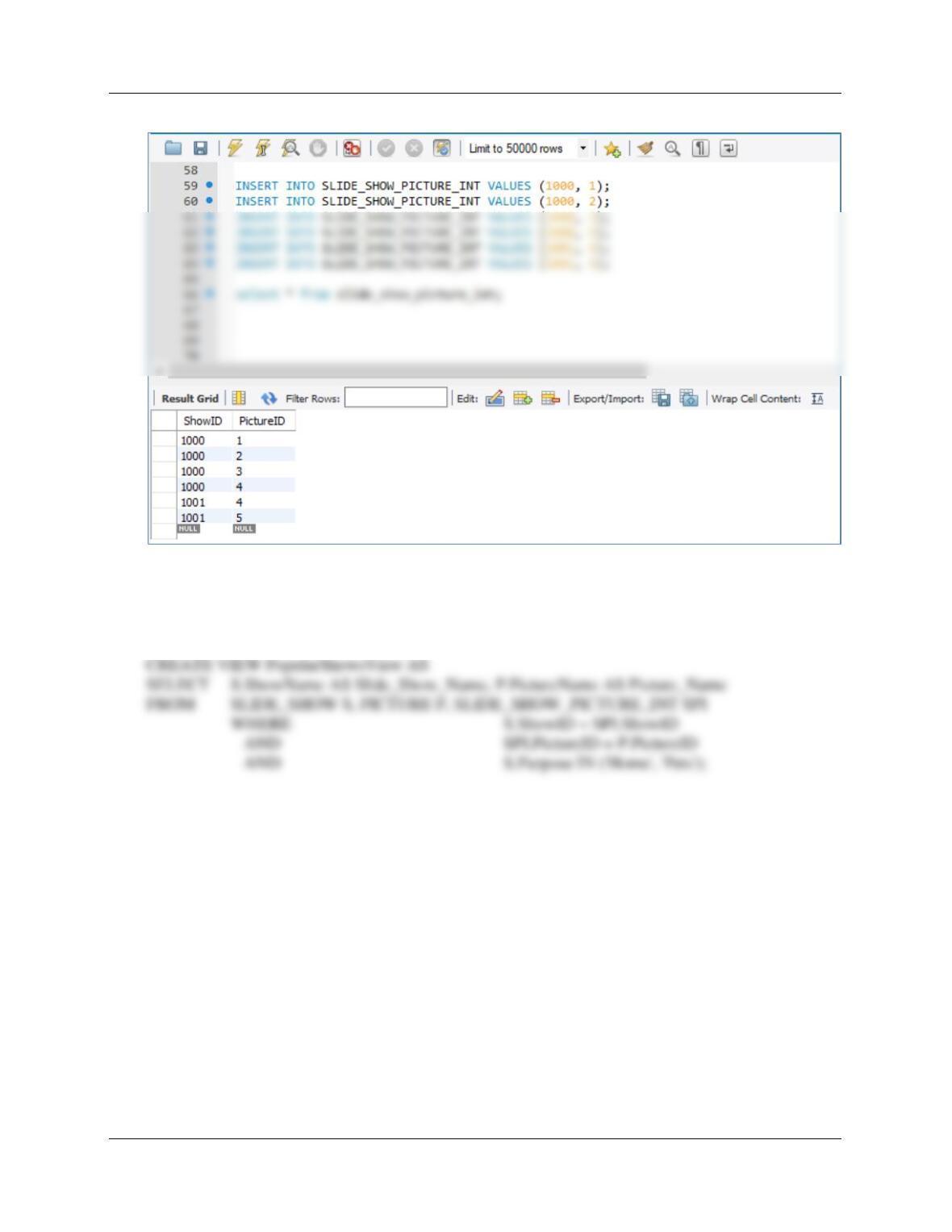
10C.9 Write SQL INSERT statements to populate the SLIDE_SHOW_PICTURE_INT table
using the data shown in Figure 10C-103. Run the SQL statements to populate the
SLIDE_SHOW_PICTURE_INT table.
INSERT INTO SLIDE_SHOW_PICTURE_INT VALUES (1000, 1);
Chapter 10C – Managing Databases with MySQL 5.7
Page 10C-11
10C.10 Write an SQL statement to create a view named PopularShowsView that has
SLIDE_SHOW.ShowName and PICTURE.PictureName for all slide shows that have a
Purpose of either ‘Home’ or ‘Pets’. Execute this statement to create the view in the
MEDIA database.
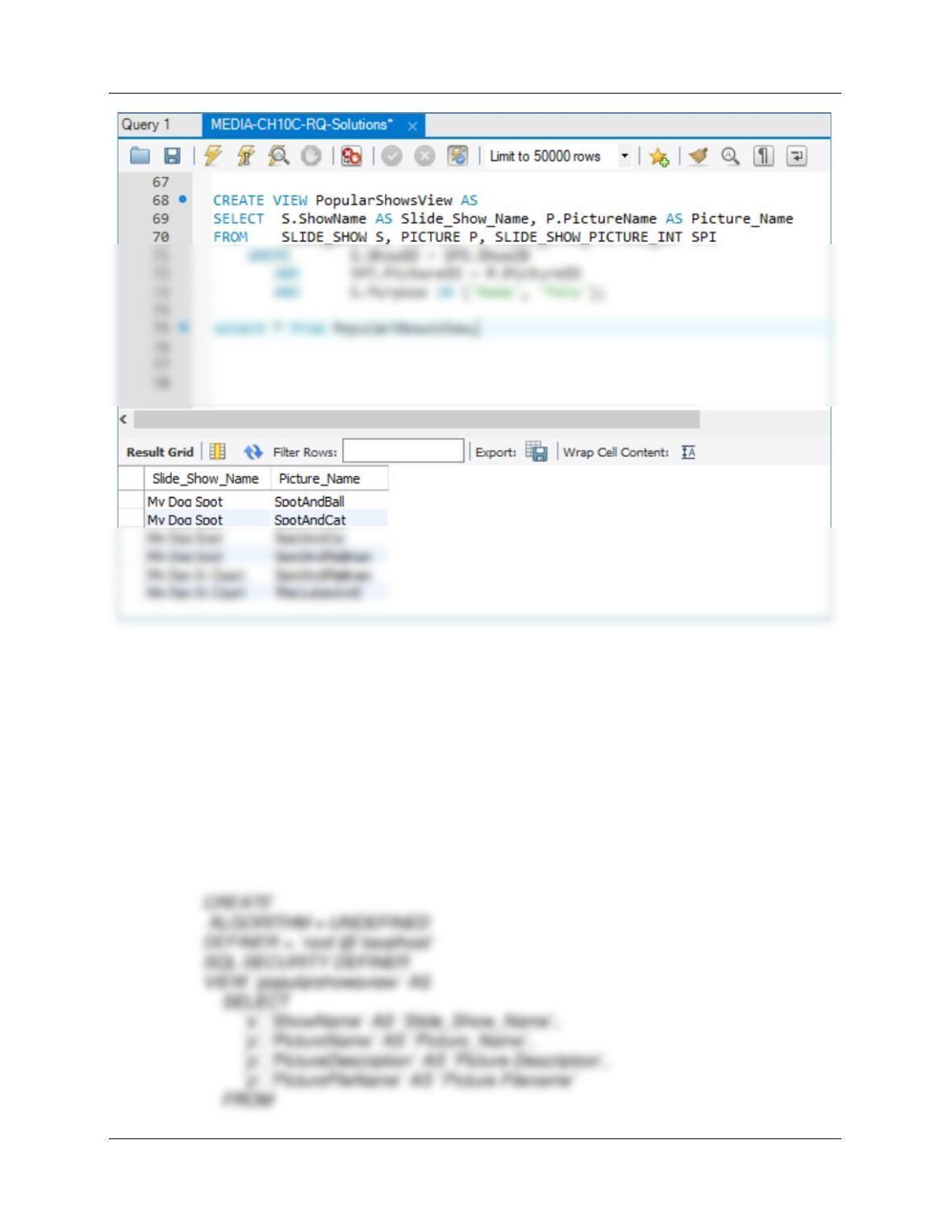
10C.11 Run an SQL SELECT query to demonstrate that the view PopularShowsView was
constructed correctly.
SELECT * FROM PopularShowsView;
Chapter 10C – Managing Databases with MySQL 5.7
Page 10C-12
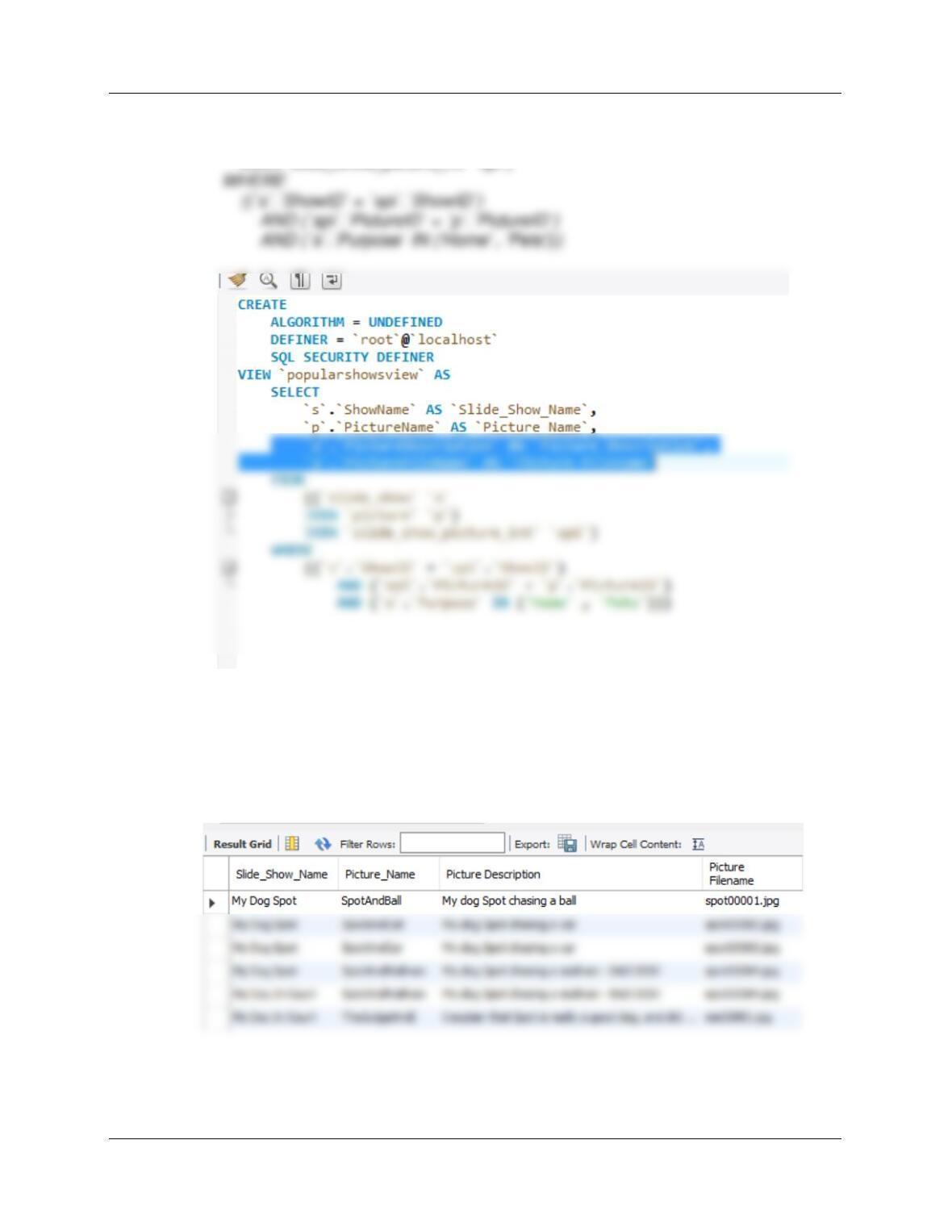
10C.12 Use the MySQL Workbench GUI tools to determine that PopularShows was constructed
correctly. Modify this view to include PICTURE.PictureDescription and
Picture.PictureFileName. Hint: Right-click the MEDIA View object and then Refresh All
before opening the view.
Use the MySQL Workbench, right-click the PopularShowsView in the Media
schema, and select Alter View.
The MySQL Workbench doesn’t present a true GUI view of the view, but rather
shows the (somewhat strange) SQL code used to define the view. We can check
this SQL code, and then edit it to change the view definition as shown below.
Chapter 10C – Managing Databases with MySQL 5.7
Page 10C-13
((`slide_show` `s`
JOIN `picture` `p`)
JOIN `slide_show_picture_int` `spi`)
Add the two highlighted lines, click APPLY (twice), then FINISH. To test this view,
return to the SQL Query window and use the SQL command:
SELECT * FROM popularshowsview;

Chapter 10C – Managing Databases with MySQL 5.7
Page 10C-14
10C.13 Can the SQL DELETE statement be used with the PopularShowsView view? Why or
why not?
10C.14 Under what circumstances can PopularShowsView be used for inserts and
modifications?
10C.15 In Figure 10C–66, what is the purpose of the varRowCount variable?
10C.16 In Figure 10C–66, why is the SELECT statement that begins SELECT COUNT(*) INTO
varRowCount necessary?
10C.17 Explain how you would change the stored procedure in Figure 10C–66 to connect the
customer to all artists who either (a) were born before 1900 or (b) had a null value for
DateOfBirth.
Change the ArtistCursor code that connects customers to artists based on nationality to now check
10C.18 Explain the purpose of the procedure shown in Figure 10C–69.
10C.19 What happens if an incorrect value of Copy is input to the stored procedure in Figure
10C–69?
10C.20 In Figure 10C–69, what happens if the ROLLBACK statement is executed?
All Inserts and Updates made by the transaction up to that point are removed. In this transaction,
10C.21 In Figure 10C–73, why is SUM used instead of AVG?
10C.22 What is the primary factor that influences MySQL locking behavior?
Chapter 10C – Managing Databases with MySQL 5.7
Page 10C-15
10C.23 Explain why the strategy for storing CHECK constraint values in a separate table is
better than implementing them in a table-based constraint. How can this strategy be
used to implement the constraint on ARTIST.Nationality?
First of all, most versions of MySQL don’t enforce the CHECK constraint.
10C.24 Explain why the lack of an INSTEAD OF trigger disallows updating views in MySQL.
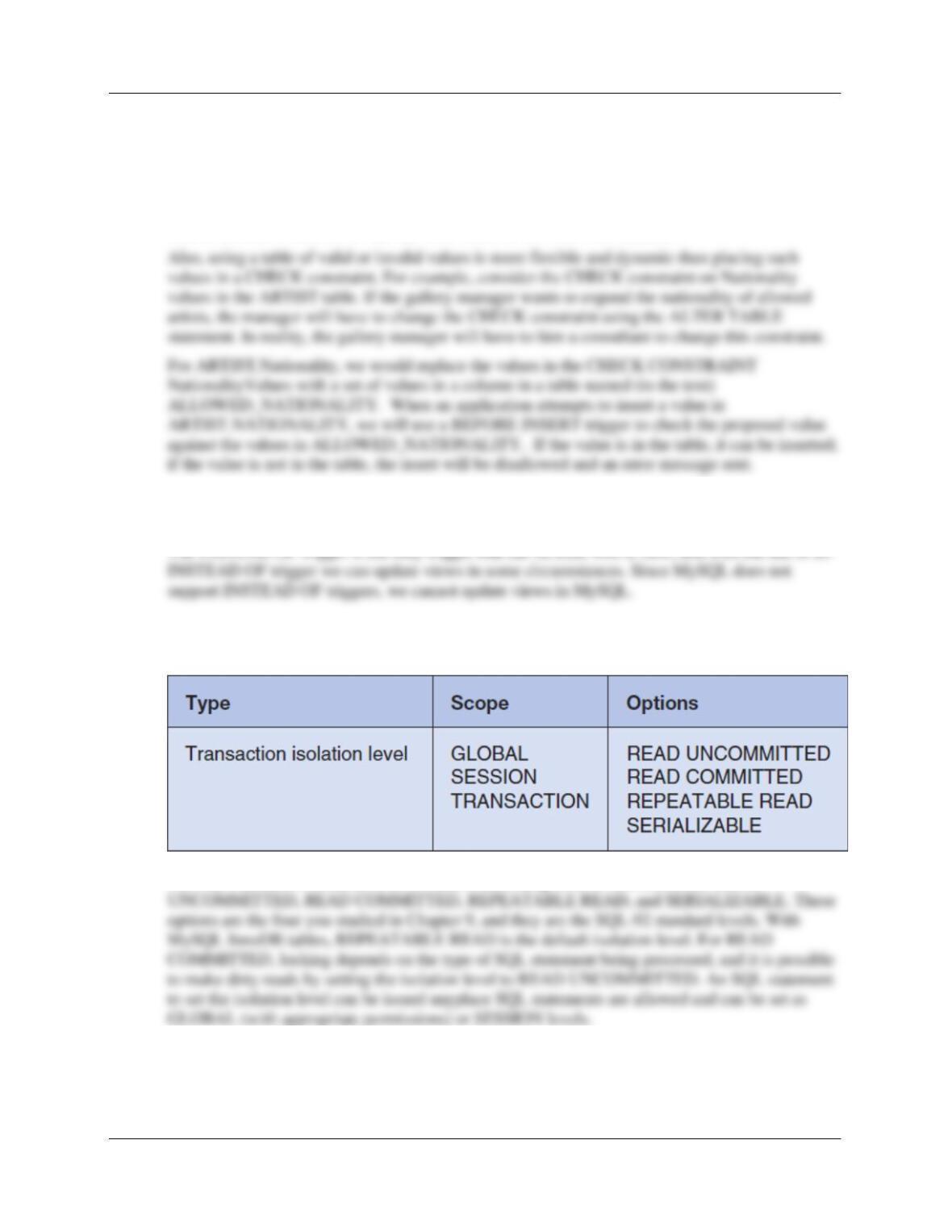
10C.25 Explain the meaning of each of the transaction isolation levels under Options shown in
Figure 10C-82.
The four transaction isolation levels, listed in ascending level of restriction, are READ

Chapter 10C – Managing Databases with MySQL 5.7
Page 10C-16
See Figure 9-12 in Chapter 9.
■■ The read-uncommitted isolation level allows dirty reads, nonrepeatable reads, and phantom
reads to occur.
10C.26 How are backups performed using MySQL Administrator?
A backup project is considered to be an export. For MySQL 5.7, use the Data Export button
10C.27 How are recoveries performed using MySQL Administrator?
A restore is considered an import. For MySQL 5.7, use the Data Import/Restore button under the

Chapter 10C – Managing Databases with MySQL 5.7
Page 10C-17
❖ ANSWERS TO EXERCISES
10C.28 In the SQL Workbench folder structure in your MyDocuments folder, create a folder
named DBP-e15-WP-CH10C-PQ-Database in the Schemas folder. Use this folder to
save and store *.sql scripts containing the SQL statements that you are asked to create
in the remaining questions in this section.
10C.29 Create a MySQL database (schema) named WP-CH10C-PQ.
Follow the directions as explained on page10C–20 – 10C-28.
10C.30 Using the information about the WP database in the Chapter 7 Review Questions and
the referenced figures in Chapter 1 (Figures 1-28 and 1-30), create the EMPLOYEE and
DEPARTMENT tables, and the relationship between these tables.
See Figures 1-28 and 1-30.
CREATE TABLE DEPARTMENT(
CREATE TABLE EMPLOYEE(
EmployeeNumber Int NOT NULL auto_increment,
Chapter 10C – Managing Databases with MySQL 5.7
Page 10C-18
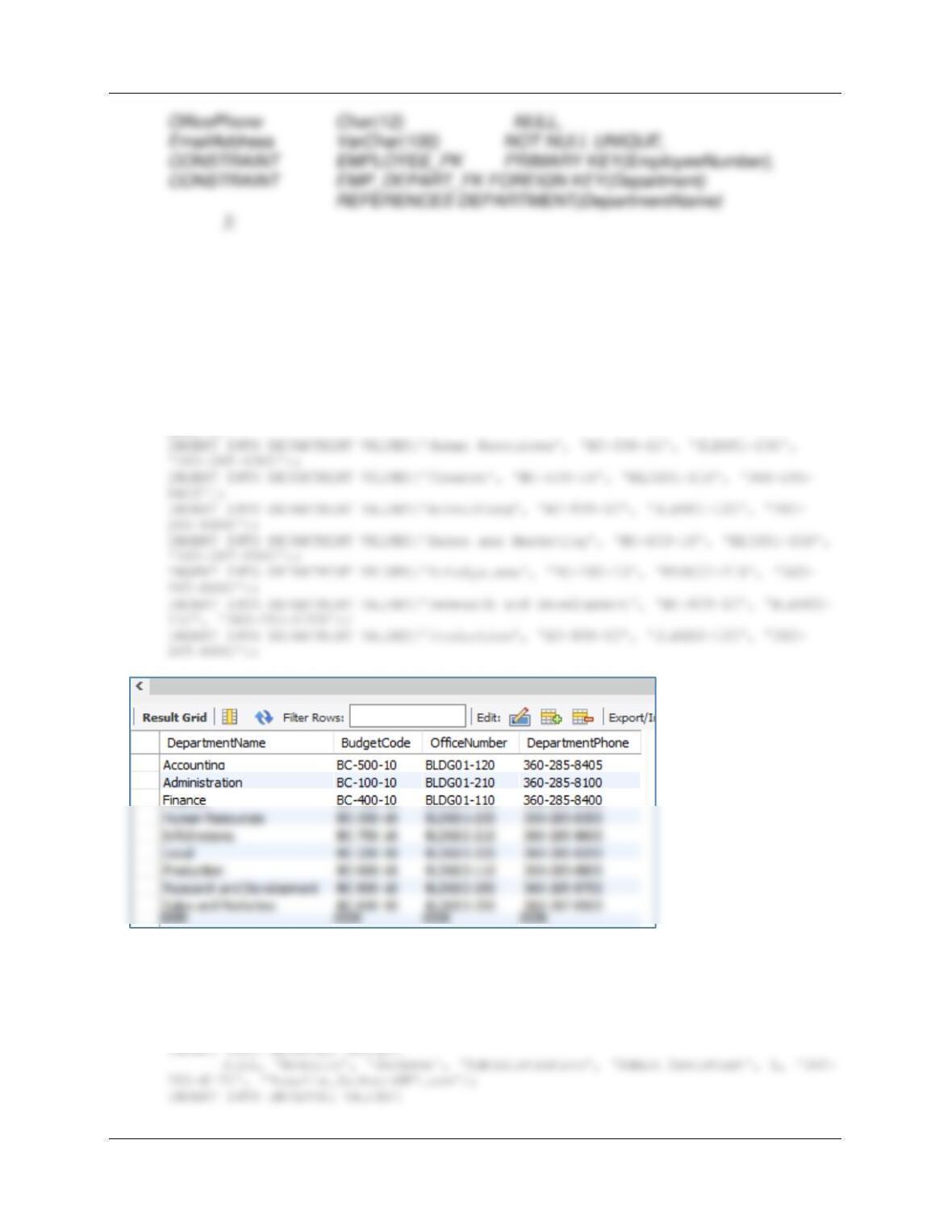
10C.31 Using the information about the WP database in the Chapter 7 Review Questions, and
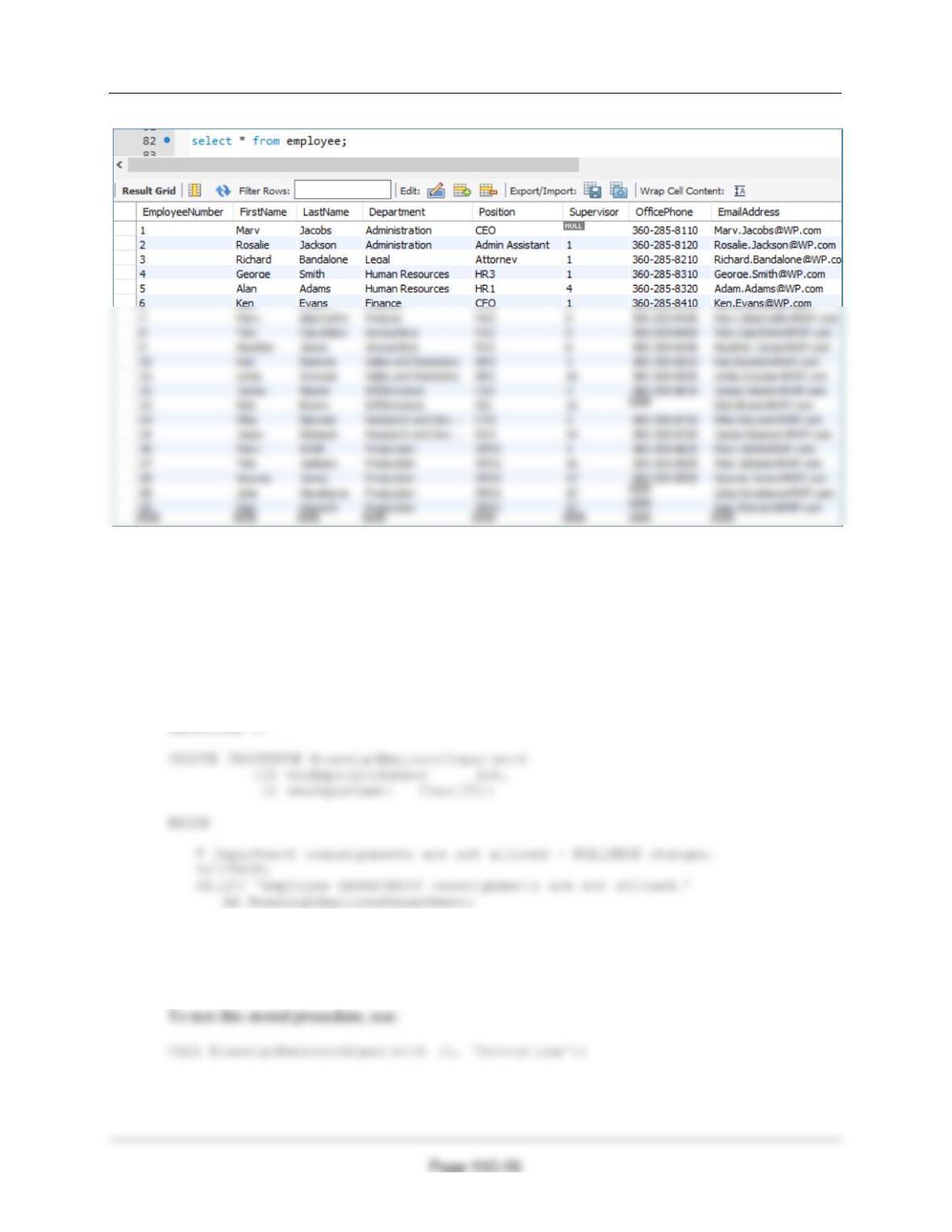
the referenced figures in Chapter 1 (Figures 1-29 and 1-31), populate the EMPLOYEE
and DEPARTMENT tables.
/***** DEPARTMENT DATA *************************************************/
INSERT INTO DEPARTMENT VALUES(‘Administration’, ‘BC-100-10’, ‘BLDG01-210’,
‘360-285-8100’);
INSERT INTO DEPARTMENT VALUES(‘Legal’, ‘BC-200-10’, ‘BLDG01-220’, ‘360-285-
8200′);
/***** EMPLOYEE DATA ***********************************************/
INSERT INTO EMPLOYEE VALUES(
null, ‘Mary’, ‘Jacobs’, ‘Administration’, ‘CEO’, null, ‘360-285-8110’,
‘Mary.Jacobs@WP.com’);

Chapter 10C – Managing Databases with MySQL 5.7
Page 10C-19
INSERT INTO EMPLOYEE VALUES(
null, ‘Alan’, ‘Adams’, ‘Human Resources’, ‘HR1’, 4, ‘360-285-8320’,
‘Adam.Adams@WP.com’);
INSERT INTO EMPLOYEE VALUES(
null, ‘Ken’, ‘Evans’, ‘Finance’, ‘CFO’, 1, ‘360-285-8410’,
‘Ken.Evans@WP.com’);
INSERT INTO EMPLOYEE VALUES(
null, ‘Mary’, ‘Abernathy’, ‘Finance’, ‘FA3’, 6, ‘360-285-8420’,
‘Mary.Abernathy@WP.com’);
INSERT INTO EMPLOYEE VALUES(
‘Ken.Numoto@WP.com’);
INSERT INTO EMPLOYEE VALUES(
null, ‘Linda’, ‘Granger’, ‘Sales and Marketing’, ‘SM2’, 10, ‘360-285-
8520′, ‘Linda.Granger@WP.com’);
INSERT INTO EMPLOYEE VALUES(
null, ‘James’, ‘Nestor’, ‘InfoSystems’, ‘CIO’, 1, ‘360-285-8610’,
‘James.Nestor@WP.com’);
INSERT INTO EMPLOYEE VALUES(
null, ‘Rick’, ‘Brown’, ‘InfoSystems’, ‘IS2’, 12, null, ‘Rick.Brown@WP.com’);
INSERT INTO EMPLOYEE VALUES(
null, ‘Mike’, ‘Nguyen’, ‘Research and Development’, ‘CTO’, 1, ‘360-285-
8710′, ‘Mike.Nguyen@WP.com’);
INSERT INTO EMPLOYEE VALUES(
null, ‘Jason’, ‘Sleeman’, ‘Research and Development’, ‘RD3’, 14, ‘360-
285-8720′, ‘Jason.Sleeman@WP.com’);
INSERT INTO EMPLOYEE VALUES(
null, ‘Mary’, ‘Smith’, ‘Production’, ‘OPS3’, 1, ‘360-285-8810’,
‘Mary.Smith@WP.com’);
Chapter 10C – Managing Databases with MySQL 5.7
10C.32 If possible, code a MySQL trigger to enforce the constraint that an employee can never
change his or her department. If it is not possible to use a MySQL trigger, explain why
and code a stored procedure in its place.
MySQL triggers do not support implicit or explicit ROLLBACK or COMMIT actions, and
therefore we cannot use a trigger. Instead, we will have to use a (not very elegant) stored
procedure. To create the procedure, select the entire code block and use the “execute the selected
portion of the script” button.
END
//
DELIMITER ;