Chapter 10C – Managing Databases with MySQL 5.7
10C.33 If possible, code a MySQL trigger to allow the deletion of a department if it only has one
employee. Before deleting the department, assign the last employee to the Human
Resources department. If it is not possible to use a MySQL trigger, explain why and
code a stored procedure in its place.
BEGIN
DECLARE varRowCount Int;
DECLARE varEmployeeID Int;
# Check to see if the DEPARTMENT has more than one EMPLOYEE.
SELECT COUNT(*) INTO varRowCount
START TRANSACTION;
# Reassign the EMPLOYEE.
SELECT EmployeeNumber
FROM EMPLOYEE
WHERE Department = varDepartmentName
Chapter 10C – Managing Databases with MySQL 5.7
Page 10C-22
# DELETE the DEPARTMENT.
DELETE FROM DEPARTMENT
WHERE DepartmentName = varDepartmentName;
DELIMITER ;
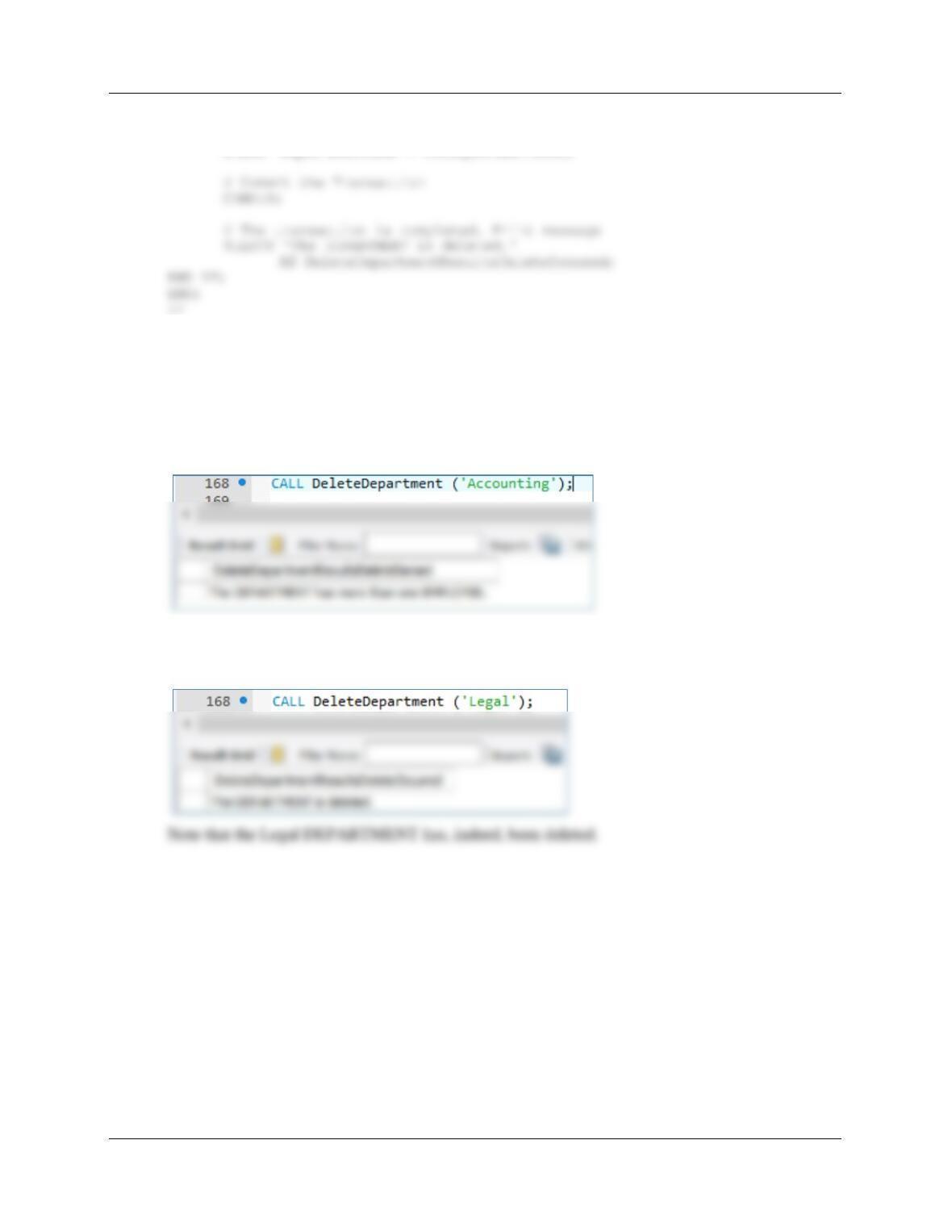
To test this stored procedure, use:
(1) To generate an error message:
CALL DeleteDepartment (‘Accounting’);
(2) To delete a department with only one employee:
CALL DeleteDepartment (‘Legal’);
Chapter 10C – Managing Databases with MySQL 5.7
10C.34 If possible, design a system of triggers to enforce the M-M relationship. Use Figure 10C-
80 as an example, but assume that departments with only one employee can be deleted.
Assign the last employee in a department to Human Resources. If it is not possible to
use a MySQL trigger, explain why and code a stored procedure in its place.
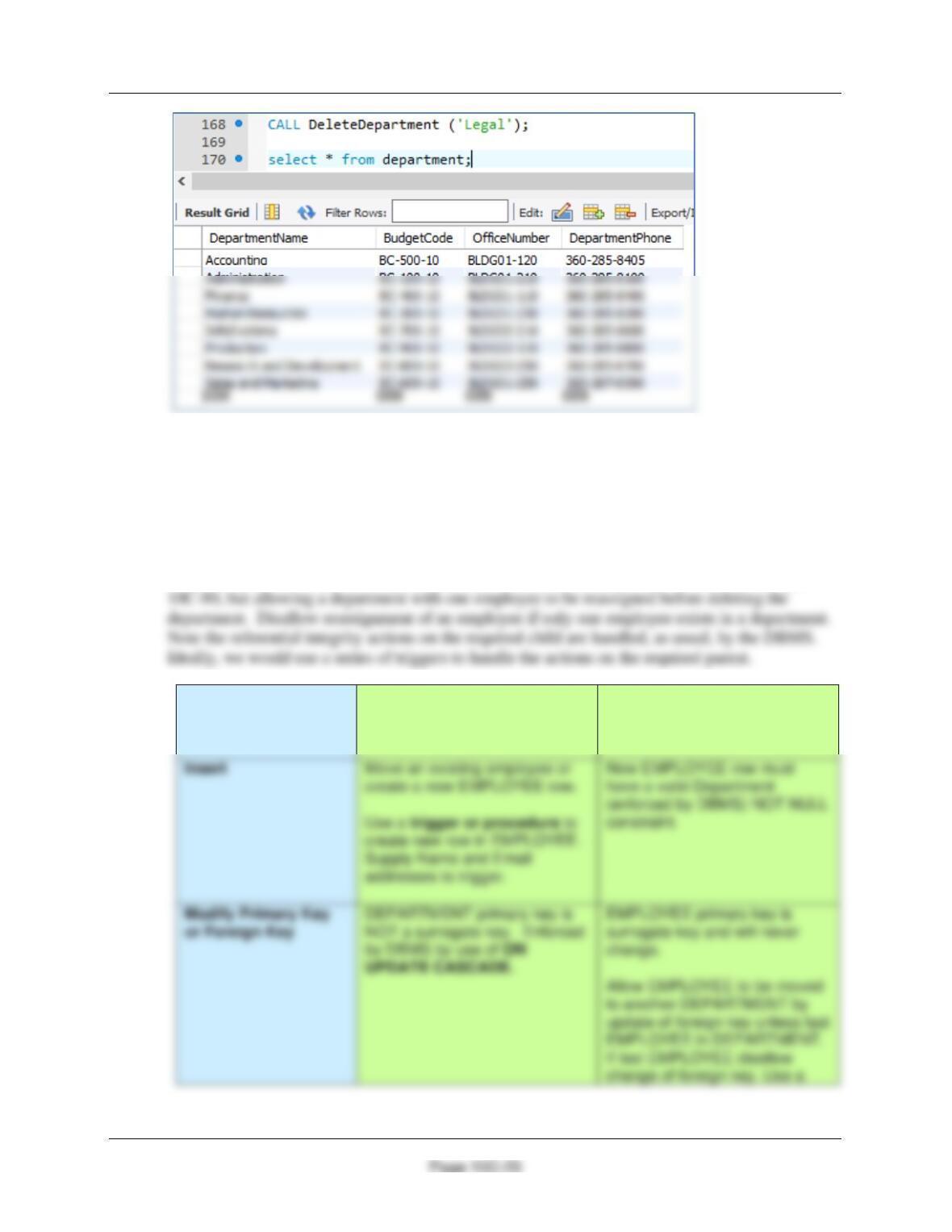
Here is the analysis of the required referential integrity enforcement actions for the M–M
relationship between DEPARTMENT (Parent) and EMPLOYEE (Child). It is based on Figure
Both DEPARTMENT
and EMPLOYEE are
Required
DEPARTMENT
[Parent]
EMPLOYEE
[Child]
Chapter 10C – Managing Databases with MySQL 5.7
Page 10C-24
trigger or procedure to enforce
this requirement.
Delete
Cannot delete a DEPARTMENT
unless only one EMPLOYEE
child is left. Normal deletions
Cannot delete last EMPLOYEE.
If triggers were possible in MySQL, then we have three actions that need triggers:
(1) Controlling the deletion of a department
Therefore, here we only need to consider the “triggers” for the other two actions.
A. Controlling the reassignment of an EMPLOYEE from one department to another.
We will consider the trigger for “(2) Controlling the reassignment of an EMPLOYEE from one
department to another” first, because we will also need the same logic in the next section. Note
that this problem is similar to the one discussed in Chapter 7 and illustrated in Figure 7-29.
Here is the code for the stored procedure:
DELIMITER //
CREATE PROCEDURE AllowReassignmentOfEmployeeDepartment
(IN varEmployeeNumber Int,
IN varNewDepartmentName Char(35))
BEGIN
this requirement.
Chapter 10C – Managing Databases with MySQL 5.7
Page 10C-25
# IF varRowCount = 1 THEN do NOT reasssign the employee.
IF (varRowCount = 1)
THEN
SELECT ‘This the last EMPLOYEE in the DEPARTMENT.’
AS ReassignEmployeeResultsReassignmentDenied;
ROLLBACK;
END IF;
# Commit the Transaction
COMMIT;
# The transaction is completed. Print message
SELECT ‘The EMPLOYEE is reassigned to the new DEPARTMENT.’
AS ReassignEmployeeResultsReassignmentOccured;
END IF;
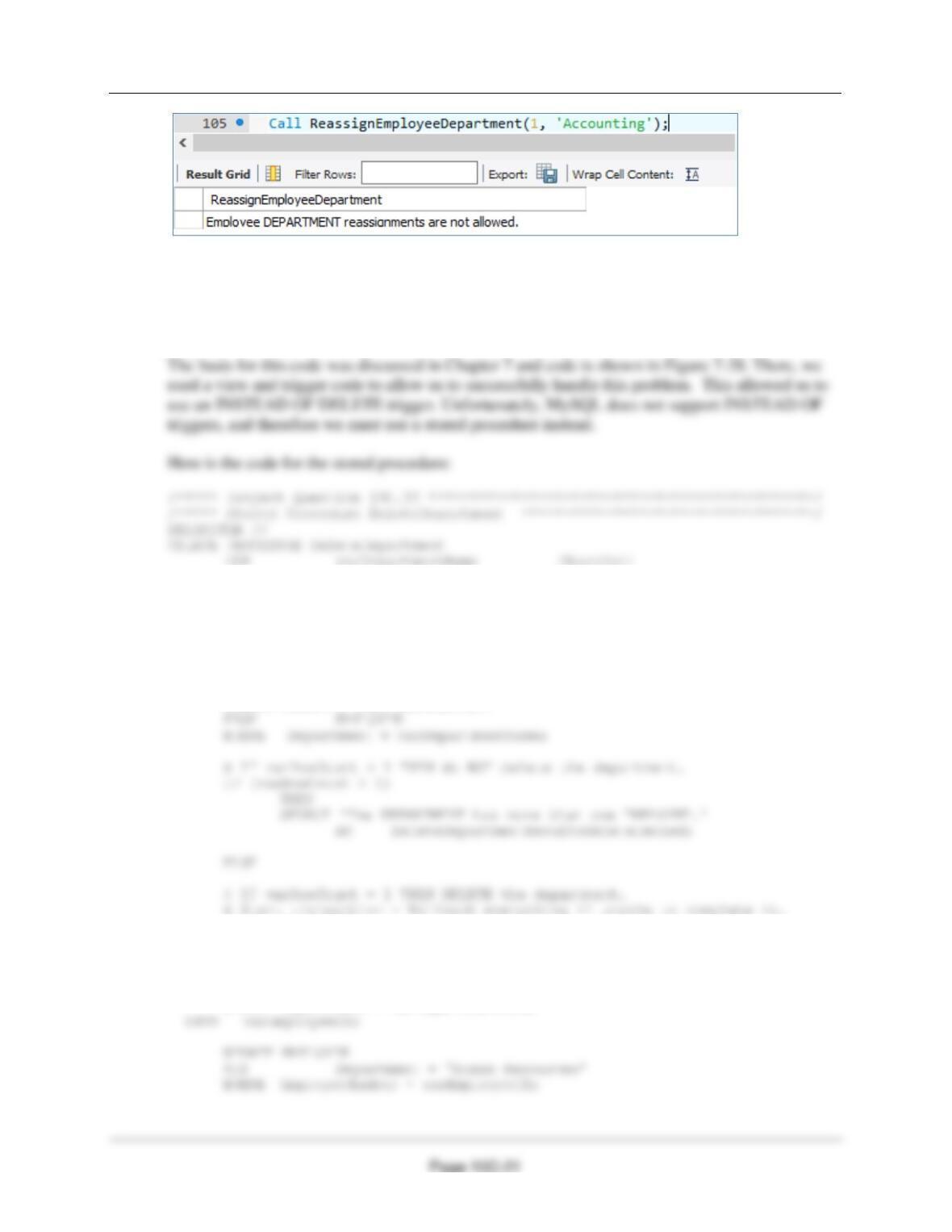
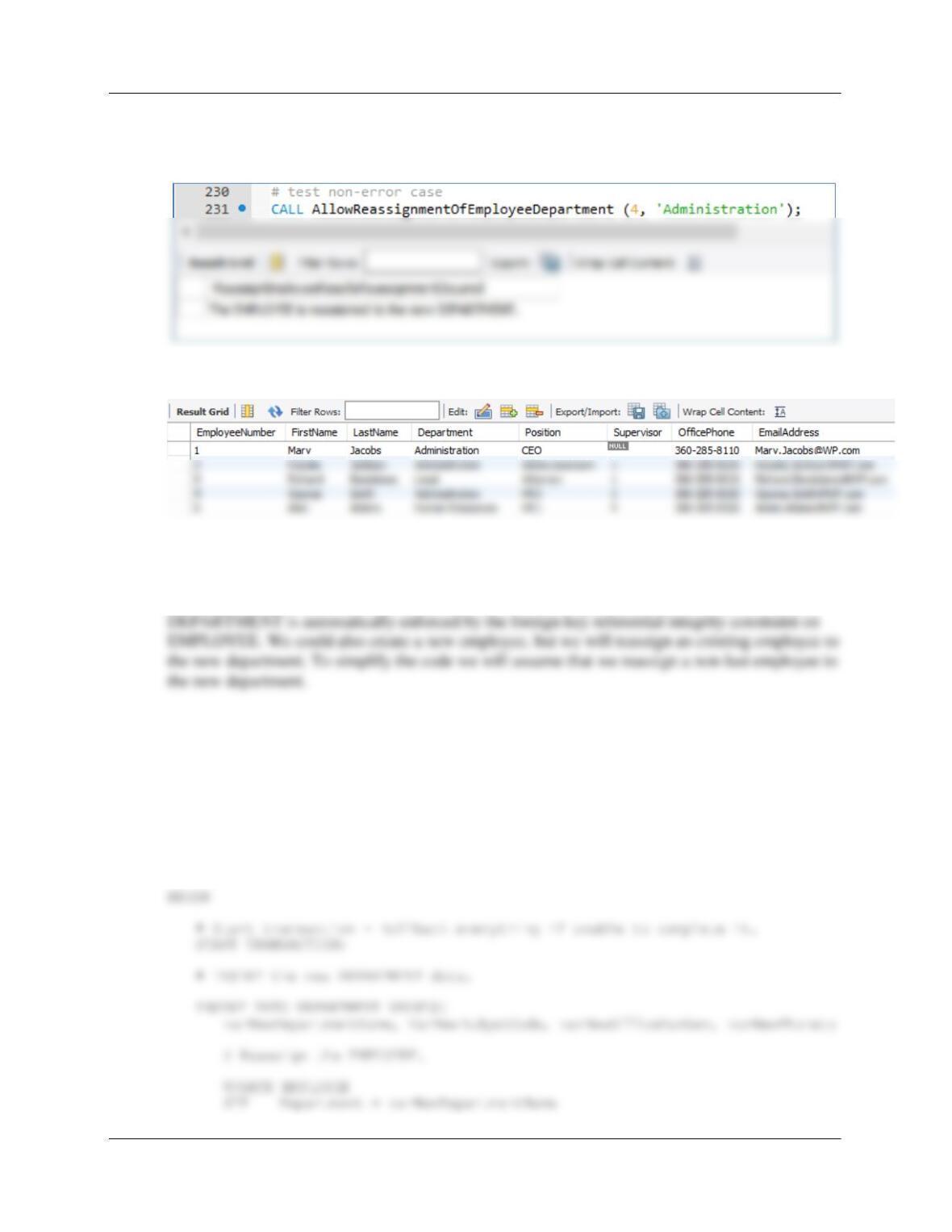
(1) To generate an error message (try to move last employee from department):
CALL AllowReassignmentOfEmployeeDepartment (3, ‘Finance’);
Chapter 10C – Managing Databases with MySQL 5.7
Page 10C-26
(2) To reassign a non-last employee to a different department:
CALL AllowReassignmentOfEmployeeDepartment (4, ‘Administration’);
Verify employee 4 moved to new department:
B. Adding a required EMPLOYEE when a DEPARTMENT is created.
The solution for this situation is discussed in Chapter 10C, and as discussed there we must write a
stored procedure to deal with this situation. Note that the requirement that EMPLOYEE have a
Again, MySQL cannot use a trigger in this situation. Here is the code for the stored procedure:
DELIMITER //
CREATE PROCEDURE CreateDepartmentWithExistingEmployee
(IN varNewDepartmentName Char(35),
IN varNewBudgetCode Char(30),
IN varNewOfficeNumber Char(15),
IN varNewPhone Char(12),
IN varEmployeeNumber Int)
Chapter 10C – Managing Databases with MySQL 5.7
Page 10C-27
WHERE EmployeeNumber = varEmployeeNumber;
# Commit the Transaction
COMMIT;
END;
//
DELIMITER ;
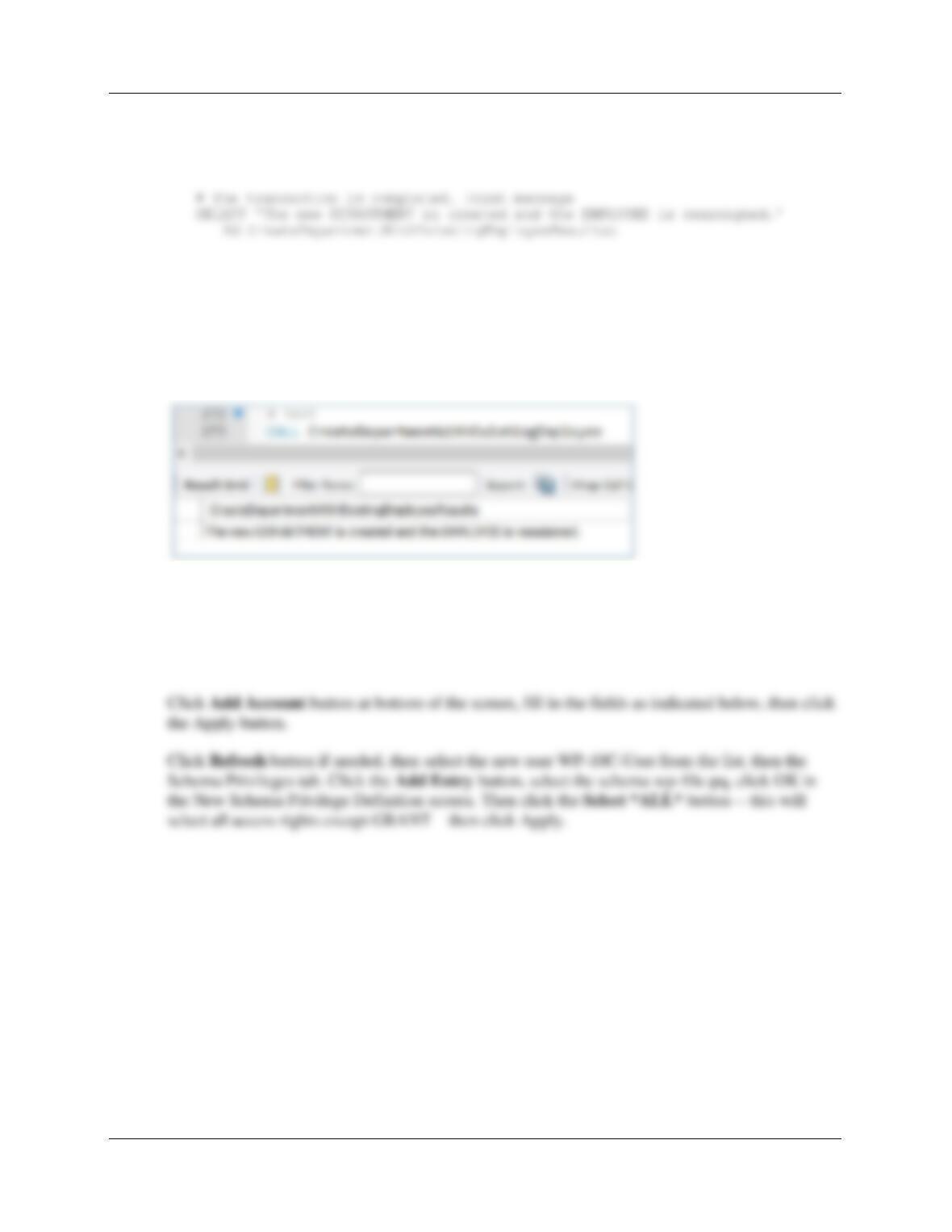
To test this procedure, we will test creation of a new department and reassign Ken Evans to it:
CALL CreateDepartmentWithExistingEmployee
(‘Customer Support’, ‘BC-450-10’, ‘BLDG02-140’, ‘360-285-8000’, 6);
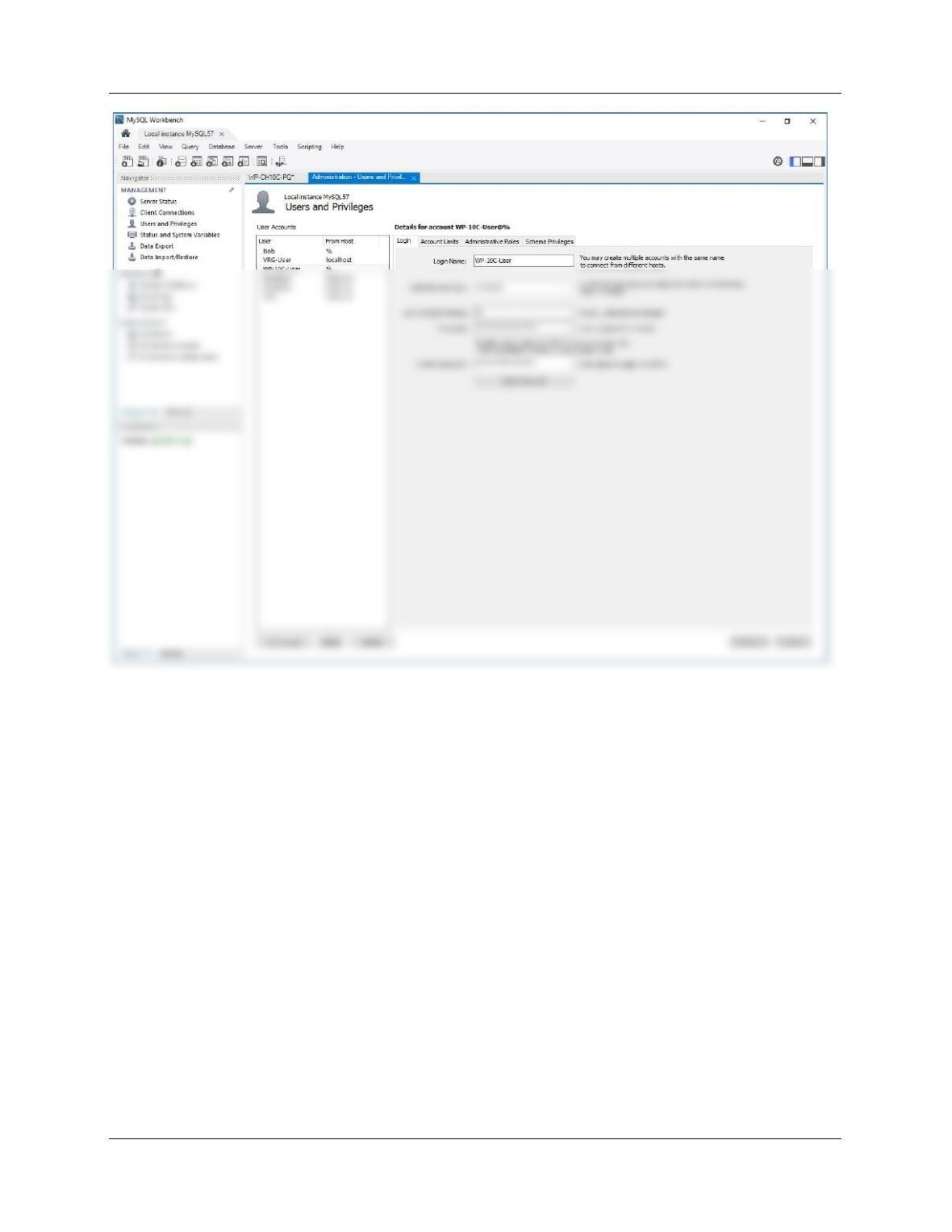
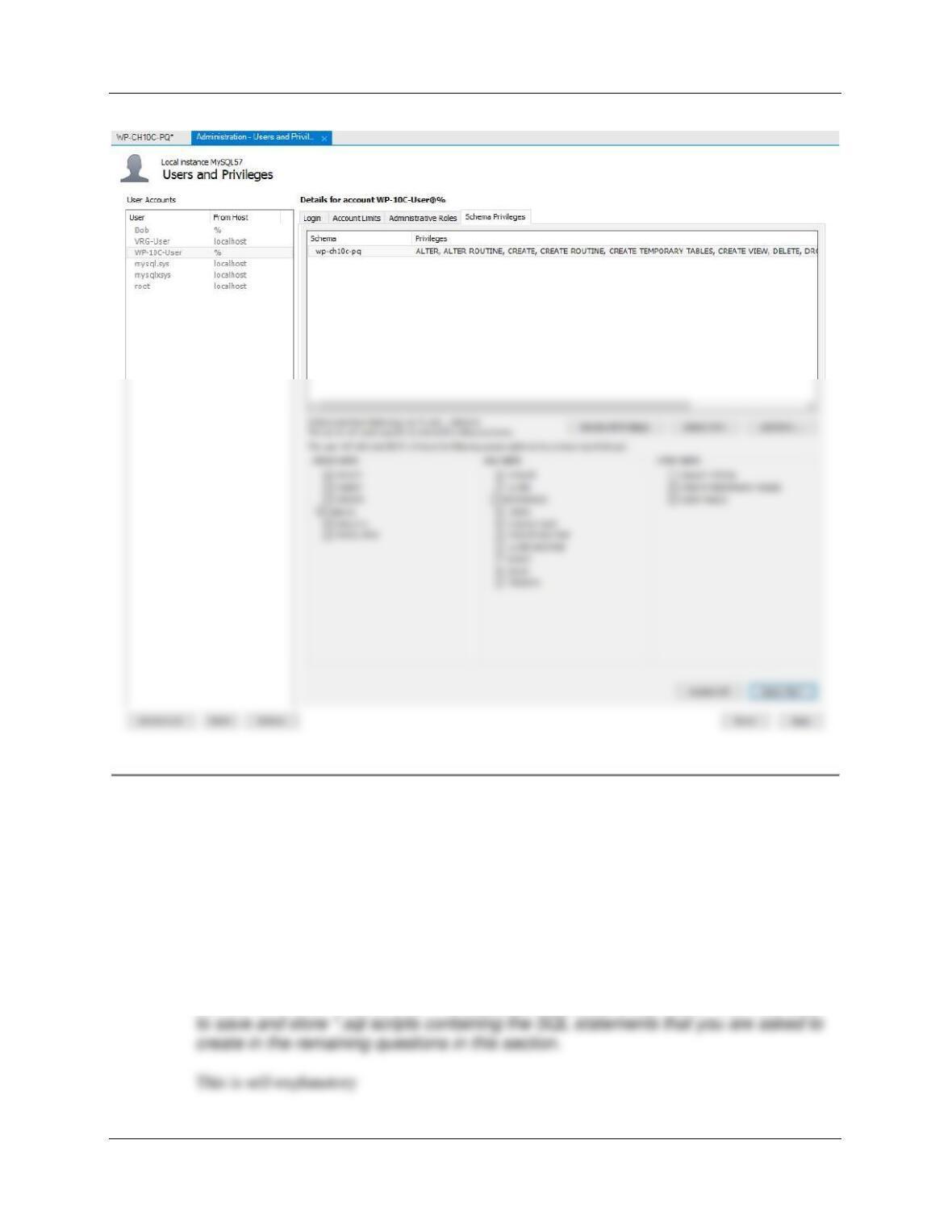
10C.35 Create a user named WP-10C-User with a password of WP-10C-User+password.
Assign WP-10C-User all schema privileges except GRANT to WP-10C-PQ database.
For MySQL 5.7, click Users and Privileges in the MANAGEMENT category in the left pane.
Chapter 10C – Managing Databases with MySQL 5.7
Page 10C-28
Chapter 10C – Managing Databases with MySQL 5.7
Page 10C-29
Exercise Questions 10C.36 and 10C.37 are based on the View Ridge Gallery database
discussed in this chapter.
10C.36 Write SQL statements to accomplish the following tasks, and save your work as *.sql
scripts as appropriate. Run your *.sql scripts in MySQL using the MySQL Workbench.
Save your work in an SQL script named VRG-CH10C-PQ–10C-36.sql.
A. In the SQL Workbench folder structure in your MyDocuments folder, create a folder
named DBP-e15-VRG-CH10C-PQ-Database in the Schemas folder. Use this folder
Chapter 10C – Managing Databases with MySQL 5.7
Page 10C-30
B. Create a MySQL database (schema) named VRG-CH10C-PQ.
Follow the directions as explained on page10C-20 – 10C-28:
C. In the VRG-CH10C-PQ database, create tables in Figure 10C-31, but do not create
the NationalityValues constraint. Note: An SQL script to create the tables is available
The SQL statements can be carefully cut and pasted from Figure 10C-31.
Note that MySQL 5.7 does not enforce CHECK constraints.
D. Create, Save, and Run an SQL Script to populate your database with the sample
Chapter 10C – Managing Databases with MySQL 5.7
Page 10C-31
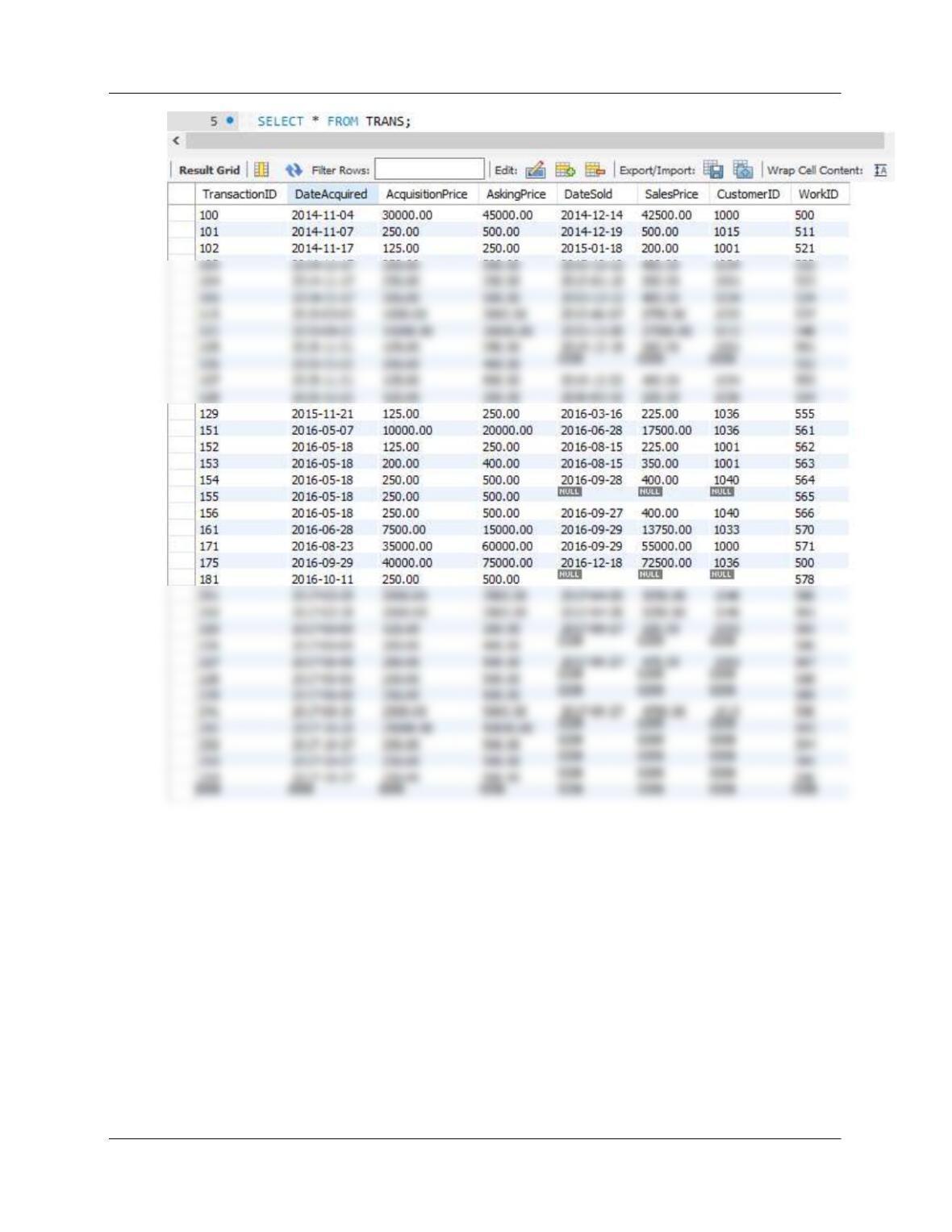
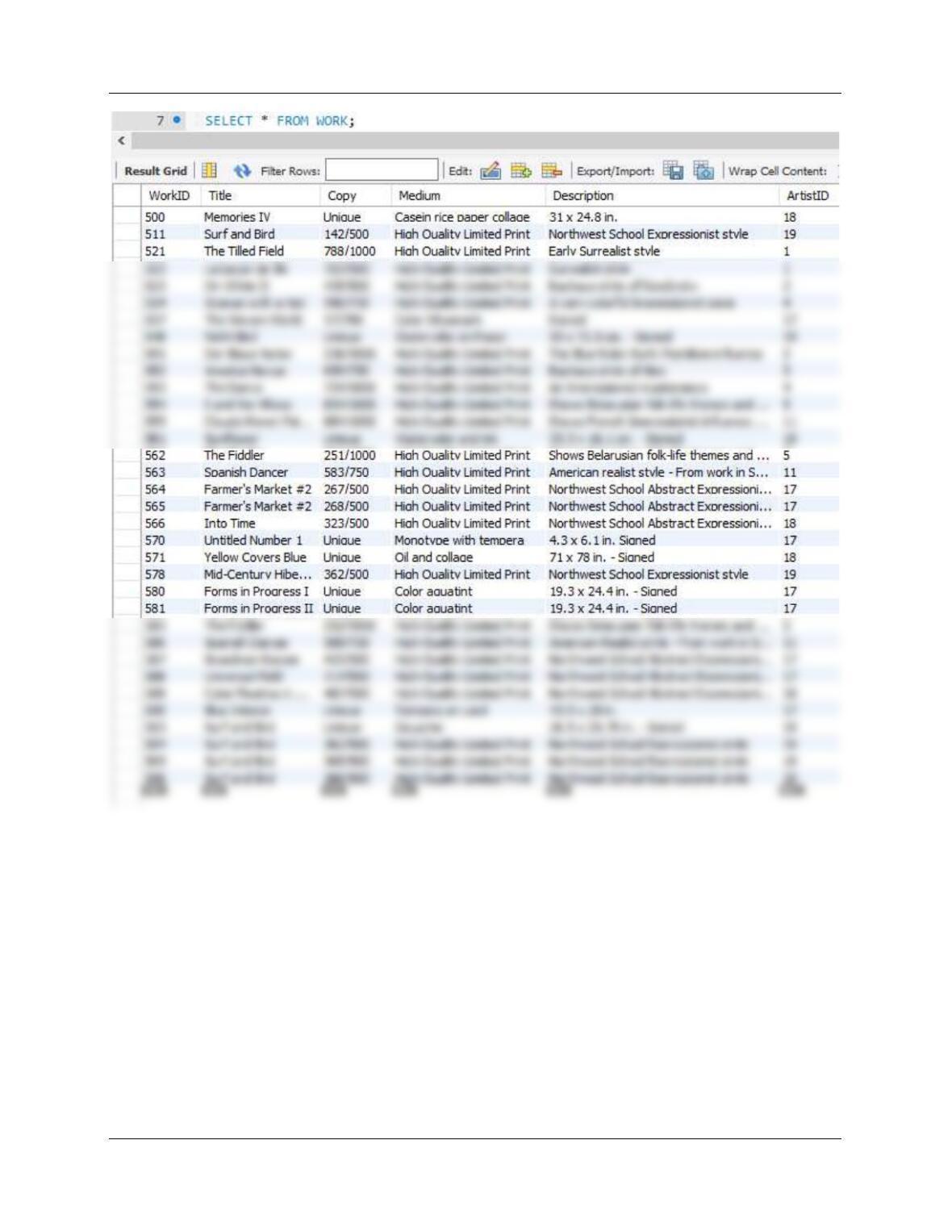
SELECT * FROM ARTIST;
SELECT * FROM CUSTOMER;
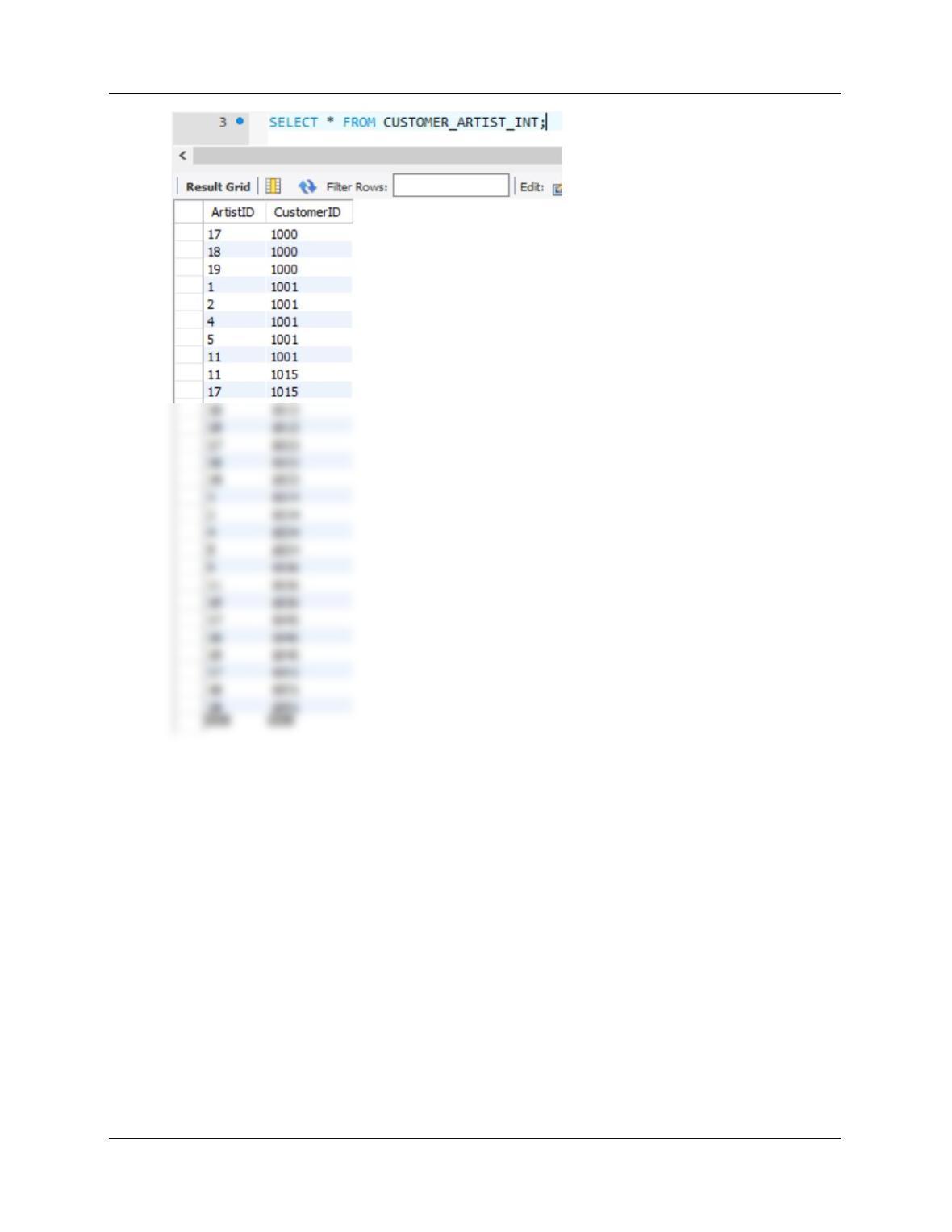
SELECT * FROM CUSTOMER_ARTIST_INT;
Chapter 10C – Managing Databases with MySQL 5.7
Page 10C-32
Chapter 10C – Managing Databases with MySQL 5.7
Page 10C-33
Chapter 10C – Managing Databases with MySQL 5.7
Page 10C-34
Chapter 10C – Managing Databases with MySQL 5.7
Page 10C-35
E. Create all the VRG views discussed in the Chapter 7 section on SQL views.
Note: Be careful when using Copy/Paste from PDF files. Some characters will not transfer
correctly. For VIEW-CH07-06, MySQL will generate a syntax error for the line:
(SalesPrice – AcquisitionPrice) AS NetProfit
/* *** SQL-CREATE-VIEW-CH07-02 *** */
CREATE VIEW CustomerBasicDataView AS
SELECT LastName AS CustomerLastName,
FirstName AS CustomerFirstName,
AreaCode, PhoneNumber
FROM CUSTOMER;
/* *** SQL-CREATE-VIEW-CH07-04 *** */
CREATE VIEW CustomerPhoneView AS
SELECT LastName AS CustomerLastName,
FirstName AS CustomerFirstName,
(‘(‘ + AreaCode + ‘)’ + PhoneNumber) AS CustomerPhone
FROM CUSTOMER;
Chapter 10C – Managing Databases with MySQL 5.7
Page 10C-36
/* *** SQL-CREATE-VIEW-CH07-07 *** */
CREATE VIEW ArtistWorkTotalNetView AS
SELECT ArtistLastName, ArtistFirstName,
WorkID,Title, Copy,
SUM(NetProfit) AS TotalNetProfit
FROM ArtistWorkNetView
GROUP BY ArtistLastName, ArtistFirstName,
WorkID, Title, Copy;
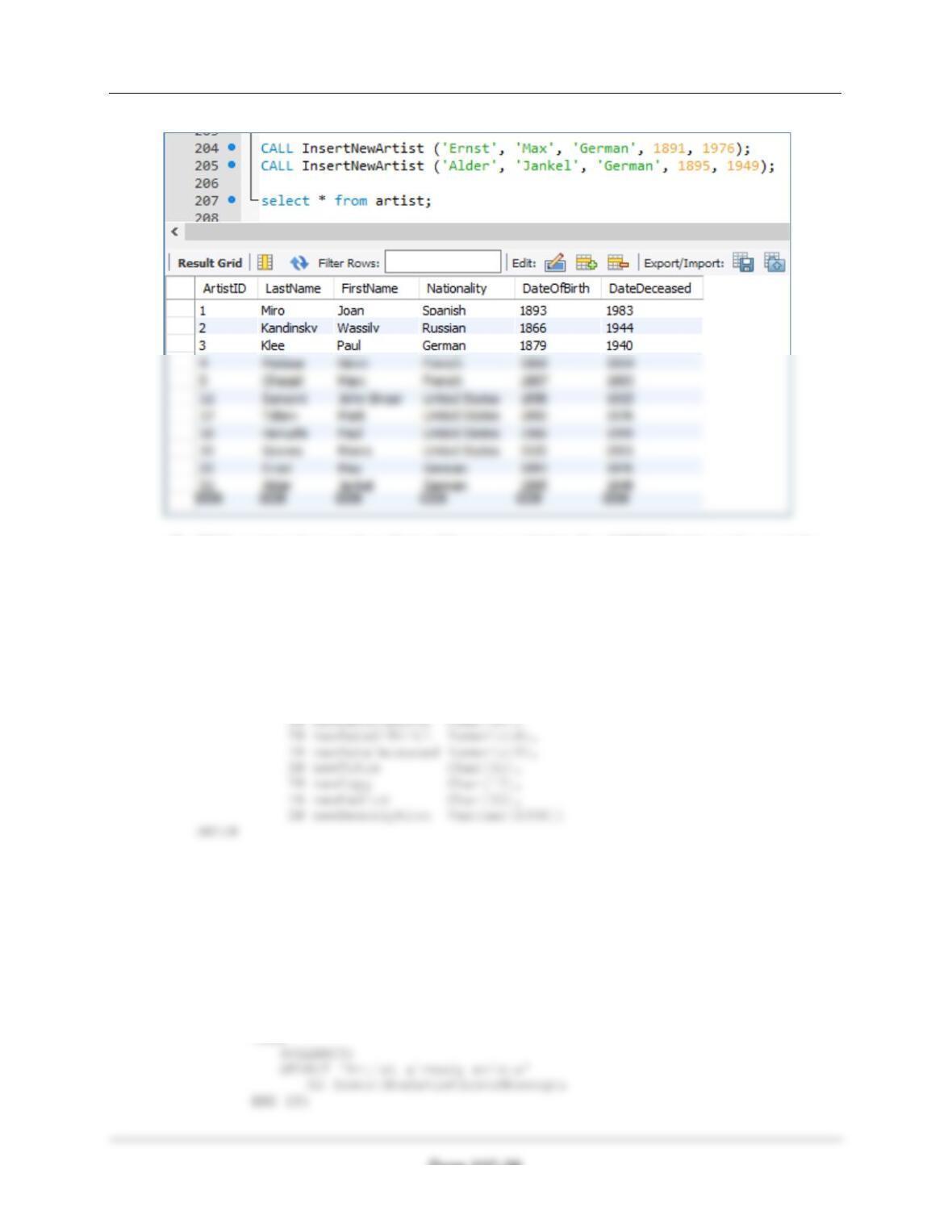
F. Write a stored procedure to add a new artist into the ARTIST table. Research data
for two actual artists, and add that data to the ARTIST table using your stored
procedure in the MySQL Workbench.
DELIMITER //
CREATE PROCEDURE InsertNewArtist
(IN newLastName Char(25),
IN newFirstName Char(25),
IN newNationality Char(30),
IN newDateOfBirth Numeric(4),
IN newDateDeceased Numeric(4))
Chapter 10C – Managing Databases with MySQL 5.7
Page 10C-37
END
//
DELIMITER ;
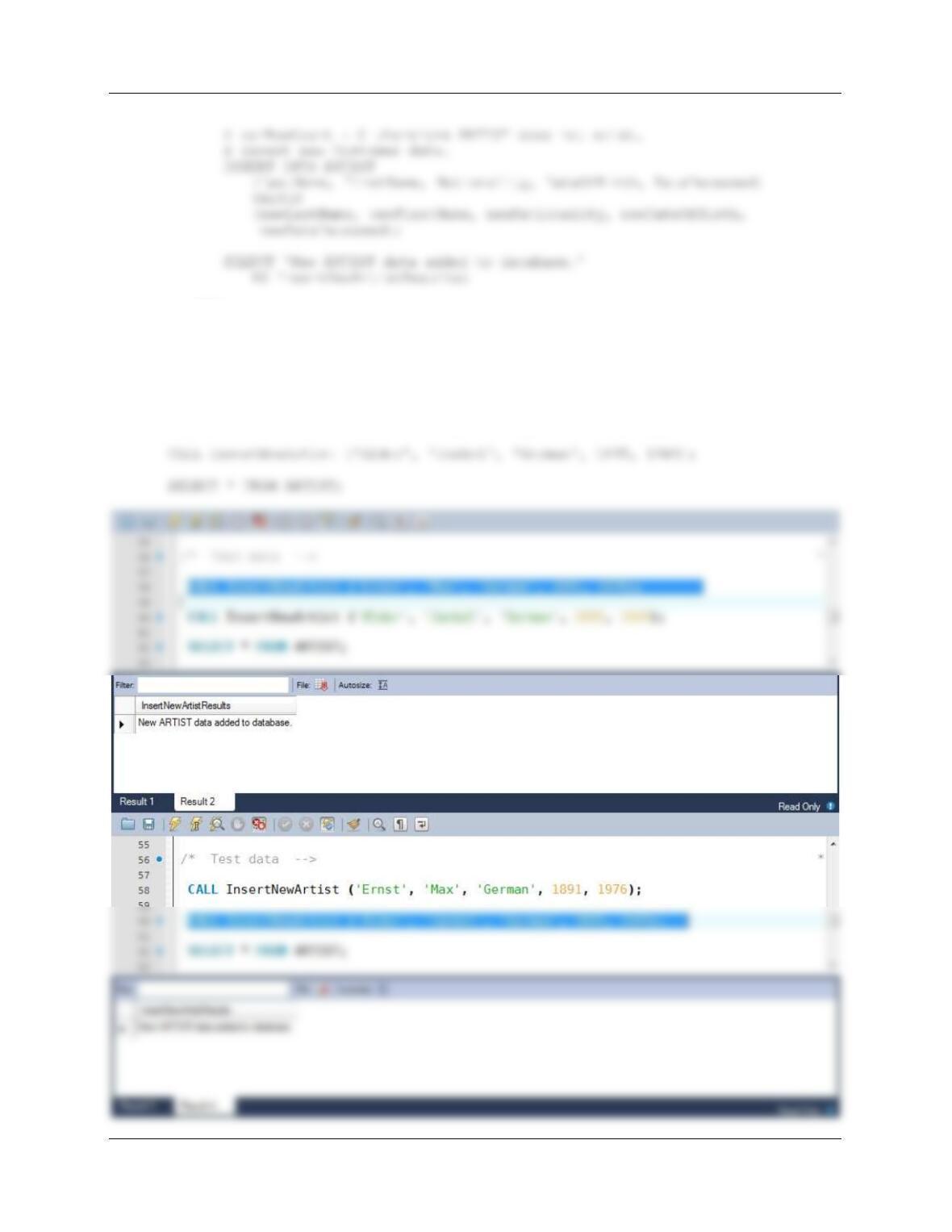
Test data:
CALL InsertNewArtist (‘Ernst’, ‘Max’, ‘German’, 1891, 1976);
Chapter 10C – Managing Databases with MySQL 5.7
Page 10C-38
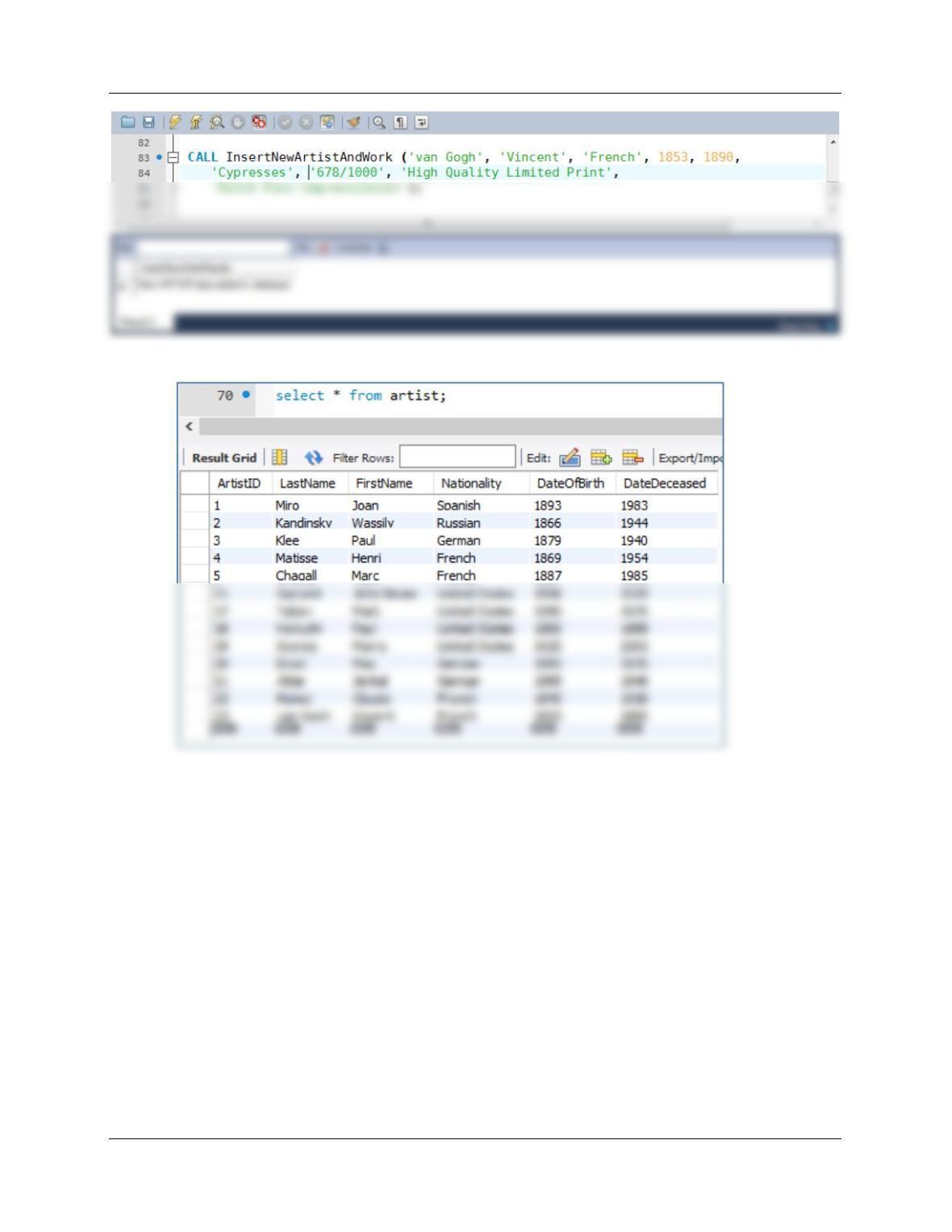
G. Write a stored procedure that adds a new artist to the ARTIST table and a work by
that artist to the WORK table. Research data for two actual artists, and add that data
to the ARTIST and WORK tables using your stored procedure in the MySQL
Workbench.
DELIMITER //
CREATE PROCEDURE InsertNewArtistAndWork
(IN newLastName Char(25),
IN newFirstName Char(25),
DECLARE varRowCount Int;
DECLARE varArtistID Int;
# Check to see if Artist already exists in database
SELECT COUNT(*) INTO varRowCOunt
FROM ARTIST
WHERE LastName = newLastName
AND FirstName = newFirstName;
# IF varRowCount > 0 THEN ARTIST already exists.
IF (varRowCount > 0)
THEN
Chapter 10C – Managing Databases with MySQL 5.7
Page 10C-39
COMMIT;
SELECT ‘New ARTIST data added to database.’
AS InsertNewArtistResults;
# Get new ARTIST ArtistID
END
//
DELIMITER ;
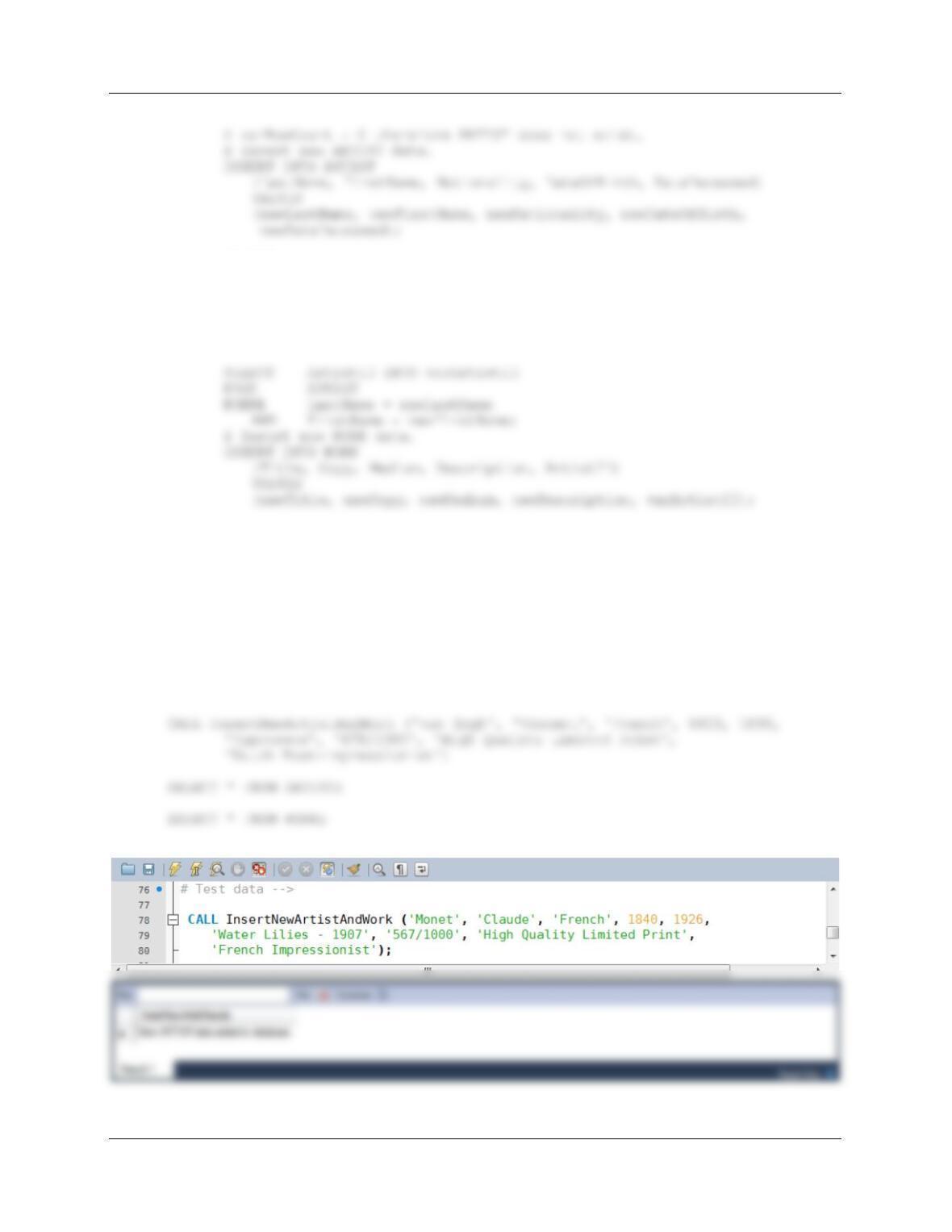
Test Data:
CALL InsertNewArtistAndWork (‘Monet’, ‘Claude’, ‘French’, 1840, 1926,
‘Water Lilies – 1907’, ‘567/1000’, ‘High Quality Limited Print’,
‘French Impressionist’);
Chapter 10C – Managing Databases with MySQL 5.7
Page 10C-40