Chapter 10B – Managing Databases with Oracle Database
/
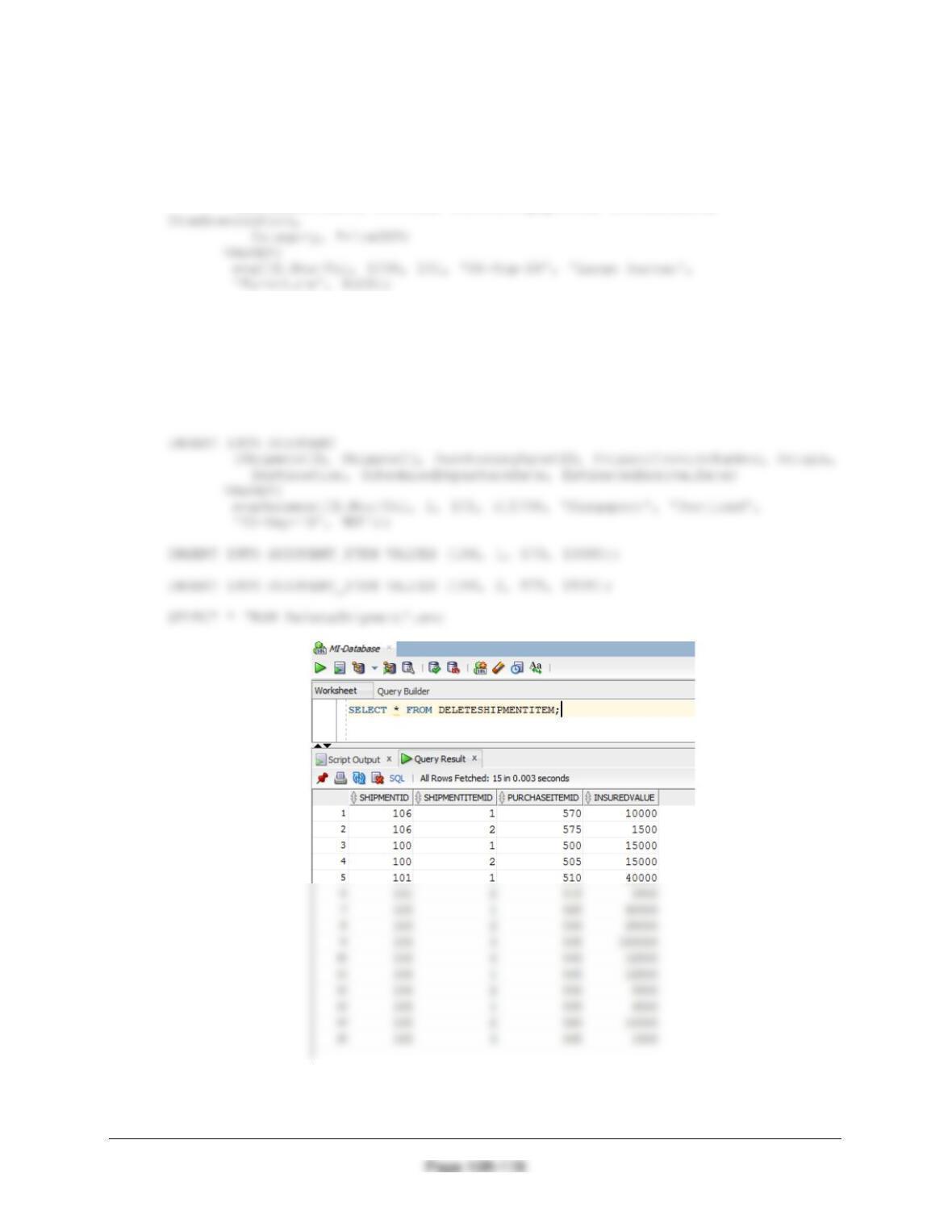
To test this, run the following commands:
INSERT INTO PURCHASE_ITEM
(PurchaseItemID, StoreID, PurchasingAgentID, PurchaseDate,
INSERT INTO PURCHASE_ITEM
(PurchaseItemID, StoreID, PurchasingAgentID, PurchaseDate,
ItemDescription,
Category, PriceUSD)
VALUES(
seqIID.NextVal, 1100, 101, ’07-Sep-18′, ‘Brass lamps’, ‘Lamps’,
1200);
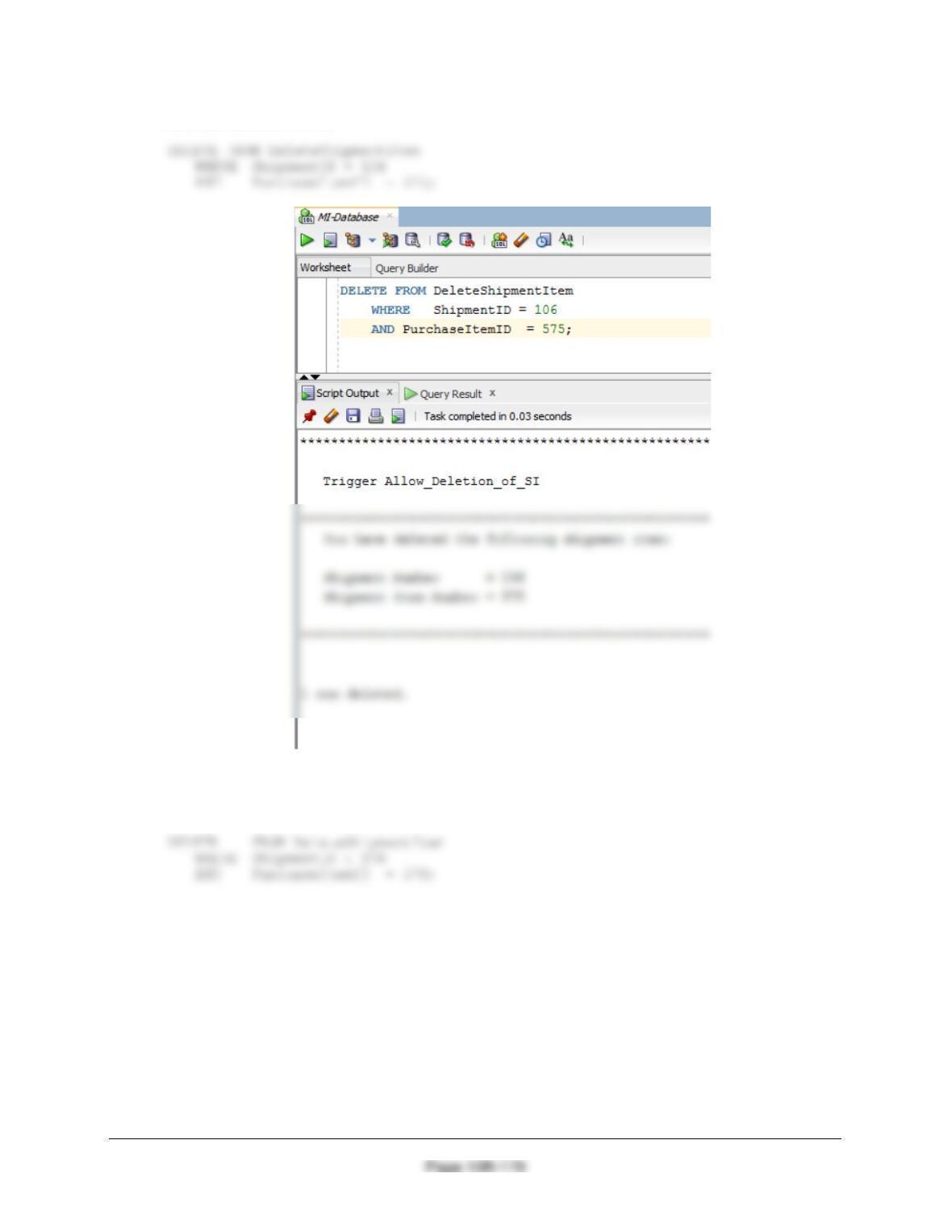
(1) To delete a SHIPMENT_ITEM from a SHIPMENT with more than one
SHIPMENT_ITEM:
Chapter 10B – Managing Databases with Oracle Database
SET SERVEROUTPUT ON;
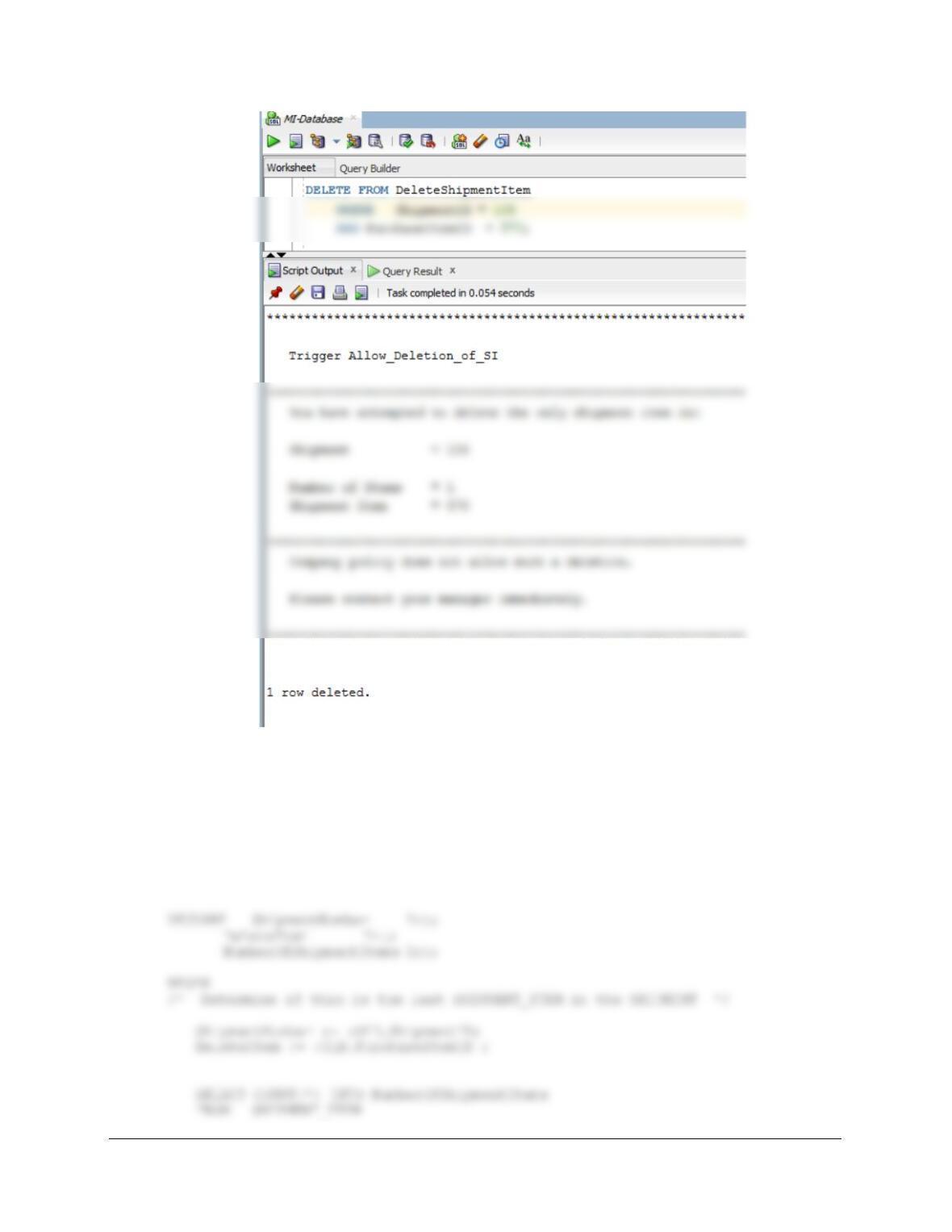
(2) To delete a SHIPMENT_ITEM from a SHIPMENT with only one SHIPMENT_ITEM:
SET SERVEROUTPUT ON;
Chapter 10B – Managing Databases with Oracle Database
Page 10B-180
Figure 7-29 contains the logic to delete all SHIPMENT_ITEMs and the SHIPMENT. Here is the
trigger code:
CREATE OR REPLACE TRIGGER Allow_Deletion_Of_SHPMNT
INSTEAD OF DELETE ON DeleteShipmentItemShipment
FOR EACH ROW
Chapter 10B – Managing Databases with Oracle Database
Page 10B-181
DBMS_OUTPUT.PUT_LINE
(‘********************************************************************’);
DBMS_OUTPUT.PUT_LINE (‘ ‘);
DBMS_OUTPUT.PUT_LINE
(‘ Trigger Allow_Deletion_of_SHPMNT’);
DBMS_OUTPUT.PUT_LINE (‘ ‘);
(‘********************************************************************’);
END IF;
IF NumberOfShipmentItems > 1 THEN
/* Deletion of SHIPMENT_ITEM only. */
DELETE FROM SHIPMENT_ITEM
WHERE ShipmentID = ShipmentNumber
AND PurchaseItemID = DeleteItem;
END;
/
Chapter 10B – Managing Databases with Oracle Database
Page 10B-182
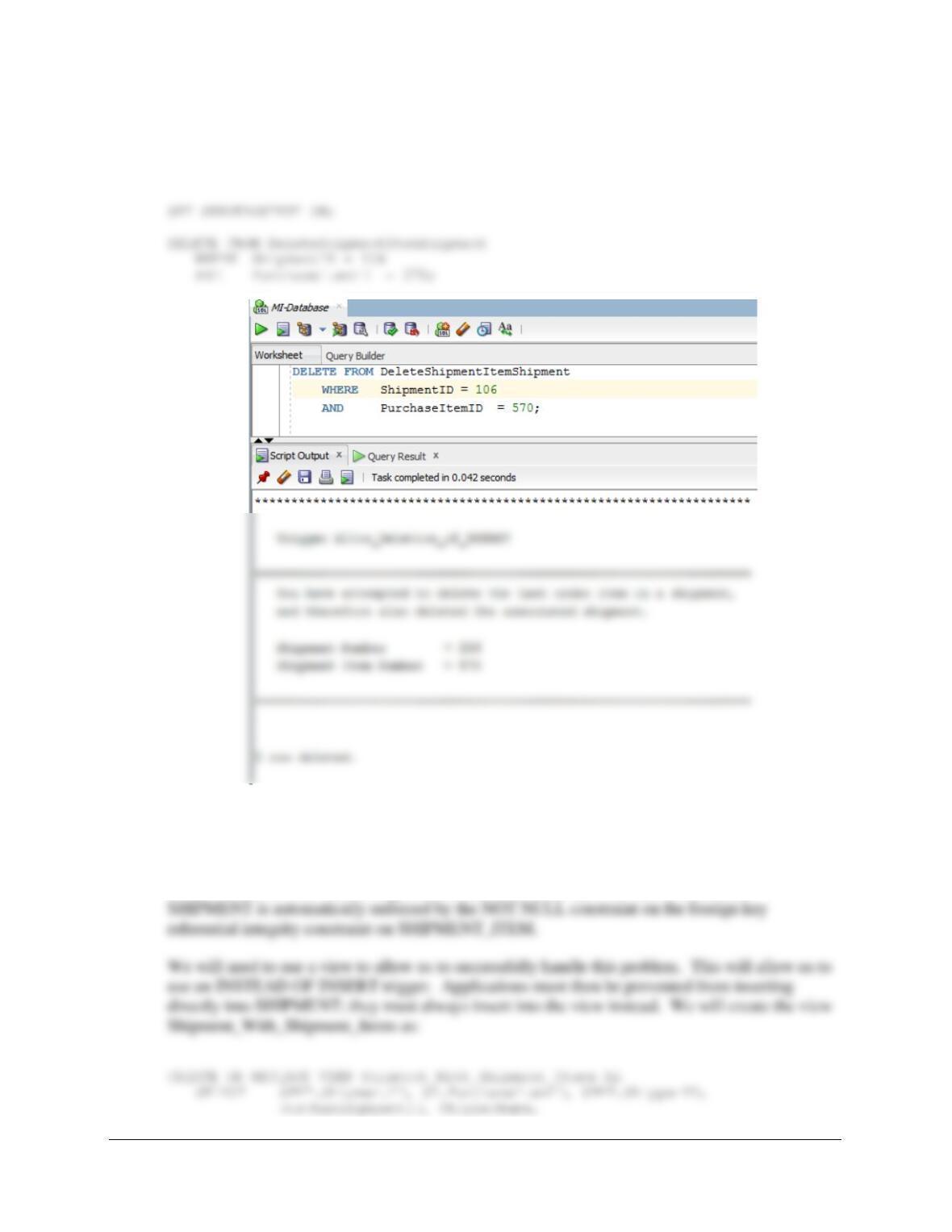
To test this, run the following commands:
To delete a SHIPMENT_ITEM and a SHIPMENT when there is only one SHIPMENT_ITEM:
(3) Adding a required SHIPMENT_ITEM when a SHIPMENT is created.
This solution is similar to the one we did for Project Question 10B.70, which used the discussion
of this topic in Chapter 10B and Figure 10B-73 as a model for the trigger. We will again use this
model. First, we note that the requirement that SHIPMENT_ITEM has an associated
Chapter 10B – Managing Databases with Oracle Database
Page 10B-183
ShipperInvoiceNumber, Origin, Destination,
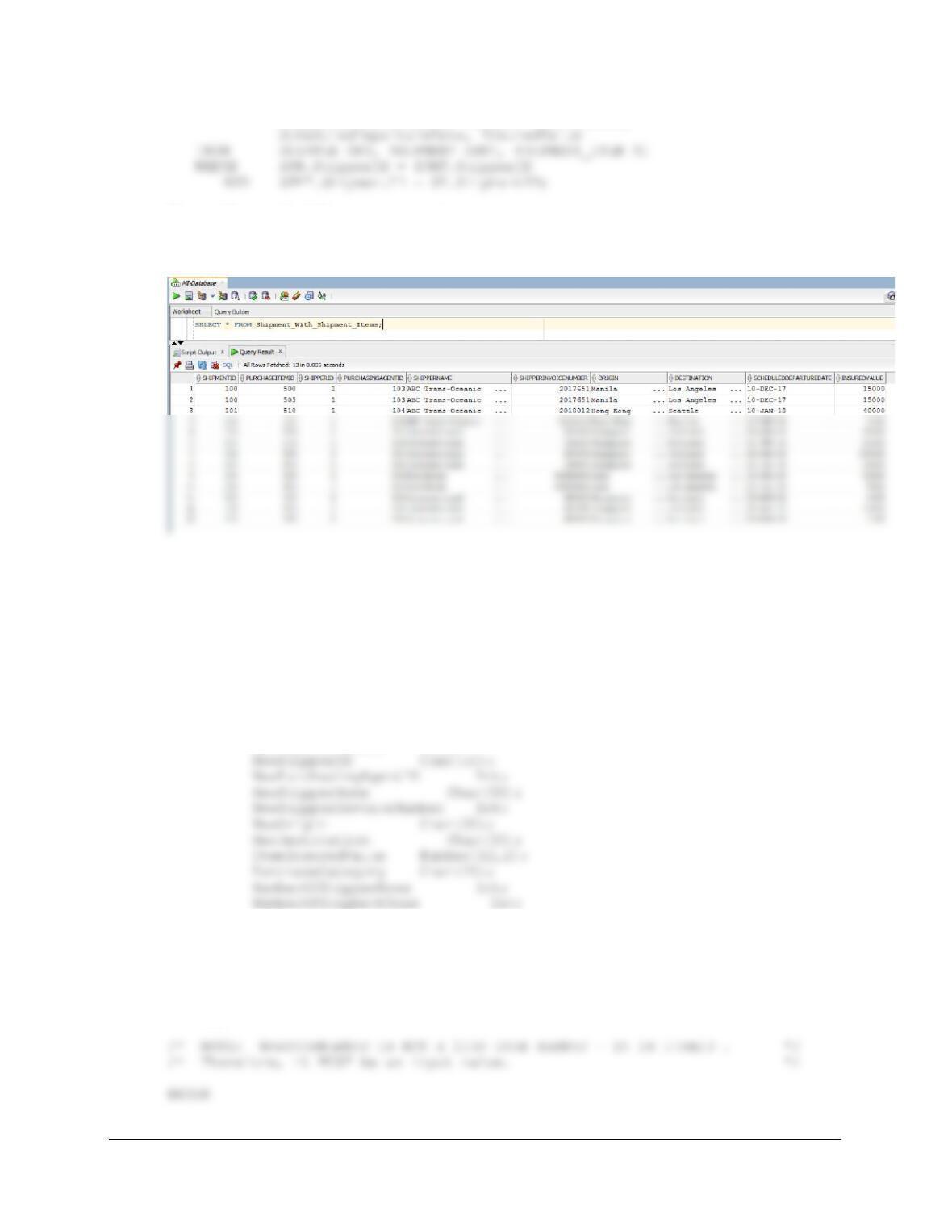
To test this, run the following command:
SELECT * FROM Shipment_With_Shipment_Items;
Here is the trigger code:
CREATE OR REPLACE TRIGGER Insert_SHPMNT_And_ITEM
INSTEAD OF INSERT ON Shipment_With_Shipment_Items
FOR EACH ROW
DECLARE NewShipmentID Int;
AssignedShipmentNumber Int;
NewItemNumber Int;
NewDepartureDate Date;
/* There is no need for this trigger to input: SHIPMENT.ActualDepartureDate.
*/
/* This should be input separately after the SHIPMENT has departed. */
/* Further, it can be NULL. If input, it is initially an */
/* approximate / scheduled date. */
Chapter 10B – Managing Databases with Oracle Database
/* Get the values provided for the INSERT on the view */
NewShipmentID := :NEW.ShipmentID;
NewItemNumber := :NEW.PurchaseItemID ;
/* This is a new SHIPMENT combined with the first SHIPMENT_ITEM. */
/* Neither the SHIPMENT nor the SHIPMENT_ITEM exist. */
/* CHECK for valid NewShipperName. */
DBMS_OUTPUT.PUT_LINE
(‘********************************************************************’);
DBMS_OUTPUT.PUT_LINE (‘ ‘);
DBMS_OUTPUT.PUT_LINE
(‘ Trigger Insert_SHPMNT_And_ITEM’);
DBMS_OUTPUT.PUT_LINE (‘ ‘);
DBMS_OUTPUT.PUT_LINE
(‘********************************************************************’);
DBMS_OUTPUT.PUT_LINE
(‘ The SHIPPER Shipper ID that you have entered does NOT exist.’);
DBMS_OUTPUT.PUT_LINE (‘ ‘);
END IF;
IF NumberOfShipperRows > 0 THEN
/* SHIPPER.ShipperID does EXIST. */
DBMS_OUTPUT.PUT_LINE
(‘********************************************************************’);
Chapter 10B – Managing Databases with Oracle Database
DBMS_OUTPUT.PUT_LINE
(‘ The SHIPPER Shipper ID that you have entered exists.’);
DBMS_OUTPUT.PUT_LINE (‘ ‘);
DBMS_OUTPUT.PUT_LINE
(‘ SHIPPER ShipperID = ‘|| NewShipperID);
DBMS_OUTPUT.PUT_LINE
DBMS_OUTPUT.PUT_LINE
(‘ The SHIPMENT_ITEM is already assigned to a SHIPMENT.’);
DBMS_OUTPUT.PUT_LINE (‘ ‘);
DBMS_OUTPUT.PUT_LINE
(‘ SHIPMENT ShipmentID = ‘|| AssignedShipmentNumber);
DBMS_OUTPUT.PUT_LINE (‘ ‘);
DBMS_OUTPUT.PUT_LINE
IF NumberOfShipmentRows = 0 THEN
/* Create the SHIPMENT */
INSERT INTO SHIPMENT
(ShipmentID, ShipperID, PurchasingAgentID, ShipperInvoiceNumber,
Origin, Destination, ScheduledDepartureDate)
VALUES(
NewShipmentID, NewShipperID, NewPurchasingAgentID,
NewShipperInvoiceNumber, NewOrigin, NewDestination,
NewDepartureDate);
Chapter 10B – Managing Databases with Oracle Database
Page 10B-186
(‘********************************************************************’);
/* Create the SHIPMENT_ITEM, with ShipmentItemID 1 */
INSERT INTO SHIPMENT_ITEM VALUES (
NewShipmentID, 1, NewItemNumber, ItemInsuredValue);
DBMS_OUTPUT.PUT_LINE
(‘ Purchase Item = ‘ || NewItemNumber);
DBMS_OUTPUT.PUT_LINE (‘ ‘);
DBMS_OUTPUT.PUT_LINE
END IF;
END IF;
END;
/
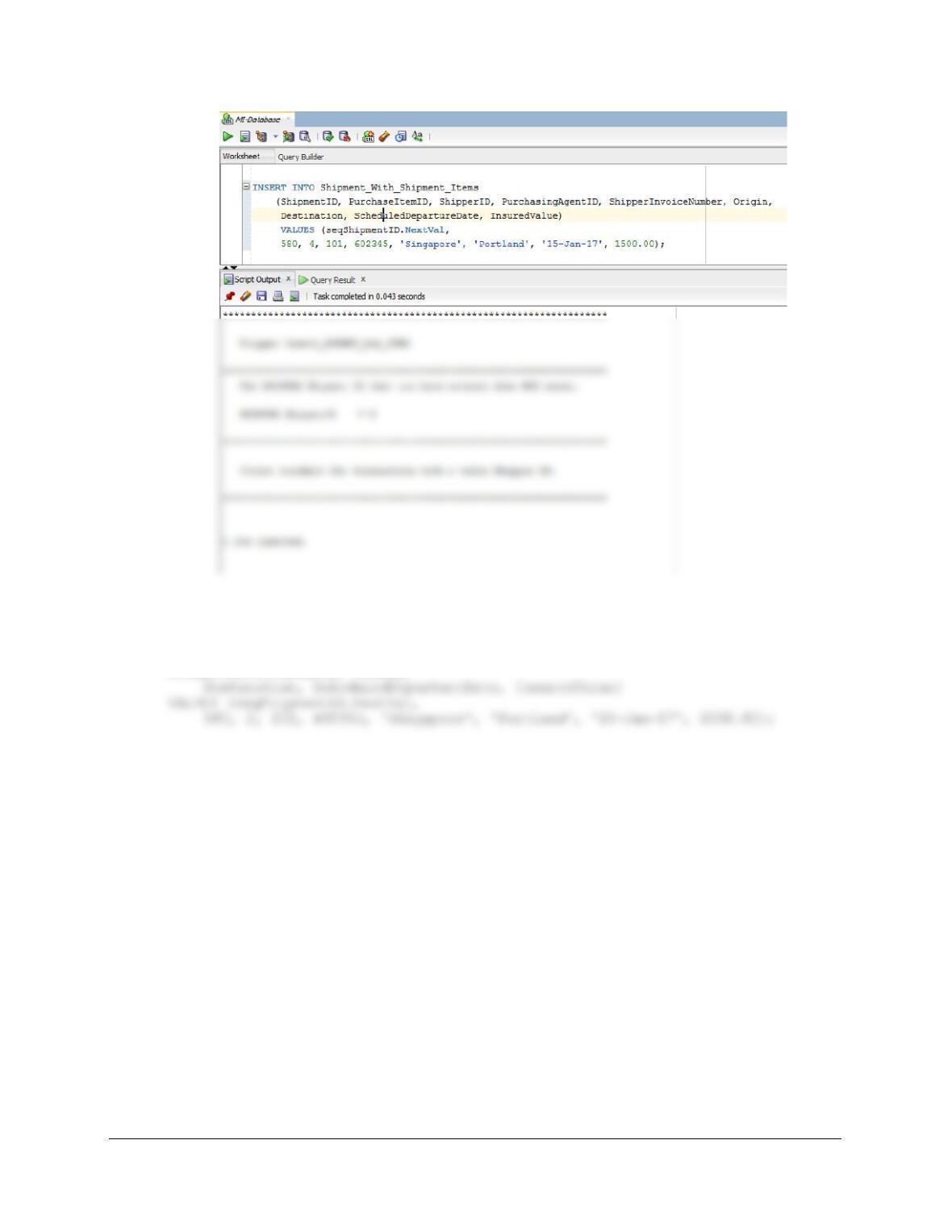
To test this trigger, use:
INSERT INTO PURCHASE_ITEM (PurchaseItemID, StoreID, PurchasingAgentID,
PurchaseDate, ItemDescription, Category, PriceUSD)
VALUES (580, 1100, 101, ’12-Dec-18′, ‘Brass lamps’, ‘Lamps’, 1200);
Chapter 10B – Managing Databases with Oracle Database
Page 10B-187
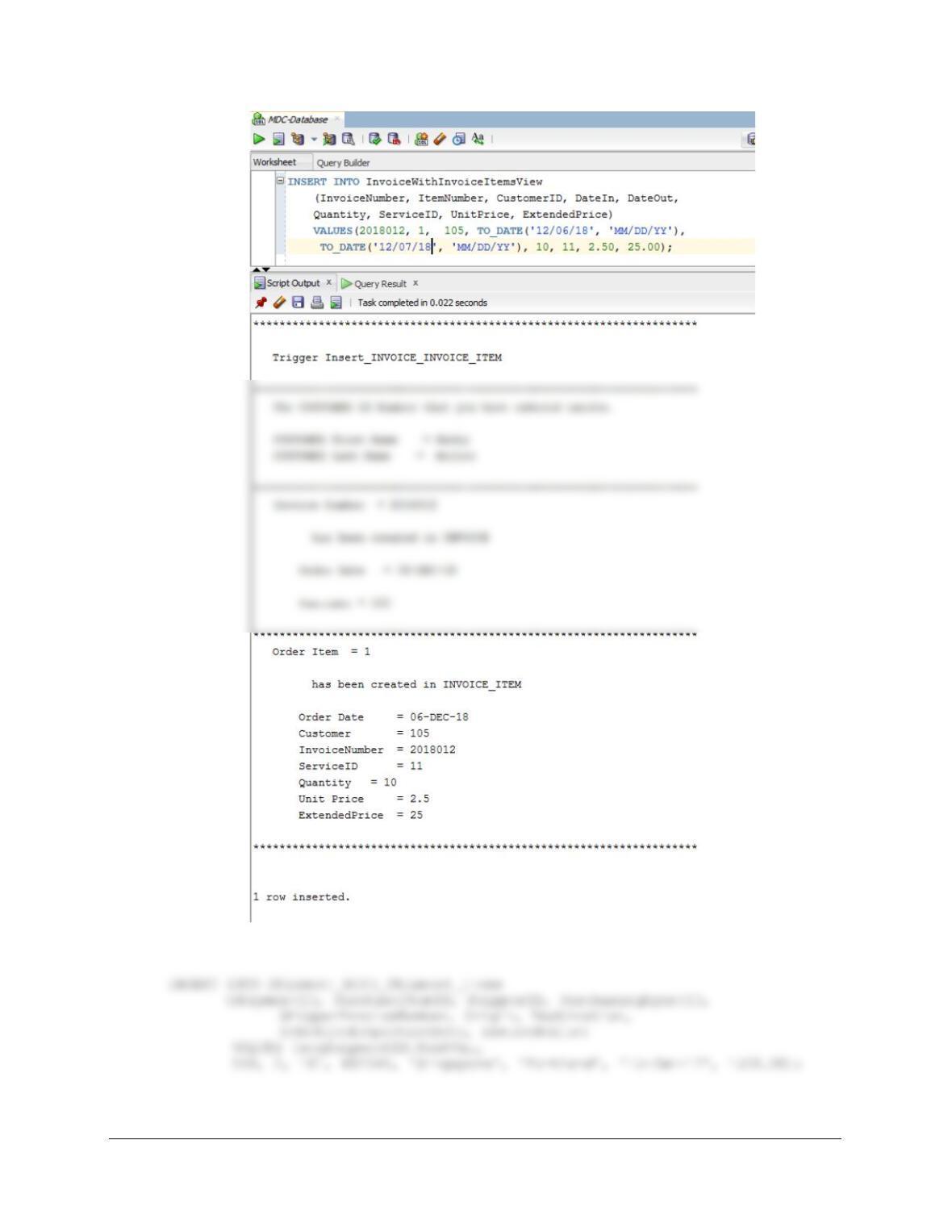
(2) To add a valid SHIPMENT and SHIPMENT_ITEM:
INSERT INTO Shipment_With_Shipment_Items
(ShipmentID, PurchaseItemID, ShipperID, PurchasingAgentID,
ShipperInvoiceNumber, Origin,
Chapter 10B – Managing Databases with Oracle Database
Page 10B-188
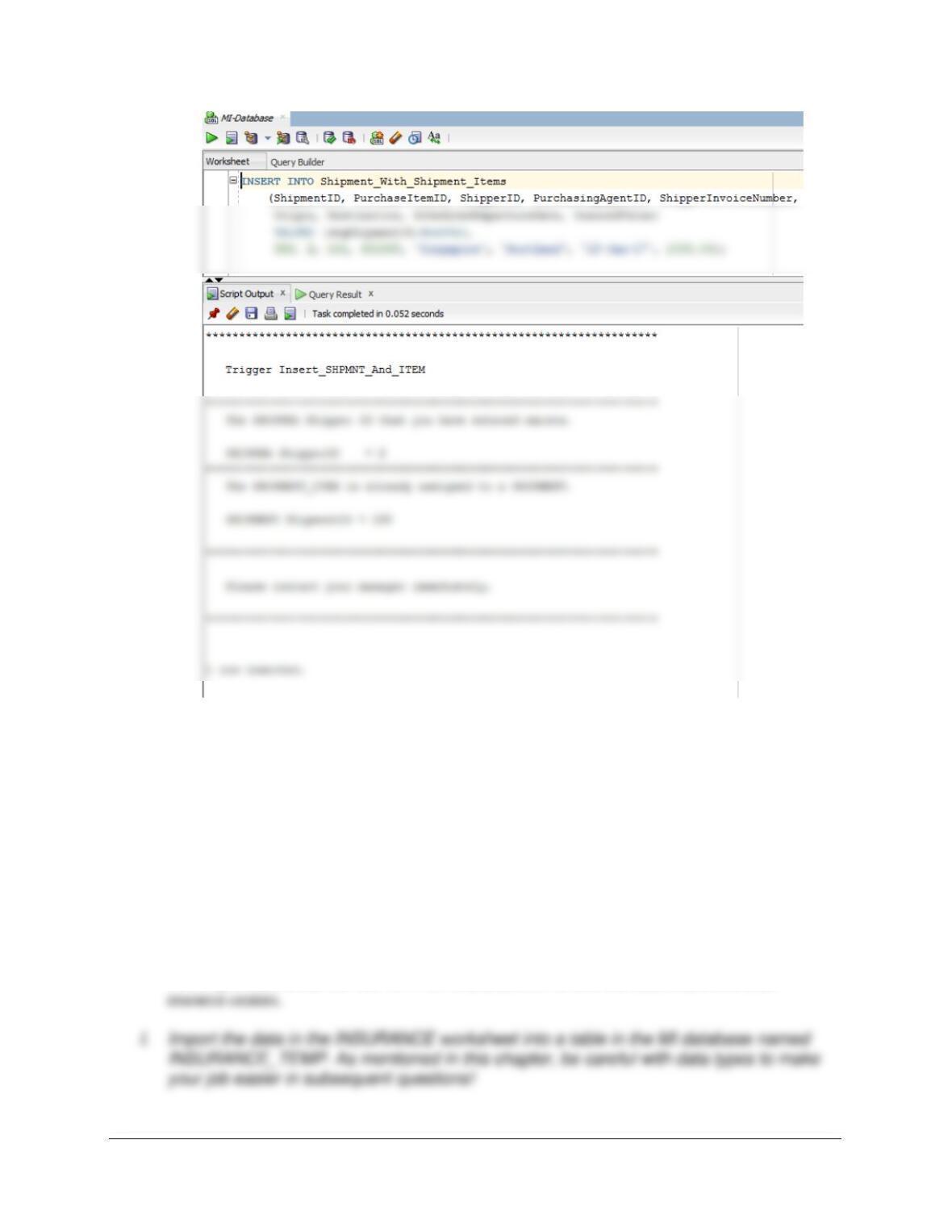
(3) To attempt adding a SHIPMENT_ITEM with a pre-existing ShipmentID:
Chapter 10B – Managing Databases with Oracle Database
Page 10B-189
Morgan Importing purchases marine insurance to protect the company from monetary loss
during shipping. So far, the company has kept their insurance records in a Microsoft Excel 2016
worksheet, as shown in Figure 10B-91. They have decided to integrate this data into the MI
database. The modifications to the MI database needed to accomplish this are shown in Figure
10B–92 (as a MySQL Workbench EER diagram). Using the MI database, create an SQL script
named MI-Import-Excel-Data.sql to answer parts H through T.
SQL Solutions to parts H through T are below and in the file DBP-e15-Oracle-MI-Import-Excel–
Data.sql.
H. Duplicate the INSURANCE worksheet in Figure 10B-91 in a worksheet (or spreadsheet)
in Microsoft Excel 2016 (or another tool such as Apache OpenOffice Calc).
This is provided in the file DBP-e15-MI-Insurance.xlsx in both the student and instructor
Chapter 10B – Managing Databases with Oracle Database
J. Create the GetLastNameCommaSeparated user-defined function shown in Figure 10B-
57.
CREATE OR REPLACE FUNCTION GetLastNameCommaSeparated
— These are the input parameters
(
varName Varchar2
K. Create a user-defined function named GetFirstNameCommaSeparated that will return
the first name from a combined name in last-name-first order, with the names separated
by a comma and one space.
Note the use of the RTRIM function to remove trailing blanks from the first name: this ensures it
will fit into a Char(25) first name column, whether it was imported as Char or VarChar.
Chapter 10B – Managing Databases with Oracle Database
Page 10B-191
/
L. Alter the INSURANCE_TEMP table to include AgentLastName and AgentFirstName
columns (Varchar(45), allow NULL values).
ALTER TABLE INSURANCE_TEMP
M. Use the GetLastNameCommaSeparated user-defined function you created in step J to
populate the AgentLastName column.
UPDATE INSURANCE_TEMP
SET AgentLastName = GetLastNameCommaSeparated(AgentName);
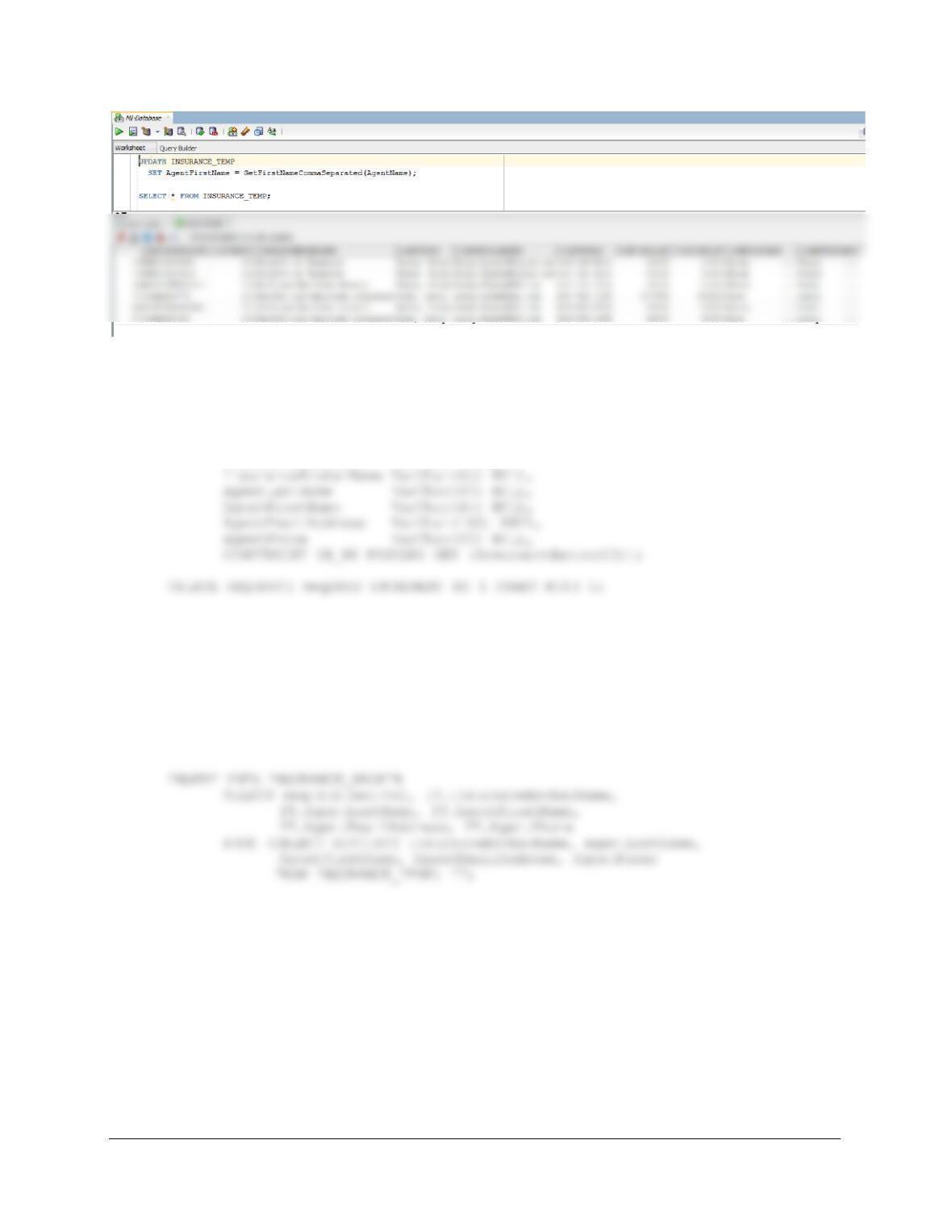
N. Use the GetFirstNameCommaSeparated user-defined function you created in step K to
populate the AgentFirstName column.
UPDATE INSURANCE_TEMP
SET AgentFirstName = GetFirstNameCommaSeparated(AgentName);
SELECT * FROM INSURANCE_TEMP;
Chapter 10B – Managing Databases with Oracle Database
Page 10B-192
O. Create a new table named INSURANCE_BROKER. Use the column characteristics
shown in Figure 10B–92, where InsuranceBrokerID is a surrogate key starting at 1 and
incrementing by 1.
CREATE TABLE INSURANCE_BROKER (
InsuranceBrokerID INT NOT NULL,
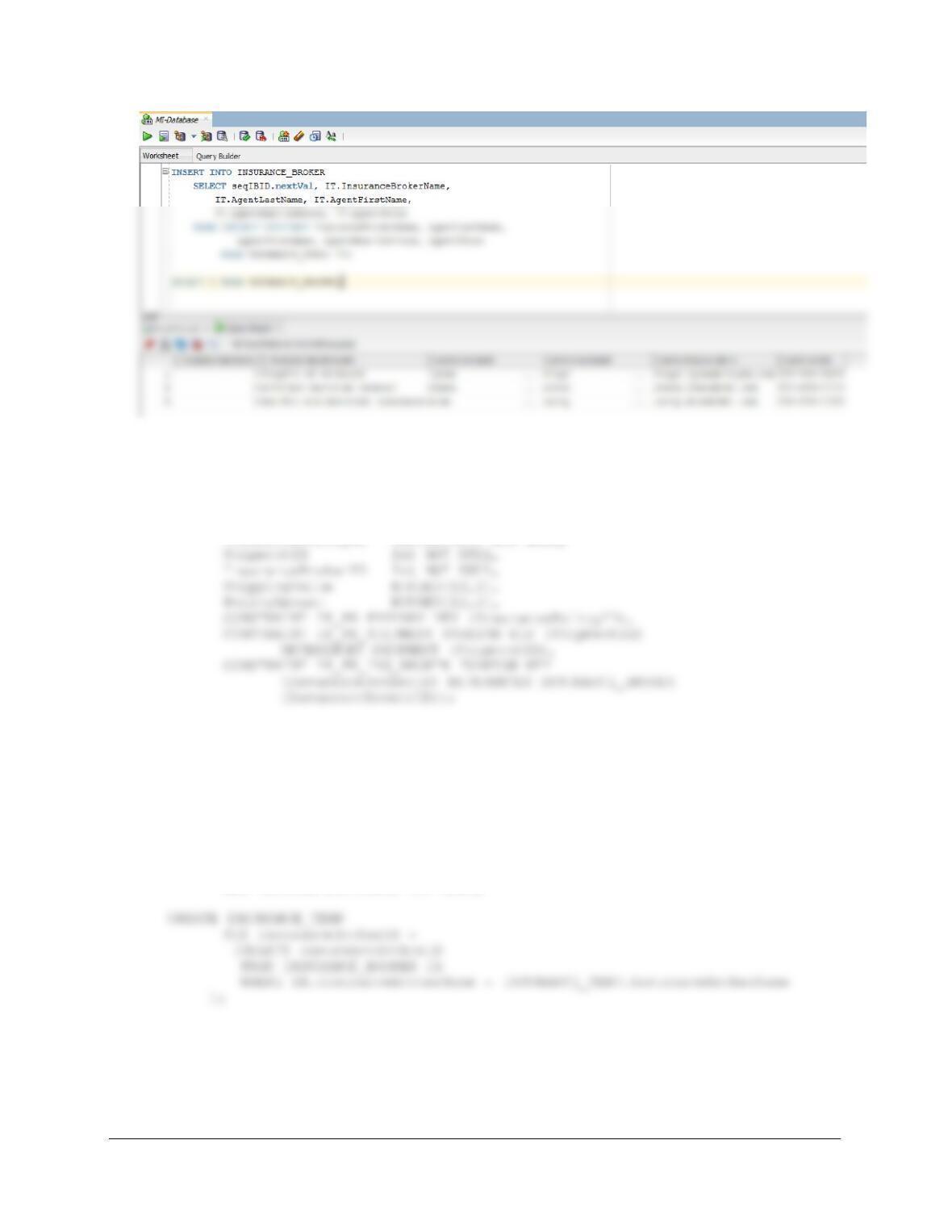
P. Populate the INSURANCE_BROKER table using the data stored in the
INSURANCE_TEMP table. Hints: You should insert distinct data into the table, and your
final table will have only three records. See Exericse 10B.72G for how to manage the
sequence.
See Project Question 10.72G for a tip on how to do this using the sequence and a single INSERT
statement, as shown below.
Chapter 10B – Managing Databases with Oracle Database
Page 10B-193
Q. Create a new table named INSURANCE_POLICY. Use the column characteristics
shown in Figure 10B–92. Note that InsurancePolicyID is not a surrogate key, but rather
uses a Varchar (25) character string.
CREATE TABLE INSURANCE_POLICY (
InsurancePolicyID VarChar(25) NOT NULL,
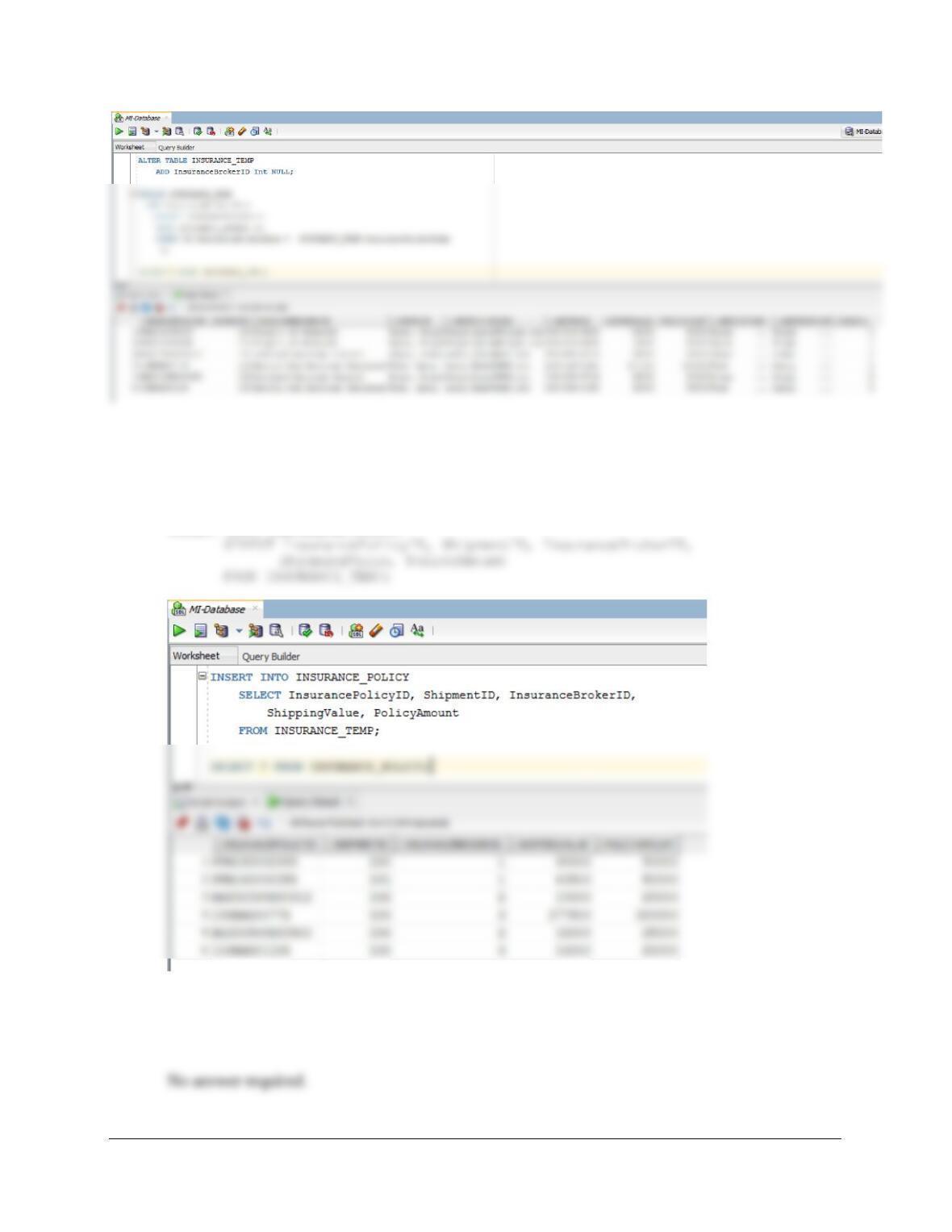
R. Alter the INSURANCE_TEMP table to include an InsuranceBrokerID column (Integer
data, allow nulls). By using and comparing the
INSURANCE_TEMP.InsuranceBrokerName and
INSURANCE_BROKER.InsuranceBrokerName columns, populate this column. Hint:
Assume for this question that no two insurance broker names are the same.
ALTER TABLE INSURANCE_TEMP
ADD InsuranceBrokerID Int NULL;
Chapter 10B – Managing Databases with Oracle Database
Page 10B-194
S. Populate the INSURANCE_POLICY table using the data stored in the
INSURANCE_TEMP table. Hint: You will have one record in the INSURANCE_POLICY
table for every record in the INSURANCE_TEMP table, and your final table will have six
records.
INSERT INTO INSURANCE_POLICY
T. We have completed the modifications of the MI database, and are done with the
temporary INSURANCE_TEMP table. We could delete it if we wanted to, but we will
keep the INSURANCE_TEMP table in the database.