Chapter 10B – Managing Databases with Oracle Database
Page 10B-161
T. Create a new table named PAYROLL, as shown in Figure 10B-90. Use the column
characteristics shown in Figure 10B-90. Note that PayrollEntryID is a surrogate key,
with initial value 20180001 and incrementing by 1.
CREATE TABLE PAYROLL (
PayrollEntryID Int NOT NULL,
EmployeeID Int NOT NULL,
PayrollCategoryID Int NOT NULL,
PayDate DATE,
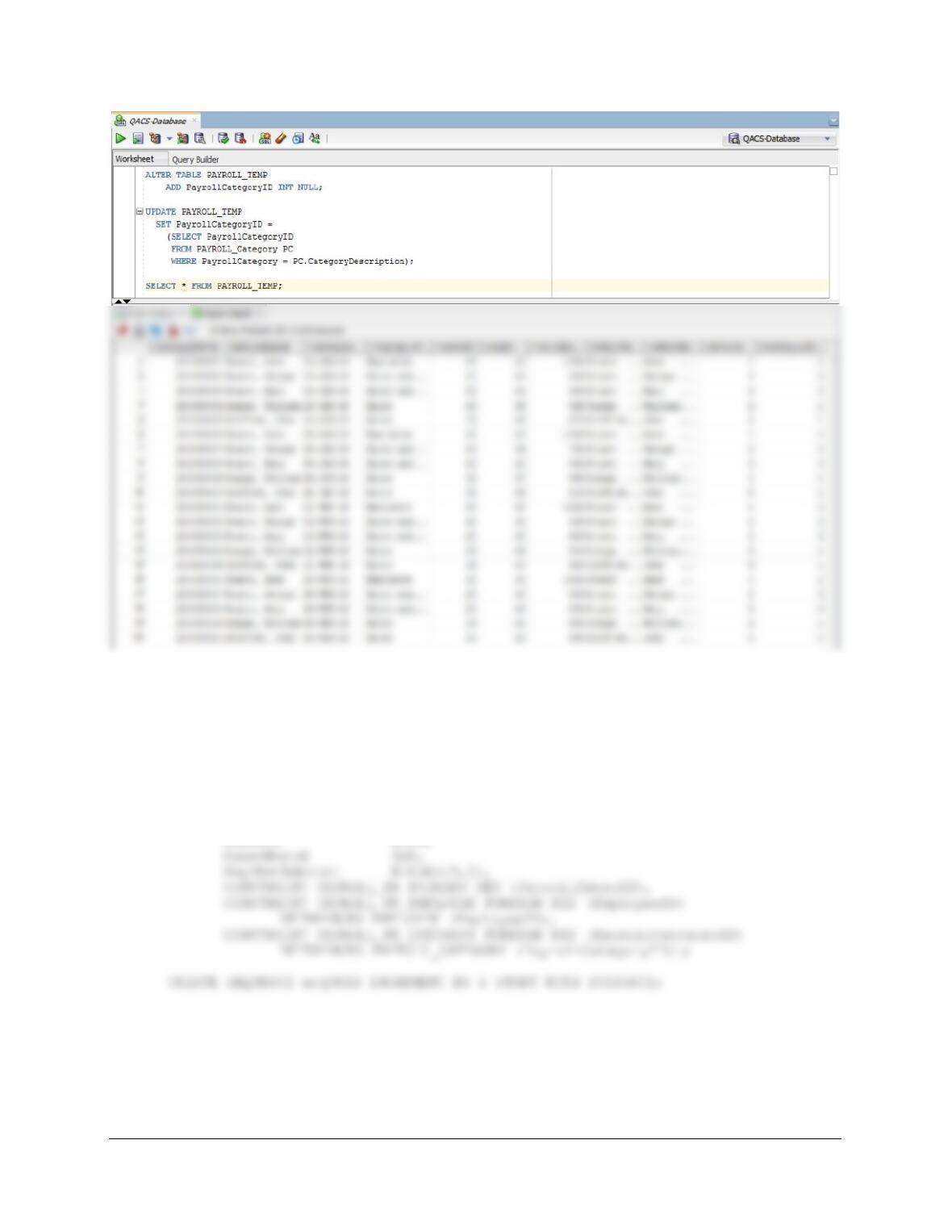
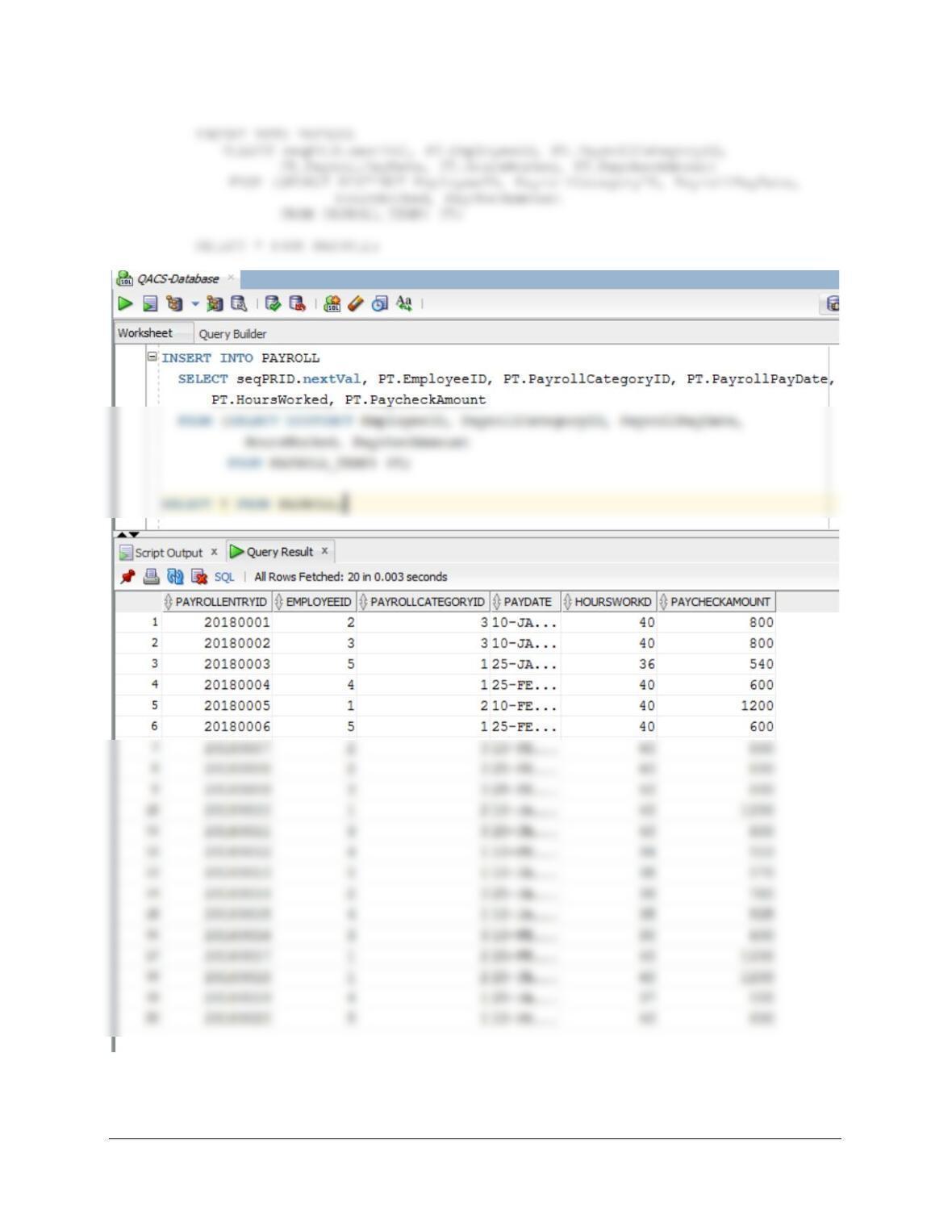
U. Populate the PAYROLL table using the data stored in the PAYROLL_TEMP table.
Hint: You will have one record in the PAYROLL table for every record in the
PAYROLL_TEMP table, and your final table will have 20 records. Hint: see Exericse
10B.72G for how to manage the sequence.
Chapter 10B – Managing Databases with Oracle Database
Page 10B-162
Chapter 10B – Managing Databases with Oracle Database
Page 10B-163
V. We have completed the modifications of the QACS database, and are done with the
temporary PAYROL_TEMP table. We could delete it if we wanted to, but we will
keep the PAYROLL_TEMP table in the database.
❖ ANSWERS TO MORGAN IMPORTING PROJECT QUESTIONS
If you have not completed the discussion of the Morgan Importing database at the end of
Chapter 7, work thorough the Chapter 7 Morgan Importing Project Questions now. Use the MI
database that you created in the Chapter 7 MI Project Questions as the basis for your answers
to the following questions:
A. Using the examples in this chapter as a template:
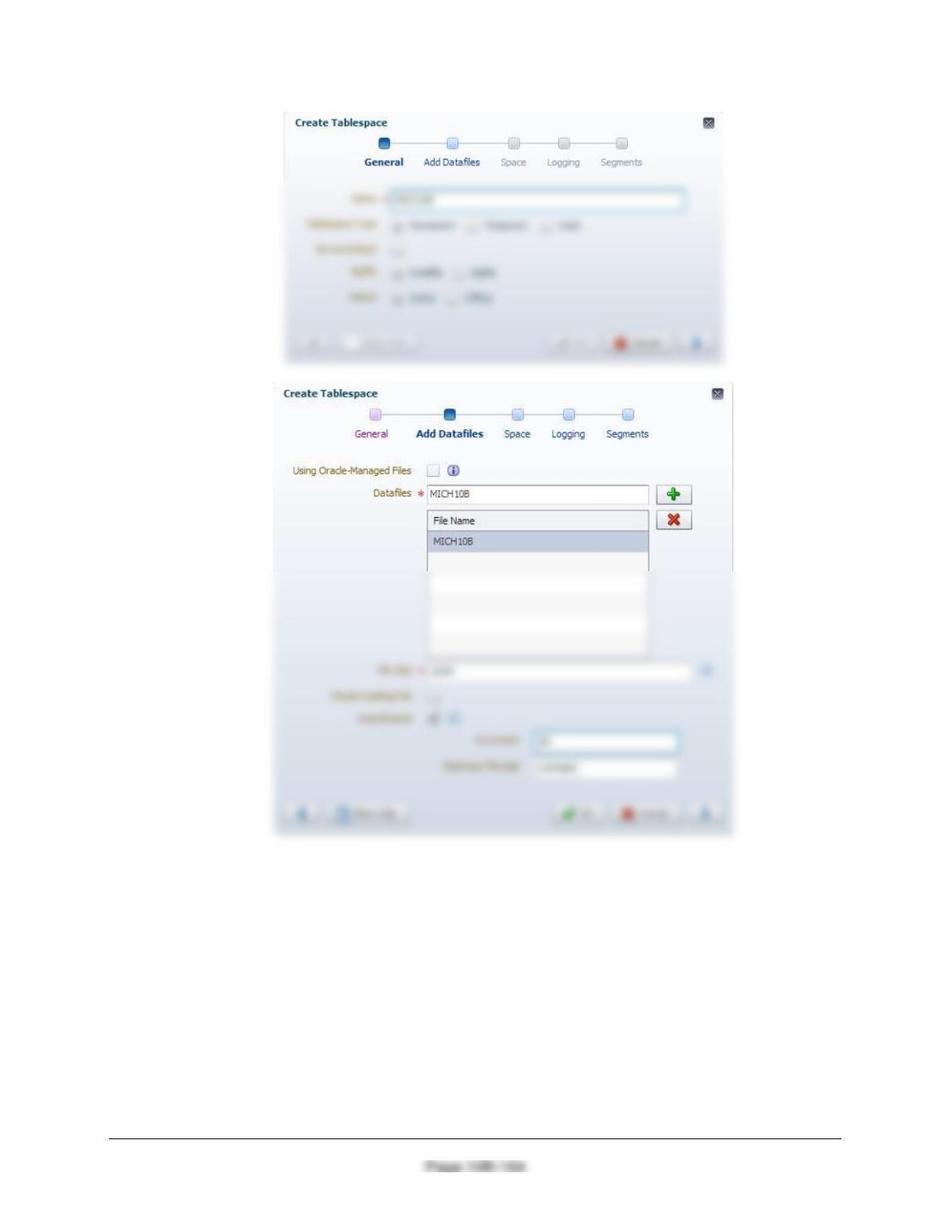
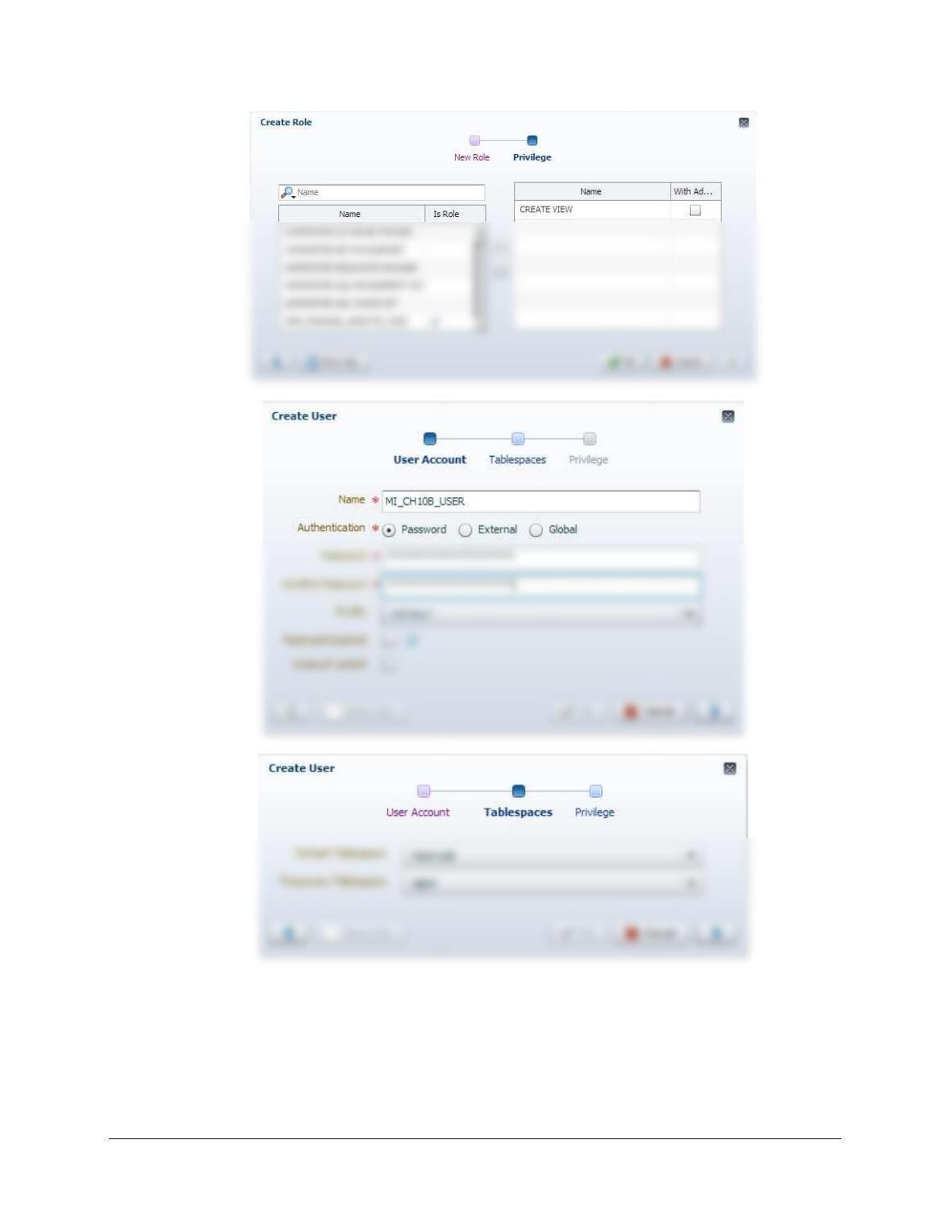
• For Oracle Database 12c Release 2: Use the Oracle Enterprise Manager to create a
tablespace named MICH10B, a user named MI_CH10B_USER with a password of
Chapter 10B – Managing Databases with Oracle Database
Chapter 10B – Managing Databases with Oracle Database
Page 10B-165
Chapter 10B – Managing Databases with Oracle Database
Page 10B-166
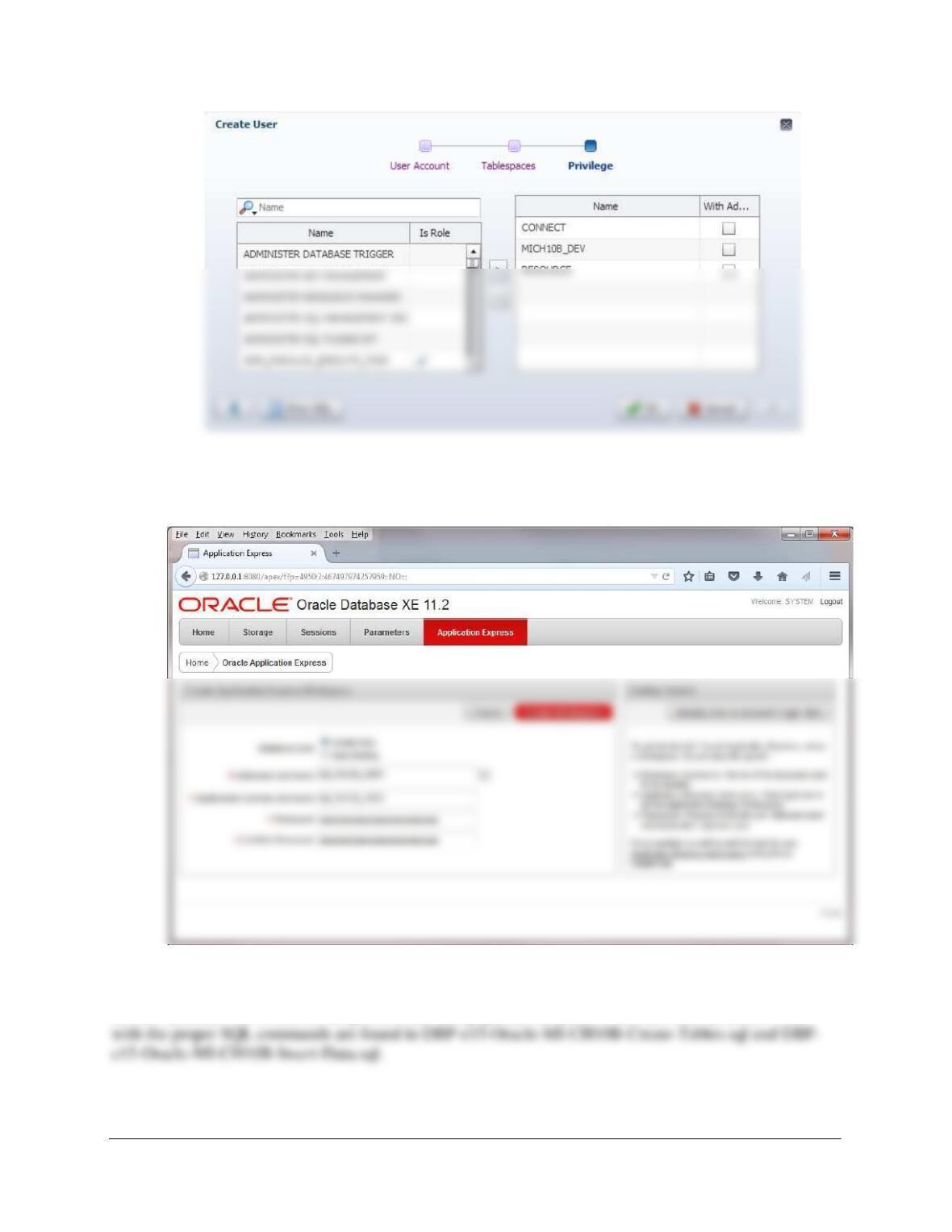
The process is simpler for Oracle Database XE 11.2: Follow the instructions on pages 10B29-
10B-33. After creating the workspace, exit the XE 11.2 Database Administration Utility. Here is
a screen shot of the crucial part of the process:
After creating the above user, the database will need to be created and populated with data. As mentioned
in the text, it is assumed that you have already created and populated this database, but probably in
another account. So re-run the scripts to create and populate the tables in the new user account. Files
Chapter 10B – Managing Databases with Oracle Database
Page 10B-167
Using the MI database, create an SQL script named MI–Create-Views-and-Functions.sql to
answer parts B through E.
Answers to parts B through E are below and in the file DBP-e14-Oracle-MI-Create-Views-and-
Functions.sql.
B. Create and test a user-defined function named LastNameFirst that combines two
parameters named FirstName and LastName into a concatenated name field formatted
LastName, FirstName (including the comma and space).
Tested in view that follows in part C.
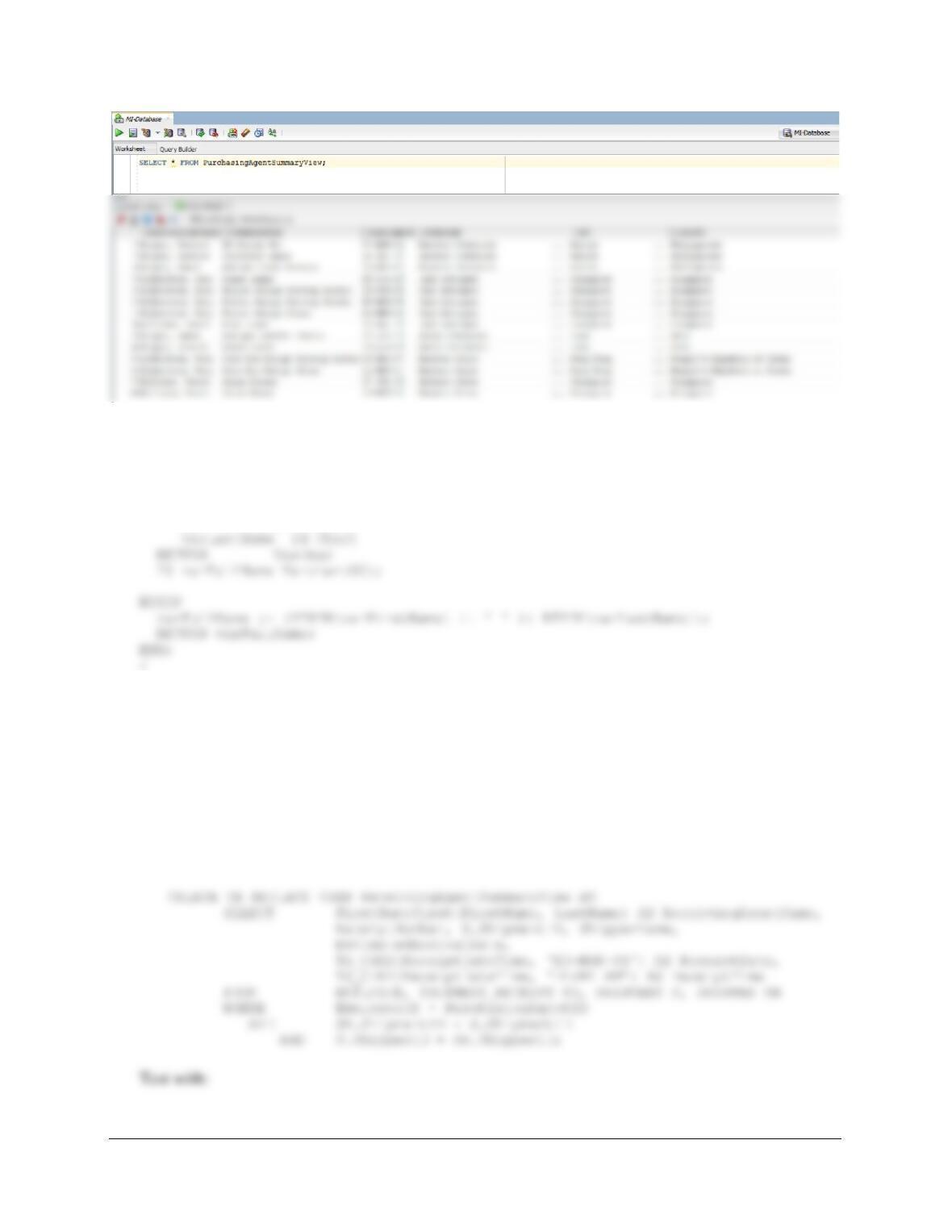
C. Create and test a view called PurchasingAgentSummaryView that contains the
employee name of any MI employees who purchase items for the company,
concatenated and formatted as LastName, FirstName (including the comma and space)
in a field named PurchasingAgentName, ITEM.ItemDescription, ITEM.PurchaseDate,
STORE.StoreName, STORE.City, and Store.Country.
SELECT * FROM PurchasingAgentSummaryView;
Chapter 10B – Managing Databases with Oracle Database
Page 10B-168
D. Create and test a user-defined function named FirstNameFirst that combines two
parameters named FirstName and LastName into a concatenated name field formatted
FirstName LastName (including the space).
CREATE OR REPLACE FUNCTION FirstNameFirst
(varFirstName IN Char,
Tested in view that follows in part E.
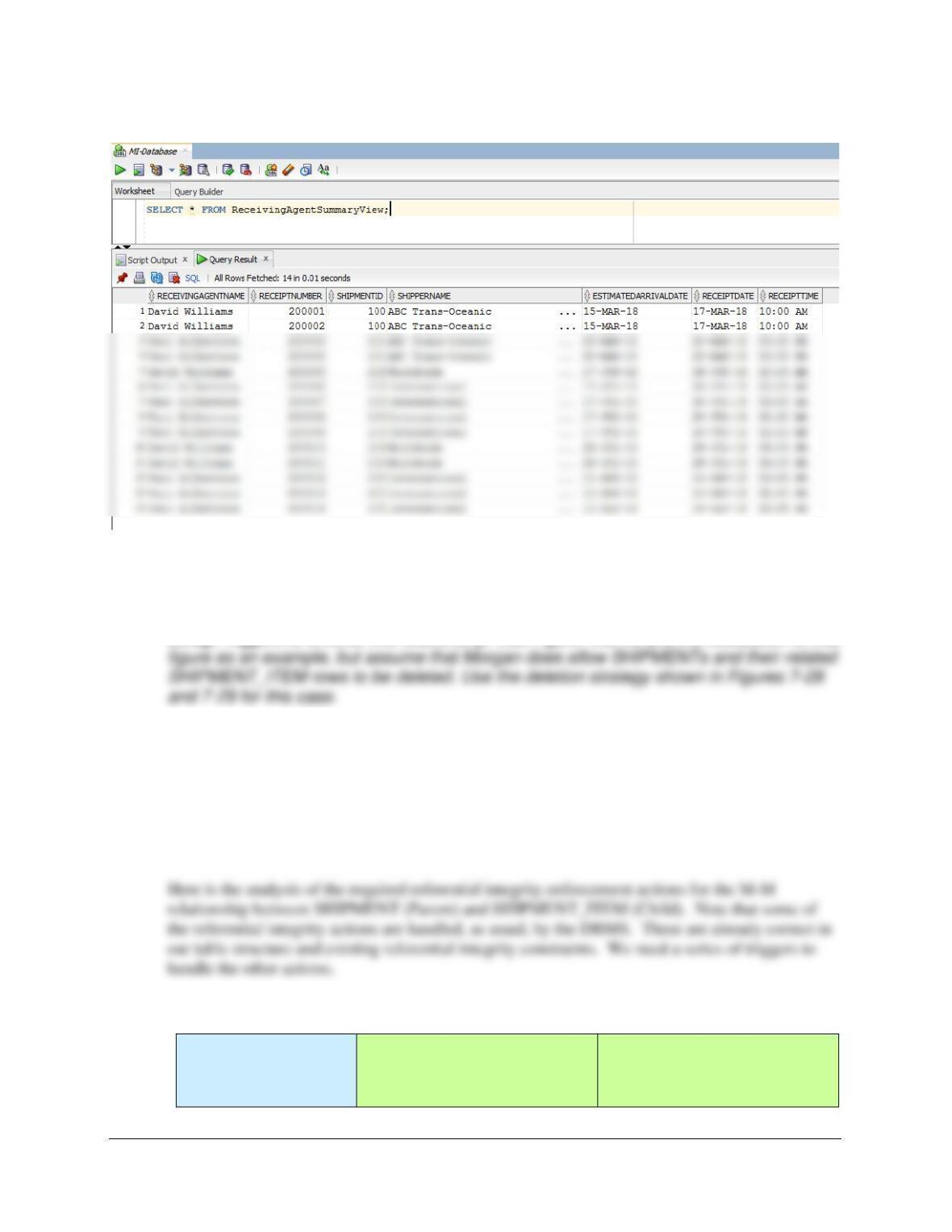
E. Create and test a view called ReceivingAgentSummaryView that contains the employee
name of any MI employees who received items for the company, concatenated and
formatted as FirstName LastName in a field named ReceivingAgentName,
SHIPMENT_RECEIPT.ReceiptNumber, SHIPMENT.ShipmentID,
SHIPPER.ShipperName, SHIPMENT.EstimatedArrivalDate, and the date and time of the
receipt. Hint: use the Oracle TO_CHAR function to extract the date and time from the
ReceiptDateTime field.
Chapter 10B – Managing Databases with Oracle Database
Page 10B-169
SELECT * FROM ReceivingAgentSummaryView;
Using the MI database, create an SQL script named MI–Create-Triggers.sql to answer
parts F and G.
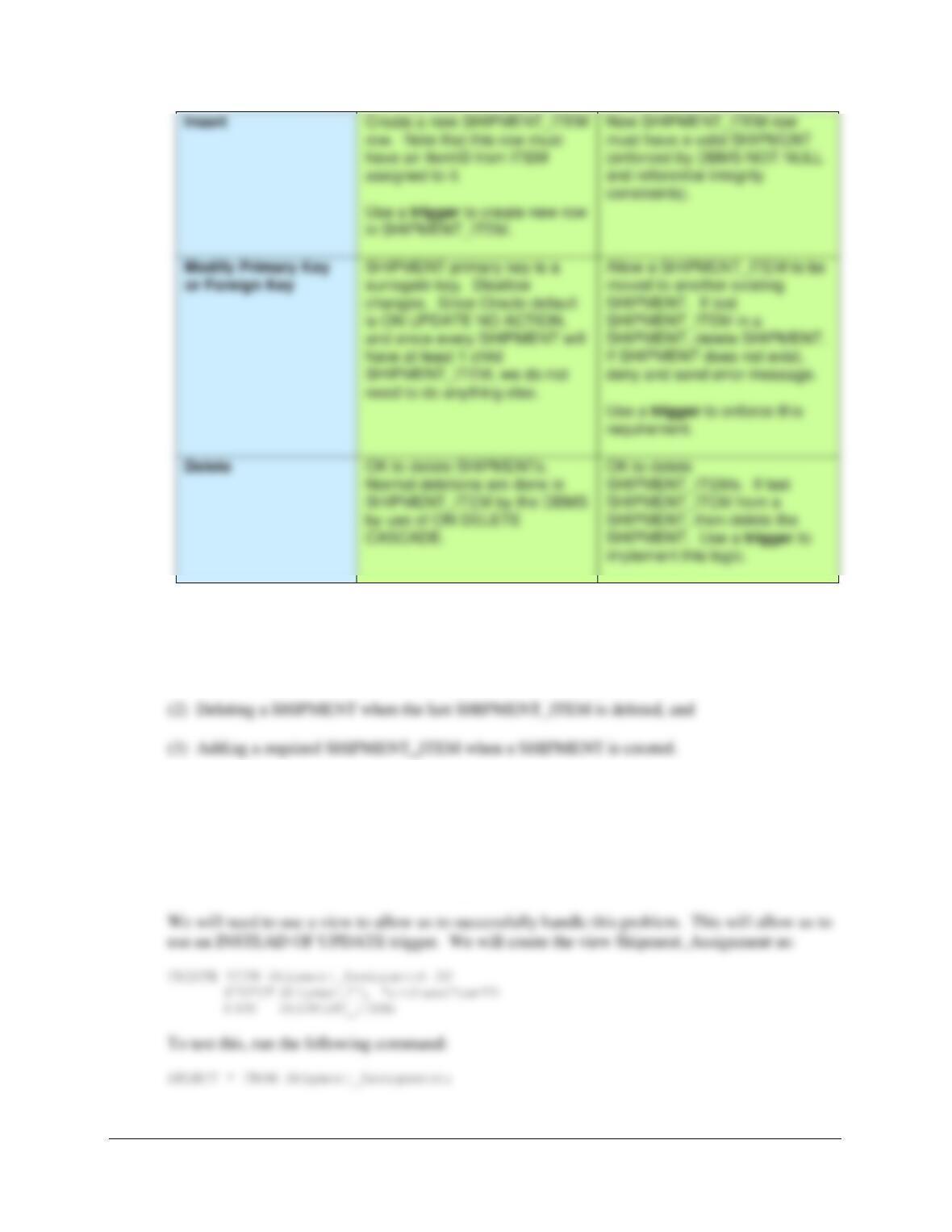
F. Assume that the relationship between SHIPMENT and SHIPMENT_ITEM is M-M.
Design triggers to enforce this relationship. Use Figure 10B-72 and the discussion of that
G. Write and test the triggers you designed in part F. Note that you may need to create
Oracle Database views in order for the triggers to work properly.
Note: The answers to Project Questions F and G are combined in the following discussion.
SQL solutions to these questions are below and in the file DBP-e15-Oracle-MI-Create-
Triggers.sql.
Both SHIPMENT and
SHIPMENT_ITEM are
Required
SHIPMENT
[Parent]
SHIPMENT_ITEM
[Child]
Chapter 10B – Managing Databases with Oracle Database
Page 10B-170
There are three actions that need triggers:
(1) Controlling the reassignment of a SHIPMENT_ITEM from one SHIPMENT to another
(1) Controlling the reassignment of a SHIPMENT_ITEM from one SHIPMENT to
another.
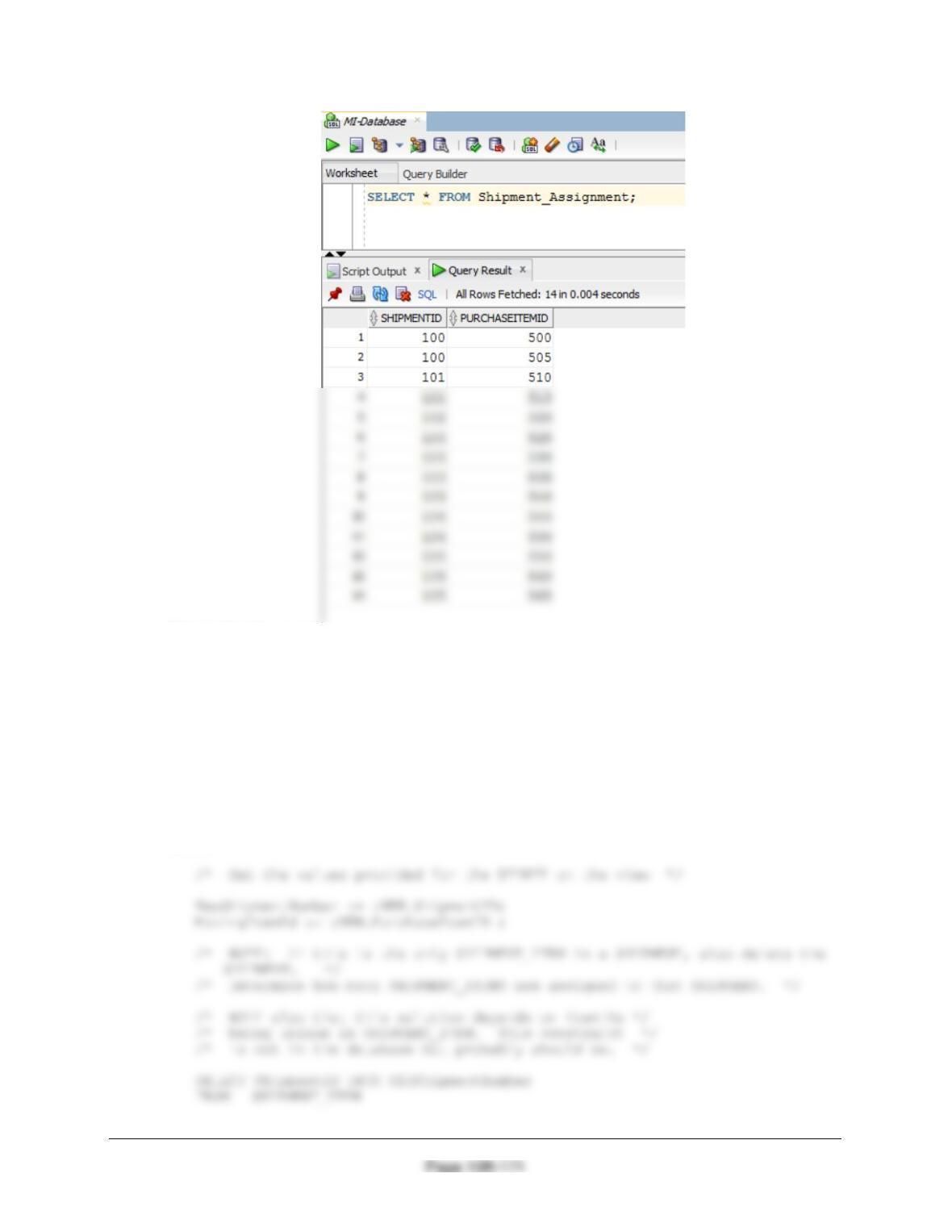
This is similar to a trigger we wrote for Exercise 10B.70, and we’ll use the same logic here. We
will also need the same logic in the next trigger. Note that this problem is also similar to the one
discussed in Chapter 7 and illustrated in Figure 7-29.
Chapter 10B – Managing Databases with Oracle Database
Here is the trigger code:
CREATE OR REPLACE TRIGGER Reassign_SHIPMENT_PI
INSTEAD OF UPDATE ON Shipment_Assignment
FOR EACH ROW
DECLARE NewShipmentNumber Int;
MovingItemID Int;
OldShipmentNUmber Int;
NewShipment Int;
NumberOfItems Int;
BEGIN
Chapter 10B – Managing Databases with Oracle Database
Page 10B-172
/* The SHIPMENT_ITEM is the only SHIPMENT_ITEM in the SHIPMENT. */
/* Delete the SHIPMENT and allow the cascade
behavior to also delete the SHIPMENT_ITEM */
DELETE FROM SHIPMENT
WHERE SHIPMENTID = OldShipmentNumber;
DBMS_OUTPUT.PUT_LINE
(‘********************************************************************’);
DBMS_OUTPUT.PUT_LINE
(‘ You have reassigned the only shipment item in:’);
DBMS_OUTPUT.PUT_LINE (‘ ‘);
DBMS_OUTPUT.PUT_LINE (‘ Shipment = ‘||OldShipmentNumber);
DBMS_OUTPUT.PUT_LINE (‘ Number of Items = ‘||NumberOfItems);
DBMS_OUTPUT.PUT_LINE (‘ Shipment Item = ‘||MovingItemID);
DBMS_OUTPUT.PUT_LINE
UPDATE SHIPMENT_ITEM
SET ShipmentID = NewShipmentNumber
WHERE PurchaseItemID = MovingItemID;
DBMS_OUTPUT.PUT_LINE
(‘********************************************************************’);
DBMS_OUTPUT.PUT_LINE (‘ ‘);
DBMS_OUTPUT.PUT_LINE
(‘ Trigger Reassign_SHIPMENT_PURCHASE_ITEM’);
DBMS_OUTPUT.PUT_LINE (‘ ‘);
Chapter 10B – Managing Databases with Oracle Database
Page 10B-173
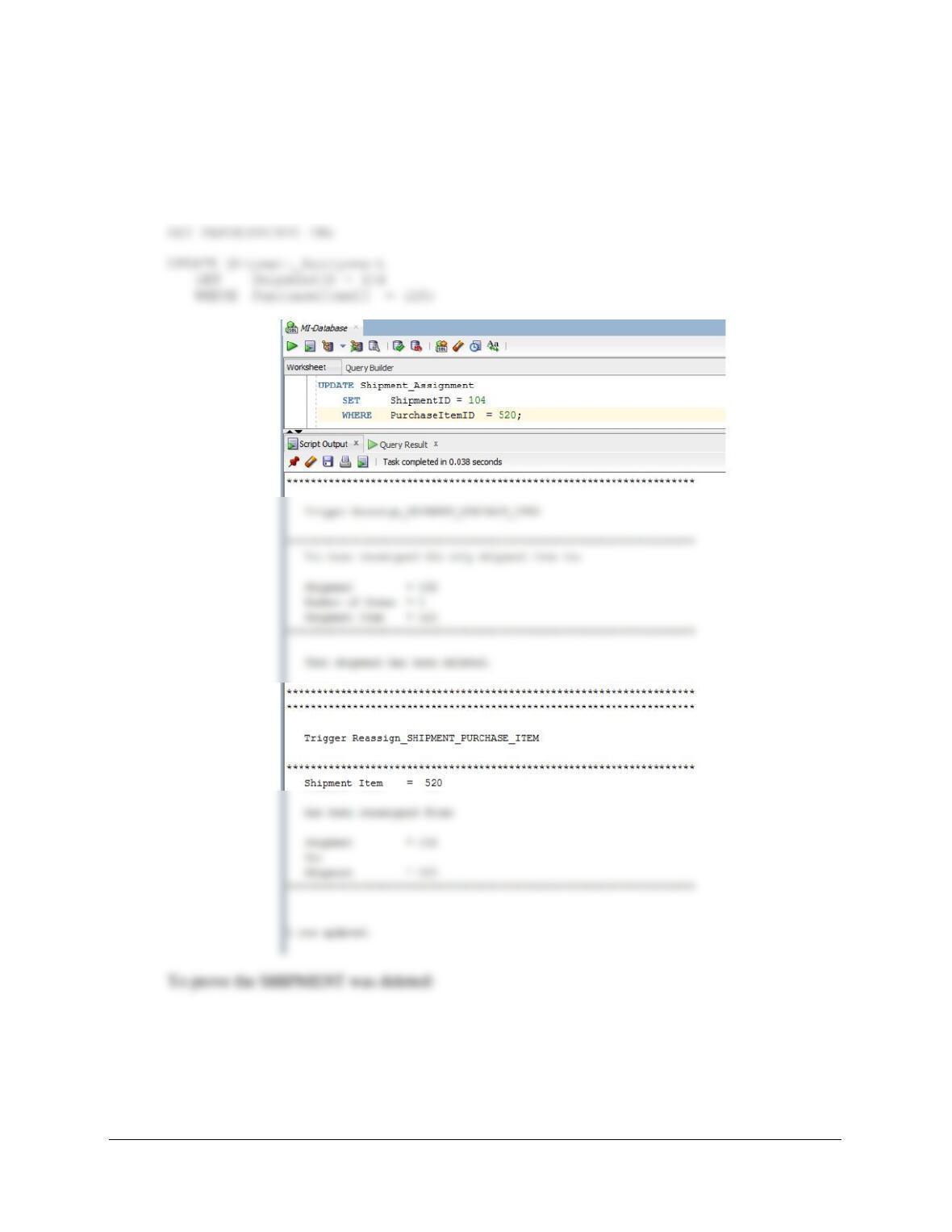
To test this trigger, use:
(1) To reassign a SHIPMENT_ITEM to a different SHIPMENT from an existing
SHIPMENT with only one SHIPMENT_ITEM:
Chapter 10B – Managing Databases with Oracle Database
Page 10B-174
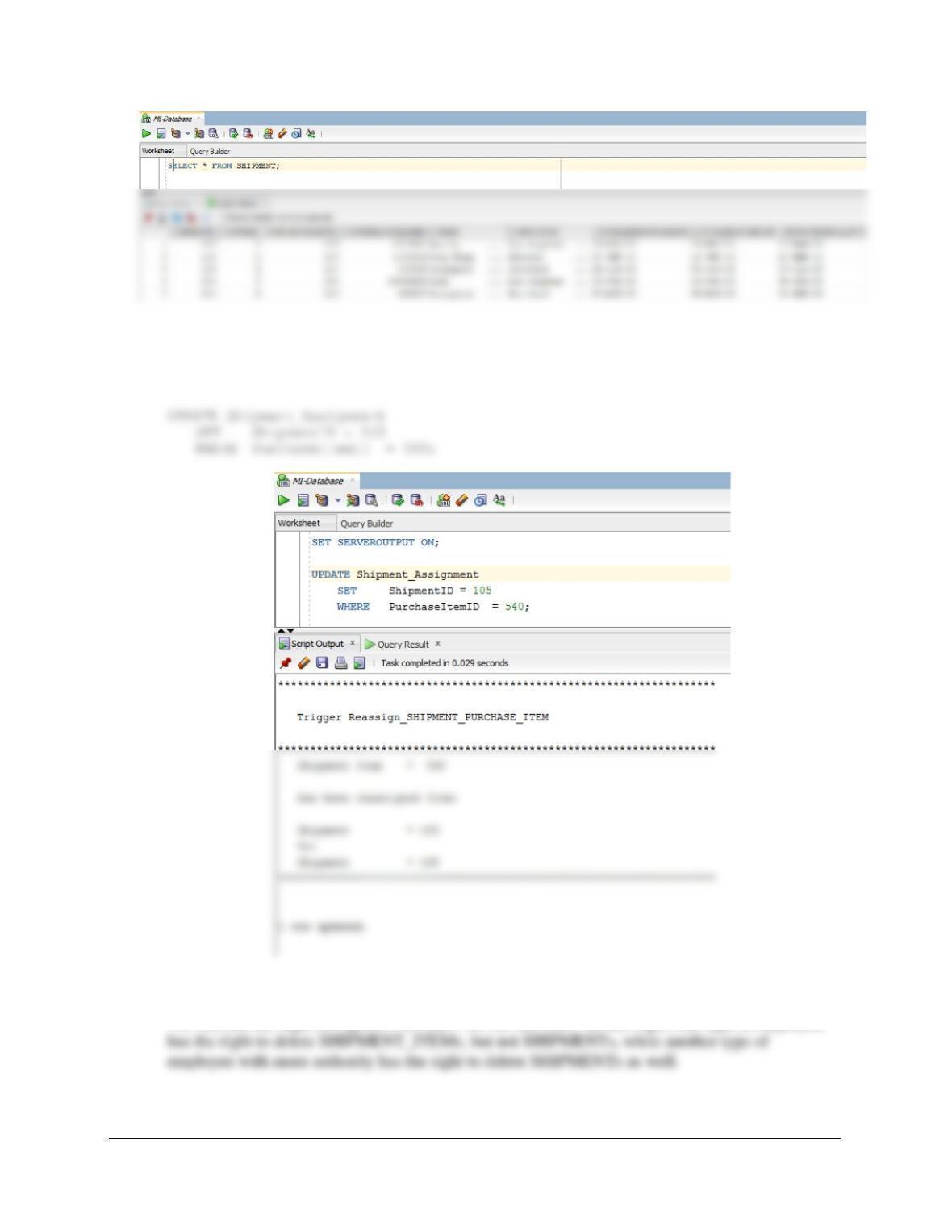
(2) To reassign a SHIPMENT_ITEM to a different SHIPMENT from an existing
SHIPMENT with more than one SHIPMENT_ITEM:
SET SERVEROUTPUT ON;
(2) Deleting a SHIPMENT when the last SHIPMENT_ITEM is deleted.
We will use the logic in Figures 7-28 and 7-29 for this case. In this logic, one type of employee
Chapter 10B – Managing Databases with Oracle Database
Page 10B-175
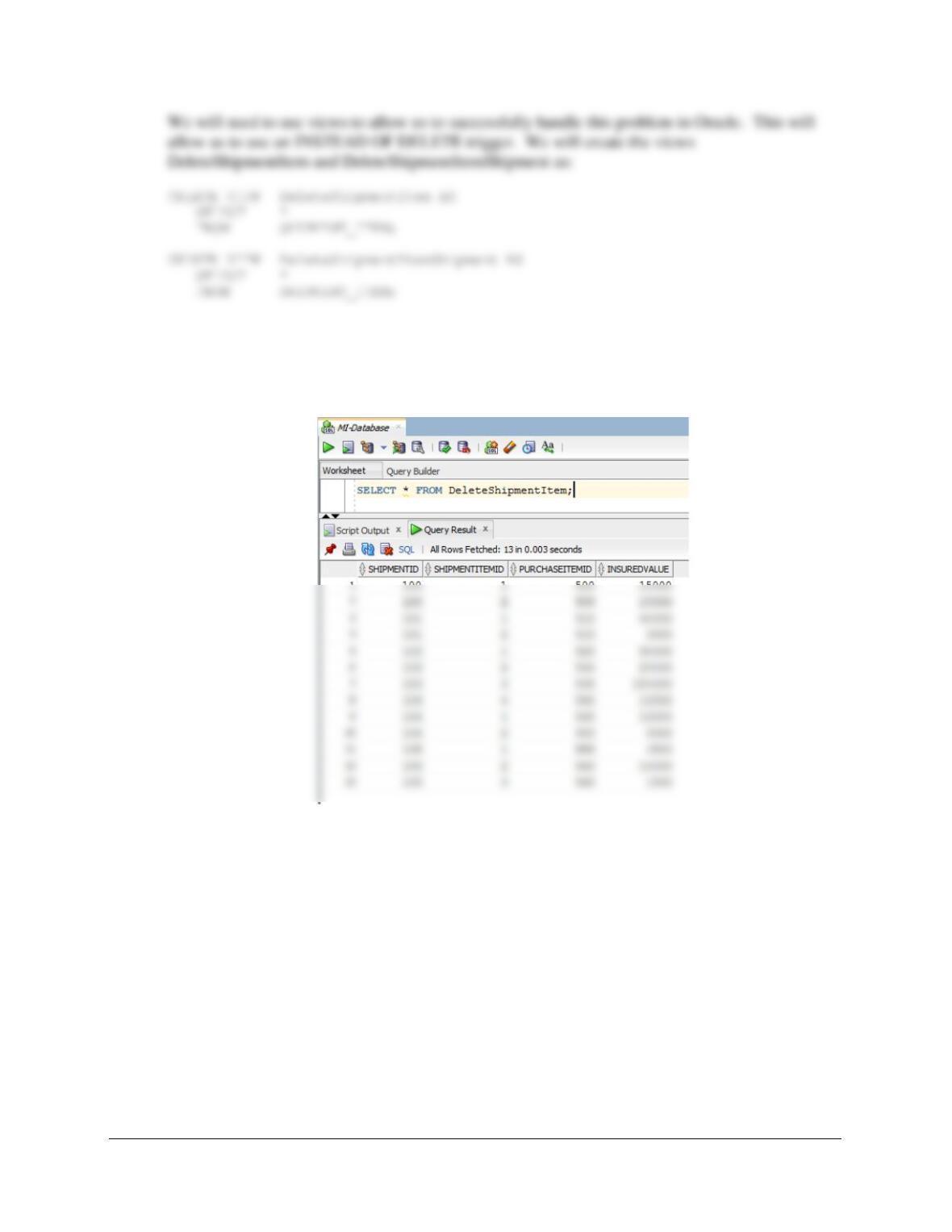
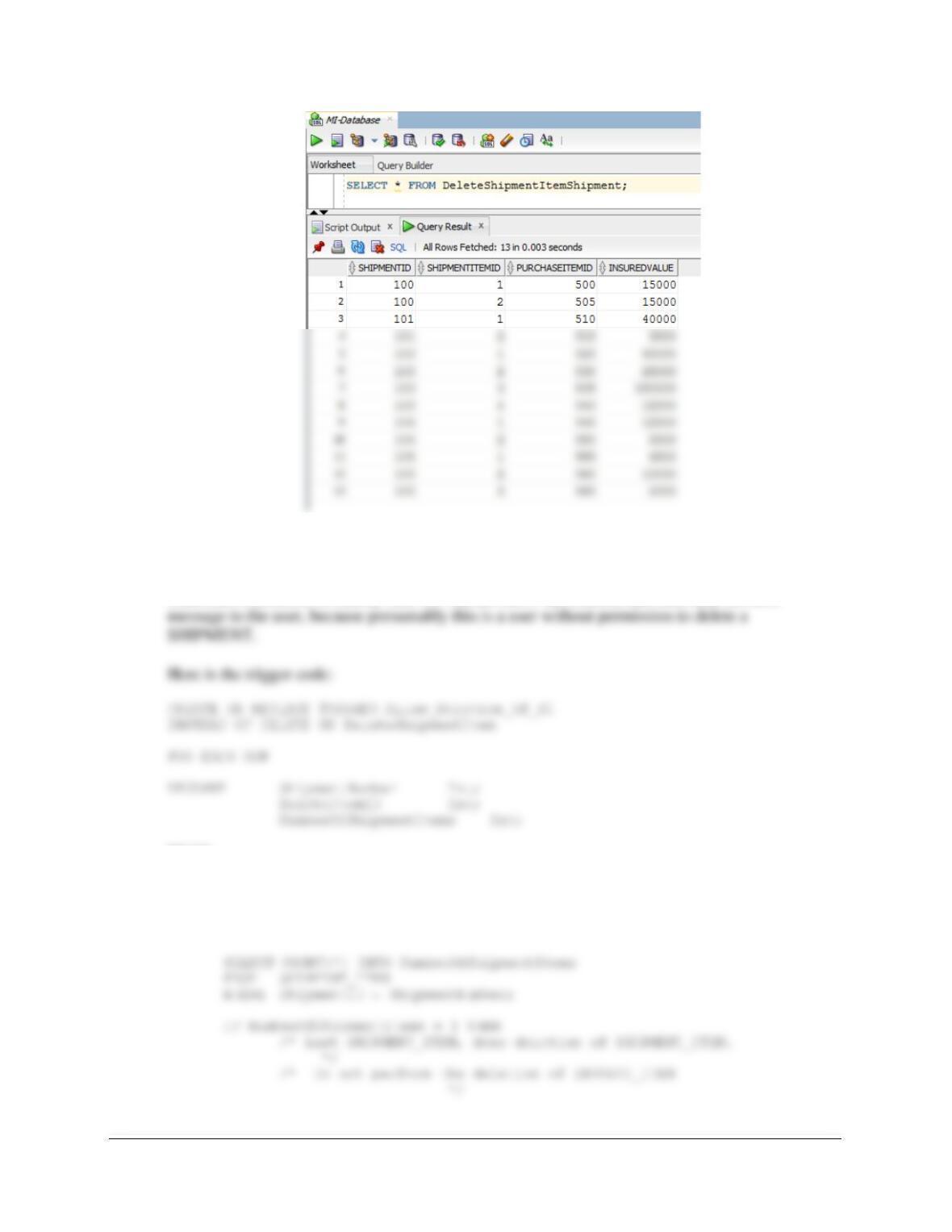
To test these, run the following commands:
SELECT * FROM DeleteShipmentItem;
SELECT * FROM DeleteShipmentItemShipment;
Chapter 10B – Managing Databases with Oracle Database
Page 10B-176
Figure 7-28 contains the logic to delete all but the last INVOICE_ITEM. The trigger requires us
to check the number of SHIPMENT_ITEMs in a SHIPMENT. If the number of
SHIPMENT_ITEMS is greater than one, we allow the deletion. If the number of
SHIPMENT_ITEMS is exactly one, we will not allow the deletion and then send an error
BEGIN
/* Determine if this is the last SHIPMENT_ITEM in the SHIPMENT */
ShipmentNumber := :OLD.ShipmentID;
DeleteItemID := :OLD.PurchaseItemID ;
Chapter 10B – Managing Databases with Oracle Database
Page 10B-177
/* Print the error message
*/
DBMS_OUTPUT.PUT_LINE
(‘********************************************************************’);
DBMS_OUTPUT.PUT_LINE (‘ ‘);
DBMS_OUTPUT.PUT_LINE
DBMS_OUTPUT.PUT_LINE
(‘ Number of Items = ‘|| NumberOfShipmentItems);
DBMS_OUTPUT.PUT_LINE
(‘ Shipment Item = ‘|| DeleteItemID);
DBMS_OUTPUT.PUT_LINE (‘ ‘);
DBMS_OUTPUT.PUT_LINE
(‘********************************************************************’);
END IF;
IF NumberOfShipmentItems > 1 THEN
/* Deletion of INVOICE_ITEM. */
DELETE FROM SHIPMENT_ITEM
WHERE ShipmentID = ShipmentNumber
AND PurchaseItemID = DeleteItemID;
DBMS_OUTPUT.PUT_LINE
(‘********************************************************************’);
DBMS_OUTPUT.PUT_LINE (‘ ‘);
DBMS_OUTPUT.PUT_LINE
(‘ Trigger Allow_Deletion_of_SI’);
DBMS_OUTPUT.PUT_LINE (‘ ‘);
DBMS_OUTPUT.PUT_LINE