INSTRUCTOR’S MANUAL
TO ACCOMPANY
40th Anniversary Edition
DATABASE PROCESSING
Fundamentals, Design, and Implementation
15th Edition
Chapter 10B
Managing Databases with Oracle Database
David M. Kroenke | David J. Auer | Scott L. Vandenberg | Robert C. Yoder
Chapter 10B – Managing Databases with Oracle Database
Page 10B-2
❖ CHAPTER OBJECTIVES
• To install Oracle Database 12c Release 2 and create a database
• To use Oracle Database 12c Release 2’s Web-based Database Control Enterprise
Manager utility
• To import Microsoft Excel data into a database table
• To understand the use of SQL/Persistent Stored Modules (SQL/PSM) in Oracle
Database PL/SQL
• To understand the purpose and role of user-defined functions and learn how to
create simple user-defined functions
• To understand the purpose and role of stored procedures and learn how to create
simple stored procedures
❖ IMPORTANT TEACHING NOTES – READ THIS FIRST!
1. Pages 10B-1 through 10B-55 of Online Chapter 10B – Managing Databases
with Oracle Database are intended to be taught in conjunction with Chapter 2 –
Introduction to Structured Query Language.
a. If you are using Oracle Database 12c Release 2 or Oracle Database XE
as your DBMS, you should cover these pages to help your students get
set up for the SQL work in Chapter 2.
Chapter 10B – Managing Databases with Oracle Database
Page 10B-3
2. Pages 10B-55 through 10B-80 and 10B-88 through 10B-121 of Online
Chapter 10B – Managing Databases with Oracle Database are intended to be
taught in conjunction with Chapter 7 –SQL for Database Construction and
Application Processing.
a. For each topic discussed in Chapter 7, there is a more detailed and
DBMS specific treatment of the same topic in online Chapter 10B.
b. When you teach a topic in Chapter 7, extend the coverage with the
associated material in online Chapters 10B.
3. Pages 10B-20 through 10B-42 and 10B-121 through 10B-125 of Online
Chapter 10B – Managing Databases with Oracle Database are intended to be
taught in conjunction with Chapter 9 – Managing Multiuser Databases.
a. For many of the topics discussed in Chapter 9, there is a DBMS specific
treatment of the same topic in online Chapter 10B.
❖ ERRATA
There are no known errors at this time. Any errors that are discovered in the future will
❖ TEACHING SUGGESTIONS
• Databases used in the text examples and solution database files for your use are
Chapter 10B – Managing Databases with Oracle Database
Page 10B-4
• Oracle Database is strict about permissions—log in as SYS [connect as SYSDBA]
when using the Oracle Database Enterprise Manager 12c Release 2 Database
Express or (if using Oracle Database Express Edition) Oracle Database XE 11.2, but
log in as the appropriate user for the database tablespace you are using.
• Students will get much more out of this material if they install Oracle Database, and
they can do this on their own (preferably by installing Oracle Database XE). But if
you haven’t worked with Oracle Database before, plan extra time to install it. Read
the discussion in the chapter carefully, and be sure to install the loopback adapter if
the computer uses DHCP to obtain an IP number, assuming you are installing Oracle
Database 12c Release 2. You may need outside expertise as well. Once you get
Oracle Database up and running in either version, the Oracle Database Enterprise
Manager 12c Release 2 Database Express and SQL Developer are easy to use and
dependable.
• Remember to create tablespaces, users, and roles for each database. For example,
for Marcia’s Dry Cleaning (MDC), create an MDCCH10B tablespace (with datafile),
and a MDC_CH10B_USER user with appropriate roles, rights, and permissions to
that tablespace—the specific names needed are in the Project Questions. If using
Oracle Database XE (highly recommended!), this is all handled nearly automatically
when a “workspace” is created.
• Full *.sql files to support all the in-text VRG database examples, end of chapter
Review Questions, Exercises, Case Questions, and the Project Questions for the
Marcia’s Dry Cleaning (MDC), Queen Anne Curiosity Shop (QACS), and Morgan
• The end of chapter Exercises, MDC Case Questions, QACS Project Questions, and
MI Project Questions for Oracle Database in this chapter and those for SQL Server
2017 (Online Chapter 10A) and MySQL 5.7 (Online Chapter 10C) are the same, to
the extent allowed by minor differences in the systems. You can demonstrate how
the languages of these three products are essentially the same by showing the
solution to the same questions for each product.
Chapter 10B – Managing Databases with Oracle Database
Page 10B-5
• Every DBMS manages triggers differently. The “mutating table” issue is a big one
with Oracle triggers: it often seems to prevent what one is trying to do. One way
around this is to not use triggers (use stored procedures or other application logic).
Another way, adopted in these solutions since the exercises call for triggers, is to use
views (more so than in other DBMSs).
compensating transaction to reverse the offending update, which is very messy.
• Note that Oracle INSTEAD OF triggers have the annoying property of saying “1 rows
inserted” even when the trigger code performs no insertions. This can mislead
students into thinking their INSTEAD OF triggers are not working. Similar things may
occur with deletions and updates.
• If your students have access to Oracle Database, SQL Server, and MySQL, assign
some students to one product and other students to the others, and have a contest
to see who can solve either the MDC, QACS, or the MI exercises first.
• Oracle will continue to release new versions for the cloud before releasing them for
download. Thus, as of April 2018, the latest version available for download is still the
one described in this chapter, even though the cloud-based version of Oracle
Database 12c was released in February 2018.
Chapter 10B – Managing Databases with Oracle Database
Page 10B-6
logs. These things can occur even if the database is not being used. There are
several things one can do here:
• Create the database without archiving. This may be reasonable in certain
academic environments that do not involve a production database.
will enable you to restart the database properly:
• Login to SQL*Plus as described on page 10B-26, steps 1-2. Execute the
following sequence of SQL*Plus commands:
• SQL> startup nomount
• SQL> alter database mount;
• SQL> alter database clear unarchived logfile group 1;
Chapter 10B – Managing Databases with Oracle Database
❖ ANSWERS TO REVIEW QUESTIONS
10B.1 Describe the general characteristics of Oracle Database 12c Release 2 and the Oracle
Database 12c Release 2 product suite. Explain why these characteristics mean there is
considerable complexity to master.
Oracle Database is a powerful and robust DBMS that runs on many different operating systems,
10B.2 What is the Oracle Universal Installer (OUI), and what is its purpose?
The OUI is an installation utility that Oracle Corporation uses to install its products. It is installed
10B.3 What is the Oracle Database Configuration Assistant (DBCA), and what is its purpose?
The DBCA is an Oracle Database tool with the purpose of installing, configuring, and deleting
10B.4 What is the Enterprise Manager Database Express 12c, and what is its purpose? What
is the difference between a Container Database (CDB) and a Pluggable Database
(PDB)?
The Oracle Database Enterprise Manager Database Express 12c is a Web-based database
10B.5 What is the Oracle Application Express XE 11.2 utility, and what is its purpose?
The Oracle Application Express XE 11.2 utility is a Web-based database administration utility
10B.6 What is SQL*Plus, and what is its purpose? What is SQL Developer, and what is its
purpose?
Chapter 10B – Managing Databases with Oracle Database
Page 10B-8
Oracle Database SQL*Plus is a command-line utility for processing SQL and creating
10B.7 Name two ways of creating an Oracle Database database. Which is the easiest?
(1) via the SQL CREATE DATABASE command
10B.8 What is an Oracle Database database instance?
An Oracle Database database instance is the overall structure used by Oracle Database to manage
10B.9 What is an Oracle Database tablespace? What is the purpose of a tablespace? What
are some standard tablespaces?
An Oracle Database tablespace is a logical subdivision of an Oracle Database database instance
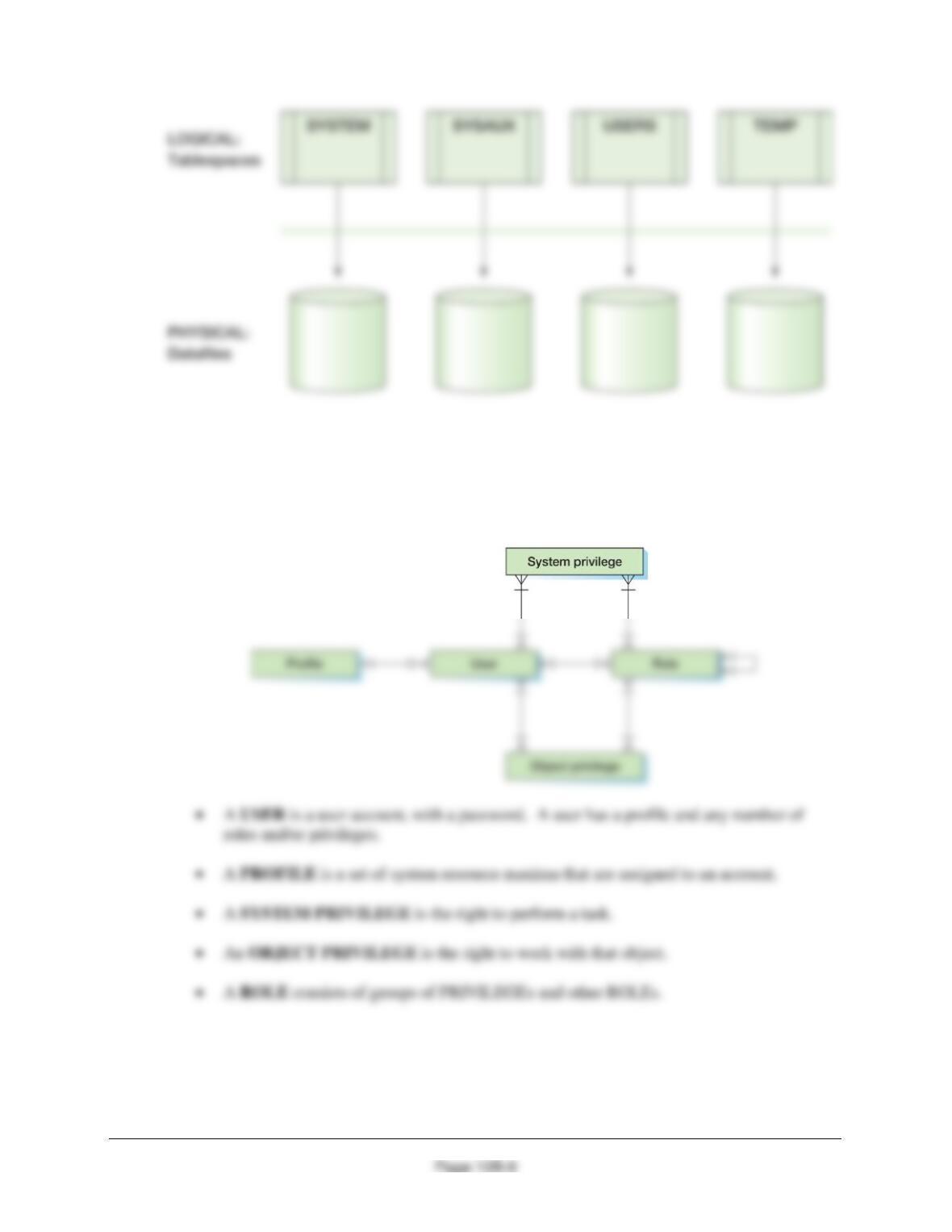
10B.10 What is an Oracle Database datafile? How is it related to a tablespace?
A datafile is an operating system file that provides physical storage for the objects in a tablespace,
and each tablespace is associated with one or more datafiles:
Chapter 10B – Managing Databases with Oracle Database
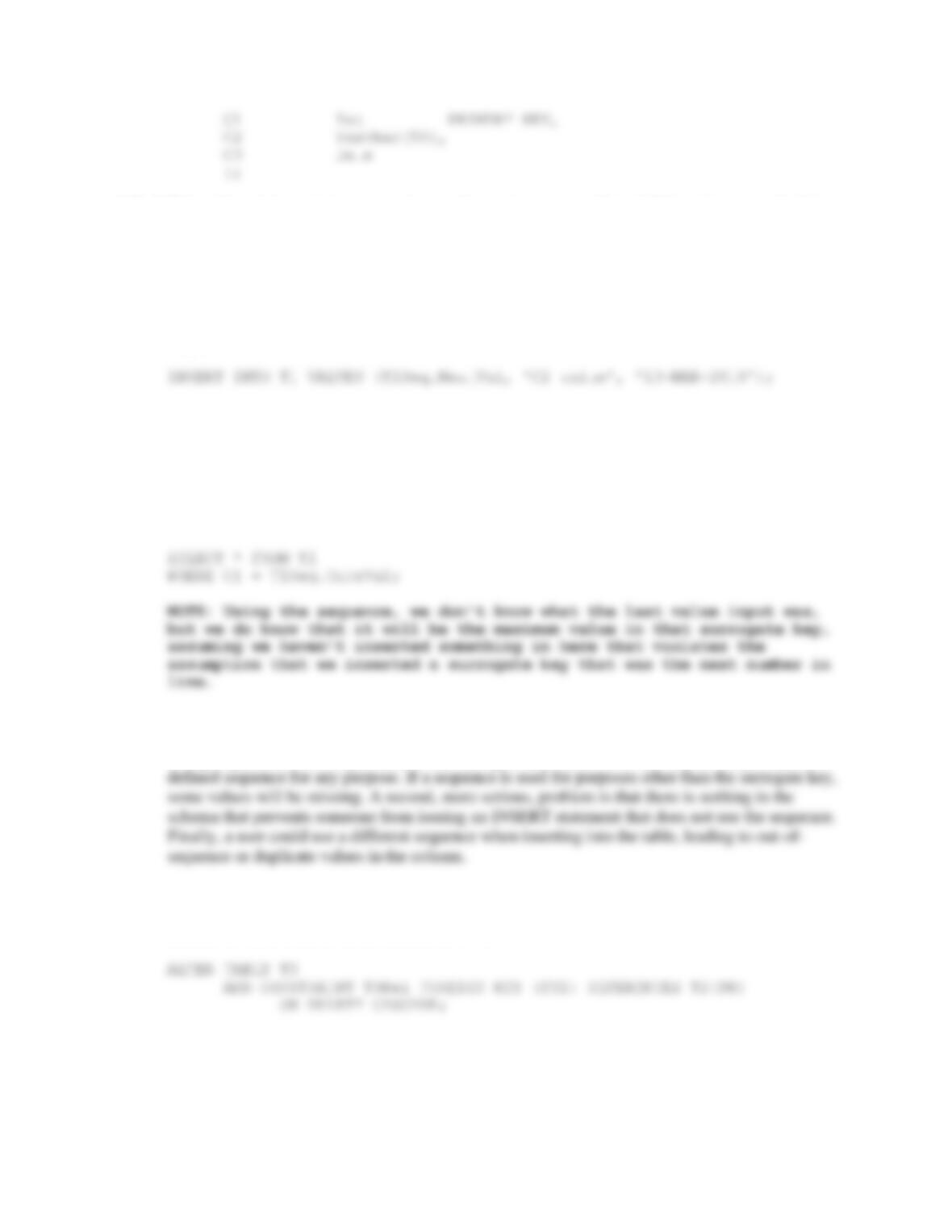
10B.11 Explain the use of User account, Profiles, System privileges, Object privileges, and
Roles in Oracle Database security.
Oracle Database security is built on a security model of User accounts, Profiles, System
privileges, Object privileges, and Roles as follows:
10B.12 Show the SQL statement necessary to create a table named T1 with columns C1, C2,
and C3. Assume that C1 is a surrogate key. Assume that C2 has character data of
maximum length 50 and that C3 contains a date.
CREATE TABLE T1(
Chapter 10B – Managing Databases with Oracle Database
Page 10B-10
10B.13 Show the statement necessary to create a sequence starting at 50 and incremented by
2. Name your sequence T1Seq.
CREATE SEQUENCE T1Seq INCREMENT BY 2 START WITH 50;
10B.14 Show how to insert a row into table T1 (see Review Question 10B.12) using the
sequence created in Review Question 10B.13.
10B.15 Show an SQL statement for querying the row created in Review Question 10B.14.
SELECT * FROM T1
WHERE C1 = (SELECT max (C1) from T1);
Another way to retrieve the newest row is:
10B.16 Explain the problems inherent in using sequences for surrogate key columns.
Using sequences does not guarantee valid surrogate key values. For one, any developer can use a
10B.17 Show SQL statements for creating a relationship between table T2 and table T3.
Assume that T3 has a foreign key column named FK1 that relates to T2 and that
deletions in T2 should force deletions in T3.
10B.18 Answer question 10B.17, but do not force deletions.
Chapter 10B – Managing Databases with Oracle Database
Page 10B-11
ALTER TABLE T3
ADD CONSTRAINT T3Rel FOREIGN KEY (FK1) REFERENCES T2(PK);
10B.19 Explain how to use the To-Date function.
10B.20 Explain how you would use SQL Developer to create an index on the salary field of an
employee table. What sorts of queries will benefit from this, and how?
One approach is to simply type the appropriate SQL Create Index command and execute it in
SQL Developer:
If you have not already installed Oracle Database XE (or do not otherwise have a
version of Oracle Database available to you), you need to install a version of it
and Oracle SQL Developer at this point.
Review Questions 10B.21–10B.34 are based on a database named MEDIA that is
used to record data about photographs that are stored in the database.
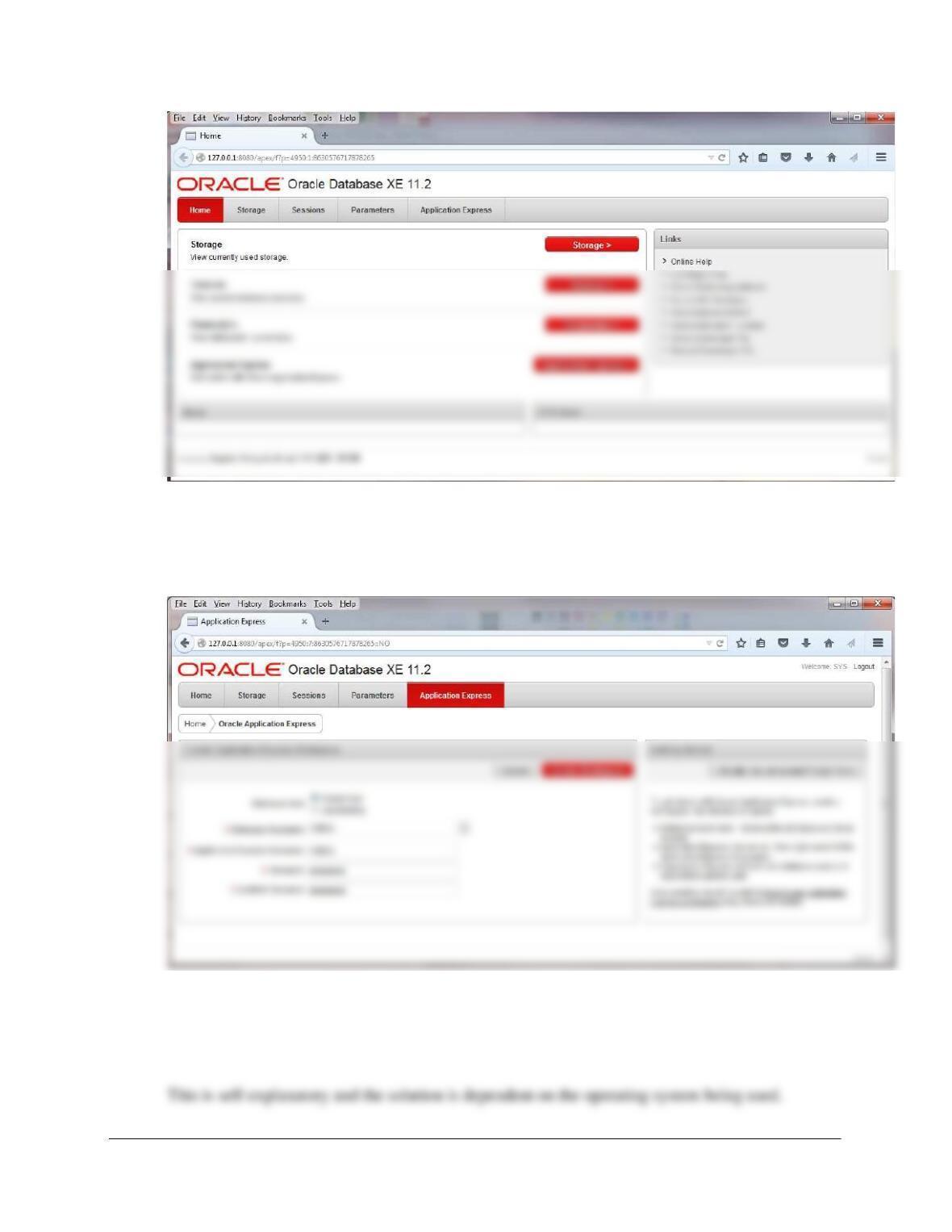
10B.21 Create a database named MEDIA in Oracle Database.
In Oracle Database XE 11.2 (how you start this depends on your operating system; in Windows
Chapter 10B – Managing Databases with Oracle Database
Page 10B-12
To create a workspace, click “Application Express” and login as “SYS” or “SYSTEM” with the
password you set up when installing Oracle Database XE. To keep things simple, use “MEDIA”
for both the Database Username and the Application Express Username. Choose an appropriate
password then click “Create Workspace”:
10B.22 In the SQL Developer folder structure in your Documents folder, create a folder named
DBP–e15-Media-Database. Use this folder to save and store *.sql scripts containing the
SQL statements that you are asked to create in the remaining Review Questions in this
section.
Chapter 10B – Managing Databases with Oracle Database
Page 10B-13
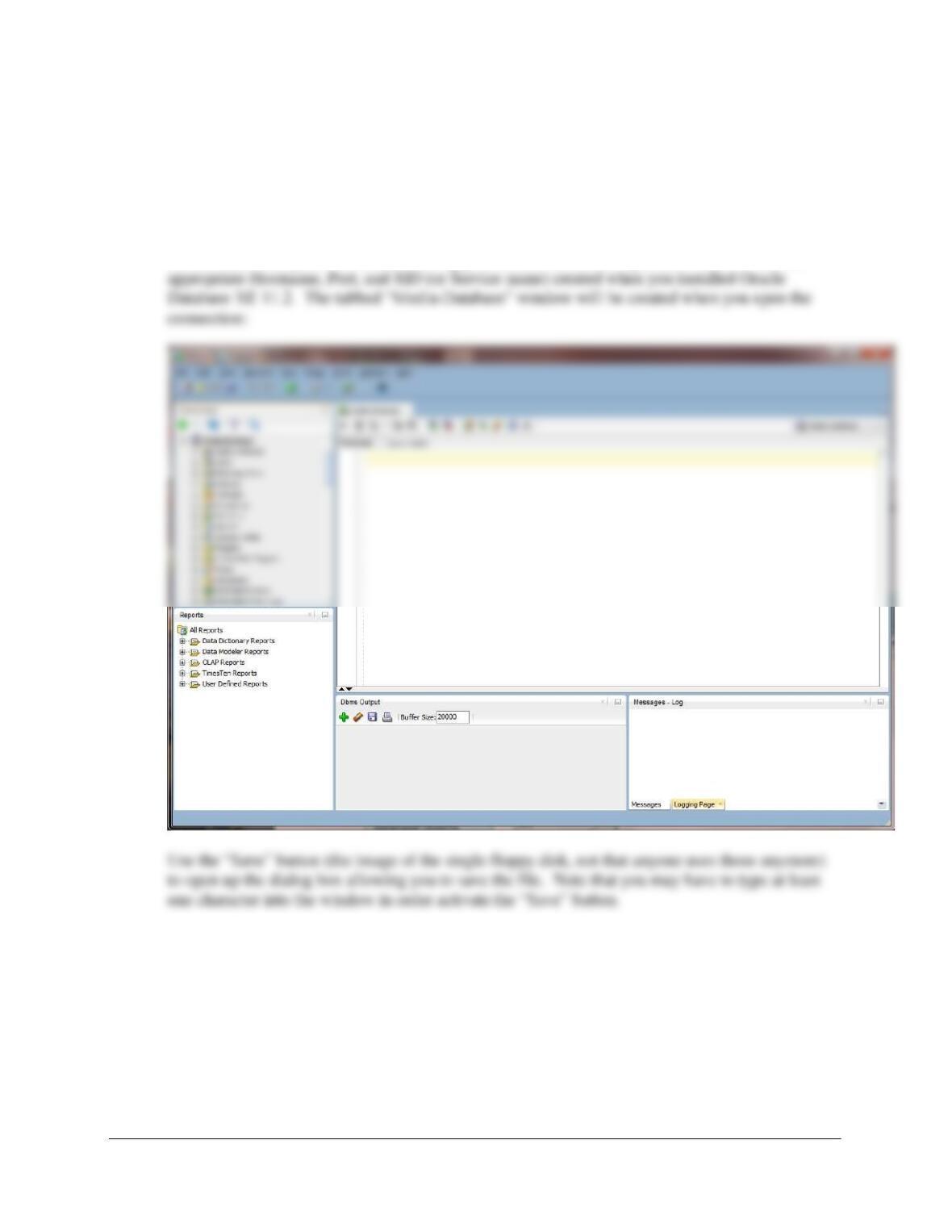
10B.23 Create a connection named Media-Database in SQL Developer, and use it to connect to
the MEDIA database. Open a new tabbed SQL Worksheet window, and save it as
MEDIA-CH10B-RQ-Solutions.sql in the DBPe15-Media-Database folder. Use this script
to record and save the SQL statements that you are asked to create in the remaining
Review Questions in this section.
The connection is created as in Figure 10B-32. Name the connection “Media–Database” and use
the username and password created during your answer to Review Question 10B.21. Use the
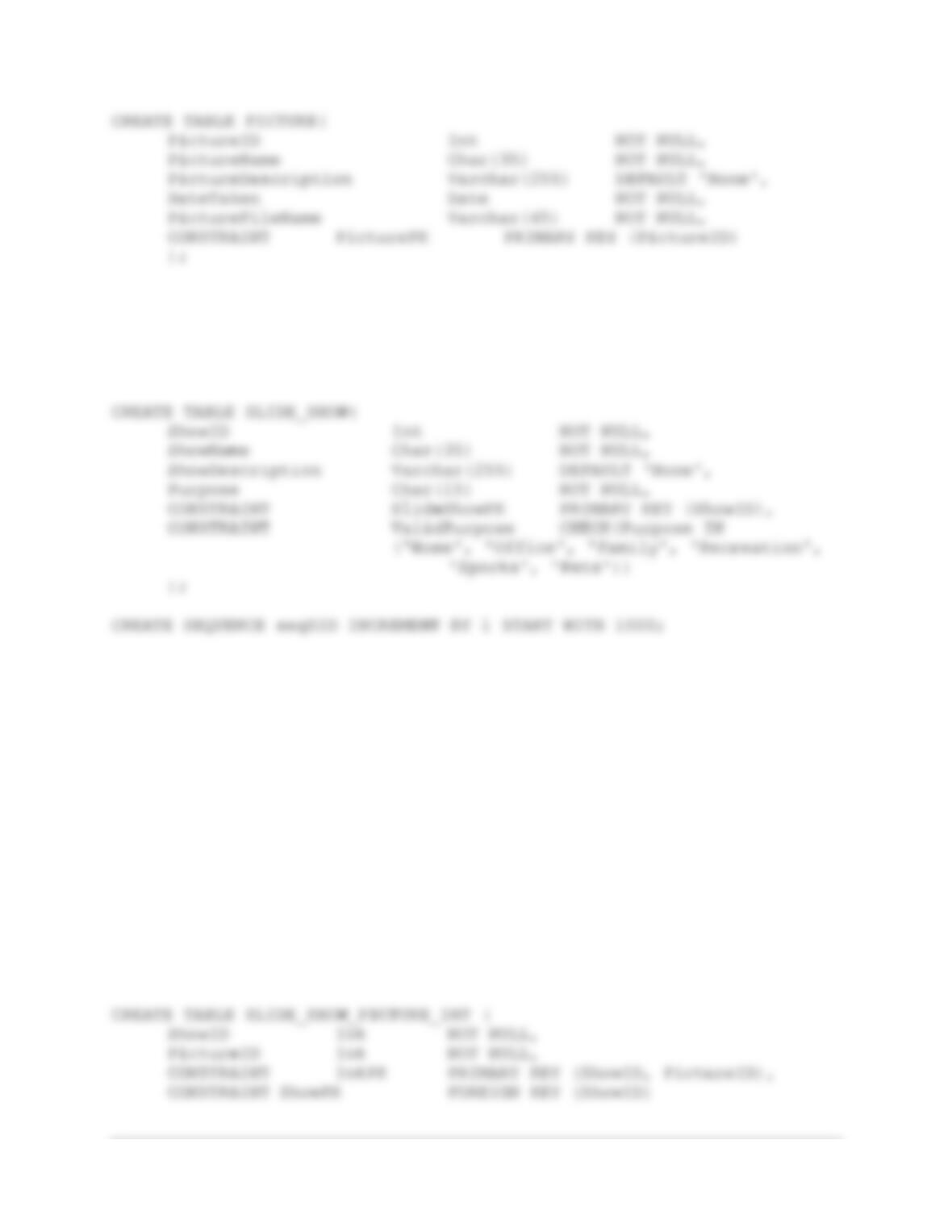
10B.24 Write an SQL CREATE TABLE statement to create a table named PICTURE using the
column characteristics as shown in Figure 10B-76. Run the SQL statement to create the
PICTURE table in the MEDIA database.
Chapter 10B – Managing Databases with Oracle Database
Page 10B-14
CREATE SEQUENCE seqPID increment by 1 start with 1;
10B.25 Write an SQL CREATE TABLE statement to create the table SLIDE_SHOW using the
column characteristics, as shown in Figure 10B-77. Run the SQL statement to create
the SLIDE_SHOW table in the MEDIA database.
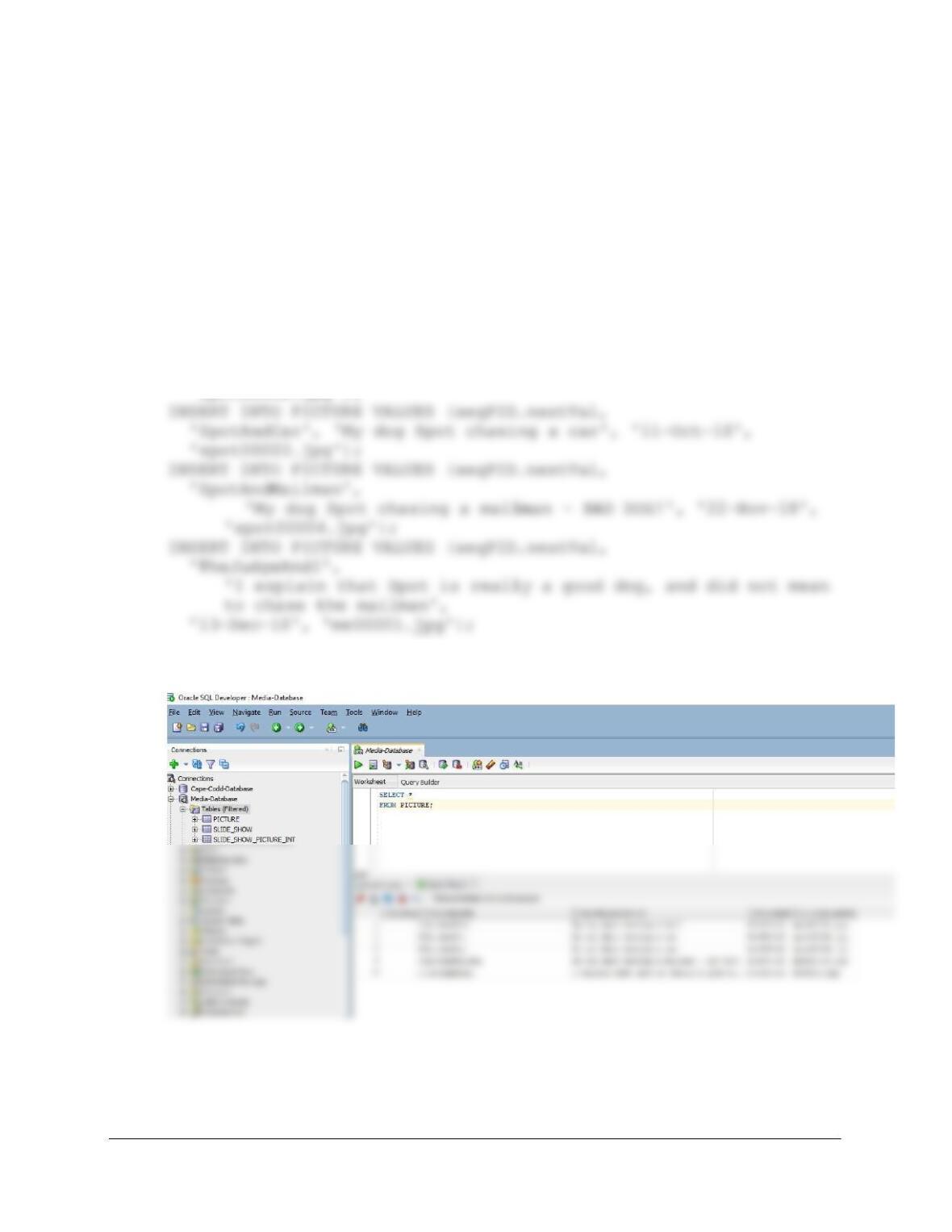
10B.26 Write an SQL CREATE TABLE statement to create the table
SLIDE_SHOW_PICTURE_INT using the column characteristics, as shown in Figure
10B–78. SLIDE_SHOW_PICTURE_INT is an intersection table between PICTURE and
SLIDE_SHOW, so create appropriate relationships between PICTURE and
SLIDE_SHOW_PICTURE_INT and between SLIDE_SHOW and
SLIDE_SHOW_PICTURE_INT. Set the referential integrity properties to disallow any
deletion of a SLIDE_SHOW row that has any SLIDE_SHOW_PICTURE_INT rows
related to it. Set the referential integrity properties to cascade deletions in the
intersection table when a PICTURE is deleted.
Chapter 10B – Managing Databases with Oracle Database
Page 10B-15
REFERENCES SLIDE_SHOW (ShowID),
CONSTRAINT PictureFK FOREIGN KEY (PictureID)
REFERENCES PICTURE (PictureID)
ON DELETE CASCADE
);
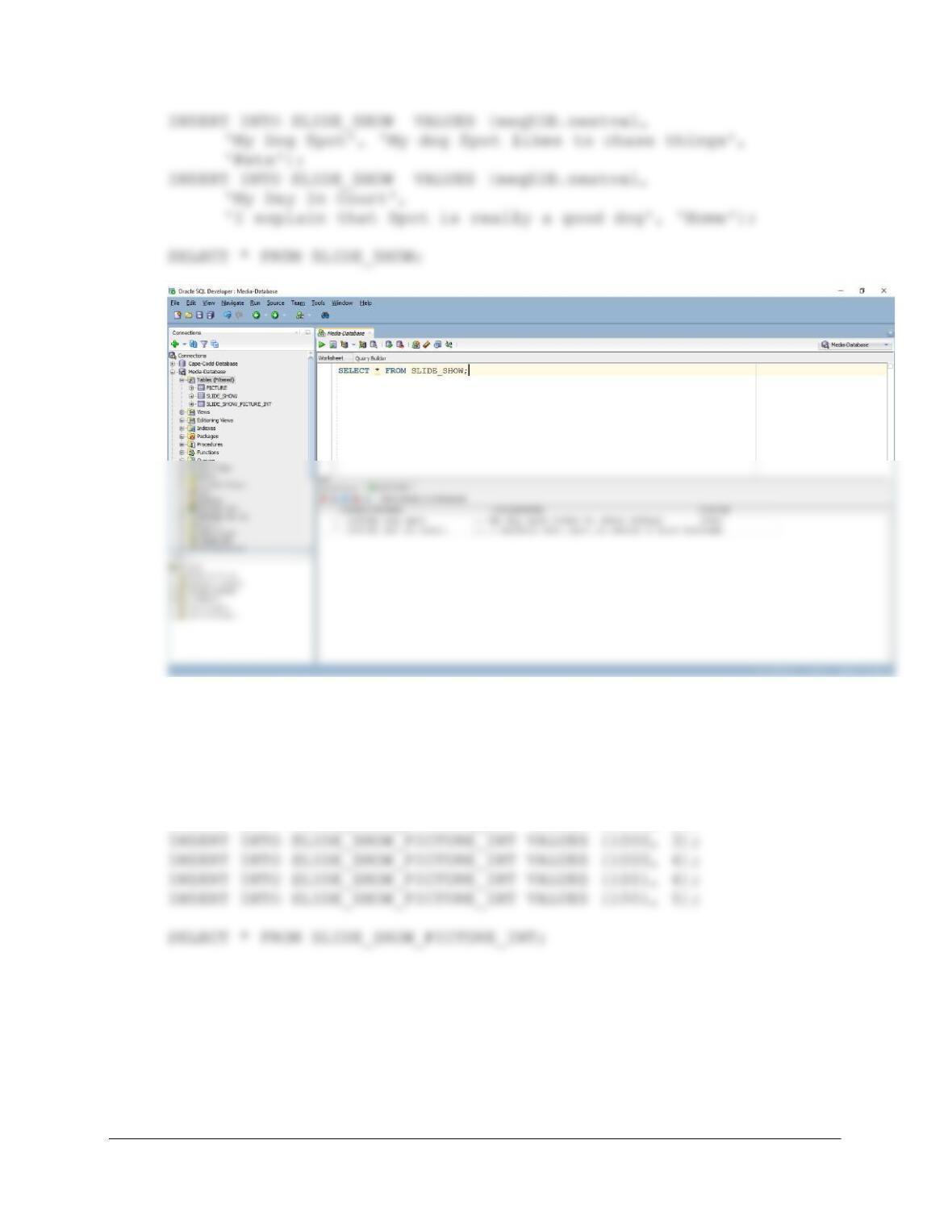
10B.27 Write SQL INSERT statements to populate the PICTURE table using the data shown in
Figure 10B-79. Run the SQL statements to populate the PICTURE table.
INSERT INTO PICTURE VALUES (seqPID.nextVal,
‘SpotAndBall’, ‘My dog Spot chasing a ball’, ’07–Sep–18′,
‘spot00001.jpg’);
INSERT INTO PICTURE VALUES (seqPID.nextVal,
‘SpotAndCat’, ‘My dog Spot chasing a cat’, ’08–Sep–18′,
‘spot00002.jpg’);
SELECT * FROM PICTURE;
10B.28 Write SQL INSERT statements to populate the SLIDE_SHOW table using the data
shown in Figure 10B–80. Run the SQL statements to populate the SLIDE_SHOW table.
Chapter 10B – Managing Databases with Oracle Database
Page 10B-16
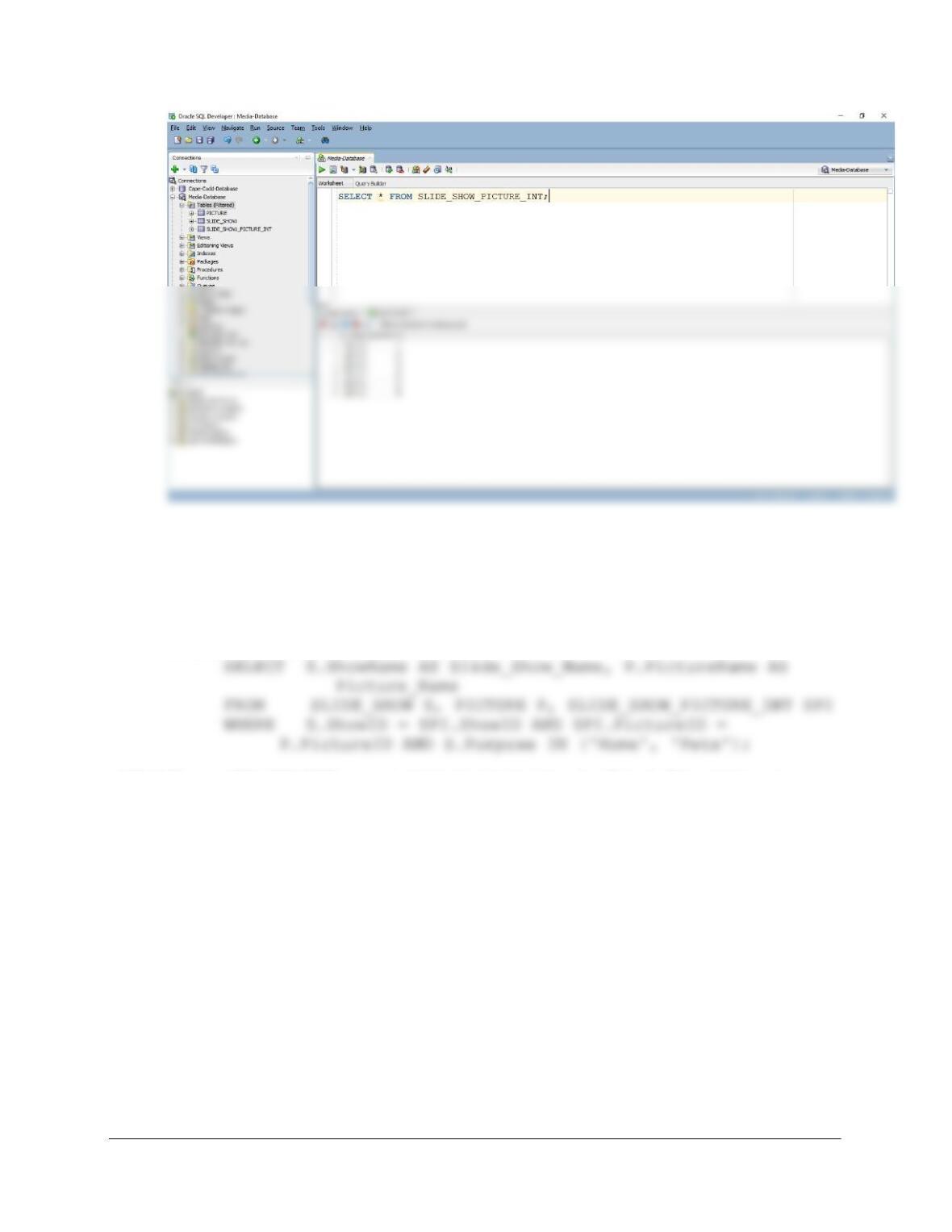
10B.29 Write SQL INSERT statements to populate the SLIDE_SHOW_PICTURE_INT table
using the data shown in Figure 10B-81. Run the SQL statements to populate the
SLIDE_SHOW_PICTURE_INT table.
INSERT INTO SLIDE_SHOW_PICTURE_INT VALUES (1000, 1);
INSERT INTO SLIDE_SHOW_PICTURE_INT VALUES (1000, 2);
Chapter 10B – Managing Databases with Oracle Database
Page 10B-17
10B.30 Write an SQL statement to create a view named PopularShowsView that has
SLIDE_SHOW.ShowName and PICTURE.PictureName for all slide shows that have a
Purpose of either ‘Home’ or ‘Pets’. Execute this statement to create the view in the
MEDIA database.
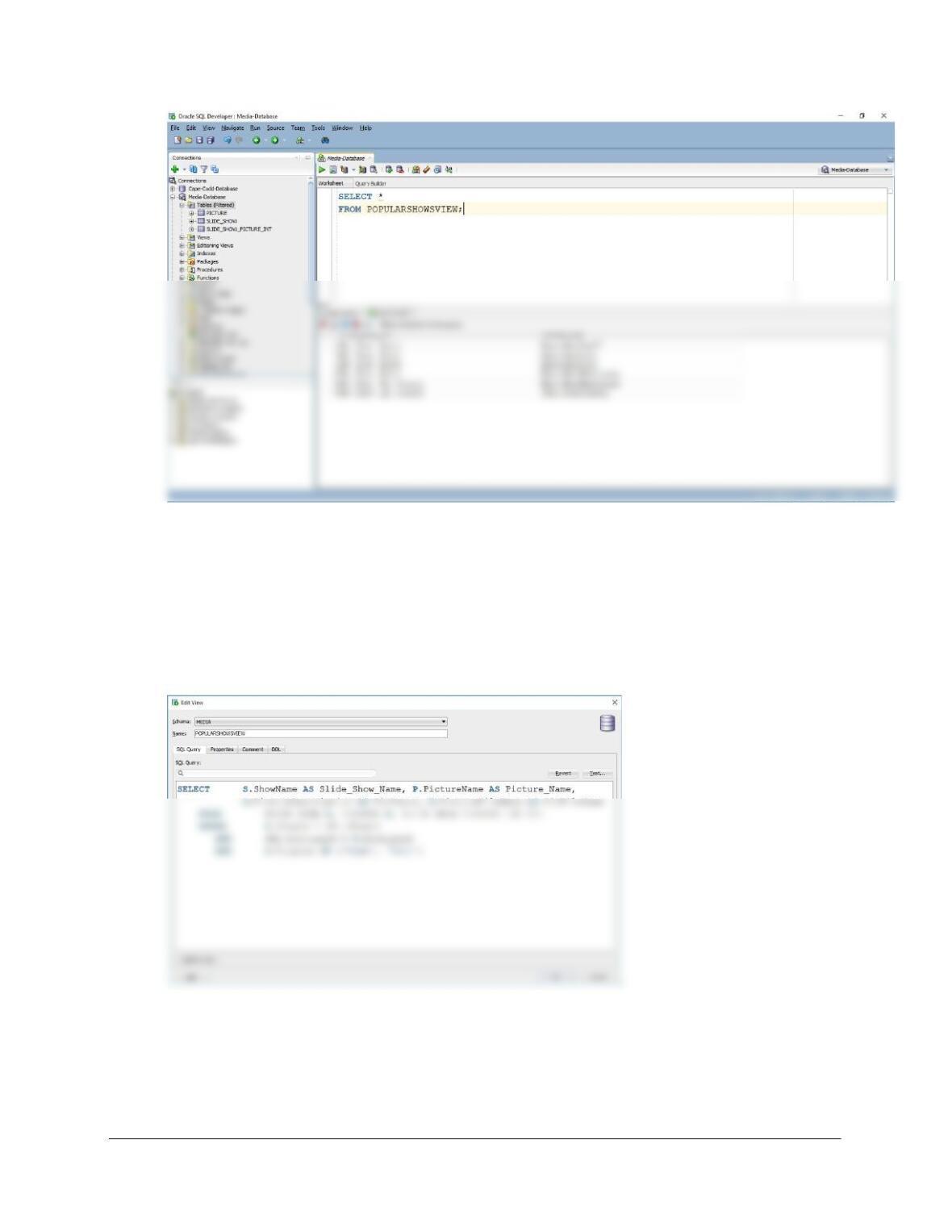
CREATE VIEW PopularShowsView AS
10B.31 Run an SQL SELECT query to demonstrate that the view PopularShowsView was
constructed correctly.
SELECT * FROM PopularShowsView;
Chapter 10B – Managing Databases with Oracle Database
Page 10B-18
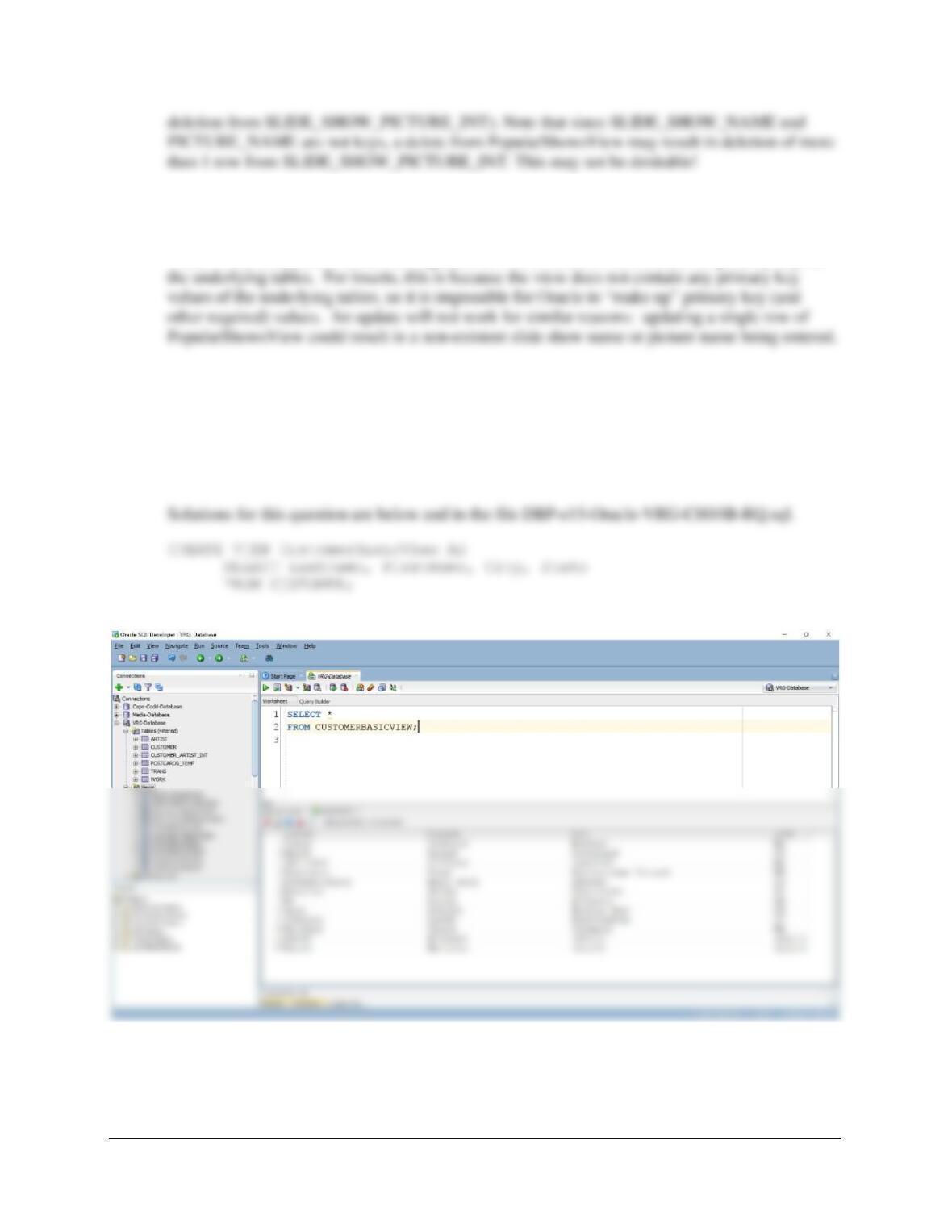
10B.32 Use the SQL Developer GUI tools to determine that the PopularShowsView view was
constructed correctly. Modify this view to include PICTURE.PictureDescription and
PICTURE.PictureFileName. Hint: Clicking on the pencil icon in the Columns tab of the
main view tab will allow you to edit the SQL defining the view.
This is done by selecting the PopularShowsView from the “Views” folder in the Connections
pane, giving you the Edit View window:
10B.33 Can the SQL DELETE statement be used with the PopularShowsView view? Why or
why not?
Yes. Since Oracle can determine that a row in PopularShowsView corresponds to a row in
SLIDE_SHOW_PICTURE_INT, deletions are allowed (and will result in the corresponding
Chapter 10B – Managing Databases with Oracle Database
Page 10B-19
10B.34 Under what circumstances can the PopularShowsView view be used for inserts and
modifications?
It can’t. Oracle disallows inserts and updates on views which do not contain the primary keys of
Review Questions 10B.35-10B.38 are based on the VRG database discussed in this
chapter.
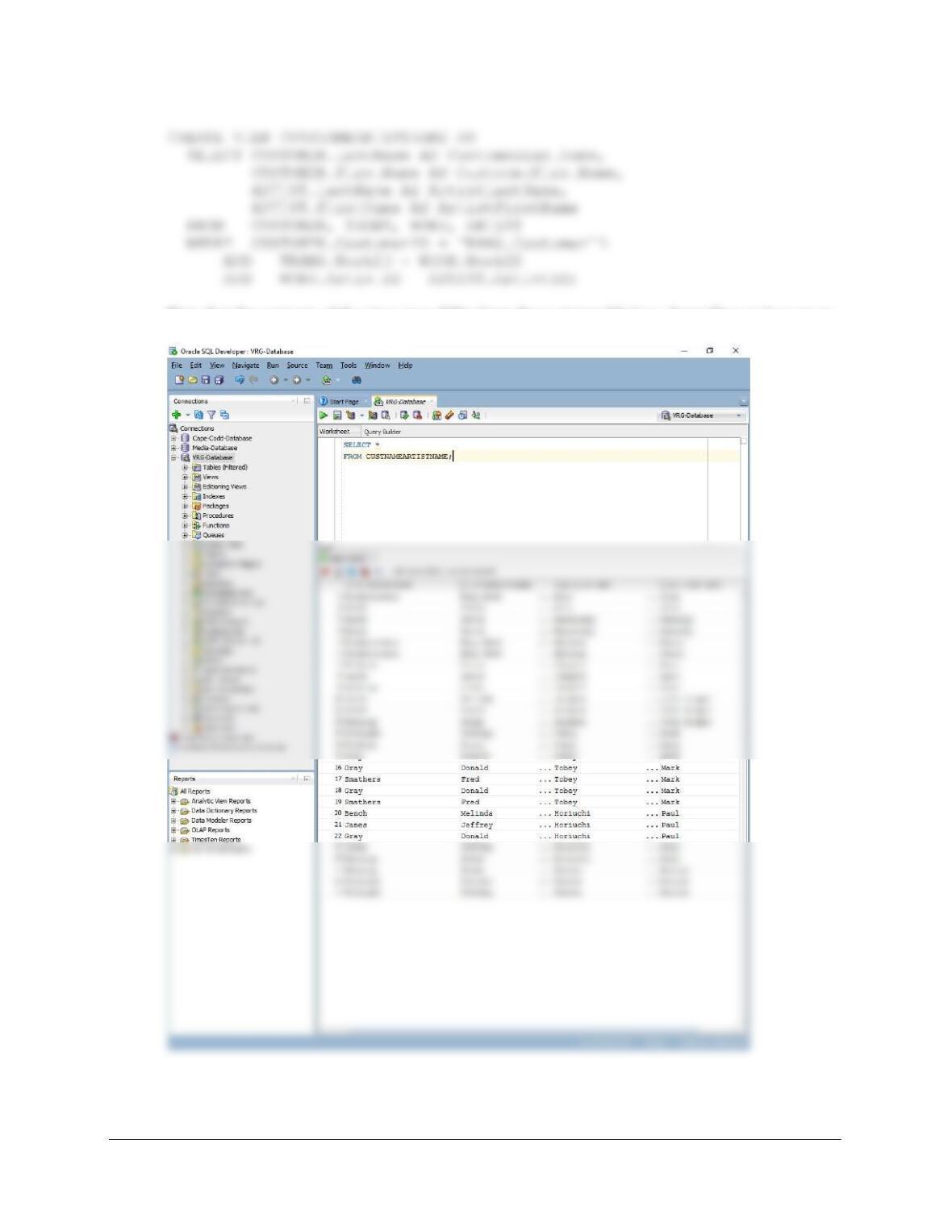
10B.35 For the View Ridge Gallery VRG database discussed in this chapter, construct a view
that contains a customer’s LastName, FirstName, City, and State. Name your view
CustomerBasicView.
10B.36 For the View Ridge Gallery VRG database, construct a view that has the full customer
name and full artist name for all art that the customer has purchased.
Solutions for this question are below and in the file DBP-e15-Oracle-VRG-CH10B-RQ.sql.
Chapter 10B – Managing Databases with Oracle Database
Page 10B-20
Note that the contents of the view may differ from those pictured below, depending on how many
of the in-chapter VRG examples have been precisely followed, etc.