Chapter 10B – Managing Databases with Oracle Database
Page 10B-21
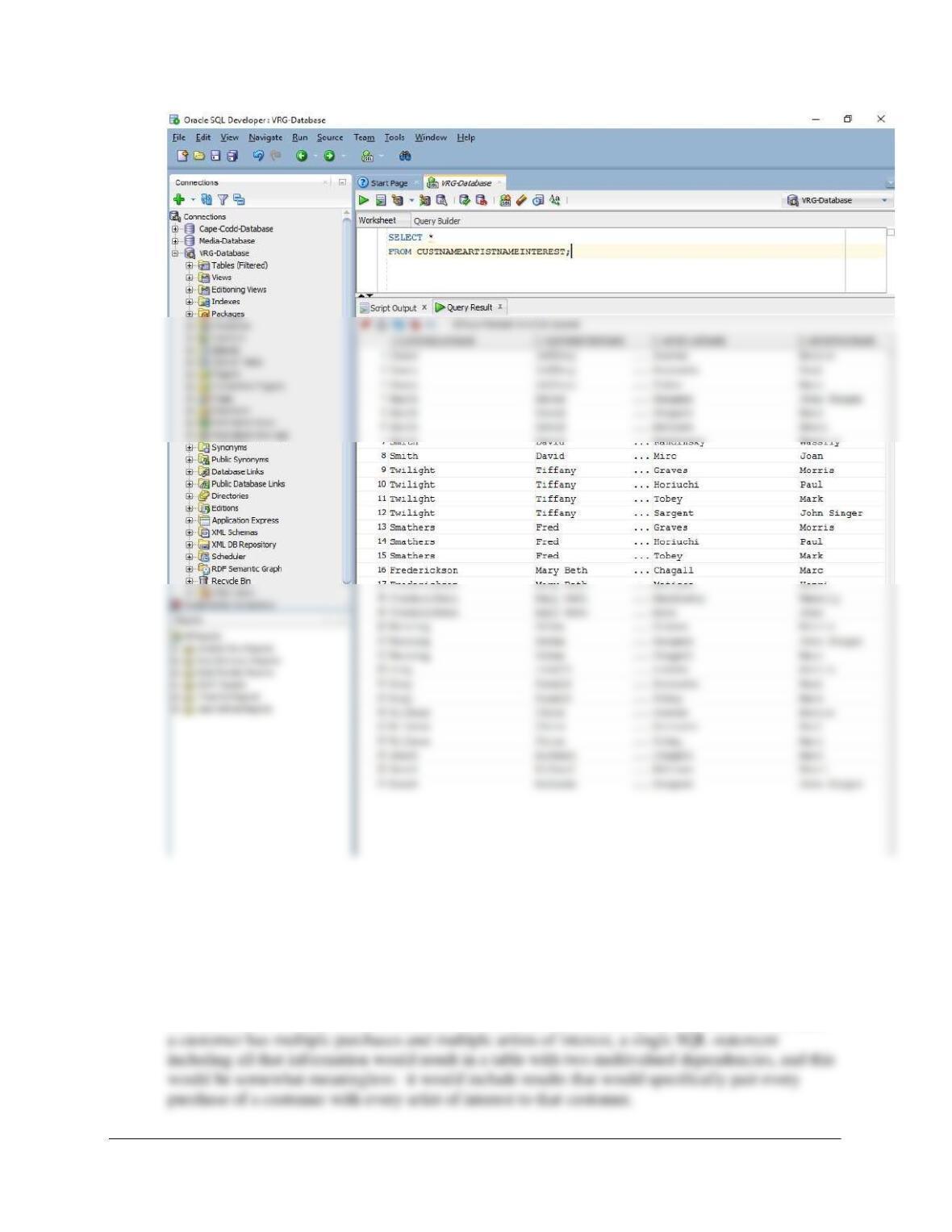
10B.37 For the View Ridge Gallery database, construct a view that has full customer name and
full artist name for all artists in which the customer is interested. Explain the difference
between this view and the view in Review Question 10B.36.
Solutions for this question are below and in the file DBP-e15-Oracle-VRG-CH10B-RQ.sql.
CREATE VIEW CustNameArtistNameInterest AS
SELECT CUSTOMER.LastName AS CustomerLastName,
Chapter 10B – Managing Databases with Oracle Database
Page 10B-22
10B.38 Can you combine the views in questions 10B.36 and 10B.37 into one view? Why or why
not?
No, this cannot be done because these are two different multivalued paths. In other words, since
Chapter 10B – Managing Databases with Oracle Database
Page 10B-23
10B.39 How can you update an SQL view using Oracle Database?
Some views are updatable in Oracle using the standard INSERT, DELETE, and UPDATE syntax:
10B.40 In PL/SQL, what is the purpose of the RETURN keyword?
The keyword RETURN signifies the end of the block of statements: it exits a block of code. If
10B.41 What must be done to be able to see the output generated by the Oracle Database
DBMS_OUTPUT package? What limits exist on such output?
Run the command:
10B.42 Explain how the PL/SQL statement FOR variable IN cursorname works.
It opens the cursor and moves the cursor down one row each time the FOR loop executes.
10B.43 Where in SQL Developer will you see error messages when compiling stored
procedures and triggers?
These errors will appear in the “Script Output” pane, located in the center of the SQL Developer
window.
10B.44 What is the syntax of the BEGIN TRANSACTION statement in PL/SQL? How is a
transaction started?
10B.45 In the stored procedure in Figure 10B–63, how are the values of the variables varTID and
varAID used if there are no suitable TRANS rows in the database? How are they used if
there is just one suitable TRANS row in the database?
Chapter 10B – Managing Databases with Oracle Database
Page 10B-24
If only one qualifying row is found, then varTID and varAID will have the values we need to
10B.46 Explain the purpose of BEFORE, AFTER, and INSTEAD OF triggers.
Triggers are PL/SQL or Java procedures that are invoked when specified database activity occurs.
10B.47 When an update is in progress, how can the trigger code obtain the value of a column,
say C1, before the update began? How can the trigger code obtain the value that the
column is being set to?
For insert and update triggers, the new values of the table or view columns can be accessed with
10B.48 Explain why INSTEAD OF triggers are needed for join views.
They are used because it is impossible to write general-purpose code for updating views (though
some join views in Oracle can be updated). The actions to be taken depend too much on the
application requirements. There’s too much ambiguity, as explained in the text. Oracle Database
may not know how to update the underlying tables in the view, as there may be multiple table
updates that correspond to a single view update, so the INSTEAD OF trigger can embody the
application logic that decides which one is right.
10B.49 Explain a limitation on the use of AFTER triggers.
Because of the way that Oracle Database manages concurrency, AFTER triggers that update the
10B.50 What three levels of transaction isolation are supported by Oracle Database?
Oracle Database supports READ COMMITTED, SERIALIZABLE, and READ ONLY
transaction isolation levels.
10B.51 Explain how Oracle Database uses the system change number (SCN) to read data that
are current at a particular point in time.
Chapter 10B – Managing Databases with Oracle Database
Page 10B-25
Oracle Database maintains a System Change Number (SCN), which is a database-wide value that
10B.52 Under what circumstances does Oracle Database read dirty data?
Because of the way Oracle Database uses the System Change Number, dirty reads are not
10B.53 Explain how conflicting locks are handled by Oracle Database when a transaction is
operating in read-committed isolation mode.
When a row is to be changed or deleted, Oracle Database places an exclusive lock on the row
10B.54 Show the SQL statement necessary to set the transaction isolation level to serializable
for an entire session.
10B.55 What happens when a transaction in serializable mode tries to update data that have
been updated by a different transaction? Assume that the SCN is less than the
transaction’s SCN. Assume the SCN is greater than the transaction’s SCN.
If the SCN is less than the transaction’s SCN, the update proceeds normally. If the SCN is
10B.56 Describe three circumstances under which a transaction could receive the “Cannot
serialize” exception.
(1) If a transaction attempts to update or delete any row having a committed change with an SCN
Chapter 10B – Managing Databases with Oracle Database
Page 10B-26
10B.57 Explain how Oracle Database processes the read-only transaction isolation level.
With this isolation level, the transaction reads only rows having committed changes with an SCN
10B.58 What three types of files are important for Oracle Database backup and recovery
processing?
Datafiles contain user and system data. ReDo files contain logs of database changes; they are
10B.59 What is the difference between the OnLine ReDo logs and the OffLine or Archive ReDo
logs? How is each type used?
OnLine ReDo files are maintained on disk and contain the rollback segments from recent database
10B.60 What does multiplexing mean in the context of Oracle Database recovery?
Control files and OnLine ReDo files are so important that Oracle Database recommends that two
active copies of them be kept, a process called multiplexing in Oracle Database terminology.
10B.61 Explain how Oracle Database recovers from application failure.
When an application failure occurs—because of application logic errors, for instance—Oracle
10B.62 What is an instance failure, and how does Oracle Database recover from it?
An instance failure occurs when Oracle Database itself fails due to an operating system or
Chapter 10B – Managing Databases with Oracle Database
Page 10B-27
10B.63 What is a media failure, and how does Oracle Database recover from it?
A media failure occurs when Oracle Database is unable to write to or read from a physical file.
Chapter 10B – Managing Databases with Oracle Database
Page 10B-28
❖ ANSWERS TO EXERCISES
Wedgewood Pacific Exercises
In the Chapter 7 Review Questions, we introduced Wedgewood Pacific Corporation (WP) and
developed the WP database. Two of the tables that are used in the WP database are:
Assume that the relationship between these tables is M-M, and use the tables as the basis for
your answers to Review Questions 10B.64–10B.70.
This database is a variant of the WP database we built in the end of chapter review questions and
project questions in Chapters 1, 2, and 7. To be consistent, we will reuse as much table structure
and data as we can.
Since we have an M-M relationship between DEPARTMENT (Parent) and EMPLOYEE (Child),
we should analyze the required referential integrity enforcement actions. However, this is the
same analysis required in Project Question 10B.70 below, so see that question for the full
analysis. Here we will note that we will use the referential integrity actions ON DELETE NO
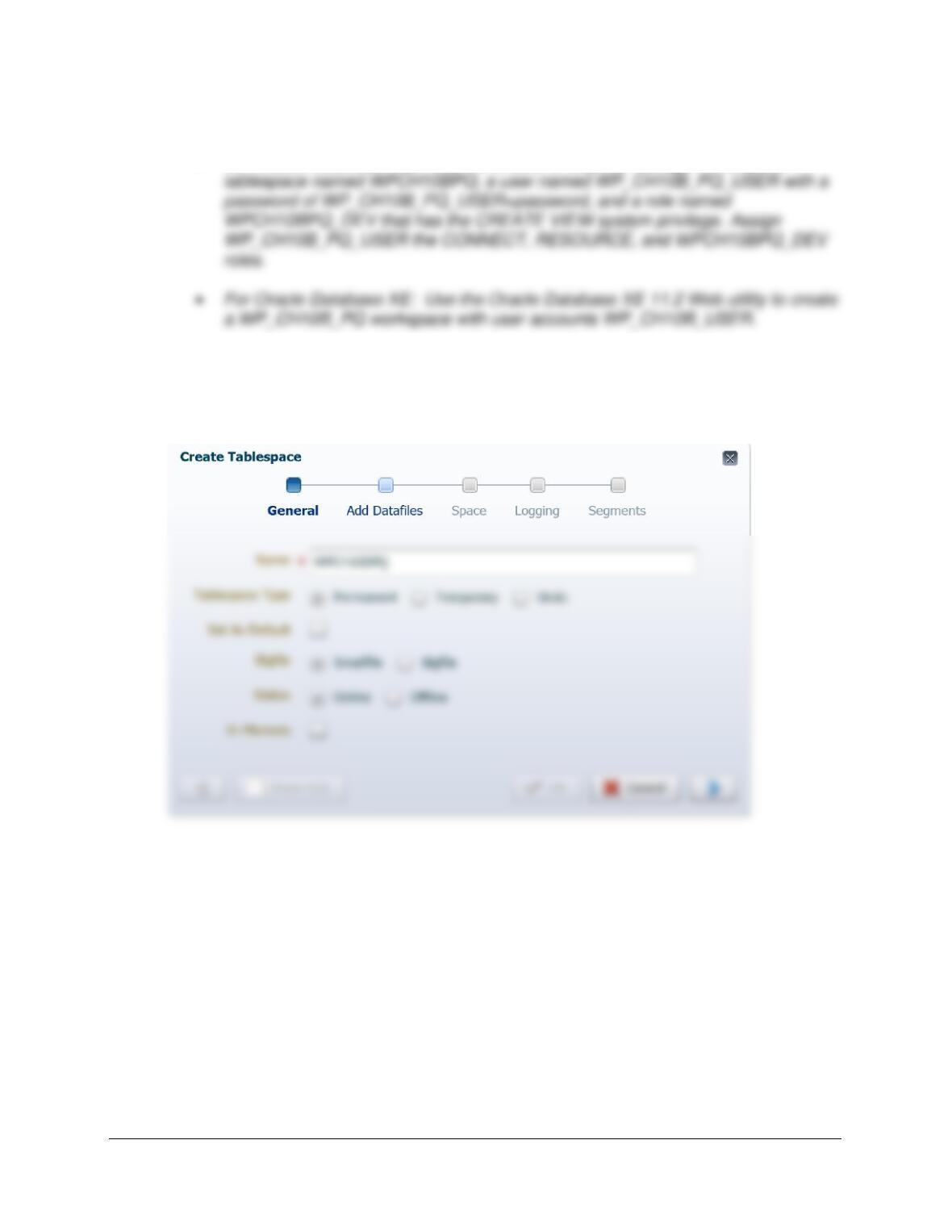
10B.64 In the Oracle SQL Developer folder structure in your My Documents folder, create a
folder named DBP-e15–WP-CH10B–PQ-Database. Use this folder to save and store *.sql
scripts containing the SQL statements that you are asked to create in the remaining
questions in this section.
Chapter 10B – Managing Databases with Oracle Database
Page 10B-29
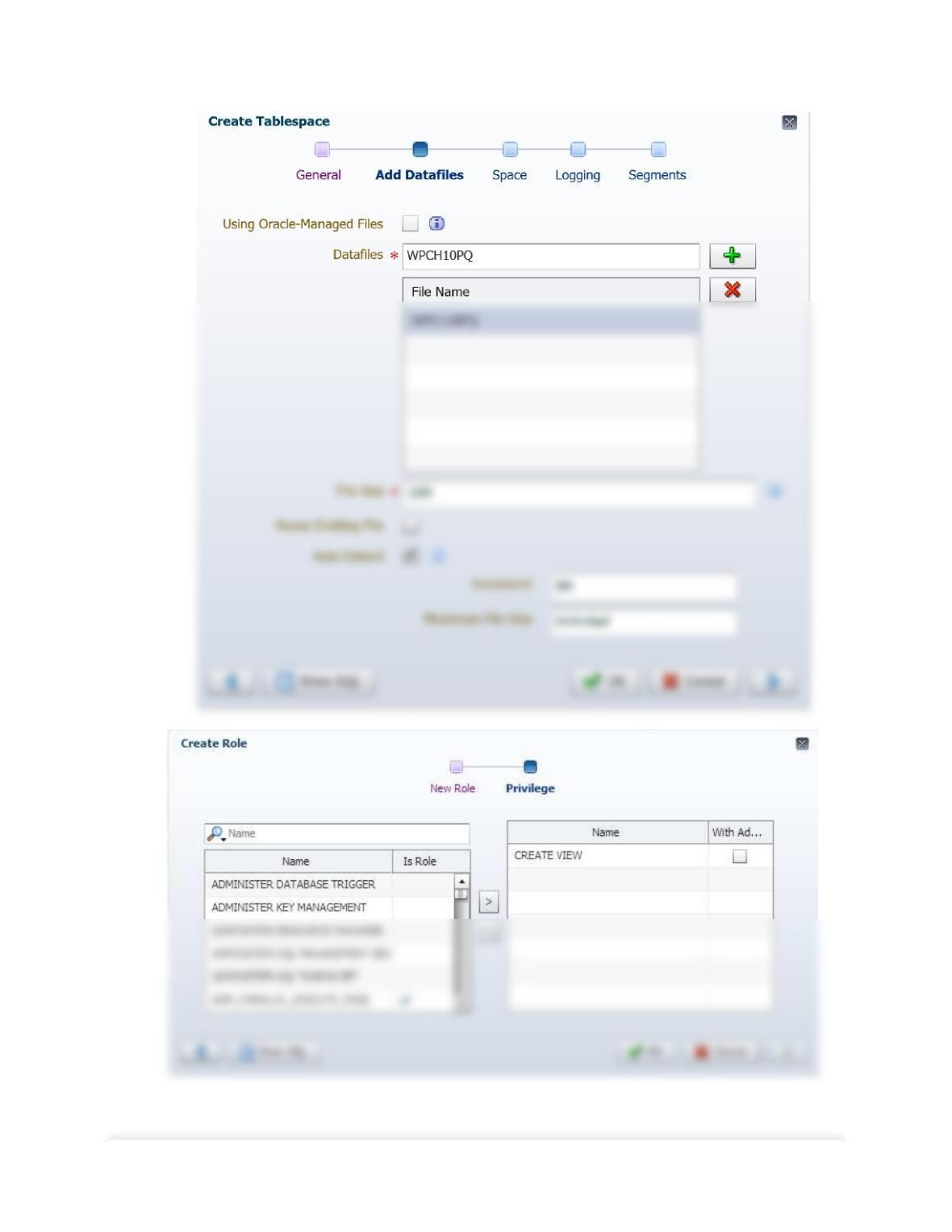
10B.65 Using the examples in this chapter as templates:
• For Oracle Database 12c: Use the Oracle Enterprise Manager to create a
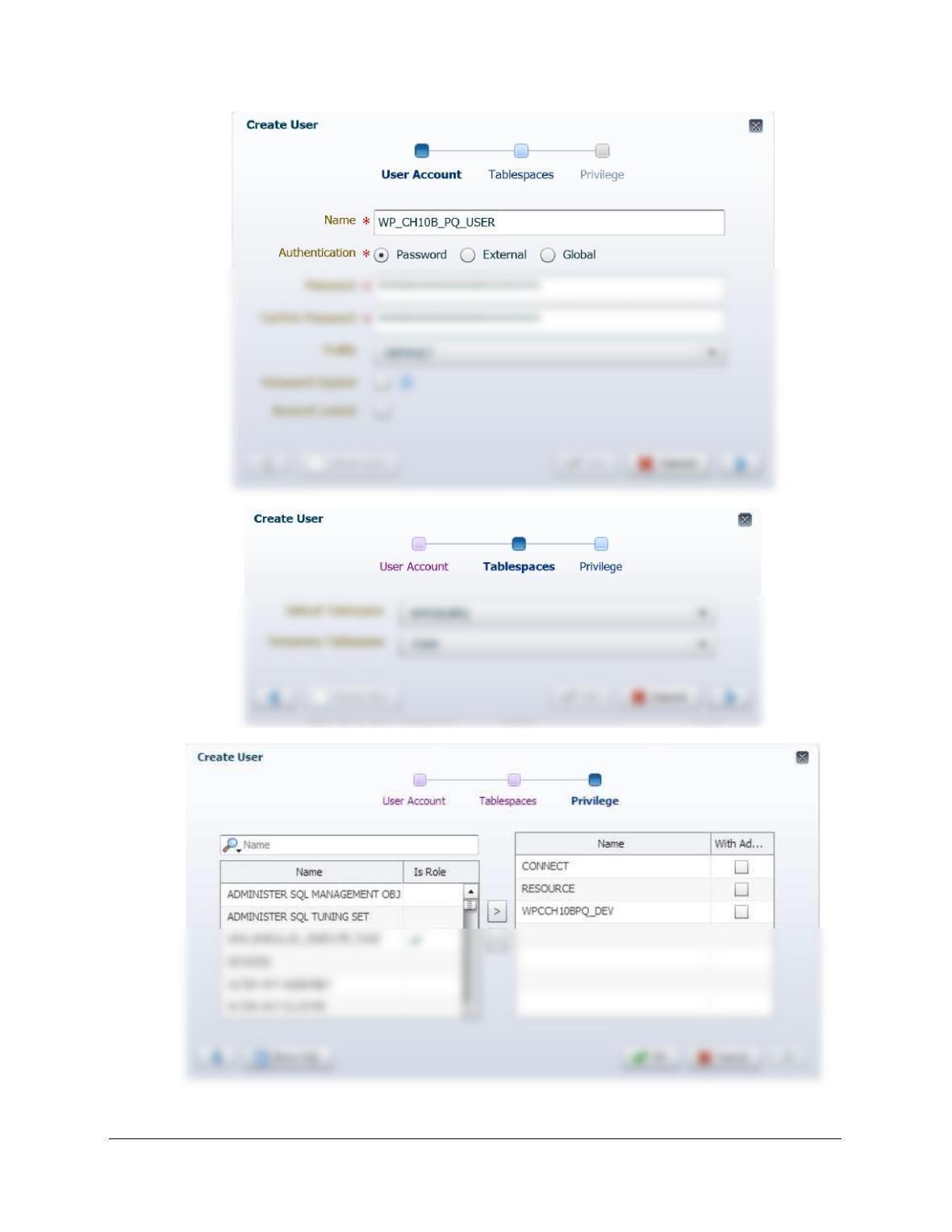
Solutions for 12c are presented first, followed by solutions for XE 11.2. For Oracle Database
12c, see the discussion and follow the steps in pages 10B-34 – 10B-36 for tablespaces, and 10B-
36 – 10B-42 for users and roles. Images below are screen shots of the create tablespace, edit role,
and create user (general and roles) windows.
Chapter 10B – Managing Databases with Oracle Database
Page 10B-30
Chapter 10B – Managing Databases with Oracle Database
Page 10B-31
Chapter 10B – Managing Databases with Oracle Database
Page 10B-32
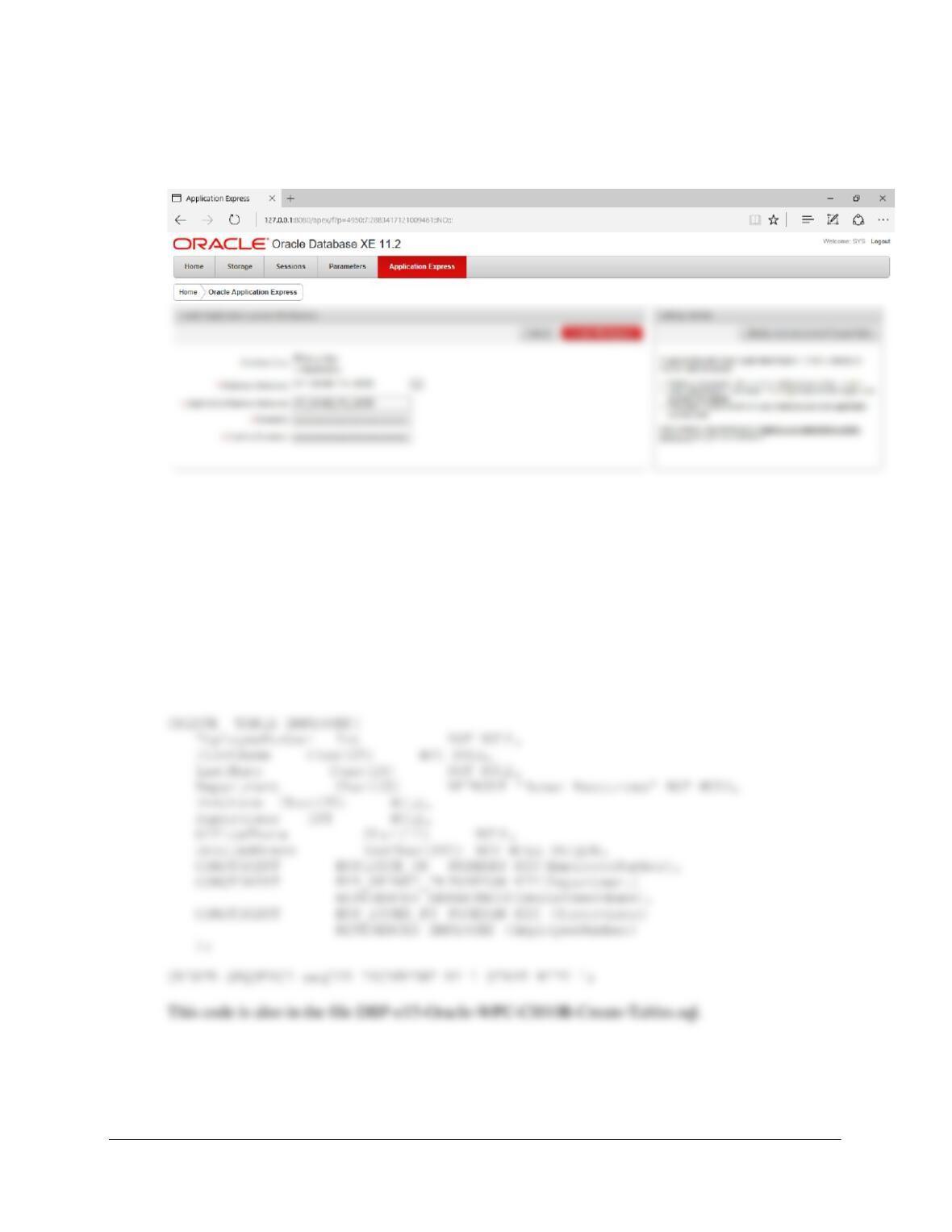
The process is simpler for Oracle Database XE 11.2: Follow the instructions on pages 10B29-
10B33. After creating the workspace, exit the XE 11.2 Database Administration Utility. Here is
a screen shot of the crucial part of the process:
10B.66 Using the information about the WPC database in the Chapter 7 Review Questions and
the referenced figures in Chapter 1, create the EMPLOYEE and DEPARTMENT tables
and the relationship between these tables.
CREATE TABLE DEPARTMENT(
DepartmentName Char(35) NOT NULL,
BudgetCode Char(30) NOT NULL,
OfficeNumber Char(15) NOT NULL,
DepartmentPhone Char(12) NOT NULL,
CONSTRAINT DEPARTMENT_PK PRIMARY KEY(DepartmentName)
);
10B.67 Using the information about the WP database in the Chapter 7 Review Questions and
the referenced figures in Chapter 1, populate the EMPLOYEE and DEPARTMENT
tables.
Chapter 10B – Managing Databases with Oracle Database
Page 10B-33
Here are the data to populate the database:
/***** DEPARTMENT DATA
******************************************************/
INSERT INTO DEPARTMENT VALUES(‘Administration’, ‘BC-100-10’, ‘BLDG01-210’,
‘360-285-8100’);
INSERT INTO DEPARTMENT VALUES(‘Legal’, ‘BC-200-10’, ‘BLDG01-220’, ‘360-285-
8200′);
/***** EMPLOYEE DATA
********************************************************/
INSERT INTO EMPLOYEE VALUES(seqEID.nextVal,
‘Mary’, ‘Jacobs’, ‘Administration’, ‘CEO’, NULL, ‘360-285-8110’,
‘Mary.Jacobs@WP.com’);
INSERT INTO EMPLOYEE VALUES(seqEID.nextVal,
‘Alan’, ‘Adams’, ‘Human Resources’, ‘HR1’, 4, ‘360-285-8320’,
‘Alan.Adams@WP.com’);
INSERT INTO EMPLOYEE VALUES(seqEID.nextVal,
‘Ken’, ‘Evans’, ‘Finance’, ‘CFO’, 1, ‘360-285-8410’, ‘Ken.Evans@WP.com’);
INSERT INTO EMPLOYEE VALUES(seqEID.nextVal,
‘Mary’, ‘Abernathy’, ‘Finance’, ‘FA3’, 6, ‘360-285-8420’,
‘Mary.Abernathy@WP.com’);
INSERT INTO EMPLOYEE VALUES(seqEID.nextVal,
‘Tom’, ‘Caruthers’, ‘Accounting’, ‘FA2’, 6, ‘360-285-8430’,
‘Tom.Caruthers@WP.com’);
INSERT INTO EMPLOYEE VALUES(seqEID.nextVal,
Chapter 10B – Managing Databases with Oracle Database
Page 10B-34
‘Tom.Jackson@WP.com’);
INSERT INTO EMPLOYEE VALUES(seqEID.nextVal,
‘George’, ‘Jones’, ‘Production’, ‘OPS2’, 17, ‘360-285-8830’,
‘George.Jones@WP.com’);
INSERT INTO EMPLOYEE VALUES(seqEID.nextVal,
‘Julia’, ‘Hayakawa’, ‘Production’, ‘OPS1’, 17, NULL,
‘Julia.Hayakawa@WP.com’);
INSERT INTO EMPLOYEE VALUES(seqEID.nextVal,
‘Sam’, ‘Stewart’, ‘Production’, ‘OPS1’, 17, NULL, ‘Sam.Stewart@WP.com’);
/****************************************************************************/
10B.68 Code an Oracle trigger to enforce the constraint that an employee can never change his
or her department.
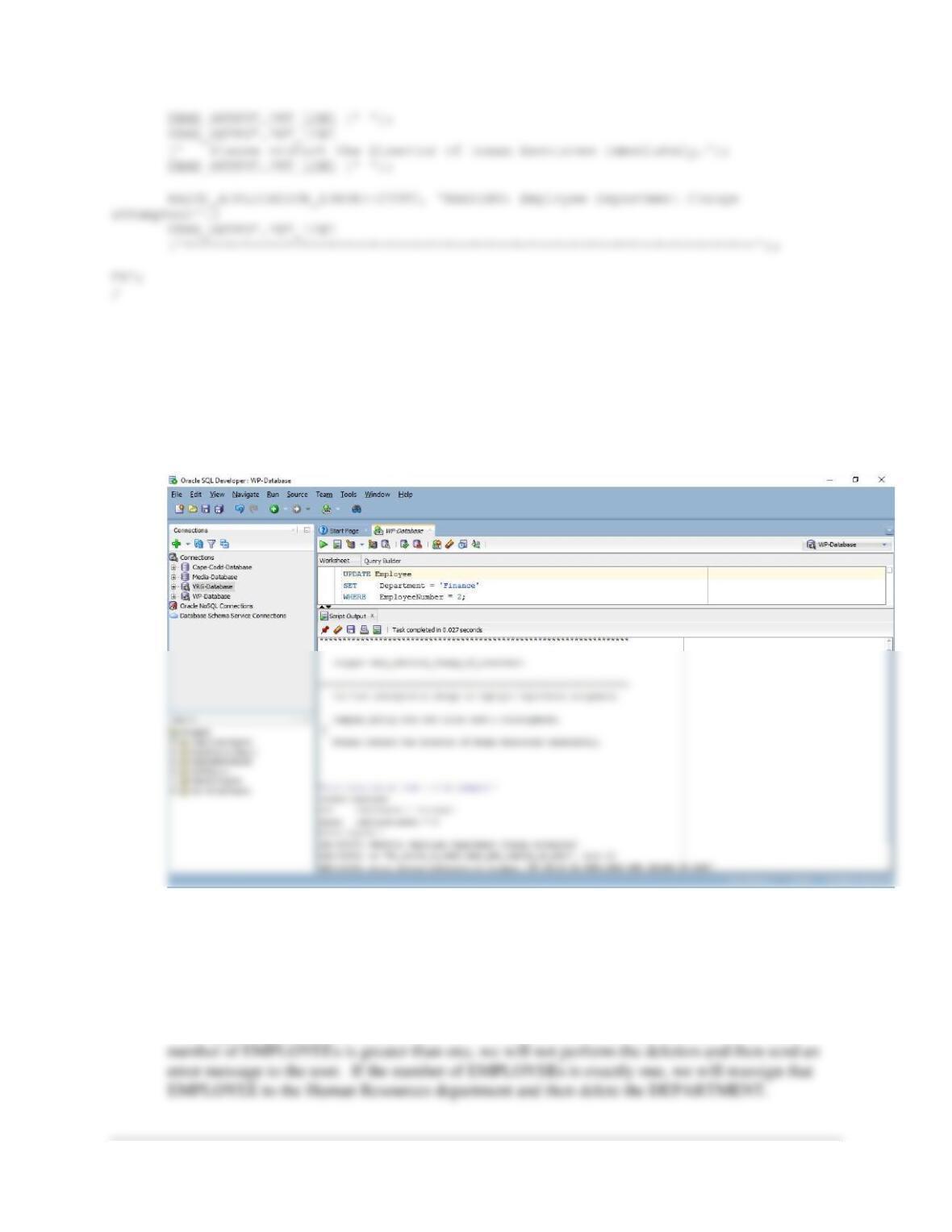
All this requires is a trigger that intercepts the update and then sends an error message to the user.
BEGIN
/* Disallow the change of DEPARTMENT */
/* Print the error message */
DBMS_OUTPUT.PUT_LINE
Chapter 10B – Managing Databases with Oracle Database
Page 10B-35
To test this trigger, use:
SET SERVEROUTPUT ON;
UPDATE Employee
SET Department = ‘Finance’
WHERE EmployeeNumber = 2;
10B.69 Code an Oracle Database trigger to allow the deletion of a department if it has only one
employee. Assign the last employee to the Human Resources department. Assume the
trigger in Exercise 10.68 has not been created. HINT: Due to Oracle Database “mutating
table” issues, the best solution here is to create a view that is a copy of the
DEPARTMENT table and base the trigger on that view.
The trigger requires us to check the number of EMPLOYEEs in a DEPARTMENT. If the
Chapter 10B – Managing Databases with Oracle Database
Page 10B-36
Note that another issue with this trigger in Oracle Database is that row-level (vs. statement-level,
which we cannot use here) trigger code is not allowed to query or modify the table that caused the
trigger to fire. Thus, to use triggers to solve this problem in Oracle, the proper solution is to
create a view that is an exact copy of DEPARTMENT. Then, for all users of the database, make
the view available to them and grant them delete privileges on the view.
BEGIN
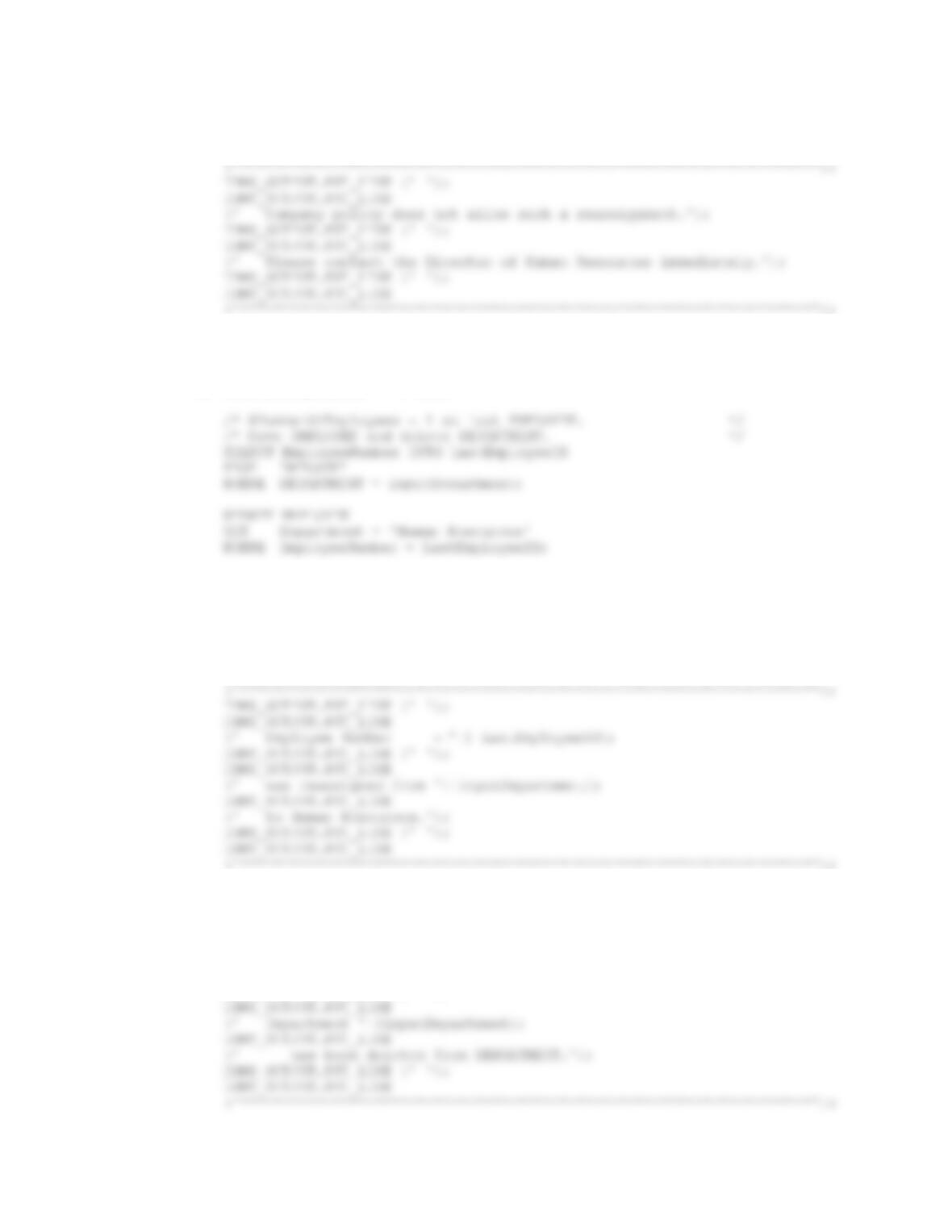
/* Determine if this is the last EMPLOYEE in the DEPARTMENT */
inputDepartment := :old.DepartmentName;
SELECT COUNT(*) INTO NumberOfEmployees
FROM EMPLOYEE
WHERE Department = inputDepartment;
IF NumberOfEmployees > 1 THEN
/* Not last EMPLOYEE, deny deletion of DEPARTMENT */
/* Print the error message */
Chapter 10B – Managing Databases with Oracle Database
Page 10B-37
(‘ with more than one currently assigned employee.’);
DBMS_OUTPUT.PUT_LINE (‘ ‘);
DBMS_OUTPUT.PUT_LINE
RETURN;
END IF;
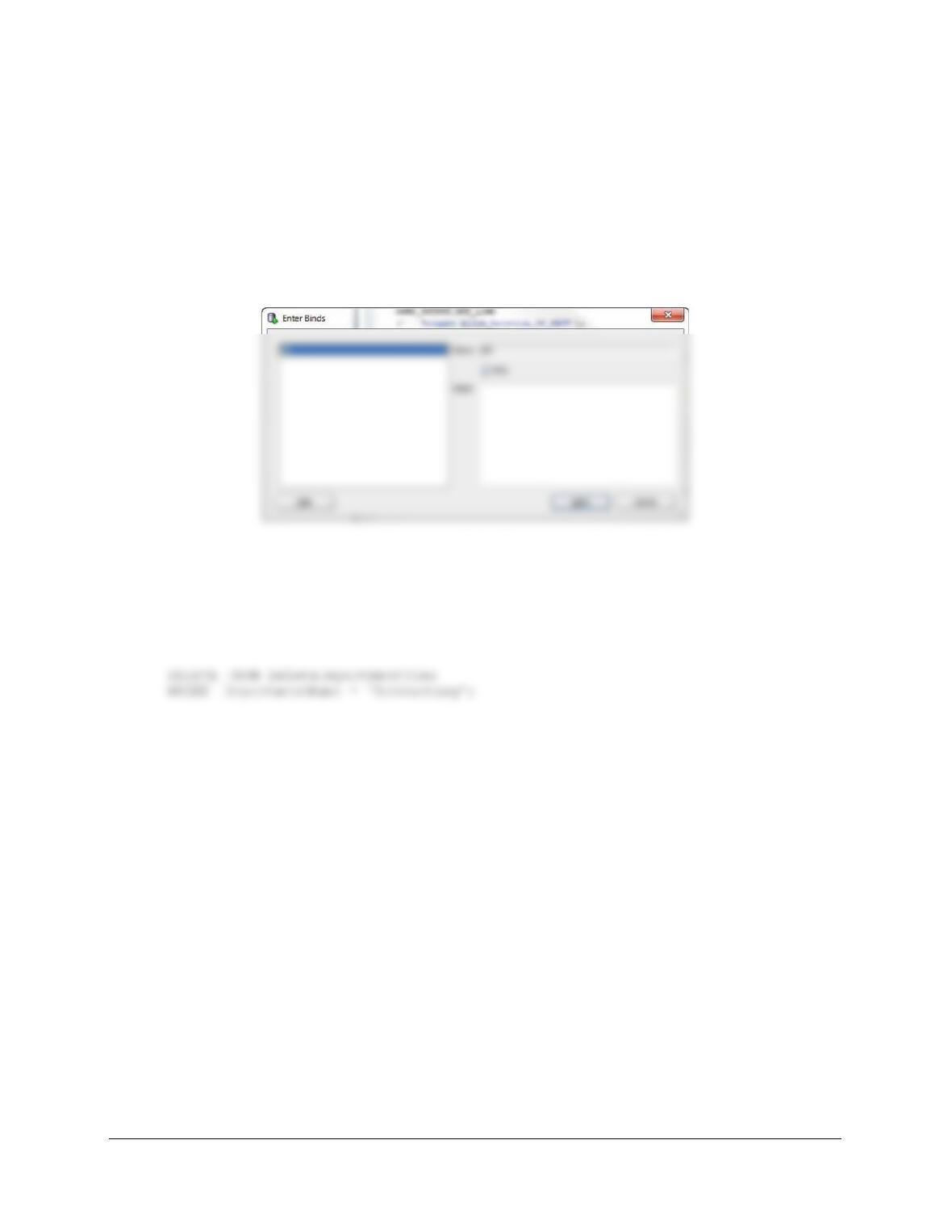
IF NumberOfEmployees = 1 THEN
DBMS_OUTPUT.PUT_LINE
(‘********************************************************************’);
DBMS_OUTPUT.PUT_LINE (‘ ‘);
DBMS_OUTPUT.PUT_LINE
(‘ Trigger Allow_Deletion_Of_DEPT’);
DBMS_OUTPUT.PUT_LINE (‘ ‘);
DBMS_OUTPUT.PUT_LINE
DELETE DEPARTMENT
WHERE DEPARTMENT.DepartmentName = inputDepartment;
DBMS_OUTPUT.PUT_LINE
(‘********************************************************************’);
DBMS_OUTPUT.PUT_LINE (‘ ‘);
Chapter 10B – Managing Databases with Oracle Database
Page 10B-38
END IF;
END;
/
Note: Sometimes, when triggers are created in a large script and you are referring to :old or :new
you will get a window asking you to Enter Binds as seen below. The best way to avoid this is
open a new connection in SQL Developer and past the Trigger script in there all by itself and run
the CREATE TRIGGER command as a script instead of as a single command. Doing so should
prevent the binds message from showing up.
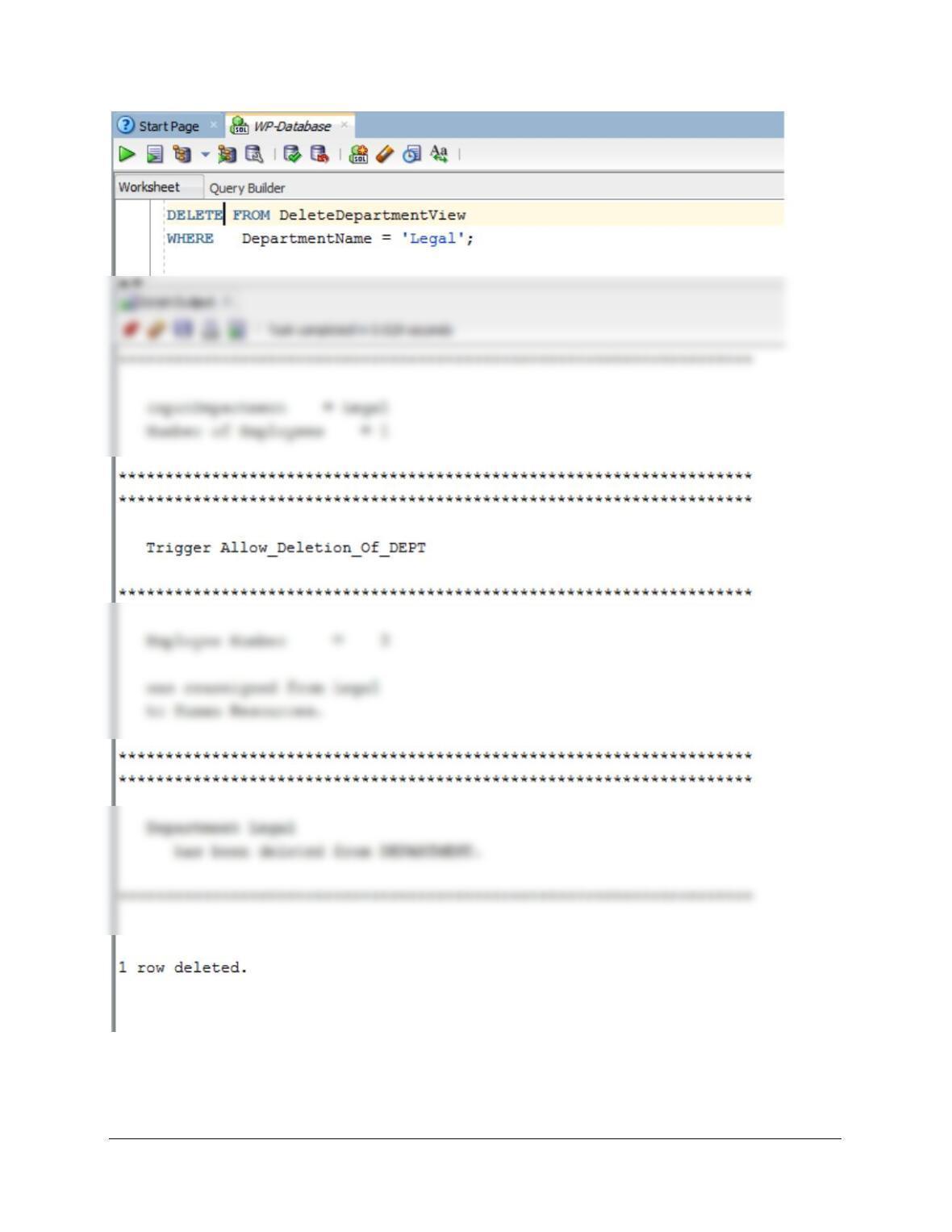
To test this trigger (we test it twice, once with a department with multiple employees, and once
with a department with one employee), use:
SET SERVEROUTPUT ON
(1) To generate an error message:
Chapter 10B – Managing Databases with Oracle Database
Page 10B-39
(2) To delete a department with one employee:
DELETE FROM DeleteDepartmentView
Chapter 10B – Managing Databases with Oracle Database
Page 10B-40