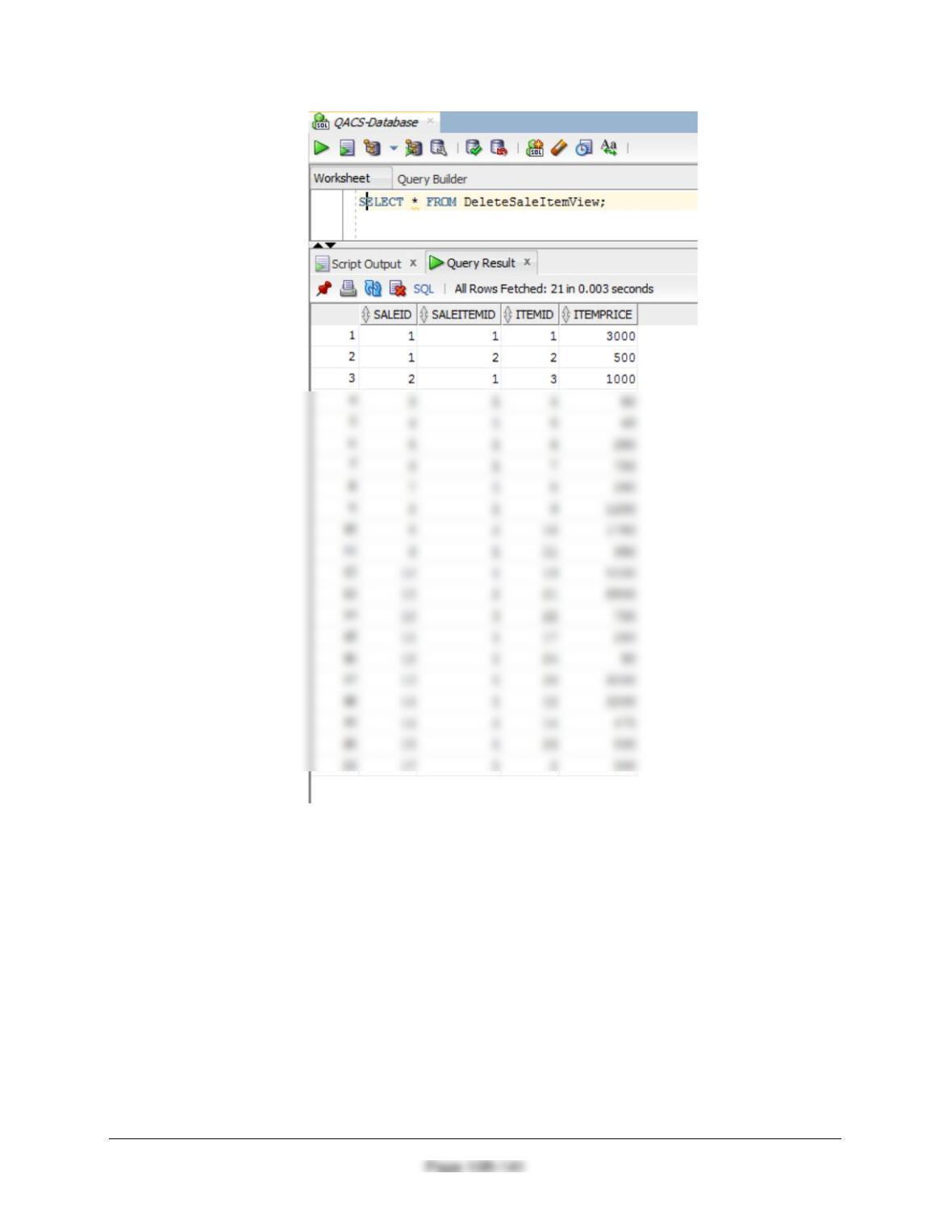
Chapter 10B – Managing Databases with Oracle Database
SET SERVEROUTPUT ON;
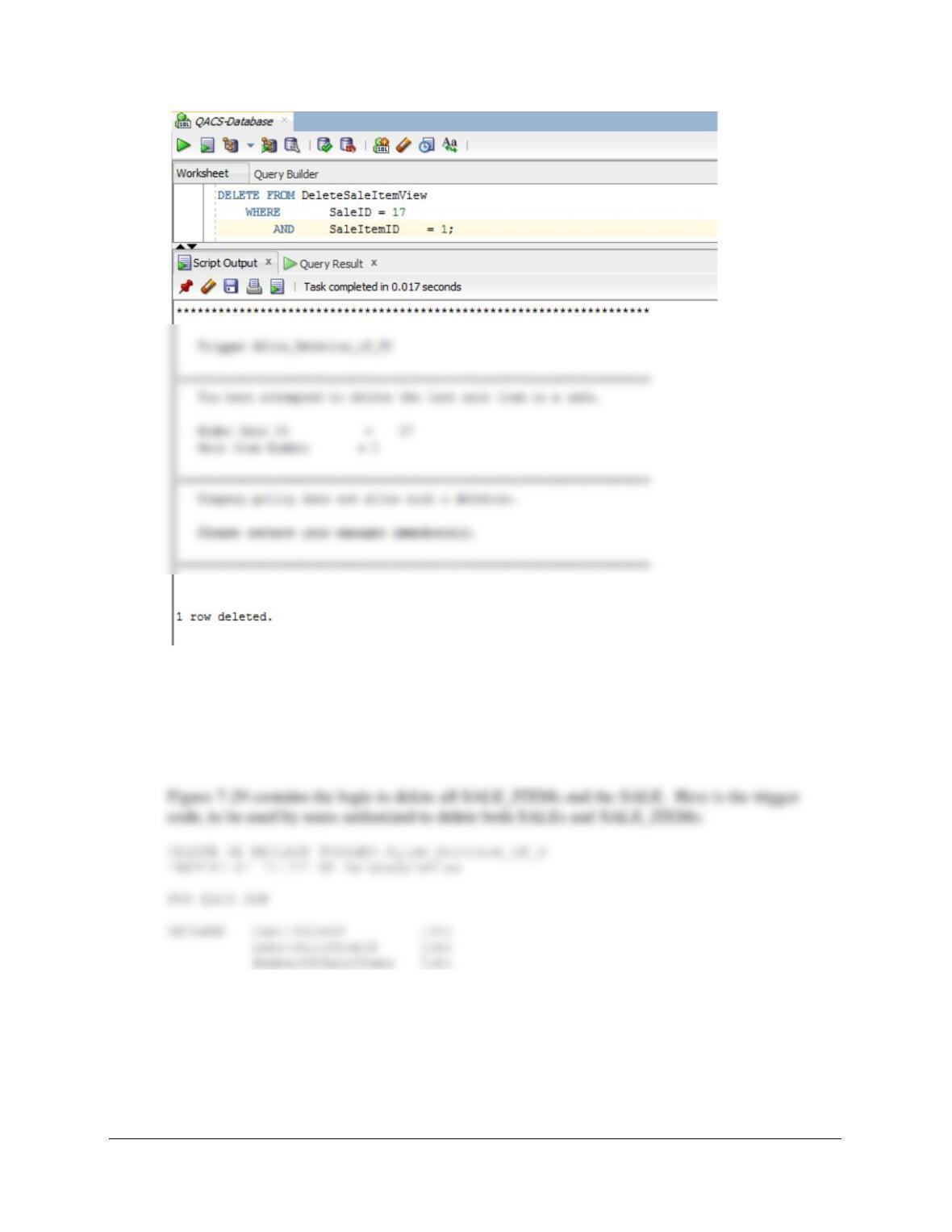
DELETE FROM DeleteSaleItemView
WHERE SaleID = 17
AND SaleItemID = 1;
Chapter 10B – Managing Databases with Oracle Database
Page 10B-142
Note that Oracle responds with “1 row deleted” even though this is not true.
Run this command to clean up the database
DELETE FROM SALE
WHERE SaleID = 17;
BEGIN
/* Determine if this is the last SALE_ITEM in the SALE */
inputSaleID := :OLD.SaleID;
inputSaleItemID := :OLD.SaleItemID;
Chapter 10B – Managing Databases with Oracle Database
Page 10B-143
DELETE FROM SALE
WHERE SALEID = inputSaleID;
DBMS_OUTPUT.PUT_LINE
(‘********************************************************************’);
DBMS_OUTPUT.PUT_LINE (‘ ‘);
DBMS_OUTPUT.PUT_LINE
DBMS_OUTPUT.PUT_LINE
(‘ and therefore also deleted the associated sale.’);
DBMS_OUTPUT.PUT_LINE (‘ ‘);
DBMS_OUTPUT.PUT_LINE
(‘ Order Sale Number = ‘|| inputSaleID);
DBMS_OUTPUT.PUT_LINE
(‘ Sale Item Number = ‘|| inputSaleItemID);
DBMS_OUTPUT.PUT_LINE (‘ ‘);
DBMS_OUTPUT.PUT_LINE
(‘********************************************************************’);
DBMS_OUTPUT.PUT_LINE
(‘********************************************************************’);
DBMS_OUTPUT.PUT_LINE (‘ ‘);
DBMS_OUTPUT.PUT_LINE
(‘ Trigger Allow_Deletion_of_S’);
DBMS_OUTPUT.PUT_LINE (‘ ‘);
DBMS_OUTPUT.PUT_LINE
Chapter 10B – Managing Databases with Oracle Database
Page 10B-144
END IF;
END;
/
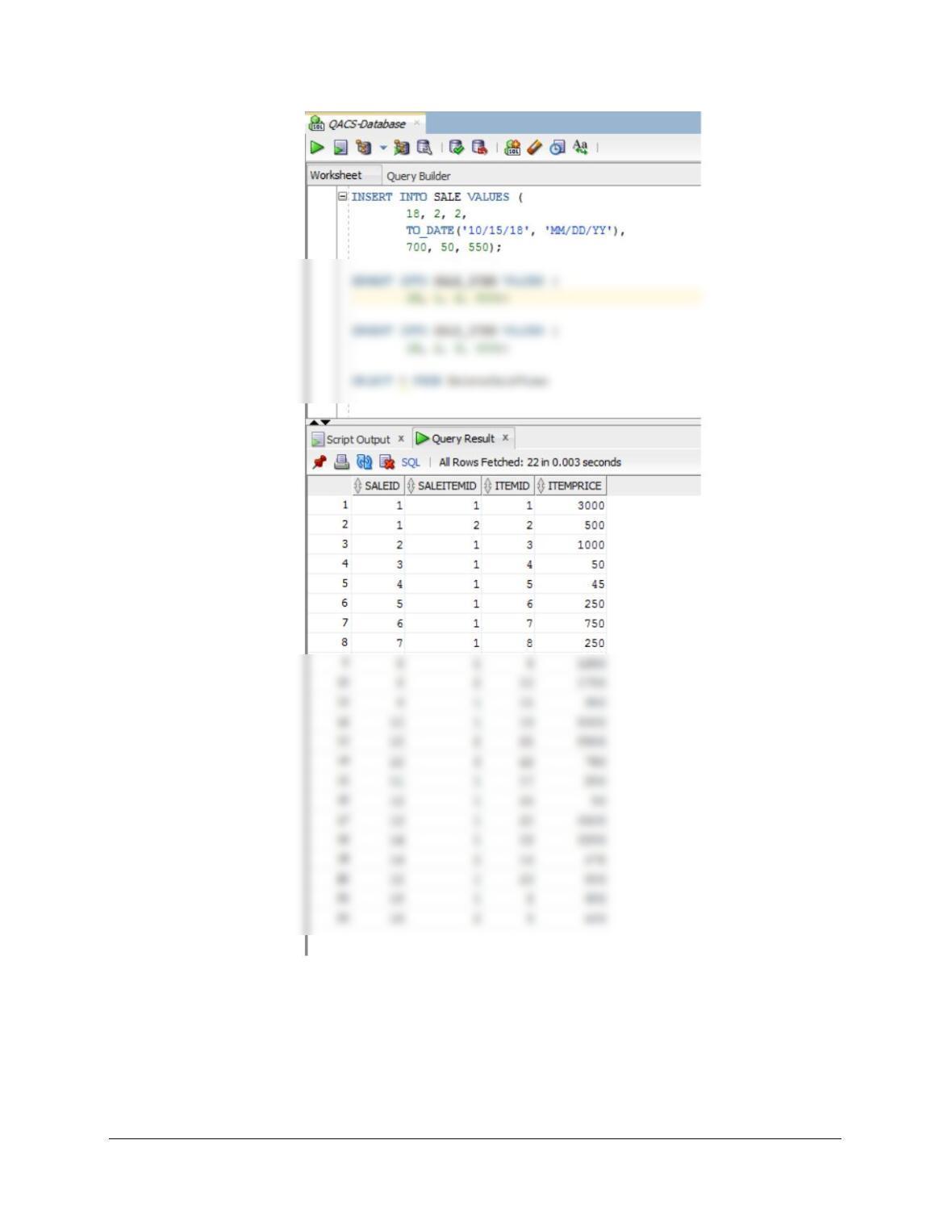
To test this, run the following commands:
INSERT INTO SALE VALUES (
18, 2, 2,
Chapter 10B – Managing Databases with Oracle Database
Page 10B-145
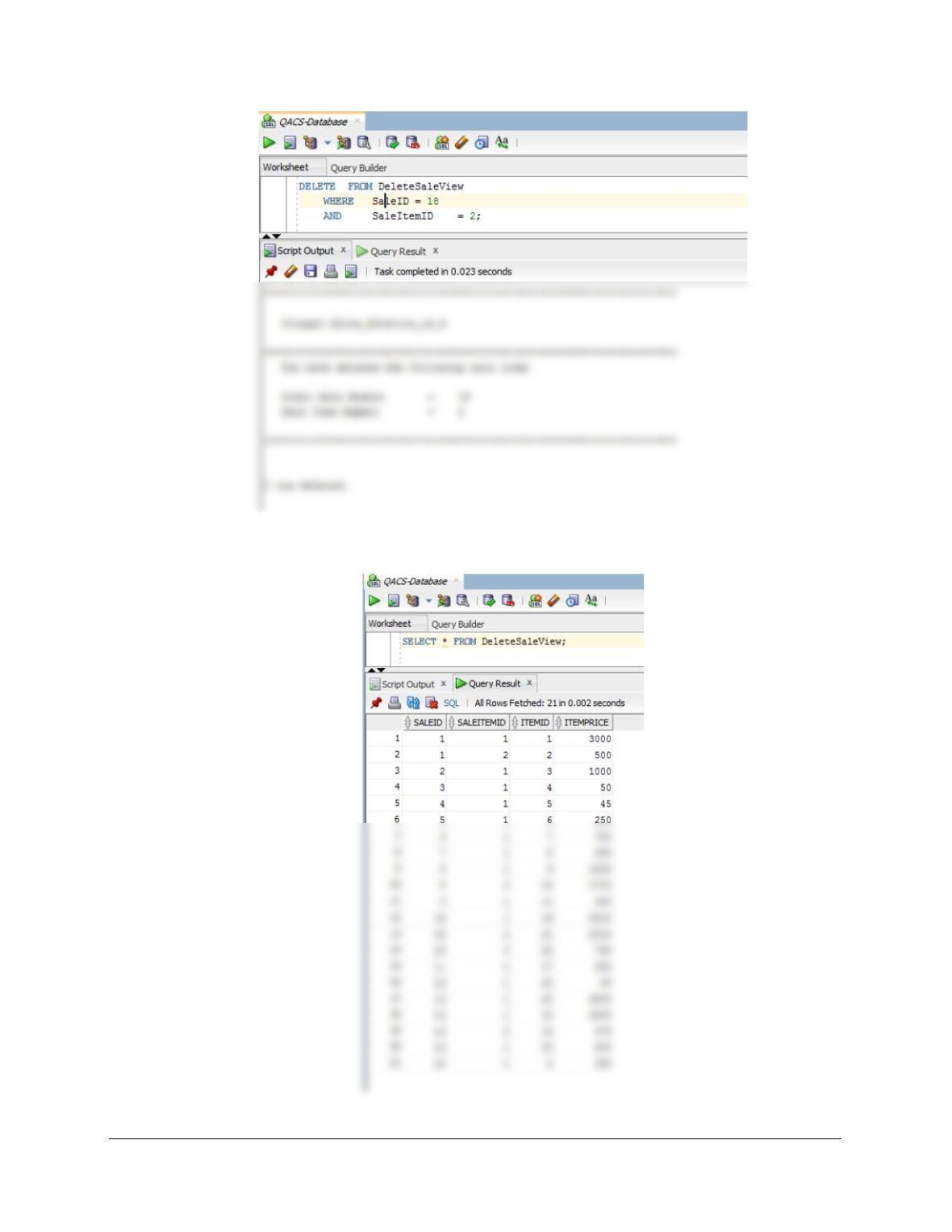
SET SERVEROUTPUT ON;
DELETE FROM DeleteSaleView
WHERE SaleID = 18
AND SaleItemID = 2;
Chapter 10B – Managing Databases with Oracle Database
Page 10B-146
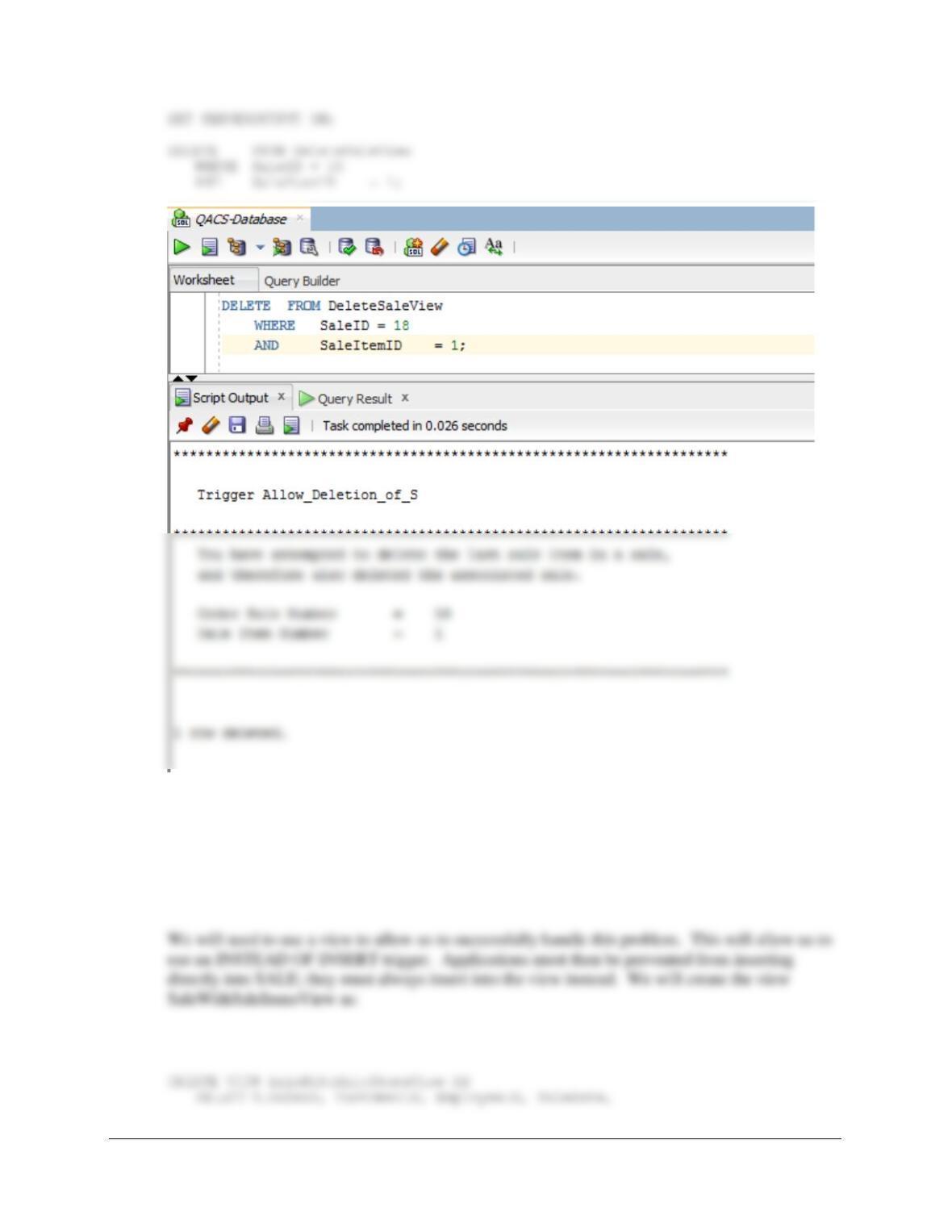
SELECT * FROM DeleteSaleView;
Chapter 10B – Managing Databases with Oracle Database
Page 10B-147
(3) Adding a required SALE_ITEM when a SALE is created.
This solution is similar to the one we did for Project Question 10B.70, which used the discussion
of this topic in Chapter 10B and Figure 10B-73 as a model for the trigger. We will again use this
model. First, we note that the requirement that SALE_ITEM have an associated SALE is
automatically enforced by the NOT NULL constraint on the foreign key referential integrity
constraint on SALE_ITEM.
Chapter 10B – Managing Databases with Oracle Database
Page 10B-148
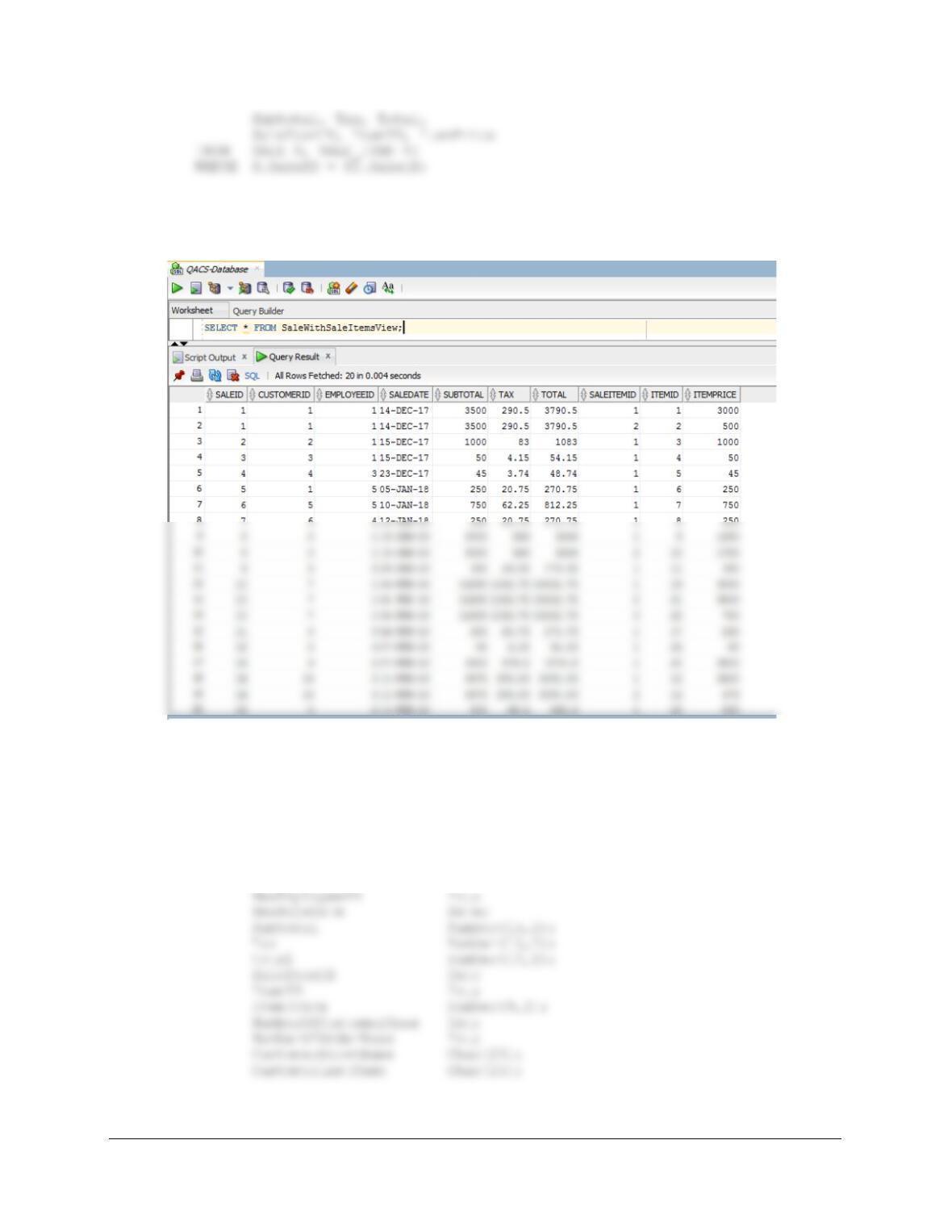
To test this, run the following command:
SELECT * FROM SaleWithSaleItemsView;
Here is the trigger code:
CREATE OR REPLACE TRIGGER Insert_SALE_SALE_ITEM
INSTEAD OF INSERT ON SaleWithSaleItemsView
FOR EACH ROW
DECLARE NewSaleID Int;
NewCustomerID Int;
Chapter 10B – Managing Databases with Oracle Database
Page 10B-149
/* NOTE: We do NOT really need SaleItemID – this HAS to be ‘1’. */
BEGIN
/* Get the values provided for the INSERT on the view */
/* NOTE: We do NOT really need SaleItemID – this HAS to be ‘1’. */
/* but we CANNOT input a NULL VALUE for this field! */
/* This is a new SALE combined with the first SALE_ITEM. */
/* Neither the SALE nor the SALE_ITEM exist. */
/* CHECK for valid OrderCustomerID. */
SELECT Count(*) INTO NumberOfCustomerRows
FROM CUSTOMER
WHERE CustomerID = NewCustomerID;
(‘********************************************************************’);
DBMS_OUTPUT.PUT_LINE
(‘ The CUSTOMER ID Number that you have entered does NOT exist.’);
DBMS_OUTPUT.PUT_LINE (‘ ‘);
DBMS_OUTPUT.PUT_LINE
(‘ CUSTOMER CustomerID = ‘|| NewCustomerID);
DBMS_OUTPUT.PUT_LINE (‘ ‘);
DBMS_OUTPUT.PUT_LINE
Chapter 10B – Managing Databases with Oracle Database
Page 10B-150
IF NumberOfCustomerRows = 1 THEN
DBMS_OUTPUT.PUT_LINE
(‘********************************************************************’);
DBMS_OUTPUT.PUT_LINE (‘ ‘);
DBMS_OUTPUT.PUT_LINE
(‘ Trigger Insert_SALE_SALE_ITEM’);
DBMS_OUTPUT.PUT_LINE (‘ ‘);
DBMS_OUTPUT.PUT_LINE
(‘********************************************************************’);
/* CHECK for valid NewOrderNumber. */
SELECT COUNT(*) INTO NumberOfOrderRows
FROM SALE
WHERE SaleID = NewSaleID;
IF NumberOfOrderRows > 0 THEN
/* SALE SaleID exists – Send error message. */
(‘********************************************************************’);
END IF;
IF NumberOfOrderRows = 0 THEN
/* Create the SALE. */
INSERT INTO SALE VALUES (NewSaleID, NewCustomerID, NewEmployeeID,
Chapter 10B – Managing Databases with Oracle Database
Page 10B-151
(‘********************************************************************’);
/* Create the SALE_ITEM. */
/* NewSaleItemID HAS to be 1 – this is the first item. */
INSERT INTO SALE_ITEM VALUES(
NewSaleID, 1, ItemID, ItemPrice);
DBMS_OUTPUT.PUT_LINE
(‘ Sale Item = ‘ || SaleItemID);
DBMS_OUTPUT.PUT_LINE (‘ ‘);
DBMS_OUTPUT.PUT_LINE
(‘ has been created in SALE_ITEM’);
DBMS_OUTPUT.PUT_LINE (‘ ‘);
DBMS_OUTPUT.PUT_LINE
(‘ Sale Date = ‘|| NewSaleDate);
(‘********************************************************************’);
END IF;
END IF;
END;
/
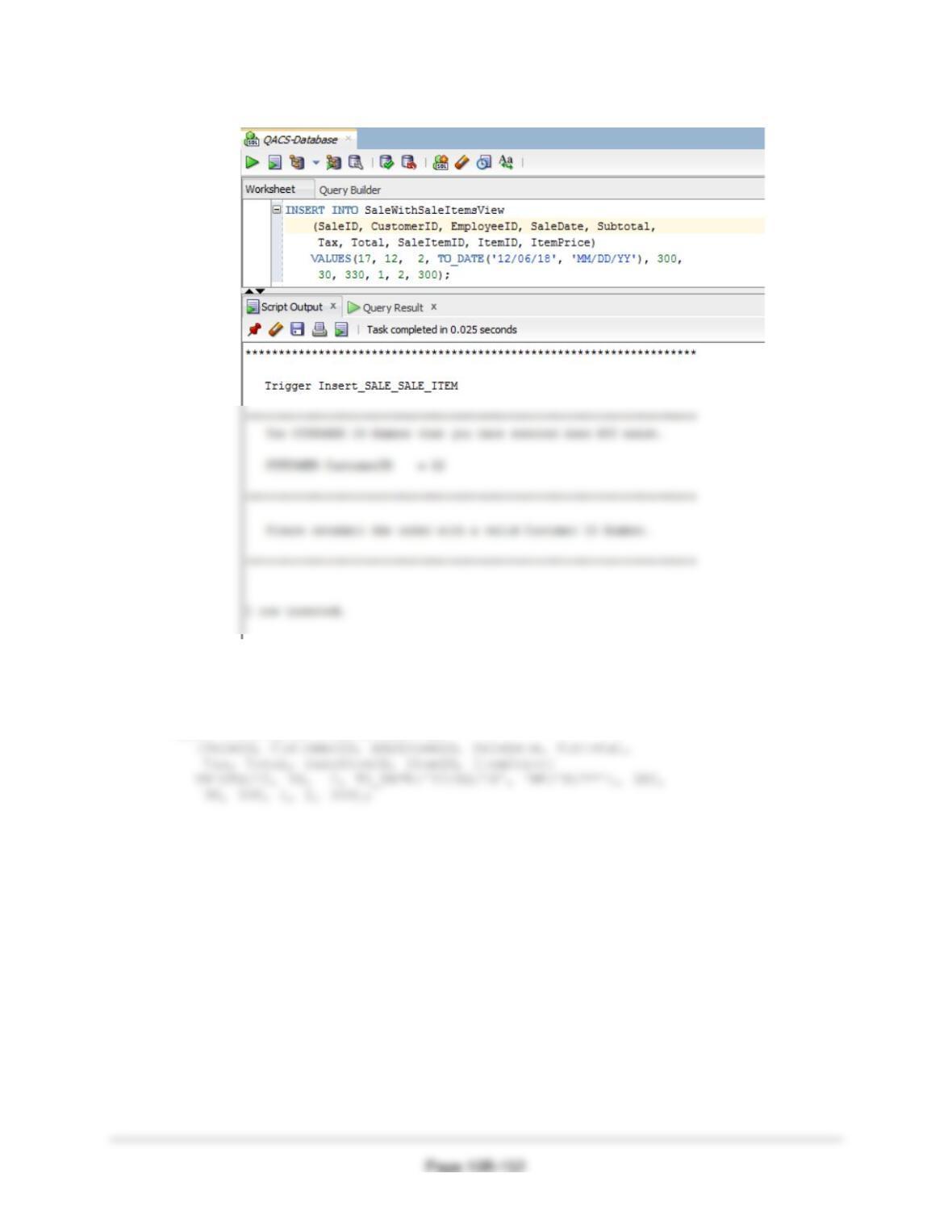
To test this trigger, use:
(1) To attempt adding a SALE for a non-existing CUSTOMER:
SET SERVEROUTPUT ON;
Chapter 10B – Managing Databases with Oracle Database
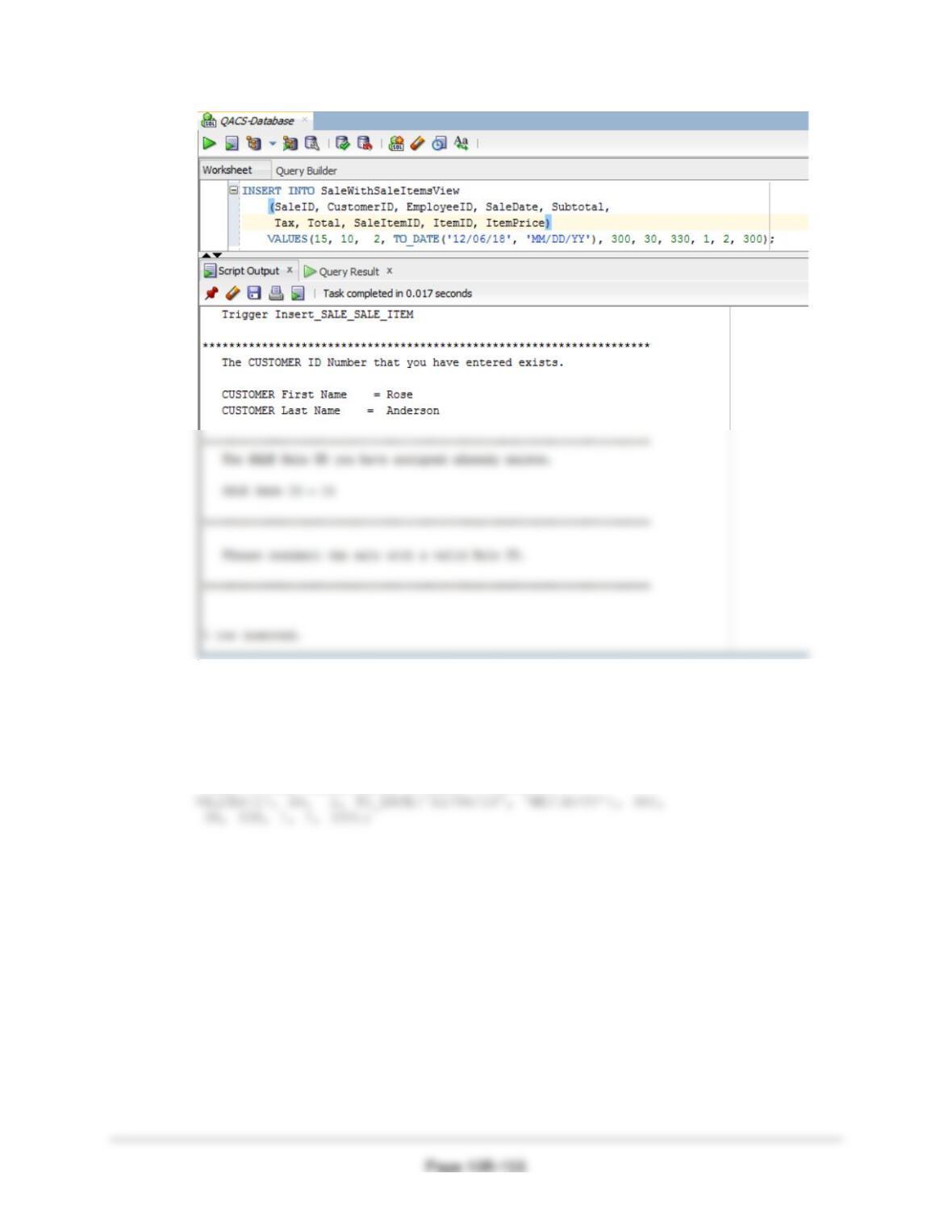
(2) To attempt adding an SALE with a pre-existing SaleID:
SET SERVEROUTPUT ON;
INSERT INTO SaleWithSaleItemsView
Chapter 10B – Managing Databases with Oracle Database
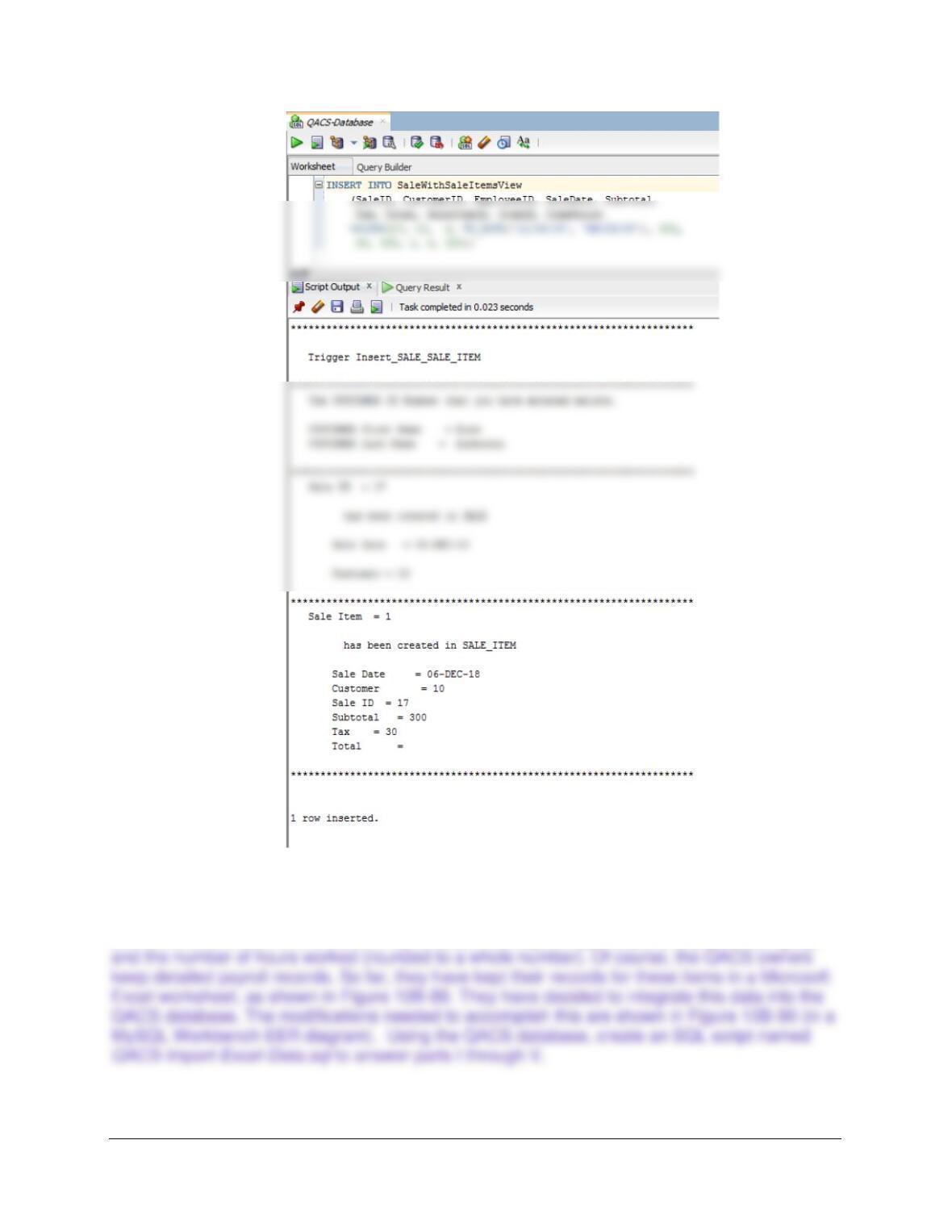
(3) To add a valid SALE and SALE_ITEM:
SET SERVEROUTPUT ON;
INSERT INTO SaleWithSaleItemsView
(SaleID, CustomerID, EmployeeID, SaleDate, Subtotal,
Tax, Total, SaleItemID, ItemID, ItemPrice)
Chapter 10B – Managing Databases with Oracle Database
Page 10B-154
The Queen Anne Curiosity Shop payroll is paid twice monthly, once on the 10th of the month
and once on the 25th of the month. Pay is determined by the type of job (the payroll category)
Chapter 10B – Managing Databases with Oracle Database
Page 10B-155
SQL Solutions to parts I through V are below and in the file DBP-e15-Oracle-QACS-Import-Excel-
Data.sql.
I. Duplicate the PAYROLL worksheet in Figure 10B-89 in a worksheet (or spreadsheet)
in an appropriate tool (such as Microsoft Excel or Apache OpenOffice Calc).
J. Import the data in the PAYROLL worksheet into a table in the QACS database
named PAYROLL_TEMP. As mentioned in this chapter, be careful with data types to
make your job easier in subsequent questions!
K. Create the GetLastNameCommaSeparated user-defined function shown in Figure
10B–57.
CREATE OR REPLACE FUNCTION GetLastNameCommaSeparated
— These are the input parameters
(
varName Varchar2
)
— This is the variable that will hold the returned value
RETURN Varchar
END;
/
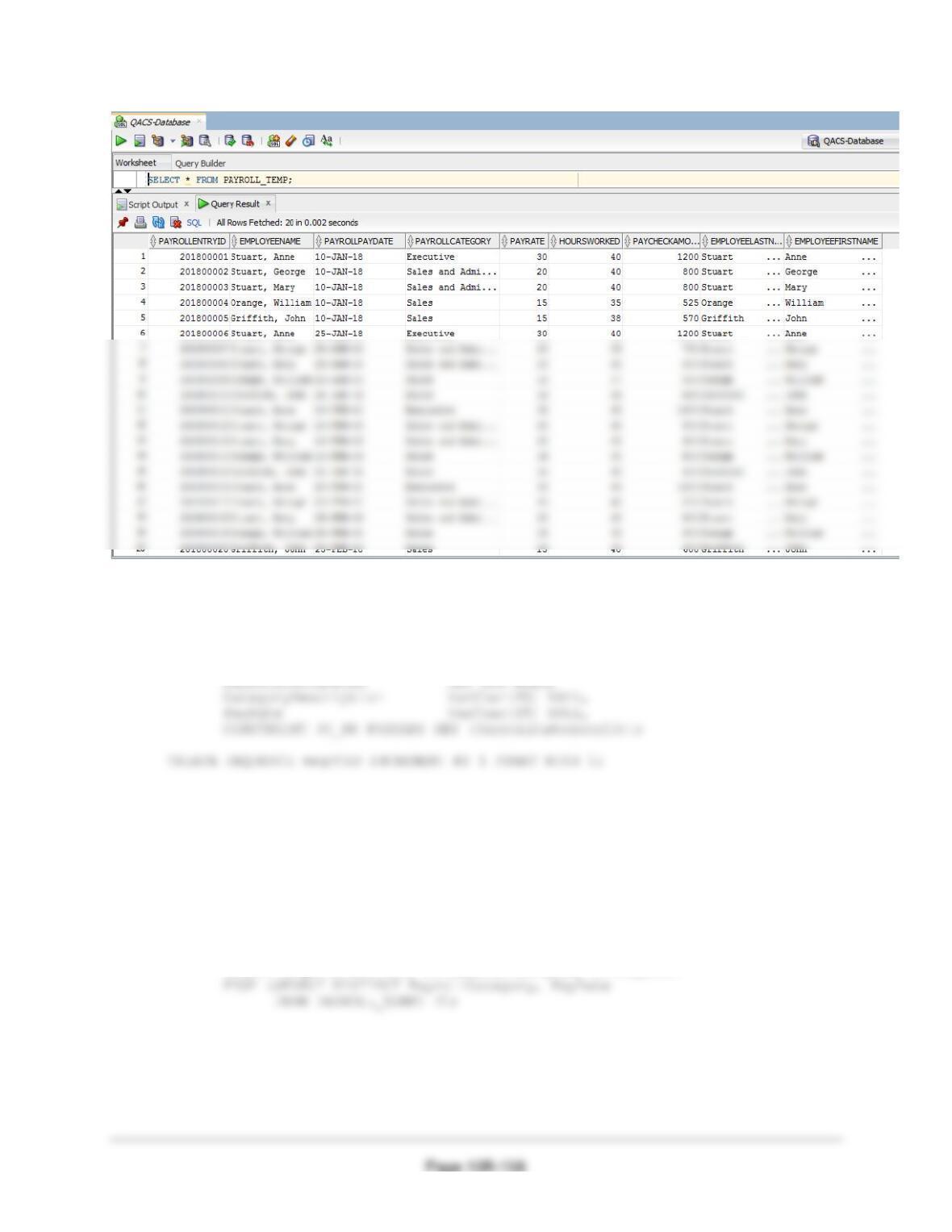
L. Create a user-defined function named GetFirstNameCommaSeparated that will
return the first name from a combined name in last-name-first order, with the names
separated by a comma and one space.
Note the use of the RTRIM function to remove trailing blanks from the first name: this
Chapter 10B – Managing Databases with Oracle Database
Page 10B-156
IS
— This is the variable that will hold the value to be returned
varFirstName Varchar(25);
— This is the variable that will hold the position of the comma
varIndexValue INT;
BEGIN
— SQL statement to find the comma deparator
varIndexValue := INSTR(varName, ‘,’);
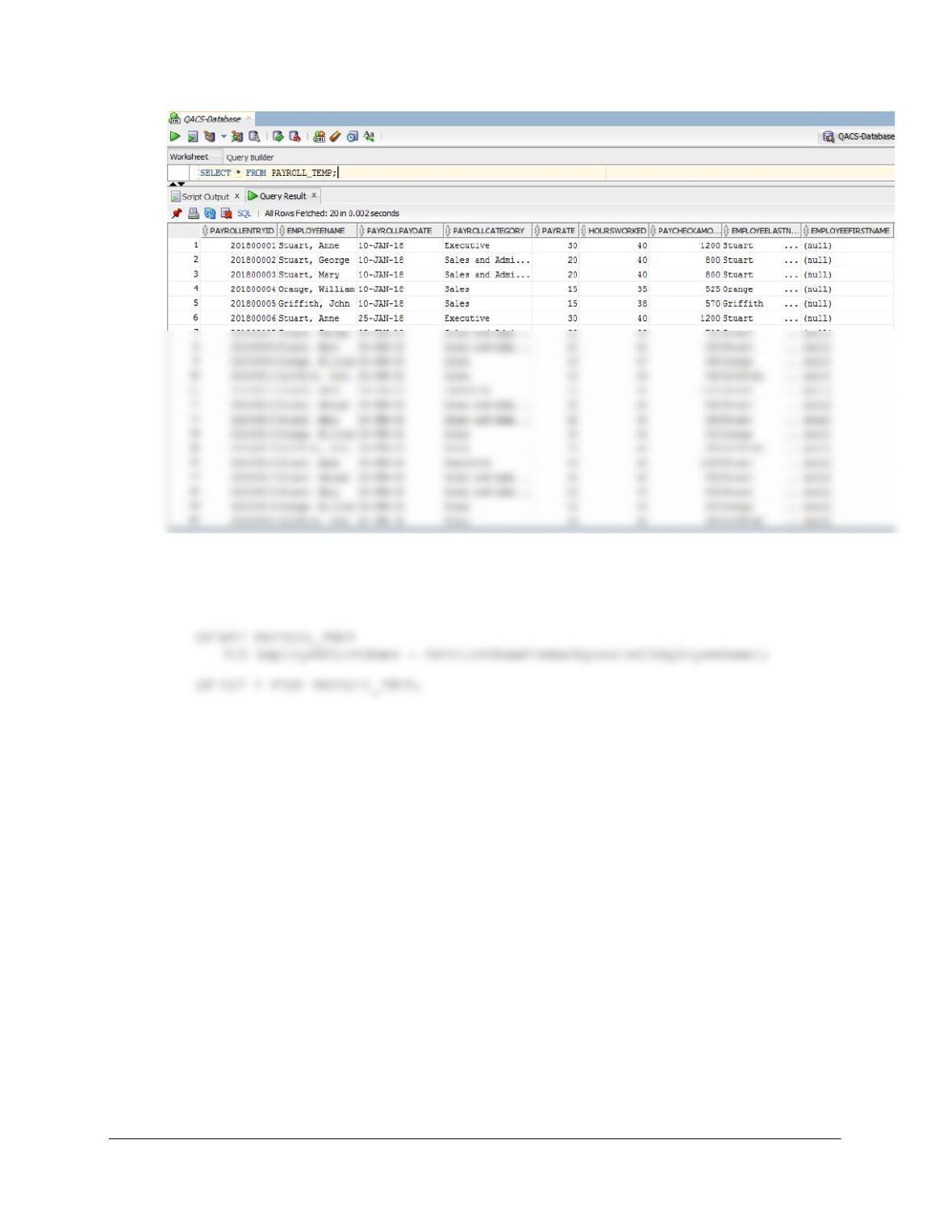
M. Alter the PAYROLL_TEMP table to include EmployeeLastName and
EmployeeFirstName columns (Char(25), allow NULL values).
N. Use the GetLastNameCommaSeparated user-defined function you created in step K
to populate the EmployeeLastName column.
Chapter 10B – Managing Databases with Oracle Database
Page 10B-157
O. Use the GetFirstNameCommaSeparated user-defined function you created in step L
to populate the EmployeeFirstName column.
Chapter 10B – Managing Databases with Oracle Database
P. Create a new table named PAYROLL_CATEGORY, as shown in Figure 10B-90. Use
the column characteristics shown in Figure 10B-90, where PayrollCategoryID is a
surrogate key starting at 1 and incrementing by 1.
CREATE TABLE PAYROLL_CATEGORY (
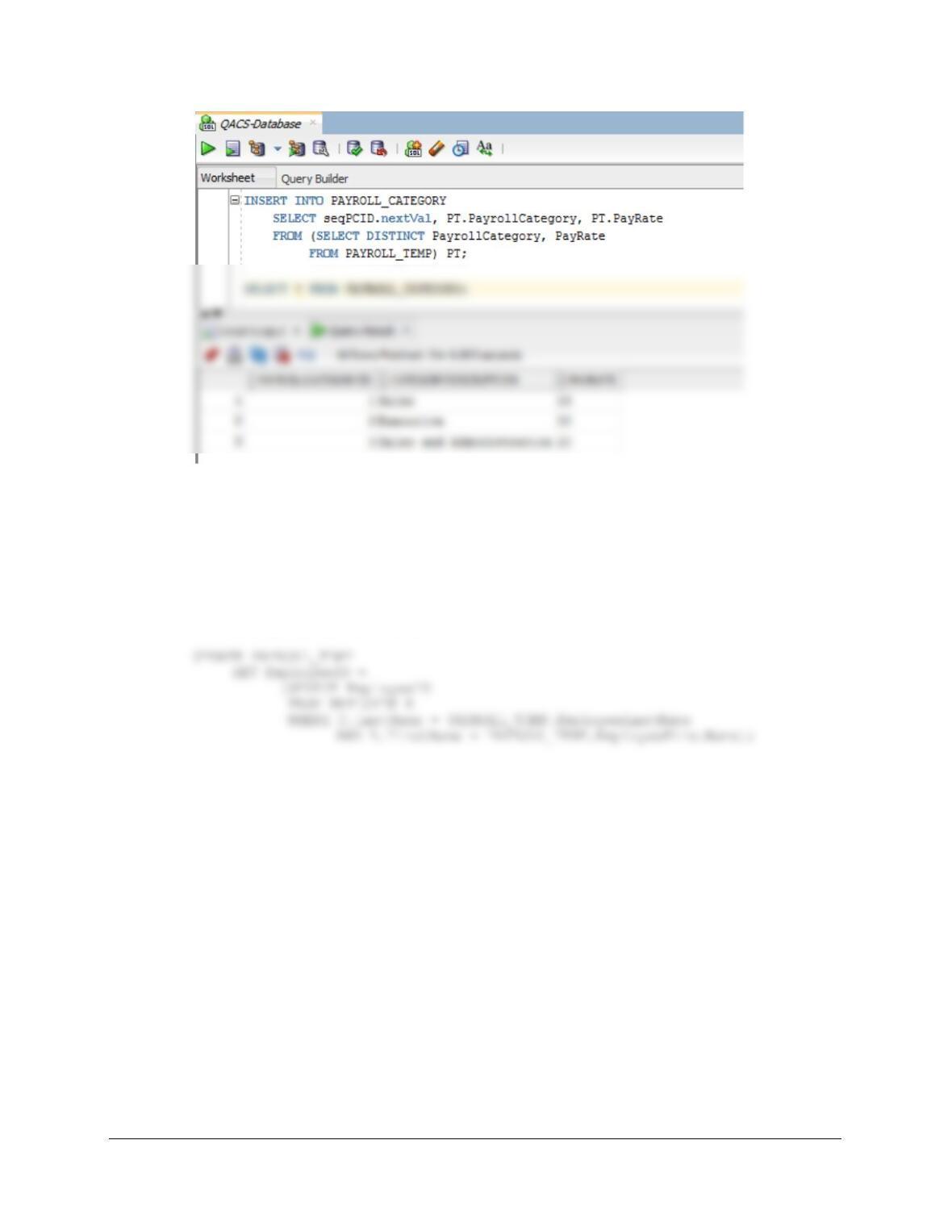
Q. Populate the PAYROLL_CATEGORY table using the data stored in the
PAYROLL_TEMP table. Hint: You should insert distinct data into the table, and your
final table will have only 3 records. Also see Exercise 10B.72G for how to manage
the sequence.
See Project Question 10.72G for a tip on how to do this using the sequence and a single
INSERT statement, as shown below.
INSERT INTO PAYROLL_CATEGORY
SELECT seqPCID.nextVal, PT.PayrollCategory, PT.PayRate
Chapter 10B – Managing Databases with Oracle Database
Page 10B-159
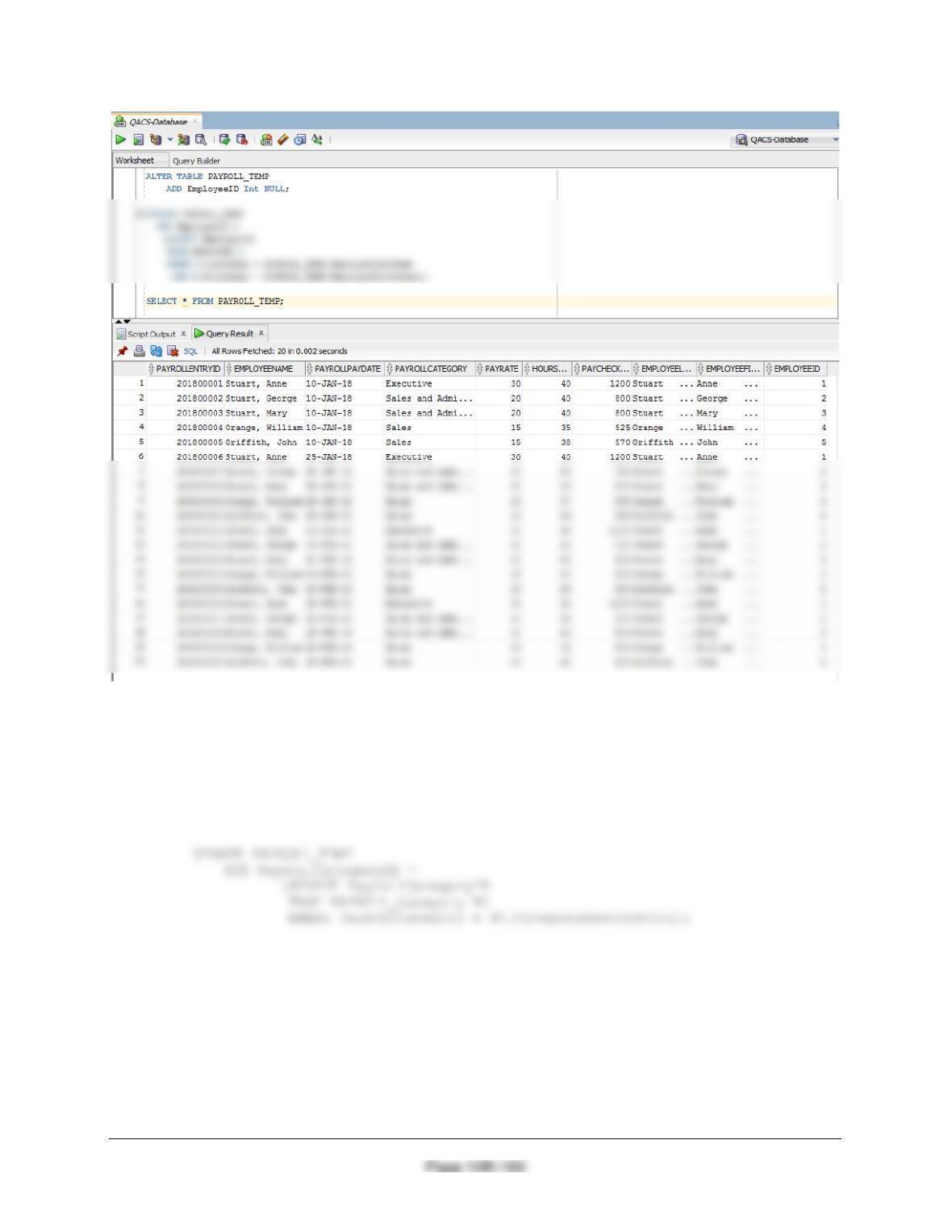
R. Alter the PAYROLL_TEMP table to include an EmployeeID column (Integer data,
allow nulls). By using and comparing the PAYROLL_TEMP.EmployeeLastName and
PAYROLL_TEMP.EmployeeFirstName columns with the EMPLOYEE.LastName and
EMPLOYEE.FirstName columns, populate this column. Hint: Assume for this
question that no two employees have the same first and last names.
ALTER TABLE PAYROLL_TEMP
ADD EmployeeID Int NULL;
Chapter 10B – Managing Databases with Oracle Database
S. Alter the PAYROLL_TEMP table to include a PayrollCategoryID column (Integer
data, allow nulls). By using and comparing the PAYROLL_TEMP.PayrollCategory
column with the PAYROLL_CATEGORY.CategoryDescription column, populate this
column.
ALTER TABLE PAYROLL_TEMP
ADD PayrollCategoryID INT NULL;