Chapter 10B – Managing Databases with Oracle Database
readDateOfBirth := artist.DateOfBirth;
readDateDeceased := artist.DateDeceased;
DBMS_OUTPUT.PUT_LINE
(‘===================================================================’);
/* Print the information on each of the artist’s works. */
/* To make this more legible, print the description last. */
FOR artistwork IN artistworkcursor
LOOP
readTitle := artistwork.Title;
readCopy := artistwork.Copy;
readMedium := artistwork.Medium;
readDescription := artistwork.Description;
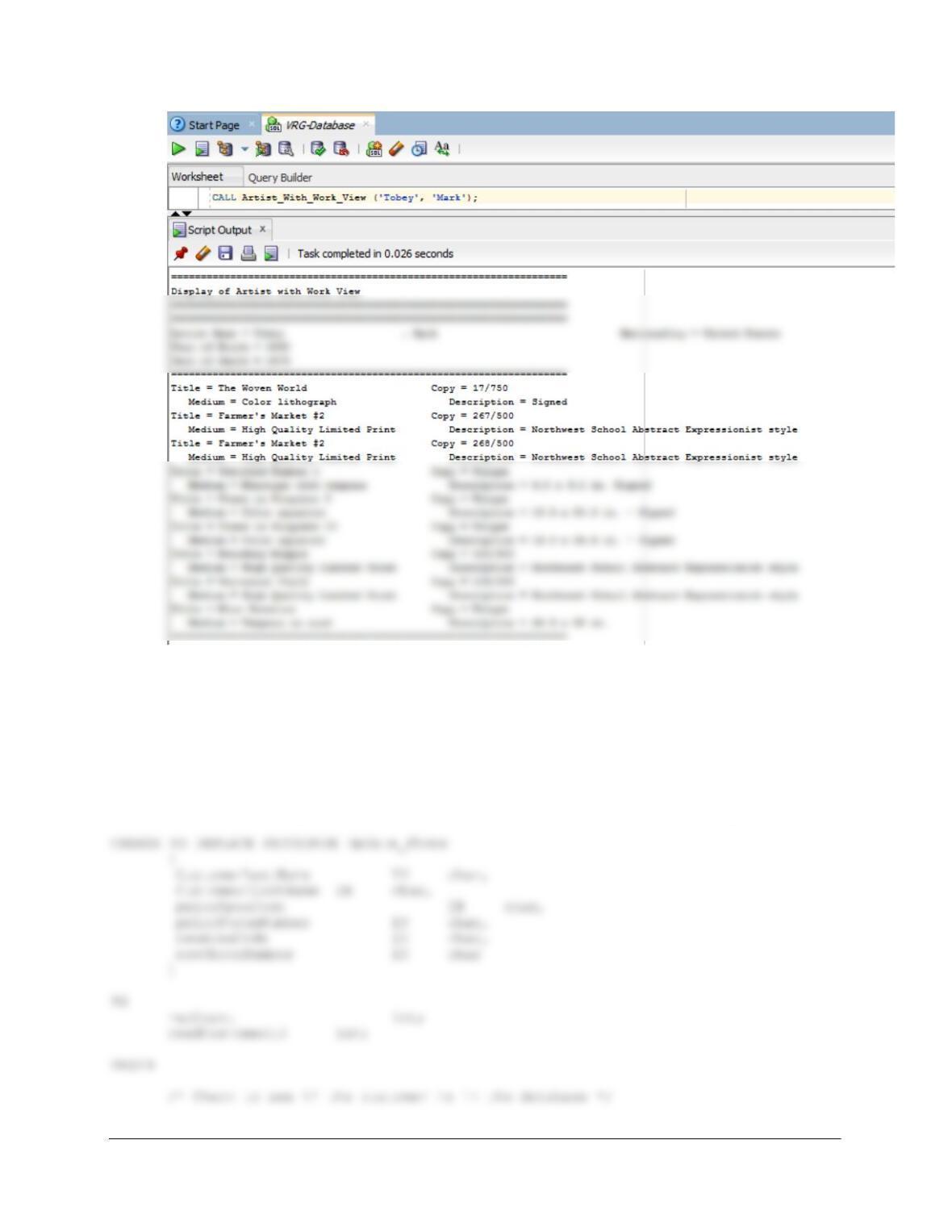
This can be executed in either SQL*Plus or SQL Developer. Be sure to execute SET
SERVEROUTPUT ON before running the procedure. The command line to show the works
of the artist Mark Tobey is:
Chapter 10B – Managing Databases with Oracle Database
Page 10B-62
G. Write a stored procedure to update customer phone data. Assume that your stored
procedure receives LastName, FirstName, priorAreaCode, newAreaCode,
priorPhoneNumber, and newPhoneNumber. Your procedure should first ensure that
there is only one customer with the values of (LastName, FirstName, priorAreaCode,
priorPhoneNumber). If not, produce an error message and quit. Otherwise, update
the customer data with the new phone number data.
Solutions for this question are also in the file DBP-e15-Oracle-VRG-CH10B-PQ.sql.
Chapter 10B – Managing Databases with Oracle Database
Page 10B-63
IF recCount = 0 THEN
DBMS_OUTPUT.PUT_LINE
(‘Customer Does Not Exist In Database — No Action Taken’);
RETURN;
END IF;
UPDATE CUSTOMER
SET AreaCode = newAreaCode,
PhoneNumber = newPhoneNumber
WHERE CustomerID = readCustomerID;
END;
/
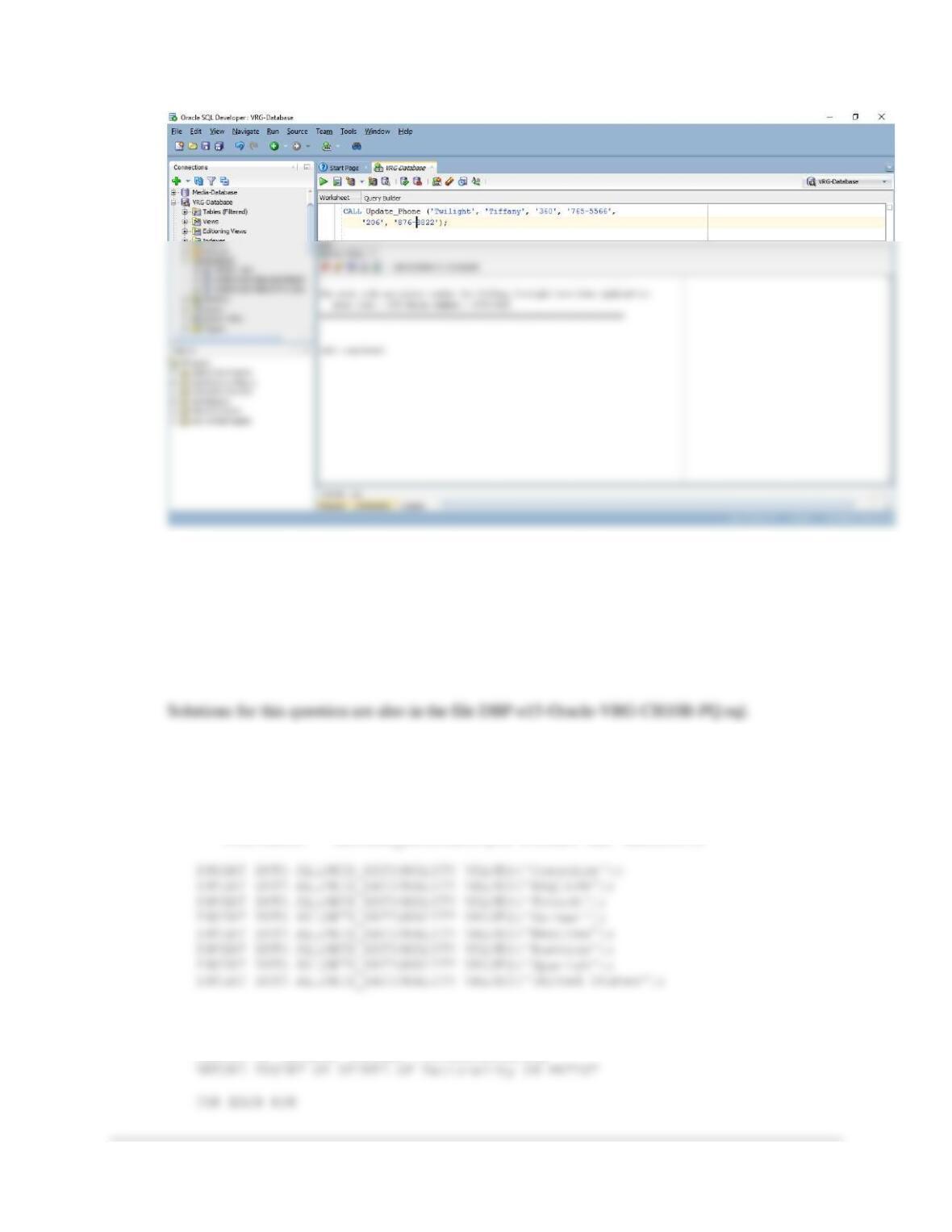
This can be executed in either SQL*Plus or SQL Developer. Be sure to execute SET
SERVEROUTPUT ON before running the procedure. The command line to change the
phone number for Tiffany Twilight to 206-876-8822 is:
Chapter 10B – Managing Databases with Oracle Database
Page 10B-64
H. Create a table named ALLOWED_NATIONALITY with one column called Nation.
Place the values ‘Canadian’, ‘English’, ‘French’, ‘German’, ‘Mexican’, ‘Russian’,
‘Spanish’, and ‘United States’ into the table. Write a trigger that will check to
determine whether a new or updated value of Nationality resides in this table. If not,
disallow the insert or update, and write an error message using
DBMS_OUTPUT.PUT_LINE. Use SQL Developer to demonstrate that your trigger
works.
The following statements will create the table ALLOWED_NATIONALITY and
insert the needed data:
CREATE TABLE ALLOWED_NATIONALITY(
Nation Char(30) NOT NULL,
CONSTRAINT Allowed_NationalityPK PRIMARY KEY (Nation));
The trigger code is:
CREATE OR REPLACE TRIGGER CheckNationality
Chapter 10B – Managing Databases with Oracle Database
Page 10B-65
DECLARE
BEGIN
inputArtistID := :new.ArtistID;
inputLastName := :new.LastName;
inputFirstName := :new.FirstName;
inputNationality := :new.Nationality;
(‘======================================================================’);
/* See if new value of Nationality is an allowed value */
SELECT COUNT(*) INTO rowCount
FROM ALLOWED_NATIONALITY
WHERE Nation = inputNationality;
/* If the row count of this SELECT = 0, */
/* then the new nationality is not an allowed value. */
(‘======================================================================’);
DBMS_OUTPUT.PUT_LINE (‘Artist Identity Number = ‘||inputArtistID);
DBMS_OUTPUT.PUT_LINE (‘Artist name = ‘||inputFirstName||
‘ ‘||inputLastName||’ Nationality = ‘||inputNationality);
DBMS_OUTPUT.PUT_LINE
(‘======================================================================’);
raise_application_error(-20009,’Insert Prevented due to non-allowed
artist nationality’);
Chapter 10B – Managing Databases with Oracle Database
Page 10B-66
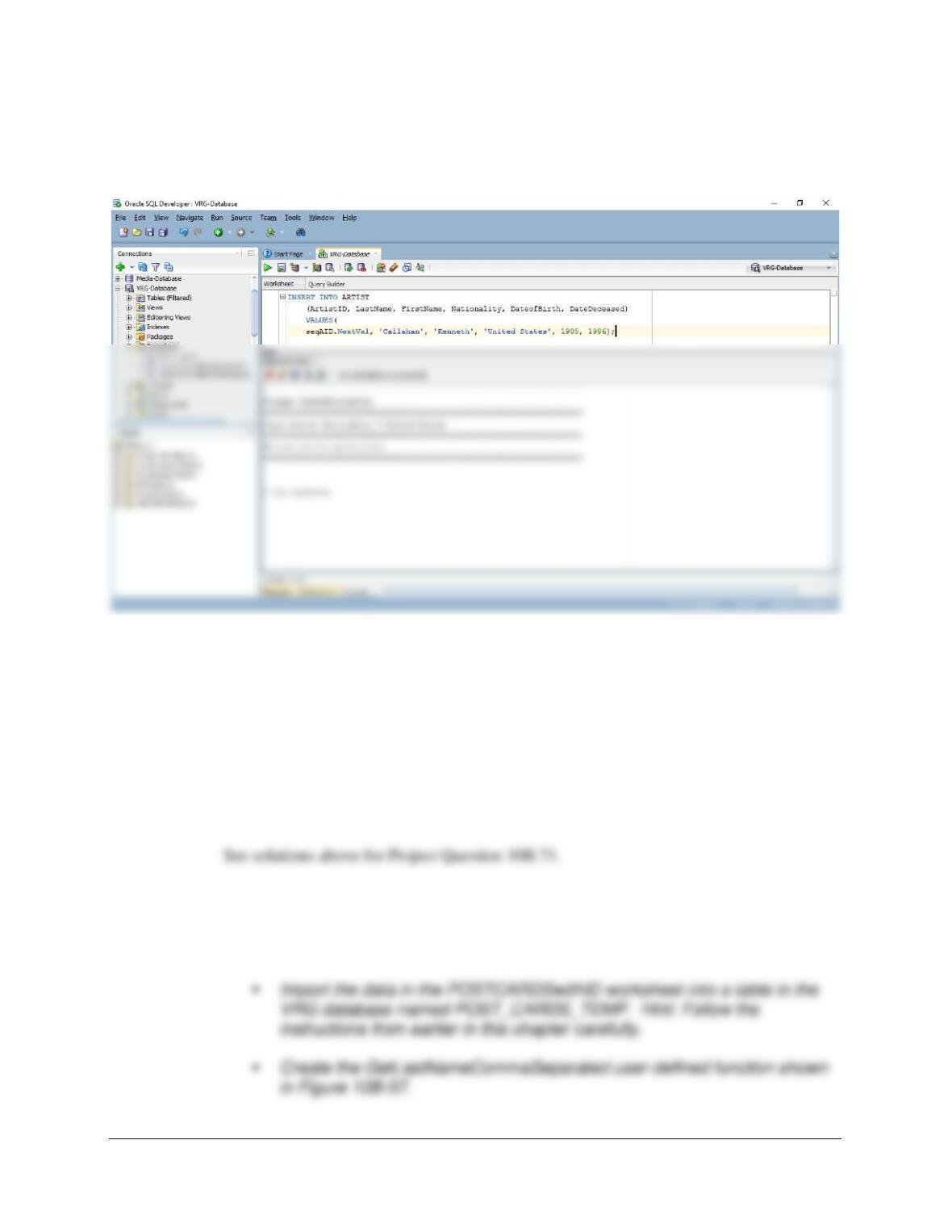
This can be executed in either SQL*Plus or SQL Developer. Be sure to execute SET
SERVEROUTPUT ON before running the procedure. The command line to attempt to insert
a new artist with a non-allowed Nationality, Helio Oiticica from Brazil, is:
SET SERVEROUTPUT ON
Chapter 10B – Managing Databases with Oracle Database
Page 10B-67
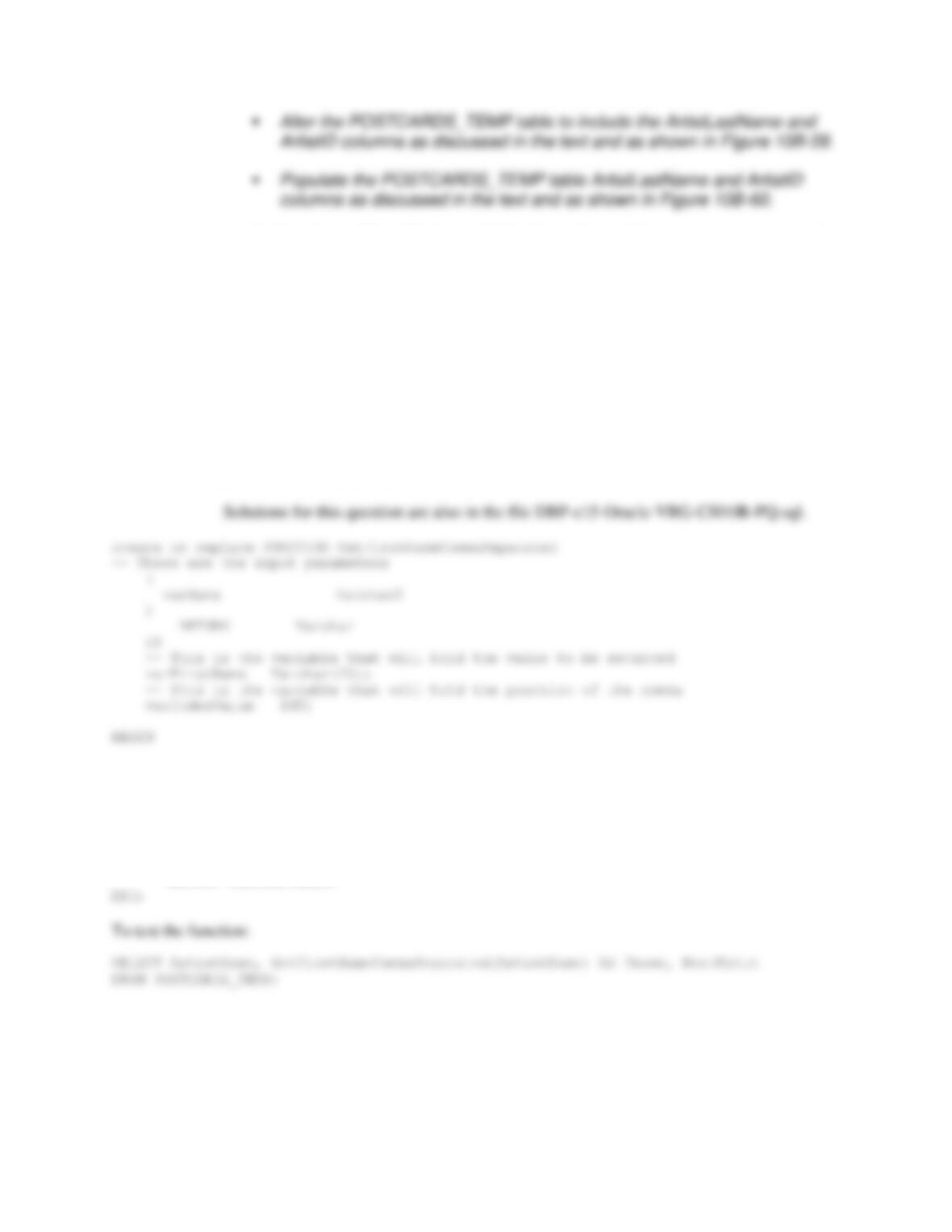
(ArtistID, LastName, FirstName, Nationality, DateofBirth, DateDeceased)
VALUES(
seqAID.NextVal, ‘Callahan’, ‘Kenneth’, ‘United States’, 1905, 1986);
10B.72 Write SQL statements to accomplish the following tasks, and submit them to Oracle
Database via SQL Developer. Save your work in an SQL script named VRG-CH10B-
PQ–10B-72.sql. This Project Question shows the steps necessary to integrate the
POSTCARDS_TEMP table data into the VRG database. A database diagram showing
how the VRG database will appear after these steps are completed is shown in Figure
10B–82.
A. If you haven’t done so, work through Project Question 10B.71 to create the
Oracle Database database named VRG-CH10B-PQ as described in that Project
Question.
B. Use the steps described in this chapter to:
▪ Create a Microsoft Excel 2016 workbook containing the POSTCARDS
and POSTCARDSwithID worksheets shown in Figure 10B-44.
Chapter 10B – Managing Databases with Oracle Database
Page 10B-68
An Excel spreadsheet file is provided in the student and instructor resource centers in
the file DBP-e15-VRG–Postcards.xlsx. Follow the instructions presented on pages
10B-81 to 10B-88 to complete the first two steps above. Use the code in Figure 10B-
57 to create the GetLastNameCommaSeparated function. For the last two steps
above, follow the text instructions on pages 10B-96 – 10B-98. SQL commands for
the last three steps are in the file DBP-e15-Oracle-VRG-Create-Functions.sql.
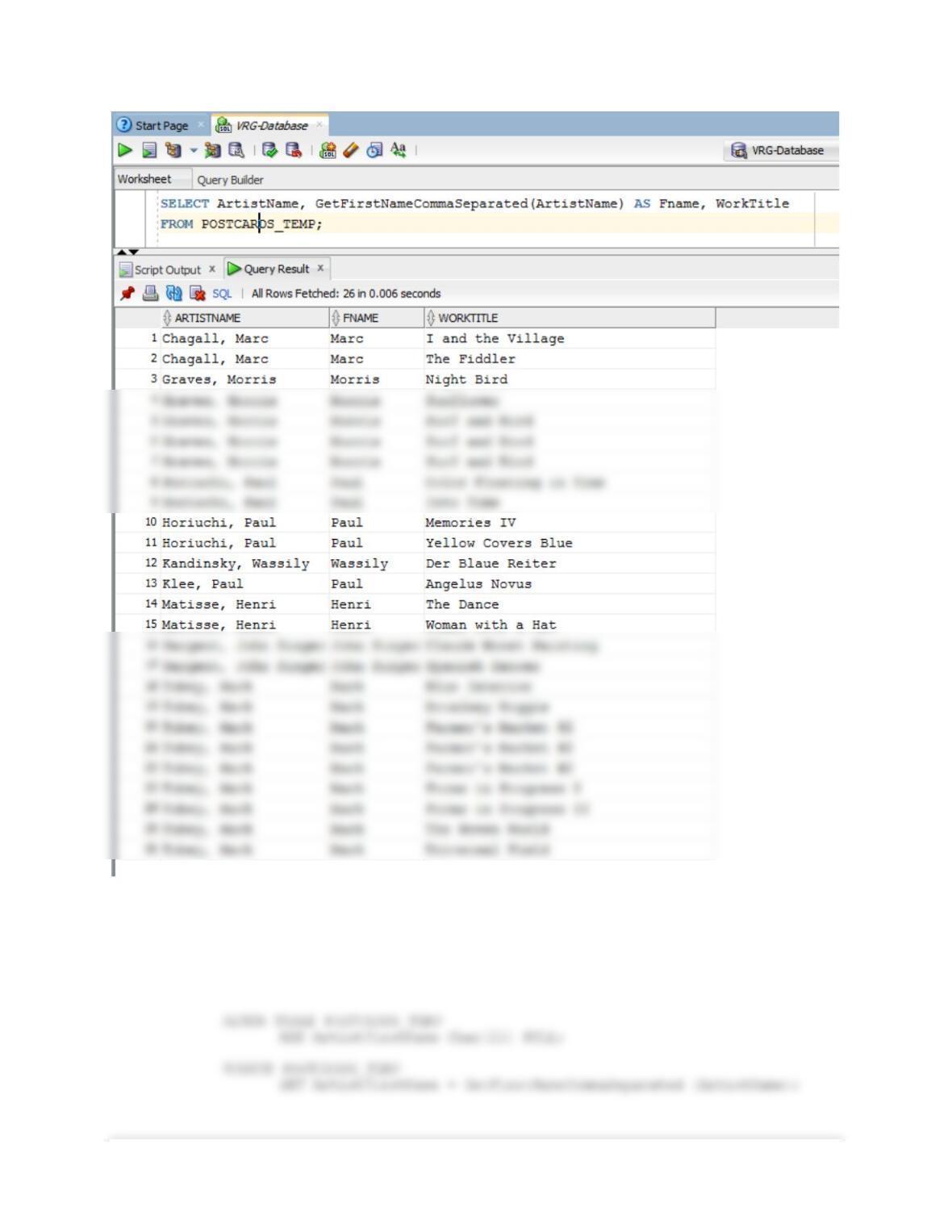
C. Create a user-defined function named GetFirstNameCommaSeparated that will
return the first name from a combined name in last-name-first order and with the
names separated by a comma and one space. Write an SQL SELECT statement
using the POSTCARDS_TEMP table to test your function. Hint: You may
interpret “first name” as including both first and middle names, if present, for the
purposes of this question.
— SQL statement to find the comma deparator
varIndexValue := INSTR(varName, ‘,’);
— SQL statement to determine last name
varFirstName := SUBSTR(varName, varIndexValue + 2);
— Return the last name
RETURN varFirstName;
Chapter 10B – Managing Databases with Oracle Database
Page 10B-69
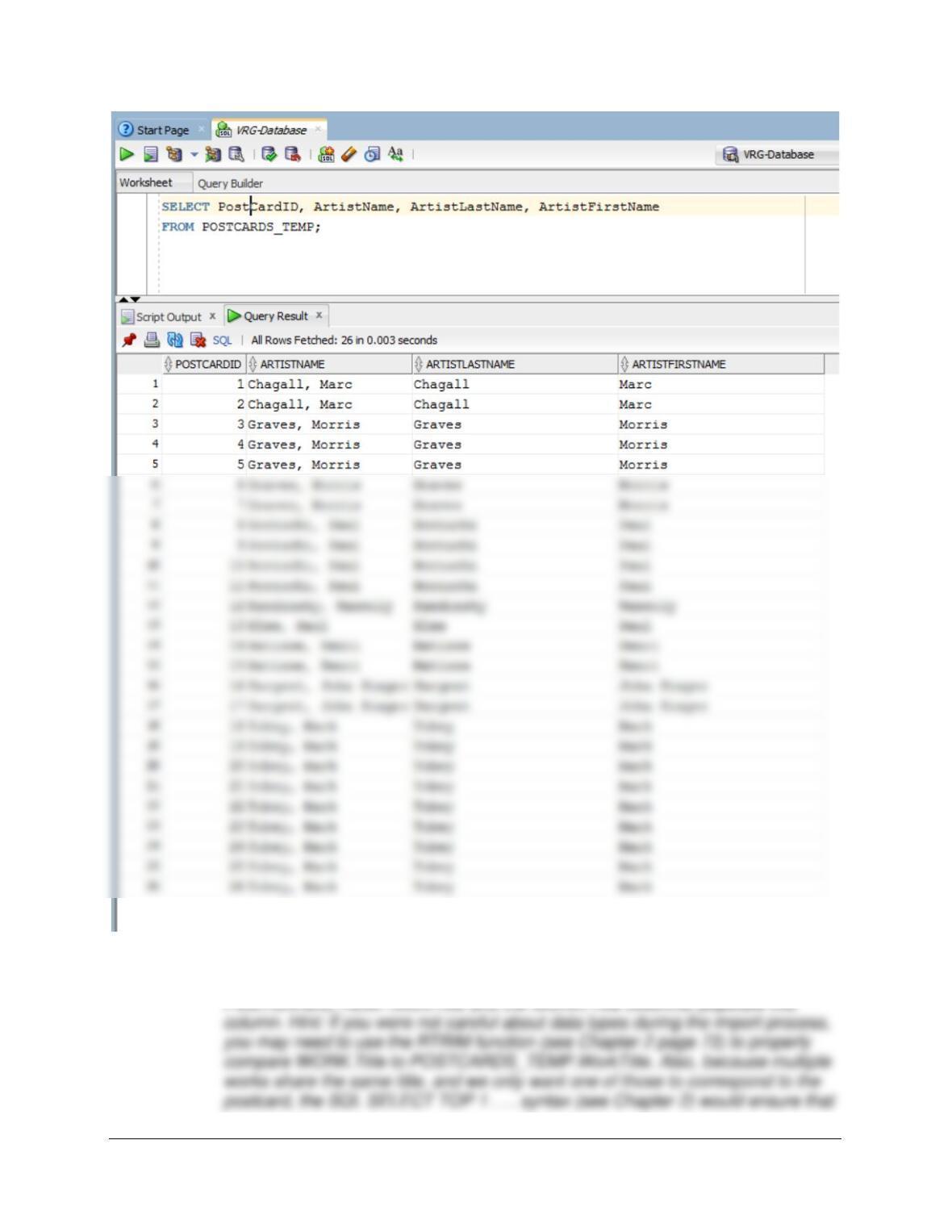
D. Alter the POSTCARDS_TEMP table to include an ArtistFirstName column
(CHAR(25) data, allow NULL values). Use the GetFirstNameCommaSeparated
function that you created in part C to populate this column.
Solutions for this question are also in the file DBP-e15-Oracle-VRG-CH10B-PQ.sql.
Chapter 10B – Managing Databases with Oracle Database
Page 10B-70
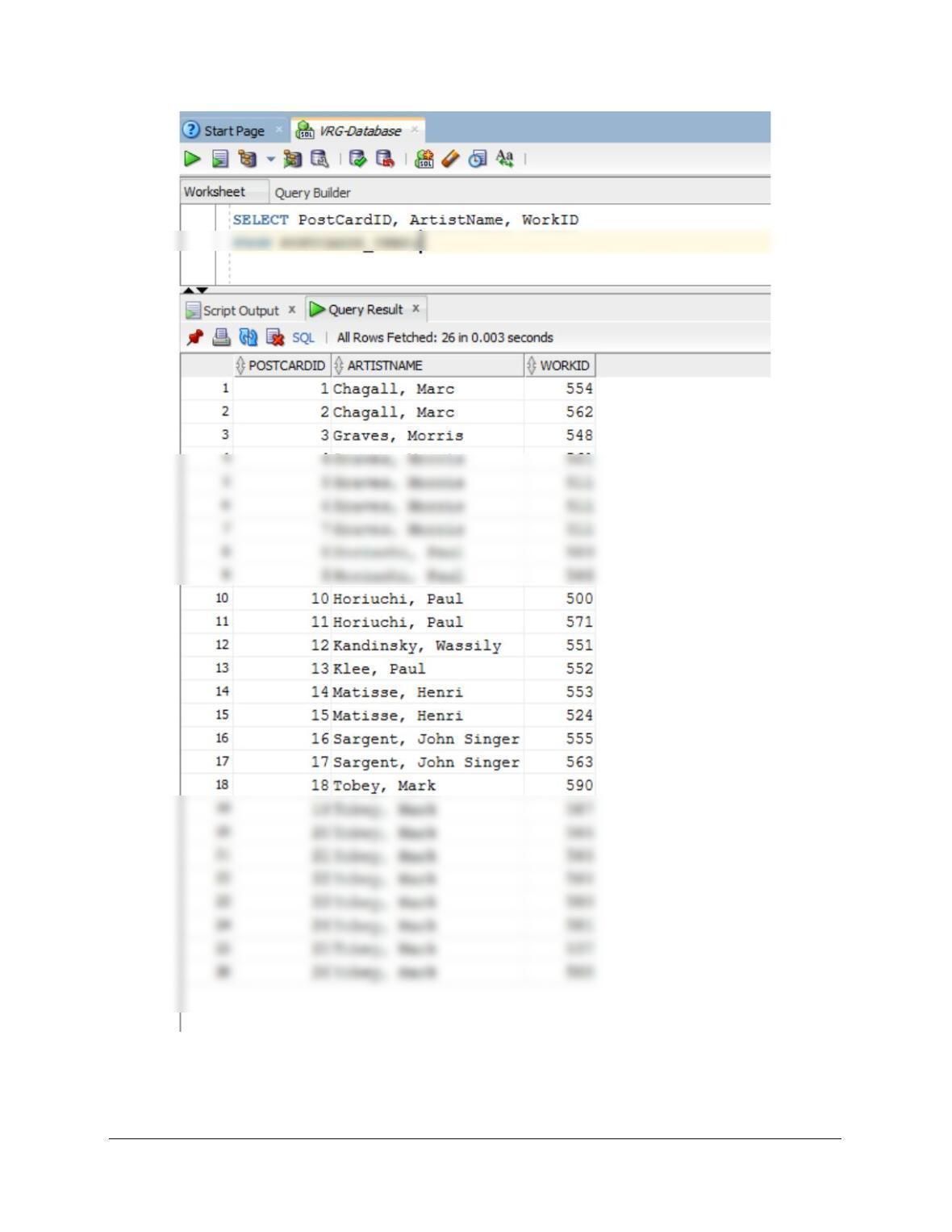
E. Alter the POSTCARDS_TEMP table to include a WorkID column (integer data,
allow NULL values). By using and comparing the data in the
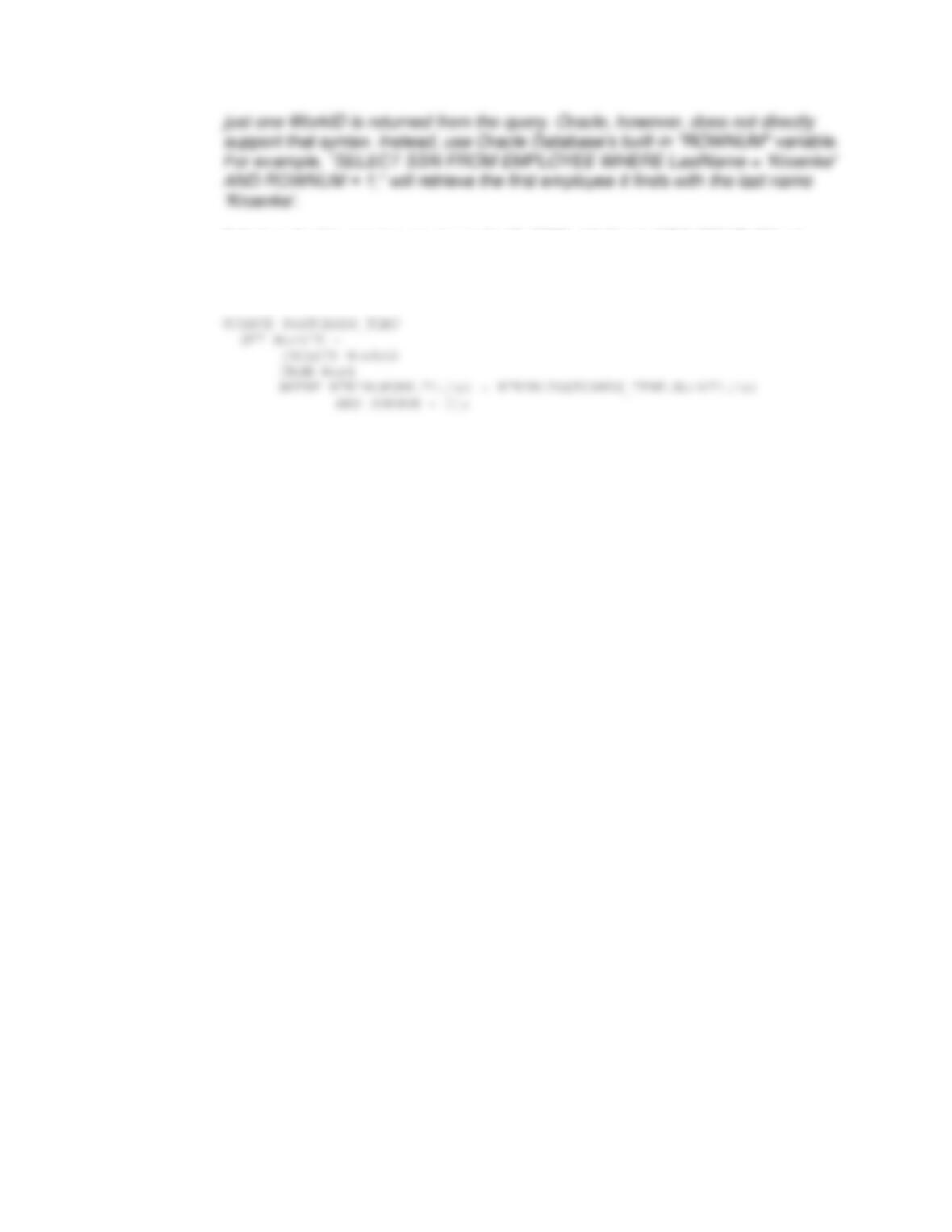
Chapter 10B – Managing Databases with Oracle Database
Page 10B-71
Solutions for this question are also in the file DBP-e15-Oracle-VRG-CH10B-PQ.sql.
ALTER TABLE POSTCARDS_TEMP
ADD WorkID INT NULL;
Chapter 10B – Managing Databases with Oracle Database
Page 10B-72
Chapter 10B – Managing Databases with Oracle Database
Page 10B-73
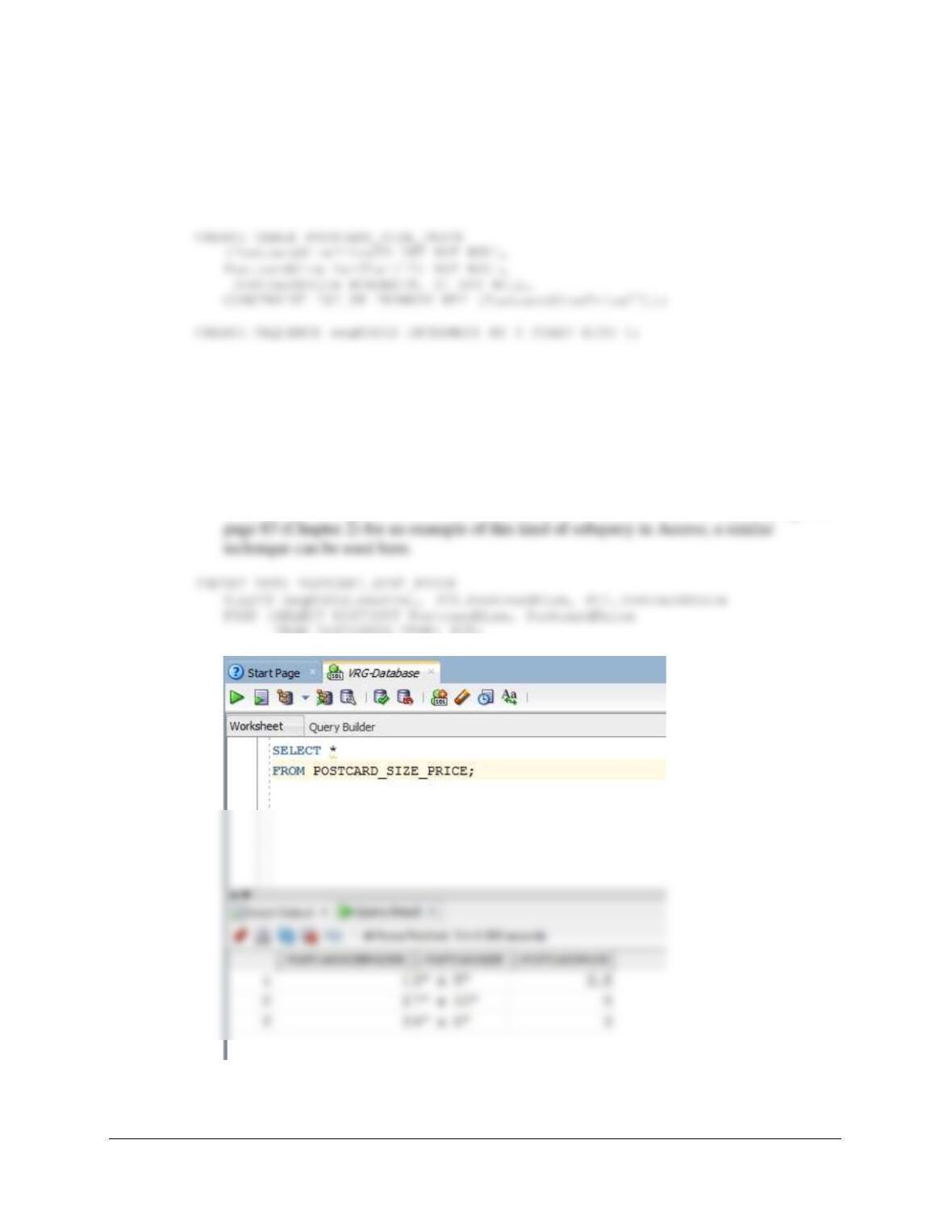
F. Create a new table named POSTCARD_SIZE_PRICE. Use the column
characteristics shown in Figure 10B-82, where PostcardSizePriceID is a
surrogate key starting at 1 and incrementing by 1.
Solutions for this question are also in the file DBP-e15-Oracle-VRG-CH10B-PQ.sql.
G. Populate the POSTCARD_SIZE_PRICE table using the data stored in the
POSTCARDS_TEMP table. Hint: You should insert distinct data into the table,
and your final table will have only 3 records. Also note that using “nextVal” with a
sequence will not work with the DISTINCT clause, so if you want to do this with
one INSERT INTO . . . SELECT statement, use a subquery as shown in Chapter
2.
Solutions for this question are also in the file DBP-e15-Oracle-VRG-CH10B-PQ.sql. See
FROM POSTCARDS_TEMP) PCT;
H. Alter the POSTCARDS_TEMP table to include a PostcardSizePriceID column
(Integer data, allow NULL values). By using and comparing the data in the
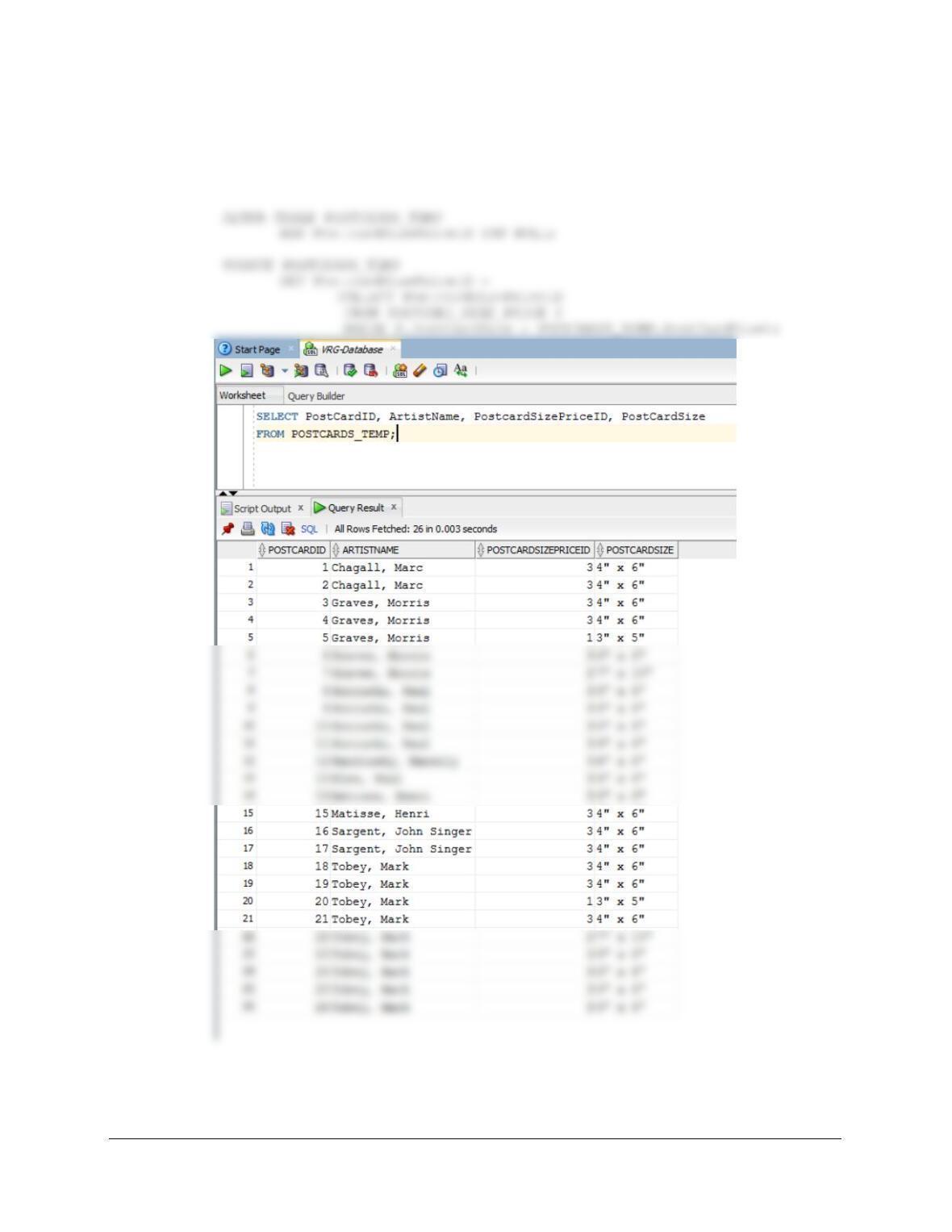
Chapter 10B – Managing Databases with Oracle Database
Page 10B-74
POSTCARDS_TEMP.PostCardSize and the POSTCARD_SIZE_PRICE
.PostCardSize columns, populate this column.
Solutions for this question are also in the file DBP-e15-Oracle-VRG-CH10B-PQ.sql.
Chapter 10B – Managing Databases with Oracle Database
Page 10B-75
I. Create a new table named POSTCARD_INVENTORY. Use the column
characteristics shown in Figure 10B-82, where PostcardID is a surrogate key
starting at 1 and incrementing by 1.
Solutions for this question are also in the file DBP-e15-Oracle-VRG-CH10B-PQ.sql.
Note that we create the sequence here and prepare it for how it will be used subsequent to
the initial population in part J below.
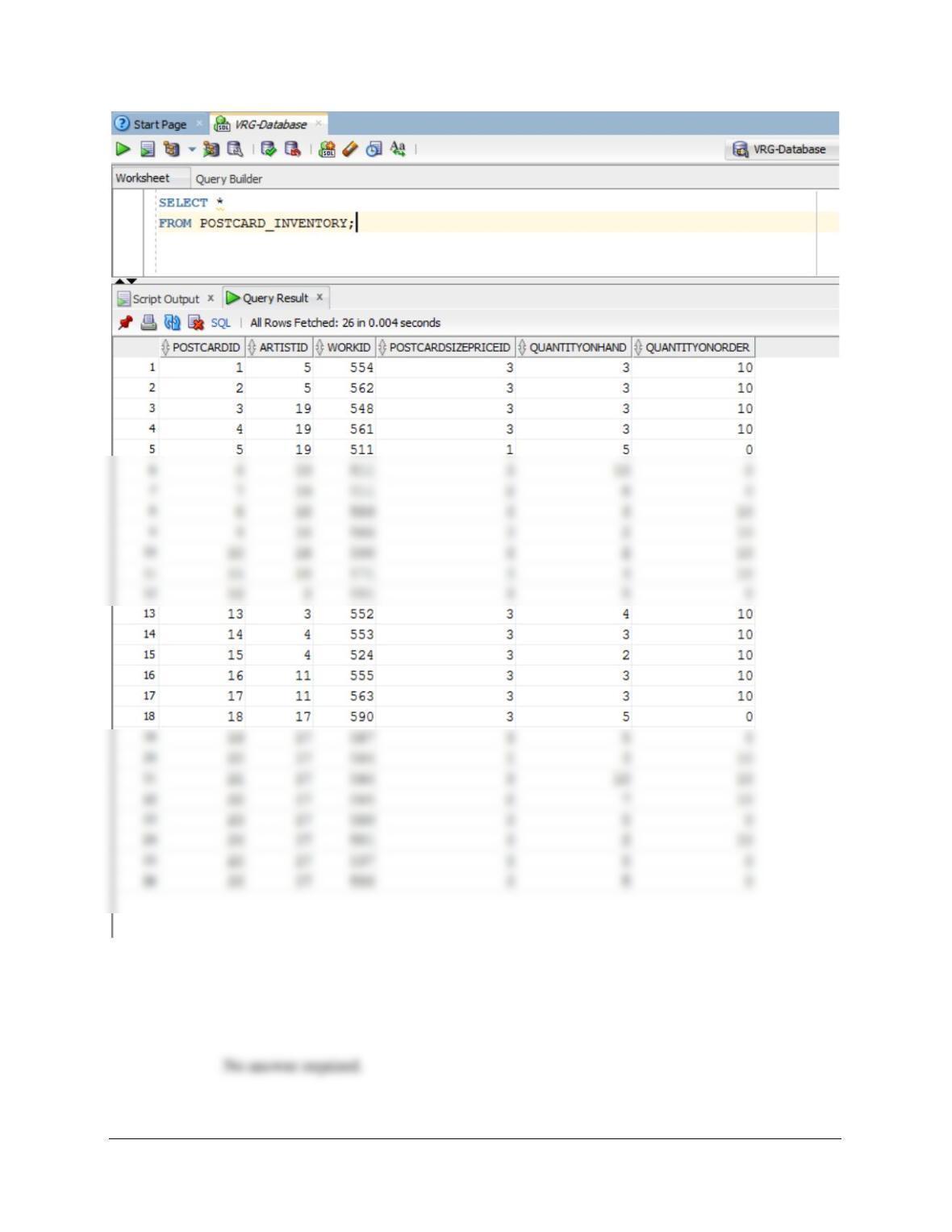
J. Populate the POSTCARD_INVENTORY table using the data stored in the
POSTCARDS_TEMP table. Hint: You will have 1 record in this table for every
record in the POSTCARDS_TEMP table, and your final table will have 26
records.
Solutions for this question are also in the file DBP-e15-Oracle-VRG-CH10B-PQ.sql.
Chapter 10B – Managing Databases with Oracle Database
Page 10B-76
K. We have completed our modifications of the VRG database, and we are done
with the temporary POSTCARDS_TEMP table. We could delete if we wanted to,
but we will keep the POSTCARDS_TEMP table in the database.

Chapter 10B – Managing Databases with Oracle Database
Page 10B-77
❖ ANSWERS TO MARCIA’S DRY CLEANING CASE QUESTIONS
Marcia Wilson owns and operates Marcia’s Dry Cleaning, which is an upscale dry
cleaner in a well-to-do suburban neighborhood. Marcia makes her business stand out
from the competition by providing superior customer service. She wants to keep track of
each of her customers and their orders. Ultimately, she wants to notify them that their
clothes are ready via email. Suppose that you have designed a database, as described
in Chapter 8, for Marcia’s Dry Cleaning that has the following tables:
The referential integrity constraints are:
CustomerID in INVOICE must exist in CustomerID in CUSTOMER
Assume that CustomerID of CUSTOMER and InvoiceNumber of INVOICE are surrogate
keys with values as follows:
CustomerID Start at 100 Increment by 1
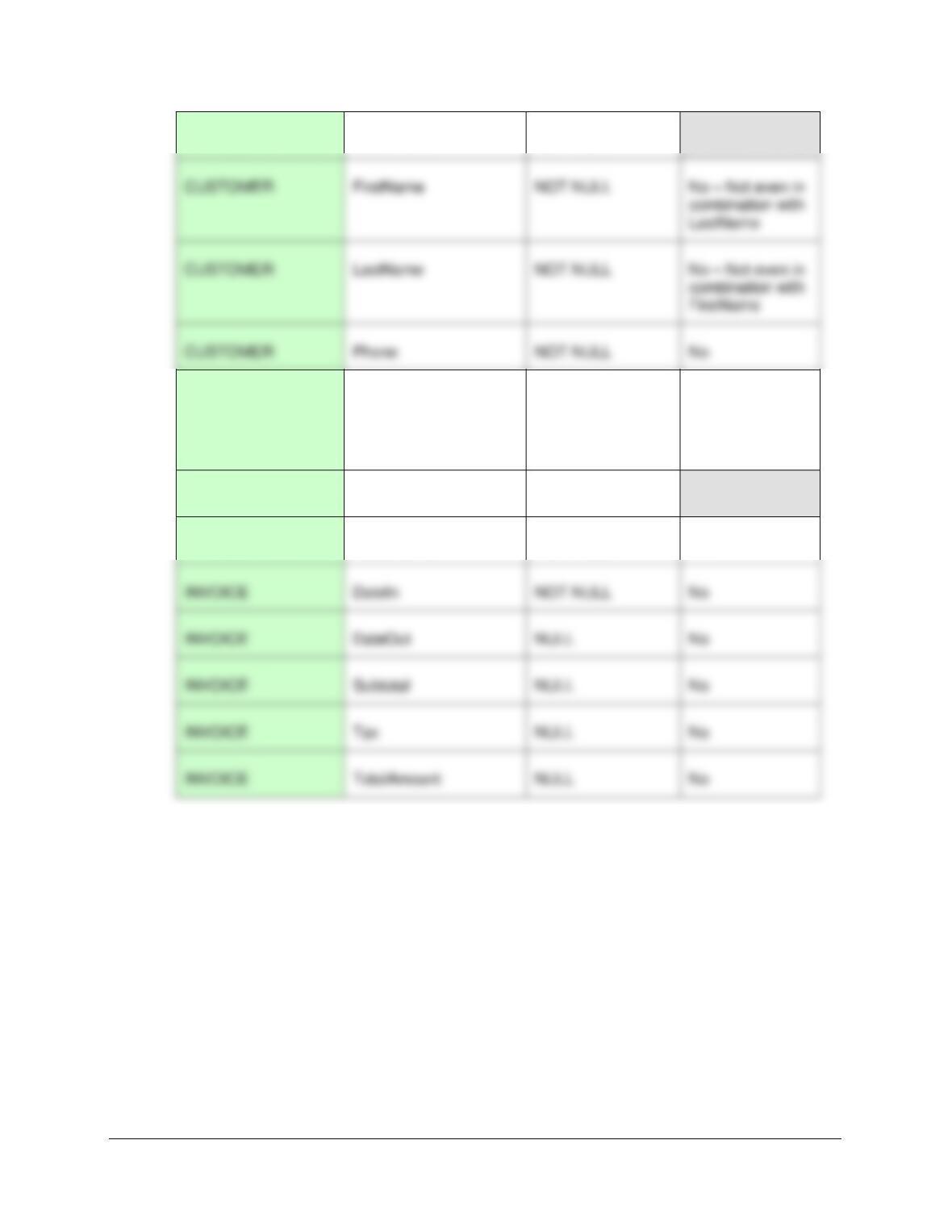
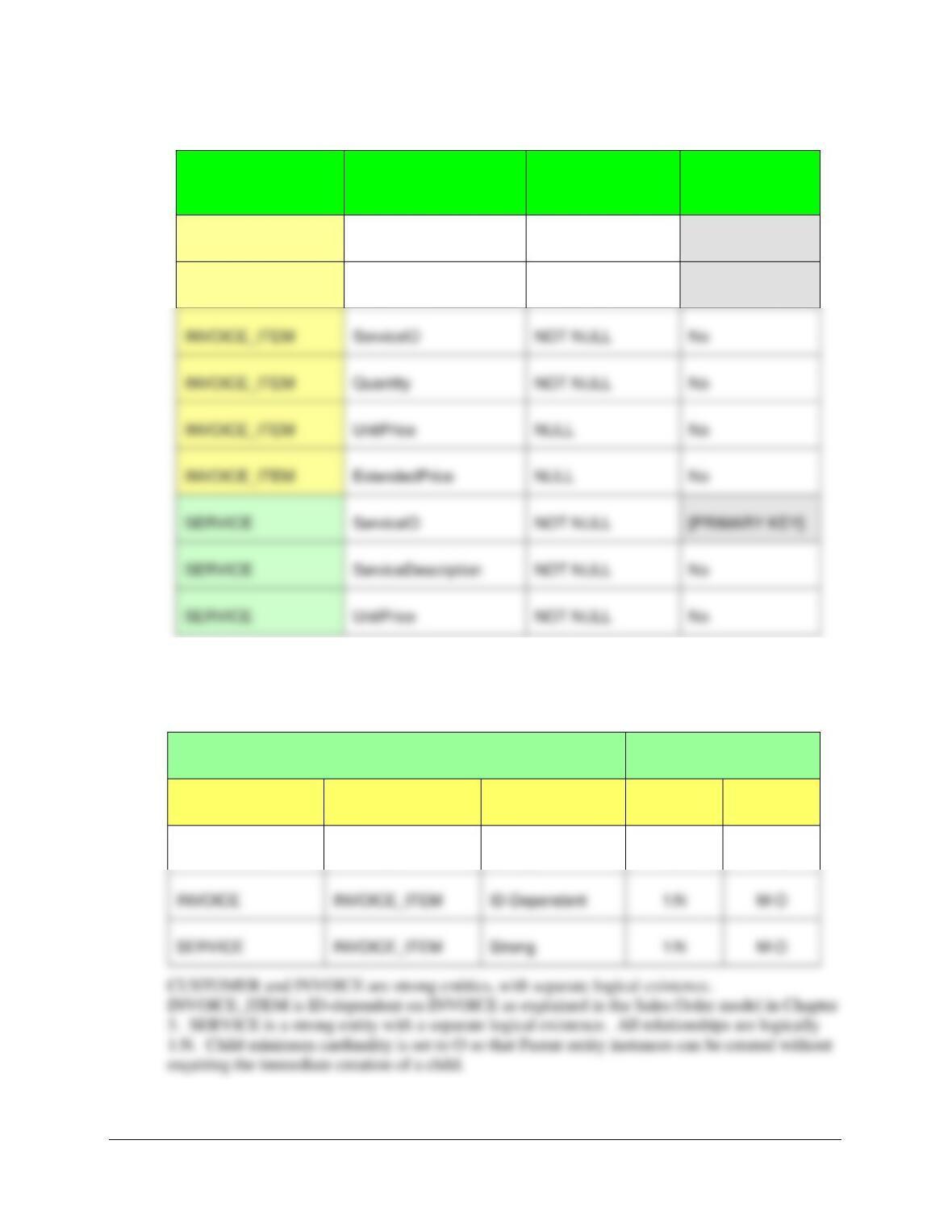
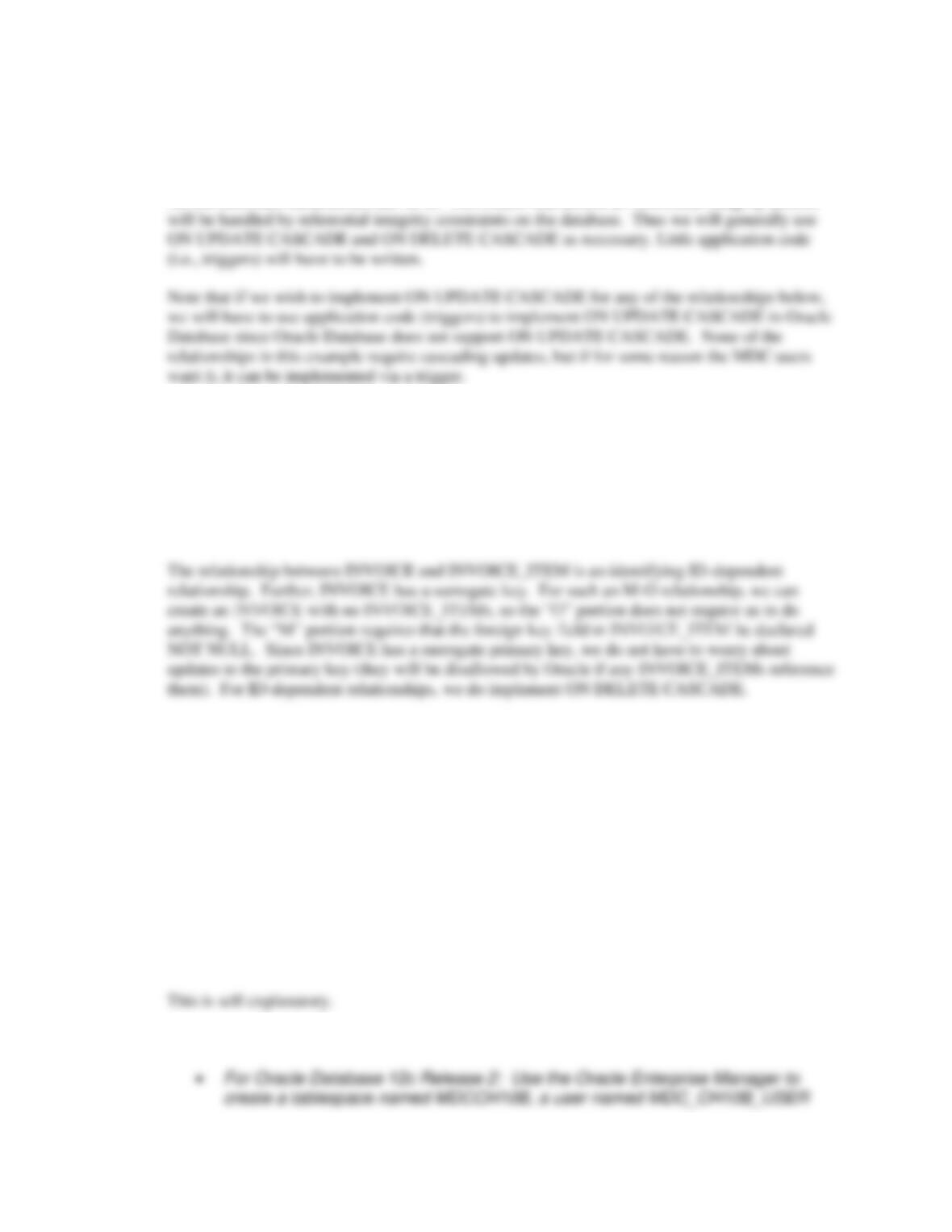
A Specify NULL/NOT NULL constraints for each table column.
See the answer combined with the answer to question B below.
B Specify alternate keys, if any.
TABLE
COLUMN
NULL/NOT NULL
ALTERNATE
KEY?
Chapter 10B – Managing Databases with Oracle Database
Page 10B-78
CUSTOMER
CustomerID
NOT NULL
[PRIMARY KEY]
CUSTOMER
EmailAddress
NULL
Yes – If fully
populated –
Email addresses
are unique
INVOICE
InvoiceNumber
NOT NULL
[PRIMARY KEY]
INVOICE
CustomerID
NOT NULL
No
INVOICE
DateIn
NOT NULL
No
INVOICE
Subtotal
NULL
No
INVOICE
Tax
NULL
No
INVOICE
TotalAmount
NULL
No
[Table continues on next page]
CUSTOMER
Phone
NOT NULL
No
Chapter 10B – Managing Databases with Oracle Database
Page 10B-79
TABLE
COLUMN
NULL/NOT NULL
ALTERNATE
KEY?
INVOICE_ITEM
InvoiceNumber
NOT NULL
[PRIMARY KEY]
INVOICE_ITEM
ItemNumber
NOT NULL
[PRIMARY KEY]
C State relationships as implied by foreign keys and specify the maximum and
minimum cardinality of each relationship. Justify your choices.
RELATIONSHIP
CARDINALITY
PARENT
CHILD
TYPE
MAX
MIN
CUSTOMER
INVOICE
Strong
1:N
M-O
SERVICE
INVOICE_ITEM
Strong
1:N
M-O
INVOICE_ITEM
NOT NULL
INVOICE_ITEM
UnitPrice
NULL
INVOICE_ITEM
ExtendedPrice
NULL
SERVICE
NOT NULL
[PRIMARY KEY]
SERVICE
ServiceDescription
NOT NULL
SERVICE
UnitPrice
NOT NULL
Chapter 10B – Managing Databases with Oracle Database
Page 10B-80
D Explain how you will enforce the minimum cardinalities in your answer to part C.
Use referential integrity actions for required parents, if any. Use Figure 6-29(b) as a
boilerplate for required children, if any.
All the minimum cardinalities are M-O. This means that almost all referential integrity actions
The relationship between CUSTOMER and INVOICE is a strong non-identifying relationship.
Further, CUSTOMER has a surrogate primary key. In such an M-O relationship, we can create a
CUSTOMER with no INVOICEs, so the “O” portion requires us to do nothing. The “M” portion
requires that the foreign key field in INVOICE be declared NOT NULL. Since CUSTOMER has
a surrogate primary key, we do not have to worry about updates to the primary key (they will be
disallowed by Oracle if any INVOICEs reference them). We can choose ON DELETE
CASCADE, if we wish, to remove INVOICEs for deleted CUSTOMERs.
The relationship between SERVICE and INVOICE_ITEM is a strong non-identifying
relationship. SERVICE does not have a surrogate primary key. In such an “M–O” relationship,
we can create a SERVICE with no INVOICE_ITEMs, so the “O” portions requires no action on
our part. The “M” portion requires that the foreign key in SERVICE be declared NOT NULL.
Here, however, we may want to be able to update the non-surrogate primary key of SERVICE,
but we do not want to delete records in INVOICE_ITEM if we delete a corresponding record in
SERVICE. Therefore, we implement, if the MDC users want it, only ON UPDATE CASCADE
(implemented in Oracle via a trigger), and we do not specify ON DELETE CASCADE.
E In the SQL Developer folder structure in your My Documents folder, create a
folder named DBP-e15-MDC-Database in the Projects folder. Use this folder to save and
store *.sql scripts containing the SQL statements that you are asked to create in the
remaining questions in this section.
F Using the examples in this chapter as a template: