Chapter 10B – Managing Databases with Oracle Database
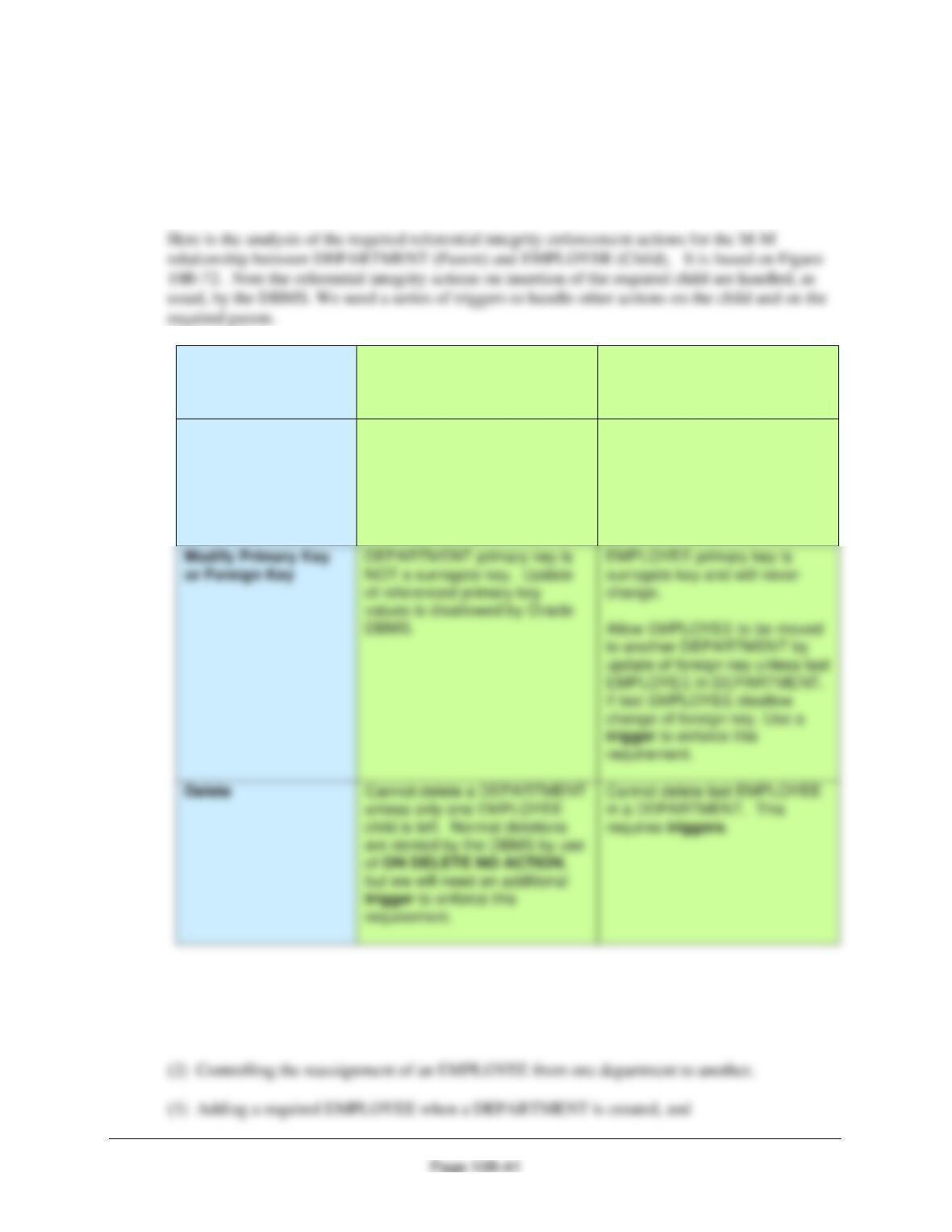
10B.70 Design a system of triggers to enforce the M-M relationship. Use Figure 10B-72 as an
example, but assume that departments with only one employee can be deleted. Assign
the last employee in a department to Human Resources. HINTS: You will need four
triggers, but one of them is the solution to Exercise 10B.69. Also, you may need to
create views for some or all of the remaining three triggers.
Both DEPARTMENT
and EMPLOYEE are
Required
DEPARTMENT
[Parent]
EMPLOYEE
[Child]
Insert
Move an existing employee or
create a new EMPLOYEE row.
Use a trigger to create new row
in EMPLOYEE. Supply Name
and Email addresses to trigger.
New EMPLOYEE row must
have a valid Department
(enforced by DBMS).
requirement.
requirement.
There are four actions that need triggers:
(1) Controlling the deletion of a department,
Chapter 10B – Managing Databases with Oracle Database
Page 10B-42
(4) Preventing deletion of last employee in a department.
The trigger needed for the first action was the solution to project question 10B.69 above, so we
“only” need to write the triggers for the other three actions.
A. Controlling the reassignment of an EMPLOYEE from one department to another.
We will write the trigger for this first, because we will also need similar logic in the next trigger.
Note that this problem is similar to the one discussed in Chapter 7 and illustrated in Figure 7-29.
To test this, run the following command:
SELECT * FROM EmployeeAssignmentView;
Here is the trigger code:
CREATE OR REPLACE TRIGGER Deny_Reassign_Of_DEPT_EMP
INSTEAD OF UPDATE ON EmployeeAssignmentView
BEGIN
/* Get the values provided for the UPDATE on the view */
inputEmployeeNumber := :NEW.EmployeeNumber;
inputEmployeeDepartment := :NEW.Department;
Chapter 10B – Managing Databases with Oracle Database
Page 10B-43
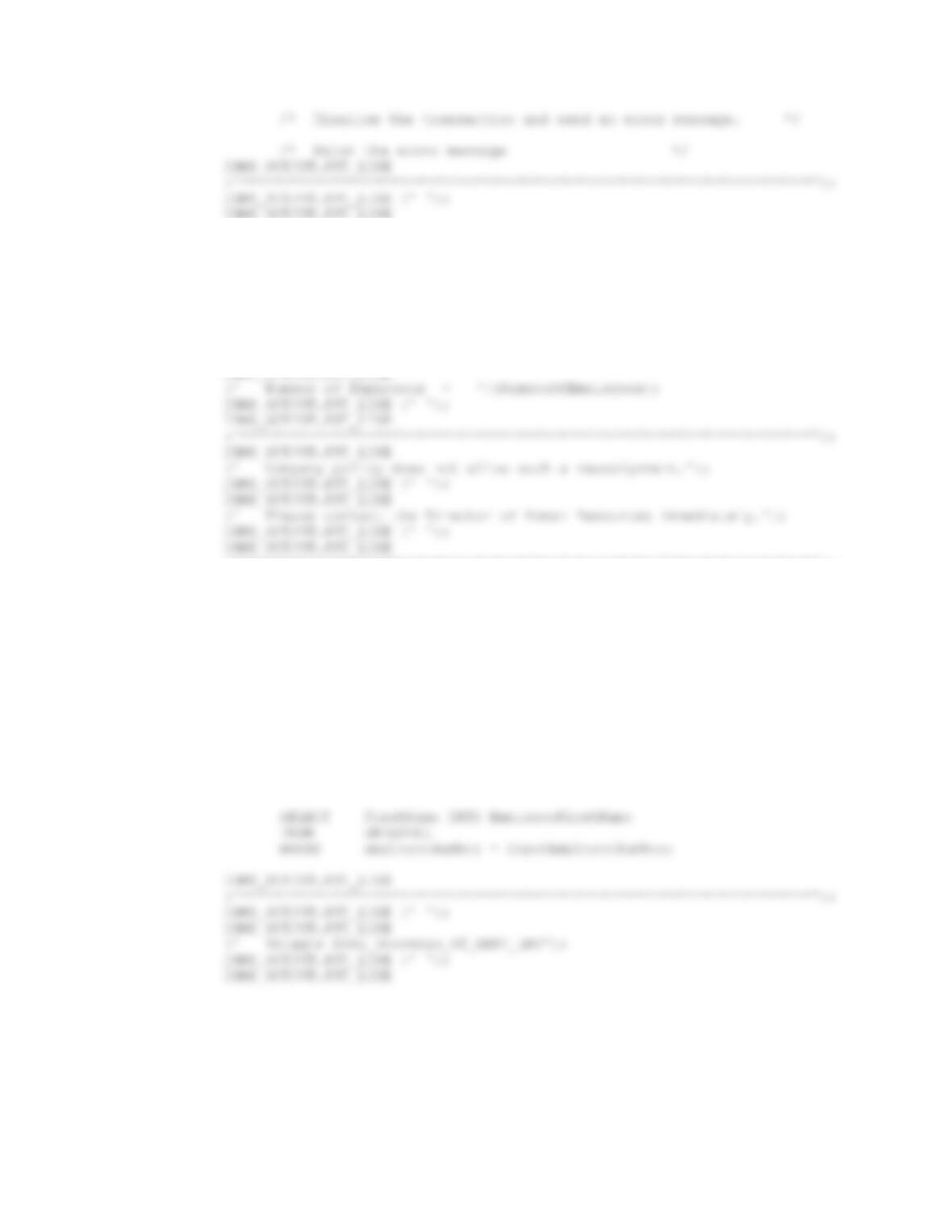
DBMS_OUTPUT.PUT_LINE
(‘ Trigger Deny_Reassign_Of_DEPT_EMP’);
DBMS_OUTPUT.PUT_LINE (‘ ‘);
DBMS_OUTPUT.PUT_LINE
(‘********************************************************************’);
DBMS_OUTPUT.PUT_LINE
(‘ You have attempted to reassign the only employee in:’);
DBMS_OUTPUT.PUT_LINE (‘ ‘);
DBMS_OUTPUT.PUT_LINE
(‘ Department = ‘||EmployeeDepartment);
DBMS_OUTPUT.PUT_LINE
(‘********************************************************************’);
END IF;
IF NumberOfEmployees > 1 THEN
/* There is an Employee who can be moved to the new Department.*/
/* Reassign the Employee to the new Department. */
UPDATE EMPLOYEE
SET Department = inputEmployeeDepartment
WHERE EmployeeNumber = inputEmployeeNumber;
SELECT LastName INTO EmployeeLastName
FROM EMPLOYEE
WHERE EmployeeNumber = inputEmployeeNumber;
Chapter 10B – Managing Databases with Oracle Database
Page 10B-44
(‘********************************************************************’);
DBMS_OUTPUT.PUT_LINE (‘ ‘);
DBMS_OUTPUT.PUT_LINE
(‘ The employee ‘||EmployeeFirstName||’ ‘||EmployeeLastName);
DBMS_OUTPUT.PUT_LINE
/
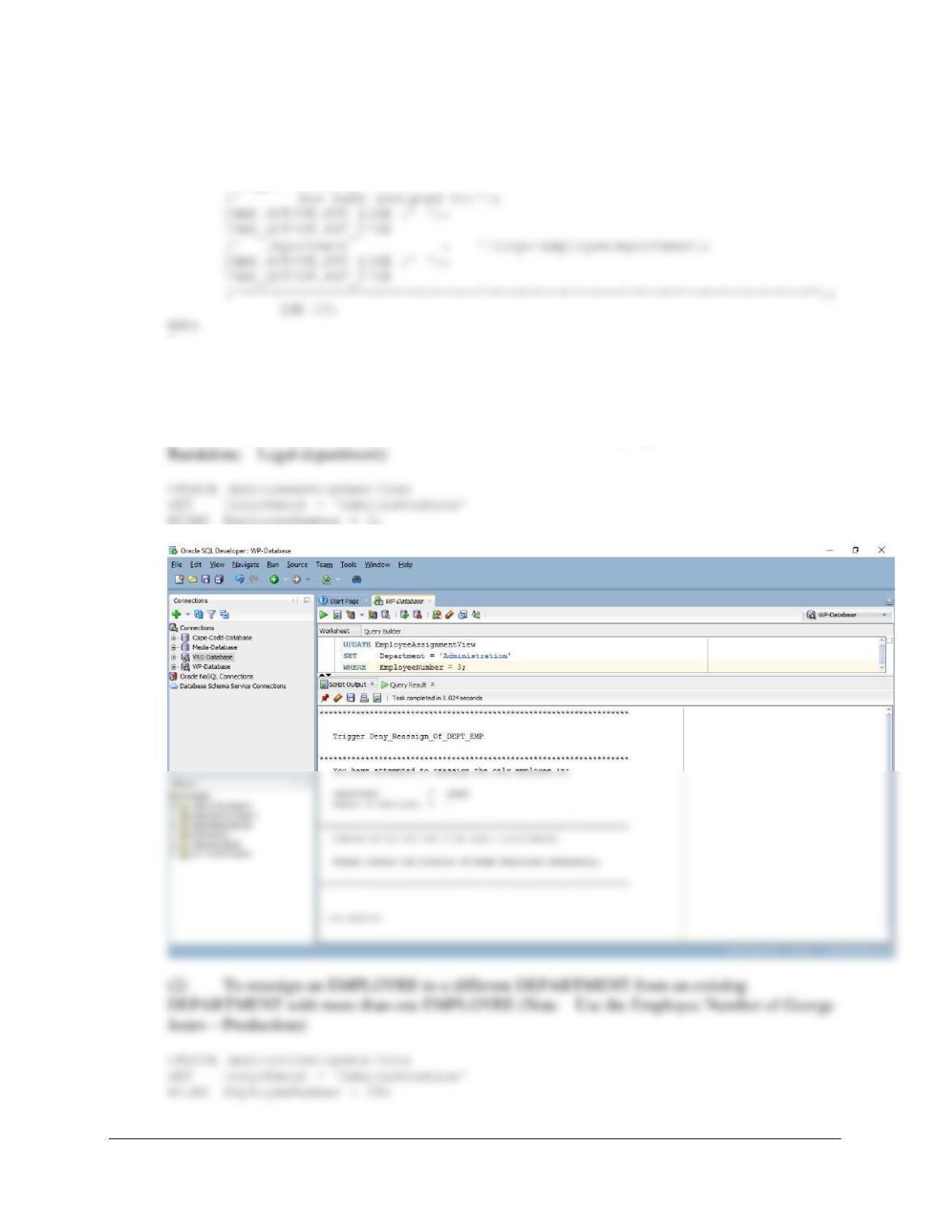
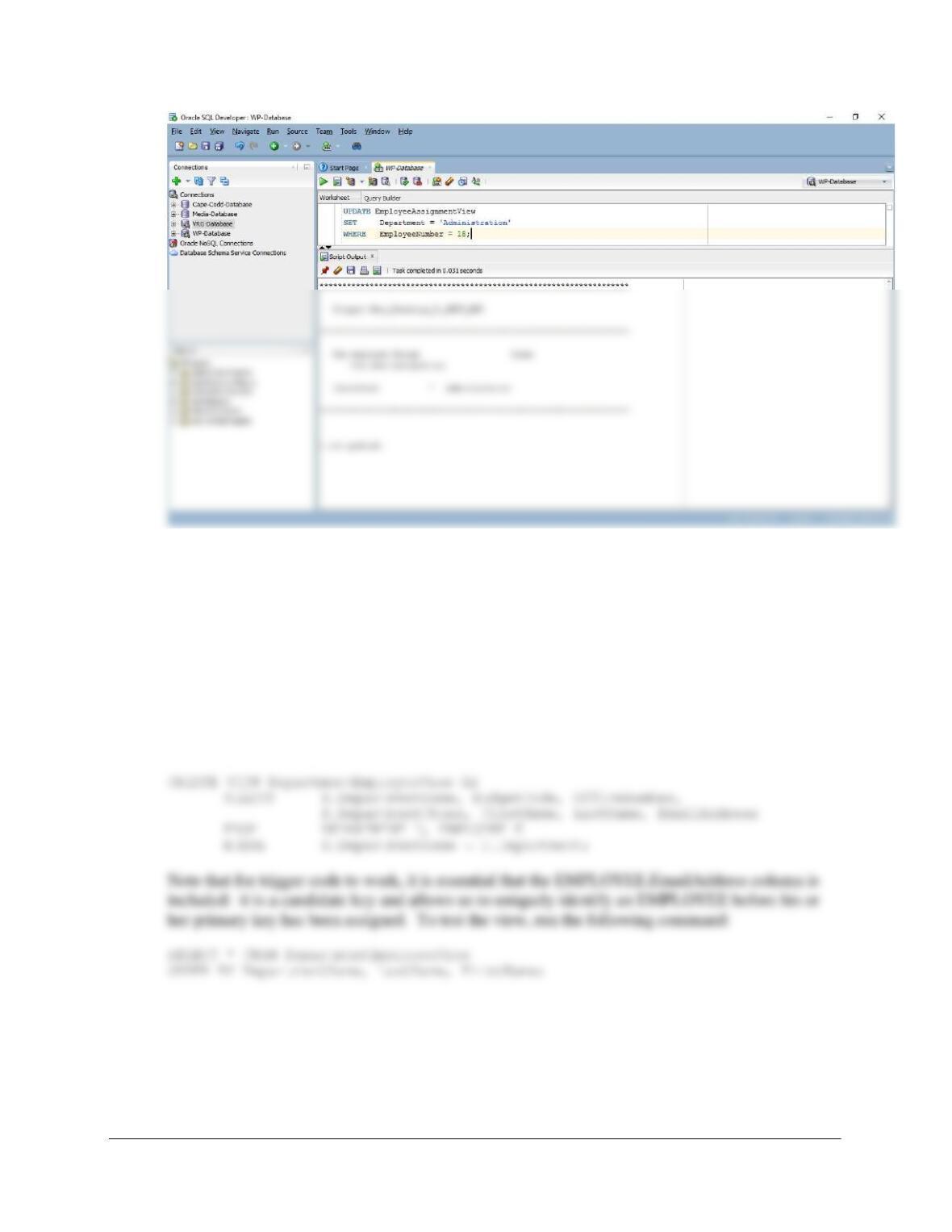
To test this trigger, use:
(1) To attempt to reassign an EMPLOYEE to a different DEPARTMENT from an existing
DEPARTMENT with only one EMPLOYEE (Note, select the Employee Number of Richard
Chapter 10B – Managing Databases with Oracle Database
Page 10B-45
B. Adding a required EMPLOYEE when a DEPARTMENT is created.
The solution for this situation is discussed in Chapter 10B, and we will use that discussion and
Figure 10B-73 as a model for this trigger. Note that the requirement that EMPLOYEEs have a
DEPARTMENT is automatically enforced by the NOT NULL restriction on the foreign key
referential integrity constraint on EMPLOYEE.
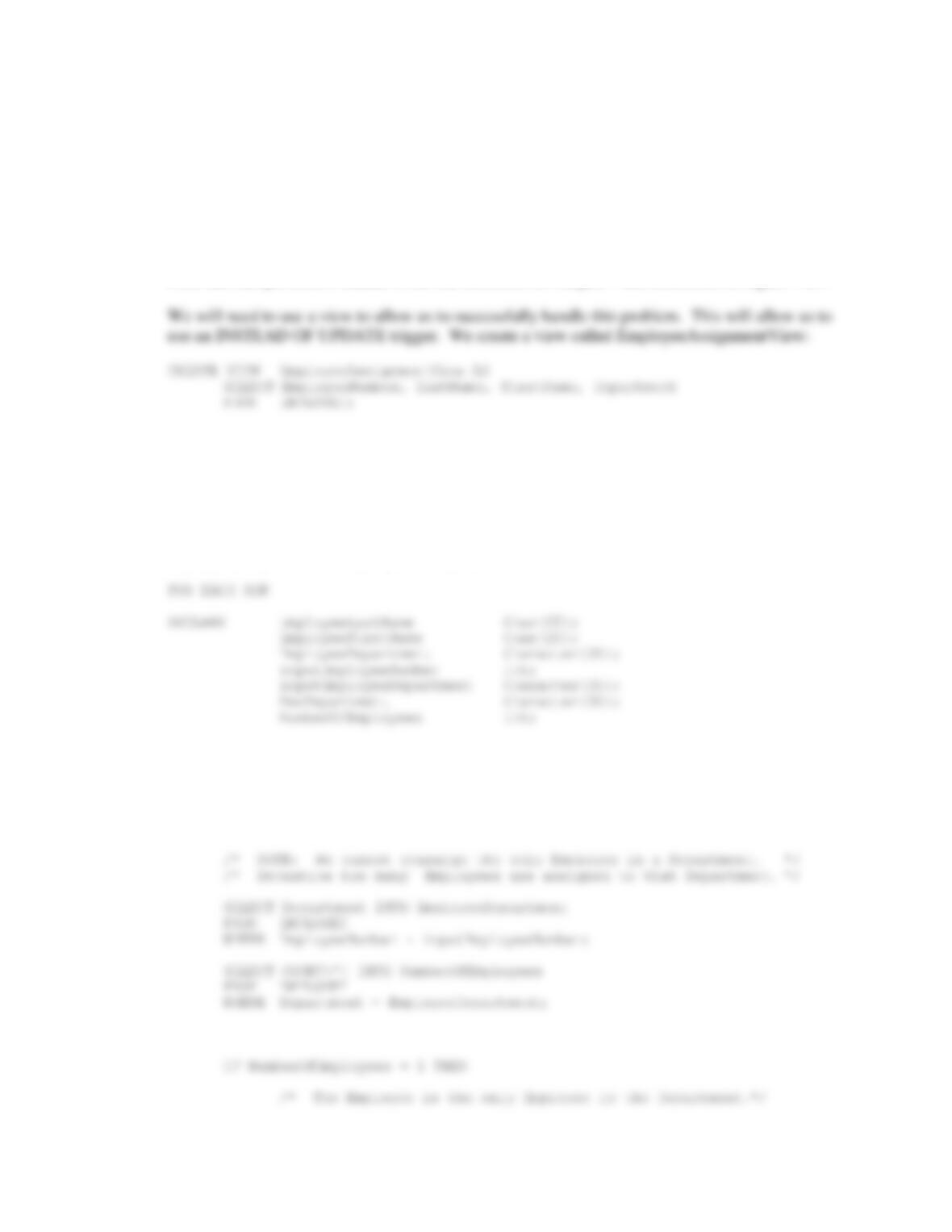
We will need to use a view to allow us to successfully handle this problem. This will allow us to
use an INSTEAD OF INSERT trigger. Applications must then be prohibited from inserting
directly into DEPARTMENT; they must always insert into the view instead. We will create the
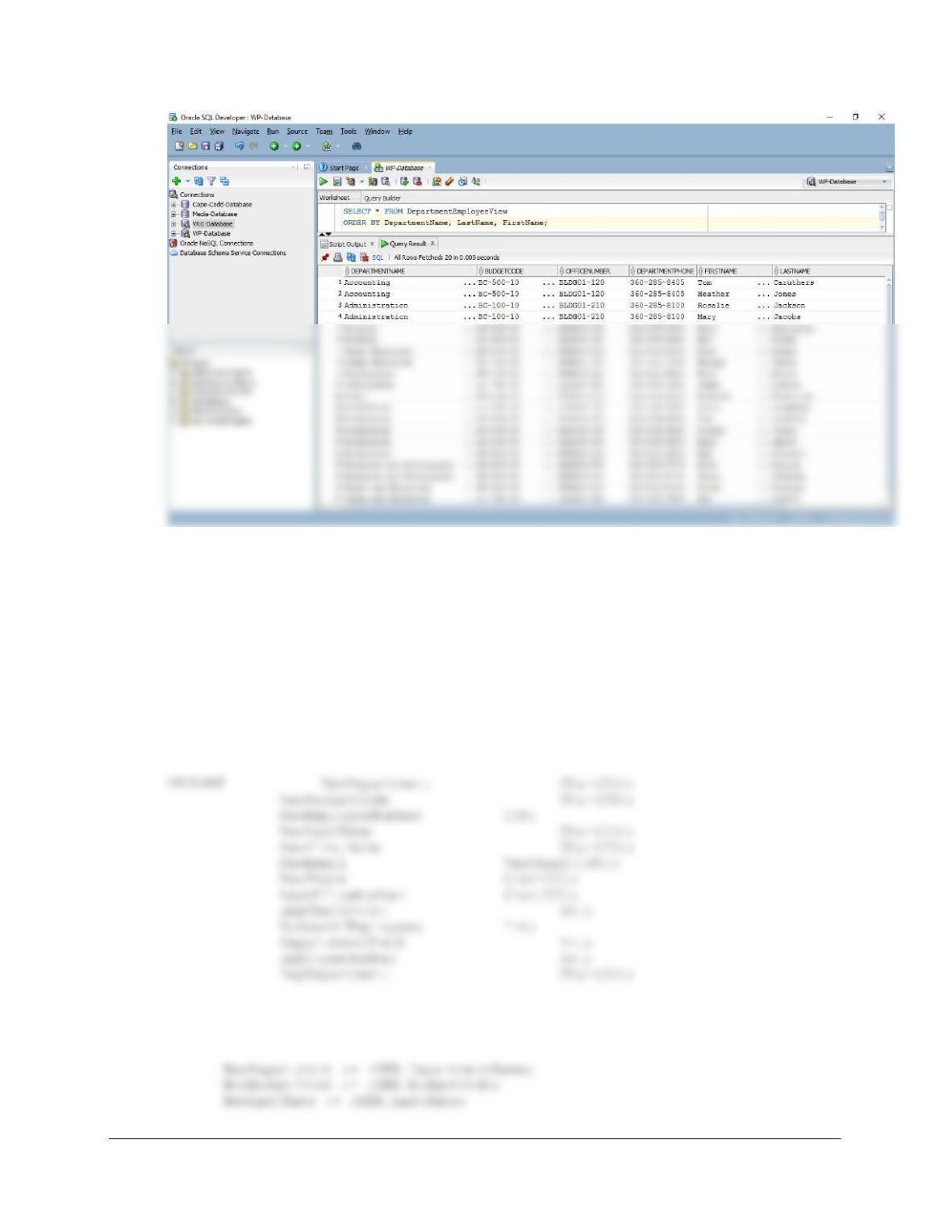
view DepartmentEmployeeView as:
Chapter 10B – Managing Databases with Oracle Database
Page 10B-46
Note that this trigger is intended to manage insertions of departments (and ensure the new
department has an employee). Insertions of just employees should be achieved by using INSERT
INTO EMPLOYEE …. In addition, if this trigger is used in an attempt to insert a
DEPARTMENT that already exists, the DBMS will of course reject the insert: there is no need
for the trigger to check if the DEPARTMENT already exists. Here is the trigger code:
CREATE OR REPLACE
TRIGGER Insert_DEPARTMENT_EMPLOYEE
INSTEAD OF INSERT ON DepartmentEmployeeView
FOR EACH ROW
BEGIN
/* Get the values provided for the INSERT on the view */
Chapter 10B – Managing Databases with Oracle Database
Page 10B-47
IF EmpCheckCount = 1 THEN
/* The person is already an EMPLOYEE */
/* NOTE: We cannot reassign the only Employee in a Department. */
/* Determine the Employee’s Department and see how many
*/
/* Employees are assigned to that Department. */
/* The Employee is the only Employee in the Department.
*/
/* Disallow the transaction and send an error message.
*/
/* Disallow the insert of the new DEPARTMENT */
/* Do not perform INSERTION
*/
/* Print the error message
(‘********************************************************************’);
DBMS_OUTPUT.PUT_LINE
(‘ You have attempted to reassign the only employee in:’);
DBMS_OUTPUT.PUT_LINE (‘ ‘);
DBMS_OUTPUT.PUT_LINE
(‘ Department = ‘||EmpDepartment);
Chapter 10B – Managing Databases with Oracle Database
Page 10B-48
INSERT INTO DEPARTMENT (DepartmentName, BudgetCode, OfficeNumber,
DepartmentPhone)
VALUES(NewDepartment, NewBudgetCode, NewOfficeNumber,
NewPhone);
DBMS_OUTPUT.PUT_LINE
(‘********************************************************************’);
DBMS_OUTPUT.PUT_LINE (‘ ‘);
DBMS_OUTPUT.PUT_LINE
(‘ Trigger Insert_DEPARTMENT_EMPLOYEE’);
DBMS_OUTPUT.PUT_LINE (‘ ‘);
DBMS_OUTPUT.PUT_LINE
/* The Employee is not the only Employee in the Department. */
/* Reassign the Employee to the new Department */
SELECT EmployeeNumber INTO NewEmployeeNumber
FROM EMPLOYEE
WHERE EmailAddress = NewEmail;
END IF;
END IF;
IF EmpCheckCount = 0 THEN
/* EmpCheckCount = 0 and therefore NumberOfEmployees would = 0 */
Chapter 10B – Managing Databases with Oracle Database
Page 10B-49
DBMS_OUTPUT.PUT_LINE
(‘********************************************************************’);
DBMS_OUTPUT.PUT_LINE (‘ ‘);
DBMS_OUTPUT.PUT_LINE
(‘ Trigger Insert_DEPARTMENT_EMPLOYEE’);
DBMS_OUTPUT.PUT_LINE (‘ ‘);
DBMS_OUTPUT.PUT_LINE
(‘********************************************************************’);
/* Add new Employee to EMPLOYEE as a member of the Department. */
INSERT INTO EMPLOYEE
(EmployeeNumber, LastName, FirstName, Department, EmailAddress)
VALUES(seqEID.NextVal, NewLastName, NewFirstName, NewDepartment,
NewEmail);
(‘********************************************************************’);
END IF;
END;
/
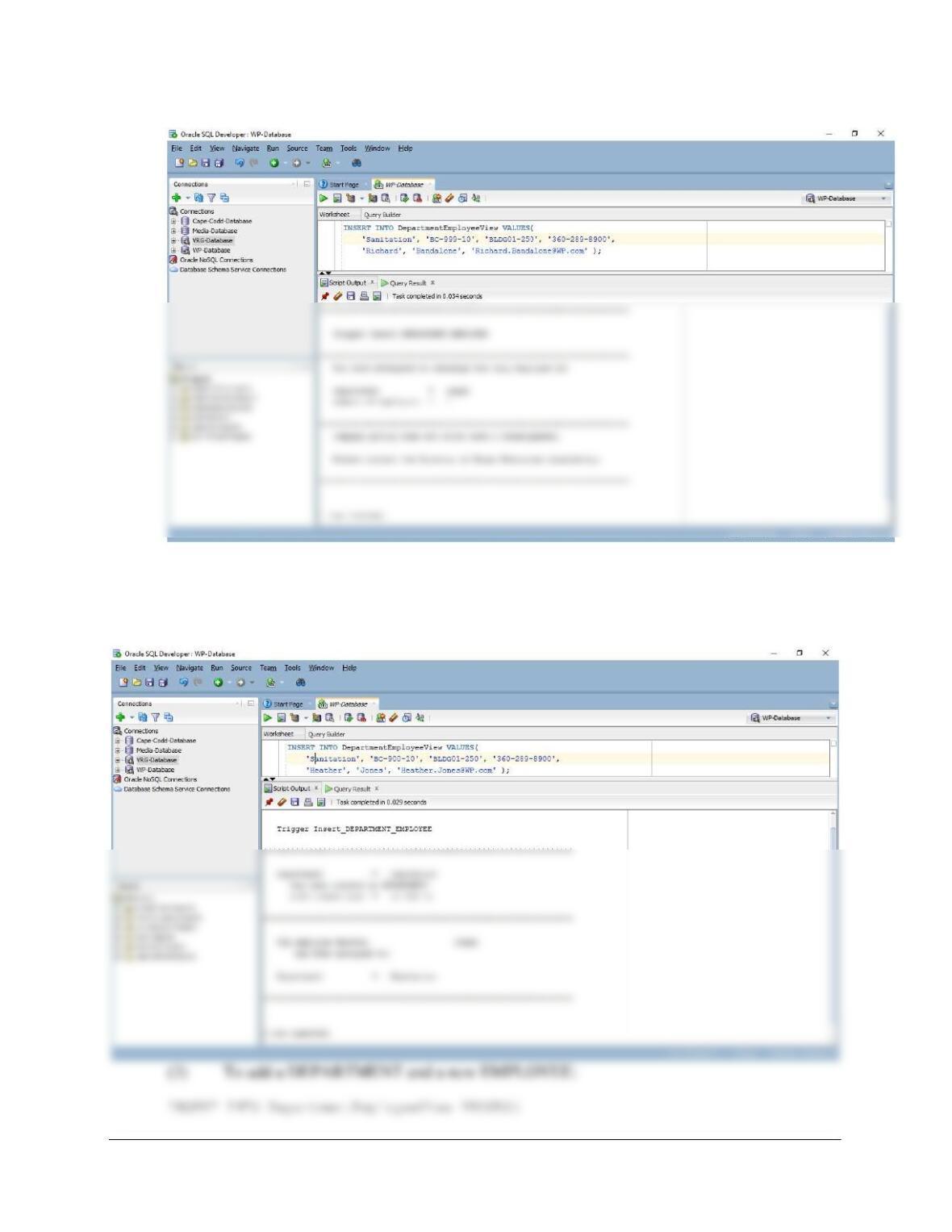
To test this trigger, use:
(1) To attempt adding a DEPARTMENT with a reassignment from an existing
DEPARTMENT with only one EMPLOYEE:
Chapter 10B – Managing Databases with Oracle Database
Page 10B-50
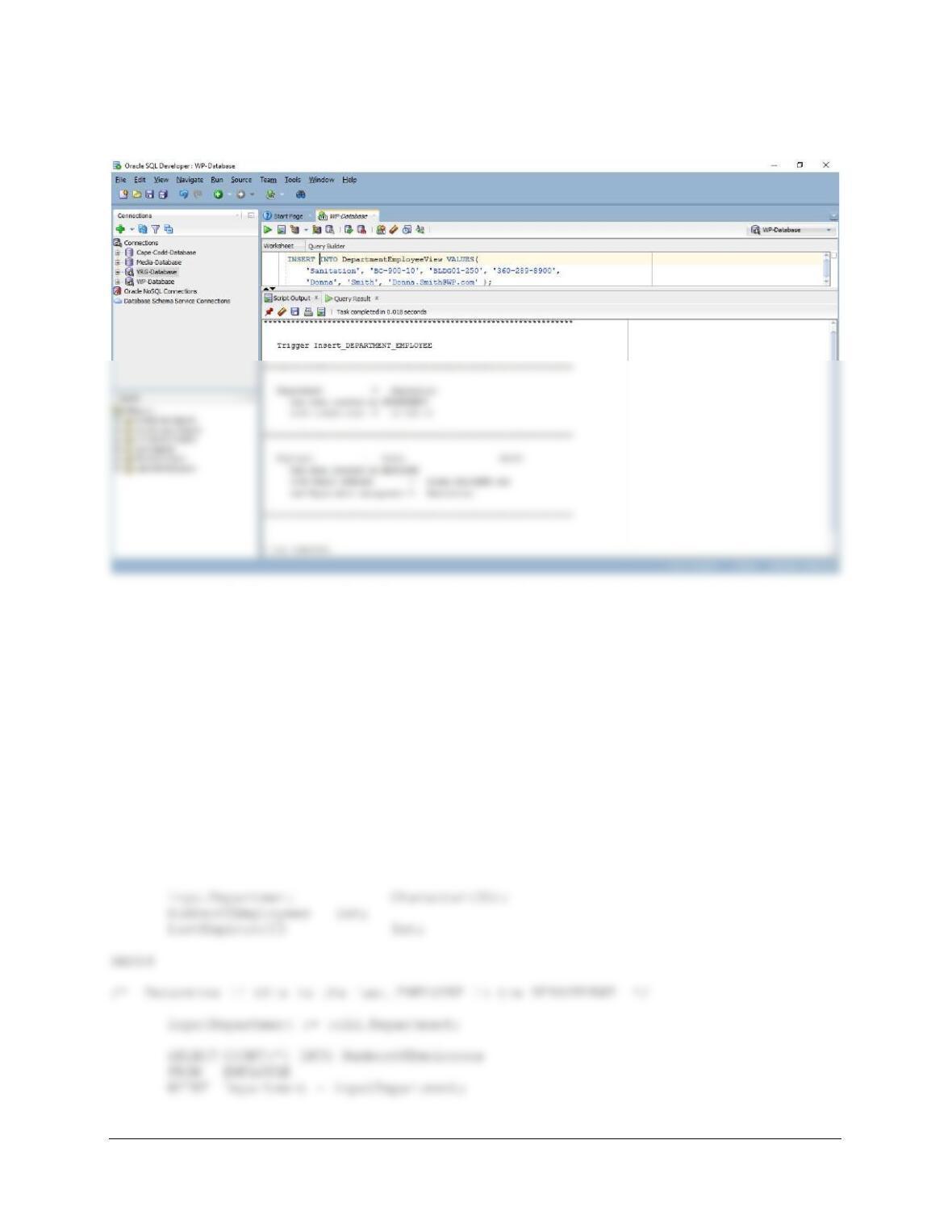
(2) To add a DEPARTMENT with a reassignment from an existing DEPARTMENT with
more than one EMPLOYEE:
INSERT INTO DepartmentEmployeeView VALUES(
‘Sanitation’, ‘BC-900-10’, ‘BLDG01-250’, ‘360-289-8900’,
‘Heather’, ‘Jones’, ‘Heather.Jones@WP.com’ );
Chapter 10B – Managing Databases with Oracle Database
Page 10B-51
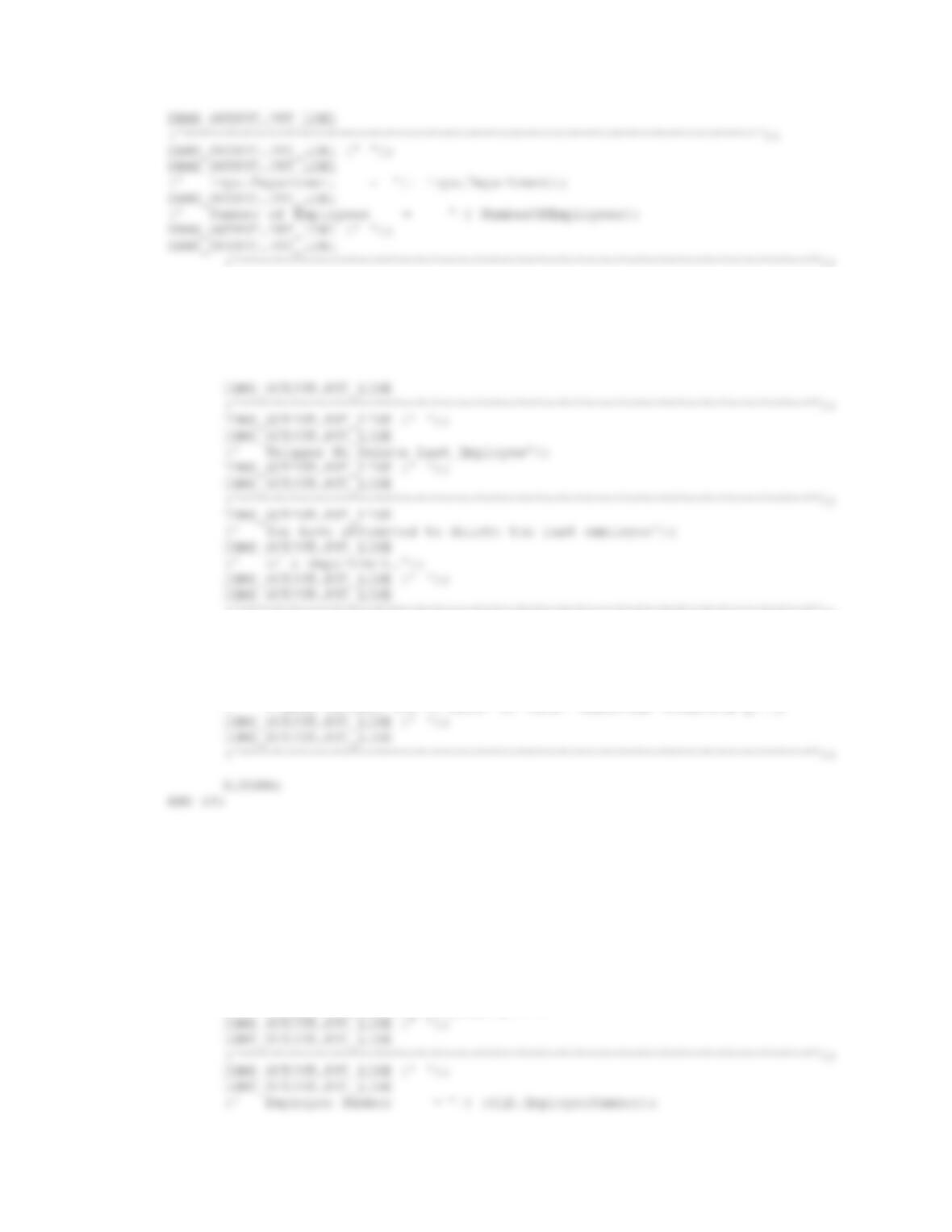
‘Sanitation’, ‘BC-900-10’, ‘BLDG01-250’, ‘360-289-8900’,
‘Donna’, ‘Smith’, ‘Donna.Smith@WPC.com’ );
C. Prevent deletion of an employee who is the last employee in the department:
We again need a view to manage these trigger-based potential deletions:
/* Create View */
CREATE VIEW DeleteEmployeeView AS
SELECT *
FROM EMPLOYEE;
/* Create Trigger */
CREATE OR REPLACE
TRIGGER No_Delete_Last_Employee
INSTEAD OF DELETE ON DeleteEmployeeView
FOR EACH ROW
DECLARE
Chapter 10B – Managing Databases with Oracle Database
Page 10B-52
IF NumberOfEmployees = 1 THEN
/* Last EMPLOYEE, do not delete anything */
/* Print the error message */
(‘********************************************************************’);
DBMS_OUTPUT.PUT_LINE (‘ ‘);
DBMS_OUTPUT.PUT_LINE
(‘ Company policy does not allow such a deletion.’);
DBMS_OUTPUT.PUT_LINE (‘ ‘);
DBMS_OUTPUT.PUT_LINE
(‘ Please contact the Director of Human Resources immediately.’);
IF NumberOfEmployees > 1 THEN
/* Allow EMPLOYEE deletion */
DELETE EMPLOYEE
WHERE EmployeeNumber = :OLD.EmployeeNumber;
DBMS_OUTPUT.PUT_LINE
(‘********************************************************************’);
DBMS_OUTPUT.PUT_LINE (‘ ‘);
DBMS_OUTPUT.PUT_LINE
(‘ Trigger No_Delete_Last_Employee’);
Chapter 10B – Managing Databases with Oracle Database
/
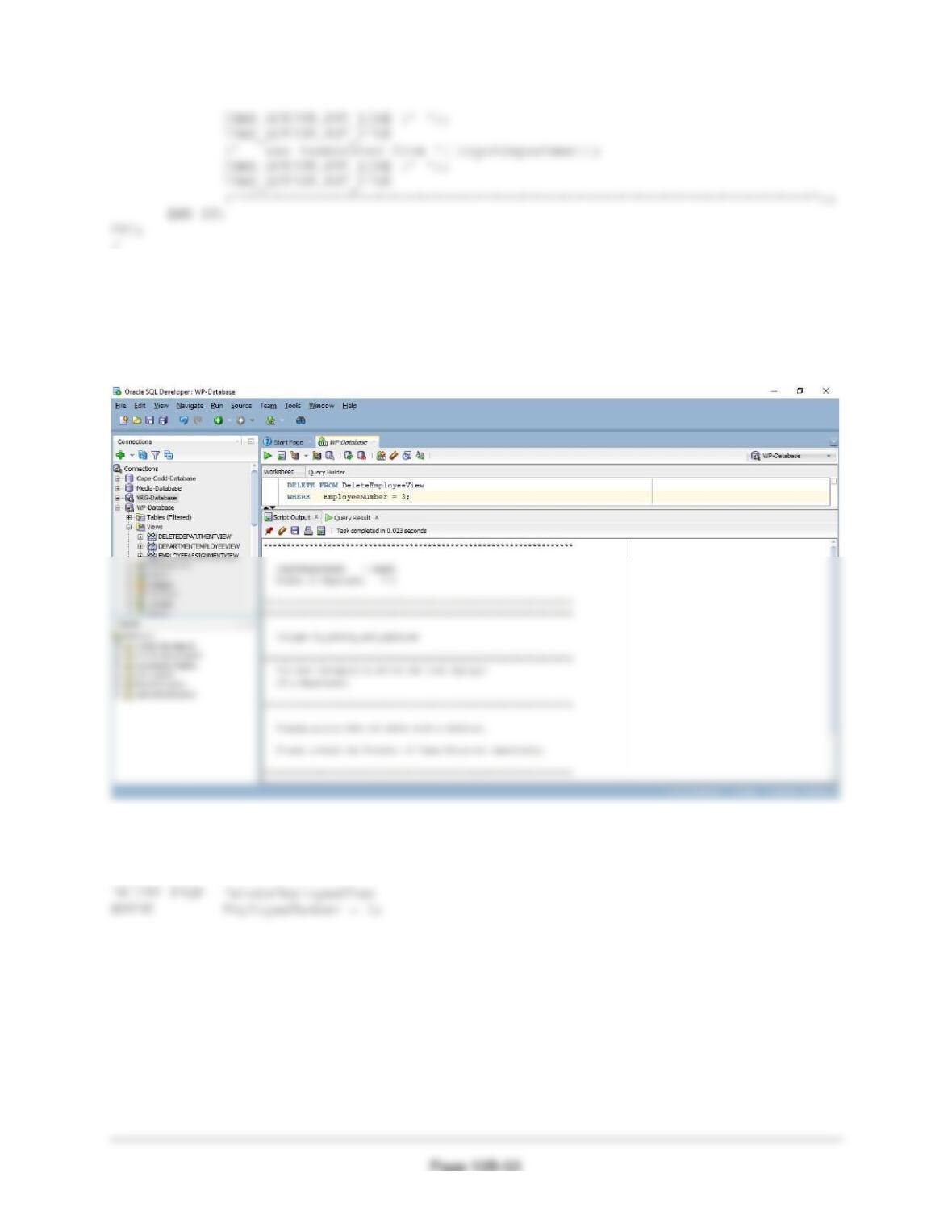
(1) Test Trigger with an error message:
SET SERVEROUTPUT ON
DELETE FROM DeleteEmployeeView
WHERE EmployeeNumber = 3;
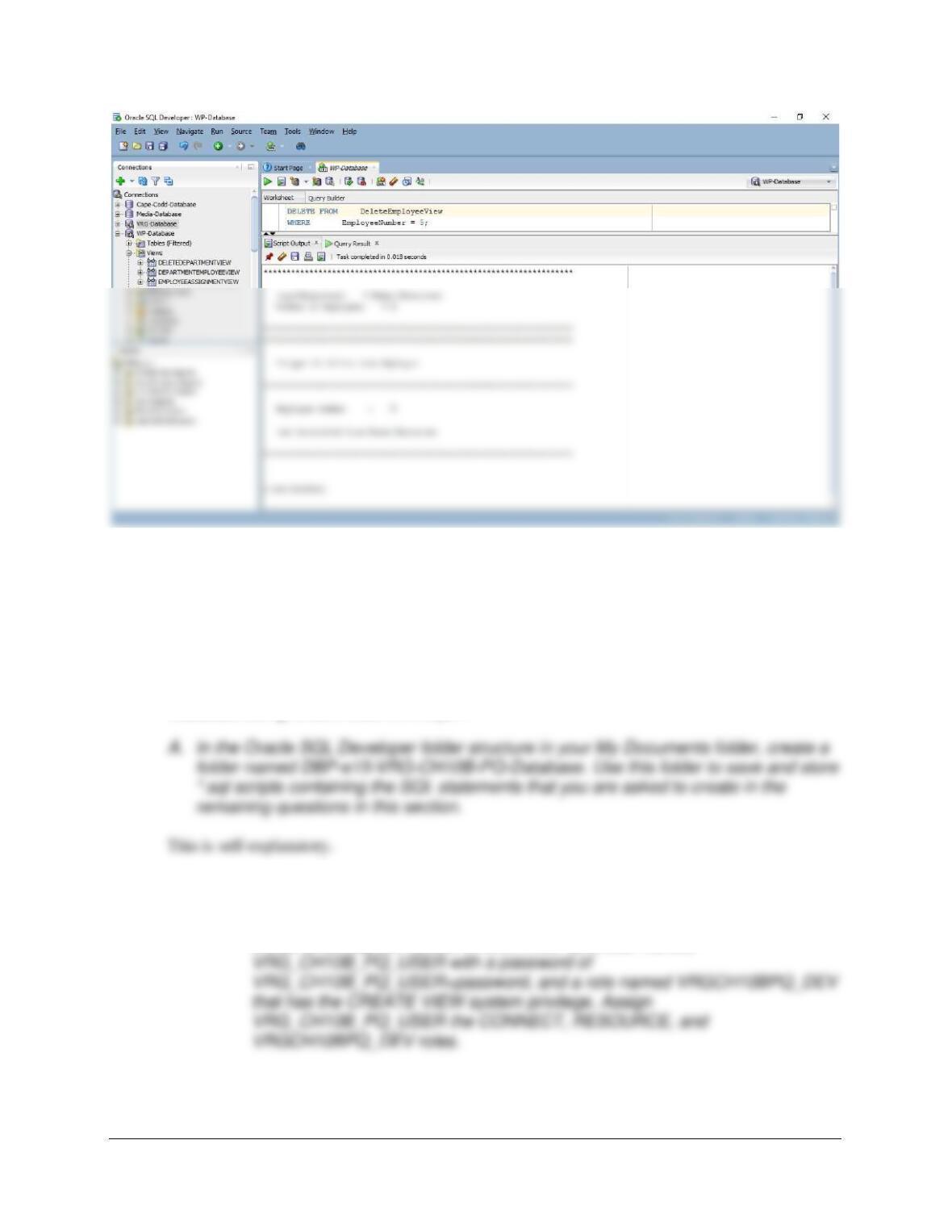
(2) Test Trigger successfully deleting an EMPLOYEE:
SET SERVEROUTPUT ON
Chapter 10B – Managing Databases with Oracle Database
Page 10B-54
View Ridge Gallery Exercises
Exercises 10B.71 and 10B.72 are based on the View Ridge Gallery VRG database discussed in
this chapter. If you have not already installed Oracle Database XE (or do not otherwise have a
version of Oracle Database available to you), you need to install it and Oracle SQL Developer at
this point.
10B.71 Write SQL statements to accomplish the following tasks and submit them to Oracle
Database using Oracle SQL Developer:
B. Using the examples in this chapter as templates:
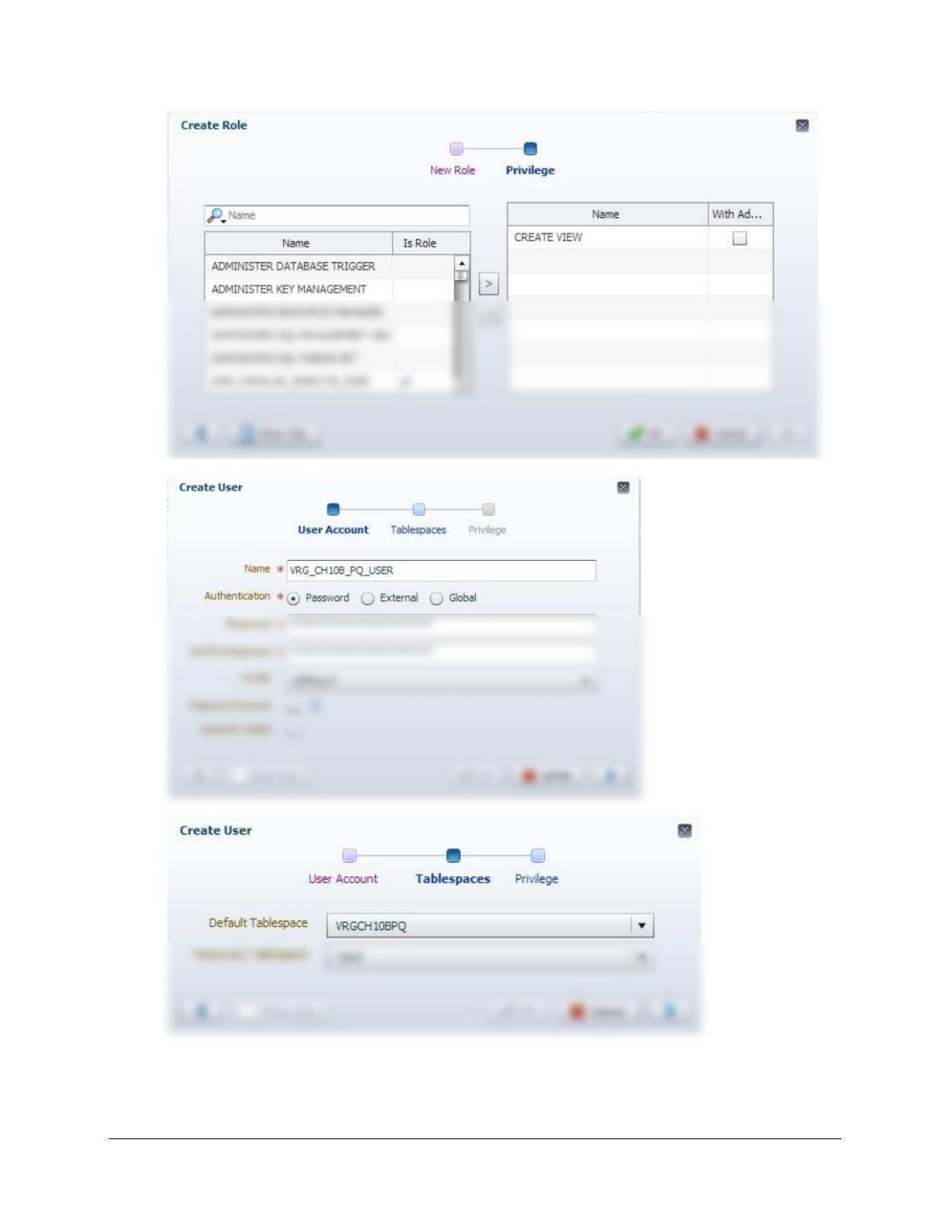
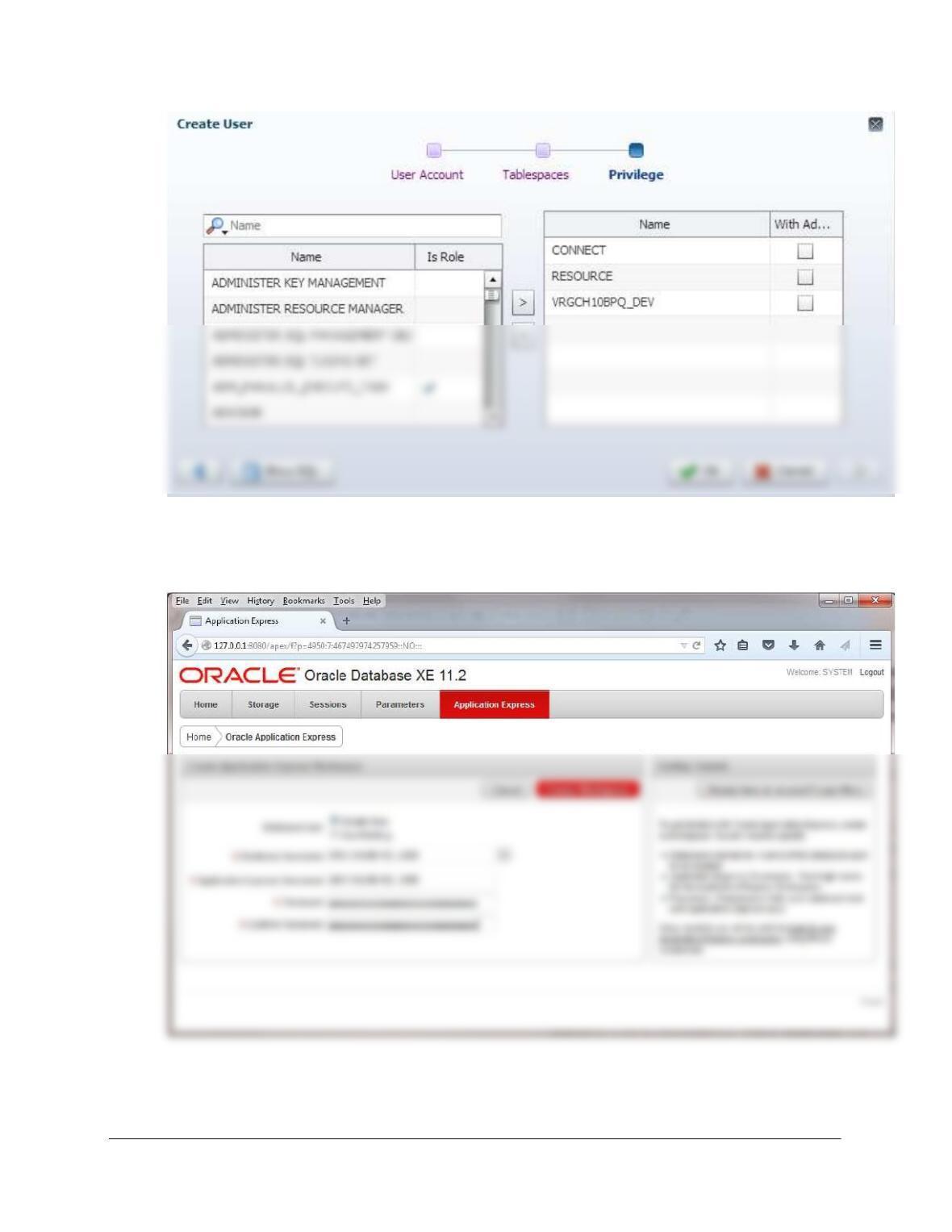
• For Oracle Database 12c Release 2: Use the Oracle Enterprise Manager to
create a tablespace named VRGCH10BPQ, a user named
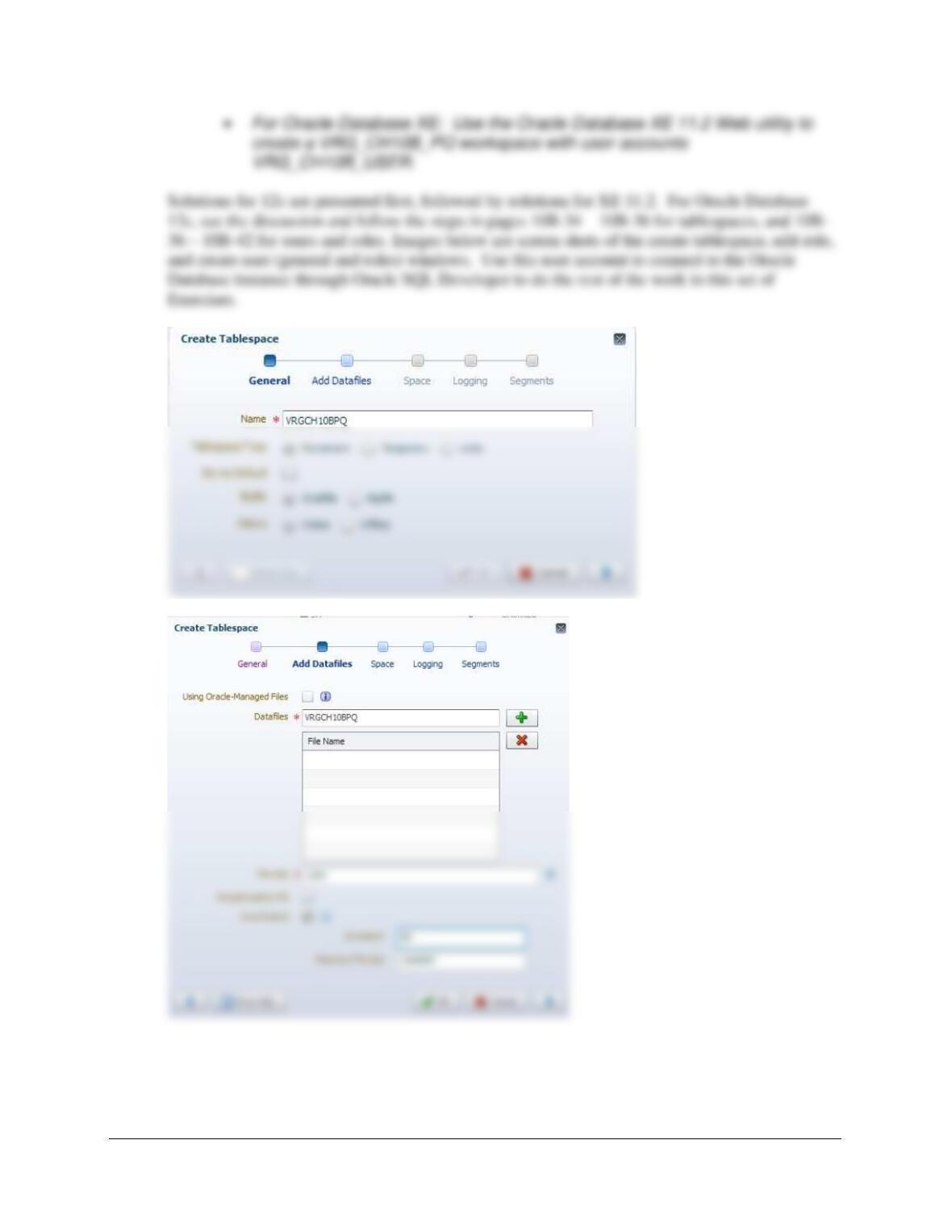
Chapter 10B – Managing Databases with Oracle Database
Page 10B-55
Chapter 10B – Managing Databases with Oracle Database
Page 10B-56
Chapter 10B – Managing Databases with Oracle Database
Page 10B-57
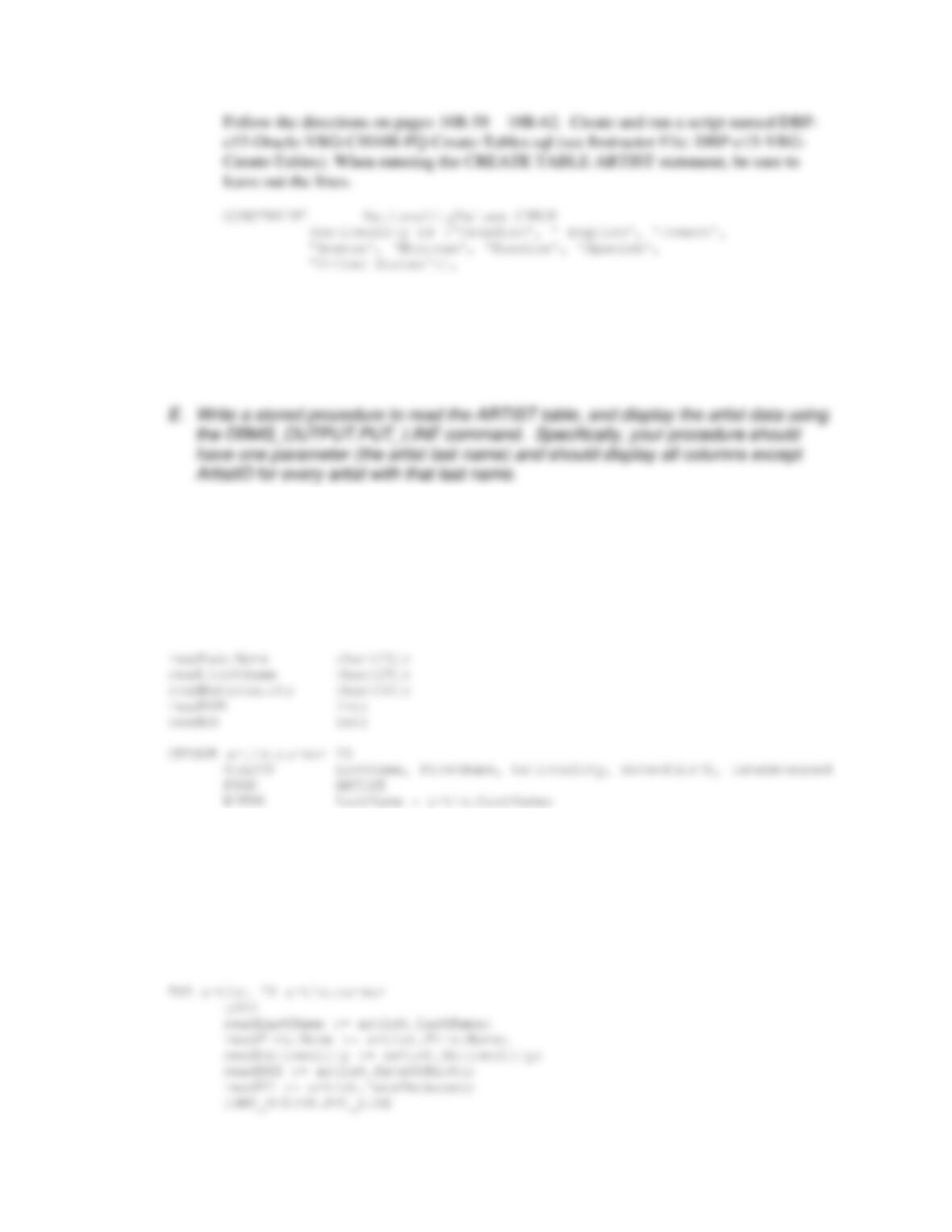
The process is simpler for Oracle Database XE 11.2: Follow the instructions on pages 10B29-
10B33. After creating the workspace, exit the XE 11.2 Database Administration Utility. Here is
a screen shot of the crucial part of the process:
C. Create the tables in Figure 10B-30 but do not create the NationalityValues constraint.
Chapter 10B – Managing Databases with Oracle Database
Page 10B-58
D. Populate your database with the data shown in Figure 10B-41.
All the SQL statements needed are in Figure 10B-41. Use them to create and run a script
named DBP-e15-Oracle-VRG-CH10B-PQ-Insert-Data.sql (see Instructor File: DBP–e15-
VRG-Insert-Data).
Solutions for this question are also in the file DBP-e15-Oracle-VRG-CH10B-PQ.sql.
CREATE OR REPLACE PROCEDURE Artist_View
(
artistLastName IN char
)
AS
BEGIN
/* Print Header */
DBMS_OUTPUT.PUT_LINE
(‘===================================================================’);
DBMS_OUTPUT.PUT_LINE (‘Display of Artist View’);
DBMS_OUTPUT.PUT_LINE
(‘===================================================================’);
Chapter 10B – Managing Databases with Oracle Database
Page 10B-59
(‘===================================================================’);
END;
/
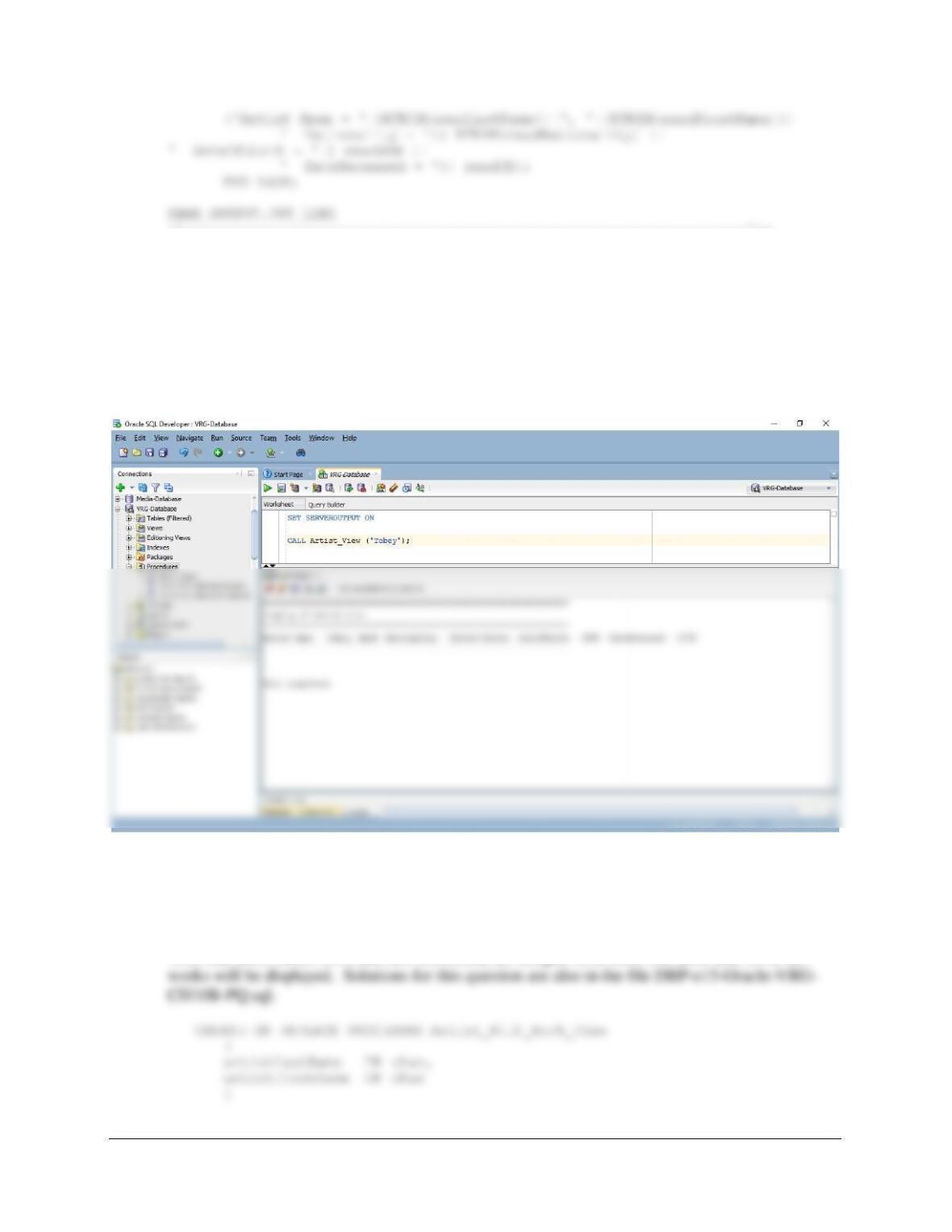
This can be executed in either SQL*Plus or SQL Developer. Be sure to execute SET
SERVEROUTPUT ON before running the procedure. The command lines to show the
nationality of the artists named Tobey is:
SET SERVEROUTPUT ON
CALL Artist_View (‘Tobey’);
F. Write a stored procedure to read the ARTIST and WORK tables. Your procedure
should display an artist, then display all the works for that artist. Accept the first and
last names of the artist(s) to display as input parameters. HINT: Use a cursor LOOP
inside another cursor LOOP.
Note that artist names (first and last combined) are unique, so at most one artist and his or her
Chapter 10B – Managing Databases with Oracle Database
AS
rowCount int;
readArtistID int;
CURSOR artistcursor IS
SELECT ARTIST.ArtistID, LastName, FirstName,
Nationality, DateOfBirth, DateDeceased
FROM ARTIST
WHERE LastName = artistLastName
AND FirstName = artistFirstName;
BEGIN
/* Check to see if the artist is in the database */
SELECT COUNT(*) INTO rowCount
FROM ARTIST
WHERE LastName = artistLastName
AND FirstName = artistFirstName;
/* Artist exits in database */
DBMS_OUTPUT.PUT_LINE
(‘===================================================================’);
DBMS_OUTPUT.PUT_LINE (‘Display of Artist with Work View ‘);
DBMS_OUTPUT.PUT_LINE
(‘===================================================================’);