Chapter 10B – Managing Databases with Oracle Database
Page 10B-81
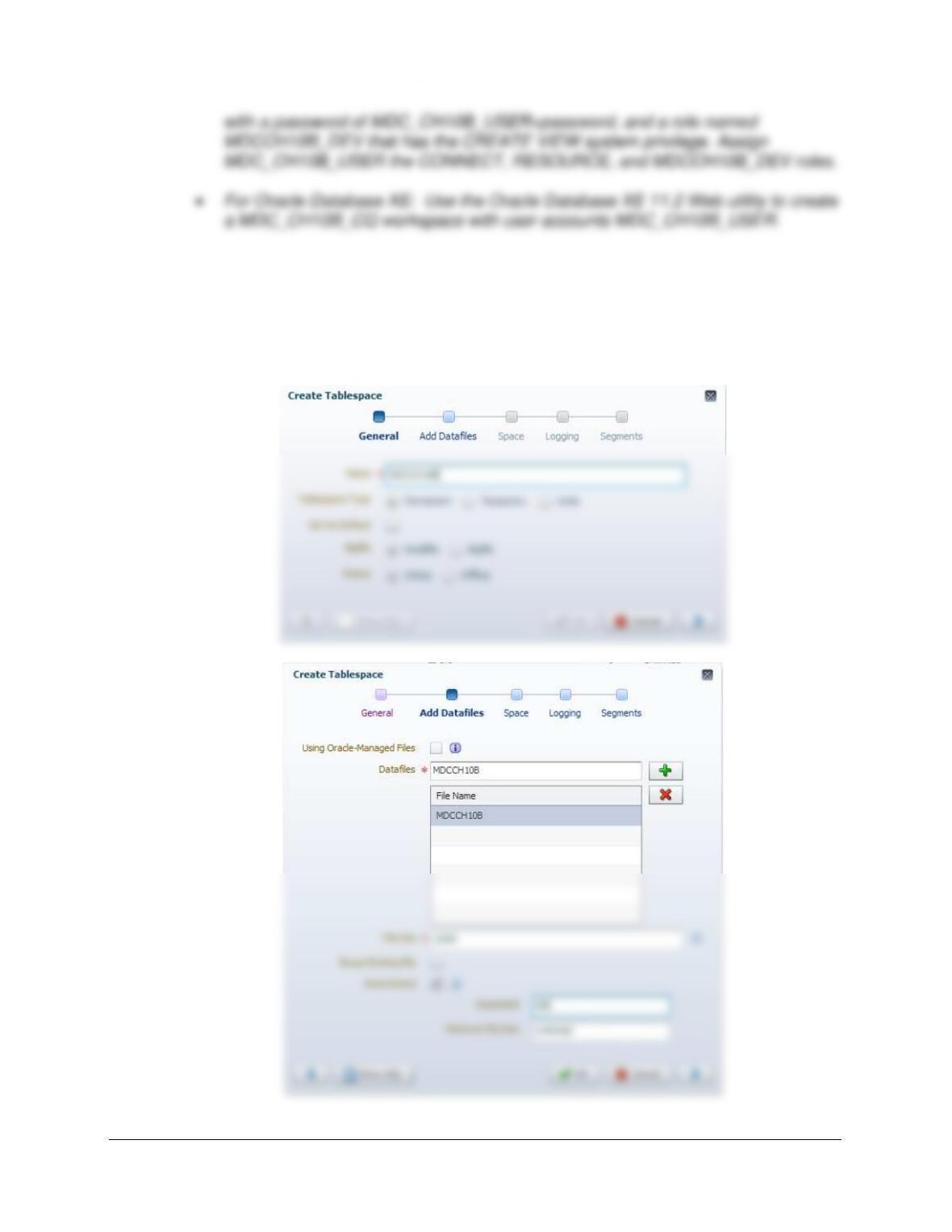
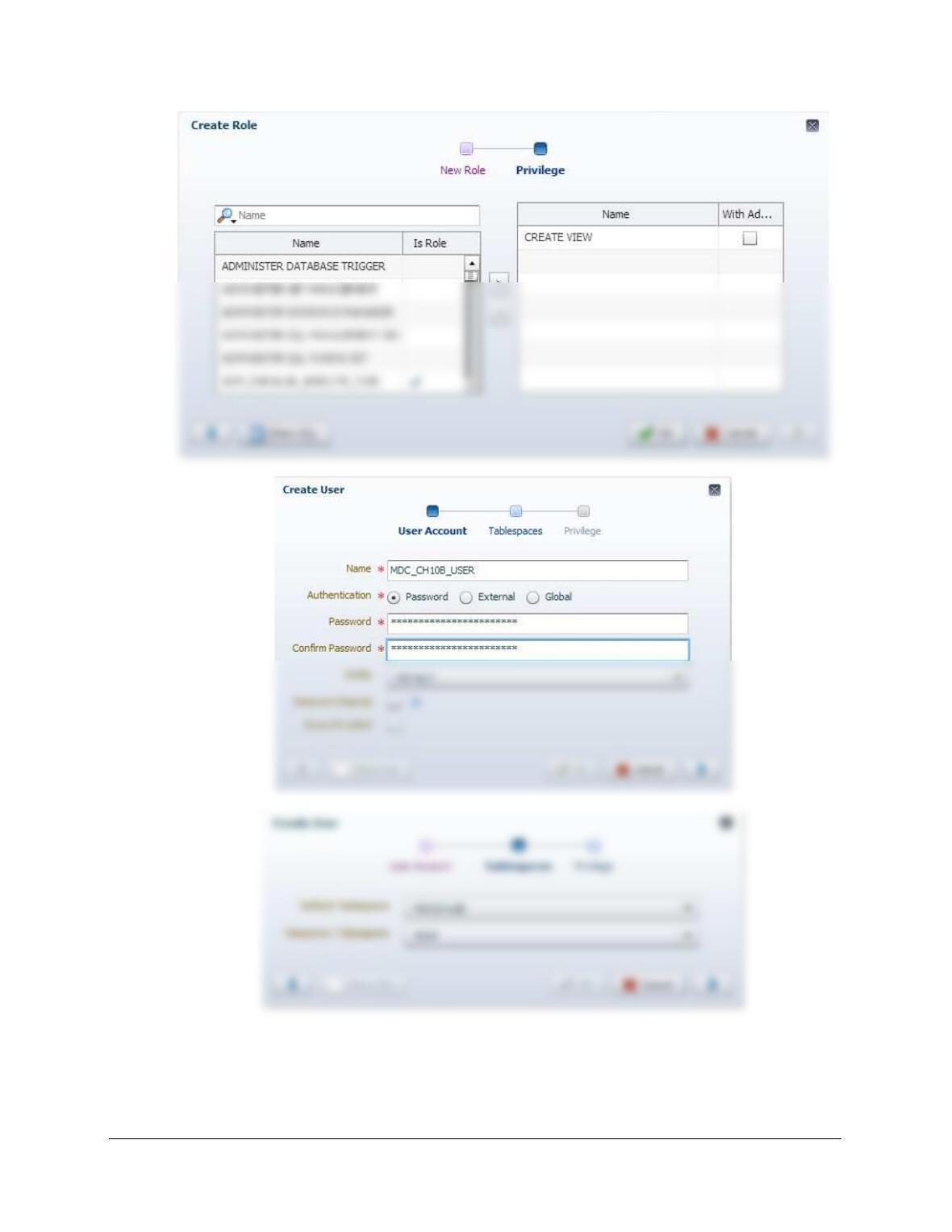
Solutions for 12c are presented first, followed by solutions for XE 11.2. For Oracle Database
12c, see the discussion and follow the steps in pages 10B-34 – 10B-36 for tablespaces, and 10B-
36 – 10B-42 for users and roles. Images below are screen shots of the create tablespace, edit role,
and create user (general and roles) windows. Use this user account to connect to the Oracle
Database instance through Oracle SQL Developer to do the rest of the work in this set of Case
Questions.
Chapter 10B – Managing Databases with Oracle Database
Page 10B-82
Chapter 10B – Managing Databases with Oracle Database
Page 10B-83
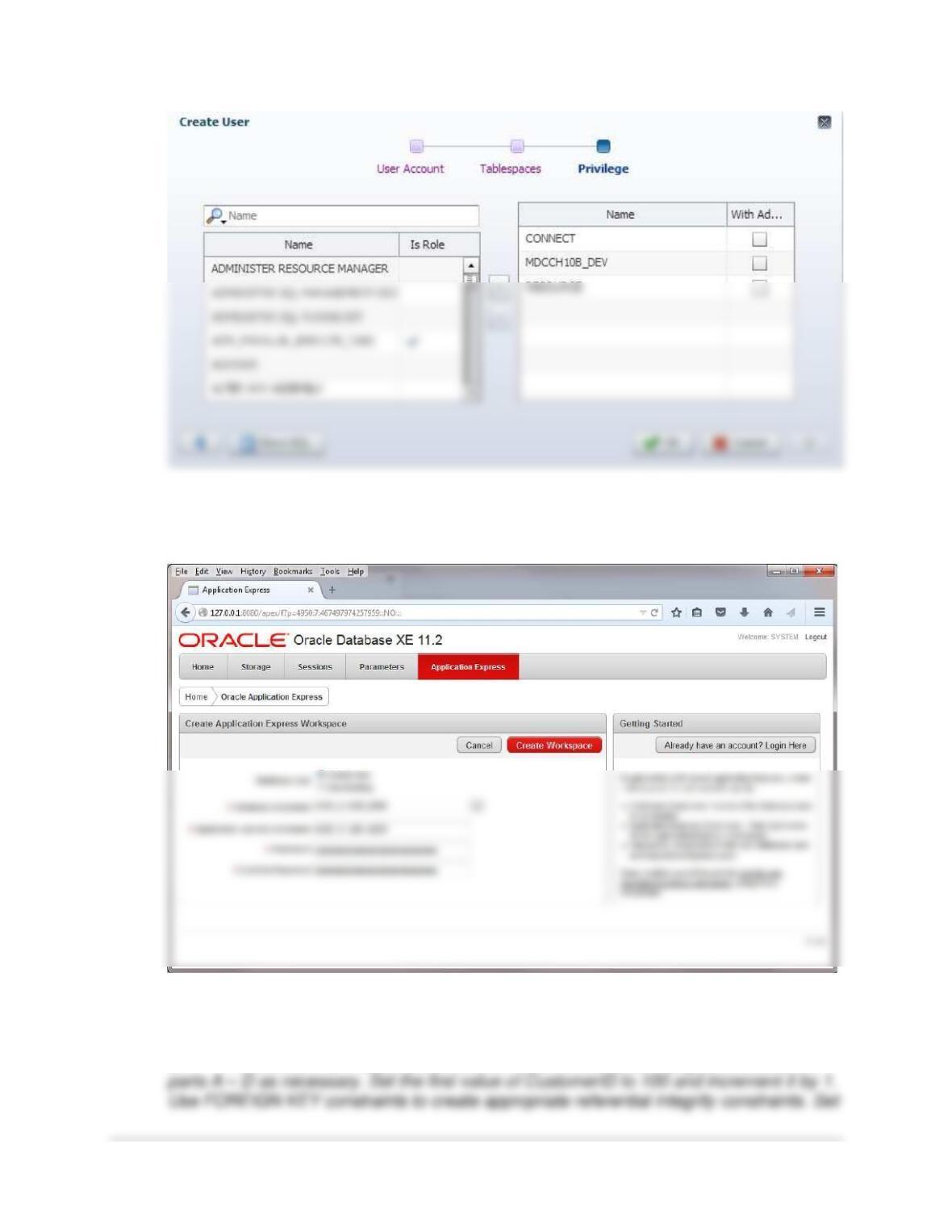
The process is simpler for Oracle Database XE 11.2: Follow the instructions on pages 10B29-
10B-33. After creating the workspace, exit the XE 11.2 Database Administration Utility. Here is
a screen shot of the crucial part of the process:
Using the MDC database, create an SQL script named MDC-Create-Tables.sql to
answer parts G and H. Your answer to part H should be in the form of a comment in the
SQL script.
G Write CREATE TABLE statements for each of the tables using your answers to
Chapter 10B – Managing Databases with Oracle Database
Page 10B-84
These solutions are also available in the file DBP-e15-Oracle-MDC-CH10B-Create-Tables.sql.
CREATE TABLE CUSTOMER (
CustomerID Int NOT NULL,
FirstName Char(25) NOT NULL,
LastName Char(25) NOT NULL,
Phone Char(12) NOT NULL,
EmailAddress Char(100) NULL,
CONSTRAINT Customer_PK PRIMARY KEY (CustomerID),
CONSTRAINT Customer_AK_Email UNIQUE(EmailAddress)
);
CREATE TABLE INVOICE (
InvoiceNumber Int NOT NULL,
CustomerID Int NOT NULL,
DateIn Date NOT NULL,
DateOut Date NULL,
Subtotal Number(8,2) NULL,
Tax Number(8,2) NULL,
TotalAmount Number(8,2) NULL,
CONSTRAINT Invoice_PK PRIMARY KEY (InvoiceNumber),
CONSTRAINT InvoiceCustomerFK FOREIGN KEY(CustomerID)
REFERENCES CUSTOMER(CustomerID)
);
H Explain how you would enforce the data constraint that INVOICE_ITEM.UnitPrice
be equal to SERVICE.UnitPrice, where INVOICE_ITEM.ServiceID =
SERVICE.ServiceID.
Chapter 10B – Managing Databases with Oracle Database
Page 10B-85
Using the MDC database, create an SQL script named MDC-Insert-Data.sql to answer
part I.
I Write INSERT statements to insert the data shown in Figures 10B-83 (same as
Figure 2-51, but with different CustomerID values), 10B–84, 10B-85 (same as Figure 2-
52, but with new Subtotal and Tax columns), and 10B-86 (same as Figure 2-53, but
updated to include ServiceID and ExtendedPrice).
These solutions are also available in the file DBP-e15-Oracle-MDC-CH10B-Insert-Data.sql.
/***** CUSTOMER Data *****************************************************/
INSERT INTO CUSTOMER VALUES(
seqCID.nextVal, ‘Nikki’, ‘Kaccaton’,’723-543-1233′,
‘Nikki.Kaccaton@somewhere.com’);
‘Betsy.Miller@somewhere.com’);
INSERT INTO CUSTOMER VALUES(
seqCID.nextVal, ‘George’, ‘Miller’, ‘723-654-4322’,
‘George.Miller@somewhere.com’);
INSERT INTO CUSTOMER VALUES(
seqCID.nextVal, ‘Kathy’, ‘Miller’, ‘723-514-9877’,
‘Kathy.Miller@somewhere.com’);
INSERT INTO CUSTOMER VALUES(
seqCID.nextVal, ‘Betsy’, ‘Miller’, ‘723-514-8766’,
‘Betsy.Miller@elsewhere.com’);
COMMIT;
Chapter 10B – Managing Databases with Oracle Database
Page 10B-86
INSERT INTO INVOICE VALUES(
seqIN.nextVal, 100, TO_DATE(’10/04/18′, ‘MM/DD/YY’),
TO_DATE(’10/06/18′, ‘MM/DD/YY’),
158.50, 12.52, 171.02);
INSERT INTO INVOICE VALUES(
seqIN.nextVal, 101, TO_DATE(’10/04/18′, ‘MM/DD/YY’),
TO_DATE(’10/06/18′, ‘MM/DD/YY’),
25.00, 1.98, 26.98);
INSERT INTO INVOICE VALUES(
seqIN.nextVal, 102, TO_DATE(’10/11/18′, ‘MM/DD/YY’),
TO_DATE(’10/13/18′, ‘MM/DD/YY’),
152.50, 12.05, 164.55);
INSERT INTO INVOICE VALUES(
seqIN.nextVal, 102, TO_DATE(’10/11/18′, ‘MM/DD/YY’),
TO_DATE(’10/13/18′, ‘MM/DD/YY’),
COMMIT;
/***** INVOICE_ITEM Data *****************************************************/
INSERT INTO INVOICE_ITEM VALUES(2018001, 1, 16, 2, 3.50, 7.00);
INSERT INTO INVOICE_ITEM VALUES(2018001, 2, 11, 5, 2.50, 12.50);
INSERT INTO INVOICE_ITEM VALUES(2018001, 3, 50, 2, 10.00, 20.00);
INSERT INTO INVOICE_ITEM VALUES(2018001, 4, 20, 10, 5.00, 50.00);
INSERT INTO INVOICE_ITEM VALUES(2018001, 5, 25, 10, 6.00, 60.00);
Chapter 10B – Managing Databases with Oracle Database
Page 10B-87
Using the MDC database, create an SQL script named MDC-DML-CH10B.sql to answer
parts J and K.
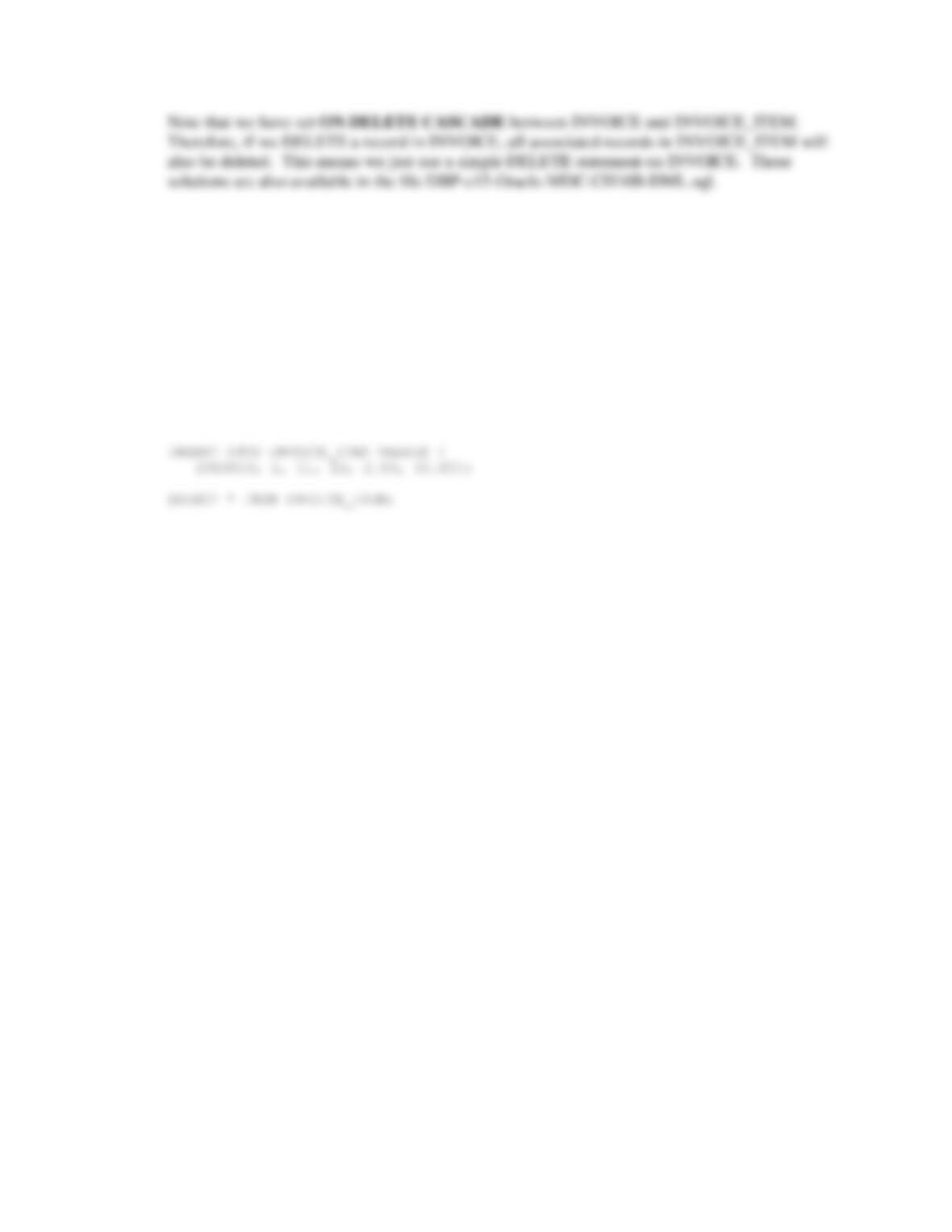
J Write an UPDATE statement to change values of SERVICE.ServiceDescription
from Mens Shirt to Mens’ Shirts.
These solutions are also available in the file DBP-e15-Oracle-MDC-CH10B-DML.sql.
UPDATE SERVICE
SET ServiceDescription = ‘Mens” Shirts’
WHERE ServiceDescription = ‘Mens Shirt’;
K Write a DELETE statement(s) to delete an INVOICE and all of the items on that
INVOICE.
Chapter 10B – Managing Databases with Oracle Database
Page 10B-88
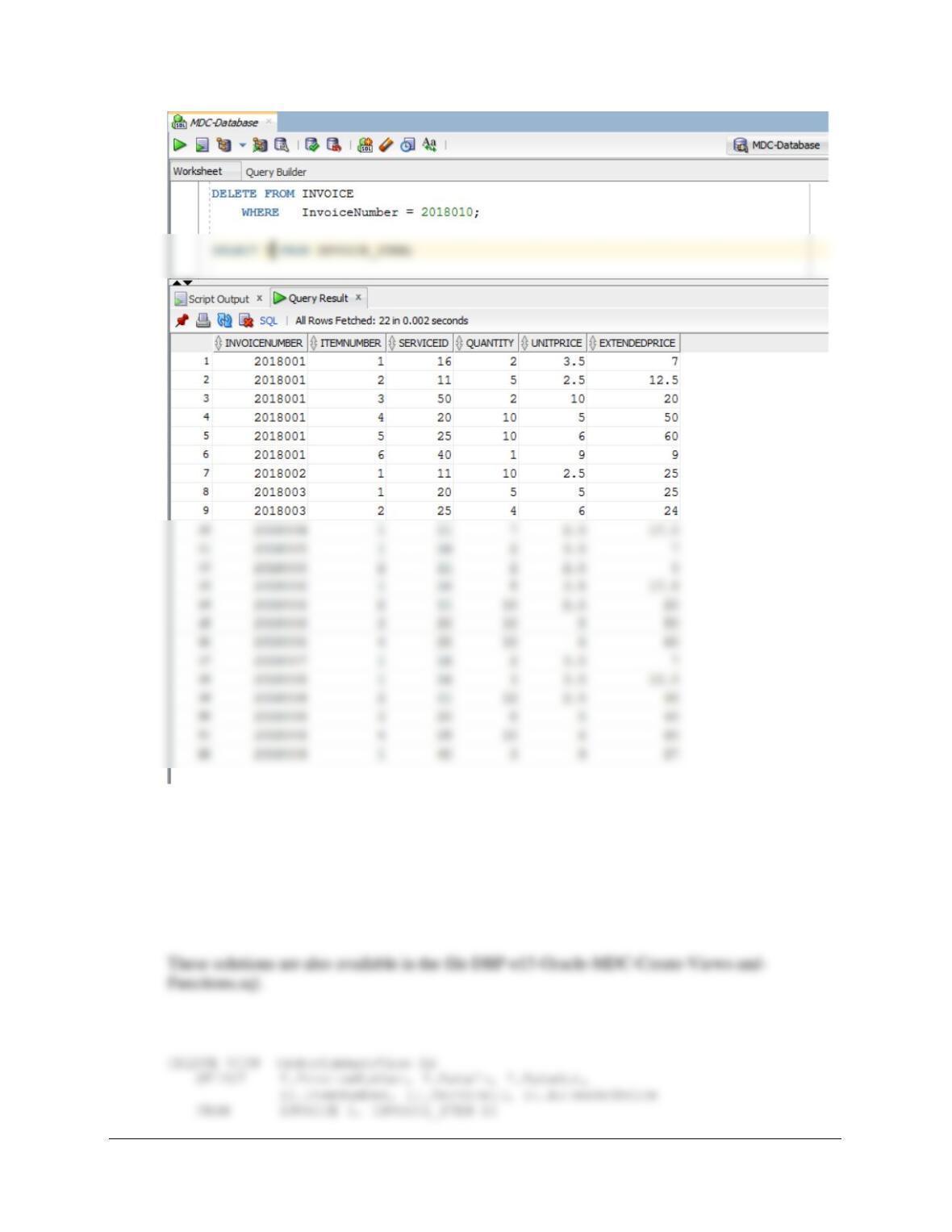
The correct command is:
DELETE FROM INVOICE
WHERE InvoiceNumber = 2015010;
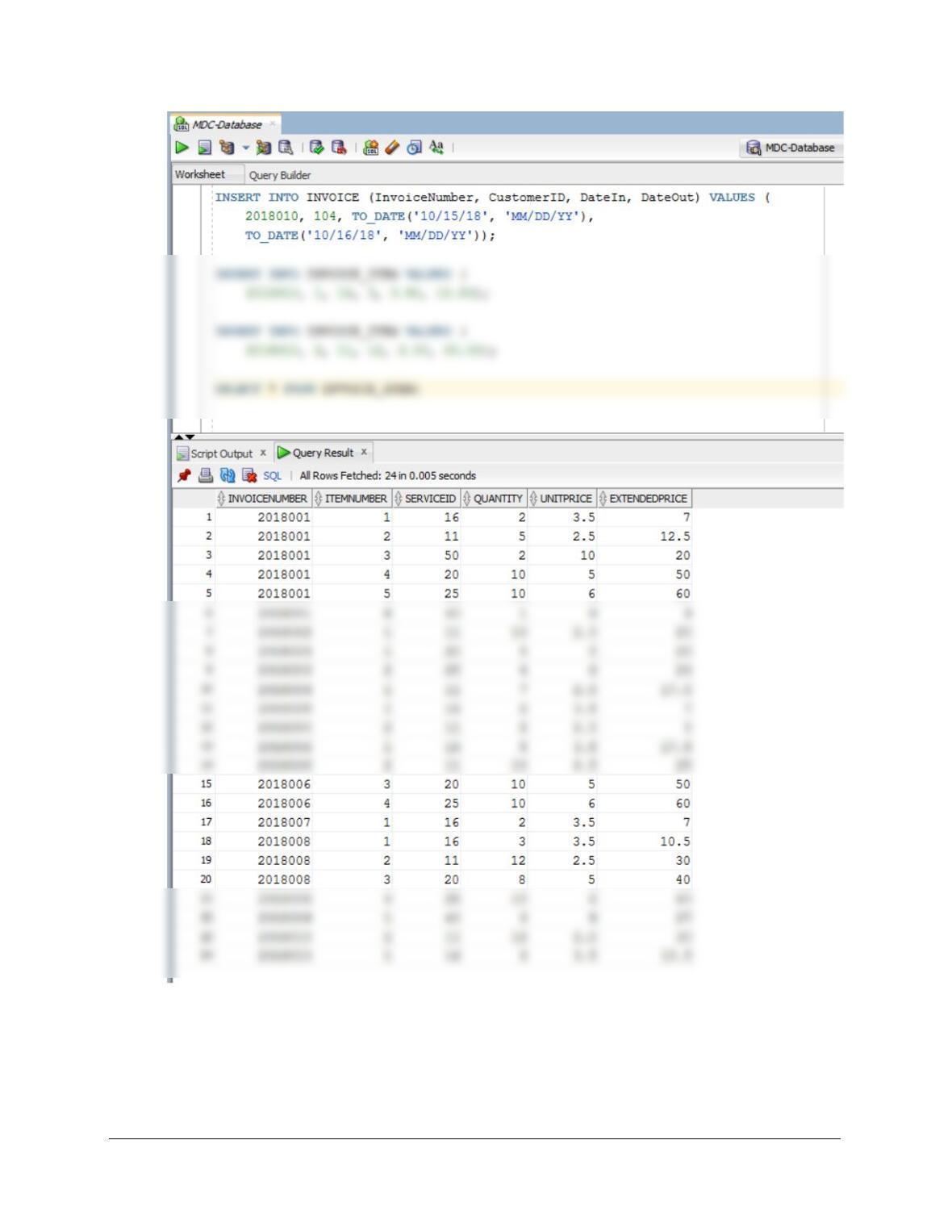
To test this, run the following set of commands:
INSERT INTO INVOICE (InvoiceNumber, CustomerID, DateIn, DateOut) VALUES (
2018010, 104, TO_DATE(’10/15/18′, ‘MM/DD/YY’),
TO_DATE(’10/16/18′, ‘MM/DD/YY’));
INSERT INTO INVOICE_ITEM VALUES (
2018010, 1, 16, 3, 3.50, 10.50);
Chapter 10B – Managing Databases with Oracle Database
Page 10B-89
DELETE FROM INVOICE
WHERE InvoiceNumber = 2018010;
SELECT * FROM INVOICE_ITEM;
Chapter 10B – Managing Databases with Oracle Database
Page 10B-90
Using the MDC database, create an SQL script named MDC-Create-Views-and–
Functions.sql to answer parts L through T. Your answer to part P should be in the form
of a comment in the SQL script.
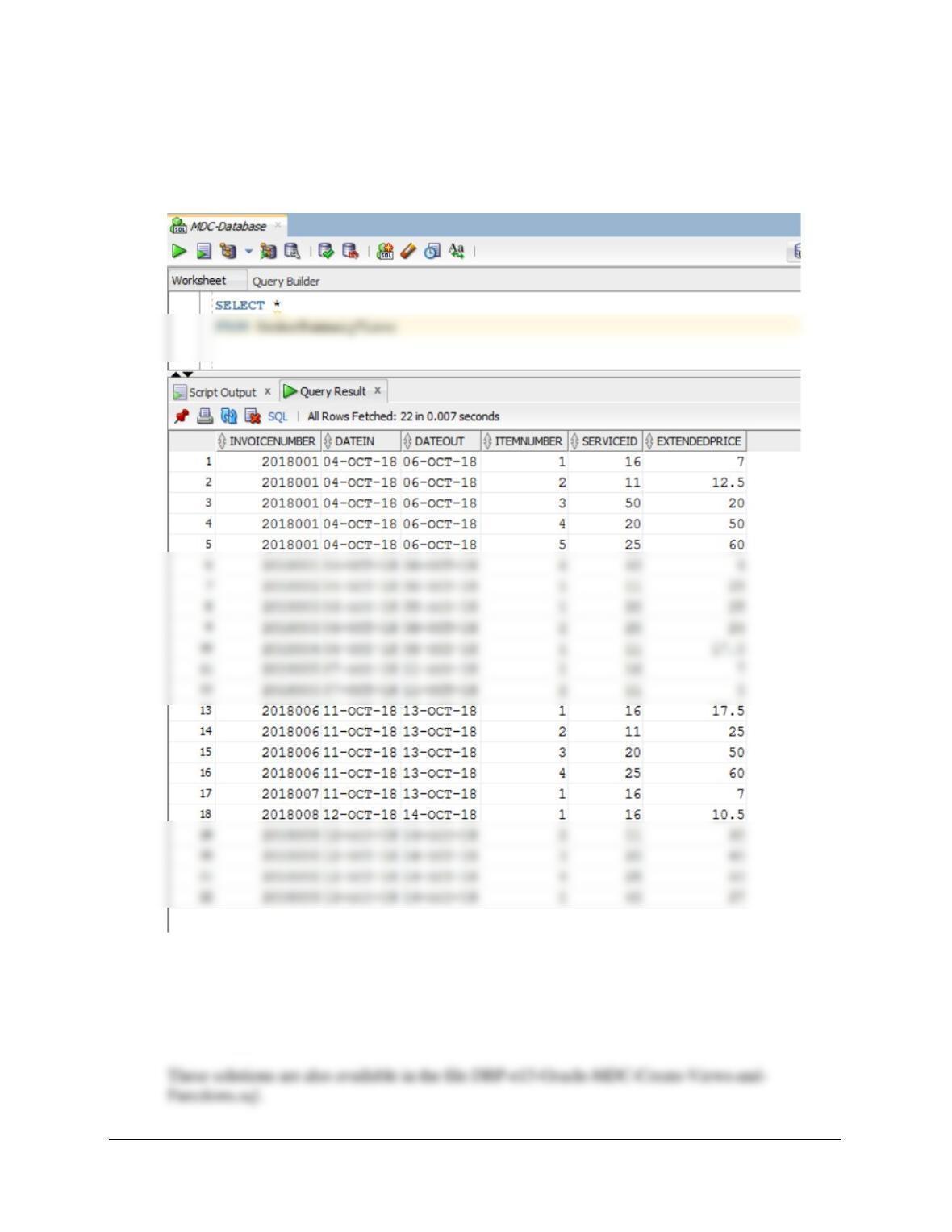
L Create a view called OrderSummaryView that contains INVOICE.InvoiceNumber,
INVOICE.DateIn, INVOICE.DateOut, INVOICE_ITEM.ItemNumber, INVOICE_ITEM.
ServiceID, and INVOICE_ITEM.ExtendedPrice.
Chapter 10B – Managing Databases with Oracle Database
Page 10B-91
WHERE I.InvoiceNumber = II.InvoiceNumber;
To test this, run the following command:
SELECT * FROM OrderSummaryView;
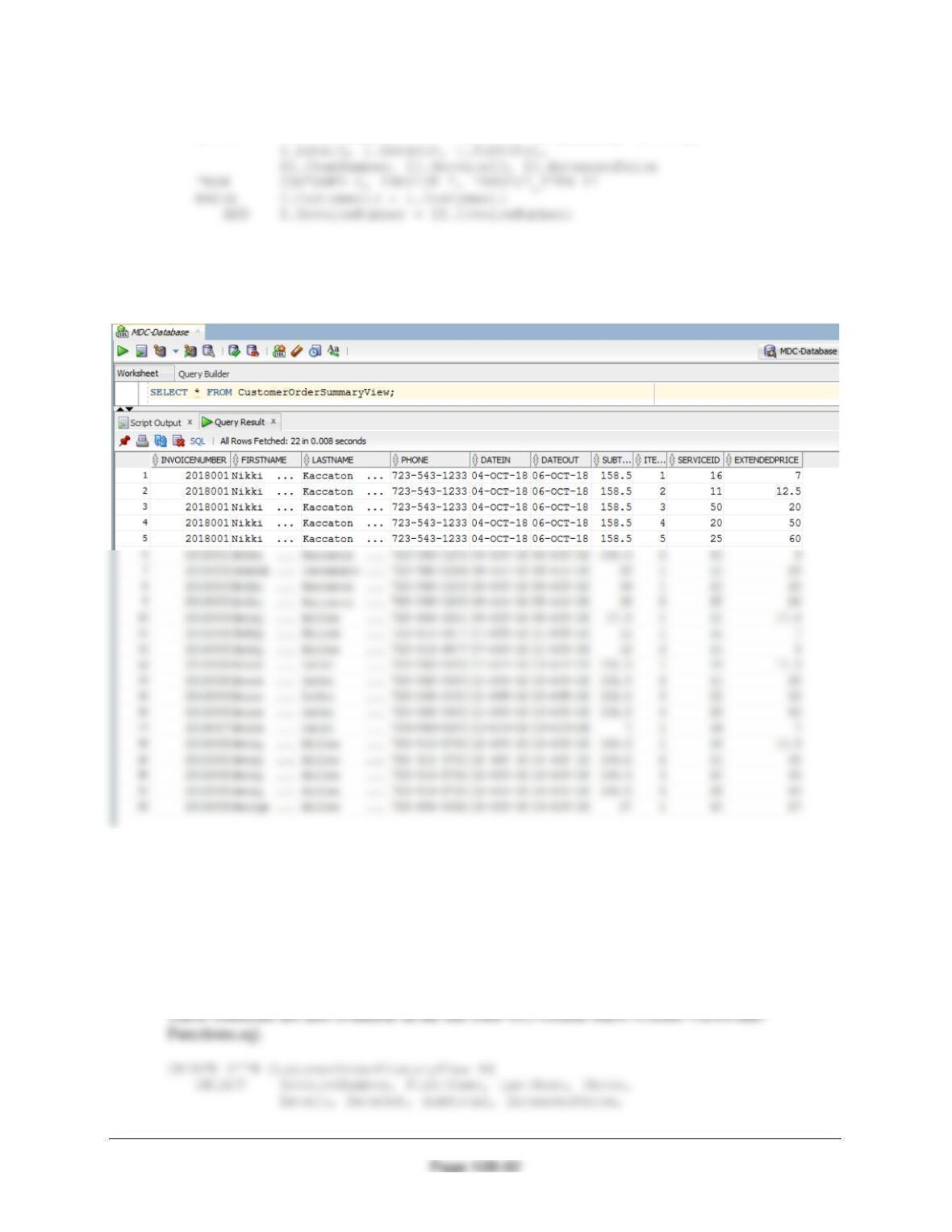
M Create a view called CustomerOrderSummaryView that contains
INVOICE.InvoiceNumber, CUSTOMER.FirstName, CUSTOMER.LastName,
CUSTOMER.Phone, INVOICE.DateIn, INVOICE.DateOut, INVOICE.SubTotal,
INVOICE_ITEM.ItemNumber, INVOICE_ITEM.ServiceID, and
INVOICE_ITEM.ExtendedPrice.
Chapter 10B – Managing Databases with Oracle Database
CREATE VIEW CustomerOrderSummaryView AS
SELECT I.InvoiceNumber, C.FirstName, C.LastName, C.Phone,
To test this, run the following command:
SELECT * FROM CustomerOrderSummaryView;
N Create a view called CustomerOrderHistoryView that (1) includes all columns of
CustomerOrderSummaryView except INVOICE_ITEM.ItemNumber,
INVOICE_ITEM.ExtendedPrice, and INVOICE_ITEM. ServiceID; (2) groups orders by
CUSTOMER.LastName, CUSTOMER.FirstName, and INVOICE.InvoiceNumber in that
order; and (3) sums and averages INVOICE_ITEM.ExtendedPrice for each order for
each customer. Hint: In (2), note that the group by will also have to include Phone,
DateIn, etc., because the selected columns must be a subset of the grouping columns.
Chapter 10B – Managing Databases with Oracle Database
Page 10B-93
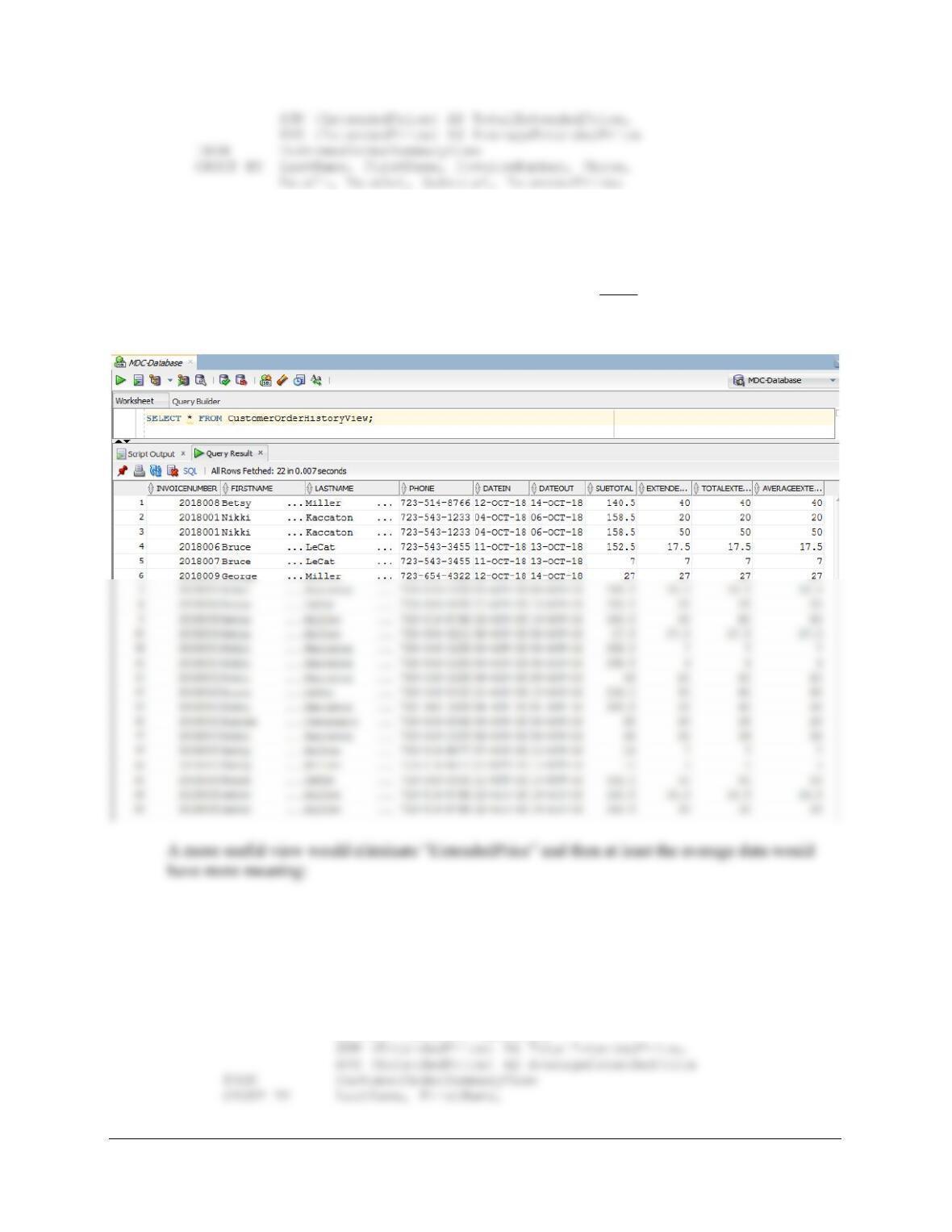
To test this, run the following command:
SELECT * FROM CustomerOrderHistoryView;
NOTE: Because INVOICE_ITEM.ExtendedPrice is included, every row from INVOICE_ITEM
is included in the result and (1) the SUM for each row is just the ExtendedPrice for each row, and
(2) the AVG for each row is just the ExtendedPrice for each row.
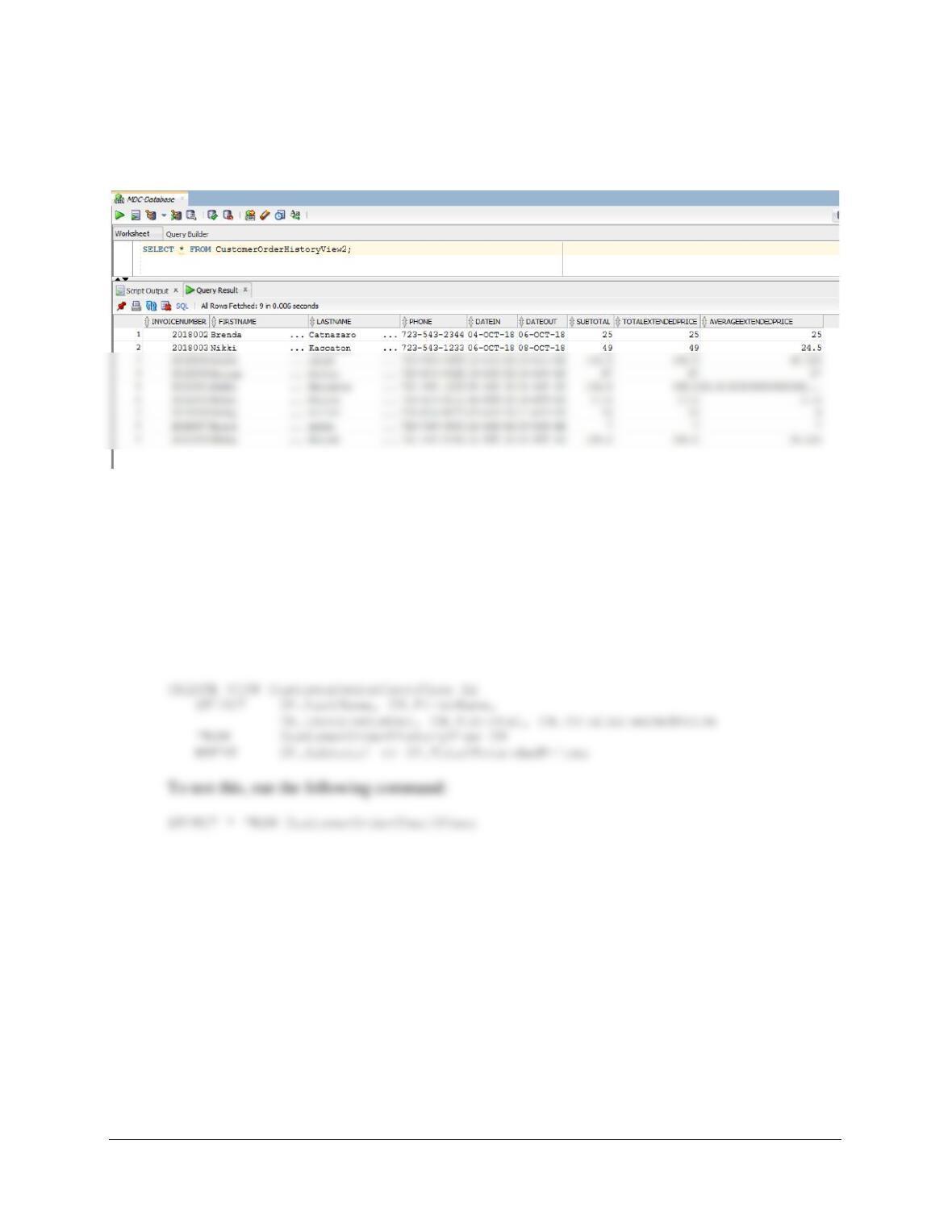
CREATE VIEW CustomerOrderHistoryView2 AS
SELECT InvoiceNumber, FirstName, LastName, Phone,
DateIn, DateOut, Subtotal,
Chapter 10B – Managing Databases with Oracle Database
Page 10B-94
InvoiceNumber, Phone, DateIn, DateOut, Subtotal;
SELECT * FROM CustomerOrderHistoryView2;
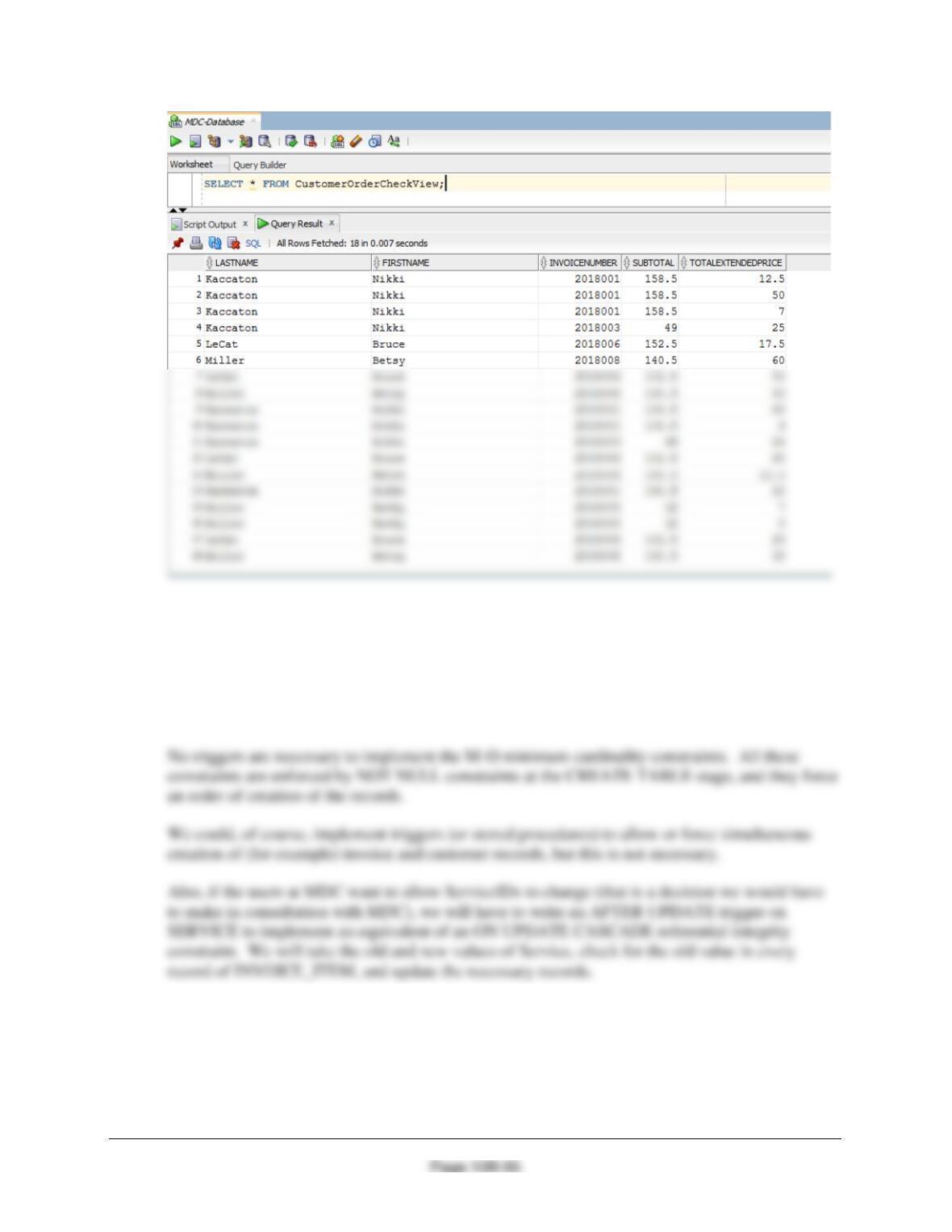
O Create a view called CustomerOrderCheckView that uses
CustomerOrderHistoryView and that shows any customers for whom the sum of
INVOICE_ITEM.ExtendedPrice is not equal to INVOICE.Subtotal. Note that this will
display customers who had more than one item in their order.
For the customers who had only one item in their order, INVOICE_ITEM.ExtendedPrice will
equal INVOICE.Subtotal. Everyone else will show up here. These solutions are also available in
the file DBP-e15-Oracle-MDC-Create-Views-and-Functions.sql.
Chapter 10B – Managing Databases with Oracle Database
P Explain in general terms how you will use triggers to enforce minimum cardinality
actions as required by your design. You need not write the triggers, just specify which
triggers you need and describe their logic in general terms.
These solutions are also available in the file DBP-e15-Oracle-MDC-Create-Views-and-
Functions.sql.
Q Create and test a user-defined function named LastNameFirst that combines two
parameters named FirstName and LastName into a concatenated name field formatted
LastName, FirstName (including the comma and space).
These solutions are also available in the file DBP-e15-Oracle-MDC-Create-Views-and-
Functions.sql.
Chapter 10B – Managing Databases with Oracle Database
Page 10B-96
Tested in view that follows in part R.
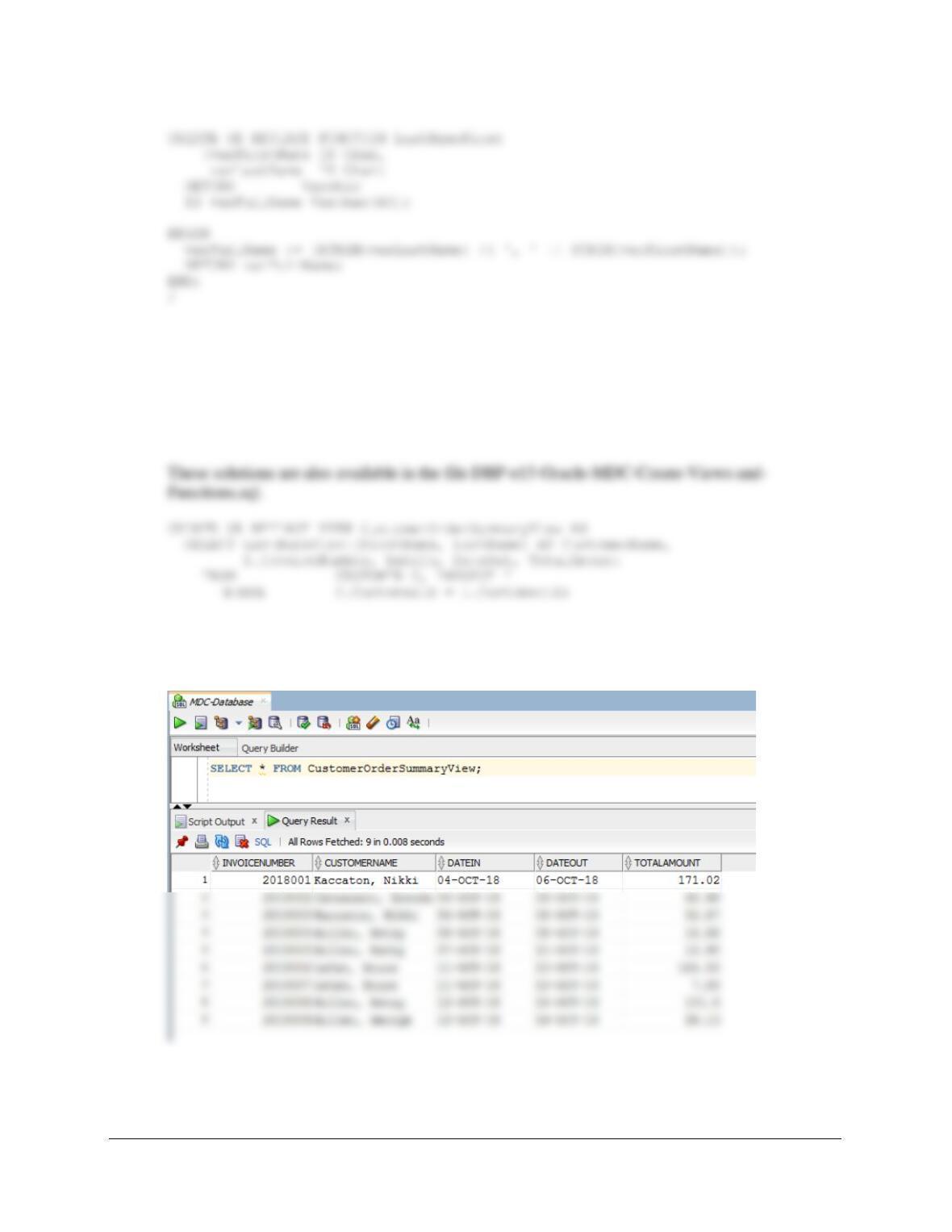
R Create and test a view called CustomerOrderSummaryView that contains the
customer name concatenated and formatted as LastName, FirstName in a field named
CustomerName, INVOICE.InvoiceNumber, INVOICE.DateIn, INVOICE.DateOut, and
INVOICE.TotalAmount.
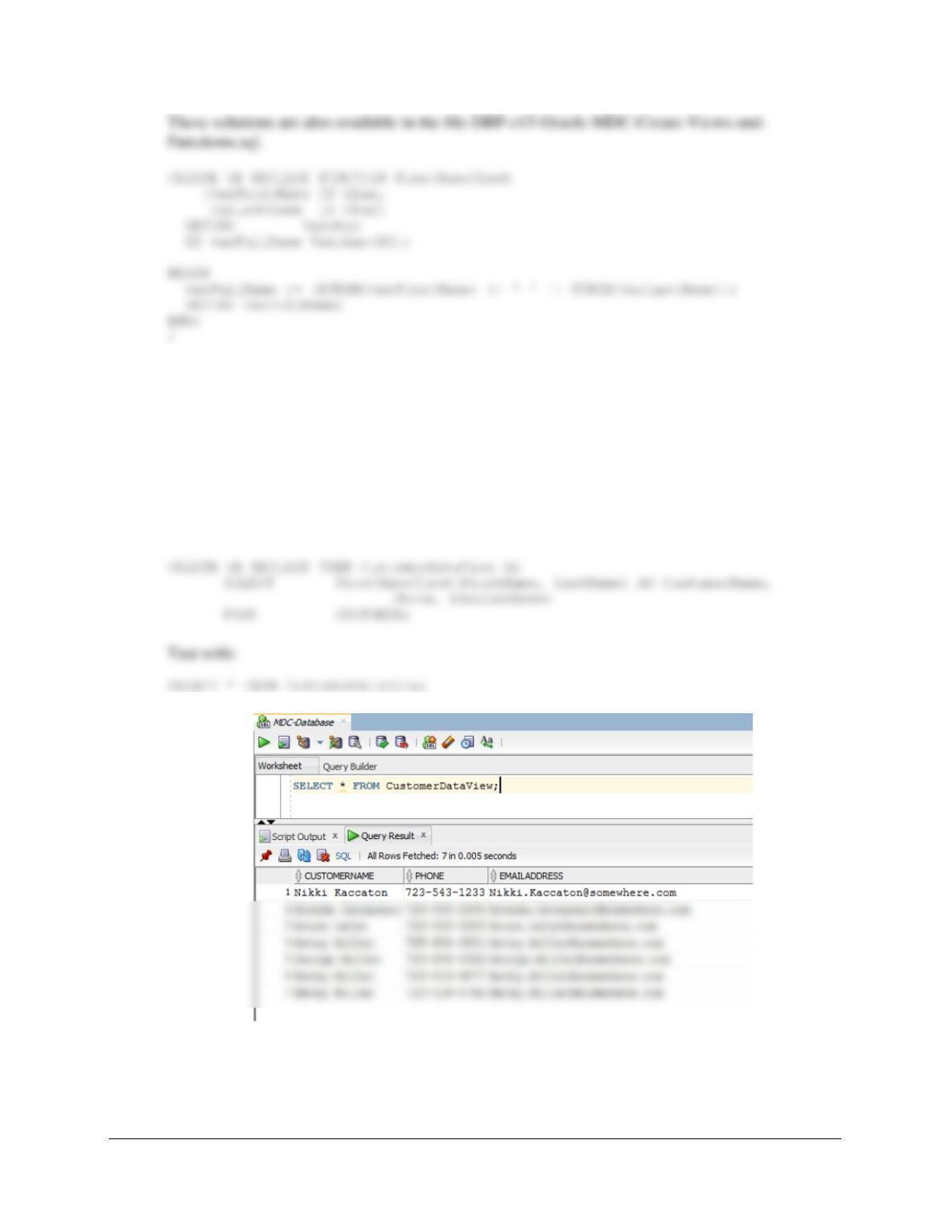
Test with:
SELECT * FROM CustomerOrderSummaryView;
S Create and test a user-defined function named FirstNameFirst that combines two
parameters named FirstName and LastName into a concatenated name field formatted
FirstName LastName (including the space).
Chapter 10B – Managing Databases with Oracle Database
Page 10B-97
Tested in view that follows in part T.
T Create and test a view called CustomerDataView that contains the customer
name concatenated and formatted as FirstName LastName in a field named
CustomerName, Phone, and EmailAddress.
These solutions are also available in the file DBP-e15-Oracle-MDC-Create-Views-and-
Functions.sql.
Using the MDC database, create an SQL script named MDC-Create-Triggers.sql to
answer parts U and V.
Chapter 10B – Managing Databases with Oracle Database
U Assume that the relationship between INVOICE and INVOICE_ITEM is M-M.
Design triggers to enforce this relationship. Use Figure 10B-72 and the discussion of that
V Write and test the triggers you designed in part U.
Note: The answers to Case Questions U and V are combined in the following discussion.
These solutions are also available in the file DBP-e15-Oracle-MDC-Create-Triggers.sql.
Both INVOICE and
INVOICE_ITEM are
Required
INVOICE
[Parent]
INVOICE_ITEM
[Child]
Insert
Create a new INVOICE_ITEM
row. Note that this row must be
numbered as INVOICE_ITEM 1
for this INVOICE.
Use a trigger to create new row
in INVOICE_ITEM.
New INVOICE_ITEM row must
have a valid INVOICE (enforced
by DBMS NOT NULL and
referential integrity).
need to do anything else.
implement this logic.
There are three actions that need triggers:
(1) Denying the reassignment of an INVOICE_ITEM from one INVOICE to another
Chapter 10B – Managing Databases with Oracle Database
Page 10B-99
(1) Denying the reassignment of an INVOICE_ITEM from one INVOICE to another.
It makes no logical business sense to move an INVOICE_ITEM from one INVOICE to another.
Note that if this was done, both a different INVOICE.InvoiceID and probably an
INVOICE_ITEM.ItemNumber would have to be assigned.
Here is the trigger code:
CREATE OR REPLACE TRIGGER Deny_II_I
BEFORE UPDATE OF InvoiceNumber ON INVOICE_ITEM
FOR EACH ROW
BEGIN
/* Disallow the change of an InvoiceNumber and OrderItem in INVOICE_ITEM */
DBMS_OUTPUT.PUT_LINE
(‘********************************************************************’);
DBMS_OUTPUT.PUT_LINE (‘ ‘);
DBMS_OUTPUT.PUT_LINE
(‘ Trigger Deny_II_I’);
DBMS_OUTPUT.PUT_LINE (‘ ‘);
DBMS_OUTPUT.PUT_LINE
END;
/
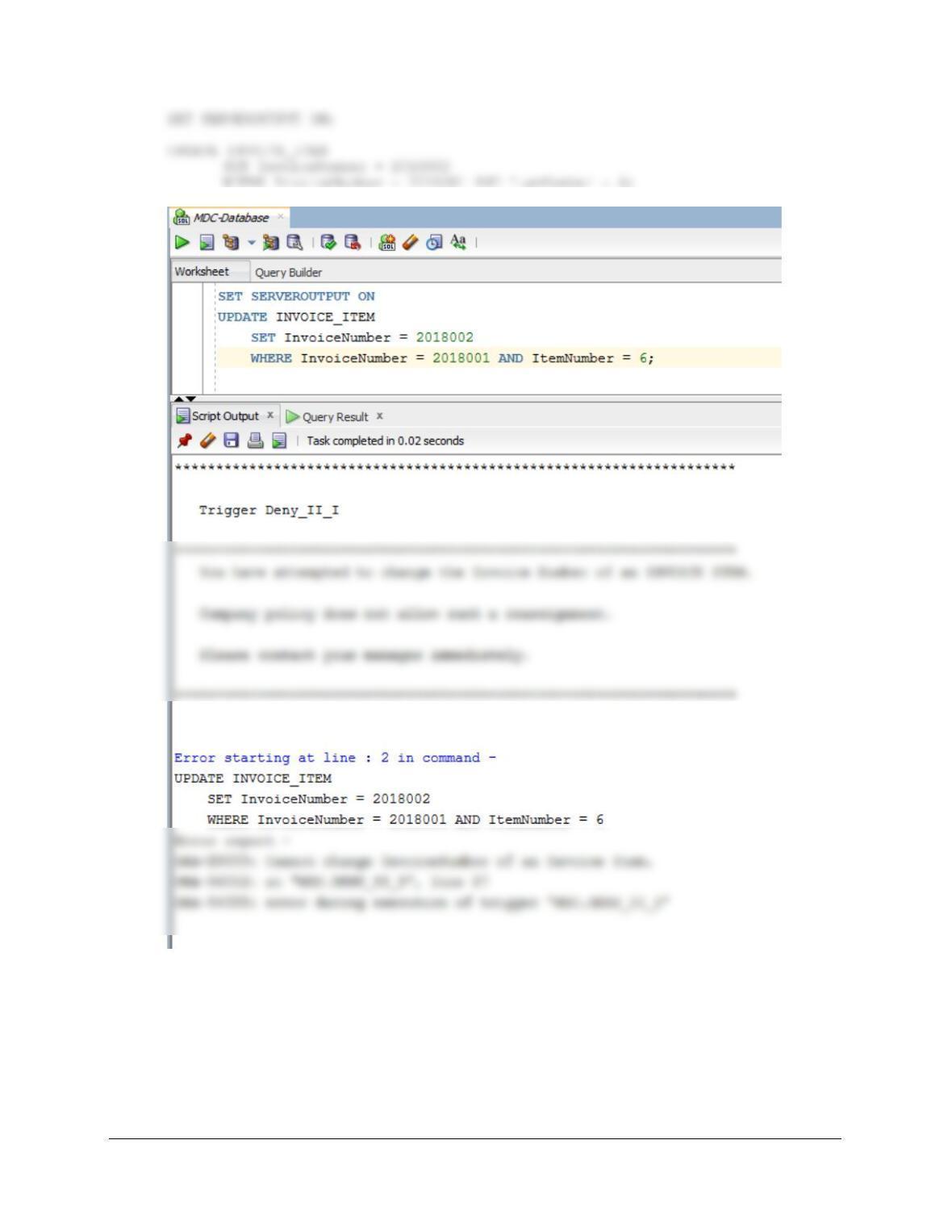
To test this trigger, use:
Chapter 10B – Managing Databases with Oracle Database
Page 10B-100
(2) Deleting an INVOICE when the last INVOICE_ITEM is deleted.
We will use the logic in Figures 7-28 and 7-29 for this case. In this logic, one type of employee
has the right to delete INVOICE_ITEMs, but not INVOICEs, while another type of employee
with more authority has the right to delete INVOICEs as well.