Chapter 10A – Managing Databases with SQL Server 2017
Page 10A-41
View Ridge Gallery Exercises
Review Questions 10.40 and 10.41 are based on the View Ridge Gallery database
discussed in this chapter.
10A.40 Write SQL statements to accomplish the following tasks and submit them to SQL
Server 2017 via the Microsoft SQL Server Management Studio. For steps C-K, save
your work in an SQL script named VRG-CH10A-PQ–10A-40.sql.
A. Create an SQL Server 2017 database named VRG-CH10A-PQ.
B. In the SQL Server Management Studio folder structure in your My Documents
folder, create a folder named DBP–e15–WP-CH10A-PQ-Database in the Projects
folder. Use this folder to save and store *.sql scripts containing the SQL
statements that you are asked to create in the remaining questions in this
section.
C. In the VRG-CH10A-PQ database, create the VRG tables shown in Figure 10-13,
except do not create the NationalityValues constraint.
Create and run a script named DBP-e15-MSSQL-VRG-CH10A–PQ-Create-Tables.sql.
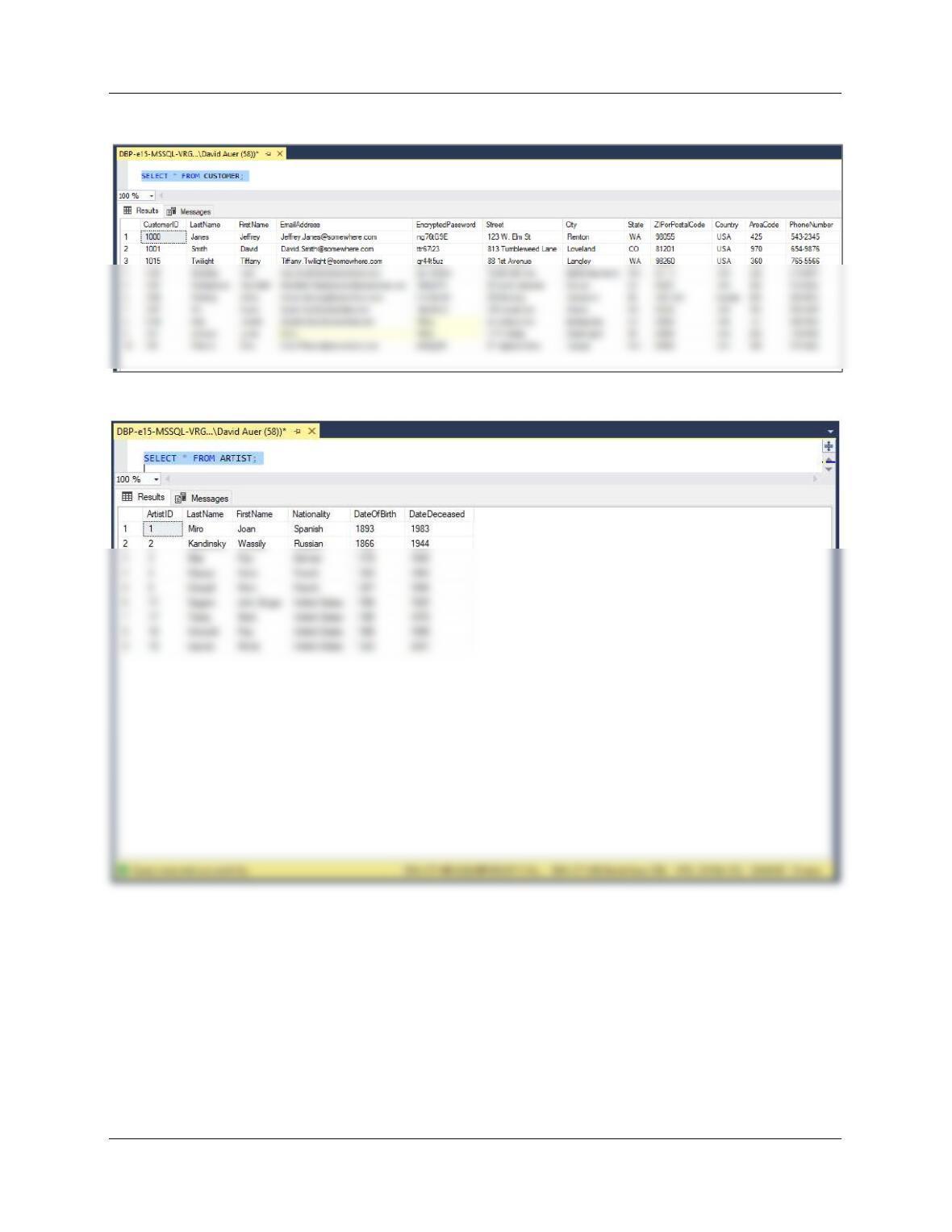
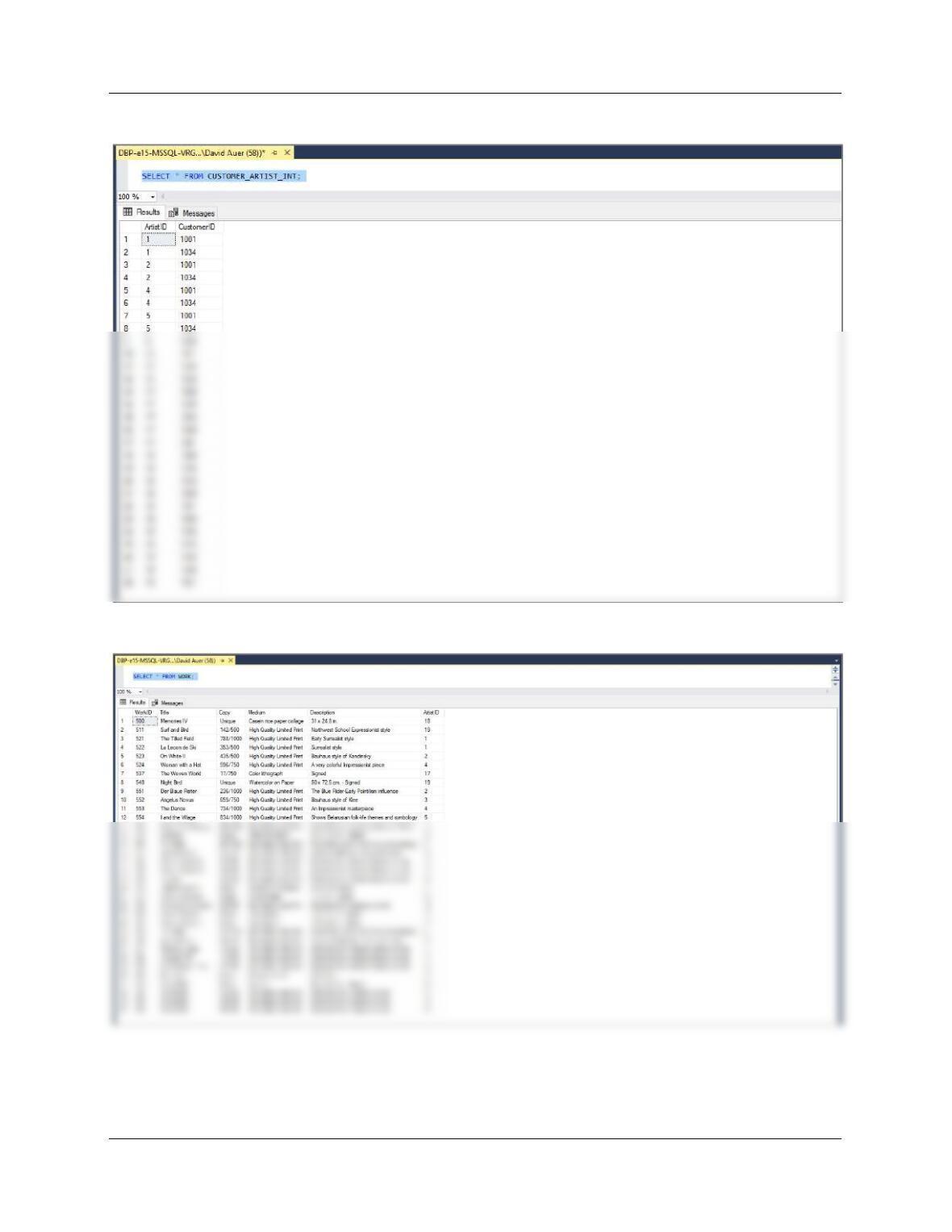
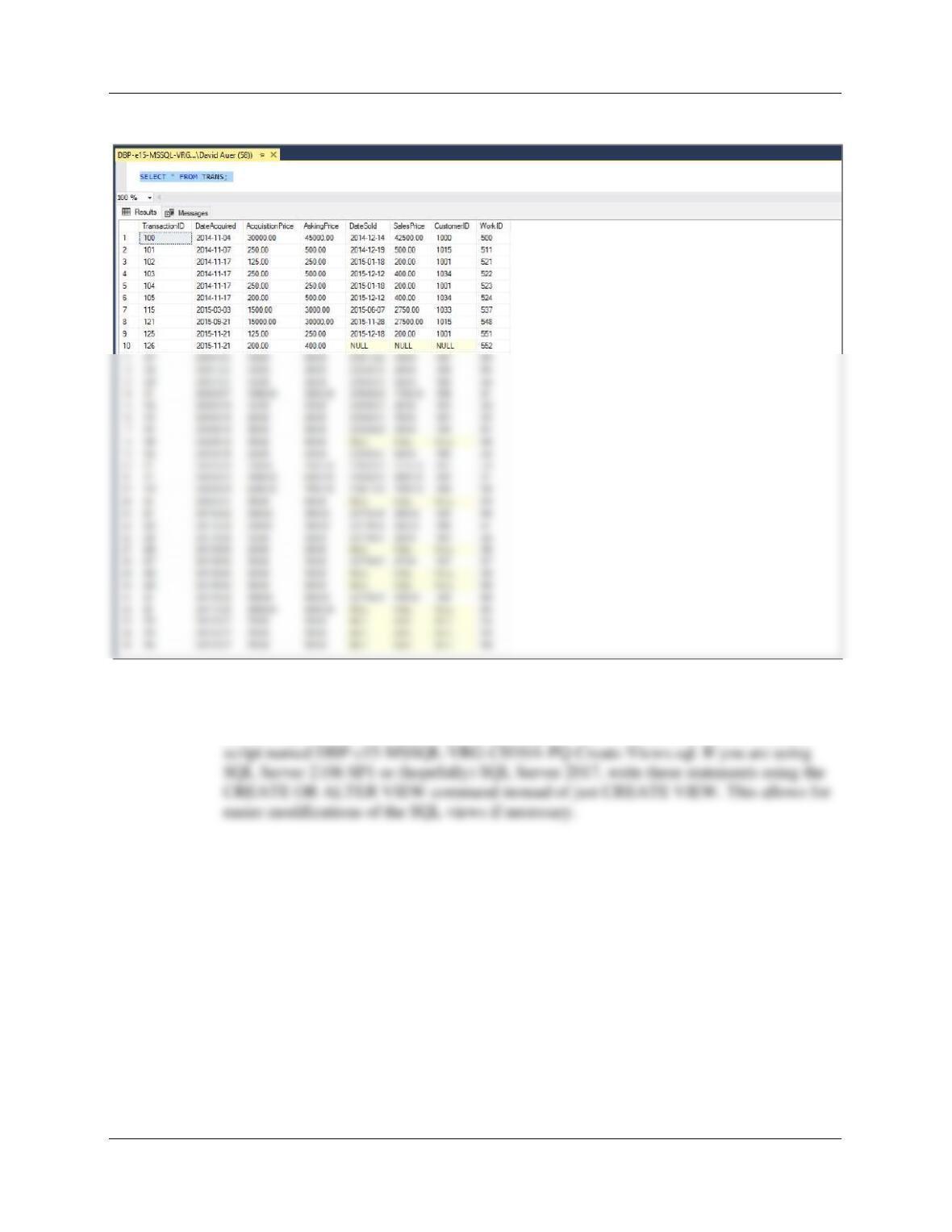
D. Populate your database with the sample data from Figure 10-25.
All the SQL statements needed are in Figure 10-35 (you can simply rename and edit the
Chapter 10A – Managing Databases with SQL Server 2017
Page 10A-42
SELECT * FROM CUSTOMER;
SELECT * FROM ARTIST;
Chapter 10A – Managing Databases with SQL Server 2017
Page 10A-43
SELECT * FROM CUSTOMER_ARTIST_INT;
SELECT * FROM WORK;
Chapter 10A – Managing Databases with SQL Server 2017
Page 10A-44
SELECT * FROM TRANS;
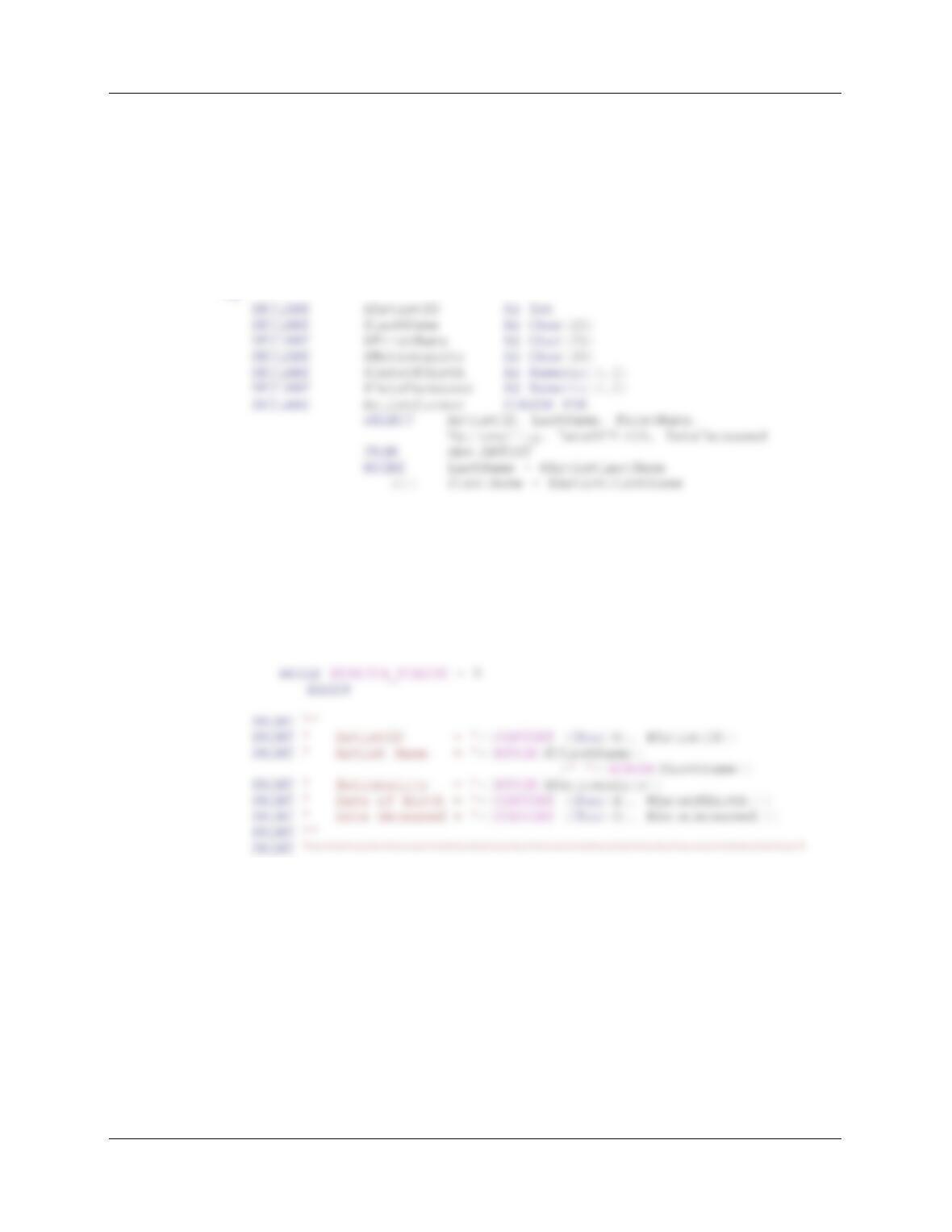
E. Create all the VRG views discussed in the Chapter 7 section on SQL views.
All the SQL statements needed are in the Chapter 7 text. Use them to create and run a
Chapter 10A – Managing Databases with SQL Server 2017
Page 10A-45
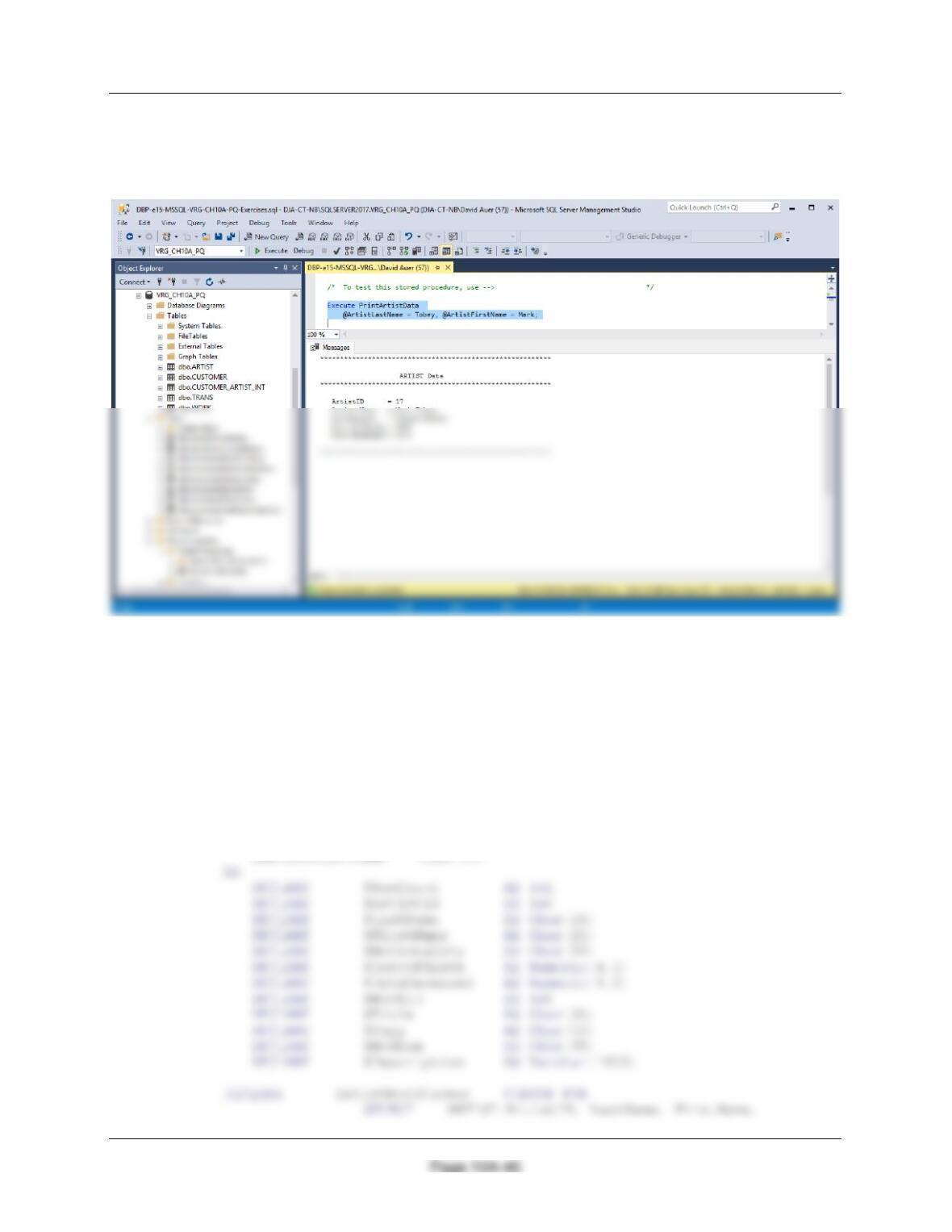
F. Write a stored procedure named PrintArtistData to read the ARTIST table and
display the artist data using the Transact-SQL PRINT command. Using database
data, and demonstrate that your stored procedure works.
You can write this code, save it as an SQL script, and run it in the Microsoft SQL Server
Management Studio. Note use of CREATE OR ALTER PROCEDURE command.
CREATE OR ALTER PROCEDURE [dbo].[PrintArtistData]
@ArtistLastName Char(25),
@ArtistFirstName Char(25)
AS
PRINT ‘**********************************************************’
PRINT ”
Print ‘ ARTIST Data ‘
PRINT ‘**********************************************************’
OPEN ArtistCursor;
FETCH NEXT FROM ArtistCursor
INTO @ArtistID, @LastName, @FirstName,
@Nationality, @DateOfBirth, @DateDeceased
FETCH NEXT FROM ArtistCursor INTO
@ArtistID, @LastName, @FirstName,
@Nationality, @DateOfBirth, @DateDeceased
END;
CLOSE ArtistCursor;
DEALLOCATE ArtistCursor;
Chapter 10A – Managing Databases with SQL Server 2017
The command to show the ARTIST data for the artist Mark Tobey is:
Execute ViewArtistData
@ArtistLastName = Tobey, @ArtistFirstName = Mark;
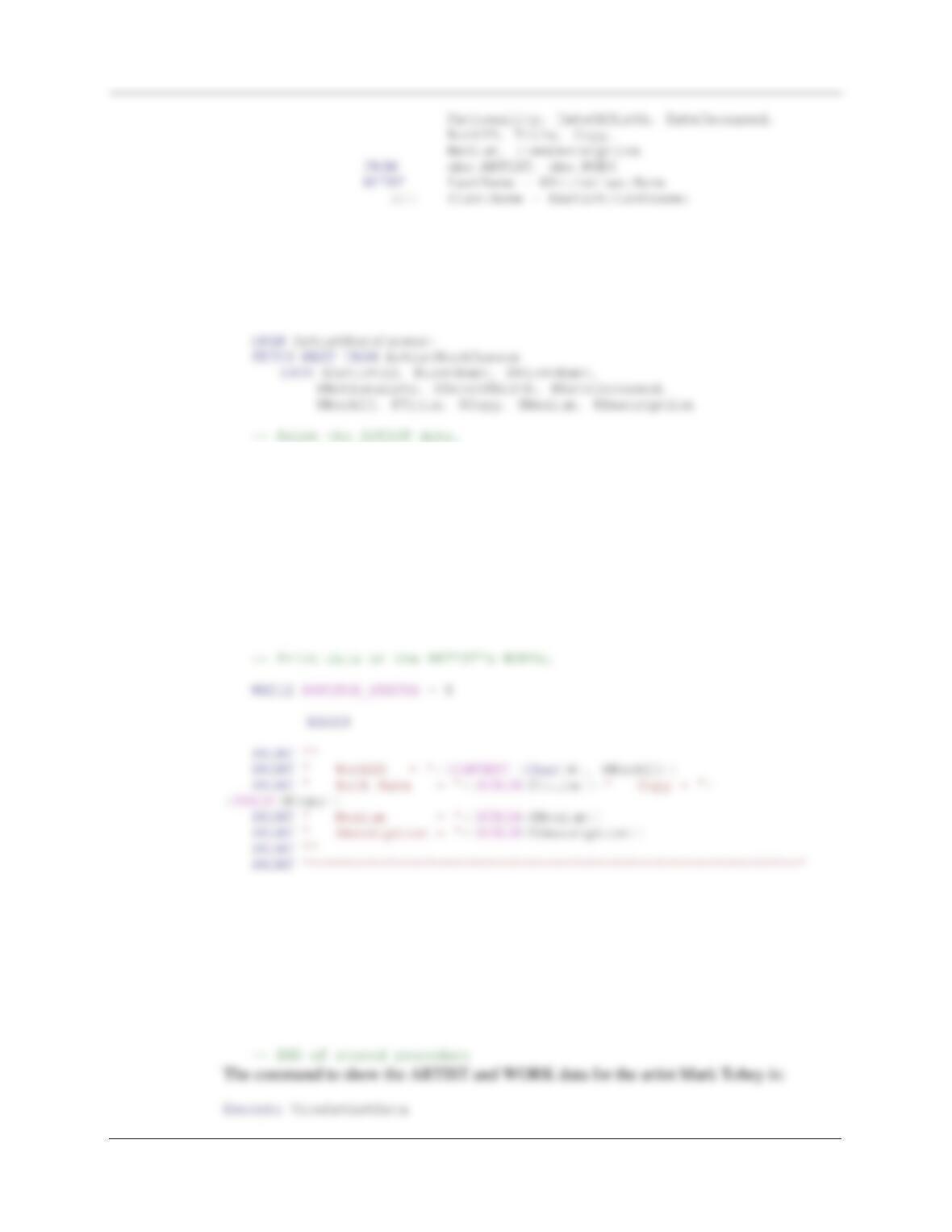
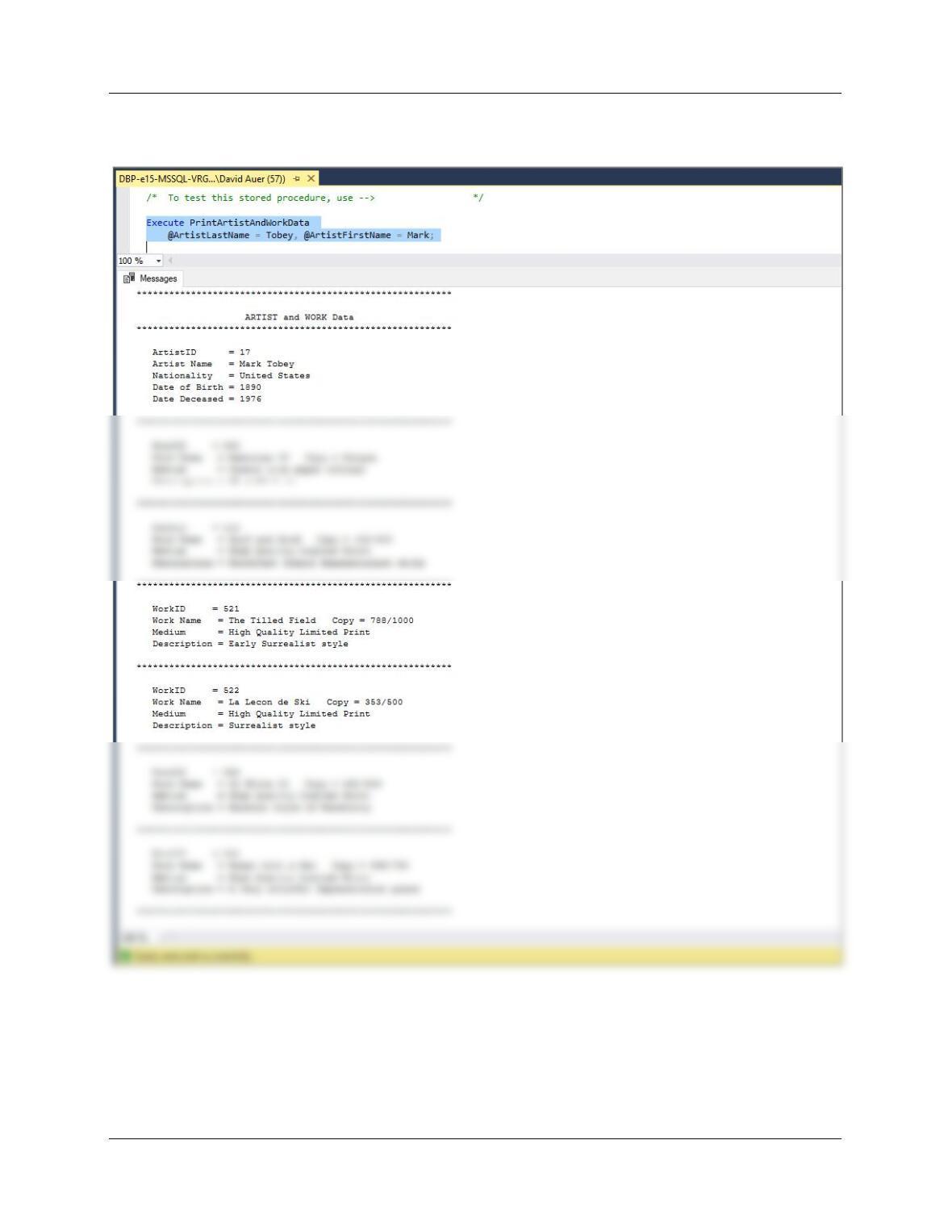
G. Write a stored procedure named PrintArtistAndWorkData to read the ARTIST
and WORK tables that accepts the name of the artist to display as an input
parameter. Your procedure should then display the data for that artist, followed
by a display of all of the works for that artist stored in WORK. Using database
data, and demonstrate that your stored procedure works.
You can write this code, save it as an SQL script, and run it in the Microsoft SQL Server
Management Studio. Note use of CREATE OR ALTER PROCEDURE command.
CREATE OR ALTER PROCEDURE [dbo].[PrintArtistAndWorkData]
@ArtistLastName Char(25),
@ArtistFirstName Char(25)
Chapter 10A – Managing Databases with SQL Server 2017
Page 10A-47
— Print titles.
PRINT ‘**********************************************************’
PRINT ”
Print ‘ ARTIST and WORK Data ‘
PRINT ‘**********************************************************’
PRINT ”
PRINT ‘ ArtistID = ‘+(CONVERT (Char(6), @ArtistID))
PRINT ‘ Artist Name = ‘+(RTRIM(@FirstName))+‘
‘+(RTRIM(@LastName))
PRINT ‘ Nationality = ‘+(RTRIM(@Nationality))
PRINT ‘ Date of Birth = ‘+(CONVERT (Char(4),
CONVERT (Numeric(4,0), @DateOfBirth)))
PRINT ‘ Date Deceased = ‘+(CONVERT (Char(4),
CONVERT (Numeric(4,0), @DateDeceased)))
PRINT ”
PRINT ‘**********************************************************’
FETCH NEXT FROM ArtistWorkCursor INTO
@ArtistID, @LastName, @FirstName,
@Nationality, @DateOfBirth, @DateDeceased,
@WorkID, @Title, @Copy, @Medium, @Description
END;
CLOSE ArtistWorkCursor;
DEALLOCATE ArtistWorkCursor;
Chapter 10A – Managing Databases with SQL Server 2017
Page 10A-48
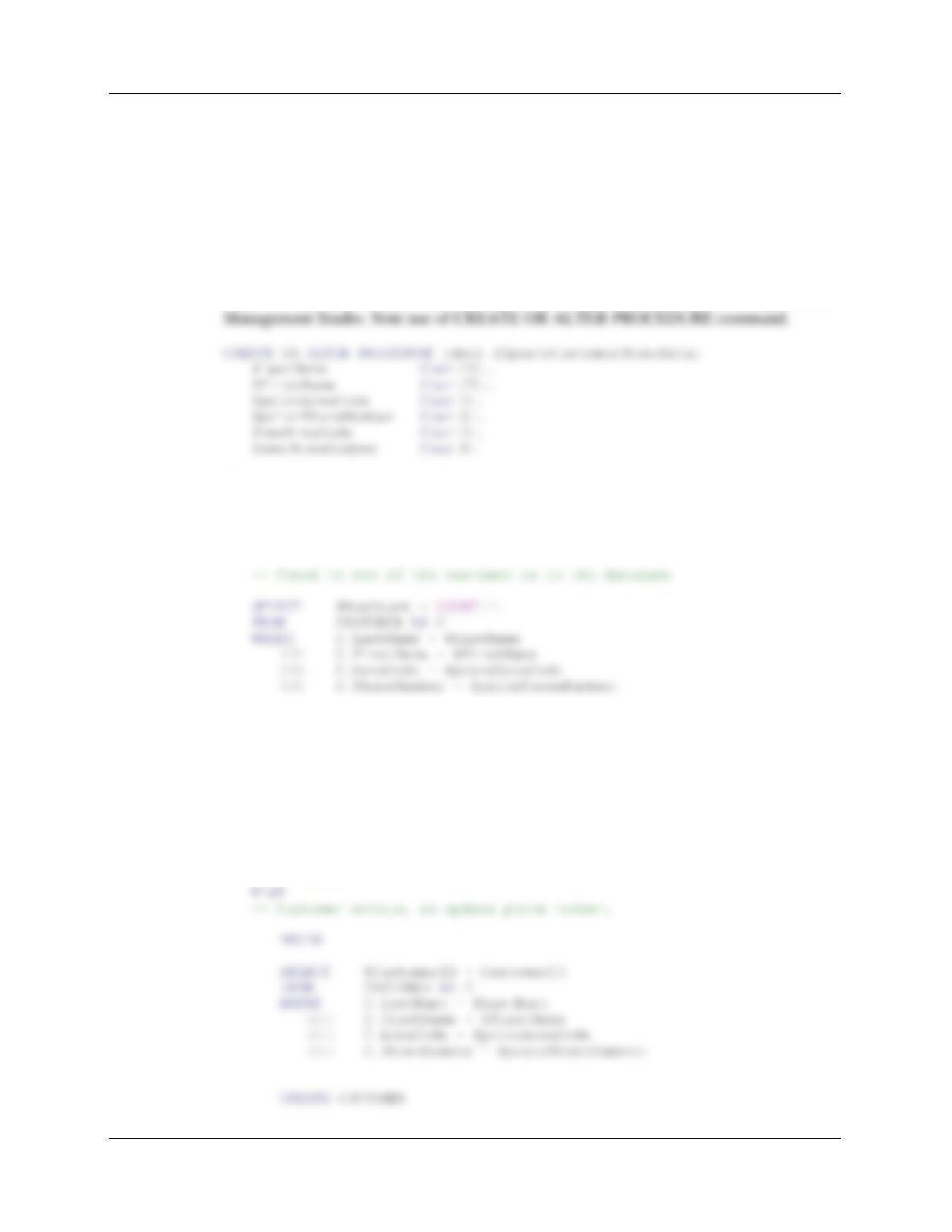
@ArtistLastName = Tobey, @ArtistFirstName = Mark;
Chapter 10A – Managing Databases with SQL Server 2017
Page 10A-49
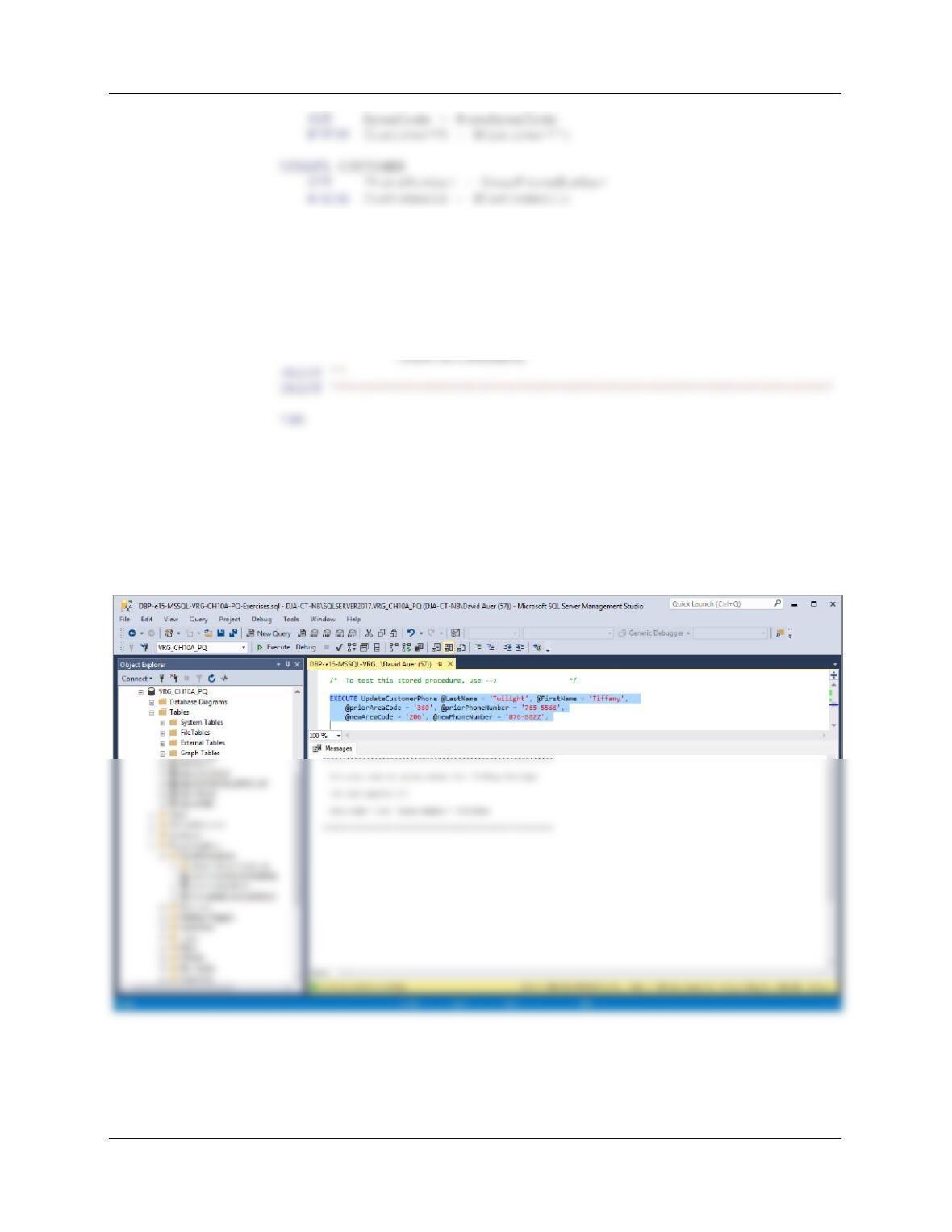
H. Write a stored procedure named UpdateCustomerPhoneData to update
customer phone data. Assume that your stored procedure receives LastName,
FirstName, priorAreaCode, newAreaCode, priorPhoneNumber, and
newPhoneNumber. Your procedure should first ensure that there is only one
customer with the values of (LastName, FirstName, PriorAreaCode,
PriorPhoneNumber). If not, produce an error message and quit. Otherwise,
update the customer data with the new phone number data, and print a results
message. Create test data, and demonstrate that your stored procedure works.
You can write this code, save it as an SQL script, and run it in the Microsoft SQL Server
AS
SET NOCOUNT ON;
DECLARE @RowCount as int
DECLARE @CustomerID as int
IF @RowCount = 0
— Customer does not exist.
BEGIN
PRINT ‘**********************************************************’
PRINT ”
PRINT ‘Customer Does Not Exist In Database — No Action Taken’
PRINT ”
PRINT ‘**********************************************************’
RETURN;
END;
Chapter 10A – Managing Databases with SQL Server 2017
Page 10A-50
PRINT ‘**********************************************************’
PRINT ”
PRINT ‘ The area code and phone number for: ‘
+RTRIM(@FirstName)+‘ ‘+RTRIM(@LastName)
PRINT ”
PRINT ‘ has been updated to:’
PRINT ‘ ‘
PRINT ‘ Area Code = ‘+@newAreaCode+‘ Phone Number = ‘
— END of stored procedure
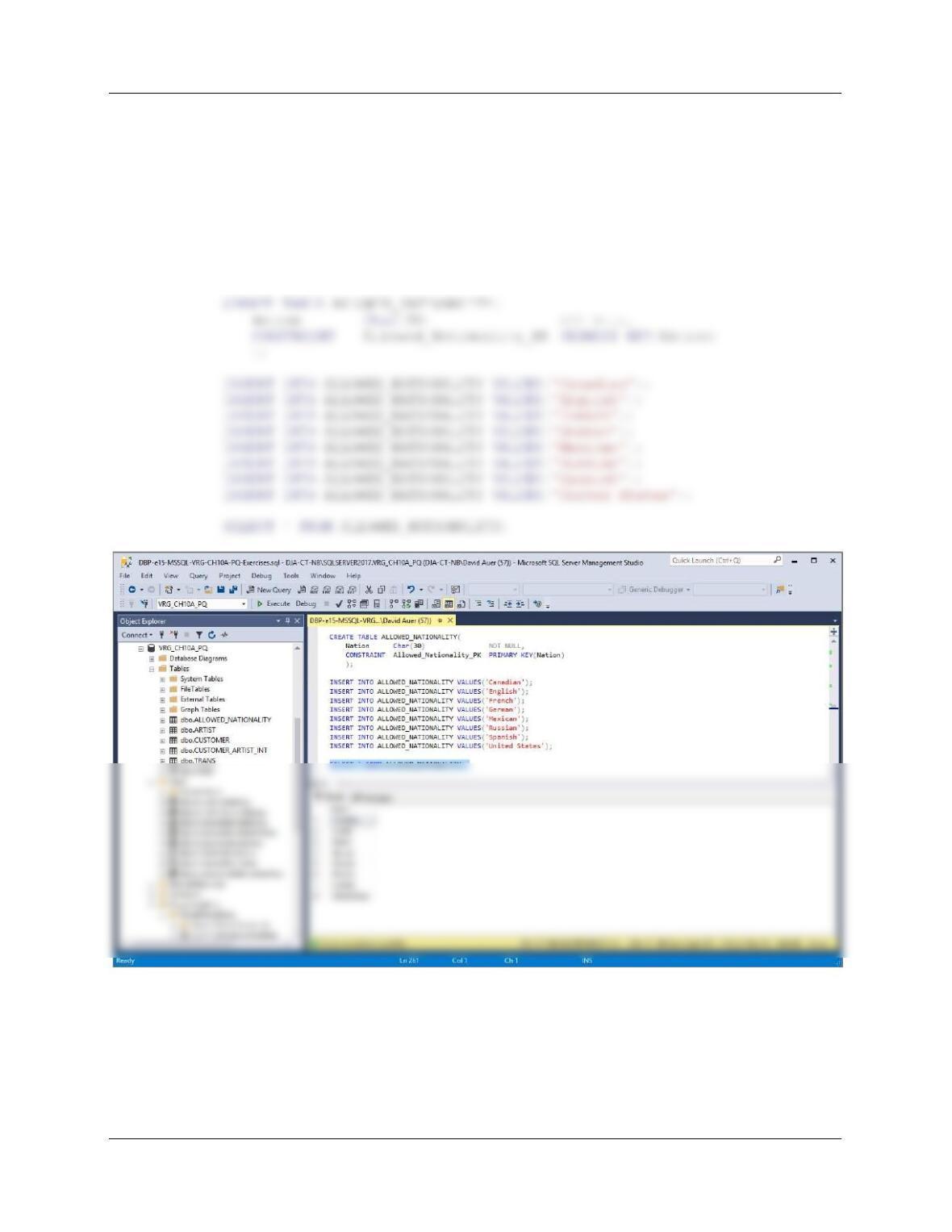
The command line to change the phone number for Tiffany Twilight to 206-876-8822 is:
EXECUTE UpdateCustomerPhone @LastName = ‘Twilight’, @FirstName =
‘Tiffany’,
@priorAreaCode = ‘360’, @priorPhoneNumber = ‘765-5566’,
@newAreaCode = ‘206’, @newPhoneNumber = ‘876-8822’;
Chapter 10A – Managing Databases with SQL Server 2017
Page 10A-51
I. Create a table named ALLOWED_NATIONALITY with one column, called
Nation. Place the values of all nationalities currently in the VRG database into
the table. Write a trigger named CheckNationality that will check to determine
whether a new or updated value of Nationality resides in this table. If not, write an
error message and roll back the insert or change. Create test data, and
demonstrate that your stored procedure works.
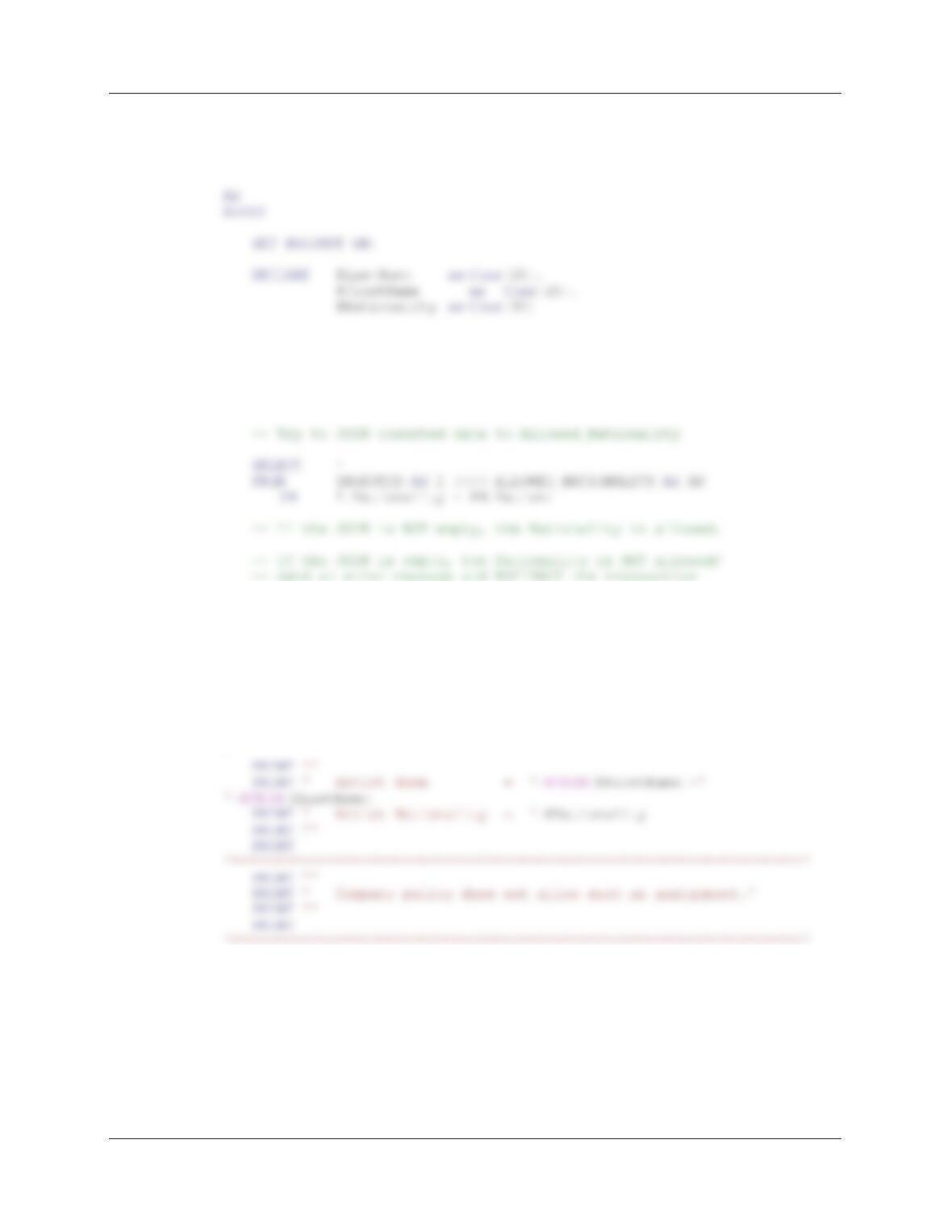
The following statements will create the table ALLOWED_NATIONALITY and insert
the needed data:
Chapter 10A – Managing Databases with SQL Server 2017
Page 10A-52
The trigger code is:
CREATE OR ALTER TRIGGER [CheckNationality] ON [dbo].[ARTIST]
FOR INSERT, UPDATE
/* Get inserted values of Name and Nationality
SELECT @LastName = LastName, @FirstName = FirstName,
@Nationality = Nationality
FROM INSERTED;
IF @@rowCount = 0
BEGIN
— Print the error message
PRINT
‘********************************************************************’
PRINT ”
PRINT ‘ You have attempted to use a non-allowed artist nationality.
‘********************************************************************’
— ROLLBACK the transaction and RETURN
ROLLBACK TRANSACTION;
RETURN;
END;
END;
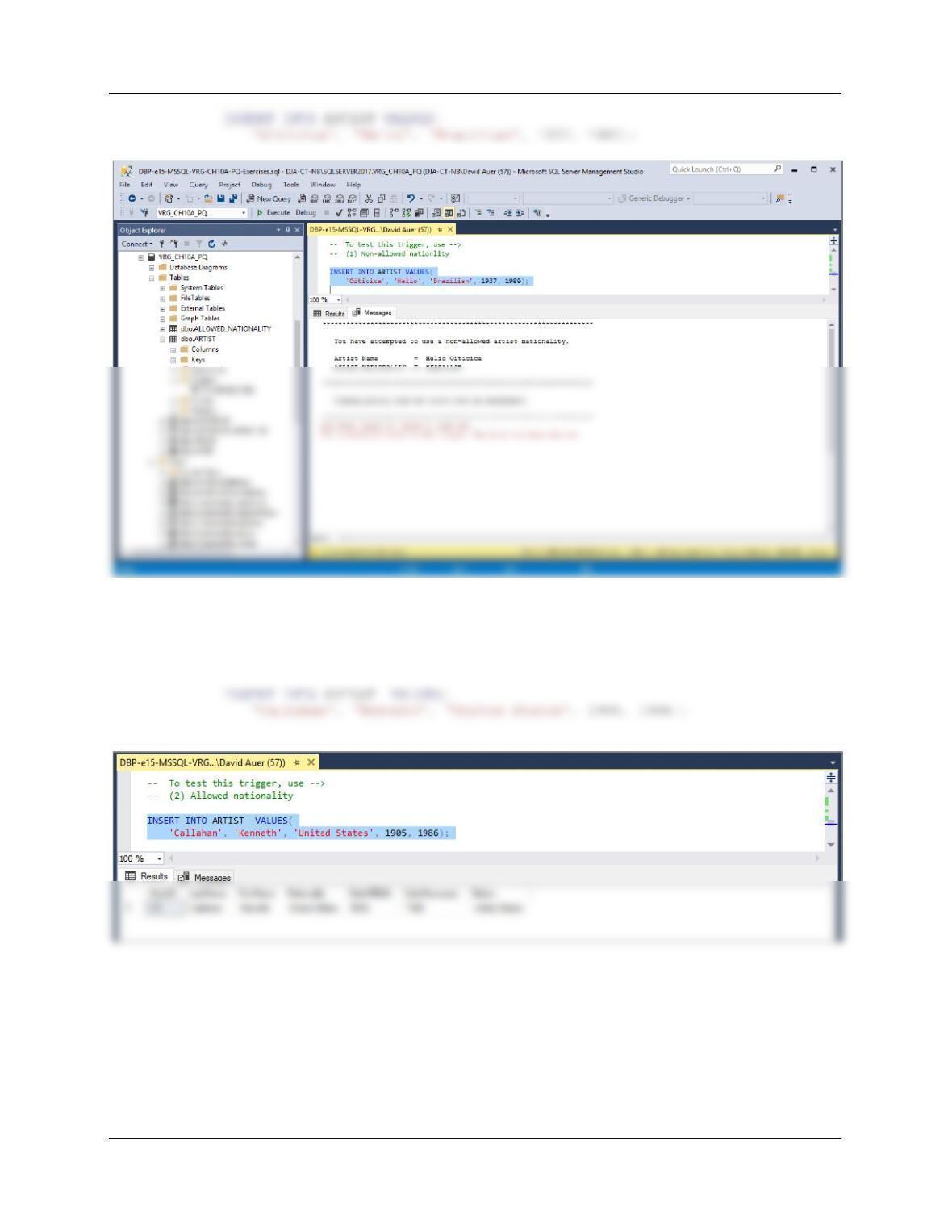
This can be tested in the Microsoft SQL Server Management Studio. The command line
to attempt to insert a new artist with a non-allowed Nationality, Helio Oiticica from
Brazil, is:
Chapter 10A – Managing Databases with SQL Server 2017
Page 10A-53
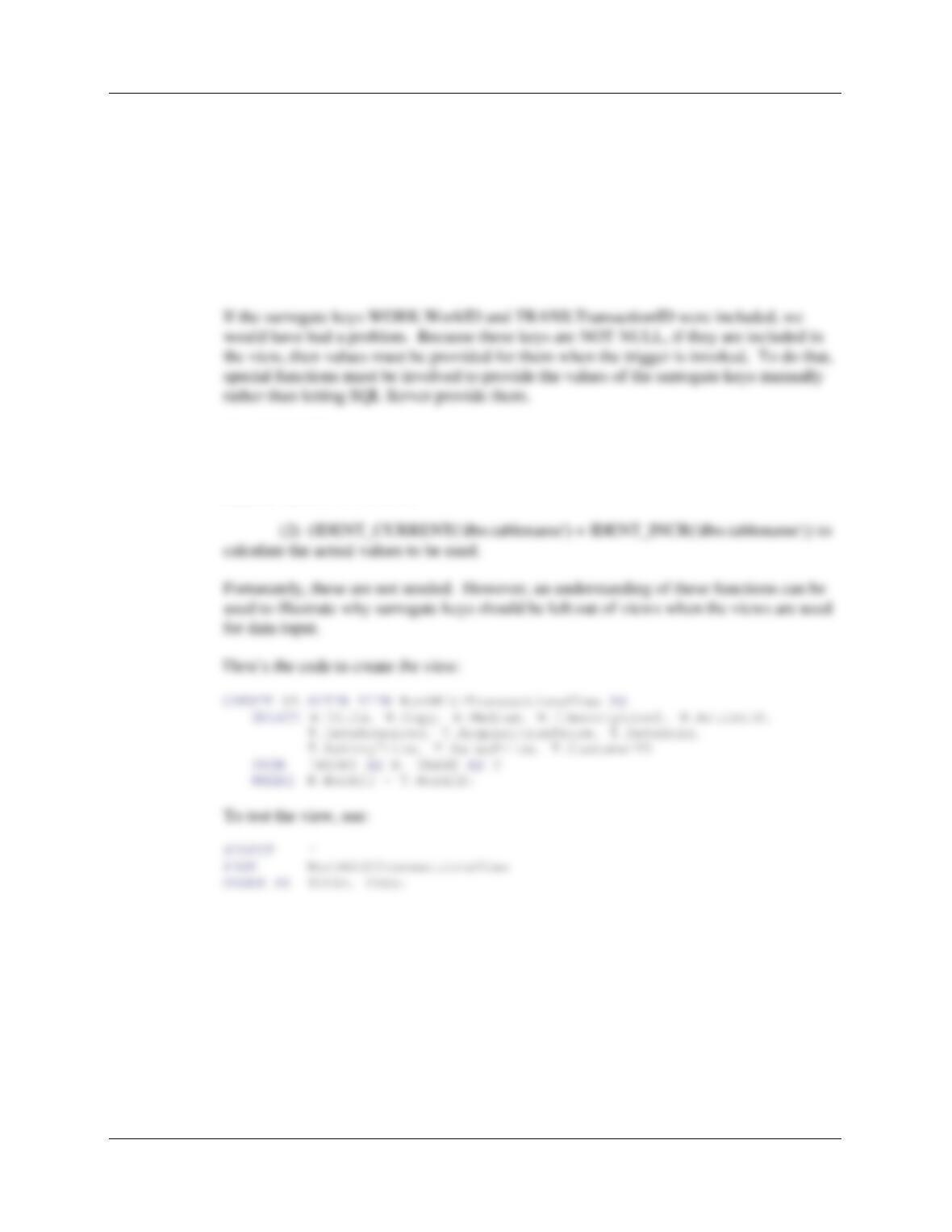
The command line to attempt to insert a new artist with an allowed Nationality, Kenneth
Callahan from the United States (and another member of the Northwest School), is:
— (2) Allowed nationality
Chapter 10A – Managing Databases with SQL Server 2017
Page 10A-54
J. Create a view having all of the data from the WORK and TRANS tables except
for the surrogate keys. Write an insert INSTEAD OF trigger on this view that will
create a new row in WORK and TRANS. Use the Microsoft SQL Server
Management Studio to demonstrate that your trigger works. Hint: Recall that you
can issue an INSERT command on WORK and TRANS without specifying a
value for the surrogate key ─ SQL Server will provide it.
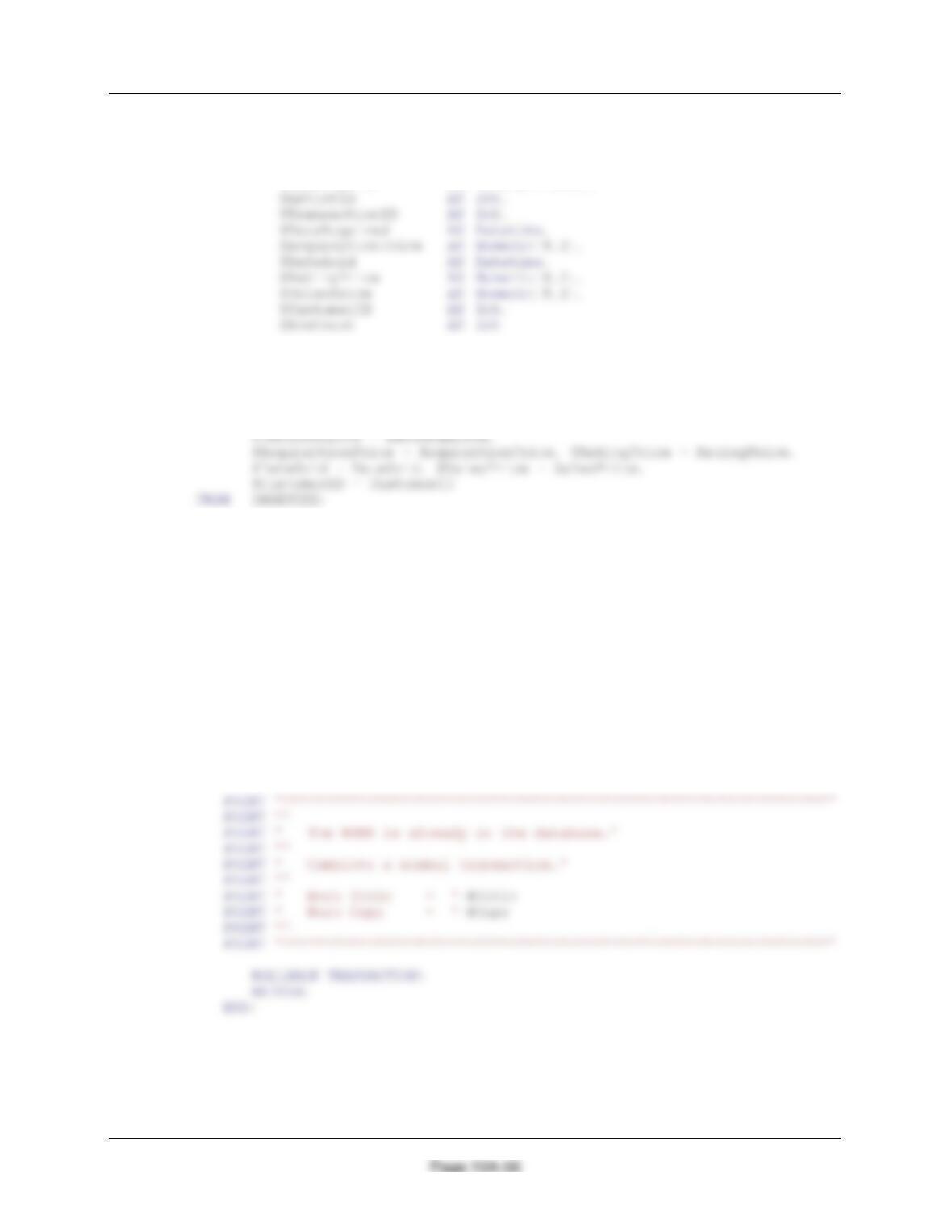
Note that the surrogate keys WORK.WorkID and TRANS.TransactionID are omitted
from the view, and that the trigger is straightforward.
The IDENTITY values would have to be input using:
(1) The SET IDENTITY_INSERT TableName ON/OFF to allow/disallow
manual values to be set, and
Chapter 10A – Managing Databases with SQL Server 2017
Page 10A-55
The trigger code is:
CREATE OR ALTER TRIGGER [InsertNewWorkWithTrans] ON
[dbo].[WorkWithTransactionsView]
INSTEAD OF INSERT
AS
BEGIN
SET NOCOUNT ON;
Chapter 10A – Managing Databases with SQL Server 2017
DECLARE @WorkID AS Int,
@Title AS Char(25),
@Copy AS Char(12),
@Medium AS Char(35),
@Description AS Varchar(1000),
— Make sure the WORK work is not in database.
— Get data values.
SELECT @Title = Title, @Copy = Copy, @Medium = Medium,
@Description = ItemDescription, @ArtistID = ArtistID,
— See if the WORK exists.
SELECT *
FROM WORK AS W
WHERE W.Title = @Title
AND W.Copy = @Copy
AND W.ArtistID = @ArtistID;
— IF the row count of this SELECT = 0,
— THEN the new work does not exist in the database.
SET @RowCount = @@rowcount
IF @rowCount > 0
BEGIN
/* The WORK exists — send error message, rollback and return.
Chapter 10A – Managing Databases with SQL Server 2017
Page 10A-57
ELSE
— This is a new work – insert the work into WORK.
BEGIN
PRINT ‘*****************************************************************’
PRINT ”
PRINT ‘ The new WORK has been added to the table WORK’
PRINT ‘ ‘
PRINT ‘ New WorkID = ‘+ CONVERT (Char (3), @WorkID)
— Now insert the transaction into TRANS.
INSERT INTO TRANS VALUES(
@DateAcquired, @AcquisitionPrice, @AskingPrice,
@DateSold, @SalesPrice, @CustomerID, @WorkID);
SET @TransactionID = @@Identity;
PRINT ******************************************************************’
PRINT ”
Print ‘ The associated transaction has been added to the database’
PRINT ‘ ‘
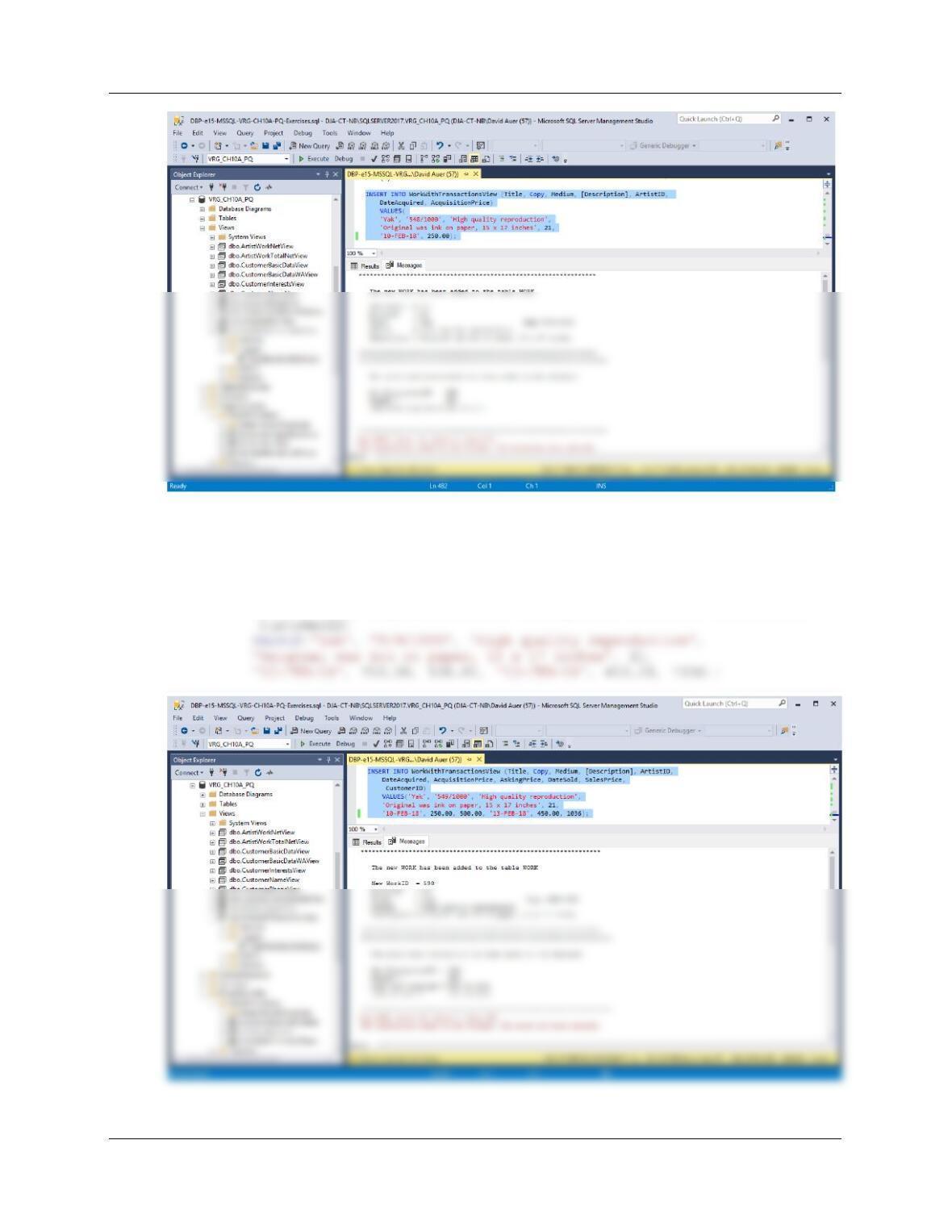
The command line to insert a new work that has not also been sold is:
INSERT INTO WorkWithTransactionsView (Title, Copy, Medium,
[Description], ArtistID,
DateAcquired, AcquisitionPrice)
Chapter 10A – Managing Databases with SQL Server 2017
Page 10A-58
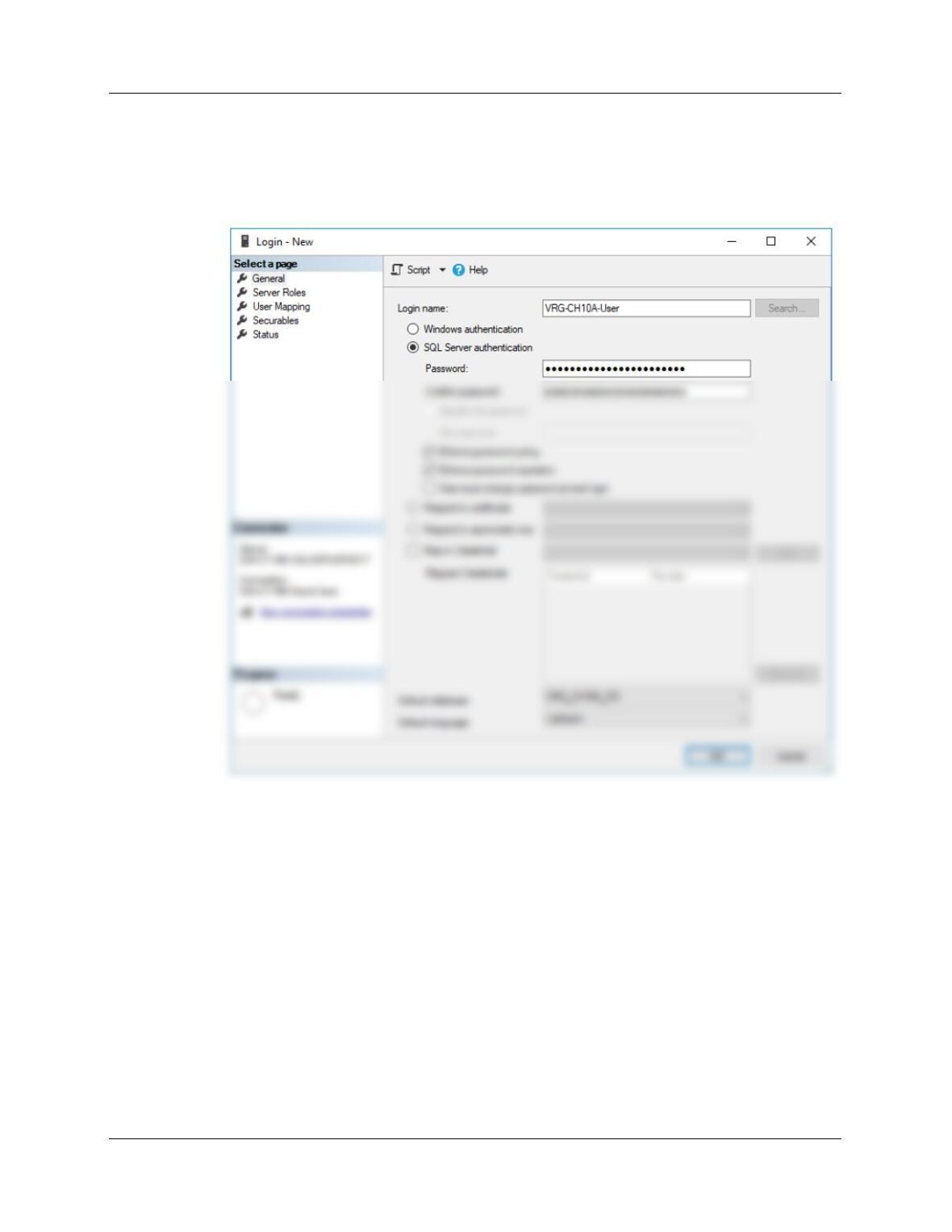
The command line to insert a new work that has been sold at the same time it is inserted
is:
INSERT INTO WorkWithTransactionsView (Title, Copy, Medium, [Description],
ArtistID,
DateAcquired, AcquisitionPrice, AskingPrice, DateSold, SalesPrice,
Chapter 10A – Managing Databases with SQL Server 2017
Page 10A-59
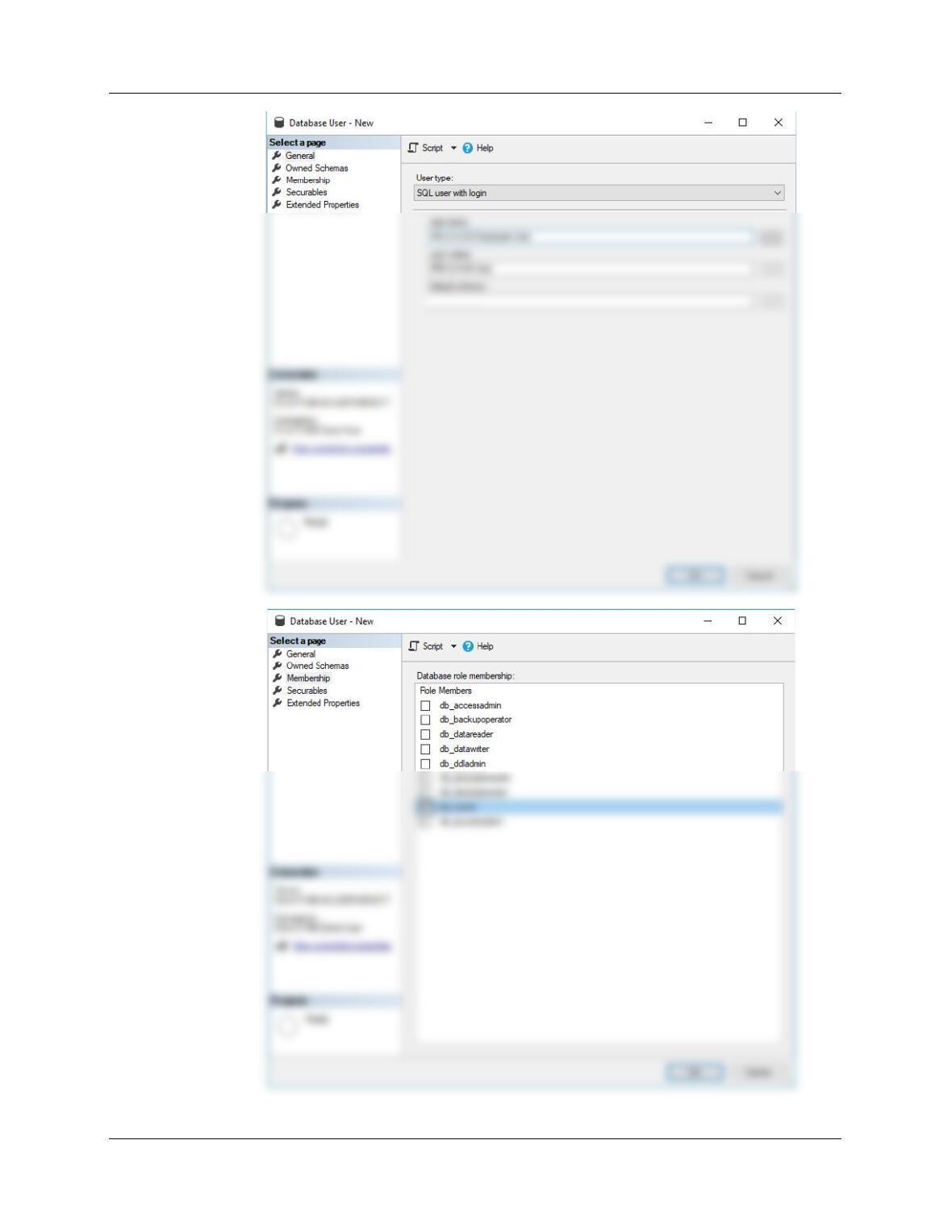
K. Create an SQL Server login named VRG-CH10A-User, with a password of VRG–
CH10A-User+password. Create a VRG-CH10A-PQ database user named VRG-
CH10A-Database-User, with is linked to the VRG-CH10A-User login. Assign
VRG-CH10-A-Database-User db_owner permissions to the VRG-CH10A-PQ
database.
Chapter 10A – Managing Databases with SQL Server 2017
Page 10A-60