Chapter 10A – Managing Databases with SQL Server 2017
Page 10A-161
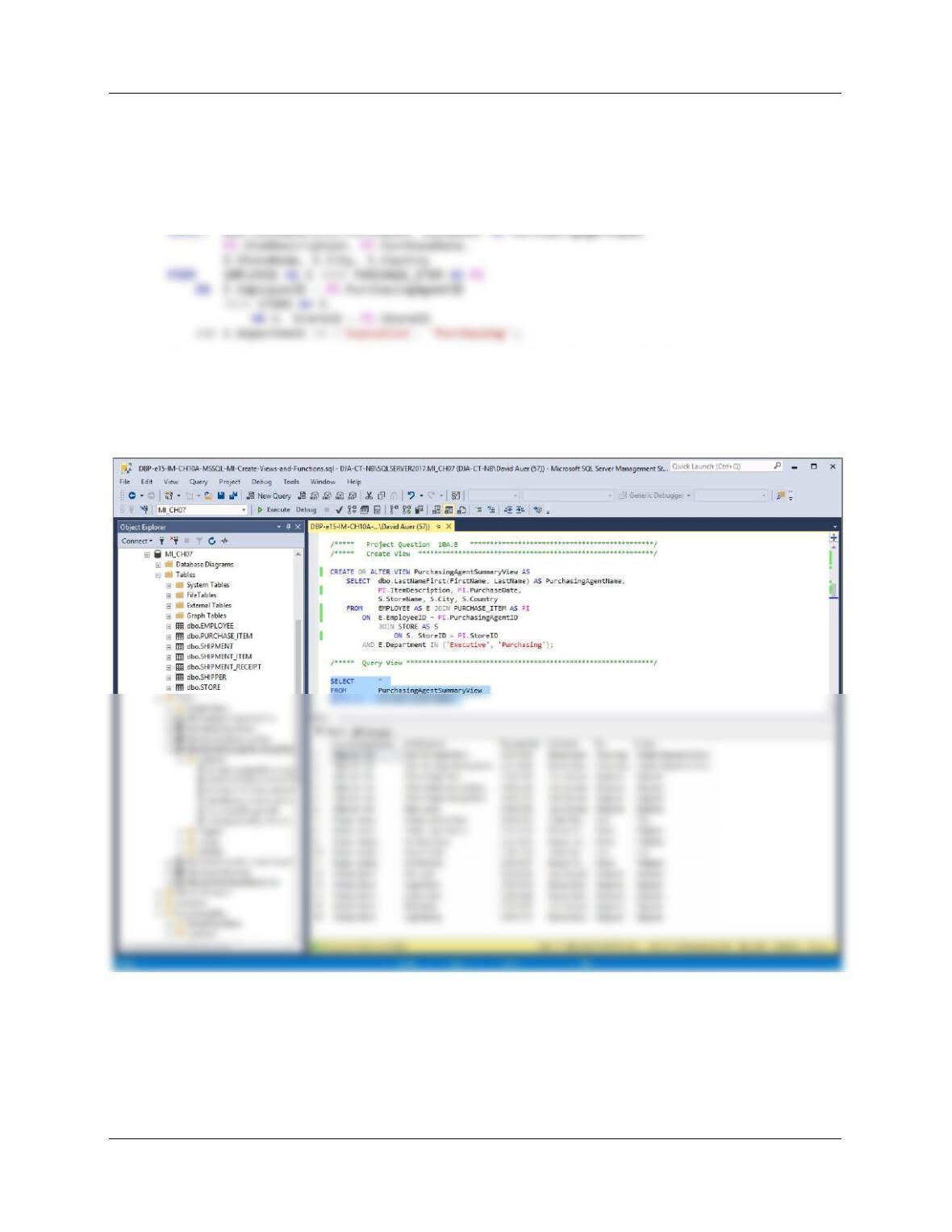
B. Create and test a view called PurchasingAgentSummaryView that contains the employee
name of any MI employees who purchase items for the company, concatenated and
formatted as LastName, FirstName in a field named PurchasingAgentName, ITEM
.ItemDescription, ITEM.PurchaseDate, STORE.StoreName, STORE.City, STORE.Country.
CREATE OR ALTER VIEW PurchasingAgentSummaryView AS
/***** Query View **************************************************************/
SELECT *
FROM PurchasingAgentSummaryView
ORDER BY PurchasingAgentName;
Chapter 10A – Managing Databases with SQL Server 2017
Page 10A-162
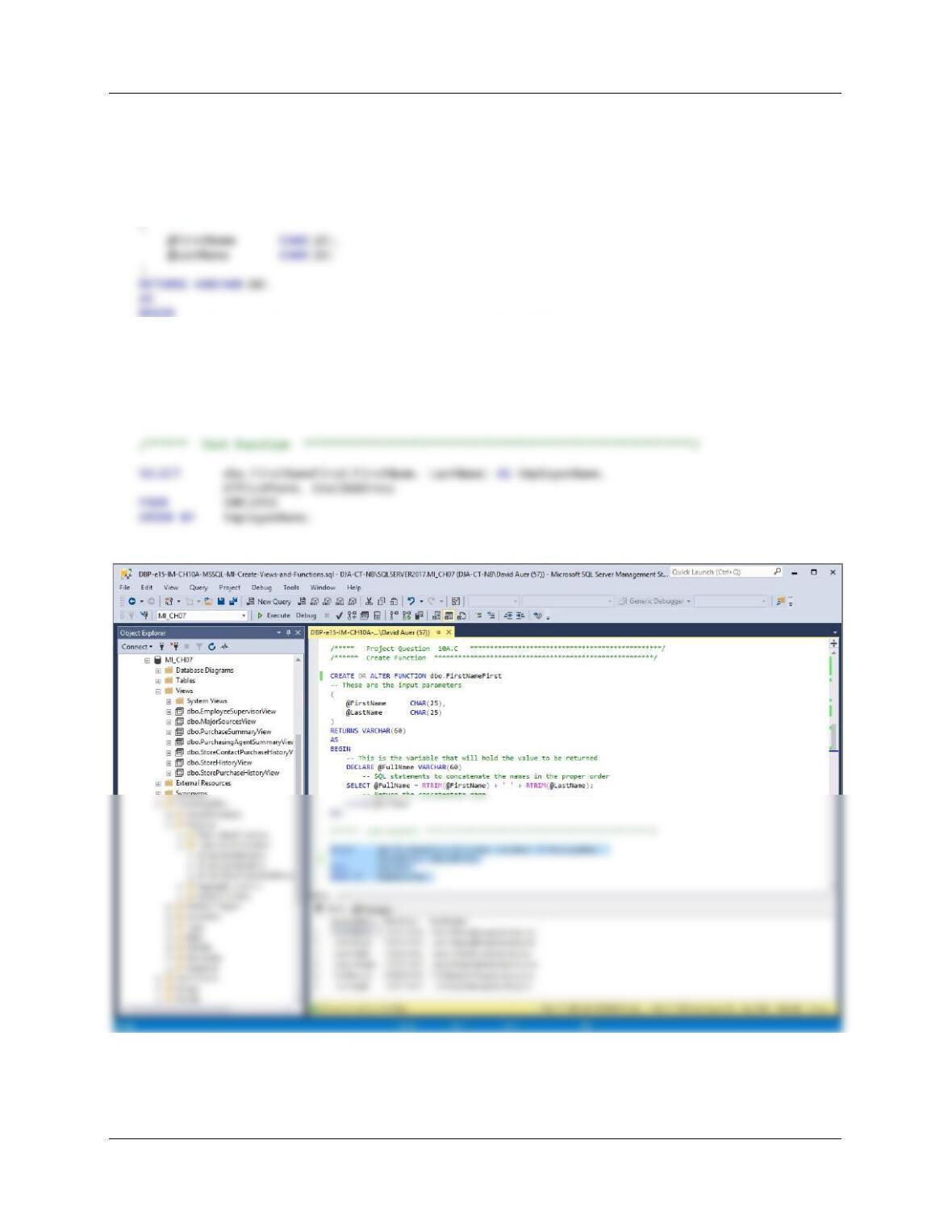
C. Create and test a user-defined function named FirstNameFirst that combines two
parameters named FirstName and LastName into a concatenated name field formatted
FirstName LastName (including the space).
CREATE OR ALTER FUNCTION dbo.FirstNameFirst
— These are the input parameters
— This is the variable that will hold the value to be returned
DECLARE @FullName VARCHAR(60)
— SQL statements to concatenate the names in the proper order
SELECT @FullName = RTRIM(@FirstName) + ‘ ‘ + RTRIM(@LastName);
— Return the concatentate name
RETURN @FullName
END
Chapter 10A – Managing Databases with SQL Server 2017
Page 10A-163
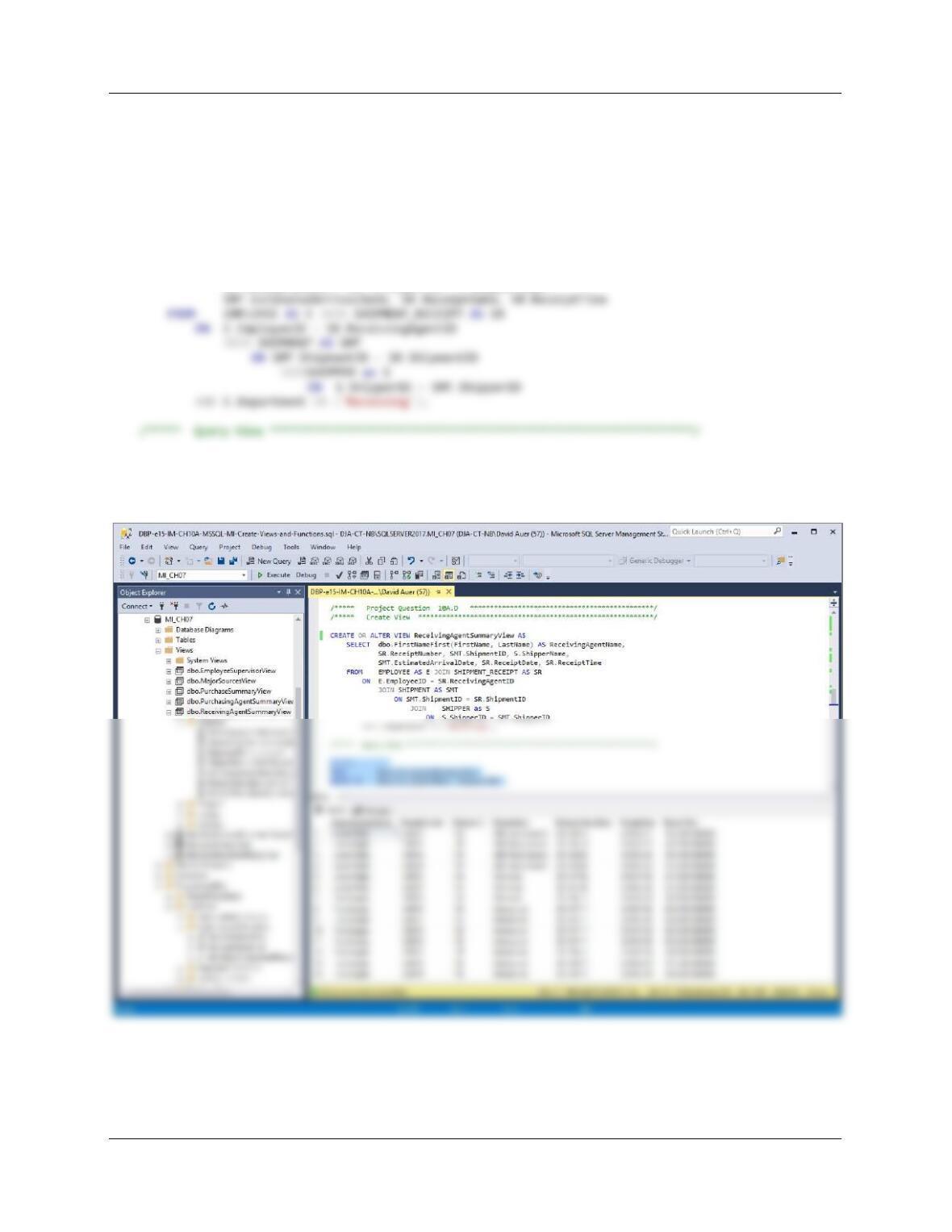
D. Create and test a view called ReceivingAgentSummaryView that contains the employee
name of any MI employees who received items for the company, concatenated and
formatted as FirstName Name in a field named ReceivingAgentName,
SHIPMENT_RECEIPT.ReceiptNumber, SHIPMENT.ShipmentID, SHIPPER.ShipperName,
SHIPMENT.EstimatedArrivalDate, SHIPMENT_RECEIPT.ReceiptDate,
SHIPMENT_RECEIPTReceiptTime.
CREATE OR ALTER VIEW ReceivingAgentSummaryView AS
SELECT dbo.FirstNameFirst(FirstName, LastName) AS ReceivingAgentName,
SR.ReceiptNumber, SMT.ShipmentID, S.ShipperName,
SELECT *
FROM ReceivingAgentSummaryView
ORDER BY ReceivingAgentName, ShipmentID;
Chapter 10A – Managing Databases with SQL Server 2017
Page 10A-164
Using the MI database, create an SQL scripts named MI-Create-Triggers.sql to answer
questions E and F.
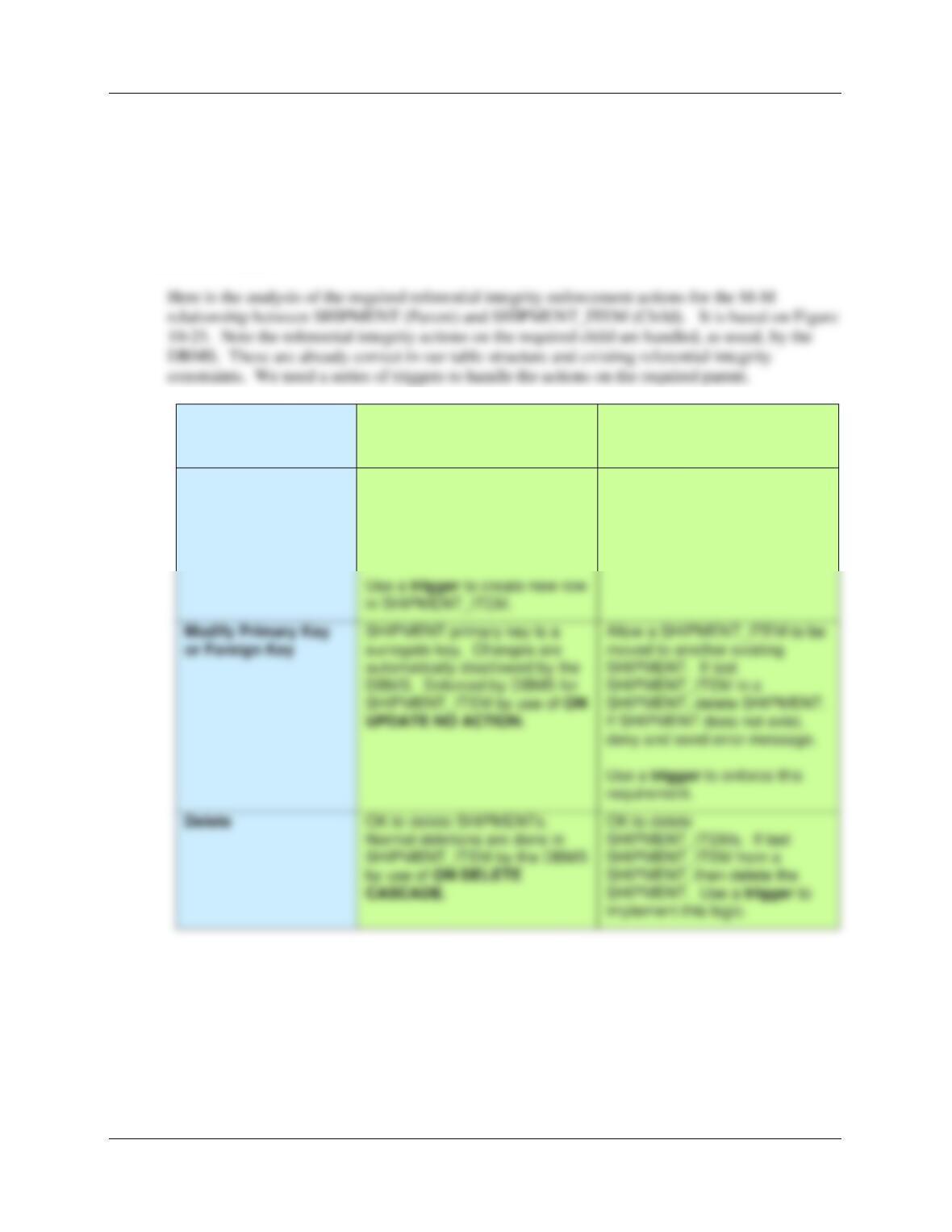
E. Assume that the relationship between SHIPMENT and SHIPMENT_ITEM is M-M. Design
triggers to enforce this relationship. Use Figure 1072 and the discussion of that figure as an
example, but assume that Morgan does allow SHIPMENTs and their related
SHIPMENT_ITEM rows to be deleted. Use the deletion strategy shown in Figures 7-28 and
7-29 for this case.
Both SHIPMENT and
SHIPMENT_ITEM are
Required
SHIPMENT
[Parent]
SHIPMENT_ITEM
Insert
DBMS. Enforced by DBMS for
SHIPMENT_ITEM by use of ON
SHIPMENT_ITEM in a
SHIPMENT, delete SHIPMENT.
If SHIPMENT does not exist,
deny and send error message.
Create a new SHIPMENT_ITEM
row. Note that this row must
have a PurchaseID from
PURCHASE_ITEM assigned to
it.
New SHIPMENT_ITEM row
must have a valid SHIPMENT
(enforced by DBMS referential
integrity).
Chapter 10A – Managing Databases with SQL Server 2017
Page 10A-165
F. Write and test the triggers you designed in question E, above.
There are three actions needing triggers:
(1) Controlling the reassignment of a SHIPMENT_ITEM from one SHIPMENT to another
(1) Controlling the reassignment of a SHIPMENT_ITEM from one SHIPMENT to
another.
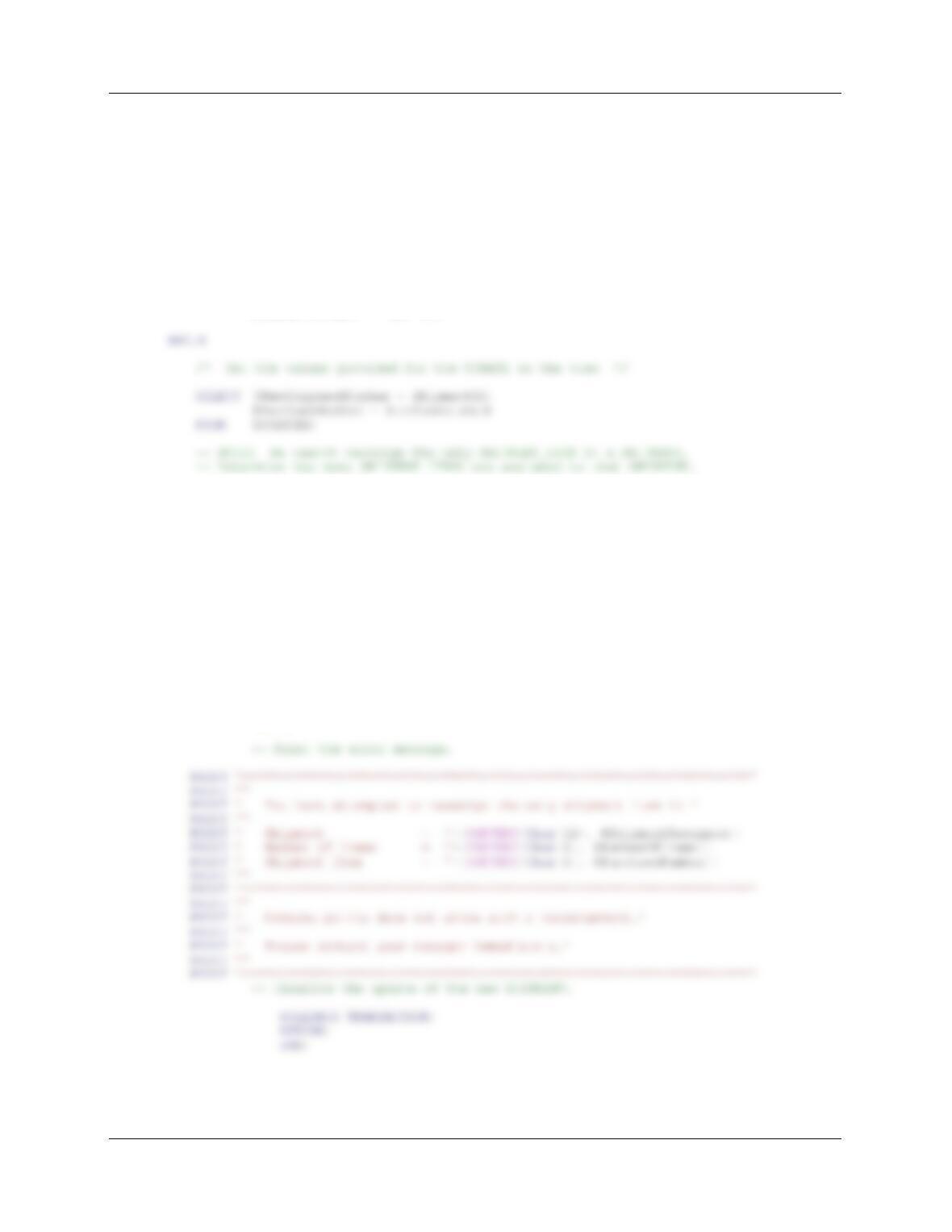
This is similar to a trigger we wrote for Project Question 10.32, and we’ll use the same logic here.
We will also need the same logic in the next trigger. Note that this problem is similar to the one
discussed in Chapter 7 and illustrated in Figure 7-28.
Chapter 10A – Managing Databases with SQL Server 2017
Page 10A-166
Here is the trigger code:
CREATE OR ALTER TRIGGER [Reassignment_Of_SHIPMENT_PURCHASE]
ON [dbo].[ShipmentAssignmentView]
INSTEAD OF UPDATE
AS
SET NOCOUNT ON;
DECLARE @NewShipmentNumber AS Int,
@PurchaseNumber AS Int,
@ShipmentAssigned AS Int,
@NewShipment AS Int,
@NumberOfItems AS Int
BEGIN
SELECT @ShipmentAssigned = ShipmentID
FROM SHIPMENT_ITEM
WHERE PurchaseItemID = @PurchaseNumber;
SELECT @NumberOfItems = COUNT(*)
FROM SHIPMENT_ITEM
WHERE ShipmentID = @ShipmentAssigned;
IF @NumberOfItems = 1
/* The SHIPMENT_ITEM is the only SHIPMENT_ITEM in */
/* the SHIPMENT. */
/* Disallow the transaction and send an error message. */
BEGIN
Chapter 10A – Managing Databases with SQL Server 2017
Page 10A-167
PRINT ‘********************************************************************’
PRINT ”
PRINT ‘ Shipment Item = ‘+(CONVERT(Char(6), @PurchaseNumber))
PRINT ”
PRINT ‘ has been reassigned from:’
PRINT ”
PRINT ‘ Shipment = ‘+(CONVERT(Char(12), @ShipmentAssigned))
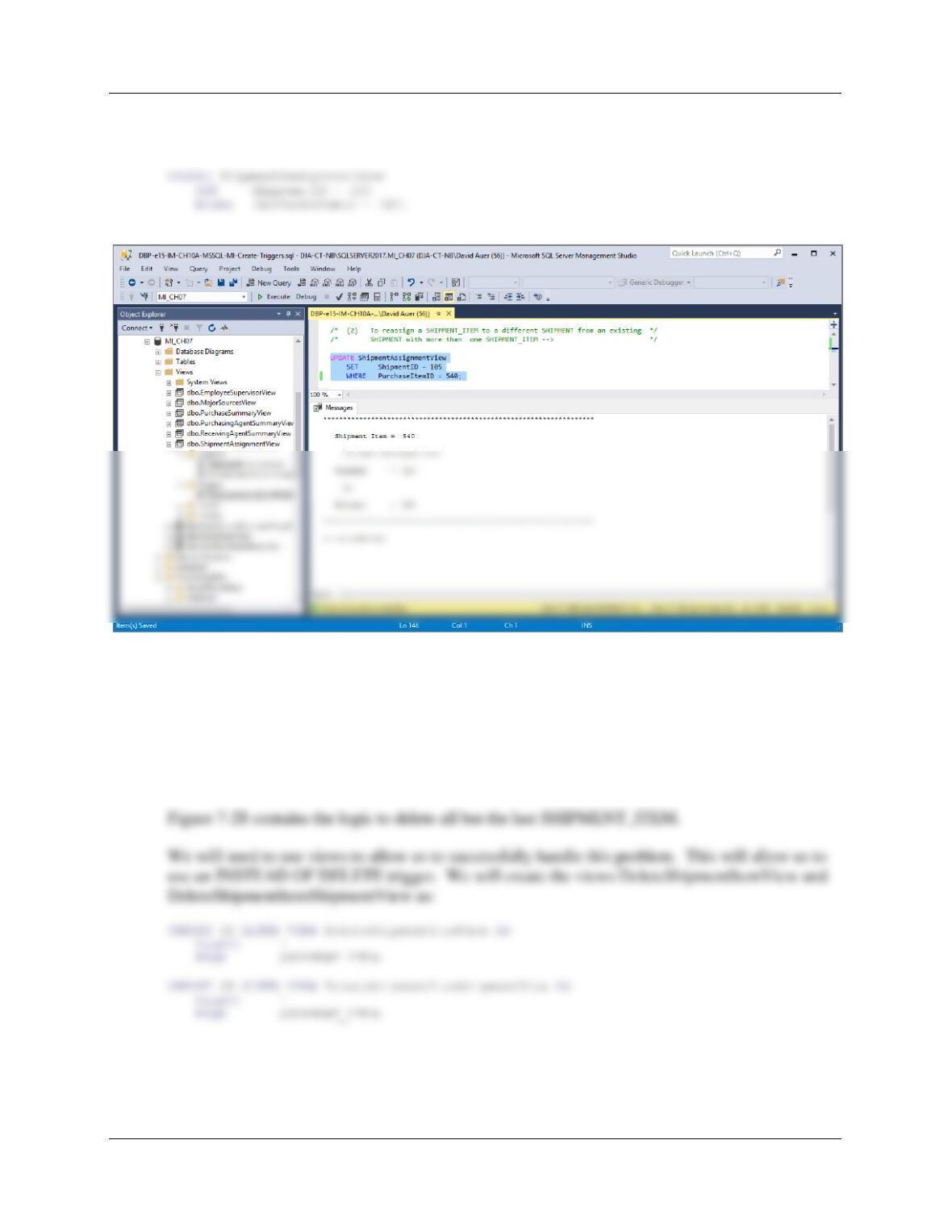
To test this trigger, use:
(1) To attempt to reassign a SHIPMENT_ITEM to a different SHIPMENT from an existing
SHIPMENT with only one SHIPMENT_ITEM:
UPDATE ShipmentAssignmentView
SET ShipmentID = 104
WHERE PurchaseItemID = 520;
Chapter 10A – Managing Databases with SQL Server 2017
Page 10A-168
(2) To reassign a SHIPMENT_ITEM to a different SHIPMENT from an existing
SHIPMENT with more than one SHIPMENT_ITEM:
(2) Deleting a SHIPMENT when the last SHIPMENT_ITEM is deleted.
We will use the logic in Figures 7-28 and 7-29 for this case. In this logic, one type of employee
has the rights to delete SHIPMENT_ITEMs, but not SHIPMENTs, while another type of
employee with more authority has the right to delete SHIPMENTs. This problem is also similar
to Project Question 10A.28 and a similar question in the Marcia’s Dry Cleaning project, and we
will use those solutions as references.
Chapter 10A – Managing Databases with SQL Server 2017
Page 10A-169
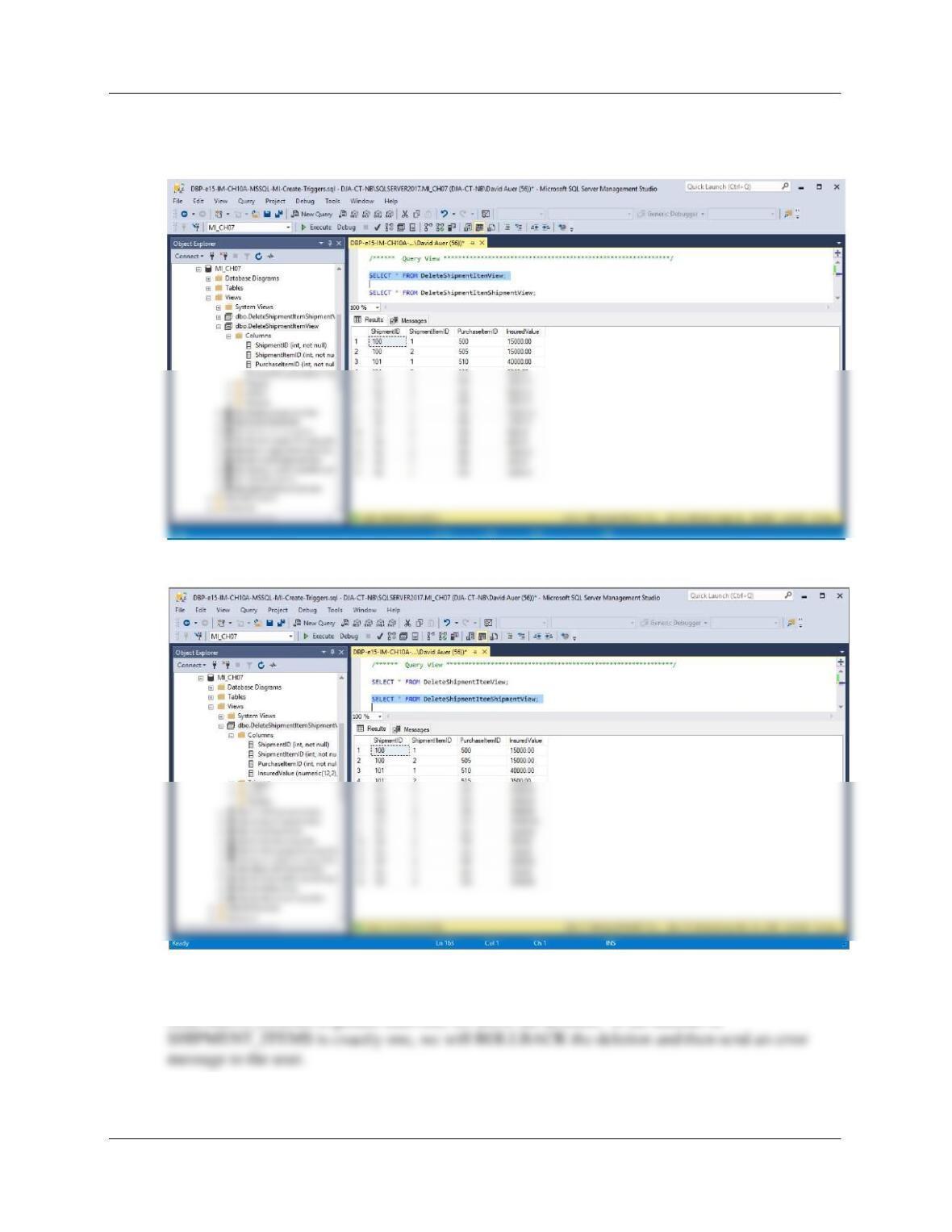
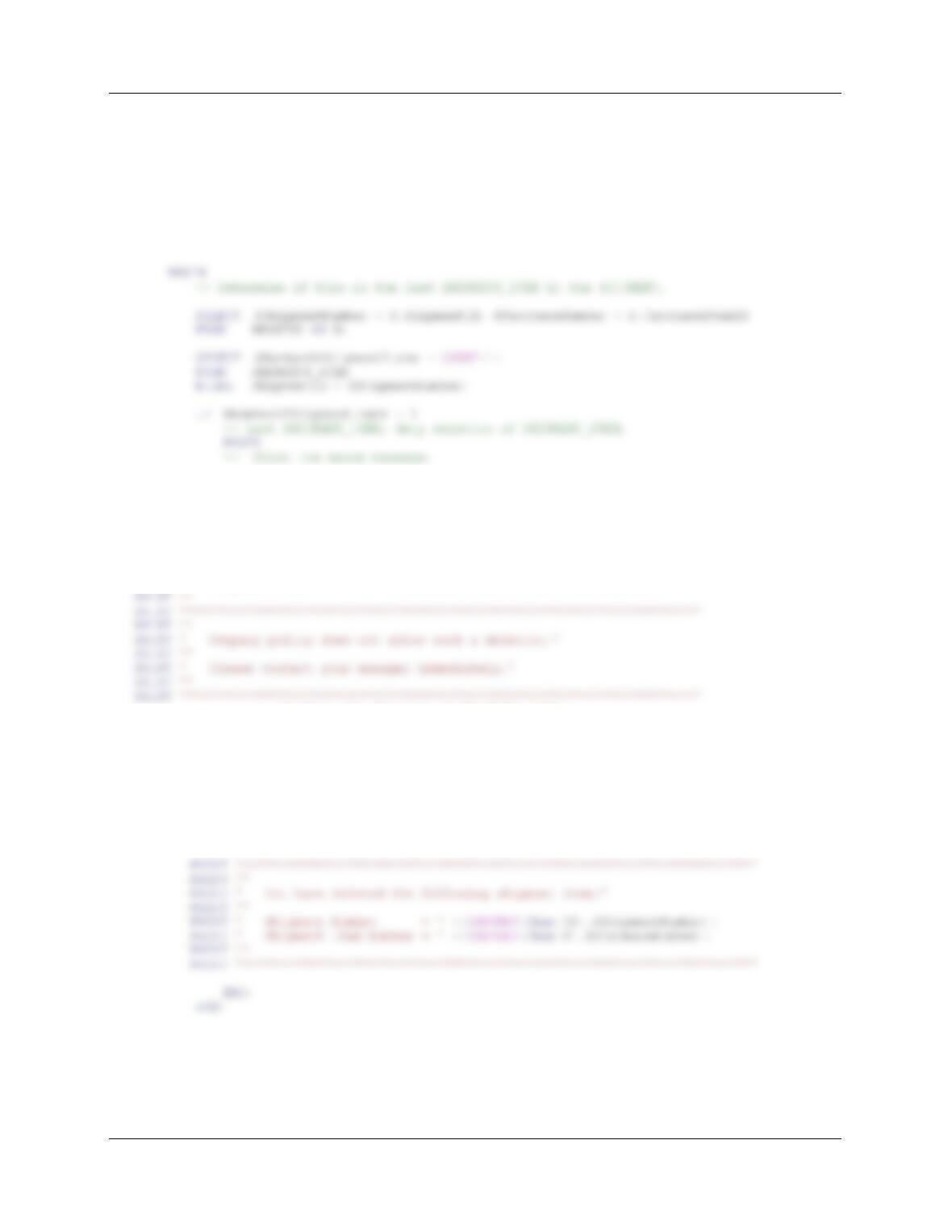
To test these, run the following commands:
SELECT * FROM DeleteShipmentItemView;
SELECT * FROM DeleteShipmentItemShipmentView;
Figure 7-28 contains the logic to delete all but the last SHIPMENT_ITEM. The trigger requires
us to check the number of SHIPMENT_ITEMs in a SHIPMENT. If the number of
SHIPMENT_ITEMS is greater than one, we allow the deletion. If the number of
Here is the trigger code:
Chapter 10A – Managing Databases with SQL Server 2017
Page 10A-170
CREATE OR ALTER TRIGGER [Allow_Deletion_Of_SHIPMENT_ITEM]
ON [dbo].[DeleteShipmentItemView]
INSTEAD OF DELETE
AS
SET NOCOUNT ON;
DECLARE @ShipmentNumber AS Int,
@PurchaseNumber AS Int,
@NumberOfShipmentItems AS Int
PRINT ‘********************************************************************’
PRINT ”
PRINT ‘ You have attempted to delete the only shipment item in ‘
PRINT ”
PRINT ‘ Shipment = ‘+(CONVERT(Char(12), @ShipmentNumber))
PRINT ‘ Number of Items = ‘+(CONVERT(Char(6), @NumberOfShipmentItems))
PRINT ‘ Shipment Item = ‘+(CONVERT(Char(6), @PurchaseNumber))
— Disallow the deletion of SHIPMENT_ITEM.
ROLLBACK TRANSACTION;
RETURN;
END;
ELSE
— Deletion of SHIPMENT_ITEM. */
BEGIN
DELETE SHIPMENT_ITEM
WHERE ShipmentID = @ShipmentNumber
AND PurchaseItemID = @PurchaseNumber;
Chapter 10A – Managing Databases with SQL Server 2017
Page 10A-171
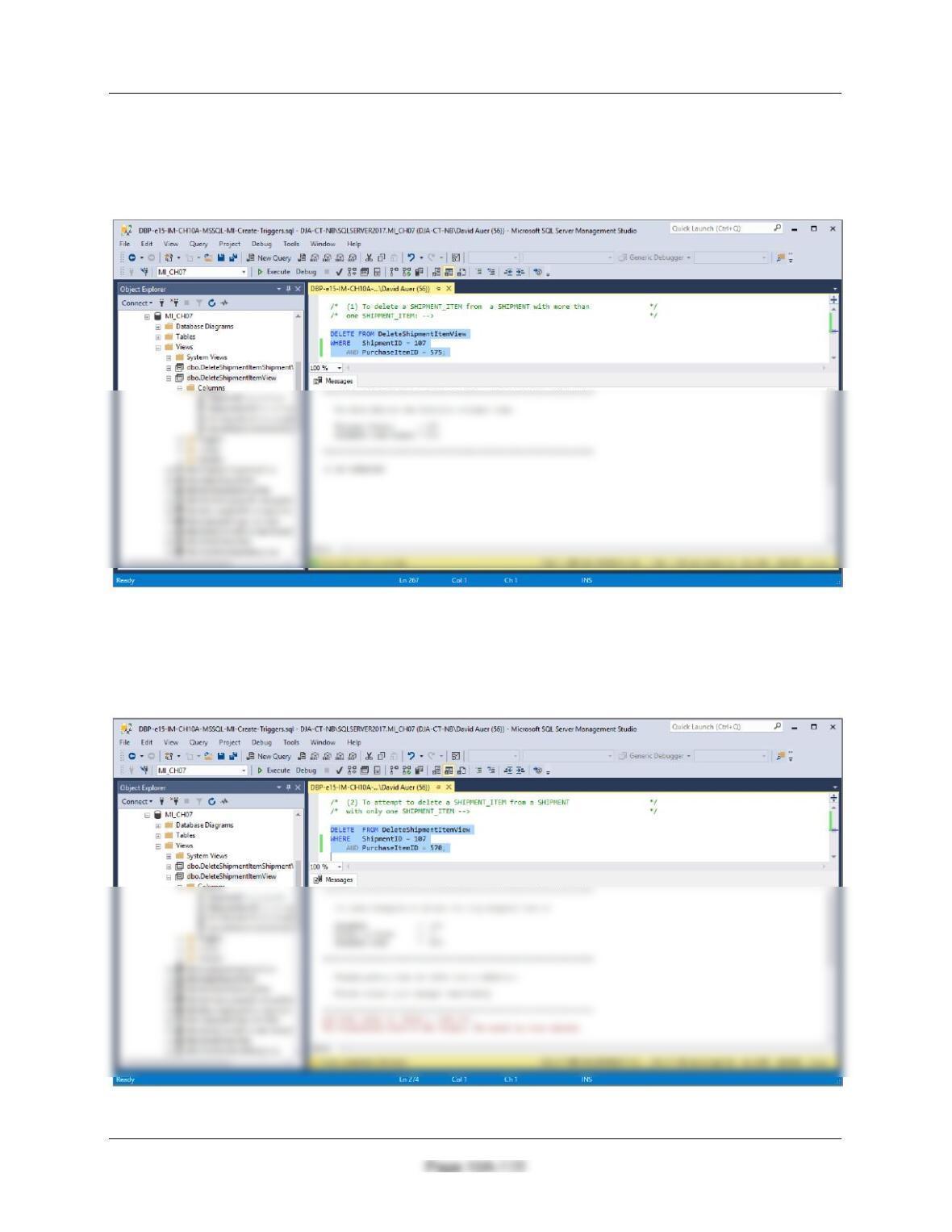
To test this, run the following commands:
INSERT INTO ITEM (StoreID, PurchasingAgentID, PurchaseDate, ItemDescription,
Category, PriceUSD)
VALUES(1000, 103, ’30-Nov-18′, ‘Large bureau’, ‘Furniture’, 9500);
SELECT * FROM DeleteShipmentItemView;
Chapter 10A – Managing Databases with SQL Server 2017
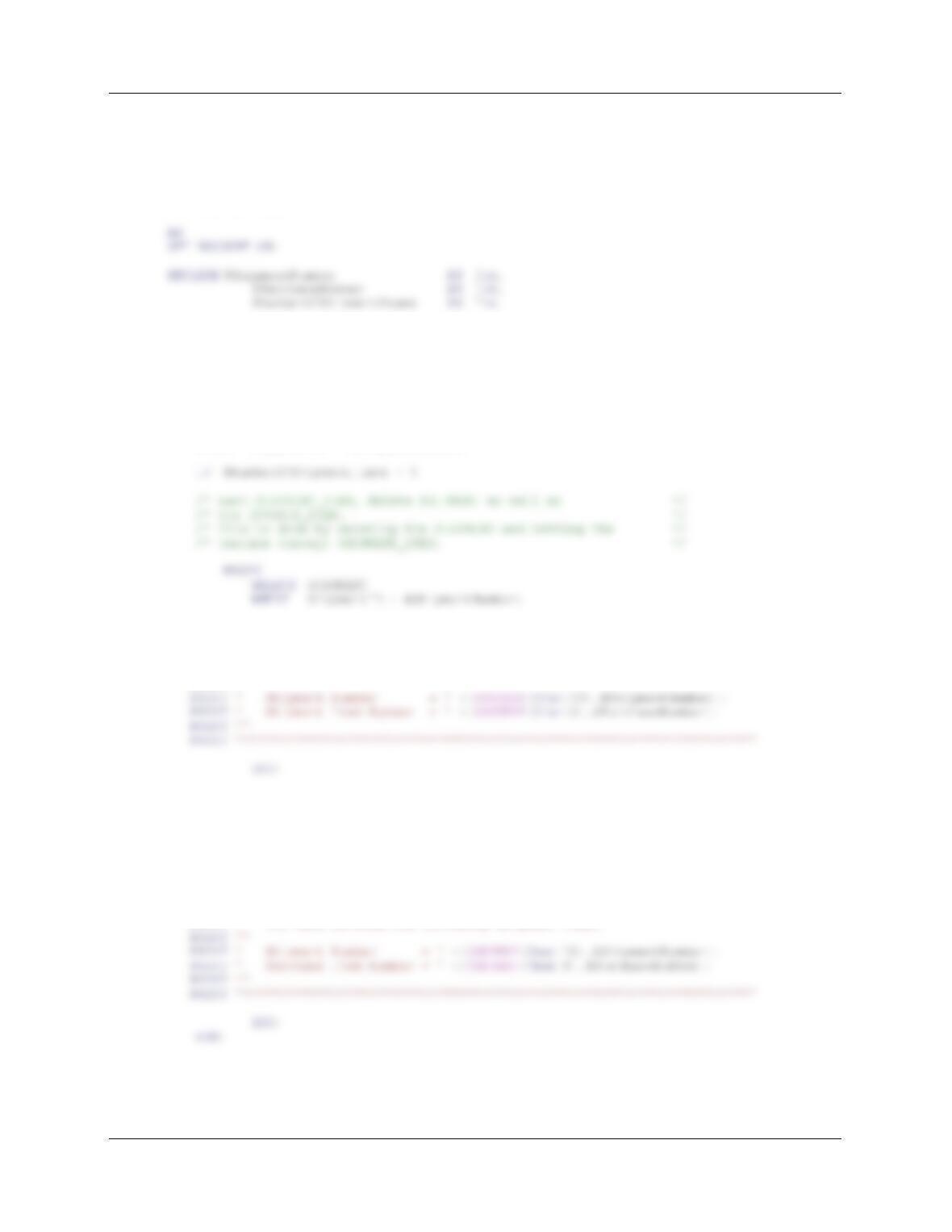
(1) To delete a SHIPMENT_ITEM from a SHIPMENT with more than one
SHIPMENT_ITEM:
DELETE FROM DeleteShipmentItemView
WHERE ShipmentID = 107
AND PurchaseItemID = 575;
(2) To attempt to delete a SHIPMENT_ITEM from a SHIPMENT with only one
SHIPMENT_ITEM:
DELETE FROM DeleteShipmentItemView
WHERE ShipmentID = 107
AND PurchaseItemID = 570;
Chapter 10A – Managing Databases with SQL Server 2017
Page 10A-173
Figure 7-29 contains the logic to delete all SHIPMENT_ITEMs and the SHIPMENT. Here is the
trigger code:
CREATE OR ALTER TRIGGER [Allow_Deletion_Of_SHIPMENT] ON
[dbo].[DeleteShipmentItemShipmentView]
INSTEAD OF DELETE
BEGIN
— Determine if this is the last SHIPMENT_ITEM in the SHIPMENT.
SELECT @ShipmentNumber = D.ShipmentID, @PurchaseNumber = D.PurchaseItemID
FROM DELETED AS D;
SELECT @NumberOfShipmentItems = COUNT(*)
FROM SHIPMENT_ITEM
WHERE ShipmentID = @ShipmentNumber;
PRINT ‘********************************************************************’
PRINT ”
PRINT ‘ You have deleted the last shipment item in a shipment’
PRINT ‘ and therefore also deleted the associated shipment.’
PRINT ”
ELSE
— Deletion of SHIPMENT_ITEM.
BEGIN
DELETE FROM SHIPMENT_ITEM
WHERE ShipmentID = @ShipmentNumber
AND PurchaseItemID = @PurchaseNumber;
PRINT ‘********************************************************************’
PRINT ”
PRINT ‘ You have deleted the following shipment item:’
Chapter 10A – Managing Databases with SQL Server 2017
Page 10A-174
(3) Adding a required SHIPMENT_ITEM when a SHIPMENT is created.
This solution is similar to the one we did for Project Question 10A.28, which used the discussion
of this topic in Chapter 10A and Figure 10A-70 as a model for the trigger. We will again use this
model. First, we note that the requirement that SHIPMENT_ITEM has an associated
SHIPMENT is automatically enforced by the foreign key referential integrity constraint on
SHIPMENT_ITEM.
Chapter 10A – Managing Databases with SQL Server 2017
Page 10A-175
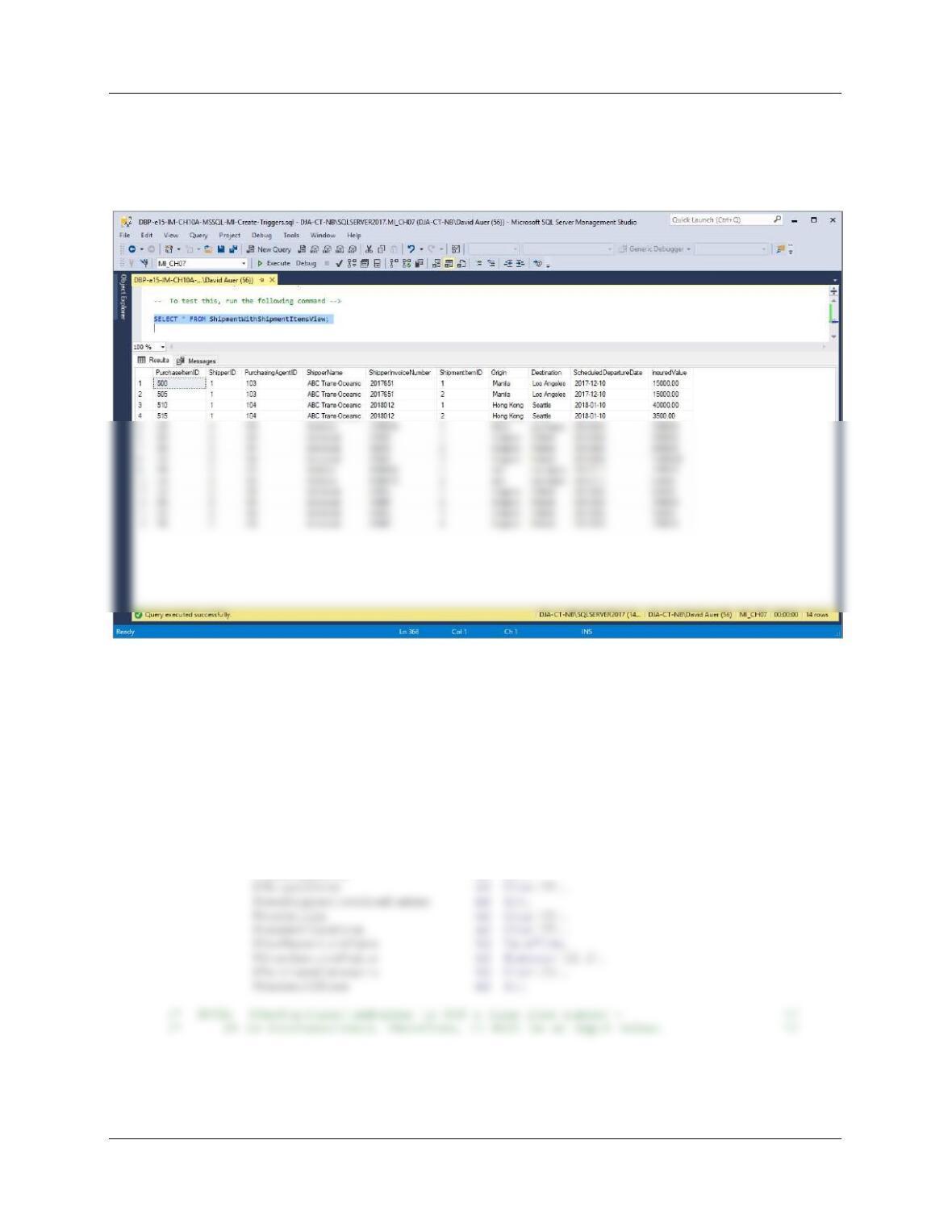
To test this, run the following command:
— To test this, run the following command —>
SELECT * FROM ShipmentWithShipmentItemsView;
Here is the trigger code:
CREATE OR ALTER TRIGGER [Insert_SHIPMENT_SHIPMENT_ITEM]
ON [dbo].[ShipmentWithShipmentItemsView]
INSTEAD OF INSERT
AS
SET NOCOUNT ON;
DECLARE @NewShipmentID AS Int,
@NewPurchaseAgentID AS Int,
@NewShipmentItemID AS Int,
@AssignedShipmentNumber AS Int,
@NewPurchaseItemNumber AS Int,
@NewShipperID AS Int,
Chapter 10A – Managing Databases with SQL Server 2017
Page 10A-176
BEGIN
/* Get the values provided for the INSERT on the view */
/* MOTE: @NewShipmentID is NOT input – this will be the */
/* DBMS inserted surrogate key value for SHIPMENT.ShipmentID */
/* AFTER that number is inserted in the SHIPMENT table. */
SELECT @NewPurchaseItemNumber = PurchaseItemID,
/* This is a new SHIPMENT combined with the first SHIPMENT_ITEM. */
/* Neither the SHIPMENT nor the SHIPMENT_ITEM exist. */
/* CHECK for valid @NewShipperID. */
SELECT @NumberOfRows = Count (*)
PRINT ‘********************************************************************’
PRINT ”
PRINT ‘ The SHIPPER Shipper ID that you have entered does NOT exist. ‘
PRINT ”
PRINT ‘ SHIPPER Shipper ID = ‘+(CONVERT(Char(3),@NewShipperID))
PRINT ”
END
— CHECK for existing SHIPMENT assignment for PurchaseItemID.
SELECT @NumberOfRows = COUNT(*)
FROM SHIPMENT_ITEM
WHERE SHIPMENT_ITEM.PurchaseItemID = @NewPurchaseItemNumber;
IF @NumberOfRows > 0