Chapter 10A – Managing Databases with SQL Server 2017
Page 10A-121
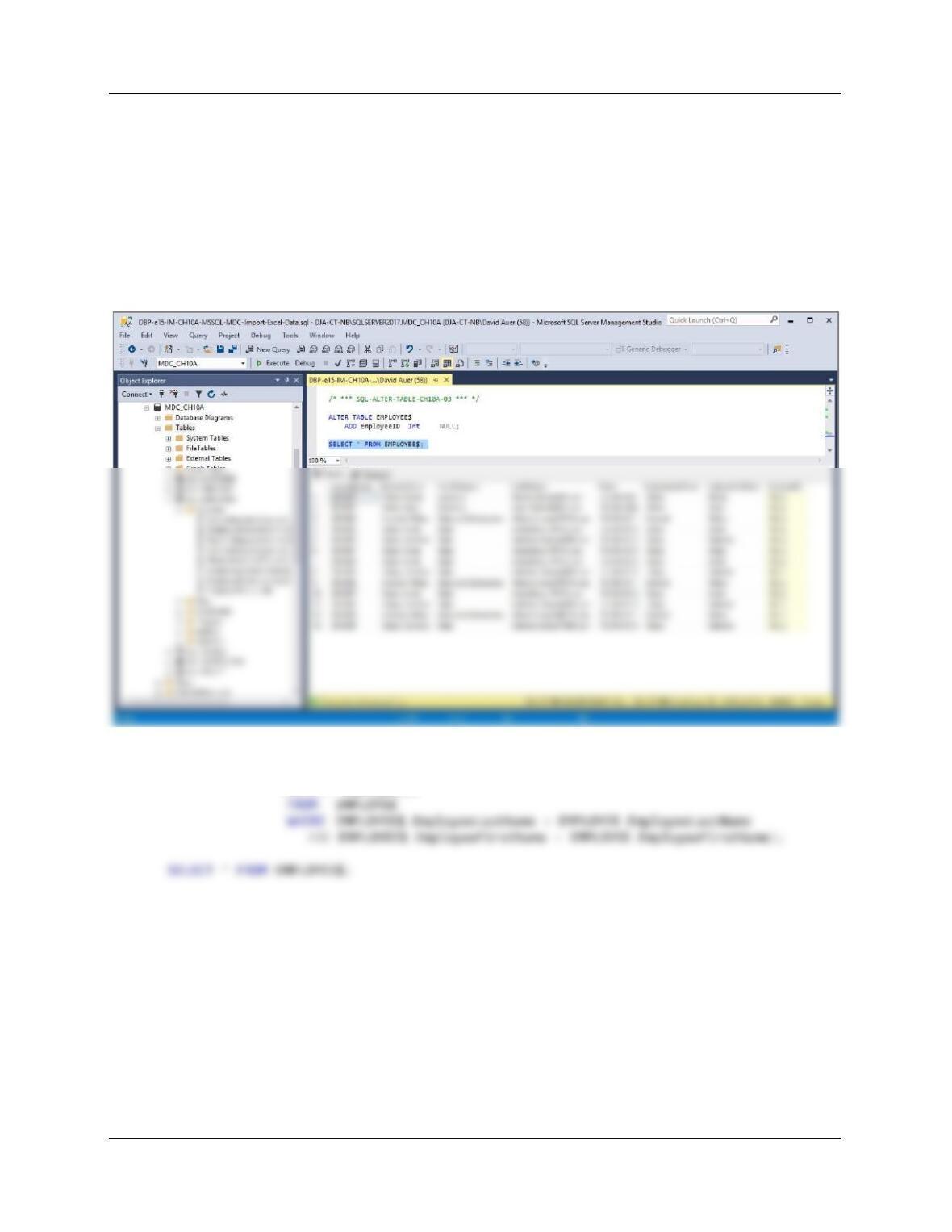
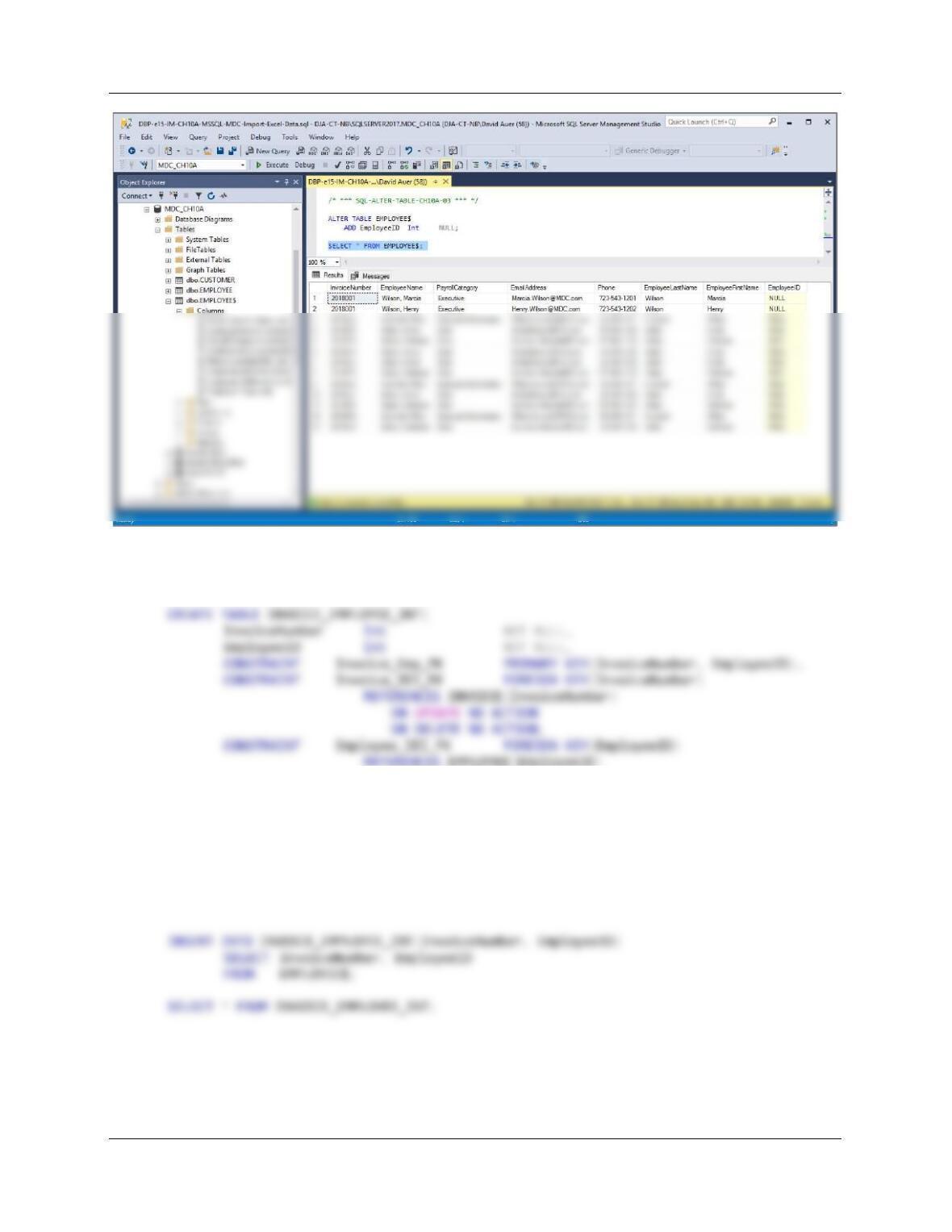
GG. [AG in text] Alter the EMPLOYEE$ table to include an EmployeeID column (Integer
data, allow nulls). By using and comparing the EMPLOYEE$.EmployeeLastName and
EMPLOYEE$.EmployeeFirstName columns with the EMPLOYEE.EmployeeLastName
and EMPLOYEE.EmployeeFirstName columns, populate this column. Hint: Assume for
this question that no two employees have the same first and last names.
ALTER TABLE EMPLOYEE$
ADD EmployeeID Int NULL;
SELECT * FROM EMPLOYEE$;
UPDATE EMPLOYEE$
SET EmployeeID =
(SELECT EmployeeID
Chapter 10A – Managing Databases with SQL Server 2017
Page 10A-122
HH. [AH in text] Create a new table named INVOICE_EMPLOYEE_INT, as shown in
Figure 10A-98. Use the column characteristics shown in Figure 10A-98.
ON UPDATE NO ACTION
ON DELETE NO ACTION
);
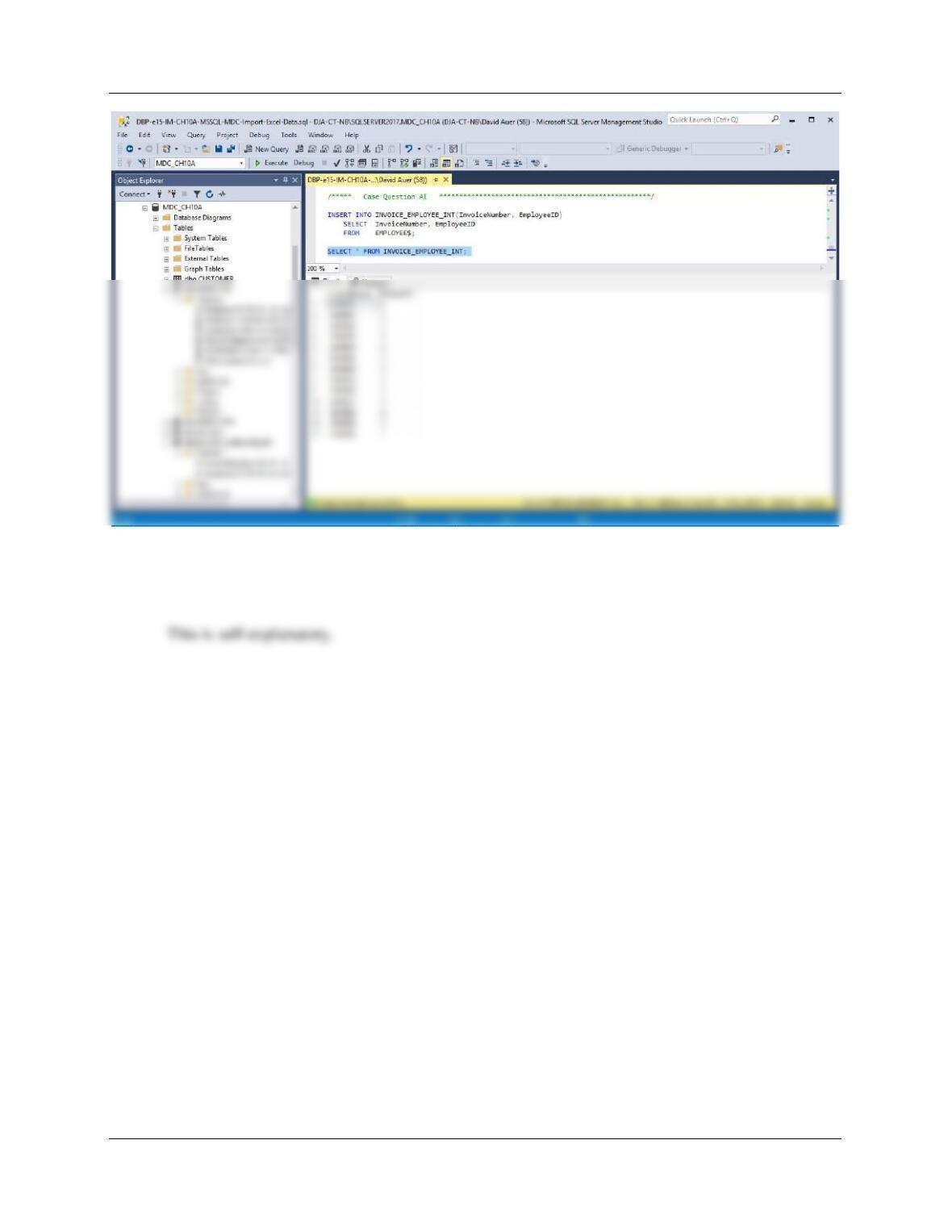
II. [AI in text] Populate the INVOICE_EMPLOYEE_INT table using the data stored in
the EMPLOYEE$ table. Hint: You will have one record in the
INVOICE_EMPLOYEE_INT table for every record in the EMPLOYEE$ table, and your
final table will have 13 records.
Chapter 10A – Managing Databases with SQL Server 2017
Page 10A-123
JJ. [AJ in text] We have completed the modifications of the MDC database, and are
done with the temporary EMPLOYEE$ table. We could delete it if we wanted to, but we
will keep the EMPLOYEE$ table in the database.
Chapter 10A – Managing Databases with SQL Server 2017
Page 10A-124
❖ ANSWERS TO THE QUEEN ANNE CURIOSITY SHOP PROJECT QUESTIONS
If you have not completed the discussion of The Queen Anne Curiosity Shop database at
the end of Chapter 7 on pages 409, work through the Chapter 7 QACS Project Questions
now. Use the QACS database that you created in the Chapter 7 QACS Project Questions
as the basis for your answers to the following questions:
Using the QACS database, create an SQL script named QACS-Create-Views-and–
Functions.sql to answer questions A through E.
LastName, FirstName (including the comma and space).
/***** Question 10A.A **********************************************************/
CREATE OR ALTER FUNCTION dbo.LastNameFirst
— These are the input parameters
(
@FirstName CHAR(25),
@LastName CHAR(25)
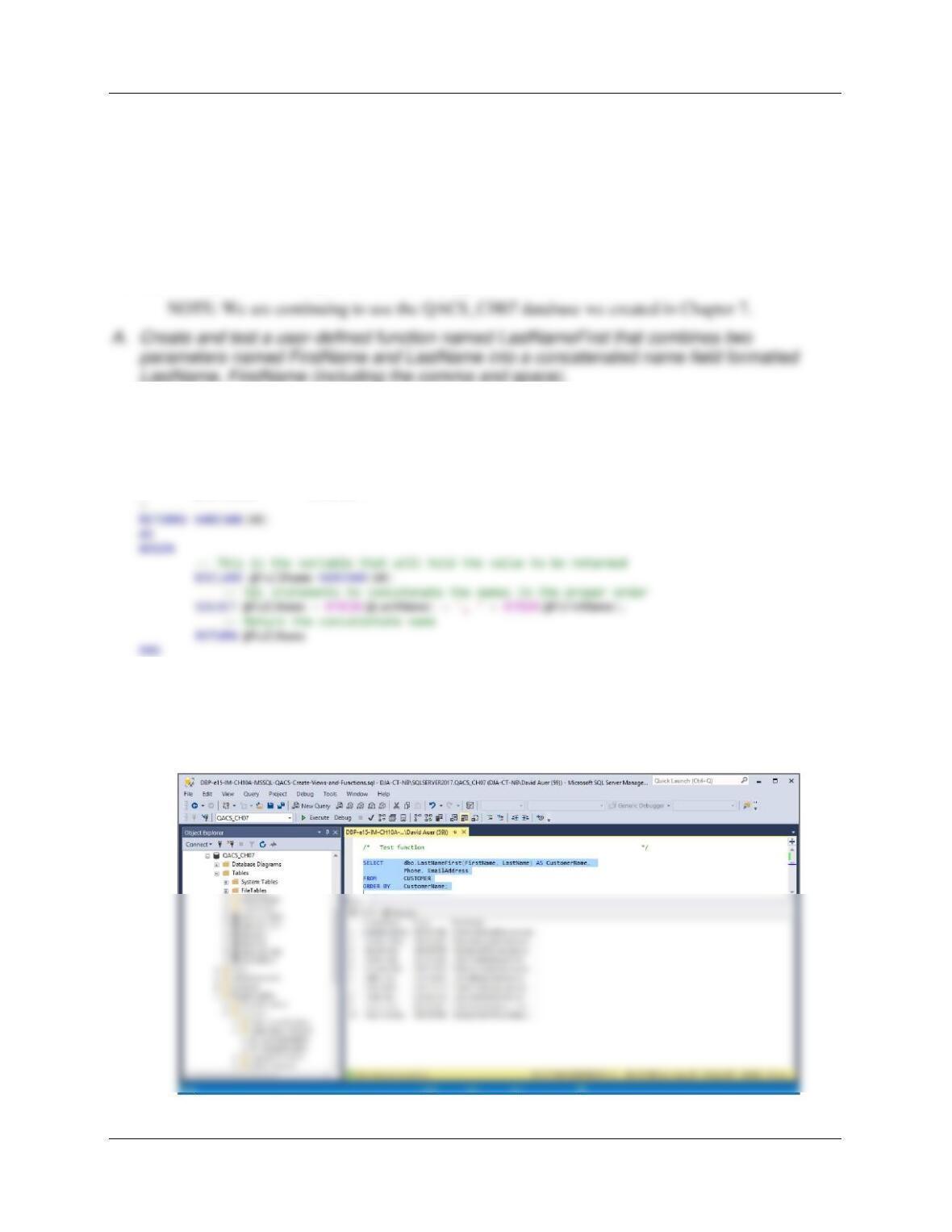
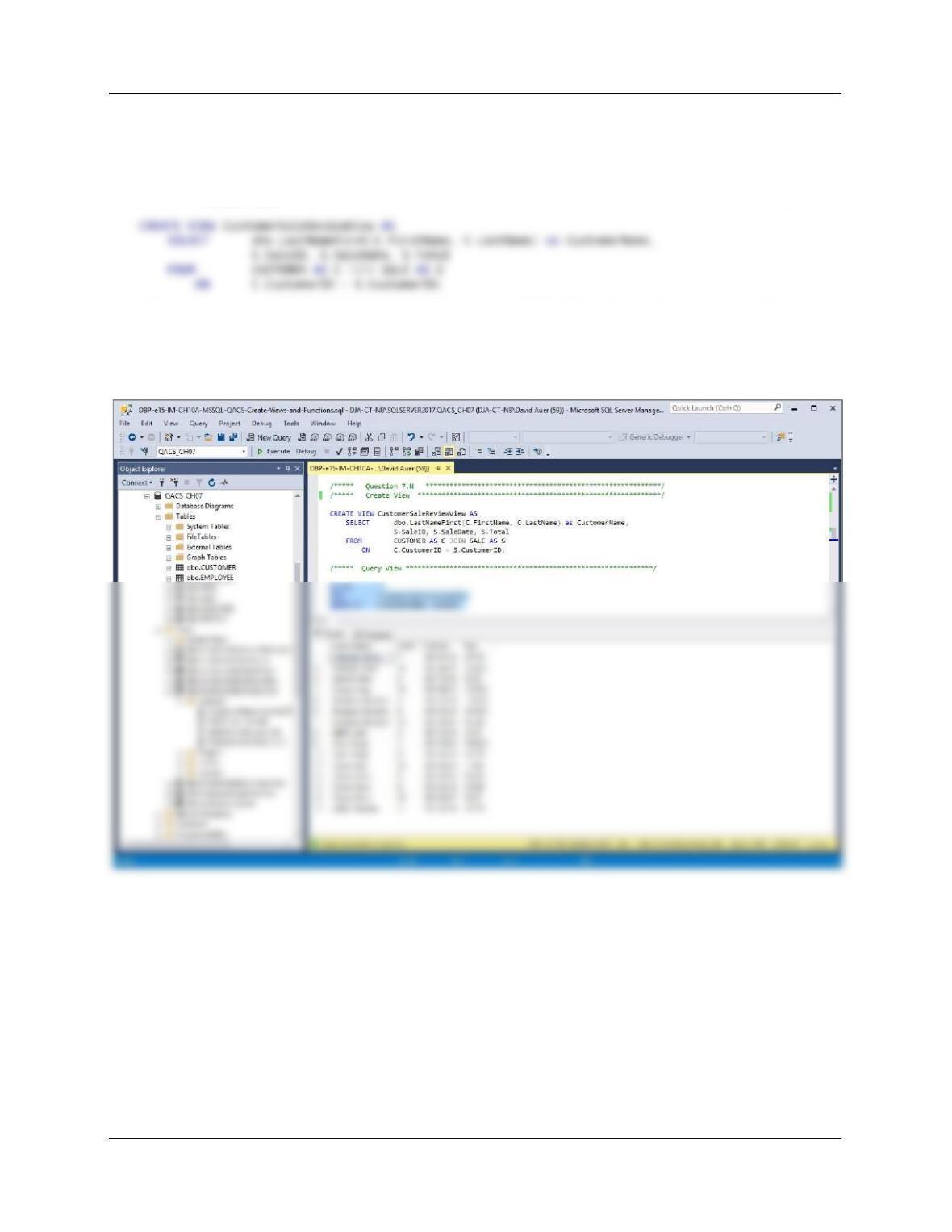
/* Test function */
SELECT dbo.LastNameFirst(FirstName, LastName) AS CustomerName,
Phone, EmailAddress
FROM CUSTOMER
ORDER BY CustomerName;
Chapter 10A – Managing Databases with SQL Server 2017
Page 10A-125
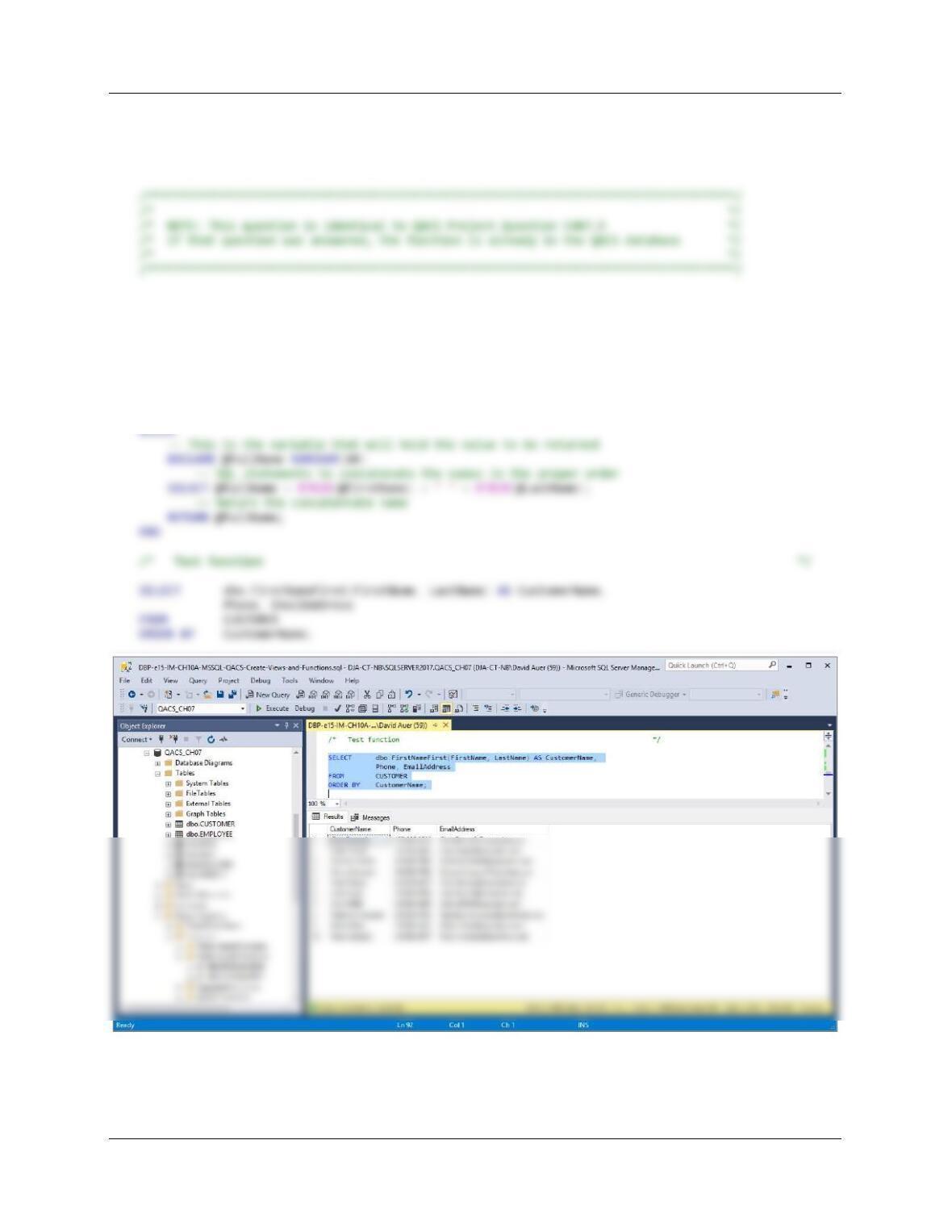
B. Create and test a view called CustomerSaleReviewView that contains the customer name
concatenated and formatted as LastName, FirstName in a field named CustomerName,
SALE.SaleID, SALE.SaleDate, and SALE.Total.
/***** Create View *************************************************************************/
/***** Query View *****************************************************************************/
SELECT *
FROM CustomerSaleReviewView
ORDER BY CustomerName, SaleID;
Chapter 10A – Managing Databases with SQL Server 2017
Page 10A-126
C. Create and test a user-defined function named FirstNameFirst that combines two
parameters named FirstName and LastName into a concatenated name field formatted
FirstName LastName (including the space).
CREATE OE ALTER FUNCTION dbo.FirstNameFirst
— These are the input parameters
(
@FirstName CHAR(25),
@LastName CHAR(25)
)
RETURNS VARCHAR(60)
AS
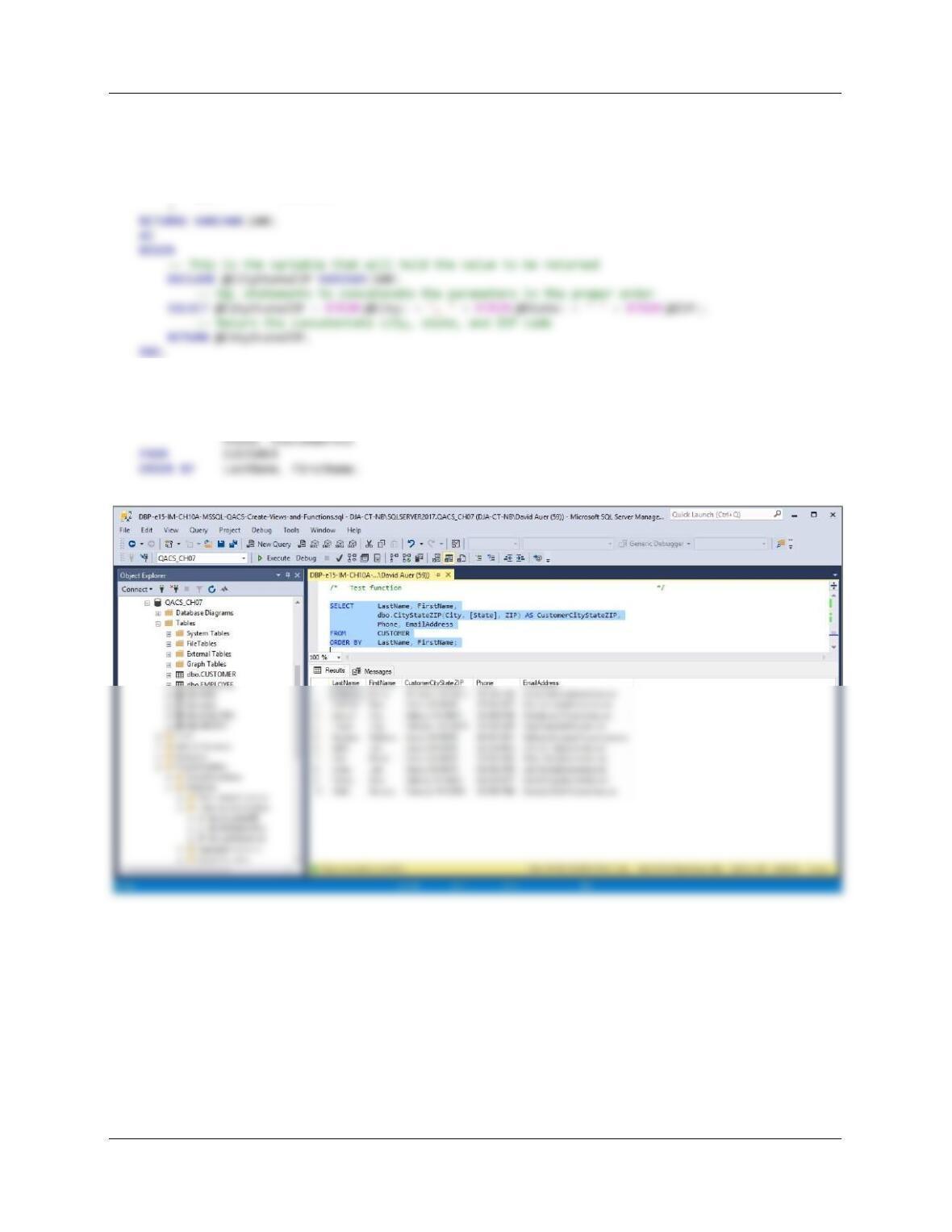
D. Create and test a user-defined function named CityStateZIP that combines three
parameters named City, State, and ZIP into a concatenated name field formatted City, State
ZIP (including the comma and the spaces).
Chapter 10A – Managing Databases with SQL Server 2017
Page 10A-127
CREATE OR ALTER FUNCTION dbo.CityStateZIP
— These are the input parameters
(
@City CHAR(35),
@State CHAR(2),
@ZIP CHAR(10)
/* Test function */
SELECT LastName, FirstName,
dbo.CityStateZIP(City, [State], ZIP) AS CustomerCityStateZIP,
Chapter 10A – Managing Databases with SQL Server 2017
Page 10A-128
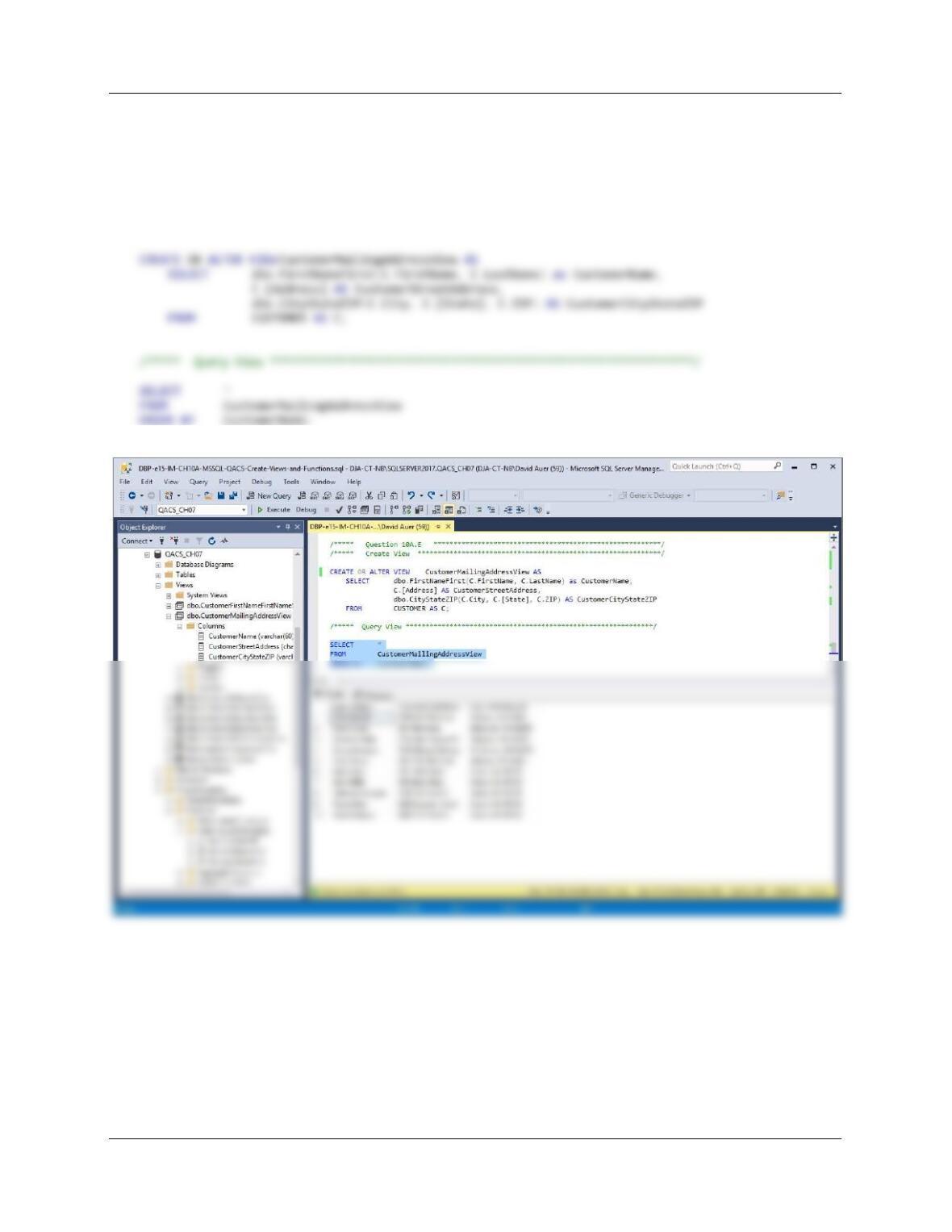
E. Create and test a view called CustomerMailingAddressView that contains the customer
name concatenated and formatted as FirstName LastName in a field named
CustomerName, the customer’s street address in a field named CustomerStreetAddress,
and the customer’s City, State, ZIP concatentated and formatted as City, State ZIP in a field
named CustomerCityStateZIP.
/***** Create View *************************************************************/
Chapter 10A – Managing Databases with SQL Server 2017
Using the QACS database, create an SQL script named QACS-Create-Triggers.sql to
answer questions F and G.
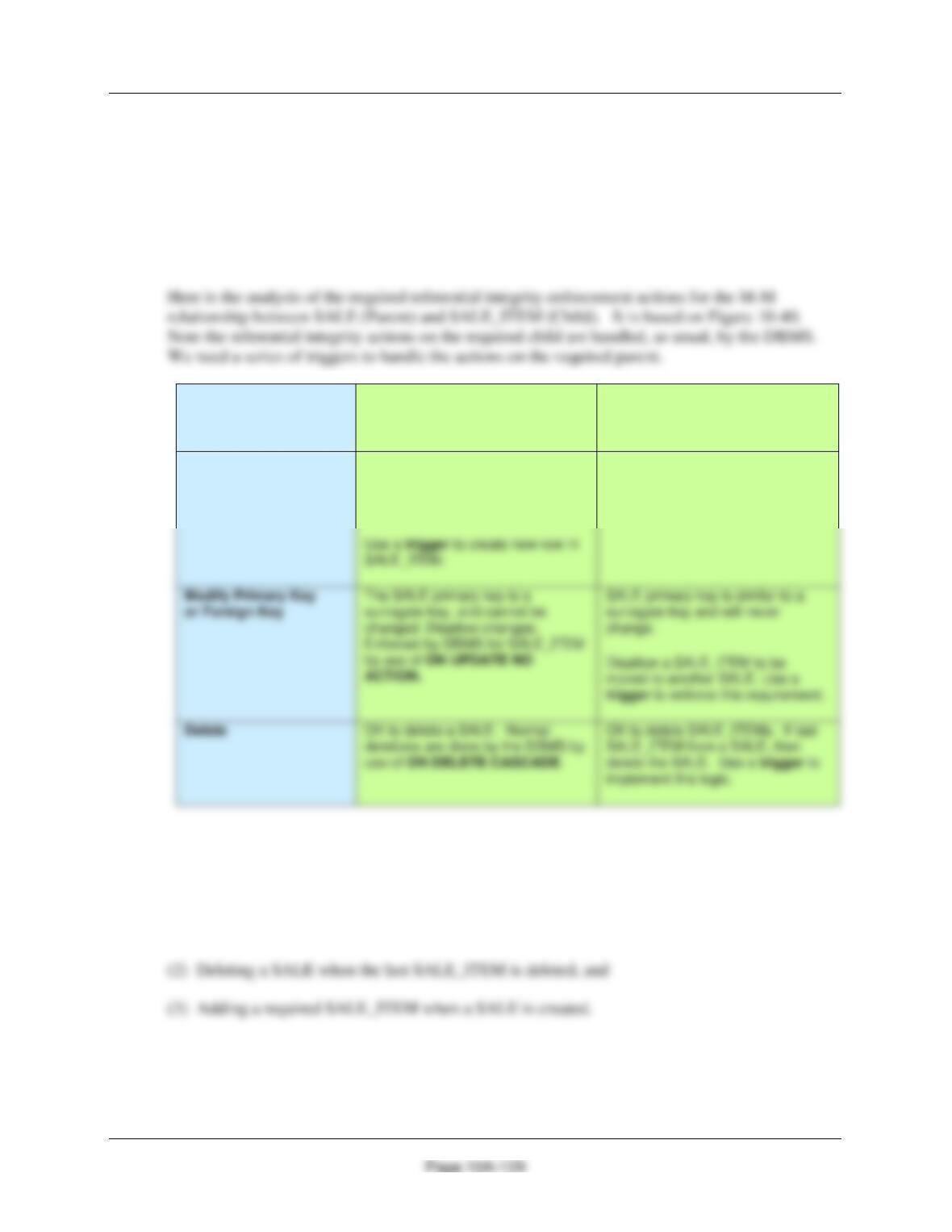
F. Assume that the relationship between SALE and SALE_ITEM is M-M. Design triggers to
enforce this relationship. Use Figure 10A-42 and the discussion of that figure as an
example, but assume that The Queen Anne Curiosity Shop does allow SALEs and their
related SALE_ITEM rows to be deleted. Use the deletion strategy shown in Figures 7-28
and 7-29 for this case.
Both SALE and
SALE_ITEM are
Required
SALE
[Parent]
SALE_ITEM
[Child]
Insert
Create a new SALE_ITEM row.
Note that this row must be
numbered as SALE_ITEM 1 for this
SALE.
New SALE_ITEM row must have a
valid SALE (enforced by DBMS
referential integrity).
G. Write and test the triggers you designed in part F.
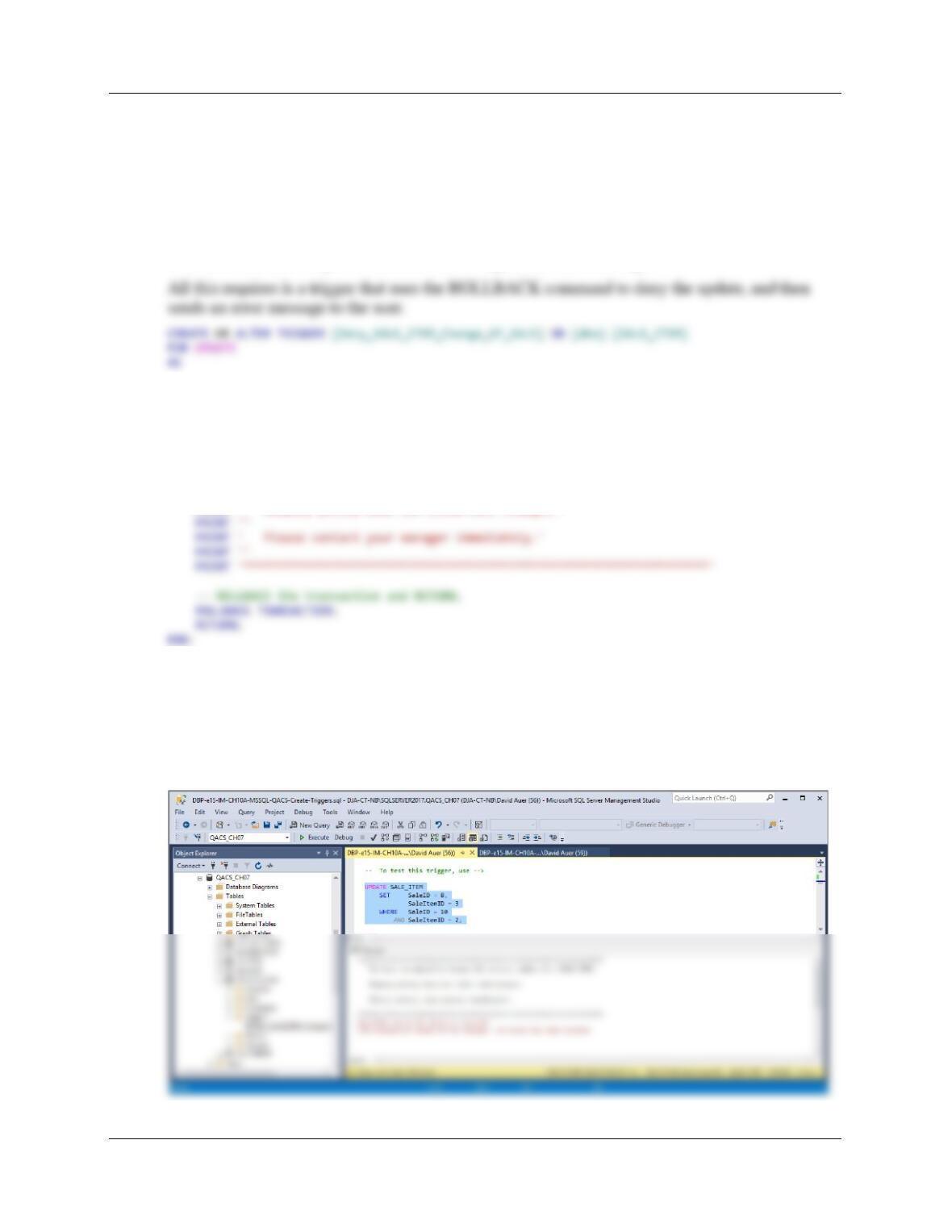
There are three actions needing triggers:
(1) Denying the reassignment of a SALE_ITEM from one SALE to another
Chapter 10A – Managing Databases with SQL Server 2017
Page 10A-130
(1) Denying the reassignment of a SALE_ITEM from one SALE to another.
It makes no logical business sense to move a SALE_ITEM from one Sale to another. Note that if
this was done, both a different SALE.SaleID and probably a SALE_ITEM.InvoiceNumber would
have to be assigned.
Although this number could be changed by SQL statements to the DBMS, we do not want to let it
be changed, and so we will disallow any attempt to change it. This is similar to Project Question
10.32 and the code we just wrote, and we will again use the same logic.
BEGIN
SET NOCOUNT ON;
— Disallow the change of an SALE SaleID in SALE_ITEM.
— Print the error message.
PRINT ‘********************************************************************’
PRINT ‘ You have attempted to change the invoice number of a SALE_ITEM.’
PRINT ”
PRINT ‘ Company policy does not allow such changes.’
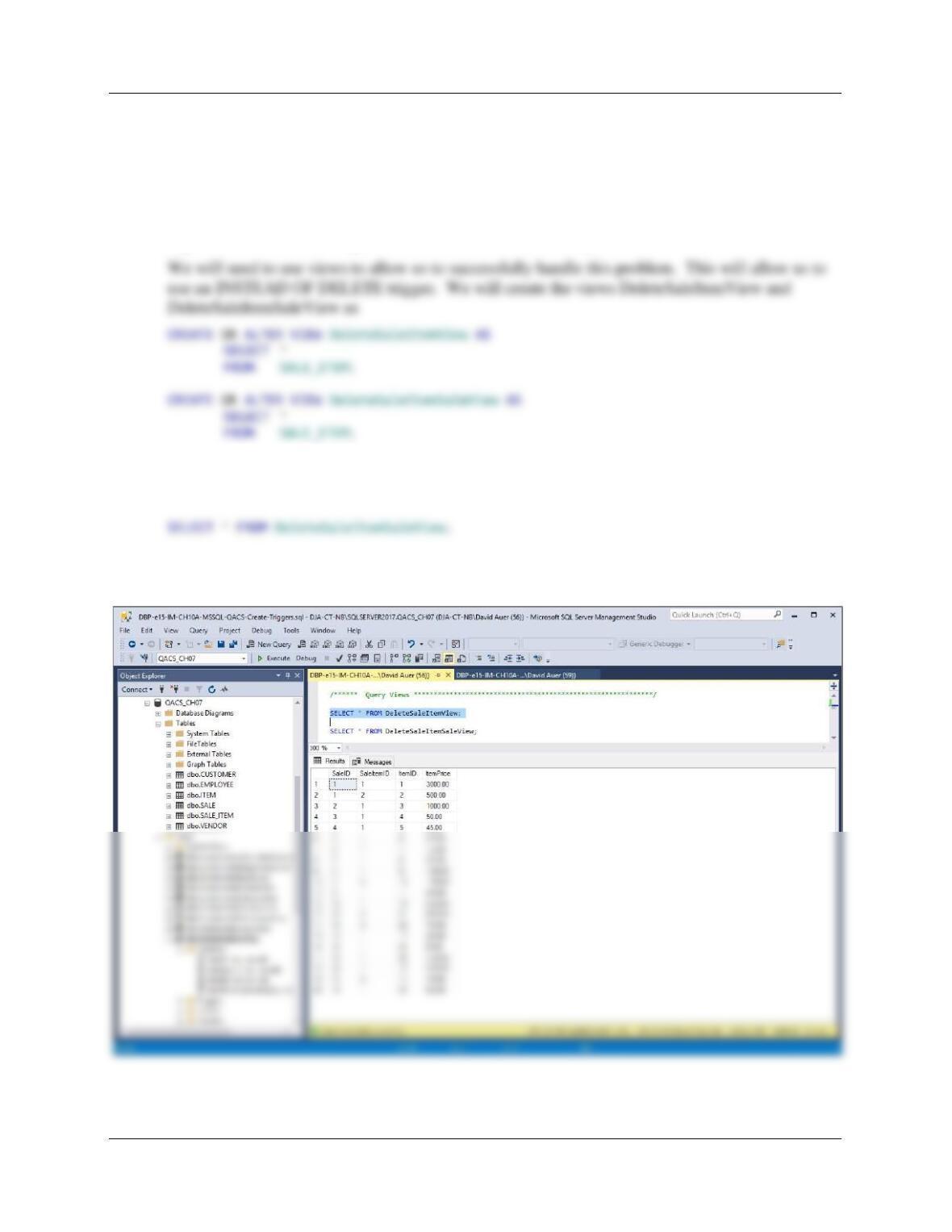
To test this trigger use:
UPDATE SALE_ITEM
SET SaleID = 8,
SaleItemID = 3
WHERE SaleID = 10
AND SaleItemID = 2;
Chapter 10A – Managing Databases with SQL Server 2017
Page 10A-131
(2) Deleting a SALE when the last SALE_ITEM is deleted.
We will use the logic in Figures 7-28 for this case. In this logic, one type of employee has the
rights to delete SALE_ITEMs, but not SALEs, while another type of employee with more
authority has the right to delete SALEs as well. This problem is also similar to Project Question
10A.34 and we will use that solution as a reference.
Figure 7-28 contains the logic to delete all but the last SALE_ITEM.
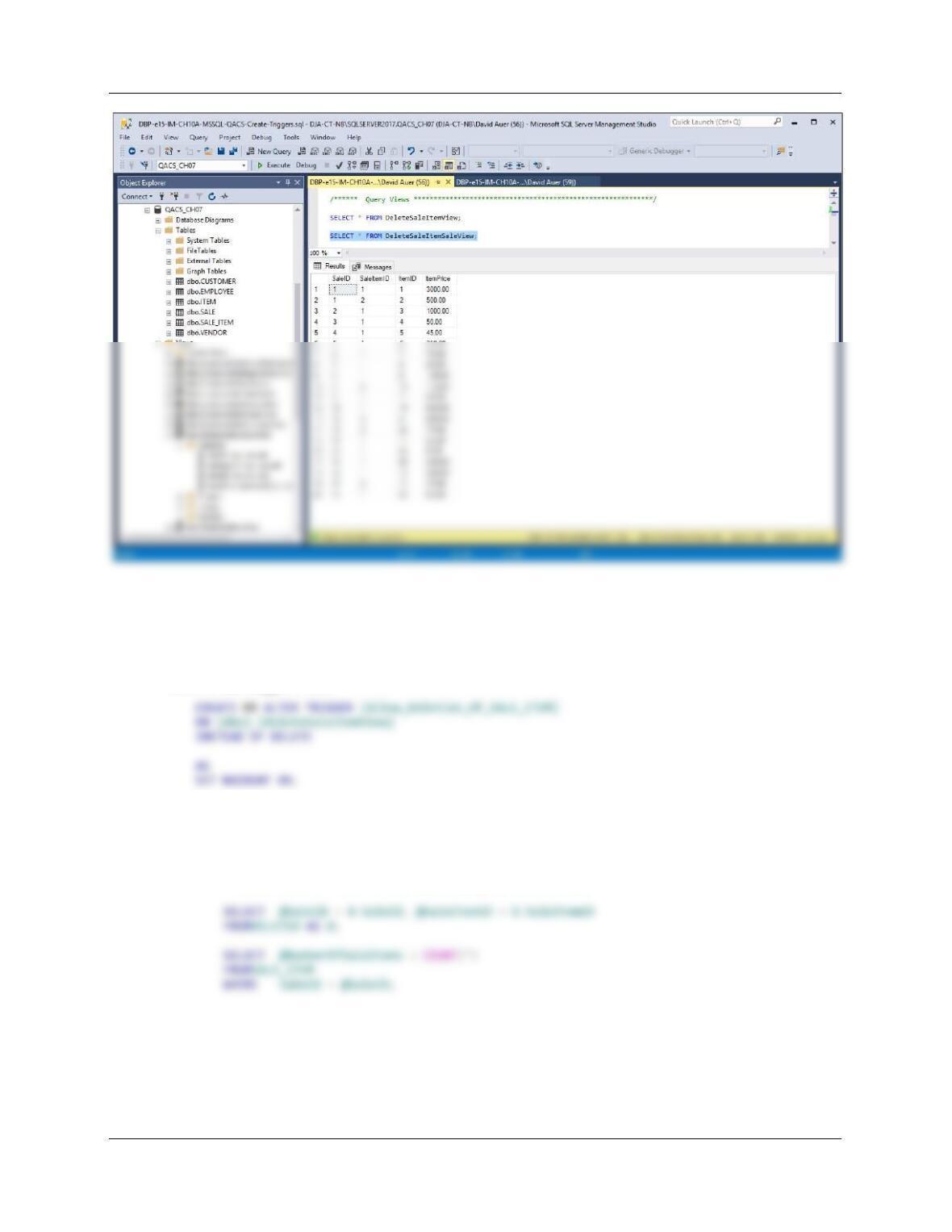
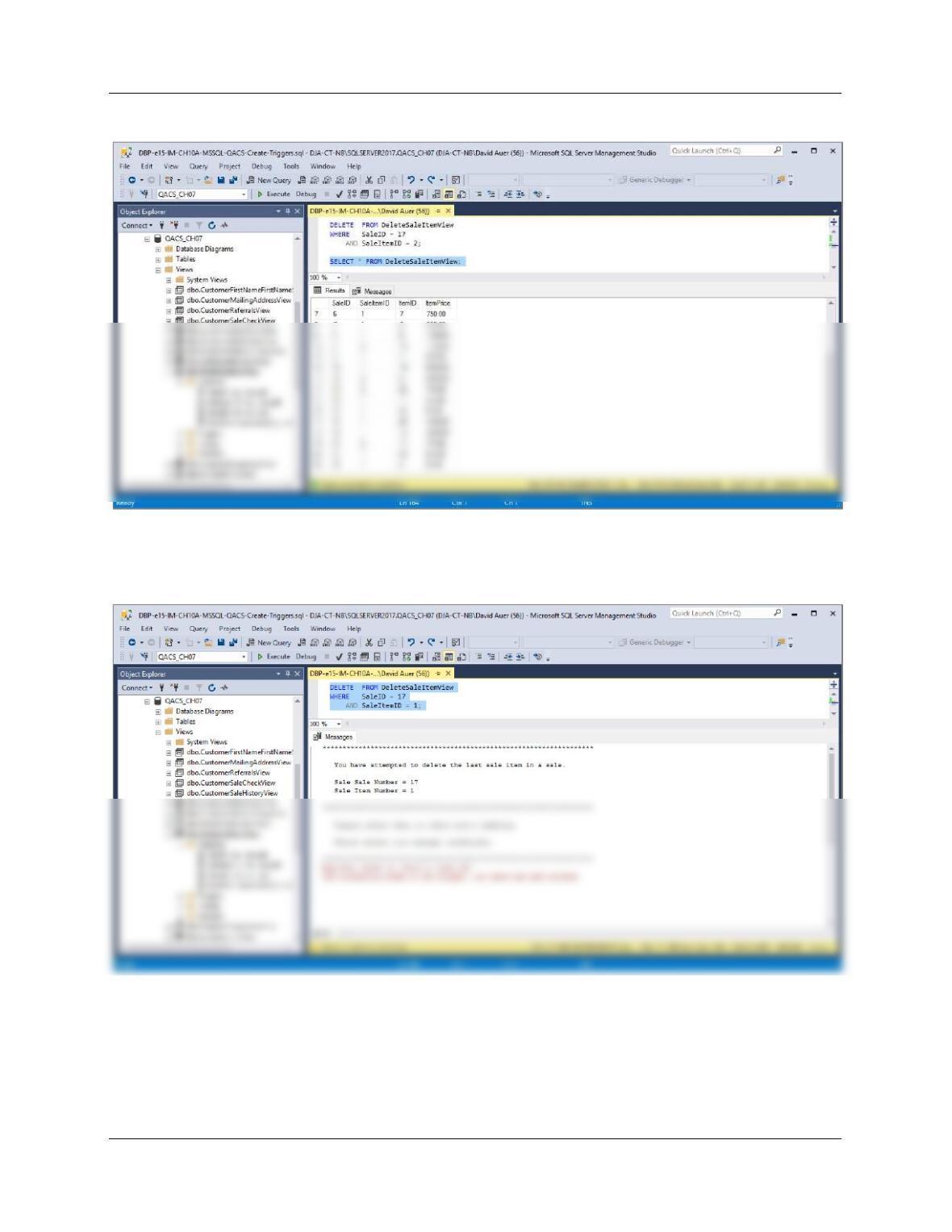
To test these, run the following commands:
SELECT * FROM DeleteSaleItemView;
Chapter 10A – Managing Databases with SQL Server 2017
Page 10A-132
Figure 7-28 contains the logic to delete all but the last SALE_ITEM. The trigger requires us to
check the number of SALE_ITEMs in a SALE. If the number of SALE_ITEMSs is greater than
one, we allow the deletion. If the number of SALE_ITEMs is exactly one, we will ROLLBACK
the deletion and then send an error message to the user.
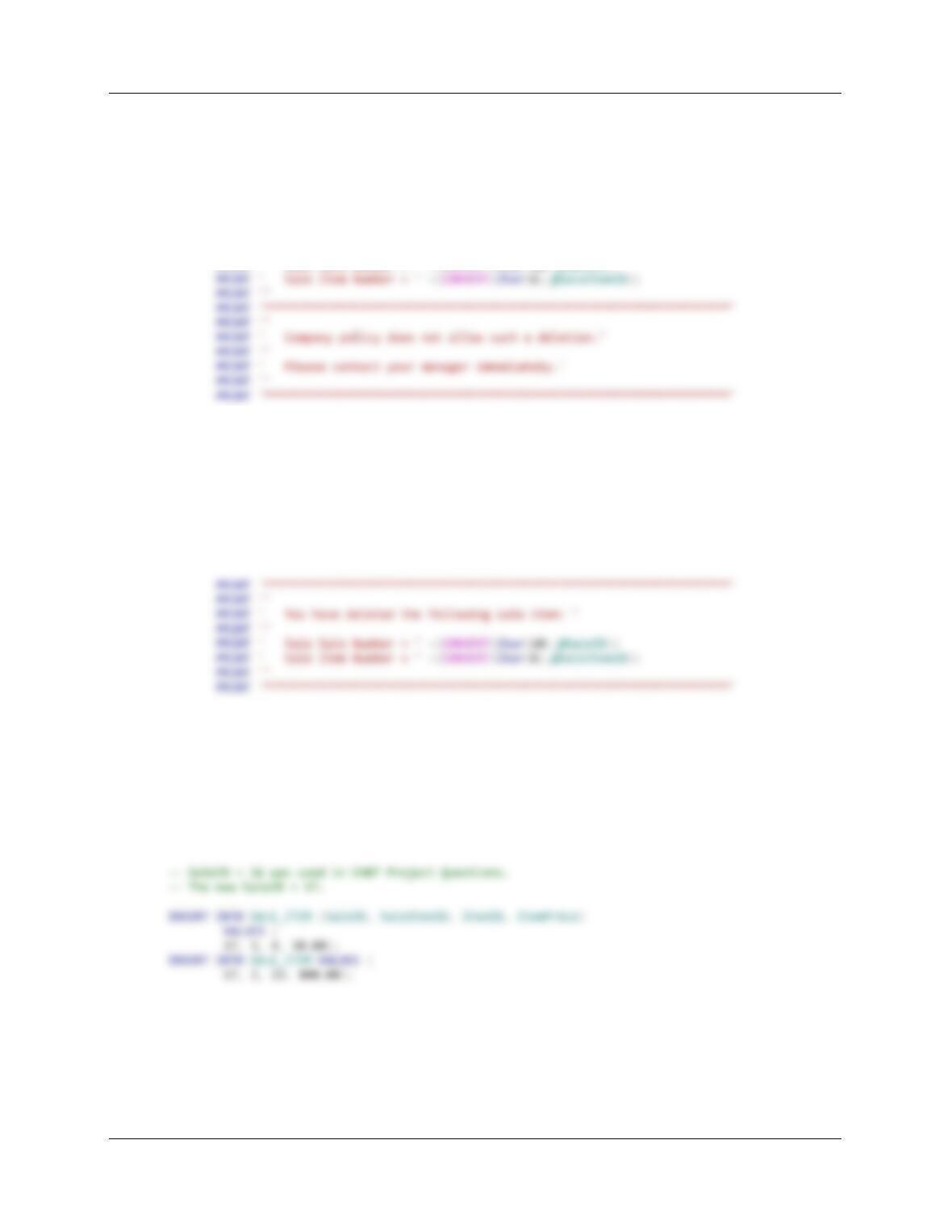
Here is the trigger code:
DECLARE @SaleID AS Int,
@SaleItemID AS Int,
@NumberOfSaleItems AS Int
BEGIN
— Determine if this is the last SALE_ITEM in the SALE.
Chapter 10A – Managing Databases with SQL Server 2017
Page 10A-133
IF @NumberOfSaleItems = 1
— Last SALE_ITEM, deny deletion of SALE_ITEM.
BEGIN
— Print the error message.
PRINT ‘********************************************************************’
PRINT ”
PRINT ‘ You have attempted to delete the last sale item in a sale. ‘
PRINT ”
PRINT ‘ Sale Sale Number = ‘ +(CONVERT(Char(10),@SaleID))
— Rollback the transaction and return.
ROLLBACK TRANSACTION;
RETURN;
END;
ELSE
— Deletion of SALE_ITEM.
BEGIN
DELETE FROM SALE_ITEM
WHERE SaleID = @SaleID
AND SaleItemID = @SaleItemID;
END;
END;
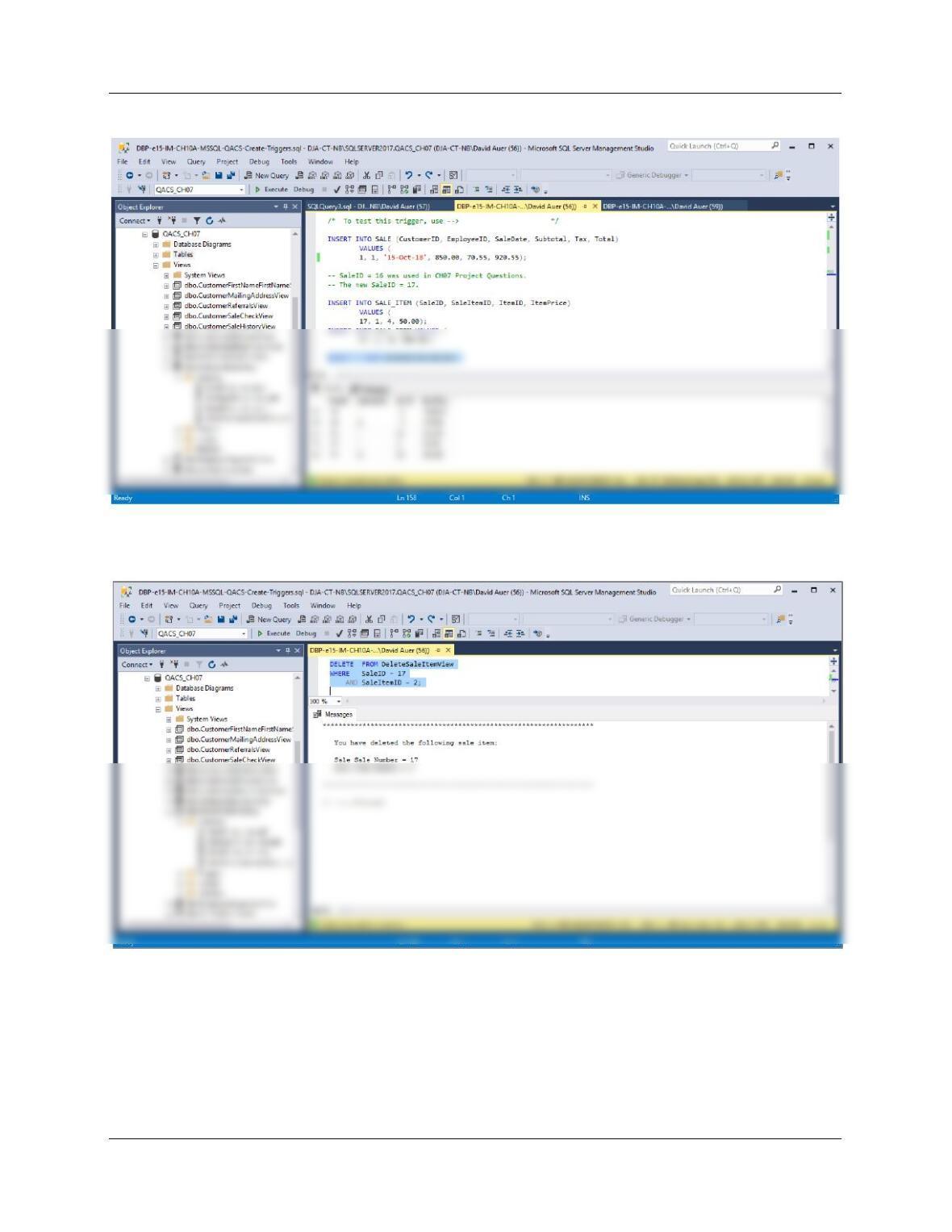
To test this, run the following commands:
INSERT INTO SALE (CustomerID, EmployeeID, SaleDate, Subtotal, Tax, Total)
VALUES (
1, 1, ’15-Oct–18′, 850.00, 70.55, 920.55);
Chapter 10A – Managing Databases with SQL Server 2017
Page 10A-134
SELECT * FROM DeleteSaleItemView;
DELETE FROM DeleteSaleItemView
WHERE SaleID = 17
AND SaleItemID = 2;
Chapter 10A – Managing Databases with SQL Server 2017
Page 10A-135
SELECT * FROM DeleteSaleItemView;
DELETE FROM DeleteSaleItemView
WHERE SaleID = 17
AND SaleItemID = 1;
— To actually DELETE SALE 17 to clean up the database:
DELETE FROM SALE
WHERE SaleID = 17;
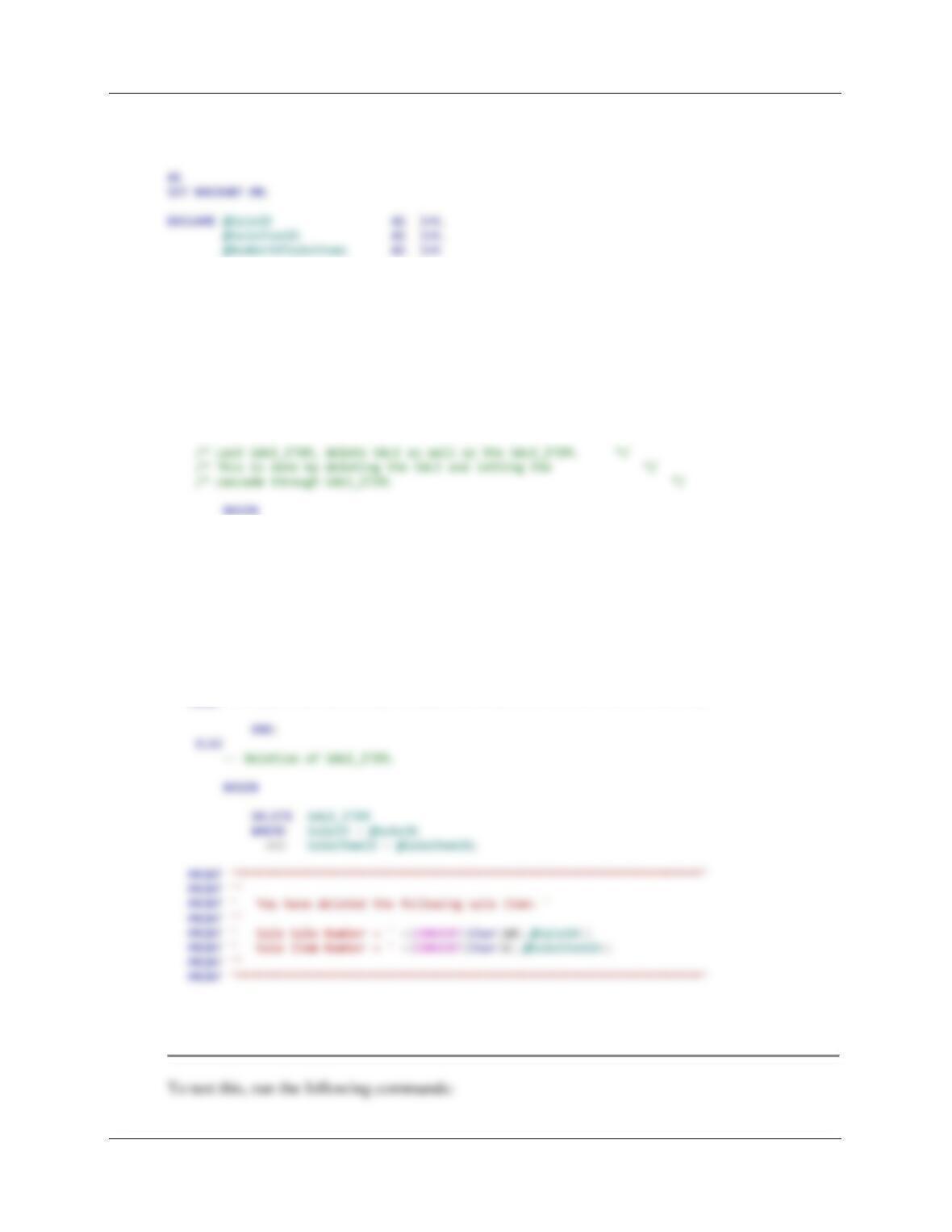
Alternately, we can use a revised logic to delete all SALE_ITEMs and the SALE itself. Here is
the trigger code:
Chapter 10A – Managing Databases with SQL Server 2017
Page 10A-136
CREATE OR ALTER TRIGGER [Allow_Deletion_Of_SALE]
ON [dbo].[DeleteSaleItemSaleView]
INSTEAD OF DELETE
BEGIN
— Determine if this is the last SALE_ITEM in the SALE.
SELECT @SaleID = D.SaleID, @SaleItemID = D.SaleItemID
FROM DELETED AS D;
SELECT @NumberOfSaleItems = COUNT(*)
FROM SALE_ITEM
WHERE SaleID = @SaleID;
IF @NumberOfSaleItems = 1
BEGIN
DELETE FROM SALE
WHERE SaleID = @SaleID;
PRINT ‘********************************************************************’
PRINT ”
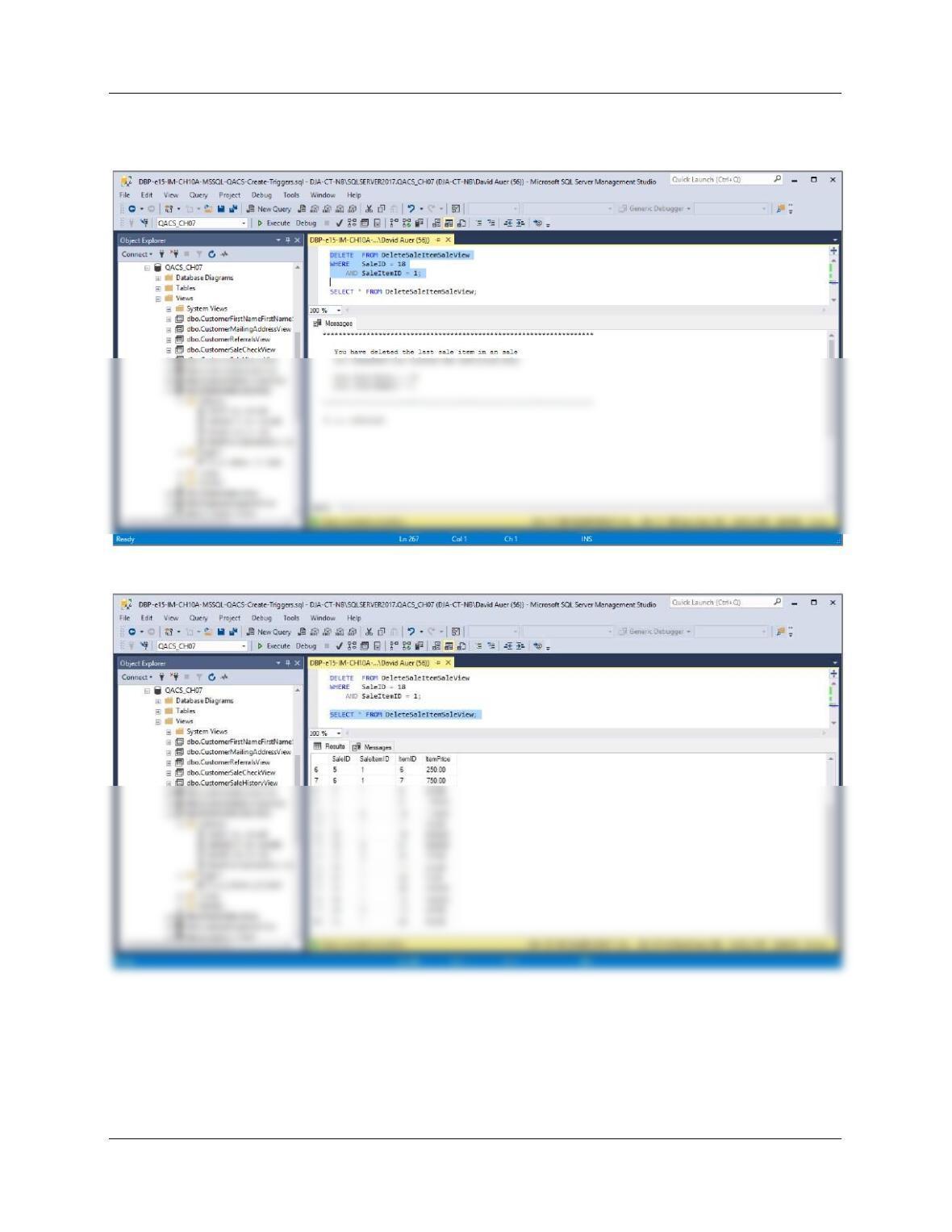
PRINT ‘ You have deleted the last sale item in an sale ‘
PRINT ‘ and therefore also deleted the associated sale.’
PRINT ”
PRINT ‘ Sale Sale Number = ‘ +(CONVERT(Char(10),@SaleID))
PRINT ‘ Sale Item Number = ‘ +(CONVERT(Char(6),@SaleItemID))
PRINT ”
PRINT ‘********************************************************************’
END;
END;
Chapter 10A – Managing Databases with SQL Server 2017
Page 10A-137
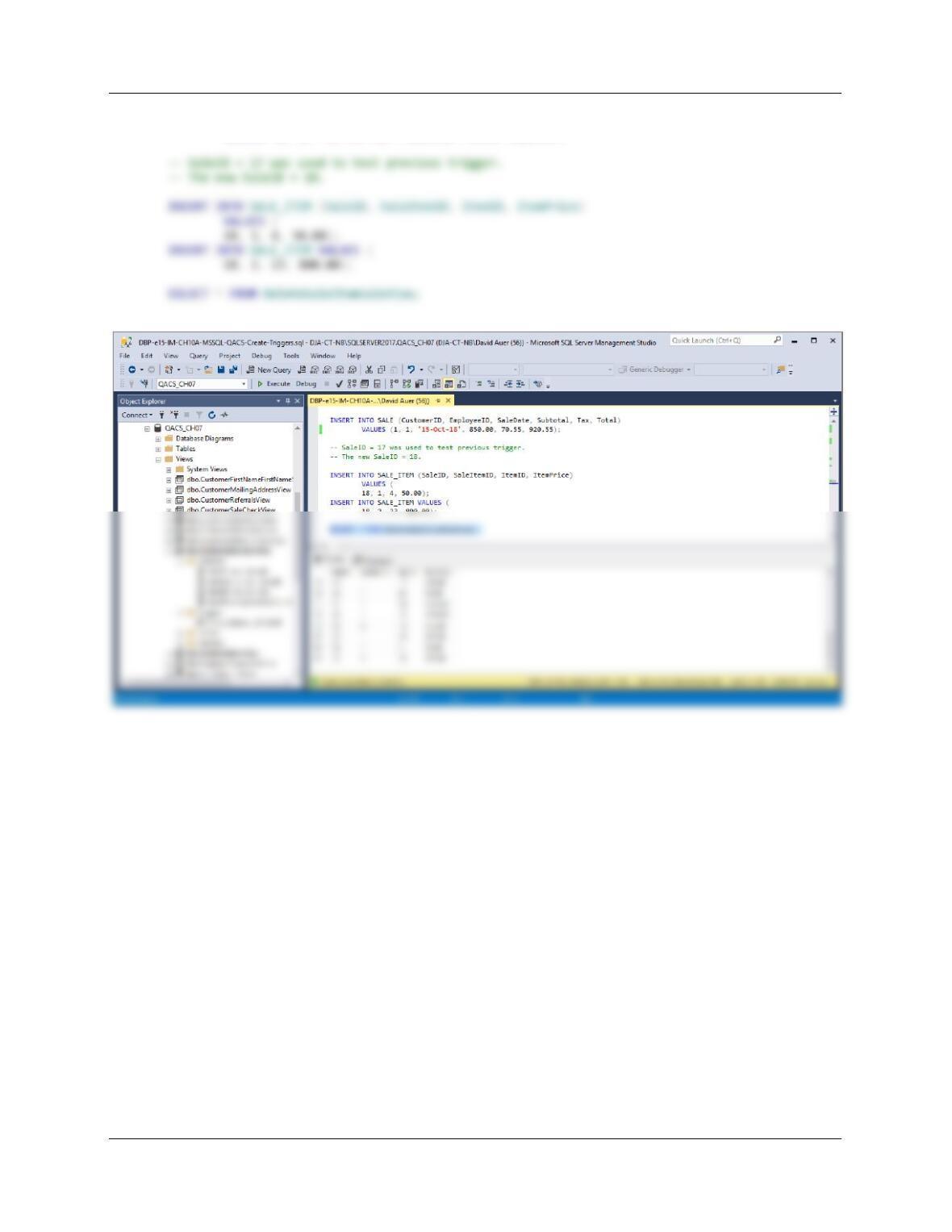
INSERT INTO SALE (CustomerID, EmployeeID, SaleDate, Subtotal, Tax, Total)
VALUES (1, 1, ’15-Oct–18‘, 850.00, 70.55, 920.55);
Chapter 10A – Managing Databases with SQL Server 2017
Page 10A-138
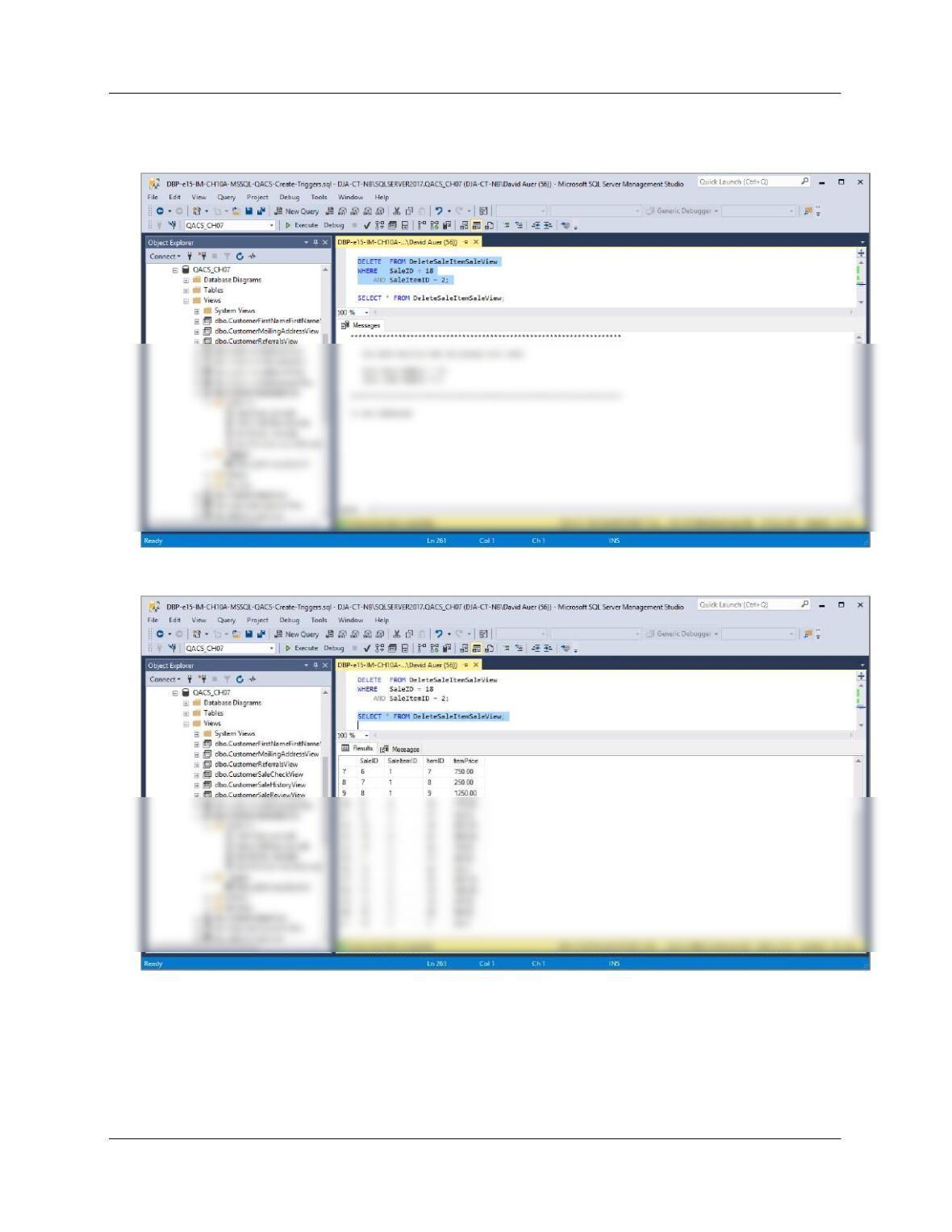
DELETE FROM DeleteSaleItemSaleView
WHERE SaleID = 18
AND SaleItemID = 2;
SELECT * FROM DeleteSaleItemSaleView;
Chapter 10A – Managing Databases with SQL Server 2017
Page 10A-139
DELETE FROM DeleteSaleItemSaleView
WHERE SaleID = 18
AND SaleItemID = 1;
SELECT * FROM DeleteSaleItemSaleView;
Chapter 10A – Managing Databases with SQL Server 2017
Page 10A-140
(3) Adding a required SALE_ITEM when a SALE is created.
This solution is similar to the one we discussed in Chapter 10A [A Trigger for Enforcing a
Required Child Constraint], and uses Figure 10A-66 as a model for the trigger. First, we note that
the requirement that SALE_ITEM have an associated SALE is automatically enforced by the
foreign key referential integrity constraint on SALE_ITEM.
We will need to use a view to allow us to successfully handle this problem. This will allow us to
use an INSTEAD OF INSERT trigger. Note that SALE.SaleID is a surrogate key, and therefore
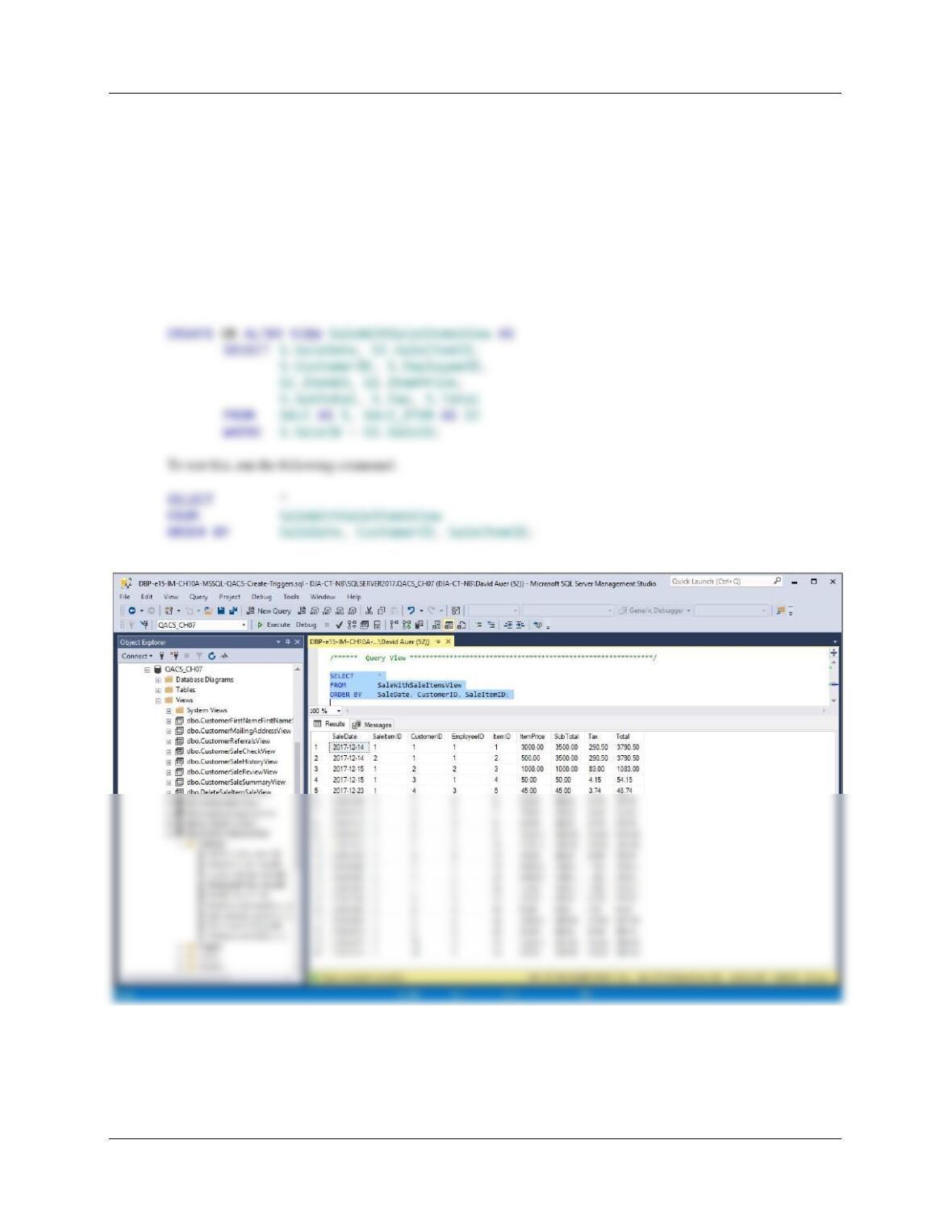
is NOT included in the view. We will create the view SaleWithSaleItemsView as: