Chapter 10A – Managing Databases with SQL Server 2017
Page 10A-61
10A.41 Write SQL statements to accomplish the following tasks, and submit them to SQL
Server 2017 via the Microsoft SQL Server Management Studio. Save your work in an
SQL script named VRG-CH10A-PQ–10A-41.sql. This Project Question shows the steps
necessary to integrage the POSTCARDS$ table data into the VRG database. A
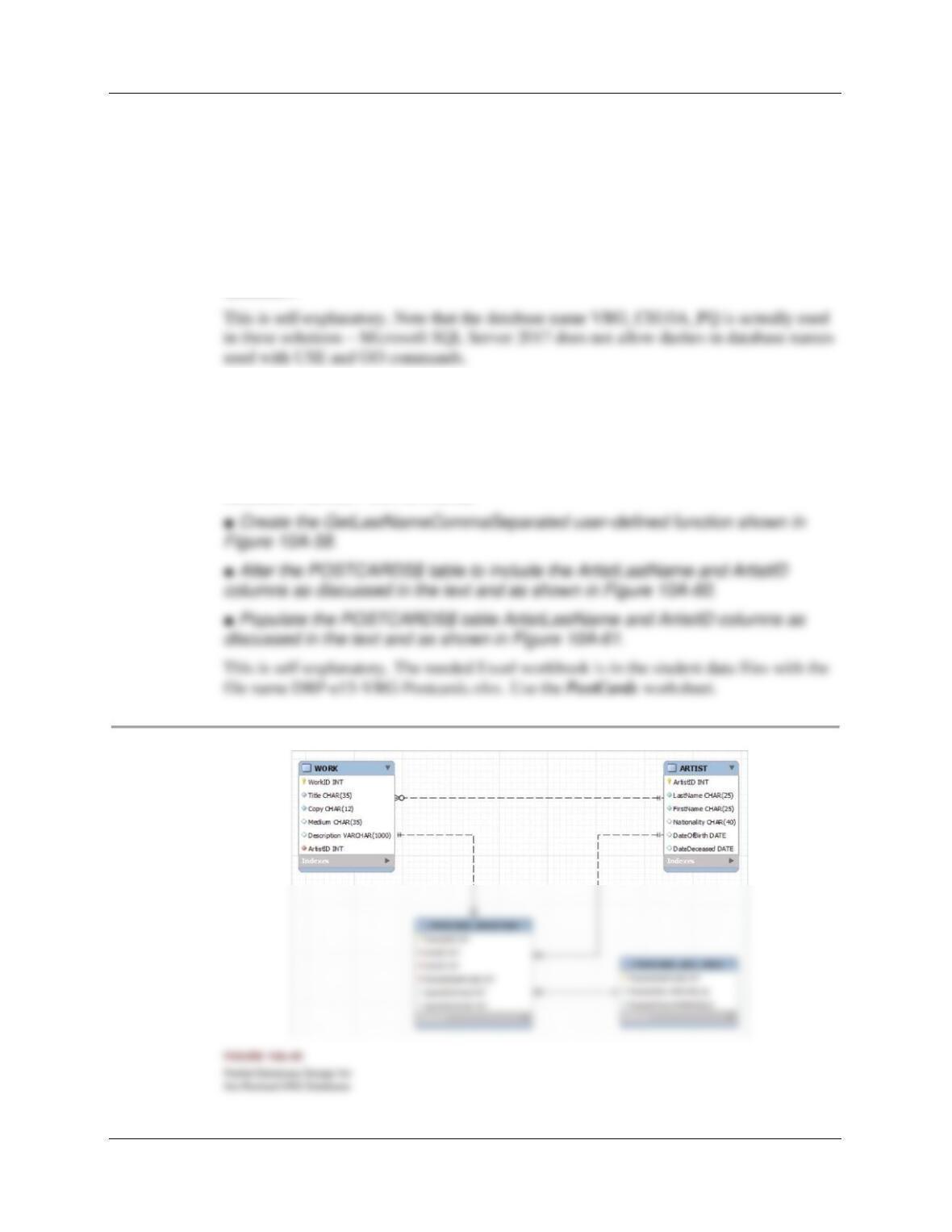
database diagram showing how the VRG database will appear after these steps are
completed (drawn in MySQL Workbench) is shown in Figure 10A-88.
A. If you haven’t done so, work through Project Question 10A-40 to create the SQL
Server 2017 database named VRG-CH10A-PQ as described in that Project
Question.
B. Use the steps described in this chapter to:
■ Create a Microsoft Excel 2016 workbook containing the POSTCARDS
worksheet shown in Figure 10A-44.
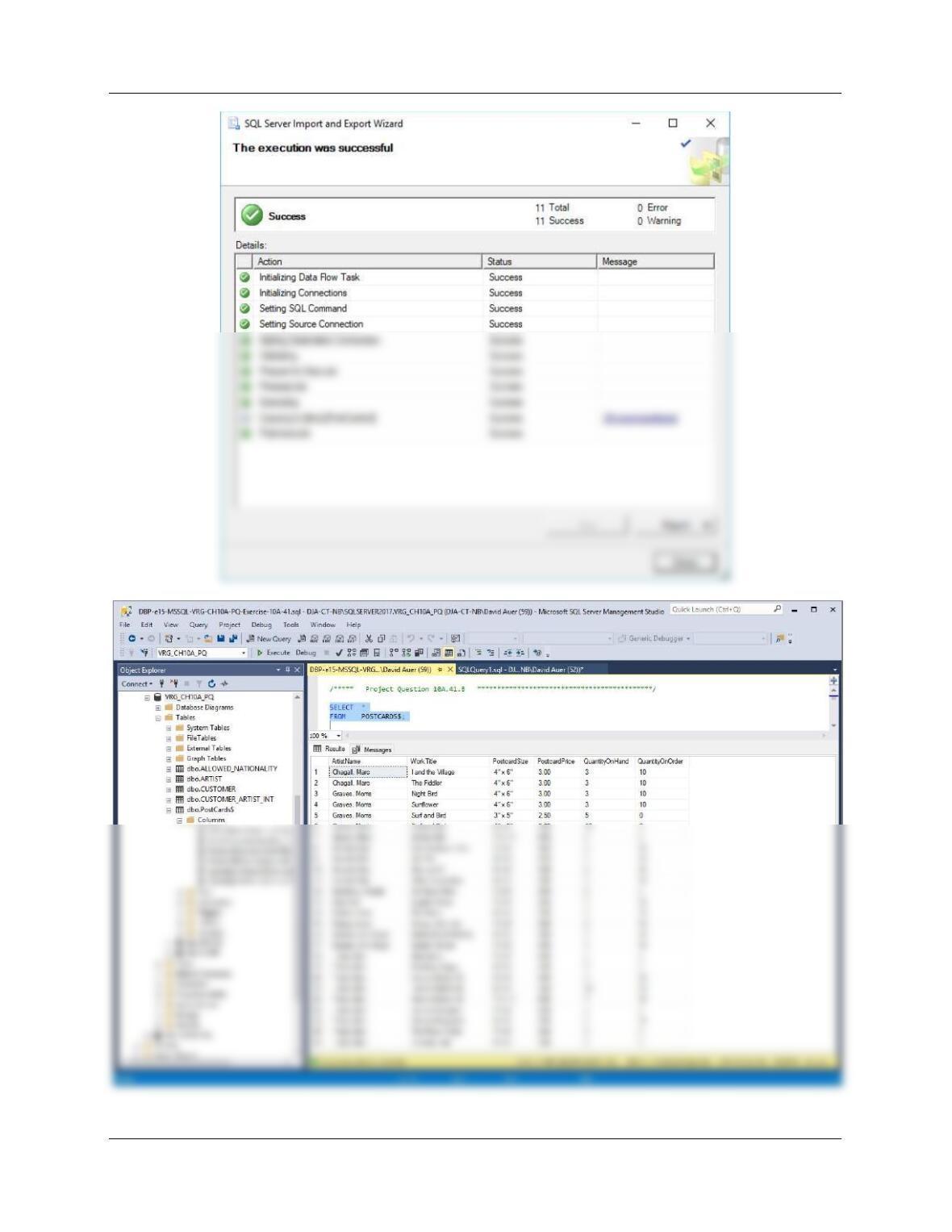
■ Import the data in the POSTCARDS worksheet into a table in the VRG
database named POSTCARDS$.
Chapter 10A – Managing Databases with SQL Server 2017
Page 10A-62
Page 10A-63
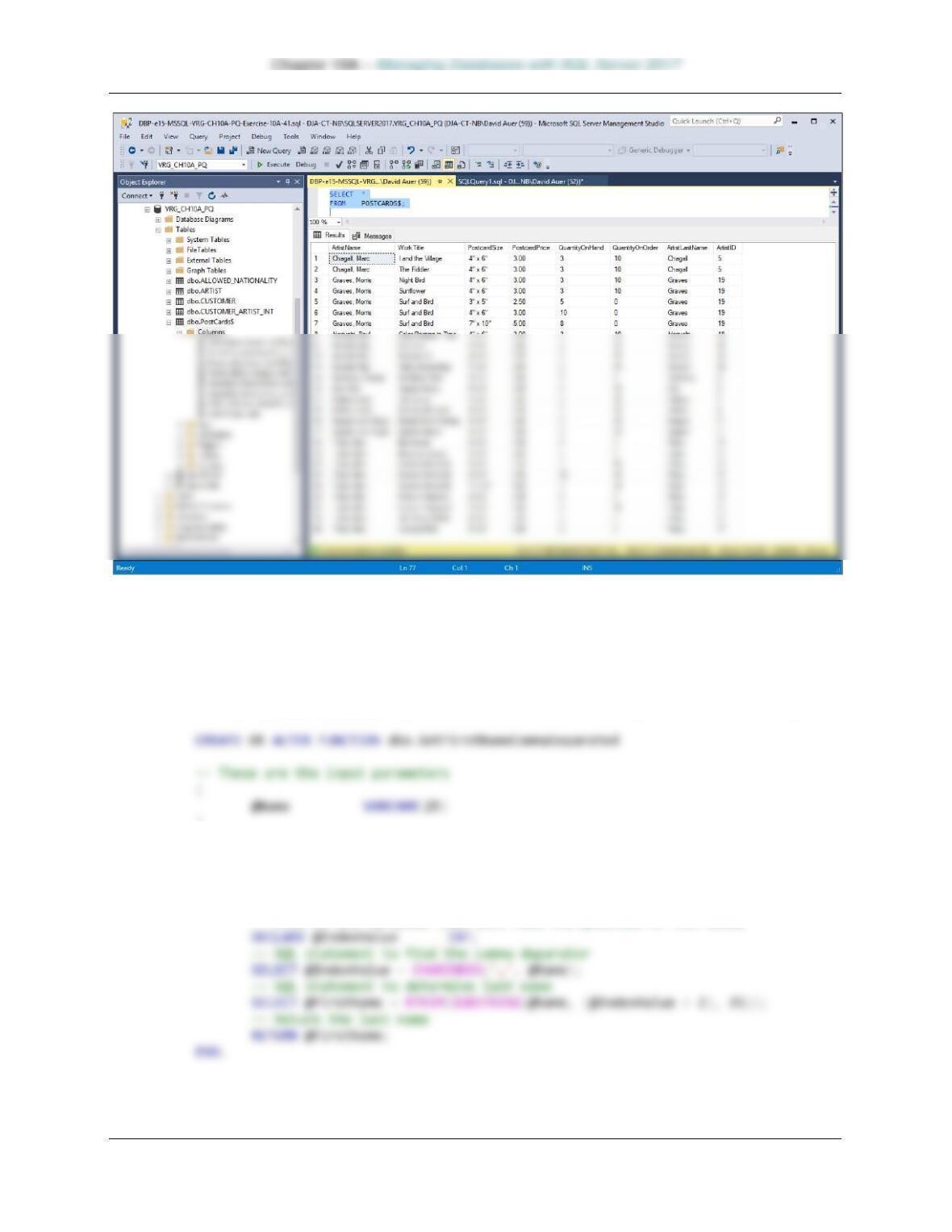
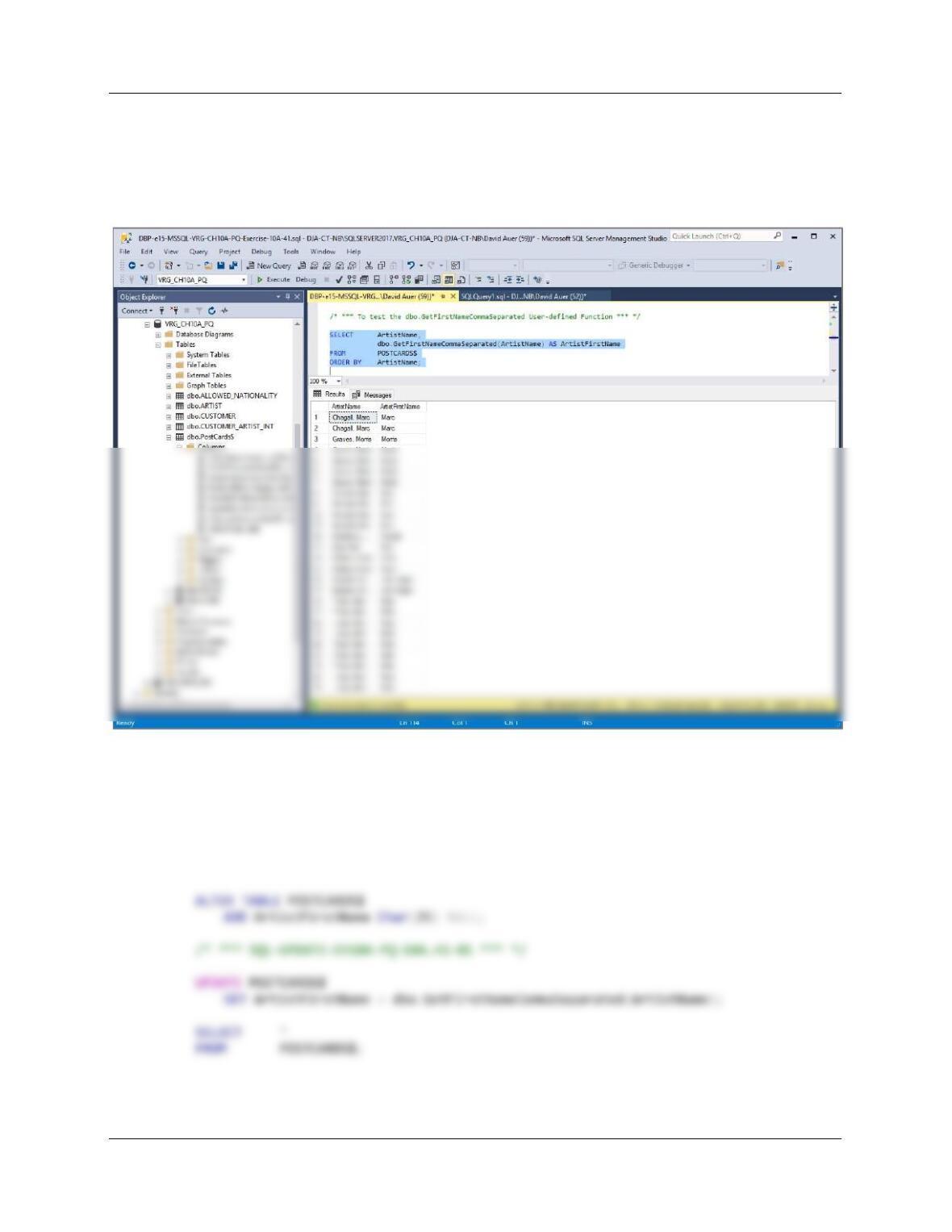
C. Create a user-defined function named GetFirstNameCommaSeparated that will
return the first name from a combined name in last-name-first order, and with the
names separated by a comma and one space. Write an SQL SELECT statement
using the POSTCARDS$ table to test your function.
/***** Project Question 10A.41.C ********************************************/
/***** Create Function ******************************************************/
)
RETURNS VARCHAR(25)
AS
BEGIN
— This is the variable that will hold the value to be returned
DECLARE @FirstName VARCHAR(25);
— This is the variable that will hold the position of the comma
Chapter 10A – Managing Databases with SQL Server 2017
Page 10A-64
/* *** To test the dbo.GetFirstNameCommaSeparated User-defined Function *** */
SELECT ArtistName,
dbo.GetFirstNameCommaSeparated(ArtistName) AS ArtistFirstName
FROM POSTCARDS$
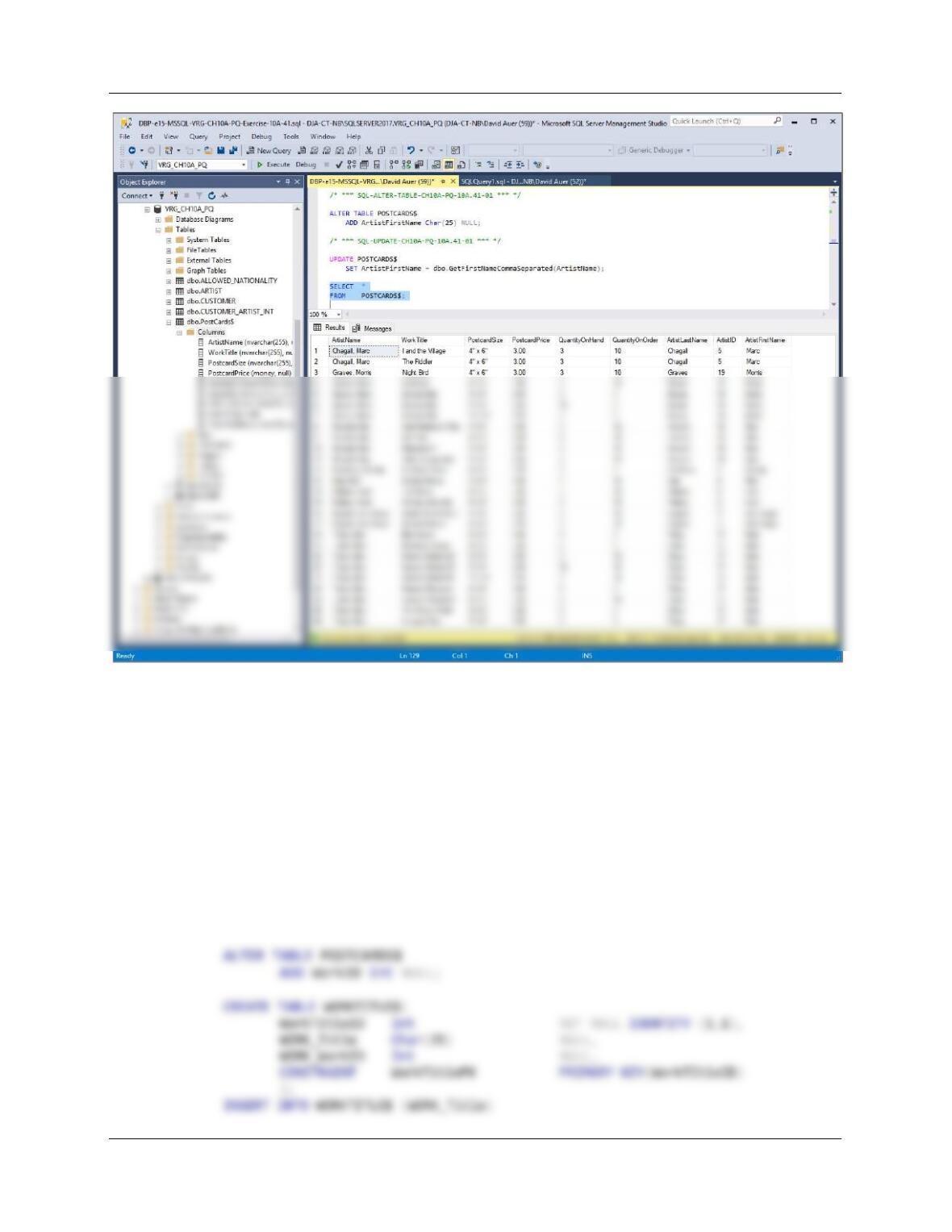
D. Alter the POSTCARDS$ table to include an ArtistFirstName column (Character
data, allow NULL values). Use the GetFirstNameCommaSeparated function that
you created in part C to populate this column.
/***** Project Question 10A.41.D ********************************************/
/* *** SQL-ALTER-TABLE-CH10A-PQ–10A.41-01 *** */
Chapter 10A – Managing Databases with SQL Server 2017
Page 10A-65
E. Alter the POSTCARDS$ table to include a WorkID column (Character data, allow
NULL values). By using and comparing the data in the POSTCARDS$.WorkTitle
and the WORK.Title columns, populate this column (Hint: In the WORK table, the
WorkTitle may appear more than once. For these cases, use the lowest
numbered WorkID. This will be the WorkID of the first occurrence of the
WorkTitle, and can be found using the TOP keyword.)
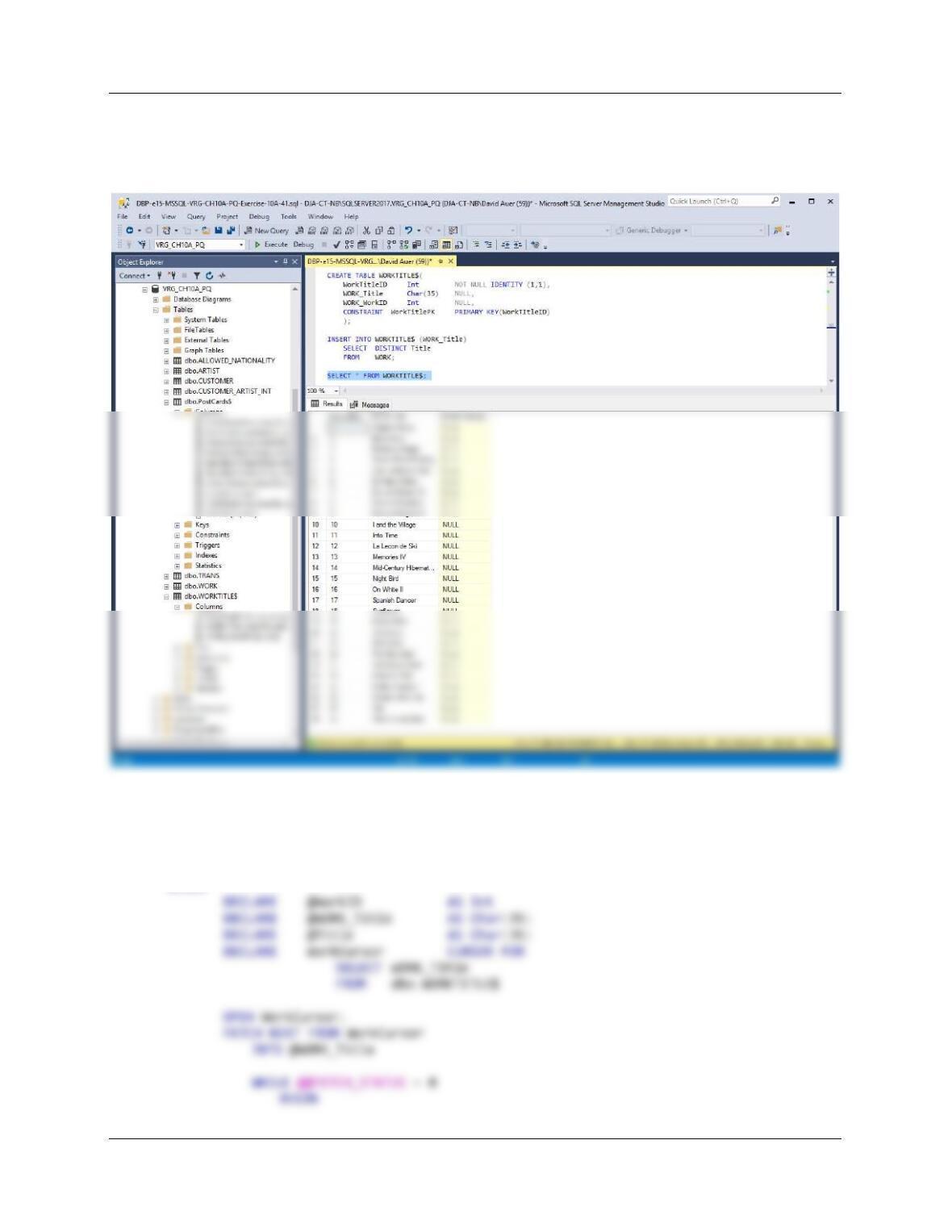
This is actually a bit more complicated, and requires two stored procedures. This is
because the TOP keyword selects from the entire table, not from matched values.
We start be creating another temporary table. Since each work title is associated with
several WorkIDs, we have to select which one to use, and this table will hold the selected
WorkID:
Chapter 10A – Managing Databases with SQL Server 2017
Page 10A-66
SELECT DISTINCT Title
FROM WORK;
SELECT * FROM WORKTITLE$;
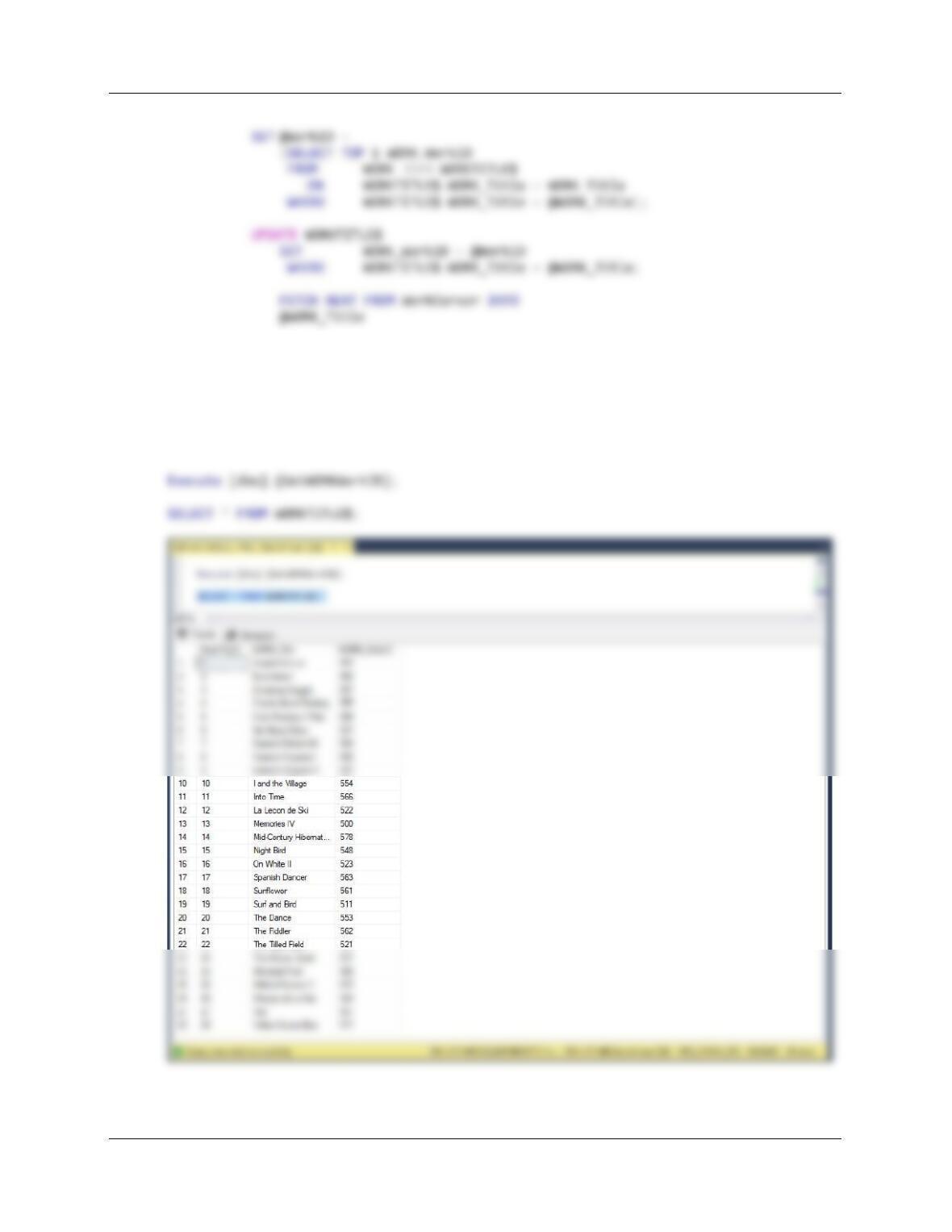
Now we create a stored procedure to populate the WorkIDs values in WORKTITLE$, we
have to select which one to use, and this table will hold the selected WorkID:
CREATE OR ALTER PROCEDURE [dbo].[GetWORKWorkID]
AS
BEGIN
Chapter 10A – Managing Databases with SQL Server 2017
Page 10A-67
END;
CLOSE WorkCursor;
DEALLOCATE WorkCursor;
END;
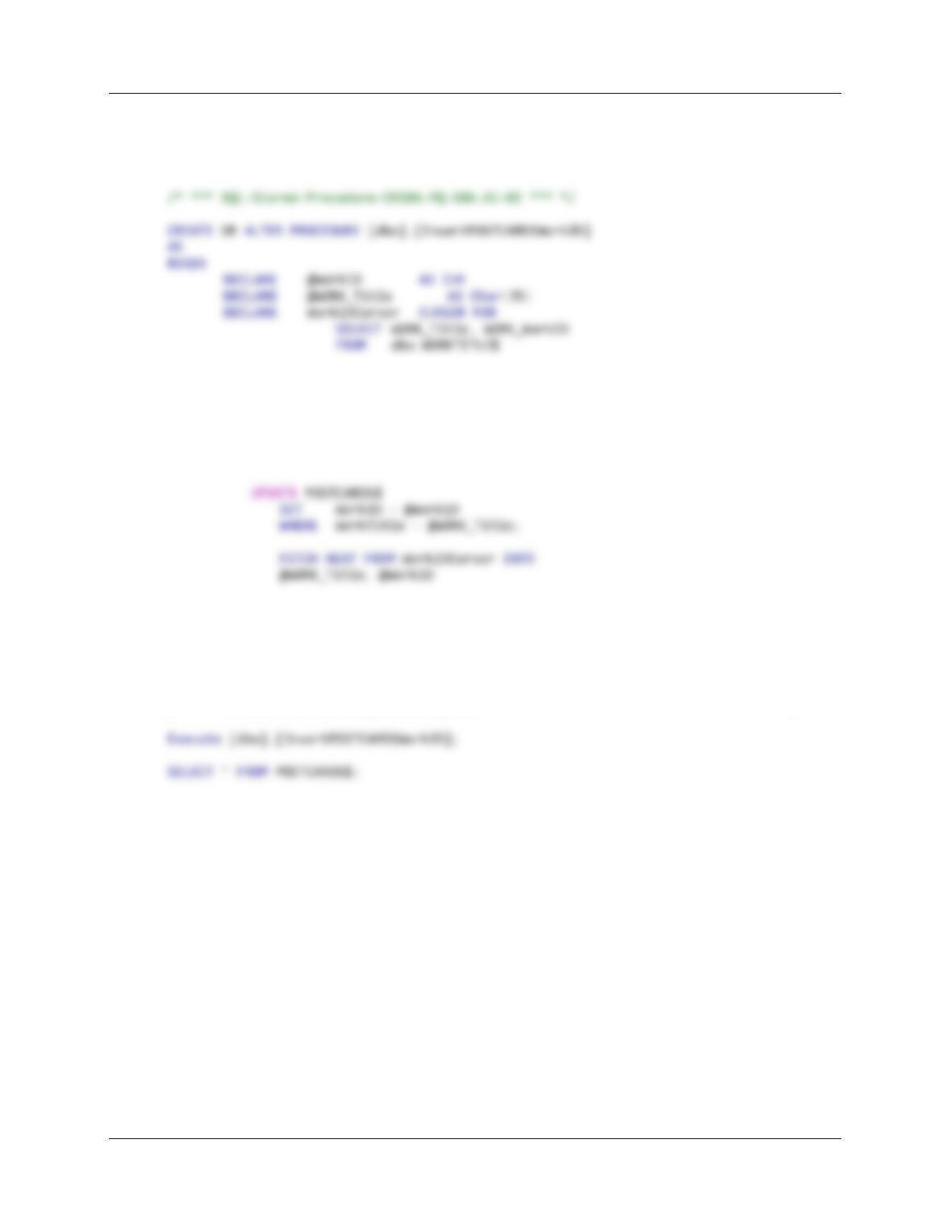
/* To use this stored procedure, use —> */
Chapter 10A – Managing Databases with SQL Server 2017
Page 10A-68
Now we create a stored procedure to populate the WorkIDs values in POSTCARDS$
itself. Here, however, a WorkID value may be used more than once, and this stored
procedure deals with that:
OPEN WorkIDCursor;
FETCH NEXT FROM WorkIDCursor
INTO @WORK_Title, @WorkID
WHILE @@FETCH_STATUS = 0
BEGIN
END;
CLOSE WorkIDCursor;
DEALLOCATE WorkIDCursor;
END;
/* To use this stored procedure, use —> */
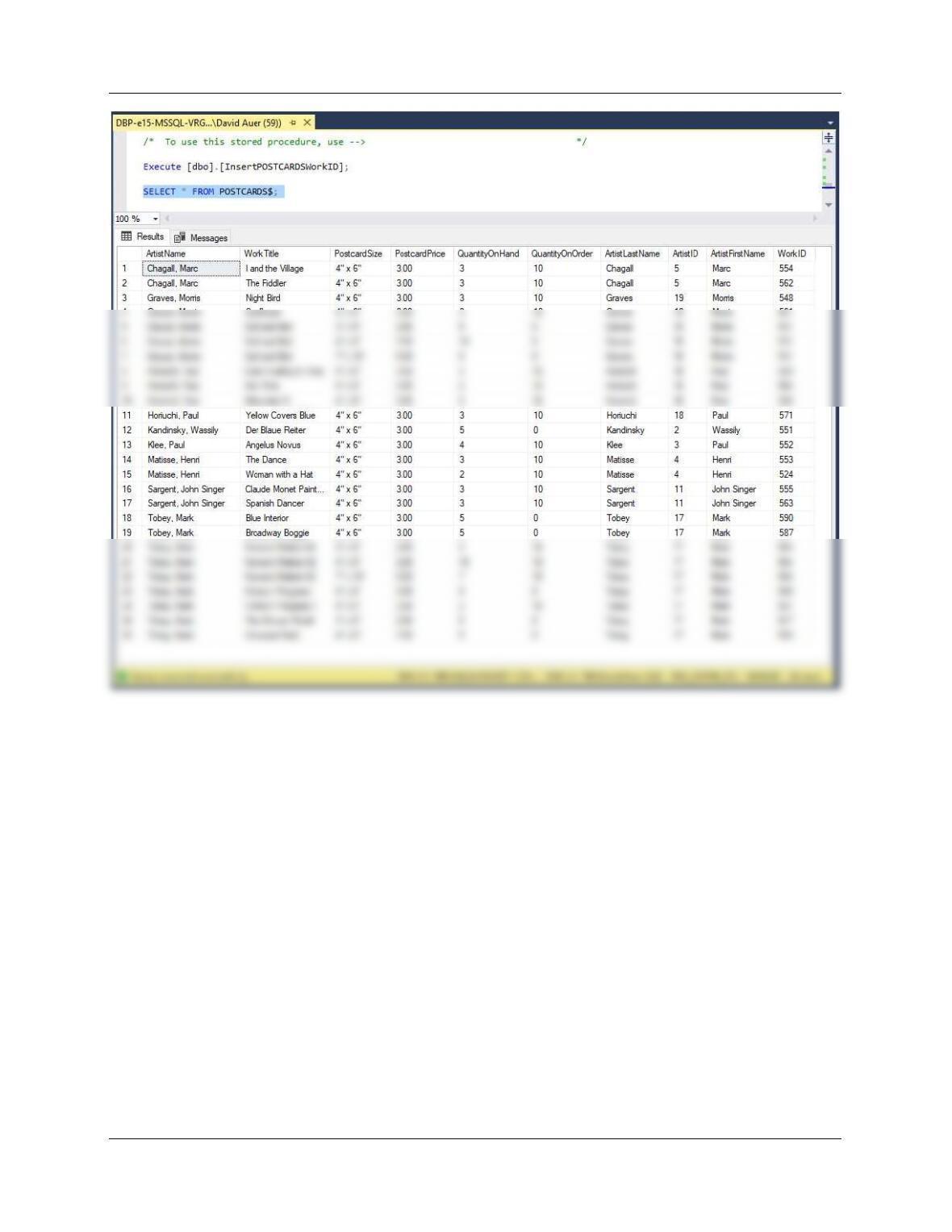
Chapter 10A – Managing Databases with SQL Server 2017
Page 10A-69
Chapter 10A – Managing Databases with SQL Server 2017
Page 10A-70
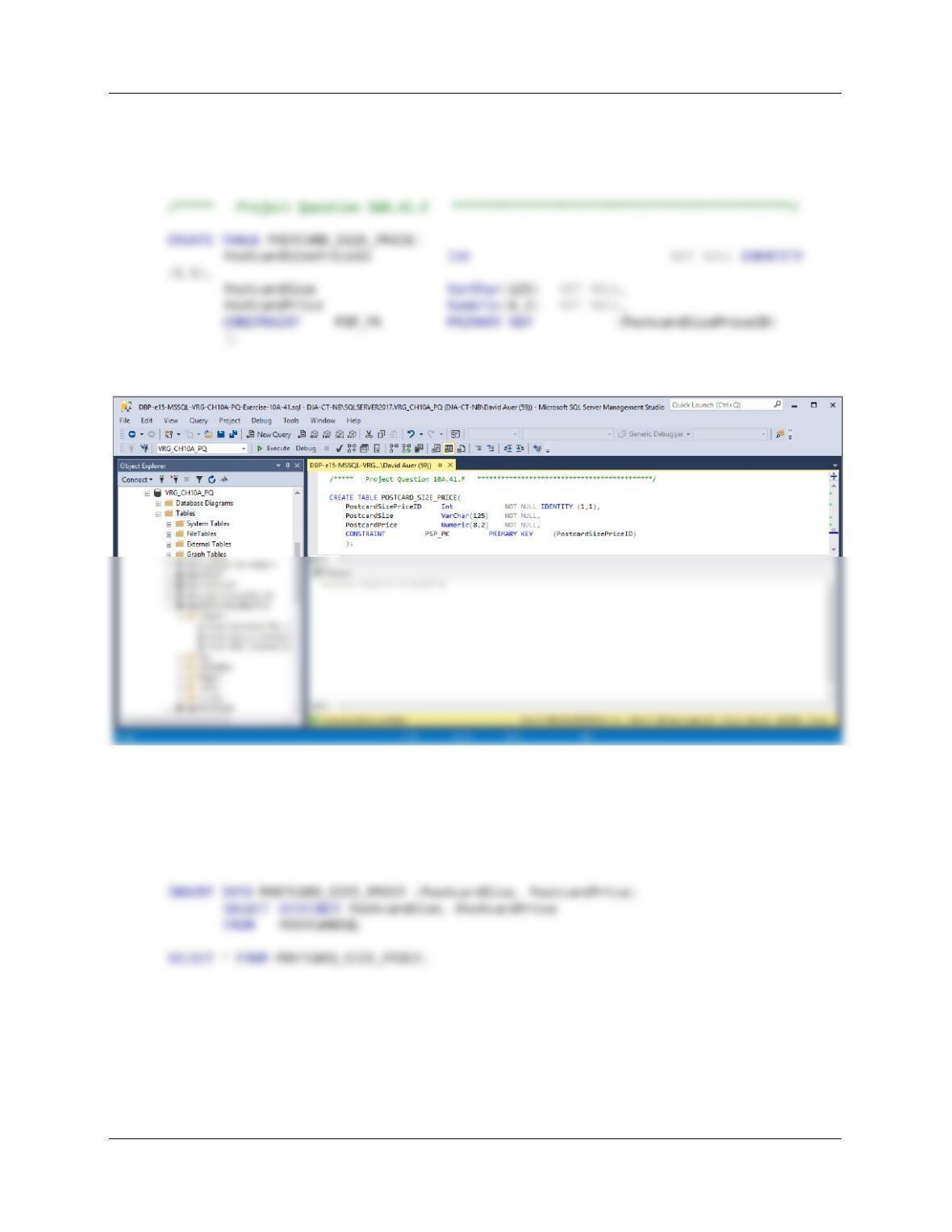
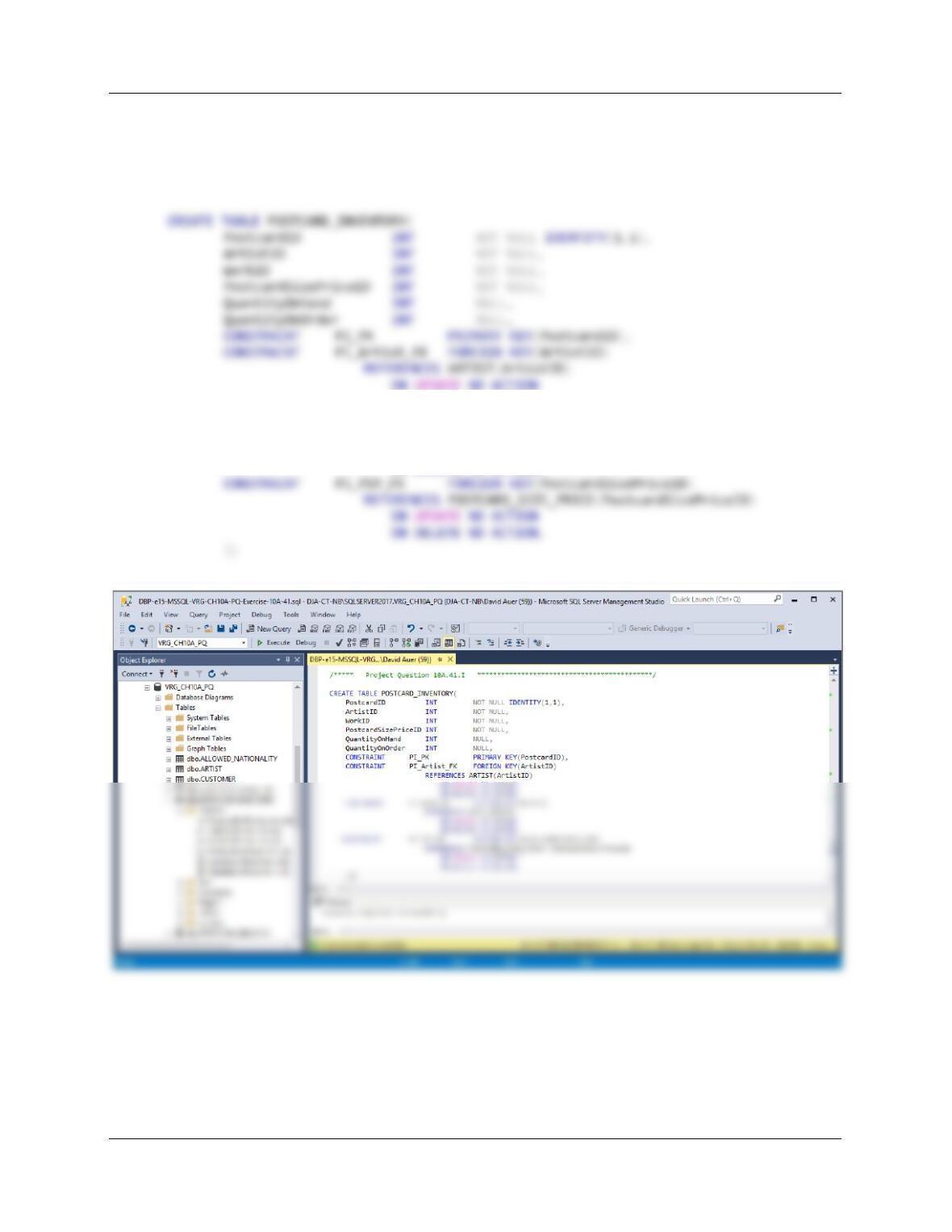
F. Create a new table named POSTCARD_SIZE_PRICE, as shown in Figure 10A–
88. Use the column characteristics shown in Figure 10A-88, where
PostcardSizePriceID is a surrogate key starting at 1 and incrementing by 1.
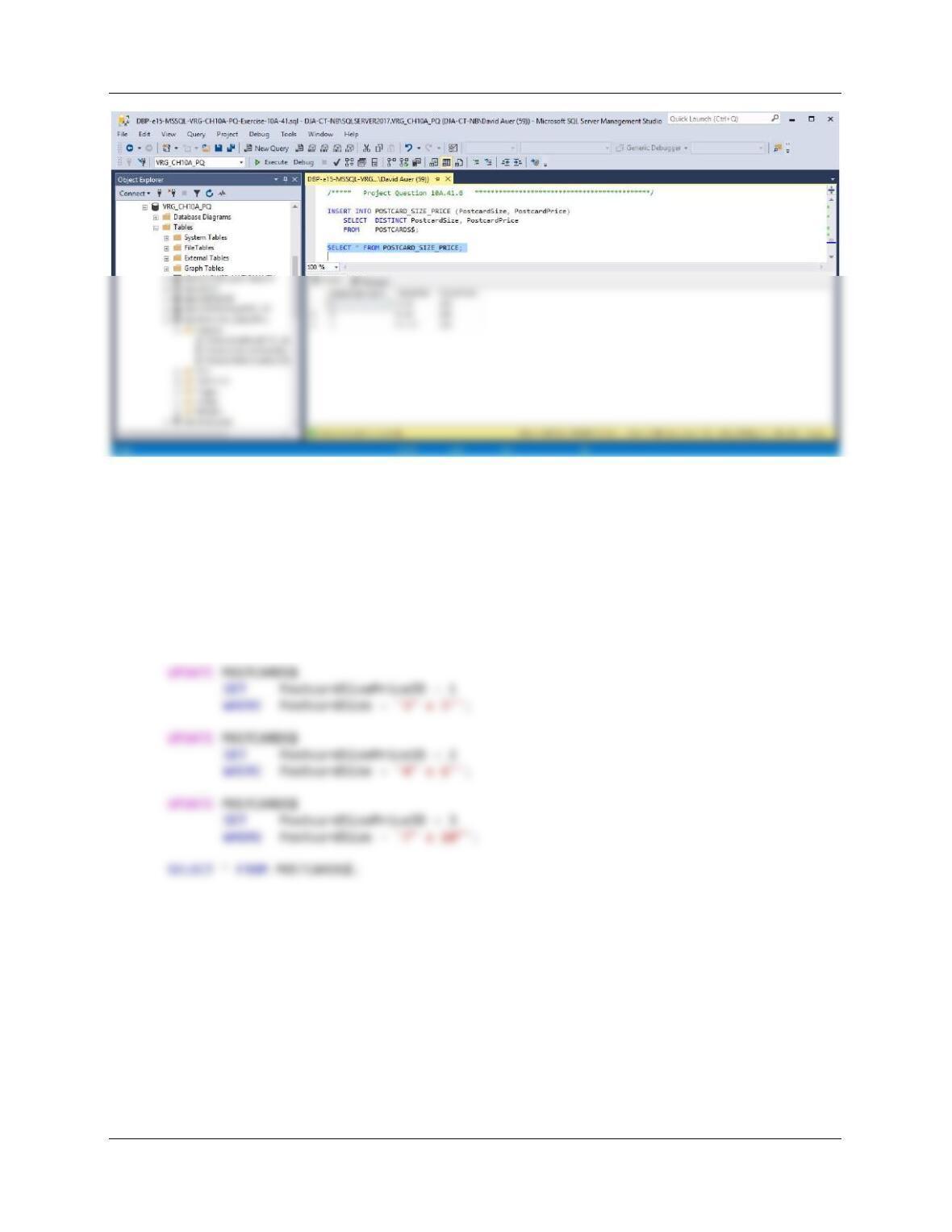
G. Populate the POSTCARD_SIZE_PRICE table using the data stored in the
POSTCARDS$ table. Hint: You should insert distinct data into the table, and your
final table will only have 3 records.
/***** Project Question 10A.41.G ********************************************/
Chapter 10A – Managing Databases with SQL Server 2017
Page 10A-71
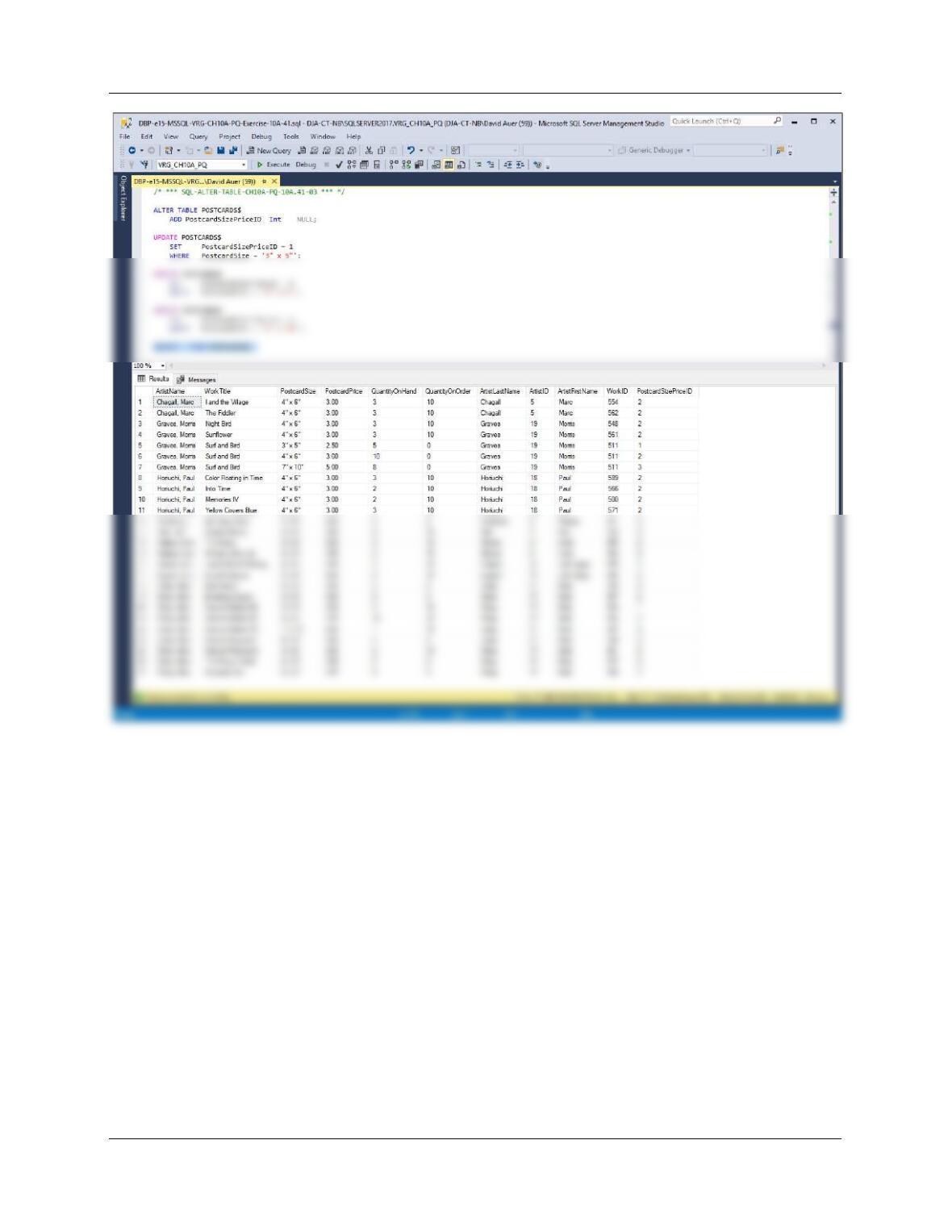
H. Alter the POSTCARDS$ table to include a PostcardSizePriceID column (Integer
data, allow NULL values). By using and comparing the data in the
POSTCARDS$.PostCardSize and the POSTCARD_SIZE_PRICE.PostCardSize
columns, populate this column.
/* *** SQL-ALTER-TABLE-CH10A-PQ-10A.41-03 *** */
ALTER TABLE POSTCARDS$
ADD PostcardSizePriceID Int NULL;
Chapter 10A – Managing Databases with SQL Server 2017
Page 10A-72
Chapter 10A – Managing Databases with SQL Server 2017
Page 10A-73
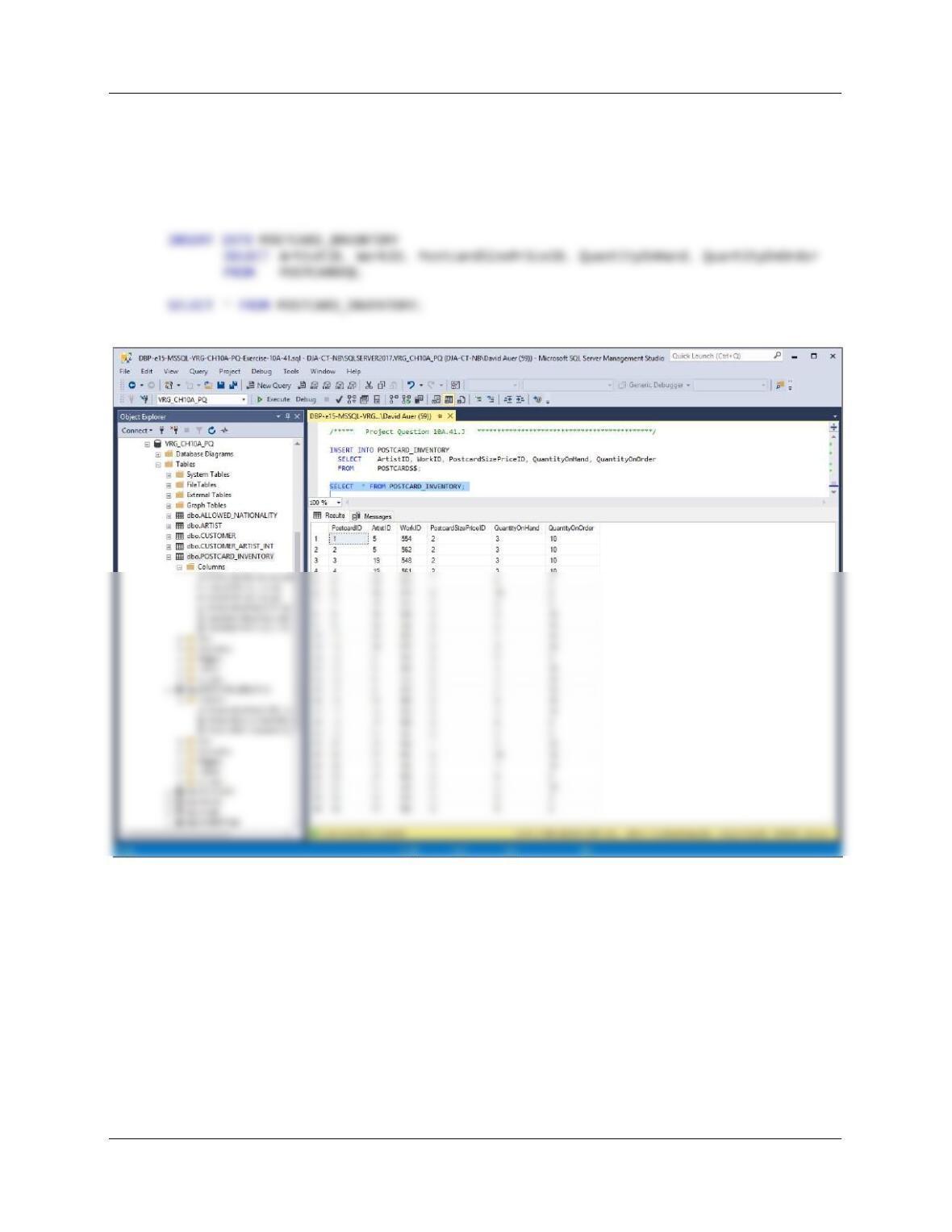
I. Create a new table named POSTCARD_INVENTORY, as shown in Figure 10A-
88. Use the column characteristics shown in Figure 10A-88, where PostcardID is
a surrogate key starting at 1 and incrementing by 1.
/***** Project Question 10A.41.I ********************************************/
ON DELETE NO ACTION,
CONSTRAINT PI_Work_FK FOREIGN KEY(WorkID)
REFERENCES WORK(WorkID)
ON UPDATE NO ACTION
ON DELETE NO ACTION,
Chapter 10A – Managing Databases with SQL Server 2017
Page 10A-74
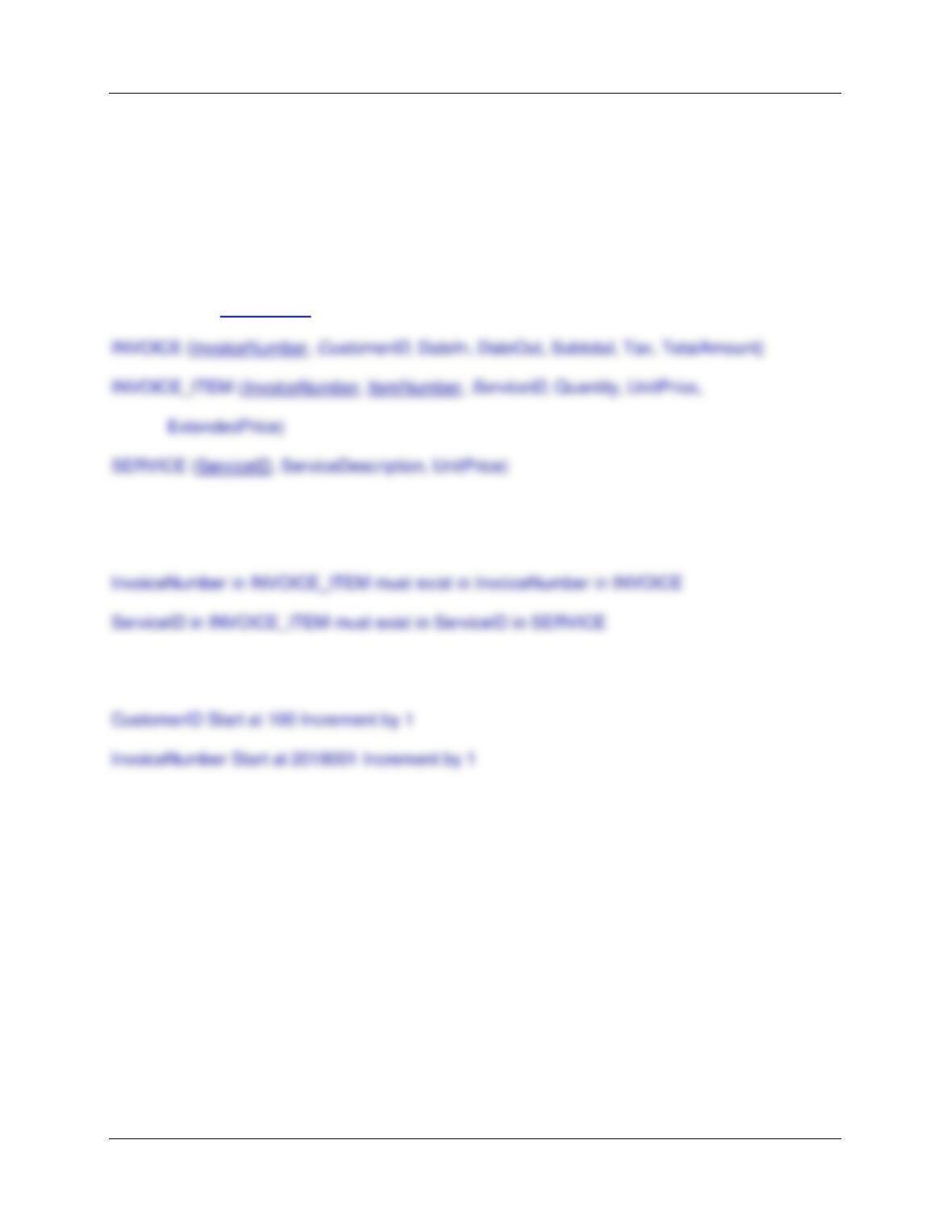
J. Populate the POSTCARD_INVENTORY table using the data stored in the
POSTCARDS$ table. Hint: You will have one record in this table for every record
in the POSTCARDS$ table, and your final table will only have 26 records.
/***** Project Question 10A.41.J ********************************************/
K. We have completed our modifications of the VRG database, and we are done
with the temporary POSTCARDS$ table. We could delete it if we wanted to, but
we will keep the POSTCARDS$ table in the database.
This is self-explanatory.
Chapter 10A – Managing Databases with SQL Server 2017
Page 10A-75
❖ ANSWERS TO MARCIA’S DRY CLEANING CASE QUESTIONS
Marcia Wilson owns and operates Marcia’s Dry Cleaning, which is an upscale dry cleaner
in a well-to-do suburban neighborhood. Marcia makes her business stand out from the
competition by providing superior customer service. She wants to keep track of each of
her customers and their orders. Ultimately, she wants to notify them that their clothes are
ready via e-mail. Suppose that you have designed a database for Marcia’s Dry Cleaning
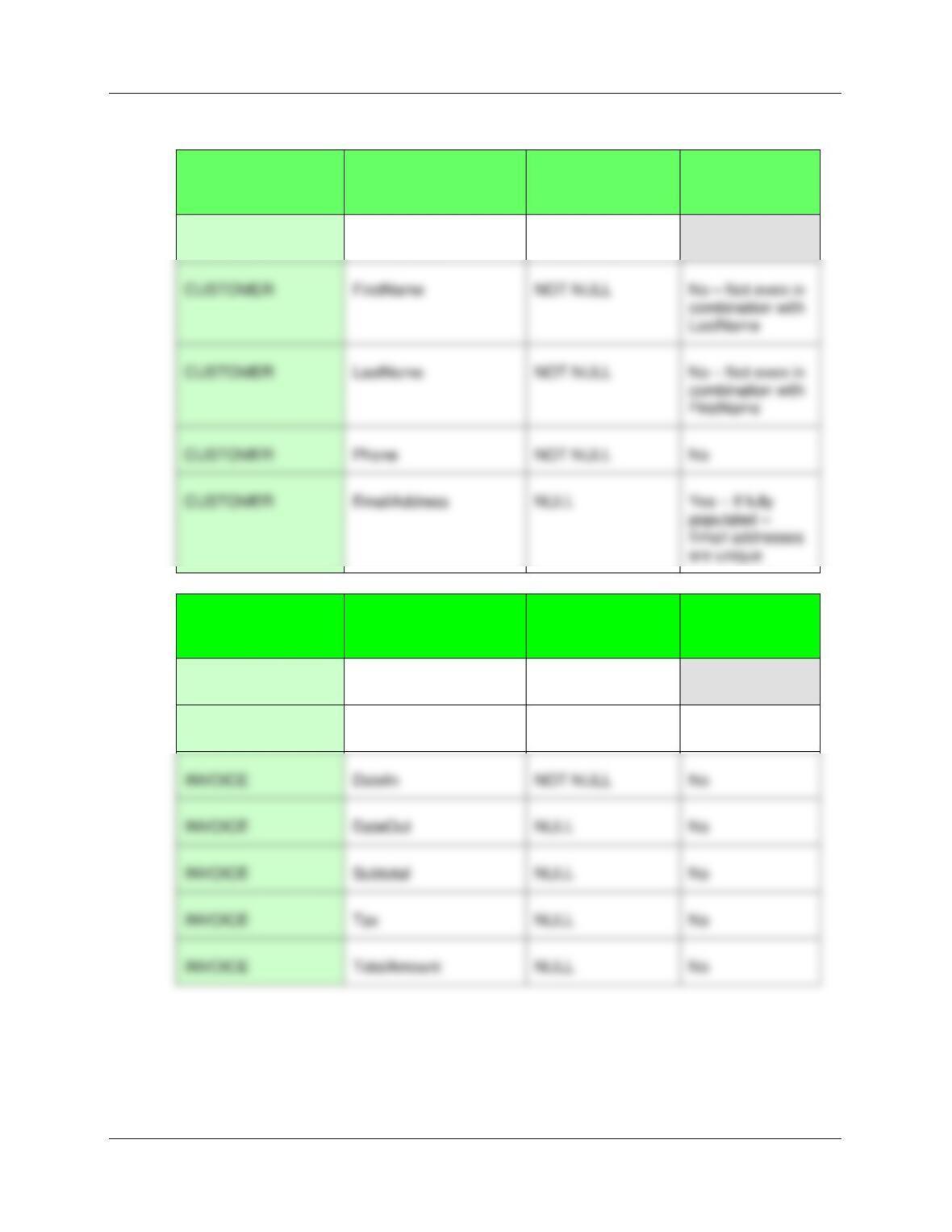
that has the following tables:
CUSTOMER (CustomerID, FirstName, LastName, Phone, EmailAddress)
The referential integrity constraints are:
CustomerID in INVOICE must exist in CustomerID in CUSTOMER
Assume that CustomerID of CUSTOMER and InvoiceNumber of INVOICE are surrogate
keys with values as follows:
Further, assume that ServiceID is a surrogate key, but not one that automatically
increments—the values of ServiceID are assigned by Marcia’s Dry Cleaning management
when new services are added at Marcia’s Dry Cleaning.
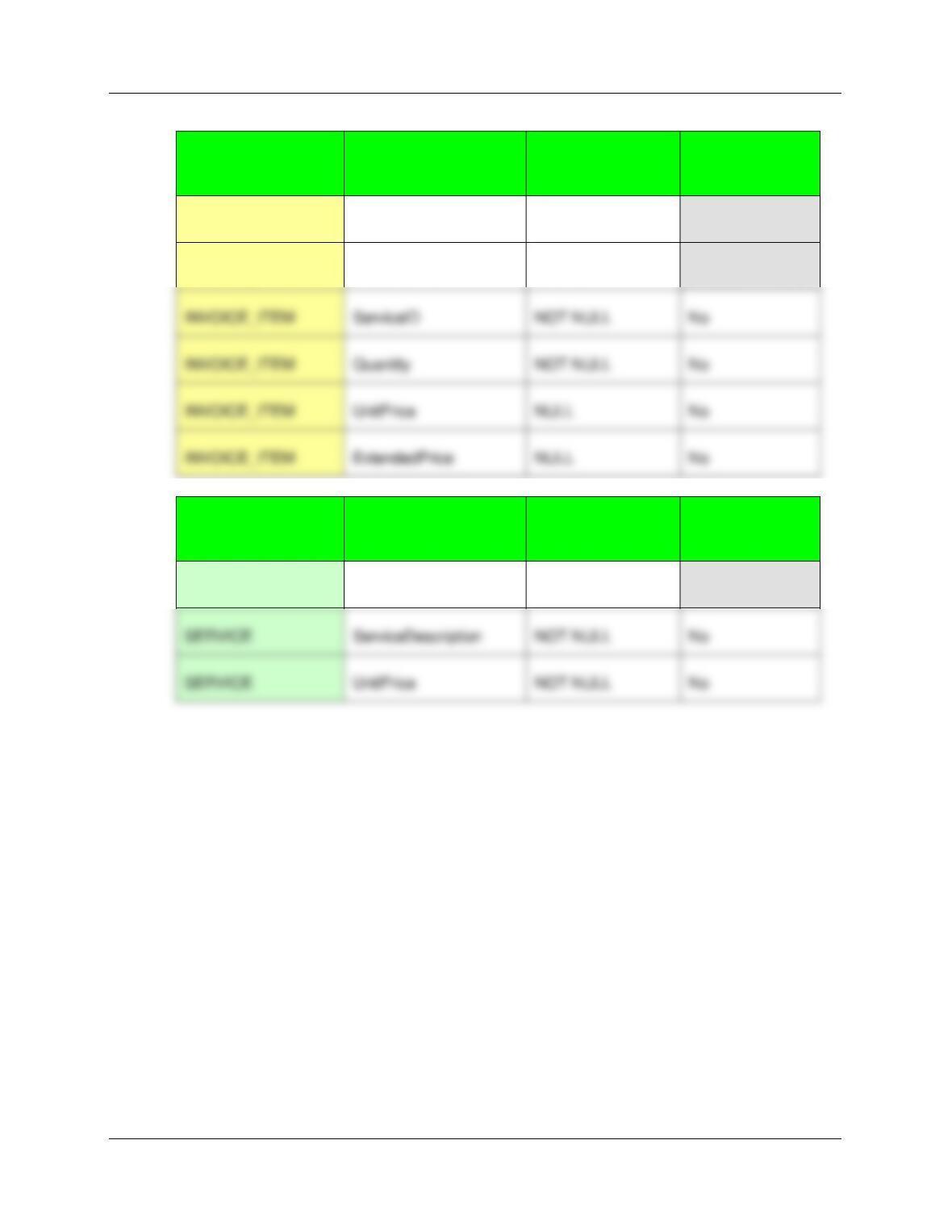
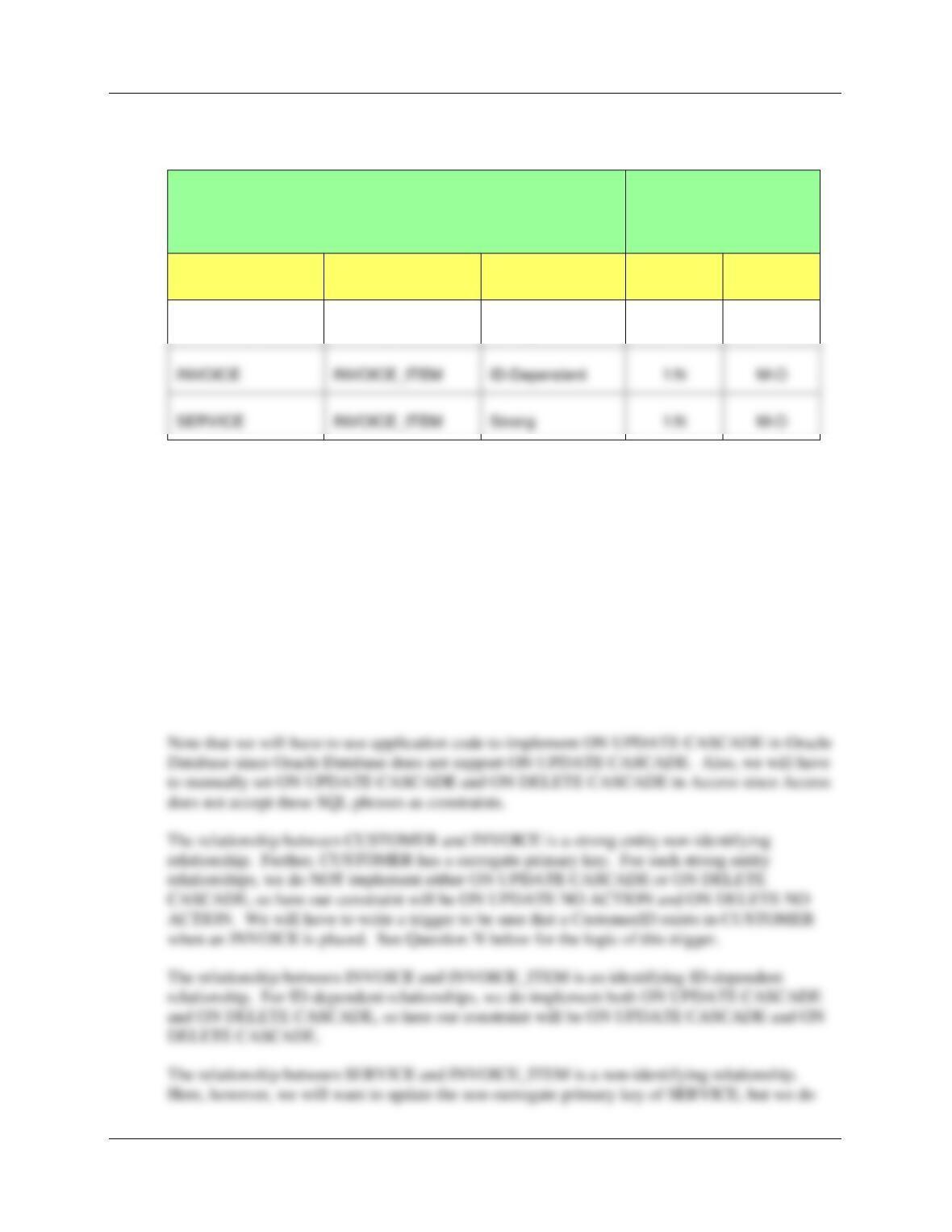
A. Specify NULL/NOT NULL constraints for each table column.
See the answer combined with the answer to question B below.
Chapter 10A – Managing Databases with SQL Server 2017
Page 10A-76
B. Specify alternate keys, if any.
TABLE
COLUMN
NULL/NOT NULL
ALTERNATE
KEY?
CUSTOMER
CustomerID
NOT NULL
[PRIMARY KEY]
TABLE
COLUMN
NULL/NOT NULL
ALTERNATE
KEY?
INVOICE
InvoiceNumber
NOT NULL
[PRIMARY KEY]
INVOICE
CustomerID
NOT NULL
No
INVOICE
DateIn
NOT NULL
No
INVOICE
DateOut
NULL
INVOICE
Subtotal
NULL
INVOICE
Tax
NULL
INVOICE
TotalAmount
NULL
CUSTOMER
Phone
NOT NULL
No
Chapter 10A – Managing Databases with SQL Server 2017
Page 10A-77
TABLE
COLUMN
NULL/NOT NULL
ALTERNATE
KEY?
INVOICE_ITEM
InvoiceNumber
NOT NULL
[PRIMARY KEY]
INVOICE_ITEM
ItemNumber
NOT NULL
[PRIMARY KEY]
TABLE
COLUMN
NULL/NOT NULL
ALTERNATE
KEY?
SERVICE
ServiceID
NOT NULL
[PRIMARY KEY]
SERVICE
UnitPrice
NOT NULL
INVOICE_ITEM
ServiceID
NOT NULL
INVOICE_ITEM
Quantity
NOT NULL
INVOICE_ITEM
UnitPrice
NULL
INVOICE_ITEM
ExtendedPrice
NULL
Chapter 10A – Managing Databases with SQL Server 2017
Page 10A-78
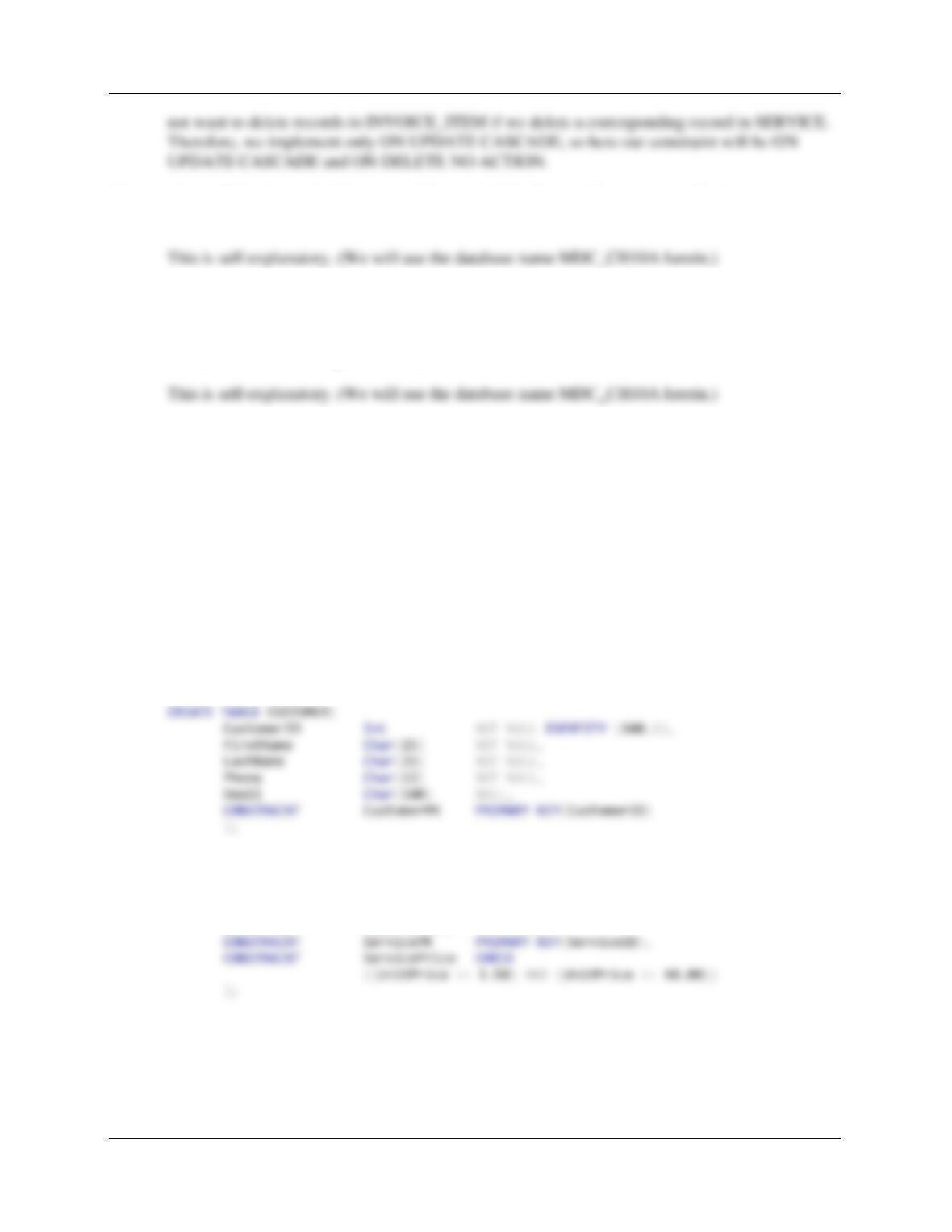
C. State relationships as implied by foreign keys and specify the maximum and minimum
cardinality of each relationship. Justify your choices.
RELATIONSHIP
CARDINALITY
[Blue = Inferable]
PARENT
CHILD
TYPE
MAX
MIN
CUSTOMER
INVOICE
Strong
1:N
M-O
CUSTOMER and INVOICE are strong entities, with separate logical existence.
INVOICE_ITEM is ID-dependent on INVOICE as explained in the Sales Order model in Chapter
5. SERVICE is a strong entity with a separate logical existence. All relationships are logically
1:N. Child minimum cardinality is set to O so that Parent entity instances can be created without
requiring the immediate creation of a child.
D. Explain how you will enforce the minimum cardinalities in your answer to question C.
Use referential integrity actions for required parents, if any. Use Figure 6-29(b) as a
boilerplate for required children, if any.
All the minimum cardinalities are M-O. This means that almost all referential integrity actions
will be handled by referential integrity constraints on the database. Thus we will generally use
ON UPDATE CASCADE and ON DELETE CASCADE as necessary. Little application code
(i.e., triggers) will have to be written.
SERVICE
INVOICE_ITEM
Strong
1:N
M-O
Chapter 10A – Managing Databases with SQL Server 2017
Page 10A-79
E. Using SQL Server 2017 and the Microsoft SQL Server Management Studio, create a
database named MDC.
F. In the SQL Server Management Studio folder structure in your My Documents folder,
create a folder named DBP–e15-MDC-Database in the Projects folder. Use this folder
to save and store *.sql scripts containing the SQL statements that you are asked to
create in the remaining Review Questions in this section.
Using the MDC database, create an SQL script named MDC-Create-Tables.sql to answer
questions G and H.
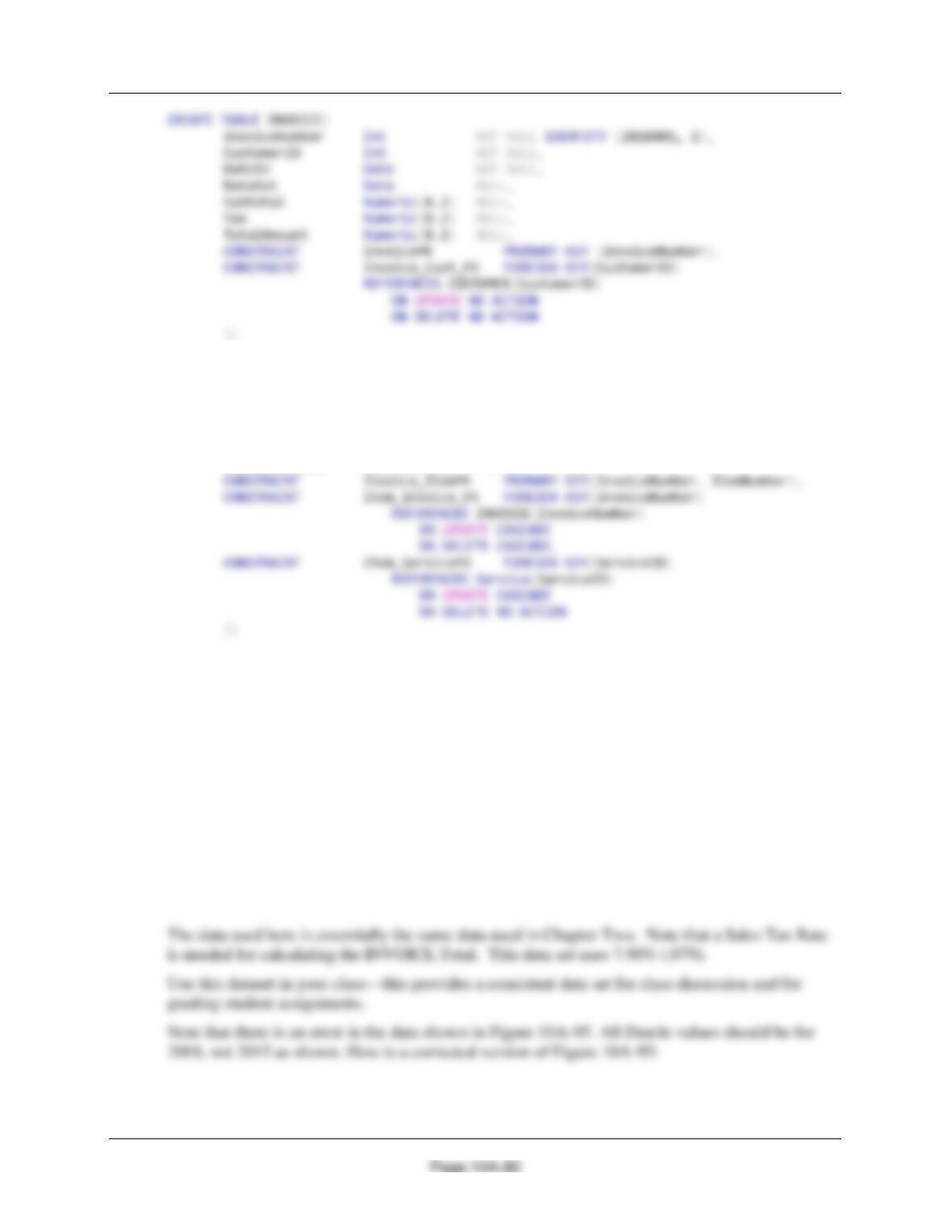
G. Write CREATE TABLE statements for each of the tables using your answers to parts A–
D, as necessary. Set the first value of CustomerID to 100 and increment it by 1. Use
FOREIGN KEY constraints to create appropriate referential integrity constraints. Set
UPDATE and DELETE behavior in accordance with your referential integrity action
design. Set the default value of Quantity to 1. Write a constraint that SERVICE.UnitPrice
be between 1.50 and 10.00.
In the IRC file set, see the file DBP-e15-IM-CH10A-AppJ-MSSQL-MDC-Create-Tables.sql.
USE MDC_CH10A
GO
CREATE TABLE [SERVICE](
ServiceID Int NOT NULL,
ServiceDescription
Char(50) NOT NULL,
UnitPrice Numeric(8,2) NOT NULL,
Chapter 10A – Managing Databases with SQL Server 2017
CREATE TABLE INVOICE_ITEM(
InvoiceNumber Int NOT NULL,
ItemNumber Int NOT NULL,
ServiceID Int NOT NULL,
Quantity Int NOT NULL DEFAULT 1,
UnitPrice Numeric(8,2) NULL,
ExtendedPrice Numeric(8,2) NULL,
H. Explain how you would enforce the data constraint that INVOICE_ITEM.UnitPrice be
equal to SERVICE.UnitPrice, where INVOICE_ITEM.ServiceID = SERVICE.ServiceID.
We need to write a trigger to do this. We would use an INSTEAD OF INSERT on
INVOICE_ITEM that would use the value of INVOICE_ITEM.Service to get the correct value of
SERVICE.UnitPrice and insert it into INVOICE_ITEM.UnitPrice.
Using the MDC database, create an SQL script named MDC-Insert-Data.sql to answer
Question I.
I. Write INSERT statements to insert the data shown in Figures 10A-89, 10A-90, 10A-91,
and 10A-92.
In the IRC file set, see the file DBP-e15-IM-CH10A-AppJ-MSSQL-MDC-Insert-Data.sql.