Chapter 10A – Managing Databases with SQL Server 2017
Page 10A-177
— SHIPMENT ShipmentID exists – Send error message.
BEGIN
SELECT @AssignedShipmentNumber = ShipmentID
FROM SHIPMENT
WHERE SHIPMENT.ShipmentID= @NewPurchaseItemNumber;
END;
ELSE
BEGIN
SELECT @NewShipmentID = ShipmentID
FROM SHIPMENT
WHERE ShipperID = @NewShipperID
AND ShipperInvoiceNumber = @NewShipperInvoiceNumber
AND Origin = @NewOrigin
AND Destination = @NewDestination
AND DepartureDate = @NewDepartureDate;
PRINT ‘********************************************************************’
PRINT ”
PRINT ‘ Shipment = ‘+(CONVERT (Char(16), @NewShipmentID))
PRINT ‘ has been created in SHIPMENT’
Chapter 10A – Managing Databases with SQL Server 2017
Page 10A-178
/* Create the SHIPMENT_ITEM. */
INSERT INTO SHIPMENT_ITEM VALUES(
@NewShipmentID, @NewShipmentItemID,
@NewPurchaseItemNumber, @ItemInsuredValue);
END;
END;
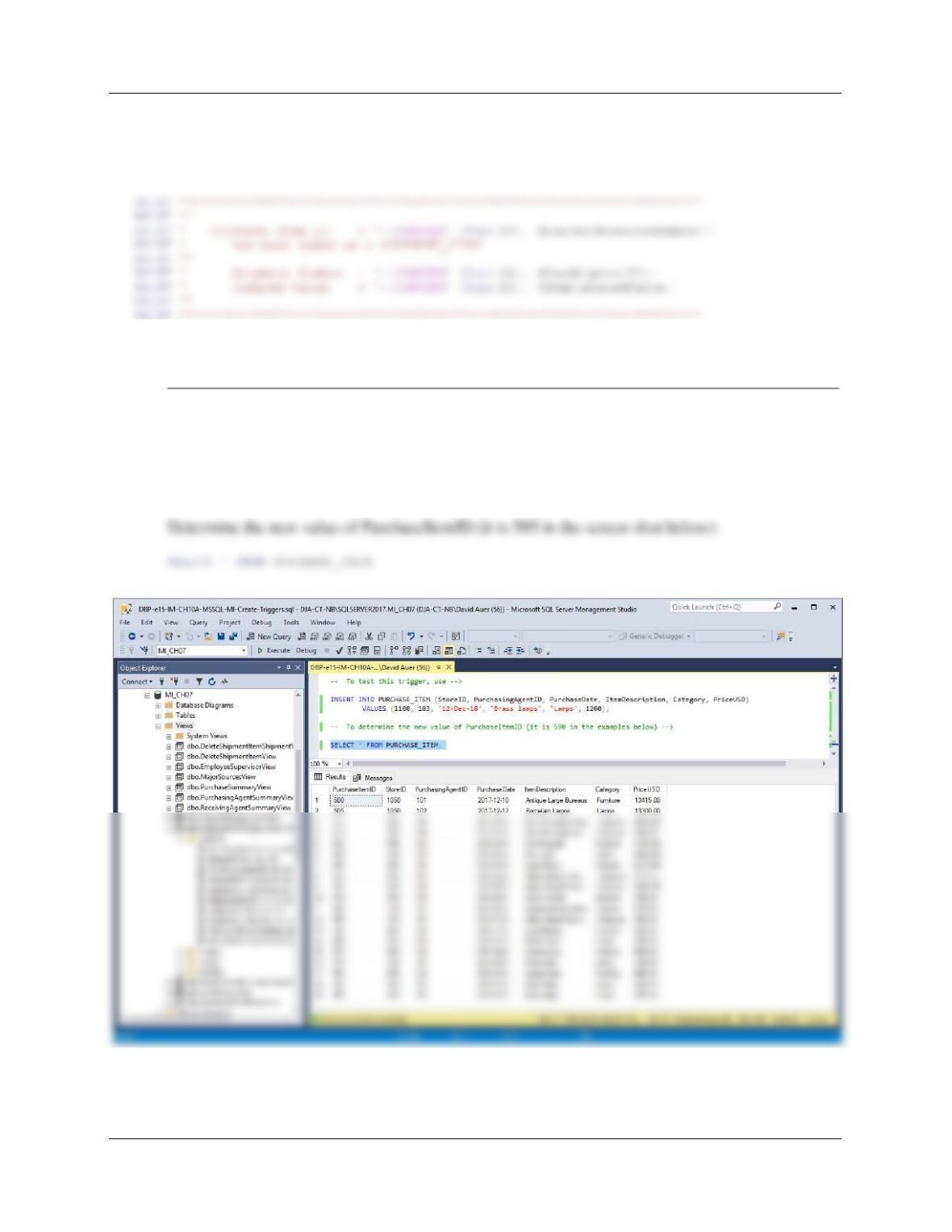
To test this trigger, use:
INSERT INTO PURCHASE_ITEM
(StoreID, PuschasingAgentID, PurchaseDate, ItemDescription,
Category, PriceUSD)
VALUES (1100, 103, ’12–Dec-18′, ‘Brass lamps’, ‘Lamps’, 1200);
Chapter 10A – Managing Databases with SQL Server 2017
Page 10A-179
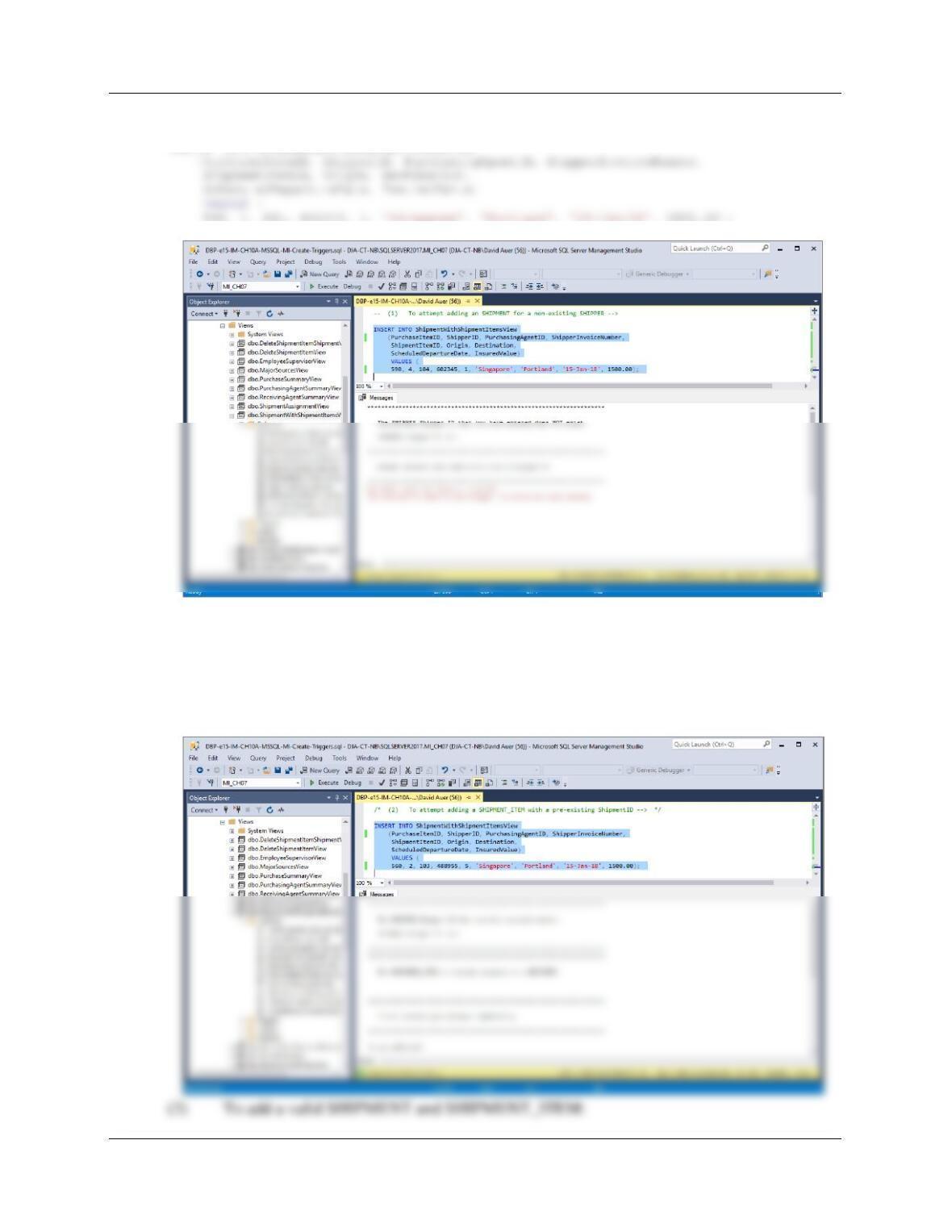
(1) To attempt adding a SHIPMENT for a non-existing SHIPPER:
INSERT INTO ShipmentWithShipmentItemsView
(2) To attempt adding a SHIPMENT_ITEM with a pre-existing ShipmentID:
INSERT INTO Shipment_With_Shipment_Items
(PurchaseItemID, ShipperID, PurchasingAgentID, ShipperInvoiceNumber,
ShipmentItemID, Origin, Destination,
ScheduledDepartureDate, InsuredValue)
VALUES (
560, 2, 103, 488955, 5, ‘Singapore’, ‘Portland’, ’15–Jan–16′, 1500.00);
Chapter 10A – Managing Databases with SQL Server 2017
Page 10A-180
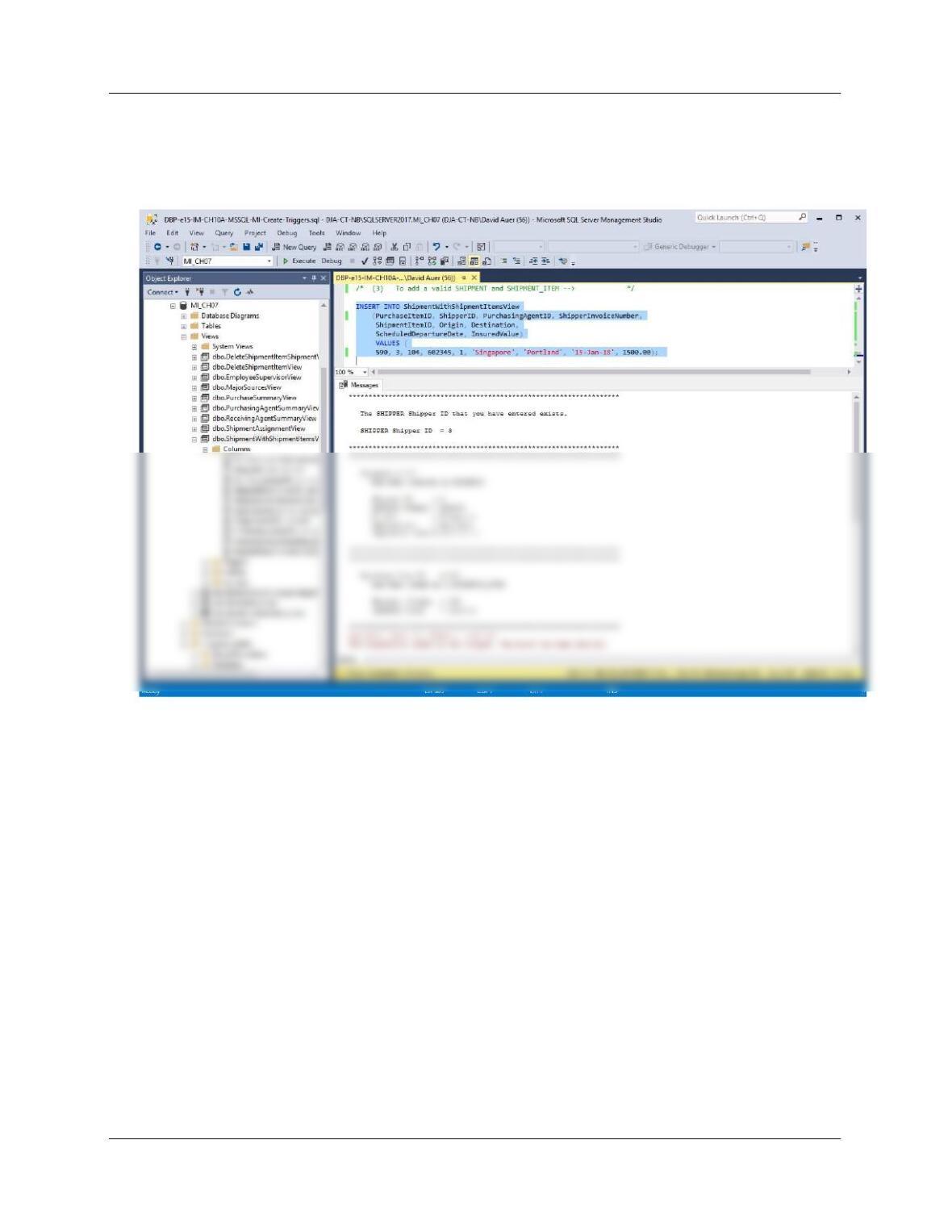
INSERT INTO Shipment_With_Shipment_Items
(PurchaseItemID, ShipperID, ShipperInvoiceNumber, ShipmentItemID,Origin,
Destination, DepartureDate, InsuredValue)
VALUES (
590, 3, 104, 602345, 1, ‘Singapore’, ‘Portland’, ’15–Jan-18′, 1500.00);
Chapter 10A – Managing Databases with SQL Server 2017
Page 10A-181
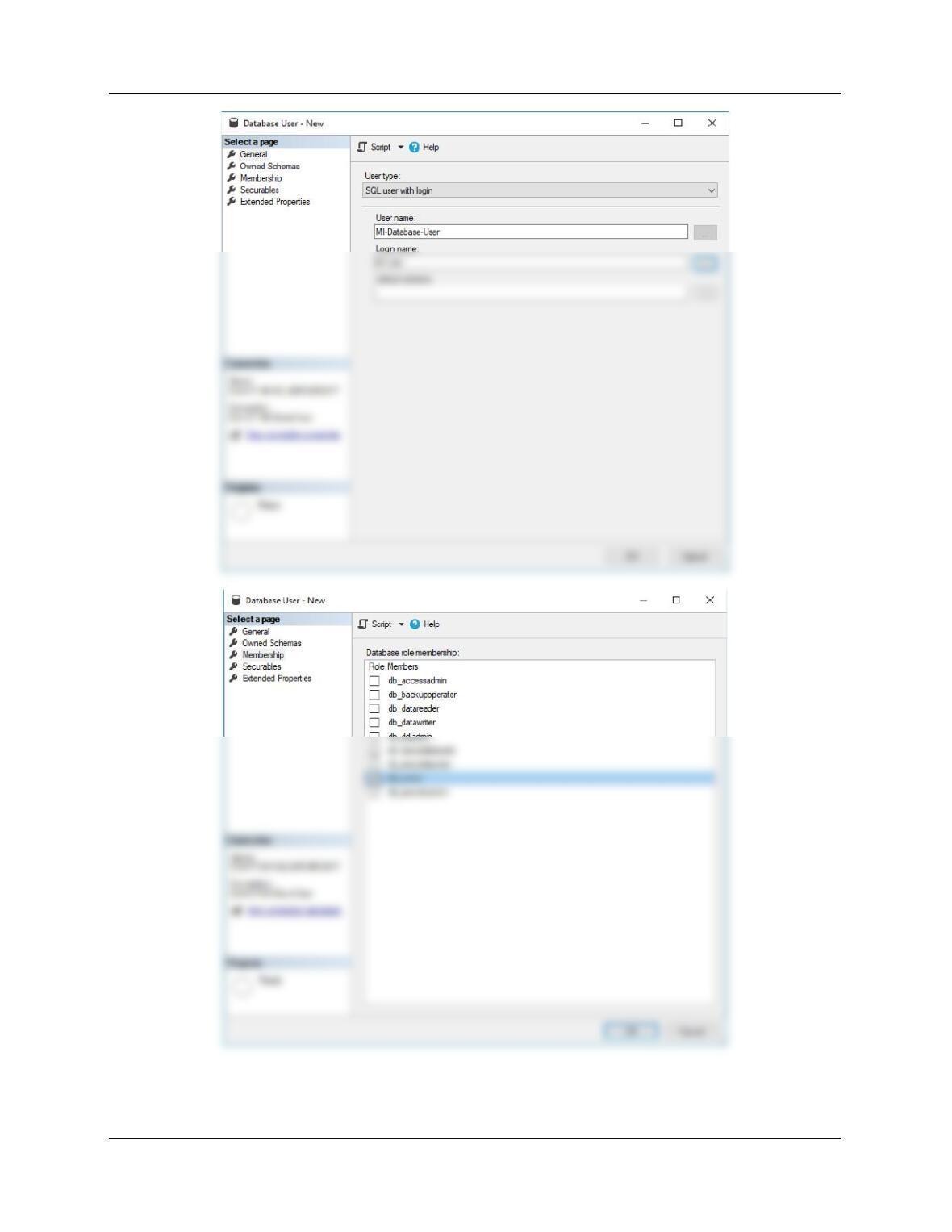
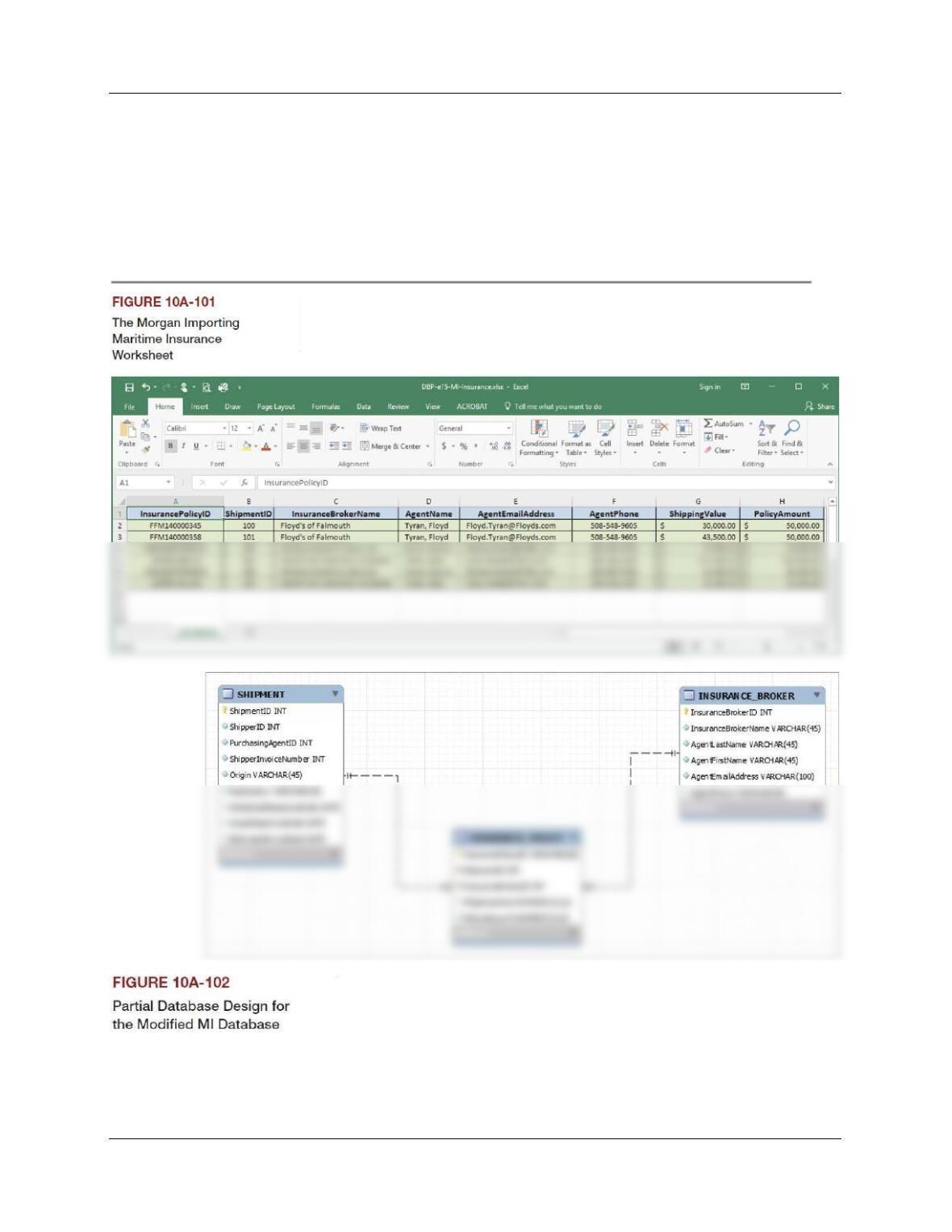
G. Create an SQL Sever login named MI-User, with a password of MI-User+password. Create a MI–
database user named QACS-Database-User, with is linked to the MI-User login. Assign MI-
Database-User db_owner permissions to the MI database.
Chapter 10A – Managing Databases with SQL Server 2017
Page 10A-182
Chapter 10A – Managing Databases with SQL Server 2017
Page 10A-183
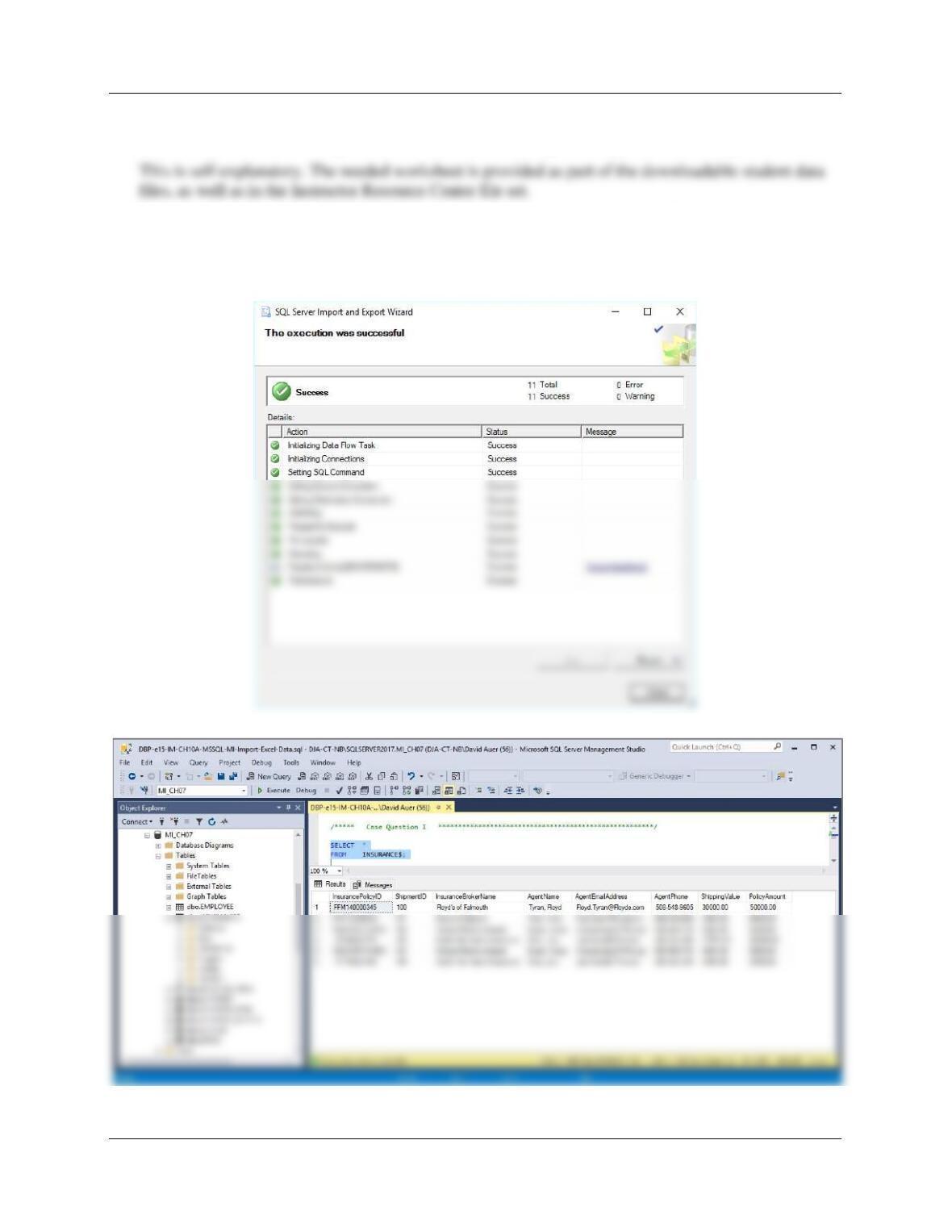
Morgan Importing purchases marine insurance to protect the company from monetary
loss during shipping. So far, the company has keep their insurance records in a
Microsoft Excel 2013 worksheet, as shown in Figure 10A-100. They have decided to
integrate this data into the MI database. The modifications to the MI database needed to
accomplish this are shown in Figure 10A-101 (as a MySQL Workbench EER diagram).
Using the MI database, create an SQL script named MI-Import-Excel-Data.sql to answer
parts H through T.
Chapter 10A – Managing Databases with SQL Server 2017
Page 10A-184
H. Duplicate the INSURANCE worksheet Figure 10A-100 in a worksheet (or spreadsheet)
in Mircosoft Excel 2016 (or another tool such as Apache OpenOffice Calc).
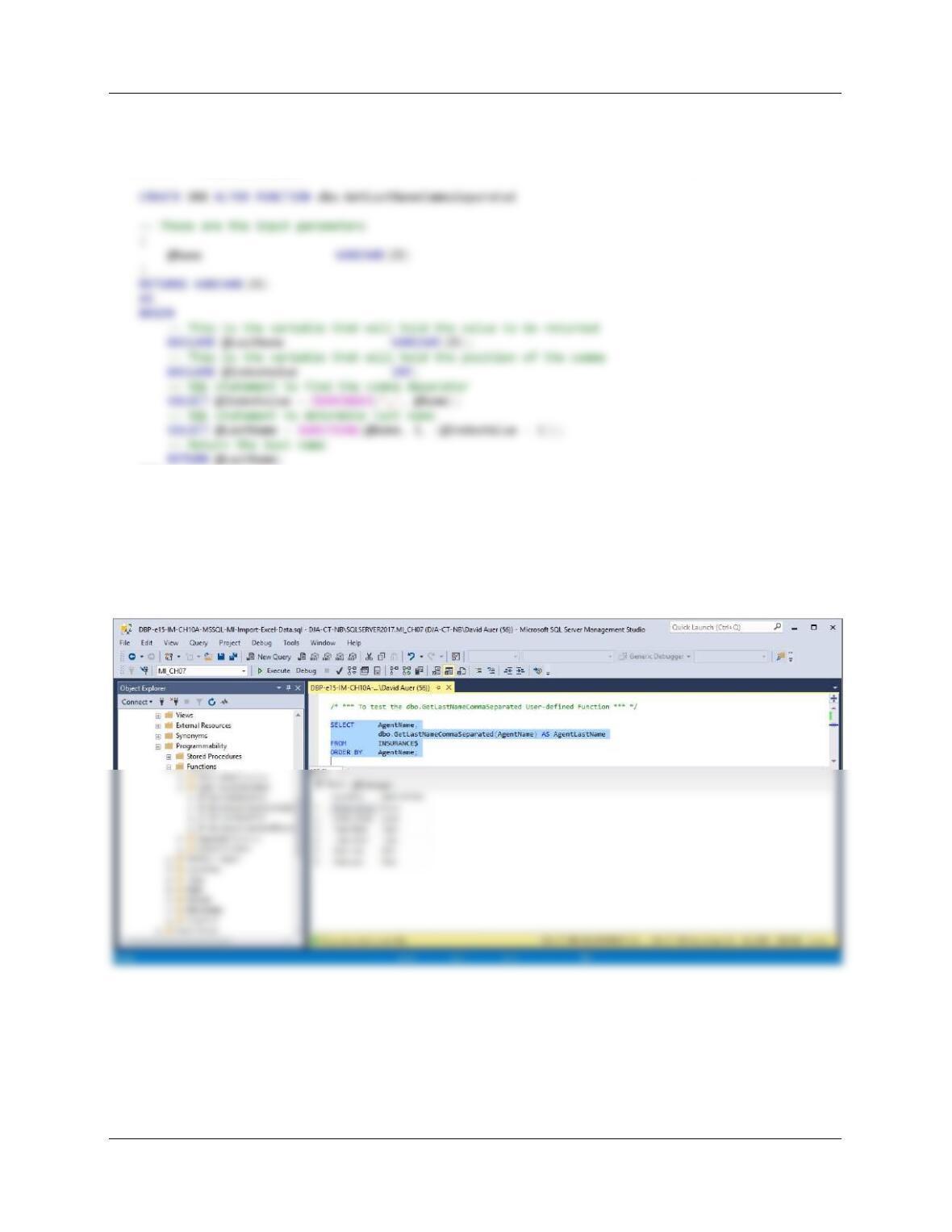
I. Import the data in the INSURANCE worksheet into a table in the MI database named
INSURANCE$.
SELECT *
FROM INSURANCE$;
Chapter 10A – Managing Databases with SQL Server 2017
Page 10A-185
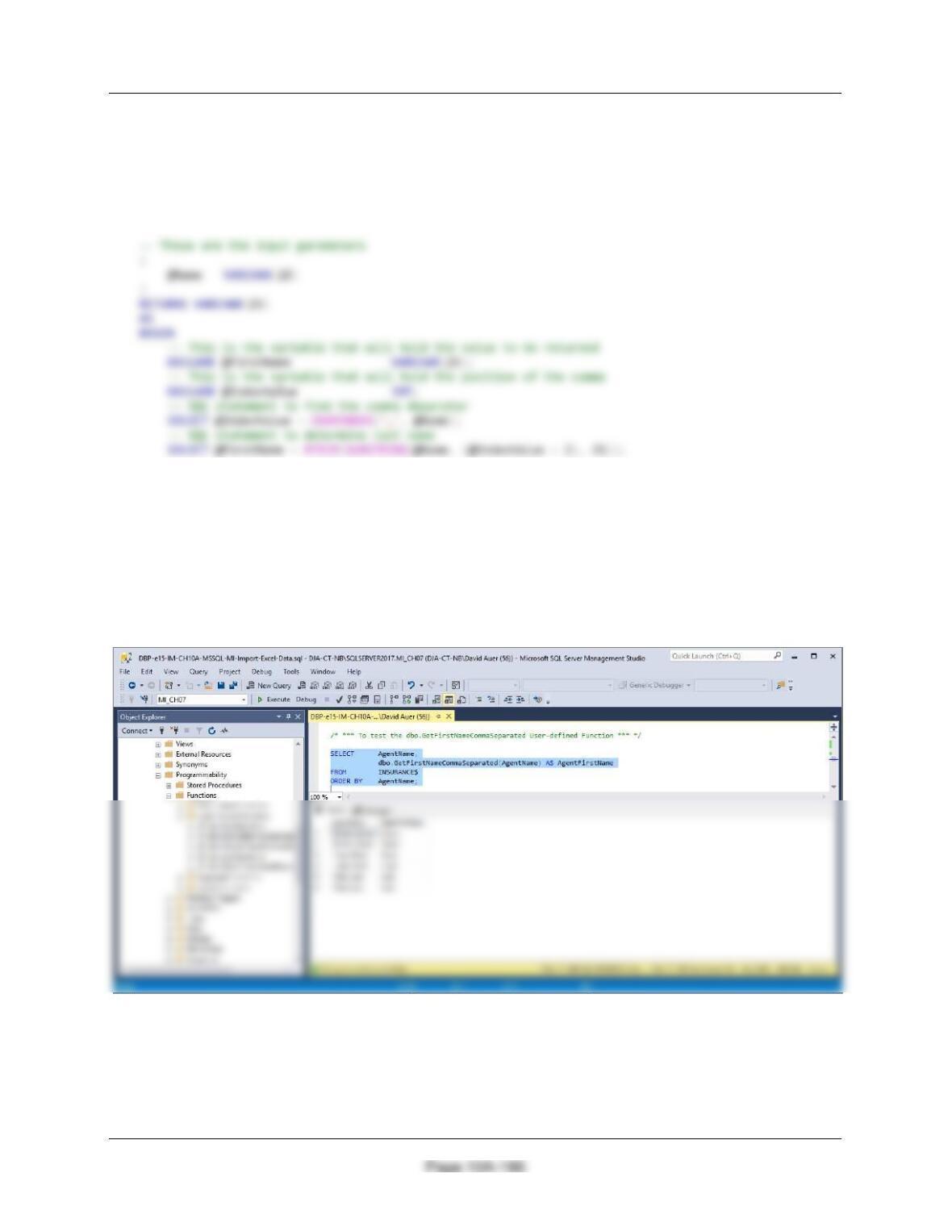
J. Create the GetLastNameCommaSeparated user-defined function shown in Figure
10A-58.
/***** Create Function ******************************************************/
END;
/* *** To test the dbo.GetLastNameCommaSeparated User-defined Function *** */
SELECT AgentName,
dbo.GetLastNameCommaSeparated(AgentName) AS AgentFirstName
FROM INSURANCE$
ORDER BY AgentName;
Chapter 10A – Managing Databases with SQL Server 2017
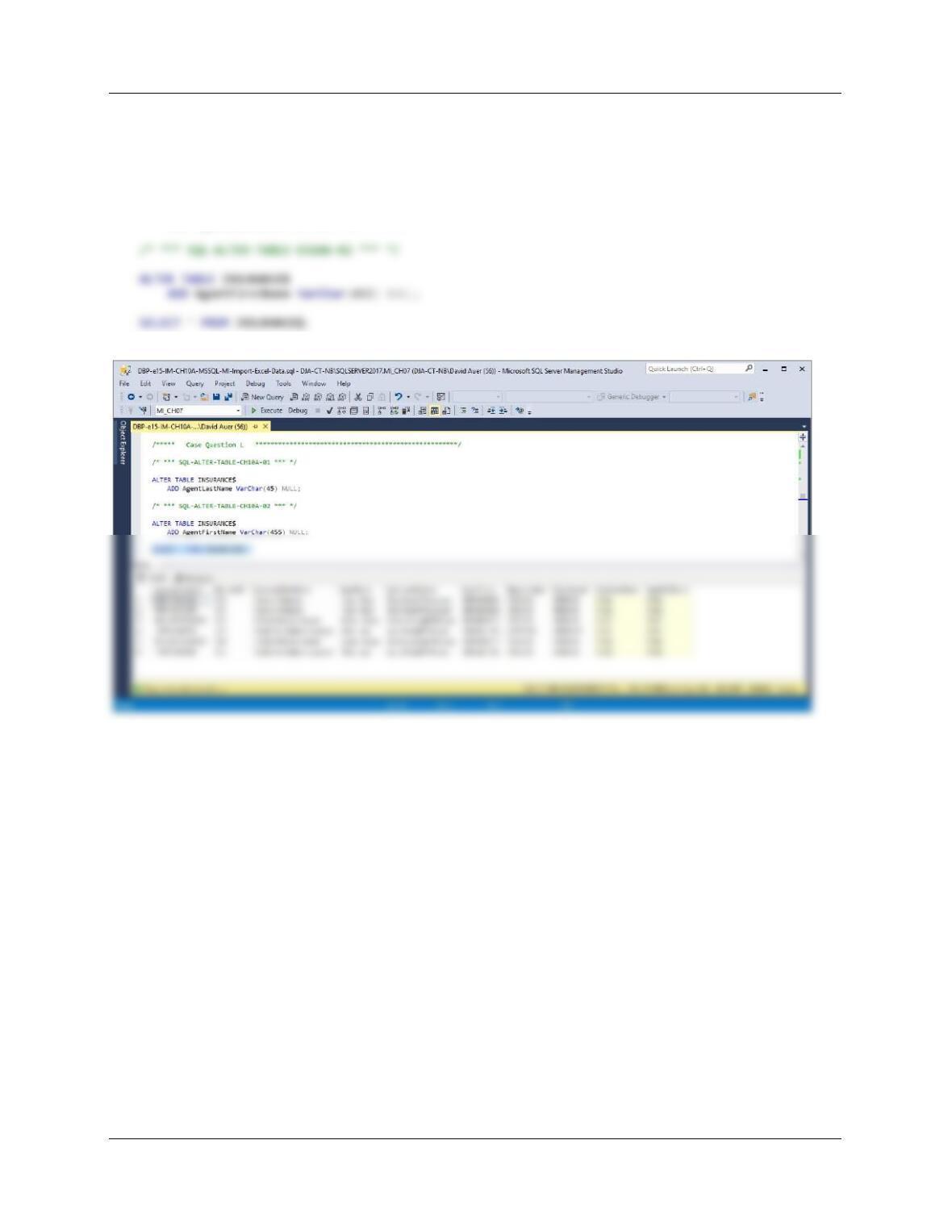
K. Create a user-defined function named GetFirstNameCommaSeparated that will return
the first name from a combined name in last-name-first order, with the names
separated by a comma and one space.
/***** Create Function ******************************************************/
CREATE OR ALTER UNCTION dbo.GetFirstNameCommaSeparated
— Return the last name
RETURN @FirstName;
END;
/* *** To test the dbo.GetFirstNameCommaSeparated User-defined Function *** */
SELECT AgentName,
dbo.GetFirstNameCommaSeparated(AgentName) AS AgentFirstName
FROM INSURANCE$
ORDER BY AgentName;
Chapter 10A – Managing Databases with SQL Server 2017
Page 10A-187
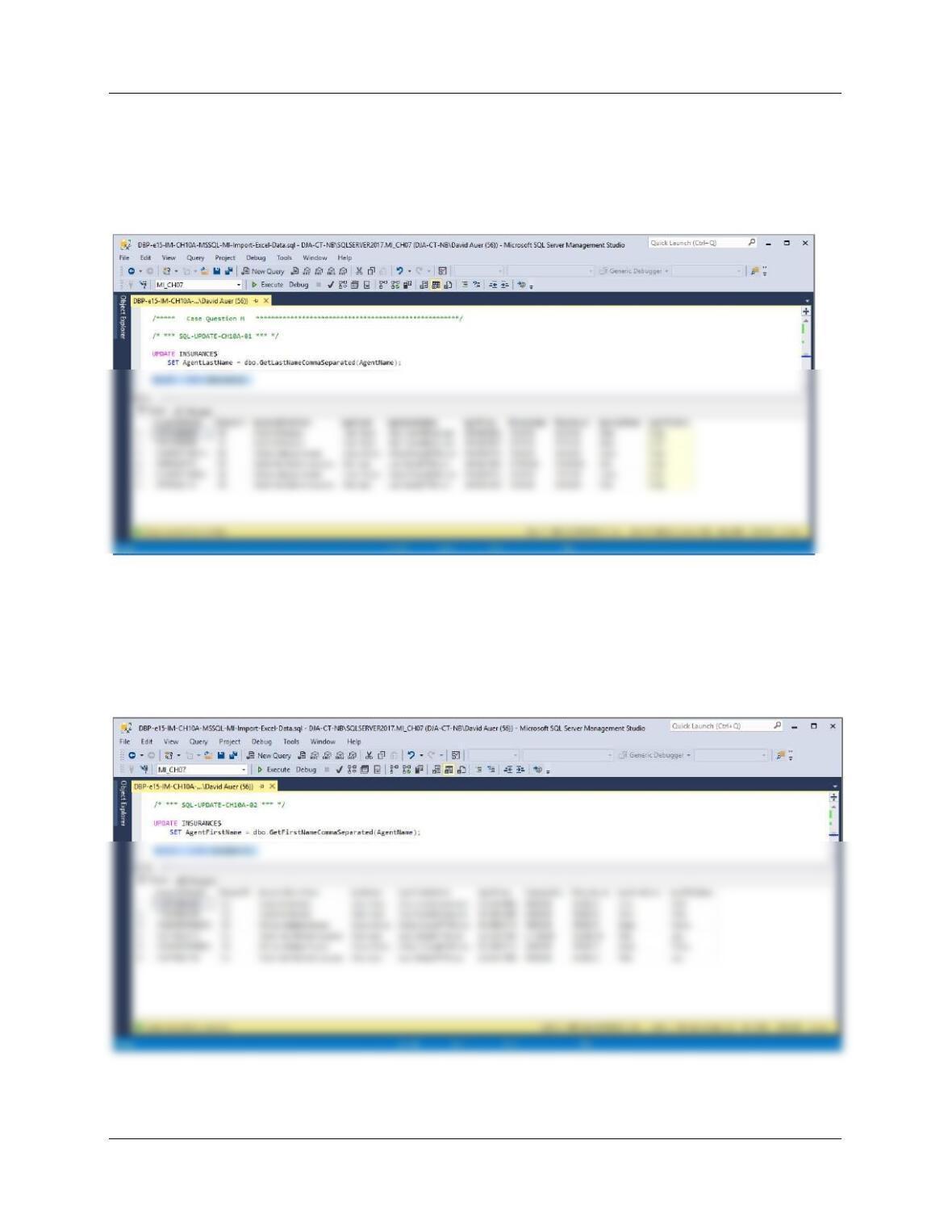
L. Alter the INSURANCE$ table to include AgentLastName and AgentFirstName columns
(Varchar(45), allow NULL values).
/* *** SQL-ALTER-TABLE-CH10A-01 *** */
ALTER TABLE INSURANCE$
ADD AgentLastName VarChar(45) NULL;
Chapter 10A – Managing Databases with SQL Server 2017
Page 10A-188
M. Use the GetLastNameCommaSeparated user-defined function you created in step J to
populate the AgentLastName column.
UPDATE INSURANCE$
SET AgentLastName = dbo.GetLastNameCommaSeparated(AgentName);
SELECT * FROM INSURANCE$;
N. Use the GetFirstNameCommaSeparated user-defined function you created in step K
to populate the AgentFirstName column.
UPDATE INSURANCE$
SET AgentFirstName = dbo.GetFirstNameCommaSeparated(AgentName);
SELECT * FROM INSURANCE$;
Chapter 10A – Managing Databases with SQL Server 2017
Page 10A-189
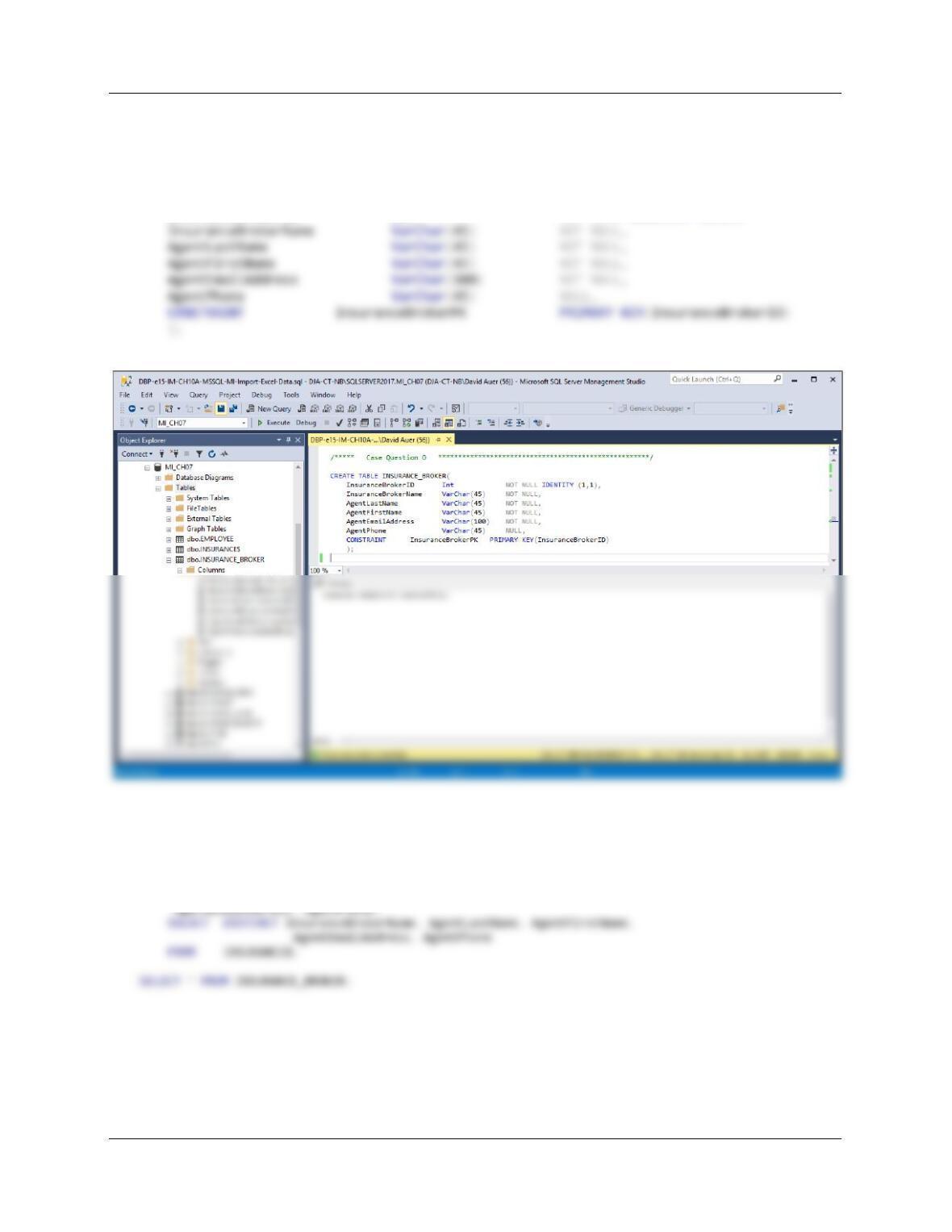
O. Create a new table named INSURANCE_BROKER. Use the column characteristics
shown in Figure 10A-98, where InsuranceBrokerID is a surrogate key starting at 1 and
incrementing by 1.
CREATE TABLE INSURANCE_BROKER(
InsuranceBrokerID Int NOT NULL IDENTITY (1,1),
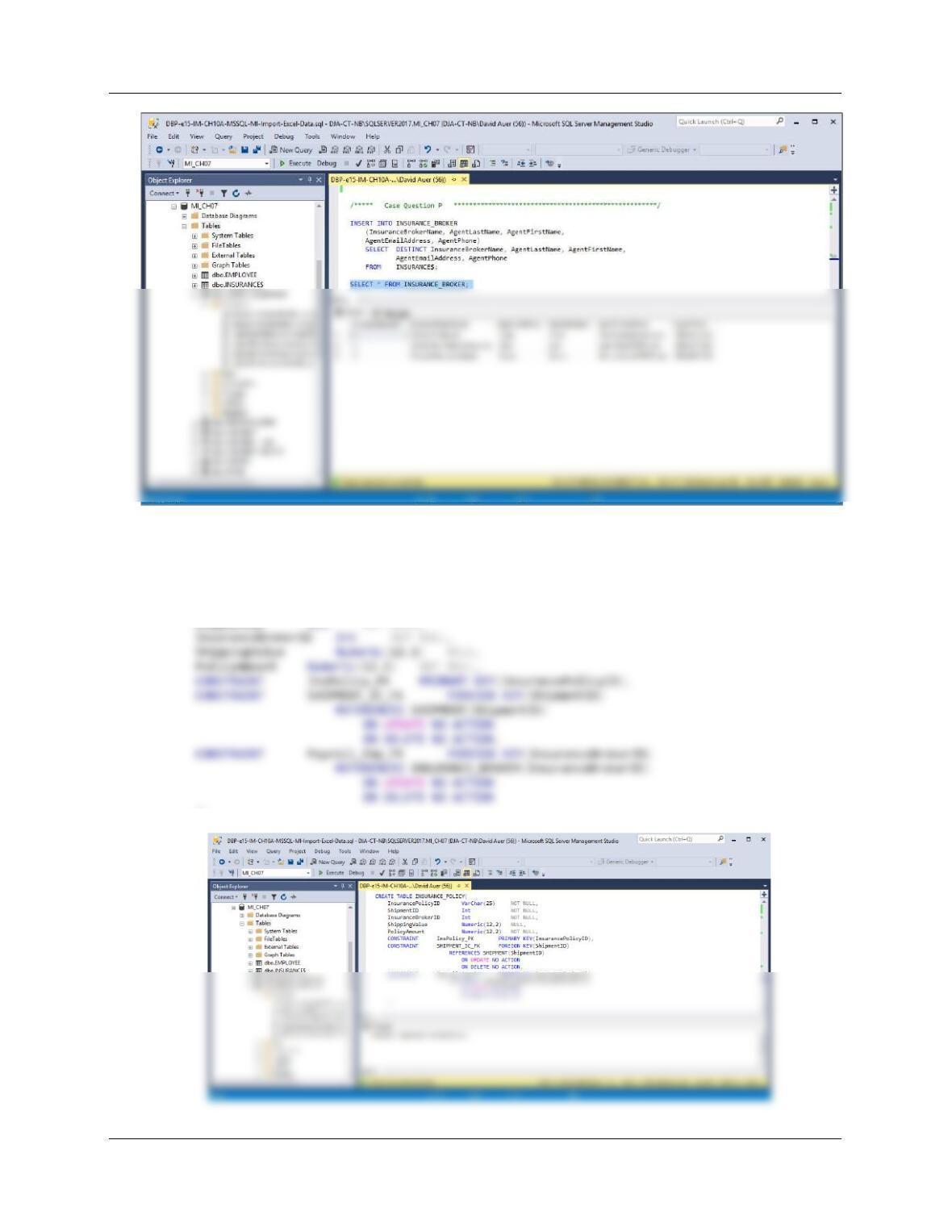
P. Populate the INSURANCE_BROKER table using the data stored in the INSURANCE$
table. Hint: You should insert distinct data into the table, and your final table will have
only 3 records.
INSERT INTO INSURANCE_BROKER
(InsuranceBrokerName, AgentLastName, AgentFirstName,
Chapter 10A – Managing Databases with SQL Server 2017
Page 10A-190
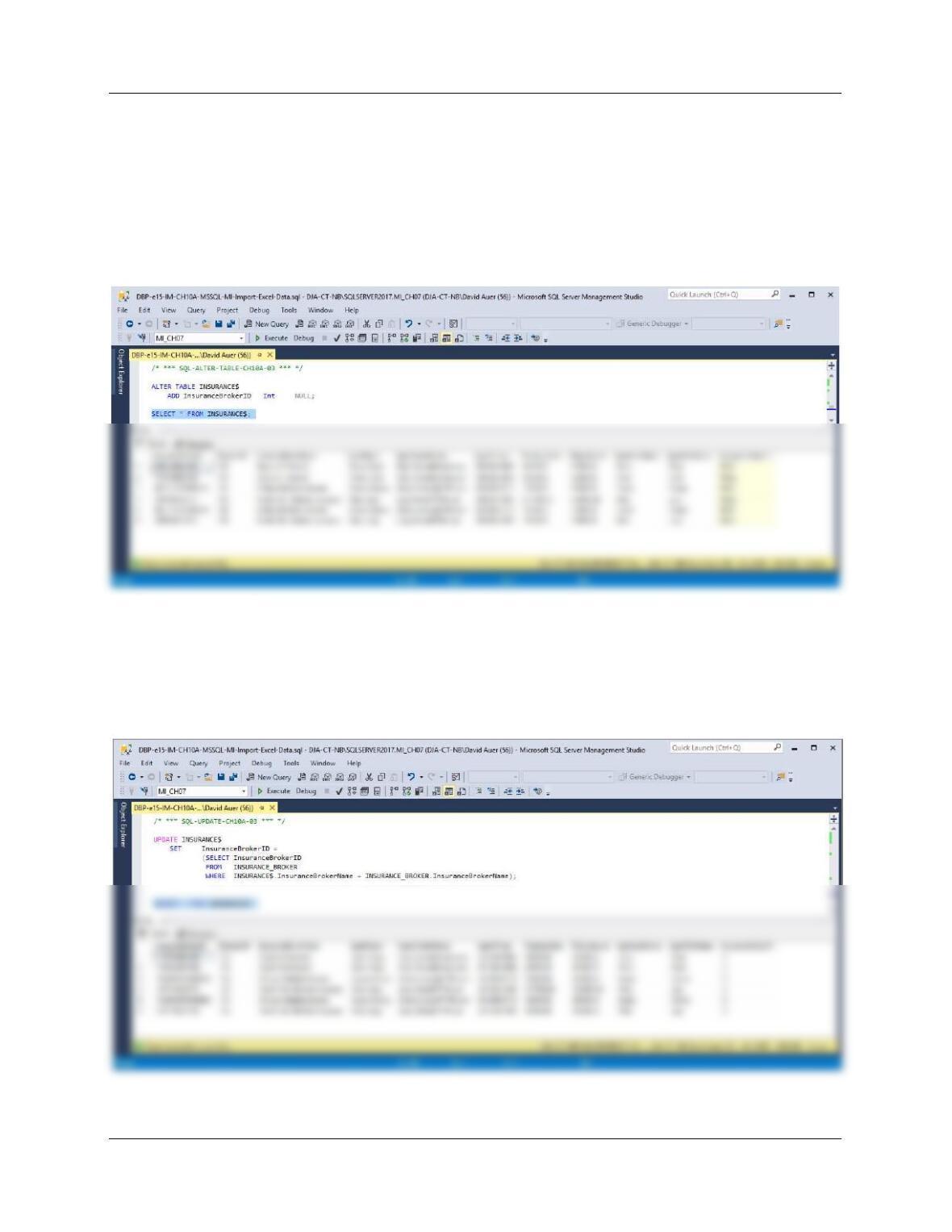
Q. Create a new table named INSURANCE_POLICY. Use the column characteristics
shown in Figure 10A-98. Note that InsurancePolicyID is not a surrogate key, but rather
uses a Varchar (25) character string.
CREATE TABLE INSURANCE_POLICY(
InsurancePolicyID VarChar(25) NOT NULL,
ShipmentID Int NOT NULL,
);
Chapter 10A – Managing Databases with SQL Server 2017
Page 10A-191
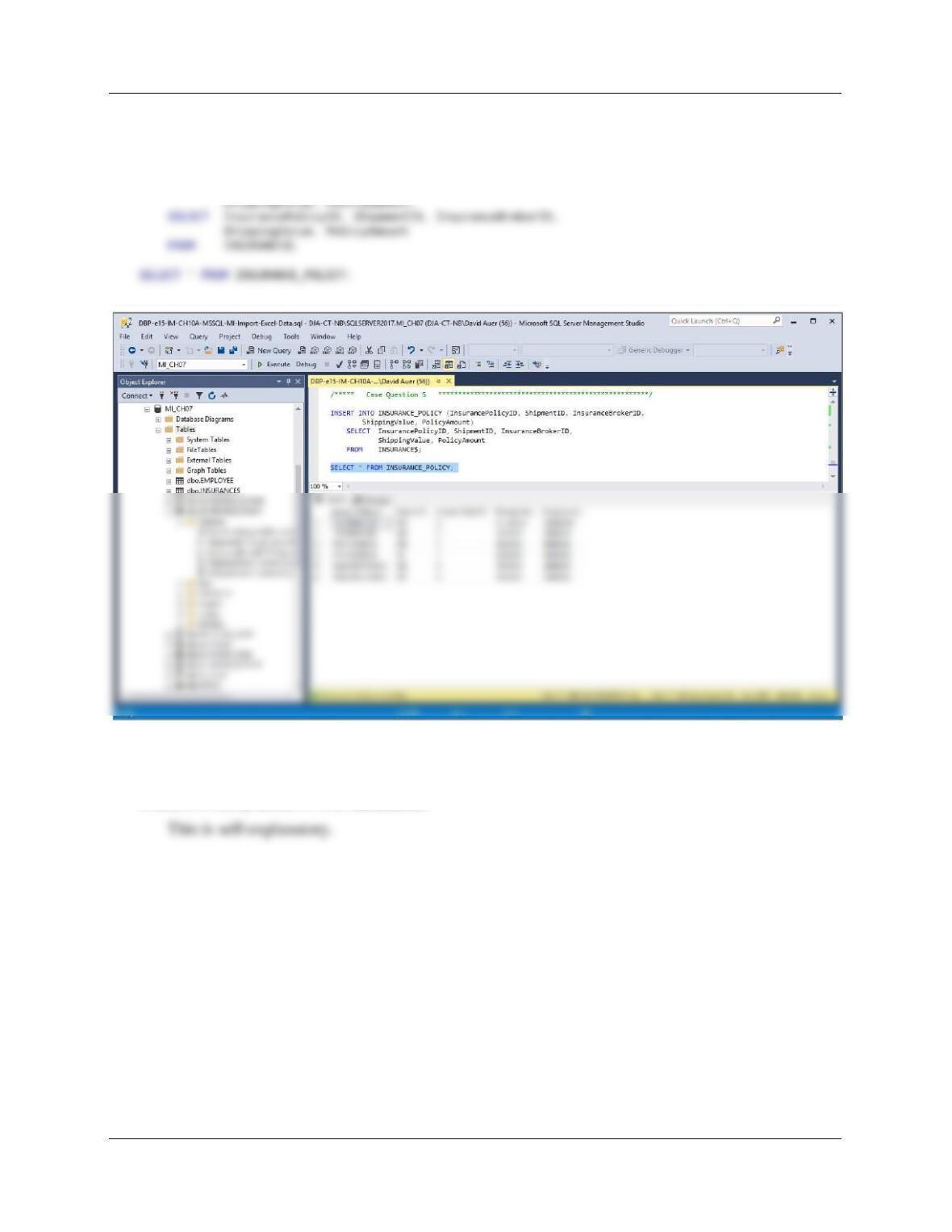
R. Alter the INSURANCE$ table to include an InsuranceBrokerID column (Integer data,
allow nulls). By using and comparing the INSURANCE$.InsuranceBrokerName and
INSURANCE_BROKER.InsuranceBrokerName columns, populate this column. Hint:
Assume for this question that no two insurance broker names are the same.
ALTER TABLE INSURANCE$
ADD InsuranceBrokerID Int NULL;
SELECT * FROM INSURANCE$;
UPDATE INSURANCE$
SET InsuranceBrokerID =
(SELECT InsuranceBrokerID
FROM INSURANCE_BROKER
WHERE INSURANCE$.InsuranceBrokerName = INSURANCE_BROKER.InsuranceBrokerName);
SELECT * FROM INSURANCE$;
Chapter 10A – Managing Databases with SQL Server 2017
Page 10A-192
S. Populate the INSURANCE_POLICY table using the data stored in the INSURANCE$
table. Hint: You will have one record in the INSURANCE_POLICY table for every
record in the INSURANCE$ table, and your final table will have 6 records.
INSERT INTO INSURANCE_POLICY (InsurancePolicyID, ShipmentID, InsuranceBrokerID,
T. We have completed the modifications of the MI database, and are done with the
temporary INSURANCE$ table. We could delete it if we wanted to, but we will keep the
INSURANCE$ table in the database.