Chapter 10A – Managing Databases with SQL Server 2017
Page 10A-101
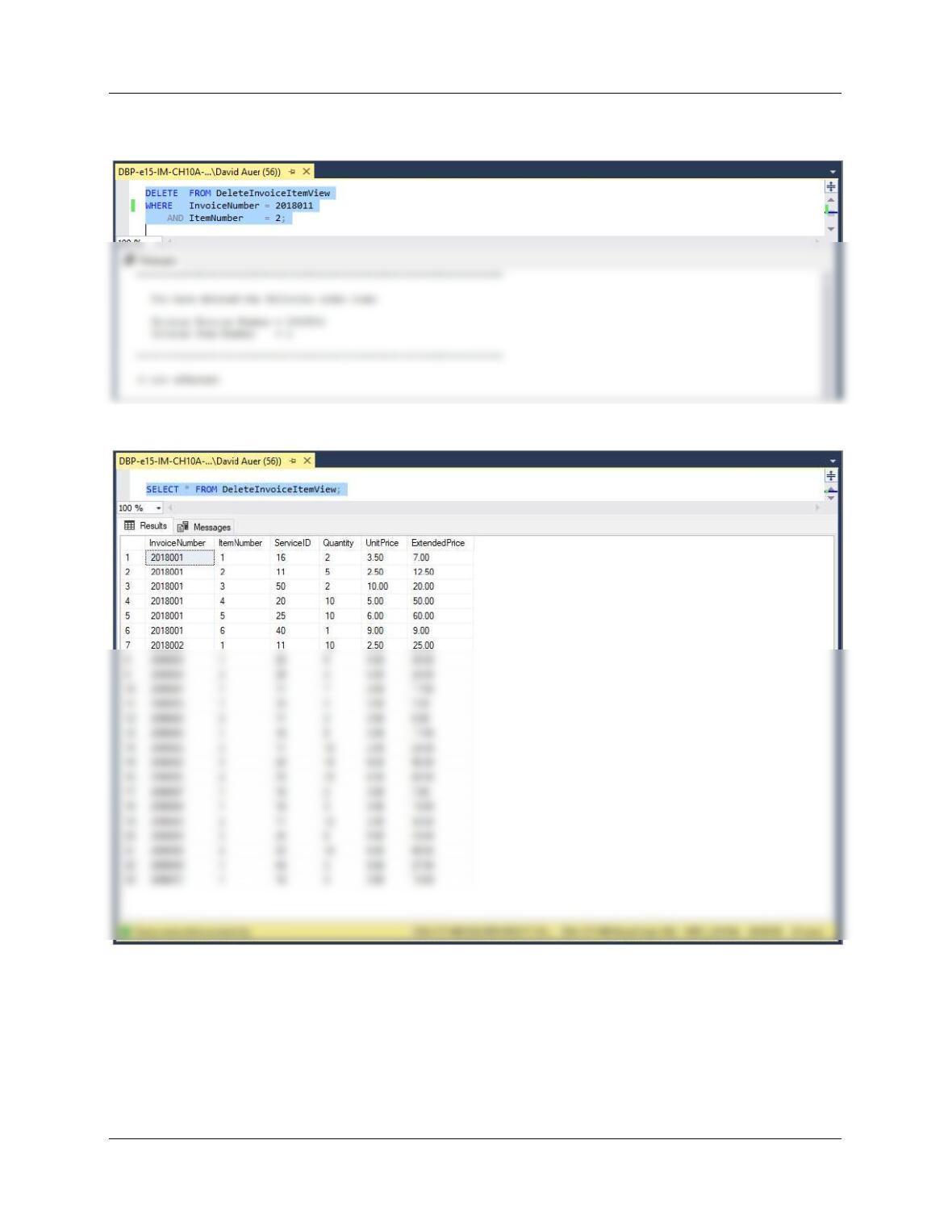
WHERE InvoiceNumber = 2018011
AND ItemNumber = 2;
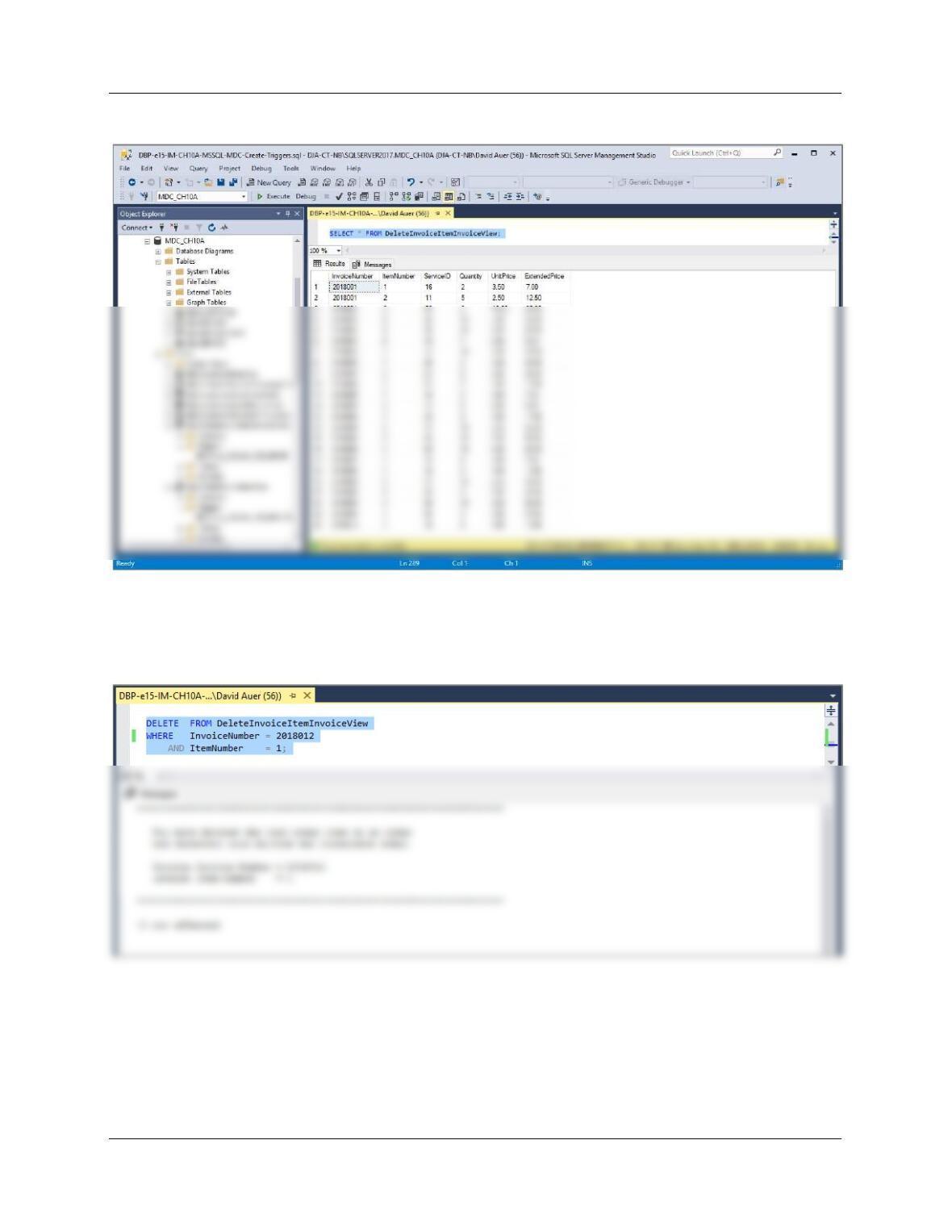
SELECT * FROM DeleteInvoiceItem;
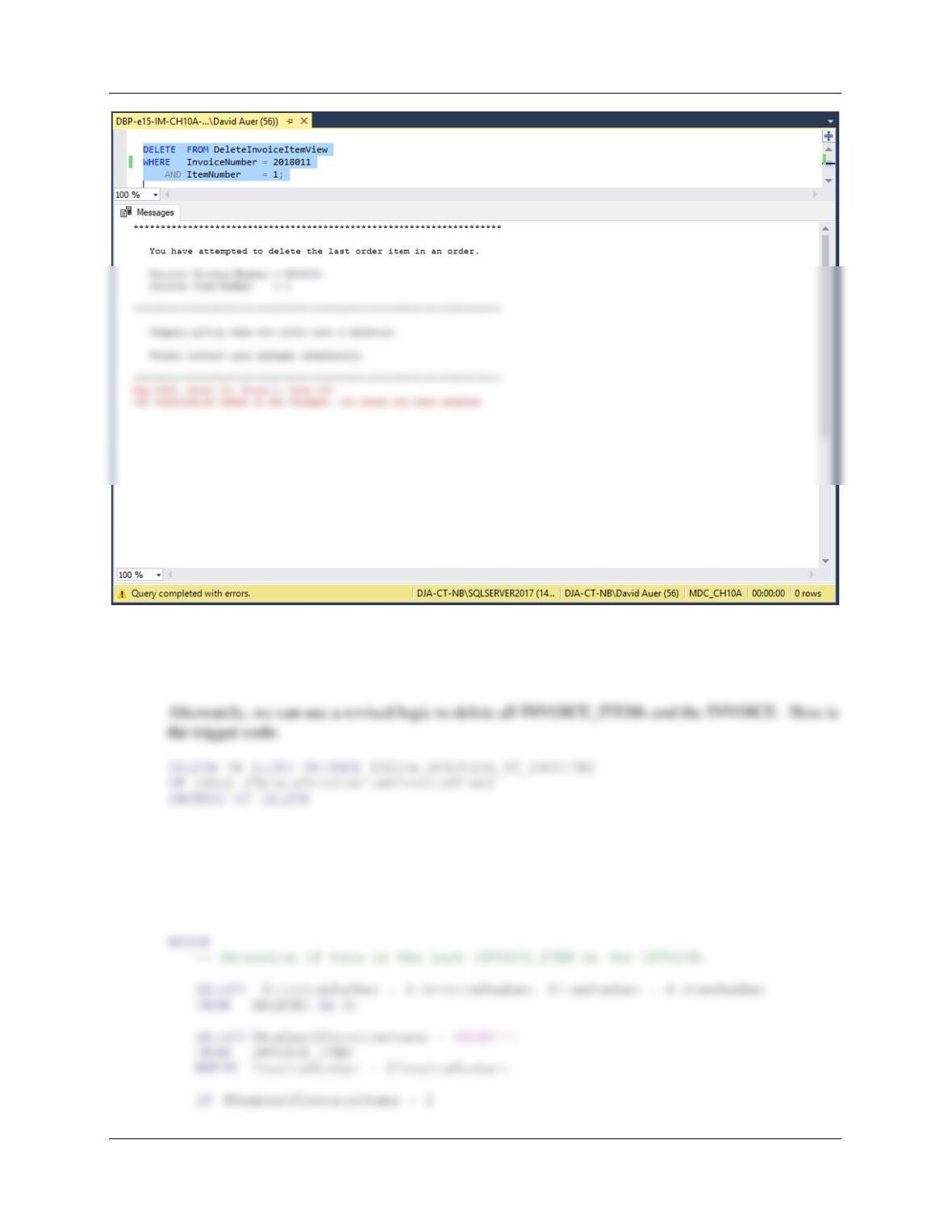
DELETE FROM DeleteInvoiceItemView
WHERE InvoiceNumber = 2018011
AND ItemNumber = 1;
Chapter 10A – Managing Databases with SQL Server 2017
Page 10A-102
— To actually DELETE INVOICE 2018011 to cleanup the database:
DELETE FROM INVOICE
WHERE InvoiceNumber = 2018011;
AS
SET NOCOUNT ON;
DECLARE @InvoiceNumber AS Int,
@ItemNumber AS Int,
@NumberOfInvoiceItems AS Int
Chapter 10A – Managing Databases with SQL Server 2017
Page 10A-103
/* Last INVOICE_ITEM, delete INVOICE as well as the INVOICE_ITEM. */
/* This is done by deleting the INVOICE and letting the */
/* cascade through INVOICE_ITEM. */
BEGIN
END;
ELSE
— Deletion of INVOICE_ITEM.
BEGIN
DELETE INVOICE_ITEM
WHERE InvoiceNumber = @InvoiceNumber
AND ItemNumber = @ItemNumber;
To test this, run the following commands:
INSERT INTO INVOICE VALUES (
104, ’15-Oct-18′, ’21-Oct-18′, 40.50, 2.46, 42.96);
INSERT INTO INVOICE_ITEM VALUES (
Chapter 10A – Managing Databases with SQL Server 2017
Page 10A-104
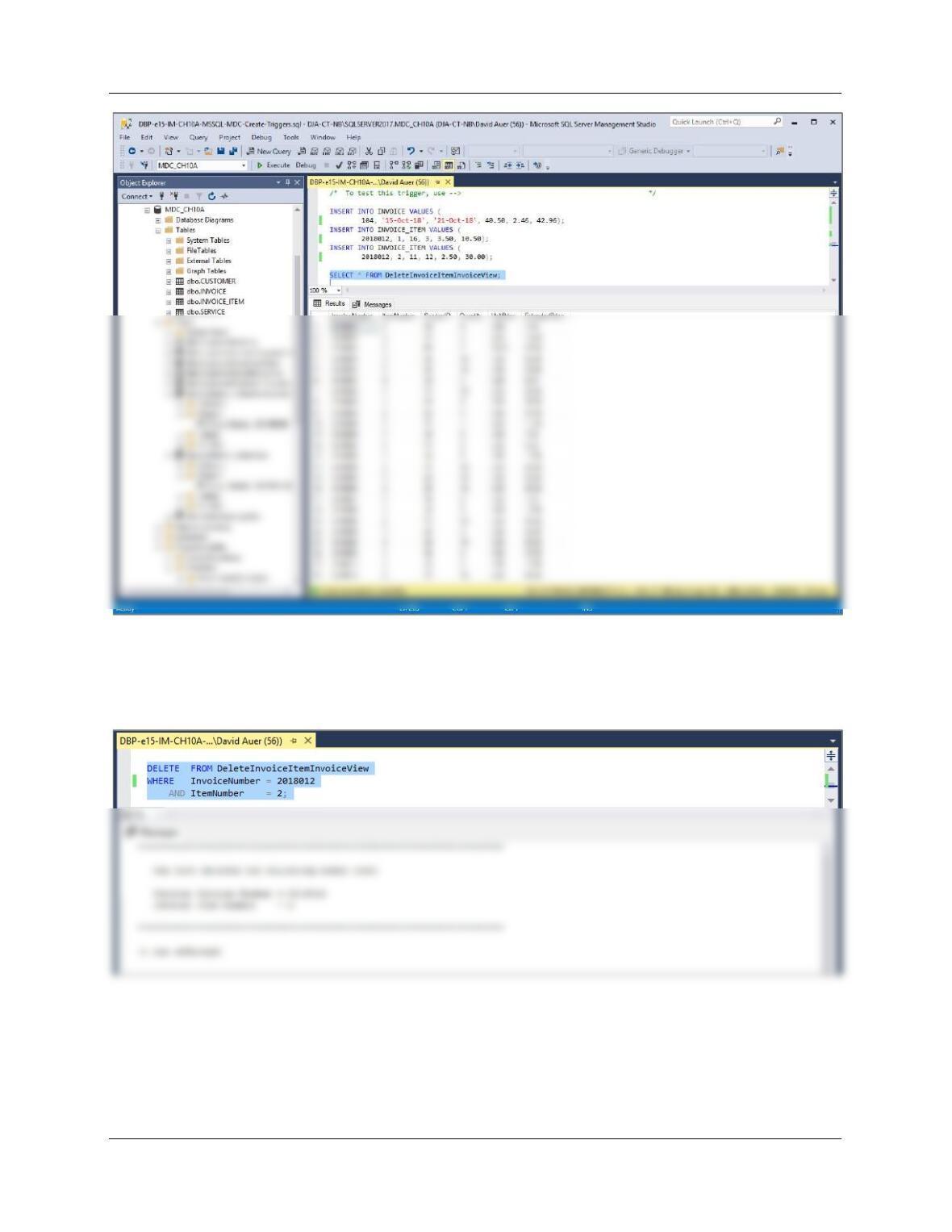
DELETE FROM DeleteInvoiceItemInvoiceView
WHERE InvoiceNumber = 2018012
AND ItemNumber = 2;
Chapter 10A – Managing Databases with SQL Server 2017
Page 10A-105
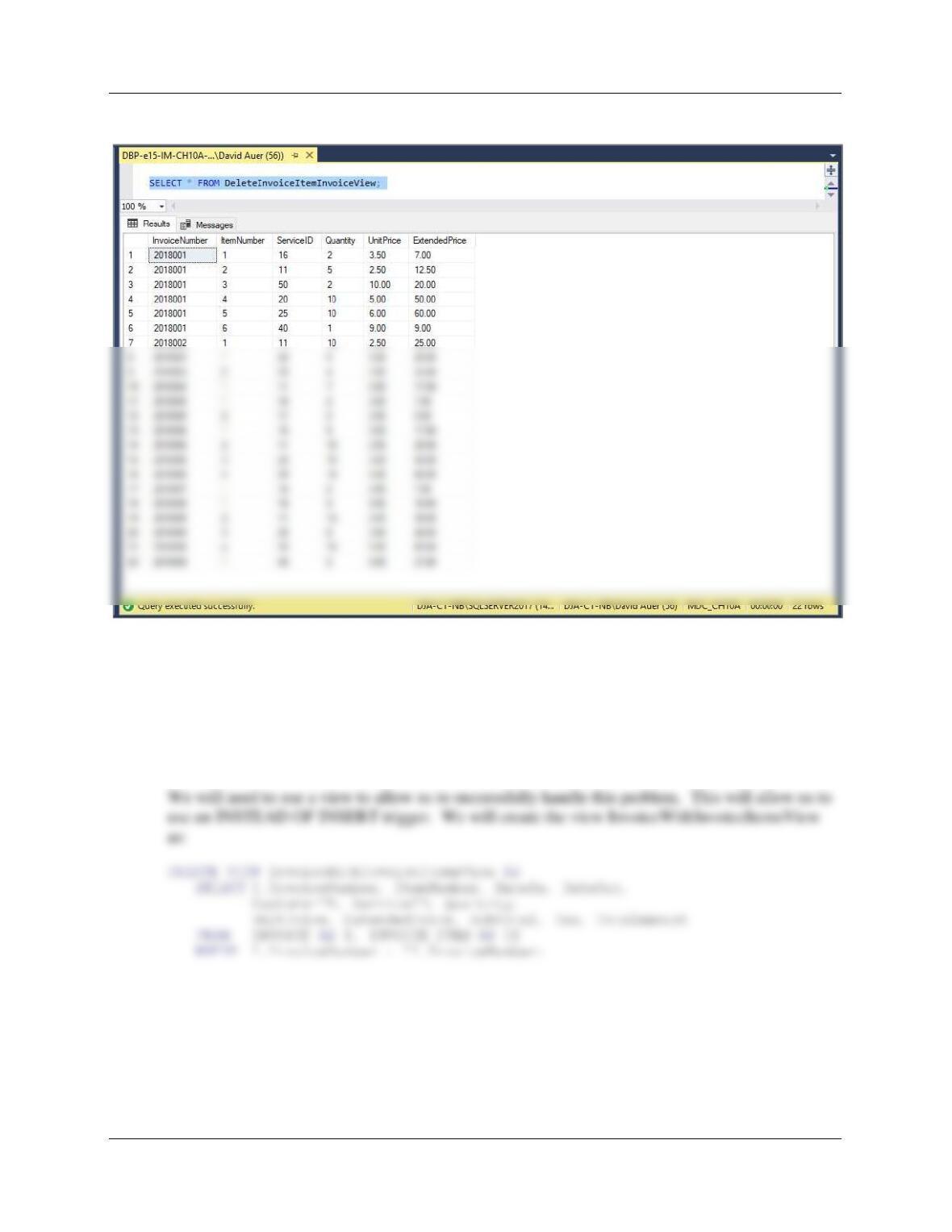
SELECT * FROM DeleteInvoiceItemInvoiceView;
DELETE FROM DeleteInvoiceItemInvoiceView
WHERE InvoiceNumber = 2018012
AND ItemNumber = 1;
Chapter 10A – Managing Databases with SQL Server 2017
Page 10A-106
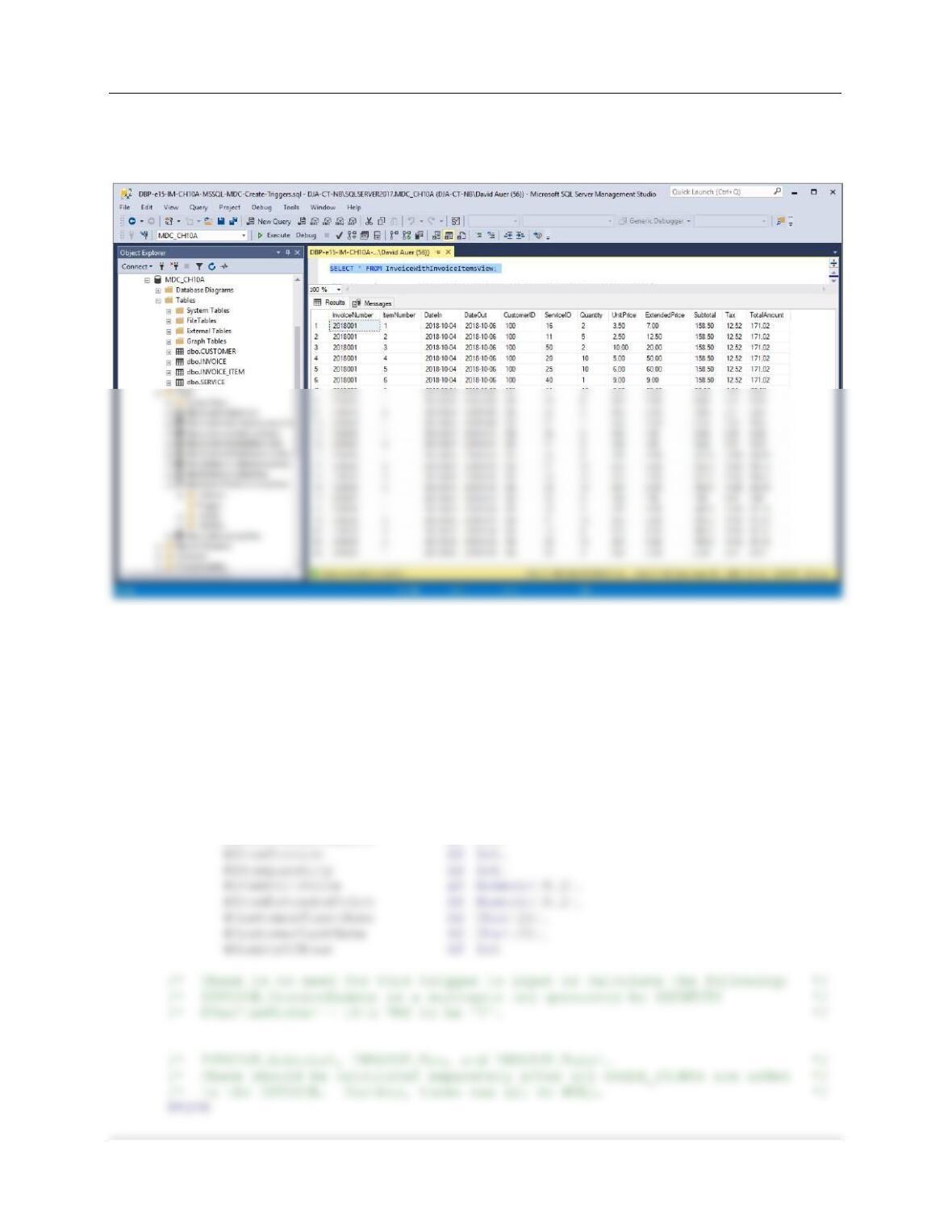
SELECT * FROM DeleteInvoiceItemInvoiceView;
(4) Adding a required INVOICE_ITEM when an INVOICE is created.
This solution is similar to the one we did for Project Question 10A.28, which used the discussion
of this topic in Chapter 10A and Figure 10A-39 as a model for the trigger. We will again use this
model. First, we note that the requirement that INVOICE_ITEM have an associated INVOICE is
automatically enforced by the foreign key referential integrity constraint on INVOICE_ITEM.
Chapter 10A – Managing Databases with SQL Server 2017
Page 10A-107
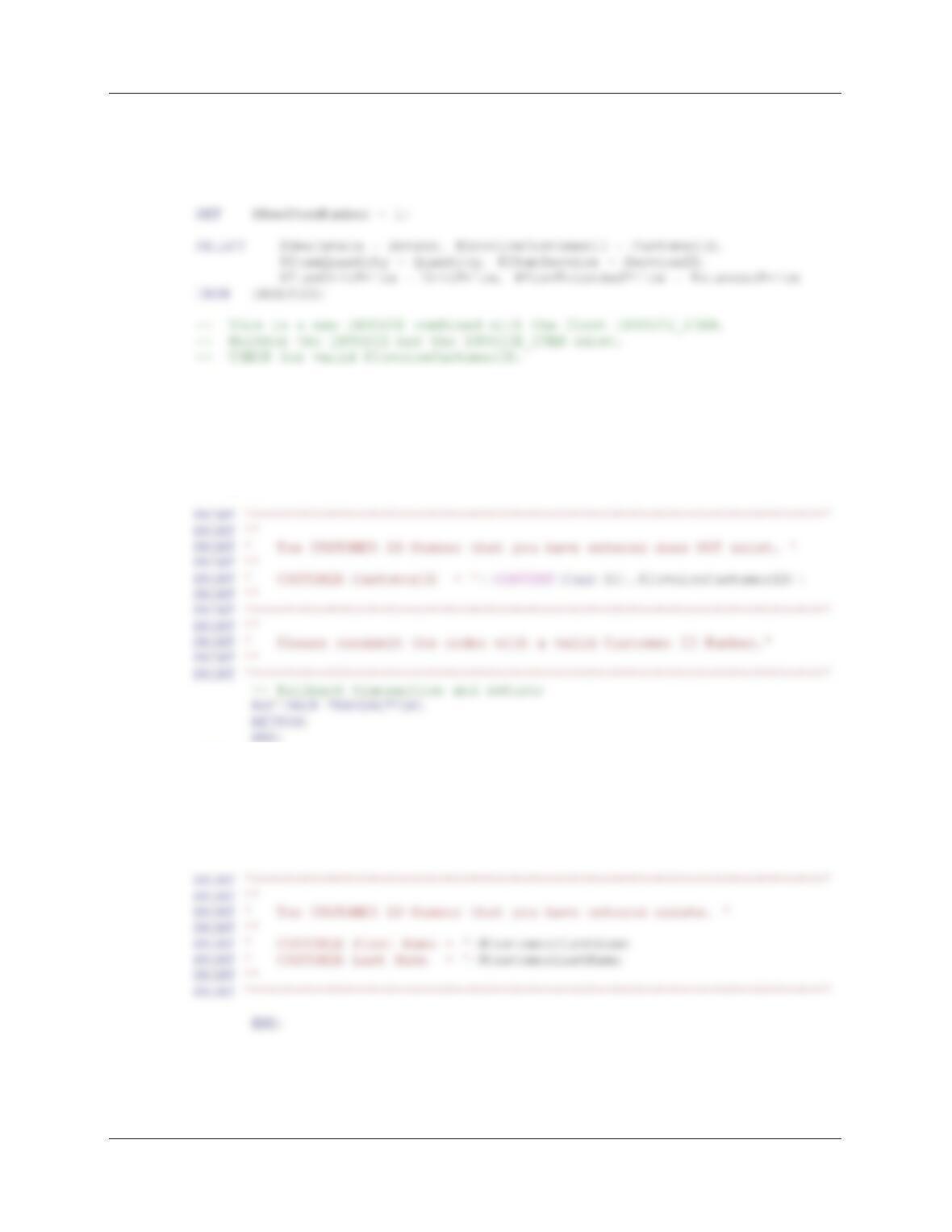
To test this, run the following command:
SELECT * FROM InvoiceWithInvoiceItemsView;
Here is the trigger code:
CREATE OR ALTER TRIGGER [Insert_INVOICE_INVOICE_ITEM]
ON [dbo].[InvoiceWithInvoiceItemsView]
INSTEAD OF INSERT
AS
SET NOCOUNT ON;
DECLARE @NewInvoiceNumber AS Int,
@NewInvoiceInvoiceNumber AS Int,
@NewItemNumber AS Int,
@NewDateIn AS DateTime,
@InvoiceCustomerID AS Int,
Chapter 10A – Managing Databases with SQL Server 2017
Page 10A-108
— Get the values provided for the INSERT on the view.
— NOTE: We do NOT really need @NewItemNumber – this HAS to be ‘1’.
— But we CANNOT input a NULL VALUE for this field!
SELECT @NumberOfRows = COUNT(*)
FROM CUSTOMER
WHERE CUSTOMER.CustomerID = @InvoiceCustomerID;
IF @NumberOfRows = 0
— CUSTOMER CustomerID does NOT exist – Send error message.
BEGIN
ELSE
BEGIN
SELECT @CustomerFirstName = FirstName,
@CustomerLastName = LastNAme
FROM CUSTOMER
WHERE CUSTOMER.CustomerID = @InvoiceCustomerID;
Chapter 10A – Managing Databases with SQL Server 2017
Page 10A-109
— InvoiceNumber will be IDENTITY generated and therefore new.
BEGIN
— Re-read INVOICE.InvoiceNumber now that the new Invoice is inserted.
SET @NewInvoiceNumber = @@IDENTITY;
PRINT ‘********************************************************************’
PRINT ”
PRINT ‘ Invoice Number = ‘+(CONVERT (Char(10), @NewInvoiceNumber))
PRINT ‘ has been created in INVOICE’
PRINT ‘ Invoice Date = ‘+(CONVERT (Char(12), @NewDateIn))
PRINT ‘ Customer = ‘+(CONVERT (Char(12), @InvoiceCustomerID))
PRINT ”
PRINT ‘********************************************************************’
PRINT ‘********************************************************************’
PRINT ”
PRINT ‘ Invoice Item= ‘+(CONVERT (Char(10), @NewItemNumber))
PRINT ‘ has been created in INVOICE_ITEM’
PRINT ‘ Invoice Number = ‘+(CONVERT (Char(12), @NewInvoiceInvoiceNumber))
PRINT ‘ Invoice Date = ‘+(CONVERT (Char(12), @NewDateIn))
Chapter 10A – Managing Databases with SQL Server 2017
Page 10A-110
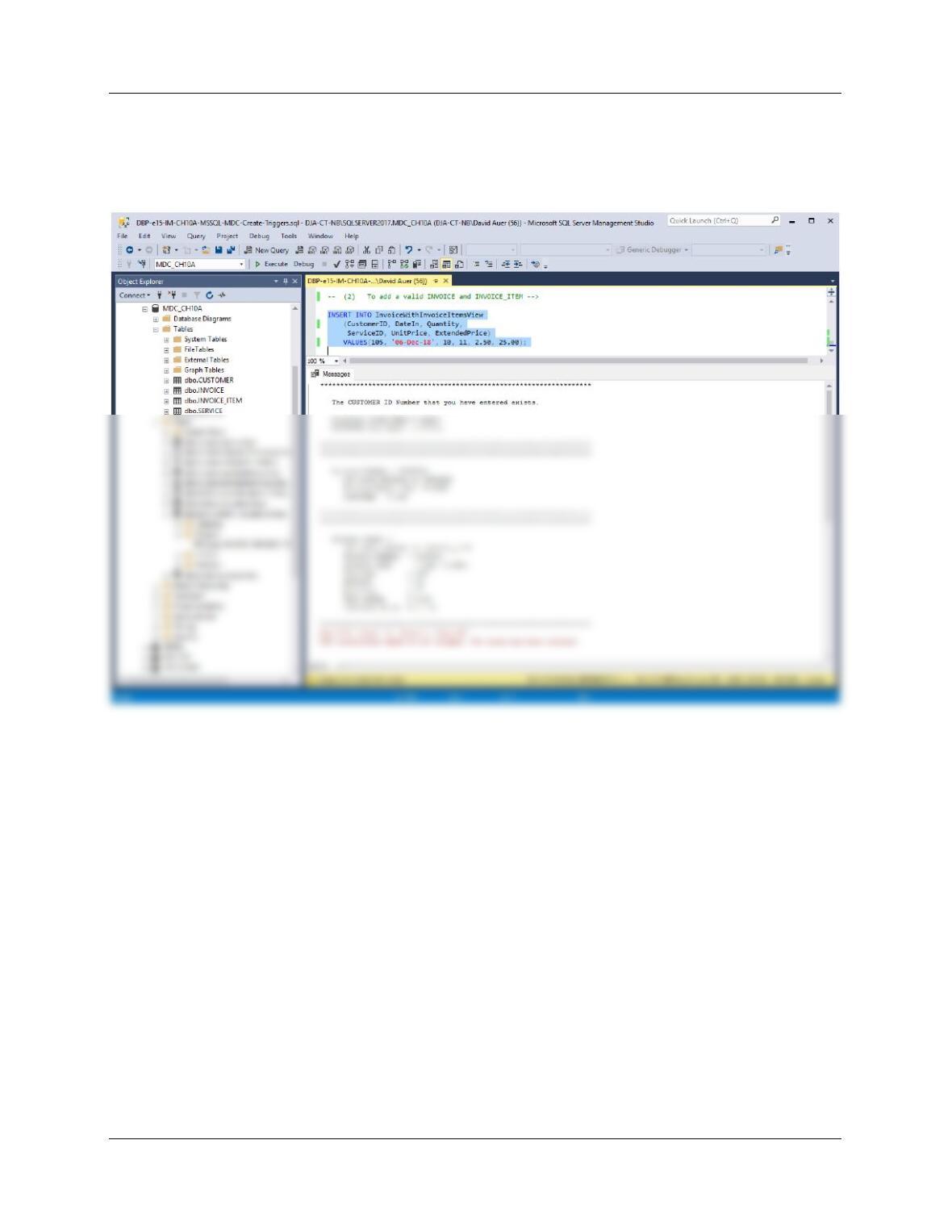
To test this trigger, use:
(1) To attempt adding an INVOICE for a non-existing CUSTOMER:
INSERT INTO InvoiceWithInvoiceItemsView
(CustomerID, DateIn, Quantity, ServiceID, UnitPrice, ExtendedPrice)
VALUES(150, ’06-Dec-18′, 10, 11, 2.50, 25.00);
Chapter 10A – Managing Databases with SQL Server 2017
Page 10A-111
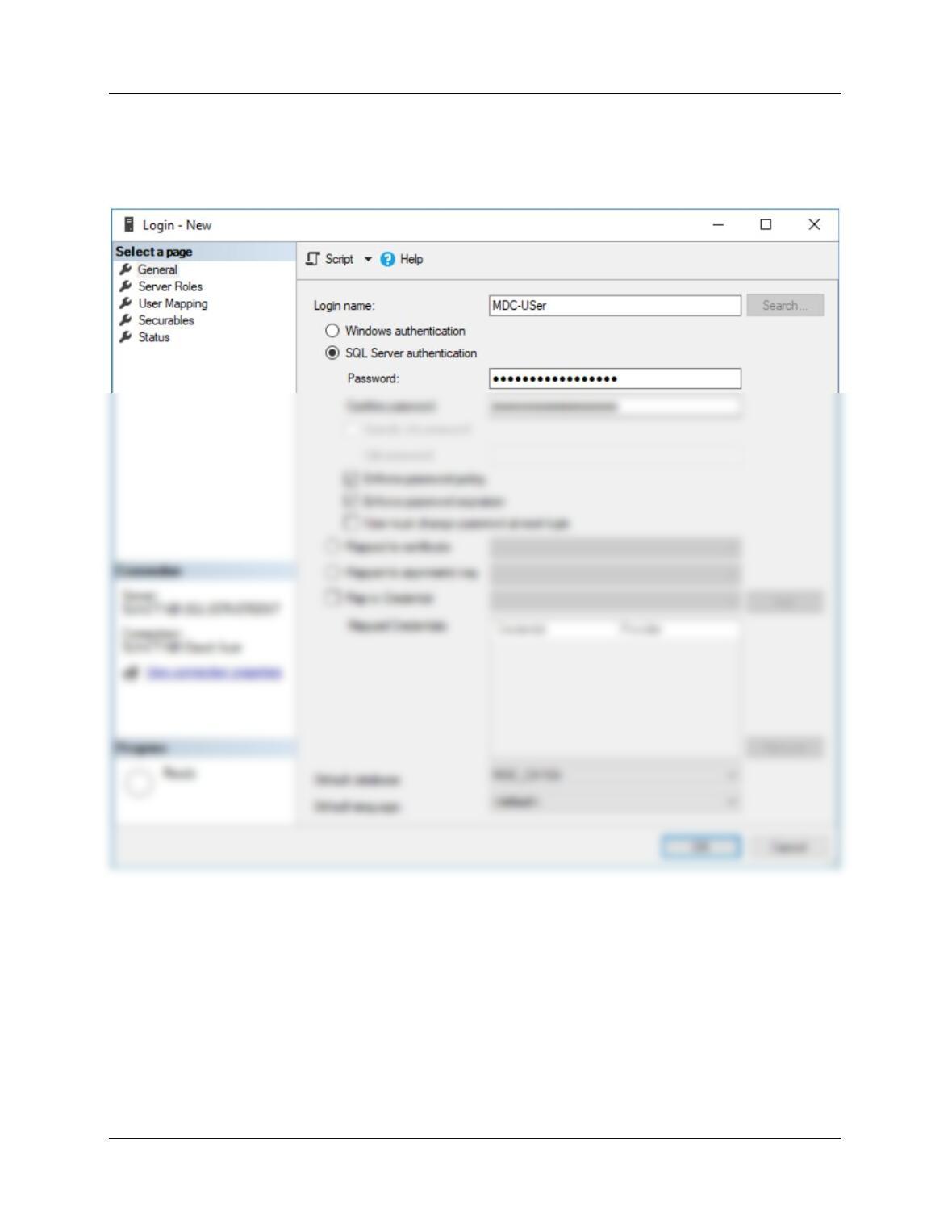
(2) To add a valid INVOICE and INVOICE_ITEM:
INSERT INTO InvoiceWithInvoiceItemsView
(CustomerID, DateIn, Quantity, ServiceID, UnitPrice, ExtendedPrice)
VALUES(105, ’06-Dec-18′, 10, 11, 2.50, 25.00);
Chapter 10A – Managing Databases with SQL Server 2017
Page 10A-112
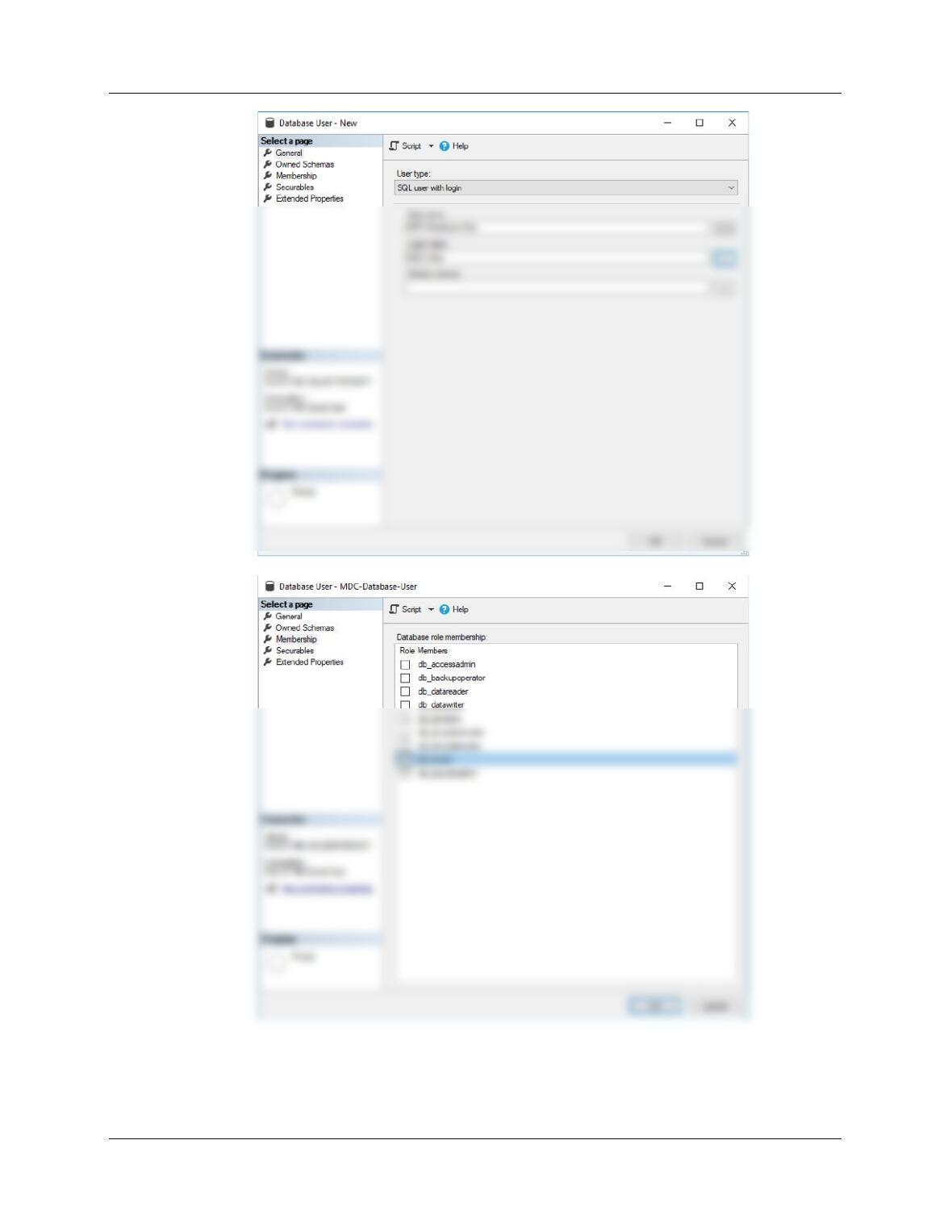
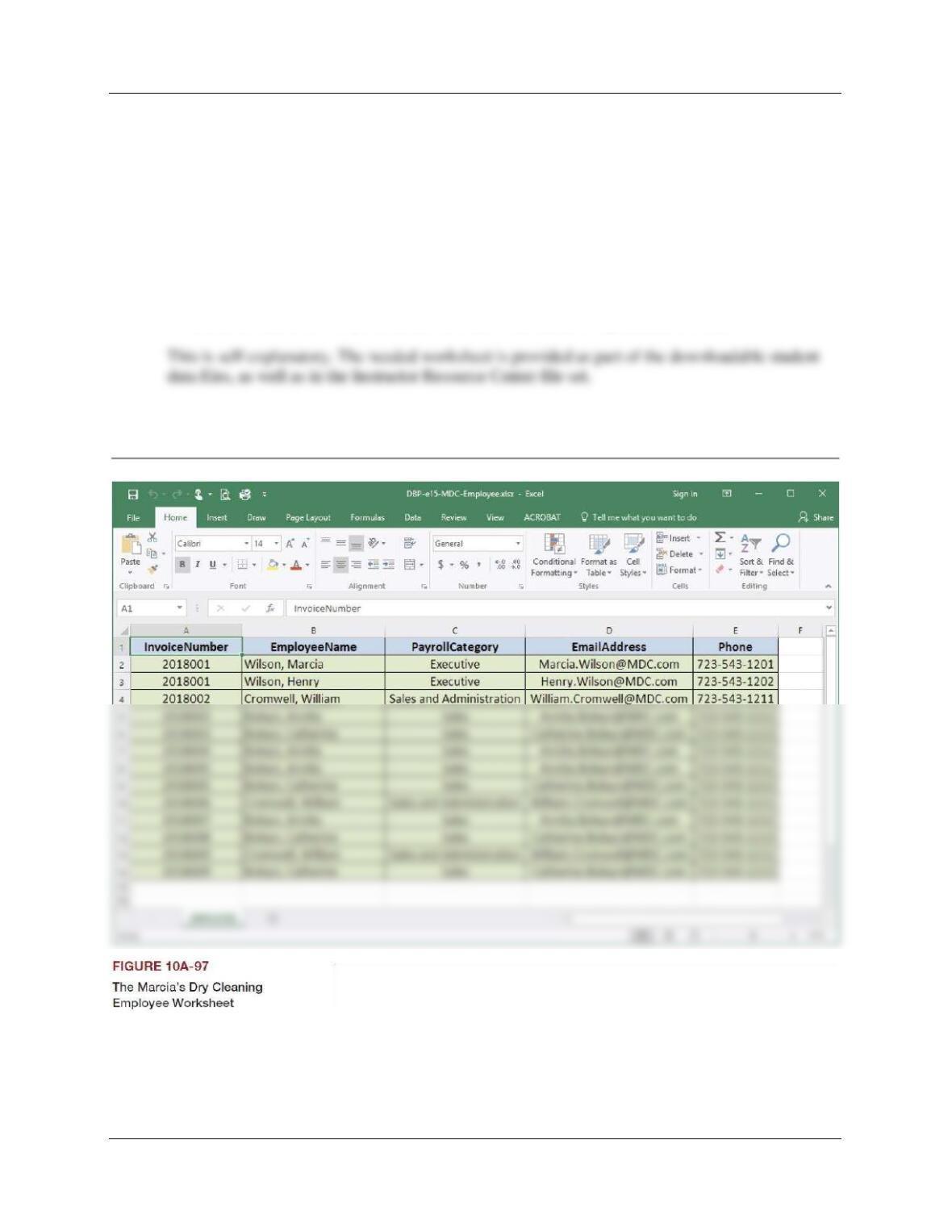
W. Create an SQL Server login named MDC-User, with a password of MDC-
User+password. Create a MDC database user named MDC-Database-User, with is
linked to the MDC-User login. Assign MDC-Database-User db_owner permissions to the
MDC database.
Chapter 10A – Managing Databases with SQL Server 2017
Page 10A-113
Chapter 10A – Managing Databases with SQL Server 2017
Page 10A-114
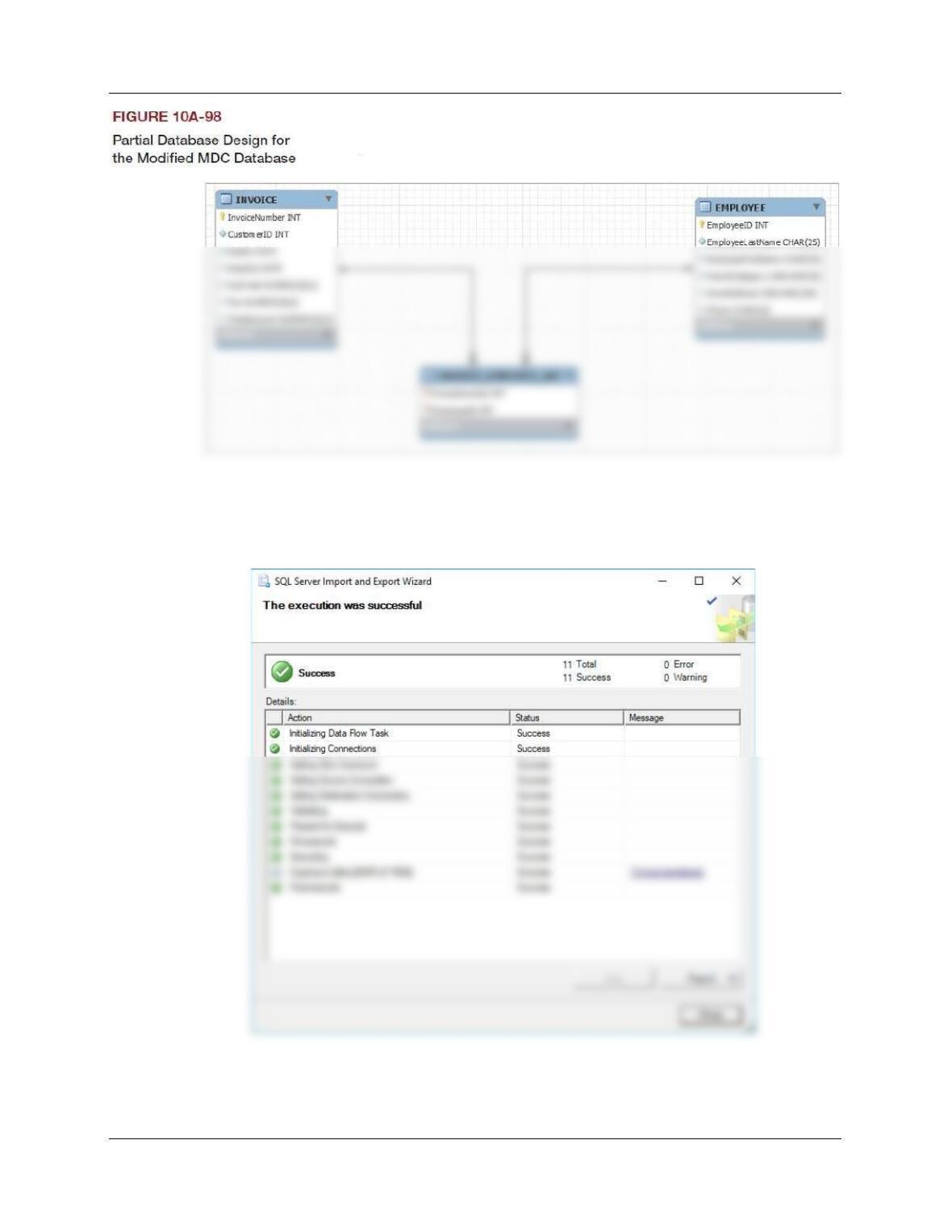
Marcia’s Dry Cleaning tracks which employees have worked on specific dry cleaning
jobs. This is somewhat complicated by the fact that more than one employee may have
helped a customer with a particular order. So far, the company has kept their records in a
Microsoft Excel 2016 worksheet, as shown in Figure 10A-97. They have decided to
integrate this data into the MDC database. The modifications to the MDC database
needed to accomplish this are shown in Figure 10A-98 (as a MySQL Workbench EER
diagram). Using the MDC database, create an SQL script named MDC-Import-Excel-
Data.sql to answer parts Z through AJ.
X. Duplicate the EMPLOYEE worksheet in Figure 10A-97 in a worksheet (or spreadsheet)
in Microsoft Excel 2016 (or another tool such as Apache OpenOffice Calc).
Chapter 10A – Managing Databases with SQL Server 2017
Page 10A-115
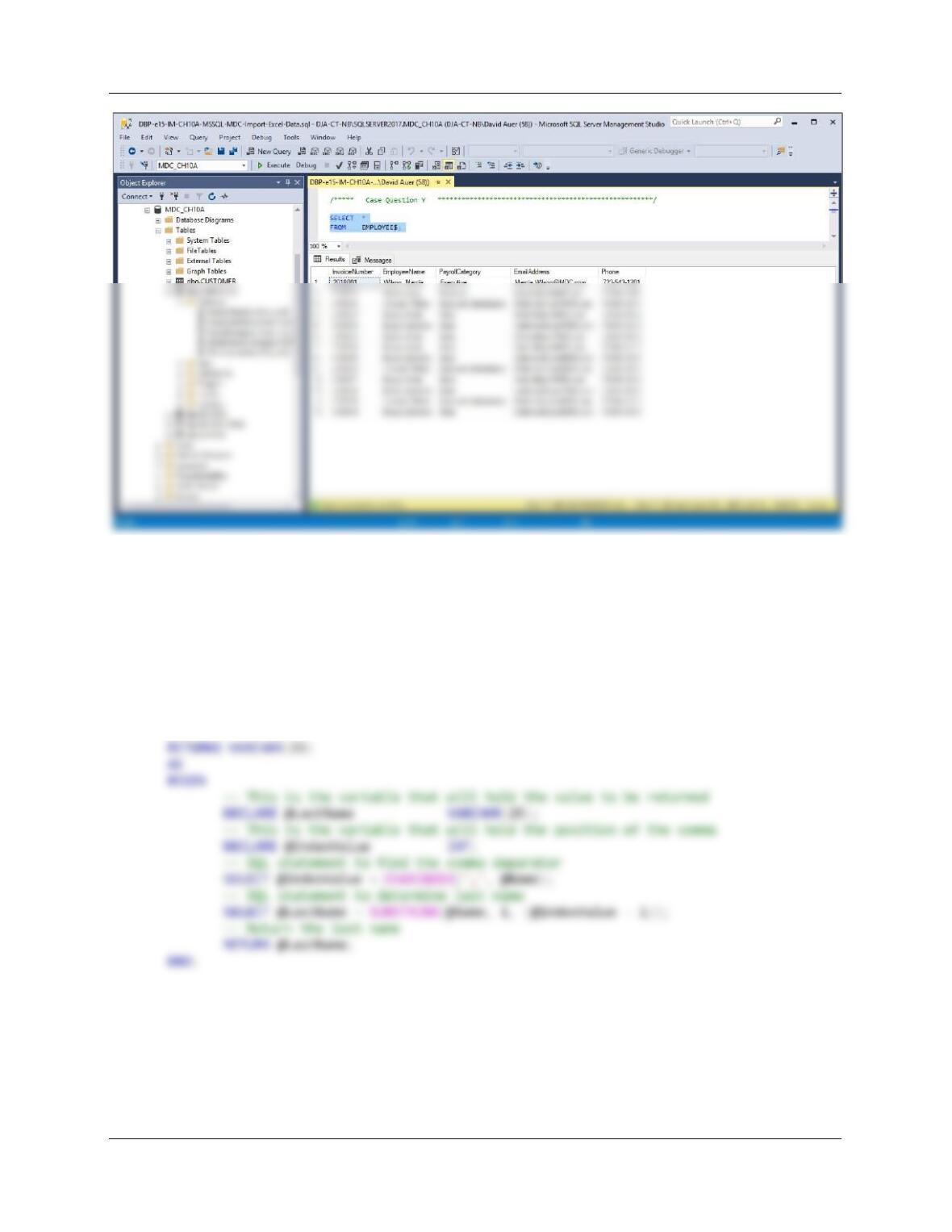
Y. Import the data in the EMPLOYEE worksheet into a table in the MDC database named
EMPLOYEE$.
This is self-explanatory.
Chapter 10A – Managing Databases with SQL Server 2017
Page 10A-116
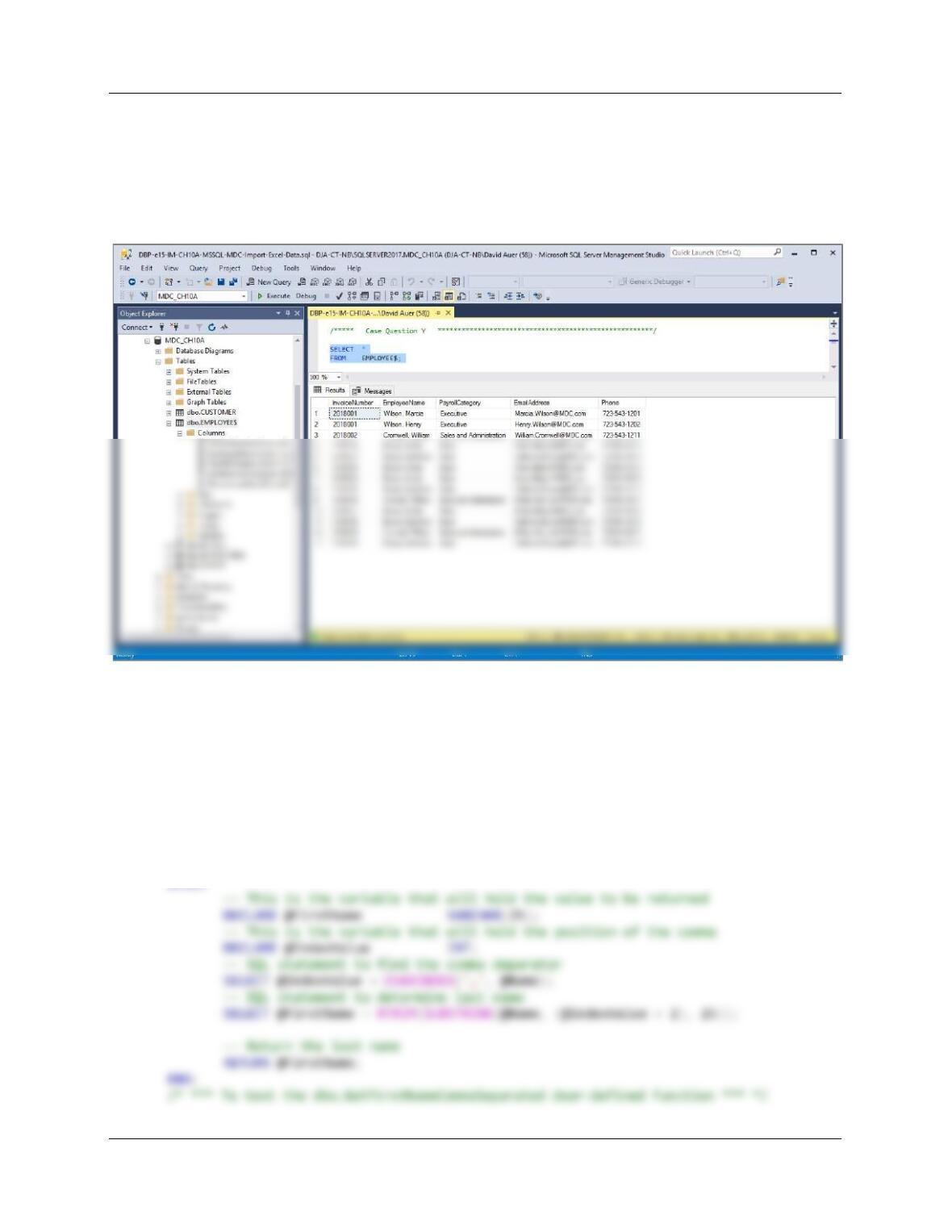
Z. Create the GetLastNameCommaSeparated user-defined function shown is Figure 10A-
58.
/***** Case Question Z ******************************************************/
CREATE OR ALTER FUNCTION dbo.GetLastNameCommaSeparated
— These are the input parameters
(
@Name VARCHAR(25)
)
Chapter 10A – Managing Databases with SQL Server 2017
Page 10A-117
/* *** To test funtion: *** */
SELECT EmployeeName,
dbo.GetLastNameCommaSeparated(EmployeeName) AS EmployeeLastName
FROM EMPLOYEE$
ORDER BY EmployeeName;
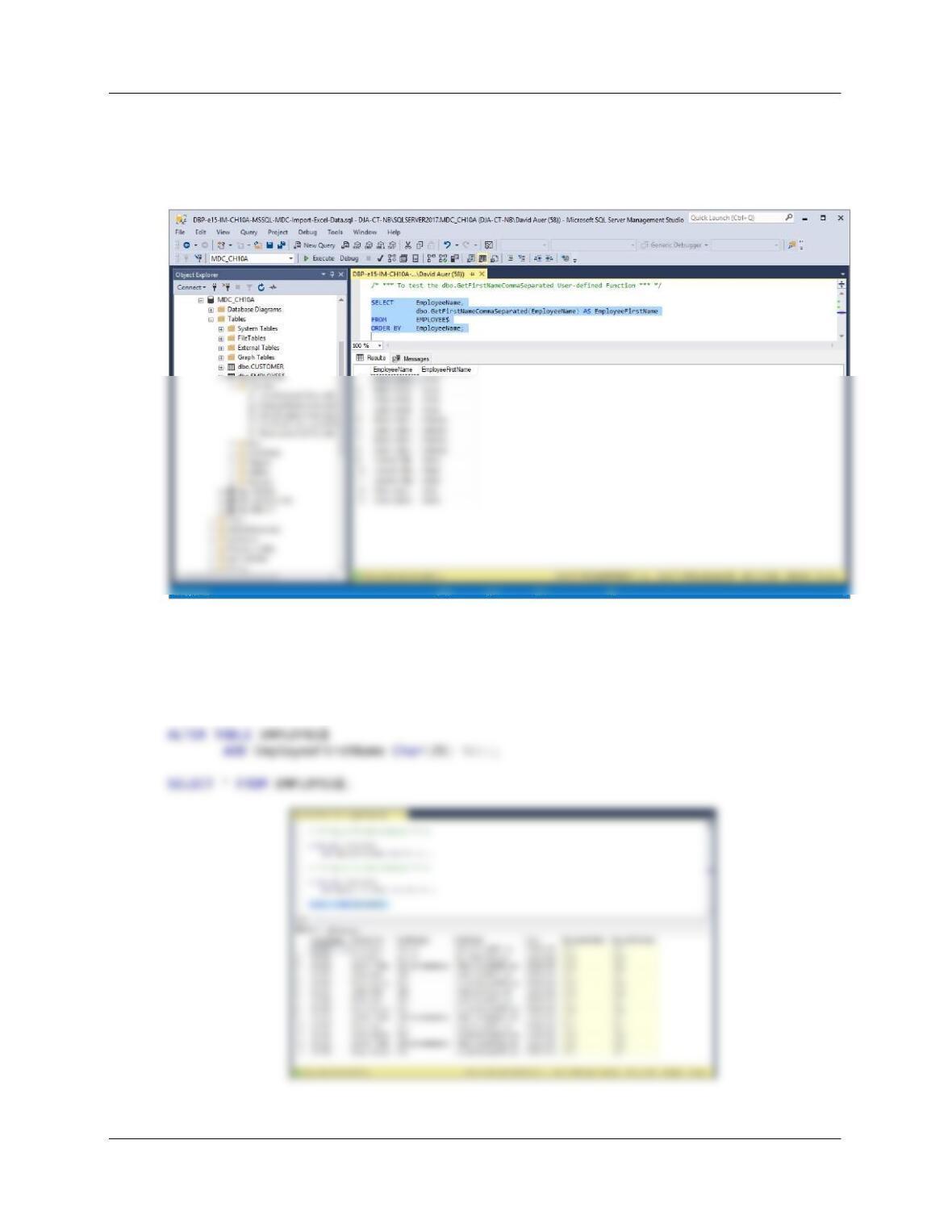
AA. [AA in text] Create a user-defined function named GetFirstNameCommaSeparated
that will return the first name from a combined name in last-name-first order, with the
names separated by a comma and one space.
CREATE OR ALTER FUNCTION dbo.GetFirstNameCommaSeparated
— These are the input parameters
(
@Name VARCHAR(25)
)
RETURNS VARCHAR(25)
AS
BEGIN
Chapter 10A – Managing Databases with SQL Server 2017
Page 10A-118
SELECT EmployeeName,
dbo.GetFirstNameCommaSeparated(EmployeeName) AS EmployeeFirstName
FROM EMPLOYEE$
ORDER BY EmployeeName;
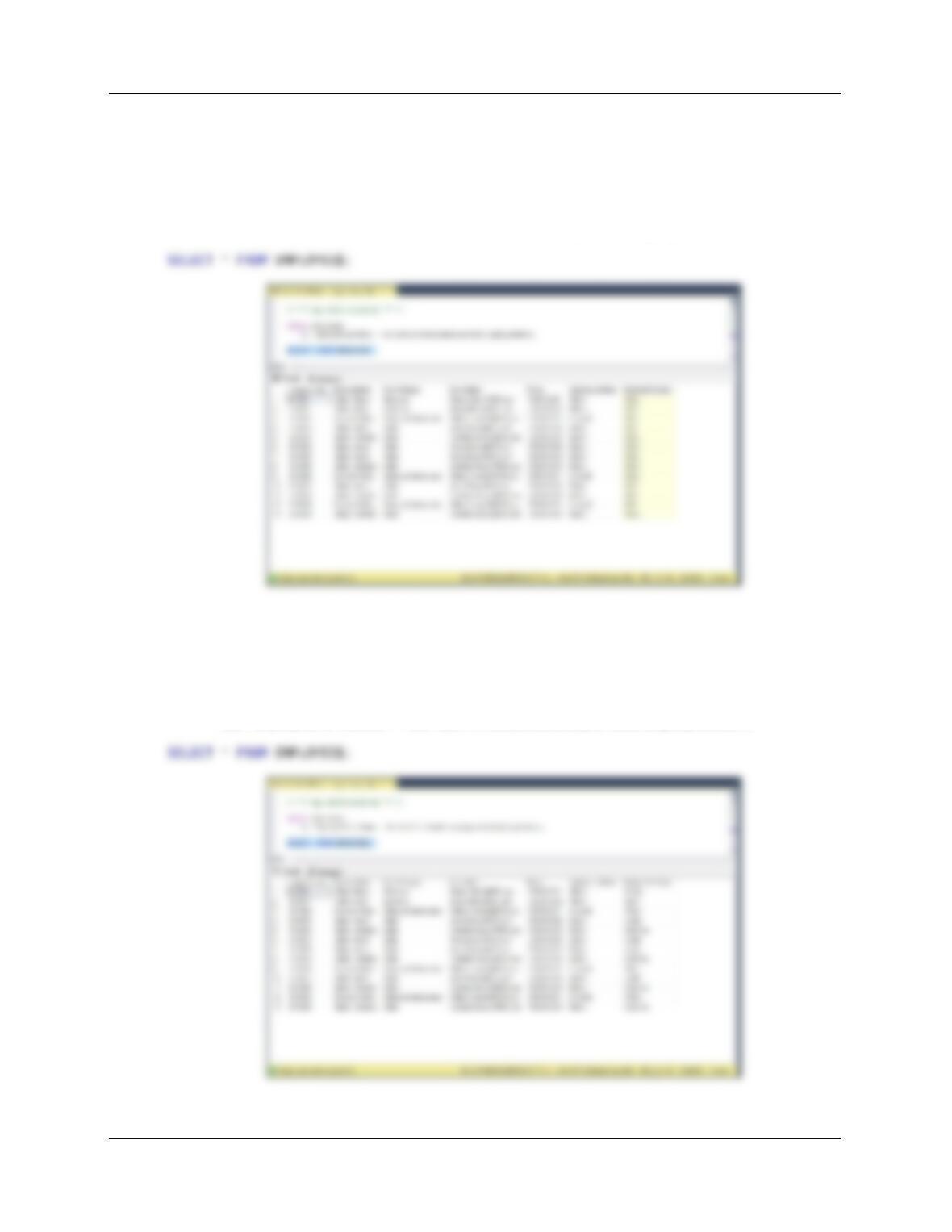
BB. [AB in text] Alter the EMPLOYEE$ table to include EmployeeLastName and
EmployeeFirstName columns (Char(25), allow NULL values).
ALTER TABLE EMPLOYEE$
ADD EmployeeLastName Char(25) NULL;
Chapter 10A – Managing Databases with SQL Server 2017
Page 10A-119
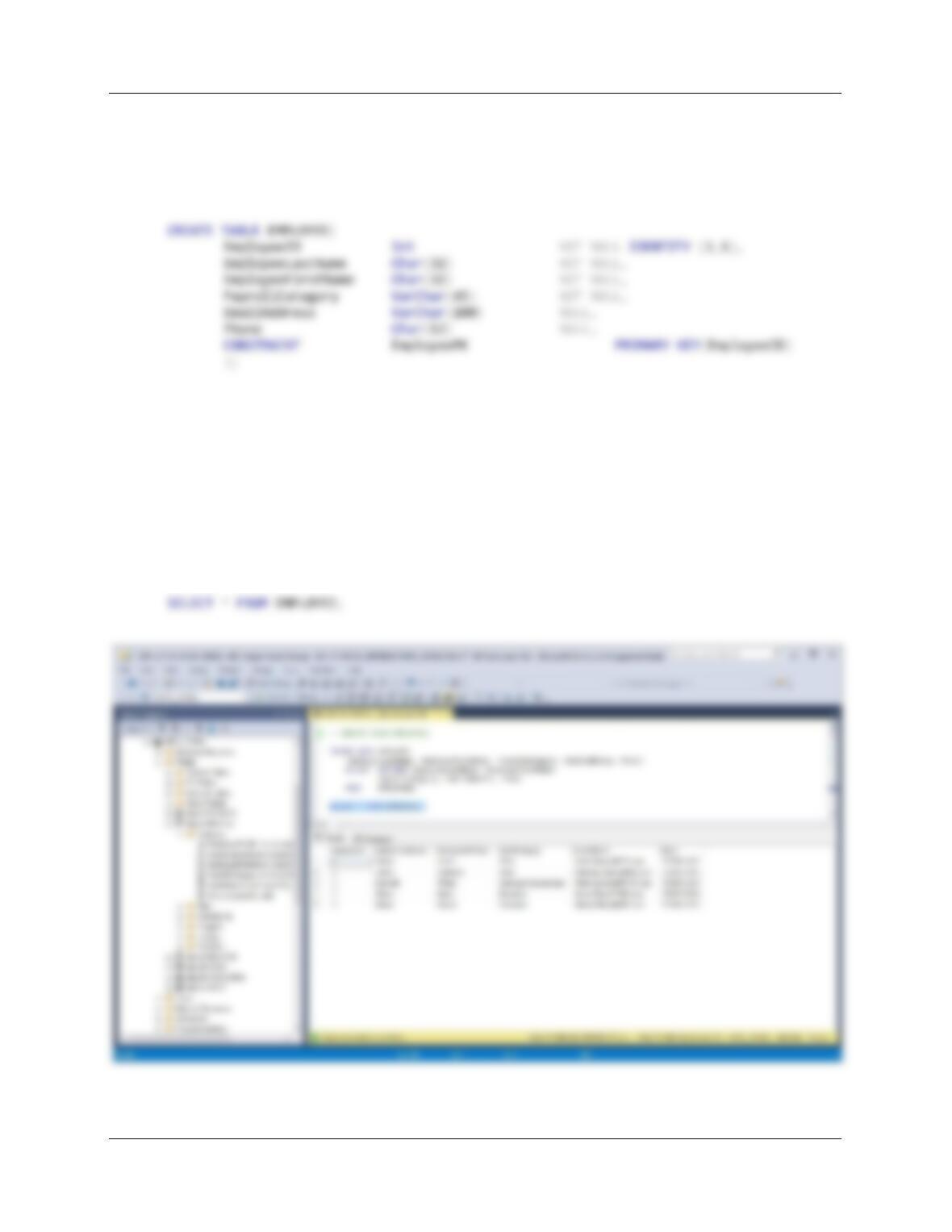
CC. [AC in text] Use the GetLastNameCommaSeparated user-defined function you
created in step Z to populate the EmployeeLastName column.
/* *** SQL-UPDATE-CH10A-01 *** */
UPDATE EMPLOYEE$
SET EmployeeLastName = dbo.GetLastNameCommaSeparated(EmployeeName);
DD. [AD in text] Use the GetFirstNameCommaSeparated user-defined function you
created in step AA to populate the EmployeeFirstName column.
/* *** SQL-UPDATE-CH10A-02 *** */
UPDATE EMPLOYEE$
SET EmployeeFirstName = dbo.GetFirstNameCommaSeparated(EmployeeName);
Chapter 10A – Managing Databases with SQL Server 2017
Page 10A-120
EE. [AE in text] Create a new table named EMPLOYEE, as shown in Figure 10A-98. Use
the column characteristics shown in Figure 10A-98, where EmployeeID is a surrogate
key starting at 1 and incrementing by 1.
/***** Case Question AE *****************************************************/
FF. [AF in text] Populate the EMPLOYEE table using the data stored in the EMPLOYEE$
table. Hint: You should insert distinct data into the table, and your final table will have
only 5 records.
/***** Case Question AF *****************************************************/
INSERT INTO EMPLOYEE
(EmployeeLastName, EmployeeFirstName, PayrollCategory, EmailAddress, Phone)
SELECT DISTINCT EmployeeLastName, EmployeeFirstName,
PayrollCategory, EmailAddress, Phone
FROM EMPLOYEE$;