Chapter 10A – Managing Databases with SQL Server 2017
Page 10A-81
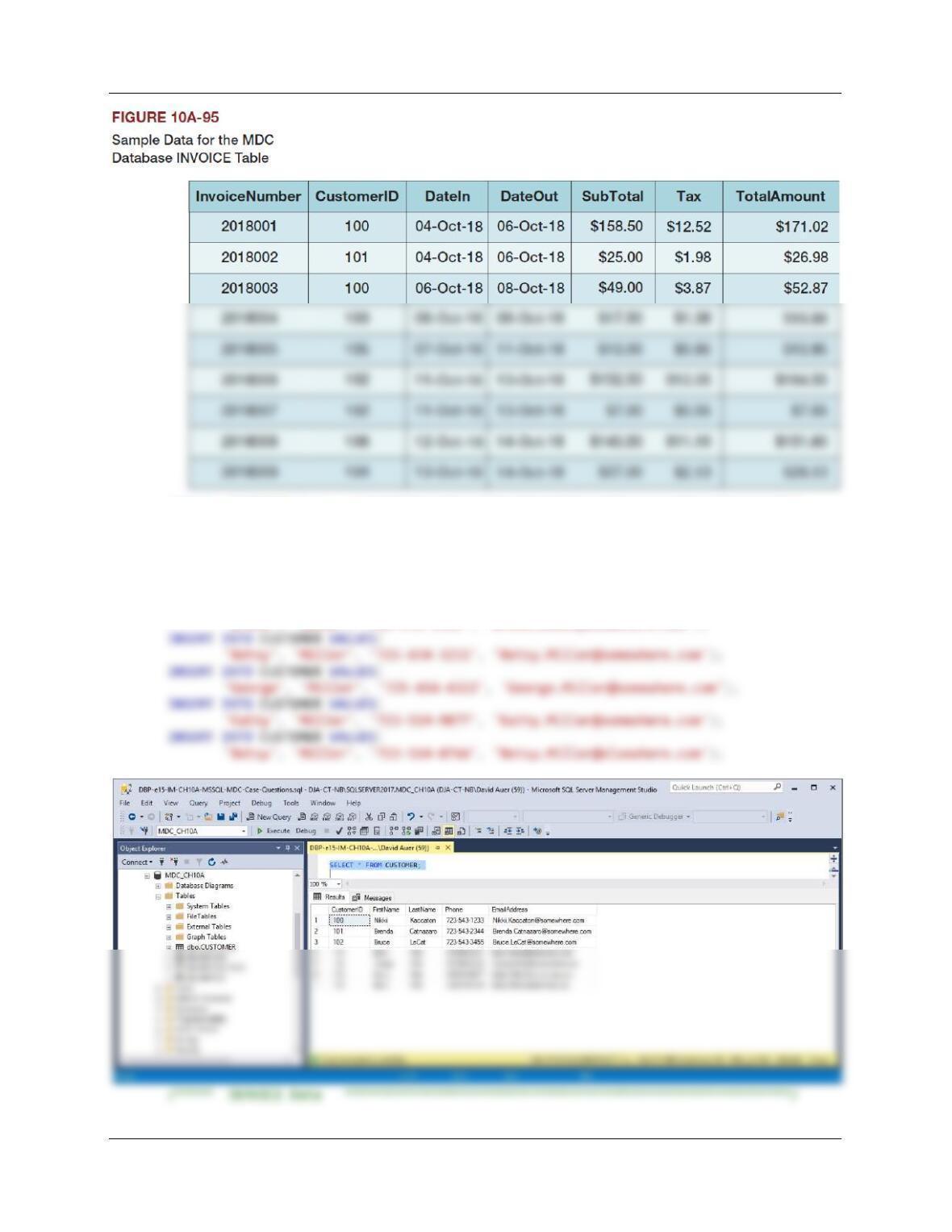
/***** CUSTOMER Data *********************************************************/
INSERT INTO CUSTOMER VALUES(
‘Nikki’, ‘Kaccaton’, ‘723-543-1233′, ‘Nikki.Kaccaton@somewhere.com’);
INSERT INTO CUSTOMER VALUES(
‘Brenda’, ‘Catnazaro’, ‘723-543-2344′, ‘Brenda.Catnazaro@somewhere.com’);
INSERT INTO CUSTOMER VALUES(
‘Bruce’, ‘LeCat’, ‘723-543-3455′, ‘Bruce.LeCat@somewhere.com’);
Chapter 10A – Managing Databases with SQL Server 2017
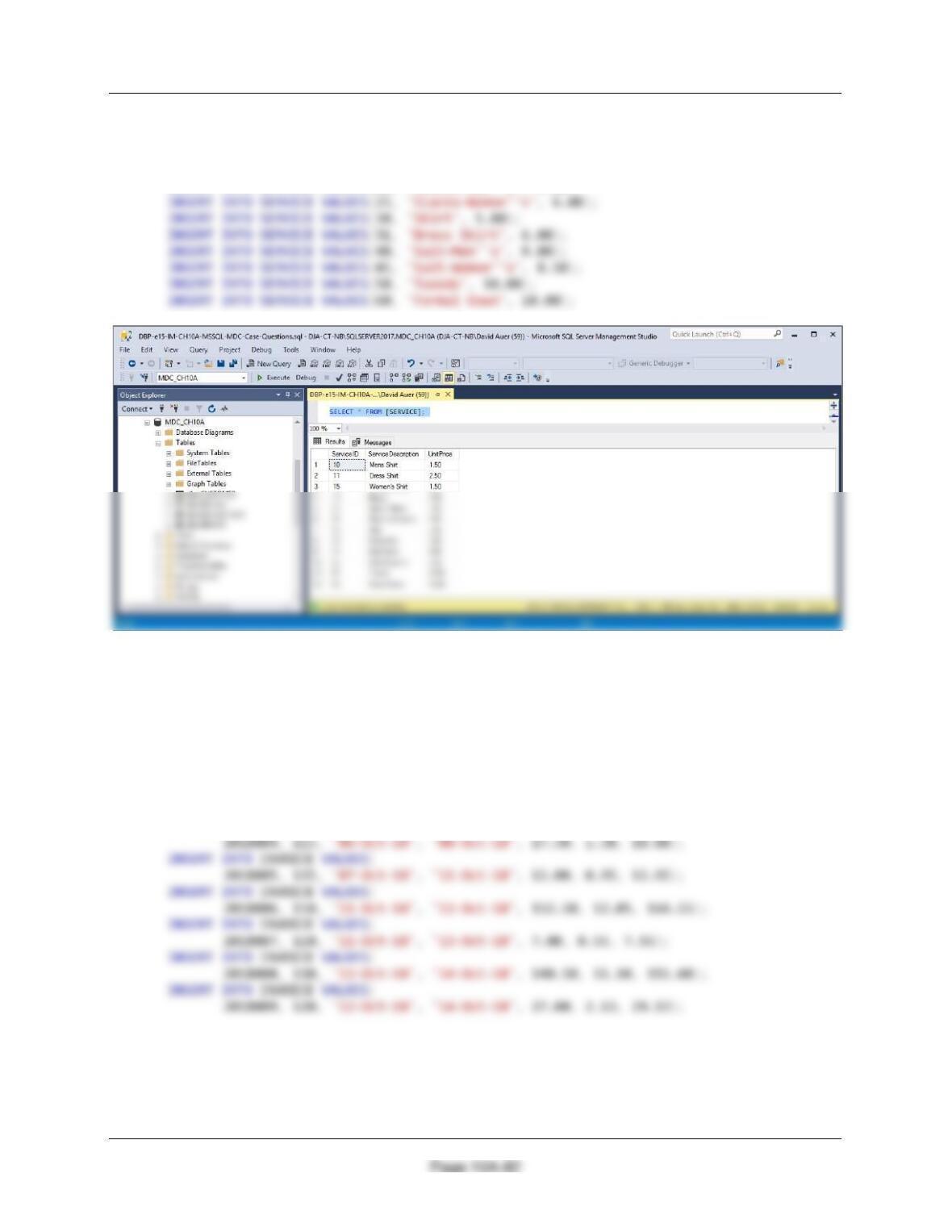
INSERT INTO SERVICE VALUES(10, ‘Mens Shirt’, 1.50);
INSERT INTO SERVICE VALUES(11, ‘Dress Shirt’, 2.50);
INSERT INTO SERVICE VALUES(15, ‘Women”s Shirt’, 1.50);
INSERT INTO SERVICE VALUES(16, ‘Blouse’, 3.50);
INSERT INTO SERVICE VALUES(20, ‘Slacks–Men”s’, 5.00);
/***** INVOICE Data ************************************************************/
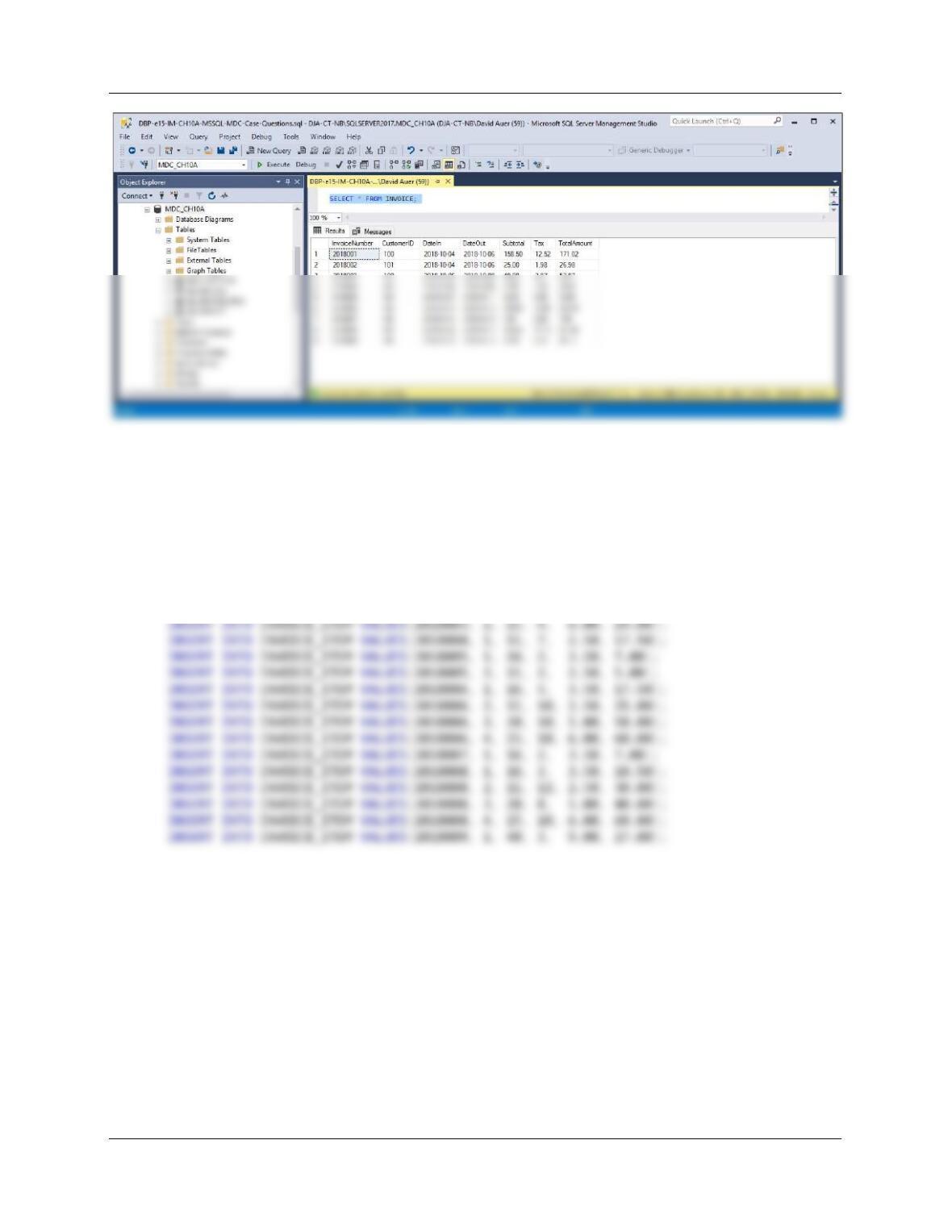
INSERT INTO INVOICE VALUES(
2018001, 100, ’04–Oct–18‘, ’06–Oct–18‘, 158.50, 12.52, 171.02);
INSERT INTO INVOICE VALUES(
2018002, 105, ’04–Oct–18‘, ’06–Oct–18‘, 25.00, 1.98, 26.98);
INSERT INTO INVOICE VALUES(
2018003, 100, ’06–Oct–18‘, ’08–Oct–18‘, 49.00, 3.87, 52.87);
INSERT INTO INVOICE VALUES(
Chapter 10A – Managing Databases with SQL Server 2017
Page 10A-83
/***** INVOICE_ITEM Data ********************************************************/
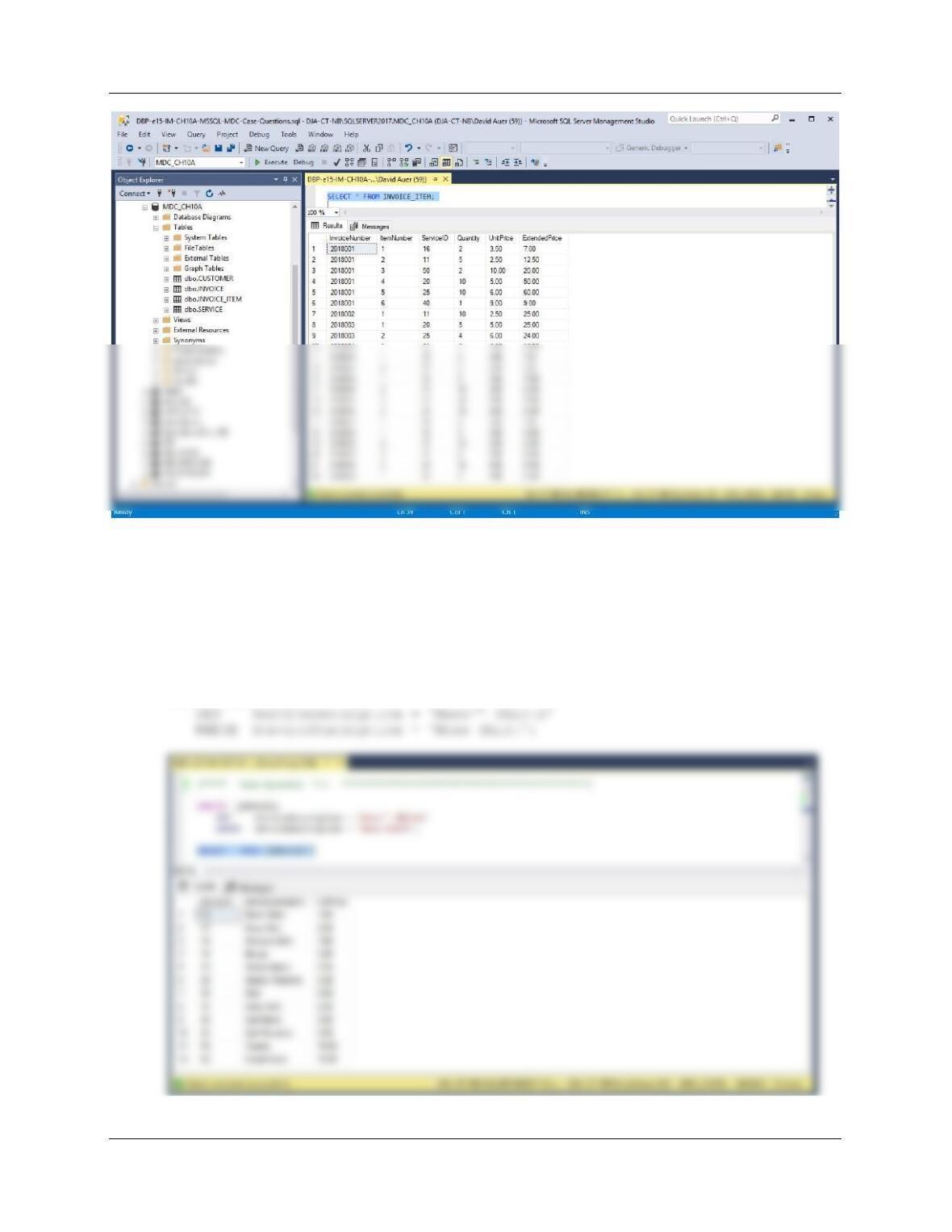
INSERT INTO INVOICE_ITEM VALUES(2018001, 1, 16, 2, 3.50, 7.00);
INSERT INTO INVOICE_ITEM VALUES(2018001, 2, 11, 5, 2.50, 12.50);
INSERT INTO INVOICE_ITEM VALUES(2018001, 3, 50, 2, 10.00, 20.00);
INSERT INTO INVOICE_ITEM VALUES(2018001, 4, 20, 10, 5.00, 50.00);
INSERT INTO INVOICE_ITEM VALUES(2018001, 5, 25, 10, 6.00, 60.00);
INSERT INTO INVOICE_ITEM VALUES(2018001, 6, 40, 1, 9.00, 9.00);
INSERT INTO INVOICE_ITEM VALUES(2018002, 1, 11, 10, 2.50, 25.00);
INSERT INTO INVOICE_ITEM VALUES(2018003, 1, 20, 5, 5.00, 25.00);
Chapter 10A – Managing Databases with SQL Server 2017
Page 10A-84
Using the MDC database, create an SQL script named MDC-DML-CH10A.sql to answer
questions J and K.
J. Write an UPDATE statement to change values of SERVICE.Description from Mens Shirt
to Mens’ Shirts.
NOTE: With the current data set, the correct answer is an empty set—no changes are made.
UPDATE [SERVICE]
Chapter 10A – Managing Databases with SQL Server 2017
Page 10A-85
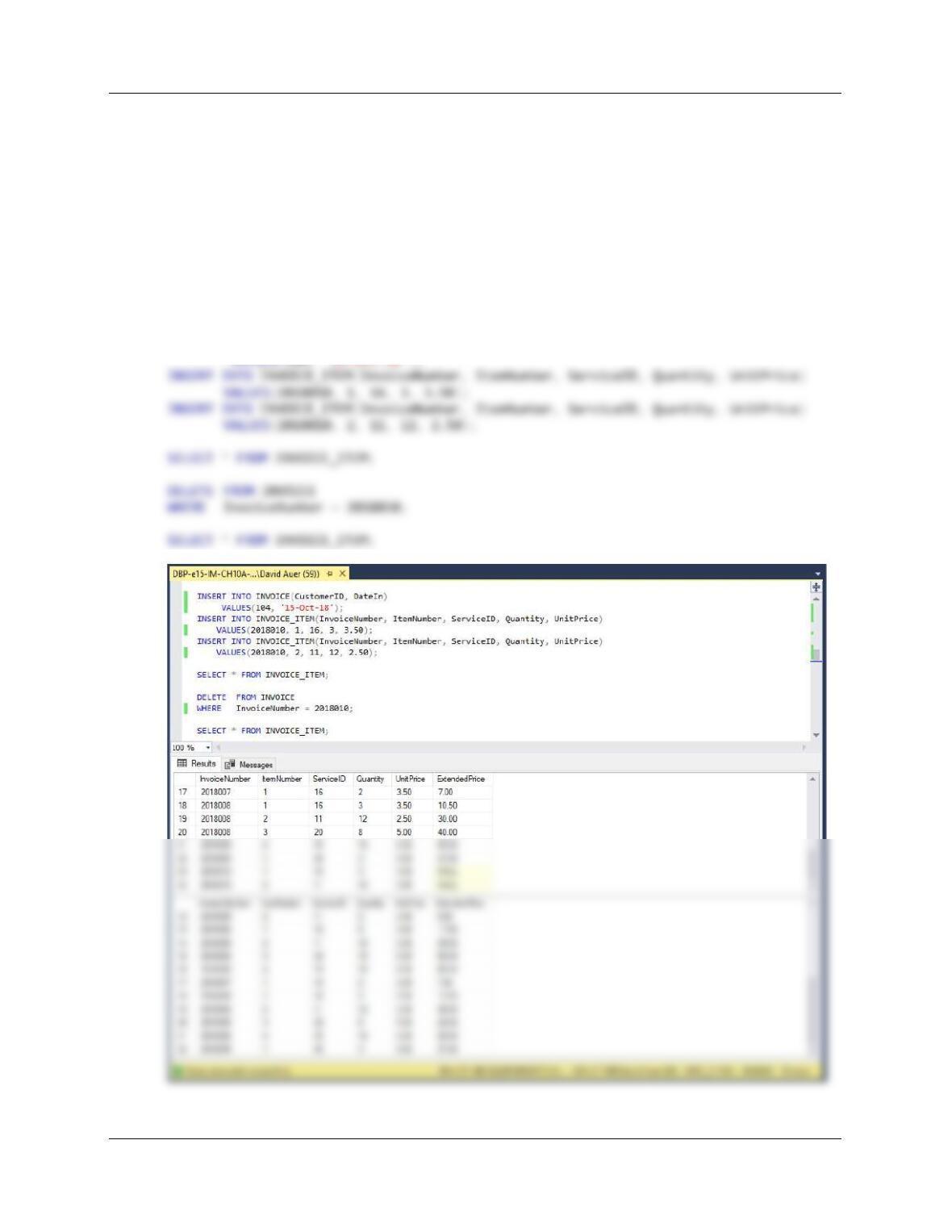
K. Write a DELETE statement(s) to delete an INVOICE and all of the items on that
INVOICE.
Note that we have set ON DELETE CASCADE between INVOICE and INVOICE_ITEM.
Therefore, if we DELETE a record in INVOICE, all associated records in INVOICE_ITEM will
also be deleted. This means we just use a simple DELETE statement on INVOICE.
DELETE FROM INVOICE
WHERE InvoiceNumber = 2018010;
To test this, run the following set of commands:
INSERT INTO INVOICE(CustomerID, DateIn)
Chapter 10A – Managing Databases with SQL Server 2017
Page 10A-86
Using the MDC database, create an SQL script named MDC-Create-Views-and–
Functions.sql to answer questions L through T.
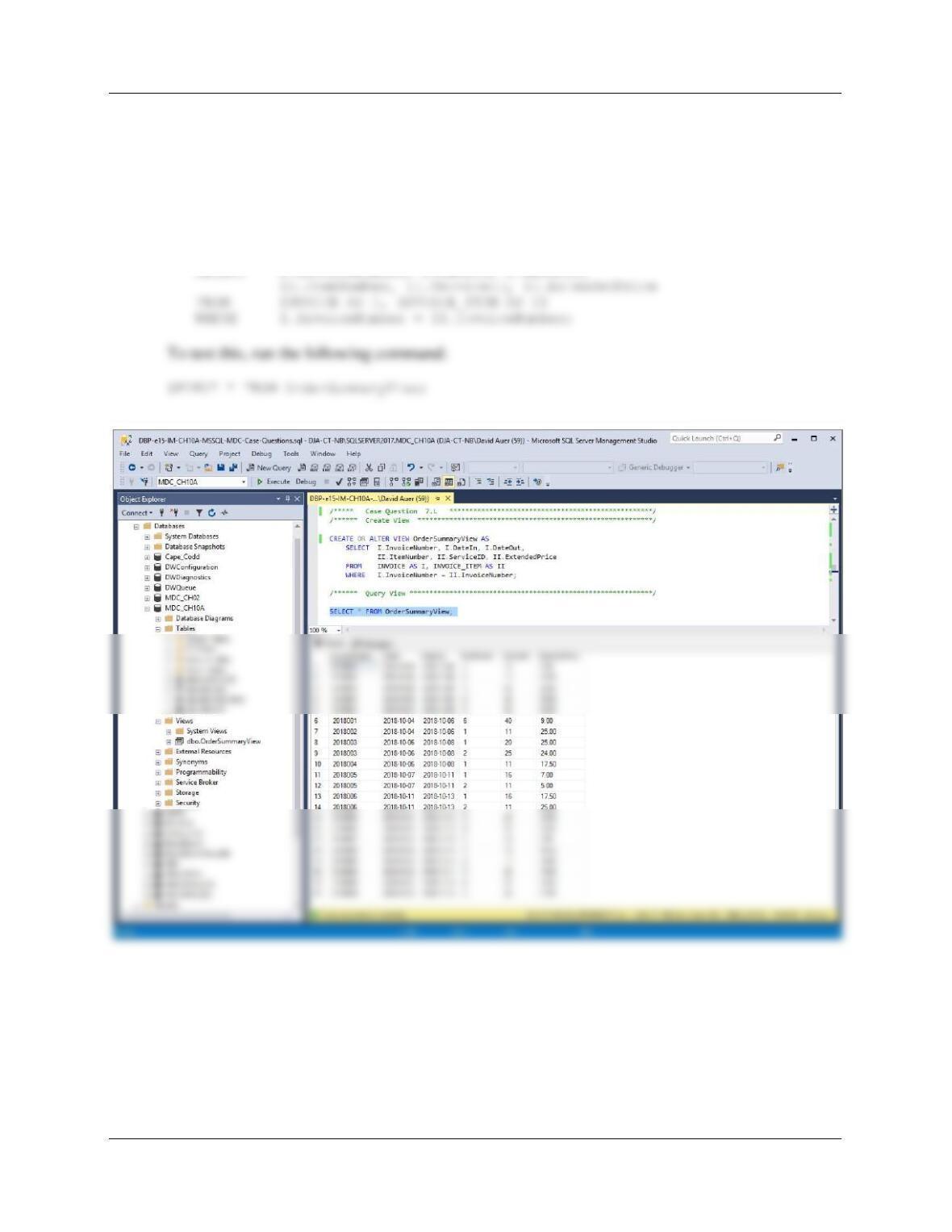
L. Create a view called OrderSummaryView that contains INVOICE.InvoiceNumber,
INVOICE.DateIn, INVOICE.DateOut, INVOICE_ITEM.ItemNumber,
INVOICE_ITEM.Service, and INVOICE_ITEM.ExtendedPrice.
CREATE VIEW OrderSummaryView AS
SELECT I.InvoiceNumber, I.DateIn, I.DateOut,
Chapter 10A – Managing Databases with SQL Server 2017
Page 10A-87
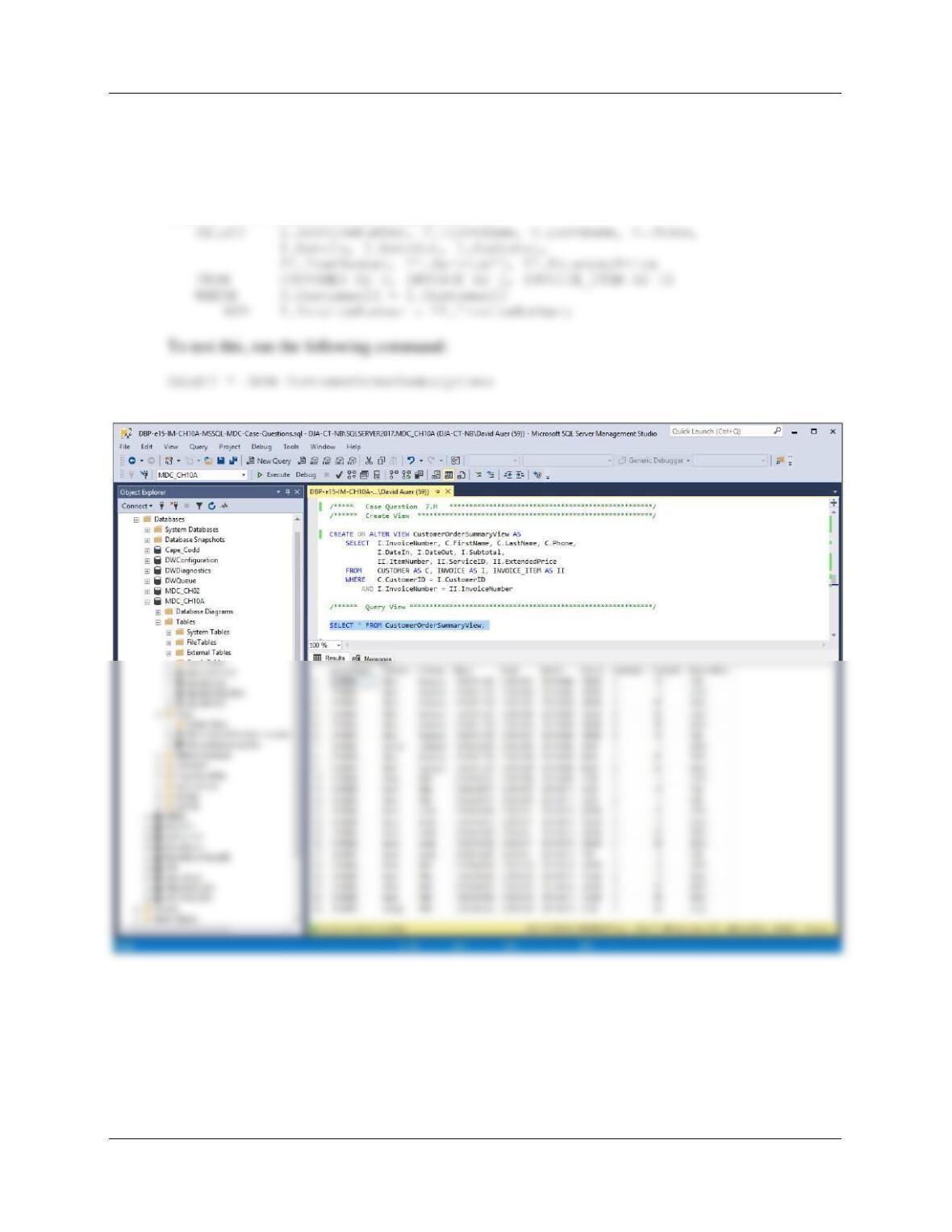
M. Create a view called CustomerOrderSummaryView that contains INVOICE
.InvoiceNumber, CUSTOMER.FirstName, CUSTOMER.LastName, CUSTOMER.Phone,
INVOICE.DateIn, INVOICE.DateOut, INVOICE.SubTotal, INVOICE_ITEM.ItemNumber,
INVOICE_ITEM.Service, and INVOICE_ITEM.ExtendedPrice.
CREATE VIEW CustomerOrderSummaryView AS
Chapter 10A – Managing Databases with SQL Server 2017
Page 10A-88
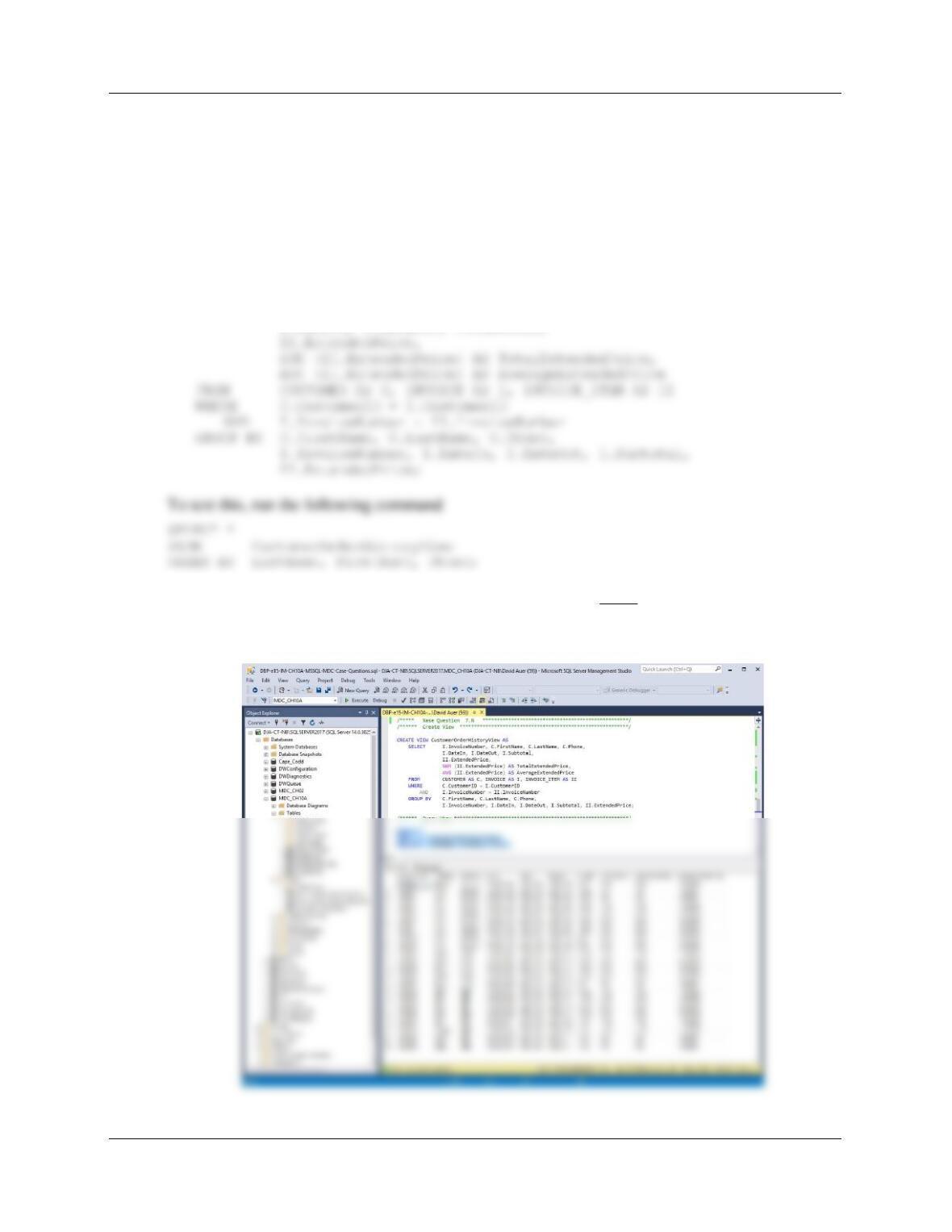
N. Create a view called CustomerOrderHistoryView that (1) includes all columns of
CustomerOrderSummaryView except INVOICE_ITEM.ItemNumber,
INVOICE_ITEM.ExtendedPrices, and and INVOICE_ITEM.Service; (2) groups orders by
CUSTOMER.LastName, CUSTOMER.FirstName, and INVOICE.InvoiceNumber, in that
order; and (3) sums and averages INVOICE_ITEM.ExtendedPrice for each order for
each customer. HINT: In (2), note that the GROUP BY clause will also have to include
Phone, DateIn, etc., because the selected columns must be a subset of the grouping
columns.
CREATE OR ALTER VIEW CustomerOrderHistoryView AS
SELECT I.InvoiceNumber, C.FirstName, C.LastName, C.Phone,
I.DateIn, I.DateOut, I.Subtotal,
NOTE: Because INVOICE_ITEM.ExtendedPrice is included, every row from INVOICE_ITEM
is included in the result and (1) the SUM for each row is just the ExtendedPrice for each row, and
(2) the AVG for each row is just the ExtendedPrice for each row.
Chapter 10A – Managing Databases with SQL Server 2017
Page 10A-89
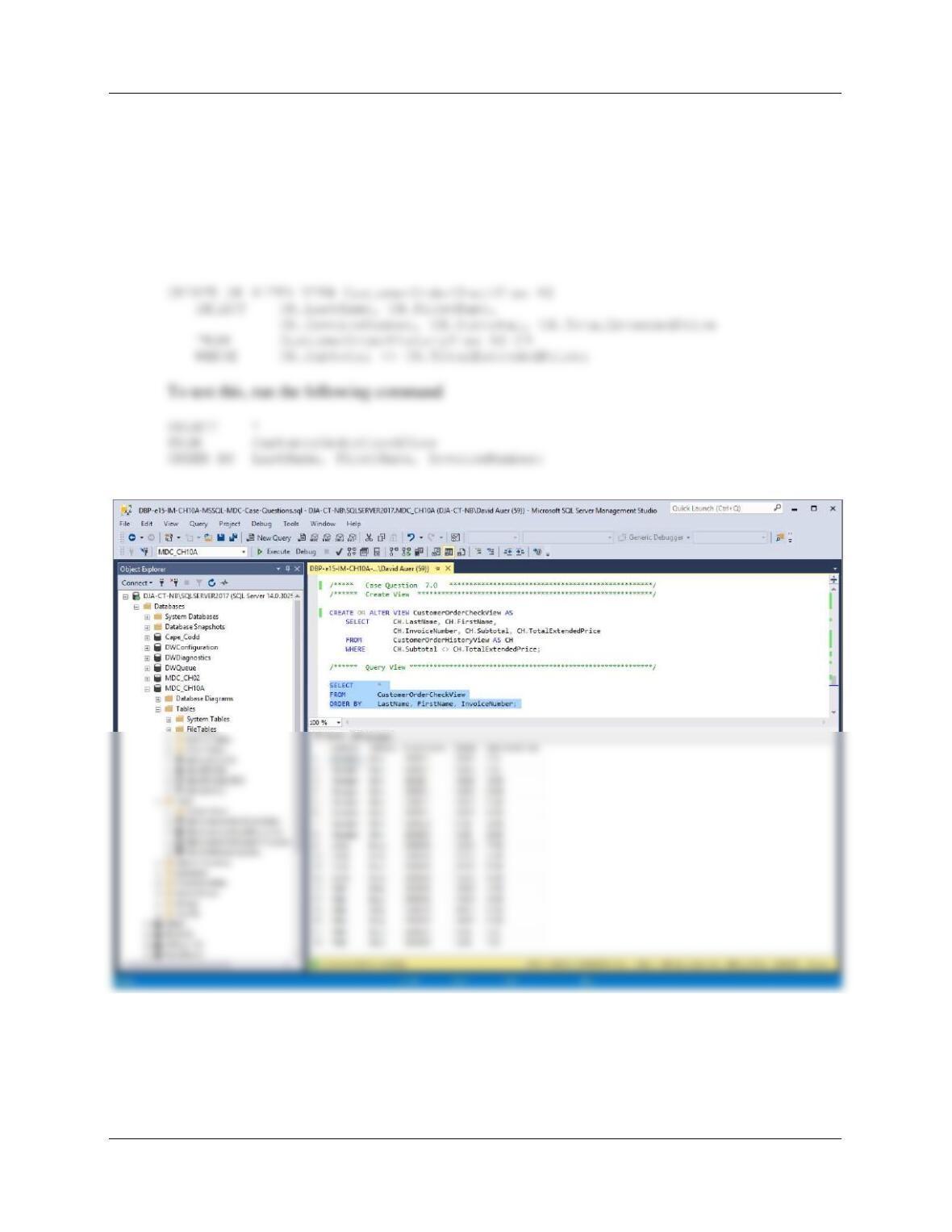
O. Create a view called CustomerOrderCheckView that uses CustomerOrderHistoryView
and that shows any customers for whom the sum of INVOICE_ITEM .ExtendedPrice is
not equal to INVOICE.SubTotal.
For the customers who had only one item in their order, INVOICE_ITEM.ExtendedPrice will
equal INVOICE.Subtotal. Everyone else will show up here.
For SQL Server
Chapter 10A – Managing Databases with SQL Server 2017
Page 10A-90
P. Explain, in general terms, how you will use triggers to enforce minimum cardinality
actions as required by your design. You need not write the triggers, just specify which
triggers you need and describe, in general terms, their logic.
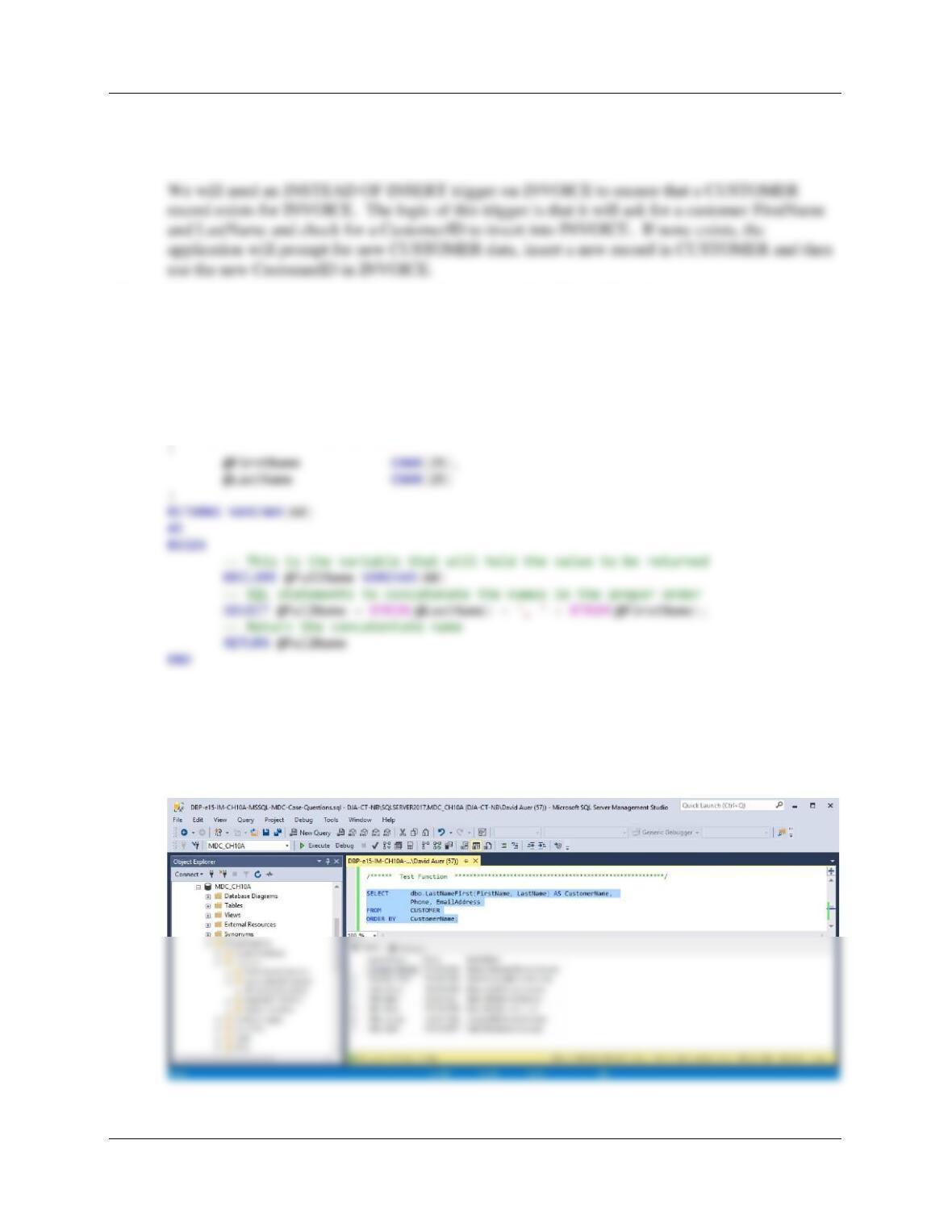
Q. Create and test a user-defined function named LastNameFirst that combines two
parameters named FirstName and LastName into a concatenated name field formatted
LastName, FirstName (including the comma and space).
/****** Create Function *******************************************************/
CREATE OR ALTER FUNCTION dbo.LastNameFirst
— These are the input parameters
/****** Test Function *********************************************************/
SELECT dbo.LastNameFirst(FirstName, LastName) AS CustomerName,
Phone, EmailAddress
FROM CUSTOMER
ORDER BY CustomerName;
Chapter 10A – Managing Databases with SQL Server 2017
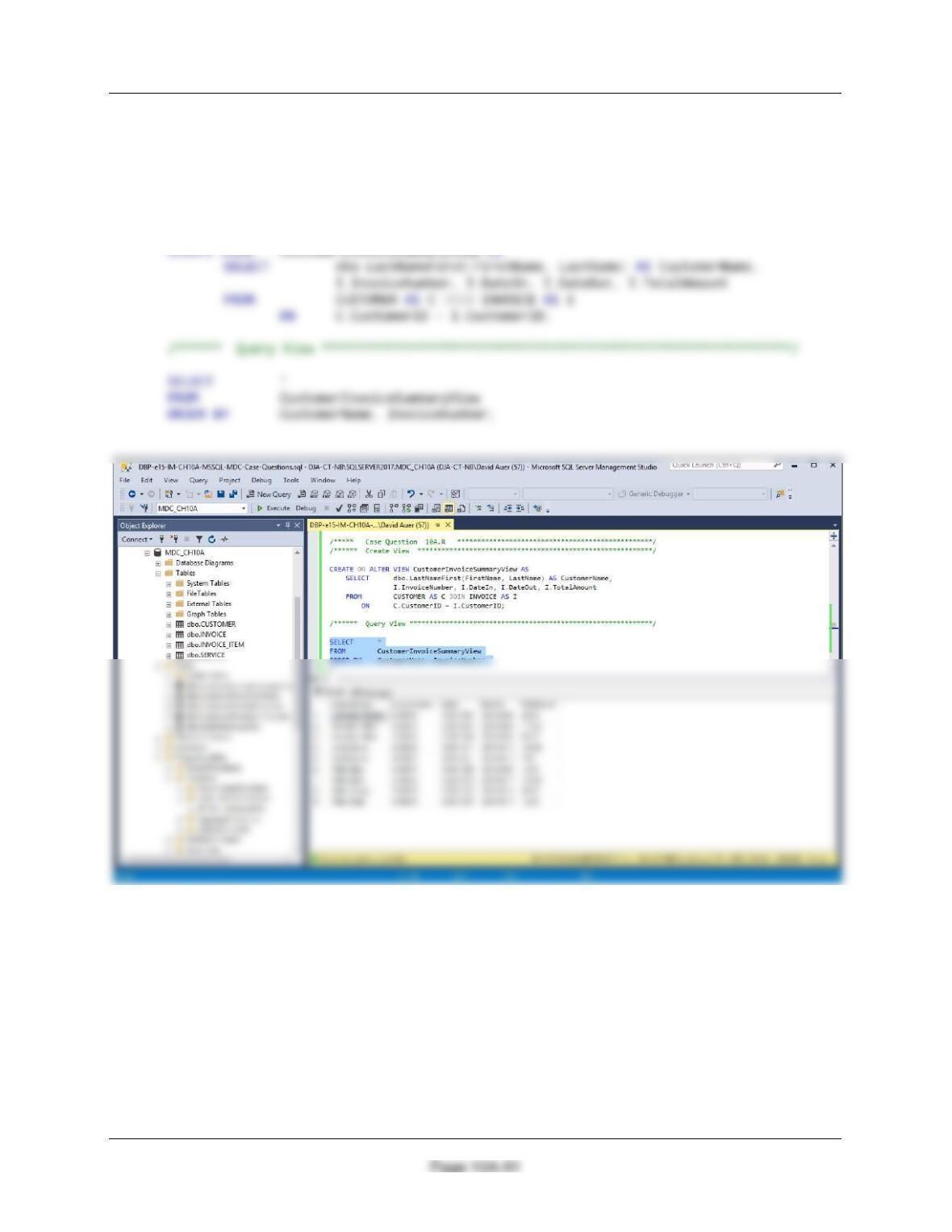
R. Create and test a view called CustomerInvoiceSummaryView that contains the customer
name concatenated and formatted as LastName, FirstName in a field named
CustomerName, INVOICE.InvoiceNumber, INVOICE.DateIn, INVOICE.DateOut, and
INVOICE.TotalAmount.
/****** Create View ***********************************************************/
Chapter 10A – Managing Databases with SQL Server 2017
Page 10A-92
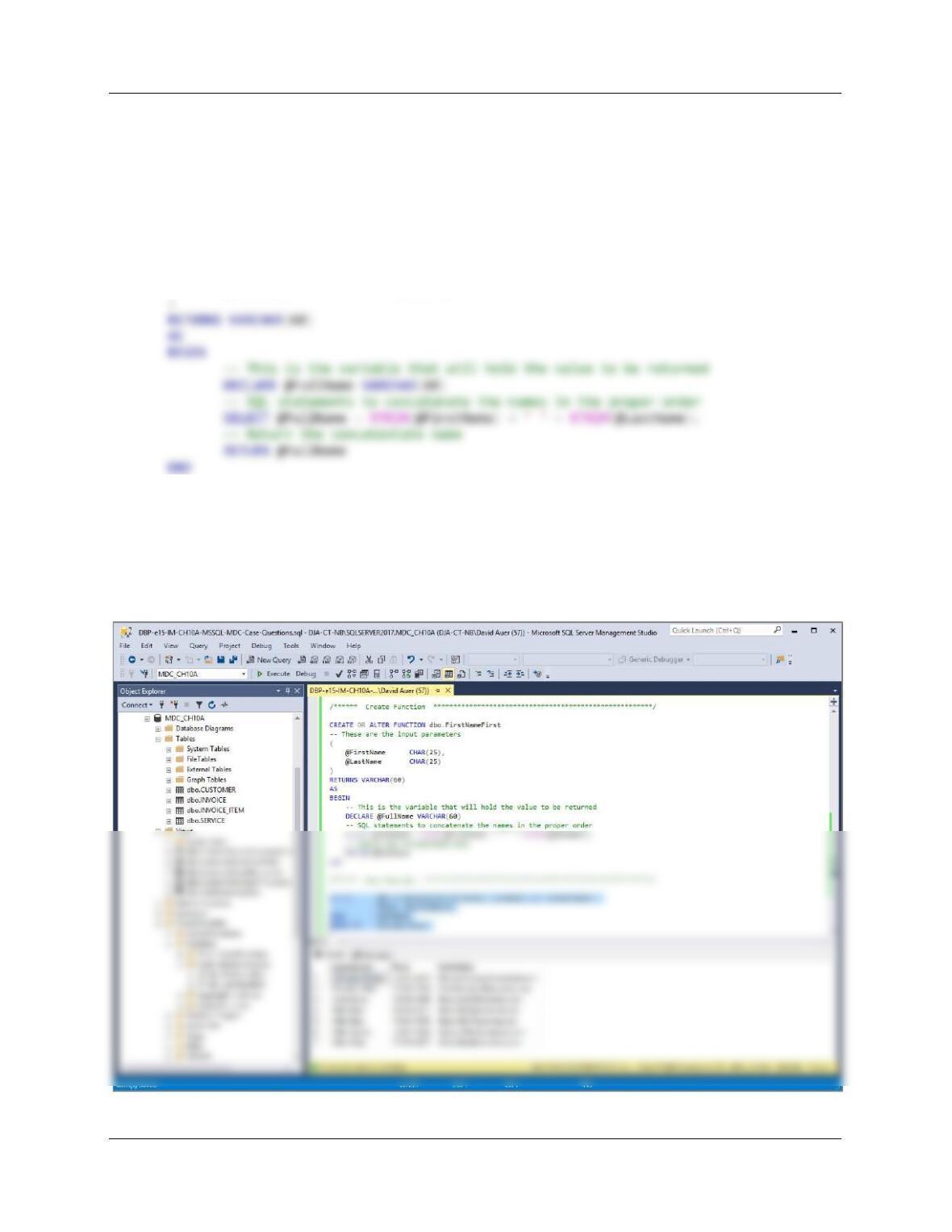
S. Create and test a user-defined function named FirstNameFirst that combines two
parameters named FirstName and LastName into a concatenated name field formatted
FirstName LastName (including the space).
/****** Create Function *******************************************************/
CREATE OR ALTER FUNCTION dbo.FirstNameFirst
— These are the input parameters
(
@FirstName CHAR(25),
@LastName CHAR(25)
/****** Test Function *********************************************************/
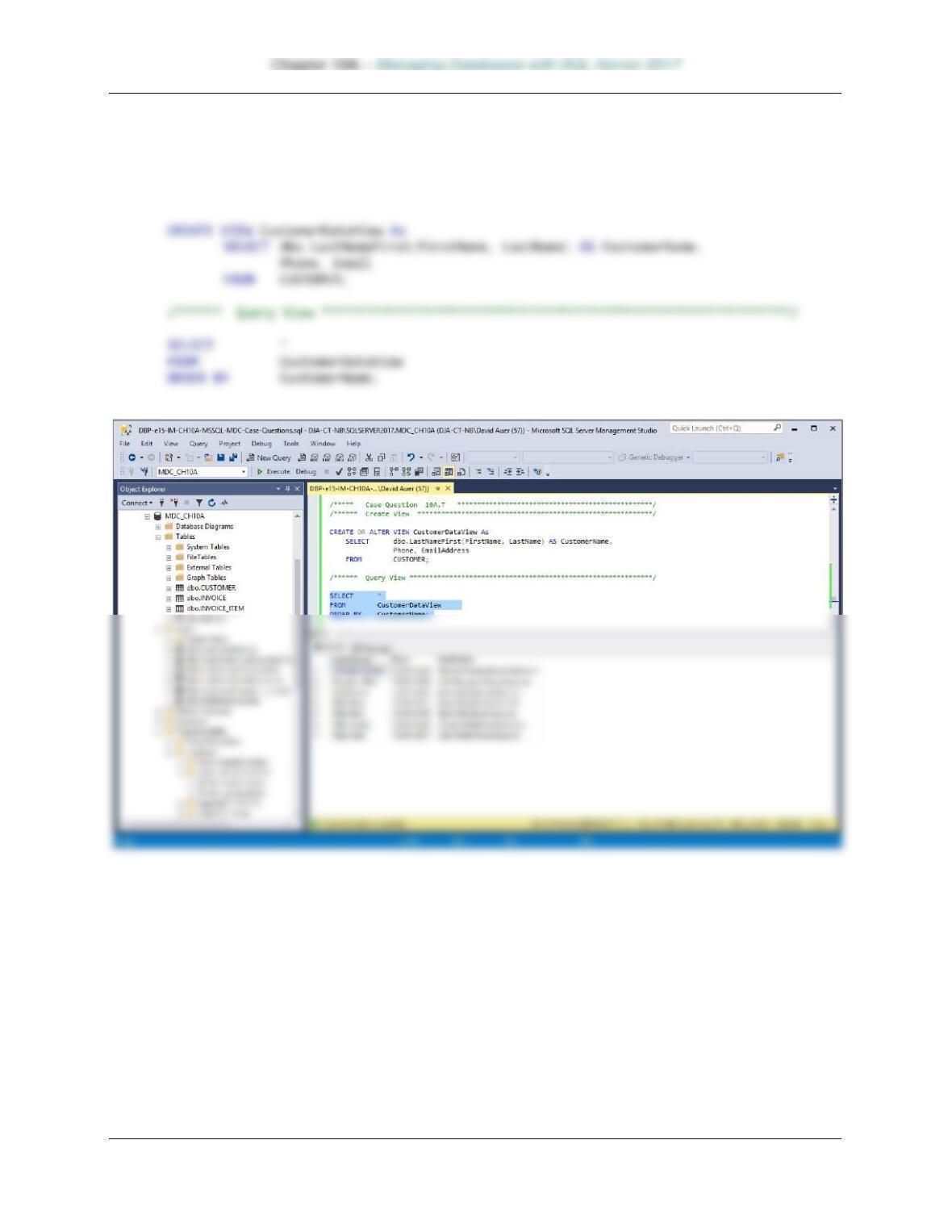
SELECT dbo.LastNameFirst(FirstName, LastName) AS CustomerName,
Phone, EmailAddress
FROM CUSTOMER
ORDER BY CustomerName;
Page 10A-93
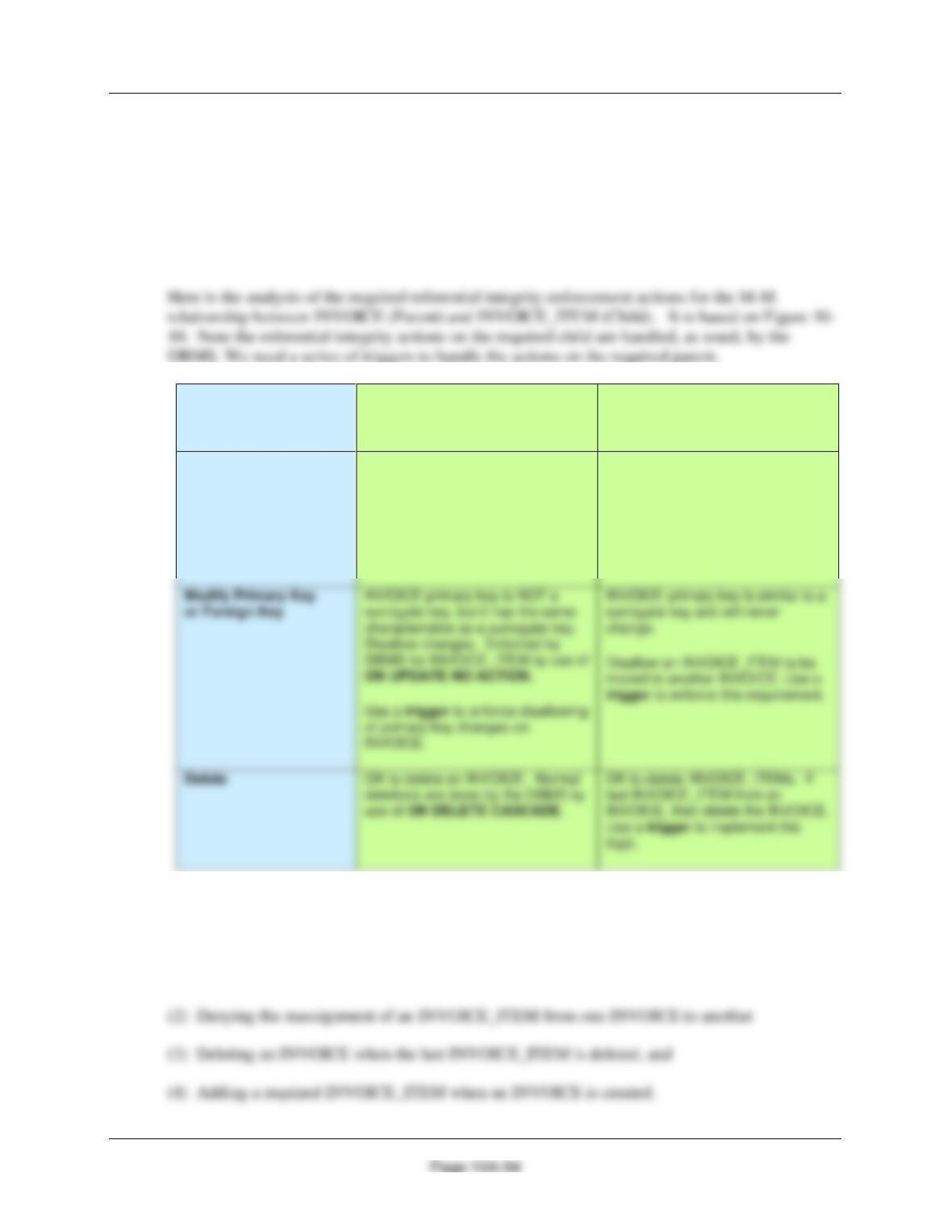
T. Create and test a view called CustomerDataView that contains the customer name
concatenated and formatted as FirstName LastName in a field named CustomerName,
Phone, Email.
/****** Create View ***********************************************************/
Chapter 10A – Managing Databases with SQL Server 2017
Using the MDC database, create an SQL script named MDC-Create-Triggers.sql to answer
questions U and V.
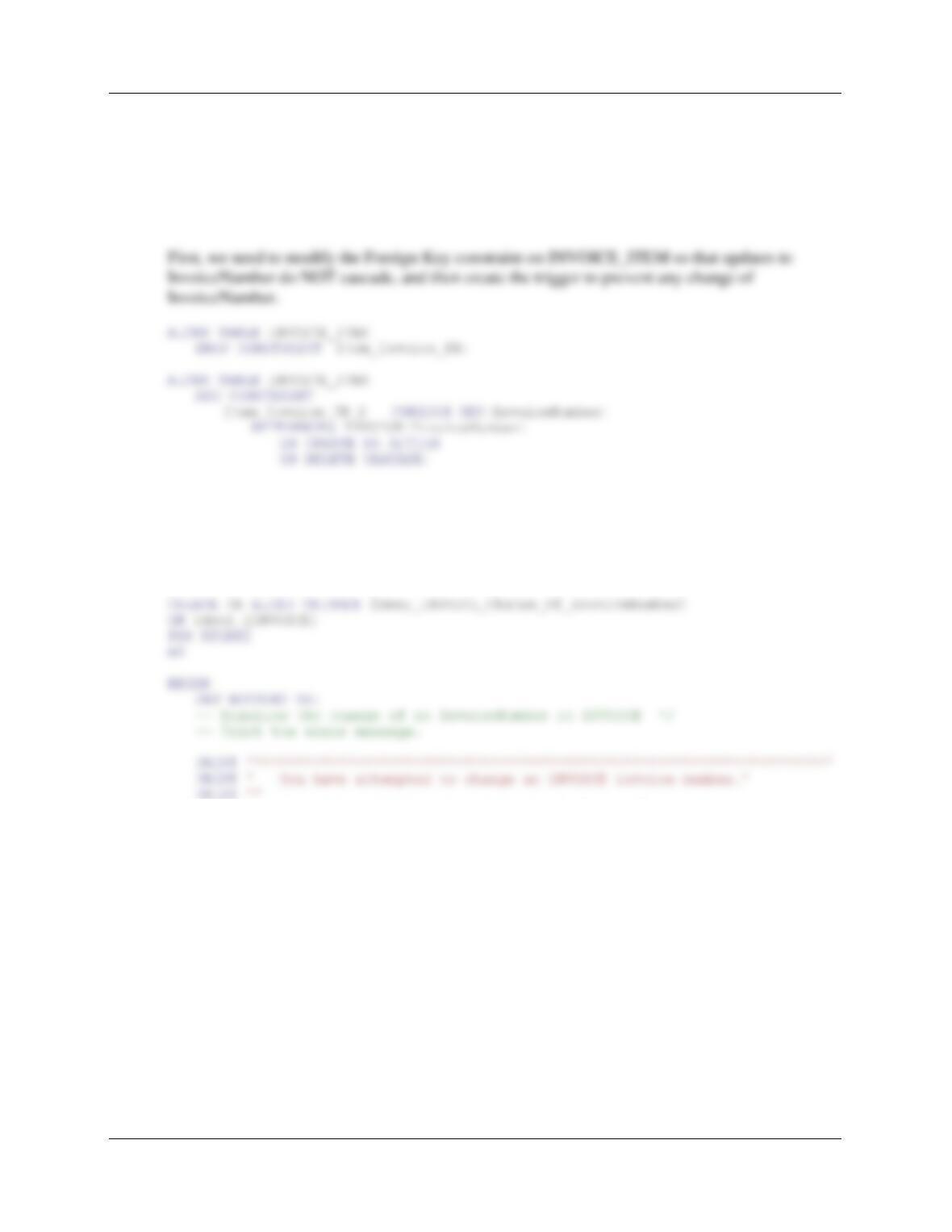
U. Assume that the relationship between INVOICE and INVOICE_ITEM is M-M. Design
triggers to enforce this relationship. Use Figure 10A-72 and the discussion of that figure
as an example, but assume that Marcia does allow INVOICEs and their related
INVOICE_ITEM rows to be deleted. Use the deletion strategy shown in Figures 7-28 and
7-29 for this case
Both INVOICE and
INVOICE_ITEM are
Required
INVOICE
[Parent]
INVOICE_ITEM
[Child]
Insert
Create a new INVOICE_ITEM row.
Note that this row must be
numbered as INVOICE_ITEM 1 for
this INVOICE.
Use a trigger to create new row in
INVOICE_ITEM.
New INVOICE_ITEM row must
have a valid INVOICE (enforced by
DBMS referential integrity).
DBMS for INVOICE_ITEM by use of
of primary key changes on
INVOICE.
V. Write and test the triggers you designed in question U, above.
There are four actions needing triggers:
(1) Denying the change of the primary key to INVOICE
Chapter 10A – Managing Databases with SQL Server 2017
Page 10A-95
(1) Denying the change of the primary key to INVOICE
InvoiceNumber is not a surrogate key (that is, one defined and maintained by the DBMS), but it
has the essential elements of one—it is short, numeric and never changes. It consists of four
digits designating the year and three digits designating the order occurrence within that year.
Thus, 2018001 indicates the first order of 2015.
Although this number could be changed by SQL statements to the DBMS, we do not want to let it
be changed, and so we will disallow any attempt to change it. This is similar to Exercise question
10A.28 above, and we will use the same logic. All this requires is a trigger that uses the
ROLLBACK command to deny the update, and then sends an error message to the user.
PRINT ‘ Company policy does not allow such changes.’
PRINT ”
PRINT ‘ Please contact your manager immediately.’
PRINT ”
PRINT ‘********************************************************************’
— ROLLBACK the transaction and RETURN.
ROLLBACK TRANSACTION;
RETURN;
END;
Chapter 10A – Managing Databases with SQL Server 2017
Page 10A-96
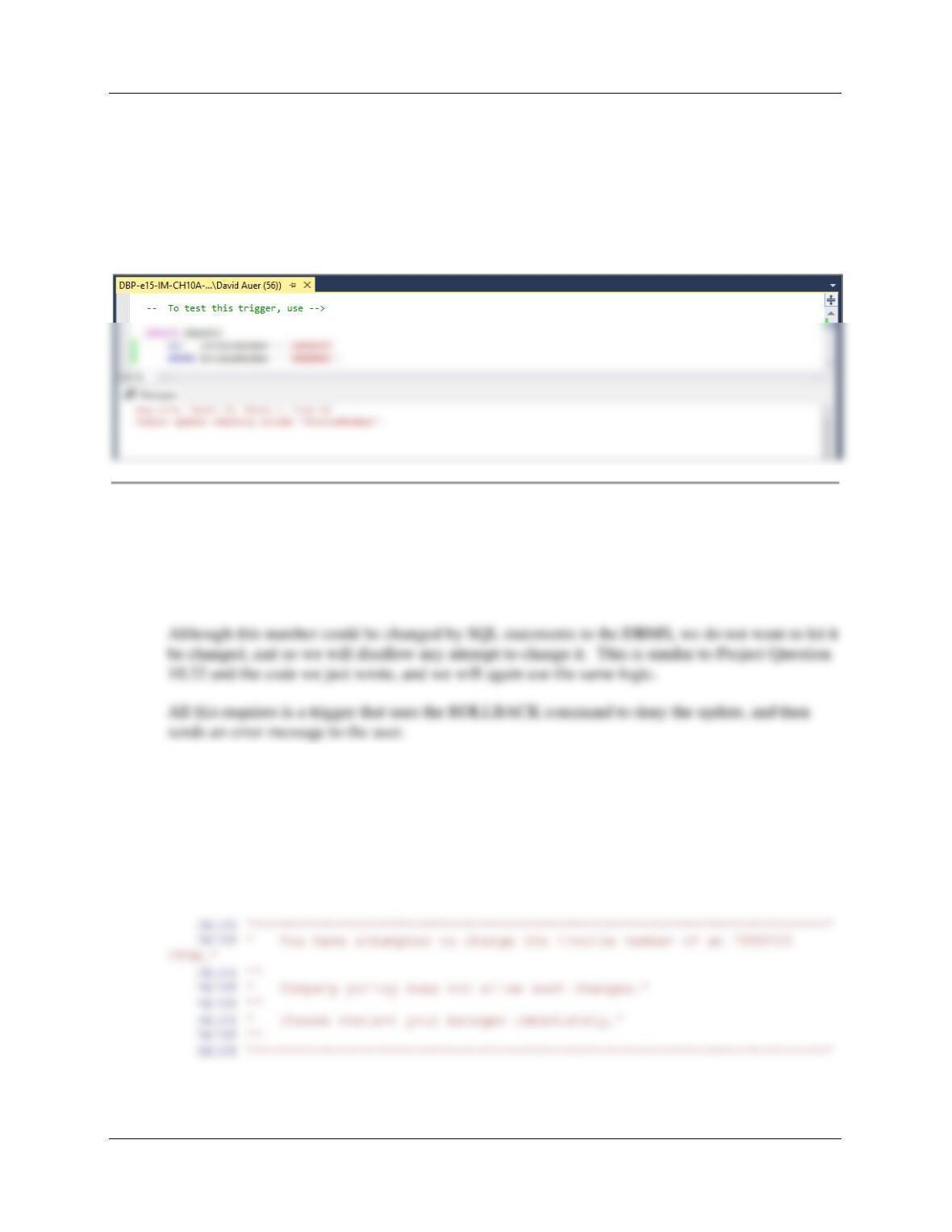
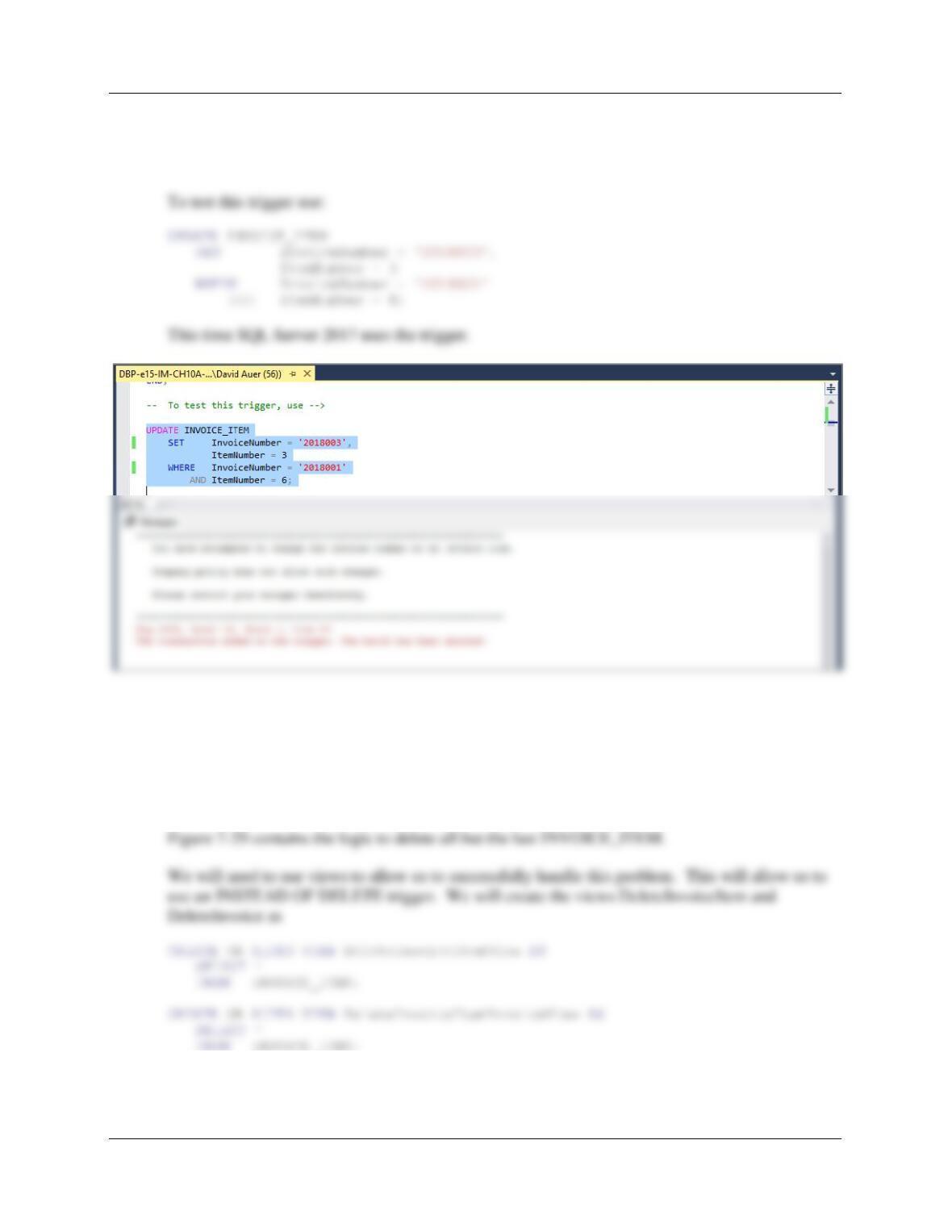
To test this trigger, use:
UPDATE INVOICE
SET InvoiceNumber = ‘2018999’
WHERE InvoiceNumber = ‘2018001′;
Note that SQL Server 2017 doesn’t even call the trigger—it rejects that UPDATE based on the
fact that InvoiceNumber is a surrogate key with a value set by the IDENTITY function!
(2) Denying the reassignment of an INVOICE_ITEM from one INVOICE to another.
It makes no logical business sense to move an INVOICE_ITEM from one INVOICE to another.
Note that if this was done, both a different INVOICE.InvoiceNumber and probably an
INVOICE_ITEM.InvoiceNumber would have to be assigned.
CREATE OR ALTER TRIGGER [Deny_INVOICE_ITEM_Change_Of_INVOICE]
ON [dbo].[INVOICE_ITEM]
FOR UPDATE
AS
BEGIN
SET NOCOUNT ON;
— Disallow the change of an INVOICE InvoiceNumber in INVOICE_ITEM.
— Print the error message.
Chapter 10A – Managing Databases with SQL Server 2017
Page 10A-97
— ROLLBACK the transaction and RETURN.
ROLLBACK TRANSACTION;
RETURN;
END;
(3) Deleting an INVOICE when the last INVOICE_ITEM is deleted.
As stated in part B, we will use the logic in Figures 7-29 for this case. In this logic, one type of
employee has the rights to delete INVOICE_ITEMs, but not INVOICEs, while another type of
employee with more authority has the right to delete INVOICEs as well. This problem is also
similar to Project Question 10A.28 and we will use that solution as a reference.
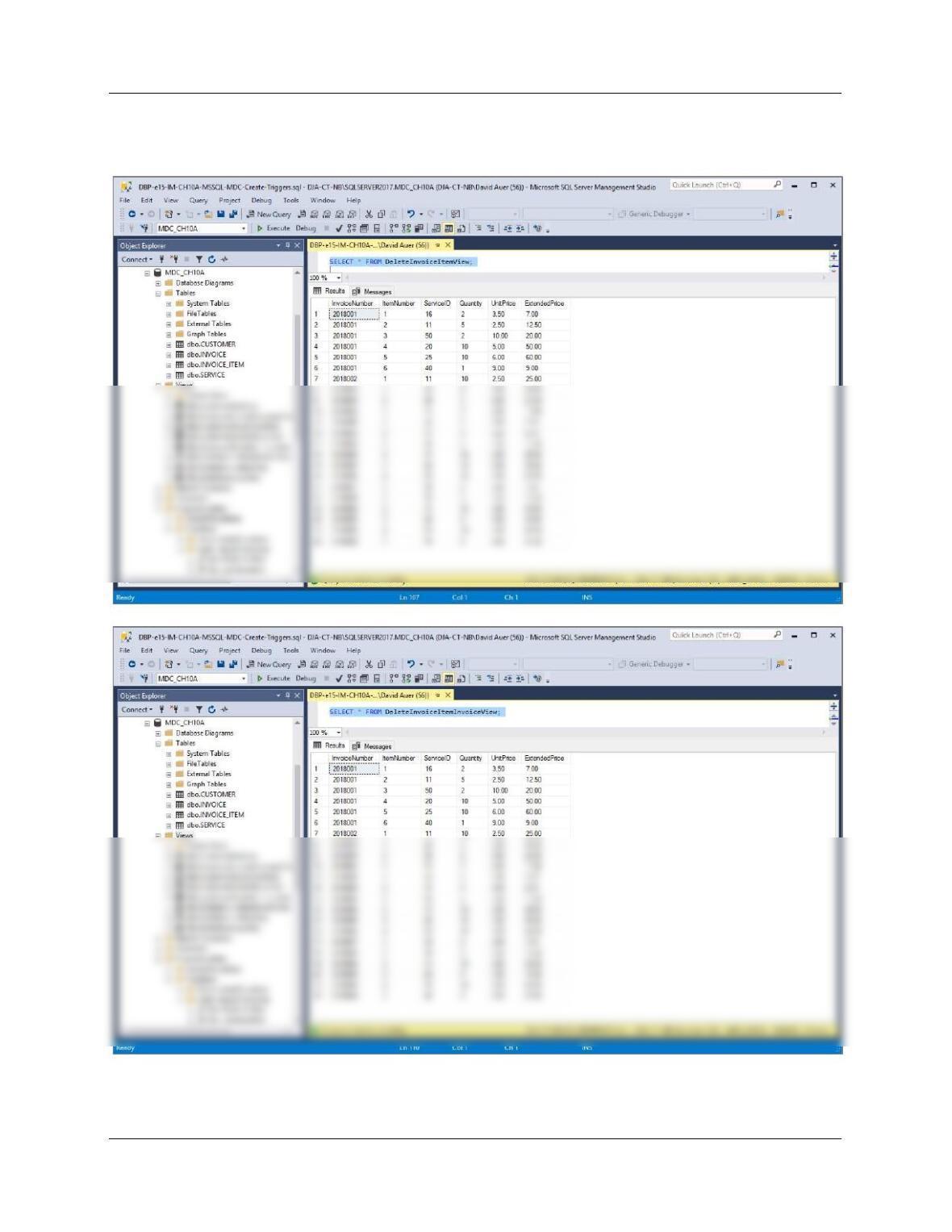
To test these, run the following commands:
Chapter 10A – Managing Databases with SQL Server 2017
Page 10A-98
SELECT * FROM DeleteInvoiceItemView;
SELECT * FROM DeleteInvoiceItemInvoiceView;
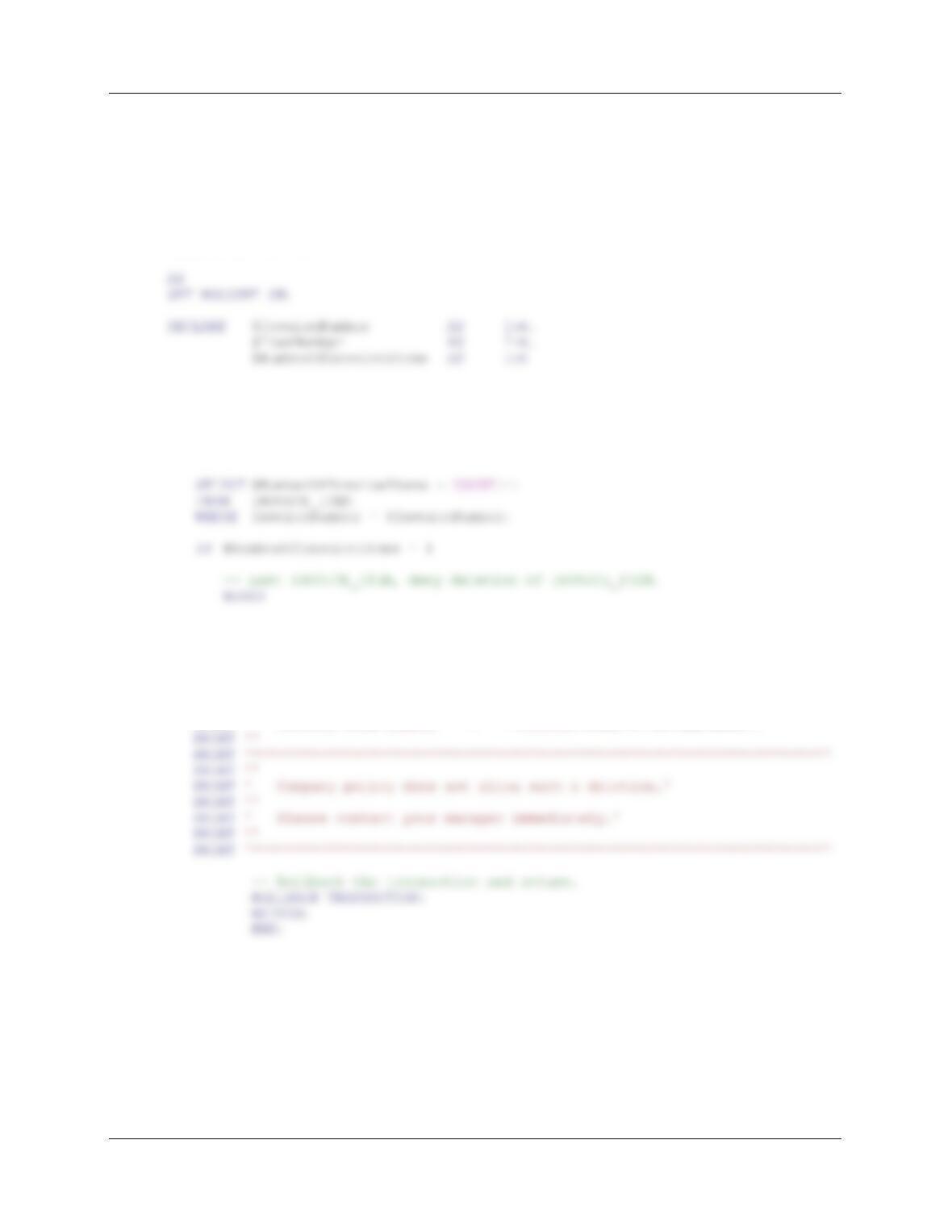
Figure 7-29 contains the logic to delete all but the last INVOICE_ITEM. The trigger requires us
to check the number of INVOICE_ITEMs in an INVOICE. If the number of INVOICE_ITEMS
Chapter 10A – Managing Databases with SQL Server 2017
Page 10A-99
is greater than one, we allow the deletion. If the number of INVOICE_ITEMS is exactly one, we
will ROLLBACK the deletion and then send an error message to the user.
Here is the trigger code:
CREATE OR ALTER TRIGGER [Allow_Deletion_Of_INVOICE_ITEM]
ON [dbo].[DeleteInvoiceItemView]
INSTEAD OF DELETE
BEGIN
— Determine if this is the last INVOICE_ITEM in the INVOICE.
SELECT @InvoiceNumber = D.InvoiceNumber, @ItemNumber = D.ItemNumber
FROM DELETED AS D;
— Print the error message.
PRINT ‘********************************************************************’
PRINT ”
PRINT ‘ You have attempted to delete the last Invoice item in an Invoice.’
PRINT ”
PRINT ‘ Invoice Invoice Number = ‘ +(CONVERT(Char(10),@InvoiceNumber))
PRINT ‘ Invoice Item Number = ‘ +(CONVERT(Char(6),@ItemNumber))
Chapter 10A – Managing Databases with SQL Server 2017
Page 10A-100
ELSE
— Deletion of INVOICE_ITEM.
BEGIN
DELETE FROM INVOICE_ITEM
WHERE InvoiceNumber = @InvoiceNumber
AND ItemNumber = @ItemNumber;
END;
END;
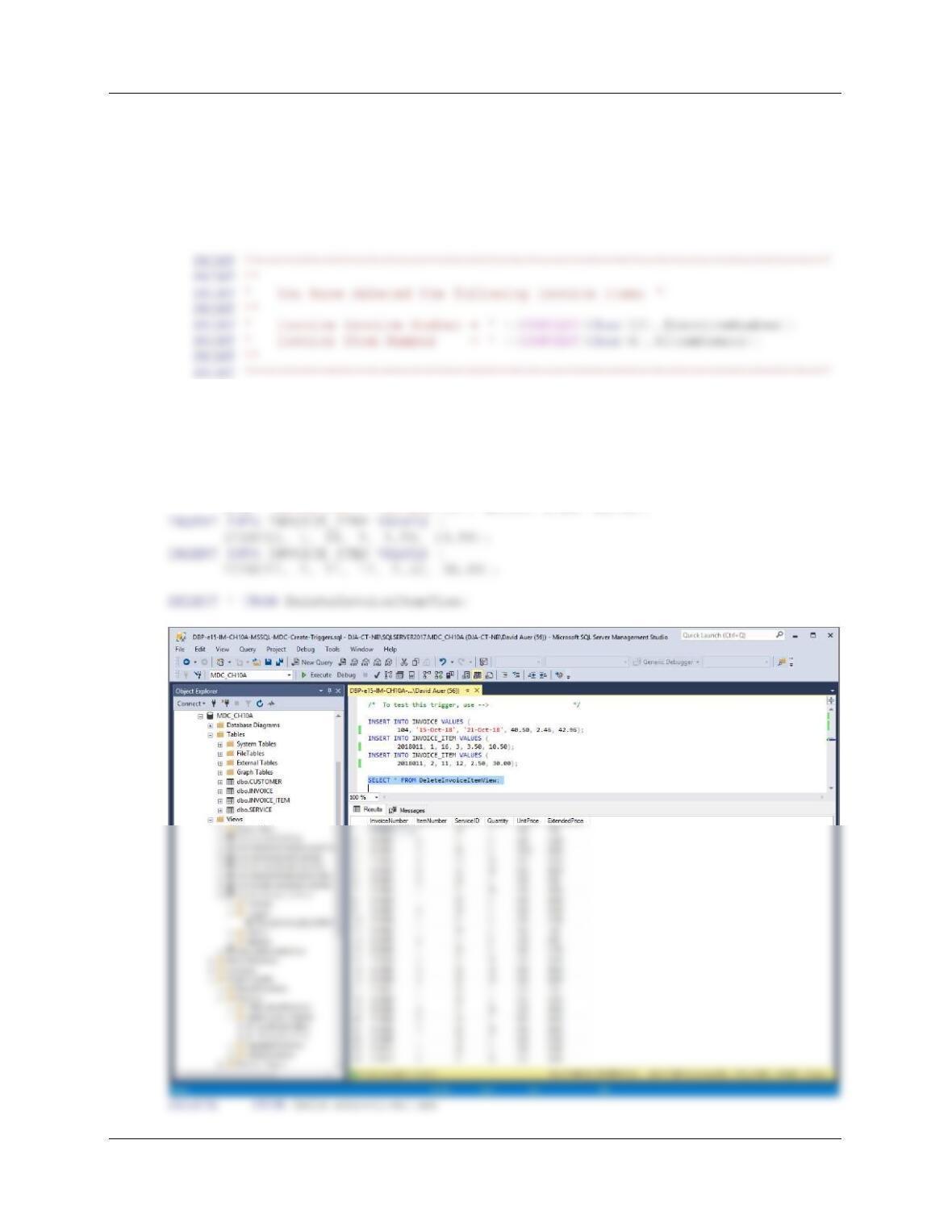
To test this, run the following commands:
INSERT INTO INVOICE VALUES (
104, ’15-Oct-18′, ’21-Oct-18′, 40.50, 2.46, 42.96);