
INSTRUCTOR’S MANUAL
TO ACCOMPANY
40th Anniversary Edition
DATABASE PROCESSING
Fundamentals, Design, and Implementation
15th Edition
Chapter 1
Introduction
David M. Kroenke | David J. Auer | Scott L. Vandenberg | Robert C. Yoder
Chapter 1 – Introduction
Page 1-2
❖ CHAPTER OBJECTIVES
• To understand the importance of databases in Internet Web applications and
smartphone apps
• To understand the nature and characteristics of databases
• To survey some important and interesting database applications
❖ ERRATA
There are no known errors at this time. Any errors that are discovered in the future will
❖ TEACHING SUGGESTIONS
• A basic knowledge of Microsoft Access is necessary for this chapter—particularly for
the Project Questions at the end of the chapter. If your students need an
introduction to Microsoft Access, either teach or have them work through Appendix A
– Getting Started with Microsoft Access 2016.
Chapter 1 – Introduction
Page 1-3
• Use the examples in Database Examples section (Figure 1-7) to discuss the types of
database uses from single-user applications to complex e-commerce applications.
The demand for knowledgeable people (both users and technicians) still exists. The
knowledge gained in this course will be valuable at job-hunting time. Internet
technology has tremendously amplified the need for database knowledge – that
technology can be used inside organizations as well as outside for e-commerce
applications. New Web 2.0 applications, including social media, has created a
strong demand for database developers.
• Make sure students understand the difference between a database and the DBMS
software that manages it.
• The book is structured around the three types of database design. Be sure your
students understand these three types of design problems, and relate them to future
chapters. You can use Figure 1-20 (also in the PowerPoint presentation) to illustrate
this part of your lecture.
Chapter 1 – Introduction
❖ ANSWERS TO REVIEW QUESTIONS
1.1 Describe the historic development of Internet and smartphone technology from the early
days of personal computers (PCs) to today’s Internet Web application and smartphone
app based information systems environment.
In the late 70’s and early 80’s early personal computers became available that included the Apple
1.2 Why do today’s Internet Web applications and smartphone apps need databases?
Many Web sites and smartphone apps connect to a database, usually residing on a server
1.3 Read the description of the search process on the Pearson Web site. Using your own
computer, find another retailer Web site (other than any of those discussed or mentioned
in this chapter), and search for something of interest to you. Write up a description (with
screen shots if possible) of your search.
Students can capture a screenshot by using the Print Screen (PrtScn) button, or by using the
1.4 What is the purpose of a database?
1.5 What is the most commonly used type of database?
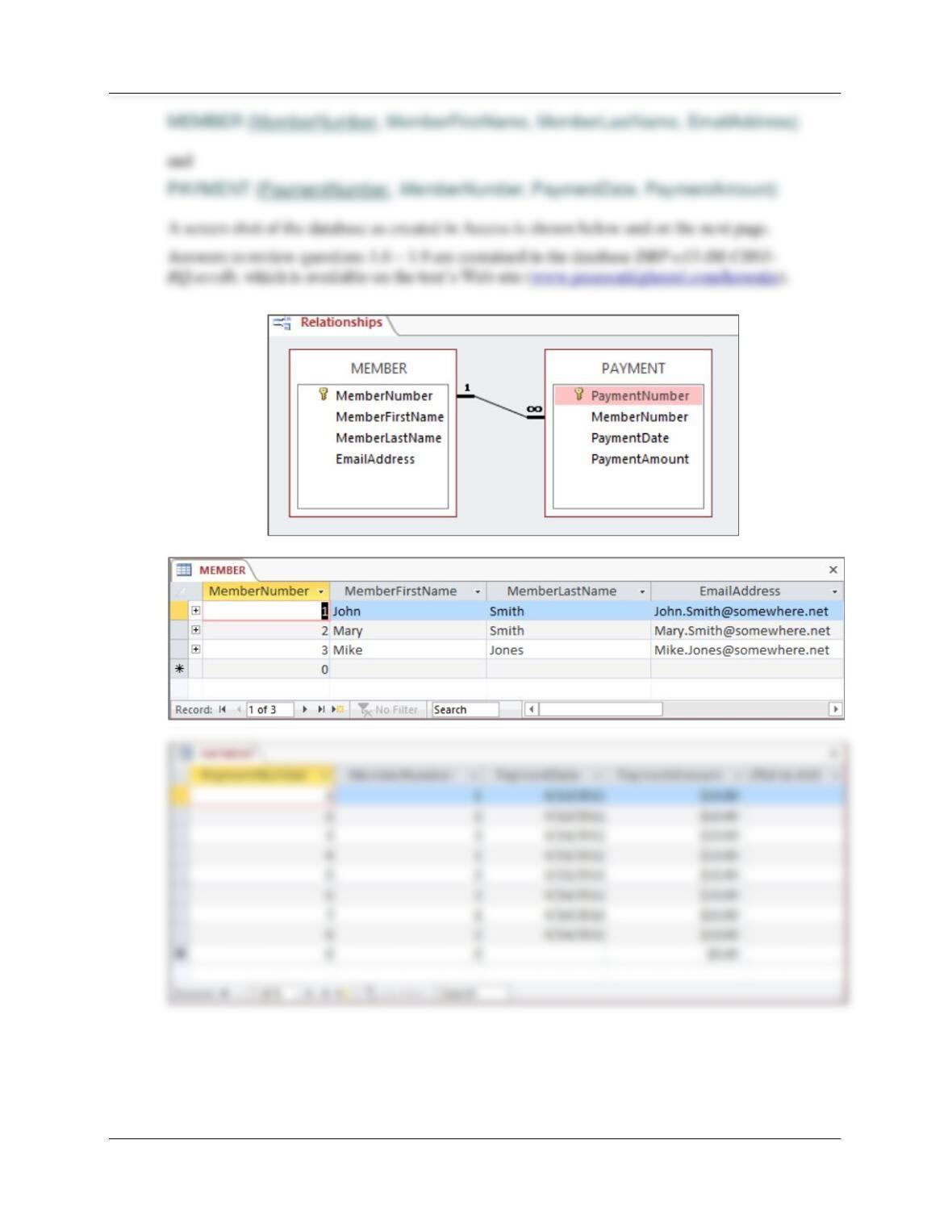
1.6 Give an example of two related tables other than one in this book. Use the STUDENT
and GRADE tables in Figure 1-5 as an example pattern for your tables. Name the tables
and columns using the conventions in this book.
This problem calls for only two tables, not three. Your student’s answers will vary as each
Chapter 1 – Introduction
Page 1-5
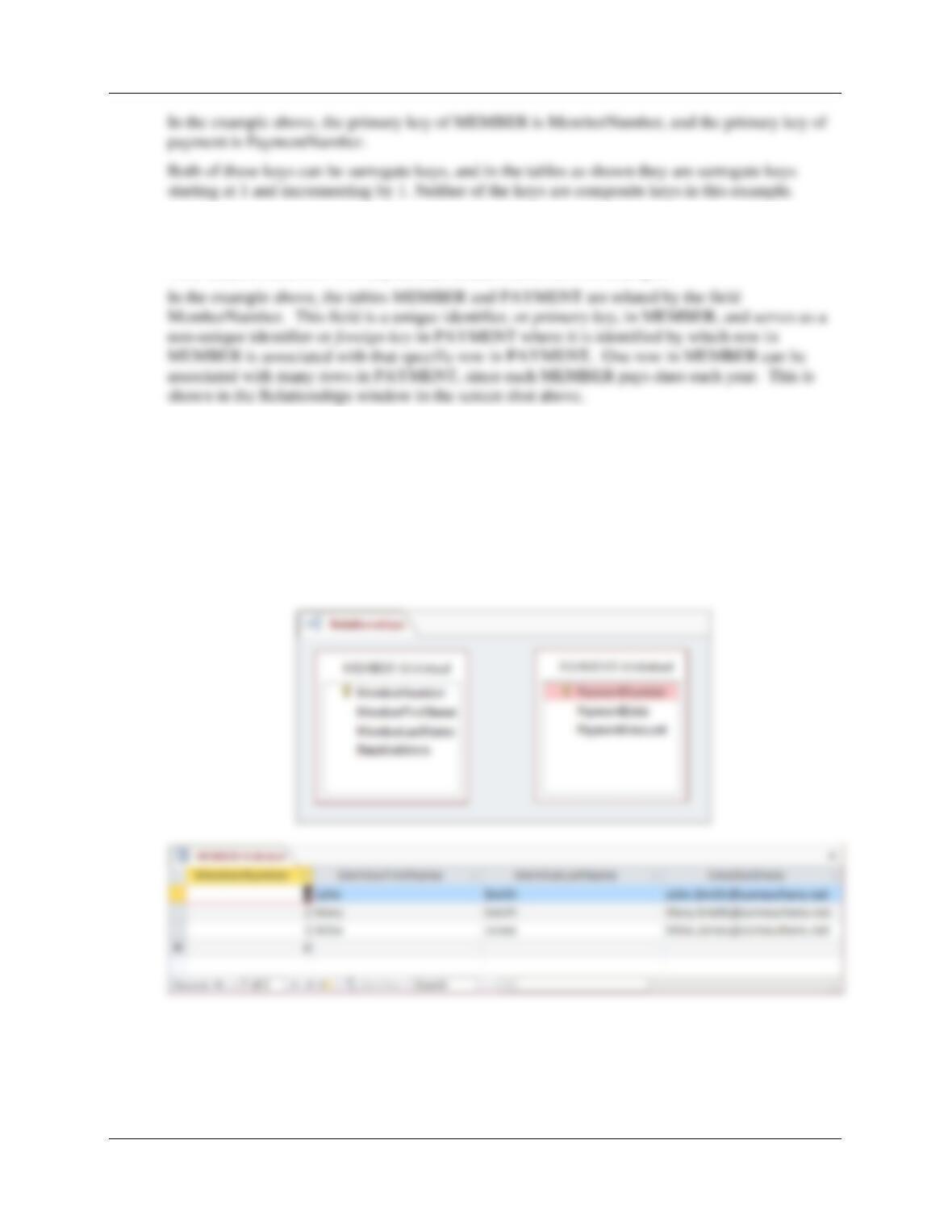
1.7 For the tables you created in Review Question 1.6, what are the primary keys of each
table? Do you think that any of these primary keys could be surrogate keys? Are any of
these keys composite keys?
Your student’s answers will vary as each creates his or her own example.
Chapter 1 – Introduction
Page 1-6
1.8 Explain how the two tables you provided in Review Question 1.6 are related. Which table
contains the foreign key, and what it is the foreign key?
Your student’s answers will vary as each creates his or her own example.
1.9 Show your two tables from question 1.6 without the columns that represent the
relationships. Explain how the value of your two tables is diminished without the
relationships.
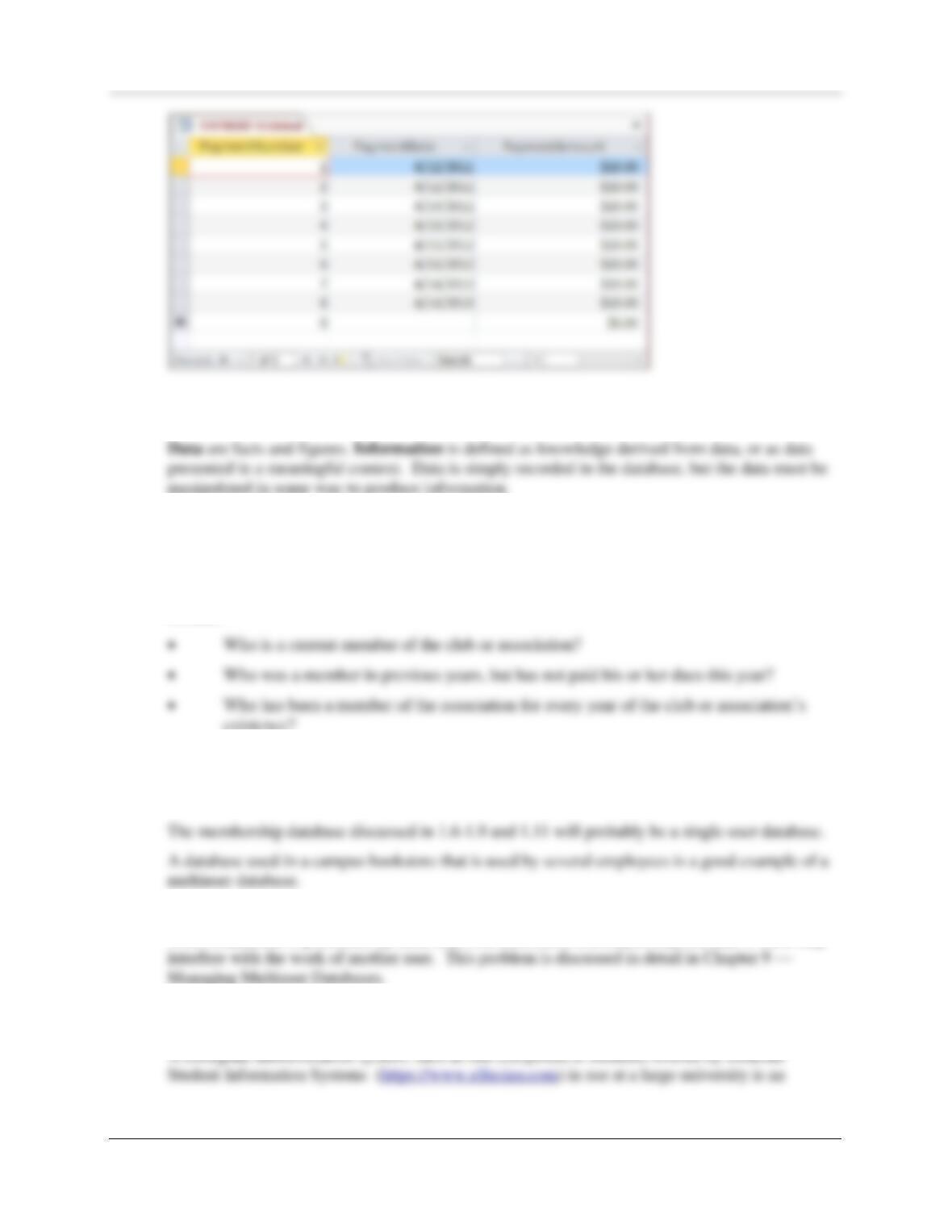
The revised tables are shown in the screen shots below.
Without the MemberNumber column in PAYMENT, it is impossible to determine who made
which payment. Therefore, we do not know which MEMBERs have paid their annual dues in the
various years.
Chapter 1 – Introduction
Page 1-7
1.10 Define the terms data and information. Explain how the two terms differ.
1.11 Give an example of information that could be determined using the two tables you
provided in your answer to question 1.6.
Your student’s answers will vary as each creates his or her own example.
In the example above, information that could be determined from the membership database would
include:
existence?
1.12 Give examples of a single-user database application and a multiuser database
application other than ones shown in Figure 1-7.
Your student’s answers will vary as each creates his or her own examples.
1.13 What problem can occur when a database is processed by more than one user?
When a database is processed by more than one user, there is a chance that one user’s work may
1.14 Give an example of a database application that has hundreds of users and a very large
and complicated database. Use an example other than one in Figure 1-7.
Chapter 1 – Introduction
1.15 What is the purpose of the largest databases used by e-commerce companies such as
Amazon.com?
1.16 How do the e-commerce companies use the databases discussed in Review Question
1.15?
1.17 How do digital dashboard and data mining applications differ from transaction
processing applications?
Digital dashboard and data mining applications do not generate new data, but instead are used to
summarize existing data to provide information to management.
1.18 Explain why a small database is not necessarily simpler than a large one.
While small databases vary from large databases in terms of the amount of data they store, they
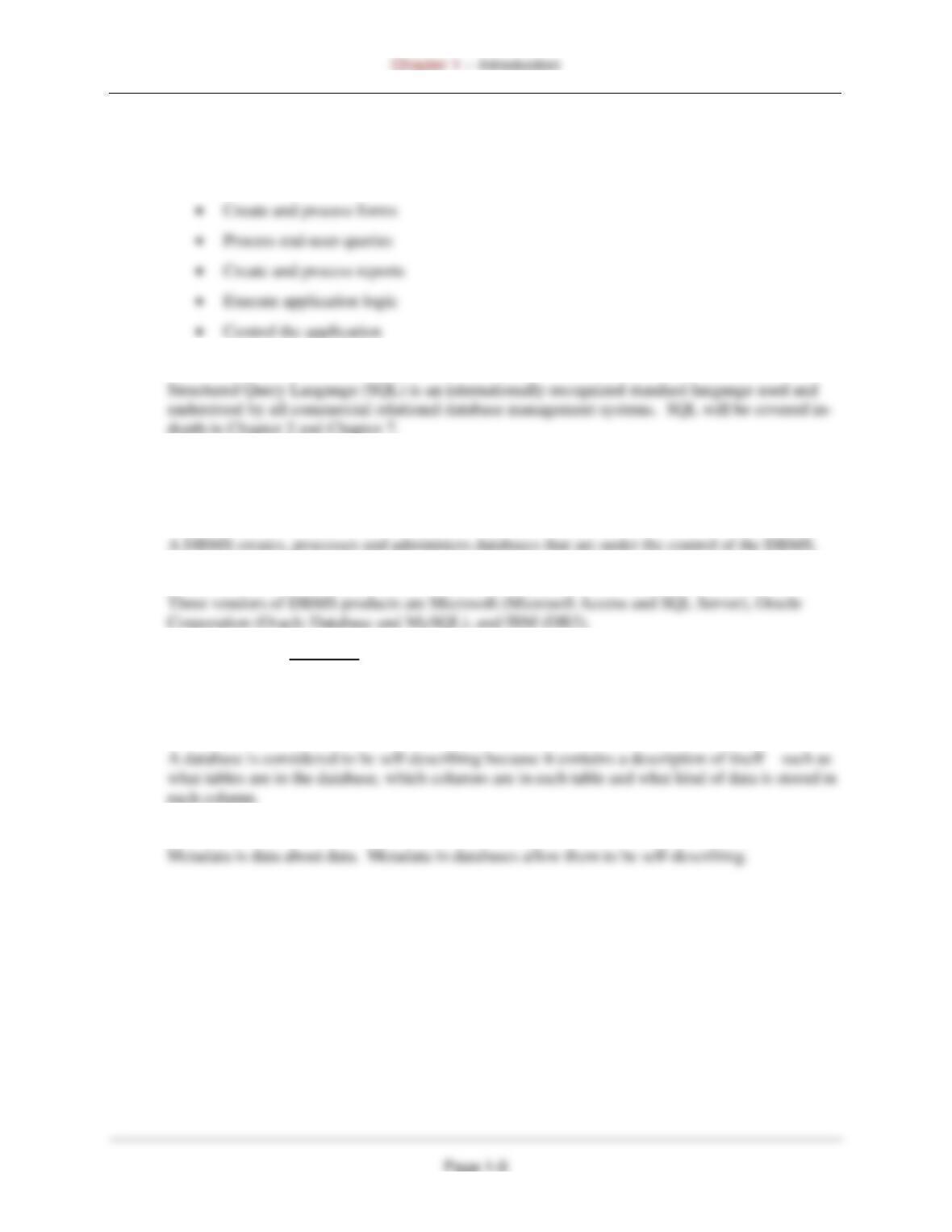
1.19 Explain the components in Figure 1-9.
Figure 1-9 shows the components in a database system with SQL. The components are:
• Users – The people who interact with database applications.
1.20 What are the functions of application programs?
As shown in Figure 1-10, the functions are:
1.21 What is Structured Query Language (SQL), and why is it important?
1.22 What does DBMS stand for?
DBMS stands for database management system.
1.23 What are the functions of the DBMS?
1.24 Name three vendors of DBMS products.
1.25 Define the term database.
A database is a self-describing collection of integrated tables, which means that the tables store
both data and the relationships between the data.
1.26 Why is a database considered to be self-describing?
1.27 What is metadata? How does this term pertain to a database?
Chapter 1 – Introduction
1.28 What advantage is there in storing metadata in tables?
1.29 List the components of a database other than user tables and metadata.
The components of a database in addition to user tables and metadata are:
A. Indexes;
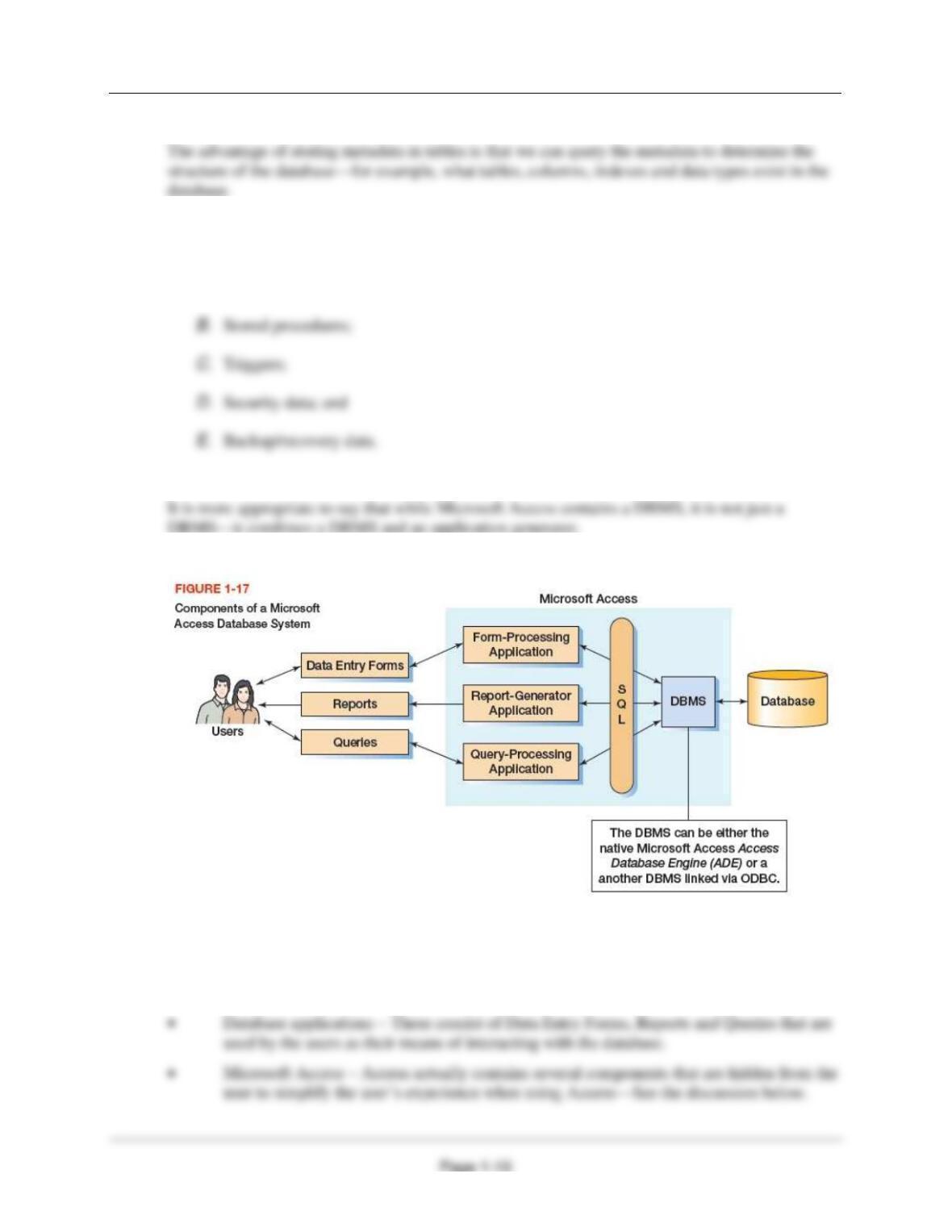
1.30 Is Microsoft Access a DBMS? Why or why not?
1.31 Explain the components in Figure 1-17.
Figure 1-17 shows the components in a database system as created by Microsoft Access. The
components are:
• Users – The people who interact with database applications created in MS Access.
Chapter 1 – Introduction
1.32 What is the function of the application generator in Microsoft Access?
1.33 What is the name of the DBMS engine within Microsoft Access? Why do we rarely hear
about that engine?
1.34 Why does Microsoft Access hide important database technology?
Microsoft hides important database technology to make it easier for beginning users to create and
work with small database applications and their underlying databases.
1.35 Why would someone choose to replace the native Microsoft Access DBMS engine with
SQL Server?
1.36 Name the components of an enterprise-class database system.
The four components of an enterprise-class database system are:
• Users – The people who interact with database applications.
1.37 Name and explain the four categories of database applications that would use an
enterprise-class database system.
The four categories of database applications are:
• Client/Server applications – Client software on the user’s computer connects over a

Chapter 1 – Introduction
1.38 How do database applications read and write database data?
All database applications read and write database data by sending SQL statements to a DBMS,
which performs the actual database file input and output.
1.39 Name the five DBMS products described in this chapter, and compare them in terms of
power, features, and ease of use.
The five DBMS products described in this chapter are:
• Microsoft’s Access 2016
1.40 List several consequences of a poorly designed database.
1.41 Explain two ways that a database can be designed from existing data.
A database can be designed from existing data by:
1.42 What is a data warehouse?
Chapter 1 – Introduction
Page 1-13
• A data warehouse is a database that uses data extracted from operational systems such as
1.43 Describe the general process for designing a database for a new information system.
To design a database for a new information system:
1.44 Explain two ways that databases can be redesigned.
1.45 What does the term database migration mean?
Database migration is a term used to describe the process of redesigning an existing database to
1.46 Summarize the various ways that you might work with database technology.
1.47 What job functions does a knowledge worker perform?
1.48 What job functions does a database administrator perform?
A database administrator designs, constructs and manages databases.
1.49 Explain the meaning of the domains in Figure 1-25.
Figure 1-25 shows the working domains of knowledge workers, programmers and database
1.50 What need drove the development of the first database technology?