
INSTRUCTOR’S MANUAL
TO ACCOMPANY
40th Anniversary Edition
DATABASE PROCESSING
Fundamentals, Design, and Implementation
15th Edition
Appendix K
Big Data
David M. Kroenke | David J. Auer | Scott L. Vandenberg | Robert C. Yoder
Appendix K – Big Data
Page K-2
❖ APPENDIX OBJECTIVES
• To learn the basic concepts of Big Data
• Understand the limitations and trade-offs of replicated, partitioned stores as indicated by
the CAP theorem
• To learn the basic concepts of non-relational database management systems
❖ ERRATA
❖ TEACHING SUGGESTIONS
• This appendix introduces some advanced topics of database processing used in big
data systems. It is intended to supplement Chapter 12 in the book. Each of these topics
is only briefly touched upon in that chapter.
• Appendices I (XML) and L (JSON and Document Databases) expand on the material in
this appendix.
• Explain to your students that big data systems already have an important role in
business operations, and the importance of this role should only increase over time. If
you know of any local examples, use them to illustrate your point.
• Ask the students to think about ways in which big data can be made more useful to
decision makers. How can data be made more relevant?
Appendix K – Big Data
Page K-3
❖ ANSWERS TO REVIEW QUESTIONS
K.1 What is the NoSQL movement?
Originally this was known as the NoSQL movement but it is now referred to as the Not only
K.2 What is Big Data?
Big Data can be defined in a variety of ways, and the definition continues to evolve.
K.3 What are the original three Vs? Define each term.
The three Vs were coined by Doug Laney in 2001. They are:
K.4 What are the four categories of NoSQL databases used in this book?
This book adopts a fairly common classification system and divides NoSQL systems into
K.5 What is the CAP theorem? How has it stood up over time?
The CAP theorem states that of three desirable properties of distributed database systems
K.6 What was the first nonrelational data store to be developed, and who developed it?
Appendix K – Big Data
Page K-4
K.7 What NoSQL categories does Cassandra support?
The Apache Software Foundation’s Cassandra project is a column family database that is
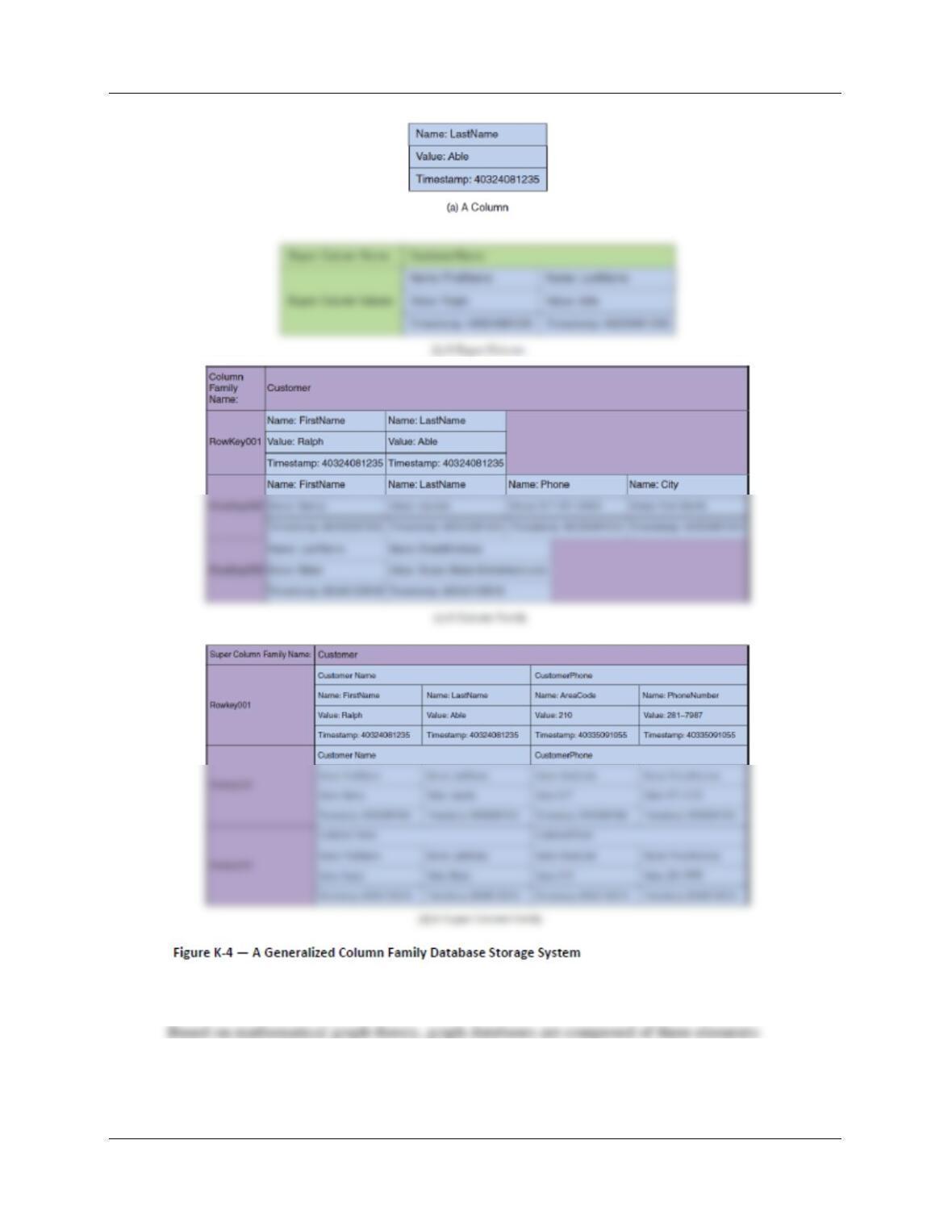
K.8 As illustrated in Figure K-4, what is column family database storage and how are
such systems organized? How do column family database storage systems compare
to RDBMS systems?
Figure K-4 is shown below.
The smallest unit of storage is called a column, but it is really the equivalent of an RDBMS table
Figure K-4(c) clearly illustrates the difference between structured storage column families and
RDBMS tables: Column families can have variable columns and data stored in each row in a way
that is impossible in an RDBMS table. This storage column structure is definitely not in 1NF as
defined in Chapter 2, let alone BCNF! For example, note that the first row has no Phone or City
columns, while the third row not only has no FirstName, Phone, or City columns, but also
contains an EmailAddress column that does not exist in the other rows.
Appendix K – Big Data
Page K-5
K.9 What is a graph database? What are nodes, properties, and edges?
1. Nodes – Nodes are equivalent to entities in E-R data modeling and tables (or relations) in
database design. They represent the things that we want to keep track of or about which we
want to store data.
Appendix K – Big Data
Page K-6
K.10 What is a key value database? Under what circumstances is one most useful?
Where does processing relating to the structure of data values take place?
Everything in a key-value database is a key-value pair. A key is unique within the database
K.11 What are the main features of data in a document database? What are the basic
operations and utilities provided by a document DBMS?
Data in a document database are stored in a document-oriented format such as XML or
❖ ANSWERS TO EXERCISES
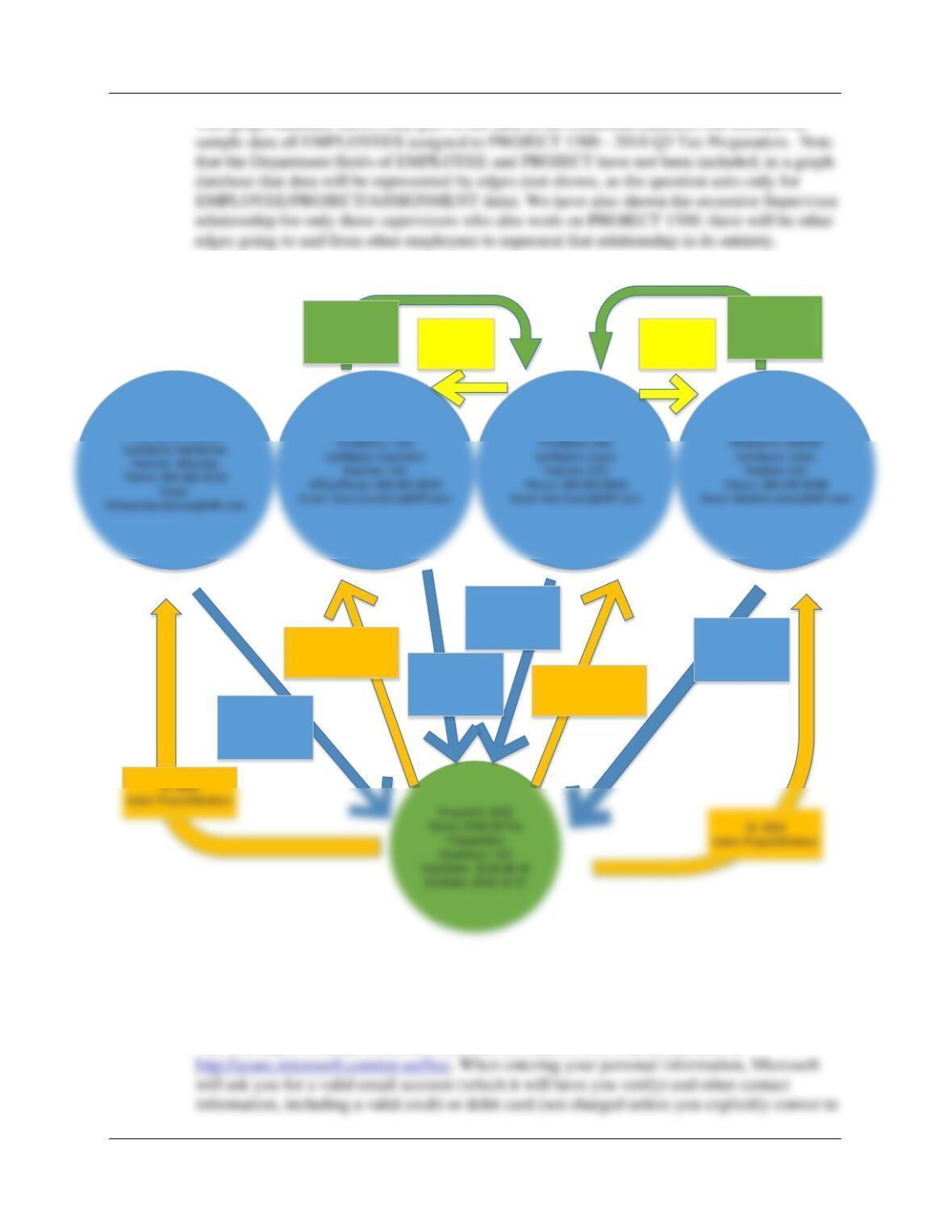
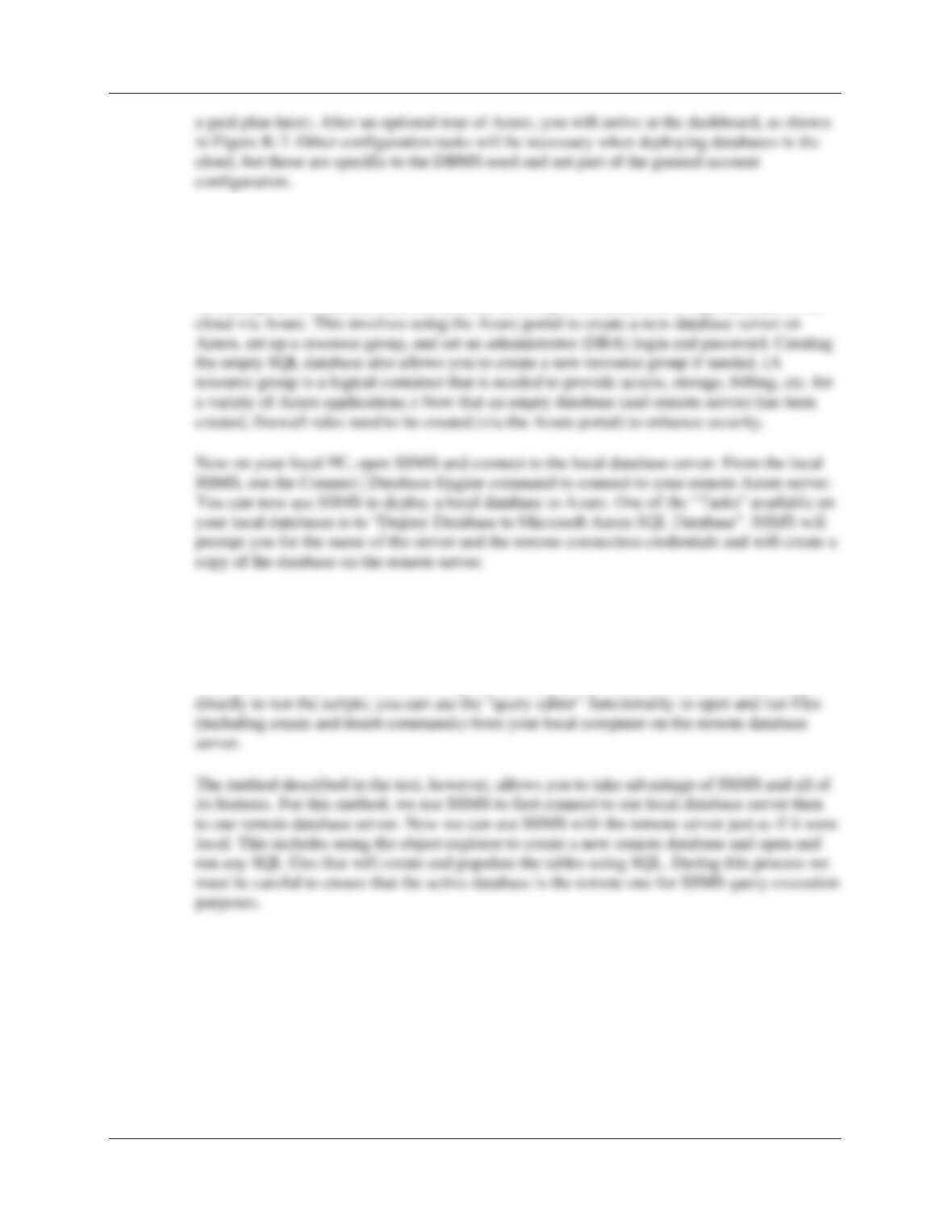
K.12 Develop a graph database based on the WP (Wedgewood Pacific Database)
EMPLOYEE and PROJECT tables. Data from the ASSIGNMENT table should
appear as edge properties. See Project Questions from Chapter 1 and Chapter 2 for
details about WP.
Appendix K – Big Data
Page K-7
This graph database shows only part of the data in the relational database, but includes as
K.13 Describe in general the steps used to set up and to configure an Azure account.
The first step is to create a free trial account (or obtain a free student account) at
EmployeeNumber: 6
EmployeeNumber: 8
EmployeeNumber: 9
ID: 1001
Label: assigned
HoursWorked: 25
ID: 1003
Label: assigned
HoursWorked: 40 ID: 1004
Label: assigned
HoursWorked: 50
ID: 2003
Label: ProjectWorkers
EmployeeNumber: 3
FirstName: Richard
ID: 1002
Label: assigned
HoursWorked: 50
ID: 2002
Label: ProjectWorkers
ID: 3002
Label: Supervisor
ID: 3001
Label: Supervisor ID: 4001
Label: Worker ID: 4002
Label: Worker
Appendix K – Big Data
Page K-8
K.14 Describe the process we used to migrate an SQL database from your PC to Azure.
What components (SSMS, Azure Portal, local and remote database servers) were
involved in each step of the process?
Assuming the account has been created, the next step is to create a new SQL database in the
K.15 Describe the process we used to create an SQL database on Azure using SQL
scripts. What components (SSMS, Azure Portal, local and remote database servers)
were involved in each step of the process?
There are two ways to do this. One way (not covered in this text) is to use the Azure Portal