Appendix J – Business Intelligence Systems
Page J-21
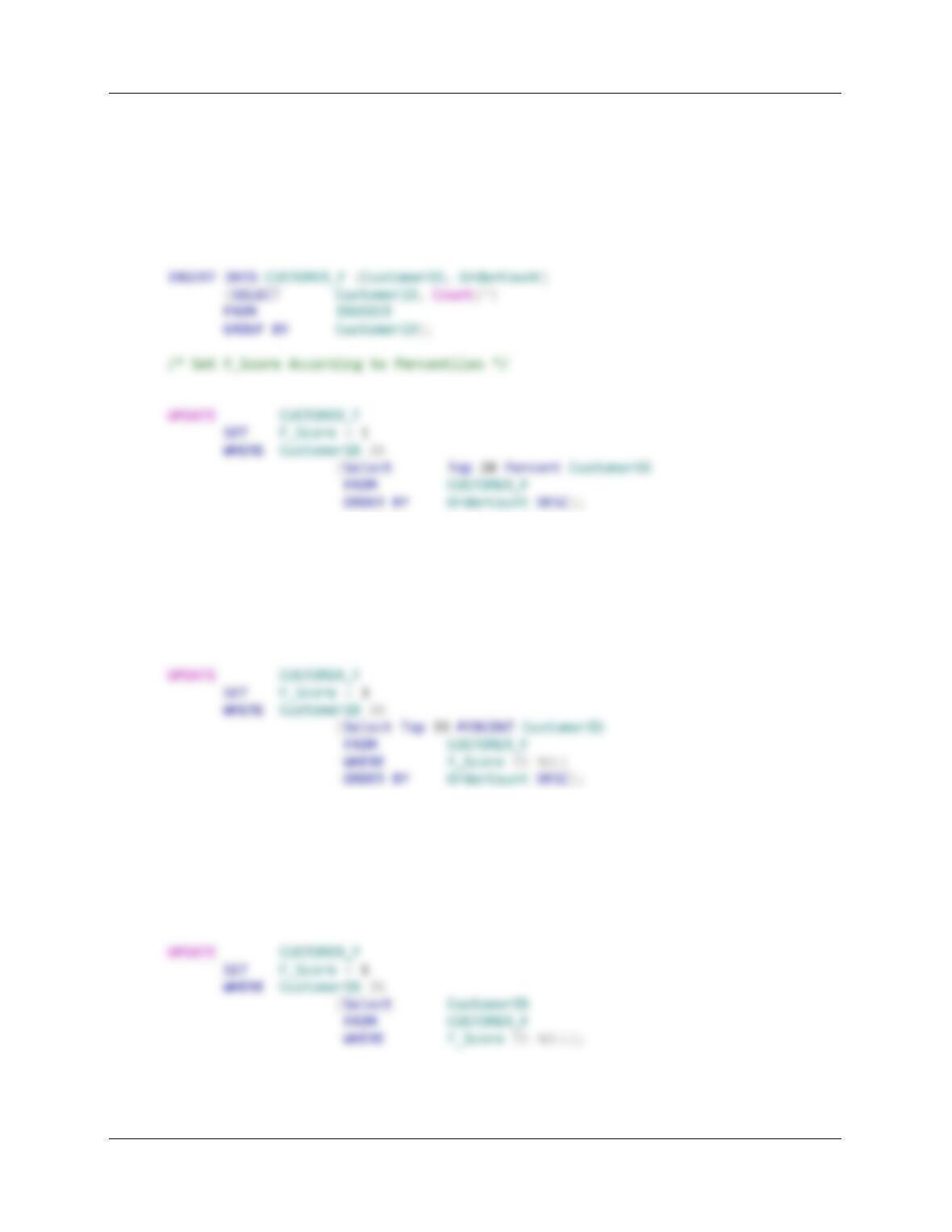
/***************** PROCEDURE Calculate_F **********************/
CREATE PROCEDURE Calculate_F
AS
/* Compute F_Score */
UPDATE CUSTOMER_F
SET F_Score = 2
WHERE CustomerID IN
(Select Top 25 PERCENT CustomerID
FROM CUSTOMER_F
WHERE F_Score IS NULL
ORDER BY OrderCount DESC);
UPDATE CUSTOMER_F
SET F_Score = 4
WHERE CustomerID IN
(Select Top 50 PERCENT CustomerID
FROM CUSTOMER_F
WHERE F_Score IS NULL
ORDER BY OrderCount DESC);
Appendix J – Business Intelligence Systems
Page J-22
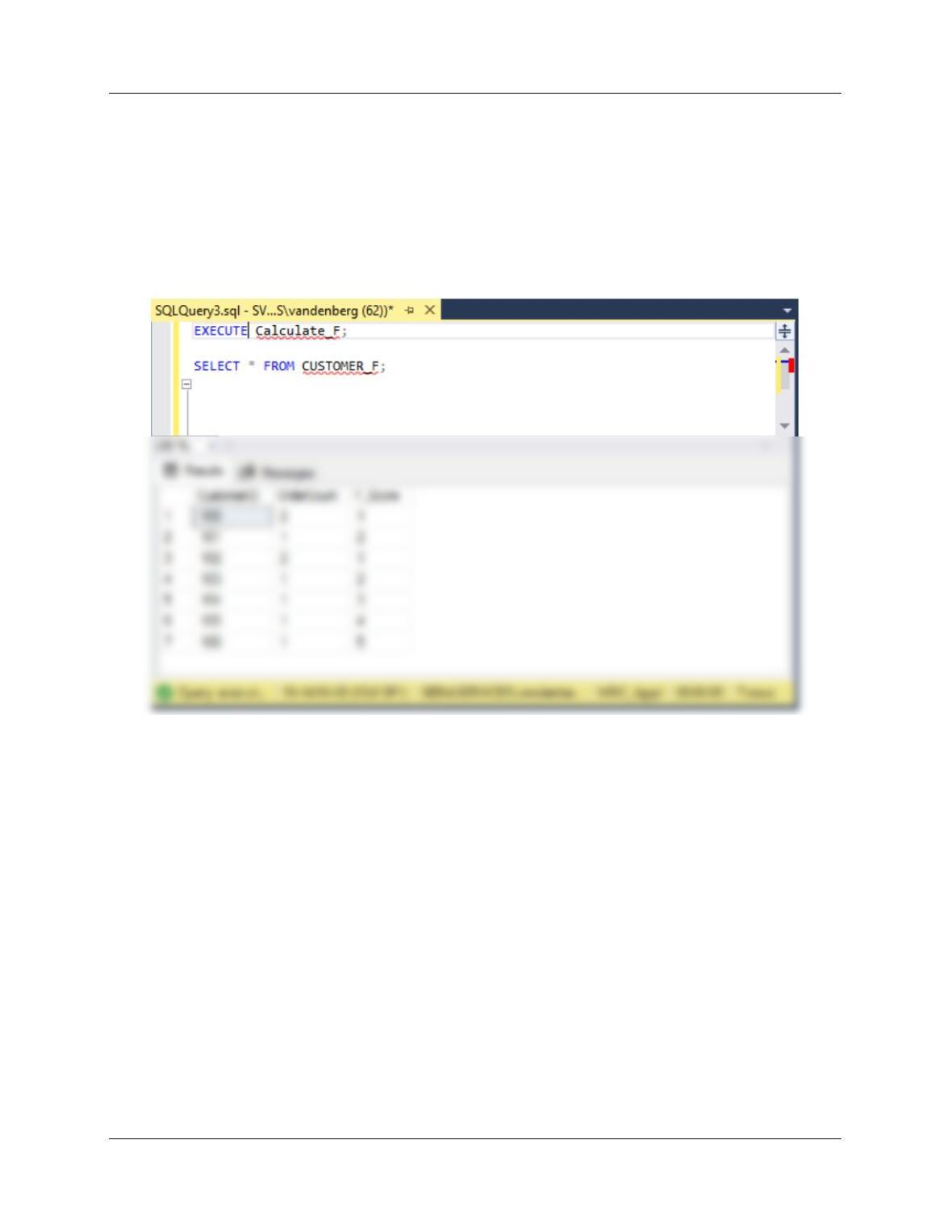
To test this procedure use:
Execute Calculate_F;
SELECT * FROM CUSTOMER_F;
IMPORTANT NOTE: Although the procedure works correctly, the data set is far too small for
the results to be meaningful. Note that CustomerIDs 101, 103, 104, 105, and 106 all have the
same OrderCount of 1, but have four different F scores!
Appendix J – Business Intelligence Systems
Page J-23
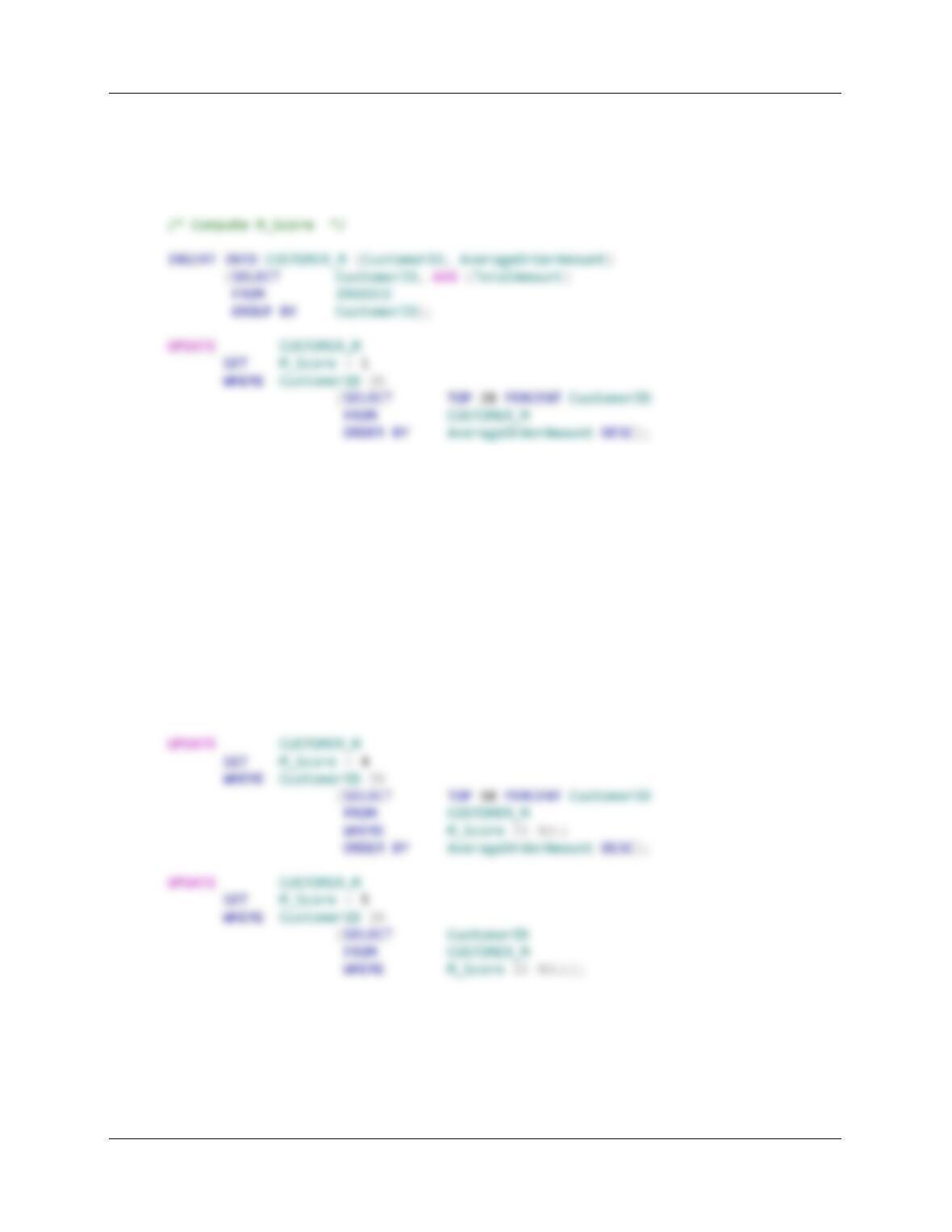
/***************** PROCEDURE Calculate_M **********************/
CREATE PROCEDURE Calculate_M
AS
UPDATE CUSTOMER_M
SET M_Score = 2
WHERE CustomerID IN
(SELECT TOP 25 PERCENT CustomerID
FROM CUSTOMER_M
WHERE M_Score IS NULL
ORDER BY AverageOrderAmount DESC);
UPDATE CUSTOMER_M
SET M_Score = 3
WHERE CustomerID IN
(SELECT TOP 33 PERCENT CustomerID
FROM CUSTOMER_M
WHERE M_Score IS NULL
ORDER BY AverageOrderAmount DESC);
Appendix J – Business Intelligence Systems
Page J-24
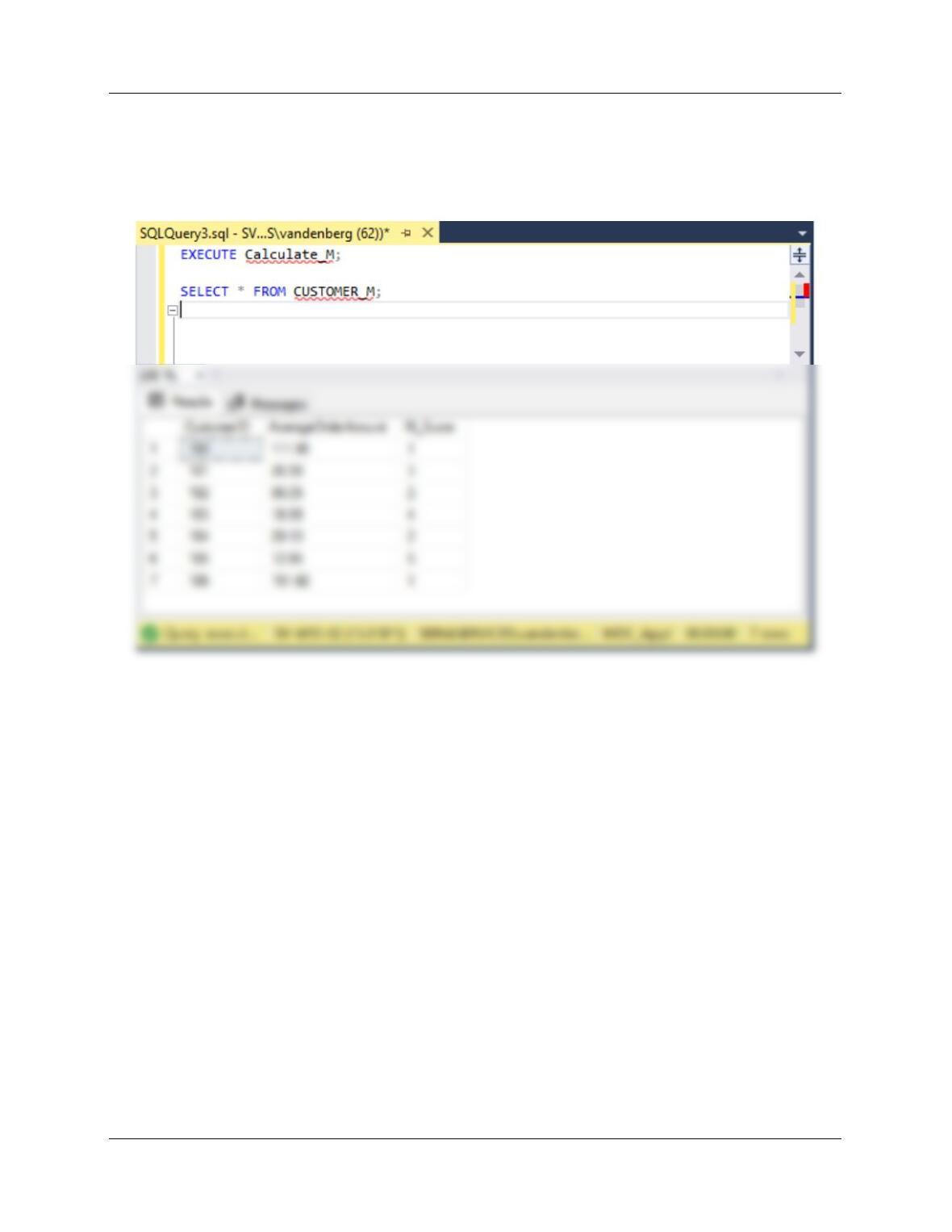
To test this procedure use:
Execute Calculate_M;
SELECT * FROM CUSTOMER_M;
Appendix J – Business Intelligence Systems
/***************** PROCEDURE RFM_Analysis **********************/
CREATE PROCEDURE RFM_Analysis
AS
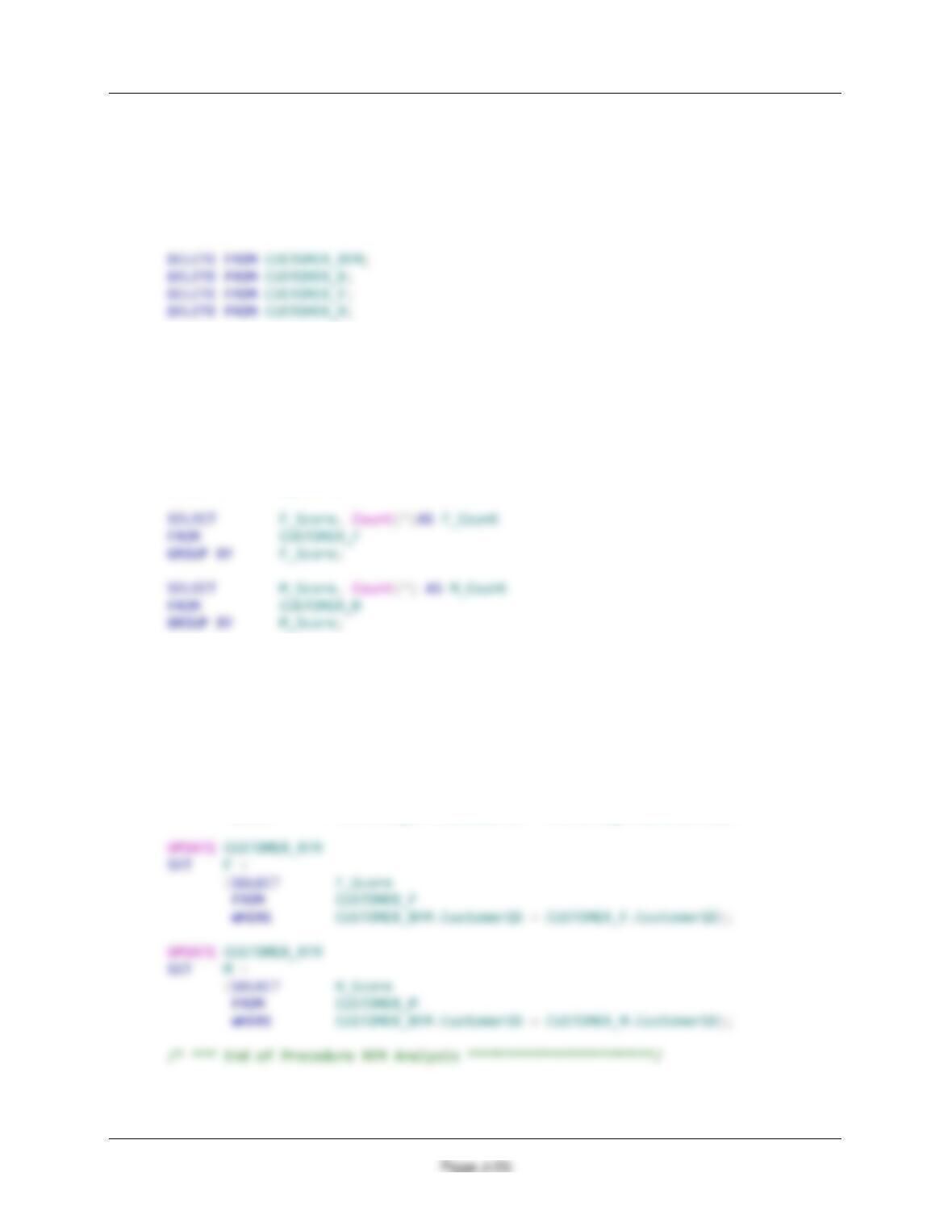
/* Delete any existing RFM data ***************************/
/* *** Compute R, F, M Scores ******************************/
Exec Calculate_R;
Exec Calculate_F;
Exec Calculate_M;
/* *** Dipslay Results *************************************/
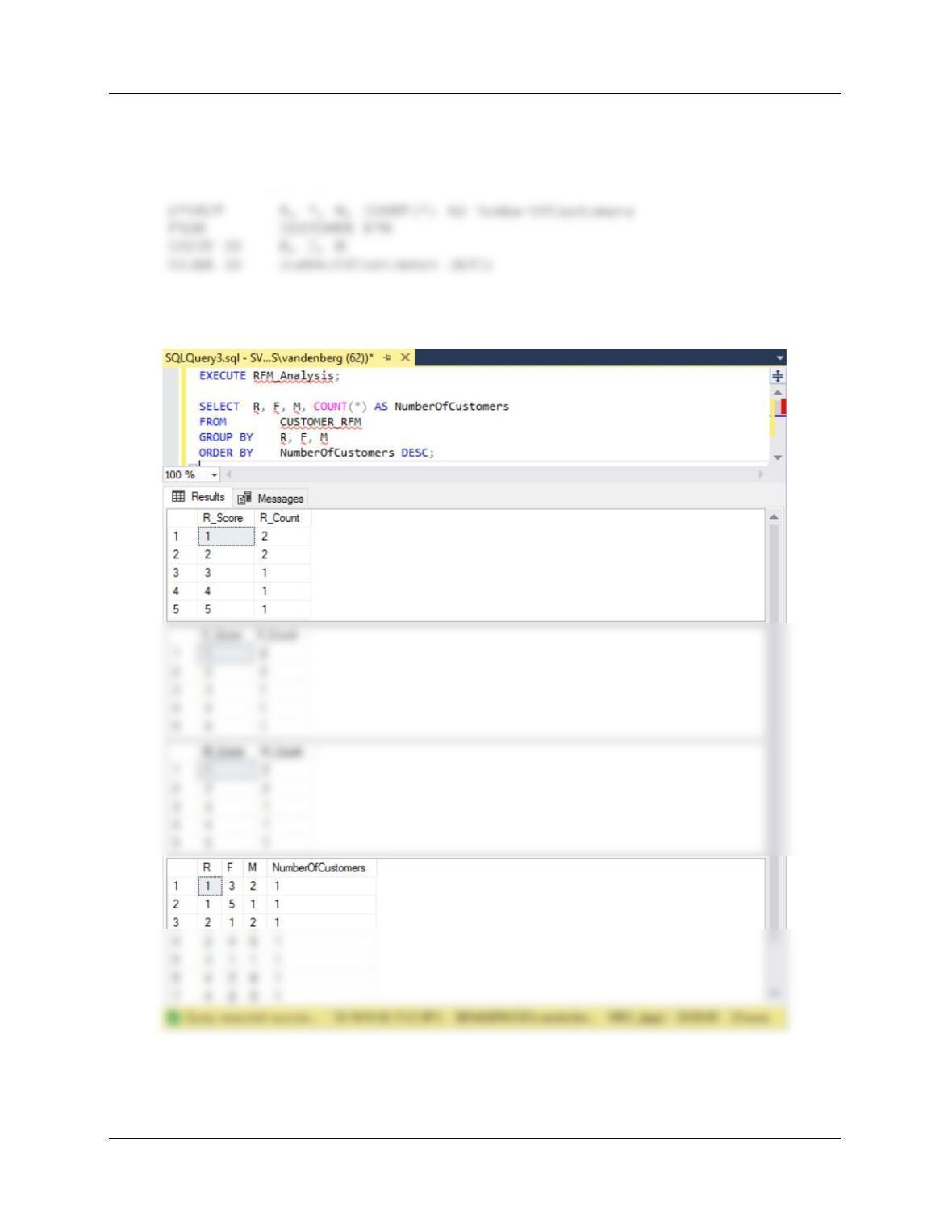
SELECT R_Score, Count(*)AS R_Count
FROM CUSTOMER_R
GROUP BY R_Score;
/* *** Store Results ***************************************/
INSERT INTO CUSTOMER_RFM (CustomerID)
(SELECT DISTINCT CustomerID
FROM INVOICE);
UPDATE CUSTOMER_RFM
SET R =
(SELECT R_Score
FROM CUSTOMER_R
WHERE CUSTOMER_RFM.CustomerID = CUSTOMER_R.CustomerID);
Appendix J – Business Intelligence Systems
Page J-26
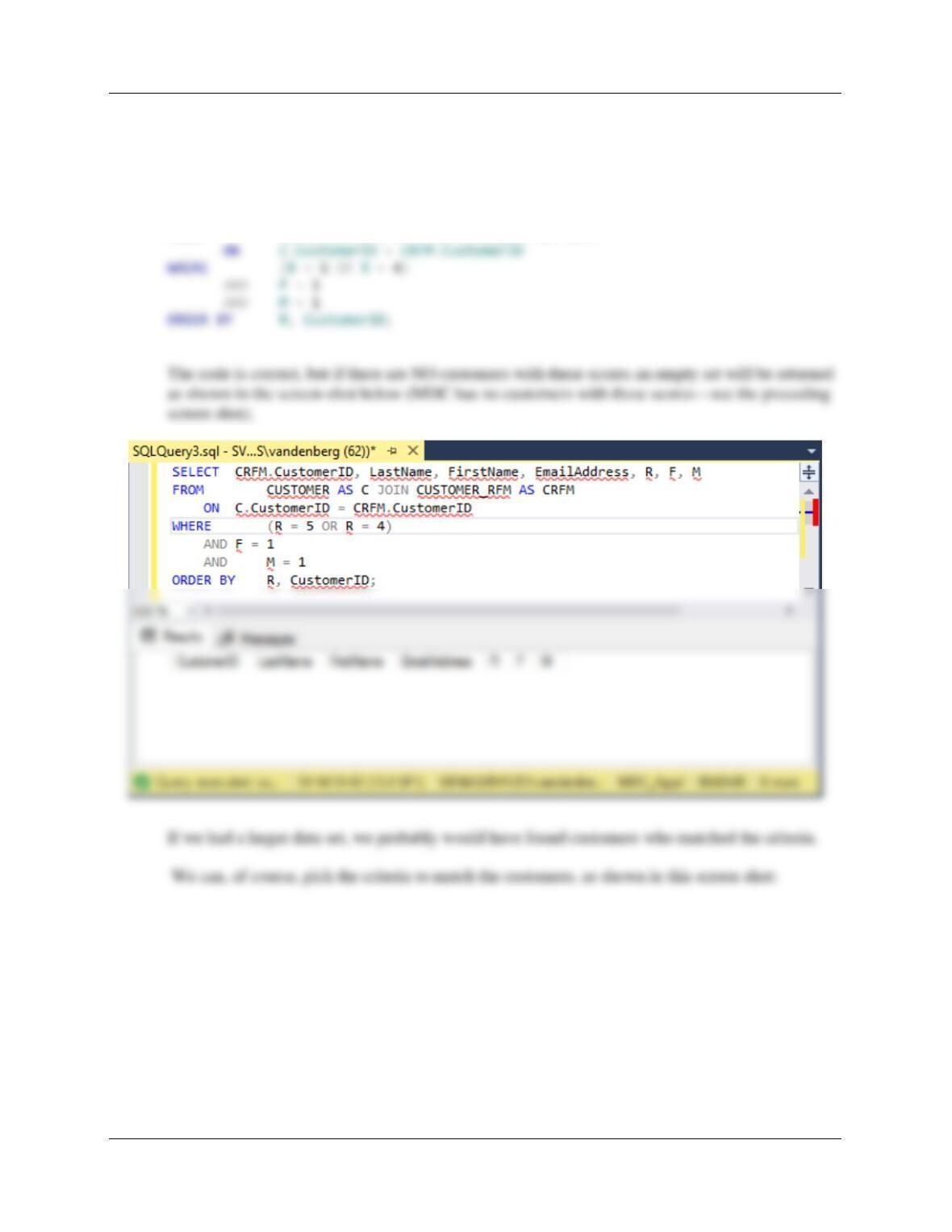
To test this procedure use:
EXECUTE RFM_Analysis;
IMPORTANT NOTE: Although the procedure works correctly, the data set is far too small for
the results to be meaningful. See the comment on the F scores above!
Appendix J – Business Intelligence Systems
Page J-27
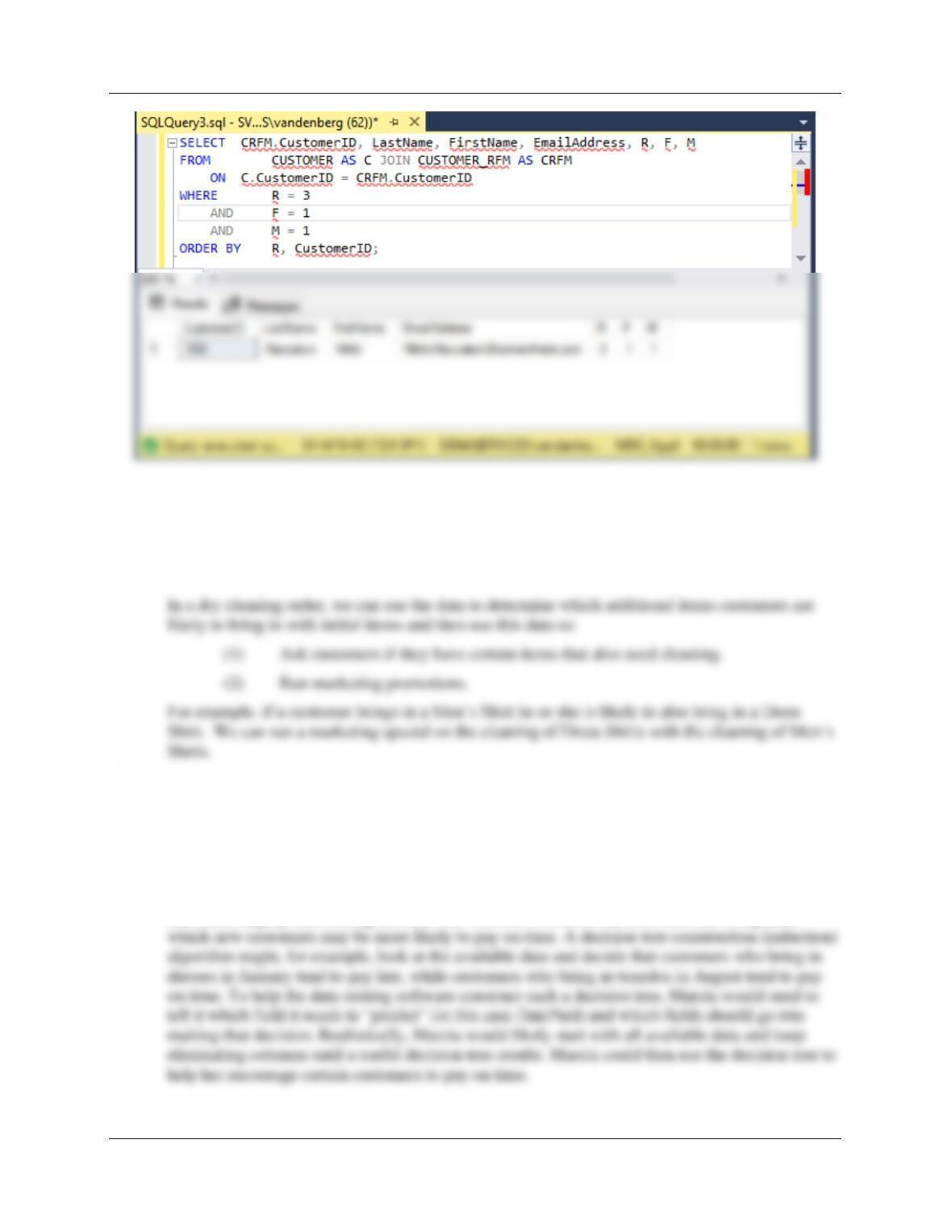
C. Show SQL to process the table generated in your answer to B to display the names and
email data for all customers having an RFM score of {5 1 1} or {4 1 1}.
The SQL code is:
SELECT CRFM.CustomerID, LastName, FirstName, EmailAddress, R, F, M
FROM CUSTOMER AS C JOIN CUSTOMER_RFM AS CRFM
Appendix J – Business Intelligence Systems
Page J-28
D. Describe, in general terms, how a market basket analysis can be used on the items in a
dry cleaning order.
A market basket analysis is a technique for determining patterns of consumer behavior that shows
products or services that consumers tend to purchase at the same time.
E. Suppose that Marcia wants to be able to predict which invoices are likely to be paid on
time. As part of this effort, she will add a DatePaid column to the INVOICE table
(payments are due on the DateOut date). Describe, in general terms, how a decision
tree, in conjunction with this new data, might help Marcia to predict which invoices will be
paid on time.
After Marcia has enough data from people who have both paid on time and have not paid on time,
she could employ data mining decision tree software to build a decision tree that will predict
Appendix J –Business Intelligence Systems
Page J-29
❖ ANSWERS TO THE QUEEN ANNE CURIOSITY SHOP PROJECT QUESTIONS
Suppose that you have designed a database for The Queen Anne Curiosity Shop that has the
following tables:
CUSTOMER (CustomerID, LastName, FirstName, EmailAddress, EncryptedPassword,
Address, City, State, ZIP, Phone, ReferredBy)
Note: Create a new database named QACS_AppJ, and use the QACS-CH07 database scripts,
available on the book’s website, to create and populate the tables.
Answers to all Appendix J QACS Project Questions (that require SQL) are in the file DBP-e15-
IM-AppJ-MSSQL-QACS–PQ.sql available on the book’s website.
A. Describe how an RFM analysis could be useful to The Queen Anne Curiosity Shop.
For The Queen Anne Curiosity Shop, an RFM analysis would work just as it does for any other
retail operation. By ranking customers on the RFM scale, we would know how to focus our sales
and marketing efforts.
RFM analysis is a tool for analyzing and ranking customers based on their purchasing patterns.
By running an RFM analysis at The Queen Anne Curiosity Shop, we can learn who our best
customers are in terms of:
(1) Who our current customers (most recent) are,
Based on this information, we can target sales promotions to these customers.
Using the three number rankings, we can also determine such information as:
Appendix J –Business Intelligence Systems
Page J-30
B. Using five tables based on the tables in Figure J-7, write a set of stored procedures to
compute an RFM analysis on data from The Queen Anne Curiosity Shop.
Note that the CUSTOMER_SALES table in Figure J-7 is NOT needed. Instead, we will reference
the QACS SALE table for the data we need.
For MS SQL Server:
/***************** Create the RFM Tables **********************/
CREATE TABLE CUSTOMER_RFM (
CustomerID Int NOT NULL,
R SmallInt NULL,
F SmallInt NULL,
M SmallInt NULL
);
Appendix J –Business Intelligence Systems
Page J-31
/***************** PROCEDURE Calculate_R **********************/
CREATE PROCEDURE Calculate_R
AS
/* *** Compute R_Score ************************************/
UPDATE CUSTOMER_R
SET R_Score = 2
WHERE CustomerID IN
(SELECT TOP 25 PERCENT CustomerID
FROM CUSTOMER_R
WHERE R_Score IS NULL
ORDER BY MostRecentOrderDate DESC);
UPDATE CUSTOMER_R
SET R_Score = 3
WHERE CustomerID IN
(SELECT TOP 33 PERCENT CustomerID
FROM CUSTOMER_R
WHERE R_Score IS NULL
ORDER BY MostRecentOrderDate DESC);