
INSTRUCTOR’S MANUAL
TO ACCOMPANY
40th Anniversary Edition
DATABASE PROCESSING
Fundamentals, Design, and Implementation
15th Edition
Appendix E
Getting Started with the MySQL Workbench Data Modeling Tools
David M. Kroenke | David J. Auer | Scott L. Vandenberg | Robert C. Yoder

Appendix E – Getting Started with the MySQL Workbench Data Modeling Tools
Page E-2
❖ CHAPTER OBJECTIVES
• To learn how to install MySQL Workbench and MySQL ODBC/Connector
❖ ERRATA
❖ TEACHING SUGGESTIONS
• If you are using MySQL 5.7 Community Edition, the best text editor to use is the text
Appendix E – Getting Started with the MySQL Workbench Data Modeling Tools
Page E-3
❖ ANSWERS TO REVIEW QUESTIONS
E.1 What is MySQL?
MySQL, as the MySQL Community Edition (formerly MySQL Community Server) version, is an
E.2 What is the MySQL Connector/ODBC?
The MySQL Connector/OBDC installs MySQL ODBC support for use with Web sites as
E.3 What is the MySQL Workbench?
The MySQL Workbench is the MySQL GUI utility for the MySQL DBMS.
E.4 What are the two purposes of the MySQL Workbench?
The MySQL Workbench is the graphical management utility for MySQL. Using the MySQL
E.5 The MySQL Workbench creates “database models”. What is a data model? What is a
database design? Which does MySQL Workbench create?
A data model is a logical or conceptual view of the database. A database design defines the actual
Appendix E – Getting Started with the MySQL Workbench Data Modeling Tools
Page E-4
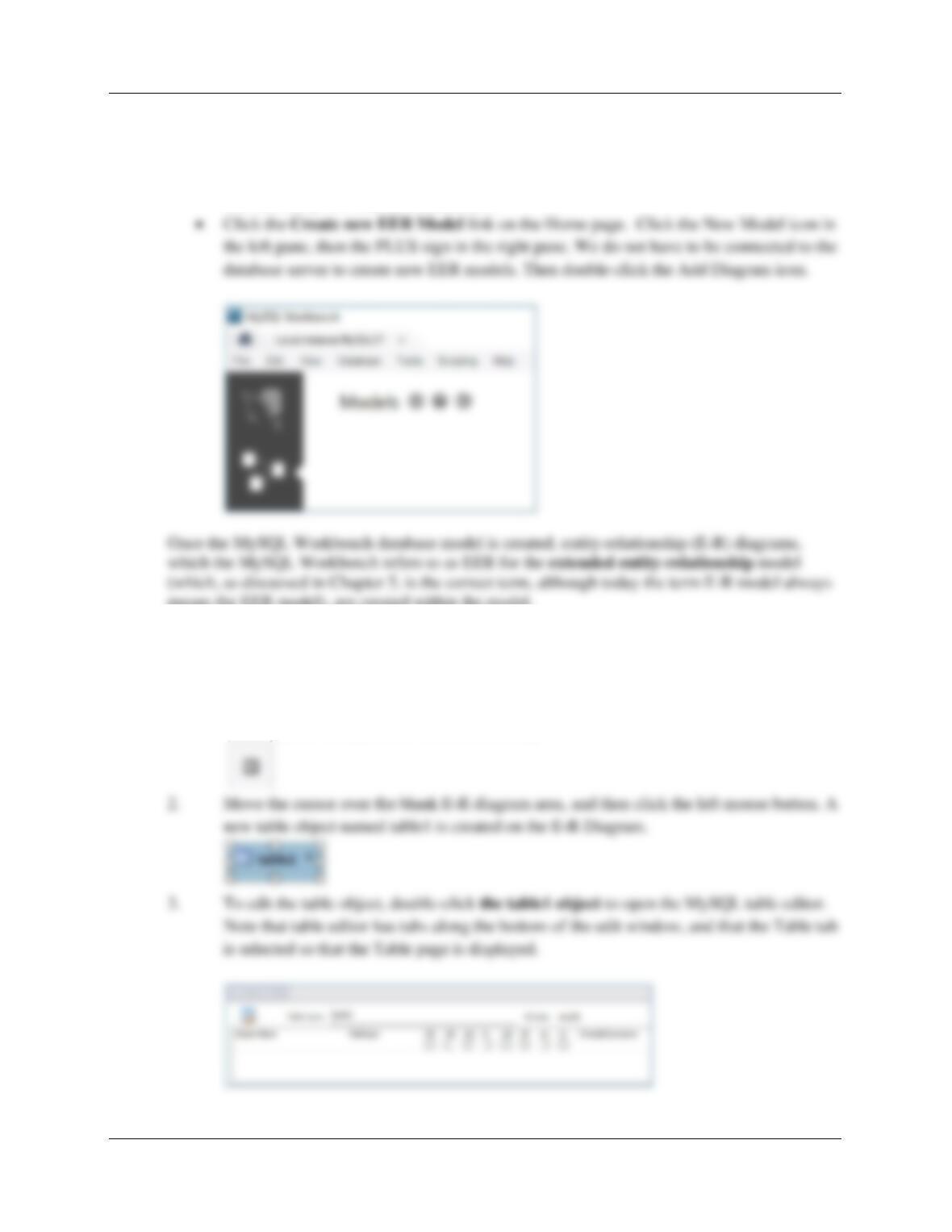
E.6 How do you create a new E-R diagram in MySQL Workbench?
To create a new data model in the MySQL Workbench, you can:
• Use the File | New Model command, or
means the EER model), are created within the model.
E.7 How do you create a table in an E-R diagram?
Creating a Table in the MySQL E-R (EER) Diagram:
1. After clicking Add Diagram, in the E-R diagram tool bar, click the Place a New Table
button (in the vertical list of icons on the left).
Appendix E – Getting Started with the MySQL Workbench Data Modeling Tools
Page E-5
E.8 How do you create a 1:N non-identifying relationship in an E-R diagram?
Creating a 1:N Nonidentifying Relationship Between Two Tables:
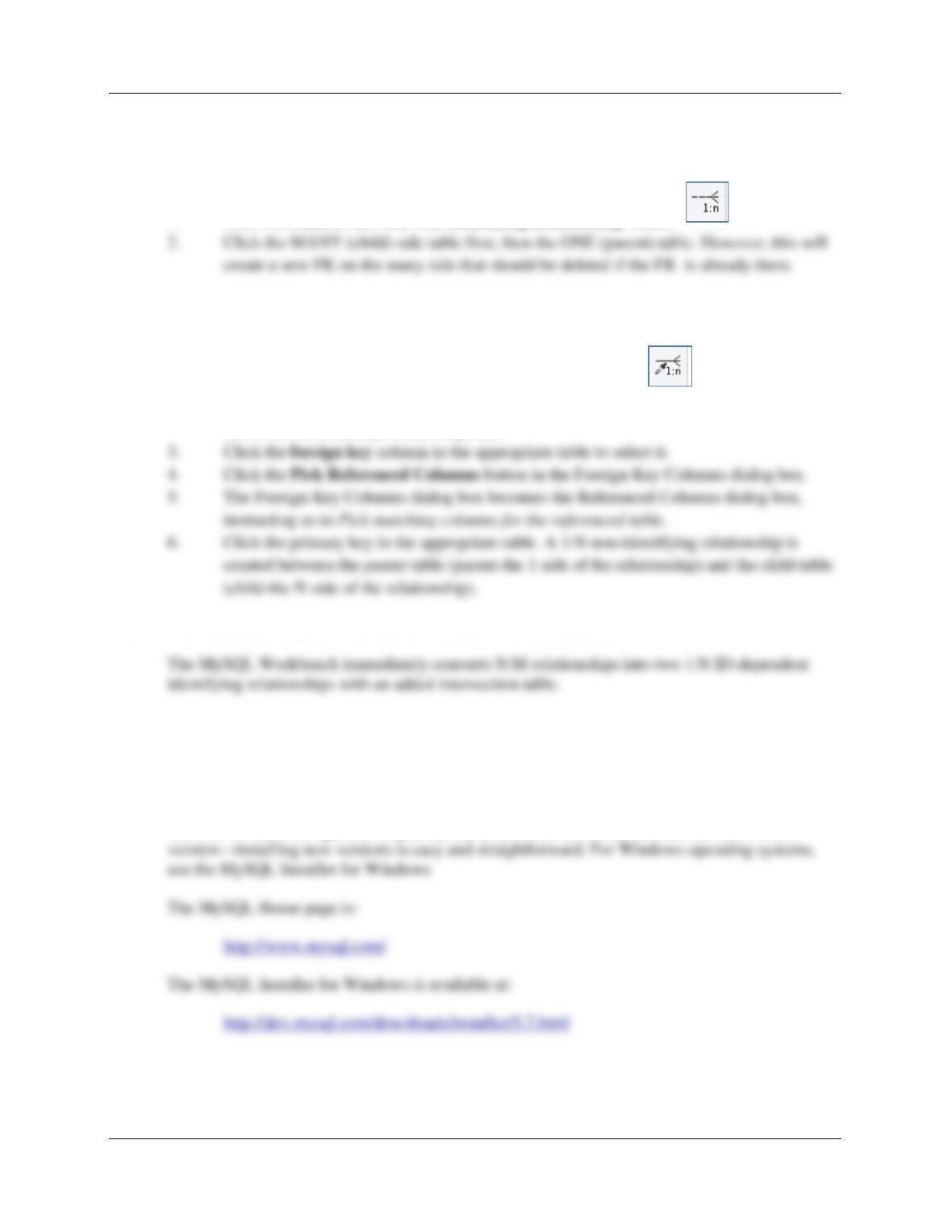
1. Click the Place a New 1:n Non-Identifying Relationship button.
There is another option in creating a nonidentifying 1:N relationship:
1. Click the Place a Relationship Using Existing Columns button.
2. MySQL Workbench displays a Foreign Key Column dialog box instructing us to Pick
one or more columns for the foreign key.
E.9 How does the MySQL Workbench handle N:M relationships?
❖ ANSWERS TO EXERCISES
E.10 If you haven’t already done so, download and install the MySQL Workbench.
MySQL Community Server 5.7 and the MySQL Workbench are available for free download and
use. All versions are updated frequently, and you should download and use the most current
Appendix E – Getting Started with the MySQL Workbench Data Modeling Tools
Page E-6
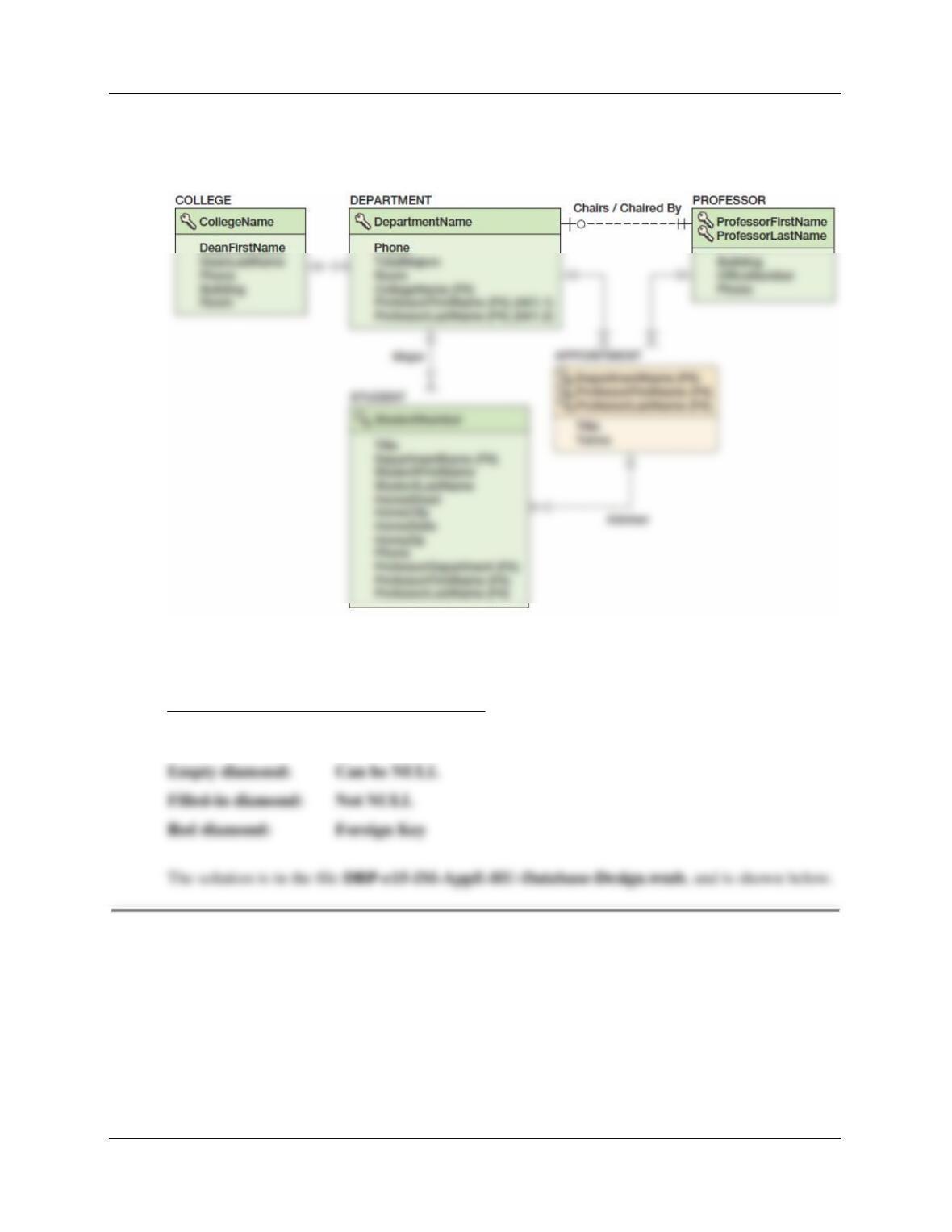
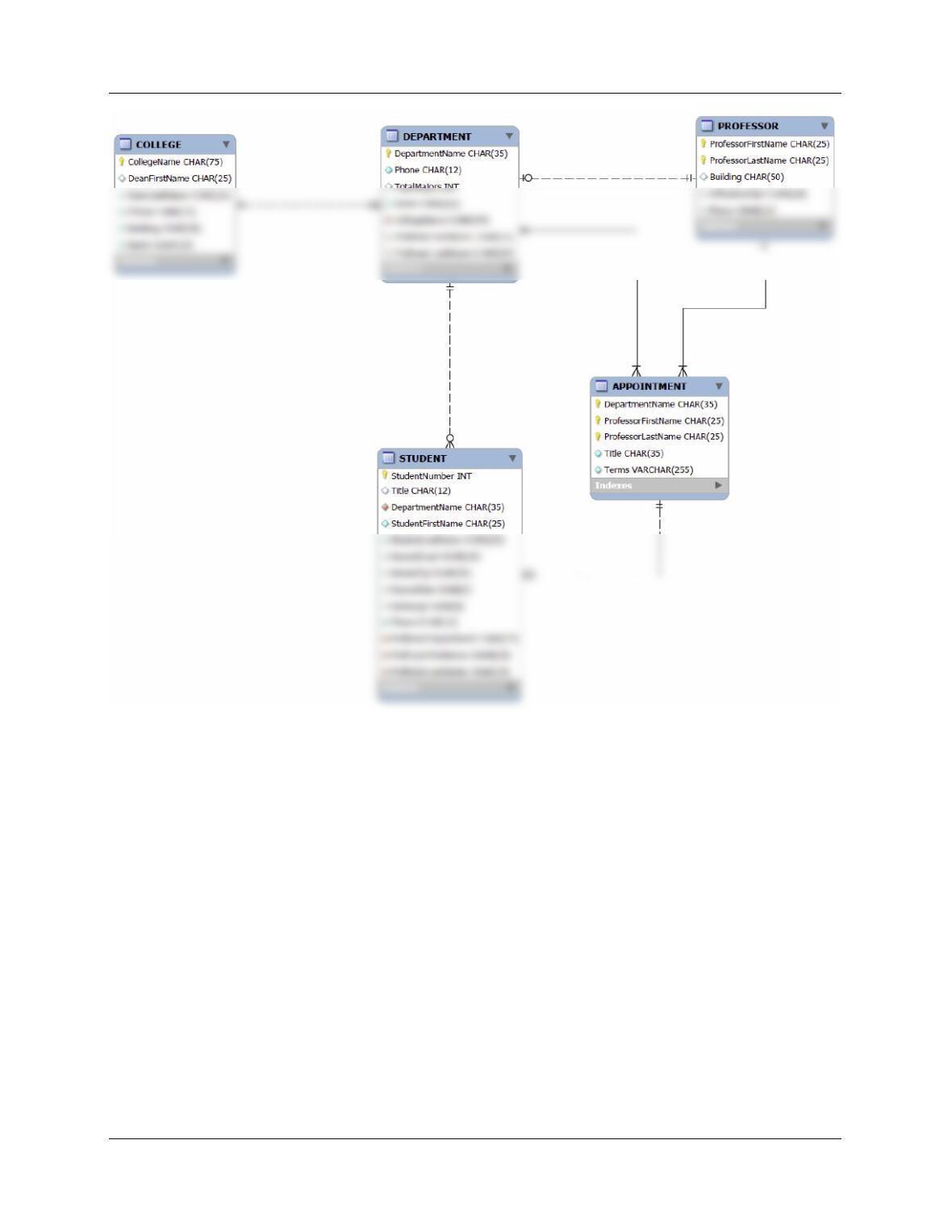
E.11 A database design for the Highline University database is shown in Figure 6–28. In
the MySQL Workbench, create a new EER Model named HU-Database-Design.
Recreate the database design shown in Figure 6–28.
There are no table Column Characteristics shown in the text, so provided here are a set for the
HU database using MySQL data types.
Notes on the symbols in the diagram below:
Key: Primary Key
Appendix E – Getting Started with the MySQL Workbench Data Modeling Tools
Page E-7
Appendix E – Getting Started with the MySQL Workbench Data Modeling Tools
Page E-8
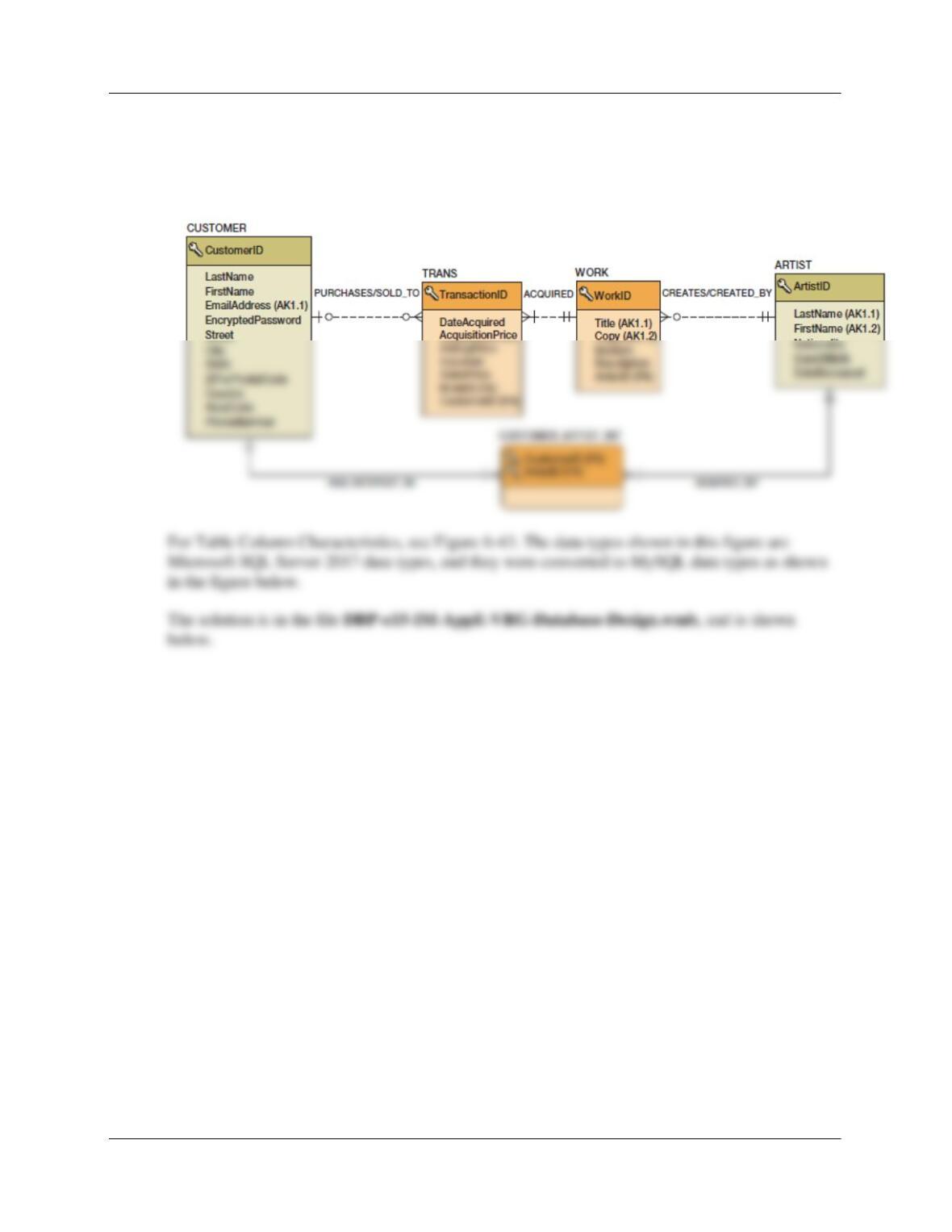
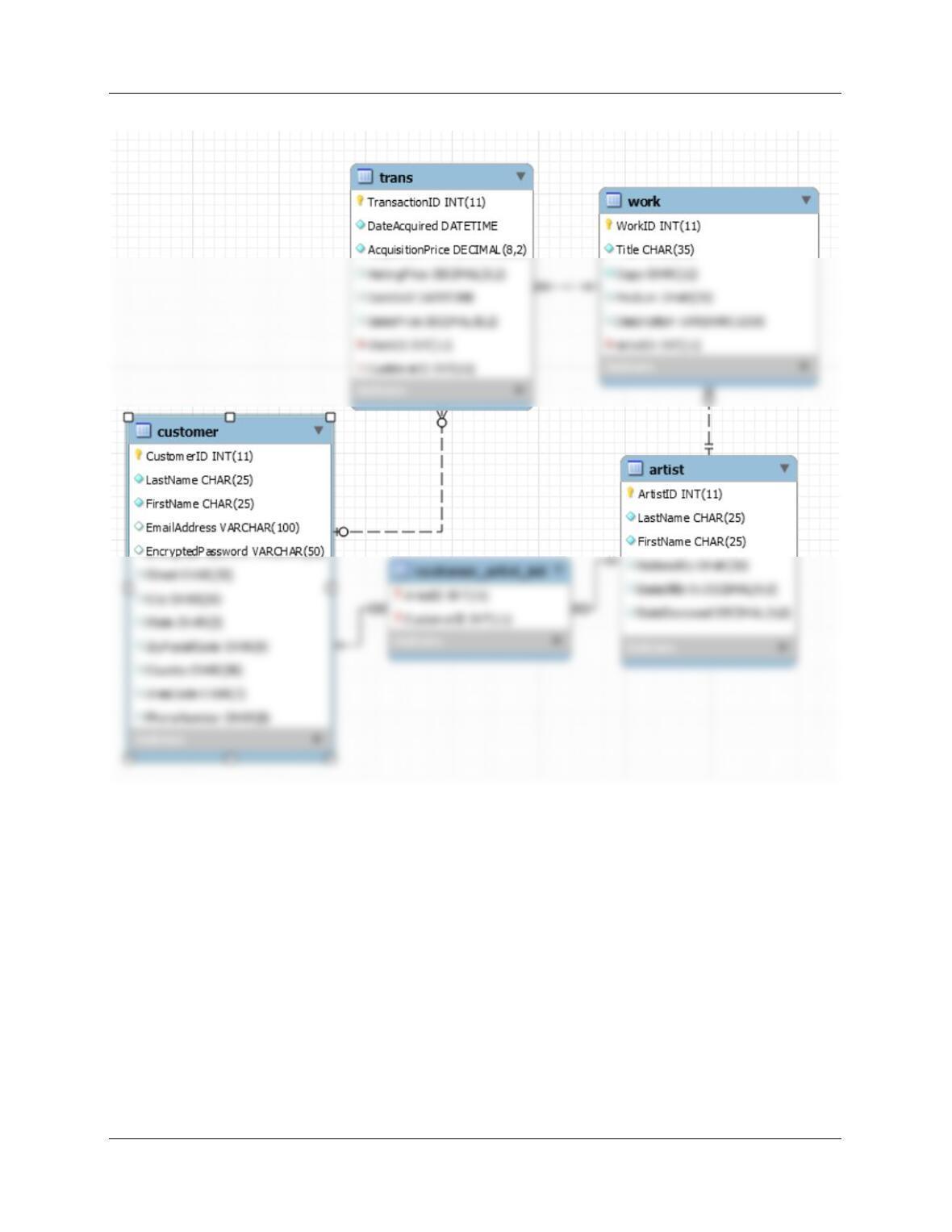
E.12 The database design for the VRG database is shown in Figure 6-39. In the MySQL
Workbench, create a new EER Model drawing named VRG-Database-Design.
Recreate the database design shown in Figure 6–39.
Appendix E – Getting Started with the MySQL Workbench Data Modeling Tools
Page E-9