Accounting Information Systems, 9e 15
Customer
1.0
Sales order
department
Customer
order
Customer
master data
Customer number
Customer record
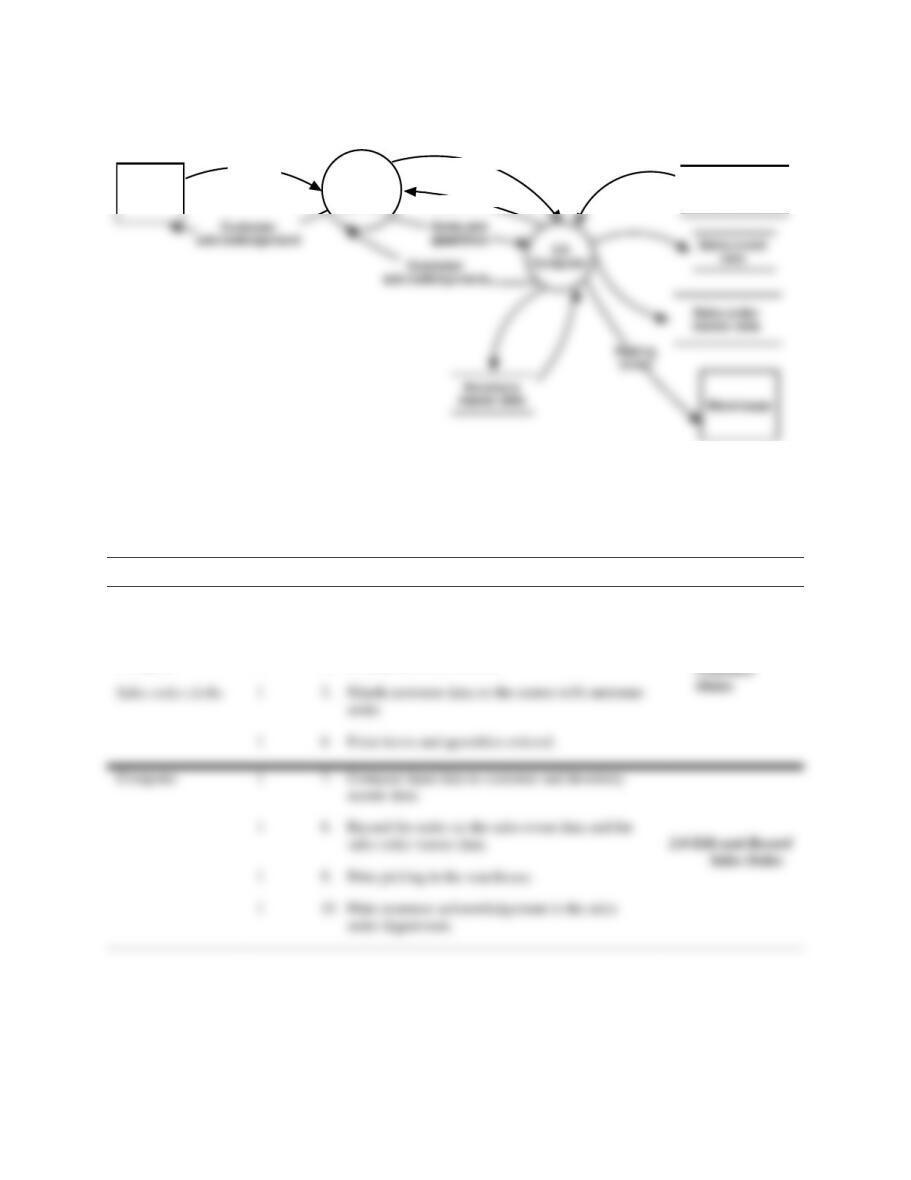
FIGURE SM-9.5 Problem 2 Part c Solution—Physical DFD for Eye-Dee-A-Pet, Inc.,
(Would look like this in Microsoft Visio or other diagraming software.)
d. ANS. Table of Entities and Activities (Annotated) for Eye-Dee-A-Pet, Inc.,
Entities
Para
Activities
Sales order clerks
1
1
2. Open and review orders for accuracy.
3. Enter customer number into the computer.
1
6 Enter items and quantities ordered.
1
9. Print picking in the warehouse.
1.0 Capture
Computer
1
4. Display customer record.
16 Solutions for Chapter 9
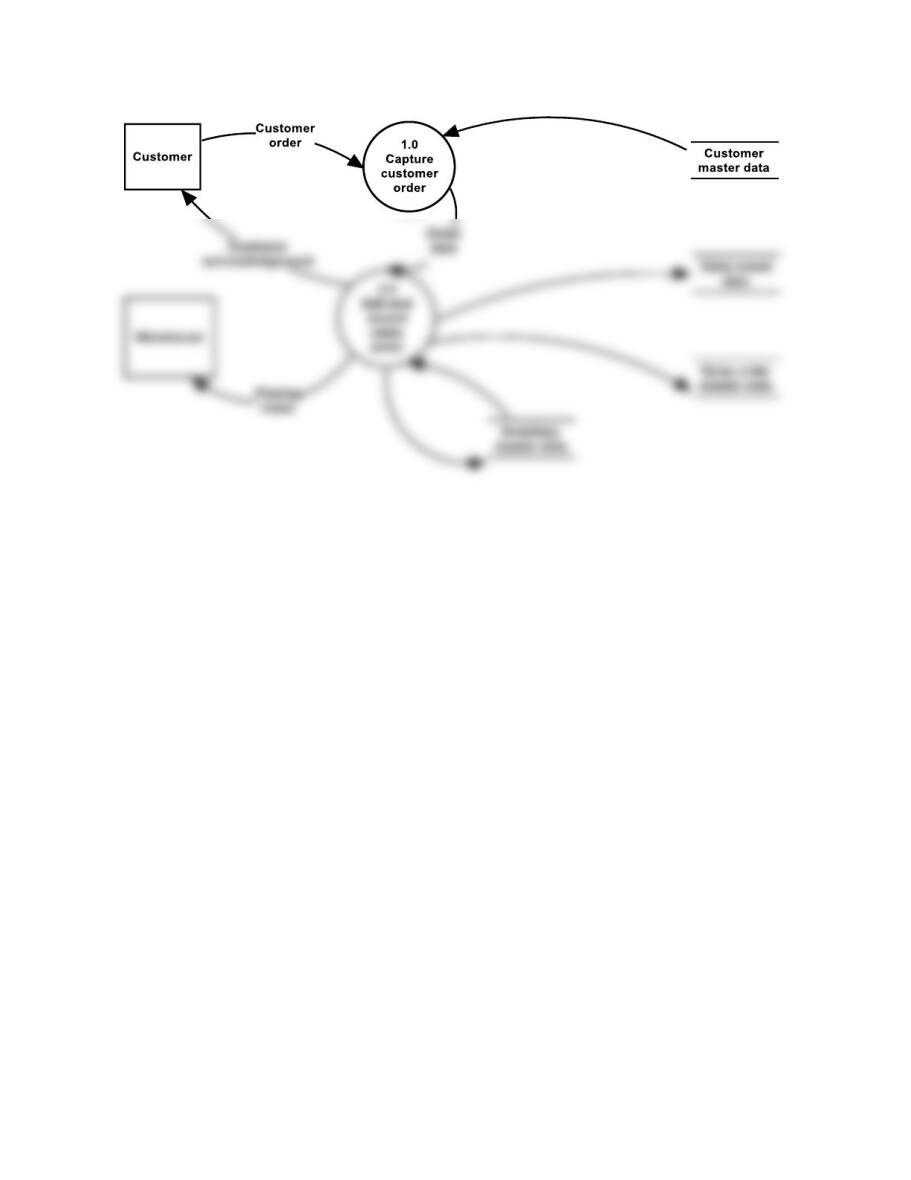
FIGURE SM-9.6 Problem 2 Part e Solution—Logical DFD for Eye-Dee-A-Pet, Inc., (Would
look like this in Microsoft Visio or other diagraming software.)
Accounting Information Systems, 9e 17
Sales Order department
Customer
Customer
order
Match scree n
with order
Enter items and
quantities
Sales
order
master
data
Sales
event
data
Computer Warehouse
Edit, record
P-5
P-4
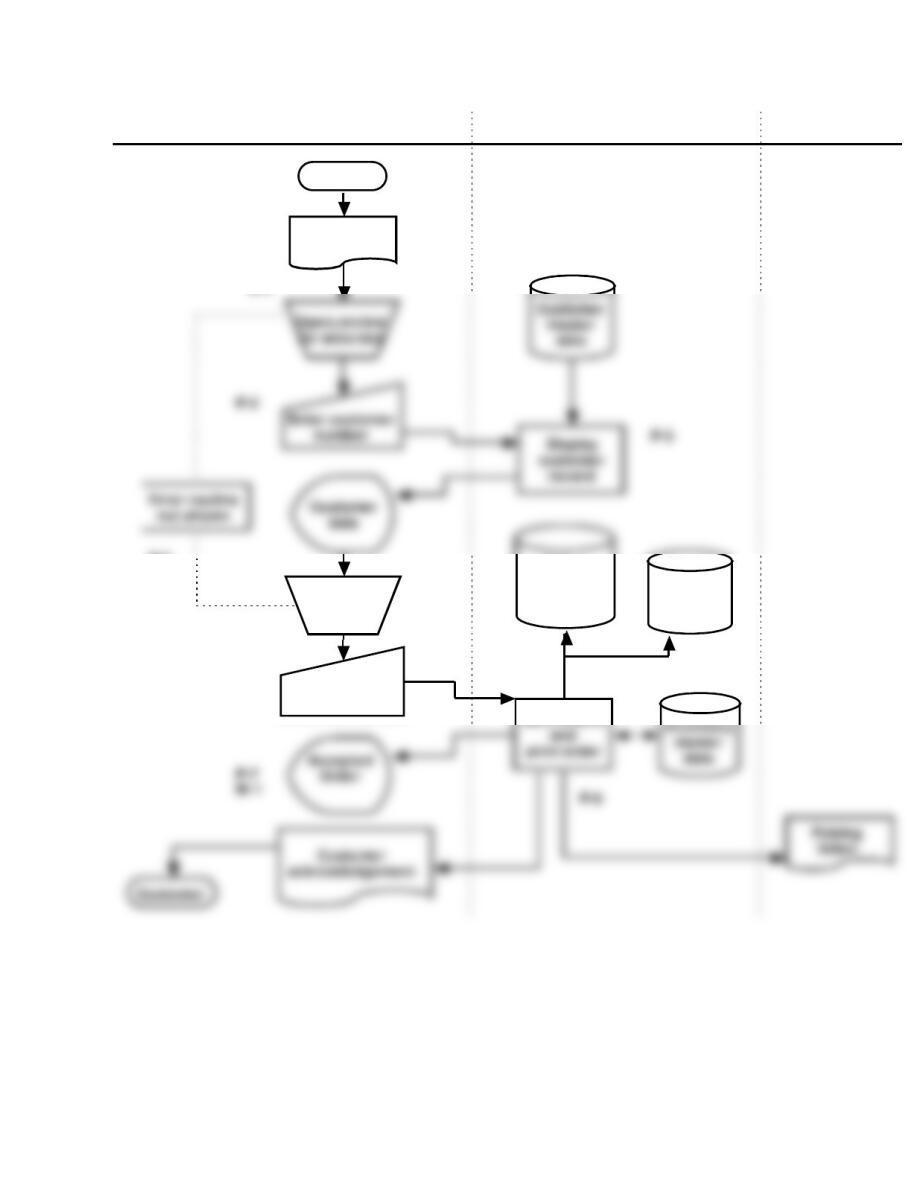
FIGURE SM-9.7 Problem 2 Parts f and h Solutions—Annotated Flowchart for Eye-Dee-A-Pet,
Inc., (Would look like this in Microsoft Visio or other diagraming software for
Part f.)
18 Solutions for Chapter 9
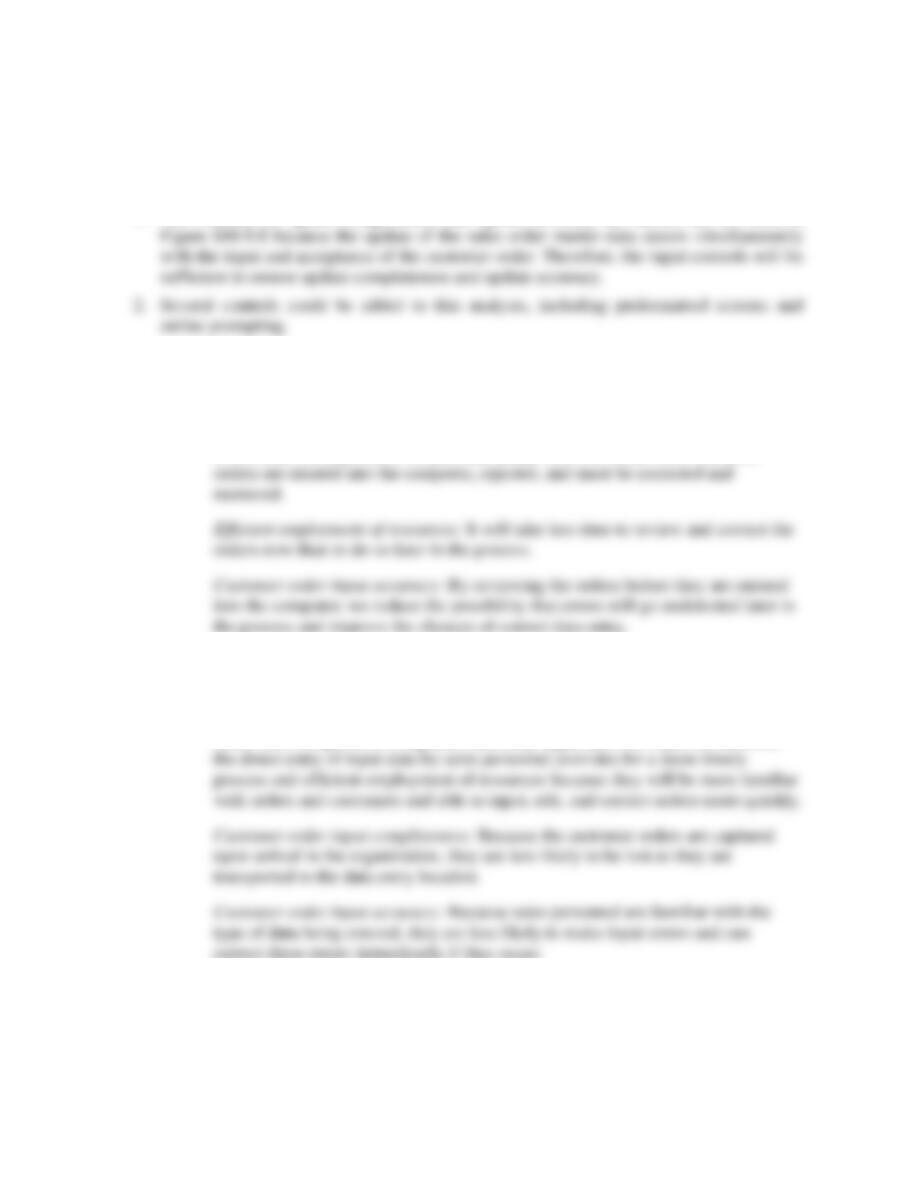
Control Goals of the Eye-Dee-A-Pet Order Entry Process
Control Goals of the Operations Process
Control Goals of the Information Process
Ensure
effectiveness
of
operations:
Ensure
efficient
employment of
resources
(people,
computers)
Ensure security
of resources
(customer
master data,
inventory)
For the sales order
inputs (i.e., customer
orders), ensure:
For the sales
order master
data, ensure:
Recommended control plans
A
B
IV
IC
IA
UC
UA
Present Controls
P-4: Compare input data with master data.
P-4
P-4
P-4
P-4
P-4
P-4
P-5: Procedures for rejected inputs.
P-5
P-5
P-6: Programmed edit checks.
P-6
P-6
P-6
P-6
P-6
P-6
P-7: Confirm input acceptance.
P-7
Missing Control
M-1: Manual agreement of batch totals.
M-1
M-1
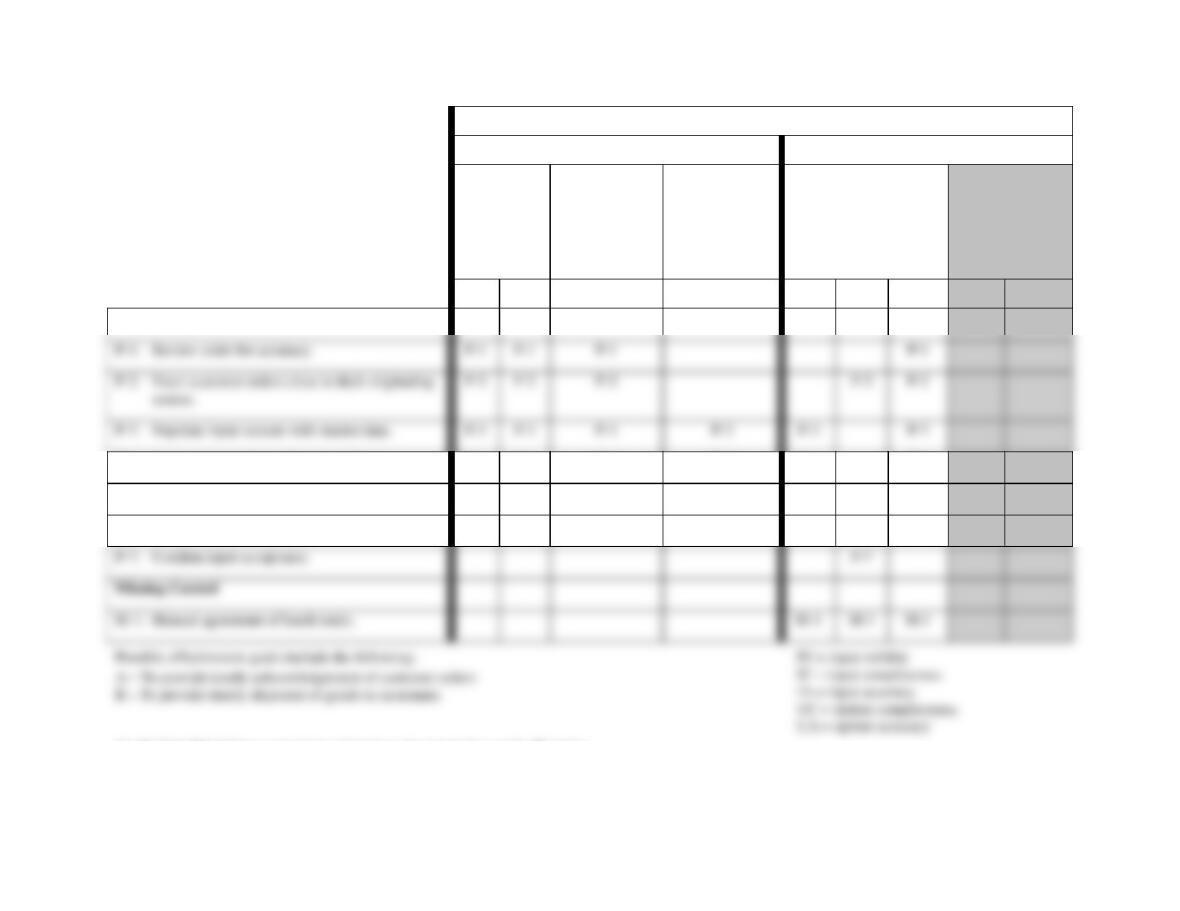
See Exhibit SM-9.2 for a complete explanation of control plans and cell entries.
FIGURE SM-9.8 Problem 2 Part g Solution (Partial)—Control Matrix for Eye-Dee-A-Pet, Inc.,
P-1: Review order for accuracy.
P-1
P-1
P-1
P-1
P-3: Populate input screens with master data.
P-3
P-3
P-3
P-3
P-3
P-3
Accounting Information Systems, 9e 19
Exhibit SM-9.2 Problem 9-2 Part g Solution (Partial)—Explanation of Cell Entries
Notes:
1. The columns for update completeness and update accuracy are shaded and not used in
Discussion and Explanation of Recommended Control Plans
P-1: Review order for accuracy.
Effectiveness goals A and B (timeliness): By reviewing the customer order early
in the order entry process, we preclude delays that will occur when incorrect
P-2: Enter customer orders close to their originating source.
Effectiveness goals A and B (timeliness), efficient employment of resources:
Customer mail orders are entered into the computer in the sales order department
rather than being sent to a separate data entry department for input. In addition,
P-3: Populate input screens with master data.
Effectiveness goals A and B (timeliness), efficient employment of resources: When
the sales order clerk enters the customer’s number, the computer retrieves

20 Solutions for Chapter 9
P-4: Compare input data with master data.
Effectiveness goals A and B (timeliness), efficient employment of resources,
customer order input accuracy: Sales orders can be processed on a timelier basis
P-5: Procedures for rejected inputs.Customer order input completeness, customer
order input accuracy: The rejection procedures (i.e., “Error routine not shown”
annotations) are designed to ensure that erroneous data not accepted for
processing are corrected (accuracy) and resubmitted for processing
(completeness).
P-6: Programmed edit checks.
Effectiveness goals A and B (timeliness), efficient employment of resources: The
computer would detect erroneous data, and the clerk can take corrective action
(“Error routine not shown”) immediately, for a more timely input process.
Furthermore, the customer order can be processed on a timelier basis and at lower
P-7: Confirm input acceptance.

Accounting Information Systems, 9e 21
M-1: Manual agreement of batch totals.
Customer order input validity, customer order input completeness, customer order
input accuracy: Mail orders are received in the sales order department, where a
P 9-3 ANS.
System Failure
Control Plan
Notes
1
B
2
G
3
D
This is better than reviewing the detail in the list as they are doing
at present.
4
H
5
F
A batch sequence check (A) will not work in this situation because
7
E
test), but this is used for number 6.
number 4.
9
I
L

22 Solutions for Chapter 9
P 9-4 ANS.
Assertion
Information
Quality
Explanation
A
1 and 2
When input data is restricted to “actual economic
events and objects” (IV) that are recorded “only
once” (IC), the resulting financial data will contain
only assets and liabilities that exist (actual objects)
and transactions that have occurred (actual events).
economic events are recorded (IC), the resulting
financial data will be complete.
accurate data capture (IA).
Accounting Information Systems, 9e 23
Customer
Order
display
Error routine
not shown
Correct
errors
Sales order
master data
Sales event
data
Sales order department Computer
P-2
P-4
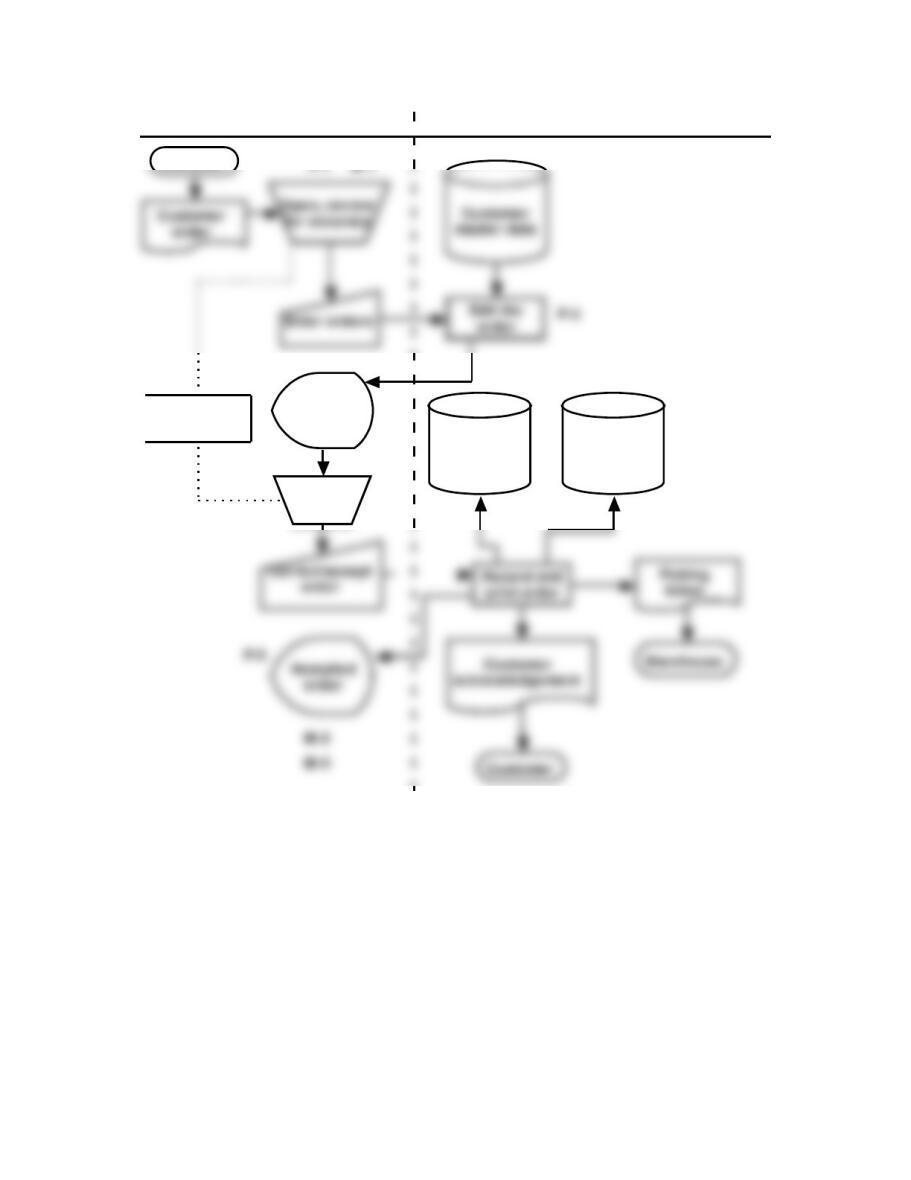
FIGURE SM-9.9 Problem 5 Part a Solution—Annotated Systems Flowchart
24 Solutions for Chapter 9
Control Goals of the Order Entry Business Process
Control Goals of the Operations Process
Control Goals of the Information Process
Ensure effectiveness
of operations:
Ensure
efficient
employment
of resources
(people,
computers)
Ensure
security of
resources
Inventory,
customer
master
data)
For the sales order
inputs (i.e., customer
order) – ensure:
For the sales
order master
data, ensure:
Recommended control plans
A
B
IV
IC
IA
UC
UA
Present Controls
P-4: Procedures for rejected input
P-4
P-5: Confirm input acceptance
P-5
Missing Controls
M-3
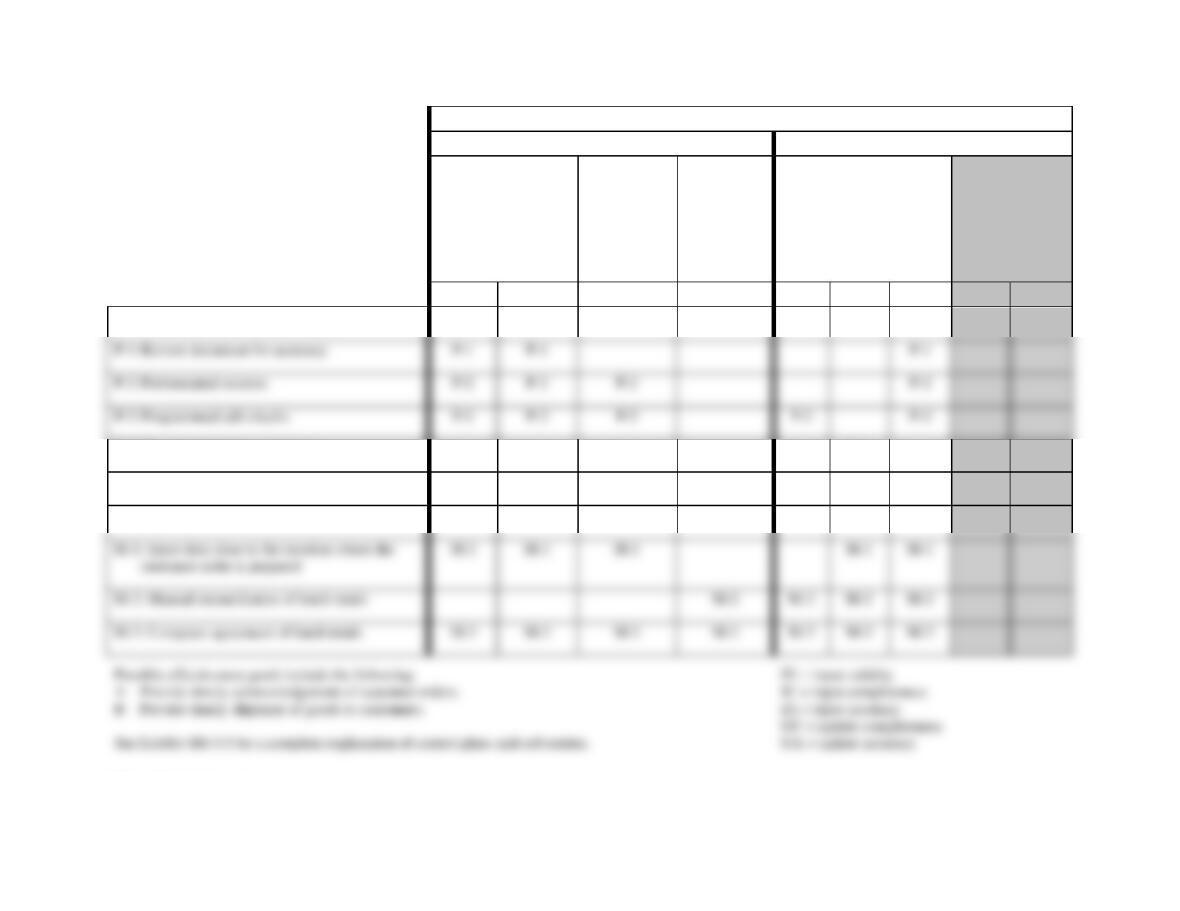
FIGURE SM-9.10 Problem 5 Part b Solution—Control Matrix for Figure SM 9.9
P-1: Review document for accuracy
P-1
P-3: Programmed edit checks
P-3

Accounting Information Systems, 9e 25
Exhibit SM-9.5 Problem 9-5 Part c Solution—Explanation of Cell Entries
Discussion and Explanation of Recommended Control Plans for Figure SM 9.10
P-1: Review document for accuracy.
Effectiveness goals A and B: By reviewing and correcting errors on the document
before input, the clerk should make the subsequent processes quicker.
P-2: Preformatted screens.
Effectiveness goals A and B, and efficient employment of resources: By
P-3: Programmed edit checks.
Effectiveness goals A and B, and efficient employment of resources: Event data
can be processed on a timelier basis (Effectiveness goals A and B) and at a lower
cost if errors are detected and prevented from entering the system in the first place
(efficiency). It will be more time consuming and costly to detect and correct errors
after the fact.

26 Solutions for Chapter 9
P-4: Procedures for rejected inputs.
P-5: Confirm input acceptance.
Customer order input completeness: By advising the user that input has been
accepted, interactive feedback checks help ensure input completeness.
M-1: Enter data close to the location where the customer order is prepared.
Effectiveness goals A and B, and efficient employment of resources: This strategy
places users in a position to process events immediately (i.e., no time taken to
M-2: Manual reconciliation of batch totals.
Security of resources: Agreement of the batch totals at this point would ensure
that only valid source documents have been input and that invalid picking tickets
M-3: Computer agreement of batch totals.
Effectiveness goals A and B, efficient employment of resources: Had the computer
been used to reconcile the control totals, the processing of the events would have
been completed more quickly and with less human effort.

P 9-6 ANS. The two types of business process controls in Figure 9.5 (and analyzed in the
control matrix in Figure 9.6 and Exhibit 9.4) are manual and automated (i.e.,
application) controls. The effectiveness of these controls can depend on the
operation of several controls described in Chapter 8. In this summary we examine
some of those relationships.
Manual Controls
Five controls in Figure 9.6 depend, somewhat, on the ability, training, and
diligence of the shipping personnel. First, Manually reconcile batch totals will
only be effective if the shipping clerk correctly prepares and then reconciles the
documents.
What controls in Chapter 8 will improve the effectiveness of these manual
controls? We can give several examples. The organization should employ
selection and hiring controls to ensure the hiring of quality personnel. All
Automated Controls
All of the controls that are performed by the computer system (i.e., application
controls) depend on the general controls (also known as IT general controls or
ITGCs) in Chapter 8. Several controls not mentioned in this analysis that might be
included here include Compare inputs with master data and Programmed edits at

28 Solutions for Chapter 9
On which general controls from Chapter 8 do we rely for these automated
controls to be effective? We can give several examples. Programs must be
developed using a systems development life cycle (SDLC) methodology to ensure
that user requirements, including controls, are included in the computer programs.
Before being implemented, these programs must be tested and approved using
program change controls to ensure that the program performs as expected and
that no unauthorized elements have been included in the programs that might, for