Instructor Overview of Excel® Templates
Contemporary Mathematics for Business and Consumers, Eighth Edition
Robert Brechner and George Bergeman
Cengage Learning
The Excel templates accompanying Contemporary Mathematics for Business and Consumers boost
student skills in two ways:
1)They ask students to use the math and business skills they are learning in your course.
2) They show how Excel and similar spreadsheets are used to display information and perform
calculations.
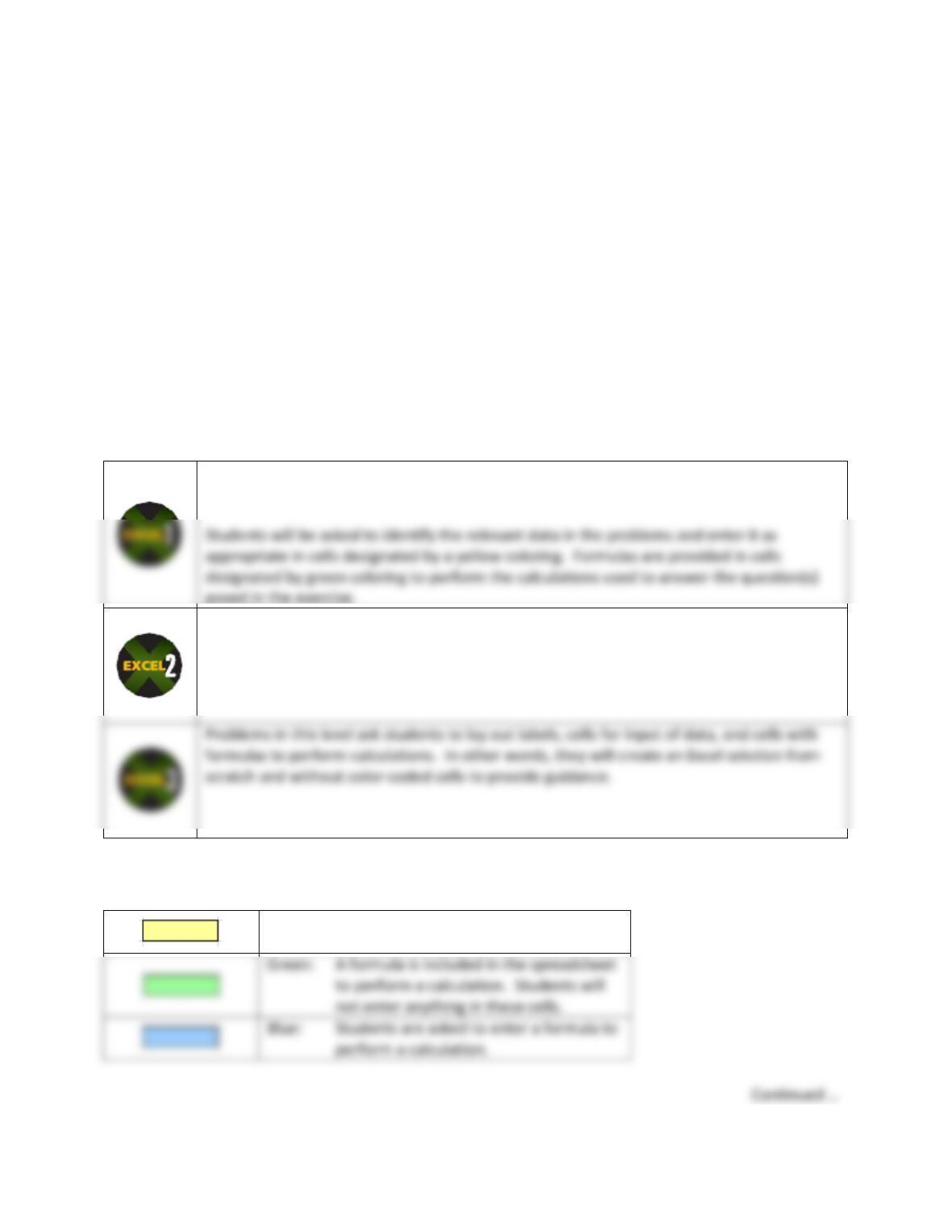
Excel icons in the text are placed beside a variety of problems, and each of these problems is
accompanied by an Excel template exercise. Each icon indicates one of three levels:
Problems in this level introduce students to spreadsheets and let them see how they can
be used to perform calculations and present information.
Problems in this level ask students do the same kinds of things done in Level 1 problems
plus enter formulas themselves in blue–colored cells in order to have Excel perform the
calculations necessary to find answers.
As noted above, students will see cells shown in different colors. To summarize:
Yellow: Students are asked to enter a value
based on data given in the problem.
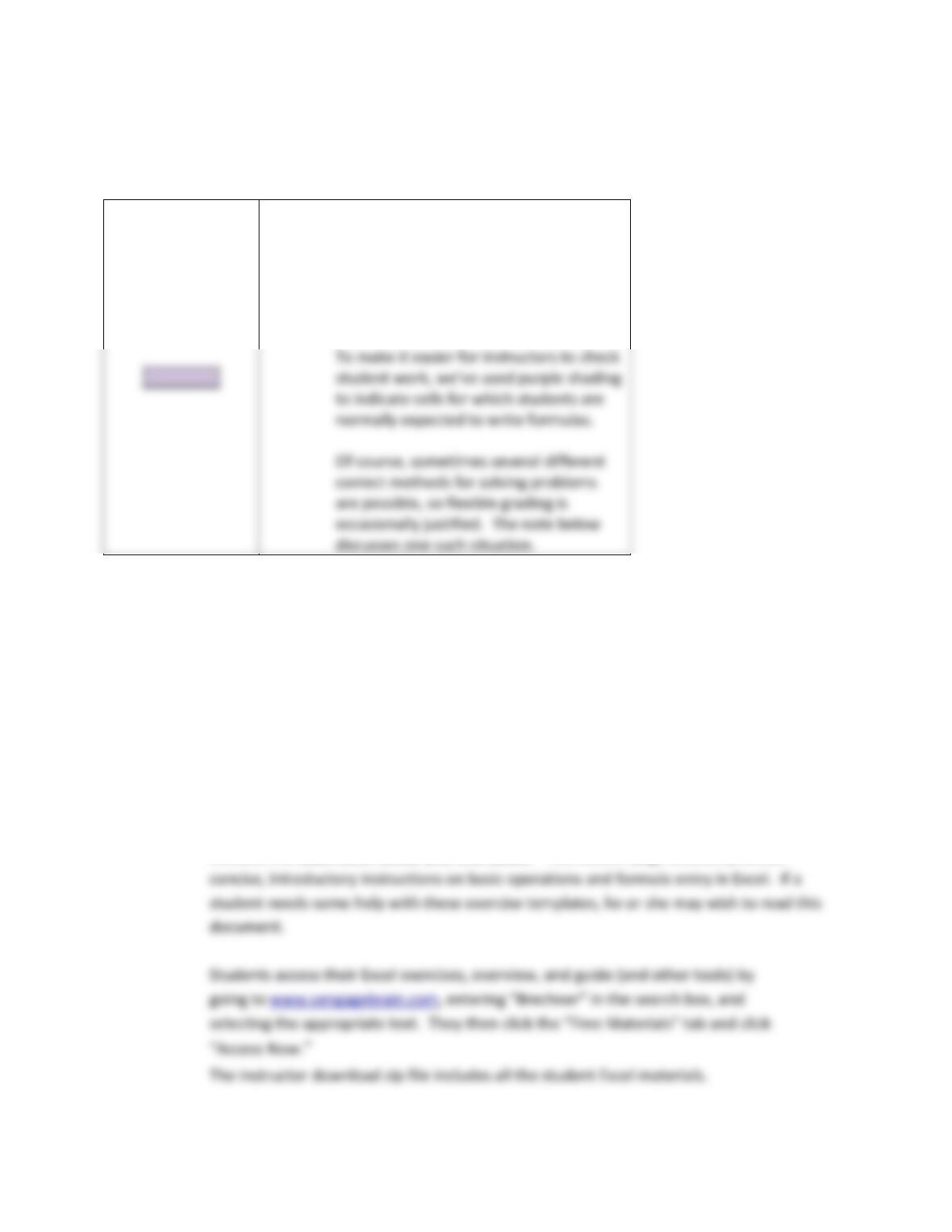
Instructors have their own set of Excel templates that include answers to each problem. (“Answers” is
appended to each file name.) One additional cell color is used in these templates for your convenience:
Purple: Used in Level 3 templates for instructors
only. Please note that Level 3 templates
in the student version do not provide
colored–cell guidance since they ask
students to create solutions from
scratch.
Note: Some of the formulas we have provided use “IF” statements in order to display
calculations only after the values referenced by the formula have been entered in other
cells. This is good spreadsheet practice and eliminates odd and/or unattractive results
such as “#DIV/0!” from being temporarily displayed, but you may not wish to require it.
For example, rather than
=IF(OR(E11=””,E13=””),””,E13/E11)
you may simply wish to let students enter the formula
=E13/E11
Note also: In addition to Excel template exercises and an overview, the Excel materials for students
includes the Basic Excel Guide and Workbook. This sixteen–page booklet provides