Accounting Information Systems, 10e 13
P 4-6 ANS. a. Annotated Table of Entities and Activities for Good Buy, Inc.
Entities
Para
Activities
Process
Customer
1
1. Log on to Web site.
Web server
1
2. Request current catalog.
ERP System
1
3. Send current catalog (assumes read and
format catalog data).
Customer
1
11. Verify that order is correct.
2.0 Verify order and
customer credit.
1
12. Enter shipping and credit card
information.
Web server
1
13. Edit customer input (shipping and credit
card information) for accuracy.
ERP System
1
18. Change inventory status from allocated to
sold.
1
20. Record sale and accounts receivable.
Web server
1
4. Display catalog.
Customer
1
5. Select items and quantities.
ERP System
1
8. Allocate inventory.
Web server
1
10. Display allocated items and quantities on
customer screen
14 Solutions for Chapter 4
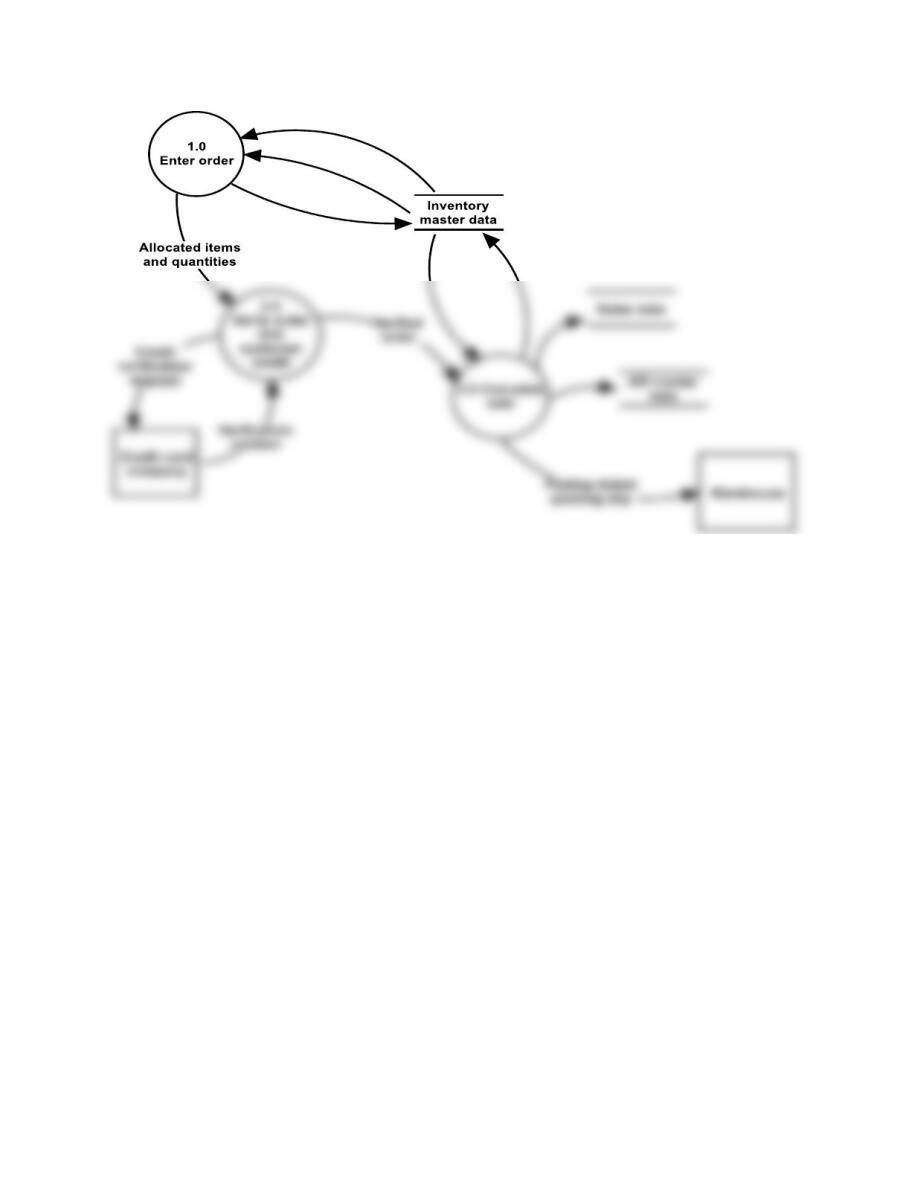
FIGURE SM-4.7 Problem 6 part b solution—logical DFD—for Good Buy, Inc.
Accounting Information Systems, 10e 15
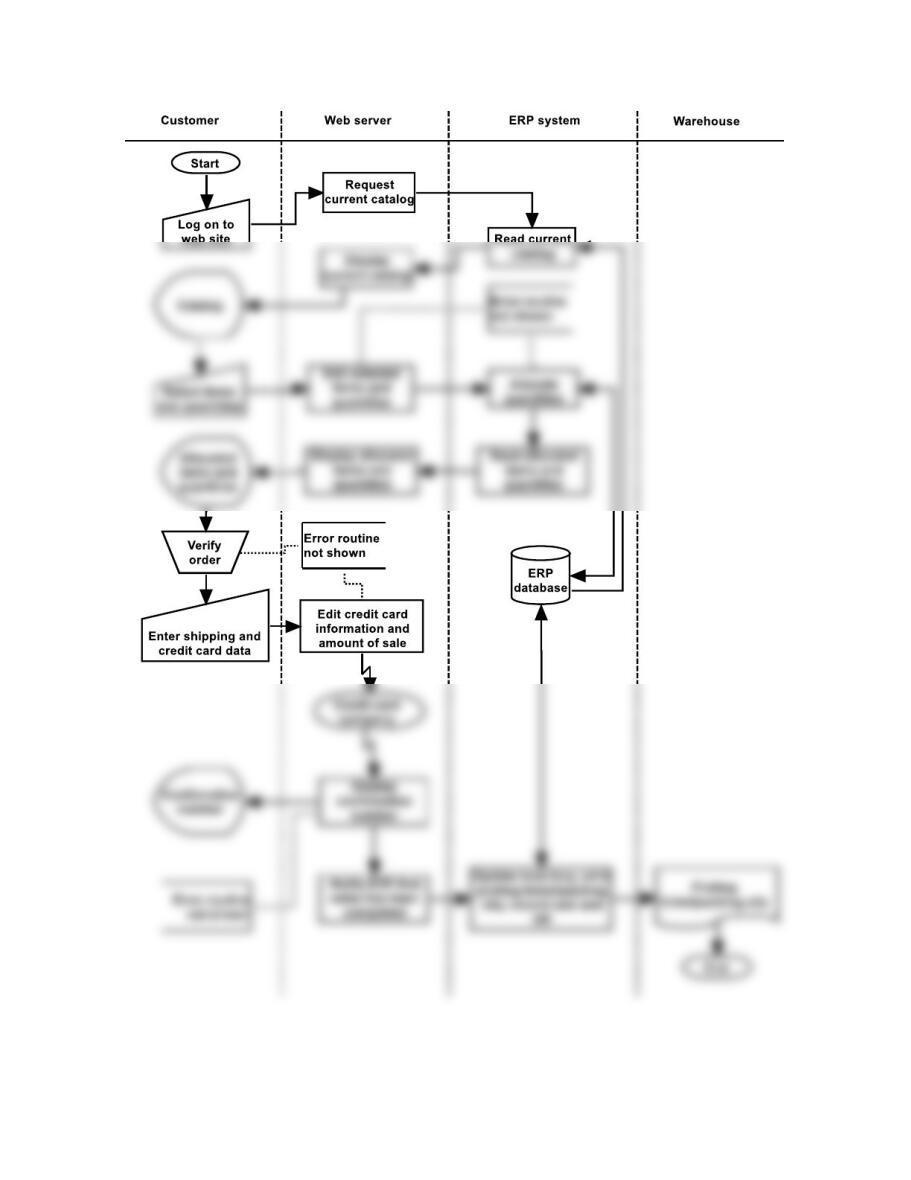
FIGURE SM-4.8 Problem 7 solution—systems flowchart—for Good Buy, Inc.
16 Solutions for Chapter 4
Problems 4 through 7 Solutions for CentralRisk Insurance Company
P 4-4 ANS. a. Table of Entities and Activities for CentralRisk Insurance
Entities
Para
Activities
Customer
1
1. Send request for auto insurance.
Sales office (sales clerks)
1
2. Prepare policy request form.
Computer operations
(computer)
2
7. Retrieve policy request data from the network.
2
8. Edit policy request data.
2
9. Sort policy request data.
3
10. Print a summary report listing edited request data.
3
3
15. Create disk for printing.
3
16. Print premium notices.
3
17. Send notices to customer.
1
3. File policy request form (copy 2).
1
5. Key policy request forms.
Accounting Information Systems, 10e 17
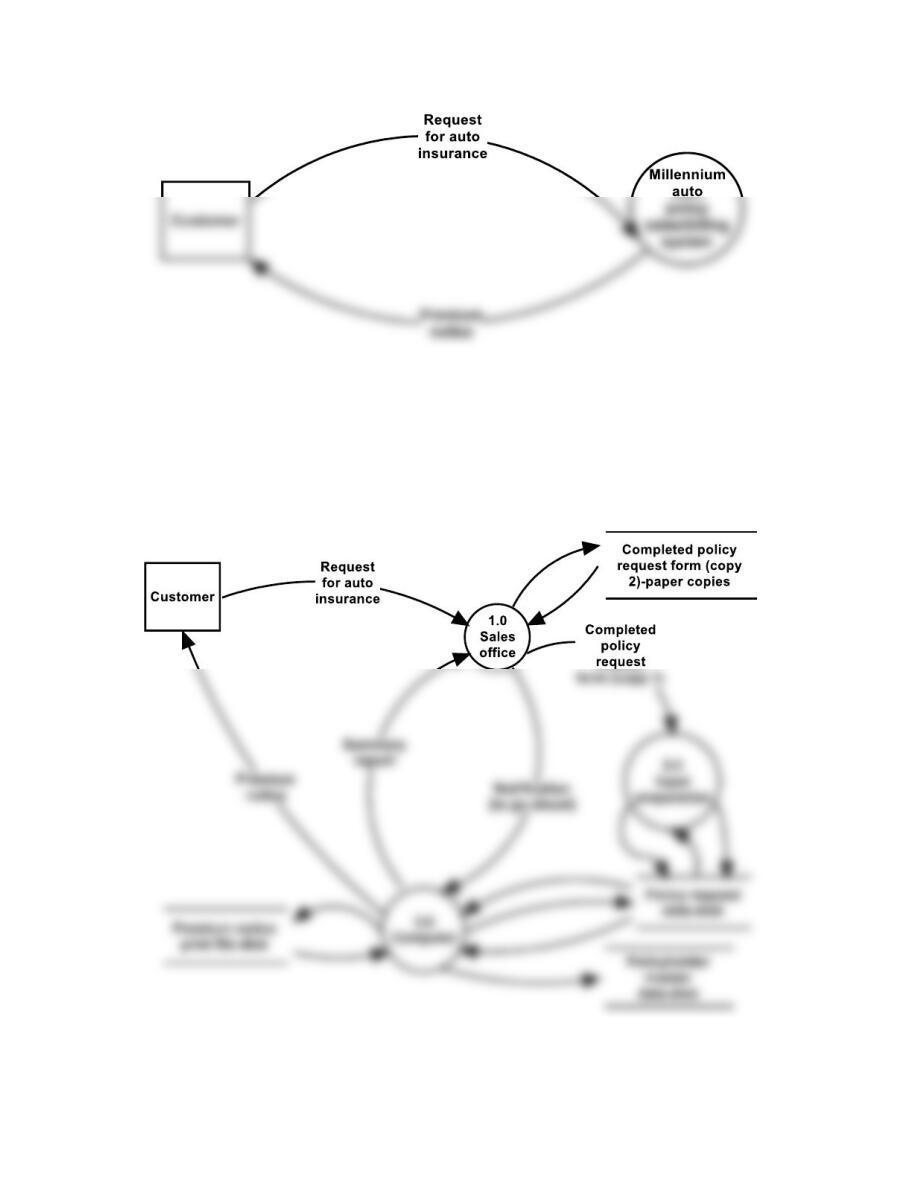
FIGURE SM-4.9 Problem 4 part b solution—context diagram—for CentralRisk Insurance
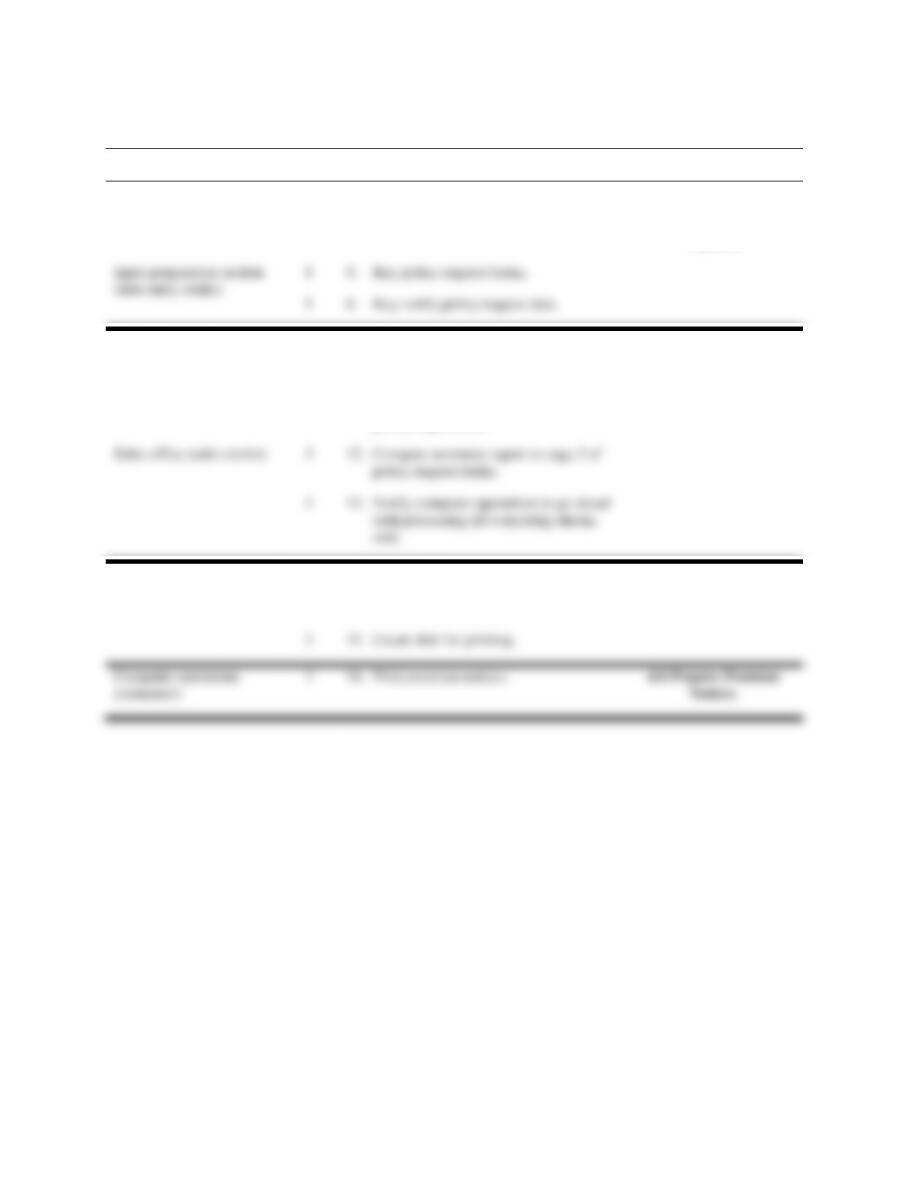
FIGURE SM-4.10 Problem 5 solution—physical DFD—for CentralRisk Insurance
18 Solutions for Chapter 4
P 4-6 ANS. a. Annotated Table of Entities and Activities for CentralRisk Insurance
Entities
Para
Activities
Process
Sales office (sales clerks)
1
2. Prepare policy request forms.
3
3. File policy request form (copy 2).
1.0 Capture Policy
Requests.
Computer operations
(computer
2
8. Edit policy request data.
2
9. Sort policy request data.
3
10. Print a summary report listing edited
policy request data.
2.0 Edit Policy Requests.
Sales office (sales clerks)
3
12. Compare summary report to copy 2 of
policy request forms.
Computer operations
(computer)
3
14. When notified, process policy request
data against the policyholder master data
to create a new policy record.
3.0 Record Policy
Requests.
3
16. Print premium notices.
1
5. Key policy request forms.
Accounting Information Systems, 10e 19
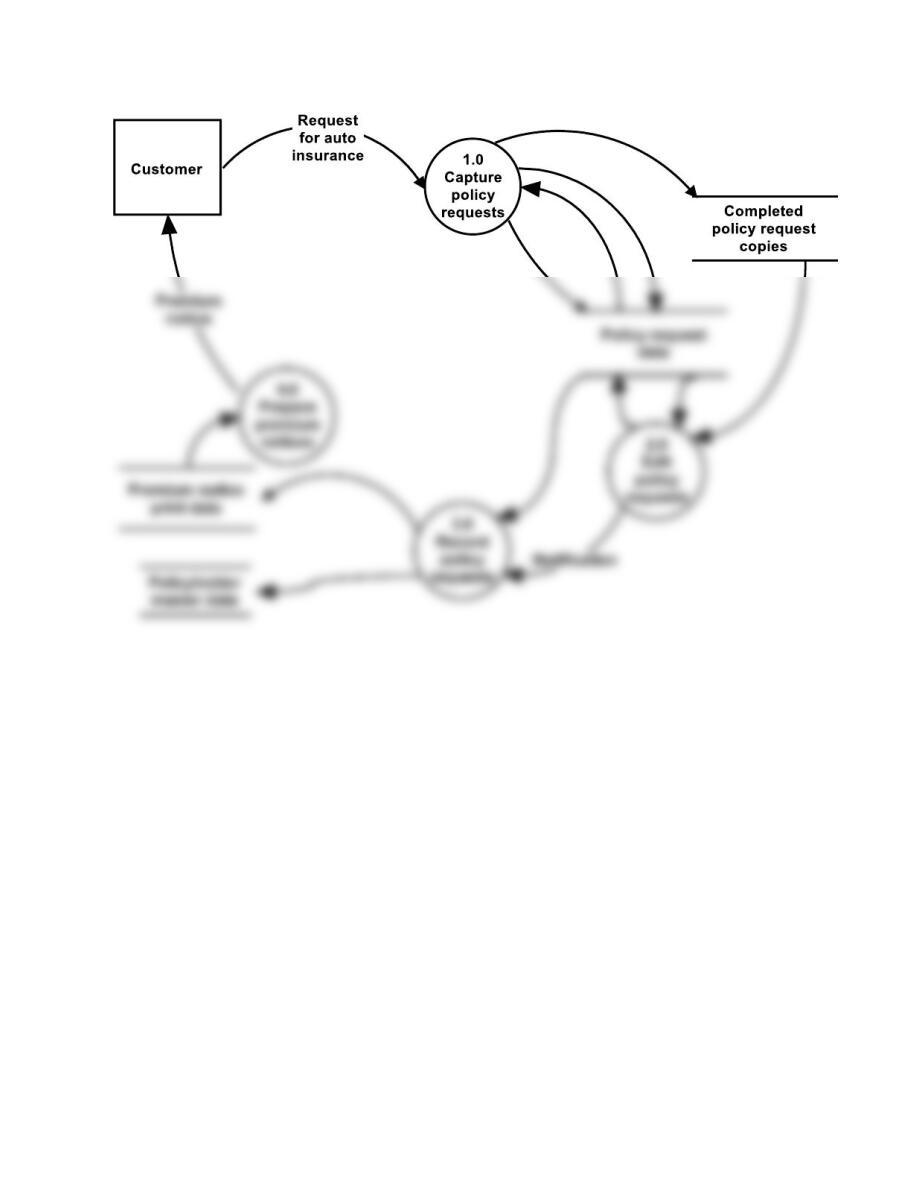
FIGURE SM-4.11 Problem 6 part b solution—logical DFD—for CentralRisk Insurance
4-20 Solutions for Chapter 4
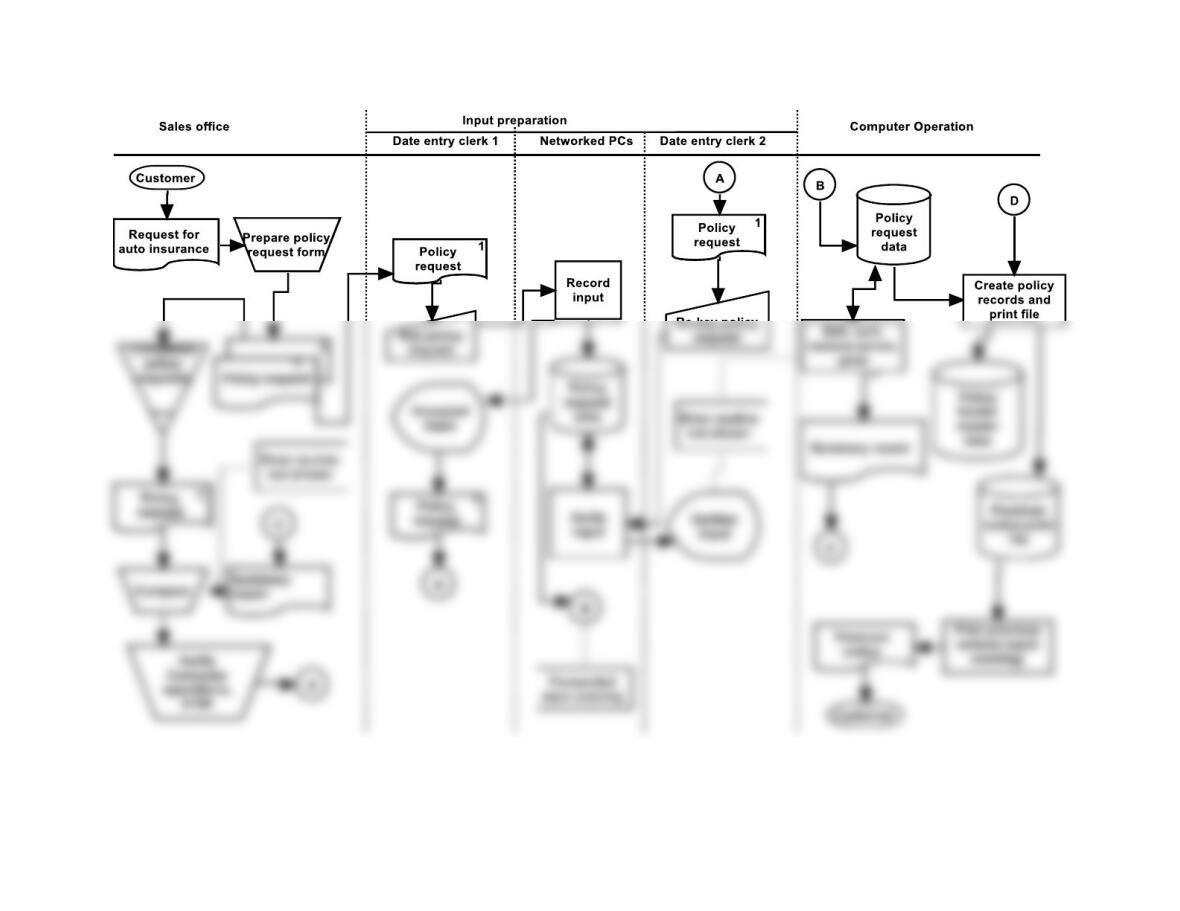
FIGURE SM-4.12 Problem 7 solution—systems flowchart—for CentralRisk Insurance
Accounting Information Systems, 10e 21
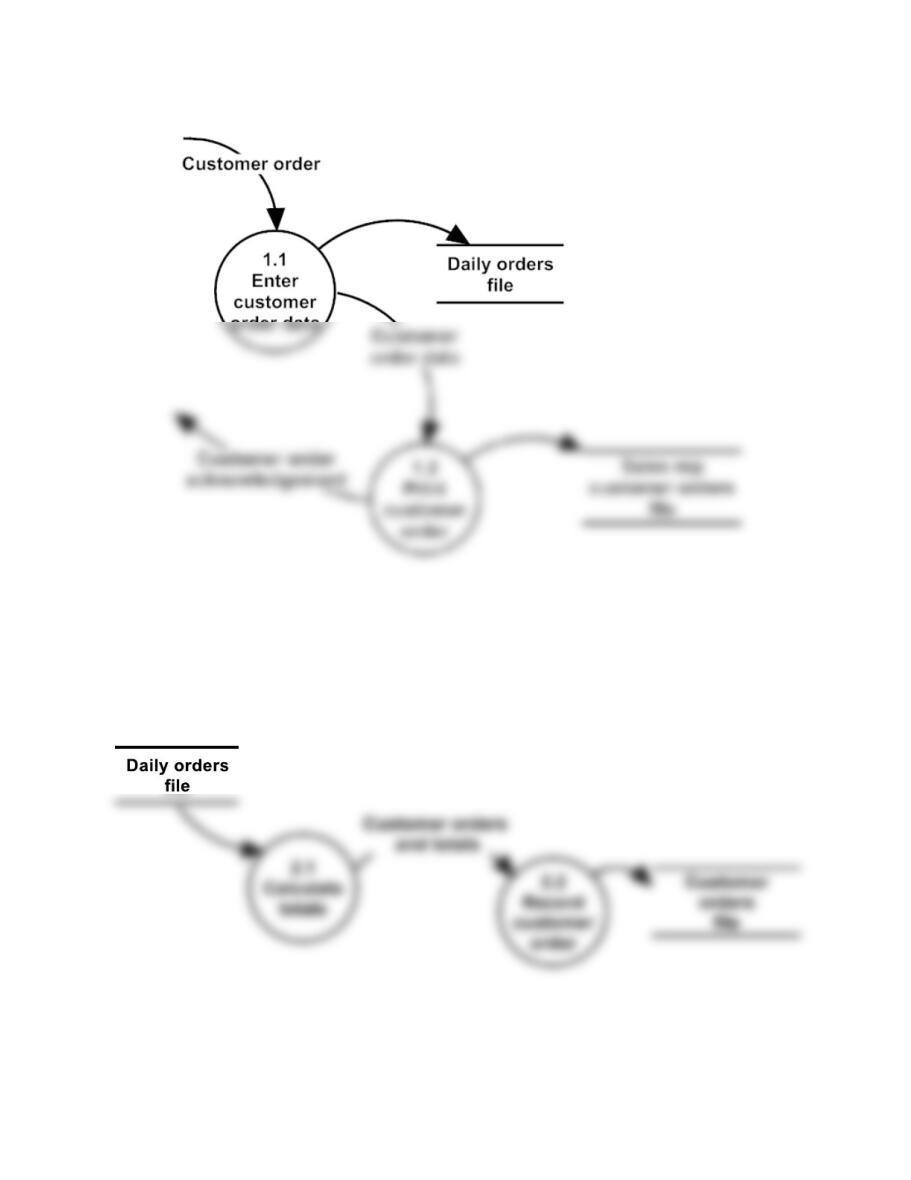
FIGURE SM-4.13 Problem 4-8 part a solution
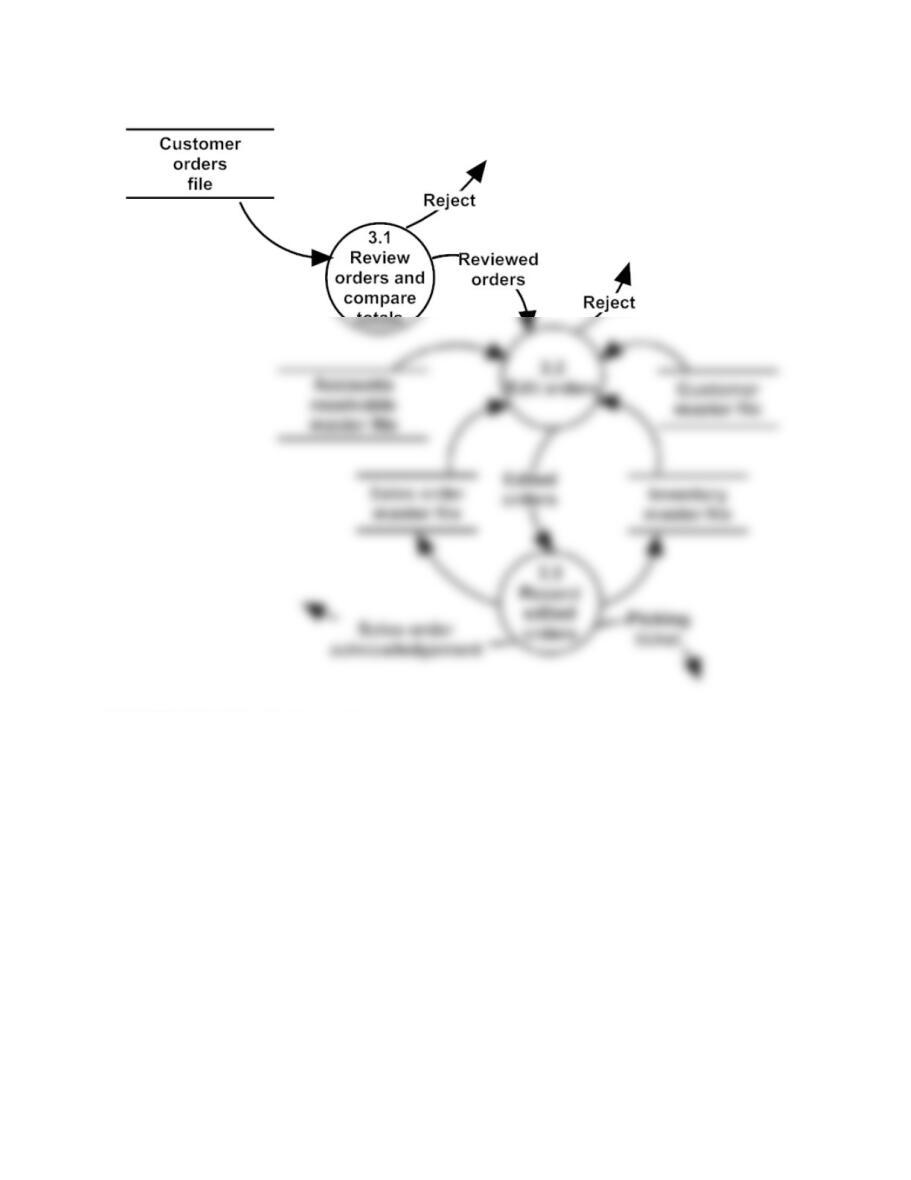
FIGURE SM-4.14 Problem 4-8 part b solution
22 Solutions for Chapter 4
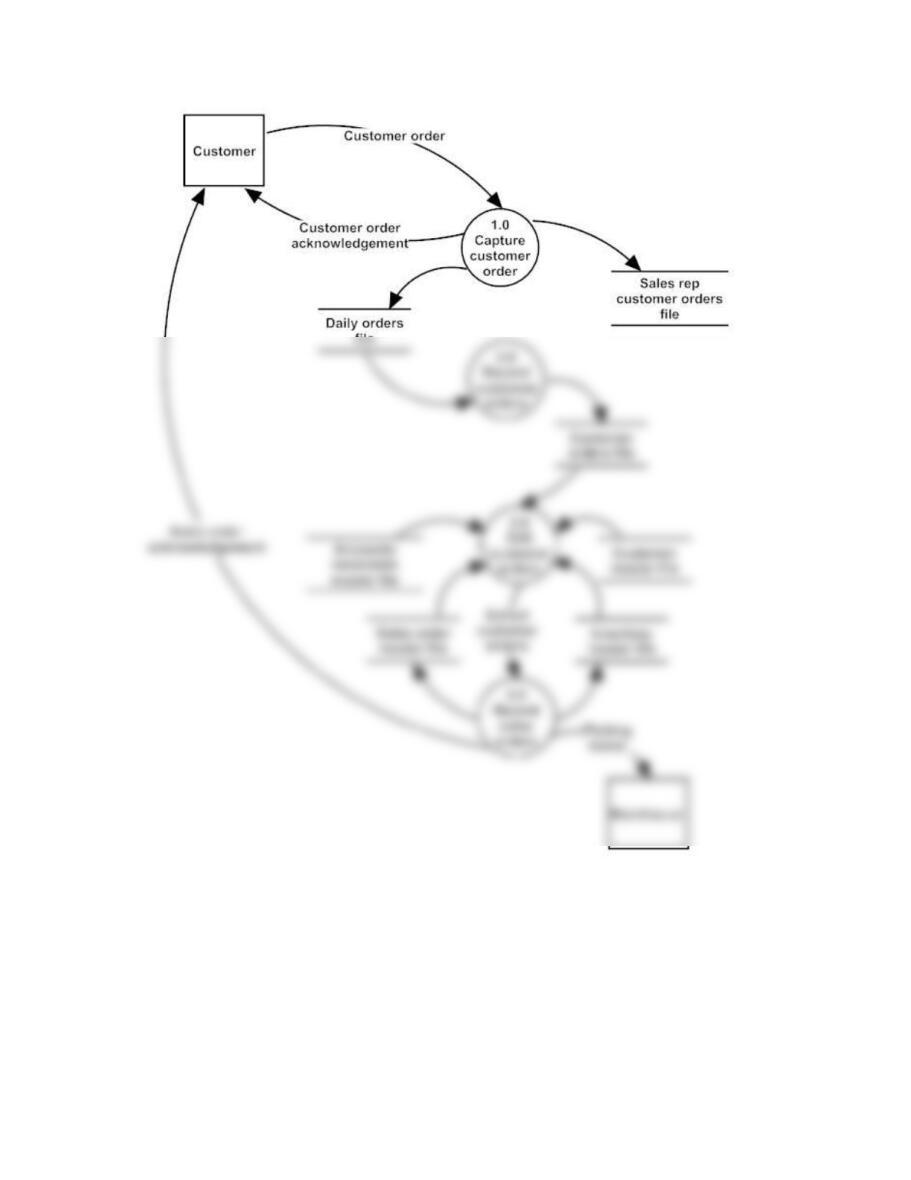
FIGURE SM-4.15 Problem 4-8 part c solution
Accounting Information Systems, 10e 23
FIGURE SM-4.16 Problem 4-9 solution