3.14 Solve the following system of nonlinear equations:
(a) Use Newton’s method. Start at
, , and
carry out the first five iterations
.
(b) Use the fixed-point iteration method. Start at
, , and
carry out the first five iterations
.
Solution
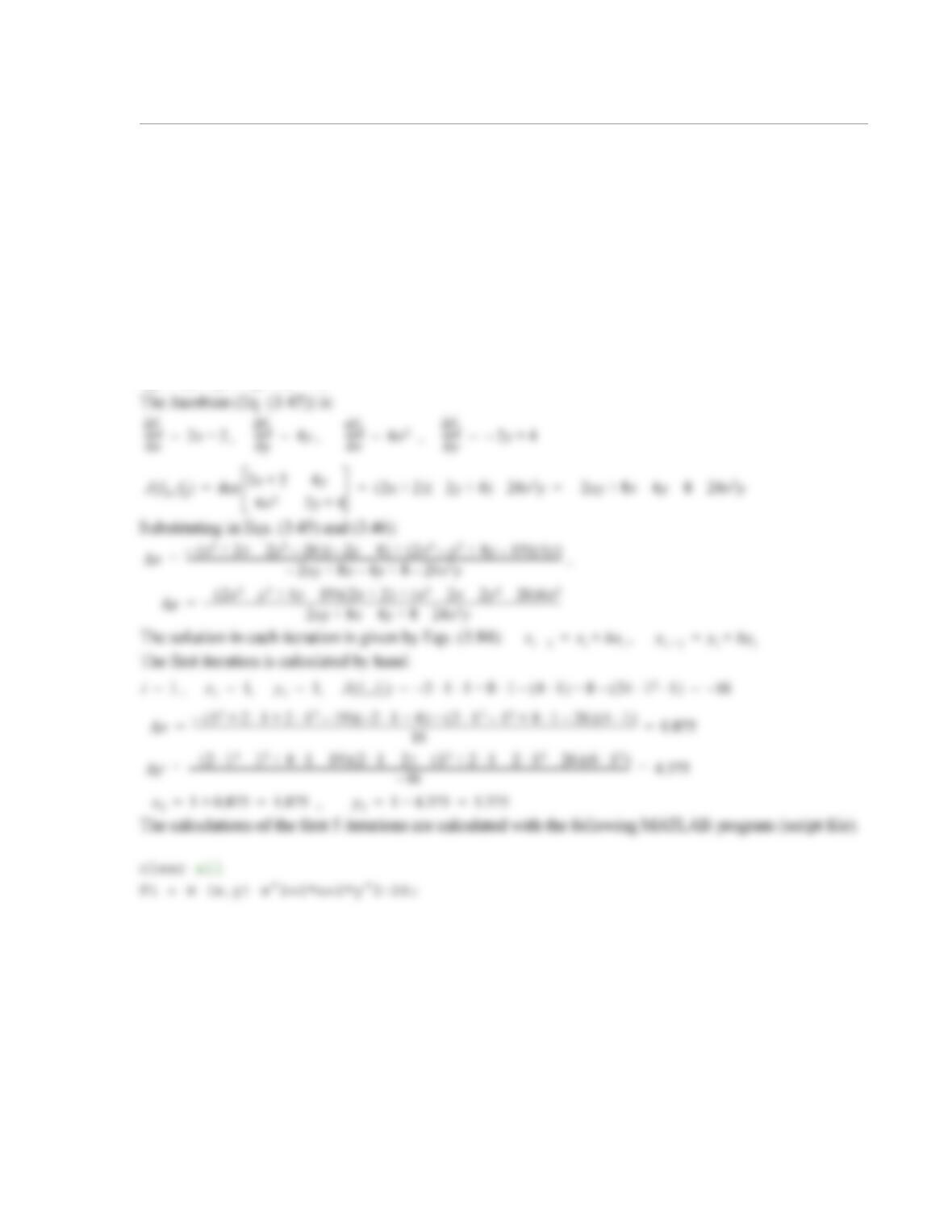
(a) Using Newton’s method.
x22x2y226–++ 0=
2x3y2
–4y19–+0=
x1=
y1=
x1=
y1=
f1x22x2y226–++ 0==
f22x3y2
–4y19–+0==
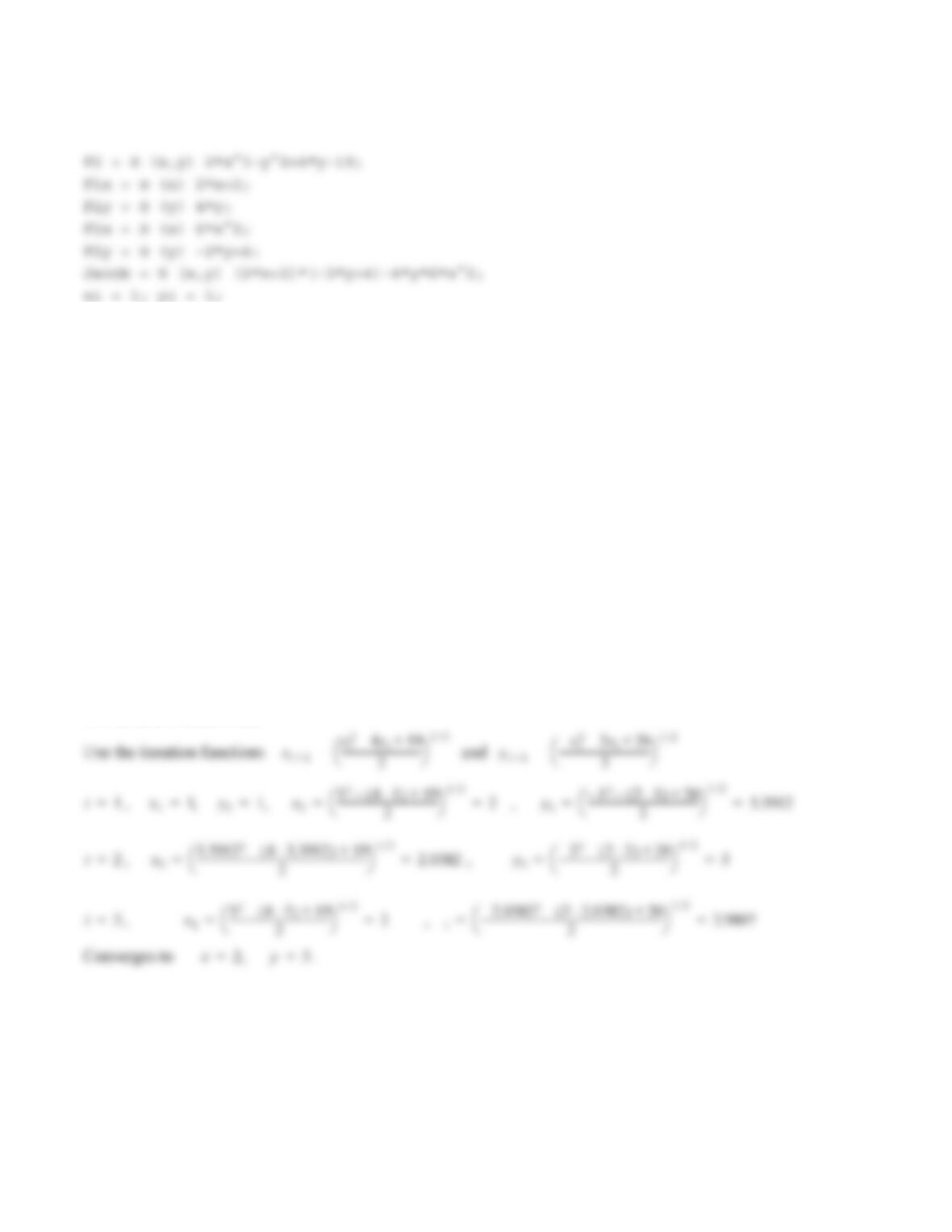
fprintf(‘x = %-7.4f y = %-7.4f\n’,xi,yi)
for i = 1:5
Jac = Jacob(xi,yi);
Delx = (-F1(xi,yi)*F2y(yi) + F2(xi,yi)*F1y(yi))/Jac;
Dely = (-F2(xi,yi)*F1x(xi) + F1(xi,yi)*F2x(xi))/Jac;
xi = xi + Delx;
yi = yi + Dely;
fprintf(‘i =%2.0f x = %-7.4f y = %-7.4f\n’,i,xi,yi)
end
When the program is executed, the following (solution) is displayed in the Command Window:
x = 1.0000 y = 1.0000
i = 1 x = 1.8750 y = 5.3750
i = 2 x = 1.9164 y = 3.5478
i = 3 x = 1.9963 y = 3.0443
i = 4 x = 2.0000 y = 3.0003
i = 5 x = 2.0000 y = 3.0000
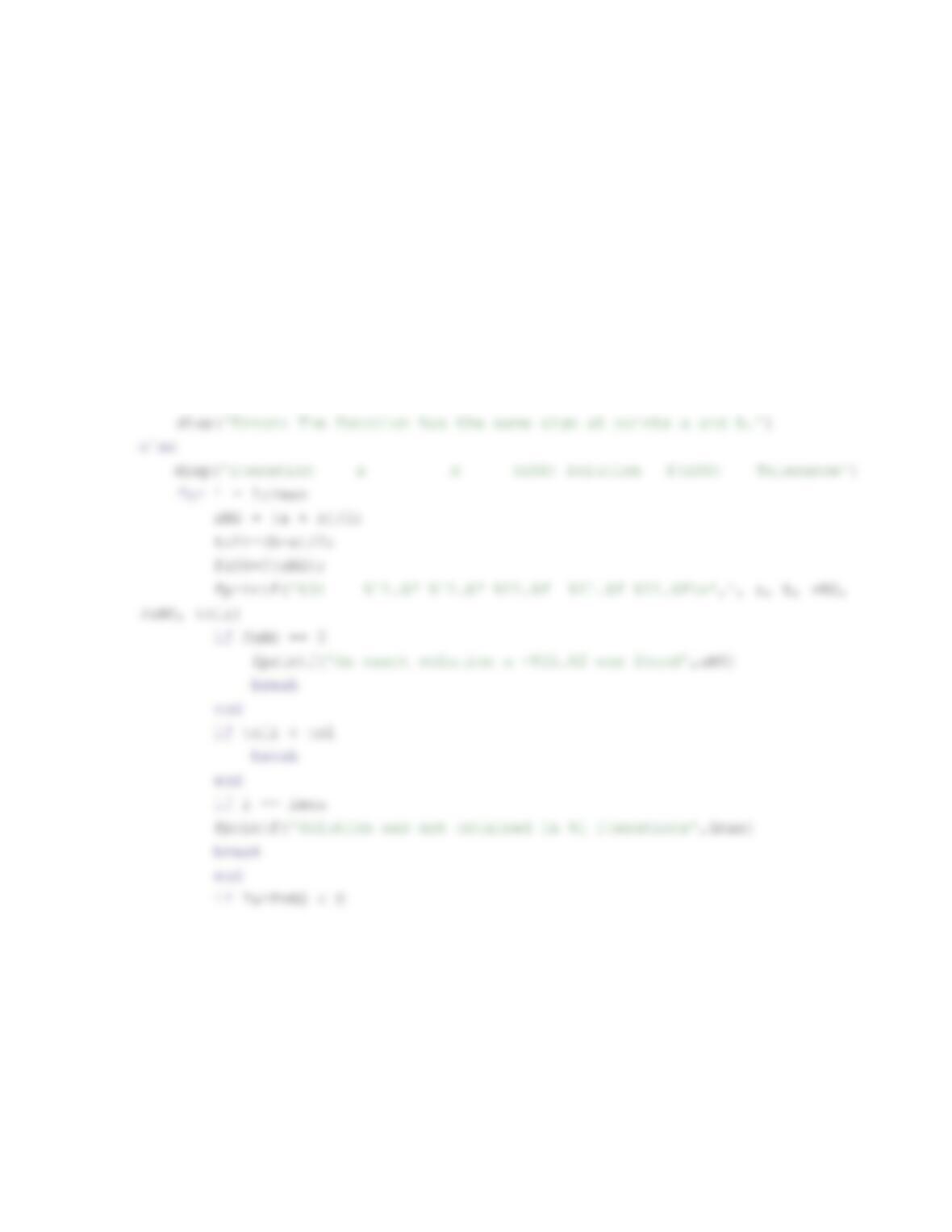
(b) Using the fixed-point iteration method.
The iteration function are:
1
3.15 In the program of Example 3-1 the iterations are executed in the for-end loop. In the loop, the anon-
ymous function F is used twice (once in the command FxNS = F(xNS) and once in the command if
F(a)*FxNS < 0). Rewrite the program such that the anonymous function F is used inside the loop only
once. Execute the new program and show that the output is the same as in the example.
Solution
clear all
F = @ (x) 8-4.5*(x-sin(x));
a = 2; b = 3; imax = 20; tol = 0.001;
Fa=F(a); Fb=F(b);
if Fa*Fb > 0
2
b = xNS;
else
a = xNS;
Fa = FxNS;
end
end
end
When the program is executed the display in the Command Window is:
iteration a b (xNS) Solution f(xNS) Tolerance
1 2.000000 3.000000 2.500000 -0.556875 0.500000
2 2.000000 2.500000 2.250000 1.376329 0.250000
1
3.16 Write a MATLAB user-defined function that solves for a root of a nonlinear equation using
the bisection method. Name the function Xs = BisectionRoot(Fun,a,b). The output argument Xs is
the solution. The input argument Fun is a name for the function that calculates for a given x (it is a
dummy name for the function that is imported into BisectionRoot); a and b are two points that
bracket the root. The iterations should stop when the tolerance in (Eq. (3.5)) is smaller than 0.000001.
The program should check if points a and b are on opposite sides of the solution. If not, the program
should stop and display an error message. Use BisectionRoot to solve Problem 3.2.
Solution
function Xs = BisectionRoot(Fun,a,b)
% BisectionRoot finds the root of Fun = 0 using the bisection method.
% Input variables:
% Fun Name for the function (entered as a handle) that calculates Fun for a
given x.
fx() 0=
fx()
fx()
2
end
Solving Problem 3.2:
>> F3_2=@ (x) x-2*exp(-x);
>> Sol = BisectionRoot(F3_2,0,1)
Sol =
0.852605819702148
1
3.17 Determining the square root of a number p, , is the same as finding a solution to the equation
. Write a MATLAB user-defined function that determines the square root of a positive
number by solving the equation using Newton’s method. Name the function
[
Xs]
=
SquareRoot
(
p
).
The
output argument
Xs
is the answer, and the input argument
p
is the number whose square root is determined.
The program should include the following features:
•
It should check if the number is positive. If not, the program should stop and display an error message.
•
The starting value of x for the iterations should be .
•
The iterations should stop when the estimated relative error (Eq. (3.9)) is smaller than 0.00001.
•
The number of iterations should be limited to 20. If a solution is not obtained in 20 iterations, the pro-
gram should stop and display an error message.
Use the function
SquareRoot
to determine the square root of (a) 729, (b) 1500, and (c) -72.
Solution
function Xs = SquareRoot(p)
% SquareRoot finds the root of a number.
% Input variables:
p
fx() x2p–0==
xp=
2
end
if i == imax
fprintf(‘Solution was not obtained in %i iterations.\n’,imax)
Xs = (‘No answer’);
end
end
The function
SquareRoot
is next used in the Command Window to determine the square root of (a) 729,
(b) 1500, and (c) -72.
>> SquareRoot(729)
ans =
1
3.18 Determining the natural logarithm of a number p, , is the same as finding a solution to the equa-
tion . Write a MATLAB user-defined function that determines the natural logarithm of a
number by solving the equation using the bisection method. Name the function
X
=
Ln
(
p
).
The output argu-
ment
X
is the value of , and the input argument
p
is the number whose natural logarithm is determined.
The program should include the following features:
•
The starting values of a and b (see Section 3.3) are and , respectively, if , and
and , respectively, if .
•
The iterations should stop when the tolerance (Eq. (3.7)) is smaller than .
•
The number of iterations should be limited to 100. If a solution is not obtained in 100 iterations, the
function stops and displays an error message.
•
If zero or a negative number is entered for
p
, the program stops and displays an error message.
Use the function
Ln
to determine the natural logarithm of (a) 510, (b) 1.35, (c) 1, and (c) .
Solution
function X = Ln(p)
% Input variables:
% p The number whose square root is determined.
pln
fx() exp–0==
pln
ae
0
=
bp=
be
1
>
a1p⁄–=
be
0
=
be
1
<
110
6–
×
7–
2
toli = (b – a)/2;
Fxs = F(xs);
if Fxs == 0 | toli < 0.0000001
X=xs;
break
Command Window:
>> % (a)
>> Ln(510)
ans =
6.2344
>> % (b)
>> Ln(1.35)
ans =
1
3.19 A new method for solving a nonlinear equation is proposed. The method is similar to the
bisection method. The solution starts by finding an interval that brackets the solution. The first esti-
mate of the solution is the midpoint between and . Then the interval is divided into four
equal sections. The section that contains the root is taken as the new interval for the next iteration.
Write a MATLAB user-defined function that solves a nonlinear equation with the proposed new
method. Name the function Xs = QuadSecRoot(Fun,a,b), where the output argument Xs is the solu-
tion. The input argument Fun is a name for the function that calculates for a given x (it is a dummy
name for the function that is imported into QuadSecRoot), a and b are two points that bracket the root.
The iterations should stop when the tolerance, Eq. (3.7), is smaller than ( is the current esti-
mate of the solution, Eq. (3.6)).
Use the user-defined QuadSecRoot function to solve the equations in Problems 3.2 and 3.3. For the
initial values of a and b, take the values that are listed in part (a) of the problems.
Solution
function Xs = QuadSecRoot(Fun,a,b)
% QuadSecRoot finds the root of Fun = 0.
% Input variables:
fx() 0=
ab,[]
xa=
xb=
ab,[]
fx()
10 6– xNS
xNS
2
toli=(b-a)/2;
Fxs=Fun(Xs);
if abs(toli) < Tol
break
%Divide the interval into four sections.
d=(b-a);
aa=a+d/4;
am=a+d/2;
bb=a+3*d/4;
Faa=Fun(aa);
3
end
Script file that solves Problems 3.2 and 3.3:
%Solution of Chapter 3 HW 19 3ed Script
clear, clc
% Solving Problem 3.2
F3_2=@ (x) x-2*exp(-x);
Sola = QuadSecRoot(F3_2,0,1)
1
3.20 Write a MATLAB user-defined function that solves a nonlinear equation with the regula
falsi method. Name the function Xs = RegulaRoot(Fun,a,b,ErrMax), where the output argument
Xs is the solution. The input argument Fun is a name for the function that calculates for a given x (it
is a dummy name for the function that is imported into RegulaRoot), a and b are two points that bracket
the root, and ErrMax the maximum error according to Eq. (3.9).
The program should include the following features:
•
Check if points a and b are on opposite sides of the solution. If not, the program should stop and dis-
play an error message.
•
The number of iterations should be limited to 100 (to avoid an infinite loop). If a solution with the
required accuracy is not obtained in 100 iterations, the program should stop and display an error mes-
sage.
Use the function RegulaRoot to solve the equation in Problem 3.3 (use , ).
Solution
function Xs = RegulaRoot(Fun,a,b,ErrMax)
% RegulaRoot finds the root of Fun = 0 using the regula falsi method.
% Input variables:
% Fun Name for the function (imported as a handle) that calculates Fun for a
given x.
fx() 0=
fx()
a0.1=
b1.4=
2
% Ckecks if the estimated relative error is smaller than ErrMax.
if i >1 & abs((Xs-XsIminus1)/XsIminus1) <= ErrMax
break
end
if i == imax
fprintf(‘Solution was not obtained in %i iterations’,imax)
break
end
else
a = Xs;
Fa = FXs;
end
end
end
Script file that solves Problem 3.3:
% Problem 3.20, solving Problem 3.3
clear, clc
1
3.21 A new method for solving a nonlinear equation is proposed. The method is a combination
of the bisection and the regula falsi methods. The solution starts by defining an interval that brackets
the solution. Then estimated numerical solutions are determined once with the bisection method and once
with the regula falsi method. (The first iteration uses the bisection method.) Write a MATLAB user-defined
function that solves a nonlinear equation with this new method. Name the function Xs = BiRe-
gRoot(Fun,a,b,ErrMax), where the output argument Xs is the solution. The input argument Fun is a
name for the function that calculates for a given x (it is a dummy name for the function that is
imported into BiRegRoot), a and b are two points that bracket the root, and ErrMax is the maximum
error according to Eq. (3.9).
The program should include the following features:
•
Check if points a and b are on opposite sides of the solution. If not, the program should stop and dis-
play an error message.
•
The number of iterations should be limited to 100 (to avoid an infinite loop). If a solution with the
required accuracy is not obtained in 100 iterations, the program should stop and display an error mes-
sage.
Use the function RegulaRoot to solve the equation in Problem 3.3 (use , ). For
ErrMax use 0.00001.
Solution
function Xs = BiRegRoot(Fun,a,b,ErrMax)
% BiRegRoott finds the root of Fun = 0 using a combination of the bisection
% and regula falsi methods
fx() 0=
ab,[]
fx() 0=
fx()
a0.1=
b1.4=
2
Xs = (‘Error: The function has the same sign at points a and b.’);
else
break
end
% Ckecks if the estimated relative error is smaller than ErrMax.
if i >1 & abs((Xs-XsIminus1)/XsIminus1) <= ErrMax
break
end
if i == imax
fprintf(‘Solution was not obtained in %i iterations’,imax)
break
end
if Fa*FXs < 0
b = Xs;
3
% Problem 3.21, solving Problem 3.3
clear, clc
Fun= @ (x) sin(x)/x-3/4;
1
3.22 Modify the function NewtonRoot that is listed in Fig. 3-11, such that the input will have three
arguments. Name the function
Xs
=
NewtonSol
(
Fun,FunDer,Xest
)
. The output argument Xs is the
solution, and the input arguments Fun, FunDer, and Xest are the same as in NewtonRoot. The itera-
tions should stop when the estimated relative error (Eq. (3.9)) is smaller than . The number of itera-
tions should be limited to 100 (to avoid an infinite loop). If a solution with the required accuracy is not
obtained in 100 iterations, the program should stop and display an error message. Use the function
New-
tonSol
to solve the equation that is solved in Example 3-2.
Solution
function Xs = NewtonSol(Fun,FunDer,Xest)
% NewtonRoot finds the root of Fun = 0 near the point Xest using Newton’s
method.
10 6–
2
The following script file solves Example 3-2:
% HW3_22_3ed Script that solves Example 3-2