
Accounting Information Systems, 10e 21
d. Table of Entities and Activities (Annotated) for Bondstreet Company (Billing and Cash
Receipts)
Entities
Para
Activities
Process
Billing clerk
2
1. Requests billing due list display.
ERP system
2
2. Display billing due list.
2
3. Display totals for billing due list.
Clerk
4
8. Reconcile billing due and invoice totals.
2.0 Record and send
invoices.
4
9. Accept invoice batch.
ERP system
4
10. Update sales order, close billing due list,
create AR, update GL, send electronic
invoice, and display job completed.
ERP system
13. Save remittance file.
5
14. Request display of remittance totals.
ERP system
5
15. Display remittance file totals.
CA clerk
5
16. Compare e-mail and remittance file totals.
CA clerk
6
17. Request application of payments.
4.0 Record payment.
ERP system
6
18. Examine terms, calculate amount due, and
record payment.
6
19. Display total AR, discounts, and amount paid.
6
21. Request update of GL.
ERP system
6
22. Update GL.
Billing clerk
2
4. Record billing due list totals on batch total
sheet.
3
5. Request execution of billing program.
ERP system
3
6. Prepare invoice records (access customer,
3
7. Calculate and display invoice totals.
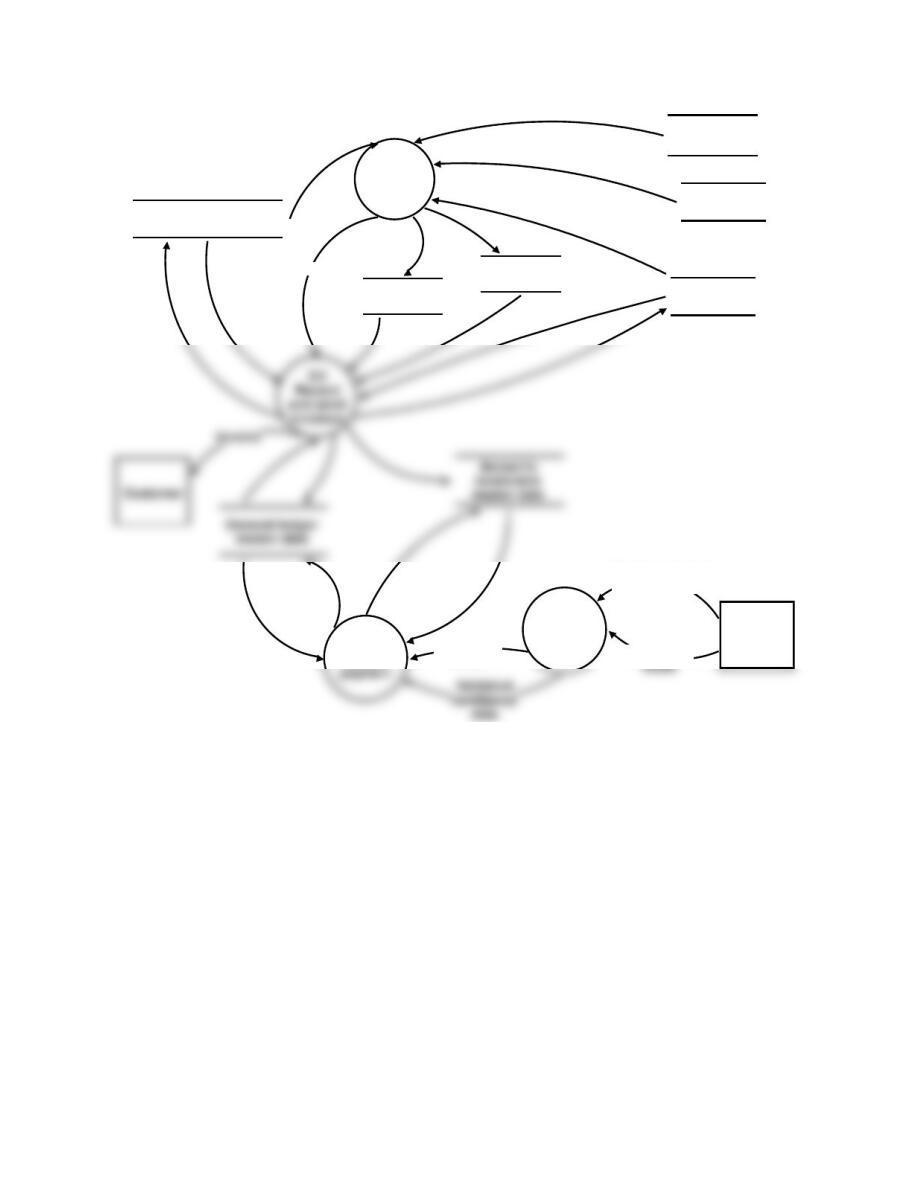
22 Solutions for Chapter 11
1.0
Prepare
invoices
Customer
master data
Billing due list
Sales order
master data
Invoice totals
Billing due
totals
Inventory
master data
Lockbox
3.0
Validate
remittance
data
Remittance data
(with totals)
Remittance
4.0
Record
Remittance
totals
Invoices
FIGURE SM-11.11 Problem 1, Part e Solution—Logical DFD for Bondstreet Company
(Billing and Cash Receipts)
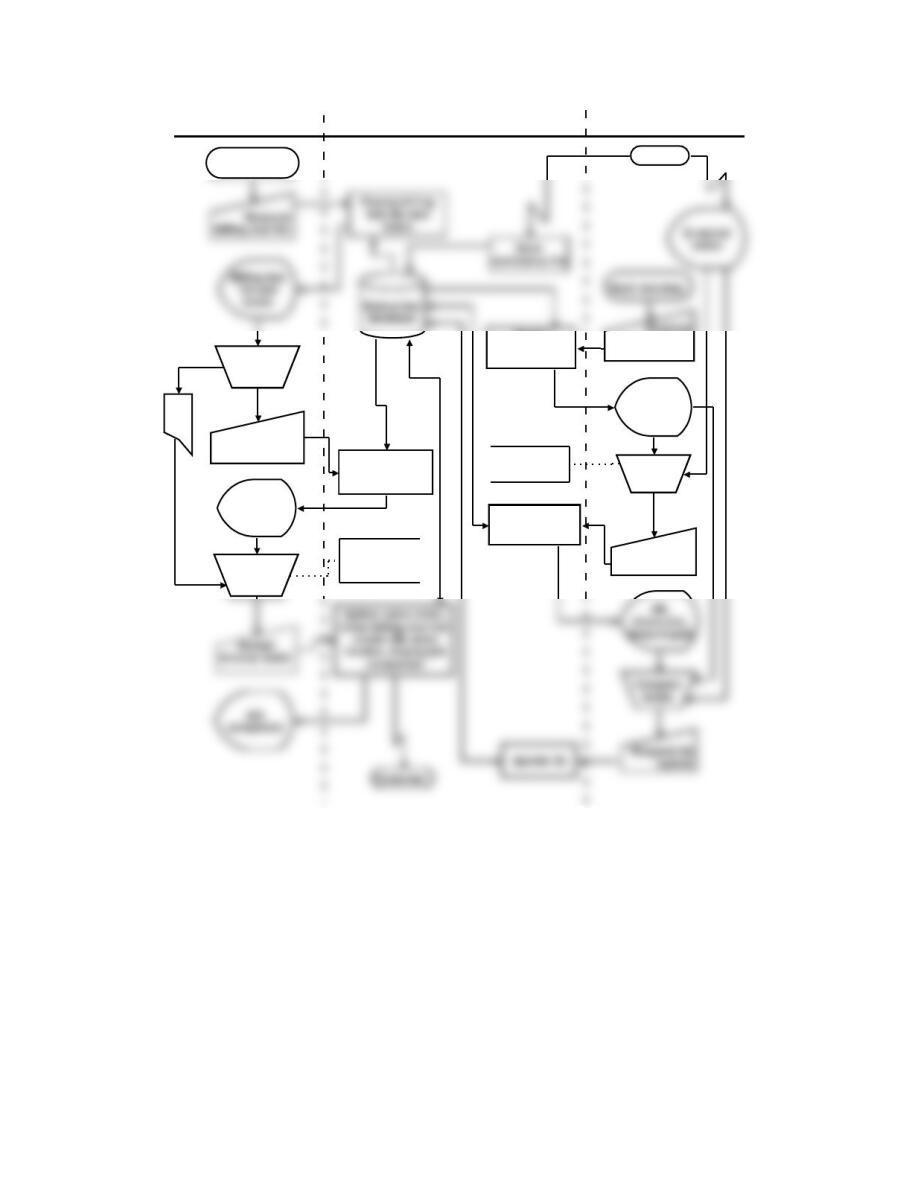
Accounting Information Systems, 10e 23
Billing ERP System
Each morning
Record totals
Prepare invoice
records, display
totals
Invoice
totals
Error routine
not shown
Cash applications
BT
Request billing
program
Reconcile
totals
Lockbox
Request
remittance file
totals
Remittance
file totals
Display
remittance file
totals
Compare
totals
Request
payment
application
Record
payments,
display totals
Error routine
not shown
FIGURE SM-11.12 Problem 2, Part a Solution—Systems Flowchart for Bondstreet Company
(Billing and Cash Receipts)
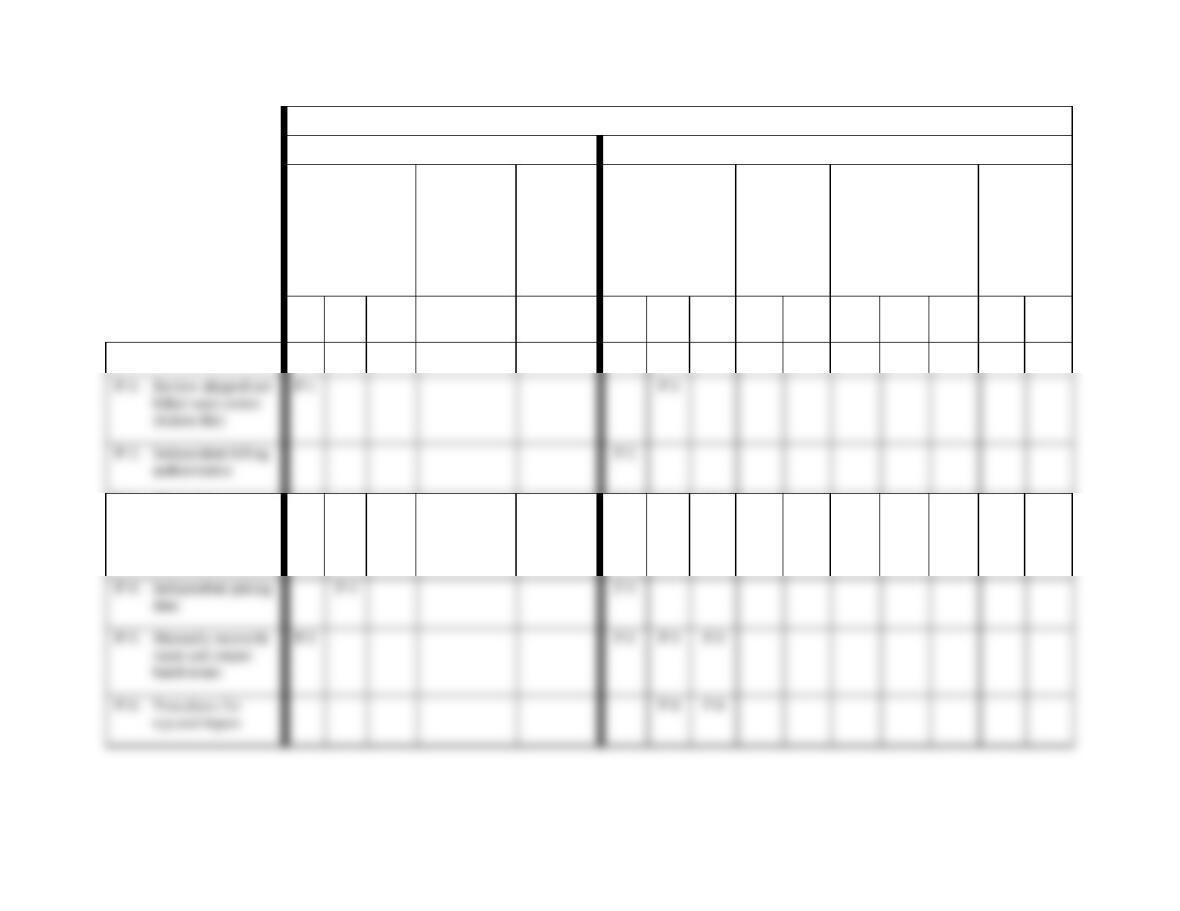
24 Solutions for Chapter 11
Control Goals of the Bondstreet Billing and Cash Receipts Business Process
Control Goals of the Operations Process
Control Goals of the Information Process
Ensure
effectiveness of
operations:
Ensure
efficient
employment
of resources
(people and
computers)
Ensure
security
of
resources
(cash, AR
master
data)
For shipping
notice inputs,
ensure:
For AR
master
data,
ensure:
For remittance
inputs, ensure:
For AR
master
data,
ensure:
Recommended control
plans
A
B
C
IV
IC
IA
UC
UA
IV
IC
IA
UC
UA
Present controls
P-3: Check for
authorized prices,
terms, freight, and
discounts
P-3
P-3
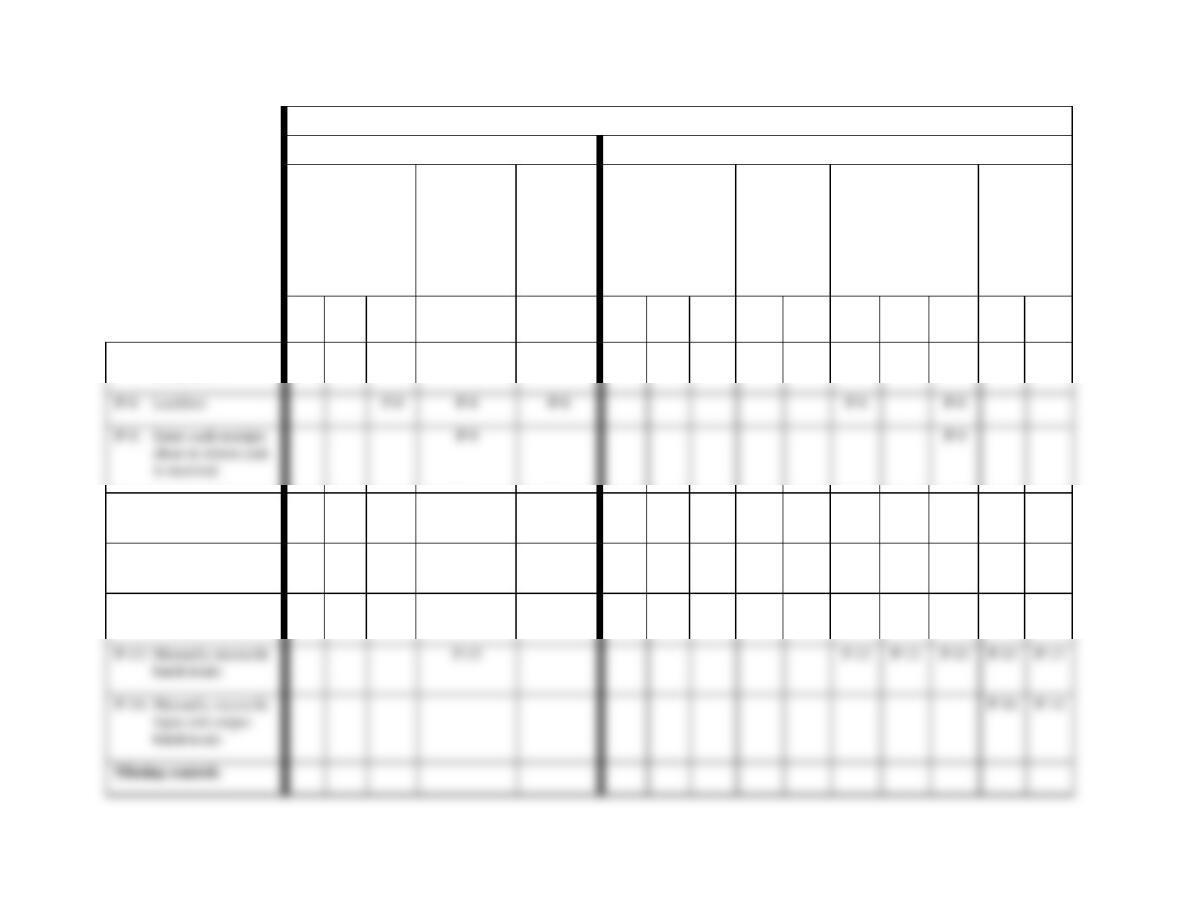
Accounting Information Systems, 10e 25
Control Goals of the Bondstreet Billing and Cash Receipts Business Process
Control Goals of the Operations Process
Control Goals of the Information Process
Ensure
effectiveness of
operations:
Ensure
efficient
employment
of resources
(people and
computers)
Ensure
security
of
resources
(cash, AR
master
data)
For shipping
notice inputs,
ensure:
For AR
master
data,
ensure:
For remittance
inputs, ensure:
For AR
master
data,
ensure:
Recommended control
plans
A
B
C
IV
IC
IA
UC
UA
IV
IC
IA
UC
UA
P-7: Confirm input
acceptance
P-7
P-7
P-10: Manually reconcile
batch totals
P-10
P-10
P-10
P-10
P-10
P-11: Procedures for
rejected inputs
P-11
P-11
P-12: Compare input to
AR master data
P-12
P-12
P-12
P-12
26 Solutions for Chapter 11
Control Goals of the Bondstreet Billing and Cash Receipts Business Process
Control Goals of the Operations Process
Control Goals of the Information Process
Ensure
effectiveness of
operations:
Ensure
efficient
employment
of resources
(people and
computers)
Ensure
security
of
resources
(cash, AR
master
data)
For shipping
notice inputs,
ensure:
For AR
master
data,
ensure:
For remittance
inputs, ensure:
For AR
master
data,
ensure:
Recommended control
plans
A
B
C
IV
IC
IA
UC
UA
IV
IC
IA
UC
UA
M-1: Reconcile input and
output batch totals
M-1
M-1
M-4: Confirm input
acceptance
M-4
M-4
M-5: Monitor open
accounts receivable
M-5
M-5
M-6: Reconcile bank
account regularly
M-6
M-6
M-6
M-2
M-2
Accounting Information Systems, 10e 27
FIGURE SM-11.13 Problem 2, Part b Solution (Partial)—Control Matrix for Bondstreet Company (Billing and Cash Receipts)
28 Solutions for Chapter 11
Exhibit SM-11.2 Explanation of Cell Entries for Control Matrix in Figure SM-11.13
P-1: Review shipped not billed sales orders (tickler file).
P-2: Independent billing authorization.
Shipping notice input validity: Comparison of sales orders, entered at order entry,
P-3: Check for authorized prices, terms, freight, and discounts.
Shipping notice input validity: The billing process has an implicit check for
P-4: Independent pricing data.
Effectiveness goal B: In this system, unit selling prices are obtained from the
inventory master data. In this way, the inventory master data serves as an
independent source of those prices. Therefore, determining the price to be charged
a customer is beyond the control of the salesperson and others involved in the
selling function. This independent pricing of orders helps to ensure that the
company does not engage in discriminatory pricing practices in violation of the
Robinson-Patman Act.
Shipping notice input validity: Automatic pricing presumes that previously
authorized prices are used in the billing process.

Accounting Information Systems, 10e 29
P-6: Procedures for rejected inputs.
Shipping notice input completeness and input accuracy: We presume that
corrective action will be taken to investigate all rejected items, remedy any errors
(accuracy), and resubmit the corrected input for reprocessing (completeness).
P-7: Confirm input acceptance.
P-8: Lockbox.
Effectiveness goal C and security of resources: By having the payments sent
directly to the bank, Bondstreet ensures a more timely deposit (goal C) and
reduces the possibility that payments will be diverted by their own employees
(security).
P-9: Enter cash receipts close to where cash is received.
Efficient employment of resources: The entry of cash receipts by lockbox
personnel provides for a more efficient employment of resources, because this
arrangement eliminates the costs associated with the handling of the cash receipts
data by additional entities.
P-10: Manually reconcile batch totals.
30 Solutions for Chapter 11
Efficient employment of resources: By detecting any errors now, we preclude
lengthy and costly error correction that might otherwise have been needed later in
the process.
P-11: Procedures for rejected inputs.
P-12: Compare input data to AR master data.
Efficient employment of resources: The computer can ensure that the cash receipts
are applied more quickly and at a lower cost by matching payments and invoices
P-13: Manually reconcile batch totals.
Efficient employment of resources, remittance advice input validity, input
completeness, and input accuracy: By comparing the e-mailed totals to those
P-14: Manually reconcile input and output batch totals.
Accounts receivable update completeness and update accuracy: The cash
applications clerk manually compares the RA totals before and after the cash
receipts batch has been processed to determine that all remittance data
(completeness) was correctly (accuracy) posted to the AR master data.

Accounting Information Systems, 10e 31
M-2: Confirm customer accounts regularly.
M-3: Compare amount deposited to amount in remittance file.
Security of resources, remittance advice input validity, and input accuracy: By
comparing the remittance file totals to the actual bank deposits, we can ensure that
the remittance data represents real deposit (validity) and that the file is correct
(accuracy).
M-4: Confirm input acceptance.
Remittance advice input completeness and accounts receivable master data
M-5: Monitor open accounts receivable.
M-6: Reconcile bank account regularly.
Security of resources, remittance advice input validity, and input accuracy: By
regularly reconciling the bank account, the organization confirms the validity and
accuracy of the recorded cash receipts. The bank statement and validated deposit
slips will reflect actual cash deposits and the correct amount of those deposits.

32 Solutions for Chapter 11
• As data is entered into the system, we might find programmed edit checks,
populate input screens with master data, and compare input data with master
data.
Accounting Information Systems, 10e 33
Billing ERP System
Each morning
Record totals
Prepare invoice
records, display
totals
Invoice
totals
Error routine
not shown
Cash applications
BT
Request billing
program
Reconcile
totals
Lockbox
remittance file
totals
Remittance
file totals
remittance file
totals
Compare
totals
Request
payment
application
Record
payments,
display totals
Error routine
not shown
P-1
P-2
P-3
P-4
P-5
P-6
P-11
P-12
P-10
M-3
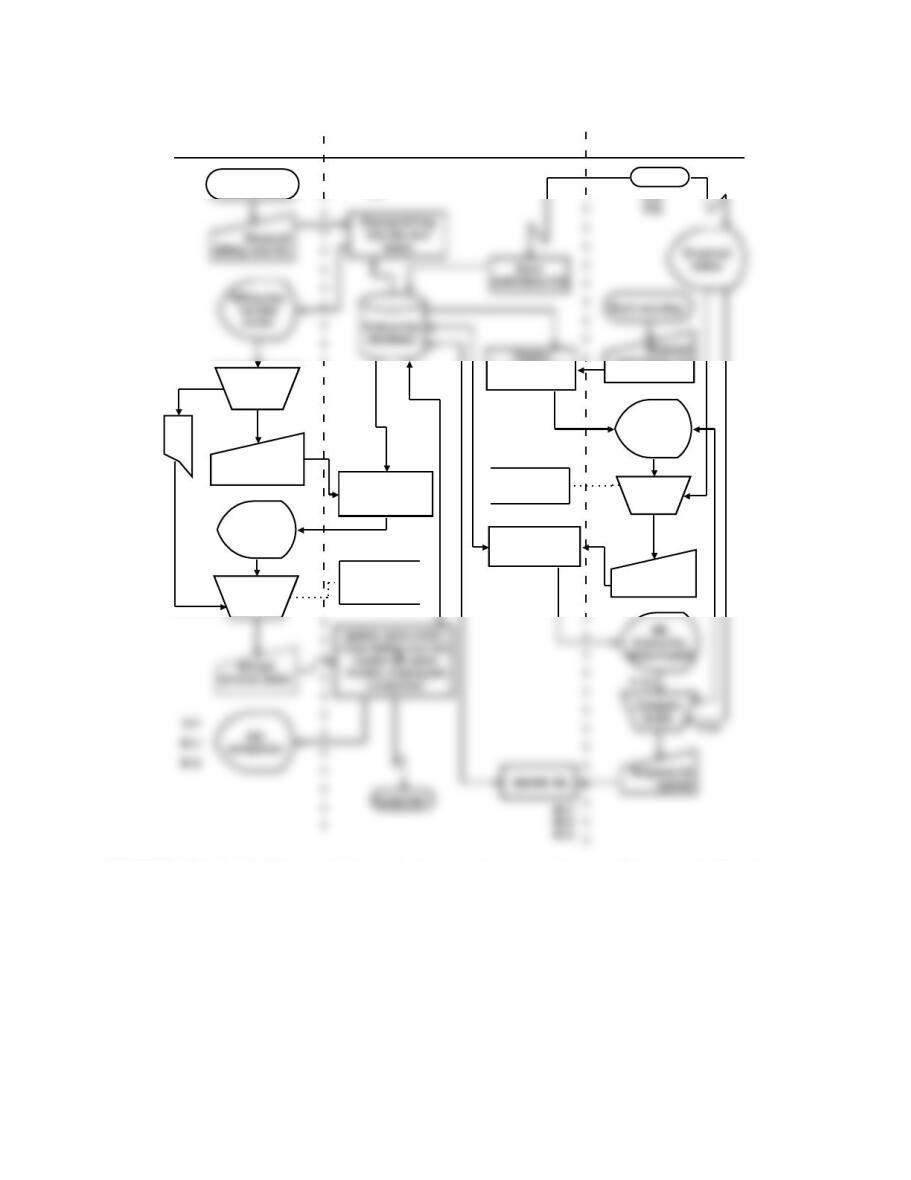
FIGURE SM-11.14 Problem 2, Part c Solution—Annotated Systems Flowchart for Bondstreet
Company (Billing and Cash Receipts)

34 Solutions for Chapter 11
Impulse Accessories, Inc. (Billing Process) Solutions (see Note on pg. 8)
P 11-1 ANS. a. Table of Entities and Activities for Impulse Accessories, Inc. (Billing
Process)
Entities
Para
Activities
Shipping department
(shipping clerk)
1
1. Receive completed orders.
1
2. Key sales order number.
2
9. Create and record an invoice.
2
10. Print invoice.
Billing office (billing clerk)
2
11. Sign invoice.
2
12. Mail invoice copies 1 and 2.
2
13. File copy 3.
Customer
2
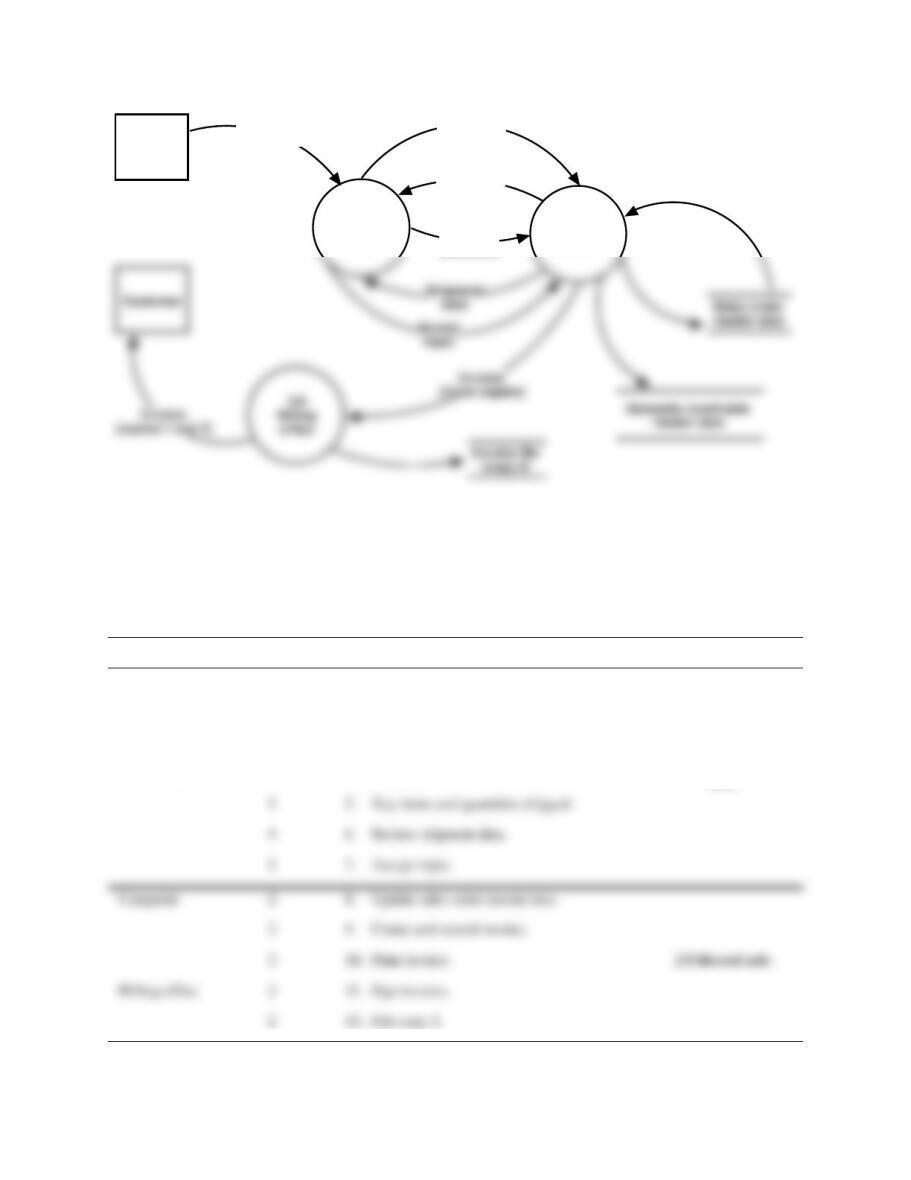
FIGURE SM-11.15 Problem 1, Part b Solution—Context Diagram for Impulse Accessories,
Inc. (billing process)
Factory floor
1
Computer
1
3. Access and display sales order data.
1
4. Determine that correct sales order has been displayed.
1
5. Key items and quantities shipped.
1
6. Review shipment data.
1
7. Accept input.
2
8. Update sales order master data.
Accounting Information Systems, 10e 35
Factory
floor
1.0
Shipping
clerk
Sales order
(with goods)
2.0
Computer
Sales order
number
Sales order
display
Items and
quantities
FIGURE SM-11.16 Problem 1, Part c Solution—Physical DFD for Impulse Accessories, Inc.
(billing process)
P 11-1 ANS. d. Table of Entities and Activities (Annotated) for Impulse Accessories, Inc.
(Billing Process)
Entities
Para
Activities
Process
Shipping department
(shipping clerk)
1
2. Key sales order number.
1.0 Capture shipment
data.
Computer
1
3. Access and display sales order data.
Shipping department
(shipping clerk)
1
4. Determine that correct sales order has been
displayed.
1
5. Key items and quantities shipped.
1
6. Review shipment data.
Computer
2
8. Update sales order master data.
2
9. Create and record invoice.
2
10. Print invoice.
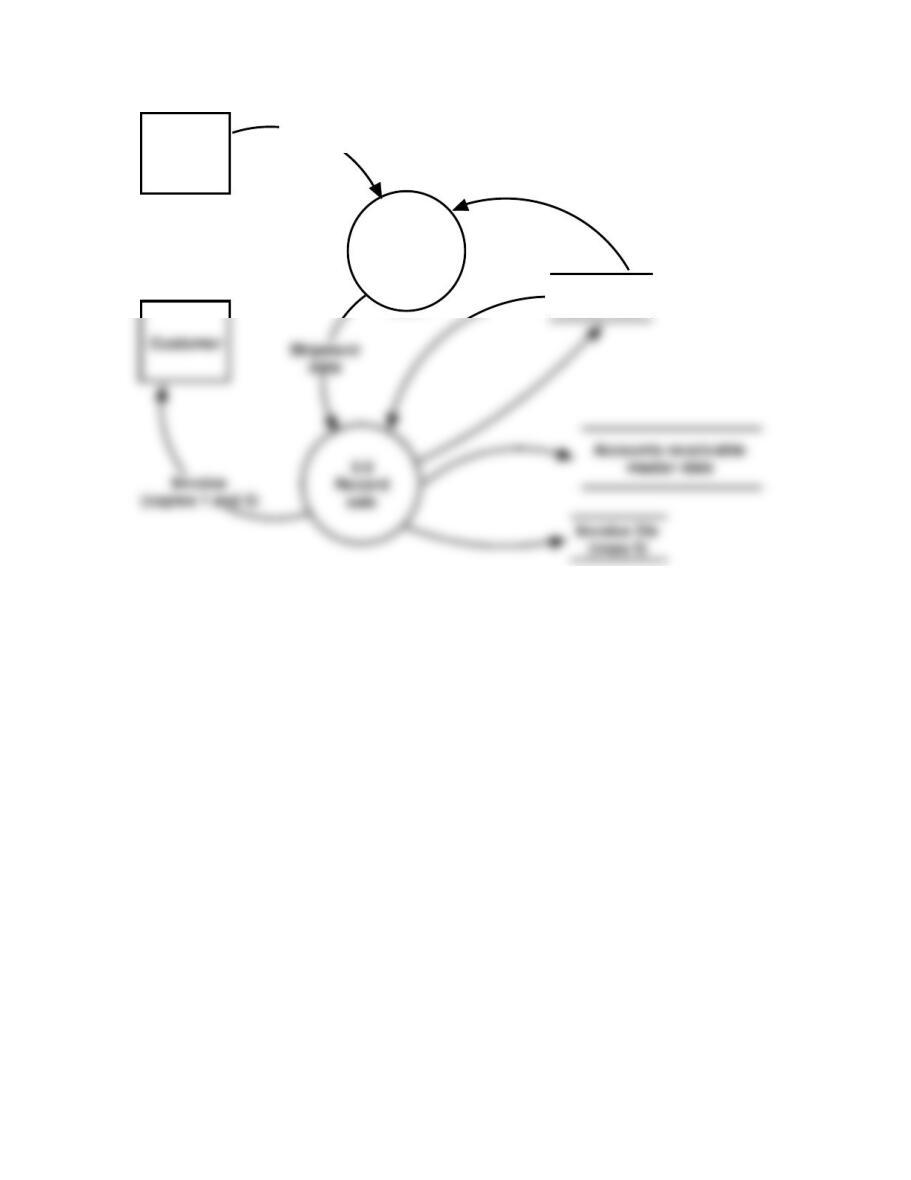
36 Solutions for Chapter 11
Factory
floor
1.0
Capture
shipment
data
Completed
order
Sales order
master data
FIGURE SM-11.17 Problem 1, Part e Solution—Logical DFD for Impulse Accessories, Inc.
(Billing Process)
Accounting Information Systems, 10e 37
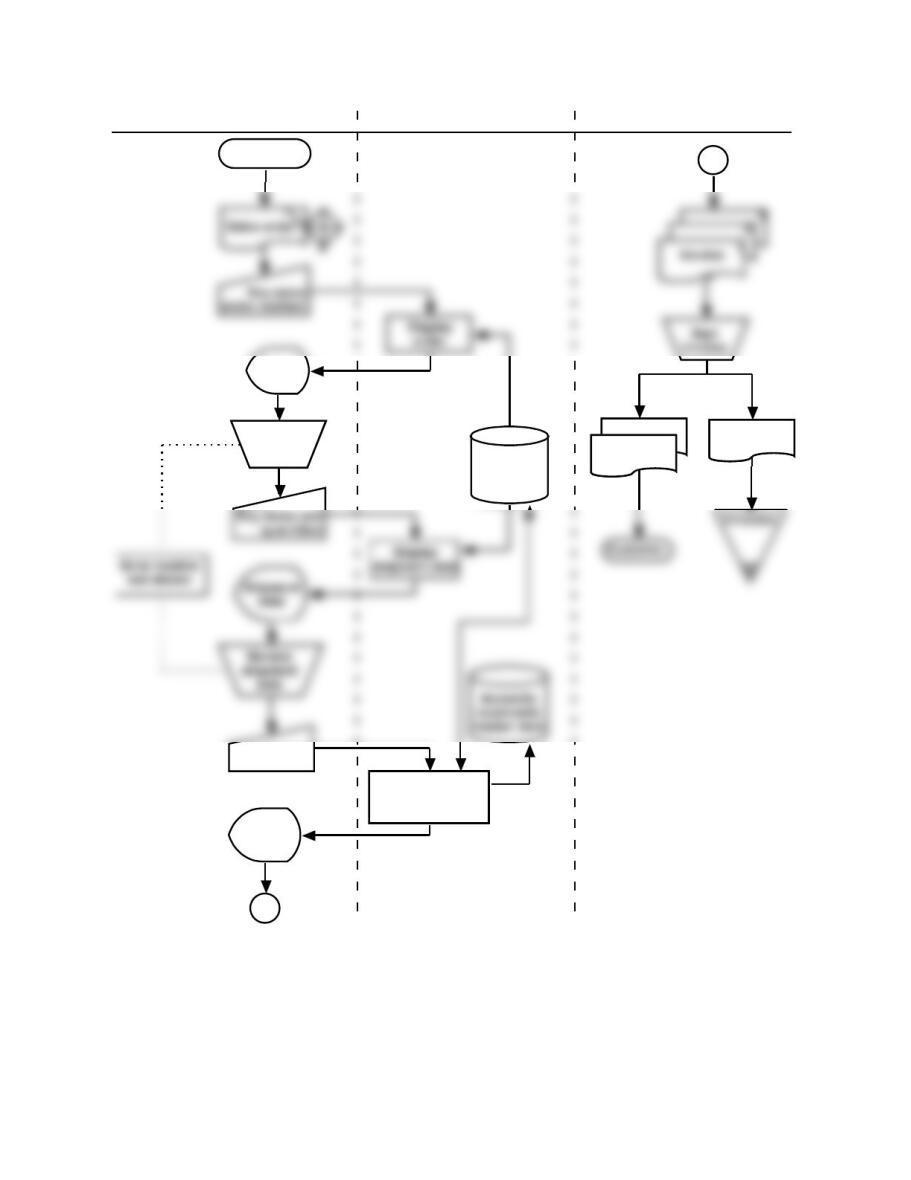
Factory floor
Orde r
Accept input
Accepted
input
Update sales order
master data, record
and print invoice
Sales order
master data
Invoice
Invoice
1
2 3
Review orde r
screen
Shipping department Computer Billing office
A
A
FIGURE SM-11.18 Problem 2, Part a Solution—Systems Flowchart for Impulse Accessories,
Inc. (Billing Process).
38 Solutions for Chapter 11
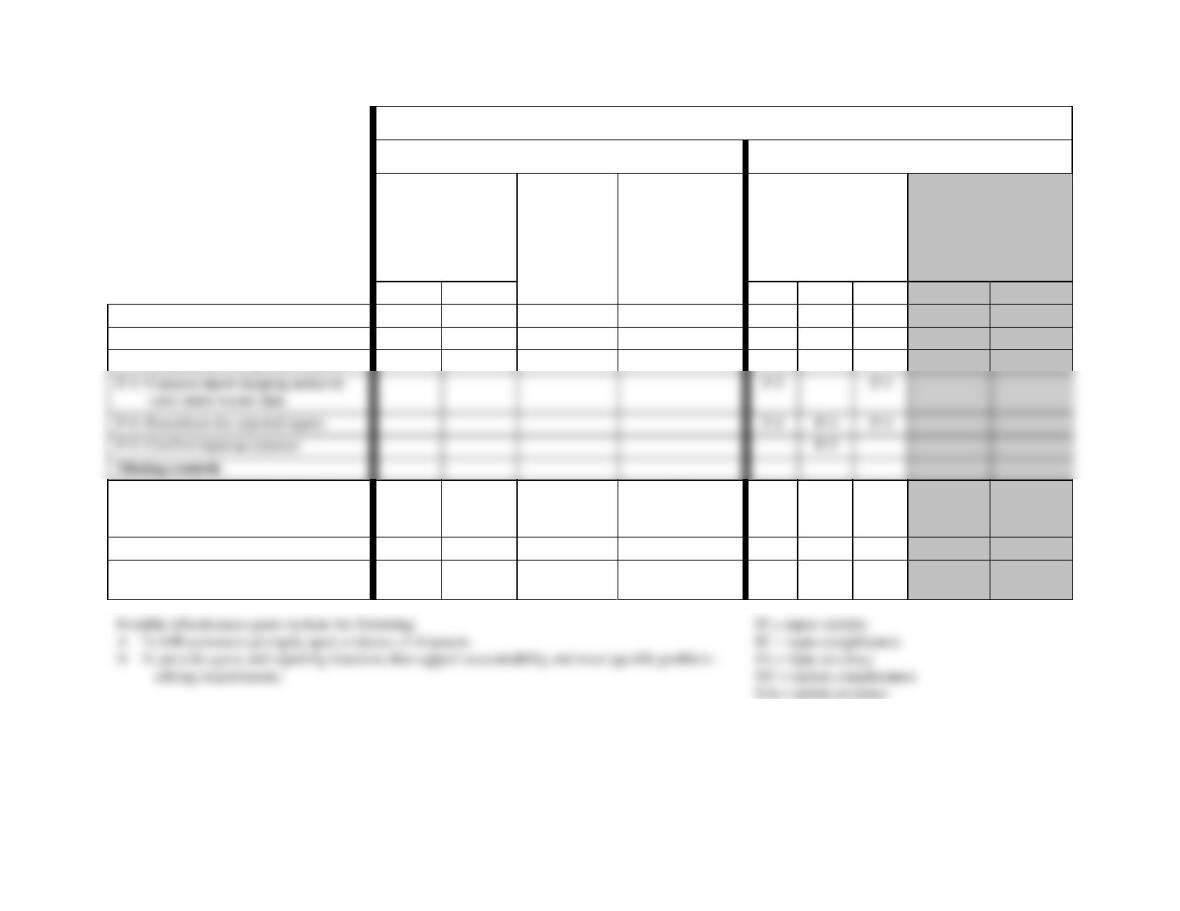
Control Goals of the Impulse Accessories, Inc. Billing Business Process
Control Goals of the Operations Process
Control Goals of the Information Process
Ensure
effectiveness of
operations:
Ensure
efficient
employment
of resources
(people and
computers)
Ensure security
of resources
(accounts
receivable
master data)
For the completed
shipping notice inputs
(i.e., completed
orders), ensure:
For accounts
receivable master
data, ensure:
Recommended control plans
A
B
IV
IC
IA
UC
UA
Present controls
P-1: Enter shipment data in shipping
P-1
P-1
P-1
P-1
P-2: Independent billing authorization
P-2
M-1: One-for-one checking of goods,
completed order, and sales order
master data
M-1
M-1
M-1
M-2: Review open sales orders
M-2
M-2
M-3: Check for authorized prices, terms,
freight, and discounts
M-3
M-3
See Exhibit SM-11.3 for a complete explanation of control plans and cell entries.
FIGURE SM-11.19 Problem 2, Part b Solution (Partial)—Control Matrix for Impulse Accessories, Inc. (Billing Process)
P-4: Procedures for rejected inputs
P-4
P-4
P-4
P-5: Confirm input acceptance
P-5
Missing controls

Accounting Information Systems, 10e 39
Exhibit SM-11.3 Problem 2, Part b Solution (Partial)—Explanation of Cell Entries for
Control Matrix in Figure SM-11.19
Note: Shipping notice inputs result in immediate updates to accounts receivable master data.
Therefore, we do not show entries for UC or UA.
P-1: Enter shipment data in shipping.
Effectiveness goal A: This strategy places shipping clerks in a position to input
shipment data immediately and to record and send the shipments in a timely
P-2: Independent billing authorization.
Shipping notice input validity: The shipping clerk compares the completed order
to the sales order display, thus confirming that there is an authorized, open sales
order and that, by that measure, the resulting bill will be valid.
P-3: Compare input shipping notice to sales order master data.
Shipping notice input validity and input accuracy: This comparison can ensure
P-4: Procedures for rejected inputs.
Shipping notice input validity, input completeness, and input accuracy: We
P-5: Confirm input acceptance.
Shipping notice input completeness: By advising the shipping clerk that input has
been accepted, we can ensure input completeness.
M-1: One-for-one checking of goods, completed order, and sales order master data.
Security of resources and shipping notice input validity: By comparing the sales
order master data with the data on the completed order and then comparing these
40 Solutions for Chapter 11
Shipping notice input accuracy: By comparing such items as item numbers,
quantities, and customer identification, we can ensure that the input of shipping
data is accurate.
M-3: Check for authorized prices, terms, freight, and discounts.
Shipping notice input validity: The invoice should be prepared and recorded using
authorized prices, terms, and discounts to ensure that invoices are valid.
Shipping notice input accuracy: Using the pre-stored prices, terms, and discounts
will improve the accuracy of the input data.
Solution Note: Several controls not described in the preceding list could be
included in the solution to this problem, as present or missing, depending on
assumptions made. For example: