Accounting Information Systems, 10e 1
SOLUTIONS FOR CHAPTER 11
Each end-of-chapter question in the Solutions Manual is tagged to correspond with AACSB, AICPA
and CISA standards, allowing professors to more easily manage the task of reporting outcomes to these
professional and accrediting bodies. Please see the corresponding spreadsheet file for the tagging
information.
Discussion Questions
DQ 11-1 Develop several examples of possible goal conflicts among the various managers
and supervisors depicted in Figure 11.1.
ANS. Some examples might include the following:
• Accounts receivable wanting to record only a good check, delays recording
DQ 11-2 Based upon the definition of float presented in the chapter, discuss several
possibilities for improving the cash float for your company, assuming you are the
cashier.
ANS. Float is defined as “the time between the customer’s tendering payment and the
availability of good funds, where goods funds are funds on deposit and available
2 Solutions for Chapter 11
DQ 11-3 Using Figure 11.6, speculate about the kinds of data that might be running along
the data flow that comes from the accounts receivable master data to bubble 2.1.
Be specific and be prepared to defend your answer by discussing the use(s) to
which each of those data elements could be put.
ANS. The data flow might indicate the following:
• That the customer had been billed for the item being returned. A customer
should only be permitted to return items actually purchased. However, if the
DQ 11-4 Discuss the information content of Figure 11.7. How might this report be used by
the credit manager or by the accounts receivable manager? If you were either of
these managers, what other reports concerning accounts receivable might you
find useful and how would you use them? Be specific.
ANS. The report portrays an aging of the open accounts receivables. The credit manager
Accounting Information Systems, 10e 3
DQ 11-5 Consult the systems flowcharts of Figures 11.11 and 11.13. Discuss how each of
these processes implements the concept of segregation of duties discussed in
Chapter 8. For each of the two processes, be specific as to which entity (or
entities) performs each of the four data processing functions mentioned in
Chapter 8 (assuming that all four functions are illustrated by the process).
ANS.
Function
Entity in Figure 11.11
Entity in Figure 11.13
Authorizing events.
Accounts receivable (billing
section) selects the
shipments to be billed.
Recording events.
Computer updates the
accounts receivable, sales,
and general ledger data.
Computer updates the cash
receipts, accounts
receivable, and general
Accounts receivable
(payment applications)
authorizes the updates to AR
4 Solutions for Chapter 11
DQ 11-6 a. Discuss the conditions under which each of the following billing processes are
most appropriate: (1) pre-billing system, and (2) post-billing system.
ANS. A pre-billing process is appropriate if:
• The shipping cost can be determined at the time that the order is entered.
ANS. The seller may prefer pre-billing because the invoice-preparation process is a
simple, one-step process: The bill is sent quickly, and cash receipts should be
DQ 11-7 “Pre–billing sounds like the type of process used for catalog and Internet sales.”
Do you agree? Discuss fully.
ANS. Not exactly. Catalog and Internet sales are typically paid for with a credit or debit
card, precluding the need for an invoice. So, while there is a “billing” to the card
Short Problems
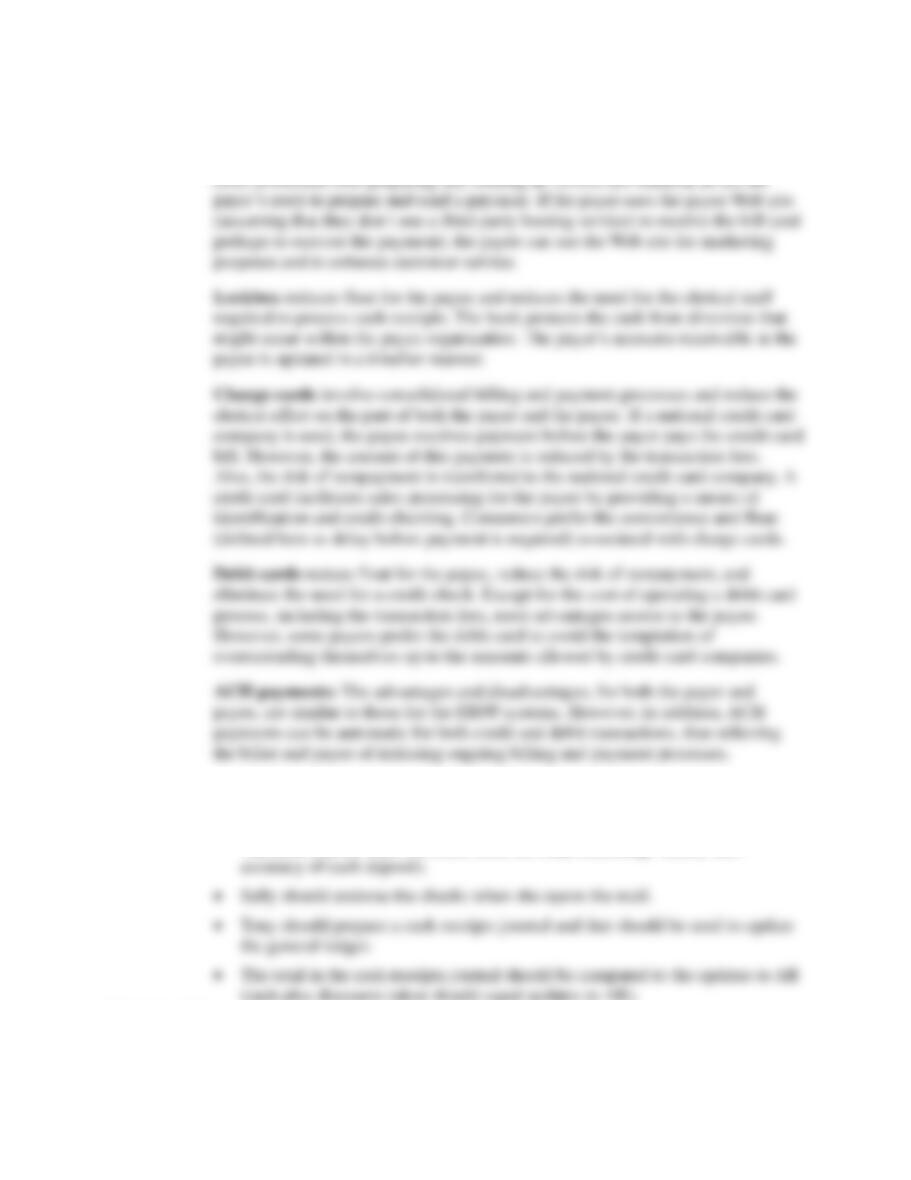
SP 11-1
Accounting Information Systems, 10e 5
ANS. EBPP systems reduce the time between billing and cash receipt and reduce float
for the payee (the time between the tendering of payment and the availability of
cash). Because the bill is electronically presented and then electronically paid, the
SP 11-2 ANS. We can suggest the following changes to the Otis Company cash receipts process:
• The check log should be compared—either one-for-one or batch totals—to
validated deposit slips (returned from the bank indicating validity and
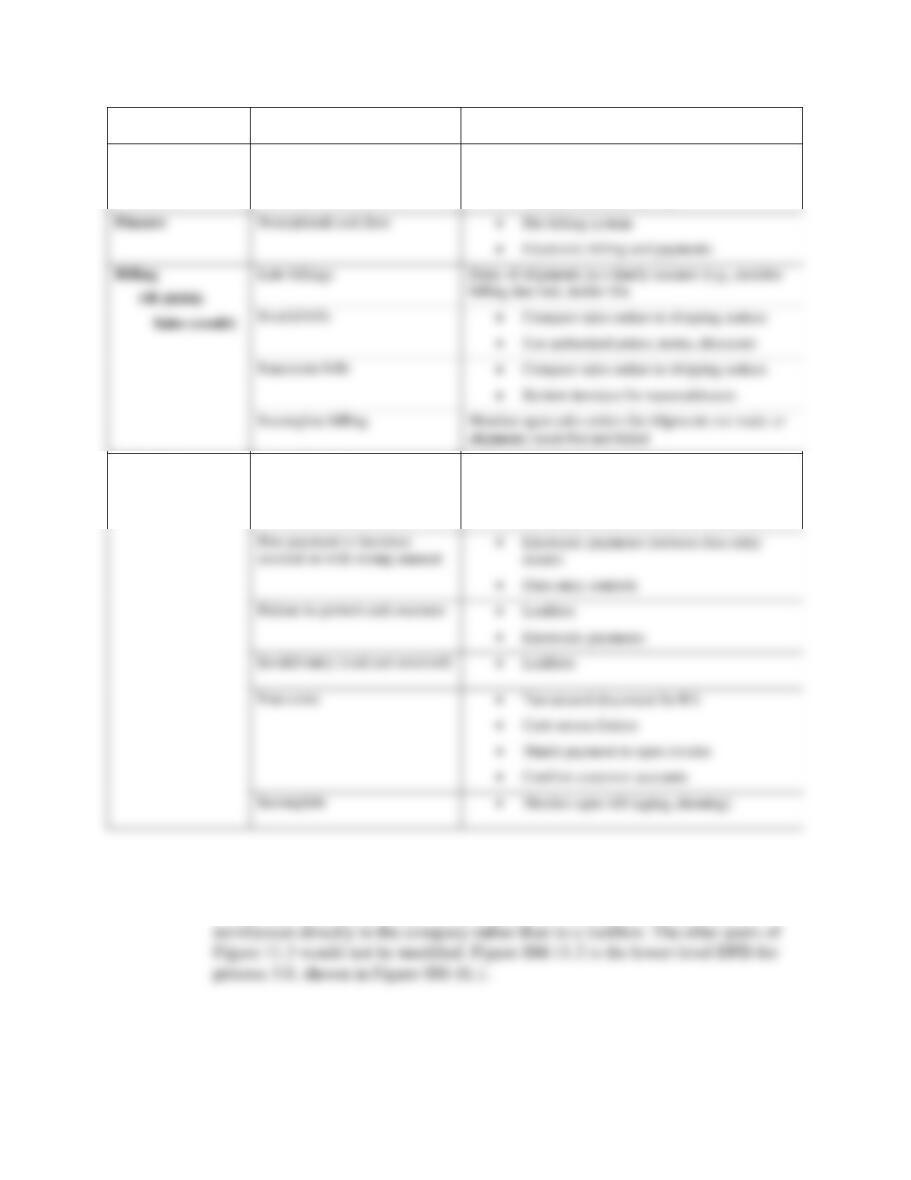
SP 11-3 ANS.
6 Solutions for Chapter 11
Function
Risks
Controls and Technology
Marketing
Lose customers (poor customer
service)
• Accurate and timely billing and payments
processing
• Monitor customer service
Collections
Cash (debit)
AR (credit)
Late collections
• Monitor open receivables
• Electronic payments
• Lockbox
Post payment to incorrect
account or with wrong amount
• Electronic payments (reduces data entry
• Electronic payments
• Confirm customer accounts
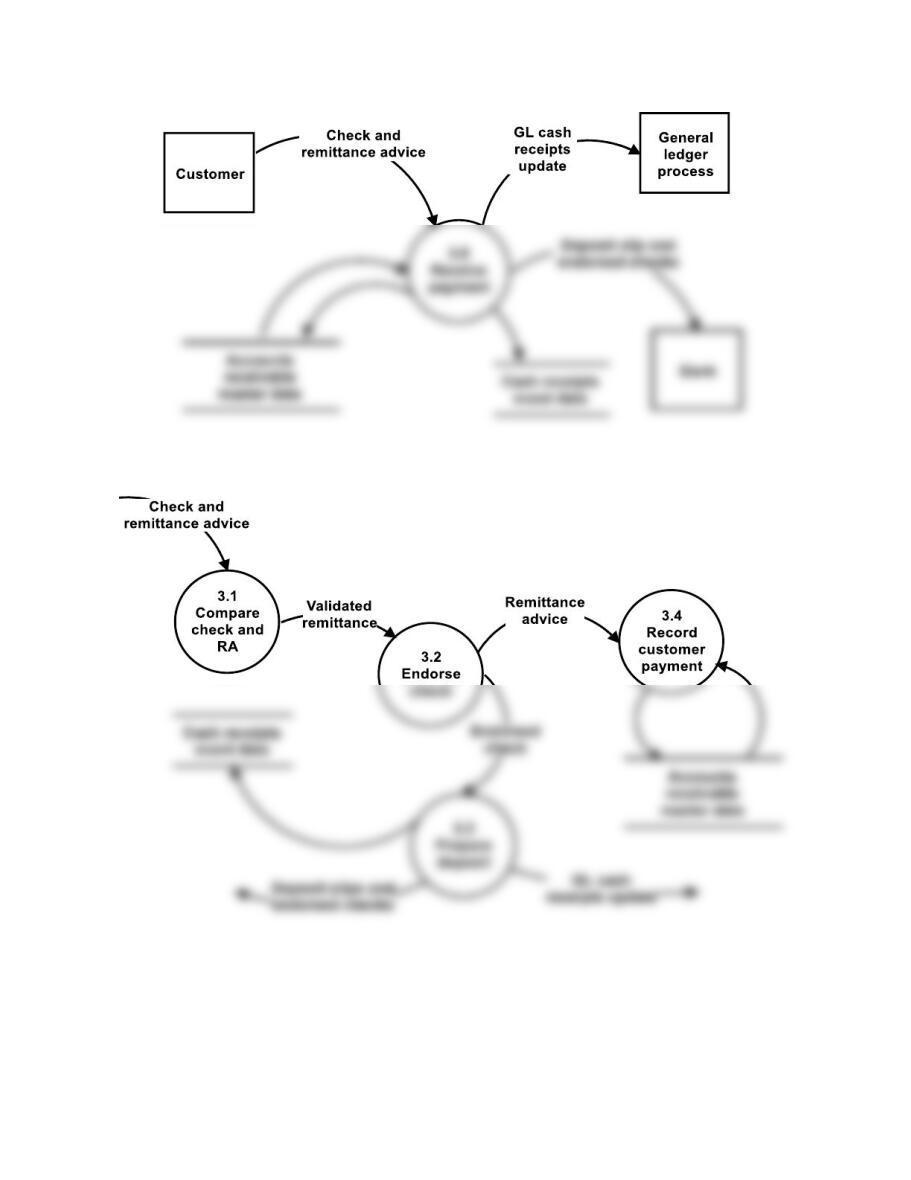
SP 11-4 ANS. See Figures SM-11.1 and SM-11.2. Figure SM-11.1 shows how bubble 3.0
in Figure 11.3 would be shown to reflect the fact that customers make their
Accounting Information Systems, 10e 7
FIGURE SM–11.1 Short Problem 4, Solution—Changes for Figure 11.3
FIGURE SM-11.2 Short Problem 4, Solution—Lower-Level View of Figure SM-11.1

8 Solutions for Chapter 11
SP 11-5 ANS.
1. C
SP 11-6 ANS.
1. F
2. E
Problems
Problems 1 and 2
Note: In the pages that follow, we provide solutions for problems 1 and 2 for all of the Case
Studies (Cases A through D). Case A is a cash receipts process with paper checks; Case B an
electronic billing and cash receipts process; Case C a billing process with paper invoices; and
Case D a cash receipts process with paper checks. Although the solution for each case study
comprises several pages, it is not necessarily comprehensive, nor does it represent the only
acceptable answers. Your or your students’ answers easily may vary in two areas. First, the
Accounting Information Systems, 10e 9
Fred’s Electrical, Inc. (Cash Receipts) Solutions (see Note on pg. 8)
P 11-1 ANS. a. Table of Entities and Activities for Fred’s (Cash Receipts)
Entities
Para
Activities
Customers
1
1. Mail payment to Fred’s.
Accounts receivable
1
2. Compare check to RA.
1
3. Prepare batch totals.
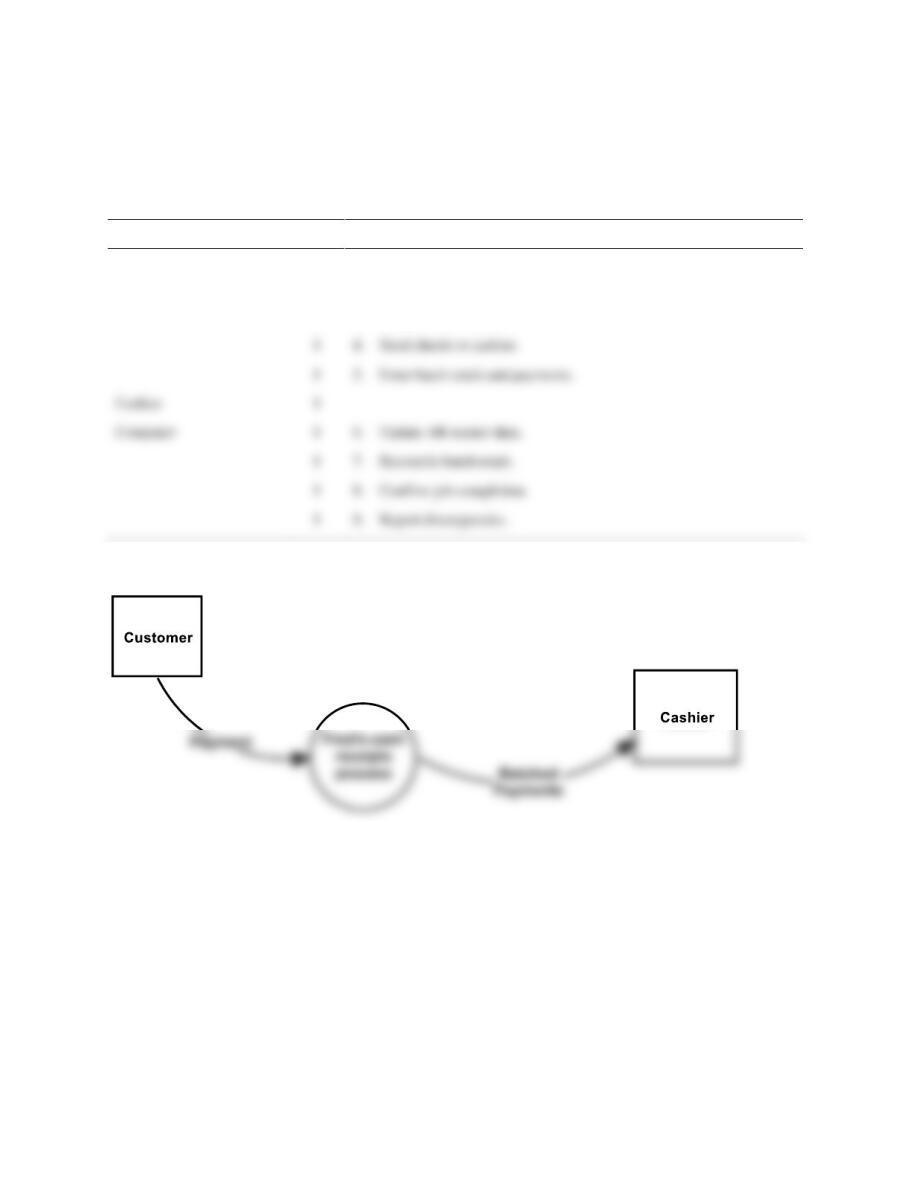
FIGURE SM-11.3 Problem 1, Part b Solution—Context Diagram for Fred’s Electrical, Inc.
(Cash Receipts)
1
1
5. Enter batch totals and payments.
Cashier
1
Computer
1
6. Update AR master data.
1
7. Reconcile batch totals.
1
1
9. Report discrepancies.
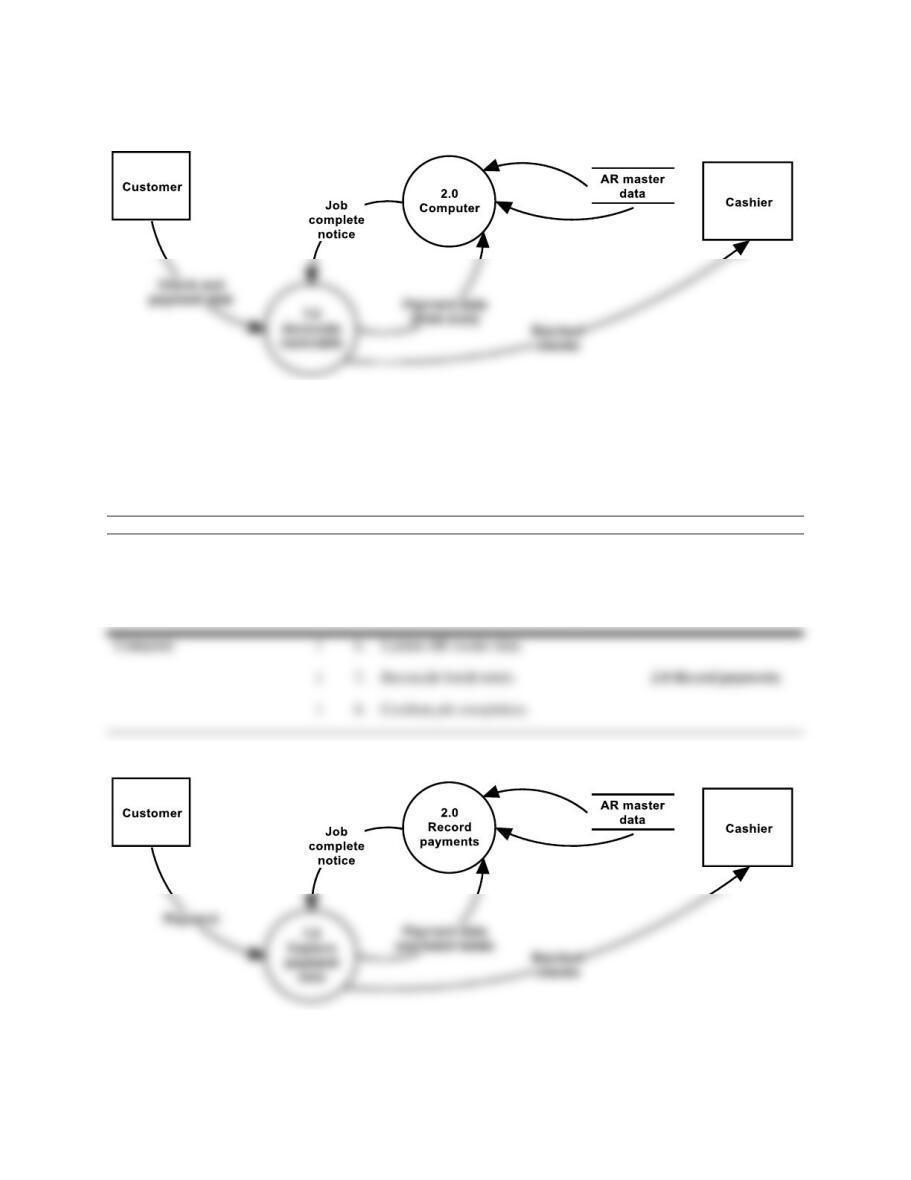
10 Solutions for Chapter 11
FIGURE SM-11.4 Problem 1, Part c Solution—Physical DFD for Fred’s Electrical, Inc.
(Cash Receipts)
d. Table of Entities and Activities (Annotated) for Fred’s Electrical, Inc. (Billing and Cash
Receipts)
Entities
Para
Activities
Process
Accounts receivable
1
2. Compare check to RA
1.0 Capture payment-
data.
1
3. Prepare batch totals.
1
5. Enter batch totals and payments.
FIGURE SM-11.5 Problem 1, Part e Solution—Logical DFD for Fred’s Electrical, Inc. (Cash
Receipts)
Computer
1
6. Update AR master data.
1
8. Confirm job completion.
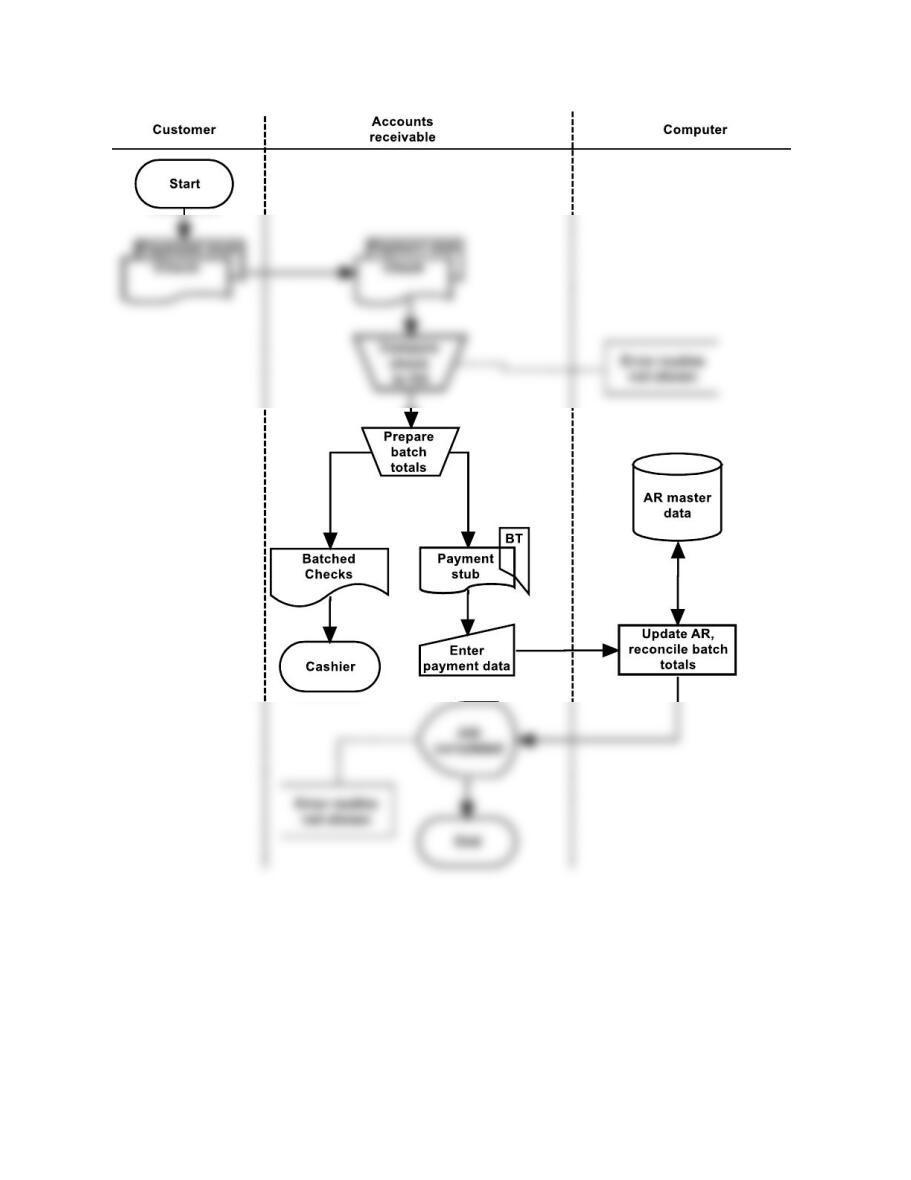
Accounting Information Systems, 10e 11
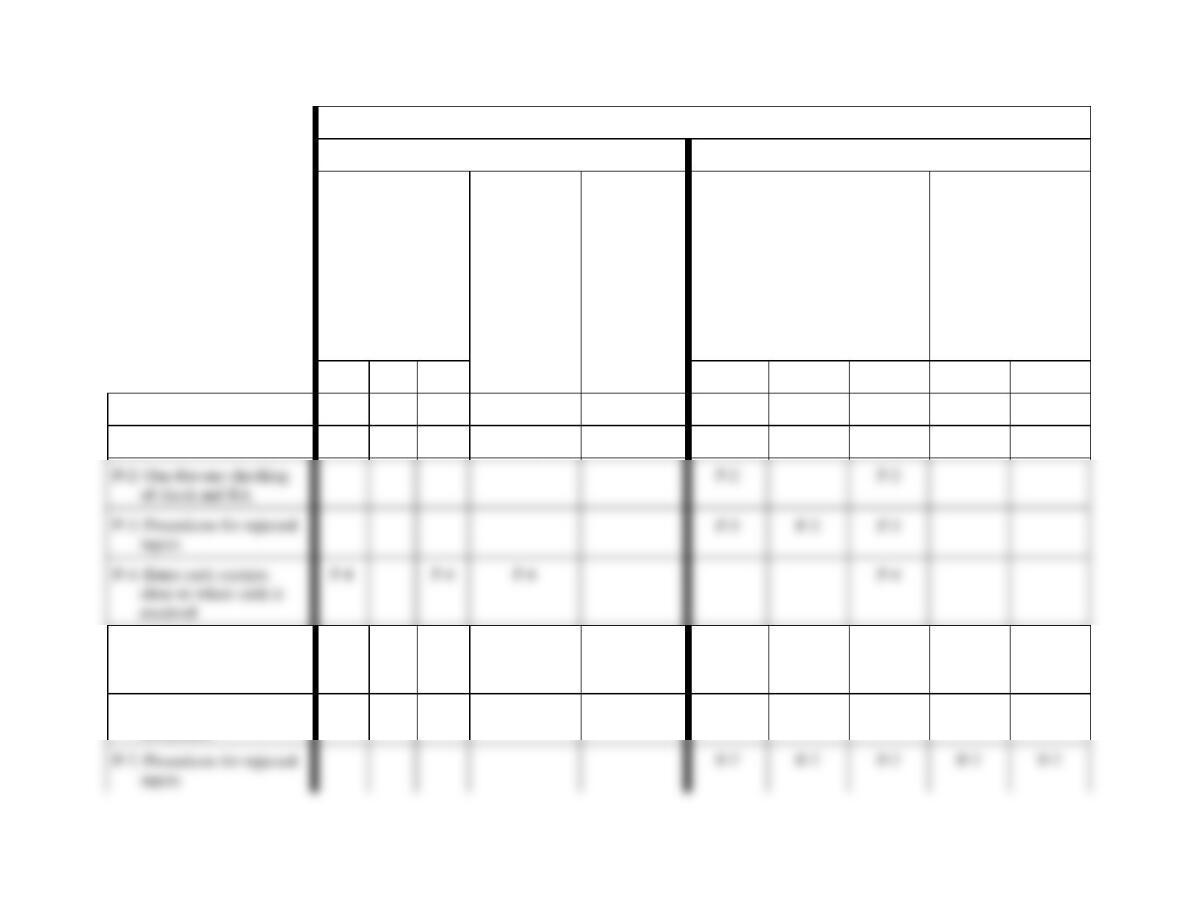
FIGURE SM-11.6 Problem 2, Part a Solution—Systems Flowchart for Fred’s Electrical, Inc.
(Cash Receipts)
12 Solutions for Chapter 11
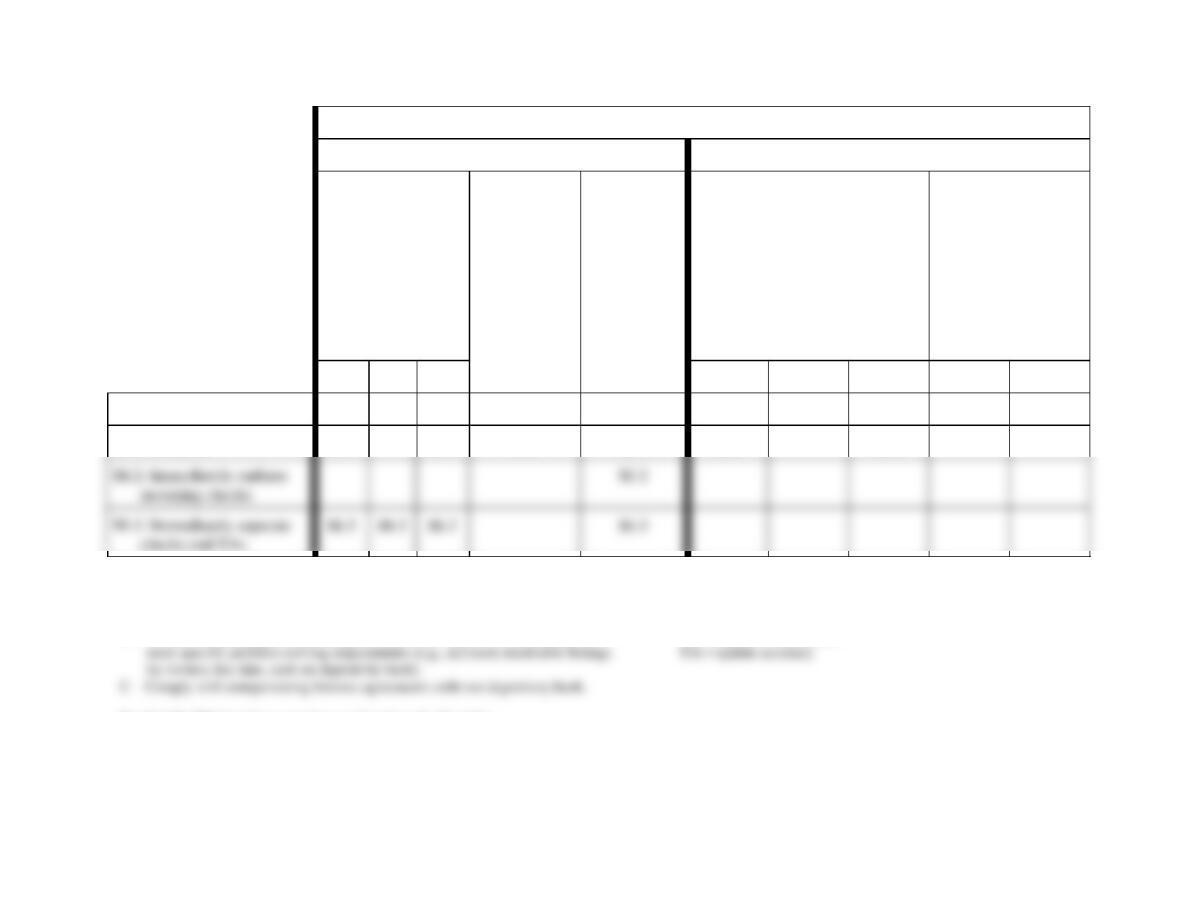
Control Goals of the Fred’s Electrical, Inc. Cash Receipts Business Process
Control Goals of the Operations Process
Control Goals of the Information Process
Recommended control
plans
Ensure
effectiveness of
operations
Ensure
efficient
employ-
ment of
resources
(e.g., people
and
computers)
Ensure
security of
resources
(e.g., cash,
accounts
receivable
master
data)
For the remittance advice
inputs (i.e., cash receipts),
ensure:
For the accounts
receivable master
data, ensure:
A
B
C
IV
IC
IA
UC
UA
Present controls
P-1: Turnaround document
P-1
P-1
P-5: Computer agreement of
input and output batch
totals
P-5
P-5
P-5
P-5
P-5
P-5
P-6: Confirm input
acceptance
P-6
P-6
P-3: Procedures for rejected
P-3
P-3
Accounting Information Systems, 10e 13
Control Goals of the Fred’s Electrical, Inc. Cash Receipts Business Process
Control Goals of the Operations Process
Control Goals of the Information Process
Recommended control
plans
Ensure
effectiveness of
operations
Ensure
efficient
employ-
ment of
resources
(e.g., people
and
computers)
Ensure
security of
resources
(e.g., cash,
accounts
receivable
master
data)
For the remittance advice
inputs (i.e., cash receipts),
ensure:
For the accounts
receivable master
data, ensure:
A
B
C
IV
IC
IA
UC
UA
Missing controls
M-1: Lockbox
M-1
M-1
M-1
M-1
M-1
M-1
Effectiveness goals include:
A – Optimize cash flow by minimizing overdue accounts and reducing the
investment in accounts receivable.
B – Provide for querying and reporting functions that support accountability and
See Exhibit SM-11.1 for a complete explanation of cell entries.
IV = input validity
IC = input completeness
IA = input accuracy
UC = update completeness
FIGURE SM-11.7 Problem 2, Part b Solution (Partial)—Control Matrix for Fred’s Electrical, Inc. (Cash Receipts)
14 Solutions for Chapter 11
Exhibit SM-11.1 Explanation of Cell Entries for Control Matrix in Figure SM-11.7
P-1 Turnaround document.
Efficient employment of resources, remittance advice input accuracy: The
payment stub, printed by the computer, is used as the source document. This is
more efficient and less error-prone than would be manually preparing an RA.
Remittance advice input completeness: This procedure should ensure that all
inputs are corrected and input.
P-4: Enter cash receipts close to where cash is received.
Effectiveness goals A and C: By entering the RAs in accounts receivable, and not
sending them on to another data entry function, RAs will be input in a more
timely manner.
P-5: Computer agreement of input and output batch totals.
Efficient employment of resources: The computer comparison of batch totals can
detect errors much more efficiently than can a comparison of the detailed data.
Also, the computer agreement process is more efficient than would be a manual
process.
Accounting Information Systems, 10e 15
P-6: Confirm input acceptance:
Remittance advice input completeness, accounts receivable update completeness:
The computer tells the accounts receivable clerk that the inputs have been
accepted and that the updates have taken place once and only once.
P-7: Procedures for rejected inputs.
Remittance advice input validity, input completeness, and input accuracy: We
presume that corrective action will be taken to investigate all rejected items,
M-1: Lockbox.
Effectiveness goals A and C and security of resources: By having the payments
sent directly to the bank, Fred’s ensures a more timely deposit (goals A and C) and
reduces the possibility that payments will be diverted by their own employees
(security).
M-2: Immediately endorse incoming checks.
Security of resources: The checks should be restrictively endorsed to prevent them
from being fraudulently misappropriated.
M-3: Immediately separate checks and RAs.
16 Solutions for Chapter 11
Effectiveness goals A, B, and C: The checks should be separated from the RAs
and the checks deposited as quickly as possible. This helps to optimize cash flow
and to ensure that the organization complies with compensating balance
opportunities for lapping.
Solution Note: Several controls not described in the preceding list could be
included in the solution to this problem, as present or missing, depending on
assumptions made. For example:
• At the data entry location, we could include preformatted screens and online
Accounting Information Systems, 10e 17
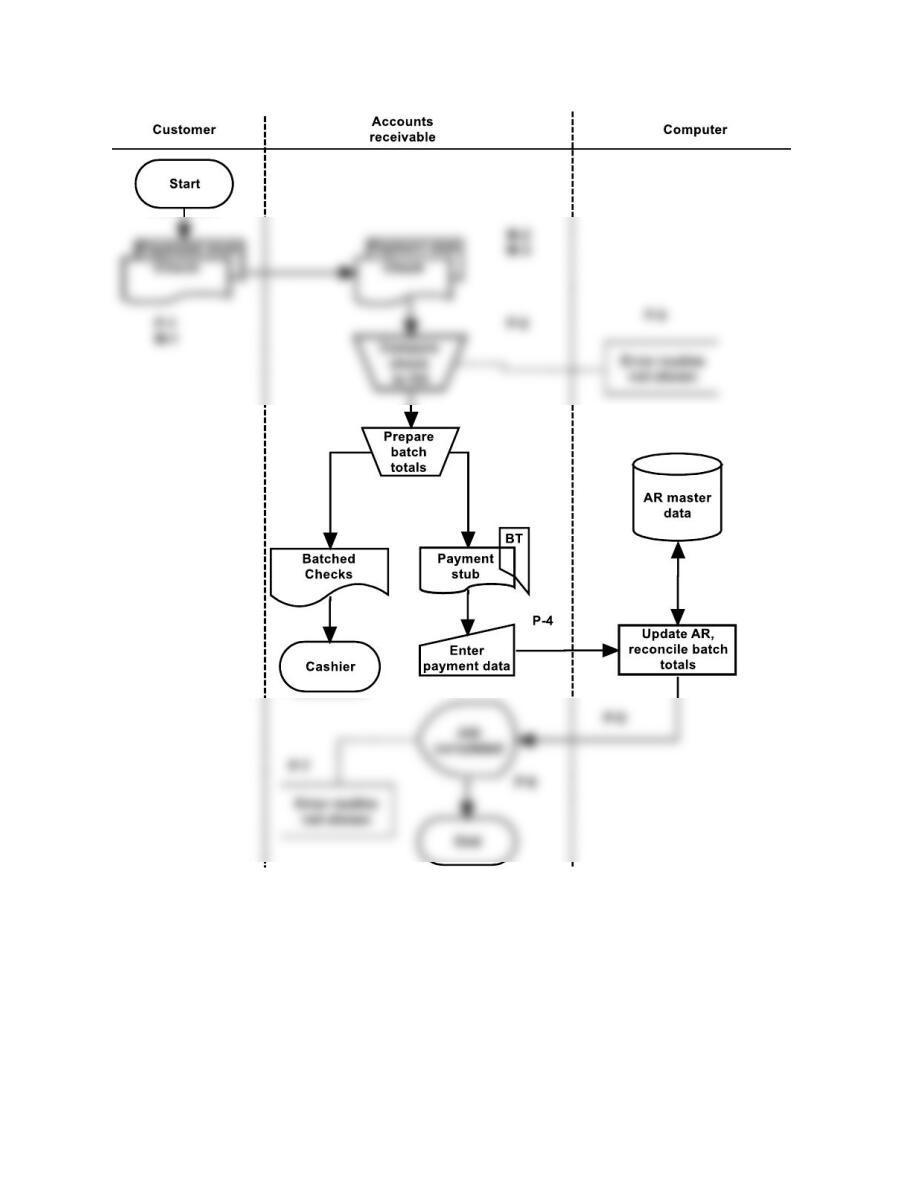
FIGURE SM-11.8 Problem 2, Part c Solution—Annotated Systems Flowchart for Fred’s
Electrical, Inc. (Cash Receipts)
18 Solutions for Chapter 11
Bondstreet Company (Billing and Cash Receipts) Solutions
P 11-1 ANS. a. Table of Entities and Activities for Bondstreet Company (Billing and Cash
Receipts)
Entities
Para
Activities
Billing clerk
2
1. Requests billing due list display.
ERP system
2
2. Display billing due list.
2
3. Display totals for billing due list.
4
9. Accept invoice batch.
ERP system
4
10. Update sales order, close billing due list, create AR, update
GL, send electronic invoice, and display job completed.
Customer
4
Lockbox
5
11. Send remittance file.
5
12. E-mail totals.
ERP system
13. Save remittance file.
Cash application clerk (CA
5
14. Request display of remittance totals.
ERP system
5
15. Display remittance file totals.
CA clerk
5
16. Compare e-mail and remittance file totals.
6
17. Request application of payments.
ERP system
6
18. Examine terms, calculate amount due, and record payment.
6
19. Display total AR, discounts, and amount paid.
CA clerk
6
20. Compare payment totals to e-mail and remittance file totals.
6
21. Request update of GL.
ERP system
6
22. Update GL.
Billing clerk
2
4. Record billing due list totals on batch total sheet.
3
5. Request execution of billing program.
ERP system
3
6. Prepare invoice records (access customer, inventory, sales
3
7. Calculate and display invoice totals.
Clerk
4
8. Reconcile billing due and invoice totals.
Accounting Information Systems, 10e 19
Customer Billing/Cash
receipts
Lockbox
Invoice
Remittance data
FIGURE SM-11.9 Problem 1, Part b Solution—Context Diagram for Bondstreet Company
(Billing and Cash Receipts)
20 Solutions for Chapter 11
1.0
Lockbox
AR, discounts
paid
Request
payments
application
Request
remittance
NOTE: See the logical DFD for details regarding flows into and out of the enterprise database.
Request billing
due list
Batch total
she et
Job completed
Customer
Invoice
Remittance file
Remittance
totals
Request
GL update
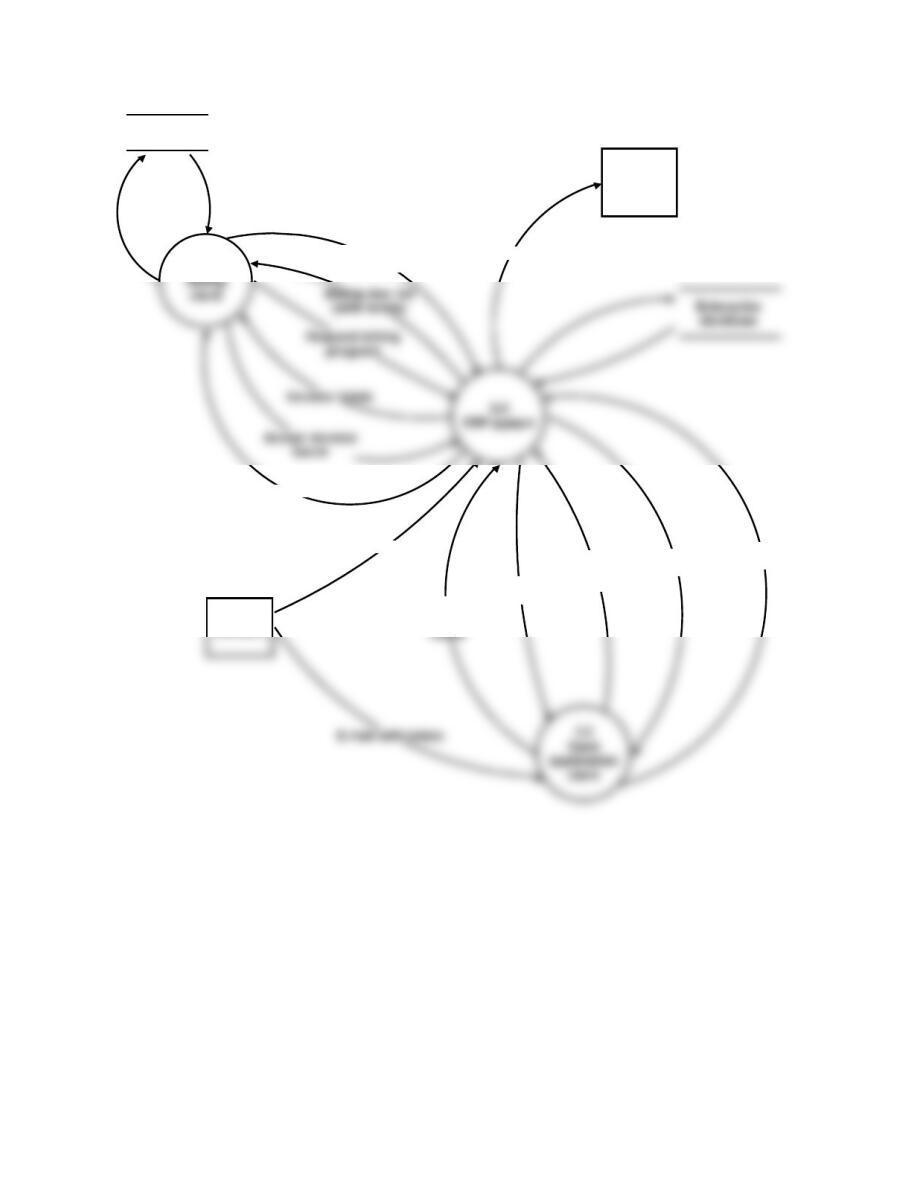
FIGURE SM-11.10 Problem 1, Part c Solution—Physical DFD for Bondstreet Company
(Billing and Cash Receipts)