2
The the user-defined function odeRK3 is used in following program (script file) to solve Problem 8.2.
clear, clc
ODEHW10_2 = @ (x,y) x-x*y/2;
a=1; b=3.4; yINI=1;
h1=0.8; h2=0.1;
[x1, y1] = odeRK3(ODEHW10_2,a,b,h1,yINI);
[x2, y2] = odeRK3(ODEHW10_2,a,b,h2,yINI);
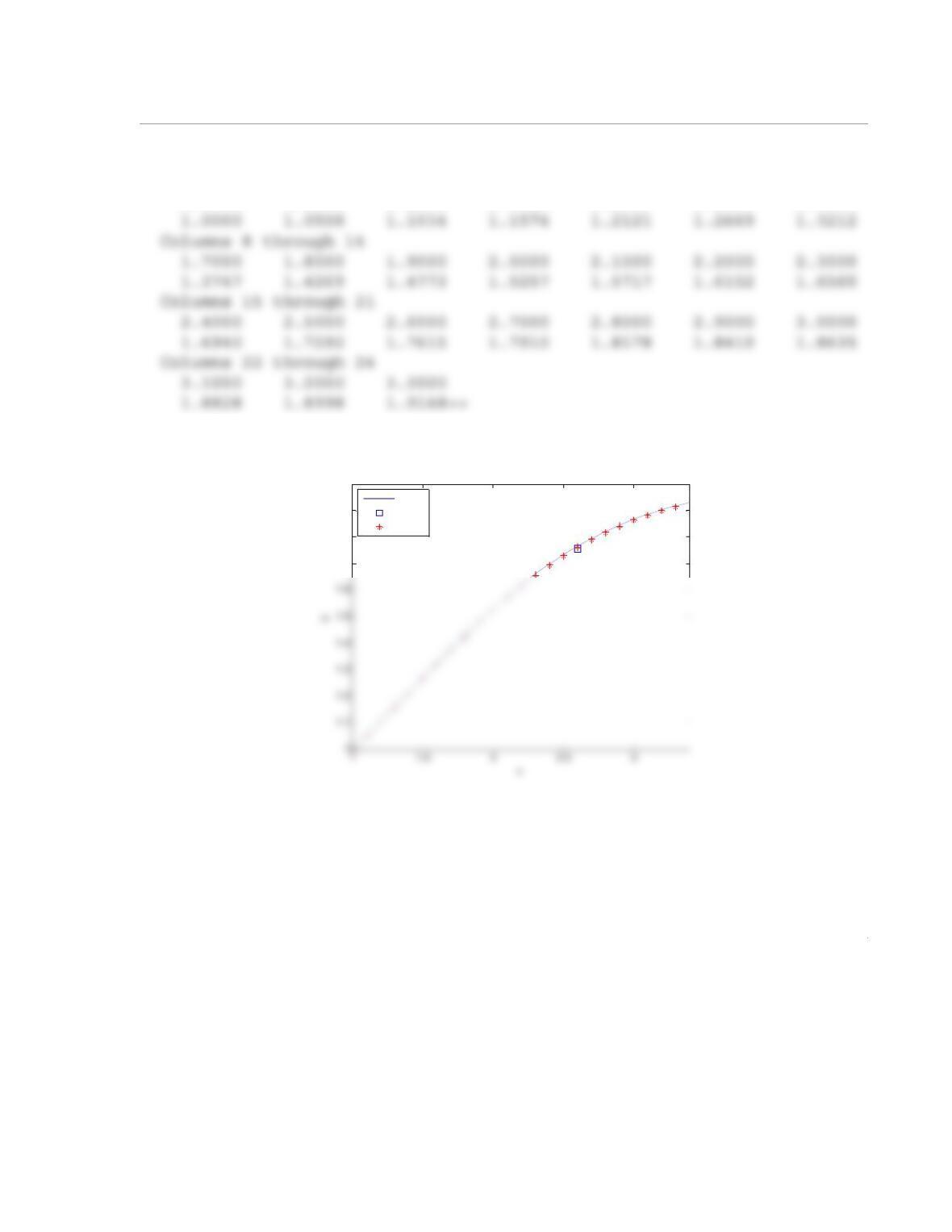
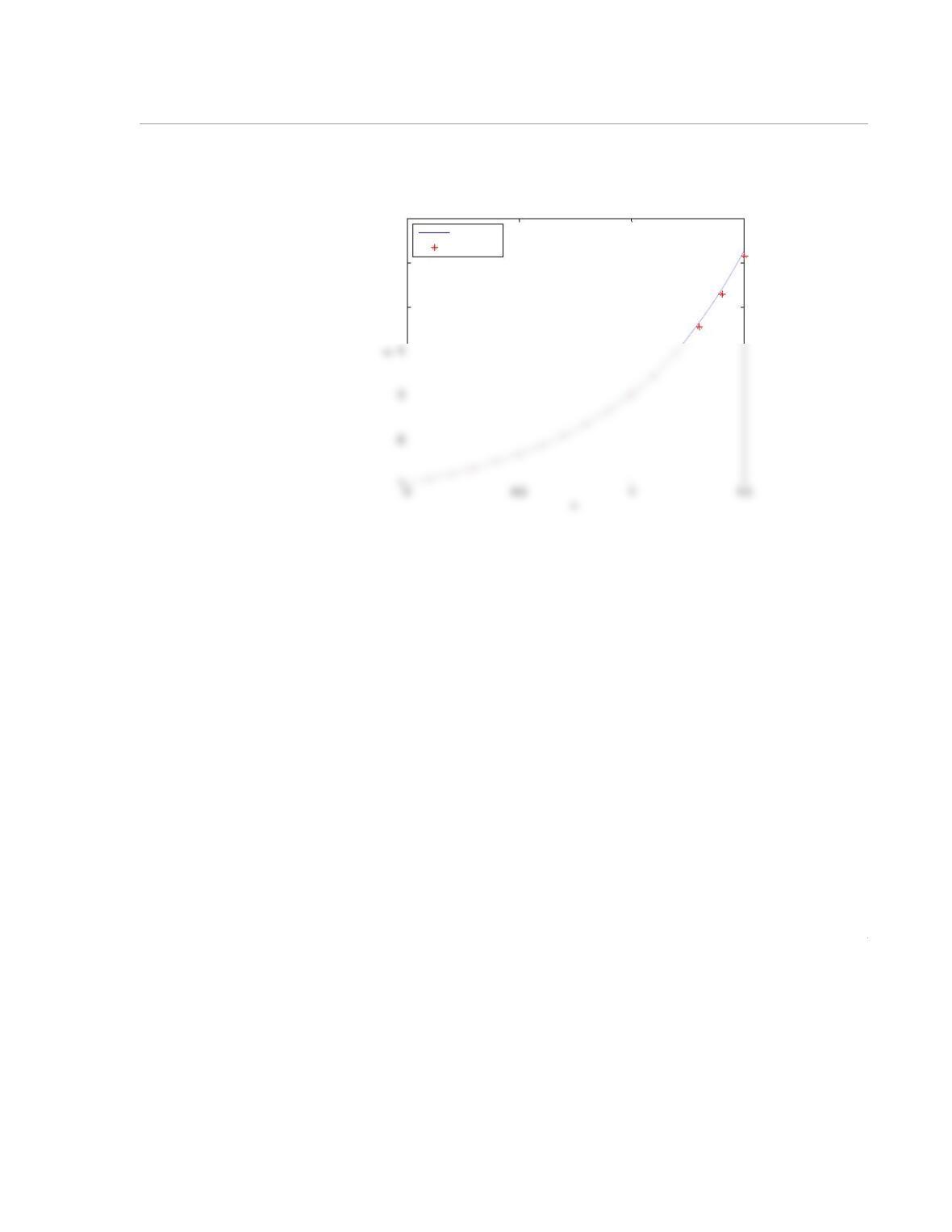
When the program is executed the numerical solution is displayed in the Command Window and the fol-
lowing plot is displayed in the Figure Window:
Numerical solution with h=0.8
Answer =
3
Answer =
Columns 1 through 7
1.0000 1.1000 1.2000 1.3000 1.4000 1.5000 1.6000
1.7
1.8
1.9
2
Exact
h=0.8
h=0.1
1
10.18 Write a user-defined MATLAB function that solves a first-order ODE by using the second-order
Adams–Bashforth method. The function should use the modified Euler method for calculating the solution
at the second point, and Eq. (10.95) for calculating the solution at the rest of the points. For function name
and arguments use [x,y]=odeAdams2(ODE,a,b,h,yINI). The input argument ODE is a name for
the function that calculates . It is a dummy name for the function that is imported into odeAdams2.
The arguments a and b define the domain of the solution, h is the step size, and yINI is the initial value.
The output arguments, x and y, are vectors with the x and y coordinates of the solution.
Use the function odeAdams2 to solve the ODE in Problem 10.3. Write a MATLAB program in a
script file that solves the ODE by using . The program should also plot the exact solution (given in
Problem 10.3) and the numerical solution (both in the same figure).
Solution
The listing of the user-defined function odeAdams2 is:
x(1) = a; y(1) = yINI;
N = (b-a)/h;
x(2) = x(1) + h;
dy
dx
—––
h0.1=
2
for i = 2:N
x(i+1) = x(i) + h;
y(i+1) = y(i) + (3*ODE(x(i),y(i))-ODE(x(i-1),y(i-1)))*h/2;
end
The the user-defined function odeAdams2 is used in following program (script file) to solve Problem 8.3:
clear, clc
ODEHW10_3 = @ (t,y) y+t^3;
a=0; b=1.5; yINI=1;
h=0.1;
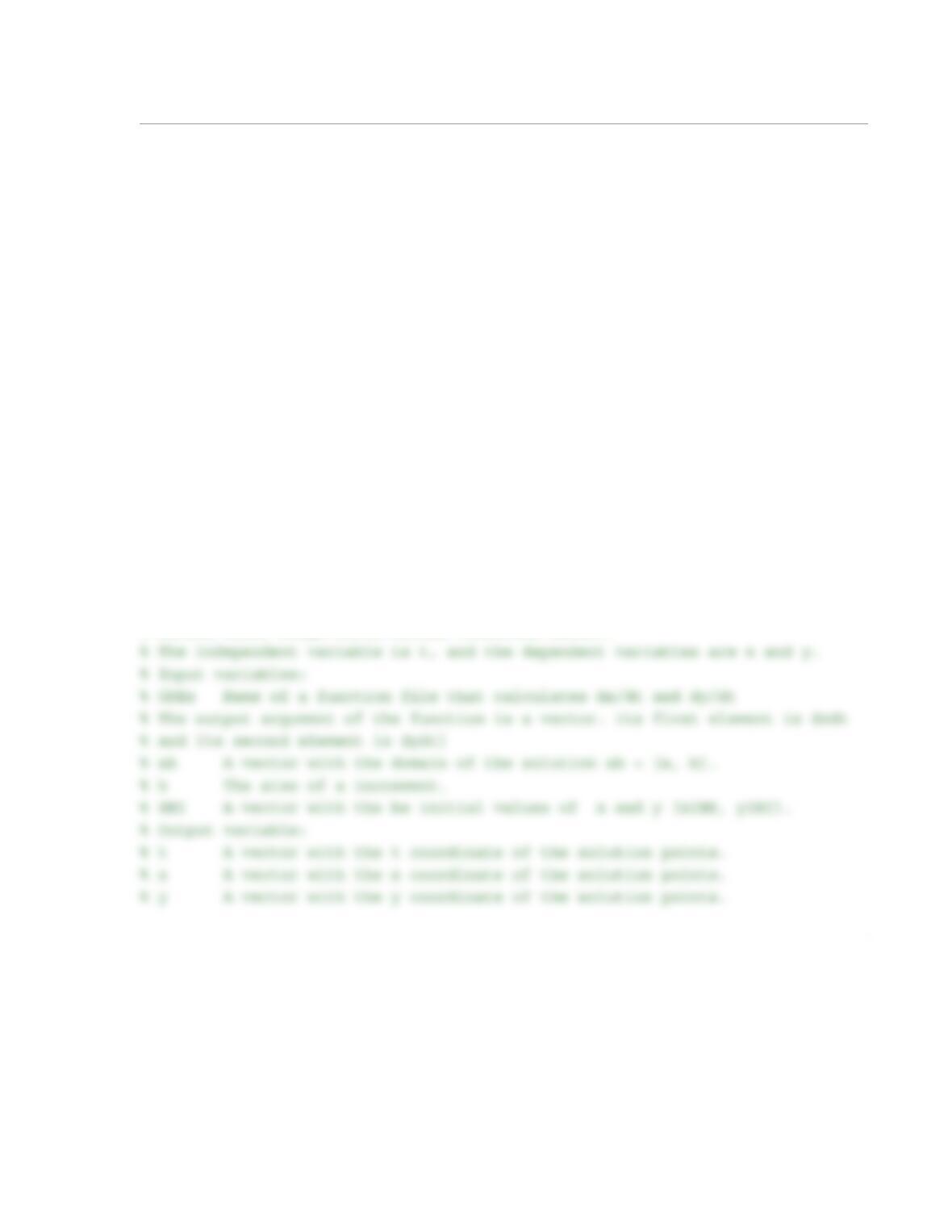
When the program is executed the numerical solution is displayed in the Command Window and the fol-
lowing plot is displayed in the Figure Window:
Numerical solution with h=0.1
Answer =
Columns 1 through 7
0 0.1000 0.2000 0.3000 0.4000 0.5000 0.6000
3
5.2848 6.1515
5
6
7
Exact
Numerical
1
10.20 The user-defined MATLAB function Sys2ODEsRK2(ODE1,ODE2,a,b,h,yINI,zINI)
(Program 10-5), that is listed in the solution of Example 10-7, solves a system of two ODEs by using the
second-order Runge–Kutta method (modified Euler version). Modify the function such that the two ODEs
are entered in one input argument. Similarly, the domain should be entered by using one input argument,
and the two initial conditions entered in one input argument. For function name and arguments use
[t,x,y]=Sys2ODEsModEU(ODEs,ab,h,INI). The input argument ODEs is a name (dummy name
for the function that is imported into Sys2ODEsModEU) for the function that calculates and (the
input arguments of this function are t,x,y, and the output argument is a two-element vector with the val-
ues of and ). The argument ab is a two-element vector that defines the domain of the solution, h is
the step size, and INI is a two-element vector with the initial values for x and y. The output arguments, t,
x, and y, are vectors of the solution.
(a) Use the function Sys2ODEsModEu to solve the system of ODEs in Problem 10.5. Write a MATLAB
program in a script file that solves the system by using . The program should also plot the exact
solution (given in Problem 10.5) and the numerical solution (both in the same figure).
(b) Use the function Sys2ODEsModEu to solve Problem 10.11. Use and plot y vs x.
Solution
The listing of the user-defined function Sys2ODEsModEu is:
function [t, x, y] = Sys2ODEsModEu(ODEs,ab,h,INI)
% Sys2ODEsModEu solves a system of two first-order initial value ODEs using
% second-order Ronge-Kutta method (modified Euler).
dx
dt
—––
dy
dt
—––
dx
dt
—––
dy
dt
—––
h0.1=
h0.05=
2
t(1) = ab(1); x(1) = INI(1); y(1) = INI(2);
N = round((ab(2) – ab(1))/h);
for i = 1:N
(a) The the user-defined function Sys2ODEsModEu is used in following program (script file) to solve the
system of ODEs in Problem 10.5:
% HW 10_20 3ed Solution Script
clear, clc
ab=[0 1.2]; INI=[1 2];
h=0.1;
[t, x, y] = Sys2ODEsModEu(@ODEsHW10_5,ab,h,INI);
The listing of the user-defined function ODEsHW10_5 (the system of ODEs in Problem 10.5) that is used in
the solution is:
function [dxydt] = ODEsHW10_5(t,x,y)
3
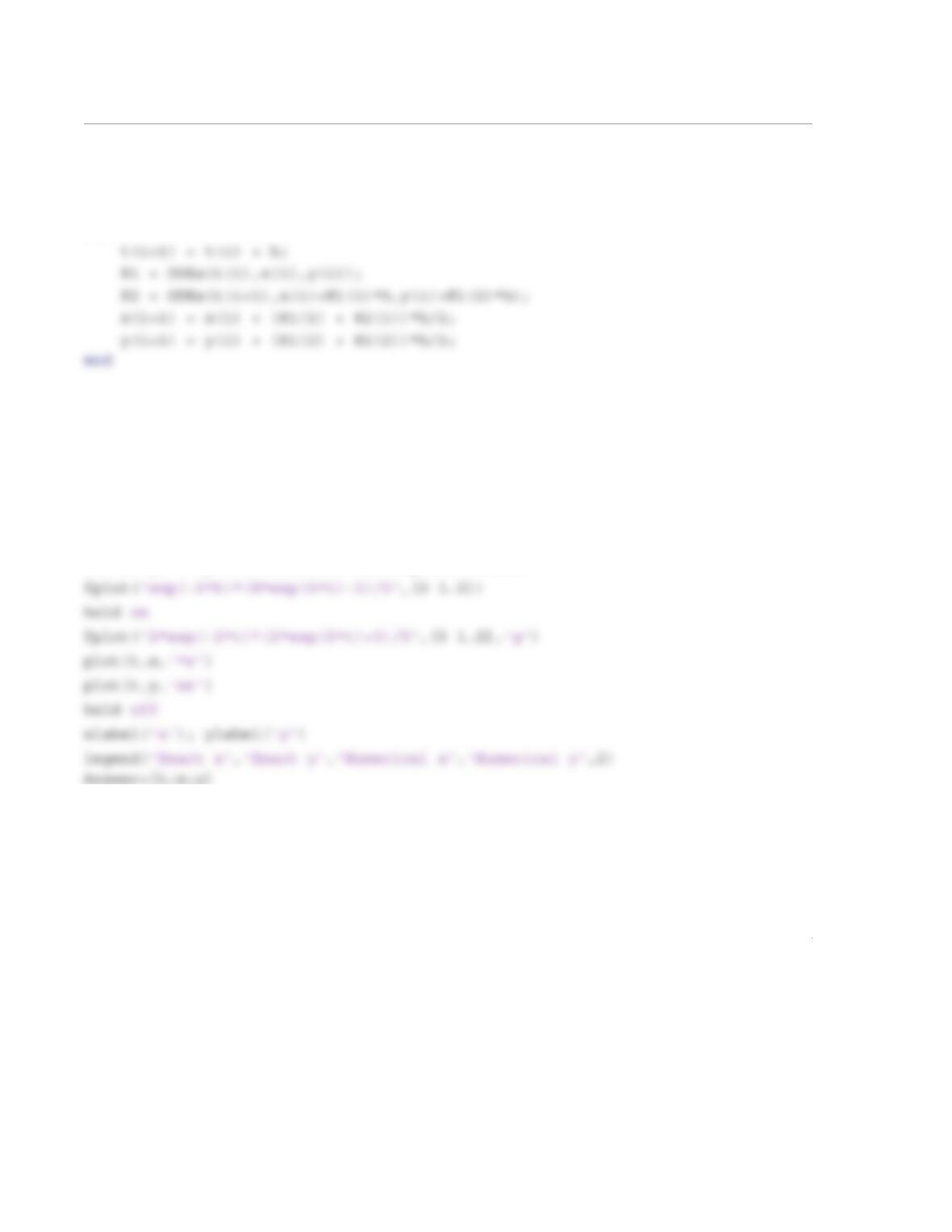
When the program is executed the numerical solution is displayed in the Command Window and the fol-
lowing plot is displayed in the Figure Window:
Answer =
Columns 1 through 7
0 0.1000 0.2000 0.3000 0.4000 0.5000 0.6000
40
50
60
Exact x
Exact y
Numerical x
Numerical y
4
(b) The ODE in Problem 8.10 is:
from to , with and
The the user-defined function Sys2ODEsModEu is used in following program (script file) to solve the
system of ODEs in Problem 8.10:
% HW 10_20 3ed Part b Solution Script
clear, clc
ab=[0 1.5]; INI=[-1 0.2];
The listing of the user-defined function ODEsHW10_11 (the system of ODEs in Problem 8.5) that is used in
the solution is:
function [dywdx] = ODEsHW10_11(x,y,w)
dywdx(1)=w;
dywdx(2)=-2*w-2*y;
When the program is executed the following plot is displayed in the Figure Window:
d2y
dx2
——––2dy
dx
—––2y++ 0=
x0=
x1.5=
y0() 1–=
dy
dx
—––
x0=
0.2=
-0.4
-0.3
-0.2
-0.1
x
1
10.21 The user-defined MATLAB function Sys2ODEsRK4(ODE1,ODE2,a,b,h,x1,y1) (Program
10-6) that is listed in the solution of Example 10-8 solves a system of two ODEs by using the fourth-order
Runge–Kutta method. Modify the function such that the two ODEs are entered in one input argument.
Similarly, the domain is entered by using one input argument, and the two initial conditions are entered in
one input argument. For function name and arguments use
[t,x,y]=Sys2ODEsRKclas(ODEs,ab,h,INI). The input argument ODE is a name (dummy name
for the function that is imported into Sys2ODEsRKclas) for the function that calculates and (the
input arguments of this function are t,x, and y, and the output argument is a two-element vector with the
values of and ). ab is a two-element vector that defines the domain of the solution, h is the step size,
and INI is a two-element vector with the initial values. The output arguments, t, x, and y, are vectors of
the solution.
(a) Use the function Sys2ODEsRKclas to solve the system of ODEs in Problem 10.6. Write a MAT–
LAB program in a script file that solves the system by using . The program should also plot the
exact solution and the numerical solution (both in the same figure).
(b) Use the function Sys2ODEsRKclas to solve Problem 10.12. Use and plot y vs x. The pro-
gram should also plot the exact solution (given in Problem 10.12) and the numerical solution (both in the
same figure).
Solution
The listing of the user-defined function Sys2ODEsRKclas is:
function [t, x, y] = Sys2ODEsRKclas(ODEs,ab,h,INI)
% Sys2ODEsRKclas solves a system of two first order initial value ODEs using
% fourth order Ronge-Kutta method.
dx
dt
—––
dy
dt
—––
dx
dt
—––
dy
dt
—––
h0.1=
h0.05=
2
% x A vector with the x coordinate of the solution points.
% y A vector with the y coordinate of the solution points.
t(1)=ab(1); x(1) = INI(1); y(1) = INI(2);
n = round((ab(2) – ab(1))/h);;
for i = 1:n
(a) The the user-defined function Sys2ODEsRKclas is used in following program (script file) which
solves Problem 10.6:
clear, clc
ab=[0 1.2]; INI=[1 1];
h=0.1;
[t, x, y] = Sys2ODEsRKclas(@ODEsHW10_6,ab,h,INI);
fplot(‘4*exp(t)-t^2*exp(t)-t^2-3*t-3’,[0 1.2])