1.23 Use the first seven terms in Eq. (1.21) to calculate an estimated value of e. Do the calculation with
MATLAB (use format long to display the numbers). Determine the true relative error. For the exact
value of e, use exp(1)in MATLAB.
Solution
The calculations are performed in the command window of MATLAB:
>> format compact
1.24 Develop an algorithm to determine whether or not a given integer is a prime number. Recall that a
prime number is an integer larger than 1 and which is divisible only by itself and by 1.
Solution
By definition, a prime number is number that is divisible only by itself or the number one. There are many
strategies for determining if a given integer is a prime number, with varying degrees of quickness. One
1.25 Develop an algorithm for adding all prime numbers between 0 and a given number.
Solution
(1) Start with . If the given integer , then and stop. If the given integer ,
sum 0=
x1=
sum 0=
x2=
sum 1=
1.26 Develop an algorithm for converting integers given in decimal form to binary form.
Solution
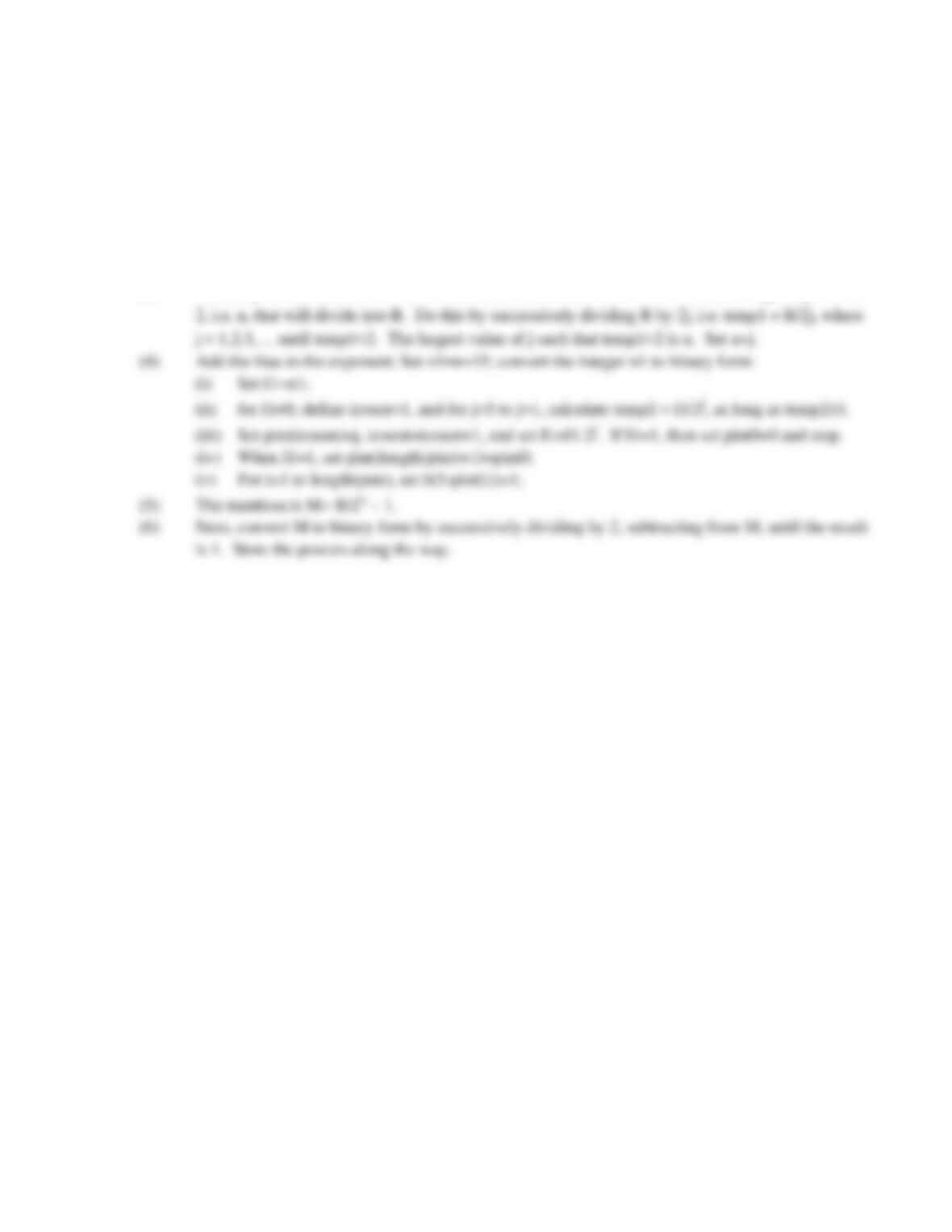
(1) Read in the integer I (base 10 number) to be converted to binary form, as well as the highest power of
2 that is to be considered, say N. Define .
icount 1=
1.27 Develop an algorithm to implement the IDDD-643 standard introduced in Problem 1.13 to store any
base 10 decimal number in binary form. Apply chopping, if necessary.
Solution
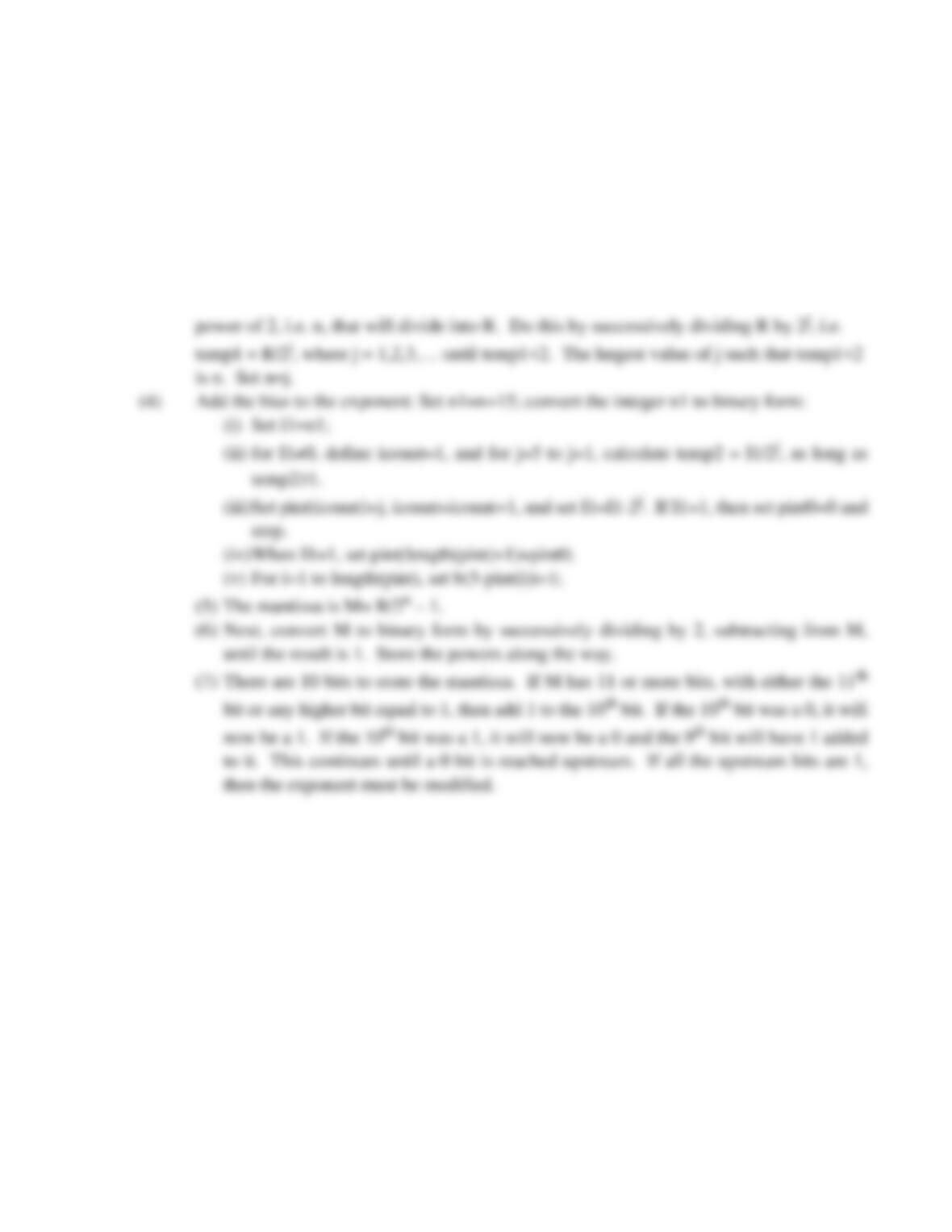
(1) Set b(1:16)=0. Read in the number R.
(2) First determine the sign of the number. If R>0, sign=0, else sign=1. Set b(1)=sign.
(3) Next, express the number R in base 2 scientific notation, : Find the highest power of
R1.M2n
×=
1.28 Develop an algorithm to implement the IDDD-643 standard introduced in Problem 1.13 to store any
base 10 decimal number in binary form. Apply rounding down.
Solution
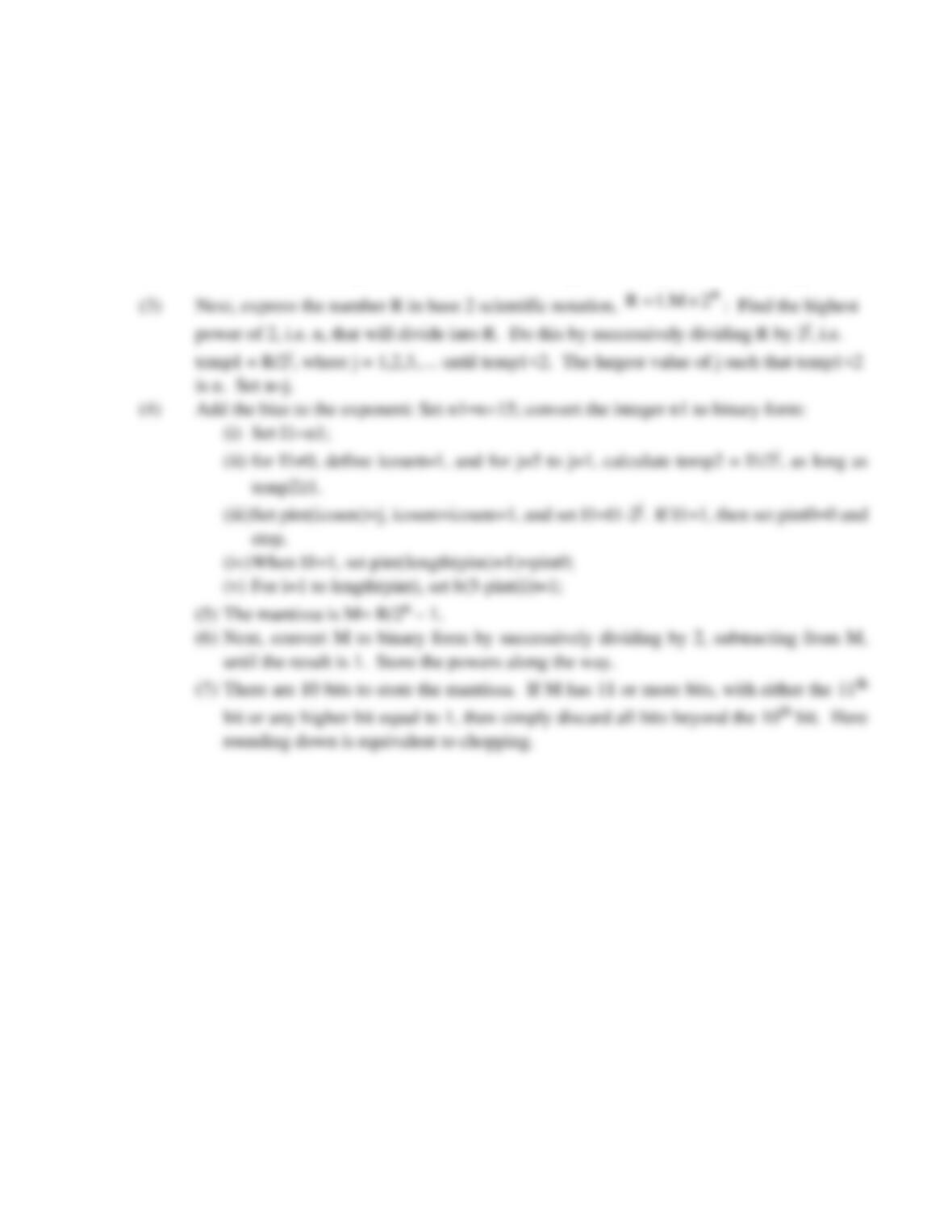
(1) Set b(1:16)=0. Read in the number R.
(2) First determine the sign of the number. If R>0, sign=0, else sign=1. Set b(1)=sign.
(3) Next, express the number R in base 2 scientific notation, : Find the highest
n
2M.1R ×=
1.29 Develop an algorithm to implement the IDDD-643 standard introduced in Problem 1.13 to store any
base 10 decimal number in binary form. Apply rounding up.
Solution
(1) Set b(1:16)=0. Read in the number R.
(2) First determine the sign of the number. If R>0, sign=0, else sign=1. Set b(1)=sign.
1.30 Develop an algorithm to add two integers expressed in binary form. The rules for adding binary
numbers are: , , , and carry 1. For example, is:
Solution
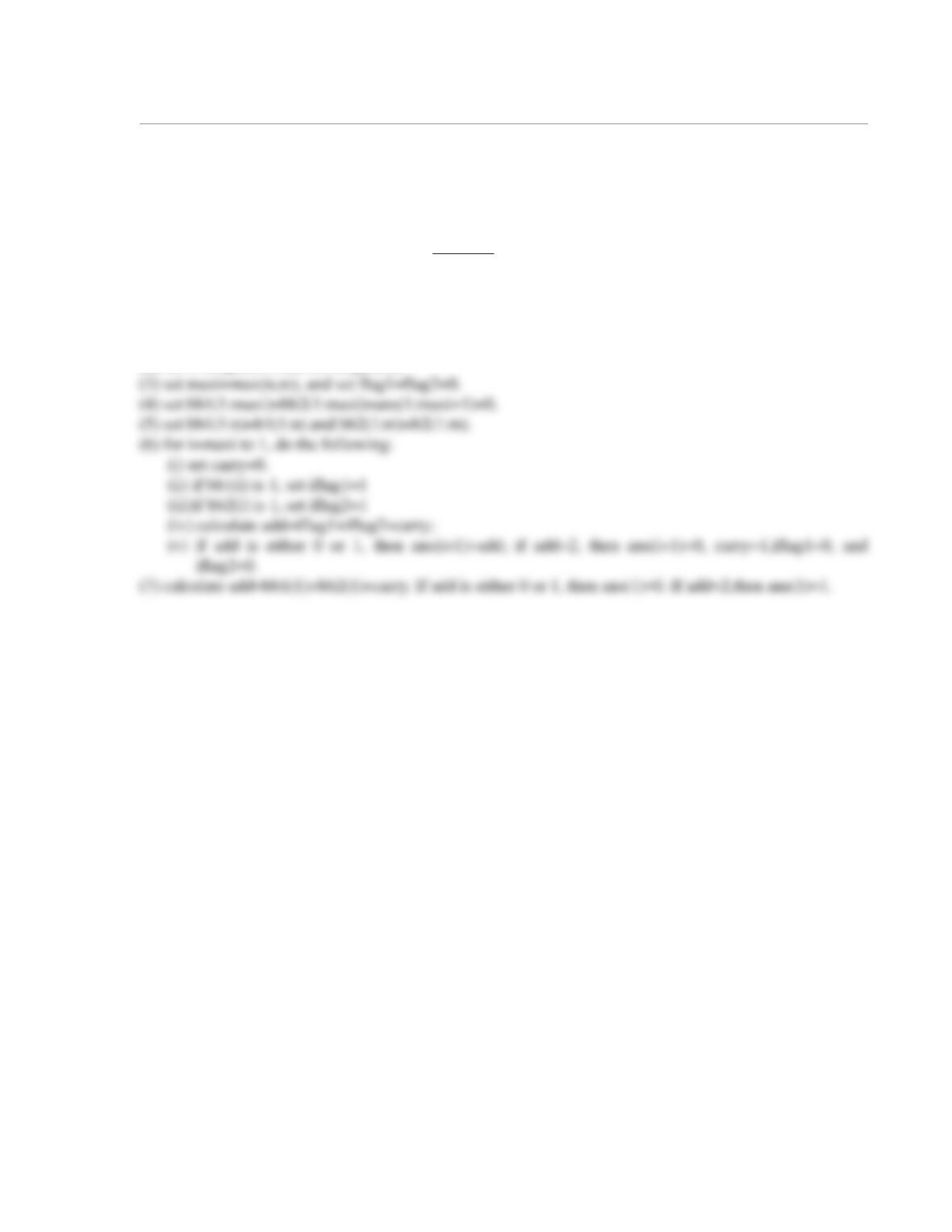
(1) Read in the two numbers in binary form as elements of arrays, b1 and b2, and makesure they are both
positive, or else, display an error message.
(2) set n=length(b1) and m=length(b2)
00 0→+
01 1→+
10 1→+
11 0→+
512+
1 1
0 0 1 0 1
0 1 1 0 0
1 0 0 0 1
+
(carried digits)
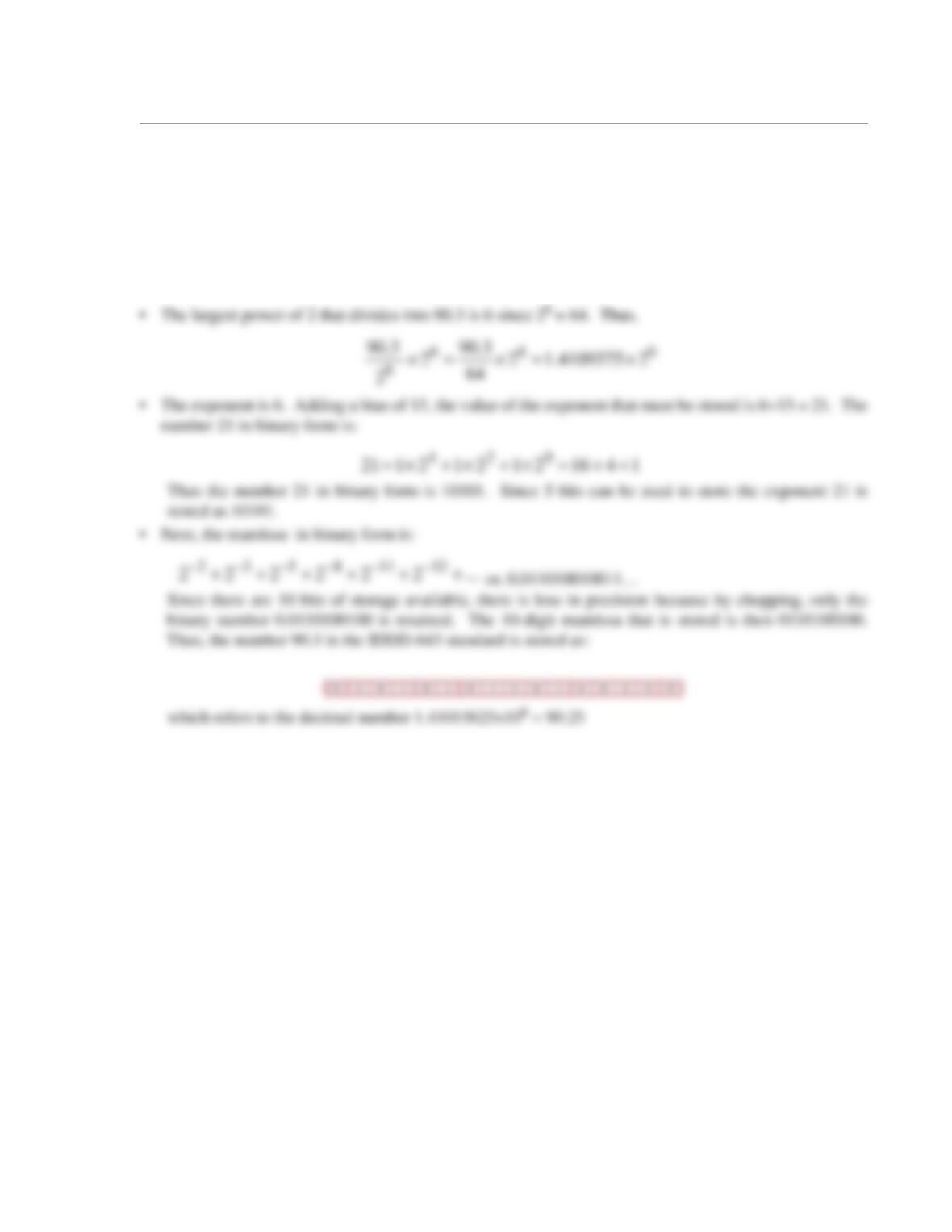
1.31 Suppose chopping is used to store the number 84.48 in the IDDD-643 standard of problem 1.13.
What is the number actually stored in binary form? What is the equivalent decimal number that is stored?
What is the absolute error?
Solution
According to the IDDD-643 standard:
•
Since the number is positive, the first bit is 0
1
1.32 Write a MATLAB program in a script file that determines whether or not a given integer is a prime
number by implementing the algorithm developed in Problem 1.24. The program should start by assigning
a value to a variable x. When the program is executed, a message should be displayed that states whether
or not the value assigned to x is a prime number. Execute the program with , , and
.
Solution
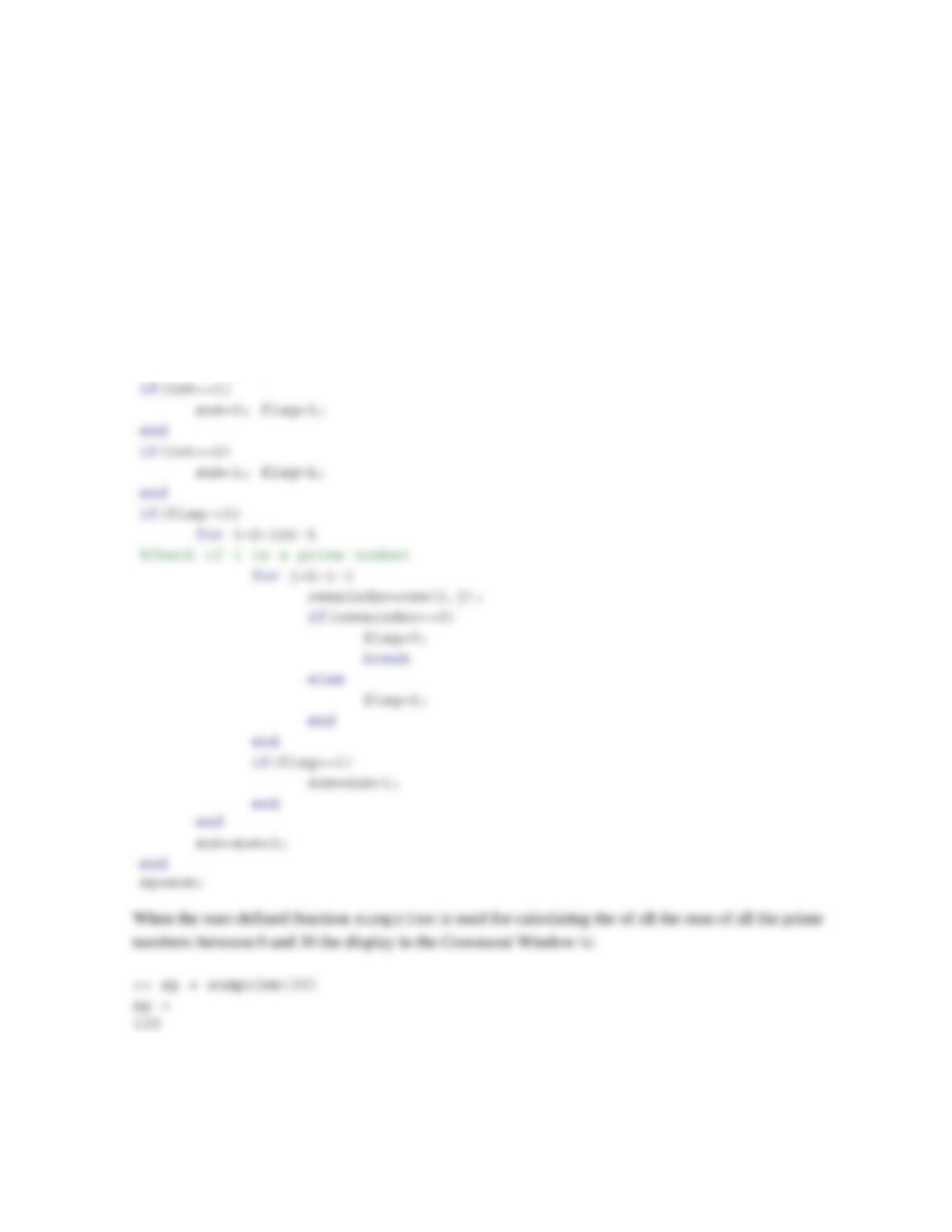
The following MATLAB code implements the algorithm from Problem 1.24:
clear; clc;
x=input(‘please enter a value for x\n’);flag=0;
if(x==1) flag=1;
x79=
x126=
x367=
1.33 Write a user-defined MATLAB function that adds all prime numbers between 0 and a given number
by implementing the algorithm developed in Problem 1.25. Name the function sp = sumprime(int),
where the input argument int is a number larger than 1, and the output argument sp is the sum of all the
prime numbers that are smaller than int. Use the function to calculate the sum of all the prime numbers
between 0 and 30.
Solution
The following MATLAB built-in function implements the algorithm from Problem 1.25:
function sp = sumprime(int)
sum=0; flag=0;
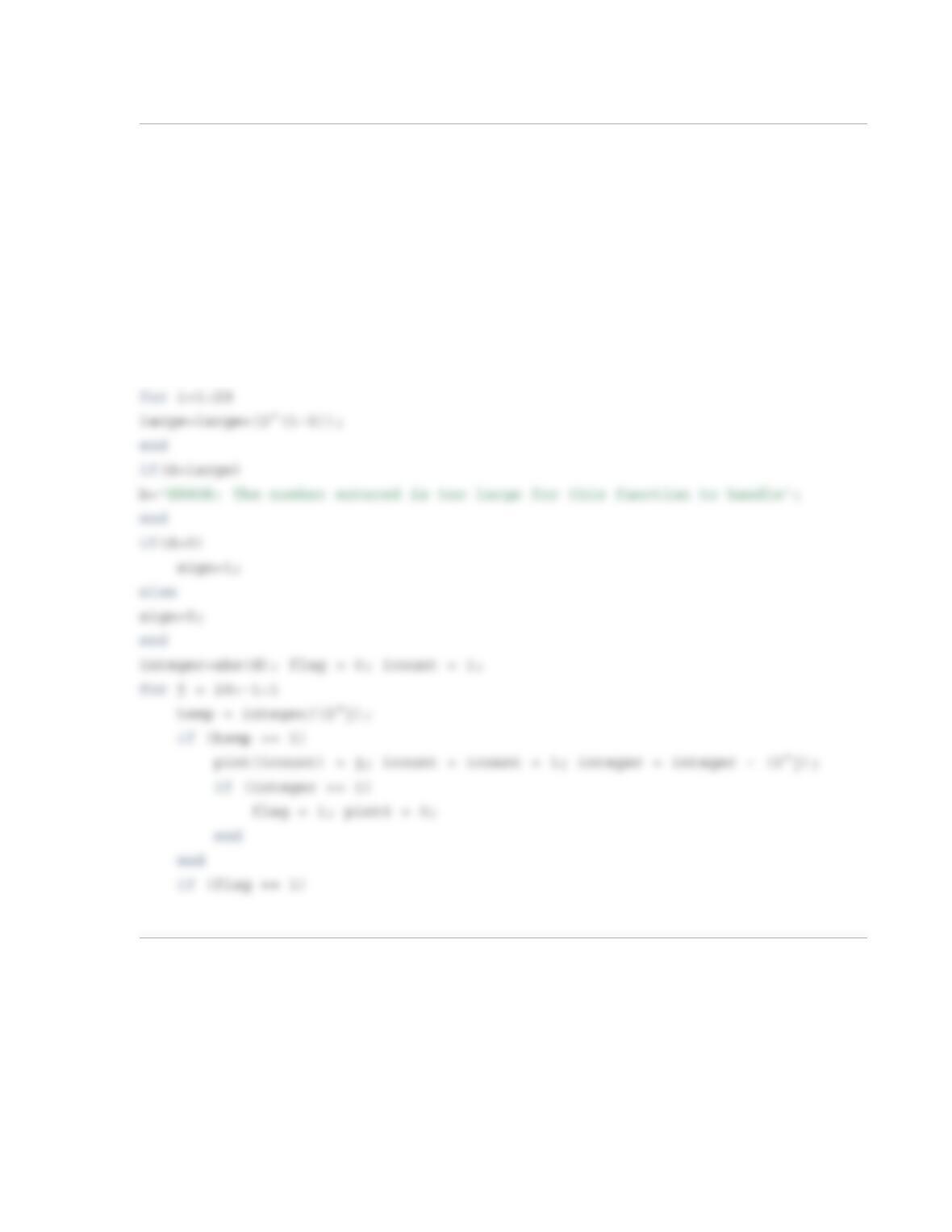
1.34 Write a user-defined MATLAB function that converts integers written in binary form to decimal
form. Name the function d = binaTOint(b), where the input argument b is a vector with 1s and 0s that
represents the binary number to be converted and the output argument d is a number in decimal form. The
largest number that could be converted with the function should be a binary number with 20 1s. If a larger
number is entered for b, the function should display an error message. Use the function to convert the fol-
lowing numbers:
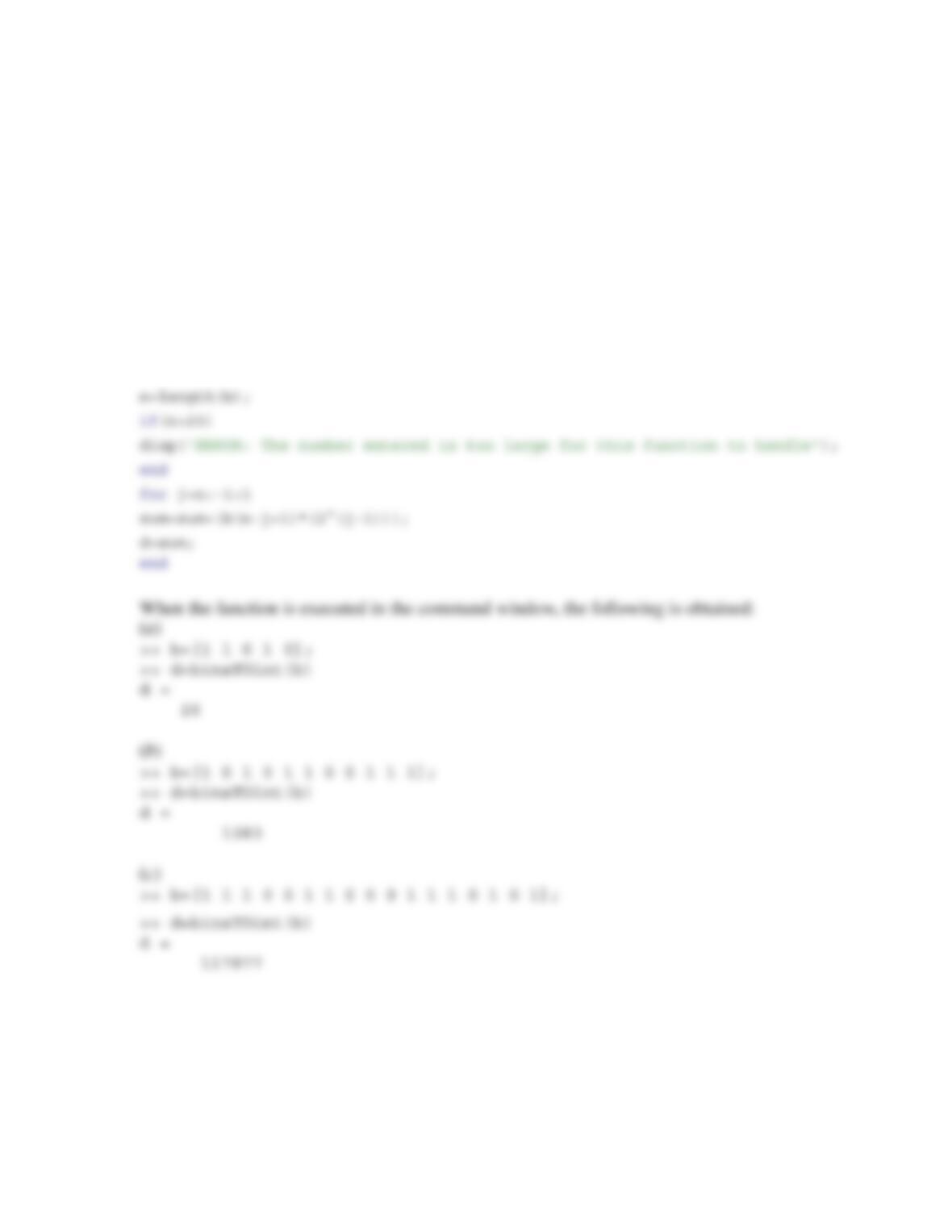
(a) 11010. (b) 10101100111. (c) 11100110001110101.
Solution
function d=binaTOint(b)
sum=0;
1.35 Write a user-defined MATLAB function that converts integers written in decimal form to binary
form. Name the function b = intTObina(d), where the input argument d is the integer to be converted
and the output argument b is a vector with 1s and 0s that represents the number in binary form. The largest
number that could be converted with the function should be a binary number with 20 1s. If a larger number
is entered as d, the function should display an error message. Use the function to convert the following
numbers:
(a) 81. (b) 30952. (c) 1500000.
Solution
function b=IntegerTObina(d)
large=0; b(1:20)=0;
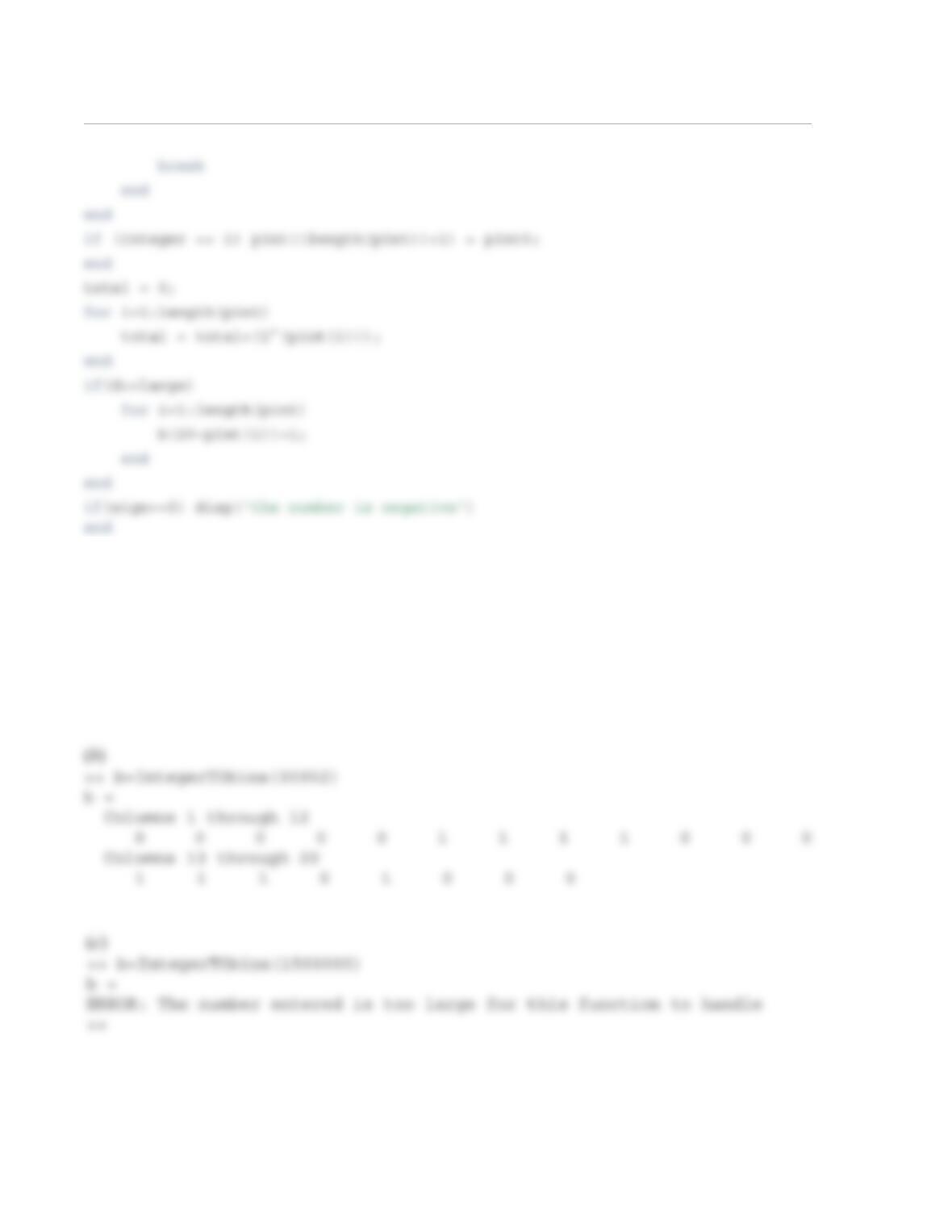
When the function is executed in the command window, the following is obtained:
(a)
>> b=IntegerTObina(81)
b =
Columns 1 through 12
0 0 0 0 0 0 0 0 0 0 0 0
Columns 13 through 20
0 1 0 1 0 0 0 1
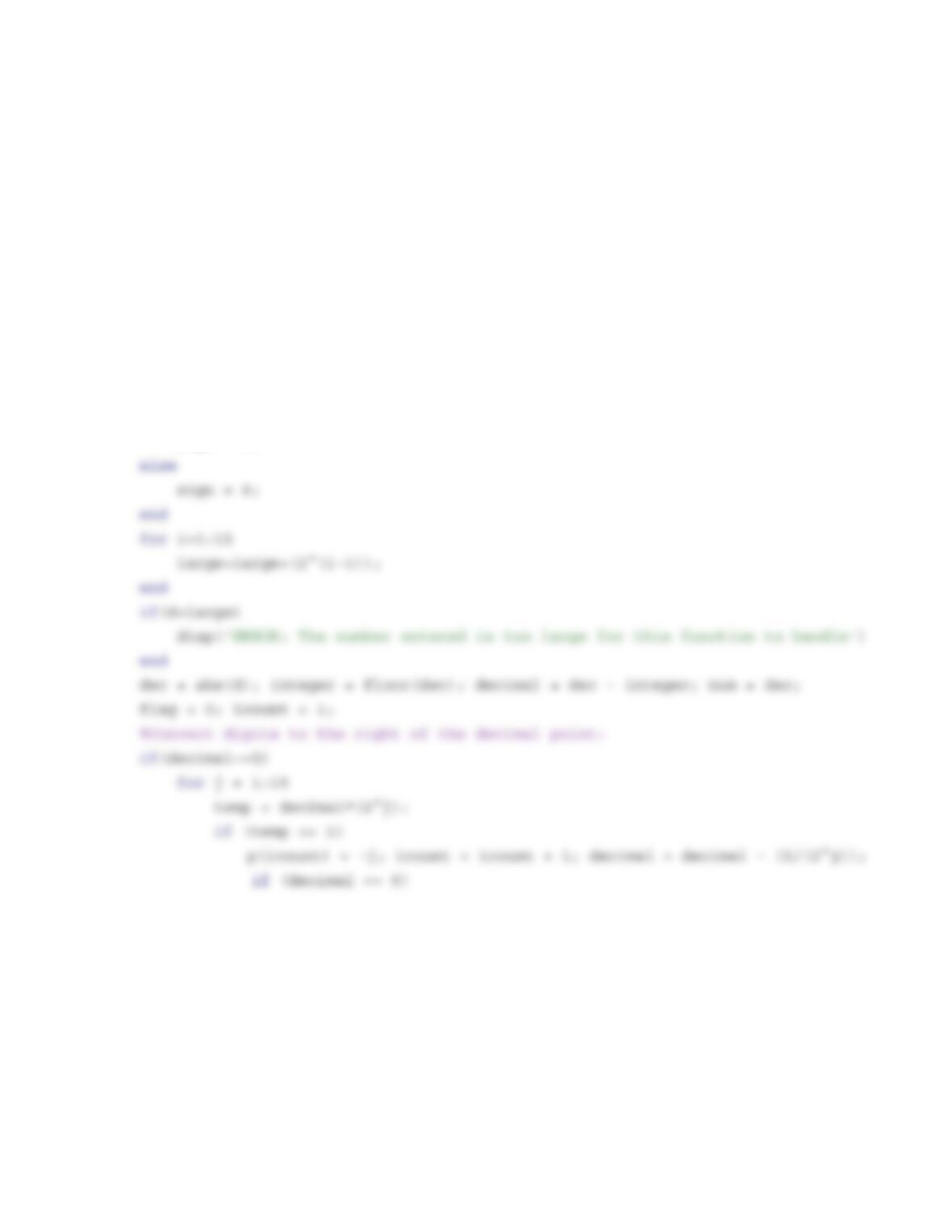
1.36 Write a user-defined MATLAB function that converts real numbers in decimal form to binary form.
Name the function b = deciTObina(d), where the input argument d is the number to be converted and
the output argument b is a 30-element-long vector with 1s and 0s that represents the number in binary
form. The first 15 elements of b store the digits to the left of the decimal point, and the last 15 elements of
b store the digits to the right of the decimal point. If more than 15 positions are required in the binary form
for the digits to the right of the decimal point, the digits should be chopped. If the number that is entered as
d is larger than can be stored in b, the function should display an error message. Use the deciTObina in
the Command Window to convert the numbers 85.321, 0.00671, and 3006.42.
Solution
function b=deciTObina(d)
large=0; b(1:30)=0;
if d > 0.0
sign = 1;
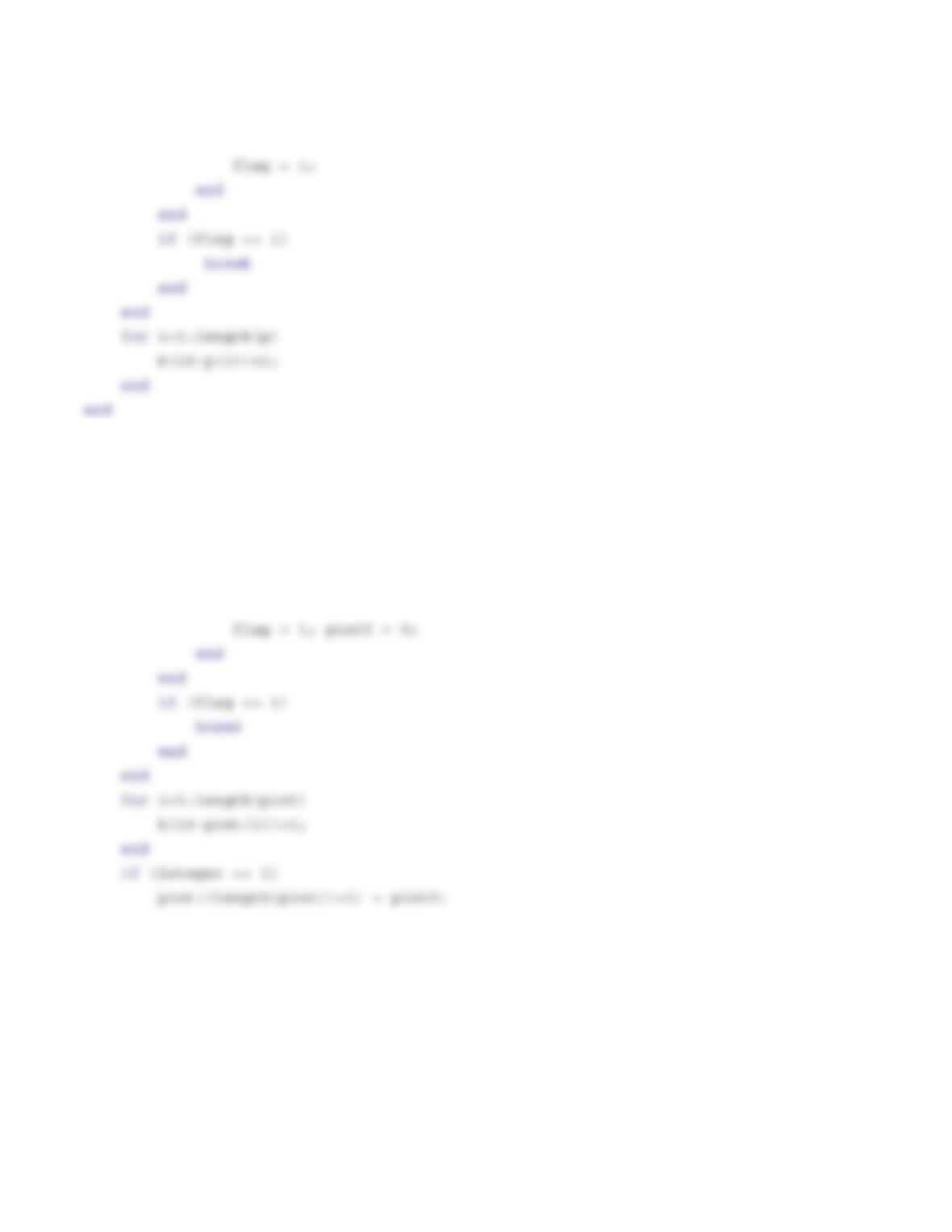
%Convert digits to the left of the decimal point:
if(integer~=0)
flag = 0; icount = 1;
for j = 15:-1:1
temp = integer/(2^j);
if (temp >= 1)
pint(icount) = j; icount = icount + 1; integer = integer – (2^j);
if (integer == 1)
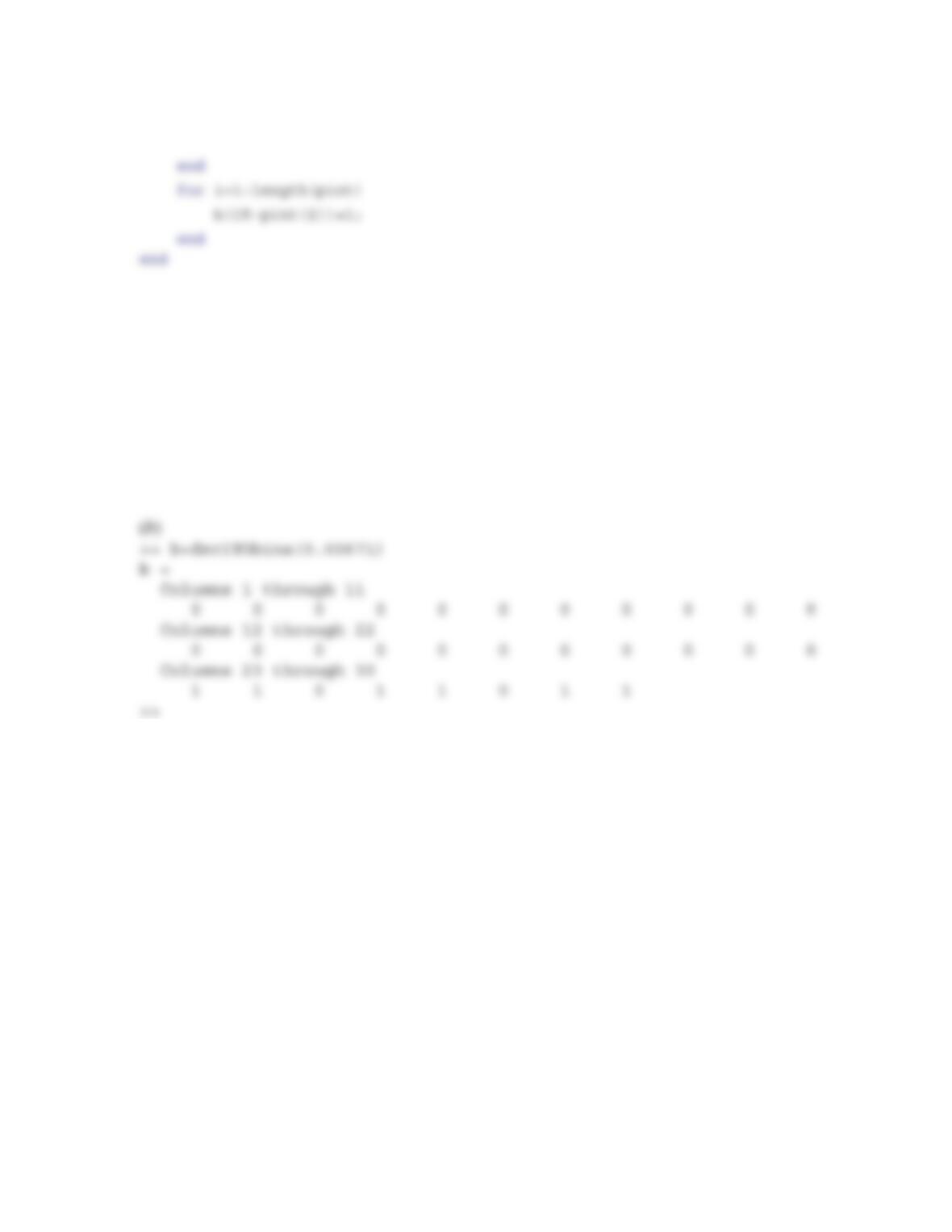
When the function is executed in the command window, the following is obtained:
(a)
>> b=deciTObina(85.321)
b =
Columns 1 through 11
0 0 0 0 0 0 0 0 1 0 1
Columns 12 through 22
0 1 0 1 0 1 0 1 0 0 1
Columns 23 through 30
0 0 0 1 0 1 1 0
(c)
>> b=deciTObina(3006.42)
b =
Columns 1 through 11
0 0 0 1 0 1 1 1 0 1 1
Columns 12 through 22
1 1 1 0 0 1 1 0 1 0 1
Columns 23 through 30
1 1 0 0 0 0 1 0