Chapter 9
Acquisition/Payment Process
Answers to Questions and Problems for Review
Multiple Choice Questions
Discussion Questions
The solutions presented here come from the textbook discussion. Your students may include other insight that is
relevant but not present in these solutions.
1. Enforcing referential integrity on a foreign key link in the Relationships window and Setting a Validation
Rule property are actually two ways of accomplishing the same thing. The goal of both control procedures
is to ensure that invalid data; that is, data that is not an element of the specified set, cannot be entered in a
2. Vendor price performance can be measured by comparing the standard cost in the inventory table with the
actual prices paid in the purchase-inventory table. Students will come up with many ways to compute and
report the differences. Examples of how the differences can be reported include by vendor only, and by
3. Students will suggest a variety of ways to add achieved quality measurements to the system. One example
would be adding a quality rating field to tblPuchase or to tblVendor. This could lead to a class discussion
9-2 CHAPTER 9 • ACQUISITION/PAYMENT PROCESS
4. Validation rules for a specific field may not use values from other fields in the validation expression.
5. The following balance sheet amounts can be computed:
1. Cash
1. Sum all cash receipts on or before the balance sheet date.
2. Inventory – students will likely only get parts of this correct.
1. Sum the quantity of inventory purchased by InventoryID on or before the balance sheet
The only income statement item that can be computed is cost of goods sold.
1. Compute cost of goods sold by item by multiplying quantity sold between the beginning
9-3 CHAPTER 9 • ACQUISITION/PAYMENT PROCESS
Practice Exercises
The solutions are included in the Ch09Inst-PracticeExercises.accdb file on the Instructor web site.
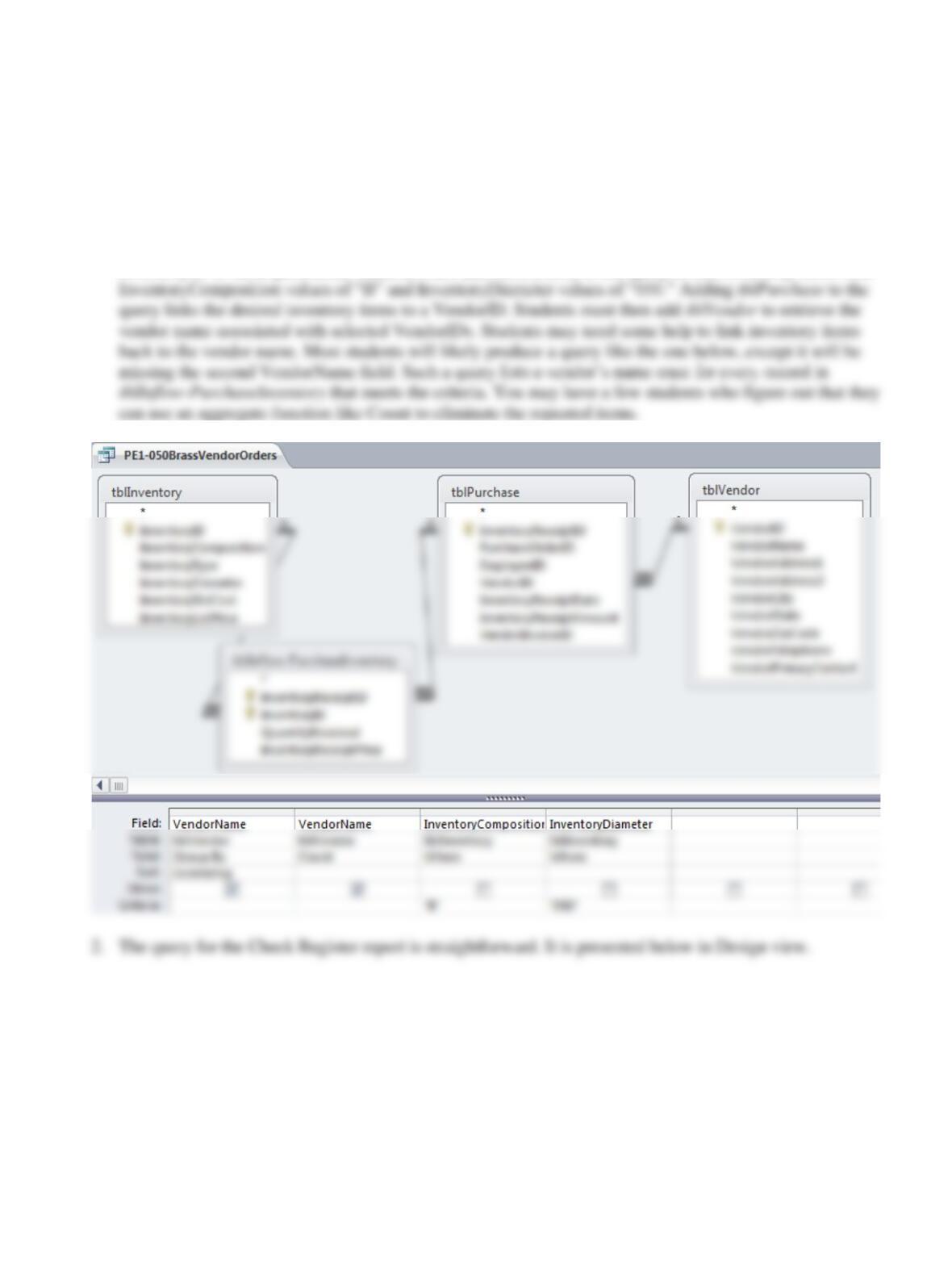
1. The inventory items of interest are in tblInflow-PurchaseInventory, but this table contains only the
InventoryID of items purchased. Students must add tblInventory to the query to find inventory items with
9-4 CHAPTER 9 • ACQUISITION/PAYMENT PROCESS
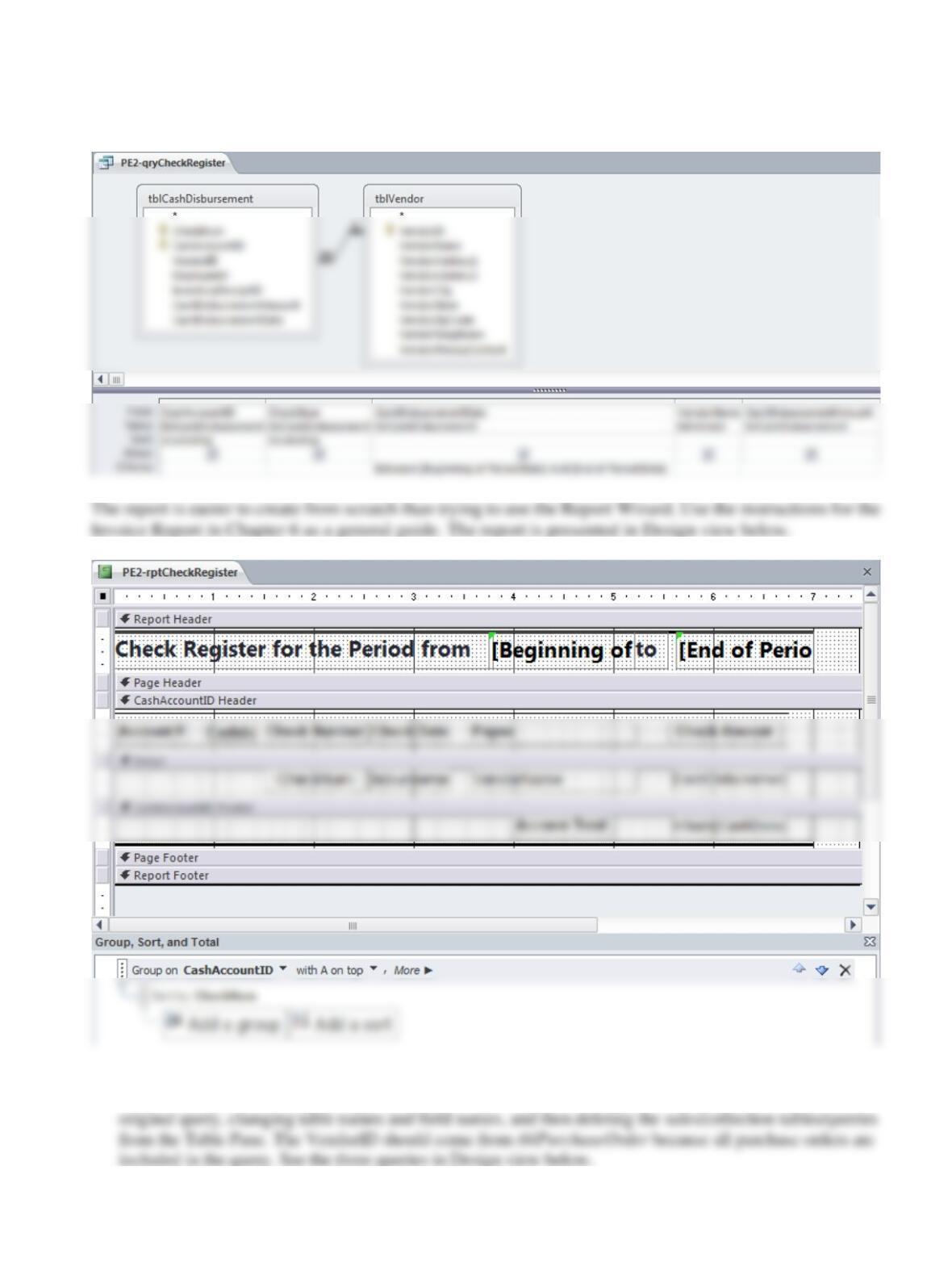
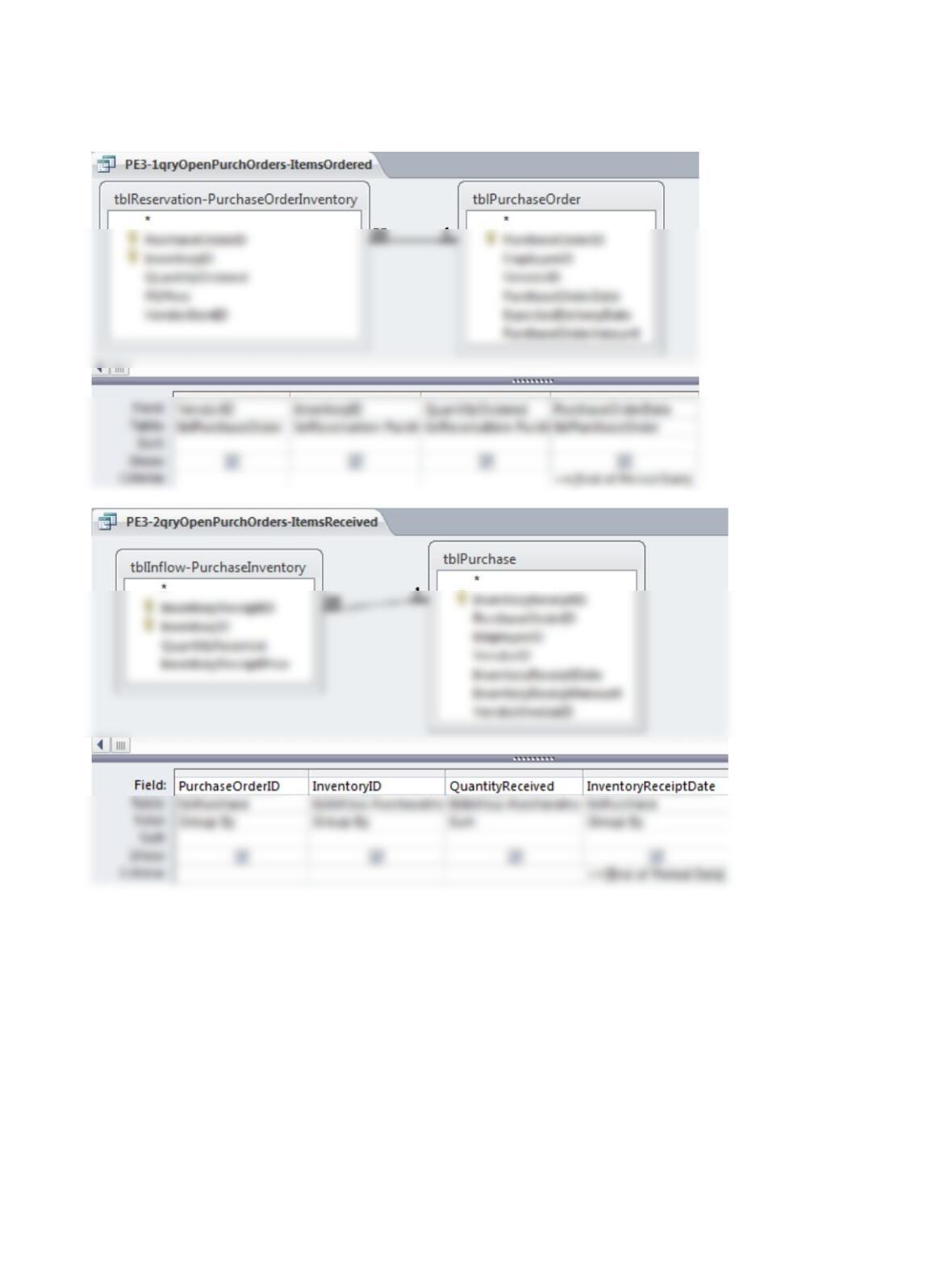
3. Some students may find it easier to create the queries from scratch while others may start by making copies
of the other queries, adding the appropriate tables/queries from the acquisition/payment process to the
9-5 CHAPTER 9 • ACQUISITION/PAYMENT PROCESS
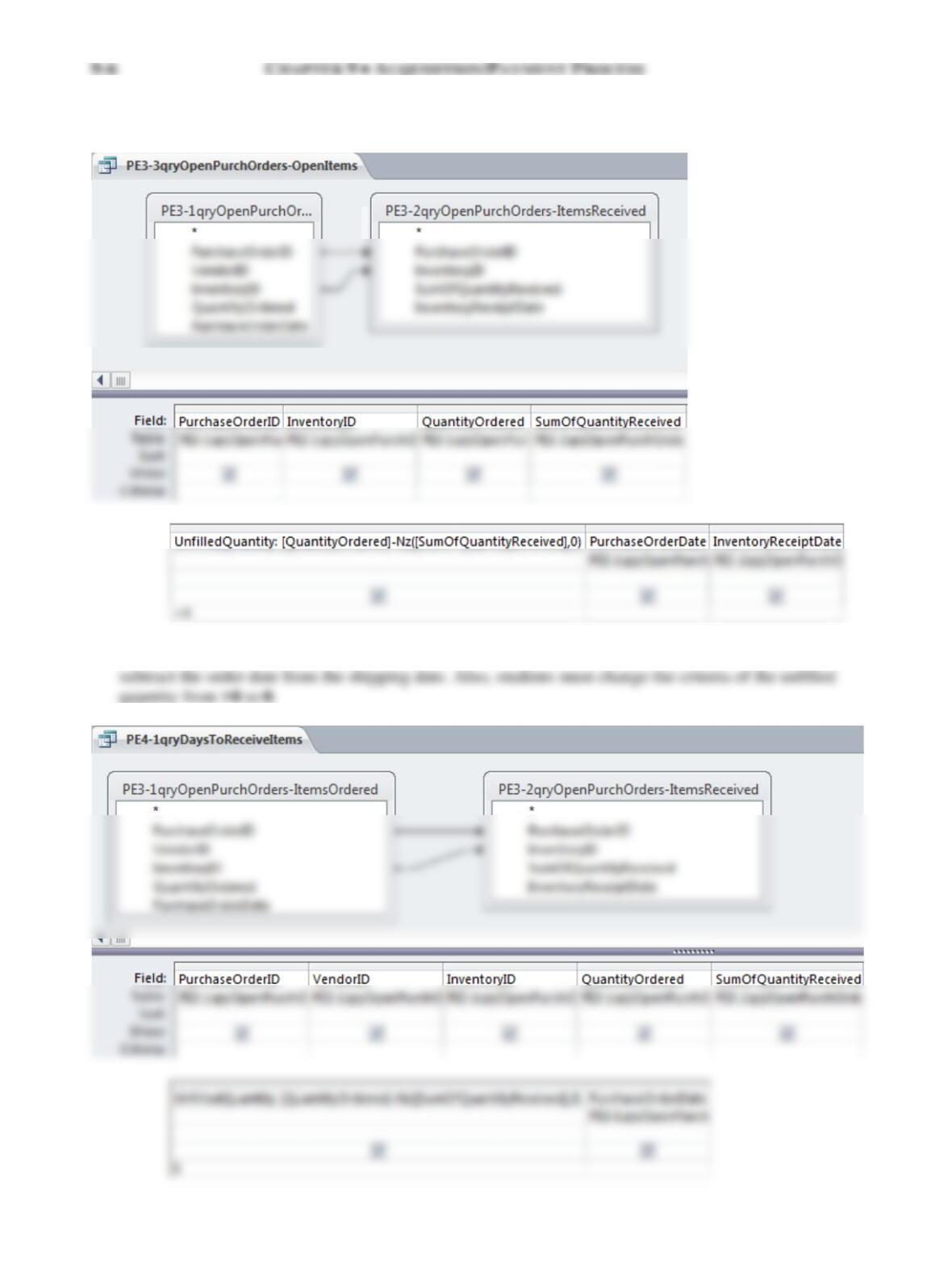
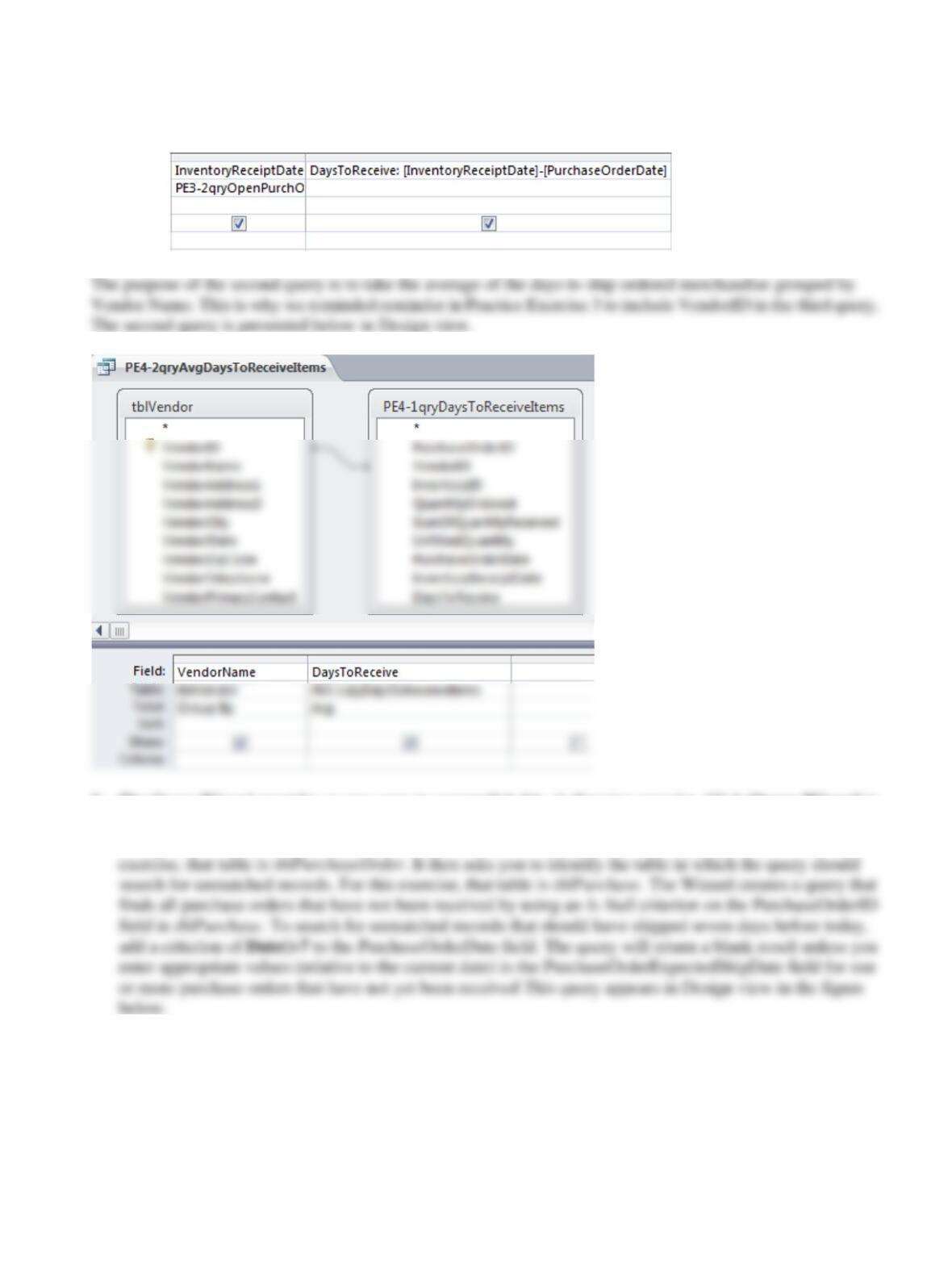
4. The first query in the solution is presented below in Design view. It requires a horizontal computation to
9-7 CHAPTER 9 • ACQUISITION/PAYMENT PROCESS
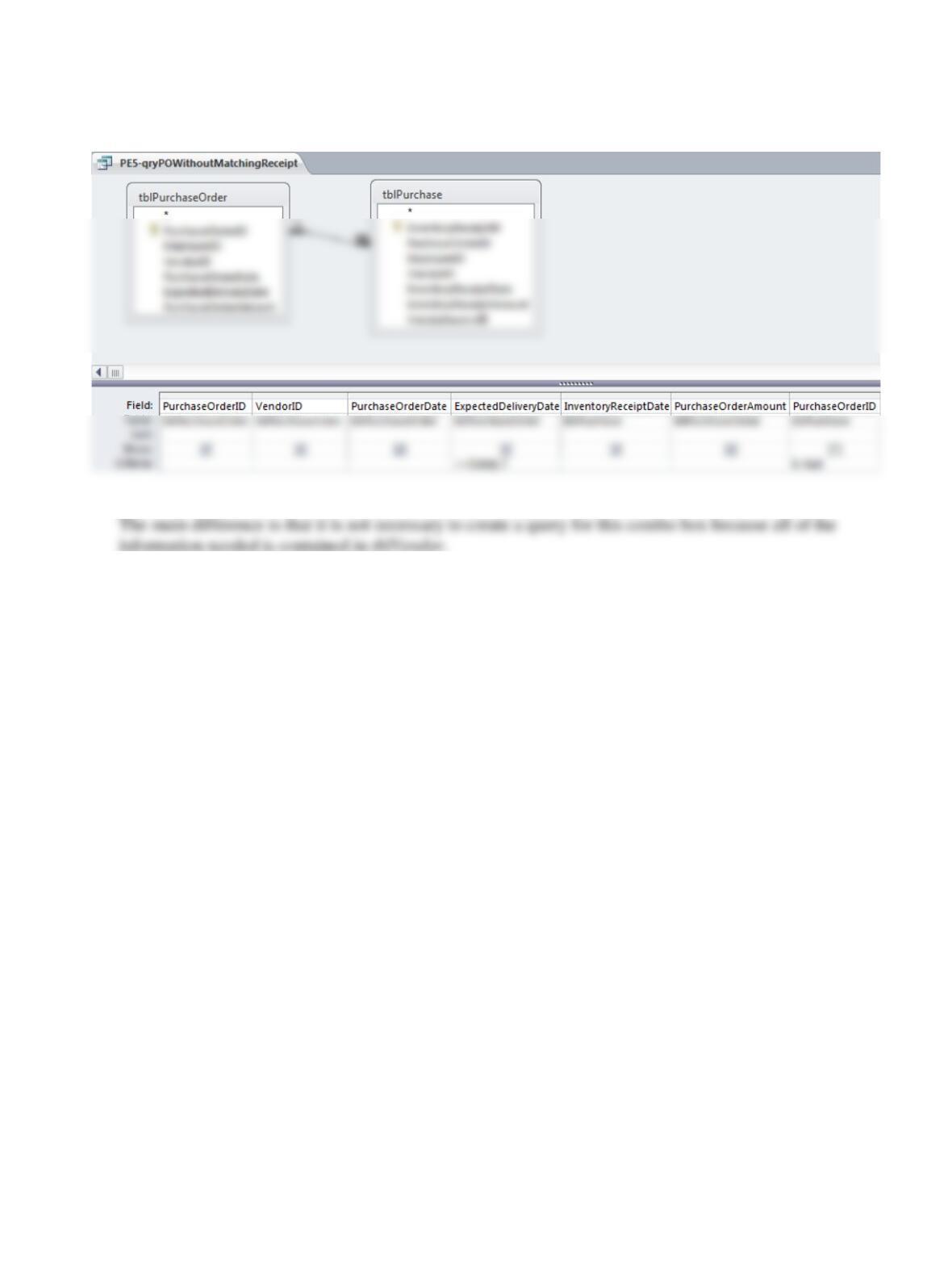
5. The Query Wizard provides an easy way to accomplish this challenging exercise. Click Query Wizard in
the Queries group on the Create tab. Double-click the Find Unmatched Query Wizard in the New Query
dialog box. The Wizard asks which table contains the records to present in the query results. For this
9-8 CHAPTER 9 • ACQUISITION/PAYMENT PROCESS
6. The combo box in this exercise is similar to the InventoryID combo box students created in Exercise 9.21.
9-9 CHAPTER 9 • ACQUISITION/PAYMENT PROCESS
Problems
1. Solutions prepared by students might vary, depending on the assumptions made, but they should include the
following:
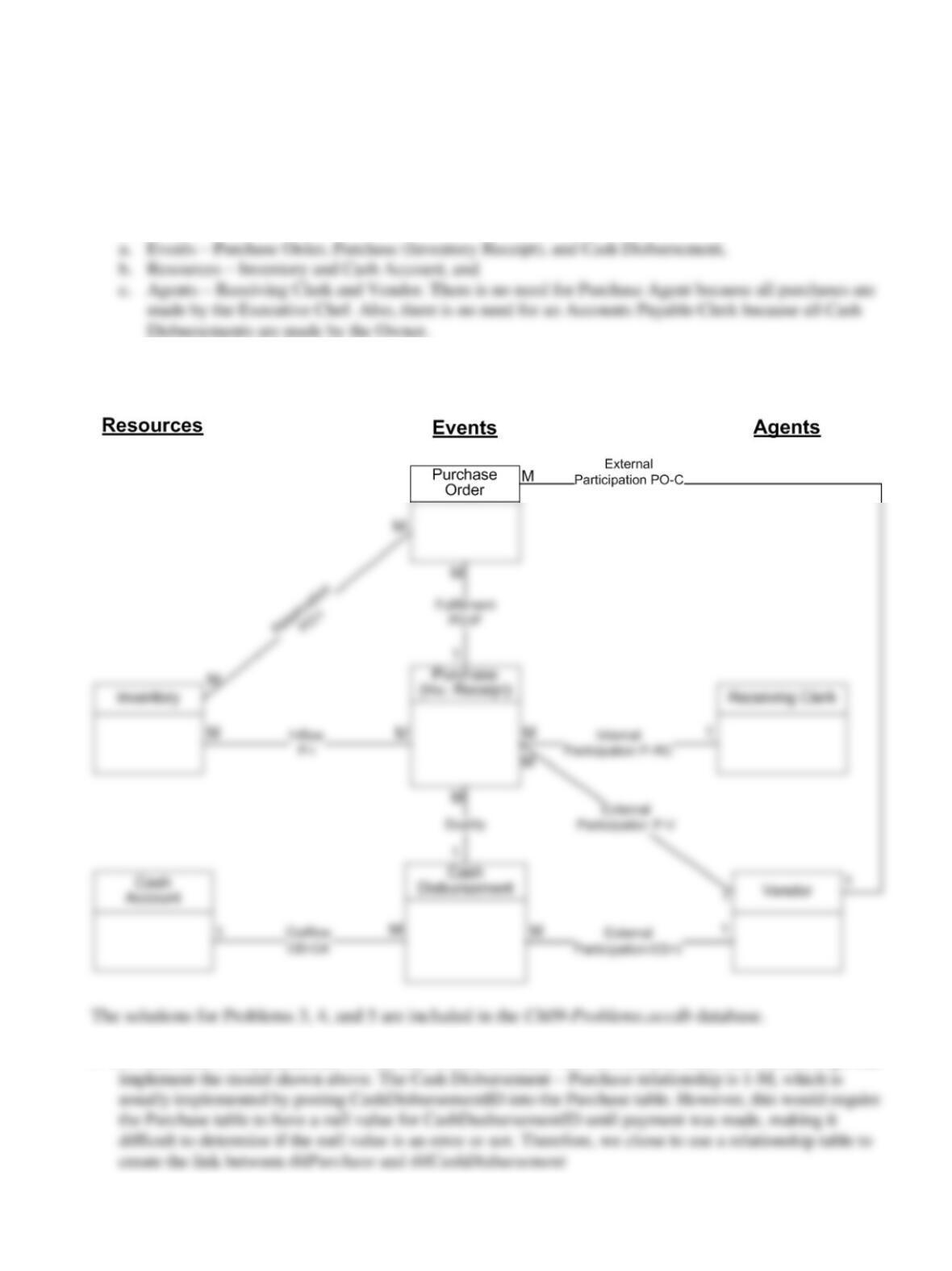
2. One solution is shown in the diagram below. Students might develop somewhat different diagrams
depending on the assumptions they make as they interpret the facts stated in the problem.
3. The Ch09Inst-Problems.accdb file included on the Instructor web site contains tables and relationships that
4. The Ch09Inst-Problems.accdb file included on the Instructor web site contains forms that would be a

9–10 CHAPTER 9 • ACQUISITION/PAYMENT PROCESS