1 | P a g e
CHAPTER 7
OTHER TOPICS: PRESENT/FUTURE VALUES,
PREDICTING COSTS, & ALLOWANCE FOR
UNCOLLECTIBLE ACCOUNTS
CHAPTER 7 QUESTIONS
1. Present value problems have 5 variables: interest rate, term, annuity payment, future value, and
present value.
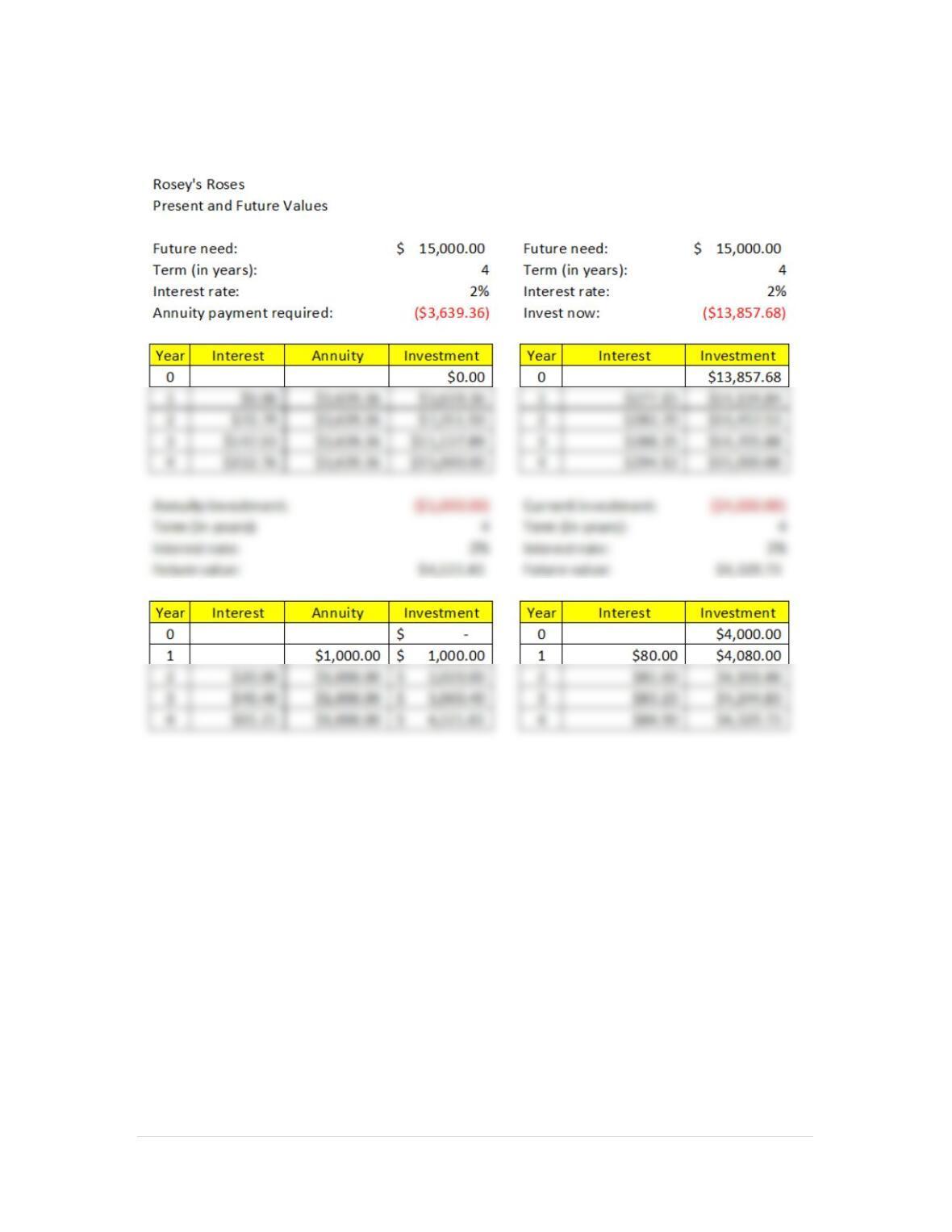
2. The present value function in Excel is written PV(rate,nper,pmt,fv,type). PV stands for present value.
The arguments to that function are contained within the parentheses. The rate is the periodic interest
rate, nper is the number of periods, pmt is the periodic annuity payment, fv is the lump sum future
value, and type represents ordinary annuity or annuity due which basically indicates whether
payments are made at the beginning or ending of the period in question.
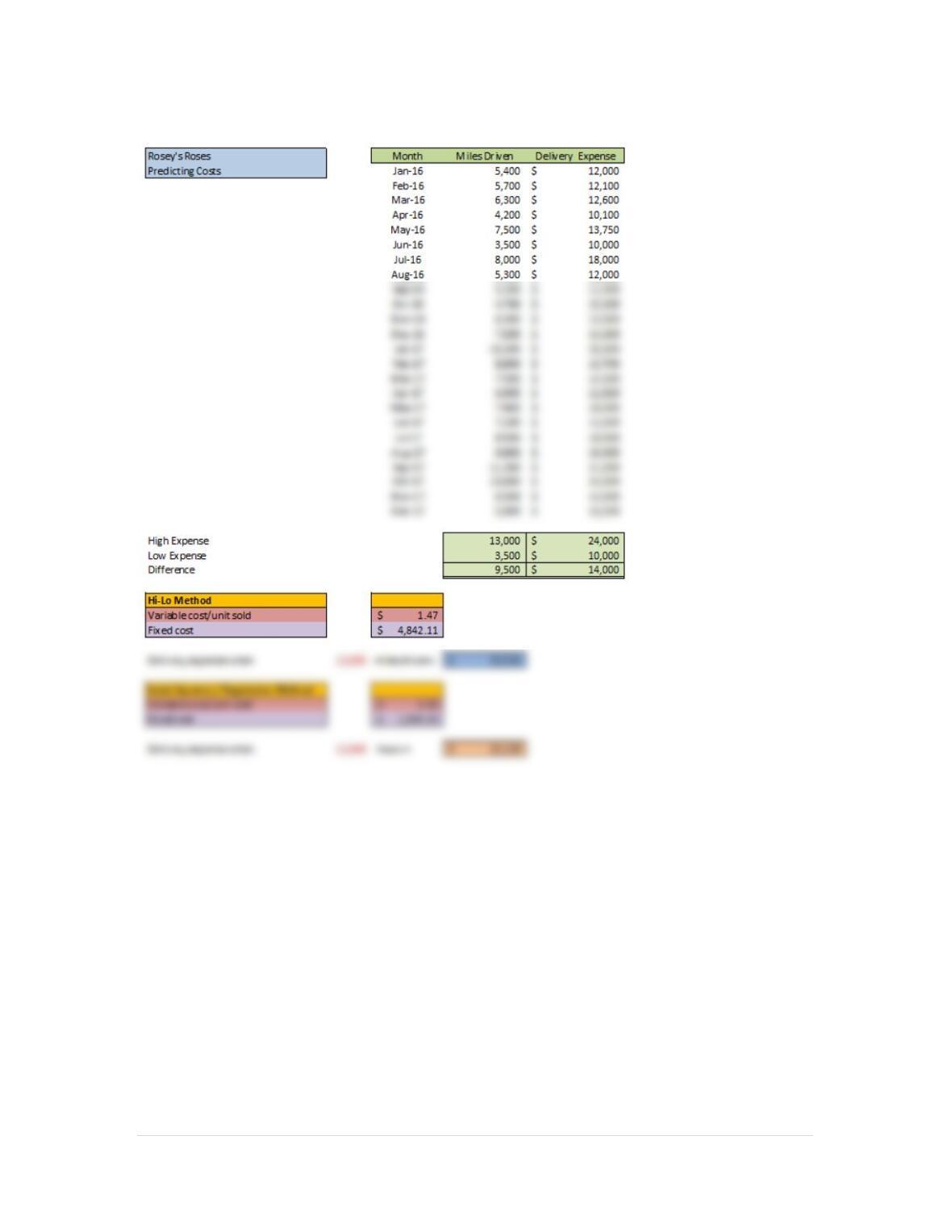
6. The Slope and Intercept functions of Excel are used in the Least Squares/Regression method. The
Slope function provides the slope of a line (in other words variable costs per unit) defined by two
arguments: known y’s and known x’s. In our case the known y’s are the actual costs and the known
x’s are actual days open. Both are located on our worksheet in an array of cells located at E5 to E16
and D5 to D16 respectively. The Intercept function takes the same two arguments and provides the
value of costs incurred when units are zero (in other words fixed costs).
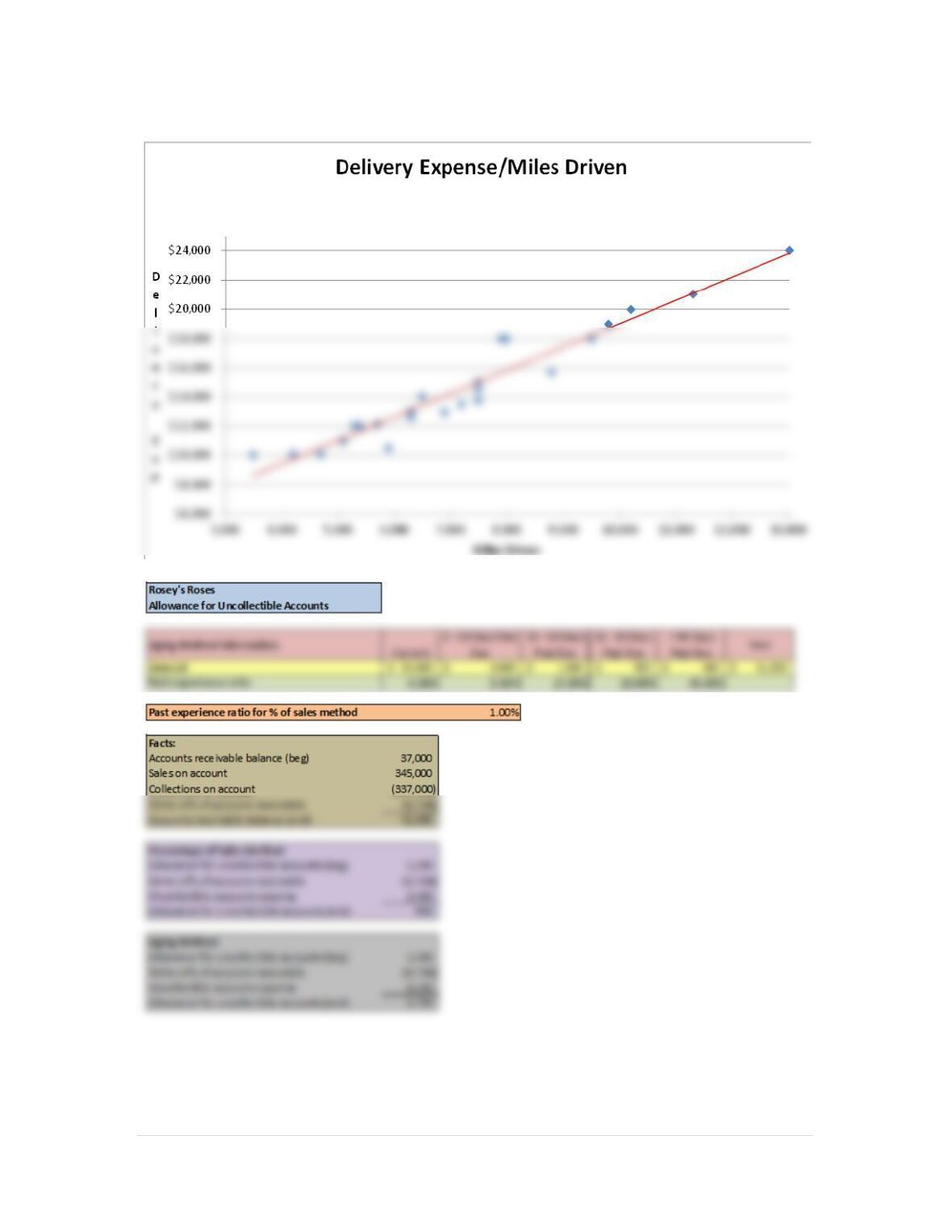
7. On the Layout tab, in the Analysis group, click Trendline and then select Linear Trendline. (Office 365
2 | P a g e
CHAPTER 7 ASSIGNMENTS
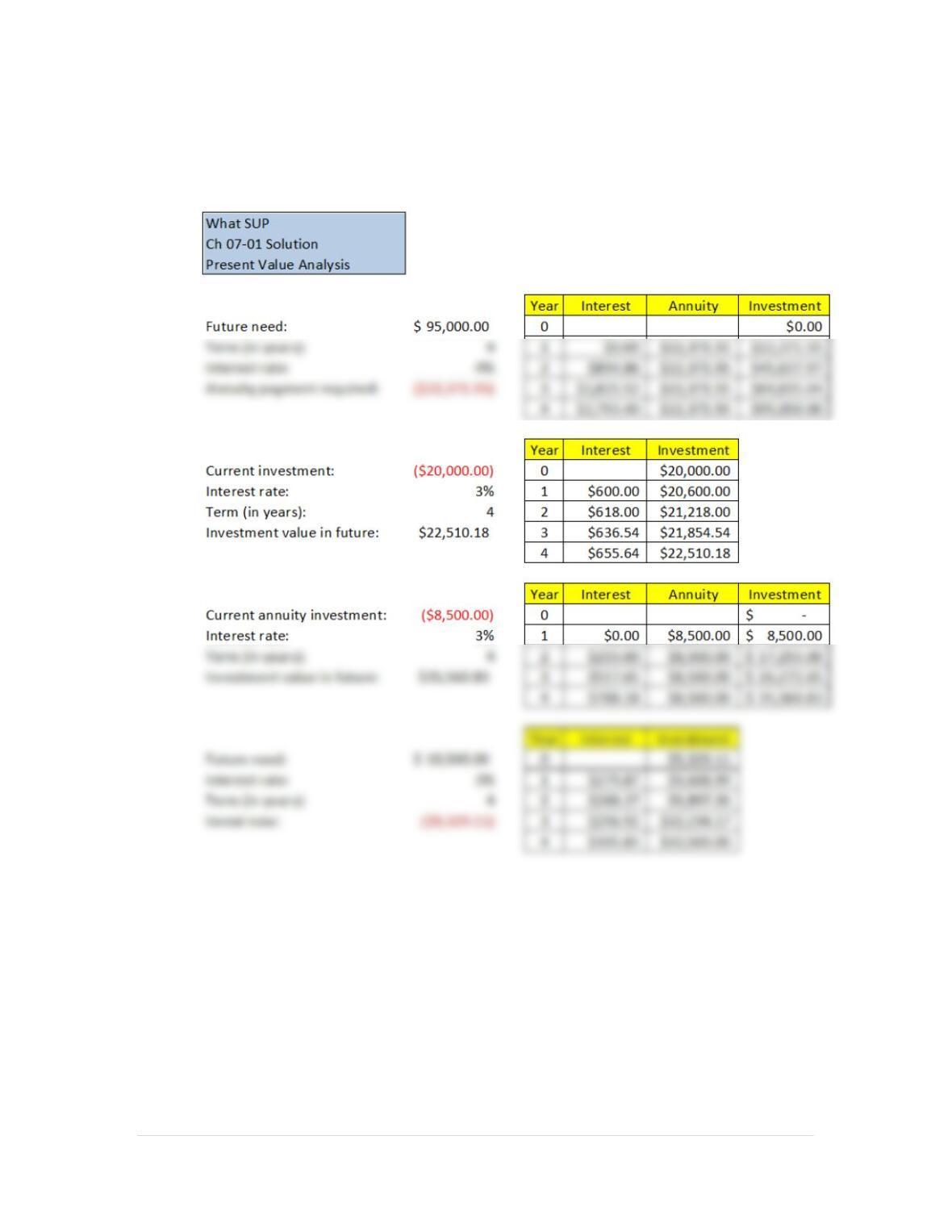
1. Create a new What SUP Present Value Analysis
3 | P a g e
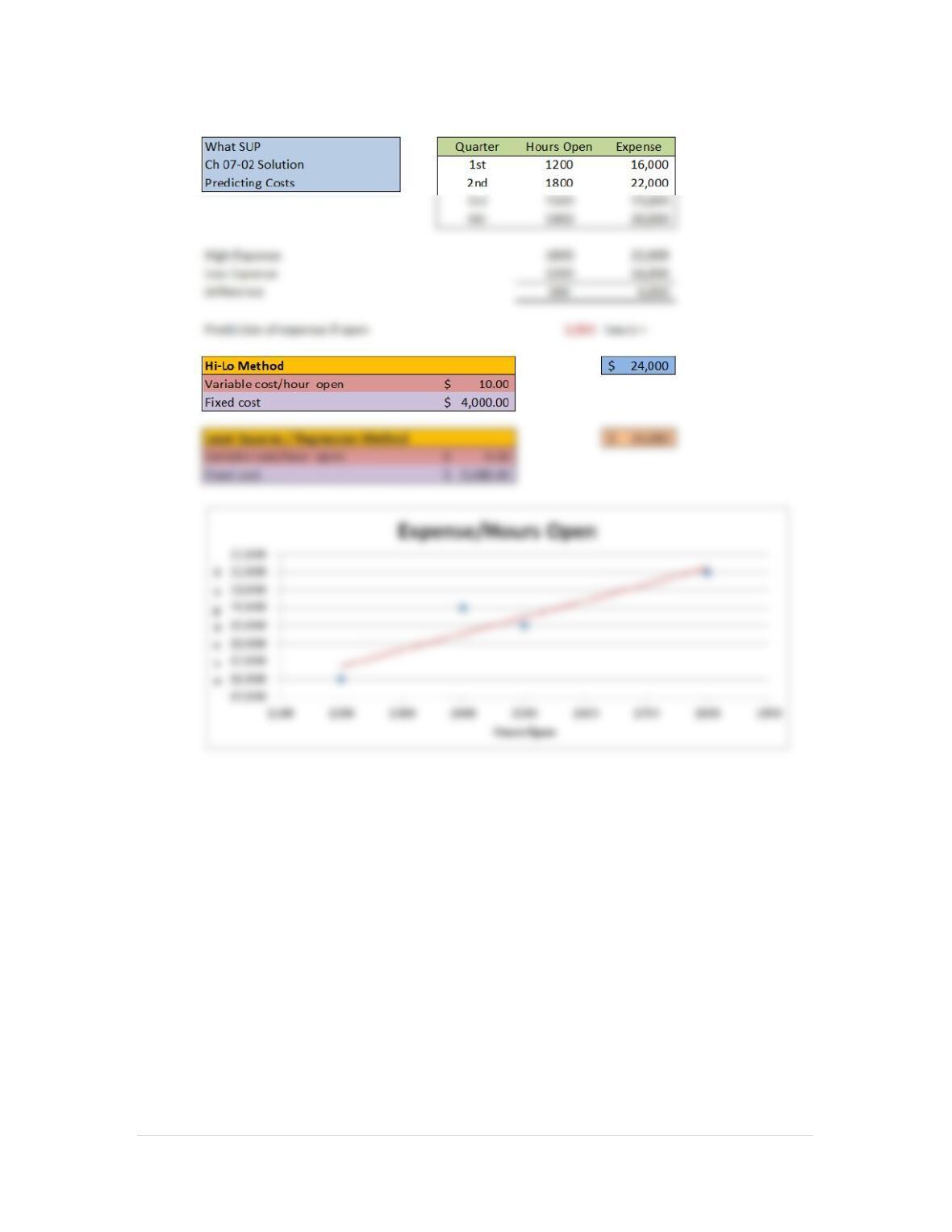
2. Create a new What SUP Cost Analysis
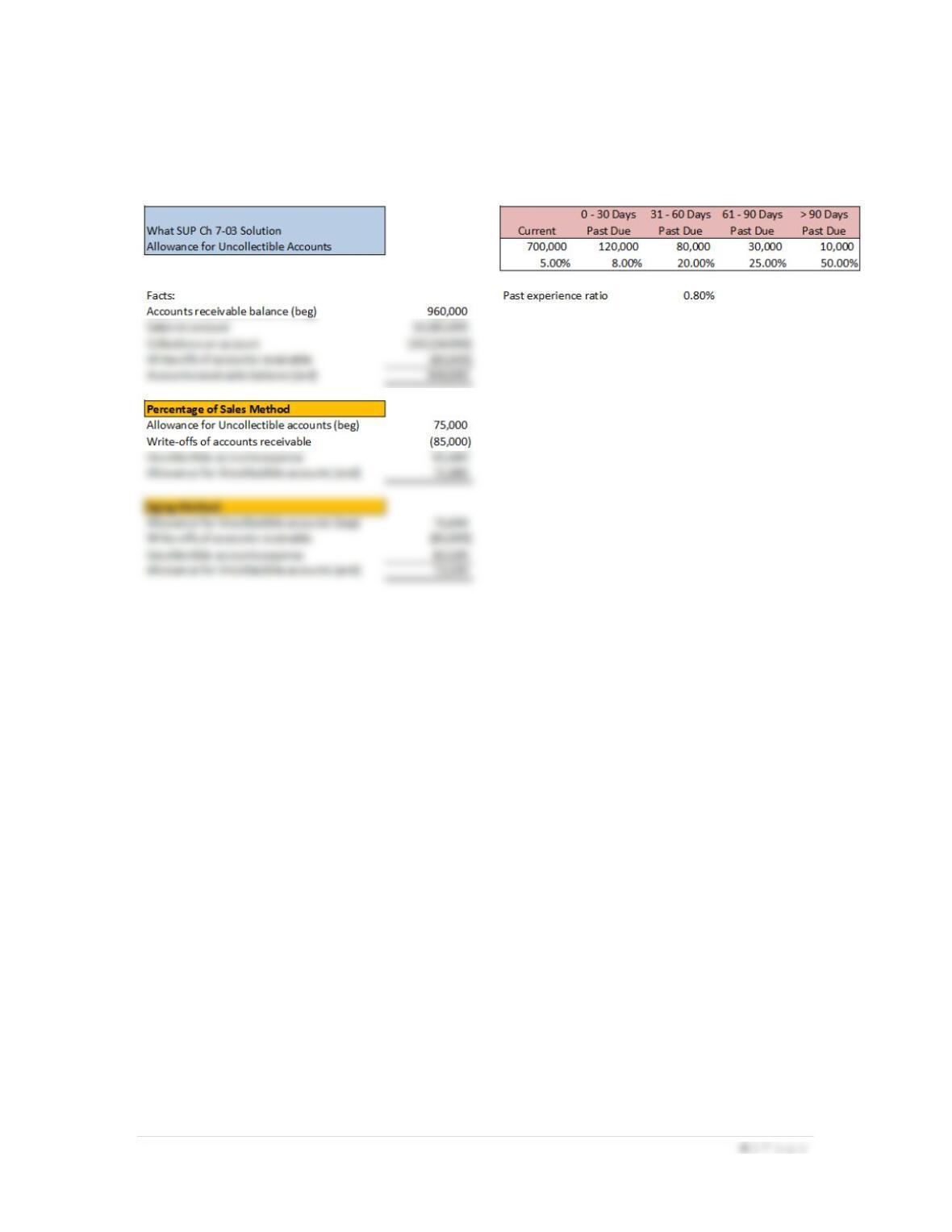
3. CREATE A NEW WHAT SUP ALLOWANCE FOR UNCOLLECTIBLE ACCOUNTS
ANALYSIS
5 | P a g e
CHAPTER 7 CASES
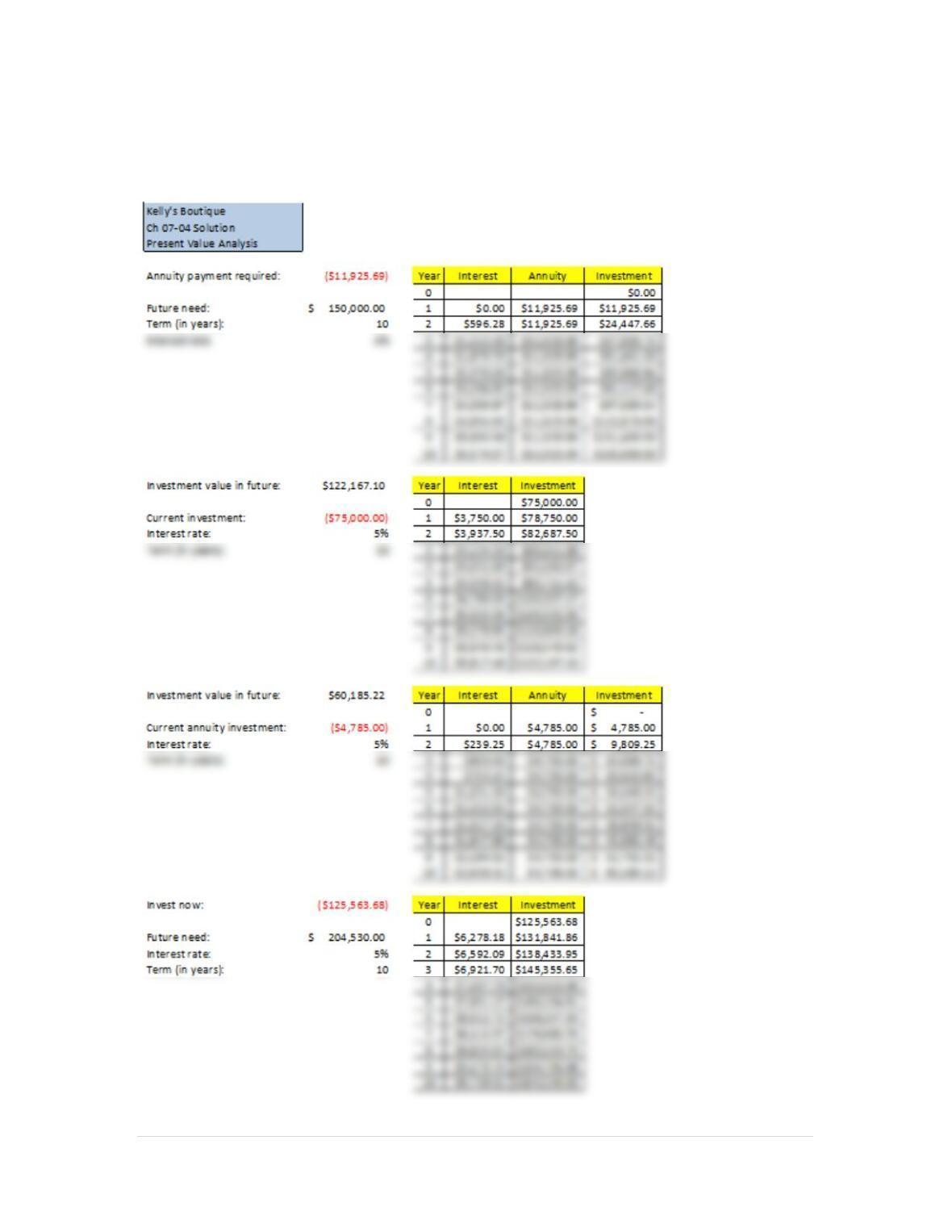
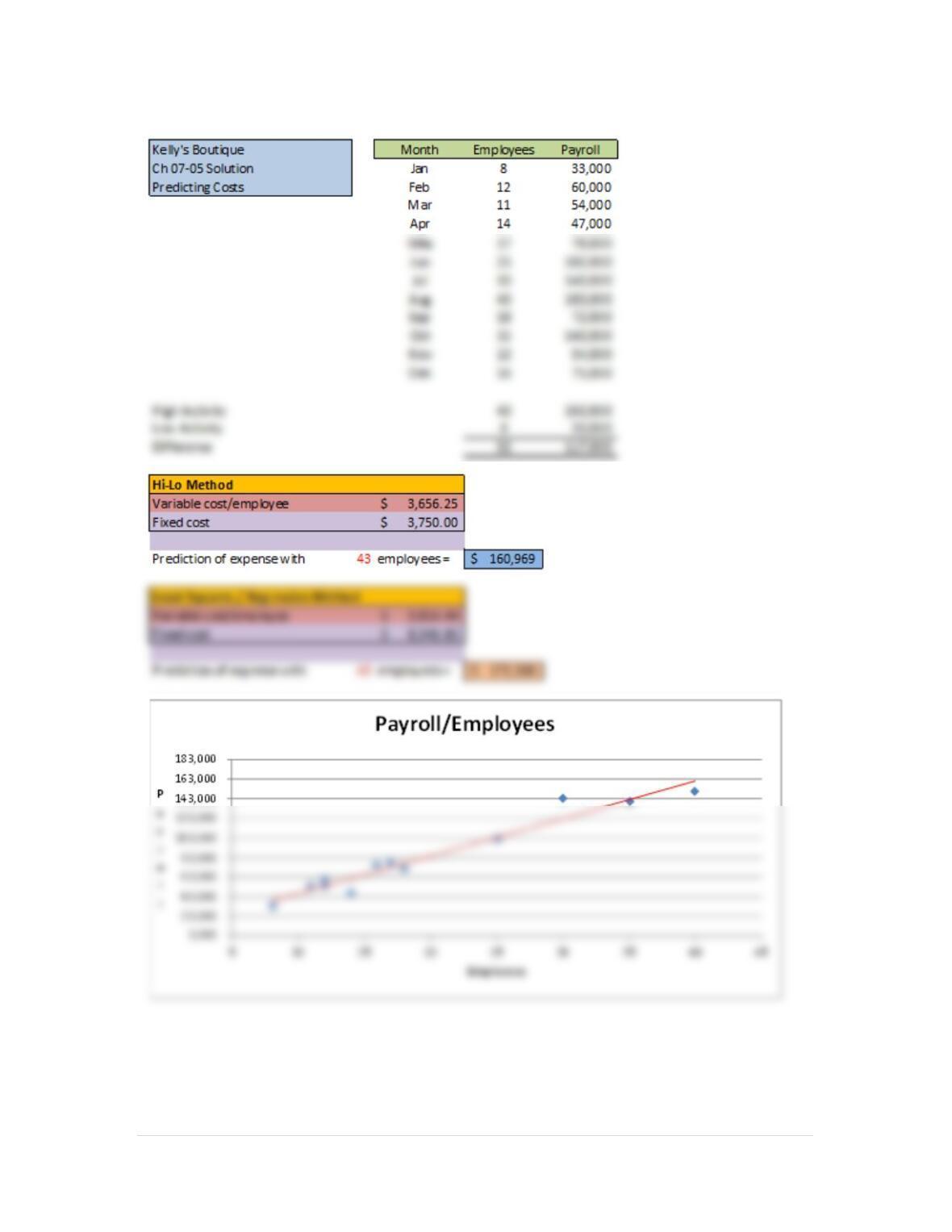
Case Problem 1: Kelly’s Boutique
1.
6 | P a g e
2.
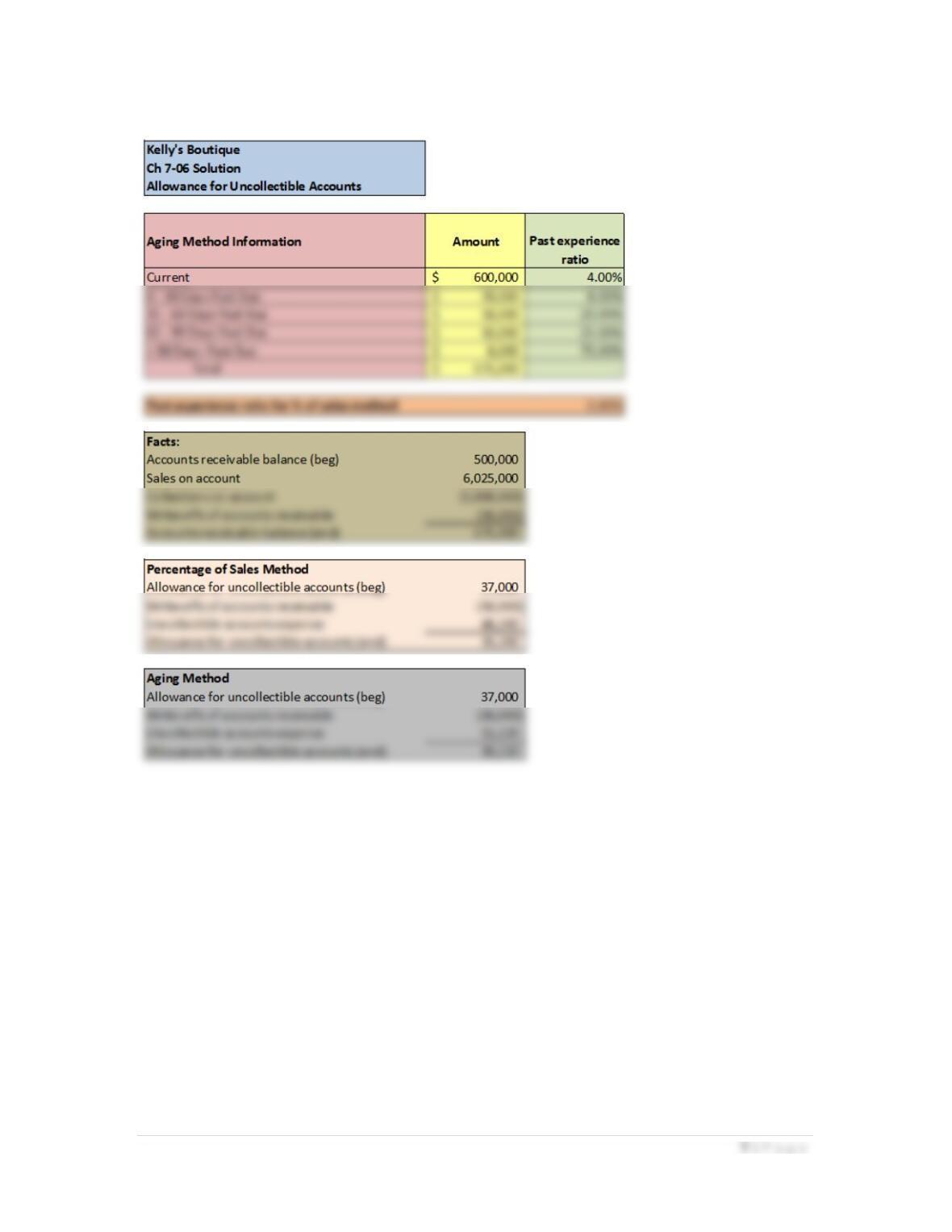
3.
8 | P a g e
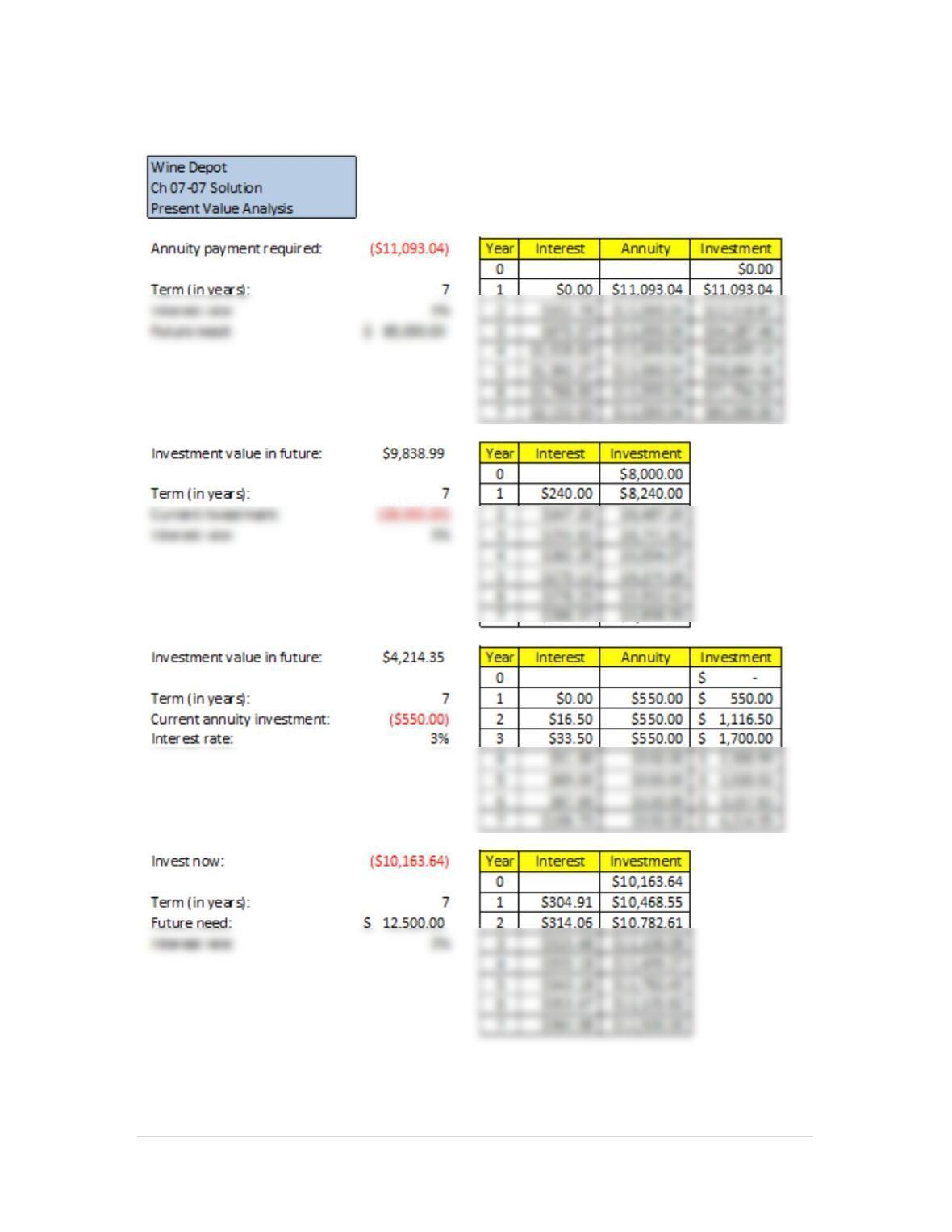
Case Problem 2: Wine Depot
1.
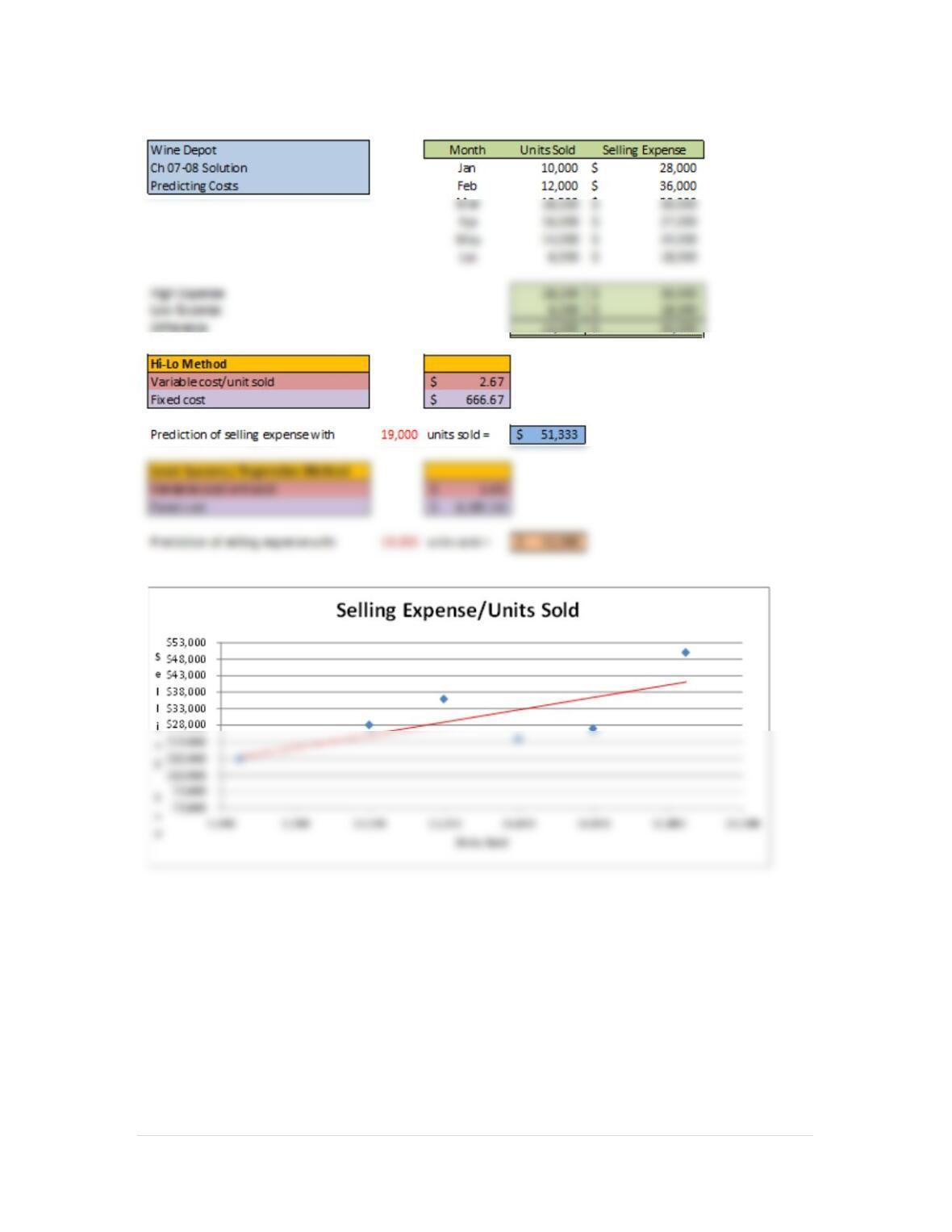
9 | P a g e
2.
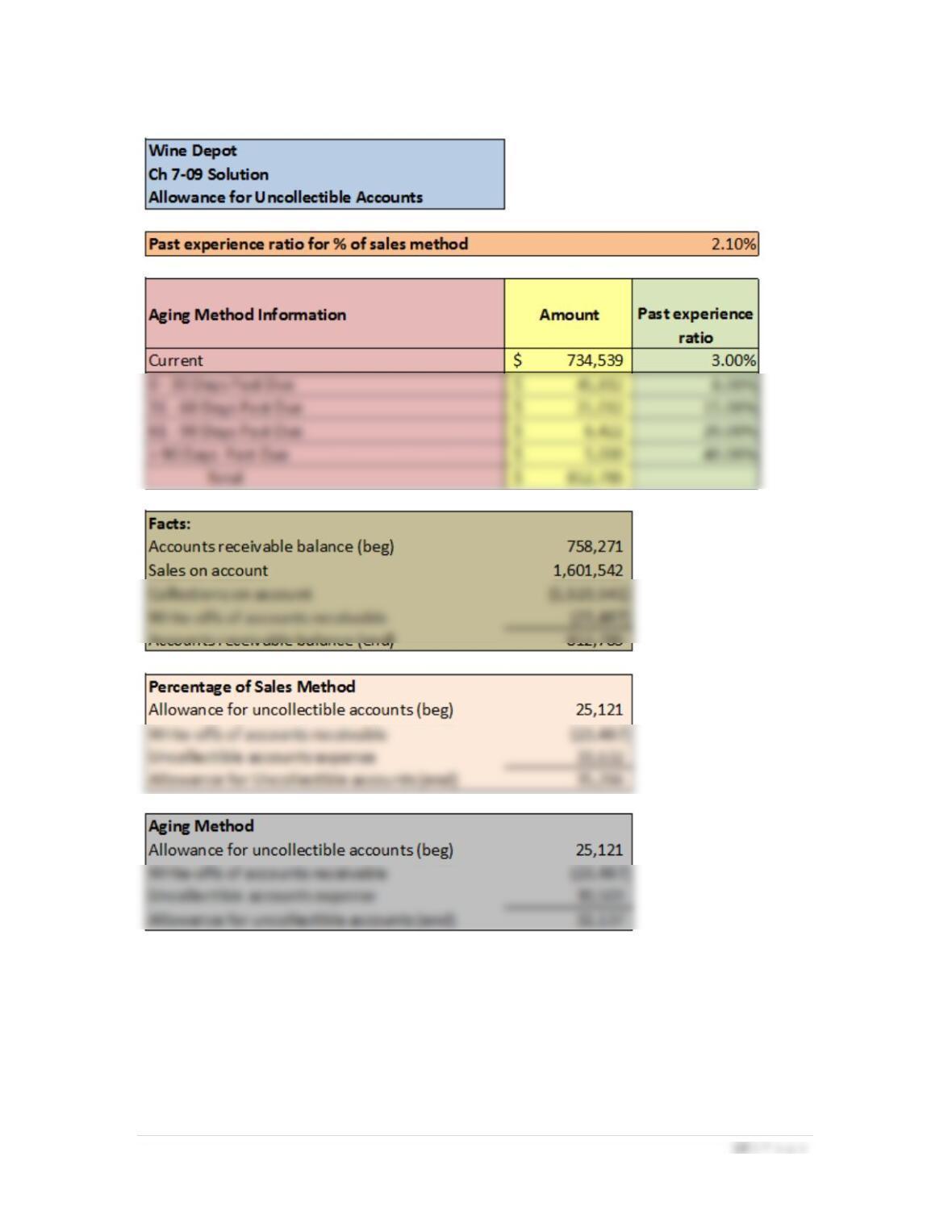
3.
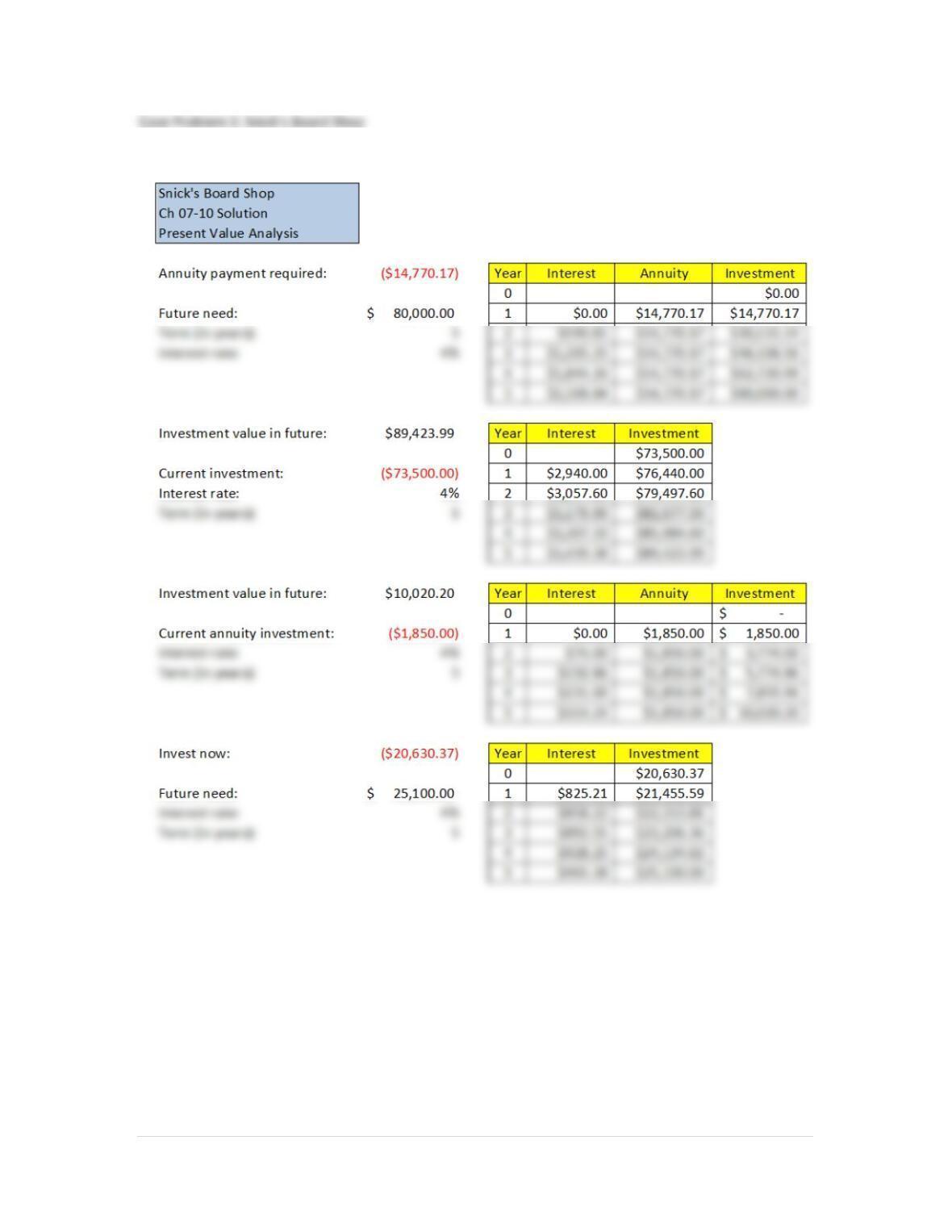
11 | P a g e
1.
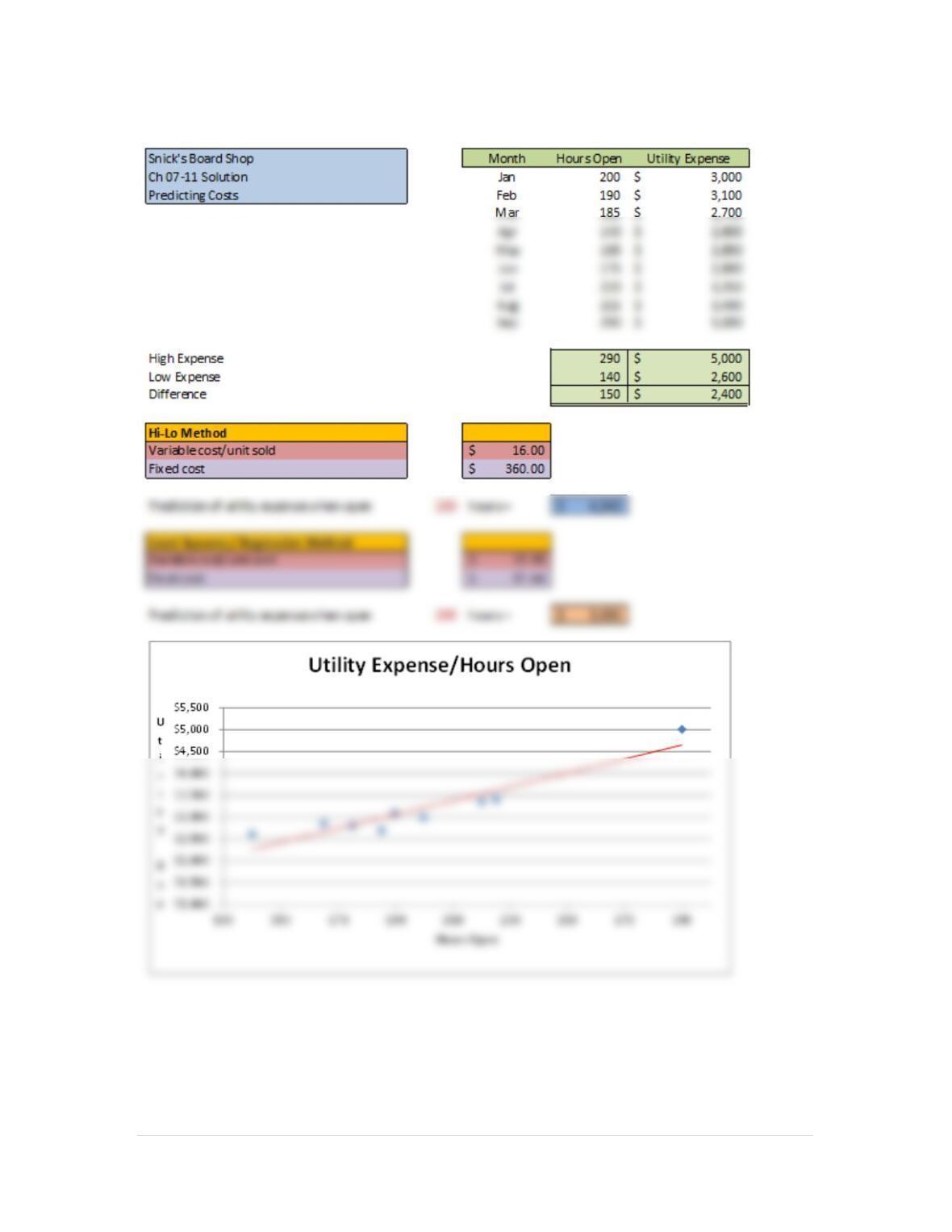
12 | P a g e
2.
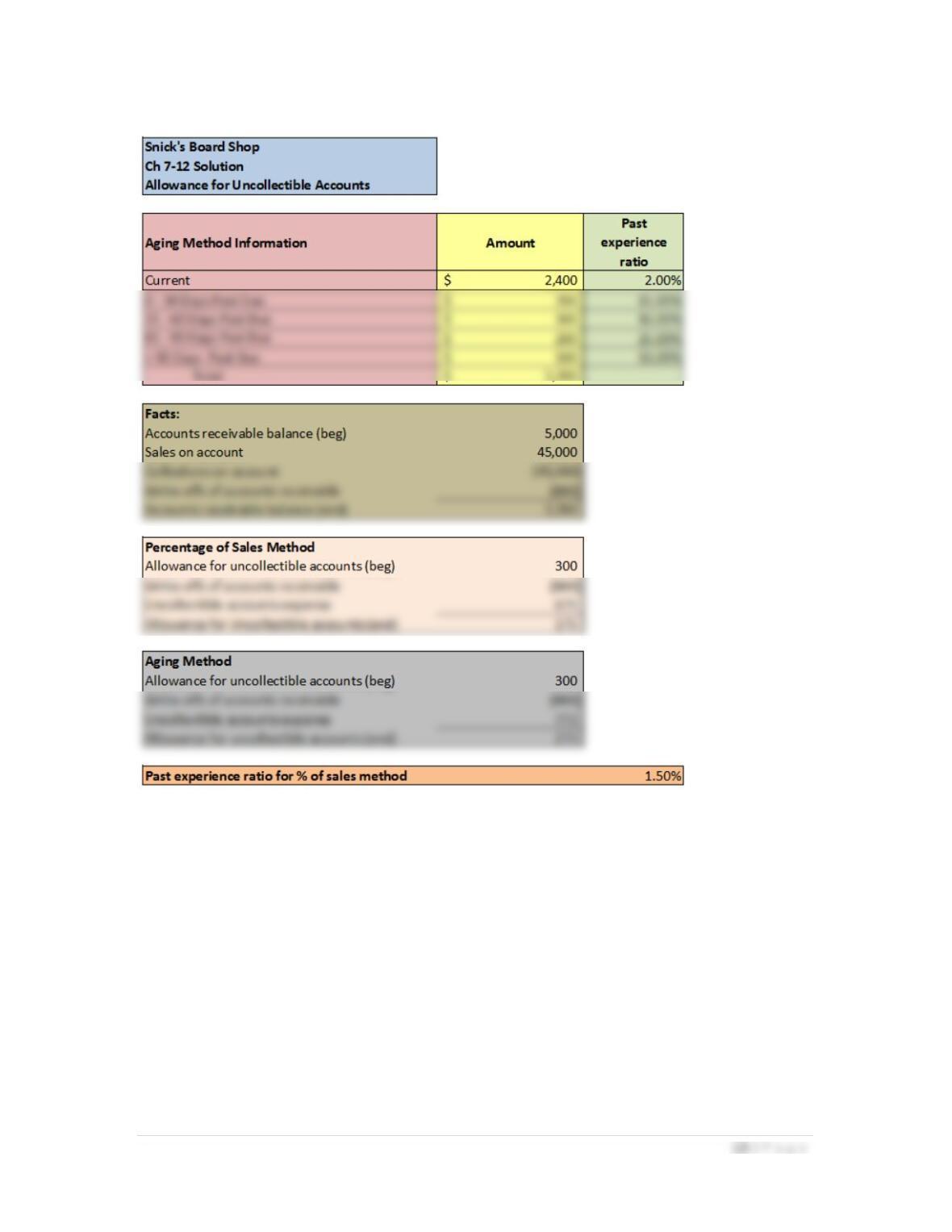
3.
14 | P a g e
Case Problem 4: Rosey’s Roses
1.
15 | P a g e
2.
16 | P a g e
3.