Chapter 10
Investments
Review Questions
1. What is a debt security?
2. What is an equity security?
3. Why would a company invest in debt or equity securities?
Two common reasons why a company would invest in debt or equity securities are as follows:
4. Briefly describe the specific types of debt and equity securities.
The specific types of debt securities are as follows:
• Trading debt investments are debt securities that the investor plans to sell in the very near
future—days, weeks, or only a few months—with the intent of generating a profit on a quick
10-2
4., cont. The specific types of equity securities are as follows:
• No significant influence equity investments are equity securities in which the investor lacks the
ability to participate in the decisions of the investee company. No significant interest investments
5. How is the purchase of a held-to-maturity debt security at face value recorded?
6. When disposing of an available-for-sale debt investment, where is the gain or loss on disposal
reported in the financial statements?
7. What method is used for investments in equity securities when the investor has significant influence
and typically 20% to 50% ownership? Briefly describe how dividends declared and received and
share of net income are reported.
The equity method is used by the investing company to account for equity securities that represent
8. What method is used for investments in equity securities with more than 50% ownership? Briefly
describe this method.
Consolidation accounting is used by the investing company to account for equity securities that
represent more than 50% ownership of the investee’s outstanding voting stock. Consolidation
9. What adjustment must be made at the end of the period for trading debt investments and available-
for-sale debt investments?
10. Where on the financial statements is an unrealized holding gain or loss on trading debt investments
reported?
An unrealized holding gain or loss on trading debt investments is classified as other income and
(expenses) on the income statement.
11. Where on the financial statements is an unrealized holding gain or loss on available-for-sale debt
investments reported?
Unrealized holding gains or losses on available-for-sale debt investments are not included in net
12. What is comprehensive income, and what does it include?
Comprehensive income is a company’s change in total stockholders’ equity from all sources other
13. How are held-to-maturity debt investments reported on the financial statements?
14. What does the rate of return on total assets measure, and how is it calculated?
The rate of return on total assets measures the success a company has in using its assets to earn
income.
10-4
Short Exercises
S10-1 Identifying why companies invest and classifying investments
Learning Objective 1
Garden Haven has excess cash of $15,000 at the end of the harvesting season. Garden Haven will need
this cash in four months for normal operations.
Requirements
1. What are some reasons why Garden Haven may choose to invest in debt or equity securities?
2. What type of classification would Garden Haven’s investment fall within—short-term or long-term?
Why?
SOLUTION
Requirement 1
Companies should make the best use of excess cash. Because, as a result of temporary or seasonal
Requirement 2
Garden Haven’s investment would be classified as either a trading debt investment or an equity
10-5
S10-2 Accounting for debt investments
Learning Objective 2
On January 1, 2018, the Chaucer’s Restaurant decides to invest in Lake Turner bonds. The bonds mature
on December 31, 2023, and pay interest on June 30 and December 31 at 4% annually. The market rate of
interest was 4% on January 1, 2018, so the $90,000 maturity value bonds sold for face value. Chaucer’s
intends to hold the bonds until December 31, 2023.
Requirements
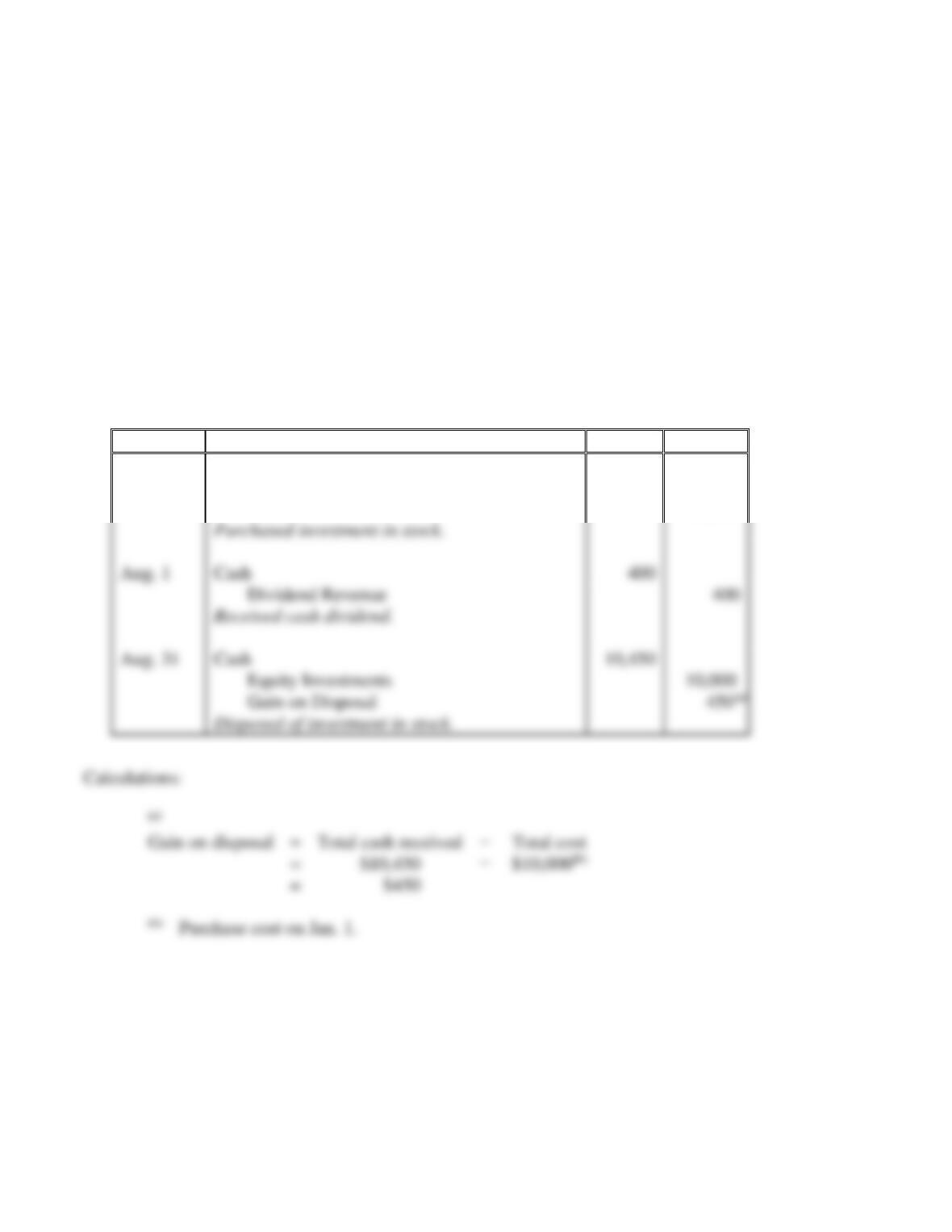
1. Journalize the transactions related to Chaucer’s investment in Lake Turner bonds during 2018.
2. In what category would Chaucer’s report the investment on the December 31, 2018, balance sheet?
Requirement 1
Date
Accounts and Explanation
Debit
Credit
2018
Jan. 1
Held-to-Maturity Debt Investments
90,000
Cash
90,000
Calculations:
(a)
Semiannual interest
payment received
=
Face (par) value
×
Annual stated rate
×
½
received, because the bond was purchased at face (par) value, rather than at
Requirement 2
Chaucer’s would report the investment as a held-to-maturity debt investment classified as a long-
term asset on the December 31, 2018 balance sheet.
Jun. 30
Cash
Interest Revenue
Dec. 31
Cash
Interest Revenue
10-6
S10-3 Accounting for equity investments
Learning Objective 3
On January 1, 2018, Bark Company invests $10,000 in Roots, Inc. stock. Roots pays Bark a $400
dividend on August 1, 2018. Bark sells the Roots’s stock on August 31, 2018, for $10,450. Assume the
investment is categorized as a short-term equity investment and Bark Company does not have significant
influence over Roots, Inc.
Requirements
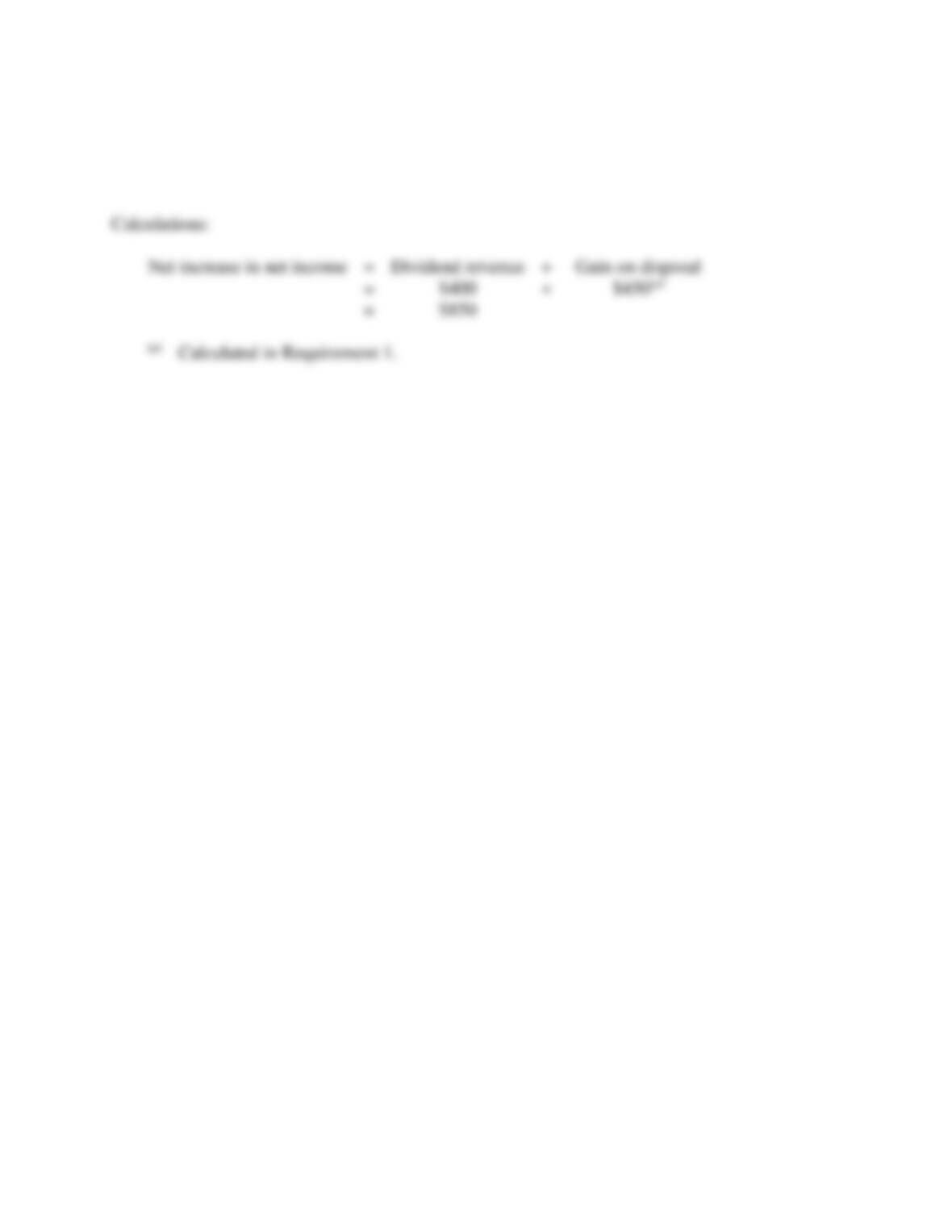
1. Journalize the transactions for Bark’s investment in Roots’s stock.
2. What was the net effect of the investment on Bark’s net income for the year ended December 31,
2018?
SOLUTION
Requirement 1
Date
Accounts and Explanation
Debit
Credit
2018
Jan. 1
Equity Investments
10,000
Cash
10,000
Aug. 1
Cash
Dividend Revenue
Aug. 31
Cash
10,450
Equity Investments
Gain on Disposal
10-7
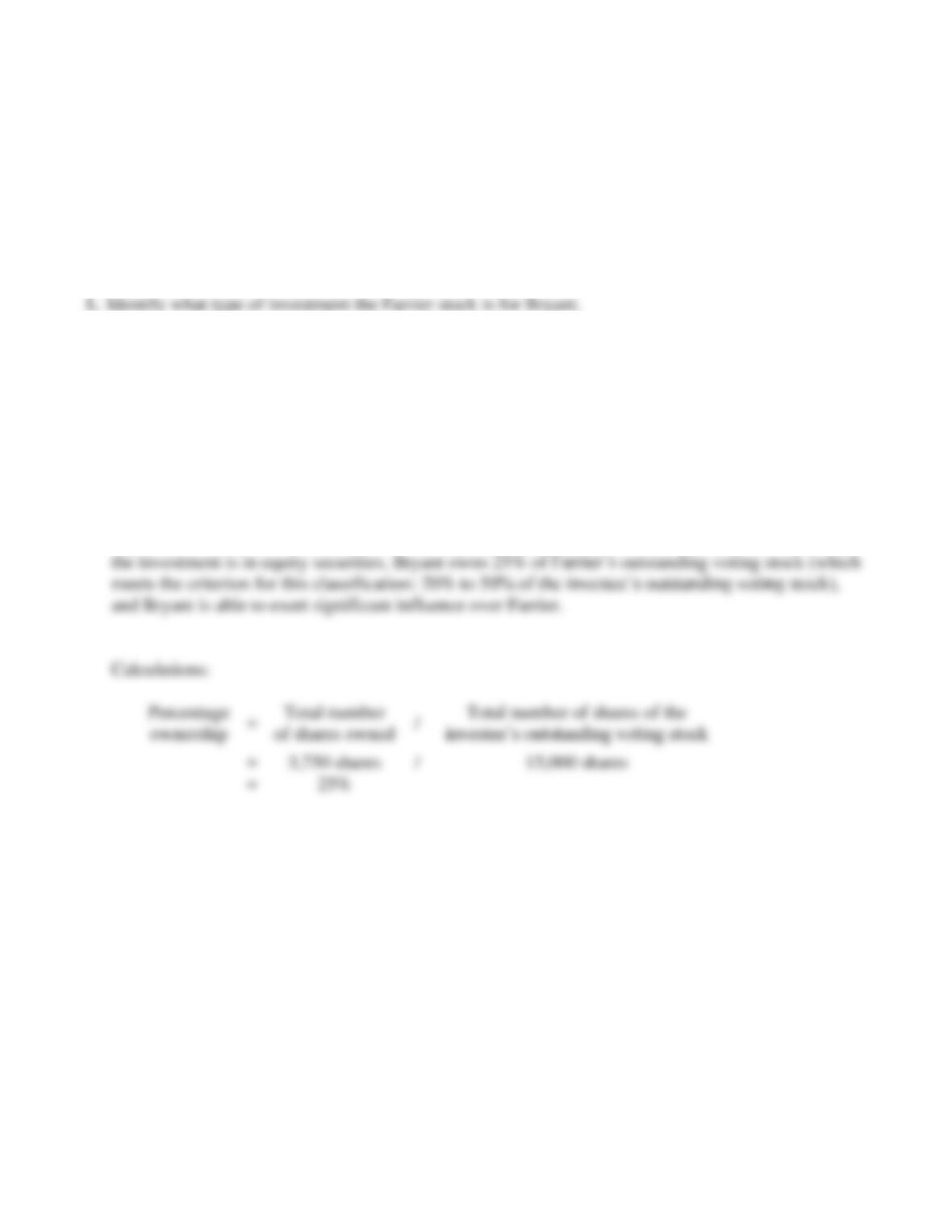
Requirement 2
The net effect of the investment on Bark’s net income for the year ended December 31, 2018, was a
$850 net increase.
10-8
S10-4 Accounting for equity investments
Learning Objective 3
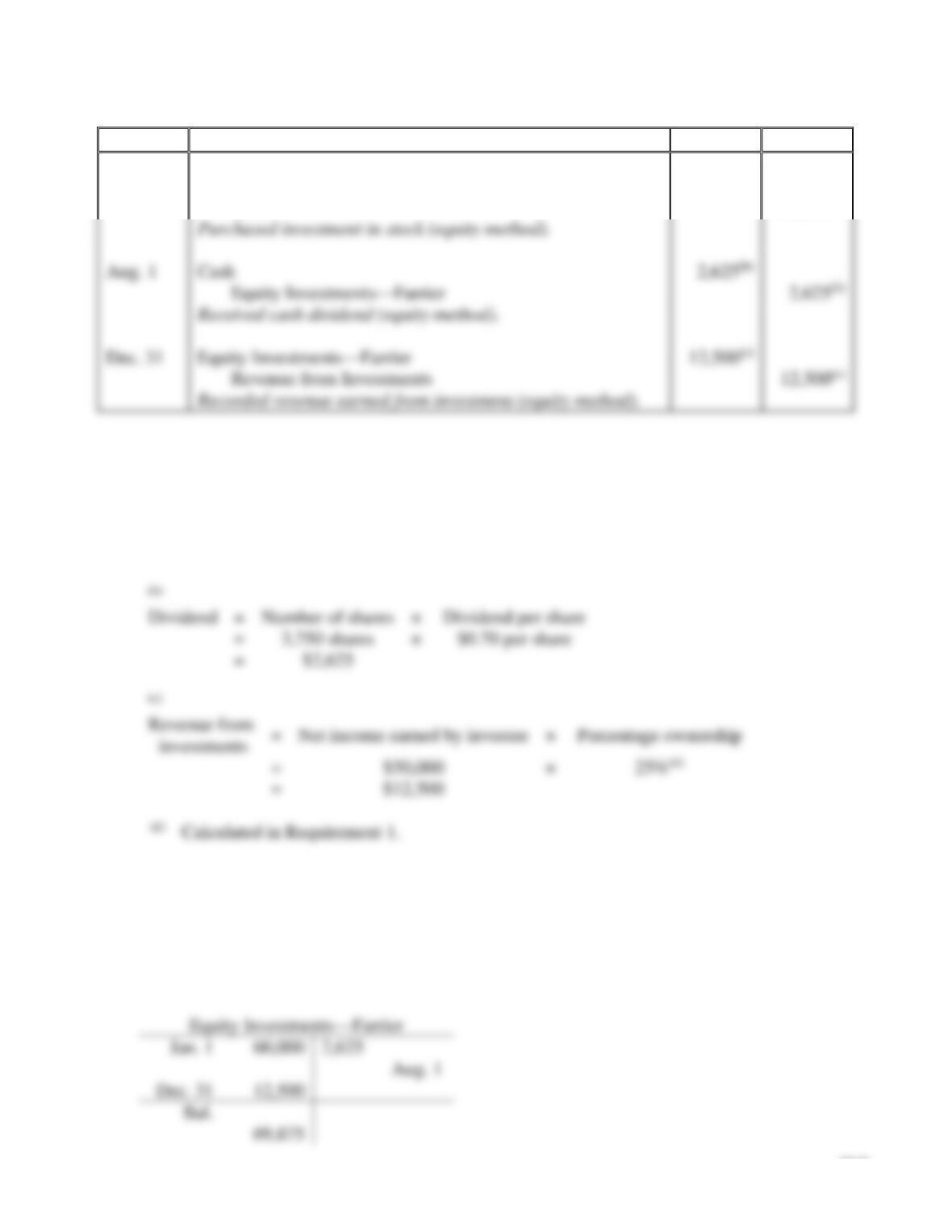
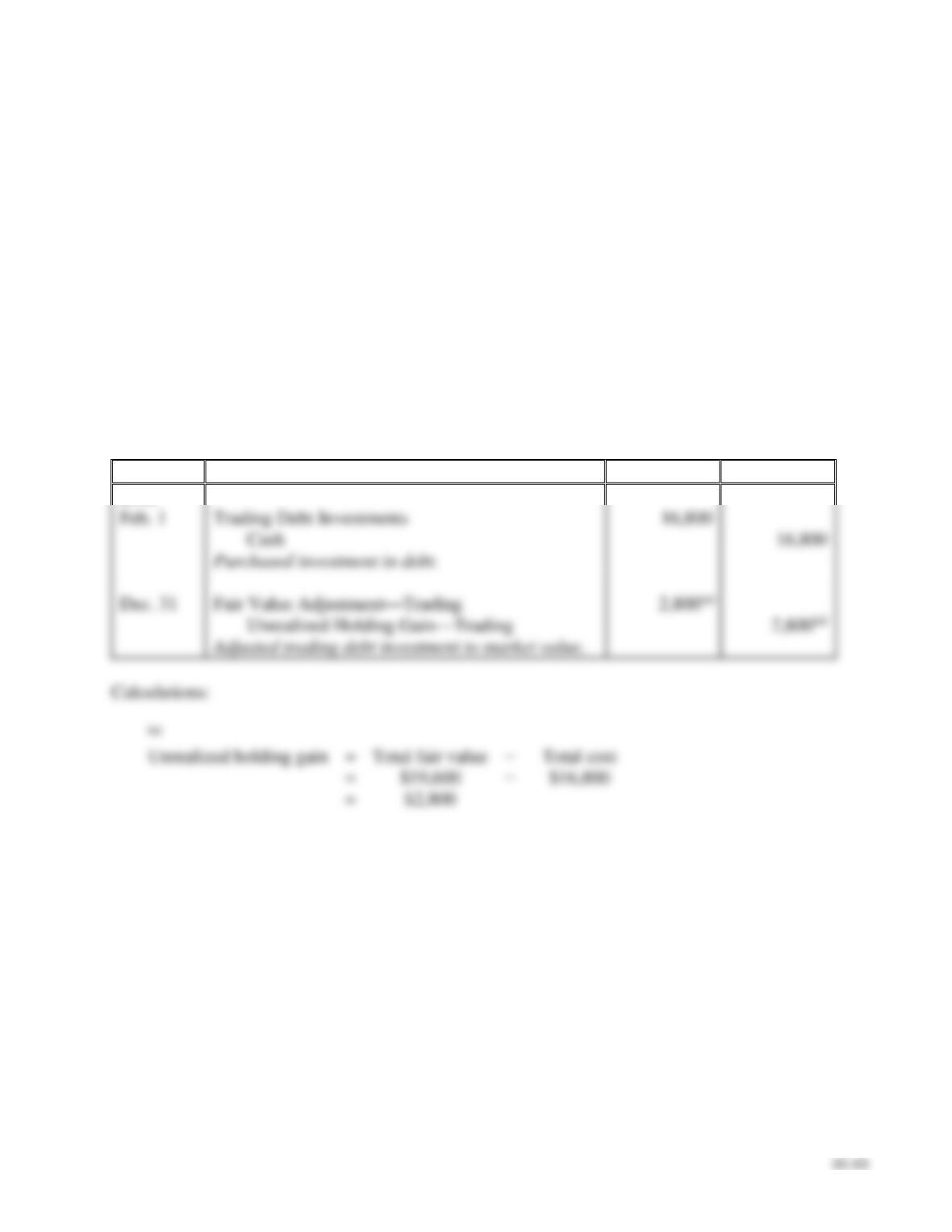
On January 1, 2018, Bryant, Inc. decides to invest in 3,750 shares of Farrier stock when the stock is
selling for $16 per share. On August 1, 2018, Farrier paid a $0.70 per share cash dividend to
stockholders. On December 31, 2018, Farrier reports net income of $50,000 for 2018. Assume Farrier
has 15,000 shares of voting stock outstanding during 2018 and Bryant has significant influence over
Farrier.
Requirements
2. Journalize the transactions related to Bryant’s investment in the Farrier stock during 2018.
3. In what category and at what value would Bryant’s report the investment on the December 31, 2018,
balance sheet?
SOLUTION
Requirement 1
Bryant’s investment in the Farrier stock is a significant interest investment (equity method) because
10-9
Requirement 2
Date
Accounts and Explanation
Debit
Credit
2018
Jan. 1
Equity Investments—Farrier
60,000(a)
Cash
60,000(a)
Calculations:
(a)
Total cost
=
Number of shares
×
Price per share
=
3,750 shares
×
$16 per share
=
$60,000
(b)
Dividend
=
Number of shares
×
Dividend per share
=
3,750 shares
×
=
(c)
=
×
=
(d)
Calculated in Requirement 1.
Requirement 3
Bryant would report the investment (equity method) at $69,875, classified as a long-term asset on
the balance sheet as of December 31, 2018.
Calculations:
Aug. 1
Cash
Equity Investments—Farrier
Dec. 31
Equity Investments—Farrier
12,500(c)
Revenue from Investments
12,500(c)
S10-5 Accounting for debt investments
Learning Objectives 3, 4
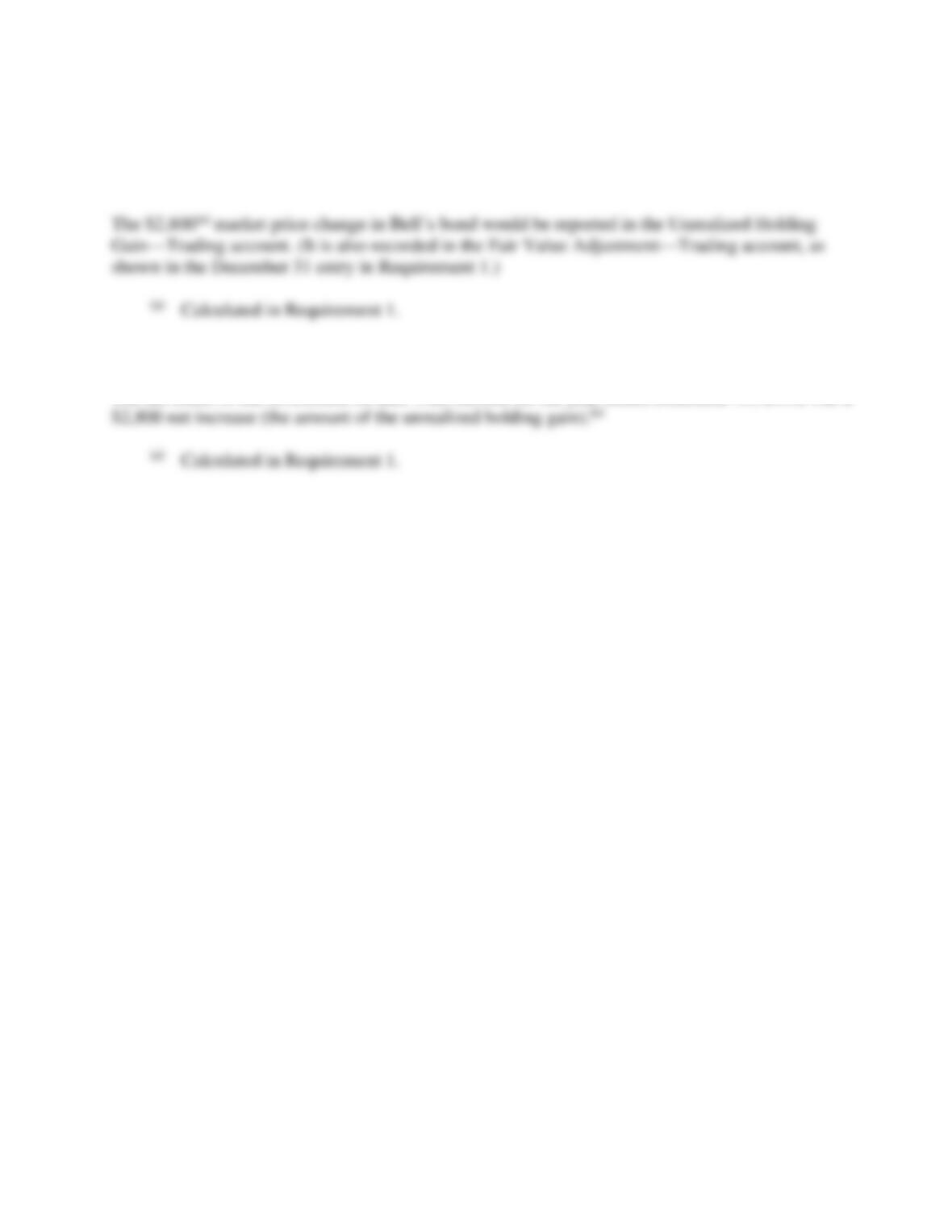
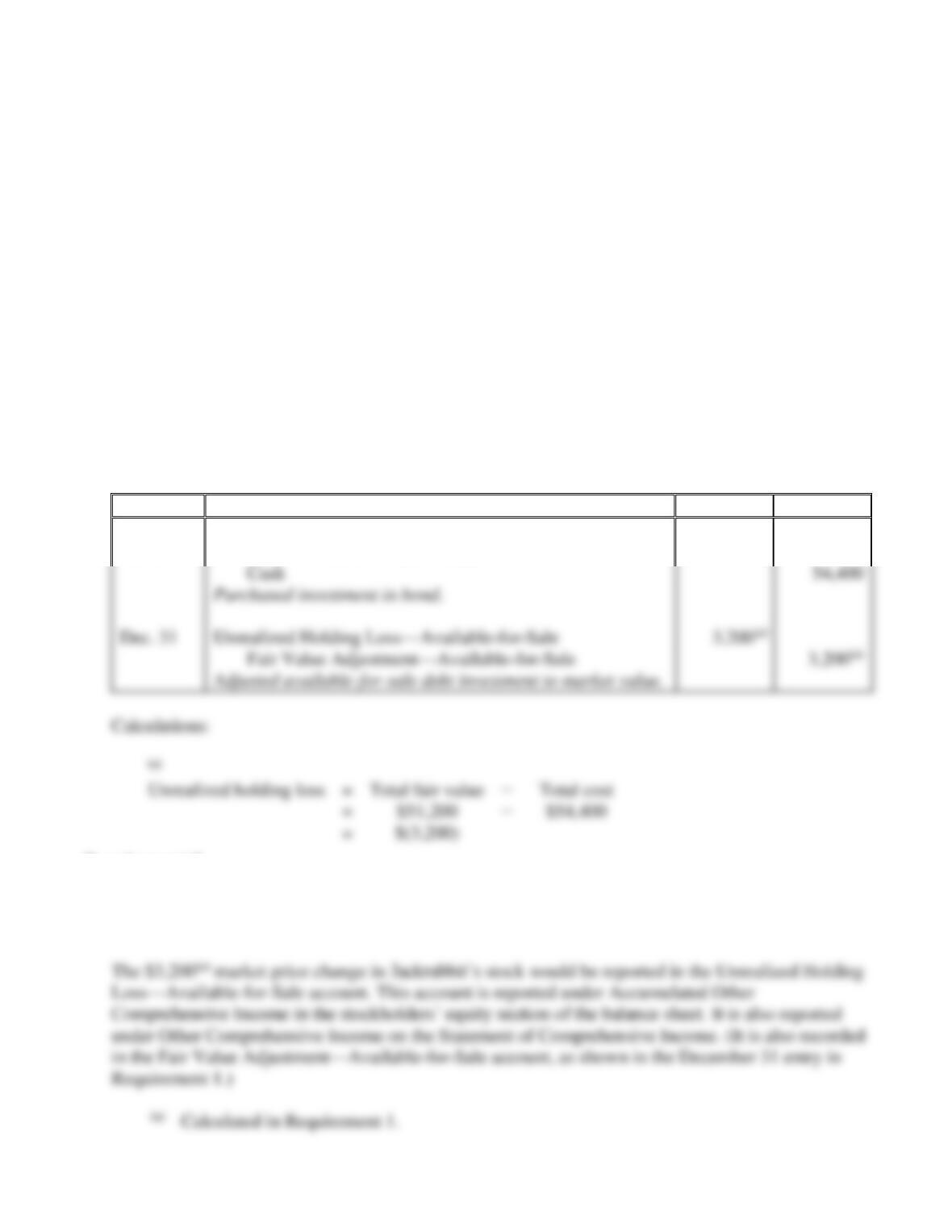
On February 1, 2018, Bell Co. decides to invest excess cash of $16,800 by purchasing a Grant, Inc. bond
at face value. At year-end, December 31, 2018, the fair value of the Grant bond was $19,600. The
investment is categorized as a trading debt investment.
Requirements
1. Journalize the transactions for Bell’s investment in Grant, Inc. for 2018.
2. In what category and at what value would Bell report the asset on the December 31, 2018, balance
sheet? In what account would the market price change in Grant’s bond be reported, if at all?
3. What was the net effect of the investment on Bell’s net income for the year ended December 31,
2018?
SOLUTION
Requirement 1
Date
Accounts and Explanation
Debit
Credit
2018
Feb. 1
Trading Debt Investments
Dec. 31
Fair Value Adjustment—Trading
10–11
S10-5, cont.
Requirement 2
Bell would report the asset (trading debt investment) at its $19,600(a) fair value, classified as a
current asset on the balance sheet as of December 31, 2018.
Requirement 3
The net effect of the investment on Bell’s net income for the year ended December 31, 2018, was a
10–12
S10-6 Accounting for debt investments
Learning Objectives 3, 4
On June 1, 2018, Josh’s Restaurant decides to invest excess cash of $54,400 from the tourist season by
purchasing a Jackrabbit, Inc. bond at face value. At year-end, December 31, 2018, Jackrabbit’s bond had
a market value of $51,200. The investment is categorized as an available-for-sale debt investment and
will be held for the short-term.
Requirements
1. Journalize the transactions for Josh’s investment in Jackrabbit, Inc. for 2018.
2. In what category and at what value would Josh report the asset on the December 31, 2018, balance
sheet? In what account would the market price change in Jackrabbit’s stock be reported, if at all?
3. What was the net effect of the investment on Josh’s net income for the year ended December 31,
2018?
SOLUTION
Requirement 1
Date
Accounts and Explanation
Debit
Credit
2018
Jun. 1
Available-for-Sale Debt Investments
54,400
Requirement 2
Josh would report the asset (available-for-sale debt investment) at its $51,200(a) fair value, classified
as a short-term asset on the balance sheet as of December 31, 2018.
54,400
Dec. 31
Unrealized Holding Loss—Available-for-Sale
S10-6, cont.
Requirement 3
There was no net effect of the investment on Josh’s net income for the year ended December 31,
2018, because the $3,200(a) unrealized holding loss is not included in net income. (It is included in
S10–7 Computing rate of return on total assets
Learning Objective 5
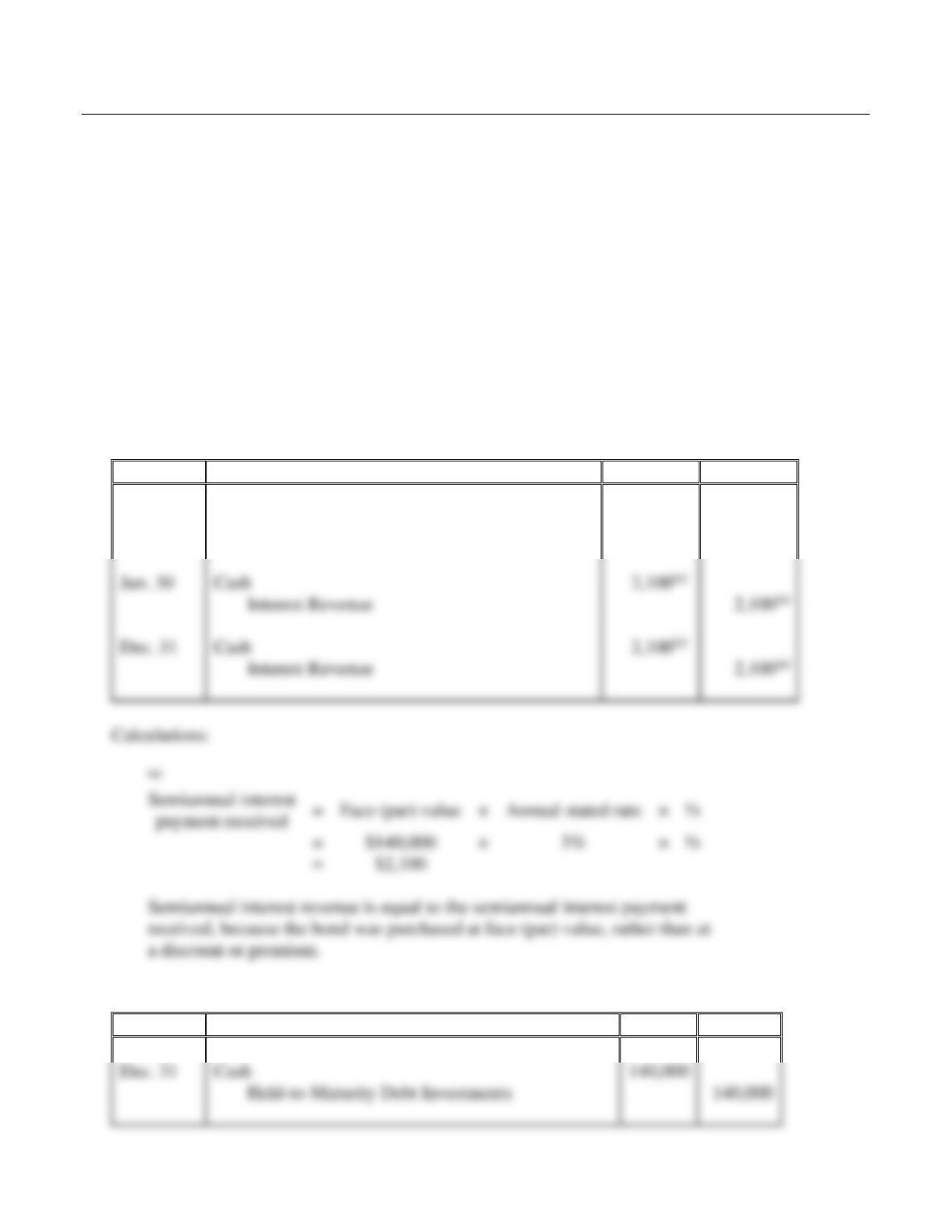
Barot’s 2018 financial statements reported the following items—with 2017 figures given for
comparison:
Net income for 2018 was $3,910, and interest expense was $240. Compute Barot’s rate of return on total
assets for 2018. (Round to the nearest percent.)
SOLUTION
Barot’s rate of return on total assets for 2018 is 13% (rounded).
10–14
Exercises
E10-8 Accounting for debt investments
Learning Objective 2
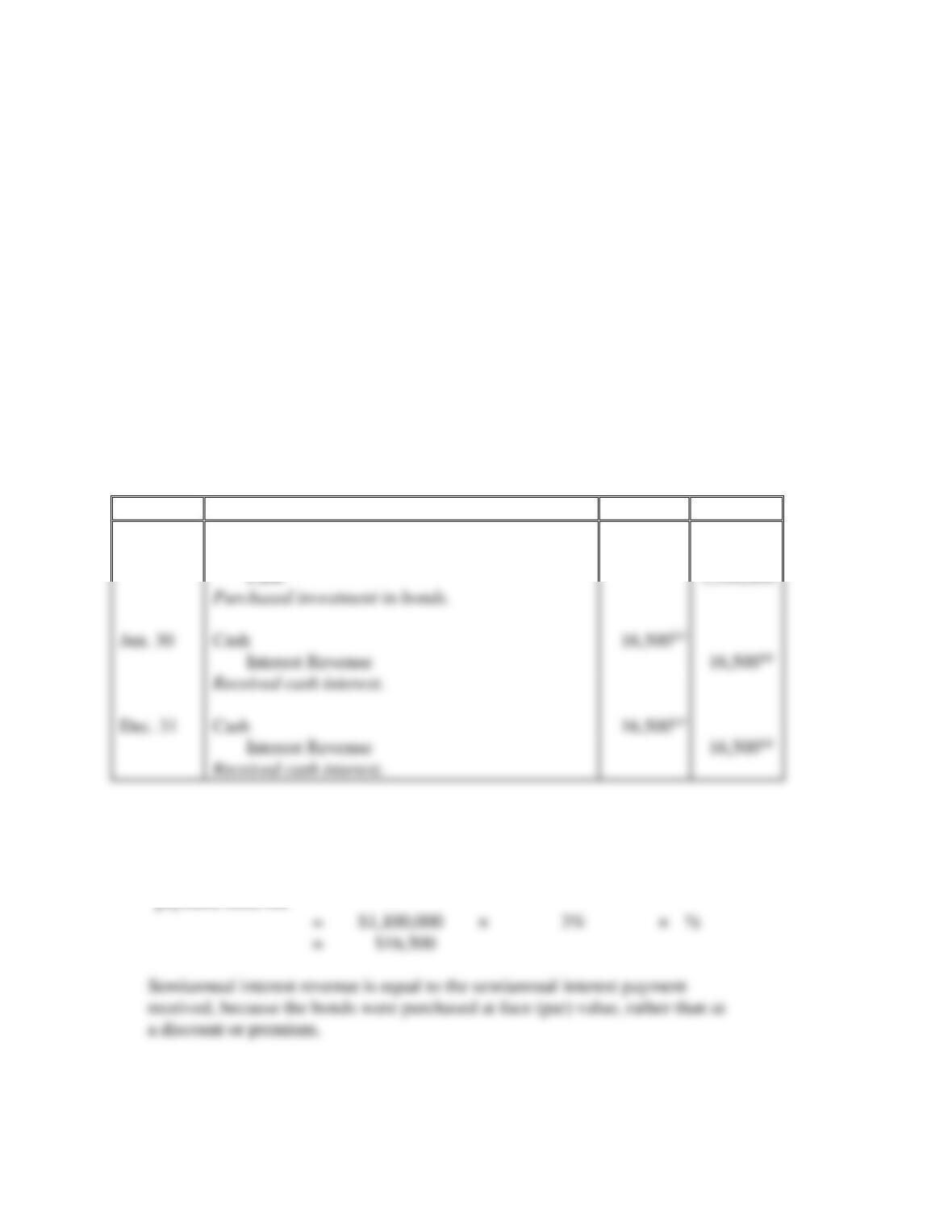
Griffin purchased a bond on January 1, 2018, for $140,000. The bond has a face value of $140,000 and
matures in 20 years. The bond pays interest on June 30 and December 31 at a 3% annual rate. Griffin
plans on holding the investment until maturity.
Requirements
1. Journalize the 2018 transactions related to Griffin’s bond investment. Explanations are not required.
2. Journalize the transaction related to Griffin’s disposition of the bond at maturity on December 31,
2037. (Assume the last interest payment has already been recorded.) Explanations are not required.
SOLUTION
Requirement 1
Date
Accounts and Explanation
Debit
Credit
2018
Jan. 1
Held-to-Maturity Debt Investments
140,000
Cash
140,000
Requirement 2
Date
Accounts and Explanation
Debit
Credit
2037
Dec. 31
Cash
140,000
Jun. 30
Cash
Interest Revenue
Dec. 31
Cash
Interest Revenue
10–15
E10-9 Accounting for debt investments
Learning Objective 2
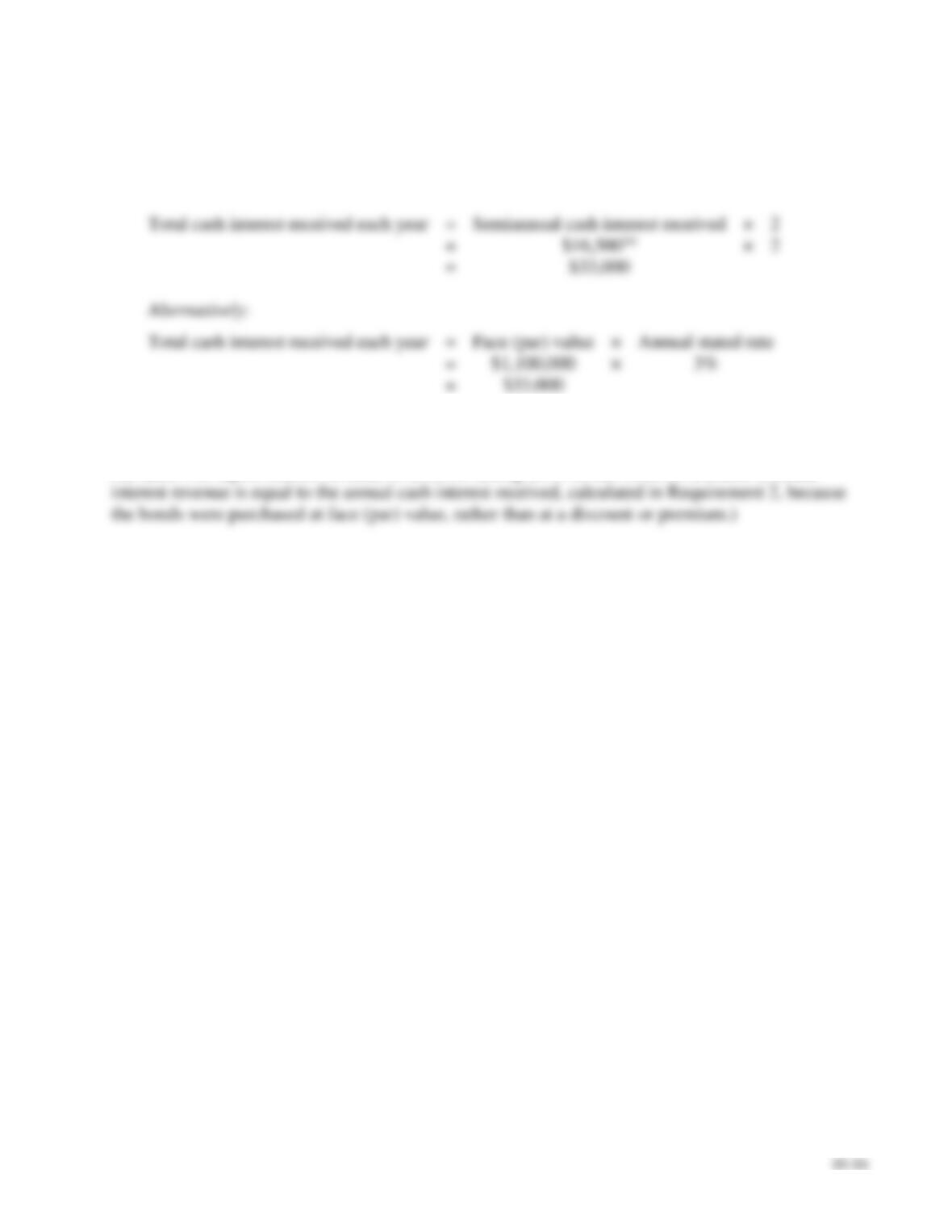
Advance & Co. owns vast amounts of corporate bonds. Suppose Advance buys $1,100,000 of FermaCo
bonds at face value on January 2, 2018. The FermaCo bonds pay interest at the annual rate of 3% on
June 30 and December 31 and mature on December 31, 2037. Advance intends to hold the investment
until maturity.
Requirements
1. Journalize any required 2018 entries for the bond investment.
2. How much cash interest will Advance receive each year from FermaCo?
3. How much interest revenue will Advance report during 2018 on this bond investment?
SOLUTION
Requirement 1
Date
Accounts and Explanation
Debit
Credit
2018
Jan. 2
Held-to-Maturity Debt Investments
1,100,000
Calculations:
(a)
Semiannual interest
payment received
=
Face (par) value
×
Annual stated rate
×
½
received, because the bonds were purchased at face (par) value, rather than at
Jun. 30
Cash
Dec. 31
Cash
E10-9, cont.
Requirement 2
Advance will receive cash interest of $33,000 each year from FermaCo.
Calculations:
Requirement 3
Advance will report interest revenue of $33,000 during 2018 on this bond investment. (Annual
10–17
E10-10 Accounting for debt investments
Learning Objective 2
2a. Int. Rev. CR $36,000
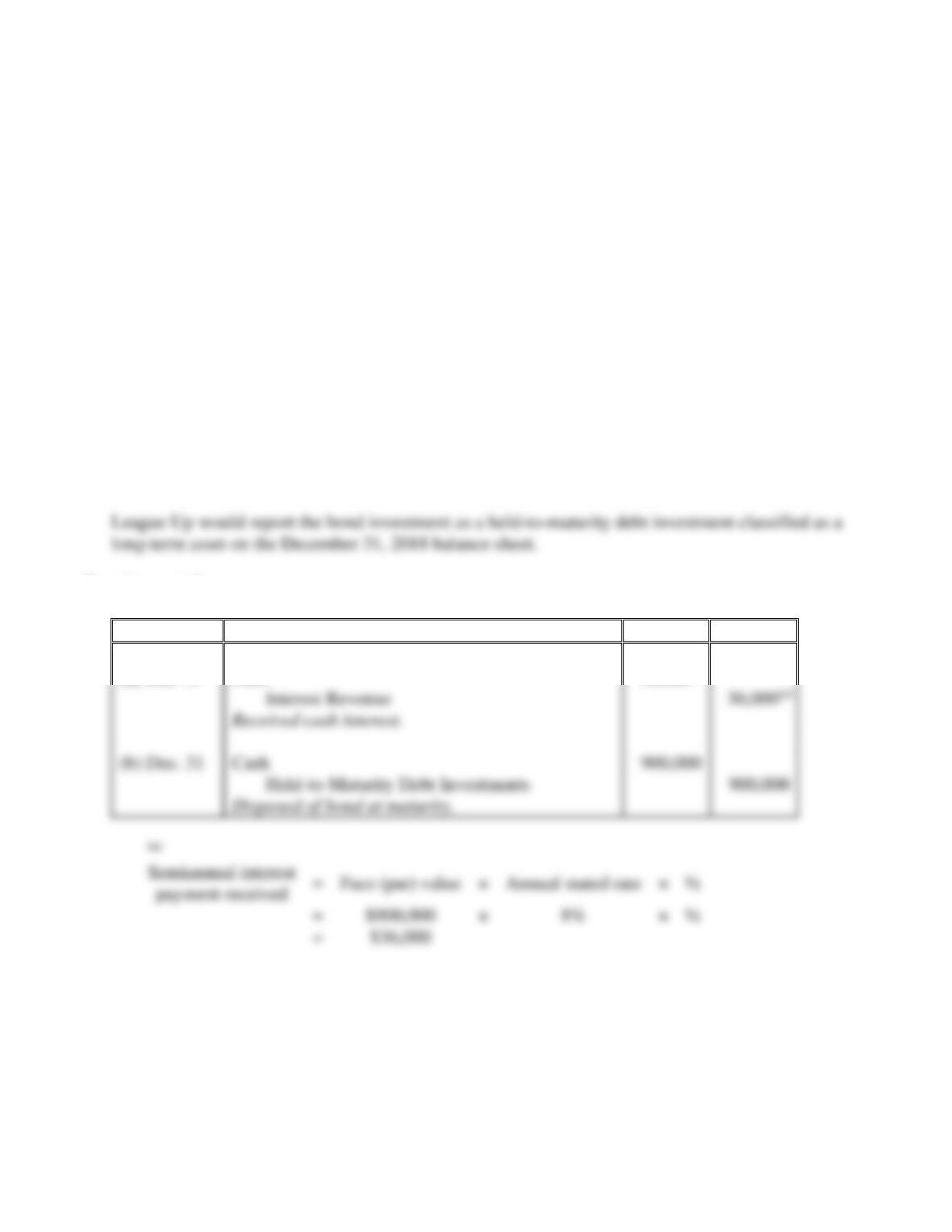
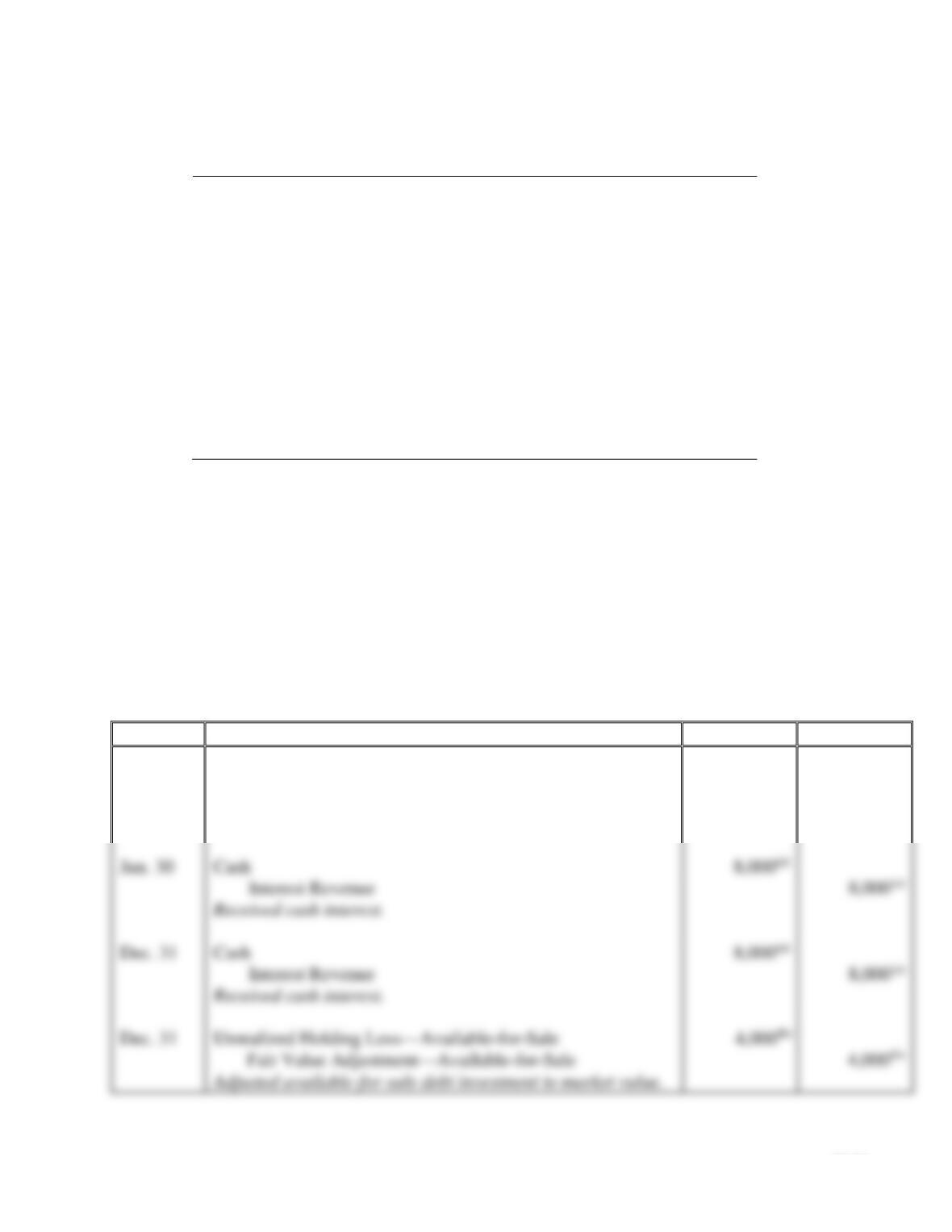
League Up & Co. owns vast amounts of corporate bonds. Suppose League Up buys $900,000 of
CocoCorp bonds at face value on January 2, 2018. The CocoCorp bonds pay interest at the annual rate
of 8% on June 30 and December 31 and mature on December 31, 2022. League Up intends to hold the
investment until maturity.
Requirements
1. How would the bond investment be classified on League Up’s December 31, 2018, balance sheet?
2. Journalize the following on League Up’s books:
a. Receipt of final interest payment on December 31, 2022.
b. Disposition of the investment at maturity on December 31, 2022.
SOLUTION
Requirement 1
Requirement 2
Date
Accounts and Explanation
Debit
Credit
2022
(a) Dec. 31
Cash
36,000(a)
36,000(a)
(b) Dec. 31
Cash
10–18
E10-11 Accounting for debt investments
Learning Objectives 2, 4
Peyton Investments completed the following investment transactions during 2018:
2018
Jan. 5
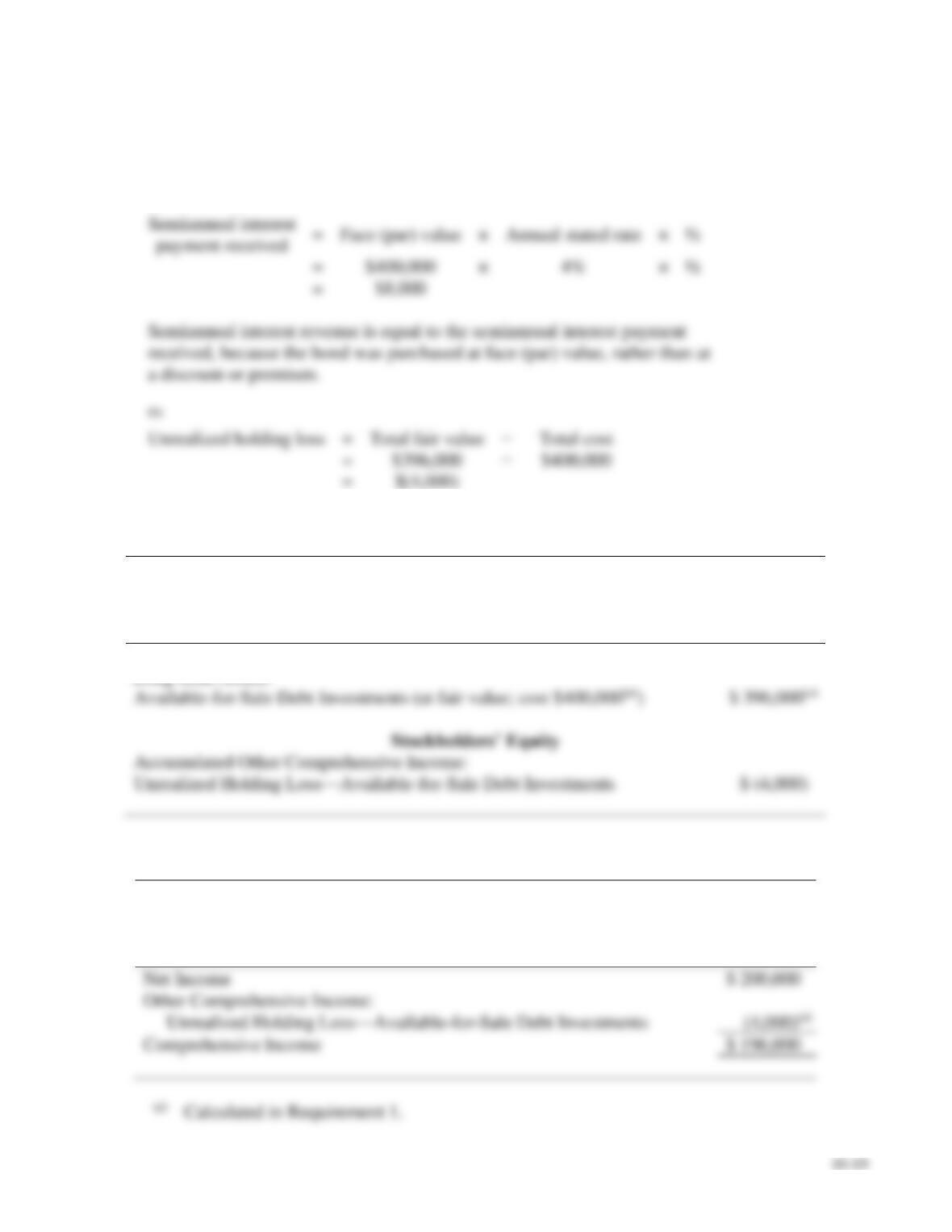
Purchased Vedder Company’s $400,000 bond at face value.
Peyton classified the investment as available-for-sale. The
Vedder bond pays interest at the annual rate of 4% on June 30
and December 31 and matures on December 31, 2021.
Management’s intent is to keep the bonds for several years.
Jun.
30
Received an interest payment from Vedder.
Dec.
31
Received an interest payment from Vedder.
31
Adjusted the investment to its current market value of $396,000.
Requirements
1. Journalize Peyton’s investment transactions. Explanations are not required.
2. Prepare a partial balance sheet for Peyton’s Vedder investment as of December 31, 2018.
3. Prepare a comprehensive income statement for Peyton Investments for year ended December 31,
2018. Assume net income was $200,000.
SOLUTION
Requirement 1
Date
Accounts and Explanation
Debit
Credit
2018
Jan. 5
Available-for-Sale Debt Investments
400,000
Cash
400,000
Purchased investment in bond.
Jun. 30
Cash
Dec. 31
Cash
Dec. 31
Unrealized Holding Loss—Available-for-Sale
Fair Value Adjustment—Available-for-Sale
Adjusted available-for-sale debt investment to market value.
E10-11, cont.
Requirement 1, cont.
Calculations:
(a)
=
×
×
½
=
a discount or premium.
(b)
Unrealized holding loss
=
Total fair value
=
=
Requirement 2
PEYTON INVESTMENTS
Balance Sheet (Partial)
December 31, 2018
Assets
Long-term Assets:
Accumulated Other Comprehensive Income:
Unrealized Holding Loss—Available-for-Sale Debt Investments
$ (4,000)
Requirement 3
PEYTON INVESTMENTS
Comprehensive Income Statement
For the Year Ended December 31, 2018
Net Income
$ 200,000
Other Comprehensive Income:
Unrealized Holding Loss—Available-for-Sale Debt Investments
Comprehensive Income
$ 196,000
(a)
Calculated in Requirement 1.
E10-12 Accounting for equity investments
Learning Objectives 3, 4
Strategic Investments completed the following investment transactions during 2018:
Jan. 14
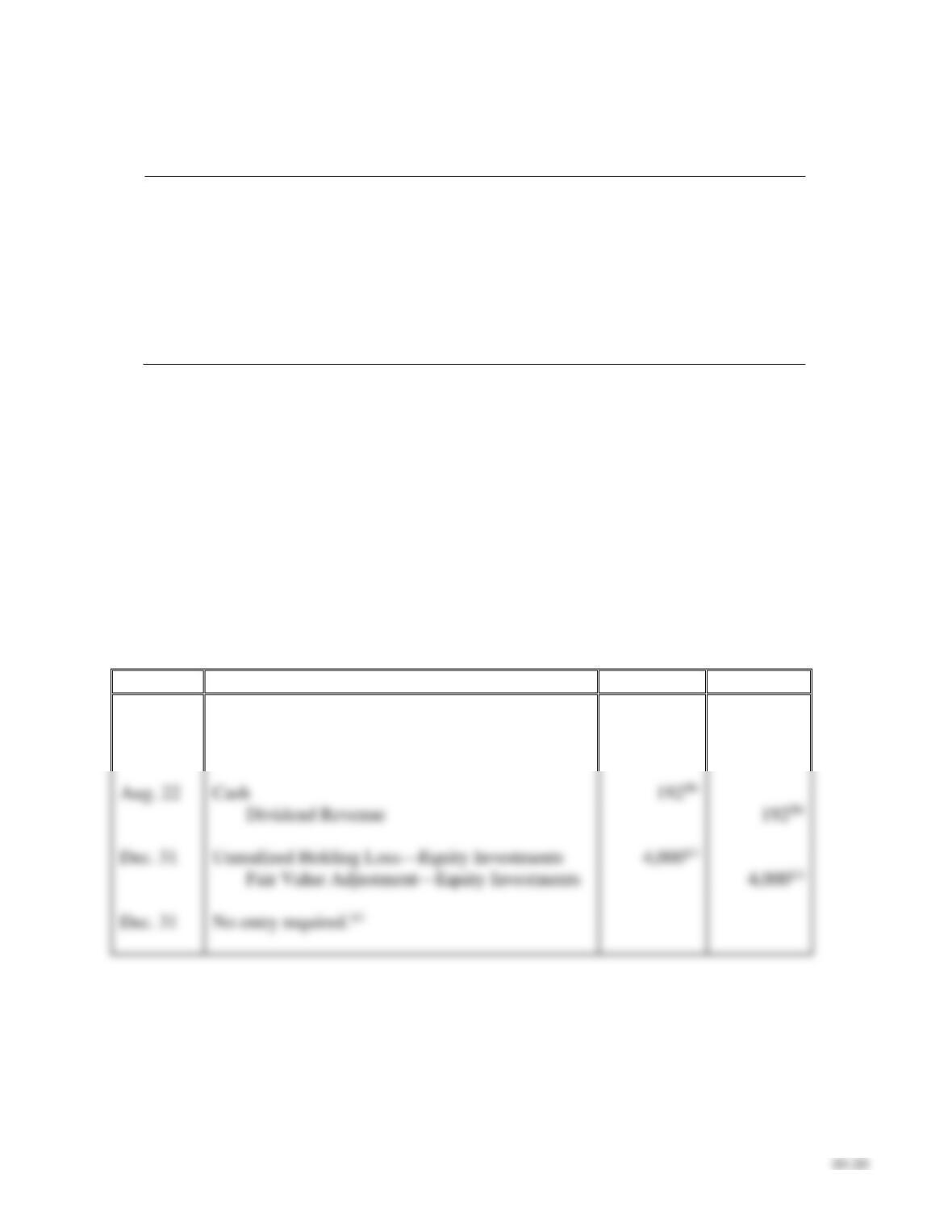
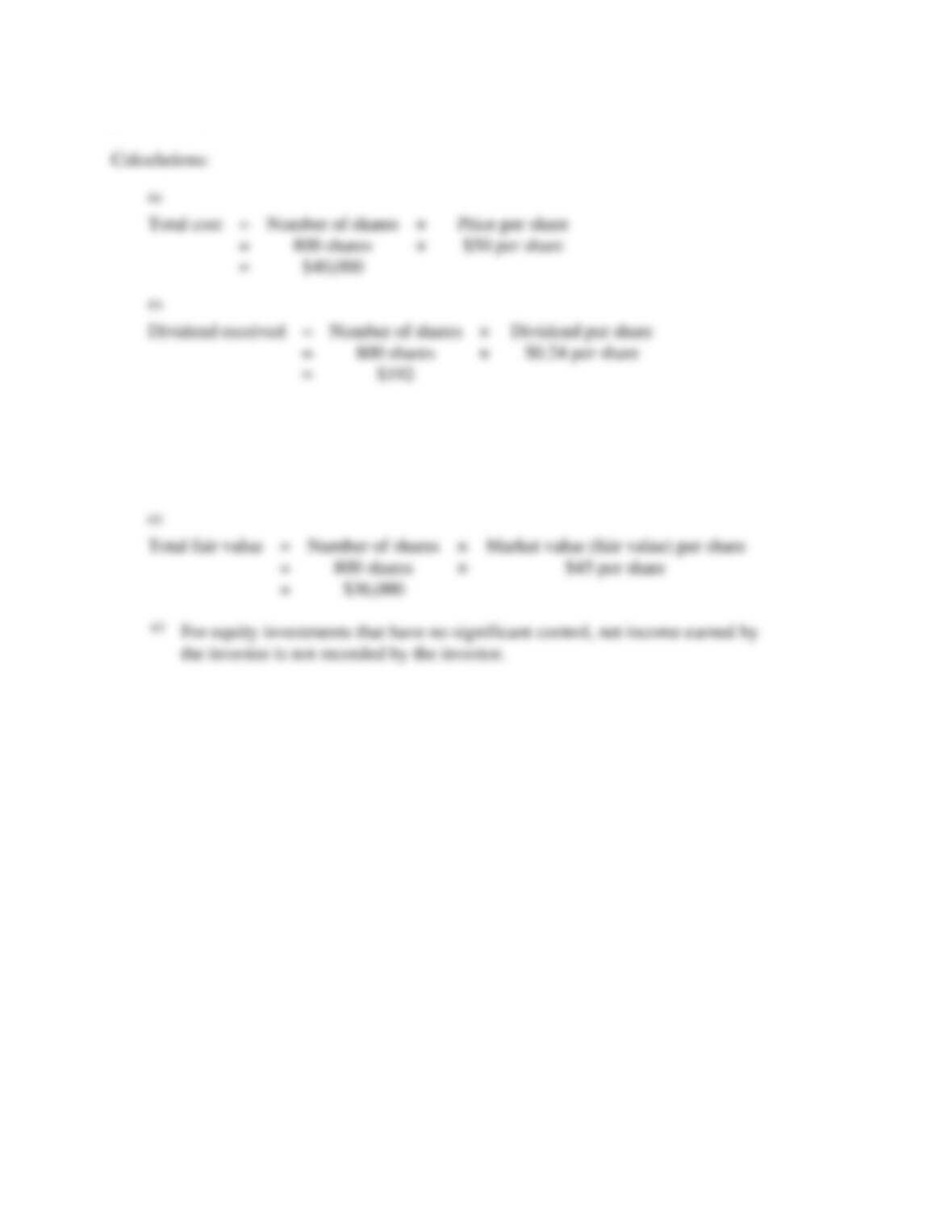
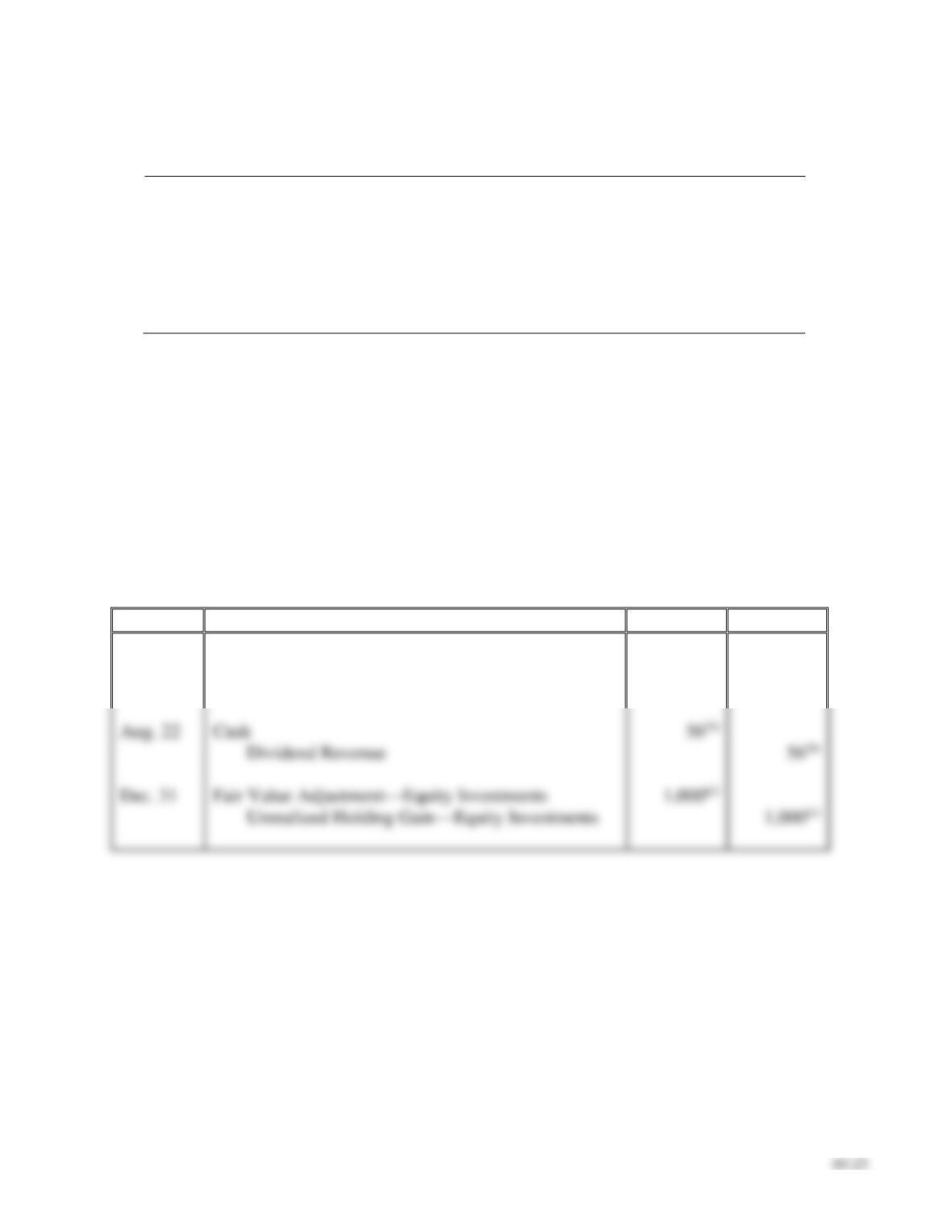
Purchased 800 shares of Phyflexon stock, paying $50 per share. The
investment represents 4% ownership in Phyflexon’s voting stock. Strategic
does not have significant influence over Phyflexon. Strategic intends to
hold the investment for the indefinite future.
Aug. 22
Received a cash dividend of $0.24 per share on the Phyflexon stock.
Dec. 31
Adjusted the investment to its current market value of $45 per share.
31
Phyflexon reported net income of $330,000 for the year ended 2018.
Requirements
1. Journalize Strategic’s investment transactions. Explanations are not required.
2. Classify and prepare a partial balance sheet for Strategic’s Phyflexon investment as of December 31,
2018.
3. Prepare a partial income statement for Strategic Investments for year ended December 31, 2018.
SOLUTION
Requirement 1
Date
Accounts and Explanation
Debit
Credit
2018
Jan. 14
Equity Investments
40,000(a)
Cash
40,000(a)
Aug. 22
Cash
Dividend Revenue
Dec. 31
Unrealized Holding Loss—Equity Investments
Fair Value Adjustment—Equity Investments
Dec. 31
10–21
E10-12, cont.
Requirement 1, cont.
(c)
Unrealized holding loss
=
Total fair value
−
Total cost
=
$36,000(d)
−
$40,000
=
$(4,000)
(d)
Total fair value
=
Number of shares
×
=
×
=
the investee is not recorded by the investor.
(a)
Total cost
=
Number of shares
×
=
×
=
(b)
Dividend received
=
Number of shares
×
Dividend per share
=
×
=
E10-12, cont.
Requirement 2
STRATEGIC INVESTMENTS
Balance Sheet (Partial)
December 31, 2018
Long-term Assets:
Requirement 3
STRATEGIC INVESTMENTS
Income Statement (Partial)
For the Year Ended December 31, 2018
Other Income and (Expenses):
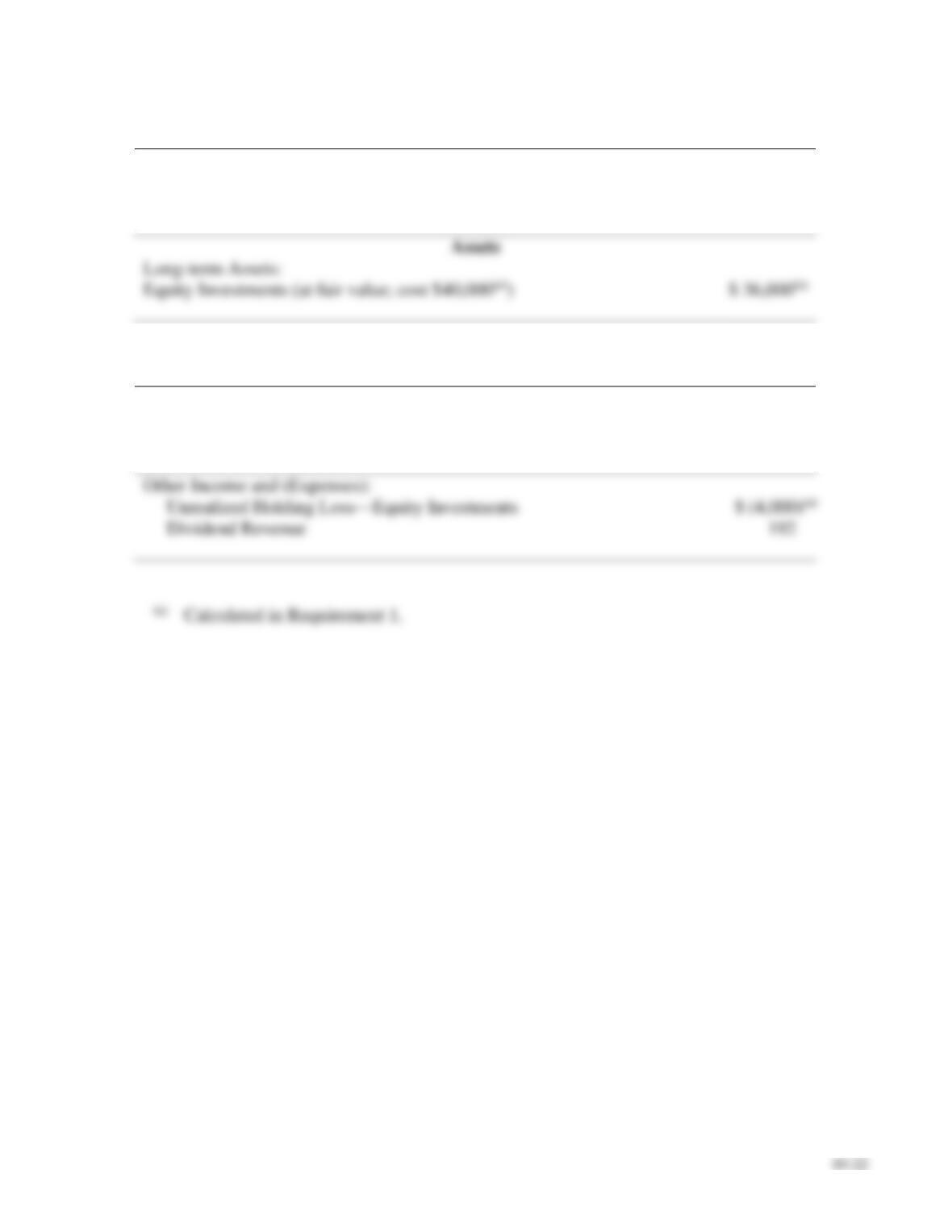
Unrealized Holding Loss—Equity Investments
Dividend Revenue
192
Calculated in Requirement 1.
E10-13 Accounting for equity investments
Learning Objectives 3, 4
Captain Investments completed the following investment transactions during 2018:
Jan. 14
Purchased 200 shares of Velcon stock, paying $53 per share. The
investment represents 4% ownership in Velcon’s voting stock. Captain
does not have significant influence over Velcon. Captain intends to hold
the investment for the indefinite future.
Aug. 22
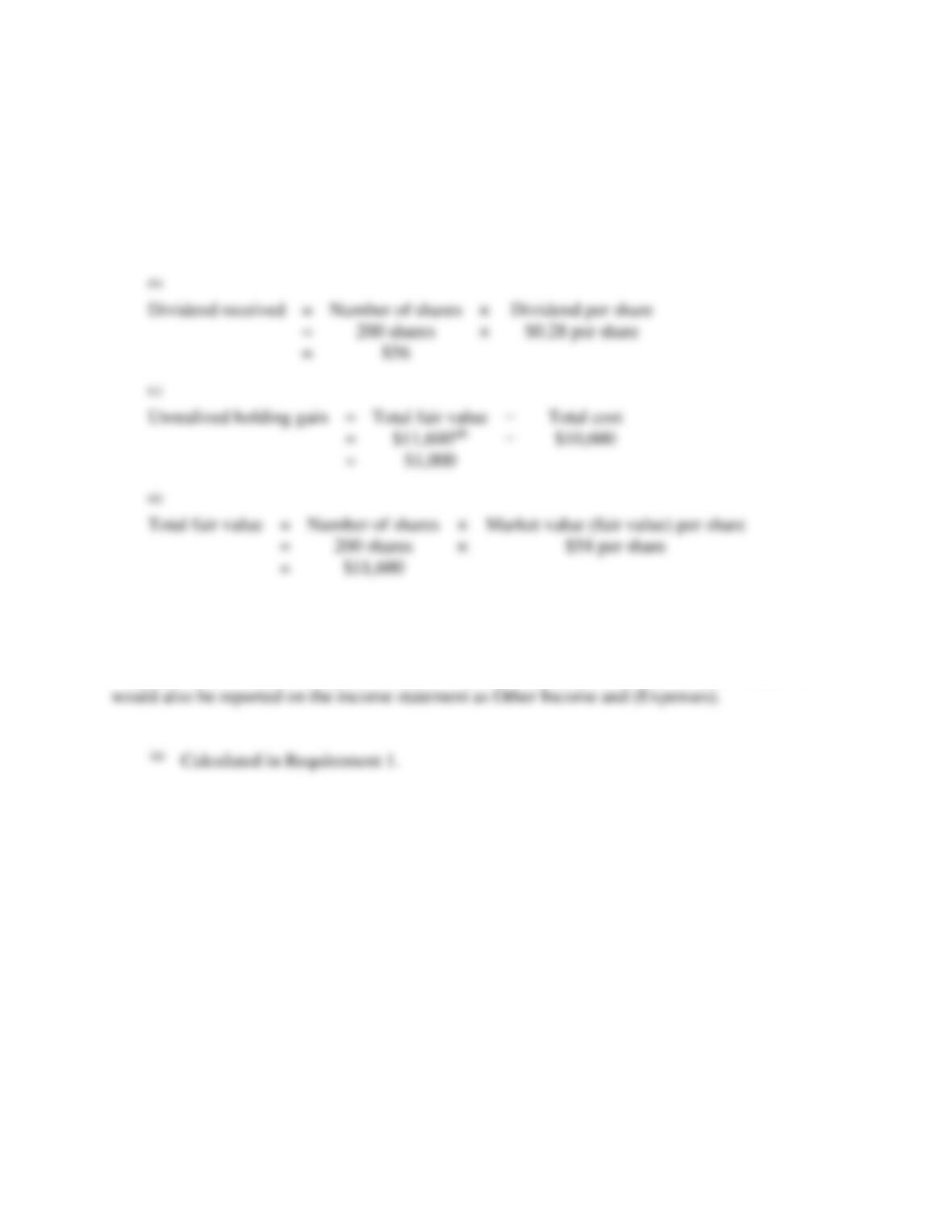
Received a cash dividend of $0.28 per share on the Velcon stock.
Dec. 31
Adjusted the Velcon investment to its current market value of $58.
Requirements
1. Journalize the entries for 2018. Explanations are not required.
2. What account(s) and amount(s), if any, would be reported on Captain’s income statement for the year
ended December 31, 2018?
SOLUTION
Requirement 1
Date
Accounts and Explanation
Debit
Credit
2018
Jan. 14
Equity Investments
10,600(a)
Cash
10,600(a)
Aug. 22
Cash
Dividend Revenue
Dec. 31
Fair Value Adjustment—Equity Investments
Unrealized Holding Gain—Equity Investments
10–24
E10-13, cont.
Requirement 1, cont.
Calculations:
(a)
Total cost
=
Number of shares
×
Price per share
=
200 shares
×
$53 per share
=
$10,600
(a)
Calculated in Requirement 1.
Requirement 2
Captain would report the $1,000(a) unrealized holding gain on its income statement for the year
ended December 31, 2018, classified as Other Income and (Expenses). Dividend revenue of $56
(b)
Dividend received
=
Number of shares
×
=
200 shares
×
=
(c)
Unrealized holding gain
=
Total fair value
=
=
(d)
Total fair value
=
Number of shares
×
=
200 shares
×
=
$11,600
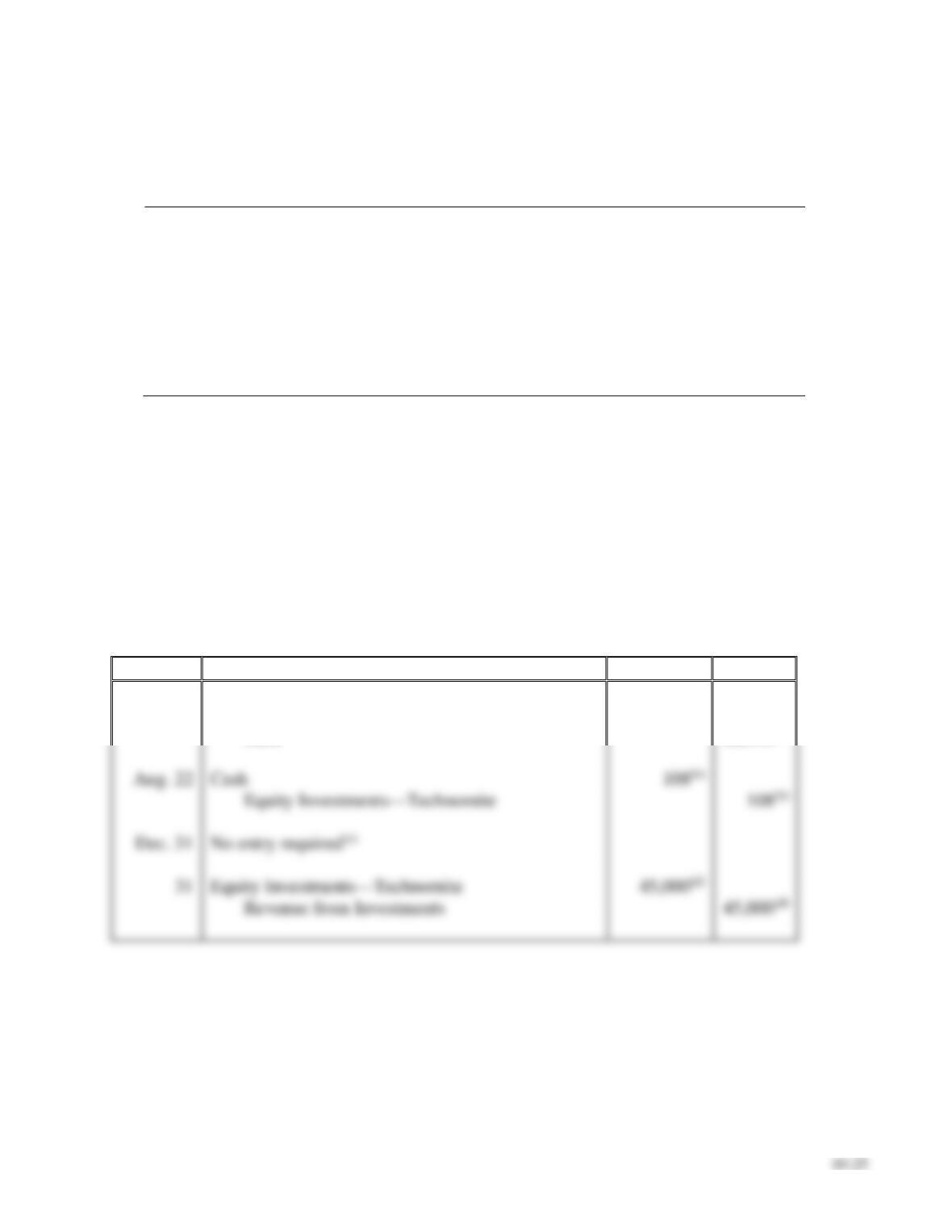
E10-14 Accounting for equity investments
Learning Objective 3
1. Revenue from Investments CR $45,000
Money Man Investments completed the following transactions during 2018:
Jan. 14
Purchased 400 shares of Technomite stock, paying $56 per share. The
investment represents 25% ownership in Technomite’s voting stock and
Money Man has significant influence over Technomite. Money Man
intends to hold the investment for the indefinite future.
Aug. 22
Received a cash dividend of $0.27 per share on the Technomite stock.
Dec. 31
Technomite’s current market value is $51 per share.
31
Technomite reported net income of $180,000 for the year ended 2018.
Requirements
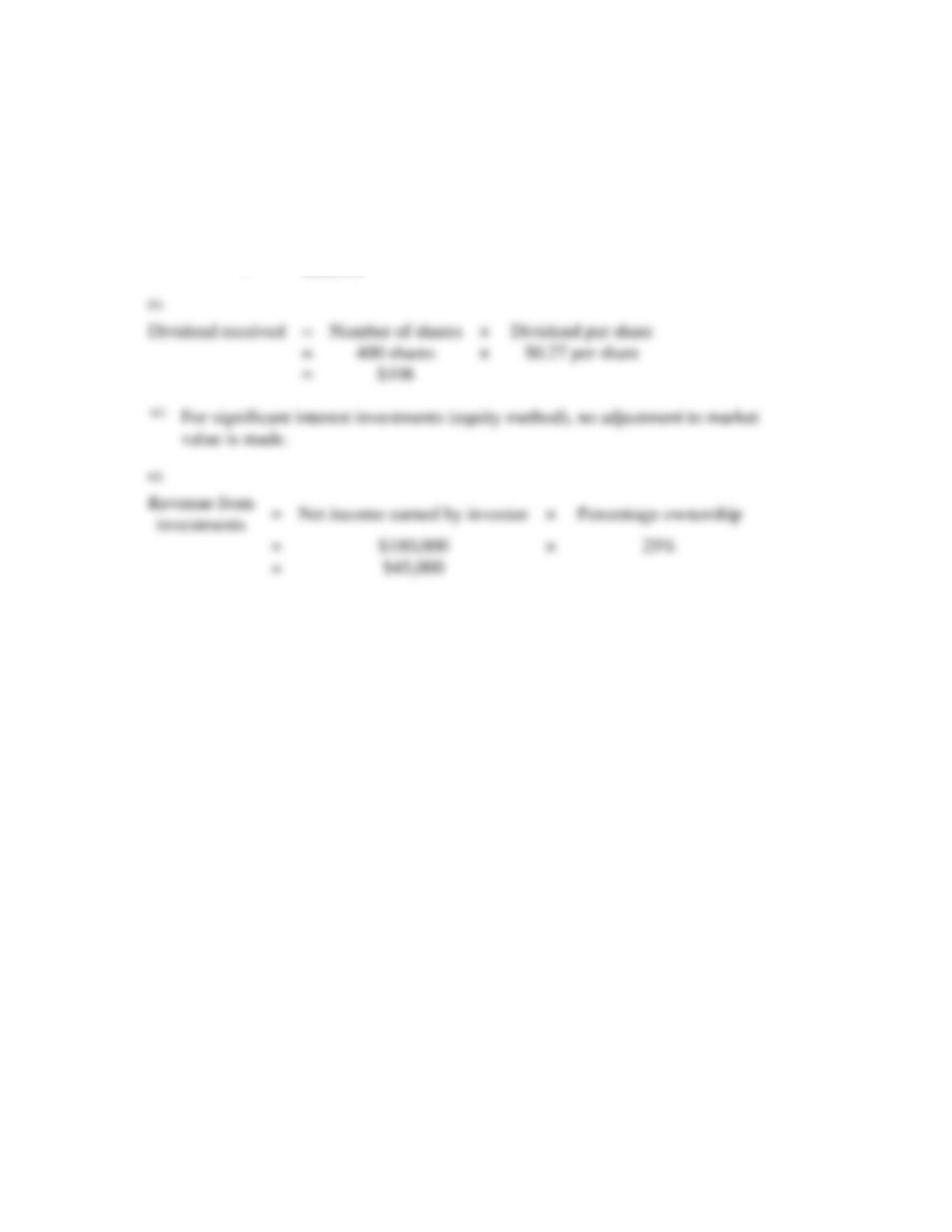
1. Journalize Money Man’s transactions. Explanations are not required.
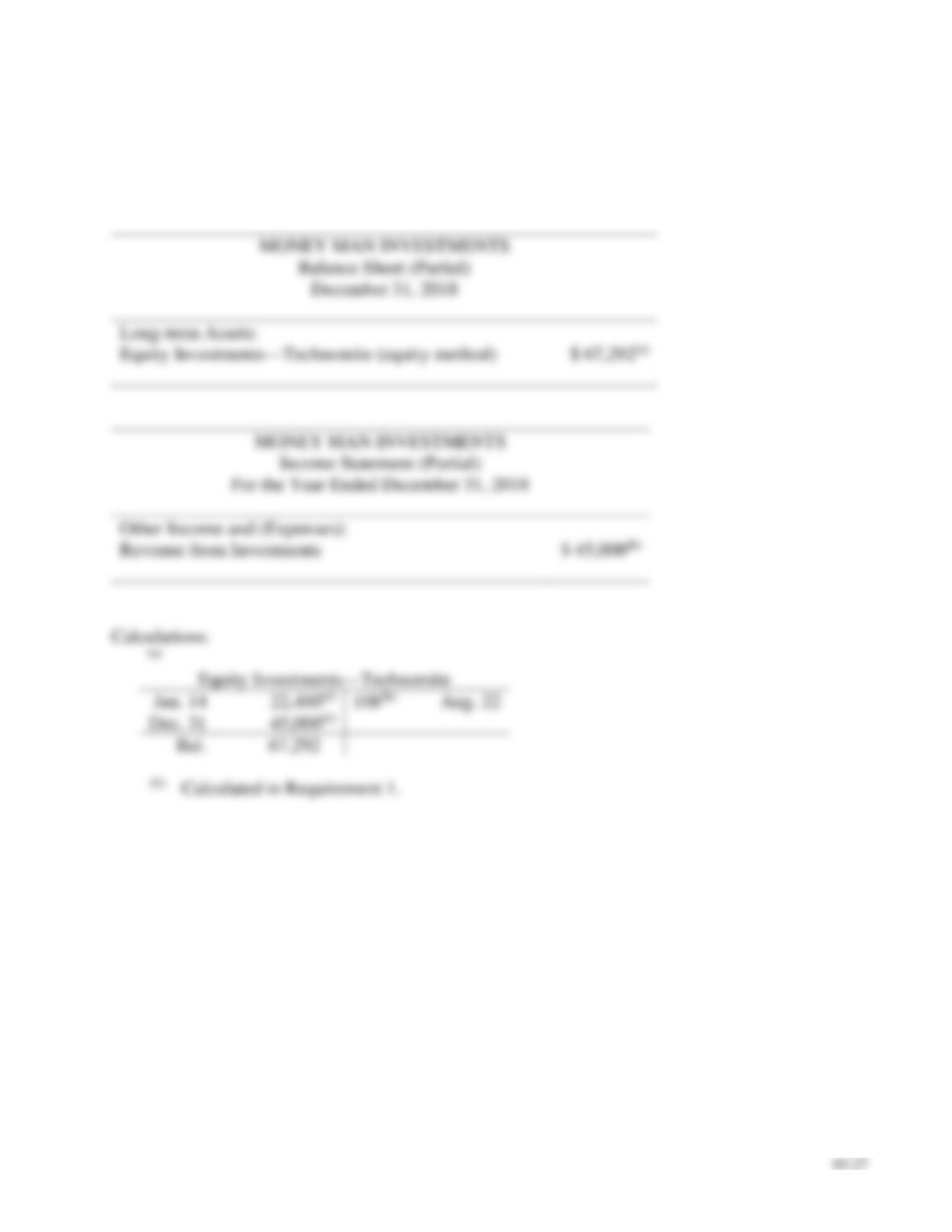
2. Classify and prepare partial financial statements for Money Man’s 25% Technomite investment for
the year ended December 31, 2018.
SOLUTION
Requirement 1
Date
Accounts and Explanation
Debit
Credit
2018
Jan. 14
Equity Investments—Technomite
22,400(a)
Cash
22,400(a)
Cash
Equity Investments—Technomite
Equity Investments—Technomite
Revenue from Investments
10–26
E10-14, cont.
Requirement 1, cont.
Calculations:
(a)
Total cost
=
Number of shares
×
Price per share
=
400 shares
×
$56 per share
=
$22,400
(b)
Dividend received
=
Number of shares
×
=
400 shares
×
=
value is made.
(d)
=
×
25%
=
E10-14, cont.
Requirement 2
The investment (equity-method) is classified as a long-term asset on the balance sheet at December
31, 2018, and the revenue from investments is classified as Other Income and (Expenses) on the
income statement for the year ended December 31, 2018.

10–28
E10-15 Accounting for equity investments
Learning Objective 3
3. $295,750,000 Bal.
Suppose that on January 6, 2018, East Coast Motors paid $280,000,000 for its 35% investment in
Boxcar Motors. East Coast has significant influence over Boxcar after the purchase. Assume Boxcar
earned net income of $90,000,000 and paid cash dividends of $45,000,000 to all outstanding
stockholders during 2018. (Assume all outstanding stock is voting stock.)
Requirements
1. What method should East Cost Motors use to account for the investment in Boxcar Motors? Give
your reasoning.
2. Journalize all required 2018 transactions related to East Cost Motors’s Boxcar investment. Include an
explanation for each entry.
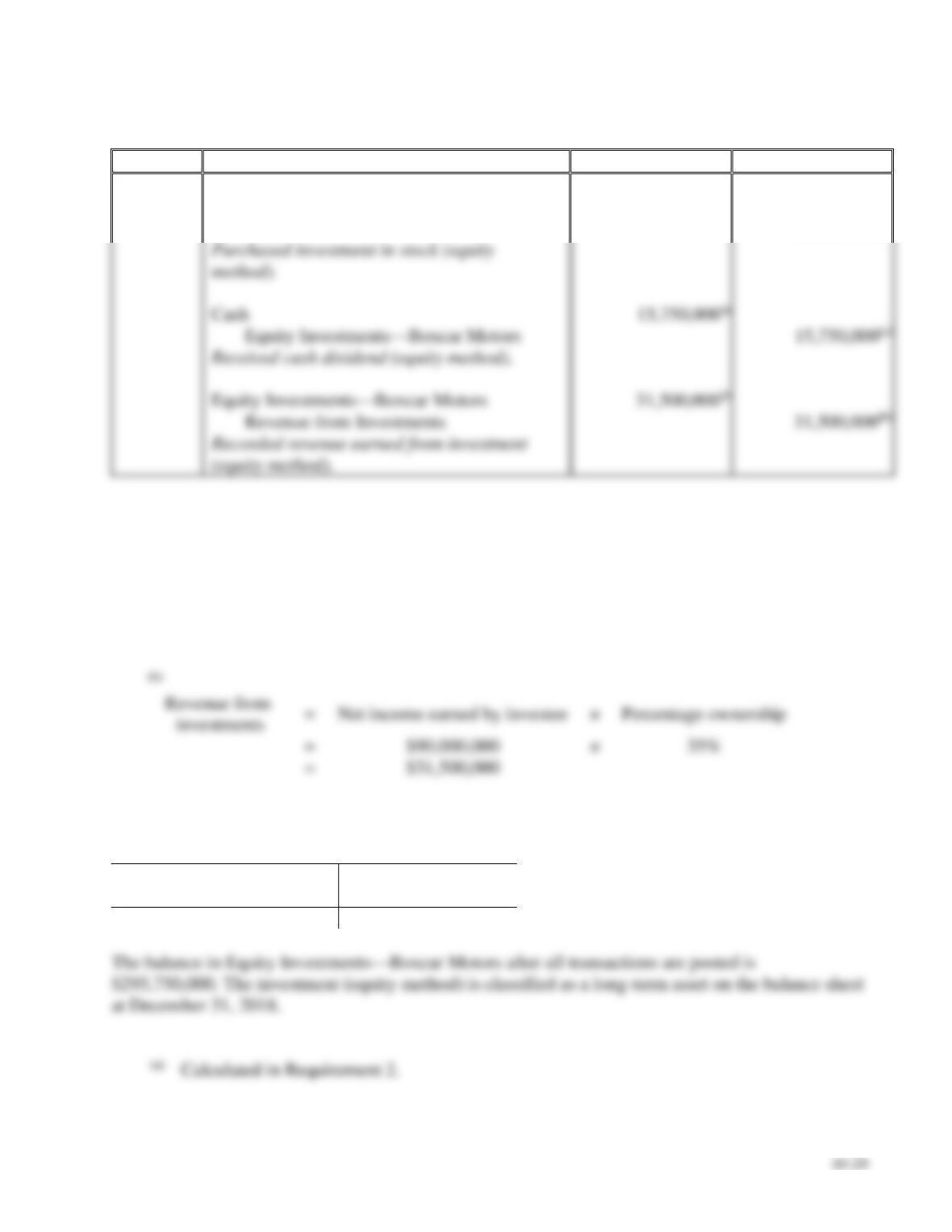
3. Post all 2018 transactions to the investment T-account. What is its balance after all the transactions
are posted? How would this balance be classified on the balance sheet dated December 31, 2018?
SOLUTION
Requirement 1
East Coast Motors should use the equity method to account for the investment in Boxcar Motors
E10-15, cont.
Requirement 2
Date
Accounts and Explanation
Debit
Credit
2018
Jan. 6
Equity Investments—Boxcar Motors
280,000,000
Cash
280,000,000
Cash
Equity Investments—Boxcar Motors
Equity Investments—Boxcar Motors
Revenue from Investments
Calculations:
(a)
Dividend received
=
Total dividend paid by investee
×
Percentage ownership
=
$45,000,000
×
35%
=
$15,750,000
(b)
=
×
35%
=
Requirement 3
Equity Investments – Boxcar Motors
Jan. 6
280,000,000
15,750,000(a)
31,500,000(a)
Bal.
295,750,000
10–30
E10-16 Classifying and accounting for equity investments
Learning Objectives 1, 3, 4
1. Dec. 31 Fair Value Adjustment—Equity Investments CR $32,500
Boston Today Publishers completed the following investment transactions during 2018 and 2019:
2018
Requirements
1. Journalize Boston Today’s investment transactions. Explanations are not required.
2. On December 31, 2018, how would the Loveable stock be classified and at what value would it be
reported on the balance sheet?
SOLUTION
Requirement 1
Date
Accounts and Explanation
Debit
Credit
2018
Dec. 6
Equity Investments
60,000(a)
Cash
60,000(a)
Cash
Dividend Revenue
Unrealized Holding Loss—Equity Investments
32,500(c)
Fair Value Adjustment—Equity Investments
32,500(c)
2019
Cash
45,500(e)
Loss on Disposal
Equity Investments*
60,000(a)
* The associated balance in the unrealized holding loss—equity account would need to be removed at
year end if no other equity investments were held.
significant influence over Loveable.
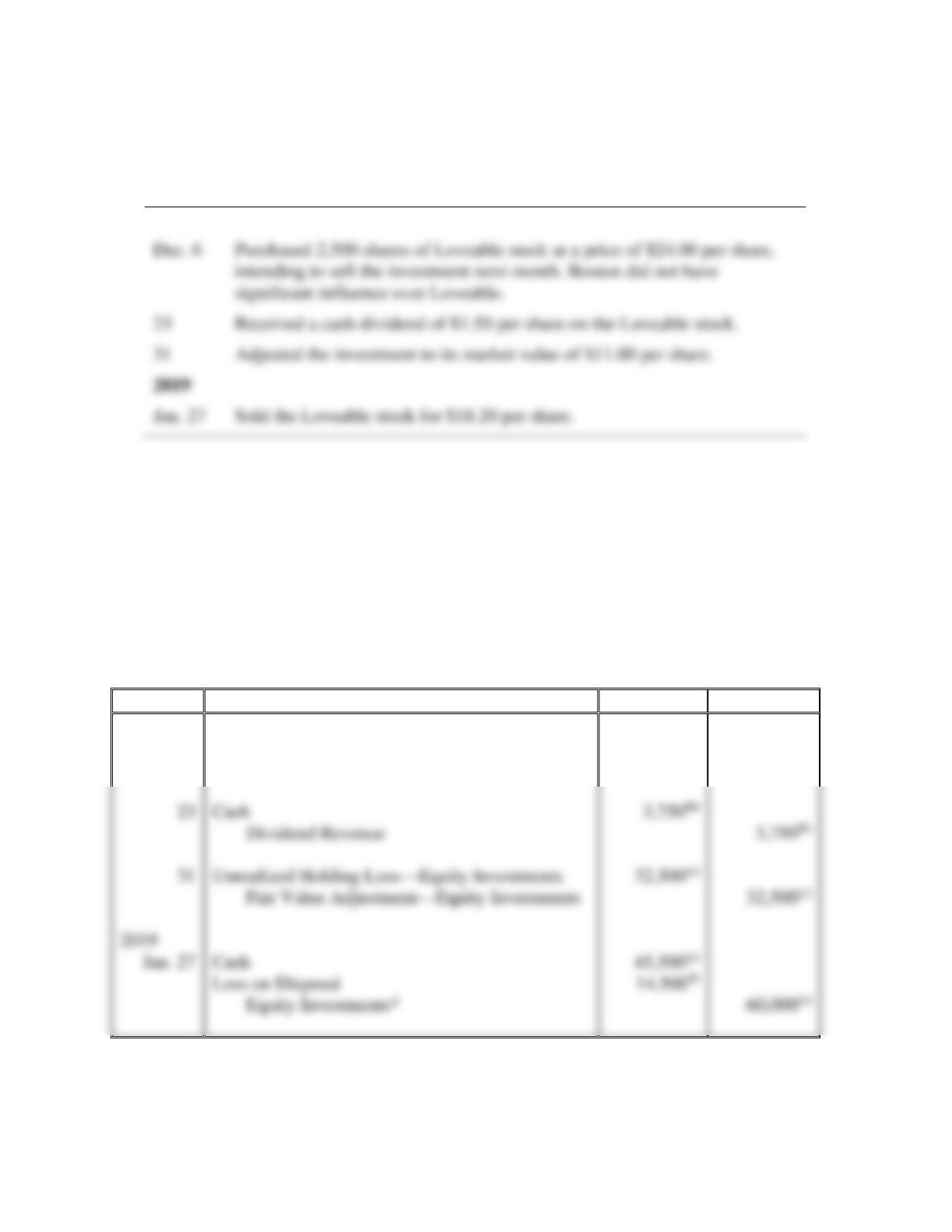
23
Received a cash dividend of $1.50 per share on the Loveable stock.
31
Adjusted the investment to its market value of $11.00 per share.
2019
Jan. 27
Sold the Loveable stock for $18.20 per share.
E10-16, cont.
Requirement 1, cont.
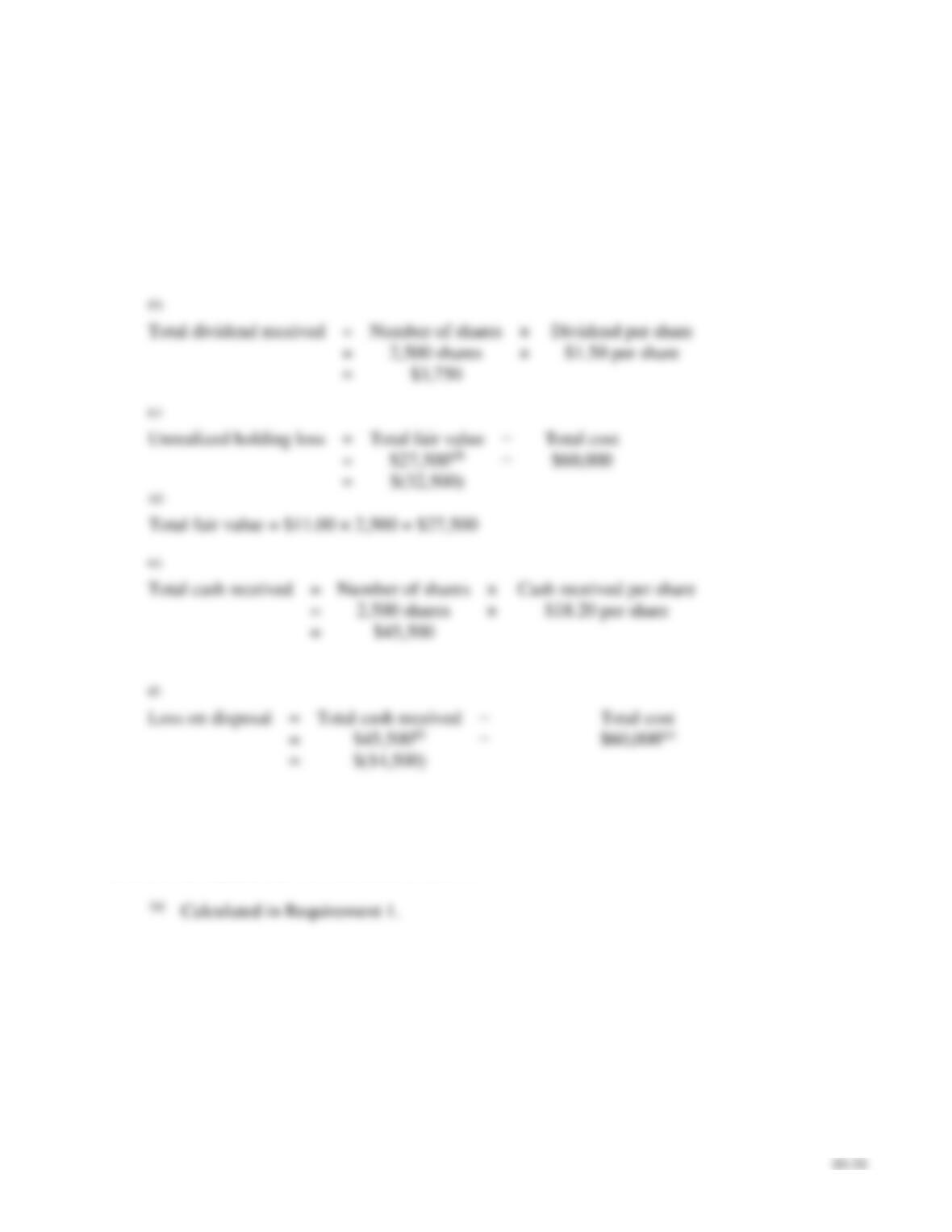
Calculations:
(a)
Total cost
=
Number of shares
×
Price per share
=
2,500 shares
×
$24.00 per share
=
$60,000
(b)
Total dividend received
=
Number of shares
×
=
2,500 shares
×
=
(c)
Unrealized holding loss
=
Total fair value
=
=
(e)
Total cash received
=
Number of shares
×
=
2,500 shares
×
=
$45,500
(f)
Loss on disposal
=
Total cash received
=
=
$(14,500)
Calculated in Requirement 1.
Requirement 2
Boston Today would report the equity investment at its $27,500(a) fair value, classified as a current
asset on the balance sheet at December 31, 2018.
10–32
E10-17 Computing rate of return on total assets
Learning Objective 5
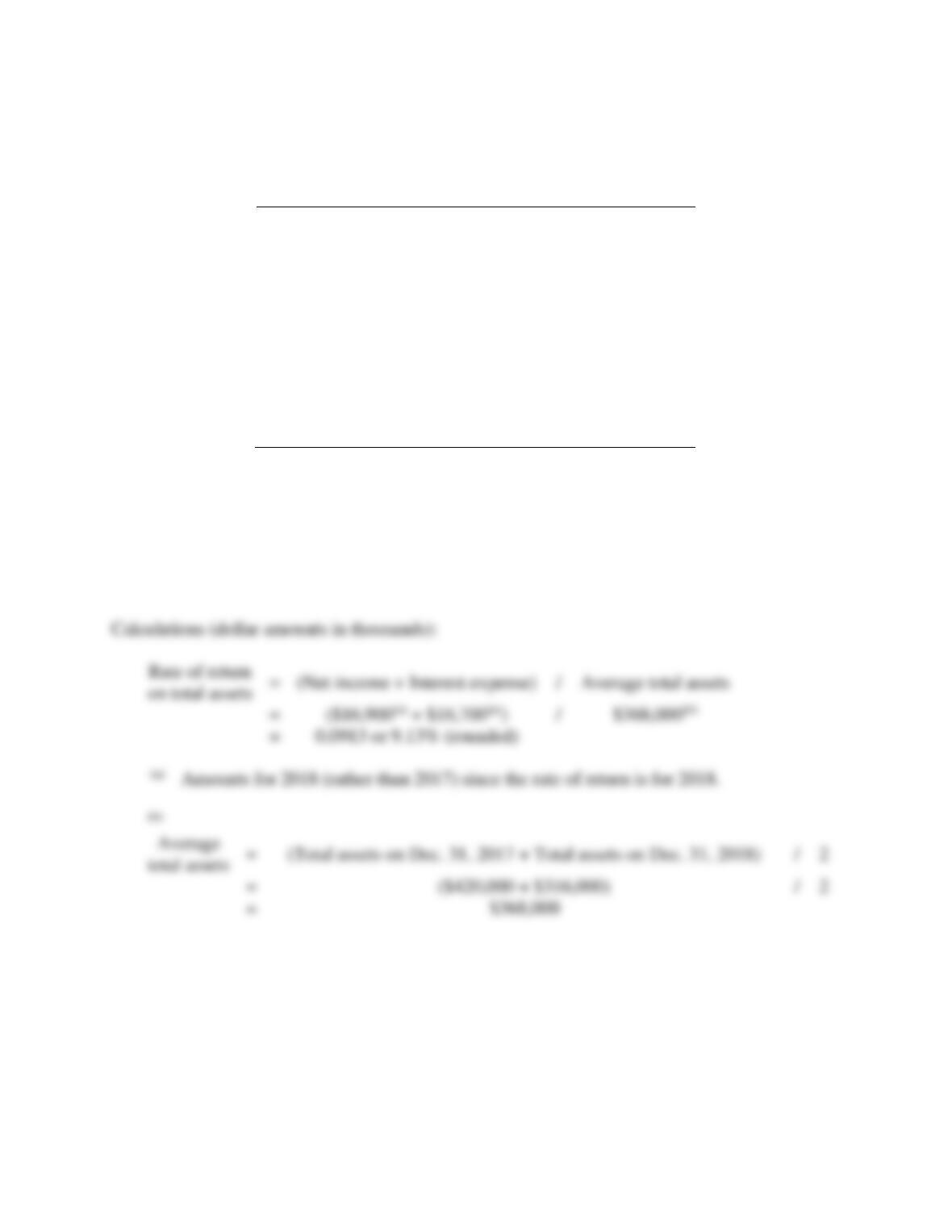
Avg. total assets $368,000,000
Montane Exploration Company reported these figures for 2018 and 2017:
Income Statement—
partial:
2018
2017
Interest Expense
$
16,700,000
$
16,500,000
Net Income
16,900,000
20,200,000
Balance Sheet—
partial:
Dec. 31,
2018
Dec. 31,
2017
Total Assets
$
316,000,000
$
420,000,000
Compute the rate of return on total assets for 2018. (Round to two decimals.)
SOLUTION
The rate of return on total assets for 2018 is 9.13% (rounded).
Problems (Group A)
P10-18A Accounting for debt investments
Learning Objective 2
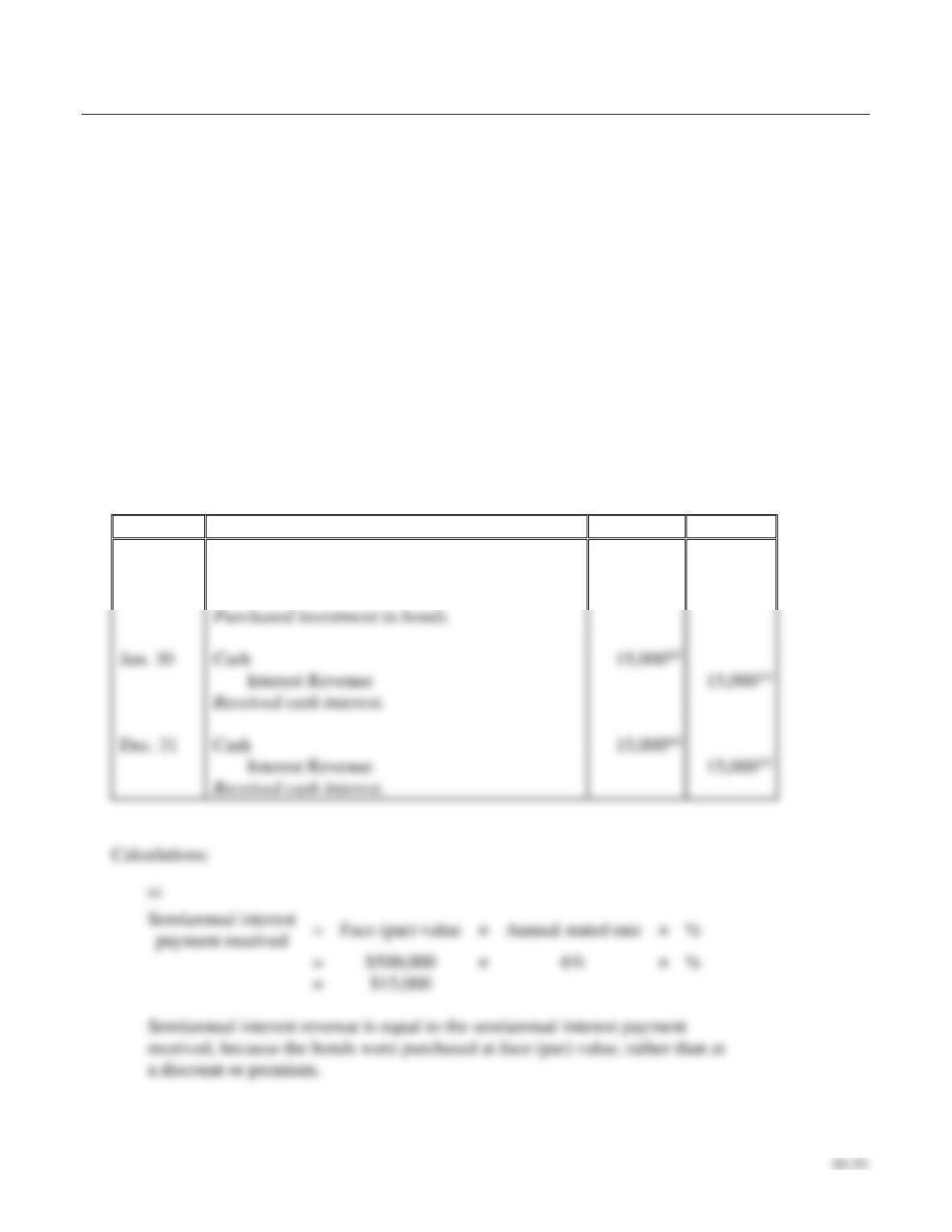
1. Dec. 31 Int. Rev. CR $15,00
Suppose Solomon Brothers purchases $500,000 of 6% annual bonds of Morin Corporation at face
value on January 1, 2018. These bonds pay interest on June 30 and December 31 each year. They
mature on December 31, 2022. Solomon intends to hold the Morin bond investment until maturity.
Requirements
1. Journalize Solomon Brothers’s transactions related to the bonds for 2018.
2. Journalize the entry required on the Morin bonds maturity date. (Assume the last interest
payment has already been recorded.)
SOLUTION
Requirement 1
Date
Accounts and Explanation
Debit
Credit
2018
Jan. 1
Held-to-Maturity Debt Investments
500,000
Cash
500,000
Jun. 30
Cash
Interest Revenue
Dec. 31
Cash
Interest Revenue

10–34
P10-18A, cont.
Requirement 2
Date
Accounts and Explanation
Debit
Credit
P10-19A Classifying and accounting for debt and equity investments
Learning Objectives 1, 2, 3, 4
2. Sep. 16 Gain on Disposal CR $5,880
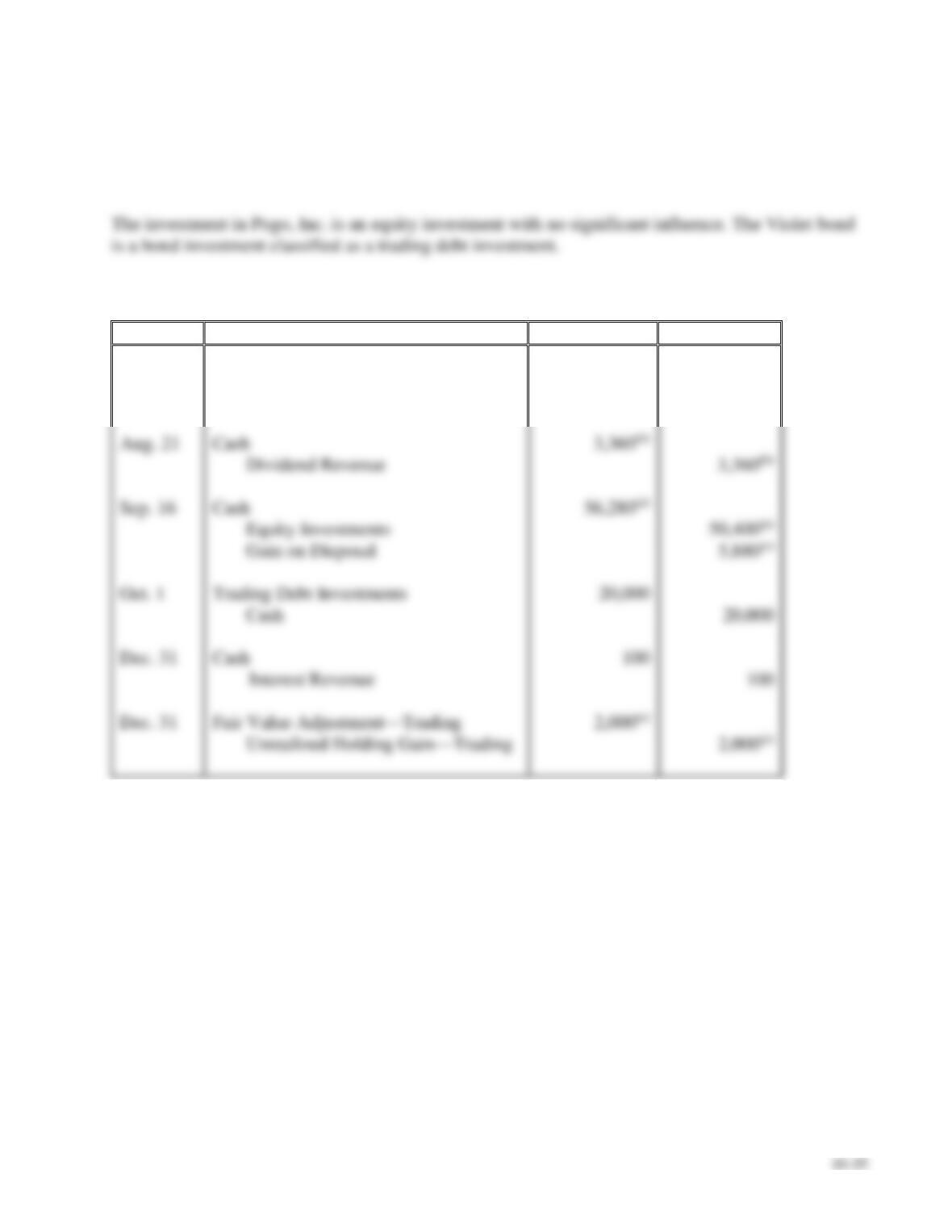
Jetway Corporation generated excess cash and invested in securities as follows:
2018
Jul. 2
Purchased 4,200 shares of Pogo, Inc. common stock at $12.00 per share.
Jetway plans to sell the stock within three months, when the company will
need the cash for normal operations. Jetway does not have significant
influence over Pogo.
Aug. 21
Received a cash dividend of $0.80 per share on the Pogo stock investment.
Sep. 16
Sold the Pogo stock for $13.40 per share.
Oct. 1
Purchased a Violet bond for $20,000 at face value. Jetway classifies the
investment as trading and short-term.
Dec. 31
Received a $100 interest payment from Violet.
31
Adjusted the Violet bond to its market value of $22,000.
Requirements
1. Classify each of the investments made during 2018. (Assume the equity investments represent less
than 20% of ownership of outstanding voting stock.)
2. Journalize the 2018 transactions. Explanations are not required.
3. Prepare T-accounts for the investment assets, and show how to report the investments on Jetway’s
balance sheet at December 31, 2018.
4. Where is the unrealized holding gain or loss associated with the trading debt investment reported?
P10-19A, cont.
SOLUTION
Requirement 1
Requirement 2
Date
Accounts and Explanation
Debit
Credit
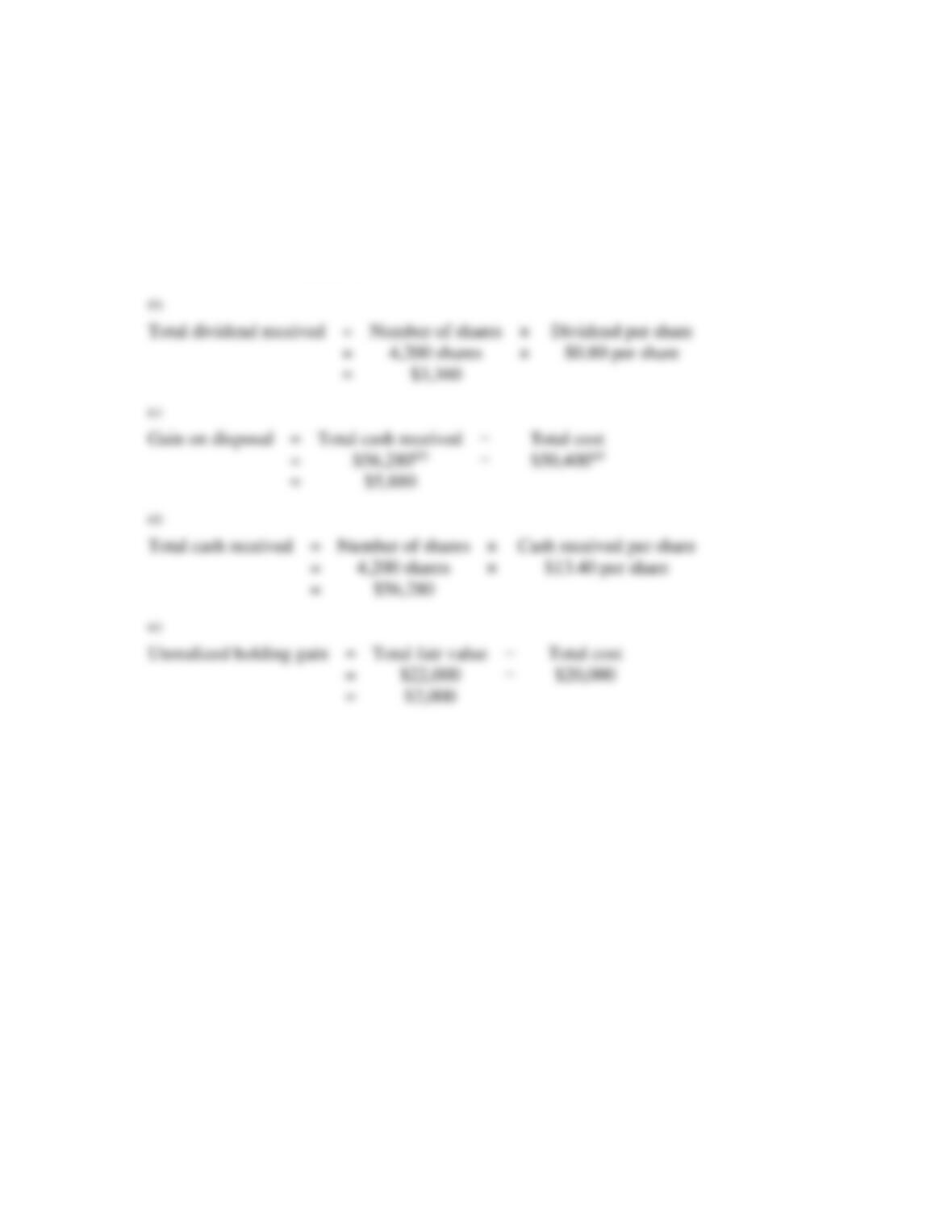
2018
Jul. 2
Equity Investments
50,400(a)
Cash
50,400(a)
Aug. 21
Cash
Dividend Revenue
Sep. 16
Cash
Equity Investments
50,400(a)
Gain on Disposal
Oct. 1
Trading Debt Investments
Cash
Dec. 31
Cash
Dec. 31
Fair Value Adjustment—Trading
Unrealized Holding Gain—Trading
10–36
P10-19A, cont.
Requirement 2, cont.
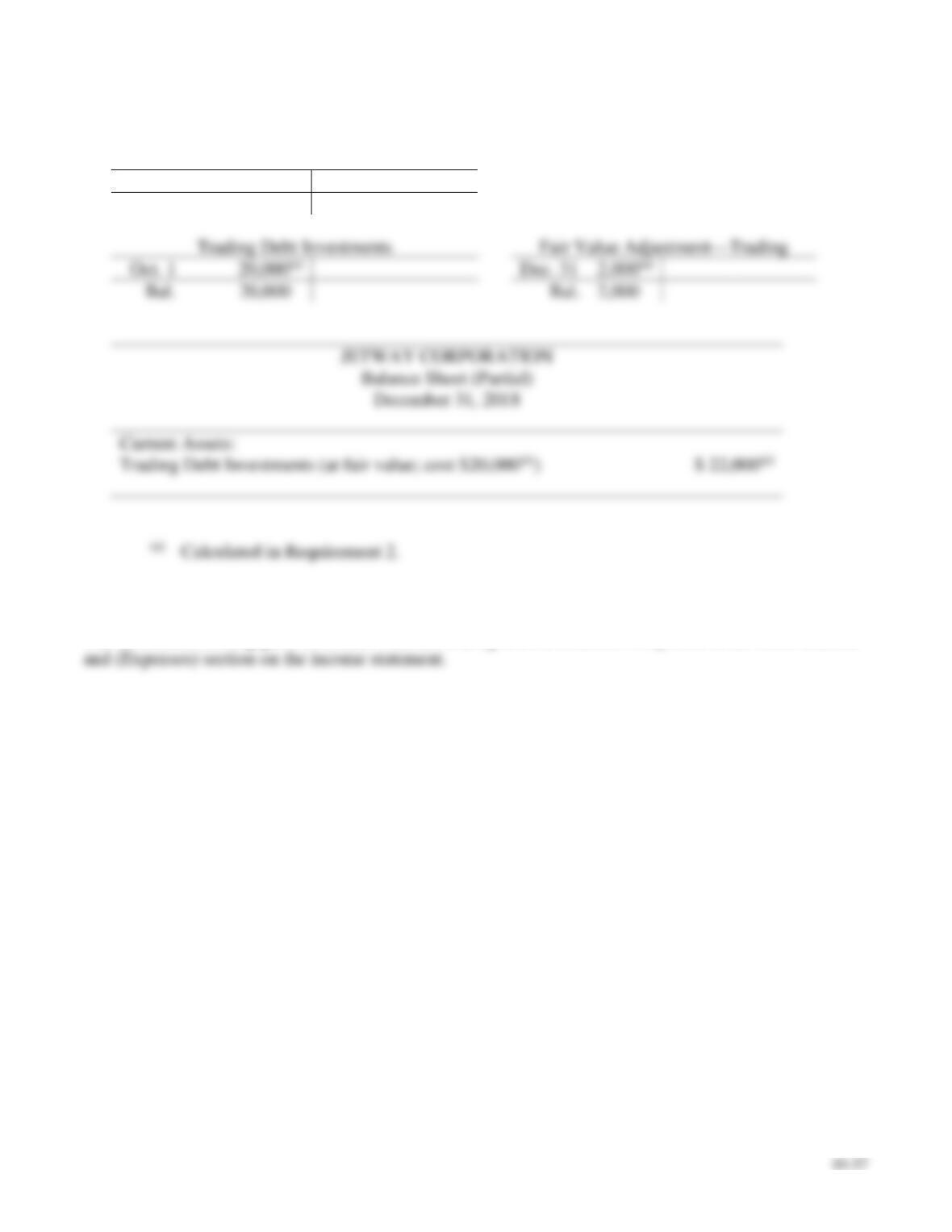
Calculations:
(a)
Total cost
=
Number of shares
×
Price per share
=
4,200 shares
×
$12.00 per share
=
$50,400
(b)
Total dividend received
=
Number of shares
×
=
4,200 shares
×
=
(c)
Gain on disposal
=
Total cash received
=
=
(d)
Total cash received
=
Number of shares
×
=
4,200 shares
×
=
$56,280
(e)
Unrealized holding gain
=
Total fair value
=
=
P10-19A, cont.
Requirement 3
Equity Investments
Jul. 2
50,400(a)
50,400(a)
Sep. 16
Bal.
0
20,000(a)
Dec. 31
Bal.
20,000
2,000
Current Assets:
Calculated in Requirement 2.
Requirement 4
The unrealized holding gain associated with the trading debt investment is reported in the Other Income

10–38
P10-20A Accounting for equity investments
Learning Objectives 3, 4
1. Dec. 31 Fair Value Adjustment—Equity Investments DR $4,000
The beginning balance sheet of Waterfall Source Co. included a $400,000 investment in Evan stock
(20% ownership, Waterfall has significant influence over Evan). During the year, Waterfall Source
completed the following investment transactions:
Mar. 3
Purchased 4,000 shares at $11 per share of Lili Software common stock as
a long-term equity investment, representing 7% ownership, no significant
influence.
May 15
Received a cash dividend of $0.61 per share on the Lili investment.
Dec. 15
Received a cash dividend of $70,000 from Evan investment.
31
Received Evan’s annual report showing $300,000 of net income.
31
Received Lili’s annual report showing $120,000 of net income for the
year.
31
Evan’s stock fair value at year-end was $390,000.
31
Lili’s common stock fair value at year-end was $12 per share.
Requirements
1. Journalize the transactions for the year of Waterfall Source.
2. Post transactions to T-accounts to determine the December 31, 2018, balances related to the
investment and investment income accounts.
3. Prepare Waterfall Source’s partial balance sheet at December 31, 2018, from your answers in
Requirement 2.
4. Where is the unrealized holding gain or loss associated with the Lili stock reported?
P10-20A, cont
SOLUTION
Requirement 1
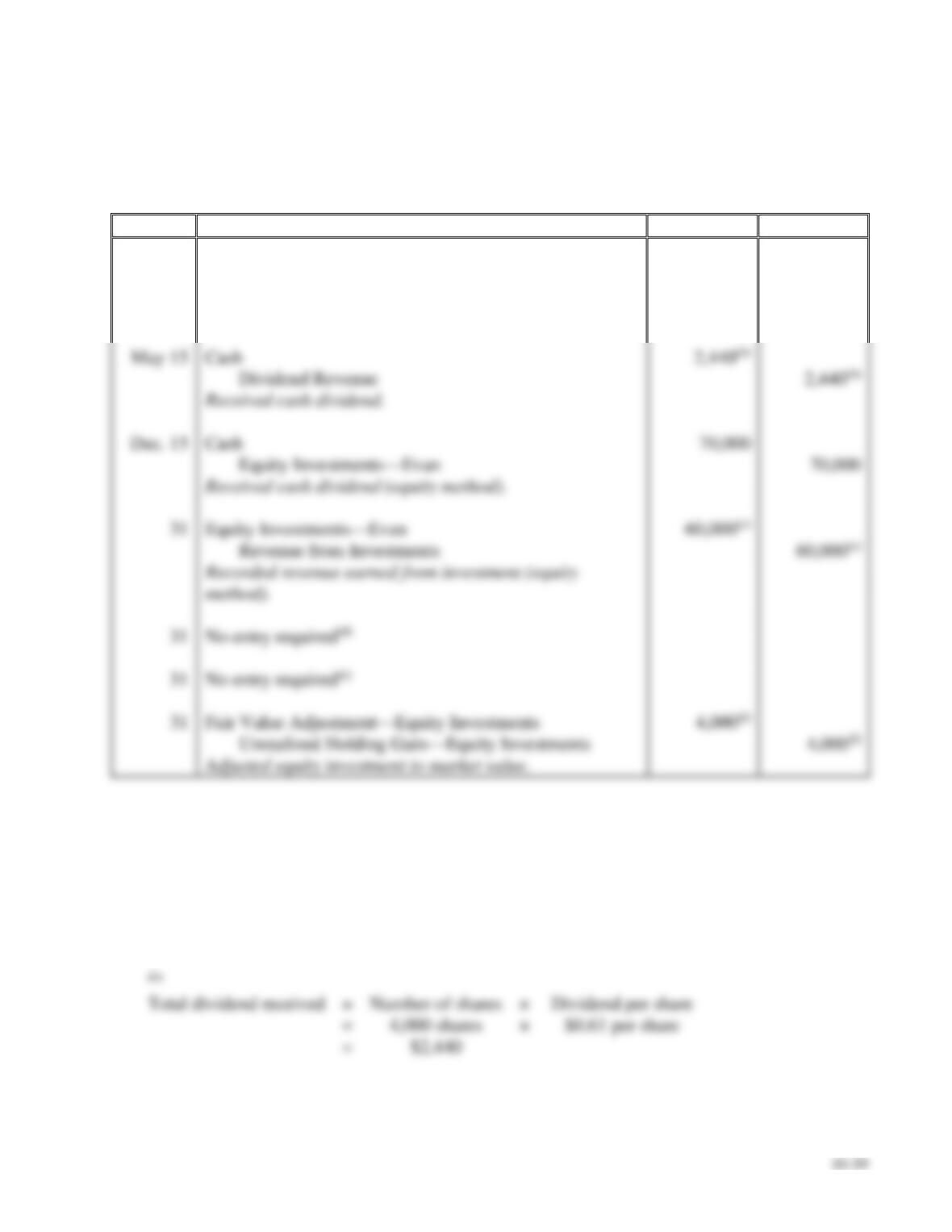
Date
Accounts and Explanation
Debit
Credit
Mar. 3
Equity Investments
44,000(a)
Cash
44,000(a)
Purchased investment in stock.
May 15
Cash
Dividend Revenue
Received cash dividend.
Dec. 15
Cash
Equity Investments—Evan
Received cash dividend (equity method).
Equity Investments—Evan
60,000(c)
Revenue from Investments
60,000(c)
method).
Fair Value Adjustment—Equity Investments
Unrealized Holding Gain—Equity Investments
Adjusted equity investment to market value.
Calculations:
(a)
Total cost
=
Number of shares
×
Price per share
=
4,000 shares
×
$11 per share
=
$44,000
(b)
Total dividend received
=
Number of shares
×
=
4,000 shares
×
$0.61 per share
=
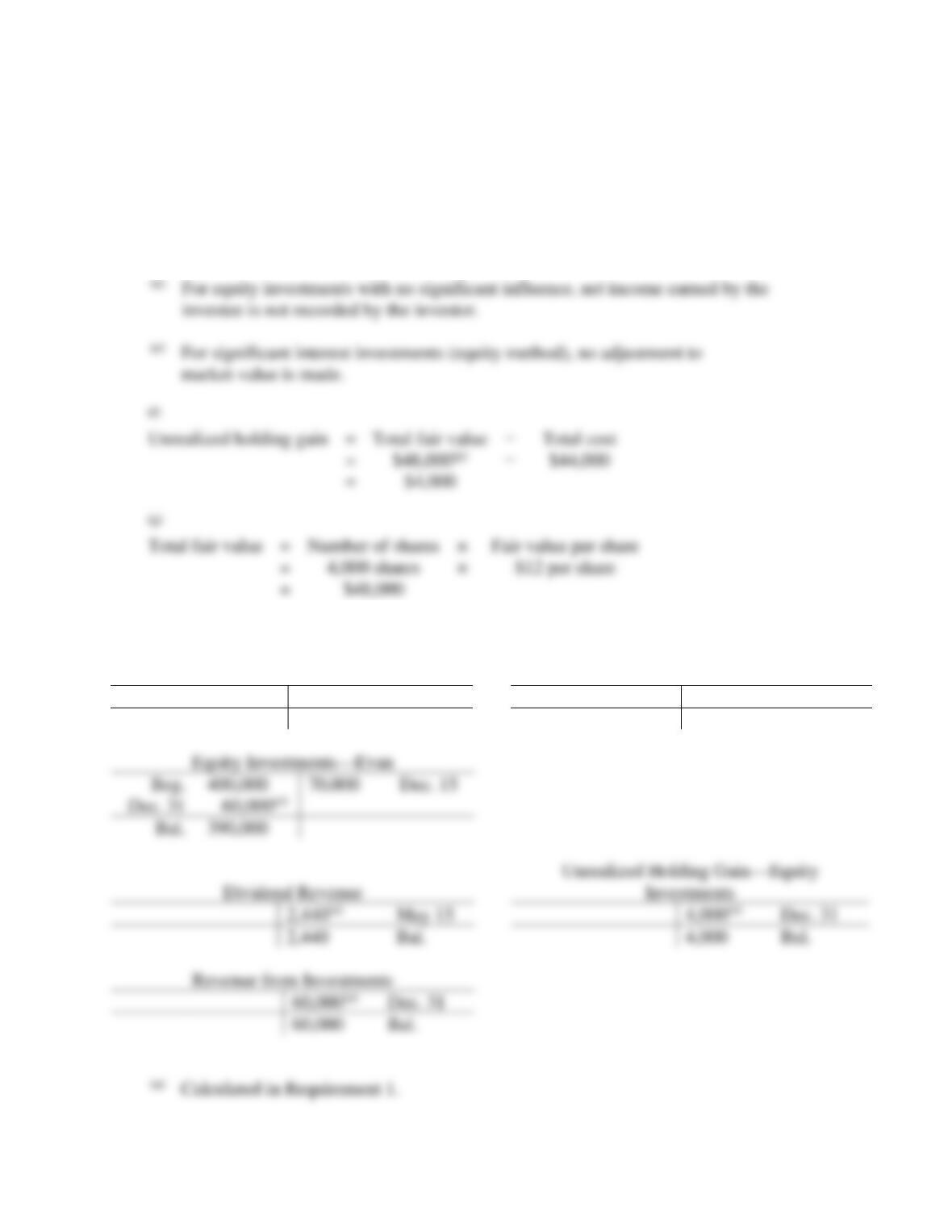
10–40
P10-20A, cont.
Requirement 1, cont.
(c)
Revenue from
investments
=
Net income earned by investee
×
Percentage ownership
=
$300,000
×
20%
=
$60,000
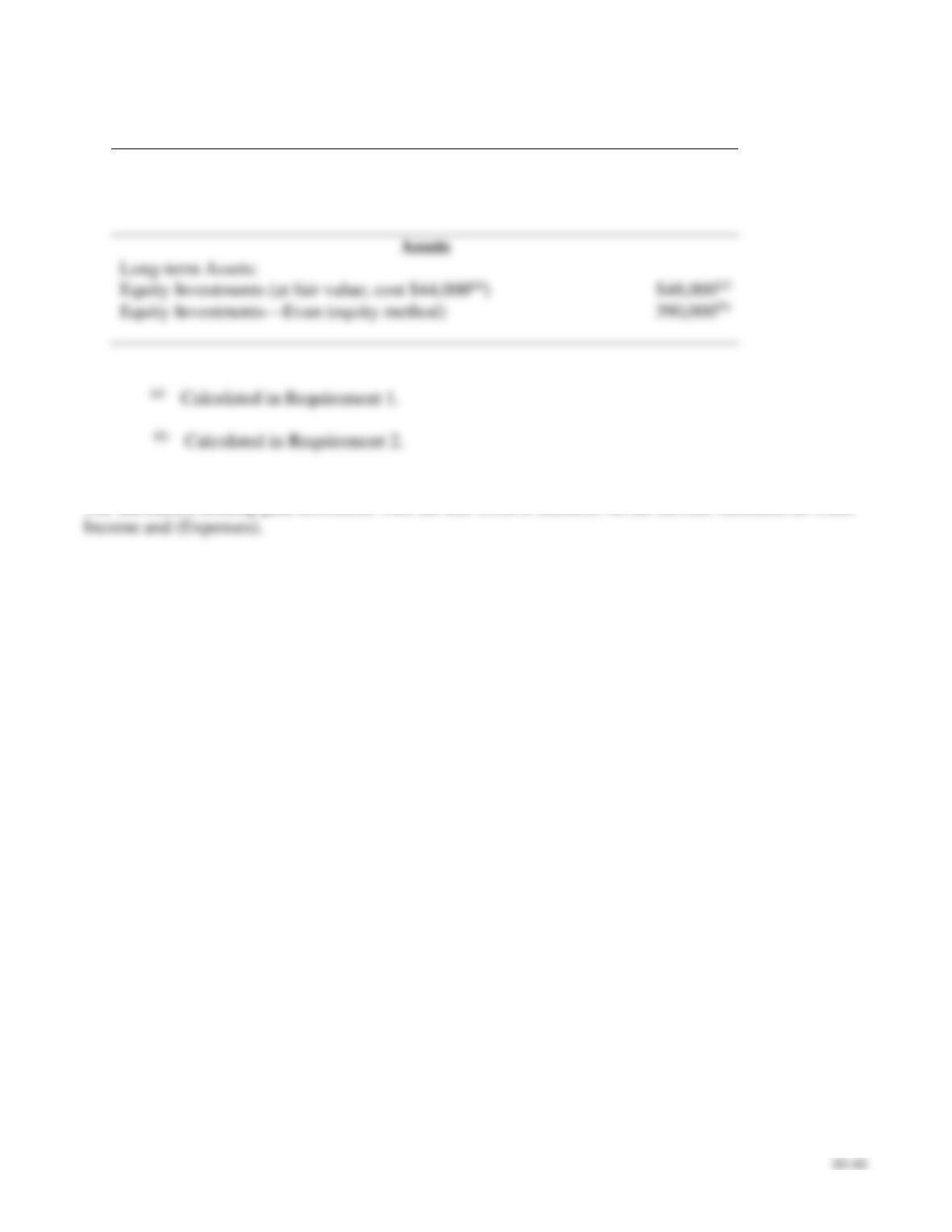
Requirement 2
Equity Investments
Fair Value Adjustment—Equity Investments
Mar. 3
44,000(a)
Dec. 31
4,000(a)
Bal.
44,000
Bal.
4,000
400,000
70,000
Dec. 15
390,000
May 15
Dec. 31
2,440
Bal.
4,000
Bal.
Dec. 31
60,000
Bal.
(a)
Calculated in Requirement 1.
investee is not recorded by the investor.
market value is made.
Unrealized holding gain
=
Total fair value
Total cost
=
$44,000
=
(g)
Total fair value
=
Number of shares
×
=
×
=
P10-20A, cont.
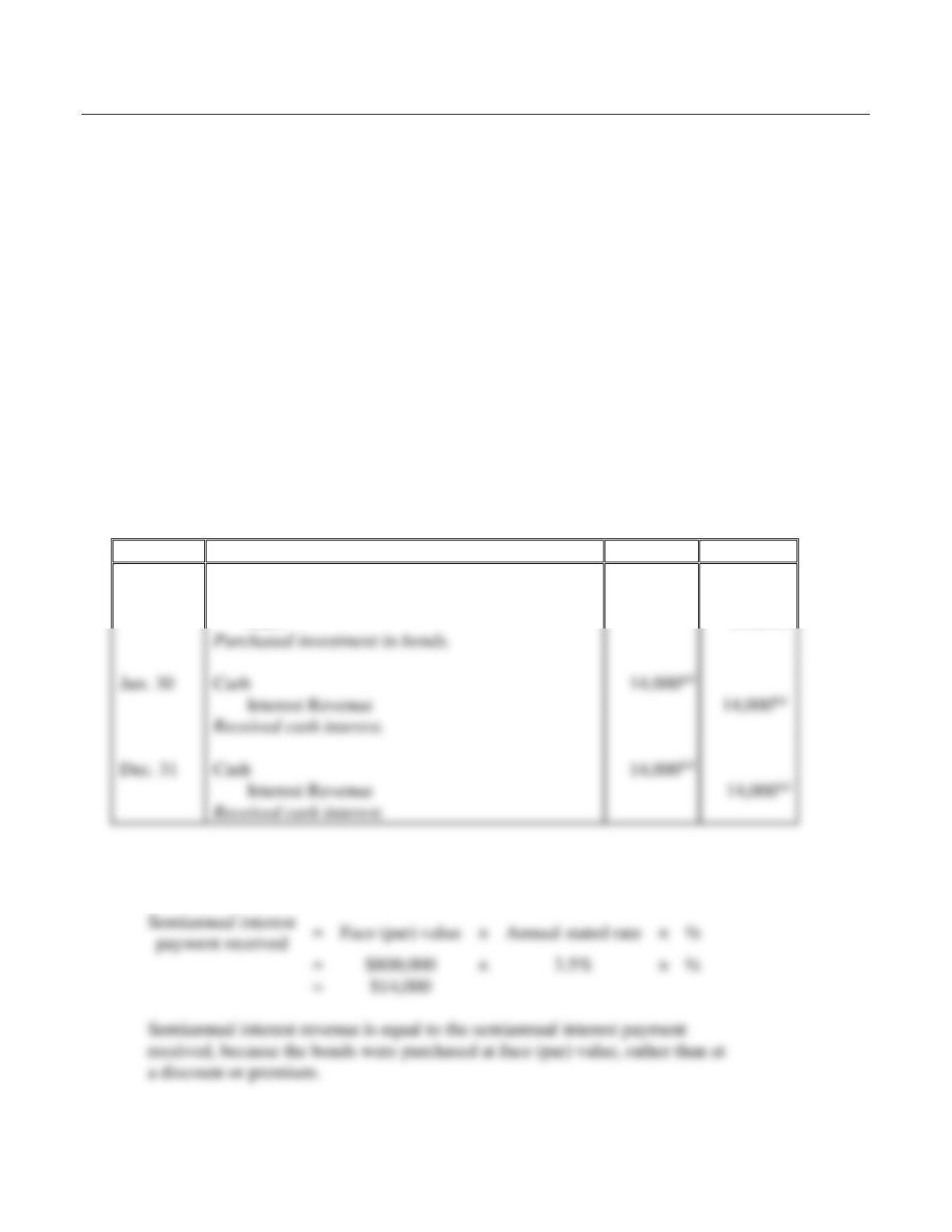
Requirement 3
WATERFALL SOURCE CO.
Balance Sheet (Partial)
December 31, 2018
Requirement 4
The unrealized holding gain associated with the Lili stock is included on the income statement in Other
10–42
Problems (Group B)
P10-21B Accounting for debt investments
Learning Objective 2
1. Dec. 31 Int. Rev. CR $14,000
Suppose Hale and Sons purchases $800,000 of 3.5% annual bonds of Tyson Way Corporation at face
value on January 1, 2018. These bonds pay interest on June 30 and December 31 each year. They mature
on December 31, 2022. Hale and Sons intends to hold the Tyson Way bond investment until maturity.
Requirements
1. Journalize Hale and Sons’s transactions related to the bonds for 2018.
2. Journalize the entry required on the Tyson Way bonds maturity date. (Assume the last interest
payment has already been recorded.)
SOLUTION
Requirement 1
Date
Accounts and Explanation
Debit
Credit
2018
Jan. 1
Held-to-Maturity Debt Investments
800,000
Cash
800,000
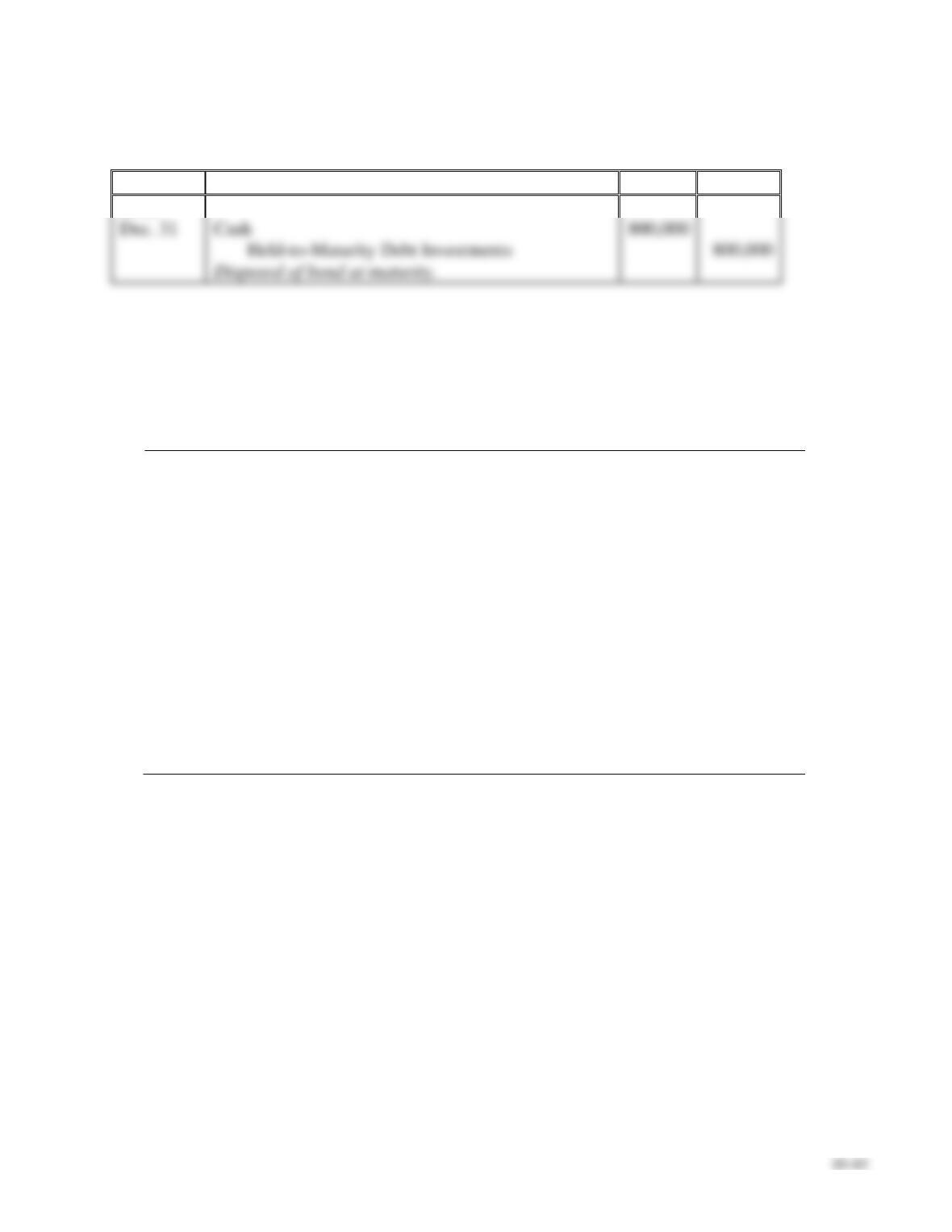
Calculations:
(a)
Jun. 30
Cash
Interest Revenue
Dec. 31
Cash
Interest Revenue
P10-21B, cont.
Requirement 2
Date
Accounts and Explanation
Debit
Credit
2022
Dec. 31
Cash
800,000
Disposed of bond at maturity.
P10-22B Classifying and accounting for debt and equity investments
Learning Objectives 1, 2, 3, 4
2. Sep. 16 Gain on Disposal CR $2,940
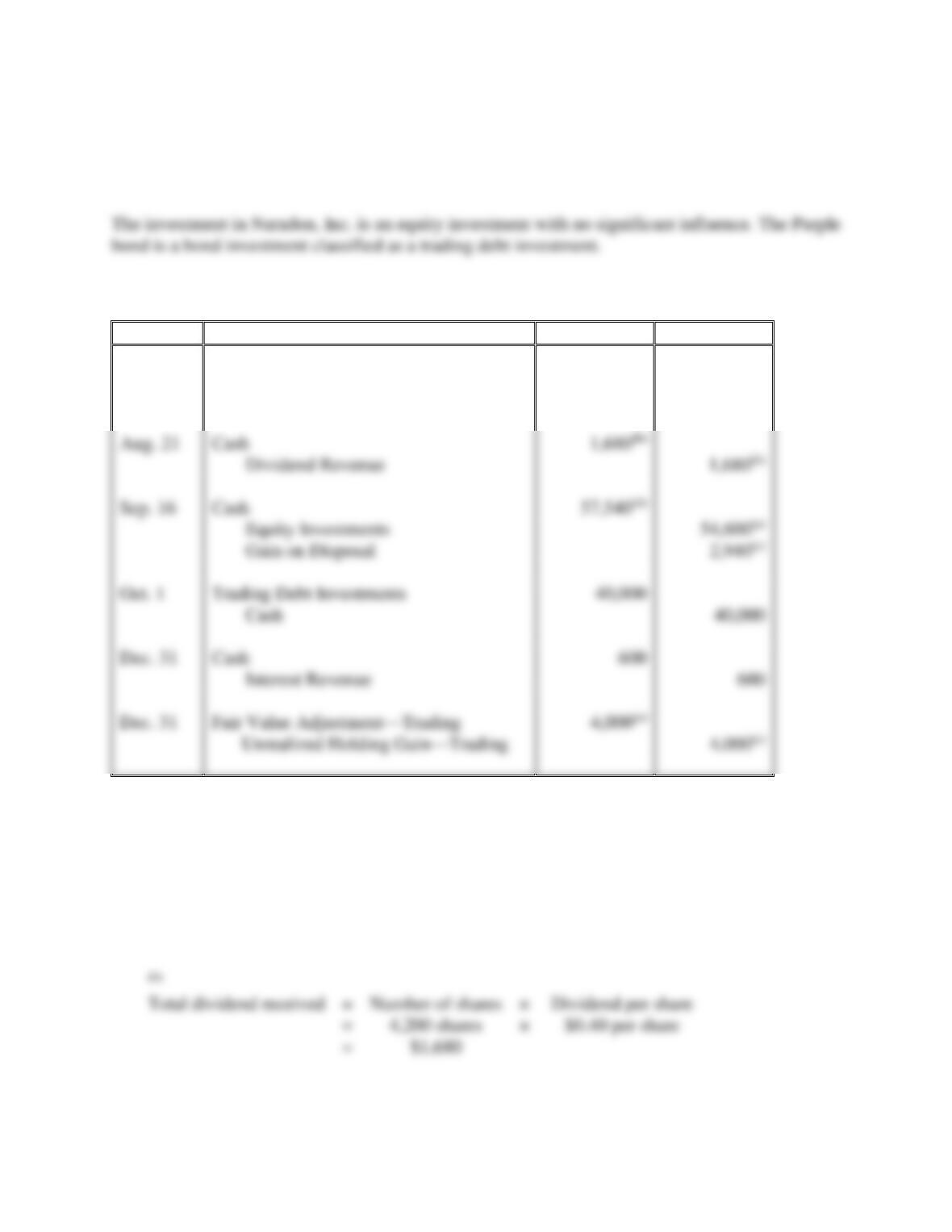
Captain Transfer Corporation generated excess cash and invested in securities as follows:
2018
Jul. 2
Purchased 4,200 shares of Naradon, Inc. common stock at $13.00 per
share. Captain Transfer plans to sell the stock within three months, when
the company will need the cash for normal operations. Captain Transfer
does not have significant influence over Naradon.
Aug. 21
Received a cash dividend of $0.40 per share on the Nardon stock
investment.
Sep. 16
Sold the Naradon stock for $13.70 per share.
Oct. 1
Purchased a Purple bond for $40,000 at face value. Captain Transfer
classifies the investment as trading and short-term.
Dec. 31
Received a $600 interest payment from Purple.
31
Adjusted the Purple bond to its market value of $44,000.
Requirements
1. Classify each of the investments made during 2018. (Assume the equity investments represent less
than 20% of ownership of outstanding voting stock.)
2. Journalize the 2018 transactions. Explanations are not required.
3. Prepare T-accounts for the investment assets, and show how to report the investments on Captain
Transfer’s balance sheet at December 31, 2018.
4. Where is the unrealized holding gain or loss associated with the trading debt investment reported?
10–44
P10-22B. cont.
SOLUTION
Requirement 1
Requirement 2
Date
Accounts and Explanation
Debit
Credit
2018
Jul. 2
Equity Investments
54,600(a)
Cash
54,600(a)
Aug. 21
Cash
Dividend Revenue
Sep. 16
Cash
57,540(d)
Equity Investments
54,600(a)
Gain on Disposal
Oct. 1
Trading Debt Investments
Cash
Dec. 31
Cash
Interest Revenue
Dec. 31
Fair Value Adjustment—Trading
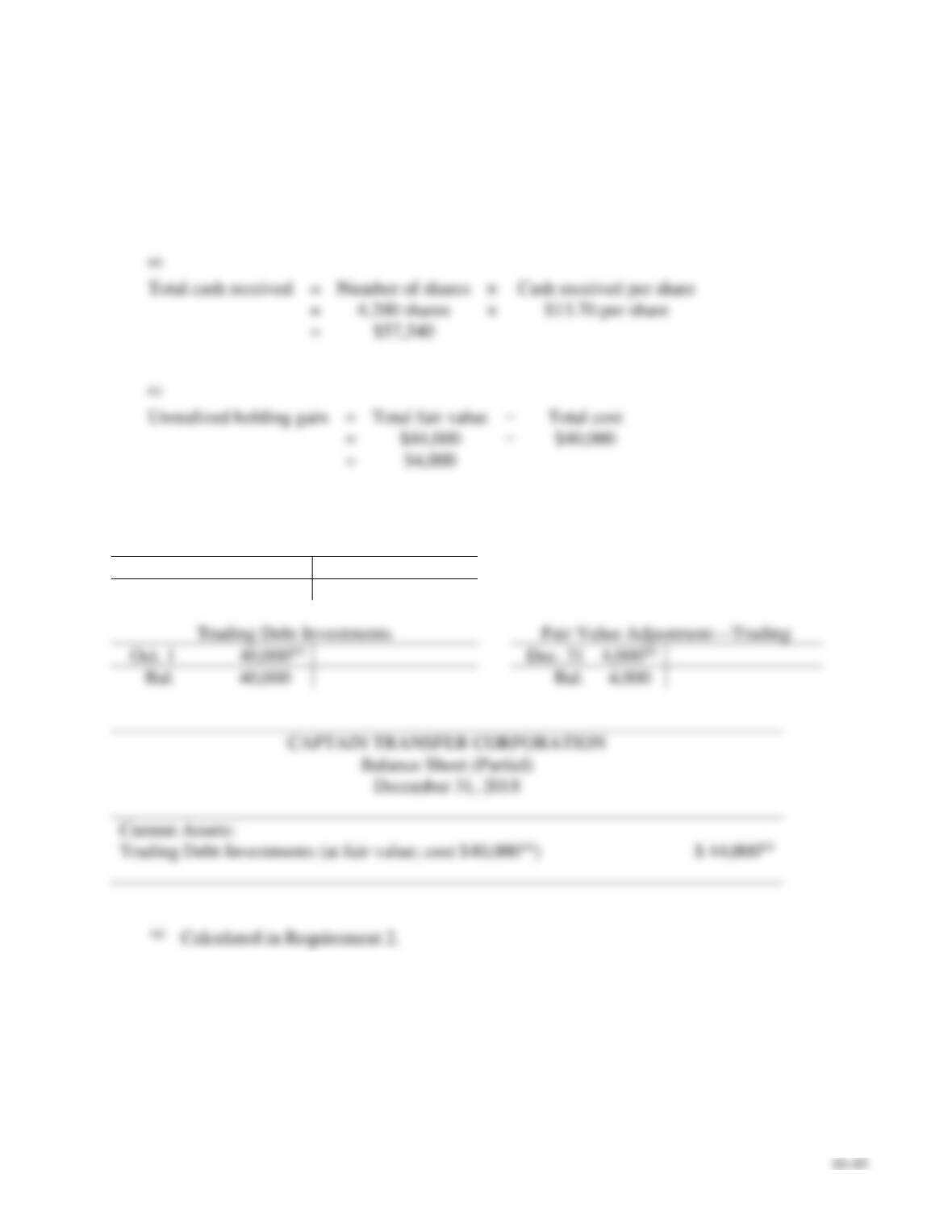
Calculations:
(a)
Total cost
=
Number of shares
×
Price per share
=
4,200 shares
×
$13.00 per share
=
$54,600
(b)
Total dividend received
=
Number of shares
×
=
4,200 shares
×
=
P10-22B, cont.
Requirement 2, cont.
(c)
Gain on disposal
=
Total cash received
−
Total cost
=
$57,540(d)
−
$54,600
=
$2,940
(d)
Total cash received
=
Number of shares
×
Cash received per share
=
×
=
(e)
Unrealized holding gain
=
Total fair value
−
Total cost
=
$44,000
−
=
Requirement 3
Equity Investments
Jul. 2
54,600(a)
54,600(a)
Sep. 16
Bal.
0
40,000(a)
Bal.
40,000
Current Assets:
(a)
Calculated in Requirement 2.
Requirement 4
The unrealized holding gain associated with the trading debt investment is reported in the Other Income
and (Expenses) section on the income statement.

10–46
P10-23B Accounting for equity investments
Learning Objectives 3, 4
1. Dec. 31 Fair Value Adjustment—Equity Investments DR $5,000
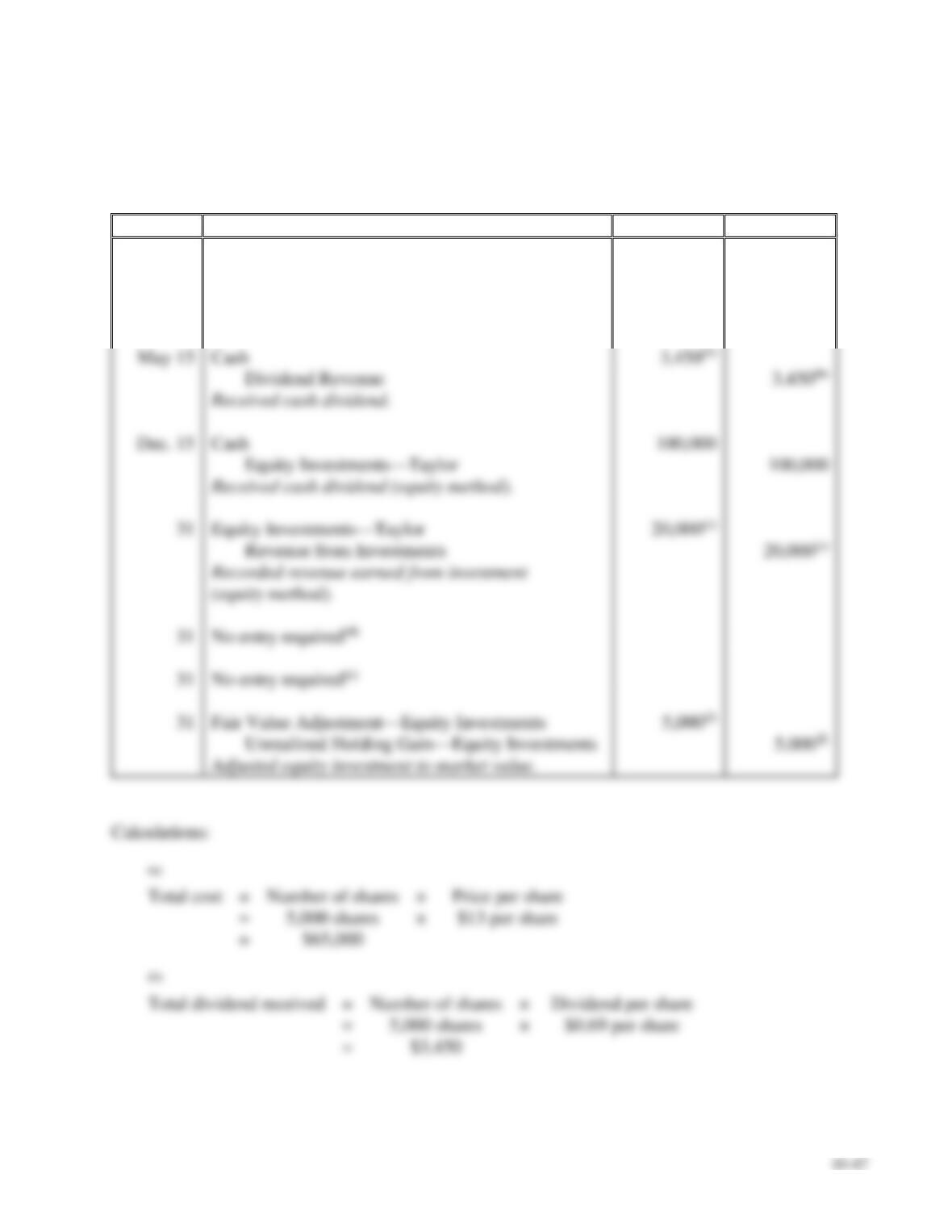
The beginning balance sheet of Text Source Co. included a $700,000 investment in Taylor stock (20%
ownership).
During the year, Text Source completed the following investment transactions:
Mar. 3
Purchased 5,000 shares at $13 per share of Josh Software common stock as
a long-term equity investment, representing 3% ownership, no significant
influence.
May 15
Received a cash dividend of $0.69 per share on the Josh investment.
Dec. 15
Received a cash dividend of $100,000 from Taylor investment.
31
Received Taylor’s annual report showing $100,000 of net income.
31
Received Josh’s annual report showing $620,000 of net income for the
year.
31
Taylor’s stock fair value at year-end was $620,000.
31
Josh’s common stock fair value at year-end was $14 per share.
Requirements
1. Journalize the transactions for the year of Text Source.
2. Post transactions to T-accounts to determine the December 31, 2018, balances related to the
investment and investment income accounts.
3. Prepare Text Source’s partial balance sheet at December 31, 2018, from your answers in
Requirement 2.
4. Where is the unrealized holding gain or loss associated with the Josh stock reported?
P10-23B, cont.
SOLUTION
Requirement 1
Date
Accounts and Explanation
Debit
Credit
2018
Mar. 3
Equity Investments
65,000(a)
Cash
65,000(a)
Purchased investment in stock.
Cash
Dividend Revenue
Received cash dividend.
Cash
Equity Investments—Taylor
Received cash dividend (equity method).
Equity Investments—Taylor
20,000(c)
Revenue from Investments
20,000(c)
(equity method).
Fair Value Adjustment—Equity Investments
Unrealized Holding Gain—Equity Investments
Adjusted equity investment to market value.
10–48
P10-23B, cont.
Requirement 1, cont.
(c)
Revenue from
investments
=
Net income earned by investee
×
Percentage ownership
=
$100,000
×
20%
=
$20,000
Requirement 2
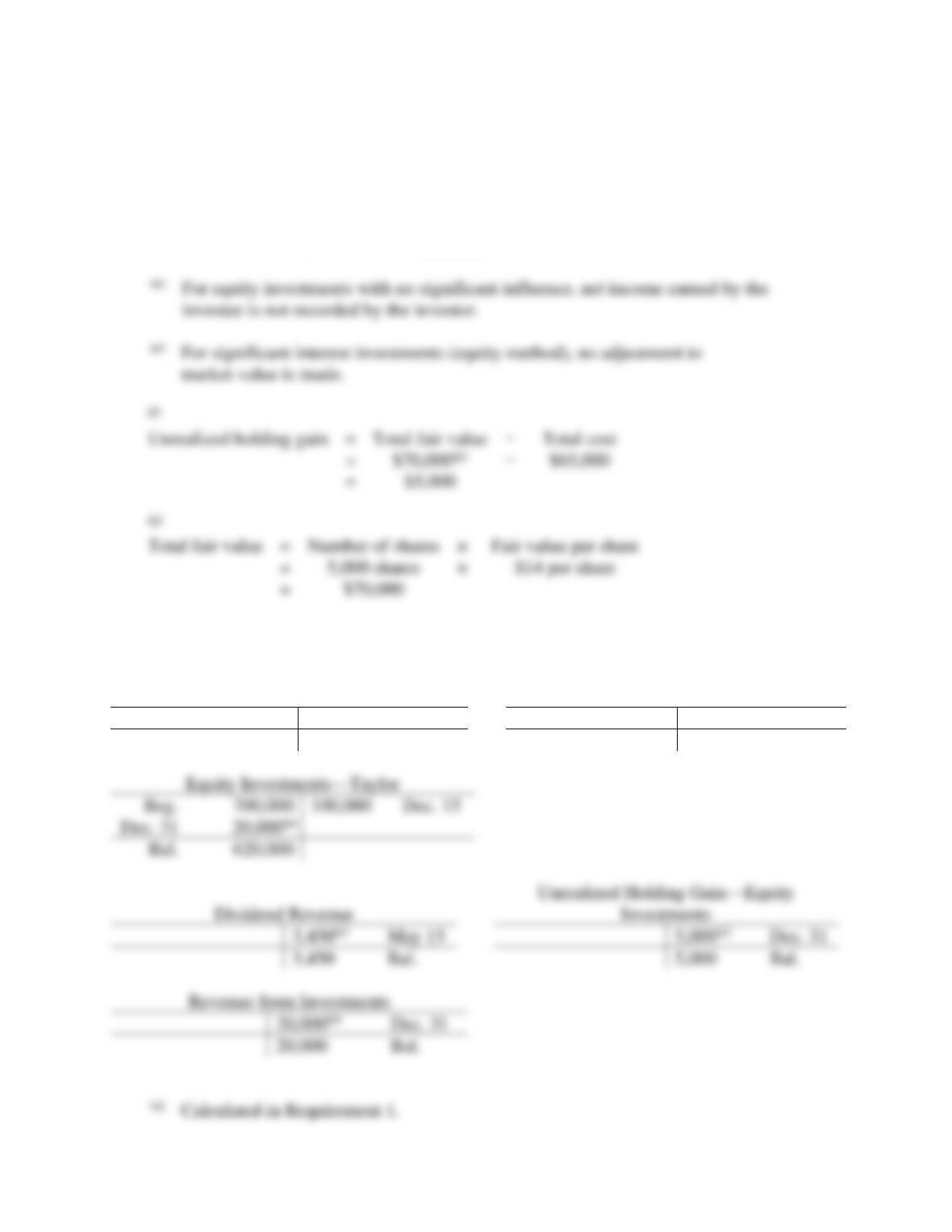
Equity Investments
Fair Value Adjustment—Equity
Investments
Mar. 3
65,000(a)
Dec. 31
5,000(a)
Bal.
65,000
Bal.
5,000
100,000
Dec. 15
Dec. 31
Bal.
May 15
Dec. 31
3,450
Bal.
5,000
Bal.
Dec. 31
20,000
Bal.
(a)
Calculated in Requirement 1.
investee is not recorded by the investor.
market value is made.
Unrealized holding gain
=
Total fair value
Total cost
=
=
(g)
Total fair value
=
Number of shares
×
=
×
=
$70,000
P10-23B, cont.
Requirement 3
TEXT SOURCE CO.
Balance Sheet (Partial)
December 31, 2018
Long-term Assets:
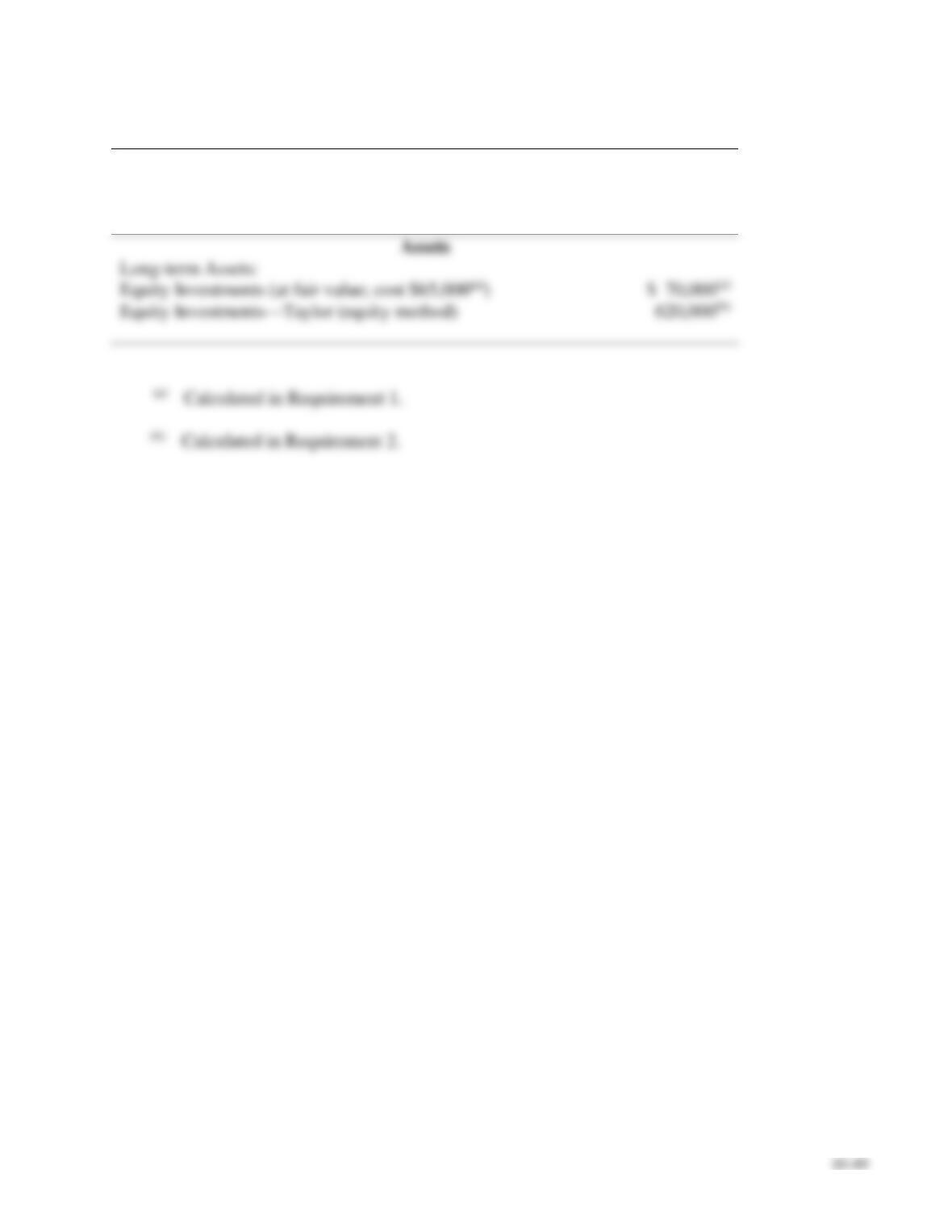
Equity Investments—Taylor (equity method)
Calculated in Requirement 1.
Calculated in Requirement 2.
Requirement 4
The unrealized holding gain associated with the Josh stock is included on the income statement in Other
Income and (Expenses).

Using Excel
P10-24 Using Excel to prepare balance sheet presentation of equity and debt securities
The financial statement presentation of debt securities categorized as trading, held-to-maturity, or
available-for-sale as of March 31, 2018, is due shortly to Catherine’s supervisor. She has received
lists of the securities and balance sheet amounts from the IT department. However, one list of
securities links together the security ID, the security name, the security category, and whether it is
short-term or long-term. A second list contains the security ID and balance sheet amount(s).
Catherine will have to manipulate the data to obtain the information she needs.
Requirements
1. Split the contents of the two lists into separate cells. Use functions LEFT, MID, RIGHT, FIND
and VALUE as needed.
2. Add a column to List 2 that calculates the lower of cost or fair value by security using the
function MIN.
3. Create a new list of securities that has Description, Category, Short-term or Long-term, and
Lower of Cost or Fair Value. This new list should contain values (not formulas).
4. Copy the new list to a new location. Sort securities as to whether they are short-term or long-
term (in reverse alphabetical order), and then sort by category (in reverse alphabetical order).
5. Subtotal the securities first by time (short-term or long-term), and then by category (trading,
held-to-maturity, or available-for-sale). On the second subtotal, do not remove the previous
subtotals.
6. Compress the information so that only the subtotals appear (display level 3).
SOLUTION
The student templates for Using Excel are available online in MyAccountingLab in the Multimedia

10–51
Continuing Problem
P10-25 Accounting for debt and equity investments
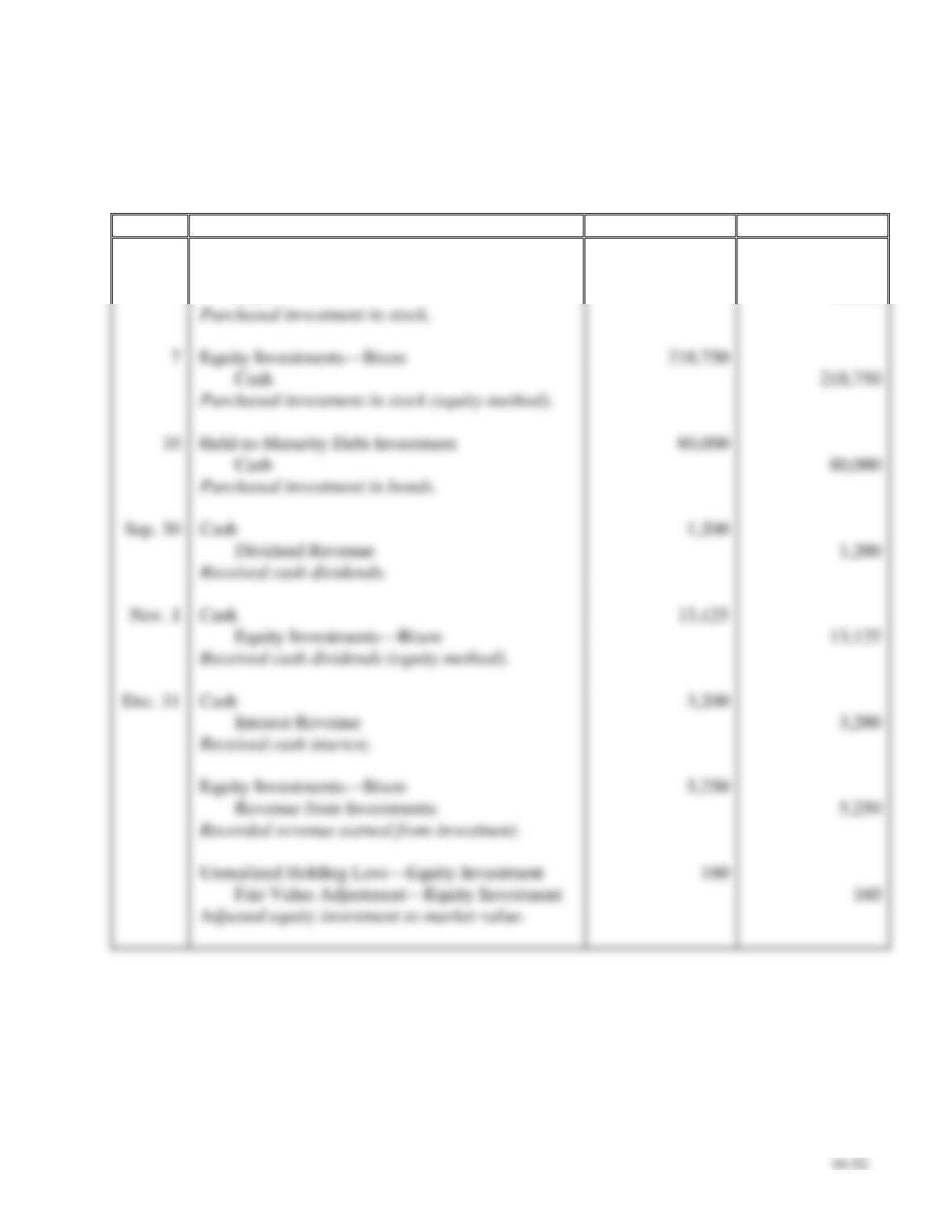
This problem continues the Canyon Canoe Company situation from Chapter 9. Amber and Zack Wilson
are pleased with the growth of their business and have decided to invest its temporary excess cash in a
brokerage account. The company had the following securities transactions in 2019.
Jul. 1
Purchased 8,000 shares in Adobe Outdoor Adventure Company for $3 per
share. Canyon Canoe does not have significant influence over Adobe.
7
Purchased 35% of the stock of Bison Backpacks consisting of 43,750
shares of stock (out of a total of 125,000 shares) for $5 per share. Canyon
Canoe does have significant influence over Bison.
10
Purchased a bond from Camelot Canoes with a face value of $80,000.
Canyon Canoe intends to hold the bond to maturity. The bond pays interest
semiannually on June 30 and December 31.
Sep. 30
Received dividends of $0.15 per share from Adobe.
Nov. 1
Received dividends of $0.30 per share from Bison.
Dec. 31
Received an interest payment of $3,200 from Camelot Canoes.
31
Bison Backpacks reported net income of $30,000 for the year.
31
Adjusted the Adobe stock for a market value of $2.98 per share.
Requirements
1. Journalize the transactions including any entries, if required, at December 31, 2019.
2. Determine the effect on Canyon Canoe Company’s net income for the year for each of the three
investments.
P10-25, cont.
SOLUTION
Requirement 1
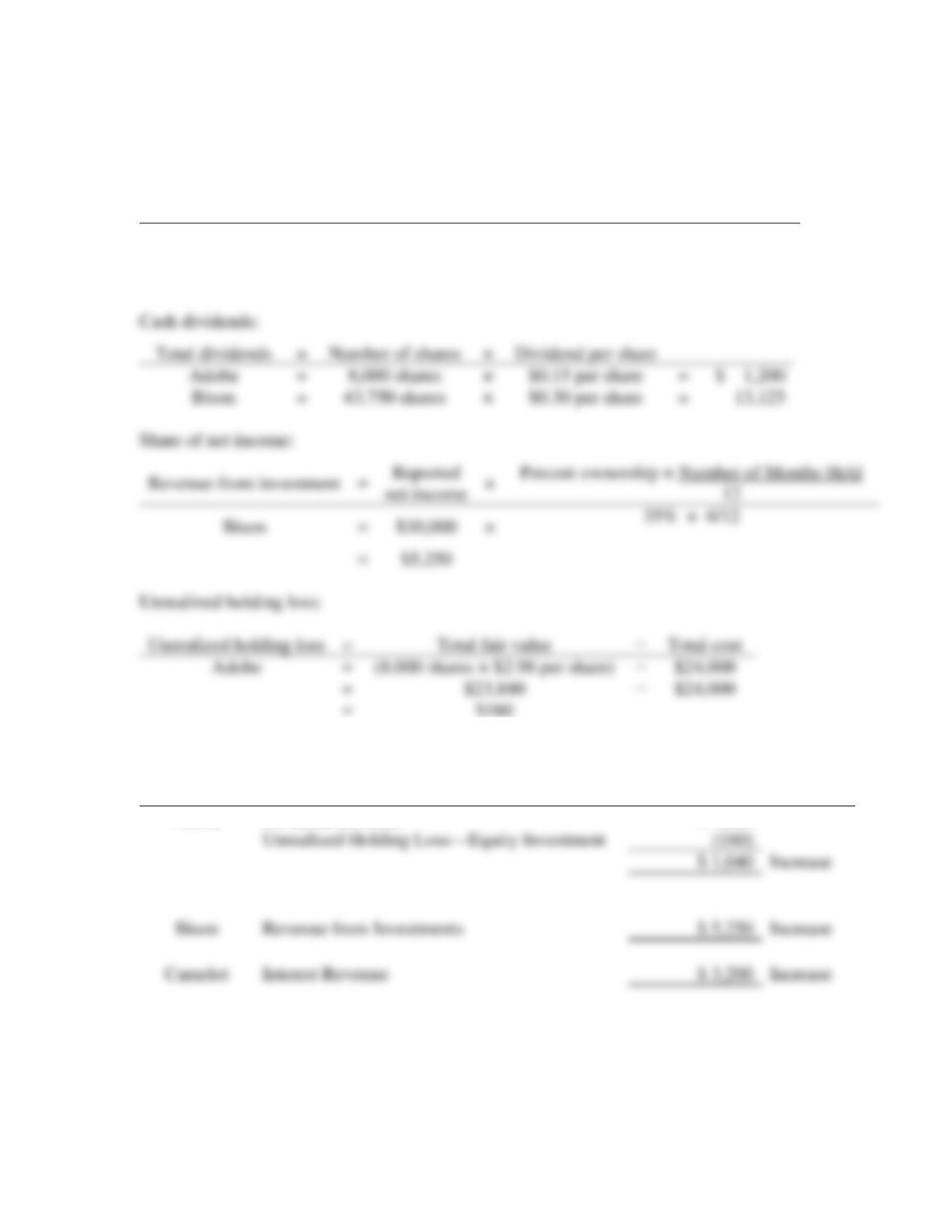
Date
Accounts and Explanation
Debit
Credit
2019
Jul. 1
Equity Investments
24,000
Cash
24,000
Equity Investments—Bison
Cash
80,000
Cash
80,000
Cash
Dividend Revenue
Cash
13,125
Equity Investments—Bison
13,125
Dec. 31
Cash
Interest Revenue
Equity Investments—Bison
Revenue from Investments
Unrealized Holding Loss—Equity Investment
Fair Value Adjustment—Equity Investment
10–53
P10-25, cont.
Requirement 1, cont.
Calculations:
Cost of investments:
Total cost
=
Number of shares
×
Price per share
Adobe
=
8,000 shares
×
$3 per share
=
$ 24,000
Bison
=
43,750 shares
×
$5 per share
=
218,750
Requirement 2
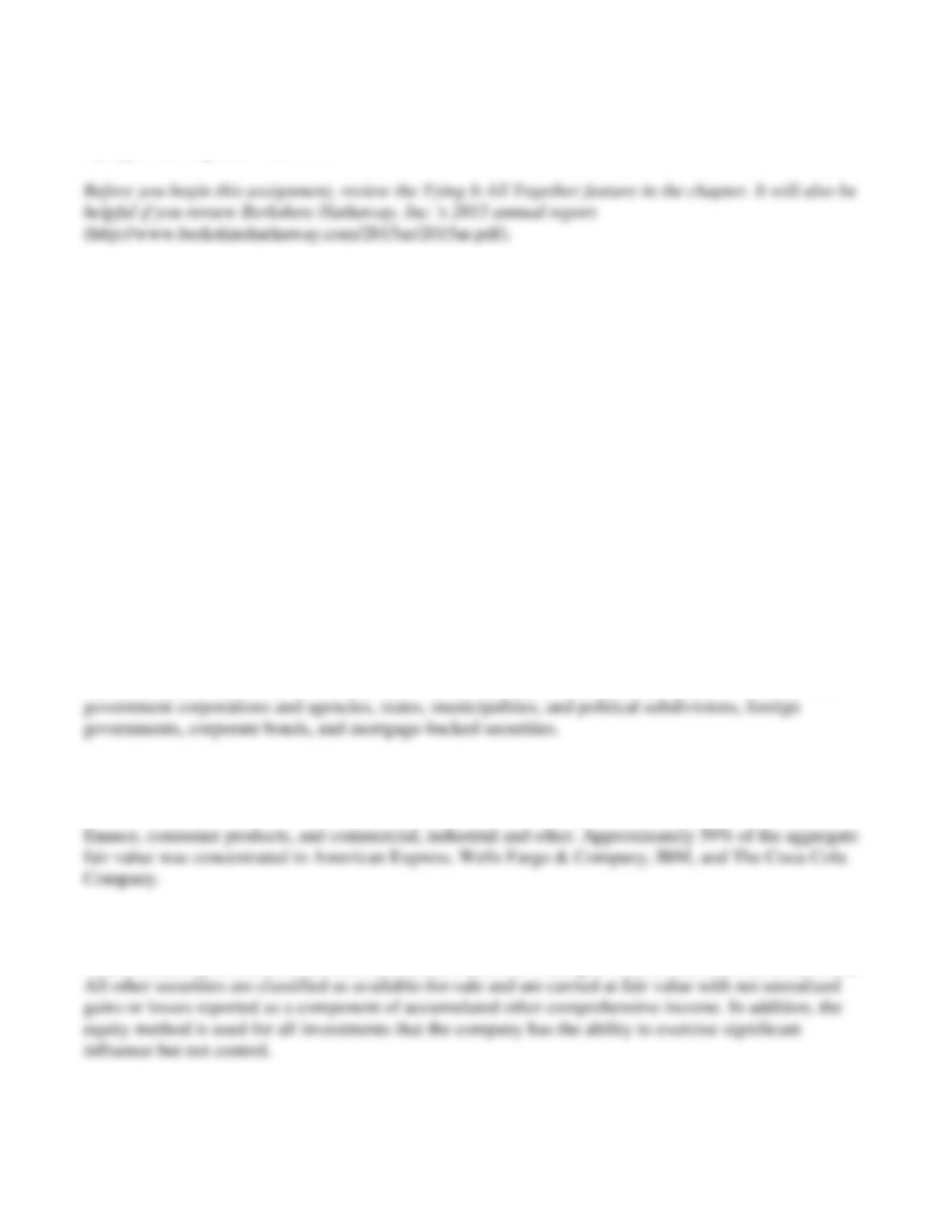
Investment
Account
Effect on Income
Adobe
Dividend Revenue
$ 1,200
Unrealized Holding Loss—Equity Investment
$ 1,040
Increase
Revenue from Investments
$ 5,250
Increase
Interest Revenue
$ 3,200
Increase
=
Number of shares
×
Dividend per share
Adobe
=
8,000 shares
×
=
$ 1,200
Bison
=
43,750 shares
×
=
13,125
net income
=
Unrealized holding loss
=
Total cost
=
(8,000 shares × $2.98 per share)
=
=
10–54
Critical Thinking
Tying It All Together Case 10-1
Berkshire Hathaway, Inc. is a holding company owning subsidiaries that engage in a variety of
different business activities including insurance, freight rail transportation, utilities and energy,
manufacturing, services and retail.
Requirements
With a partner or group, lead your class in a discussion of the following questions or write a report as
directed by your instructor.
1. Review Note 3 (Investments in fixed maturity securities). At December 31, 2015, what type of
investments in securities with fixed maturities did the company hold?
2. Review Note 4 (Investments in equity securities). At December 31, 2015, what type of investments in
equity securities did the company hold?
3. Review Note 1(d) (Investments). How, if at all, does the company use fair value measurements in
regards to its investments?
SOLUTION
Requirement 1
Berkshire Hathaway, Inc.’s investment in securities with fixed maturities include U.S. Treasury, U.S.
Requirement 2
The company held investments in equity securities in the following industries: banks, insurance and
Requirement 3
Held-to-maturity investments are carried at amortized cost. Trading investments are carried at fair value.
Decision Case 10-1
10–55
Rock Designs, Inc. is a jewelry store located in Miramar Beach, Florida. After Valentine’s Day, the
store often has excess cash to get it through the three-month slow season. The primary stockholder,
Hardy Rock, wants to make this seasonal cash work for the business.
Requirements
1. Identify which investment class options are available to Rock Designs, Inc.
2. The company identifies that it wants to invest in the technology sector and has narrowed its choices
to three companies: Apple, Inc., Google, Inc., and Microsoft Corporation. Prepare a brief analysis
comparing the three companies, and recommend one of the three based on your analysis.
SOLUTION
Requirement 1
As Hardy Rock indicates, companies should make the best use of excess cash. Because, as a result of
Requirement 2
Student answers will vary. Current market, economic, and business conditions will significantly
10–56
Ethical Issue 10-1
As a result of the recent mortgage crisis, many banks reported record losses to their mortgage
receivables and other assets based on the decline in these assets’ fair values.
Requirements
1. What would the effect be to stakeholders if such losses were not reported in a timely way?
2. If a business chooses not to report these losses, is there an ethical issue involved? Who is hurt?
SOLUTION
Requirement 1
If losses to mortgage receivables and other assets based on the decline in these assets’ fair values are
Requirement 2
If losses to mortgage receivables and other assets based on the decline in these assets’ fair values are
not reported, the fundamental ethical issues involved are integrity, credibility, and competence. Part
10–57
Fraud Case 10-1
Wild Adventure conducts tours of wildlife reserves around the world. The company recently purchased
a lodge in Adelaide, Australia, securing a 4% mortgage from First Bank. In addition to monthly
payments, Wild Adventure must provide annual reports to the bank showing that the company has a
current ratio of 1.2 or better.
After reviewing the annual reports, the CEO, N. O. Scrooge, approached Carl Hauptfleisch, the
CFO, and stated, “We’ve decided we are going to move all our long-term debt investments into our
brokerage account so we can sell them soon. Carl, go ahead and make the adjusting entries as of the
current year-end.”
Carl made the adjustments even though he doesn’t think the company will actually go ahead with
the planned sale of the long-term debt investments. The subsequent year, the economy turned, and the
company’s travel revenues dropped more than 60%. Wild Adventure eventually defaulted on the First
Bank loan.
Requirements
1. What effect did the adjustments have on the financial statements? What effect did the adjustments
have on the current ratio?
2. What type of information in the financial reports would have helped the bank detect this
reclassification?
3. Has a fraud occurred? If so, what is the fraud?
SOLUTION
Requirement 1
The adjustment, a reclassification of long-term investments from long-term assets to current assets
10–58
Fraud Case 10-1, cont.
Requirement 2
Wild Adventure is required to disclose the reclassification in the notes to its financial statements. If
Requirement 3
A fraud has occurred. There was an intent to deceive. Included in ethical behavior are integrity,
credibility, and competence. Part of management accountability is managers’ responsibility to the
10–59
Financial Statement Case 10-1
Details about a company’s investments appear in a number of places in the annual report. Use Target
Corporation’s Fiscal 2015 annual report to answer the following questions. Visit
http://www.pearsonhighered.com/Horngren to view a link to Target Corporation’s Fiscal 2015 annual
report.
Requirements
1. Calculate the rate of return on total assets for Target Corporation for the year ended January 30,
2016.
2. Compare Target Corporation’s rate of return on total assets to Kohl’s Corporation’s ratio. Discuss
the differences.
SOLUTION
Requirement 1
Target’s rate of return on total assets for year ended January 30, 2016 is 10% (rounded).
Requirement 2
Kohl’s Corporation’s rate of return on total assets for the year ending January 30, 2016 was 7%
10–60
Communication Activity 10-1
In 150 words or fewer, explain the difference between trading debt investments and available-for-sale debt
investments.
SOLUTION
Trading debt investments, categorized as current assets, are debt securities the investor plans to sell in