F
Fu
un
nc
ct
ti
io
on
na
al
li
it
ty
y
o
of
f
t
th
he
e
E
Ex
xc
ce
el
l
T
Te
em
mp
pl
la
at
te
es
s
w
wi
it
th
h
t
th
he
e
G
Gr
ra
ad
di
in
ng
g
F
Fe
ea
at
tu
ur
re
e
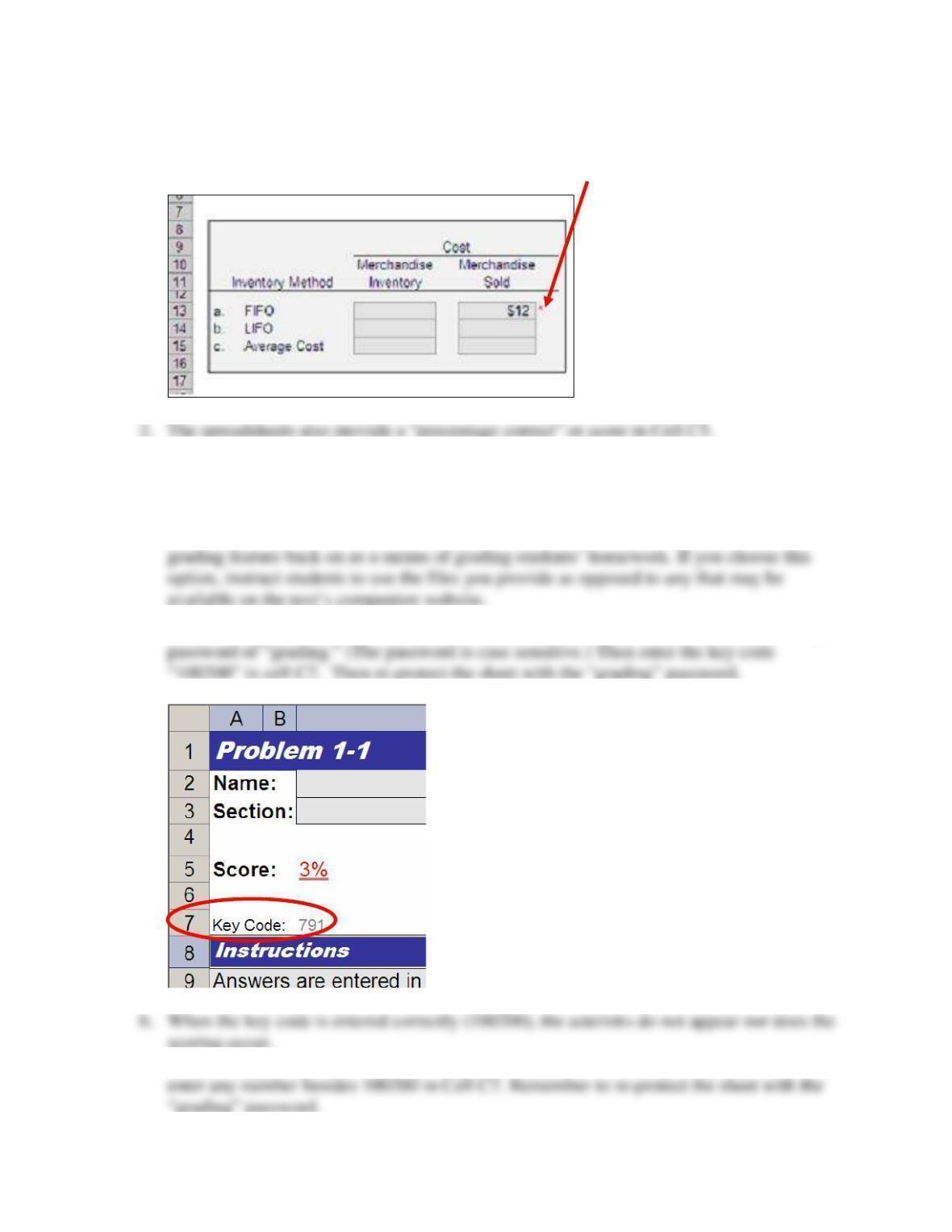
1. By default, the spreadsheets are set up to provide students with immediate error
“feedback.” If students input an incorrect number, a red asterisk appears.
3. You may wish to leave the grading feature on and allow the feature to serve as a tutorial,
providing students with feedback.
4. Alternatively, you may wish to turn the grading feature off before providing files for
students to work. After receiving worked files from students, you may wish to turn the
5. To turn the grading feature off, open the student file and unprotect the sheet by entering a
7. To turn the grading feature back on, unprotect the sheet with the “grading” password and